Your forecast said $340K would close this quarter. It came in at $210K. Three deals you called "commit" slipped, and nobody flagged them until the QBR.
That gap isn't bad luck. It's dirty pipeline. Stale deals sitting in the same stage for six weeks, next steps that never got logged, and stakeholder changes buried in an email thread nobody read. By 2026, about 67% of enterprises had deployed or were actively planning to deploy advanced pipeline management software, up from 38% in 2022, according to MarketIntelo (2025). The reason is simple: reps own the number but not the process, and manual updates in a spreadsheet don't survive contact with a real sales cycle.
Good sales pipeline software fixes this at the source. It shows deal status at a glance, flags stalls before they become surprises, and cuts the admin that eats selling time. The right deal tracking software also feeds cleaner sales forecasting software, so forecast calls stop feeling like guesswork. This guide breaks down eight tools worth your attention.
What's inside
This guide covers the best pipeline management software for account executives and the wider sales team in 2026. We picked tools that solve the pains AEs actually feel: deal stalls, forecast slippage, admin overload, and scattered data.
We evaluated each tool on four criteria:
- Pipeline visibility: stage-by-stage tracking, deal health monitoring, and clean dashboards
- Forecasting quality: how well the tool turns pipeline data into a defensible number
- Automation depth: follow-up reminders, workflow automation, and sales process automation
- CRM fit and adoption: whether it's CRM-first or a pipeline overlay, and how fast reps adopt it
TL;DR
Short on time? Here are the quick picks among these sales pipeline tools:
- Best overall for revenue teams: Salesloft, for pipeline health, coaching, and deal execution in one workspace
- Best CRM-first pipeline CRM: Pipedrive, for visual kanban pipelines and fast setup
- Best for straightforward pipeline control: Pipeline CRM, for teams that want tracking plus automation without complexity
- Best for Salesforce teams: Weflow, for native visibility that keeps reps working inside the CRM
- Best for enterprise: Salesforce Sales Cloud, for configurable pipeline management at scale
- Best for high-velocity inside sales: Close, for calling, email, and follow-up in one place
- Best for smaller teams scaling up: Freshsales, for AI-assisted insights in a lighter CRM
Background
Pipeline management software is a tool that helps sales teams track deals across every stage, forecast revenue, and spot bottlenecks before they cost you the quarter. It sits at the center of the modern sales stack, usually as a sales CRM or a pipeline overlay on top of one.
The category exists because deals don't move on their own. Someone has to see where each opportunity sits, what the next step is, and which deals are quietly dying. Do that manually across 40 open deals and you'll miss things. Do it with software and the signals surface on their own.
Most pipeline management software supports five core jobs:
- Stage-by-stage tracking: see every deal's position, age, and value in a kanban pipeline or list view
- Sales forecasting: roll up weighted pipeline into a revenue forecast leadership can trust
- Bottleneck detection: flag stale deals, stage stalls, and deal health risks early
- Follow-up automation: trigger reminders, tasks, and sequences so next steps don't slip
- Team collaboration: give managers pipeline visibility and RevOps consistent sales process automation
The global pipeline management software market reflects the demand. It's projected to grow from roughly $3.8 billion in 2025 to $7.2 billion by 2034, a 7.8% CAGR, per MarketIntelo (2025). Cloud-based platforms accounted for 72% of new implementations in 2026, a clear shift away from on-premise systems.
The line between a sales CRM and dedicated deal tracking software keeps blurring. Some tools are full CRMs that happen to have strong pipeline views. Others are overlays that pull deal data into cleaner forecasting and visibility layers. Which you need depends on your stack.
When to use pipeline management software
Not every team needs a new tool. Here's when the switch pays off.
When forecasts keep slipping
If your commit number and your actual number keep diverging, the problem is usually visibility, not effort. Deals sit in "negotiation" for weeks with no movement, and nobody notices until the deal is dead. Better pipeline visibility surfaces stale deals early, so you can act on a slipping deal in week two instead of finding out in week eight. Cleaner stage data also feeds more accurate forecasting, which is what turns a forecast call from a debate into a review.
When deal follow-up is inconsistent
Reps drop follow-ups. Not out of laziness, but because 40 open deals means 40 sets of next steps, and some fall through. Automation and reminders close that gap. The tool logs the next step, nudges the rep before it's due, and triggers sequences when a deal goes quiet. That's the difference between a champion who stays warm and one who ghosts because nobody followed up for two weeks.
When pipeline data lives in too many places
When deal notes live in one tab, activity in another, and the "real" status in a rep's head, managers can't forecast and RevOps can't enforce process. Centralized CRM integration and a single sales dashboard fix that. Everyone works from the same source of truth, next steps are logged where they belong, and the pipeline reflects reality instead of optimism.
Comparison table
Use this table as your fast filter before the deep dives. Pricing and ratings reflect verified values at the time of writing.
| # | Product | Best for | Key differentiator | Pricing | G2 rating |
|---|---|---|---|---|---|
| 1 | Salesloft | Revenue teams wanting pipeline health plus coaching | Revenue orchestration with deal and forecast workflows | Talk to sales | 4.5/5 |
| 2 | Pipedrive | SMB and mid-market AEs wanting a visual CRM | Kanban pipeline with AI report creation | From $14/seat/mo | 4.3/5 |
| 3 | Pipeline CRM | Teams wanting simple pipeline control | Pipeline tracking plus automation and email sync | From $25/user/mo | 4.3/5 |
| 4 | Weflow | Salesforce-heavy teams | Salesforce-native activity capture and forecasting | From $19/user/mo | 4.6/5 |
| 5 | Salesforce Sales Cloud | Enterprise-grade pipeline management | Configurable CRM with deep forecasting | Free tier; from $25/user/mo | 4.4/5 |
| 6 | HubSpot Sales Hub | Teams wanting approachable, broad usability | Easy CRM with automation and pipeline management | Free tier; from $7/seat/mo | 4.4/5 |
| 7 | Close | High-velocity inside sales | Built-in calling, email, and SMS | From $9/user/mo | 4.7/5 |
| 8 | Freshsales | Smaller teams scaling up | AI-assisted insights in a lighter CRM | From $9/user/mo | 4.5/5 |
Best 8 pipeline management software for 2026
1. Salesloft
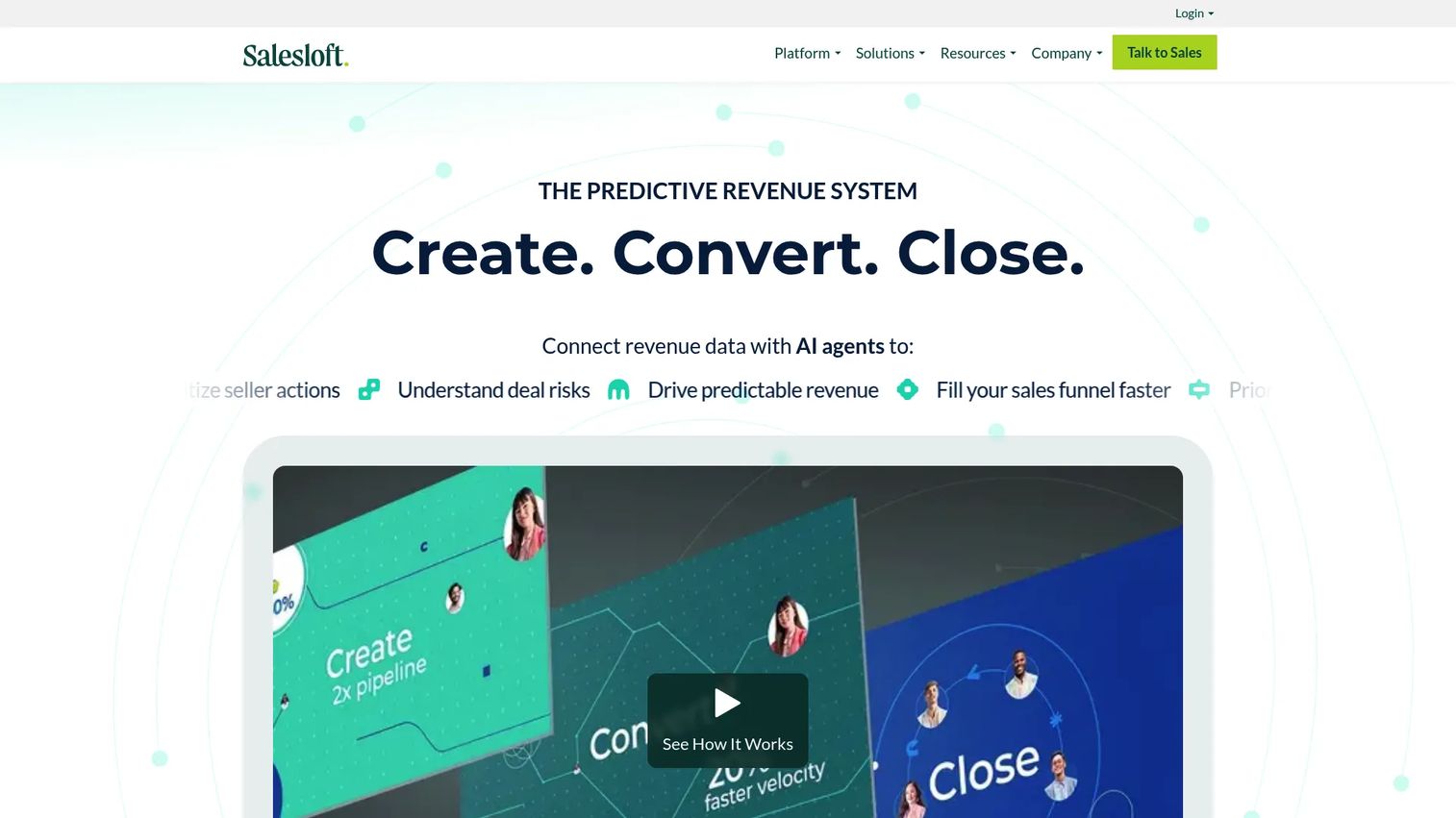
Salesloft positions itself as a revenue orchestration platform, not just a pipeline tracker. It combines sales engagement, coaching, analytics, deal management, and forecasting in one workspace. For AEs, that means pipeline health and execution live in the same place, so you can spot a deal gap and act on it without switching tools. Managers get coaching signals alongside pipeline data, which is where the "health plus coaching" pitch earns its keep.
Best for: revenue teams that want pipeline visibility, deal execution, and coaching in a single workspace.
Key strengths
- Bi-directional CRM sync keeps deal data current
- Coaching tools tied to real deal activity
- Reporting and analytics for pipeline and forecast health
- Deal and forecast workflows in one platform
Why choose Salesloft: it fits revenue leaders and AEs who need more than a static pipeline view. If you want the tool to surface stalled deals and coach reps toward the next step, Salesloft handles both. It's a heavier platform than a lightweight CRM, which suits teams ready to run a consistent, coached sales motion.
Salesloft pricing: Salesloft does not publish public pricing. The pricing page directs you to contact sales for a quote based on your team and needs.
2. Pipedrive
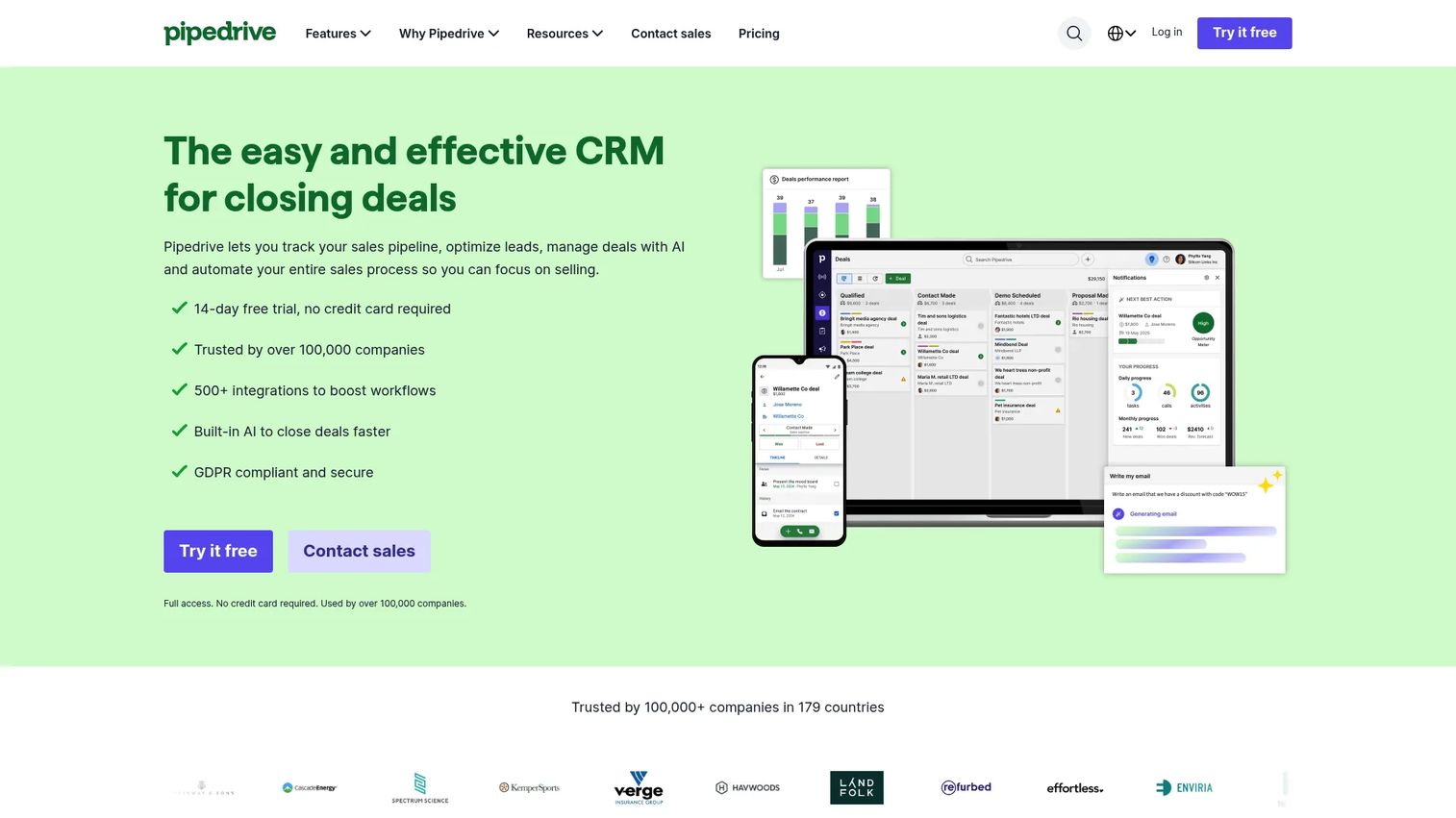
Pipedrive is a sales CRM built around a visual, kanban-style pipeline. You drag deals between stages, and the pipeline stays clean because moving a card is faster than updating a field. It layers in AI-powered report creation, workflow automation, and mobile access, which is why SMB and mid-market AEs like it for speed. The pipeline CRM approach keeps everything in one place without the setup weight of a heavier system.
Best for: SMB and mid-market AEs who want a visual pipeline CRM that's fast to set up and easy to keep clean.
Key strengths
- Customizable kanban pipelines for stage-by-stage tracking
- AI-powered report creation for forecasting
- 500+ integrations for CRM integration across your stack
- Mobile access for reps on the move
Why choose Pipedrive: it fits teams that value simplicity and speed over enterprise configurability. Reps adopt it fast because the pipeline is the interface, not a buried module. Broad integrations mean it slots into an existing stack without a migration project.
Pipedrive pricing: four plans, Lite at $14, Growth at $39, Premium at $59, and Ultimate at $79, all per seat per month billed annually. A 14-day free trial is available; there's no free version.
3. Pipeline CRM
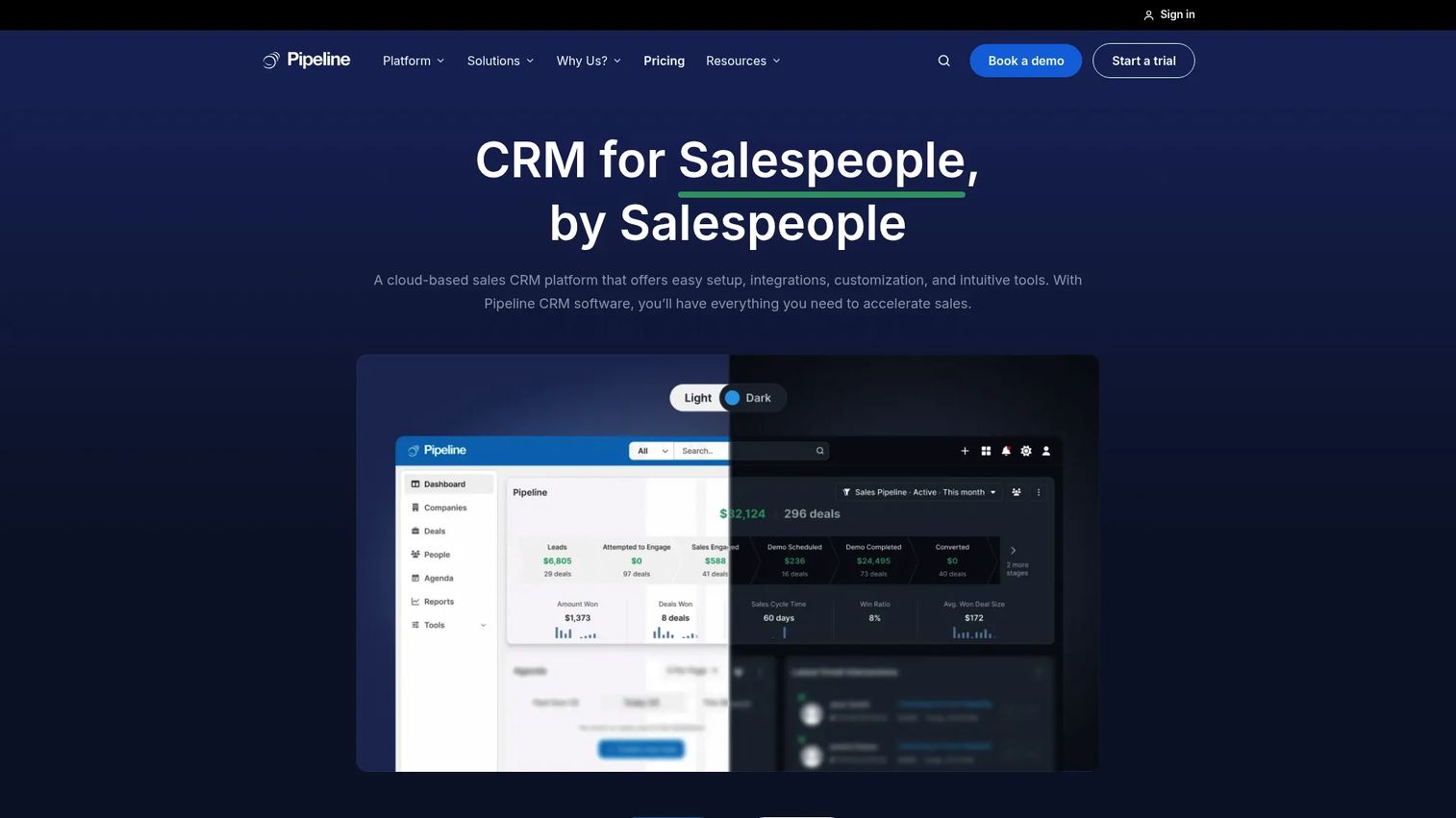
Pipeline CRM is a sales CRM focused on straightforward pipeline and deal management without the complexity of an enterprise platform. It handles pipeline visualization, lead management, automations, reporting, and email sync with Gmail and Outlook. The appeal is practicality: teams that want deal tracking software plus automation, without a long onboarding, get exactly that.
Best for: small to mid-sized sales teams that want simple pipeline tracking plus automation.
Key strengths
- Pipeline and deal management with clear stage views
- Email sync with Gmail and Outlook
- Automations and reporting for cleaner follow-up
- Add-ons for data enrichment and email validation
Why choose Pipeline CRM: it fits teams that find full-suite CRMs heavier than they need. You get pipeline control and workflow automation in a tool reps can actually keep current. That practicality is the whole point.
Pipeline CRM pricing: three per-user plans billed annually, Start at $25, Develop at $33, and Grow at $49 per user per month. Monthly billing runs higher, and an Enterprise tier is custom. A 14-day free trial requires no credit card.
4. Weflow
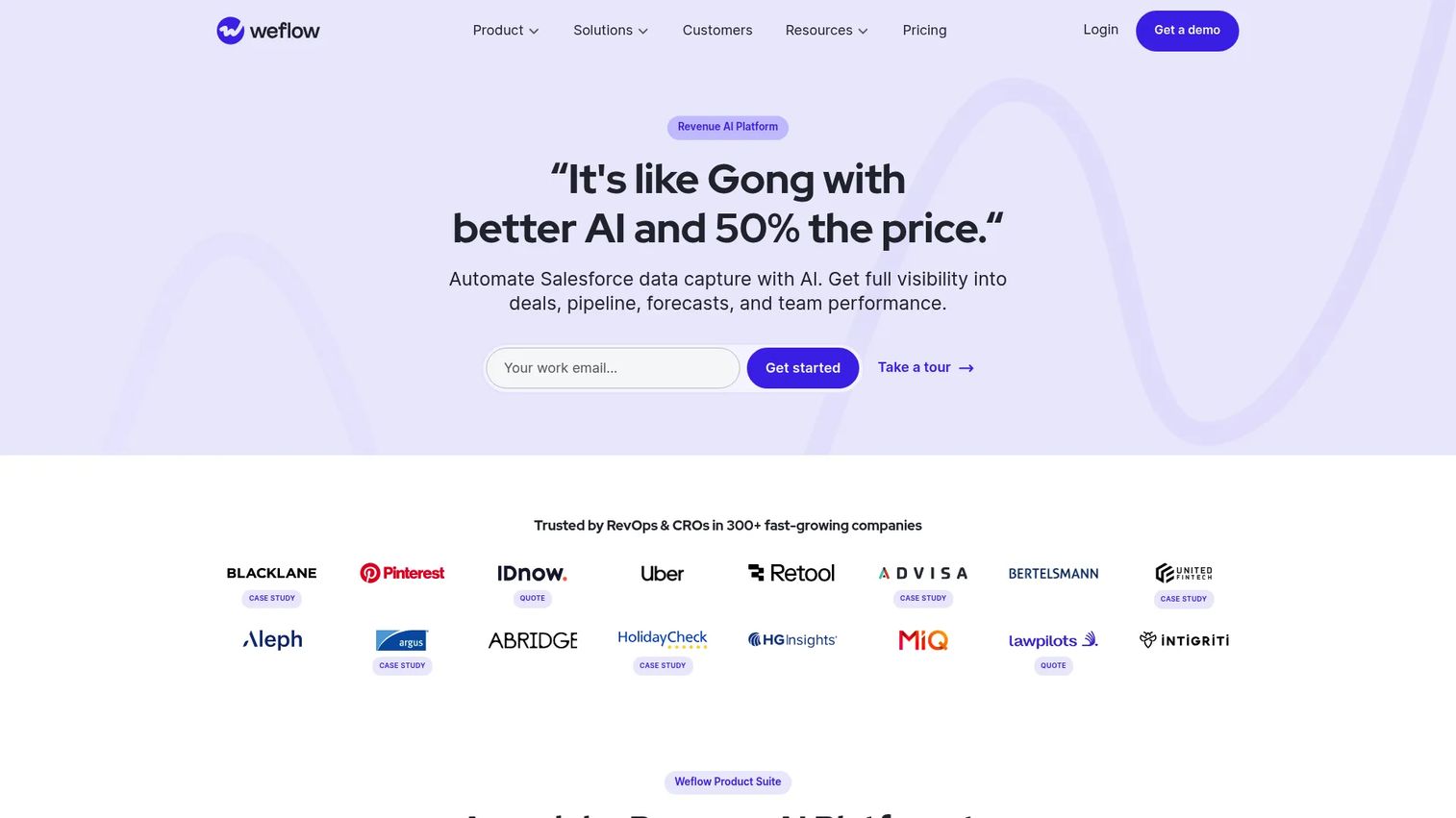
Weflow is a Salesforce-focused revenue AI platform built to give reps pipeline visibility without leaving the CRM. It automatically captures activity into Salesforce, adds conversation intelligence with transcription and AI summaries, and layers on deal intelligence and forecasting. For Salesforce-heavy teams, the value is process compliance: reps work inside the system, activity gets logged automatically, and managers catch deal risk early.
Best for: mid-market B2B sales teams on Salesforce that want activity capture plus revenue intelligence.
Key strengths
- Automatic activity capture into Salesforce
- Conversation intelligence with transcription and AI summaries
- Deal intelligence and forecasting for pipeline health
- Keeps reps working inside the CRM
Why choose Weflow: it fits teams frustrated by reps who skip CRM hygiene. Weflow captures the activity for them, so pipeline data reflects reality and forecasts hold up. If Salesforce is your system of record, this keeps it clean without adding rep admin.
Weflow pricing: modular per-user pricing billed annually. Standalone products start at $19/user/month for activity and contact capture, with conversation intelligence and deal intelligence at $39/user/month each. Bundles range from $49 to $79/user/month. All plans require a minimum of 10 users.
5. Salesforce Sales Cloud
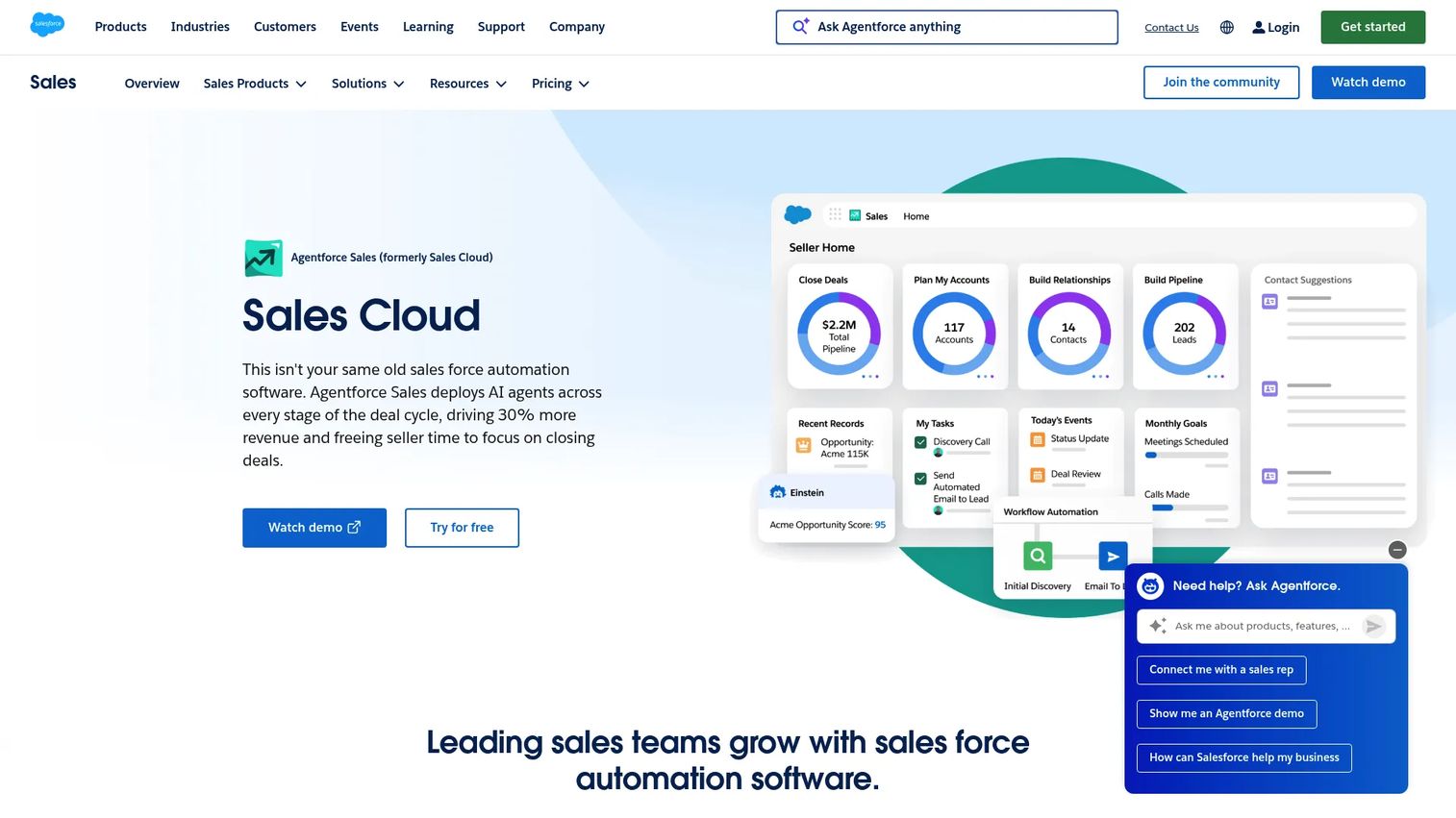
Salesforce Sales Cloud is the default for enterprise-grade pipeline management. It covers lead, account, contact, and opportunity management, forecasting, pipeline dashboards, workflow automation, and quoting approvals. The strength is configurability: you can model almost any sales process, which is why large, governed teams rely on it. It's strongest when your team already lives in Salesforce and needs pipeline management that scales with complexity.
Best for: mid-market to enterprise teams needing a configurable sales CRM with deep automation and forecasting.
Key strengths
- Lead, account, contact, and opportunity management
- Forecasting and pipeline management at scale
- Workflow automation and quoting approvals
- Highly configurable to complex sales processes
Why choose Salesforce Sales Cloud: it fits teams that need pipeline management to bend to their process, not the other way around. The configurability that makes it powerful also means it rewards teams with the RevOps resources to set it up well. If you're already on Salesforce, the pipeline layer is a natural extension.
Salesforce Sales Cloud pricing: a $0 Free Suite is available. Paid plans run from Starter Suite at $25/user/month, Pro Suite at $100, Enterprise at $175, and Unlimited at $350, with an Agentforce 1 Sales tier at $550/user/month. Some plans bill monthly, others annually.
6. HubSpot Sales Hub
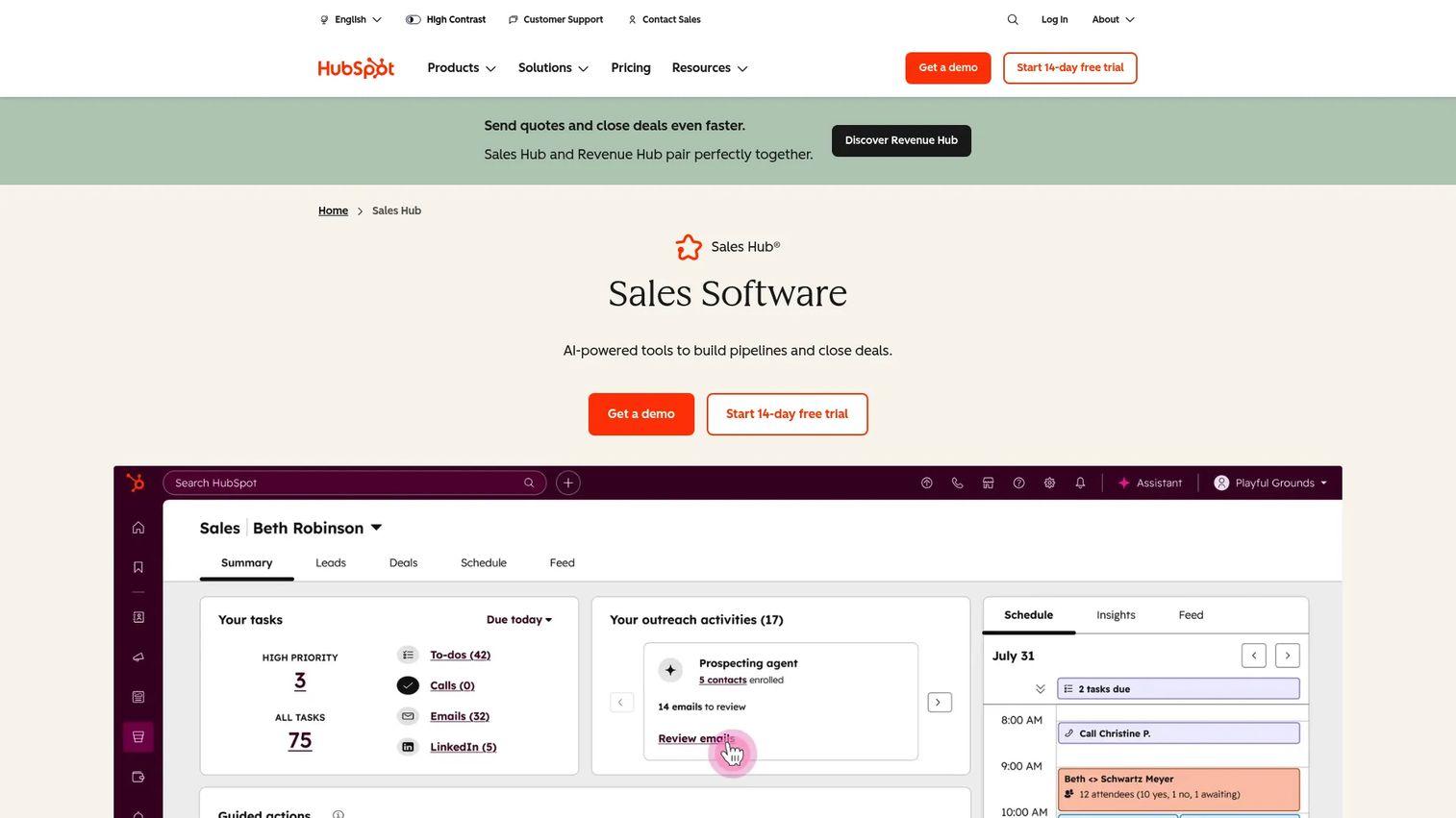
HubSpot Sales Hub is sales software built for approachability. It handles deal pipelines and sales tracking, workflow automation, personalized outreach, forecasting, reporting, and lead scoring. Teams pick it because it's easy to use and pairs naturally with HubSpot's marketing and CRM tools. If you already run HubSpot elsewhere, the pipeline stays aligned with your marketing data without extra integration work.
Best for: teams that want an easy-to-use sales CRM with automation and pipeline management, especially existing HubSpot users.
Key strengths
- Deal pipelines and sales tracking with clean stages
- Workflow automation and personalized outreach
- Forecasting, reporting, and sales analytics
- Lead scoring and tight CRM alignment
Why choose HubSpot Sales Hub: it fits teams that value broad usability and want marketing and sales on one platform. Adoption tends to be fast because the interface is friendly. The free tier makes it easy to start, then scale as the team grows.
HubSpot Sales Hub pricing: a Free plan covers up to 2 users. Starter runs $7/seat/month annually or $20 monthly, Professional is $90/seat/month annually, and Enterprise is $150/seat/month. Onboarding fees apply to Professional and Enterprise.
7. Close
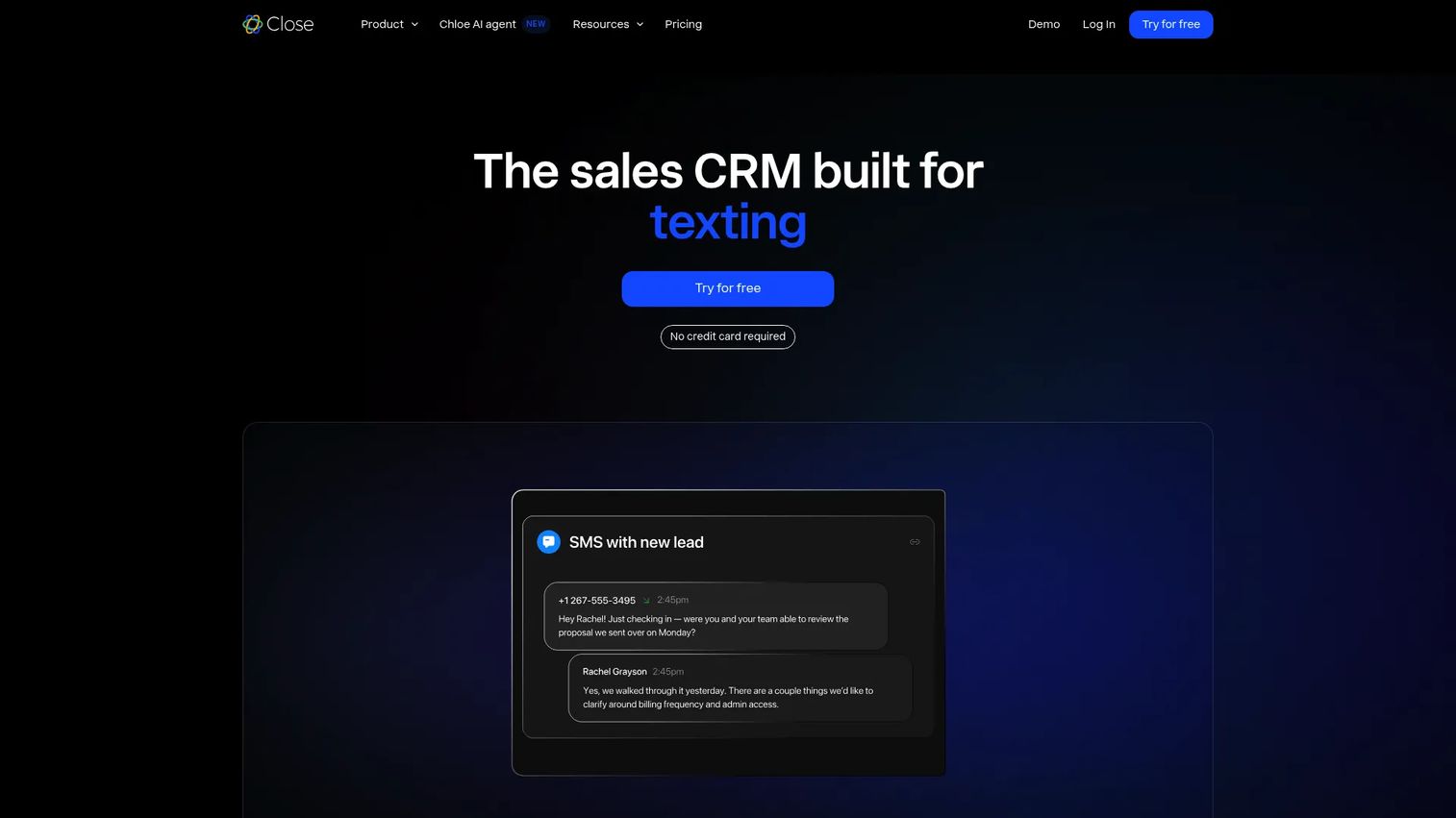
Close is a sales CRM built for speed. It packs calling, email, SMS, and meetings into one interface, with drag-and-drop pipeline management, automated workflows, and power dialing. For inside sales and high-velocity teams, the appeal is execution: reps move through deals fast without bouncing between a dialer, an inbox, and the CRM. Reminders and activity follow-up keep next steps from slipping.
Best for: inside sales and high-velocity teams that want an all-in-one CRM for outbound calling and follow-up.
Key strengths
- Built-in calling, email, SMS, and meetings
- Drag-and-drop pipeline management
- Automated workflows and power dialing
- Custom fields, activities, and reporting
Why choose Close: it fits teams where speed and volume matter more than deep configurability. Everything a rep needs to work a deal lives in one screen, which cuts the tab-switching that slows outbound. If your motion is high-velocity, Close removes friction from the day.
Close pricing: four plans billed annually, Solo at $9, Essentials at $35, Growth at $99, and Scale at $139 per user per month. A 14-day free trial is available with no credit card required.
8. Freshsales
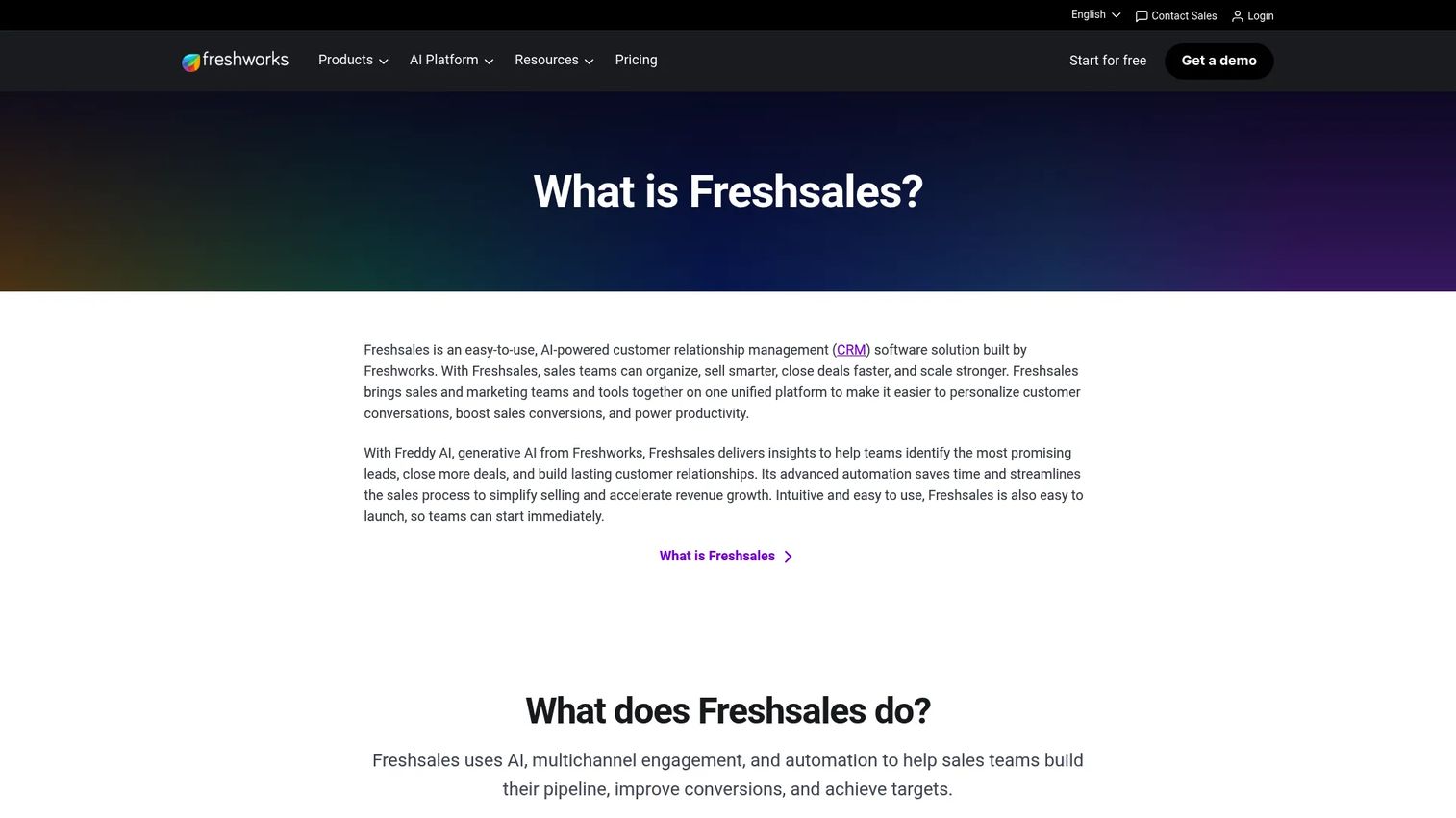
Freshsales is an AI-powered CRM from Freshworks aimed at teams that want useful automation in a lighter package. It offers AI-driven lead insights and deal recommendations, multichannel communication across email, phone, chat, and WhatsApp Business, plus pipeline management, automation, and contact scoring. That balance makes it a solid choice for smaller teams scaling up who want AI support without a heavy platform.
Best for: sales teams that want an AI-enabled CRM with built-in communication and automation.
Key strengths
- AI-powered lead insights and deal recommendations
- Multichannel communication in one place
- Pipeline management, automation, and customization
- Contact scoring for prioritizing deals
Why choose Freshsales: it fits smaller teams that want AI-assisted pipeline management without enterprise weight or price. The AI surfaces which deals deserve attention, which helps a lean team punch above its size. As the team grows, the plans scale with it.
Freshsales pricing: three plans billed annually, Growth at $9/user/month, Pro at $39, and Enterprise at $59. A free trial is available.
Considerations
Before you commit, run each option through this checklist.
CRM-first or pipeline overlay
Decide whether you need a full sales CRM as your system of record or an overlay that adds visibility on top of one. If you already run Salesforce, a native tool like Weflow keeps reps inside the CRM. If you're starting fresh, a CRM-first tool like Pipedrive or HubSpot may be the cleaner path.
Forecasting depth
Look at how the tool turns pipeline into a number. Weighted stages, deal health monitoring, and scenario views separate real sales forecasting software from a glorified deal list. If forecast accuracy is your pain, weight this heavily.
Automation that reps actually use
Automation only helps if it fits the workflow. Check that reminders, task creation, and sequence triggers fire at the right moments without adding clicks. The best sales process automation runs quietly in the background.
Adoption and ease of use
A tool reps ignore is worse than no tool, because the pipeline data goes stale. Favor interfaces reps adopt fast and workflows that log activity automatically. Clean data depends on adoption, not features.
Integrations and security
Confirm the tool connects to your calendar, email, calling, and CPQ stack. For mid-market and enterprise teams, check security and compliance gates early, since procurement will.
Conclusion
The right pipeline management software depends on how you sell. For revenue teams that want pipeline health plus coaching in one workspace, Salesloft is the strongest fit. If you want a visual pipeline CRM that reps keep clean, Pipedrive and Pipeline CRM both deliver without heavy setup. Salesforce-heavy teams get the most from Weflow, which keeps reps inside the CRM while cleaning up activity data.
For enterprise-grade, configurable pipeline management, Salesforce Sales Cloud remains the default. HubSpot Sales Hub suits teams that want approachable software aligned with their marketing stack. Close is built for high-velocity inside sales, and Freshsales gives smaller teams AI support without the enterprise weight.
Start with your stack and team size. If you're already on a CRM, look at overlays and native tools first. If you're building from scratch, pick a CRM-first tool your reps will actually adopt, then layer in forecasting and automation as you scale. The best of these sales pipeline tools is the one your team keeps current.
FAQs
Pipeline management software helps sales teams track deals across stages, forecast revenue, and spot stalled opportunities early. It replaces manual spreadsheet updates with automated deal tracking, giving reps clearer next steps and managers a cleaner view of pipeline health.
The highest-impact features are stage-by-stage tracking, forecasting, follow-up automation, and CRM integration. Deal health monitoring and a clean sales dashboard also matter, since they surface risk before a deal dies. Prioritize the features that fix your specific pain, whether that's forecast accuracy or dropped follow-ups.
Not exactly. A sales CRM is the system of record for contacts, accounts, and deals. Pipeline management is a function within that, focused on moving deals through stages and forecasting. Many CRMs include strong pipeline features, while some pipeline tools are overlays that add visibility on top of an existing CRM.
Weflow is a strong pick for Salesforce-heavy teams. It's built to be Salesforce-native, capturing rep activity automatically and adding forecasting and deal intelligence without pulling reps out of the CRM. That keeps your pipeline CRM data clean and your forecasts grounded in real activity.
For small teams, Freshsales, Pipedrive, and Close are all worth a look. Freshsales adds AI insights in a lighter package, Pipedrive keeps the pipeline visual and simple, and Close suits high-velocity outbound. Each offers a low entry price or free trial so you can test fit before committing.
It improves forecasting by keeping stage data current and weighting deals consistently. When activity is captured automatically and stale deals get flagged, the roll-up reflects reality instead of optimism. That's what turns sales forecasting software from a guess into a number leadership can defend.
AEs should look for automation that reduces admin without adding clicks. That means reminders tied to next steps, automatic activity capture, and sequence triggers when a deal goes quiet. The goal is workflow automation that keeps deals moving in the background, so reps spend more time selling and less time updating the CRM.