A student texts to move Thursday's lesson. Another calls to ask if their card went through. A third just does not show up, and nobody flagged it. Meanwhile your best instructor is sitting in a parking lot with an empty two-hour block that should have been billable.
That is a normal Tuesday at most driving schools running on a wall calendar, a shared inbox, and a spreadsheet.
The cost adds up fast. Missed lessons burn instructor hours you already paid for. Manual billing means past-due balances pile up before anyone notices. No-shows chew through capacity. And when a parent asks for a refund or an auditor asks for records, you are digging through email threads instead of pulling a report.
The right driving school software fixes the operational leaks, not just the calendar. The driver education market was valued at $9.8B in 2025 and is expected to reach $15.2B by 2034 at a 5.2% CAGR, with online courses already holding 38.5% of revenue share, according to Marketintelo (2025). Students expect to book, pay, and reschedule online. Schools that make that easy protect cash flow and capacity. Schools that do not keep answering the phone.
What's inside
This guide covers 7 driver training software tools for schools that need better scheduling, payments, reminders, and student management. It is a buyer's comparison, not a vendor pitch.
We evaluated each tool on the criteria that actually move the needle for a driving school:
- Booking workflow: self-scheduling, instructor calendars, lesson reminders
- Payment handling: card payments, deposits, refunds, past-due balances
- Compliance and reporting: records, transcripts, state forms, accounting reports
- Ease of onboarding: data import, setup time, support quality
- Trust signals: reviews, ratings, and real school adoption
TL;DR
- Best for all-in-one operations: Driving School Software (DSS), broad scheduling, enrollment, payments, and reporting in one platform.
- Best for scheduling and reminders: Drivers Ed Solutions, registration, text and email reminders, and website tools.
- Best for simple seat-based pricing: Drive Scout, predictable per-user billing with payments and staff management.
- Best for a mobile-first experience: Drivofy, smart scheduling, student portal, and automated payments.
- Best for growing schools: Run That School, clean tiered plans and analytics with a 14-day trial.
- Best for website plus booking: Software for Driving School, prebuilt site templates bundled with enrollment and scheduling.
- Best for online booking and payments: DrivePro, booking widget, Stripe payments, and progress tracking with a free solo tier.
What is driver training software
Driver training software is an operations system that helps driving schools and driver education providers manage lesson scheduling, student records, instructor calendars, payments, and compliance from one place.
Think of it less as a booking calendar and more as the operating system for the school. It connects the moment a student enrolls to the moment they pass, and it keeps the money and records straight in between.
Core feature categories:
- Lesson scheduling: instructor calendars, self-scheduling, rescheduling, availability rules
- Online booking: student-facing booking pages, mobile-friendly booking, embeddable widgets
- Payment processing: card payments, deposits, refunds, past-due balance tracking
- Student portal: progress tracking, lesson history, self-service account access
- Reminders: automated text and email lesson reminders for no-show reduction
- Instructor management: multi-instructor visibility, vehicle assignment, availability
- Compliance workflows: contracts, transcripts, state forms, and driving school reporting
- Website integration: hosted sites, templates, or booking embeds for an existing site
- Reporting: accounting reports, revenue, and student progress tracking
The best tools tie these together so one action, a booking, a payment, a completed lesson, updates everywhere at once.
When to use driver training software
Reduce booking chaos
If your day is a stream of calls, texts, and manual calendar edits, that is the signal. Every reschedule handled by hand is a chance to double-book an instructor or lose a slot entirely.
Online booking for driving schools moves that work to the student. Self-scheduling lets them pick an open slot against real instructor availability, so the calendar stays accurate without a phone call. You stop being the bottleneck and instructors stop sitting idle.
Collect payments and manage balances
When you need deposits at booking, card payments on file, refund handling, and rules for past-due balances, spreadsheets stop scaling. You end up chasing money after the lesson instead of collecting before it.
Driving school booking software with built-in payment processing charges the card at the point of booking, applies your refund policy consistently, and flags overdue accounts automatically. Fewer admin follow-ups, healthier cash flow, cleaner accounting reports at month end.
Standardize operations across instructors and locations
As you add instructors, vehicles, or locations, visibility gets hard. Who taught which student? Which car is free Saturday? Is that branch hitting capacity?
Driving school management software gives you one view across every instructor and location, plus student progress tracking and reporting that hold up when a parent, a franchisor, or an auditor asks. That standardization is what lets a school grow without the owner living inside the schedule.
Comparison table
Here is the shortlist at a glance. The strongest all-in-one platform leads, and the rest are sorted by relevance to schools evaluating scheduling, payments, and booking. Pricing and ratings reflect each vendor's public information at the time of writing.
| # | Product | Best for | Key differentiator | Pricing | G2 rating |
|---|---|---|---|---|---|
| 1 | Driving School Software (DSS) | All-in-one operations | Scheduling, enrollment, payments, and reporting in one platform | Free demo, pricing on request | Not listed |
| 2 | Drivers Ed Solutions | Scheduling and reminders | Registration, reminders, and website tools | From $6.25 per student, packages from $600 | 3.6/5 |
| 3 | Drive Scout | Simple seat-based pricing | Predictable per-user billing | $50/mo per user, 5-user minimum | 3.8/5 |
| 4 | Drivofy | Mobile-first experience | Student portal and automated payments | From $34/mo | Not listed |
| 5 | Run That School | Growing schools | Tiered plans with analytics | From $49/mo | Not listed |
| 6 | Software for Driving School | Website plus booking | Prebuilt site templates plus enrollment | From $49/mo | 4.6/5 |
| 7 | DrivePro | Online booking and payments | Booking widget with Stripe payments | Free solo tier, schools from £99/mo | 5.0/5 |
Best driver training software tools for driving schools
1. Driving School Software (DSS)
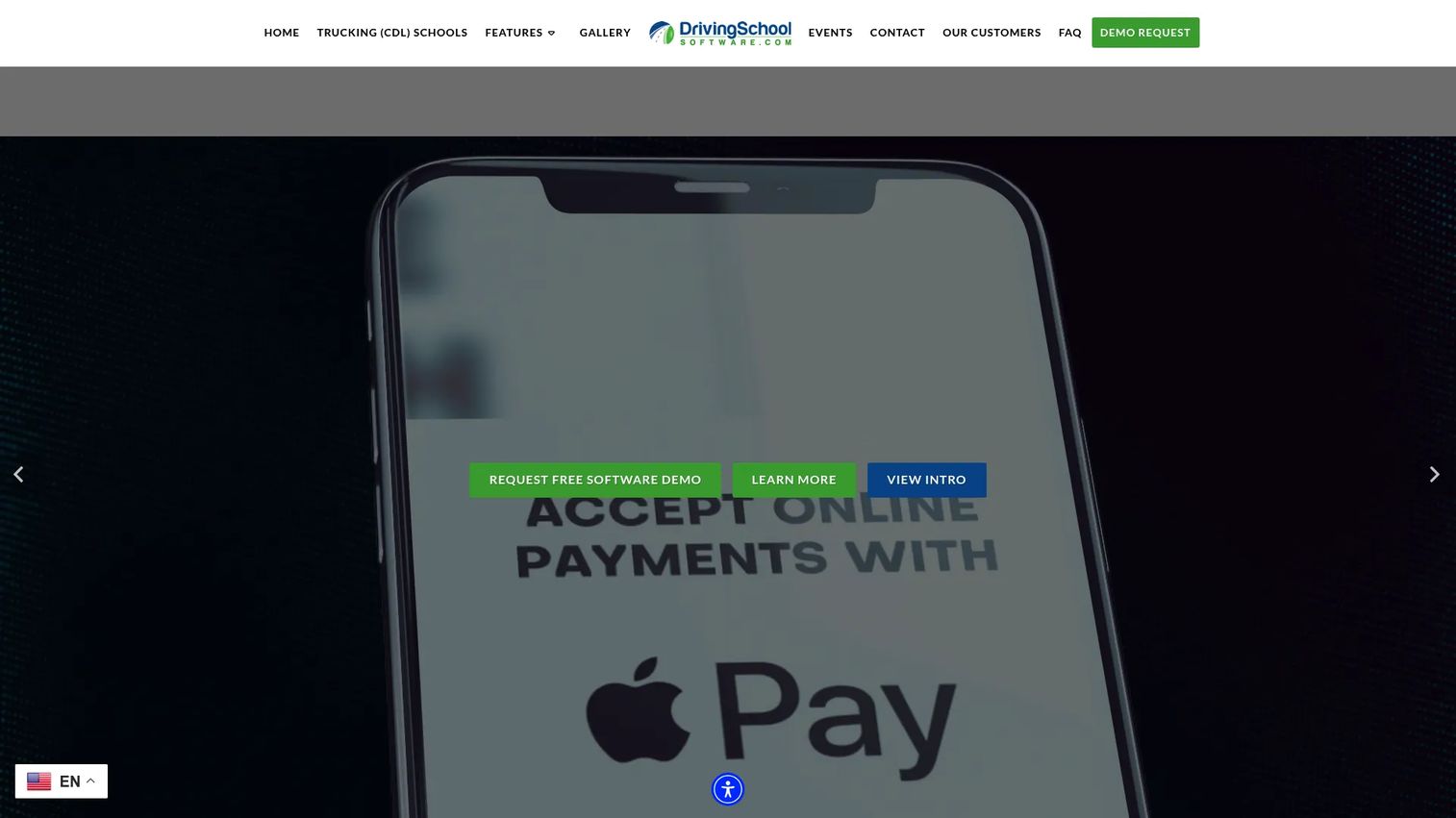
Driving School Software is the broad, all-in-one option in this list. It covers the full operational workflow: in-car scheduling and self-scheduling, online signup with payment processing, and student tracking with records and reports. Instead of stitching a booking tool to a separate payments tool to a separate records system, the school runs on one platform.
The pitch is coverage. If you want scheduling, enrollment, payments, and compliance-ready reporting under one login, this is built for that.
Best for: driving schools that want a single comprehensive platform for scheduling and student management.
Key strengths
- In-car scheduling and student self-scheduling
- Online signup with payment processing
- Student tracking, records, and reports
- All-in-one workflow across enrollment and billing
Why choose Driving School Software: Pick it when you would rather run the whole school on one system than manage a stack of separate tools. It fits established schools that value operational breadth and lean on trust signals like testimonials and association credibility during evaluation.
Driving School Software pricing: The site does not publish prices publicly and instead offers a free demo, so pricing is provided on request. Book the demo to get a quote scoped to your school size and workflow.
2. Drivers Ed Solutions

Drivers Ed Solutions leans scheduling-first, with a strong emphasis on registration and reminder automation. Students register online for classes and drive-time slots, and the system sends text and email reminders to cut no-shows. It also handles payments, contracts, transcripts, and reporting, plus website tools so enrollment lives where students already land.
If calendar efficiency and reminder automation are your top priorities, this is a focused fit.
Best for: driving schools that want scheduling, registration, and website tools in one system.
Key strengths
- Online class and drive-time registration
- Text and email lesson reminders
- Payments, contracts, and transcripts
- Website and registration tools included
Why choose Drivers Ed Solutions: It suits schools that live and die by the calendar and want reminders doing the follow-up work automatically. The per-student pricing model can be attractive for schools with predictable enrollment volume.
Drivers Ed Solutions pricing: Public pricing lists a $6.25 one-time per-student fee. Packages include Registration Link at $600 ($150 for 4 months), Standard Package at $750 ($150 for 5 months), and Preferred Package at $1,200 ($150 for 8 months). Online payments are optional with a $275 setup fee.
3. Drive Scout
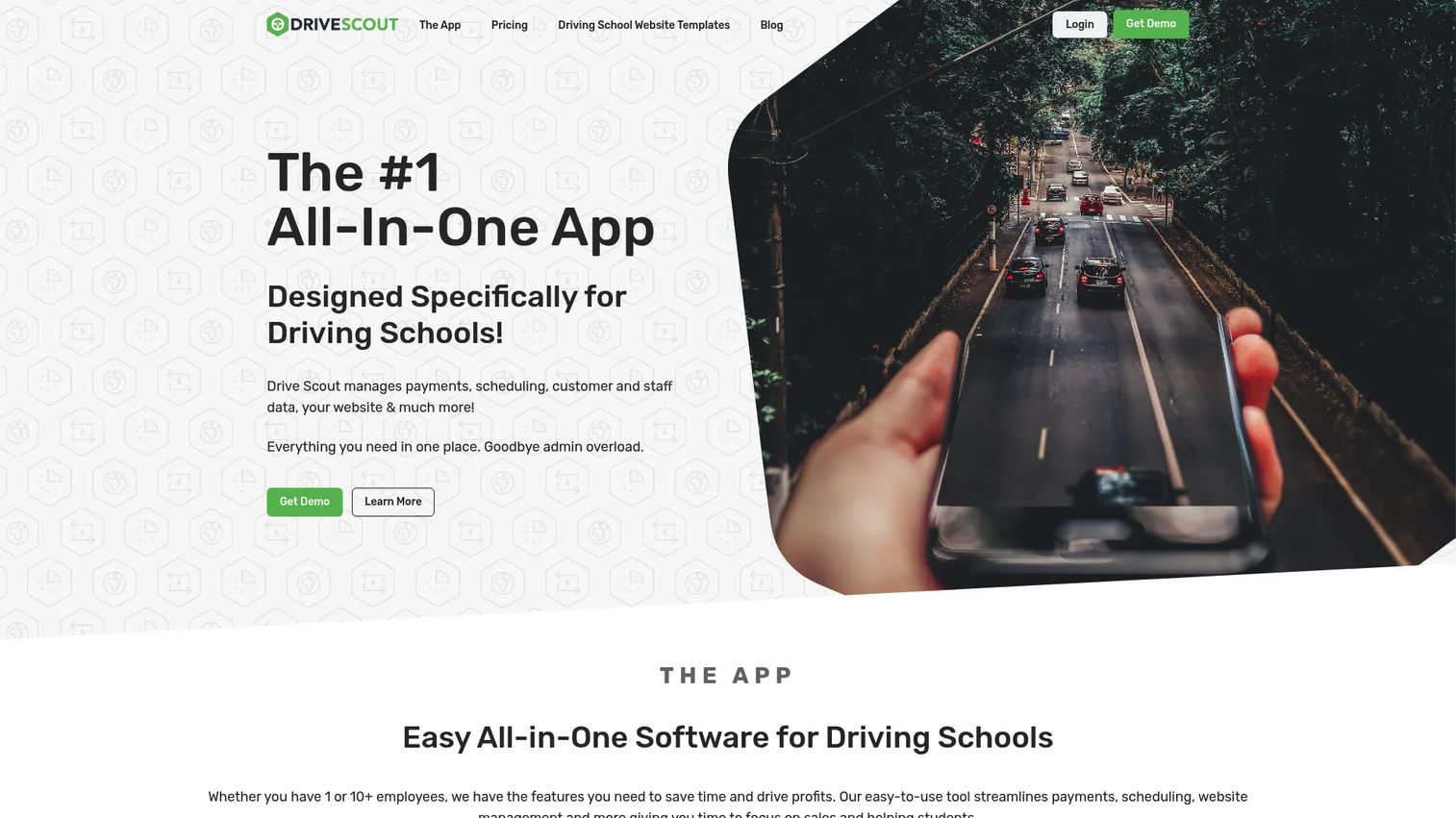
Drive Scout is an all-in-one management platform with the clearest seat-based pricing on this list. You get online enrollment, integrated customer payments, and staff and student data in one system, with free email and chat support included. For owners who want to know exactly what next month's bill looks like, predictable per-user pricing removes the guesswork.
Best for: driving schools that need scheduling, payments, and staff and student management in one system.
Key strengths
- Online enrollment for students
- Integrated customer payments
- Staff and student data management
- Free email and chat support
Why choose Drive Scout: Choose it when predictable billing matters as much as features. The per-user model scales cleanly as you add instructors, and the included support means onboarding help does not cost extra.
Drive Scout pricing: $50 per user per month with a 5-user minimum. Discounted billing plans are also available: $1,350.00 every six months and $2,400.00 billed yearly.
4. Drivofy
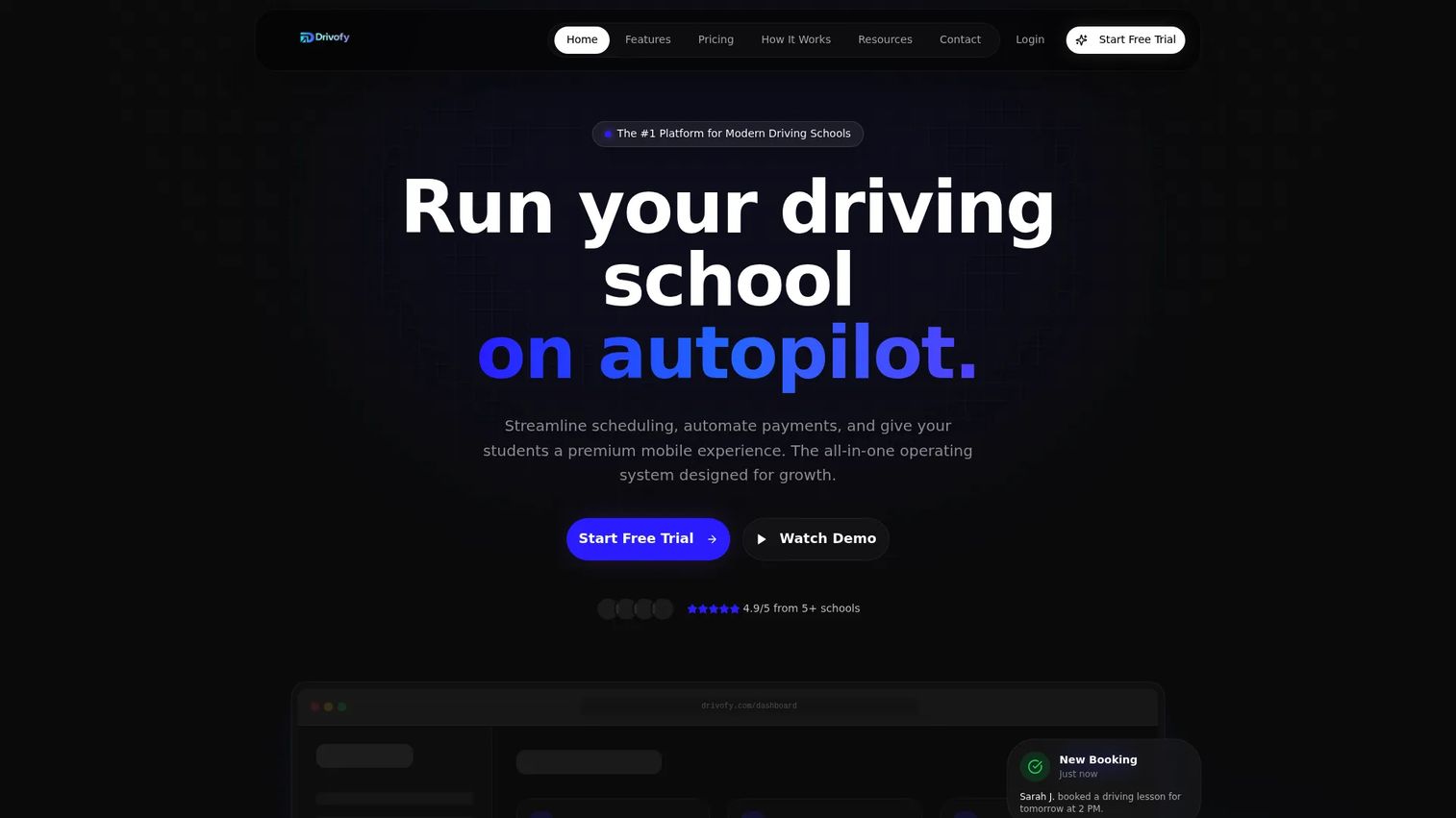
Drivofy is built around a modern, mobile-friendly student experience. Smart scheduling handles the calendar, a student portal gives learners self-service access to booking and progress, and automated payments keep billing hands-off. For schools whose students expect to do everything from a phone, the mobile-first framing lands.
Best for: driving schools that want an all-in-one operations platform with a modern student portal.
Key strengths
- Smart scheduling for instructors and students
- Student portal with self-service access
- Automated payments
- Mobile-friendly booking experience
Why choose Drivofy: Reach for it when student experience is the differentiator you sell on. A clean portal and automated payments reduce admin follow-ups while giving learners the self-service booking they expect.
Drivofy pricing: Three public monthly plans: Core at $34/mo, Standard at $59/mo, and Premium at $89/mo. The site advertises a 30-day free trial with no credit card required, so you can test the workflow before committing.
5. Run That School
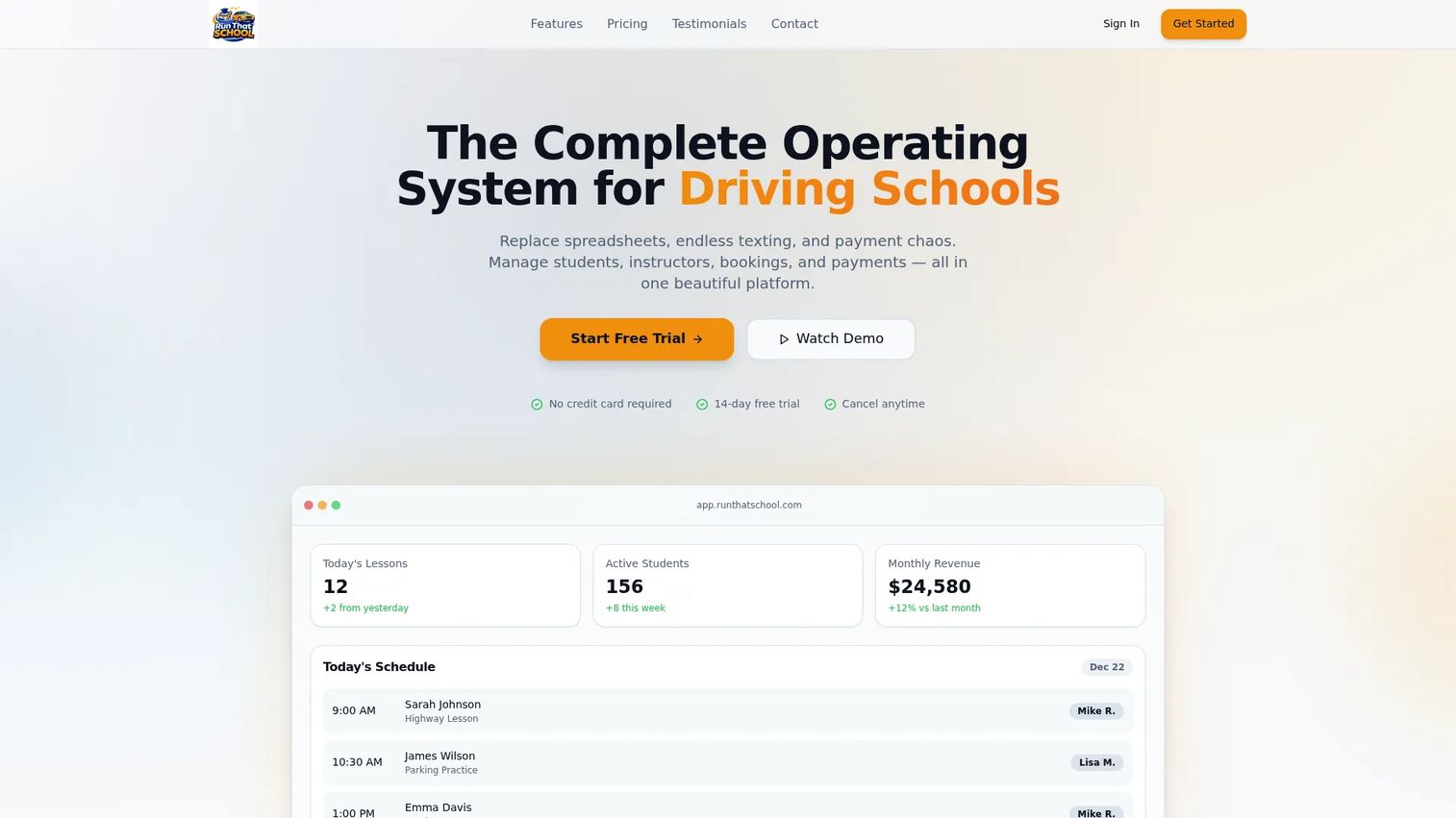
Run That School packages scheduling, payments, student management, communications, and analytics into clean, transparent tiers. Smart scheduling and seamless payments cover the daily grind, while analytics give owners the visibility to see capacity and revenue at a glance. The tier structure maps neatly to school size, which makes upgrading as you grow a simple decision.
Best for: driving schools that want an all-in-one operations platform with clear packaging.
Key strengths
- Smart scheduling across instructors
- Seamless payments
- Student management and communications
- Analytics for capacity and revenue
Why choose Run That School: Its transparent, tiered pricing is the draw for schools that want to know exactly what they are paying and what they get. Reminders and instructor visibility support no-show reduction as you scale headcount.
Run That School pricing: Starter is $49/month (up to 3 instructors, 100 active students), Professional is $99/month (up to 10 instructors, 500 active students), and Enterprise is $199/month (unlimited instructors and students). All plans include a 14-day free trial.
6. Software for Driving School
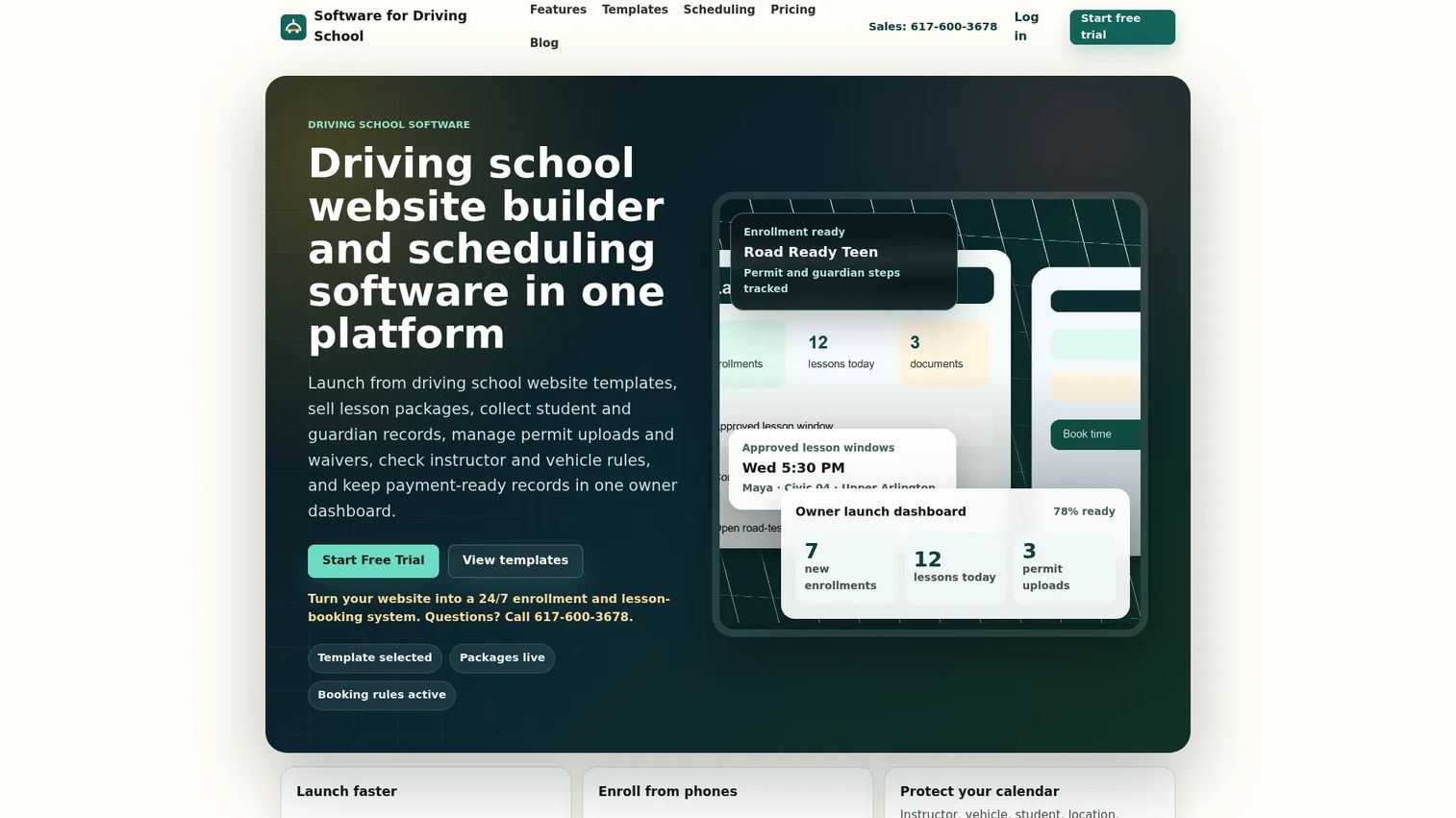
Software for Driving School bundles the website with the operations. You get prebuilt driving-school website templates, online enrollment and package setup, and instructor, vehicle, and student scheduling in one system. That combination matters if you do not already have a good site, because it removes the dependence on a separate website builder and a separate booking tool.
Best for: driving schools that want one system for a website, enrollment, scheduling, and student records.
Key strengths
- Prebuilt driving-school website templates
- Online enrollment and package setup
- Instructor, vehicle, and student scheduling
- Payment-status tracking and records
Why choose Software for Driving School: Choose it when you want your website and your booking workflow to come from the same place. Bundling the site with enrollment cuts the tool count and keeps the student's path from landing page to booked lesson inside one system.
Software for Driving School pricing: Solo is $49/month (1 user, 1 location), Team is $79/month (up to 10 users, 1 location), and Growth is $399/month (unlimited users, up to 25 locations). A 14-day trial runs before subscription billing starts.
7. DrivePro
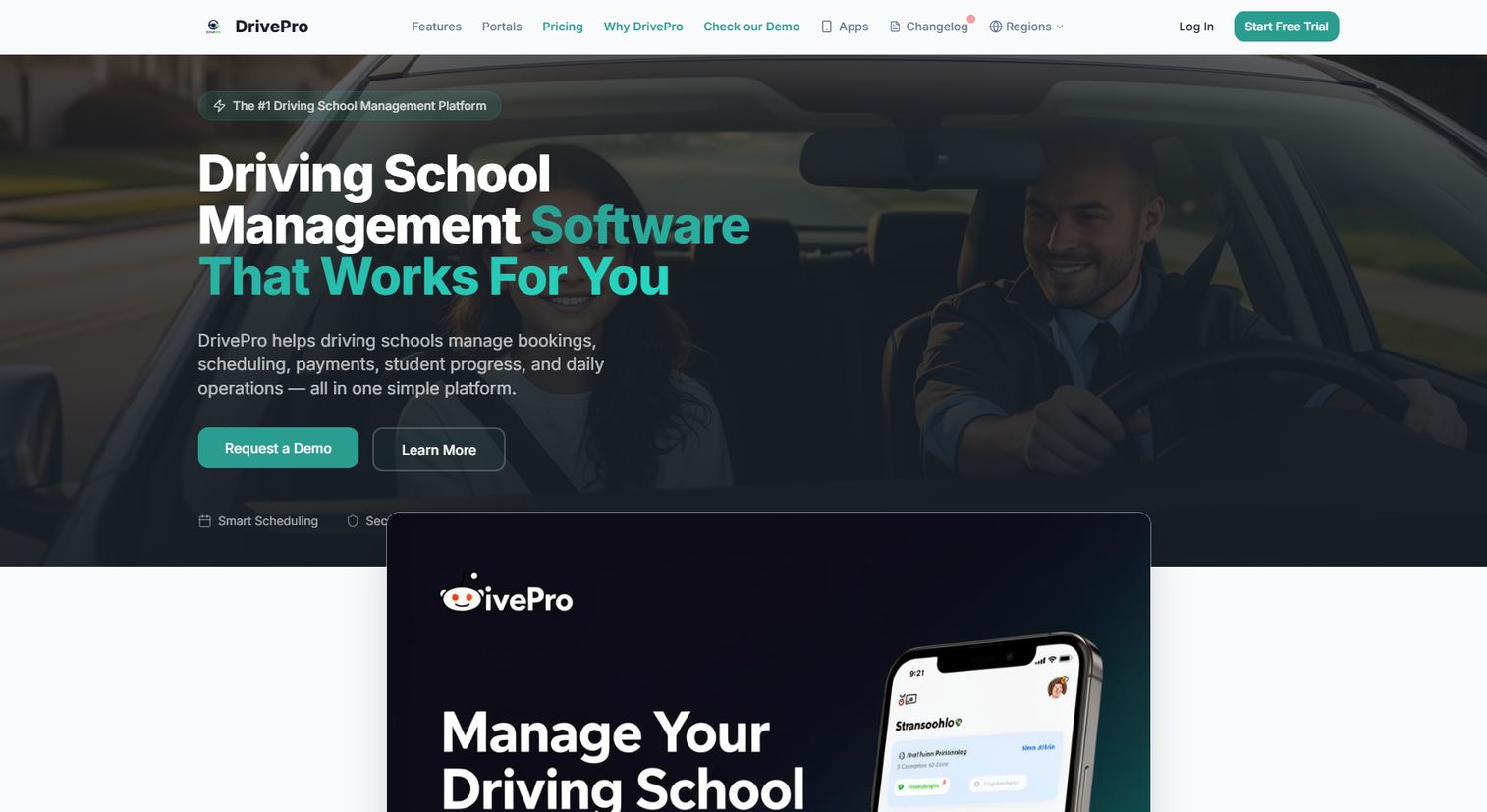
DrivePro is a booking- and payments-focused platform with a deep feature list. Online lesson booking, an embeddable booking widget, Stripe payments, and student progress tracking form the core, and the tool adds instructor calendars, fleet and vehicle maintenance tracking, multi-branch management, SMS and email reminders, in-app chat, and GPS route tracking. That range makes it useful for solo instructors and multi-branch schools alike.
Best for: driving instructors and schools that need booking, scheduling, and student-management software.
Key strengths
- Online lesson booking with embeddable widget
- Stripe payments
- Student progress tracking
- Multi-branch management and fleet tracking
Why choose DrivePro: The free solo tier makes it easy for an independent instructor to start, and the multi-branch and fleet features give it room to grow into a full school operation. The embeddable widget drops booking straight onto your existing site.
DrivePro pricing: A free 14-day trial is available, and plans start at £0/month for solo instructors. The School plan is £99/month, and Enterprise is contact sales. Pricing is shown in GBP.
Considerations before you buy
The list narrows the field. These criteria help you pick the one.
Compliance and reporting
Confirm the tool captures the records your state or program actually requires: transcripts, contracts, completion forms, and audit-ready reports. Ask how forms are stored and exported. Do not overpromise to yourself here, verify the specific compliance workflows you are accountable for before you sign.
Payments and refund policies
Look at how the tool handles deposits, card payments, refunds, and past-due balances. A clear refund policy applied automatically saves hours of manual follow-up. Check whether payment processing is built in or requires a separate setup fee, and whether it reconciles into accounting reports.
Onboarding and data import
Ask exactly how your existing student and schedule data moves in. Data import quality decides whether week one is smooth or painful. Confirm who does the migration, how long setup takes, and what support is included so you are not stuck mid-transfer.
Self-service and mobile booking
Students expect mobile-friendly booking and a student portal they can use without calling. Test the booking flow on a phone yourself. If self-scheduling is clunky, adoption drops and you are back to answering calls.
Support quality
Free trials and free demos tell you a lot, but support after purchase tells you more. Check whether email, chat, or phone support is included, and how fast responses come. Onboarding help and responsive support often matter more than any single feature.
Conclusion
Different schools need different things, so match the tool to how you actually operate.
If you want the broadest operational coverage in one platform, start with Driving School Software (DSS) and its all-in-one workflow. If scheduling and reminder automation are your priority, Drivers Ed Solutions is focused there. Want predictable billing? Drive Scout's seat-based pricing is the clearest. For a modern mobile student experience, Drivofy fits, and Run That School gives growing schools clean tiers with analytics. If you need a website bundled with booking, Software for Driving School covers both, and DrivePro leads on online booking and payments with a free solo tier to start.
The practical next step: shortlist two tools that match your size and workflow, then use the free trial or free demo to test the real booking and payment flow with your own data before committing.
Start your journey with Guideflow today!
FAQs
At minimum: lesson scheduling with instructor calendars, online booking, payment processing, automated reminders, a student portal, and reporting. Compliance features like contracts and transcripts matter if your program requires them. The best tools connect these so one booking or payment updates records, calendars, and accounting at once.
Automated text and email lesson reminders are the main lever. A reminder sent the day before, plus easy self-service rescheduling, gives students a low-friction way to move a lesson instead of ghosting it. Tools that also take a deposit at booking add a financial reason to show up, which further supports no-show reduction.
Yes. Every tool on this list offers online booking for driving schools, letting students pick open slots against real instructor availability. Most include a student portal or an embeddable booking widget, and several emphasize mobile-friendly booking so students can self-schedule from a phone without calling the office.
Most do. Look for built-in payment processing that takes card payments and deposits at the point of booking, applies your refund policy consistently, and flags past-due balances. Some tools charge a separate setup fee for online payments, so confirm how payment processing is priced and whether it reconciles into your accounting reports.
Yes. Several options here scale down well. DrivePro offers a free solo tier for independent instructors, Drivofy starts at $34/mo, and Software for Driving School and Run That School both start at $49/mo. Look for a free trial so a small school can test the workflow before paying.
Ask who performs the data import, how long setup takes, and what student and schedule data transfers cleanly. Confirm whether onboarding support is included or extra. A messy migration in week one can undo the value of the software, so get the migration plan in writing before you commit.
Very, if your state or program mandates specific records. Contracts, transcripts, completion forms, and audit-ready reporting protect the school during inspections and disputes. Verify the exact compliance workflows you are accountable for against what the tool actually captures, rather than assuming coverage.
Drivofy leads with a mobile-first student portal and smart scheduling, and DrivePro offers an embeddable booking widget plus SMS reminders that work well for phone-based students. Whichever you choose, test the booking flow on a phone yourself, since mobile-friendly booking is what drives student self-service adoption.