You shipped the feature. Activation didn't move.
Most product teams read that as a discovery problem. Wrong feature, wrong audience, wrong bet. Sometimes. But look closer at the funnel and a different pattern shows up. Users sign up, hit the blank state, poke around for ninety seconds, and leave before the product ever shows them why it matters.
That gap between signup and first meaningful success is where activation dies. And it rarely dies because the product is bad. It dies because nobody guided the user to the one action that made the value obvious.
In-app guidance software exists to close that gap. Contextual in-app guidance can lift software adoption rates by up to 32% compared with unguided experiences, according to Apty (2024). The global in-app guidance platform market reflects the demand: MarketIntelo (2025) values it at $2.1 billion in 2025, forecast to reach $9.2 billion by 2034 at an 18.5% CAGR.
The catch for a product manager is ownership. Onboarding gets split across the UI, docs, customer success, and lifecycle email, and the guidance layer decays every time the product changes. If you want a self-serve product experience that survives your release cadence, you can also pair guidance with an interactive demo so prospects and users see the workflow before they ever touch it. Tools like Guideflow handle that show-don't-tell layer, and this guide handles the in-app layer.
What's inside
This guide is for SaaS product managers, growth teams, and onboarding owners comparing in-app guidance tools before committing to a stack. We picked platforms that a PM can own without constant engineering interrupts.
We evaluated each tool on:
- Segmentation and targeting: persona, role, plan, lifecycle, and use case
- No-code editing: ship and iterate without a release
- Analytics and experimentation: measure activation, run A/B tests, prove impact
- Integrations and maintenance: connect to your data stack and survive UI changes
TL;DR
Short on time? Here are the decision shortcuts.
- Best all-around for PM-led onboarding: Appcues, with broad in-app patterns and a no-code editor
- Best for analytics-heavy teams: Pendo, when guidance and product analytics need to live together
- Best for fast in-product onboarding: Userflow or Userpilot, both built for quick flow setup
- Best for enterprise and internal adoption: Whatfix, for governance across many apps
- Best for tighter budgets: Product Fruits or UserGuiding, both with lower entry points
- Pro tip: Pair your in-app layer with a self-serve interactive demo so users can preview the workflow before they commit
What is in-app guidance software?
In-app guidance software is a no-code layer that overlays contextual help, onboarding, and product education directly inside your application, so users learn by doing instead of reading docs or booking calls.
It works by targeting messages to user segments and triggering them on events, then measuring how those experiences affect activation, adoption, and retention. Product managers use it to reduce time to value, scale onboarding across personas, and deflect repetitive support tickets without shipping new UI every time.
The core in-app guidance patterns include:
- Product tours: multi-step walkthroughs that guide users through a workflow
- Tooltips: small contextual hints attached to a specific UI element
- Onboarding checklists: task lists that drive users toward first value
- Modals: focused pop-ups for announcements or key decisions
- Banners: persistent bars for updates, warnings, or nudges
- Resource center: an embedded hub for self-serve help and walkthroughs
- Surveys and NPS: in-context feedback tied to behavior
In-app guidance vs digital adoption platforms
The two categories overlap, and buyers mix them up constantly. In-app guidance software focuses on contextual help and onboarding inside your own product. A digital adoption platform (DAP) layers guidance across many applications, often for internal enterprise software, employee training, and support deflection at scale.
The global DAP market is projected to grow from $1.9 billion in 2025 to $12.5 billion by 2034 at a 23.5% CAGR, per Dimension Market Research (2025). The practical read for a PM: if your job is customer onboarding and activation inside one SaaS product, you want in-app guidance. If your job is rolling out adoption and governance across a portfolio of tools, you want a DAP.
When to use in-app guidance software
Guidance earns its place at three specific moments. Match your situation to one of these before you buy.
Improve first-run onboarding
The blank state is where activation goes to die. A new user lands, sees an empty dashboard, and has no idea which of forty buttons leads to value. Onboarding checklists and product tours give that user a path: three or four steps that end in a meaningful success, not a feature tour. The goal is time to value, not completion for its own sake.
Drive feature adoption
You launched something. Now existing users need to find it and understand why it matters. Tooltips, banners, and targeted modals surface new capabilities to the right segment at the right moment, without a mass email nobody reads. Segmentation matters most here, since a feature that thrills power users may confuse everyone else.
Deflect repetitive support questions
When the same "how do I" question fills your ticket queue, that is a guidance gap, not a support gap. A resource center embedded in the product, plus contextual tooltips on the confusing screens, lets users self-serve the answer in context. That lowers ticket volume and shortens time to resolution without adding headcount.
Comparison table
The table below summarizes all eight tools by intent, key differentiation, pricing, and G2 rating. Read it as a shortlist filter, not a verdict. The right pick depends on your segmentation needs, analytics depth, and how much maintenance your team can absorb.
| # | Product | Intent | Key differentiation | Pricing | G2 rating |
|---|---|---|---|---|---|
| 1 | Appcues | No-code in-app onboarding and adoption | Broad pattern library with strong integrations | MAU-based, quote on request | 4.6/5 |
| 2 | Userpilot | Onboarding plus product analytics | Analytics and in-app engagement in one | From $299/mo | 4.6/5 |
| 3 | Pendo | Analytics-led guidance | Product analytics and guides together | Free tier; paid custom | 4.4/5 |
| 4 | Chameleon | Native-looking, customizable UX | Deep control over pattern styling | From $279/mo | 4.4/5 |
| 5 | Userflow | Fast in-product onboarding | Quick no-code flow setup with AI | From $500/mo | 4.8/5 |
| 6 | Whatfix | Enterprise digital adoption | Governance across web, desktop, mobile | Flat fee plus licenses | 4.5/5 |
| 7 | Product Fruits | Practical onboarding on a budget | Full toolkit at a lower entry price | From $96/mo | 4.7/5 |
| 8 | UserGuiding | Lower-cost onboarding entry point | Free tier plus affordable paid plans | From $174/mo | 4.7/5 |
1. Appcues
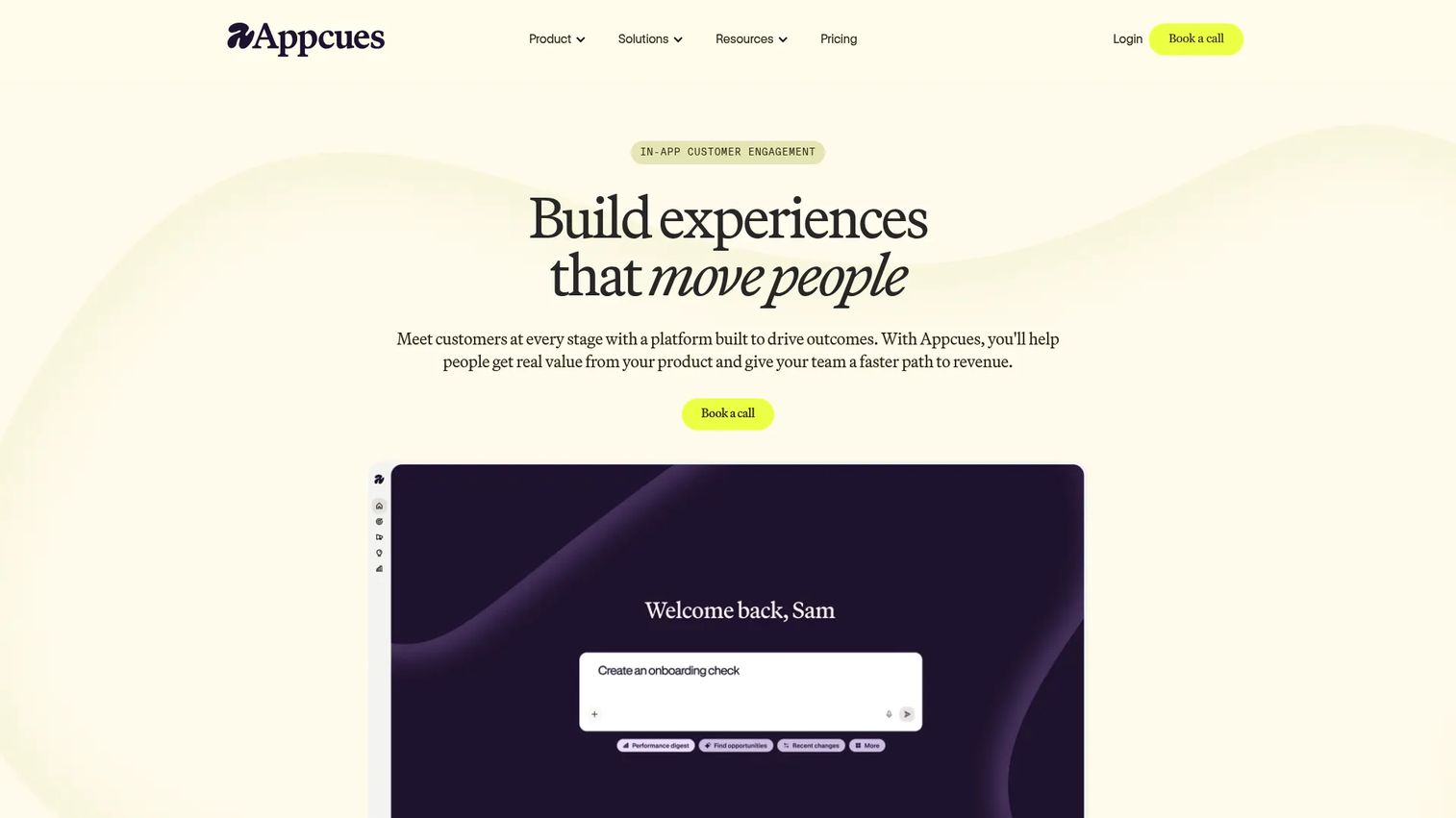
Appcues is an in-product experience platform for onboarding, adoption, guidance, and feedback. It gives product teams a no-code way to build flows, checklists, banners, and surveys, then target them to specific segments and measure the result. For a PM who wants to own onboarding without filing engineering tickets, it covers the widest range of patterns of any tool on this list.
The breadth is the point. Appcues supports web and mobile experiences, which matters if your activation story spans both surfaces. It plugs into the data stack most product teams already run, so guidance events flow into the analytics you use to prove impact.
Best for: Product teams that want no-code in-app onboarding and adoption tooling across web and mobile.
Key strengths
- Flows, checklists, launchpads, pins, banners, and NPS surveys
- Web and mobile experiences with targeting and analytics
- Integrations with Segment, Amplitude, Heap, Mixpanel, Salesforce, HubSpot, and Intercom
Why choose Appcues: It fits the PM who needs one tool that covers most in-app guidance patterns and hooks into an existing analytics stack. The trade-off is that pricing is not public, so budgeting requires a sales conversation.
Appcues pricing: Three plans are listed: Start, Grow, and Enterprise. Pricing is based on monthly active users, number of installations, and published experiences. No public numeric price is shown, so budget through the sales team.
2. Userpilot
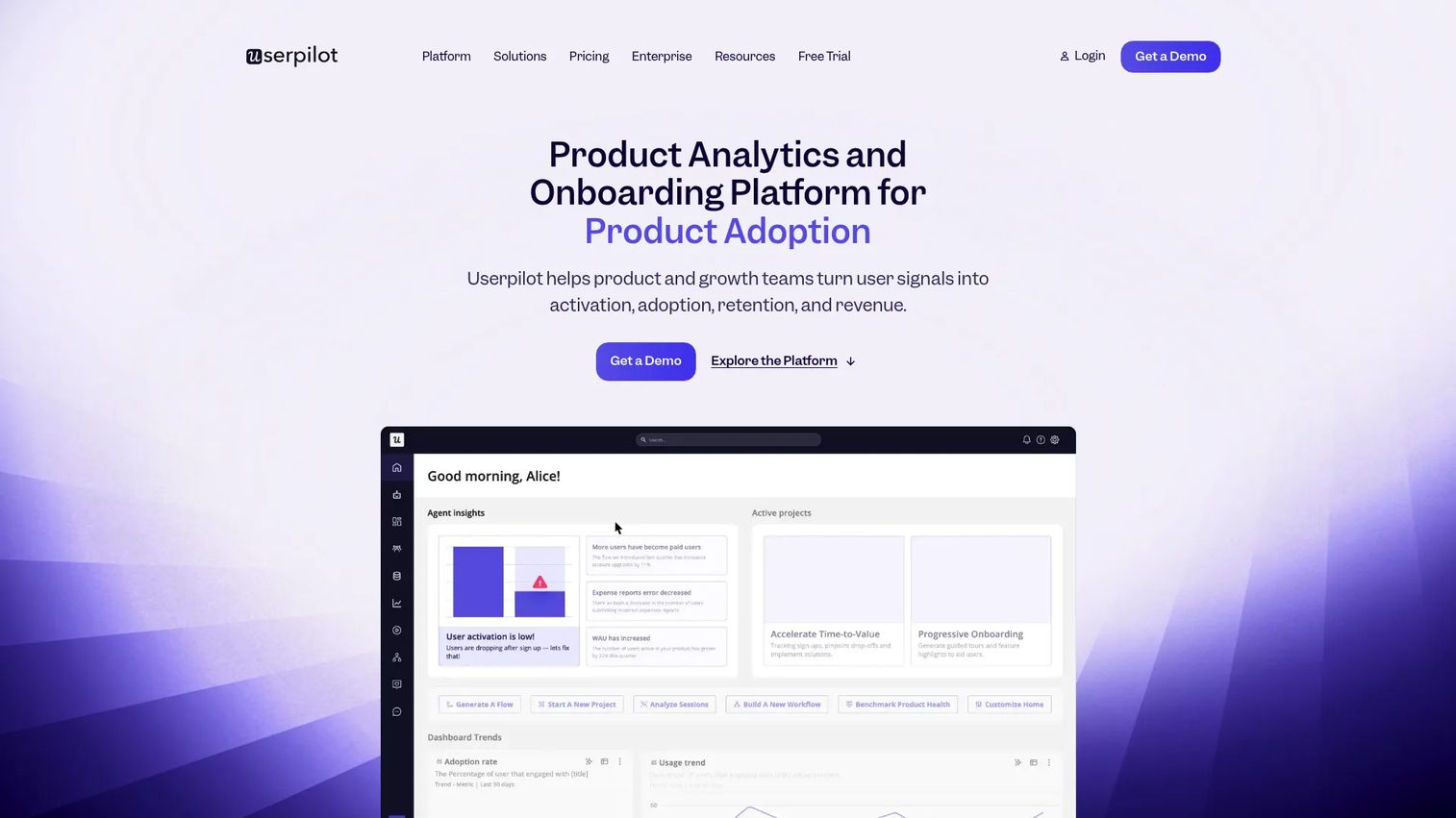
Userpilot is a no-code product growth platform that combines in-app engagement with product analytics and user feedback. That pairing is its edge. Instead of shipping guidance blind and checking a separate analytics tool, you build flows and see how they move activation in the same place.
For a PM running experiments, that shortens the loop between hypothesis and evidence. You segment by behavior, trigger onboarding checklists or tooltips on events, then read the impact without stitching tools together. It suits teams that treat onboarding as an ongoing optimization problem rather than a one-time setup.
Best for: Product teams that want a no-code platform for onboarding, adoption, analytics, and in-app feedback in one place.
Key strengths
- Product analytics built into the same platform
- In-app engagement flows, checklists, and tooltips
- User feedback and NPS surveys tied to behavior
Why choose Userpilot: Pick it when you want in-app onboarding and the analytics to measure it under one roof. Entry pricing sits above the budget tools, so it fits teams ready to invest in measurable adoption work.
Userpilot pricing: The Starter plan begins at $299 per month. Growth starts from $849 per month, and Enterprise is quote-based. Pricing is based on monthly active users, and a 14-day free trial is available.
3. Pendo
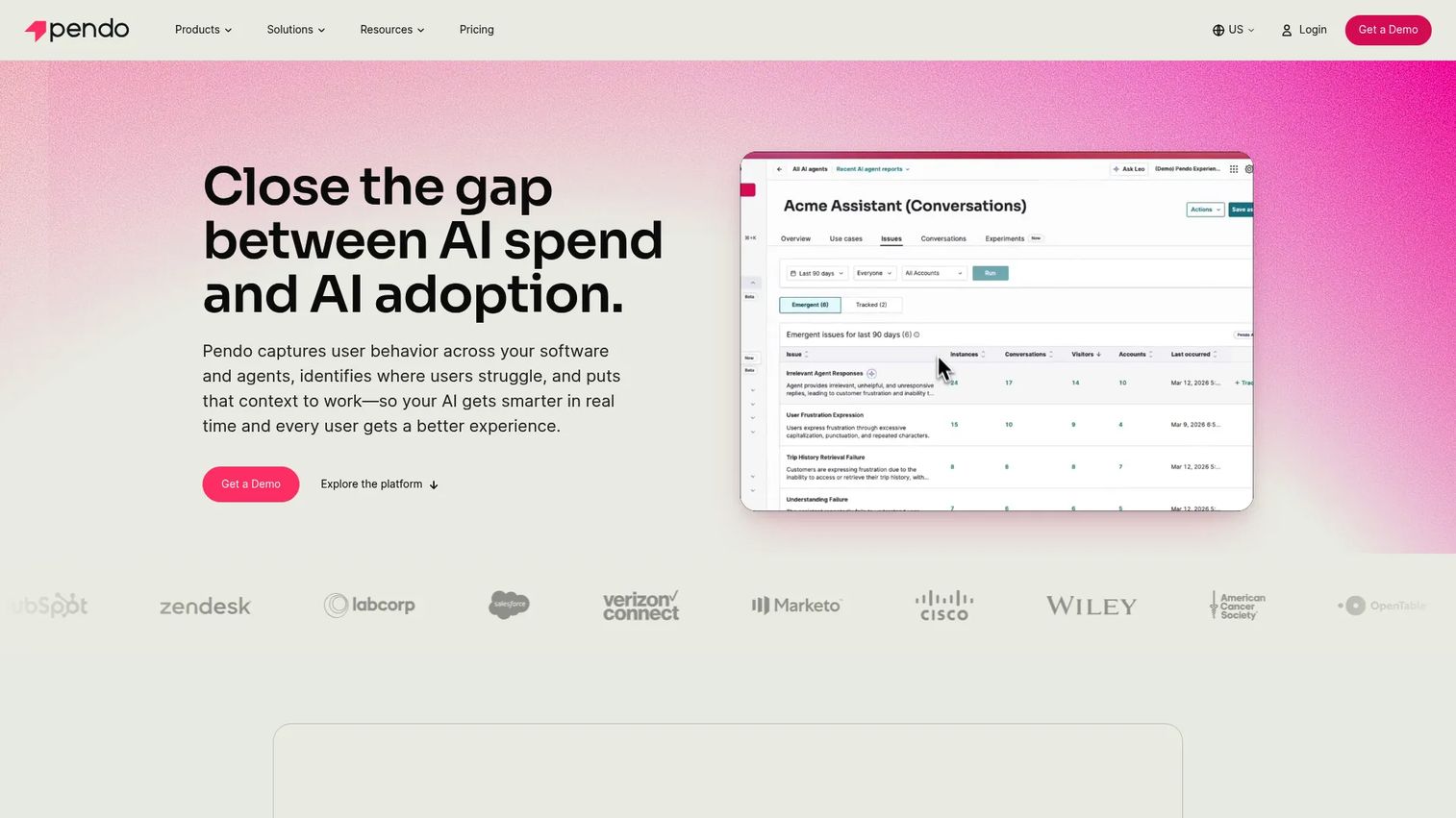
Pendo is a software experience platform that puts product analytics, in-app guides, feedback, and session replay in one system. Its strength shows when analytics and guidance need to live together rather than in separate tools. You can see exactly where users drop off, then deploy a guide to that exact step without leaving the platform.
That makes Pendo a strong fit for analytics-heavy product organizations. The depth of behavioral data behind the guidance layer means segmentation and triggering can be more precise than a guidance-only tool allows. For PMs who need to defend onboarding ROI against feature work, that data trail is useful.
Best for: Product and growth teams that want analytics plus in-app engagement in one platform.
Key strengths
- Product analytics with deep behavioral tracking
- In-app guides for onboarding and adoption
- Session replay to diagnose drop-off
Why choose Pendo: It is the pick when the analytics matter as much as the guidance and you want both from a single system. The free tier lets small teams start, while paid plans scale into enterprise analytics needs.
Pendo pricing: Pendo offers a free plan covering product analytics and in-app guides for up to 500 monthly active users. The Base, Core, and Ultimate paid plans are custom-priced and MAU-based, so pricing comes through sales.
4. Chameleon
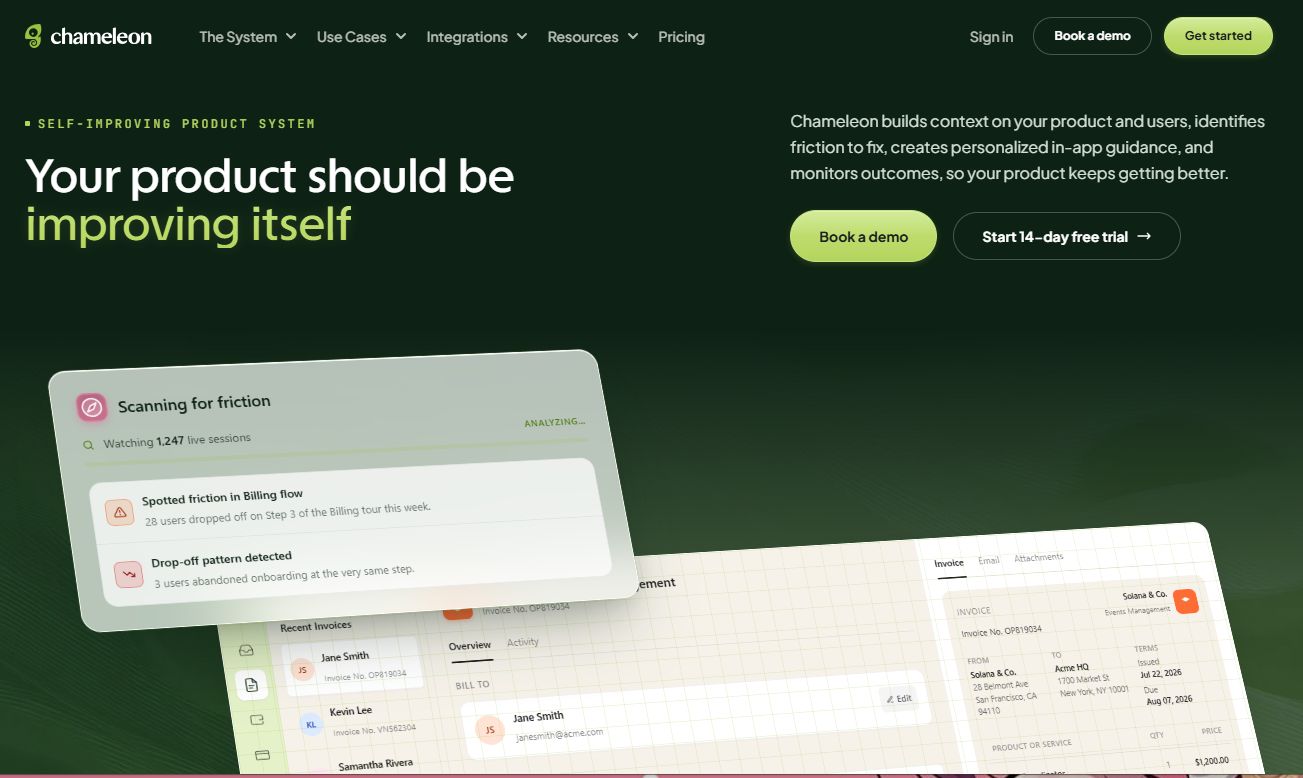
Chameleon is an AI-first product adoption platform for in-app guidance, surveys, and onboarding. Its distinguishing focus is control over how patterns look and behave, so guidance feels native to your product rather than bolted on. Teams that care about polished, on-brand UX tend to gravitate here.
That design flexibility comes with depth: A/B testing, segmentation, rate limiting, and templates let a PM run controlled experiments instead of shipping guesses. If your onboarding needs to match a carefully designed interface and you want to test variations rigorously, Chameleon fits that brief.
Best for: SaaS teams that want no-code in-app onboarding with strong control over native-looking UX.
Key strengths
- Product tours, tooltips, surveys, and launchers
- A/B testing, segmentation, rate limiting, and templates
- AI agents and interactive demos
Why choose Chameleon: Choose it when native-looking guidance and rigorous experimentation matter more than the lowest entry price. The customization depth rewards teams with design standards to uphold.
Chameleon pricing: The Startup plan starts at $279 for 2,000 monthly tracked users. Pro runs from $750 per month for 5,000 MTUs, Growth from $1,250 per month billed annually, and Enterprise is custom. A 14-day free trial is offered.
5. Userflow
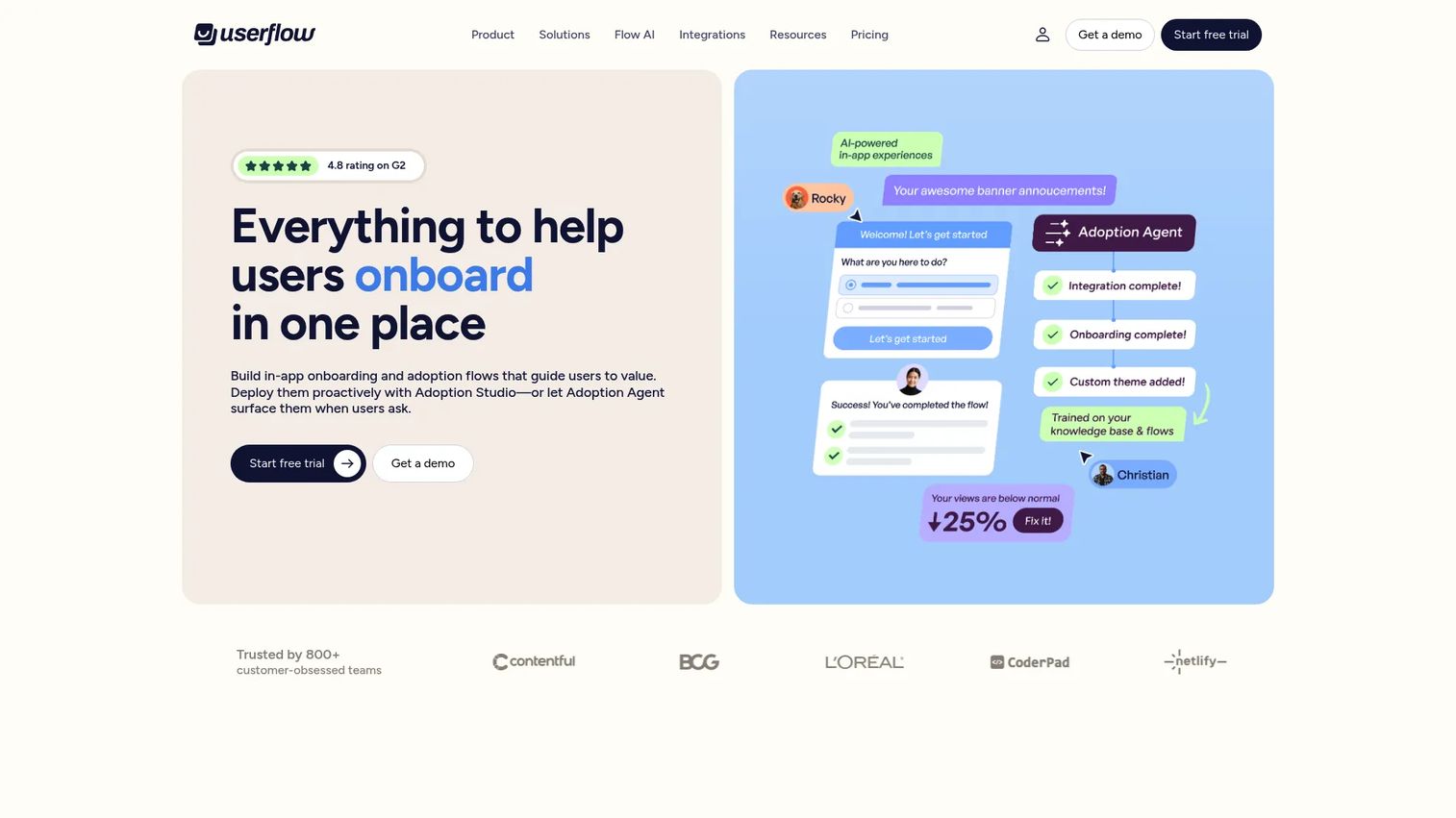
Userflow is an AI-powered product adoption platform built for speed of setup. Its no-code flow builder lets a PM stand up product tours, tooltips, checklists, and a resource center quickly, without leaning on engineering. Teams that want to ship onboarding this week rather than next quarter tend to like it.
The AI adoption agent adds a self-serve support layer on top of the guidance, so users can get answers in context. With a 4.8/5 G2 rating, it holds the highest score on this list, which tracks with its reputation for a clean editor and straightforward flows. It fits smaller teams and focused onboarding jobs well.
Best for: SaaS teams needing no-code in-app onboarding and AI-guided product adoption they can ship fast.
Key strengths
- No-code flow builder for tours and tooltips
- Resource center, checklists, hotspots, and announcements
- AI-powered adoption agent and flow-based guidance
Why choose Userflow: Pick it when speed to launch and a clean building experience rank above heavy analytics depth. The AI agent extends it from onboarding into self-serve support.
Userflow pricing: Adoption Studio starts at $500 per month billed monthly, or $400 per month billed annually. The Adoption Agent product starts at $100 per month, or $80 per month billed annually. Both include a 14-day free trial.
6. Whatfix
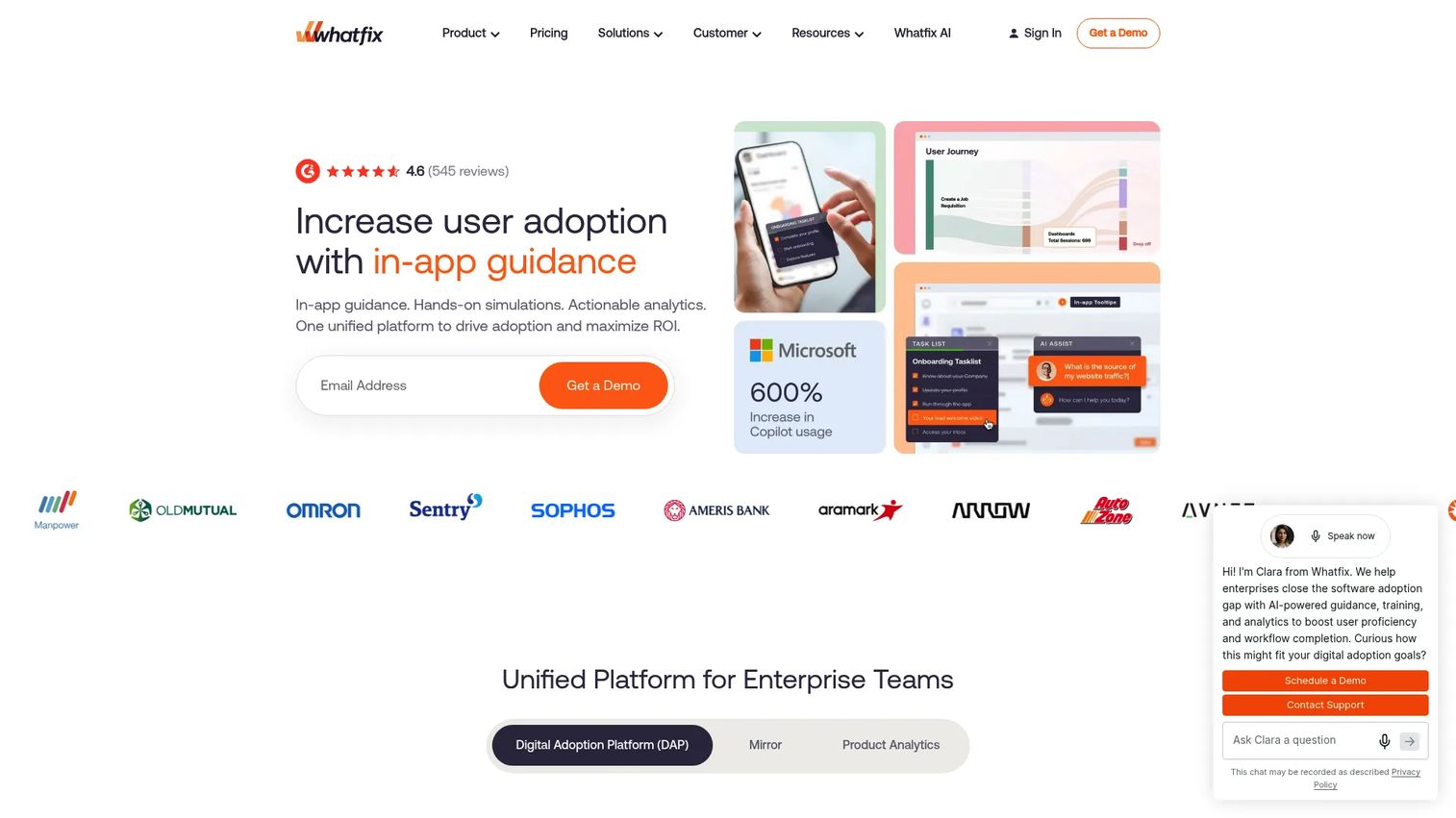
Whatfix is an AI-powered digital adoption platform for in-app guidance, support, analytics, and training. Its scope runs broader than customer onboarding alone. It is built to deploy guidance across web, desktop, and mobile applications, which makes it a fit for enterprise adoption and internal enablement, not just a single SaaS product.
That governance layer is what separates it from lighter tools. If you are rolling out adoption across many applications, managing internal training, and deflecting support at scale, Whatfix handles the breadth. For a PM whose remit is one product's onboarding, its capability set reaches beyond the immediate job, which is worth weighing.
Best for: Enterprises needing scalable digital adoption, onboarding, and in-app enablement across web, desktop, or mobile apps.
Key strengths
- In-app guidance via Flows, Task Lists, Smart Tips, and Beacons
- Self-service support and embedded help content
- Analytics and feature adoption insights
Why choose Whatfix: Choose it when adoption spans multiple applications and you need governance and scale, not just customer onboarding. Its breadth suits enterprise programs more than single-product teams.
Whatfix pricing: The pricing page lists Standard, Premium, and Enterprise plans. Pricing is a flat fee plus user license fees, with no public numeric price shown, so budget through sales.
7. Product Fruits
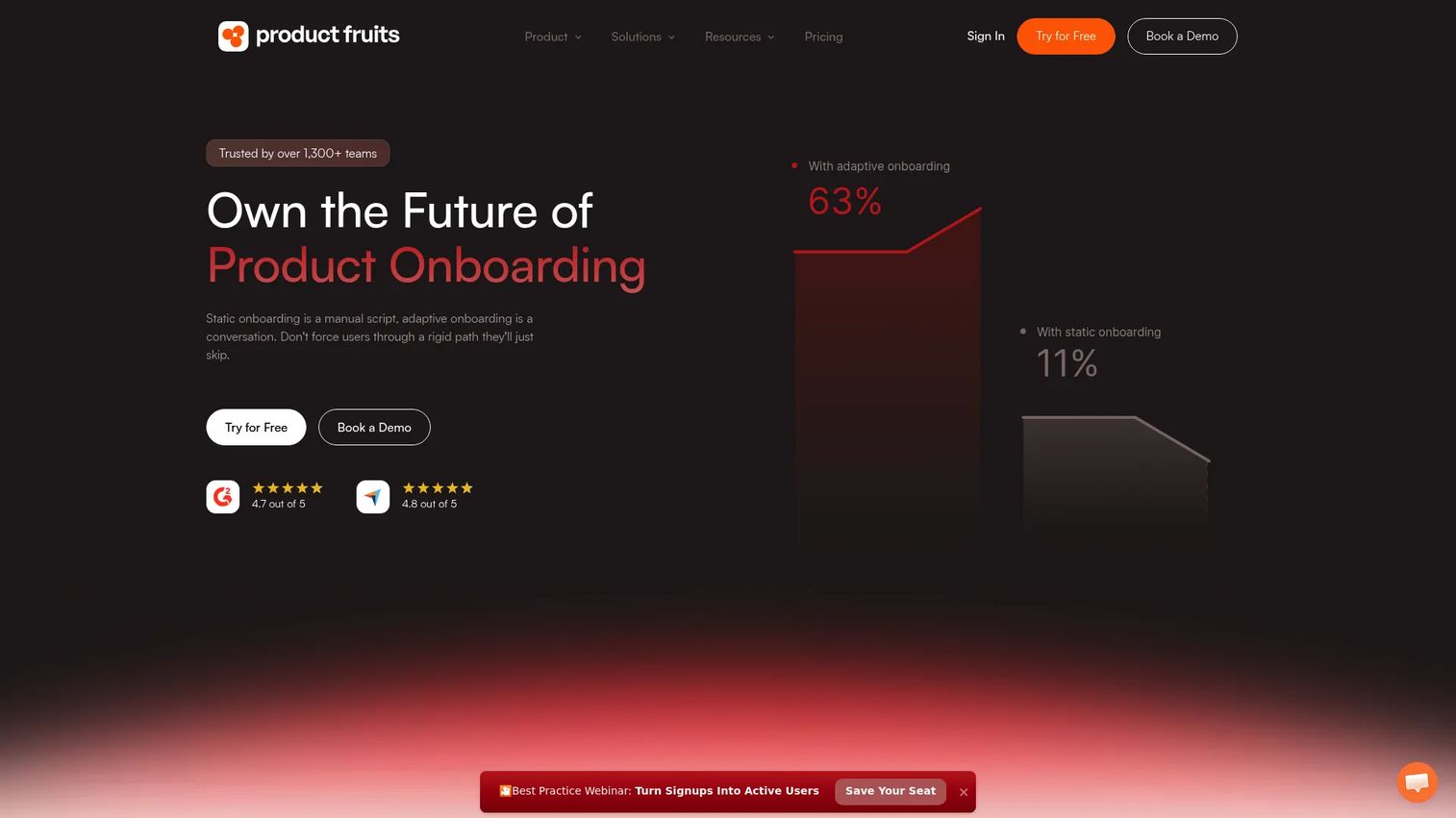
Product Fruits is an AI-powered product adoption and onboarding platform aimed at SaaS teams that want the full toolkit without the higher price tags. It covers flows, tours, checklists, hints, tooltips, surveys, a knowledge base, and a feedback widget, so a PM gets the core patterns in one no-code package.
For budget-conscious teams, that combination matters. You get feature discovery, user education, and onboarding without stitching together point tools or committing to enterprise contracts. It fits growing SaaS companies that need practical onboarding now and want room to scale later.
Best for: SaaS teams that want no-code in-app onboarding, guidance, and product adoption tooling at a lower entry price.
Key strengths
- Flows, tours, and guides
- Onboarding checklists, hints, and tooltips
- NPS surveys, feedback widget, knowledge base, and custom events
Why choose Product Fruits: Pick it when you want a complete onboarding toolkit at a lower cost than the premium platforms. It covers the essentials without forcing an enterprise commitment.
Product Fruits pricing: The Starter plan begins at $96 per month, with Pro and Business at $149 per month, all with 25% off when billed annually. A custom plan is available, pricing is MAU-based, and a free trial is offered.
8. UserGuiding
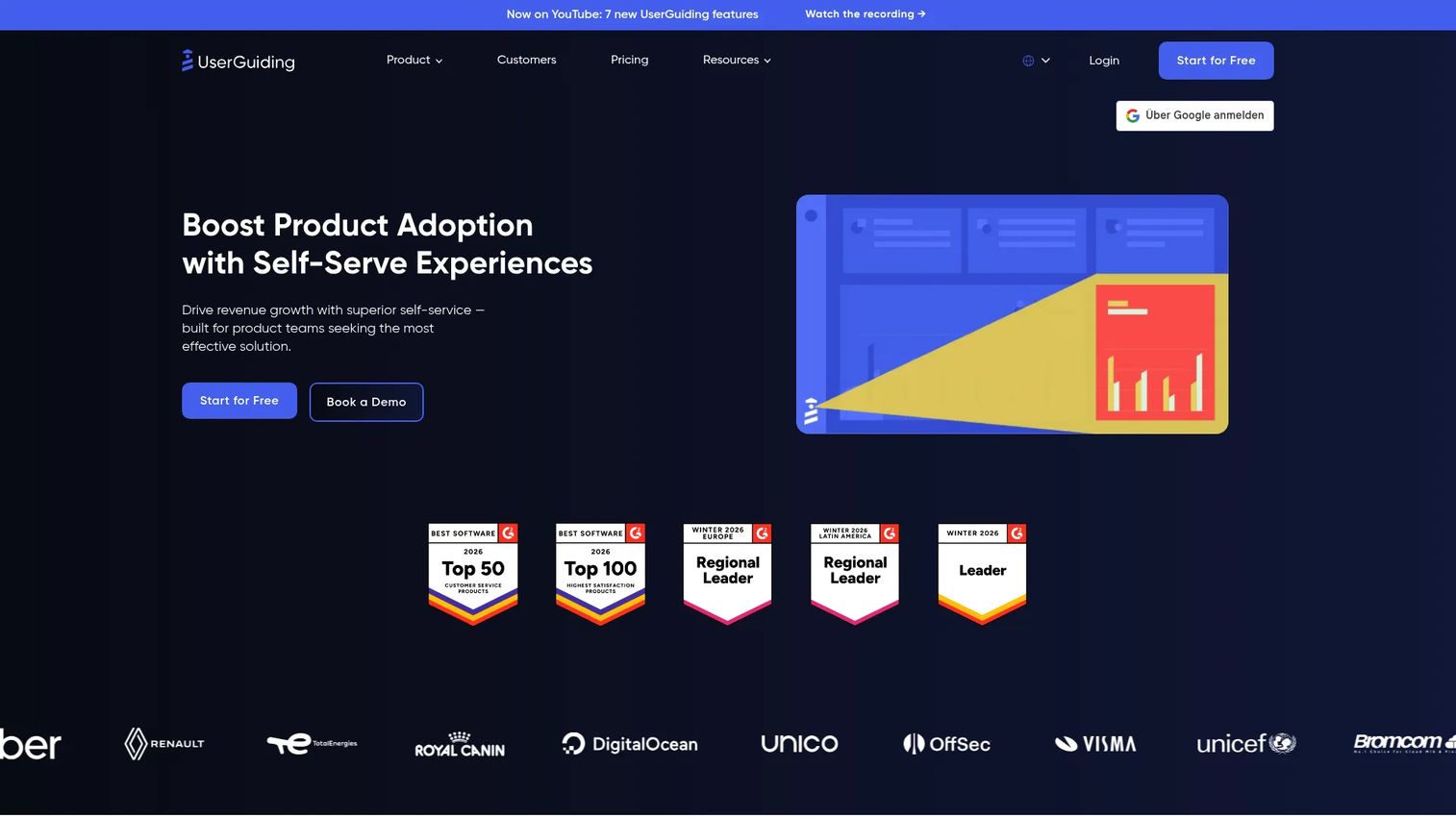
UserGuiding is a no-code user onboarding and product adoption platform built as a lower-cost entry point into in-app guidance. It focuses on the essentials done well: product tours, onboarding checklists, and resource centers that a PM can build and ship without engineering support.
That simplicity is the appeal for teams new to in-app guidance. You get the core patterns and a free tier to test the approach before committing budget. As onboarding needs grow, the paid plans scale with monthly active users. It is a smart starter option for smaller teams validating whether guidance moves their activation numbers.
Best for: B2B product teams that want no-code in-app onboarding and self-serve support at an accessible price.
Key strengths
- Product tours for step-by-step guidance
- Onboarding checklists that drive first value
- Resource centers for self-serve help
Why choose UserGuiding: Choose it when you want an affordable, easy way to start with in-app guidance and prove the concept. The free tier lowers the barrier to a first test.
UserGuiding pricing: A free Support Essentials plan is available forever. Paid tiers are Starter at $174 per month and Growth at $349 per month, both billed yearly, with Enterprise quote-based. Pricing is MAU-based.
Considerations
Before you commit, run each shortlisted tool through this checklist. These are the criteria that separate a tool that ships value from a tool that becomes maintenance debt.
Segmentation depth
Guidance that fires for everyone is guidance nobody trusts. Check whether the tool segments by role, plan, lifecycle stage, channel, and use case. Multi-persona products need different paths for admins and end users, so shallow segmentation forces awkward workarounds. Test the segmentation editor on your real user attributes before buying.
No-code editing and maintenance
Onboarding rots as the UI changes. The whole point of these tools is shipping and fixing guidance without an engineering ticket. Confirm that a non-technical PM can edit flows, and check how gracefully the tool handles UI changes so a redesign does not silently break every tooltip.
Analytics and experimentation
You cannot prove onboarding ROI against feature work without instrumentation. Look for event-based triggering, funnel analytics, and A/B testing so you can measure activation, time to value, and completion. A tool without experimentation forces you to ship guesses and hope.
Integrations with your data stack
Guidance data is only useful if it lands where you already analyze behavior. Verify integrations with your analytics platform, CRM, and warehouse. Clean event syncing lets you tie guidance engagement to retention and revenue instead of treating it as a black box.
Conclusion
The right in-app guidance tool depends on three things: how deep your segmentation needs go, how tightly guidance and analytics must live together, and how much maintenance your team can absorb.
For a PM who wants broad pattern coverage and no-code ownership, Appcues is the safe all-around pick. If analytics and guidance need to sit in one system, Pendo or Userpilot earn the look. When speed to launch matters most, Userflow gets you shipping fast. Enterprise adoption across many apps points to Whatfix. And if budget is the constraint, Product Fruits and UserGuiding deliver the essentials without the enterprise price.
Shortlist two or three, run each on your actual user segments during a trial, and measure the effect on activation before you commit. And if you want users to grasp the workflow before they even sign in, pair your in-app layer with a self-serve interactive demo so the value is obvious from the first click.
Start your journey with Guideflow today!
FAQs
In-app guidance software focuses on contextual help and onboarding inside your own product, aimed at customer activation and adoption. A digital adoption platform layers guidance across many applications, often internal enterprise software, for employee training and support deflection at scale. If your job is onboarding one SaaS product, choose in-app guidance. If it is rolling out adoption across a portfolio, choose a DAP.
Appcues is the strongest all-around choice for SaaS onboarding because it covers the widest range of patterns with no-code editing and solid integrations. Userflow and Userpilot are close alternatives if you want faster setup or built-in analytics. The best pick depends on your segmentation needs and how much you want guidance and measurement in one place.
Choose Pendo when product analytics matter as much as the guidance and you want both in one platform. Choose Userpilot when you want in-app engagement plus analytics at a lower entry point than enterprise analytics suites. Choose Appcues when pattern breadth and no-code ownership across web and mobile are your priority. All three handle onboarding well, so let your analytics depth and budget decide.
For most tools, no. These platforms are built for no-code editing, so a PM can create flows, tooltips, and checklists without shipping code. Engineering is usually only needed once, to install the snippet or SDK and pass user attributes for segmentation. After that, the guidance layer is yours to own and iterate.
Segmentation and event-based triggering matter most, because activation depends on showing the right guidance to the right user at the right moment. Onboarding checklists and product tours that lead to a first meaningful success drive time to value. Analytics close the loop so you can see whether the guidance actually moved activation or just added noise.
Track activation rate, time to first value, onboarding completion, and early retention like D7 and W1. Compare cohorts that saw the guidance against those that did not, ideally through an A/B test inside the tool. Secondary signals include fewer "how do I" support tickets and higher adoption of the workflows you guided users toward.
Yes. When users can self-serve answers through a resource center and contextual tooltips on confusing screens, they stop opening tickets for the same repetitive questions. Deflection works best when the guidance sits on the exact screens that generate tickets, so audit your ticket data first, then place guidance where the friction actually is.
UserGuiding is a strong low-cost entry point because it offers a free tier plus affordable paid plans, letting a startup validate whether guidance moves activation before committing budget. Product Fruits is another budget-friendly option that includes a fuller toolkit. Both let a small team ship onboarding without an enterprise contract.