A lead comes in on Tuesday. Someone visits the site on Thursday. The estimator updates numbers on Friday. By Monday, the owner wants forecast confidence, and the information is split across three inboxes, a spreadsheet, and a text thread.
This is where construction revenue leaks. Not on the jobsite. In the gap between first inquiry and awarded project.
According to Intuit (2025), 75% of construction decision-makers say disconnected tech stacks cause them to spend too much time managing data. The same research found construction firms use an average of 10 different tools per business. That number compounds fast when nobody owns the handoff from sales to delivery.
Construction CRM software fixes the lead-to-project motion: Who owns the opportunity, where the bid stands, what the client was promised, and whether the operations team receives the context they need to execute. The question is which platform fits your workflow, business model, and the capacity you have to run it.
What's inside
This guide is for construction business owners, sales leaders, estimators, and founders evaluating the category. Eleven tools were selected based on:
- Construction workflow fit: Does the platform handle bid stages, site visits, proposal revisions, and project handoffs, not just generic contact records?
- Implementation effort: Can a small team configure it within weeks, or does it require a months-long rollout?
- Pricing transparency: Are plans clearly stated, or does everything route to a sales call?
- Mobile access and field usability: Can field teams view customer context and log activity away from a desk?
TL;DR
- Best overall for residential builders and remodelers: Buildertrend connects sales, project management, client communication, and financials in one platform
- Best for commercial preconstruction teams: Buildr structures RFP intake, go/no-go decisions, and bid tracking for general contractors
- Best for solar, roofing, and construction sales teams: Sunbase ties leads, estimates, and operations to a single workflow
- Best for field-service and home-service contractors: Jobber covers quoting, scheduling, and invoicing for shorter-cycle service businesses
- Best free CRM starting point: HubSpot CRM and Zoho CRM both offer free tiers with meaningful pipeline capability
- Best for configurable sales workflows: Pipedrive, monday CRM, Pipeline CRM, and Capsule CRM each fit teams that want a flexible pipeline without buying a construction-native platform
What is construction CRM software?
Construction CRM software is a customer relationship management system designed to organize leads, contacts, site visits, bids, proposals, sales activity, and project handoffs for builders, contractors, and construction business development teams.
How construction CRM differs from general CRM software
General CRM tools manage contacts and deal stages. Construction CRM manages the records and workflows specific to how construction revenue actually moves:
- Company and contact records, including subcontractors and jobsite contacts
- Opportunity stages tied to estimates, bids, proposals, awards, and documented loss reasons
- Appointment, site visit, and activity history linked to a specific project
- Estimator ownership, bid deadlines, and proposal revision tracking
- Project handoff workflows that carry scope, commitments, and documents into delivery
Core features to look for
- Lead intake and source tracking
- Construction sales pipelines with bid-stage visibility
- Proposal and bid management
- Jobsite and project records
- Mobile access for field teams
- Integrations with estimating, accounting, and project management tools
- Dashboards and sales forecasting
- Activity logging and follow-up reminders
- Role-based permissions
- Configurable handoff workflows
What construction CRM should not replace
CRM does not automatically replace detailed cost estimating, full project management, accounting and job costing, or procurement and document control. Some construction platforms combine several of these functions. General CRMs need integrations or custom workflow design to bridge these gaps.
| Layer | What it manages |
|---|---|
| CRM | Leads, opportunities, bids, proposals, contacts, handoff |
| Project management | Scheduling, tasks, field coordination, RFIs, submittals |
| Estimating | Takeoffs, cost codes, pricing, scope |
| Accounting | Job costing, invoicing, payments, budgets |
When to use construction CRM software
Capture and qualify leads before estimating work starts
Every inquiry that sits in an inbox is a bid you might miss. A CRM routes inbound leads to an owner, tracks the source, and creates a qualification record before the estimator gets involved. This matters most when lead volume is growing faster than the team's ability to follow up.
Manage bids, proposals, and pursuit decisions
Bid capacity is finite. A CRM gives the team visibility into which opportunities are worth chasing, who owns each one, and where each bid stands, including whether to go or pass. That data also becomes win-loss learning over time.
Hand off awarded work without losing deal context
The project team should receive the full customer context at award: Scope notes, key contacts, proposal documents, decision history, and commercial commitments. A clean handoff here prevents the surprises that cost money during construction and damage client relationships.
Construction CRM software comparison
The table below is a routing tool, not a universal ranking. Construction-native platforms tend to bundle CRM with project workflows. General CRMs require internal configuration to model construction-specific stages and records. Choose based on what your team needs to run consistently, not what the vendor claims is possible.
Pricing and G2 ratings reflect verified data from each vendor's official pricing page and live G2 listing (October 2026).
| # | Product | Best for | Key use case | Pricing | G2 rating |
|---|---|---|---|---|---|
| 1 | Buildertrend | Residential builders and remodelers | Lead-to-project management | Custom pricing | N/A |
| 2 | Buildr | Commercial GCs and preconstruction teams | RFP intake and pursuit management | Custom pricing | 4.8/5 |
| 3 | Sunbase | Solar, roofing, and construction sales teams | Leads, bids, and operations | From $59/user/mo | 5.0/5 |
| 4 | Procore | Commercial construction organizations | Bid, project, and delivery coordination | Custom pricing | 4.6/5 |
| 5 | Jobber | Home-service and specialty contractors | Customer, scheduling, and job management | From $29/mo | 4.6/5 |
| 6 | monday CRM | Teams building custom construction workflows | Flexible boards and pipeline automation | From $12/seat/mo | 4.5/5 |
| 7 | HubSpot CRM | Growth-minded firms with marketing needs | Lead capture, automation, and reporting | Free tier available | N/A |
| 8 | Pipedrive | Sales-led construction businesses | Visual pipeline and activity management | From $14/seat/mo | 4.3/5 |
| 9 | Zoho CRM | Cost-conscious teams needing customization | CRM customization and connected apps | Free tier; paid from $14/user/mo | 4.1/5 |
| 10 | Pipeline CRM | Small to mid-sized B2B sales teams | Straightforward pipeline execution | From $25/user/mo | 4.3/5 |
| 11 | Capsule CRM | Smaller firms with simple relationship workflows | Contact and opportunity management | Free tier available | 4.7/5 |
Best 11 construction CRM software tools for 2026
1. Buildertrend
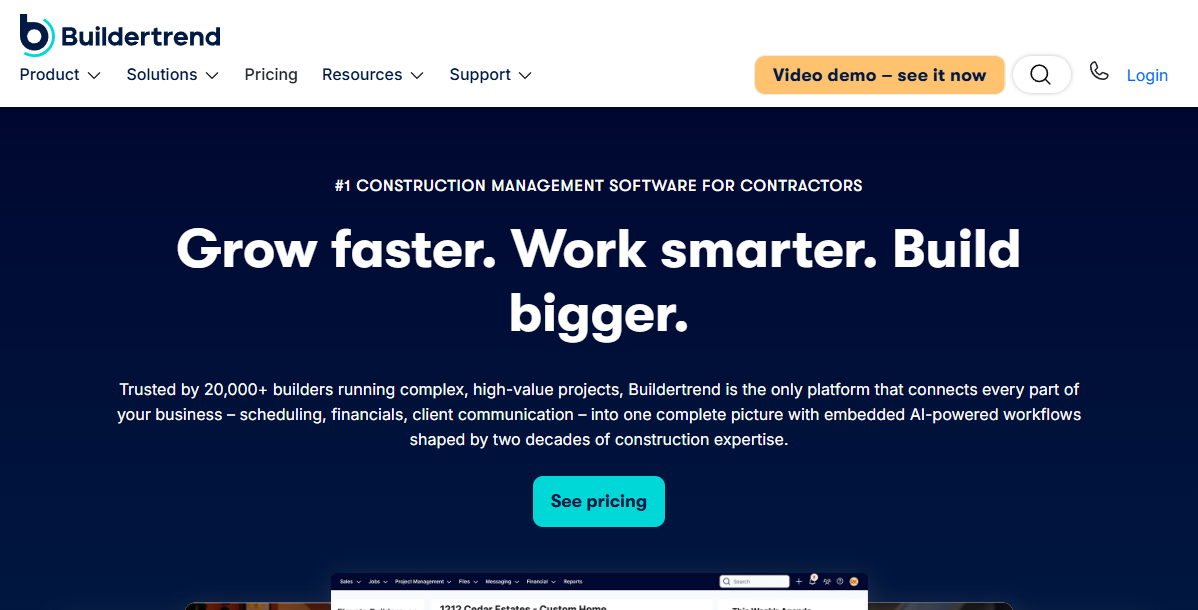
Buildertrend is a construction management platform built for home builders, remodelers, and specialty contractors. It connects sales activity, project management, client communication, and financials so the team works from one system instead of five. The CRM side covers lead capture, proposals, and sales pipeline tracking; the project side handles scheduling, change orders, daily logs, and client selections.
Best for: Residential construction firms that want to carry customer and sales context directly into project execution without switching platforms.
Key features
- Lead capture, sales pipeline, and contact records
- Proposal and change-order workflows
- Client communication portal
- Project scheduling, selections, and task management
- Budget, invoice, and payment tracking
Why choose Buildertrend: It fits organizations where the friction between sales and production creates the most operational drag. Teams that only need a lightweight pipeline tool may find the full platform more than they need at first.
Buildertrend pricing: Pricing is personalized based on builder type and annual revenue. Buildertrend does not publish a base rate and states that no free trial is available, though every plan includes the full feature set. Contact Buildertrend directly to get a quote based on your firm's size and workflow.
2. Buildr
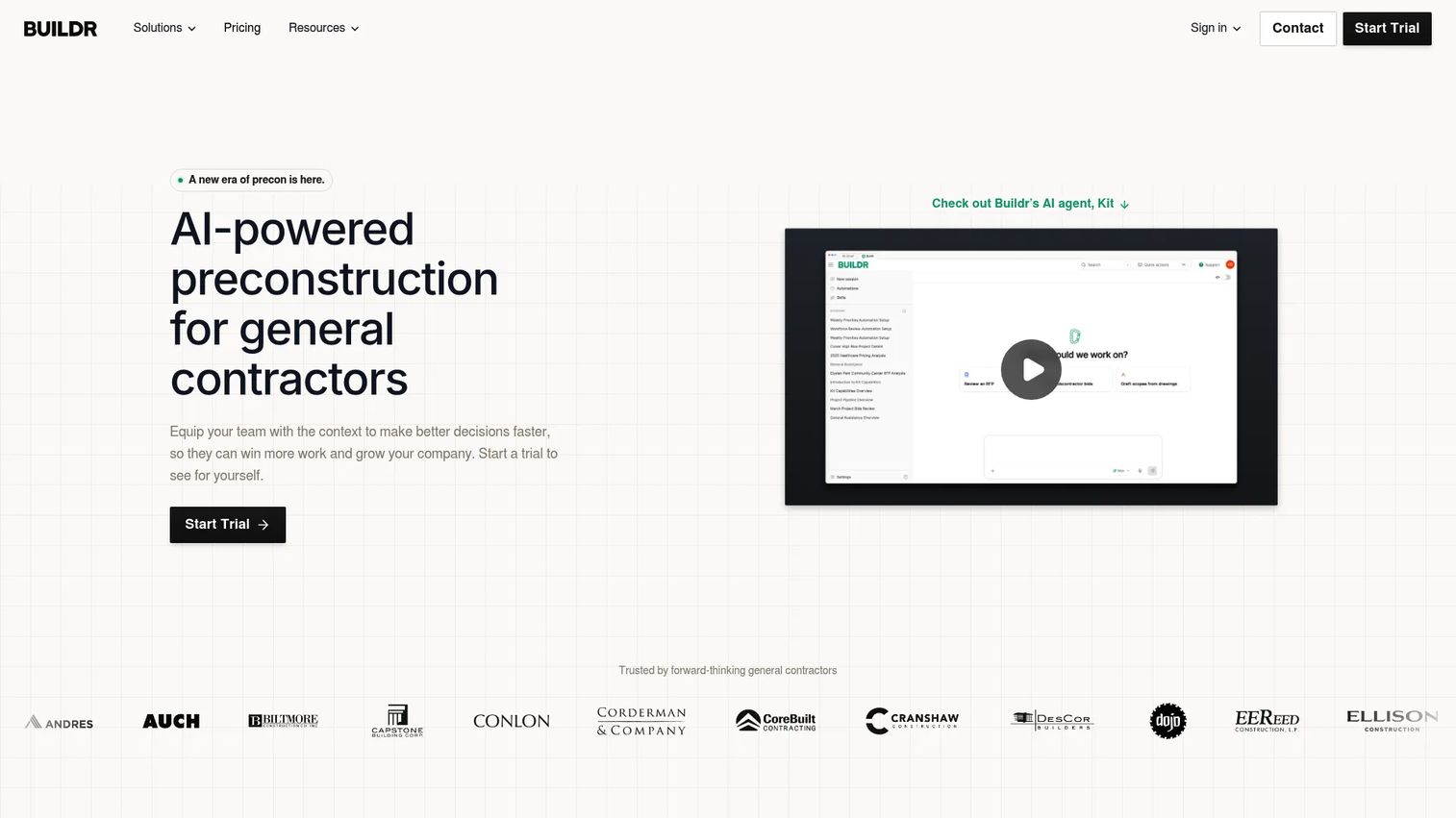
Buildr is a preconstruction platform for general contractors covering CRM, estimating, bid leveling, collaboration, and project handover. Its CRM module structures RFP intake, opportunity qualification, go/no-go decisions, and bid status tracking with custom fields and dashboards. The platform also integrates with Procore and Microsoft Office 365, which matters for commercial teams already running those systems.
Best for: General contractors that need structured pursuit management and estimating discipline before they commit bid resources to an opportunity.
Key features
- RFP intake and opportunity qualification
- Go/no-go evaluation workflows
- Pursuit and bid tracking with custom fields
- AI-assisted estimating using project documents
- Project closeout, handover, and warranty management
Why choose Buildr: It protects preconstruction capacity by forcing qualification decisions early. For a founder who has watched the estimating team chase unwinnable bids, the discipline Buildr adds to the funnel pays off in both win rate and cost per bid.
Buildr pricing: Pricing is customized per company. The pricing page states that users and data are unlimited, with onboarding, training, and support included. Contact Buildr's sales team for a tailored quote.
G2 rating: 4.8/5
3. Sunbase
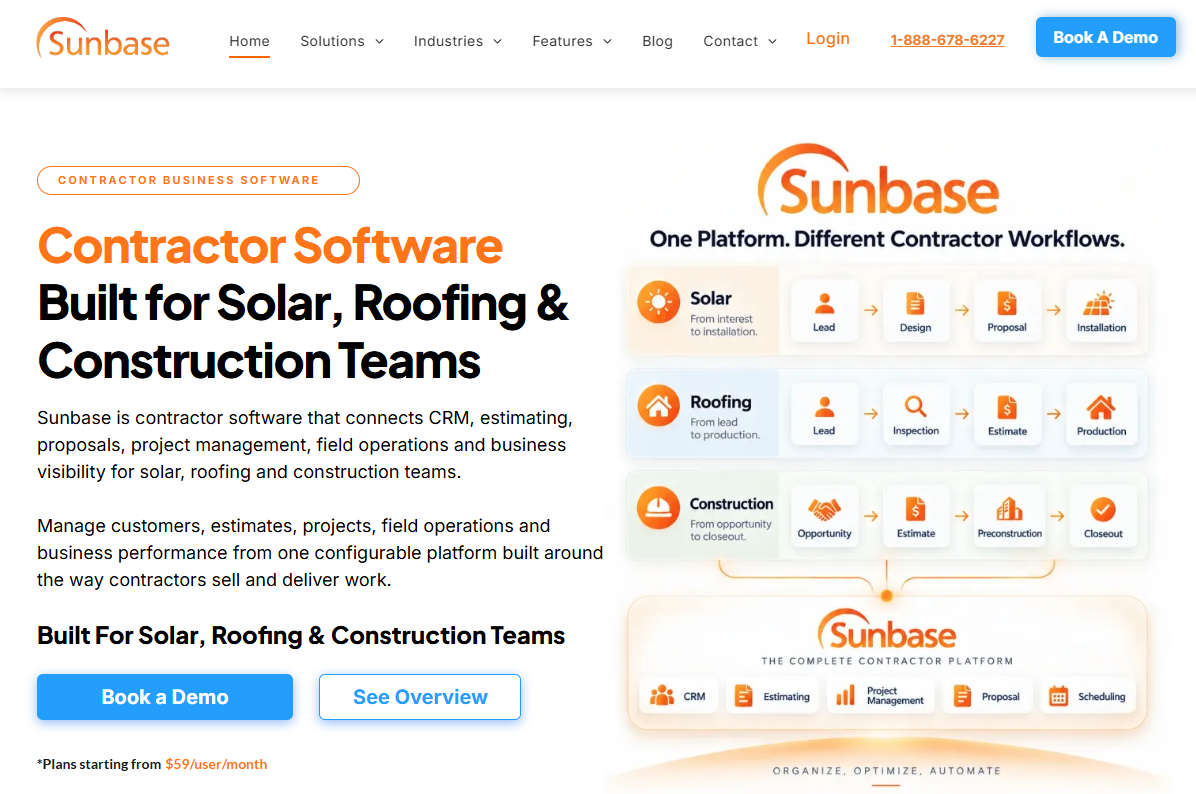
Sunbase is contractor software connecting CRM, estimating, proposals, project management, field operations, and reporting for solar installers, roofing contractors, and construction teams. The platform covers the full sales cycle from lead source tracking through bid and award, and includes client communication and e-signing tools. Its bid management software capabilities sit alongside CRM in a single workflow rather than requiring separate tools.
Best for: Construction and solar sales teams that need a dedicated workflow from initial lead through bid outcome and project handoff, with reporting built in.
Key features
- Lead source tracking and sales management
- Estimating, proposals, and e-signing
- Project management and field operations
- Workflow automation and reporting
- Inventory and asset management
Why choose Sunbase: It suits teams where sales data is fragmented across spreadsheets, estimating tools, and inboxes. Bringing those records into one platform creates a single source of truth for pipeline and win-loss learning.
Sunbase pricing: Plans start at $59 per user per month. Final pricing depends on user count, capabilities, workflow configuration, and integrations.
G2 rating: 5.0/5
4. Procore
Procore is a commercial construction platform connecting project delivery, bid management, documents, field collaboration, and financials. Its strength is coordinating complex, large-scale projects across preconstruction, project management, and field teams. The CRM fit is strongest when a company needs customer and opportunity context connected to major project operations, not when it needs a lightweight sales pipeline. According to Sage and AGC (2025), 61% of construction firms already use cloud-hosted project management software, and Procore sits at the center of that shift.
Best for: Commercial contractors and owners running enterprise-grade coordination across preconstruction, field teams, and project stakeholders.
Key features
- Bid management and ITB workflows
- Document control with drawings, RFIs, and submittals
- Real-time project financial visibility
- Mobile field tools with daily logs and safety reporting
- Connected project records across the full lifecycle
Why choose Procore: It makes sense when project execution complexity outweighs the need for a lightweight CRM. Before committing, assess whether your team has the implementation capacity to configure and adopt the platform properly.
Procore pricing: Custom annual pricing based on the products selected and Annual Construction Volume. Users, data, and support are unlimited. Contact Procore for a quote.
G2 rating: 4.6/5
5. Jobber
Jobber is a field-service platform for home-service businesses covering client management, quoting, scheduling, invoicing, online payments, and automated client reminders. It is strongest for recurring or shorter-cycle service workflows: HVAC, landscaping, cleaning, and similar trades. The platform is less suited to complex commercial pursuits with long bid cycles or multi-stakeholder committee buying.
Best for: Home-service and specialty contractor teams that want client records, quoting, scheduling, and billing in one daily workflow.
Key features
- Online booking and request management
- Quotes, invoices, and online payments
- Job scheduling, tracking, and checklists
- Mobile app for field access
- Automated client reminders and follow-up
Why choose Jobber: Choose it when the revenue motion looks more like service delivery than a long construction pursuit. For founders evaluating service-contractor businesses, Jobber's strength is in predictable throughput and lower coordination costs as crew volume grows.
Jobber pricing: Core plan starts at $29/month (billed annually). Connect is $99/month, Grow is $149/month, and Plus is $399/month. All prices are billed annually.
G2 rating: 4.6/5
6. monday CRM
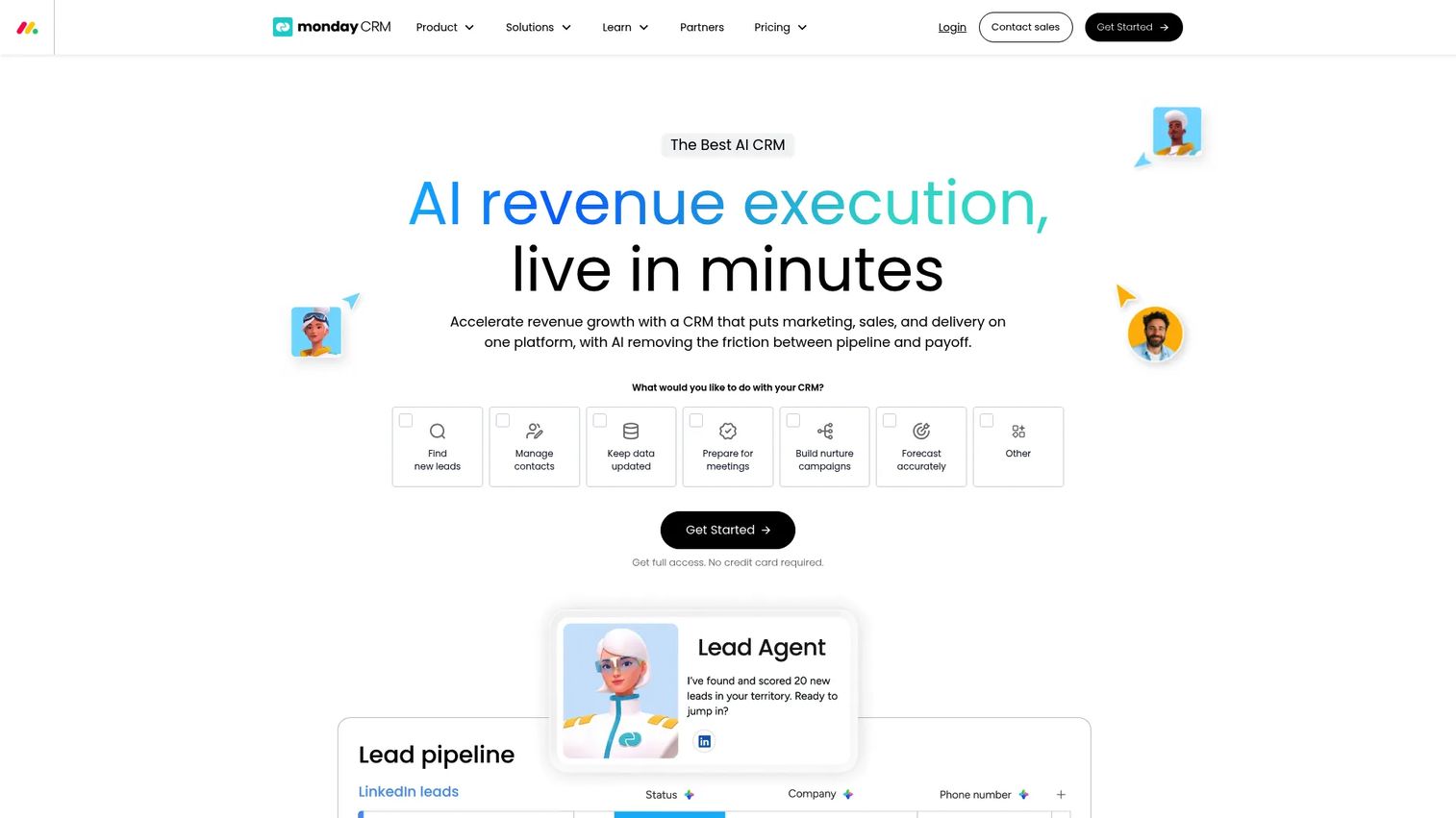
monday CRM is a flexible CRM built around visual pipeline boards, forms, automations, dashboards, and AI-assisted features. Construction firms can configure it for leads, site visits, bids, proposals, and handoffs. It also works well for teams exploring best sales management software options that want workflow flexibility over construction-native structure. The tradeoff is that construction-specific workflows require design work and someone willing to own the system.
Best for: Construction businesses with an operations-minded team that wants custom processes without buying a construction-native platform.
Key features
- Custom pipeline boards and lead capture forms
- Workflow automations and no-code integrations
- AI agents, meeting notes, and data fields
- Dashboard reporting and forecasting
- Quotes, invoices, and mass email sequences
Why choose monday CRM: It fits teams that value configuration and visual operating workflows. Without a named system owner, boards can drift and reporting loses reliability.
monday CRM pricing: Basic plan starts at $12/seat/month (billed annually). Standard is $17/seat/month, Pro is $28/seat/month, and Ultimate is custom pricing. A 14-day free trial is available.
G2 rating: 4.5/5
7. HubSpot CRM
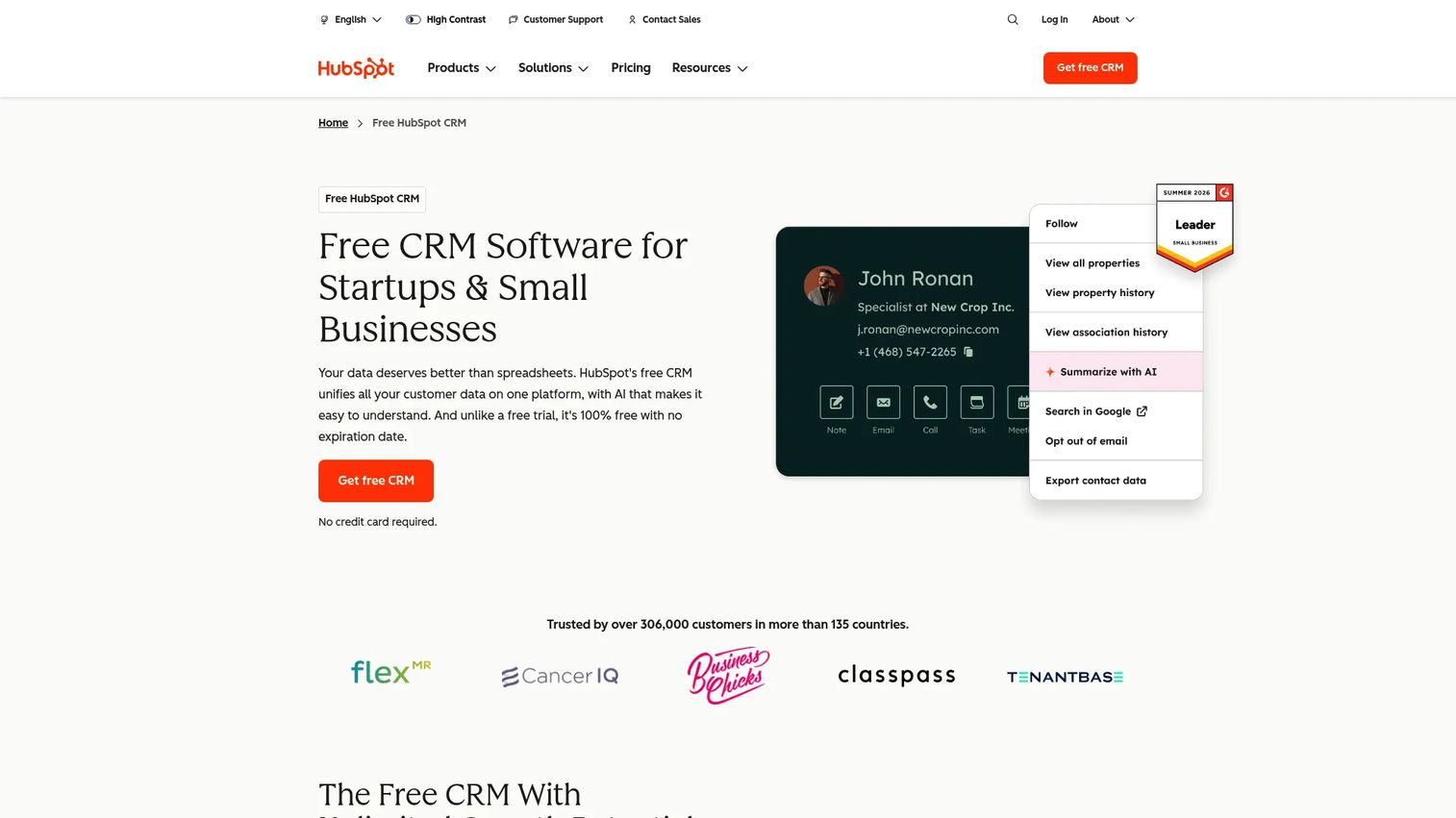
HubSpot CRM is a broadly adopted CRM with lead capture, email automation, sales pipelines, service tools, reporting, and integrations with a wide range of marketing and sales platforms. It works well for construction firms with digital lead generation and longer-term nurture needs. Construction-specific objects and bid workflows require customization, but HubSpot's ecosystem makes integrations achievable. For founders hiring a first revenue leader, HubSpot provides an operating system for pipeline, marketing attribution, and customer lifecycle from day one.
Best for: Growth-oriented construction companies that rely on website leads, email nurture, and a connected sales and marketing motion.
Key features
- Free CRM with contact and deal management
- Website lead capture and email automation
- Pipeline tracking and activity logging
- Reporting dashboards
- Data sync and integrations across the HubSpot ecosystem
Why choose HubSpot CRM: Choose it when lead generation, follow-up consistency, and customer lifecycle reporting matter as much as job-level workflows. It becomes more powerful (and more expensive) as you add Sales Hub or Marketing Hub features.
HubSpot CRM pricing: Free tier available for up to 2 users. Starter plans begin at $7/seat/month. Professional is $45/seat/month, and Enterprise is $75/seat/month. All paid plans are available monthly or annually.
8. Pipedrive
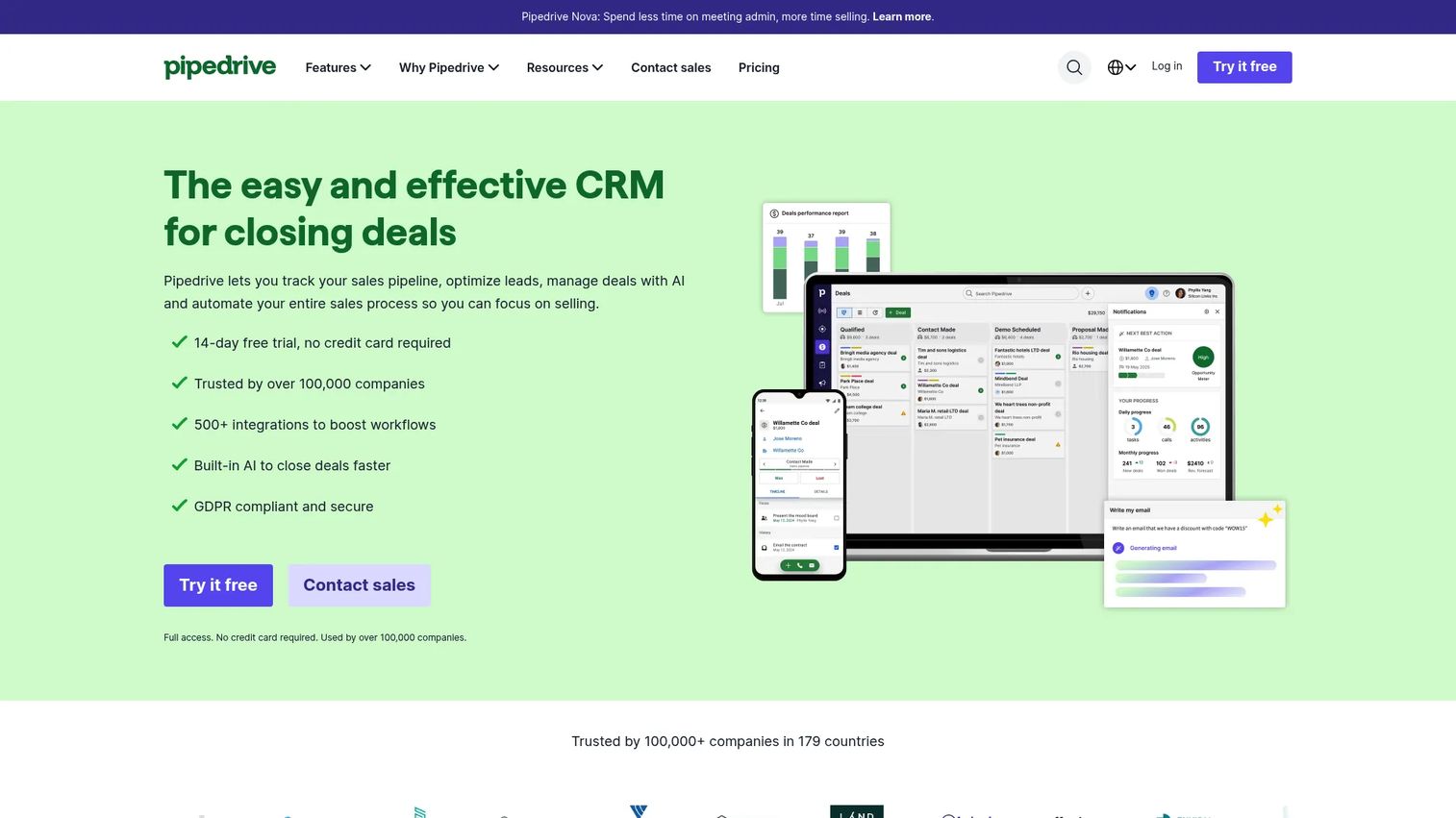
Pipedrive is a sales-focused CRM known for visual pipeline management and activity-based selling. Construction companies can model stages, including qualified lead, site visit, estimate, bid submitted, revision, awarded, and lost, with clear ownership at each step. It connects to more than 500 integrations for estimating, project management, and accounting workflows. Pipedrive works best when the immediate problem is follow-through, forecast accuracy, and deal ownership rather than full construction workflow management.
Best for: Sales-led contractors and builders that want pipeline discipline without adopting a full construction operating platform.
Key features
- Visual deal pipelines with custom stages
- Activity reminders and contact records
- Automations and nurturing sequences
- AI-powered reporting and meeting intelligence
- 500-plus integrations
Why choose Pipedrive: Adoption is fast, which matters when a new sales leader needs a working system in week one. Have a clear integration plan before expecting Pipedrive to connect construction delivery.
Pipedrive pricing: Lite plan starts at $14/seat/month (billed annually). Growth is $39/seat/month, Premium is $59/seat/month, and Ultimate is $79/seat/month. A 14-day free trial is available.
G2 rating: 4.3/5
9. Zoho CRM
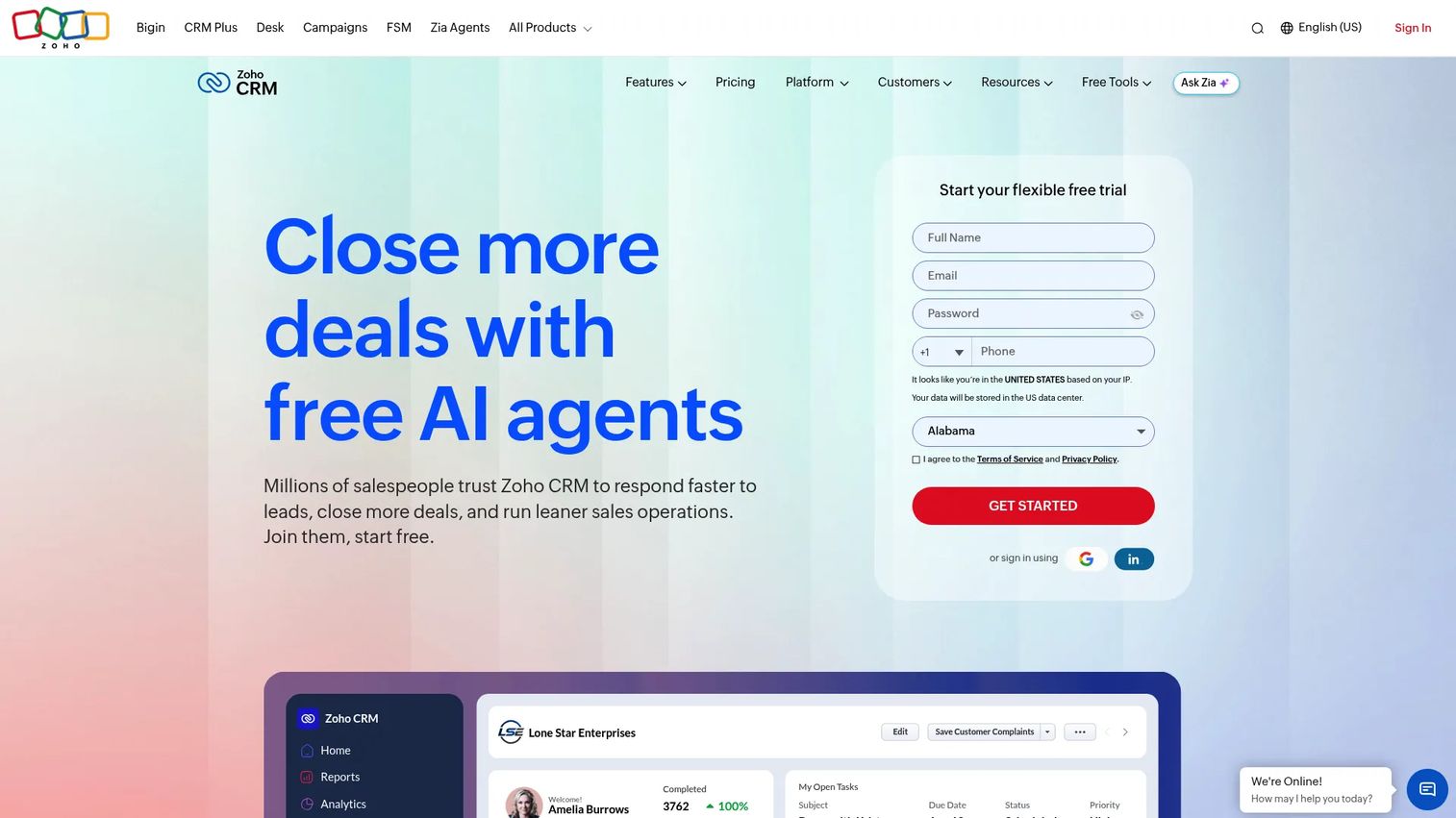
Zoho CRM is a configurable CRM with custom modules, workflow automation, sales forecasting, mobile access, and a connected portfolio of business applications. Construction firms can build custom modules for projects, bids, subcontractors, or jobsite records, making it one of the more flexible general CRM options at a competitive price point. Implementation requires the team to define processes before configuring the system. When comparing account management software options at this price range, Zoho stands out for depth of customization.
Best for: Cost-conscious construction firms that need extensive CRM customization and have internal capacity to configure it.
Key features
- Custom modules, fields, and workflow automation
- Sales forecasting and pipeline management
- Omnichannel engagement across email, phone, and social
- Mobile CRM apps
- AI-powered assistance and analytics
Why choose Zoho CRM: It can deliver broad capability at a lower entry price. The team must define and own the construction workflow configuration, or operational drag will offset the cost savings.
Zoho CRM pricing: Free Edition available. Standard starts at $14/user/month, Professional is $23/user/month, Enterprise is $40/user/month, and Ultimate is $52/user/month.
G2 rating: 4.1/5
10. Pipeline CRM
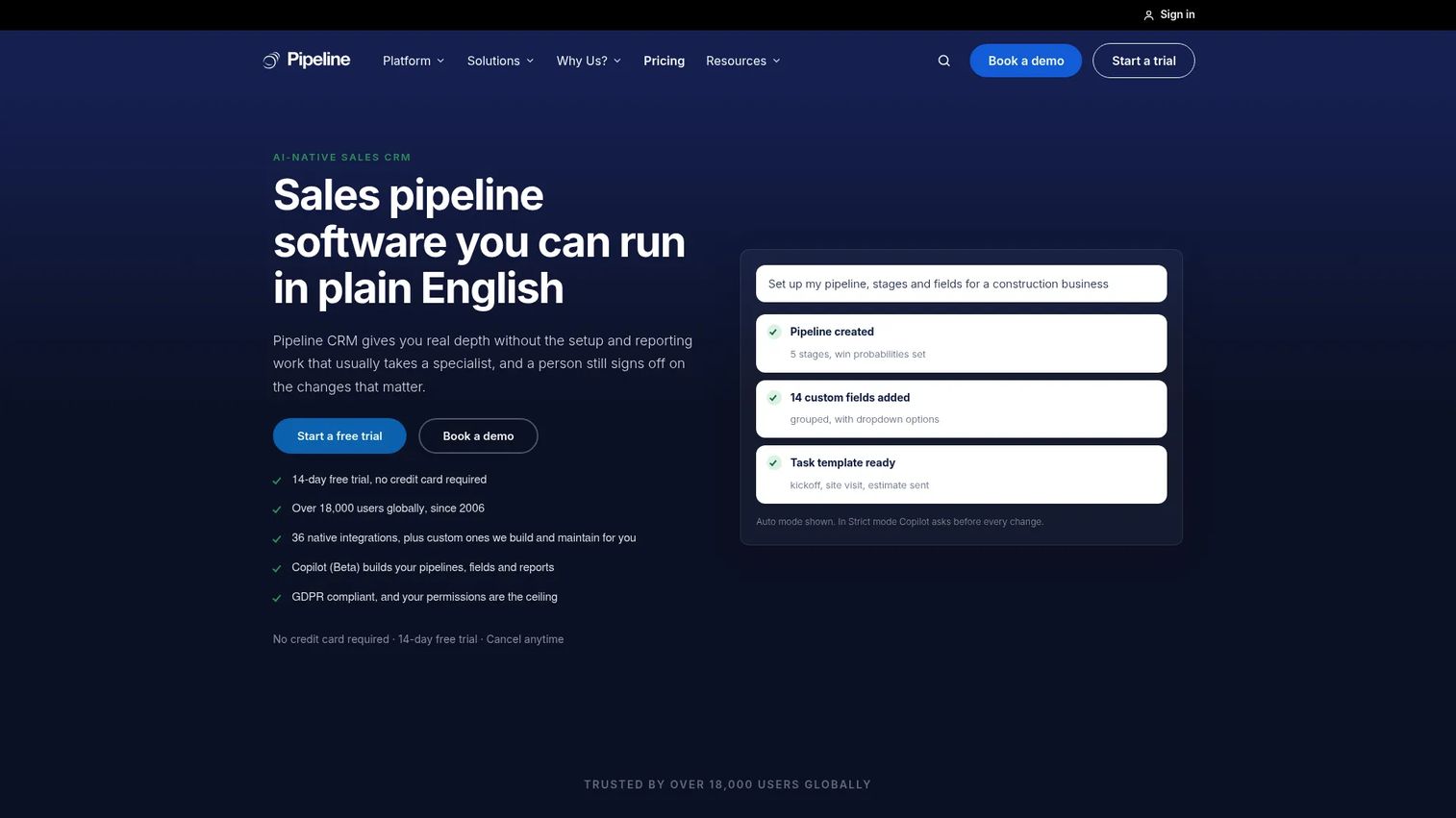
Pipeline CRM is a sales-focused CRM for small and mid-sized B2B sales teams covering contacts, deals, pipelines, activity tracking, stage-weighted forecasting, and email integration. For construction firms that need cleaner follow-up and pipeline visibility without buying a construction management platform, it is a practical choice. The platform also supports lead forms, QuickBooks Online integration, and mobile apps. Field teams use 56% mobile software for customer and job information access according to Sage and AGC (2025), and Pipeline CRM's mobile access supports that pattern.
Best for: Small and mid-sized construction firms that need pipeline discipline before they are ready for a broader construction management platform.
Key features
- Visual Kanban deal pipelines with custom stages
- Activity tracking and email integration
- Stage-weighted sales forecasting
- Lead forms and automations
- QuickBooks Online integration
Why choose Pipeline CRM: A CRM that salespeople use consistently beats a broader system that nobody updates. Pipeline CRM's accessibility makes adoption realistic for smaller teams without a dedicated operations owner.
Pipeline CRM pricing: Start plan is $25/user/month (billed annually) or $29/user/month (billed monthly). Develop is $33/user/month annually, Grow is $49/user/month annually, and Enterprise is custom. A 14-day free trial is available using the Grow plan.
G2 rating: 4.3/5
11. Capsule CRM
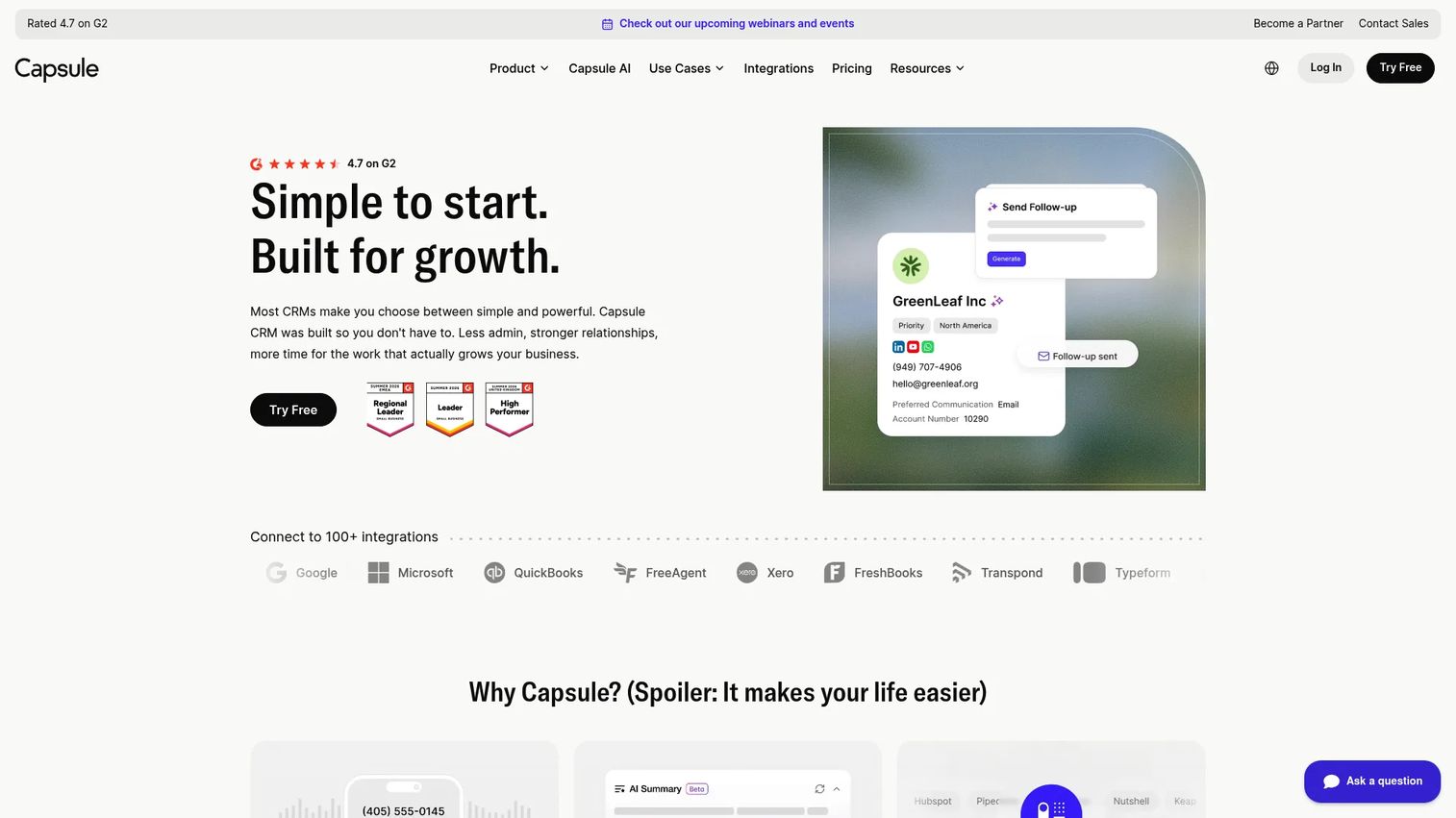
Capsule CRM is a lightweight relationship CRM for managing contacts, sales pipelines, tasks, email integration, and basic reporting. It includes AI summaries, workflow automation, and website lead capture. For smaller construction firms moving out of spreadsheets, it provides structure without overwhelming the team. Its free plan supports up to 2 users and 250 contacts, which works for early-stage businesses building their first repeatable sales process. Capsule becomes less suitable as bid management, project handoff, multi-team reporting, and estimating complexity grow.
Best for: Small construction businesses that need a clean system for contacts, follow-up tasks, and opportunity tracking without heavy configuration.
Key features
- Contact management with relationship history
- Visual opportunity pipelines and forecasting
- Task, calendar, and workflow automation
- Email templates, Gmail, and Outlook integration
- AI summaries and business enrichment
Why choose Capsule CRM: Simplicity is useful when the company needs operating discipline first. Treat Capsule as a starting point rather than a long-term platform if your pipeline complexity is growing.
Capsule CRM pricing: Free plan available (2 users, 250 contacts, 1 pipeline). Paid tiers include Starter, Growth, Advanced, and Ultimate. Specific per-seat prices were not displayed on the pricing page at the time of this review; contact Capsule or check their pricing page directly. A 14-day trial is available on paid plans.
G2 rating: 4.7/5
Considerations when choosing construction CRM software
Match the platform to your revenue motion
A home-service contractor, commercial general contractor, and home builder do not run the same sales process. Document the actual stages from inbound lead to signed agreement before evaluating any platform. A CRM configured for the wrong motion creates confusion, not clarity.
Decide where CRM ends and project delivery begins
List the systems that will own estimating, job costing, accounting, documents, scheduling, and project delivery before you buy. Overlapping systems without a clear system of record create duplicate data entry and reporting gaps that erode the value of the CRM itself.
Test the project handoff, not only the sales demo
Ask every vendor to show how an awarded deal becomes a project. Check whether scope, key contacts, proposal documents, commitments, and notes travel into delivery without manual re-entry. That handoff is where the CRM either pays for itself or becomes a silo.
Check mobile use in the field
According to Sage and AGC (2025), 56% of construction firms use mobile software to access customer and job information from the field. Test the mobile workflow with a real scenario before purchasing. A desktop-first platform can still leave field teams working from text messages and spreadsheets.
Price implementation alongside the subscription
The subscription fee is one part of the total cost. Account for data migration, workflow setup, integrations, training, and the time a team member will spend owning adoption. A lower subscription with a longer implementation often costs more than a higher subscription that deploys in weeks.
How to choose the right construction CRM software for your team
If you are a residential builder or remodeler
Start with Buildertrend when the biggest challenge is carrying customer and sales context into project execution. Jobber fits better when your workflow resembles high-volume trade or service work with faster cycle times.
If you run preconstruction and commercial pursuits
Buildr fits teams that need structured pursuit management, go/no-go discipline, and bid tracking before estimating resources get committed. Procore fits when project execution complexity, document control, and field coordination are the primary drivers rather than pipeline management.
If your immediate problem is sales follow-up and forecasting
Pipedrive, HubSpot CRM, monday CRM, Zoho CRM, Pipeline CRM, or Capsule CRM each fit based on how much customization, marketing automation, and reporting depth you need. Pipedrive and Pipeline CRM reward quick adoption. HubSpot CRM rewards long-term marketing and lifecycle investment. Zoho CRM rewards teams willing to configure deeply.
If you are replacing spreadsheets
Prioritize adoption over feature count. Import active opportunities, define four to six sales stages, assign owners, and test the system with one live opportunity before migrating historical data. A simple CRM used daily beats a sophisticated one that collects dust.
Conclusion
The right construction CRM is the one that makes lead ownership, bid status, and project handoff visible without creating a second operational mess. For residential builders and remodelers, Buildertrend connects sales and delivery in one system. For commercial GCs managing competitive pursuits, Buildr structures the preconstruction workflow before it gets expensive. For solar, roofing, and construction sales teams, Sunbase ties leads, estimates, and operations into one workflow. For service contractors running shorter cycles, Jobber handles the full service workflow.
If your immediate problem is pipeline visibility and sales follow-up, Pipedrive and Pipeline CRM deploy quickly. HubSpot CRM works when marketing attribution and lead nurture matter as much as deal tracking. Zoho CRM gives cost-conscious teams broad customization at a lower entry point. monday CRM and Capsule CRM fit teams that want configuration flexibility or a clean starting point.
Shortlist two or three tools, map a real live opportunity through each, and compare how the handoff into estimating and delivery actually works.
Start your journey with Guideflow today!
FAQs about construction CRM software
The best construction CRM depends on business model. Residential builders typically benefit from a platform like Buildertrend that connects sales and project delivery. Commercial GCs often need pursuit management and bid tracking. Field-service contractors do well with tools built for scheduling and invoicing. Define your revenue motion first, then match the platform to it.
CRM manages relationships and the revenue workflow before and around a project: Leads, bids, proposals, and handoffs. Construction management software coordinates delivery after a job is awarded, covering scheduling, field coordination, RFIs, and documents. Some platforms, like Buildertrend and Procore, combine elements of both, while others focus on one layer.
A general CRM works when the company has a clear sales process and is willing to configure custom stages, fields, and integrations. Pipedrive, HubSpot CRM, monday CRM, and Zoho CRM all handle construction workflows when someone owns the setup. Construction-native systems like Buildr and Buildertrend reduce configuration time for bid stages, jobsite records, and project handoffs.
Look for lead source tracking, contact and company records, bid stages with estimator assignment, proposal tracking, site visit history, project handoff workflows, mobile access, sales reporting, and integrations with estimating and accounting tools. The more complex the project type, the more important handoff and document features become.
Solar, roofing, and exterior contractors typically benefit from Sunbase, which ties leads, estimates, and operations together. General contractors managing commercial bids often find Buildr more structured for pursuit management. Field-service and home-service contractors do well with Jobber's scheduling and invoicing focus. The workflow, not the trade category alone, should drive the decision.
Home builders benefit most from platforms that carry client communication, selections, proposal workflows, and project collaboration in one system. Buildertrend is the most referenced option for this motion, connecting sales and production so the client experience stays consistent from first inquiry to project close.
Costs range from free tiers on HubSpot CRM and Zoho CRM to quote-based pricing on Buildertrend, Buildr, and Procore. General CRMs like Pipedrive start at $14/seat/month and Pipeline CRM at $25/user/month. Sunbase starts at $59/user/month. Beyond the subscription, budget for data migration, workflow setup, integrations, and training.
A small team can configure a basic pipeline in a general CRM within days or weeks. A connected construction platform with project management, estimating, and accounting integrations can take months depending on data quality, integration complexity, and internal ownership. The main variable is whether someone is accountable for adoption, not just installation.
According to Sage and AGC (2025), 56% of construction firms use mobile software to access customer and job information from the field. Mobile access lets field teams log site visits, update task status, and view customer context without returning to the office. Test the mobile experience with a real workflow before purchasing.
The lead-to-project workflow covers: Lead capture and source tracking, opportunity qualification, site visit scheduling, estimator assignment, bid and proposal management, award or loss recording, and project handoff to the delivery team. The CRM should make each stage visible and owned, so pipeline forecasting reflects what is actually in progress.