Shared admin passwords sitting in a spreadsheet. A contractor with standing root access nobody revoked after the engagement ended. A service account with domain admin rights because it was easier than scoping it properly. These are not hypotheticals; they are the situations that show up in breach investigations again and again.
According to the Ponemon Institute (2025), only 42% of surveyed organizations use a dedicated PAM platform today, while 31% manage privileged access manually. That gap is where most credential-based attacks find their footing. Privileged access management software closes it by controlling who can reach high-risk accounts, how long that access lasts, and what a complete record of every session looks like afterward.
This guide gives presales and security teams a practical shortlist of 12 PAM solutions for 2026, with enough per-product depth to support a proof of concept, a security review conversation, or a shortlisting decision.
What's inside
- A comparison of 12 privileged access management tools, covering enterprise suites, focused vaulting products, and session-monitoring platforms
- Tools selected for PAM relevance, vendor credibility, access control depth, and deployment fit
- Selection criteria: Core credential and session capabilities, integration breadth with SIEM and IAM stacks, audit and compliance reporting, and deployment flexibility
- Pricing and G2 ratings verified from vendor pages and live G2 listings
TL;DR
- Best enterprise PAM suite: CyberArk for mature identity security programs requiring broad privileged access controls across workforce, cloud, and machine identities
- Best for privileged credential vaulting: BeyondTrust Password Safe for organizations standardizing credential discovery, rotation, and session control
- Best for mid-market vaulting: Delinea Secret Server for teams prioritizing approachable, mature password management before broader PAM expansion
- Best for IT operations teams: ManageEngine PAM360 offers a free tier and transparent pricing within a familiar IT management ecosystem
- Best for session monitoring depth: Fudo Enterprise for organizations putting behavioral analytics and session recording at the center of PAM
- Best for identity-governance alignment: Saviynt or One Identity Safeguard when PAM needs to share context with a broader identity governance program
What is privileged access management software?
Privileged access management software controls, monitors, and audits access to high-risk accounts, credentials, administrative sessions, and the systems they connect to.
PAM protects privileged accounts including root users, database administrators, service accounts, break-glass accounts, and cloud console admins. Rather than leaving admin credentials in shared files or allowing persistent standing access, PAM tools replace that exposure with vaulted credentials, approval workflows, time-bound access, and full session records.
The core capabilities that define a PAM platform:
- Credential vaulting: Encrypted storage and retrieval of privileged passwords, SSH keys, and API secrets
- Password rotation: Automated credential change on schedule or after each use
- Just-in-time access: Request-based, time-limited privilege elevation that eliminates standing admin rights
- Privileged session monitoring: Recording, playback, and real-time oversight of administrative sessions
- Endpoint privilege management: Controlling local admin rights and application elevation on endpoints
- Secrets management: Protecting machine identities, API tokens, and DevOps credentials
- Audit logs and compliance reporting: Access history, approval records, and session evidence for security reviews
How PAM compares to adjacent identity categories:
| Category | Primary purpose | Example access scenario | Buyer concern |
|---|---|---|---|
| PAM | High-risk privileged account control | Admin logging into a production server | Credential theft, session abuse, audit gaps |
| IAM | Broad workforce identity and access | Employee logging into SaaS apps | Provisioning, SSO, lifecycle management |
| PIM | Privileged identity and role elevation | Azure AD role assignment | Just-in-time role activation, identity governance |
PAM focuses specifically on the accounts that can do the most damage if compromised. It typically layers on top of IAM rather than replacing it.
When to use privileged access management software
Control standing administrative access
Persistent admin credentials create risk even when nobody is actively using them. PAM tools replace always-on access with request-based workflows: An admin requests elevation, gets a time-limited credential, completes the work, and access expires. The credential rotates automatically, so no one walks away with a usable password.
Protect remote and third-party sessions
Contractors, managed service providers, and support engineers regularly need access to infrastructure without needing a full network footprint. PAM gives them a controlled path: Isolated sessions, recorded activity, and access that expires when the engagement does. If something goes wrong, you have a full replay.
Prepare for security reviews and audit logs and compliance reporting
Security reviewers expect a complete picture of who accessed what, when, and what they did. PAM platforms generate the access logs, approval histories, and session records that support that evidence. Teams running regulated workloads or enterprise vendor assessments use PAM to answer "show me your privileged account inventory" without a manual scramble.
Privileged access management software comparison
Use this table as a starting point. Each product's depth, pricing model, and deployment fit vary considerably, so treat it as a filter, not a final decision. Pricing and ratings were verified from vendor pages and live G2 listings.
| # | Product | Best for | Key differentiator | Pricing | G2 rating |
|---|---|---|---|---|---|
| 1 | CyberArk | Enterprise identity security programs | Broad PAM plus identity security suite | Contact sales | 4.5/5 |
| 2 | BeyondTrust Password Safe | Large teams standardizing privileged credential access | Credential vaulting plus session control | Contact sales | 4.5/5 |
| 3 | Delinea Secret Server | Mid-market and enterprise credential vaulting | Mature privileged password management | Contact sales (30-day trial) | 4.3/5 |
| 4 | One Identity Safeguard | Identity governance-aligned PAM | PAM tied to identity administration workflows | Contact sales | 4.5/5 |
| 5 | ManageEngine PAM360 | IT operations teams | ManageEngine ecosystem fit with published pricing | From $1,800/year | 4.5/5 |
| 6 | WALLIX PAM | Regulated and European enterprises | Bastion-style privileged session governance | Contact sales (1-month trial) | N/A |
| 7 | Securden Unified PAM | Teams consolidating vaulting and remote access | Vaulting, remote access, and endpoint controls | Contact sales (30-day trial) | 4.9/5 |
| 8 | KeeperPAM | Teams moving from password management to PAM | Zero-knowledge vault with full PAM controls | Contact sales | 4.5/5 |
| 9 | ARCON Privileged Access Management | Enterprises needing deep access governance | Strong policy and session control orientation | Contact sales | 4.4/5 |
| 10 | Devolutions Remote Desktop Manager | IT teams managing remote connections | 150+ remote protocols with credential management | Free (Solo); Team/Enterprise contact sales | 4.7/5 |
| 11 | Fudo Enterprise | Session monitoring and behavioral analytics | AI-powered behavior detection plus session recording | Contact sales (30-day trial) | N/A |
| 12 | Saviynt Privileged Access Management | Identity-first enterprises | Privileged access tied to identity governance | Contact sales | 4.3/5 |
Best 12 privileged access management software tools for 2026
1. CyberArk
CyberArk is the most broadly deployed enterprise PAM and identity security platform on the market. It covers privileged credential management, endpoint privilege controls, secrets management, and cloud privilege security across hybrid infrastructure. Organizations use CyberArk to protect human admins, service accounts, machine identities, and DevOps pipelines from a single platform.
Best for: Large enterprises with complex identity security programs, hybrid cloud infrastructure, and strict audit requirements.
Key features
- Privileged credential vaulting and automated rotation
- Session isolation, monitoring, and recording
- Secrets management for DevOps and machine identities
- Endpoint privilege management and application control
- Cloud privilege security and identity risk analytics
Why choose CyberArk: CyberArk suits security teams that need PAM to span workforce identity, infrastructure, cloud, and developer toolchains in one program. If you need narrower controls without a full platform investment, a more focused product may be the better starting point.
CyberArk pricing: CyberArk prices through a sales engagement rather than posting tiers. Contact their team for a quote based on your environment scope.
G2 rating: 4.5/5
2. BeyondTrust Password Safe
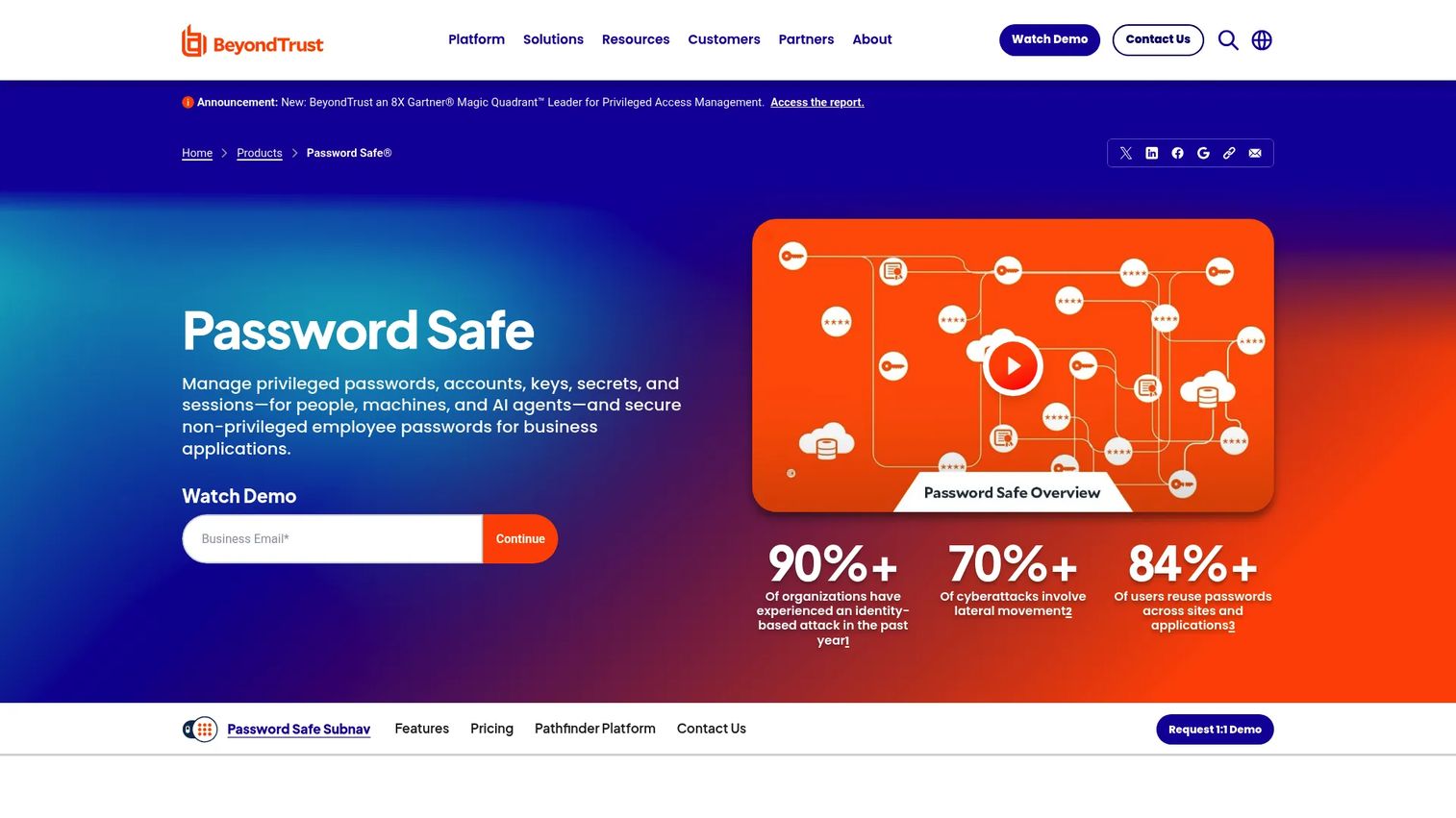
BeyondTrust Password Safe is an enterprise privileged access management product focused on discovering, securing, and rotating privileged credentials while providing real-time session monitoring and control. It covers passwords, SSH keys, API tokens, and application-to-application credentials. Asset discovery automates the process of finding accounts that would otherwise stay unmanaged.
Best for: Security teams that need strong privileged credential control across servers, databases, applications, and network infrastructure.
Key features
- Automated privileged account discovery and onboarding
- Password vaulting, rotation, and SSH key management
- Real-time session monitoring, recording, and control
- Secrets management for API keys and DevOps credentials
- Just-in-time access control with searchable audit trails
Why choose BeyondTrust Password Safe: It fits organizations that want to eliminate shared admin passwords and build a complete audit record of privileged activity. Evaluate it alongside the broader BeyondTrust portfolio if your team also has endpoint privilege or remote access requirements.
BeyondTrust Password Safe pricing: Pricing is quote-based. Reach out to BeyondTrust sales for details specific to your account scope and deployment model.
G2 rating: 4.5/5
3. Delinea Secret Server
Delinea Secret Server is a mature privileged password management and PAM platform used by mid-market and enterprise teams that want strong vaulting, rotation, and approval workflows. It supports both cloud and on-premises deployment, session recording, and role-based access control, with AES-256 encryption and MFA at the vault layer.
Best for: Mid-market and enterprise teams that want a focused, approachable product for privileged credential governance before expanding into broader identity security.
Key features
- Encrypted credential vault with AES-256 and MFA
- Privileged account discovery and automated inventory
- Password generation, rotation, expiration, and heartbeat monitoring
- Session monitoring, recording, and keystroke logging
- Role-based access controls, approval workflows, and audit reporting
Why choose Delinea Secret Server: It works well for teams prioritizing credential governance as the first PAM investment. Before committing, validate whether your endpoint privilege and secrets management needs require a broader suite.
Delinea Secret Server pricing: Delinea uses a quote-based sales process. A 30-day free trial is available to test the vault before engaging on commercial terms.
G2 rating: 4.3/5
4. One Identity Safeguard
One Identity Safeguard is a privileged access management platform that covers password vaulting, session governance, behavioral analytics, and just-in-time access controls. It integrates with One Identity's broader identity governance and administration products, making it a natural fit for teams that want PAM and identity governance to share account data and access context.
Best for: Organizations building a PAM program as part of a broader identity governance and administration roadmap.
Key features
- Privileged password vaulting and automated rotation
- Session monitoring, recording, replay, and real-time blocking
- Behavioral analytics and anomaly detection
- Just-in-time access controls
- Privileged account and machine identity discovery
Why choose One Identity Safeguard: It excels when PAM needs to connect directly to identity governance workflows, such as access certifications and role management. Validate the integration points with your existing directory and governance stack before shortlisting.
One Identity Safeguard pricing: Request a quote through their sales team.
G2 rating: 4.5/5
5. ManageEngine PAM360
ManageEngine PAM360 is a unified privileged access management platform for IT teams that need credential vaulting, remote access controls, session recording, and compliance reporting. It stands out in this category for publishing pricing directly, and its free edition supports one administrator with up to 10 resources, making it a practical starting point for smaller teams or proof-of-concept work. PAM360 fits naturally within organizations already running ManageEngine tools for IT management.
Best for: IT operations teams that want PAM tied to their existing IT management workflows, with transparent pricing and a free tier to start.
Key features
- Automated privileged account discovery and AES-256 credential vaulting
- Role-based access controls, password rotation, and approval workflows
- Privileged session management with RDP, SSH, VNC, and SQL recording
- Compliance reporting and audit trails
- Free edition for one administrator and up to 10 resources
Why choose ManageEngine PAM360: The published pricing and free tier make it one of the most accessible PAM options for IT-led projects. Enterprise security teams should validate whether advanced threat detection and governance capabilities match their requirements at scale.
ManageEngine PAM360 pricing: Cloud plans start at $1,800/year for 10 users or $200/month. On-premises subscription pricing starts at $7,995/year for 10 administrators and 25 SSH keys. A perpetual on-premises license is also available. A 30-day fully functional trial is offered alongside the permanent free edition.
G2 rating: 4.5/5
6. WALLIX PAM
WALLIX PAM is a privileged access management platform built around bastion-style access, session governance, and privileged account security. It supports agentless deployment across on-premises, private cloud, and public cloud environments. WALLIX is particularly strong in European markets and regulated industries where controlled administrative access and session traceability are central requirements. Its VPN-free remote access model is a practical consideration for organizations managing third-party vendor access.
Best for: Regulated enterprises and European organizations that need strong session governance and auditable privileged access traceability across IT and OT environments.
Key features
- Bastion access and privileged session recording
- Centralized secrets vault with automated password and SSH key rotation
- Just-in-time access and least-privilege controls
- Secure, audited remote access without a VPN
- Agentless deployment across on-premises and cloud
Why choose WALLIX PAM: WALLIX fits teams where session traceability and controlled vendor access are the primary PAM drivers. Validate deployment model and integration requirements for your specific environment during evaluation.
WALLIX PAM pricing: Pricing requires a sales conversation. WALLIX offers a one-month free trial for evaluation.
7. Securden Unified PAM
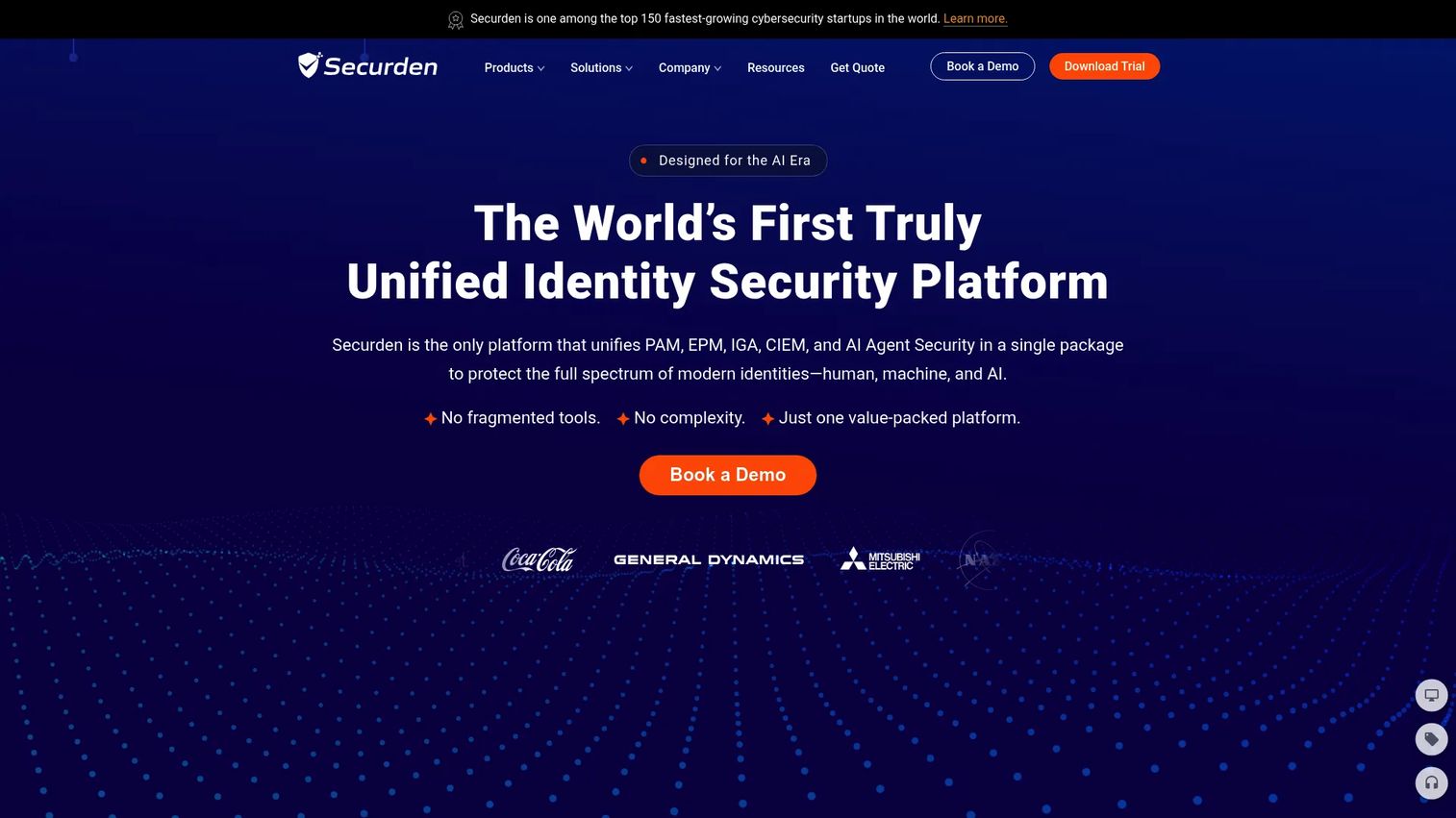
Securden Unified PAM combines credential vaulting, privileged access governance, remote access, and endpoint privilege management in one platform. It covers passwords, SSH keys, and secrets alongside secure RDP, SSH, and SQL connections, session recording, and endpoint application control. Securden licenses by user count and offers a 30-day free trial.
Best for: IT and security teams consolidating PAM capabilities without moving to the most complex enterprise suite on day one.
Key features
- Password vaulting, SSH key management, and secrets rotation
- Just-in-time access and granular privilege controls
- Secure remote connections with session recording and playback
- Endpoint privilege elevation and application control
- Approval workflows, audit trails, and access reporting
Why choose Securden Unified PAM: It earns a 4.9/5 on G2, one of the highest in this category, and covers a wide range of PAM controls in a single product. Teams looking to consolidate credential management, remote access, and endpoint controls without buying separate tools will find it worth evaluating.
Securden Unified PAM pricing: Quote-based licensing, priced by user count. A 30-day free trial is available.
G2 rating: 4.9/5
8. KeeperPAM
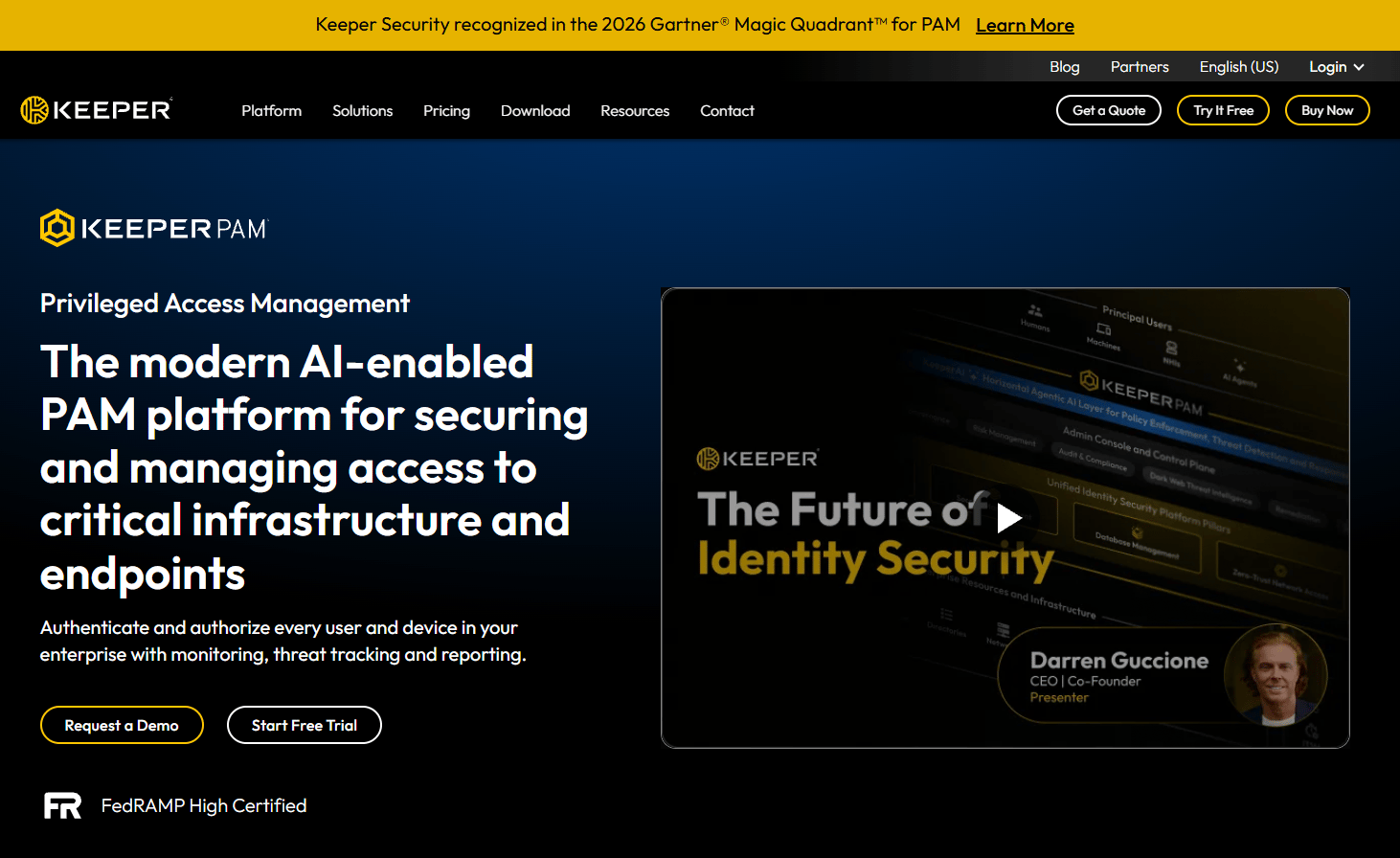
KeeperPAM is a cloud-native, zero-knowledge privileged access management platform from Keeper Security. It builds on Keeper's encrypted vault foundation to add just-in-time access, privileged session management with recording, remote access and tunneling, endpoint privilege management, and automated credential rotation. Up to 24 annual active non-human identities and 5,000 monthly workloads are included at no additional cost.
Best for: Teams moving from enterprise password management into full PAM controls who value a familiar, adoption-friendly interface.
Key features
- Zero-knowledge encrypted vault with secrets management
- Just-in-time access and zero-standing privilege controls
- Privileged session management with recording and playback
- Automated credential rotation and remote browser isolation
- Role-based access control, MFA, and compliance reporting
Why choose KeeperPAM: Its vault heritage makes adoption straightforward for teams already familiar with enterprise password management. Before finalizing, validate whether its PAM depth covers the session monitoring and endpoint privilege requirements for highly complex enterprise environments.
KeeperPAM pricing: KeeperPAM is sold through a sales engagement. The pricing page notes that up to 24 annual active non-human identities and 5,000 monthly workloads are included, but a base subscription price requires a sales quote.
G2 rating: 4.5/5
9. ARCON Privileged Access Management

ARCON Privileged Access Management is an enterprise PAM platform focused on privileged access governance, session monitoring, credential security, and risk-based controls. It supports flexible deployment across on-premises, SaaS, PaaS, and IaaS environments. ARCON covers auto-discovery, granular access controls, and single sign-on alongside session management, making it suited to organizations with distributed infrastructure.
Best for: Enterprises that need strong access governance policies and granular session controls across hybrid and multi-cloud environments.
Key features
- Auto-discovery and onboarding of privileged accounts
- Granular access controls and risk-based access decisions
- Multi-factor authentication and single sign-on
- Credential and secrets management
- Session monitoring, recording, and audit reporting
Why choose ARCON Privileged Access Management: It fits organizations that need detailed policy control over privileged workflows. Validate regional support availability and integration requirements with your SIEM and IAM stack before shortlisting.
ARCON Privileged Access Management pricing: ARCON describes flexible pricing models for its various deployment options. Contact sales for a quote.
G2 rating: 4.4/5
10. Devolutions Remote Desktop Manager
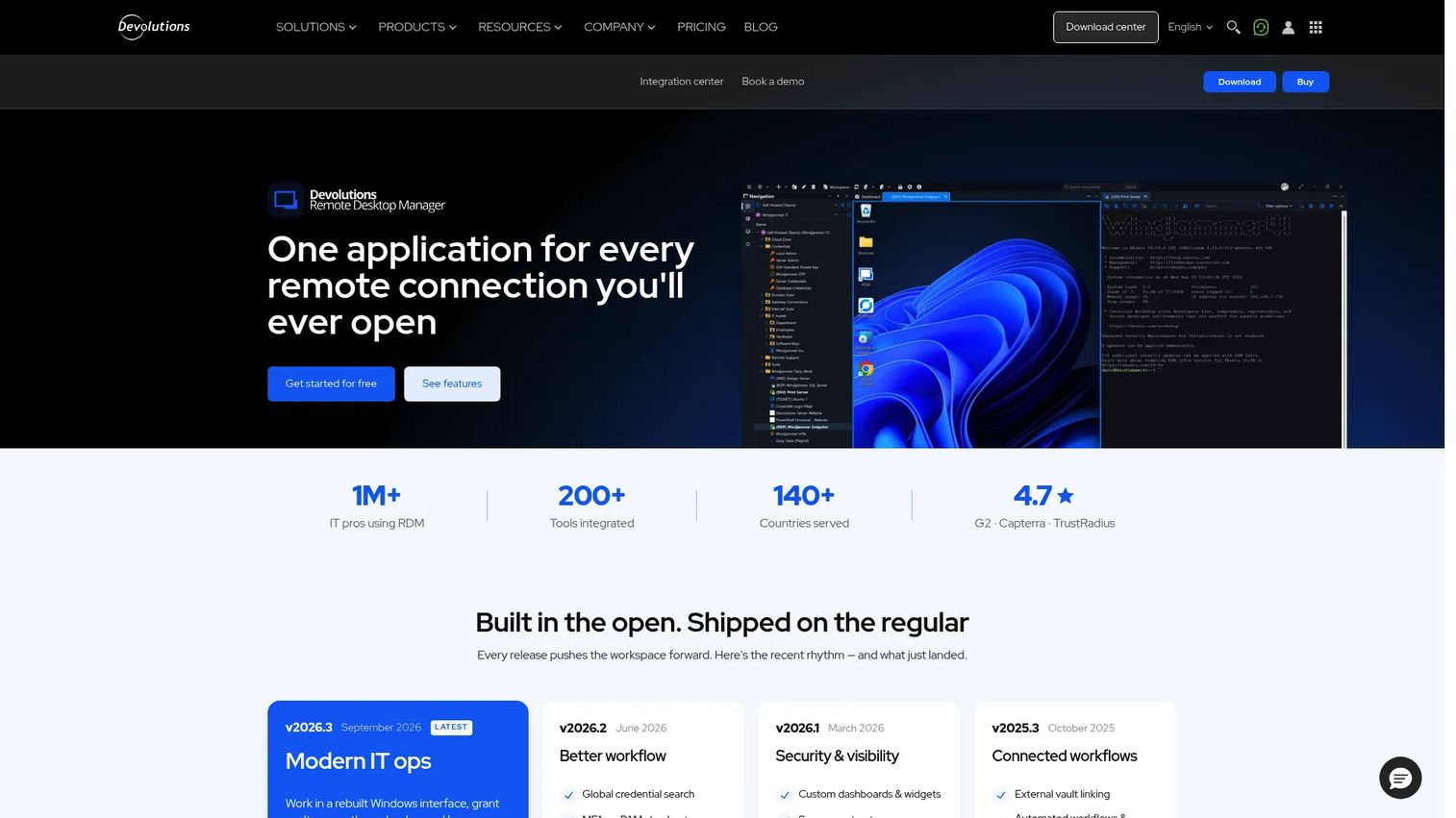
Devolutions Remote Desktop Manager is a centralized IT workspace for managing remote connections, credentials, and access controls. It supports over 150 remote connection protocols including RDP, SSH, VNC, VPN, and cloud console connections. The Solo edition is permanently free for individual users. A note on scope: Devolutions is primarily a remote connection and credential management tool for IT teams rather than a full enterprise PAM suite for organizations that require advanced just-in-time elevation or enterprise privilege governance at scale.
Best for: IT professionals and teams that need a centralized, organized way to manage large numbers of remote connections and credentials.
Key features
- 150+ remote connection protocols: RDP, SSH, VNC, VPN, and cloud consoles
- Credential injection and centralized credential management
- Shared vaults with role-based access control
- Session auditing, activity logs, and real-time connection monitoring
- Team and enterprise shared workspace capabilities
Why choose Devolutions Remote Desktop Manager: It provides strong operational control for IT teams centralizing remote access management. If your requirements extend to advanced session recording, enterprise privilege governance, or just-in-time elevation, evaluate a dedicated PAM platform alongside it.
Devolutions Remote Desktop Manager pricing: The Solo edition is free. Team and Enterprise plans add shared workspaces and access controls; contact Devolutions for team and enterprise pricing.
G2 rating: 4.7/5
11. Fudo Enterprise
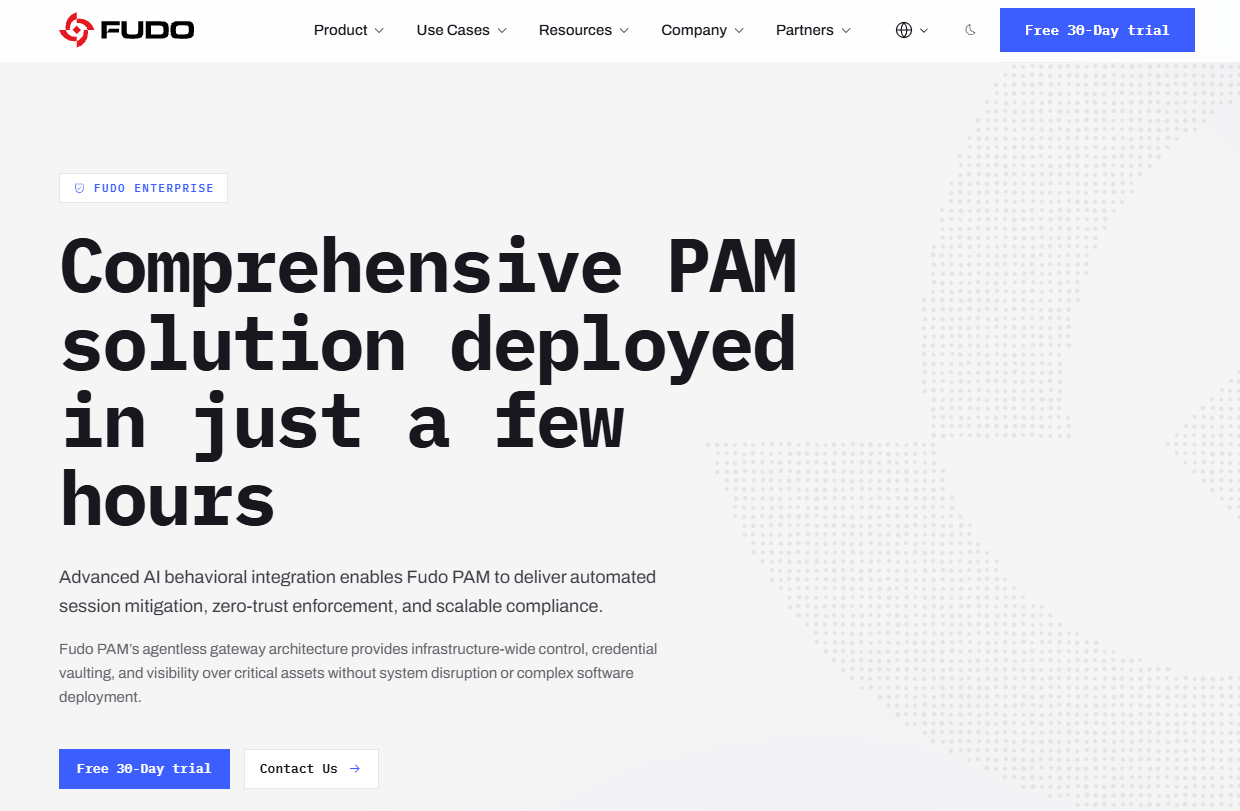
Fudo Enterprise is an AI-powered privileged access management platform with a strong emphasis on session monitoring, behavior analytics, and secure remote access. It includes credential vaulting, automated password and SSH key rotation, just-in-time access, and agentless deployment with high-availability clustering. Fudo's AI-driven behavioral analysis layer flags anomalous activity during privileged sessions, which differentiates it from products focused primarily on vaulting.
Best for: Organizations that put privileged session oversight and behavioral threat detection at the center of their PAM program.
Key features
- AI-powered behavioral analysis and anomaly detection
- Session monitoring, recording, replay, and administrative intervention
- Just-in-time access, zero-trust controls, and automated privilege management
- Credential vaulting with automated password and SSH key rotation
- Agentless deployment with compliance reporting for GDPR, HIPAA, PCI DSS, and NIS2
Why choose Fudo Enterprise: It is the strongest option in this list for teams whose primary concern is session visibility and behavioral risk detection. Validate ecosystem integrations and regional support during the proof of concept.
Fudo Enterprise pricing: Fudo offers a 30-day free trial. Subscription pricing requires a sales conversation.
12. Saviynt Privileged Access Management
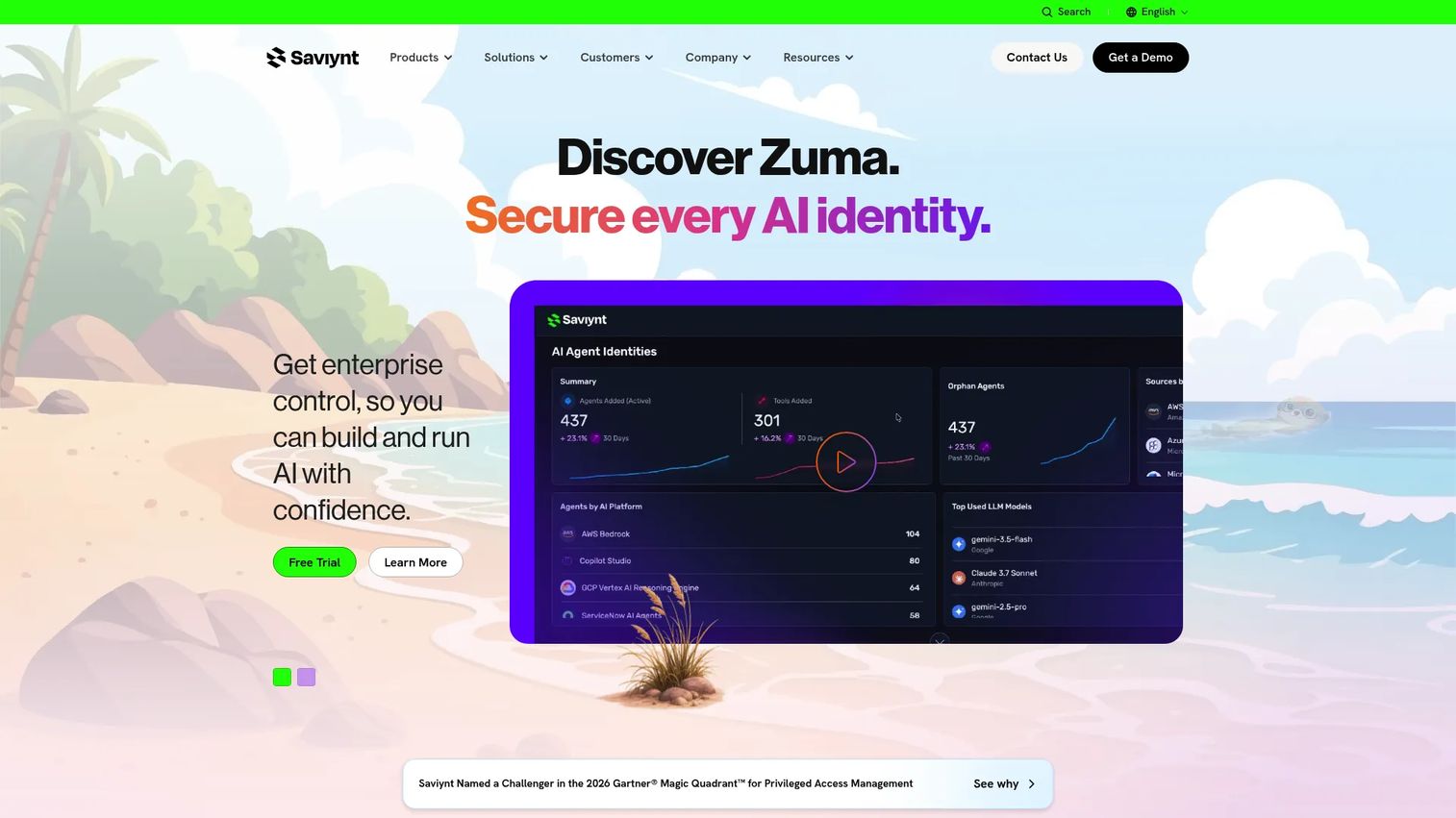
Saviynt Privileged Access Management is a cloud-native PAM product embedded within Saviynt's broader identity security platform. It governs privileged access through just-in-time elevation, time-bound credentials, session management, access certification, and risk-based controls. For enterprises already investing in Saviynt's identity governance capabilities, PAM shares identity context across the platform rather than operating as a separate silo.
Best for: Enterprises that want privileged access controls tied directly to identity governance, cloud identity programs, and access certification workflows.
Key features
- Privileged access discovery and risk visibility
- Just-in-time access and time-bound privilege elevation
- Credential vaulting, session management, and recording
- Access certification and identity governance integration
- Cloud access governance across hybrid and multi-cloud environments
Why choose Saviynt Privileged Access Management: It works best when privileged access and identity governance share a common data model and workflow. Buyers coming from a dedicated PAM background should validate whether the PAM depth covers their session monitoring and credential rotation requirements before choosing it over a PAM-first platform.
Saviynt Privileged Access Management pricing: Saviynt publishes Essentials, Pro, and Premium platform tiers, but PAM pricing requires a sales conversation. Contact Saviynt for details.
G2 rating: 4.3/5
Considerations when choosing privileged access management software
Match the tool to the specific privileged access problem
Password vaulting, endpoint privilege management, remote session control, and secrets management each solve a different problem. A team experiencing stolen admin credentials needs vaulting and rotation first. A team worried about contractor access needs session isolation and recording. Map your highest-risk privileged accounts before picking a product, because overbuying a full suite when you need a narrower control creates implementation overhead that slows rollout.
Test session monitoring before rollout
Session recording is one of the most-cited PAM capabilities and one of the most painful in practice if it degrades performance or produces recordings nobody can search. During your proof of concept, test playback quality, command-level search, alert routing, and the performance impact on monitored sessions. Ask vendors how session data is retained and whether export to your SIEM is part of the base product or an add-on.
Validate integrations early in the process
Check against your SIEM, directory, IAM platform, MFA provider, ITSM system, and cloud consoles before signing. A PAM product that does not connect to your existing workflow becomes shelfware. Enterprise buyers should also confirm SSO support, API availability, and whether integrations with tools like Salesforce or ServiceNow require additional licensing.
Check administrative overhead and approval routing
PAM creates friction by design. Every elevation request going through manual review can stall IT operations if approval routing is not designed well. Ask vendors how they handle policy-based automation, break-glass access, exception handling, and how much administrative effort ongoing vault maintenance requires at your account volume.
Review audit and reporting requirements
Security reviewers expect privileged account inventories, approval histories, and session records. Ask what report formats are available, whether reports can be scheduled and exported, and whether the reporting covers the specific compliance frameworks your organization reports against. PAM supports audit evidence, but the depth and format of that evidence varies considerably across products in this list.
Conclusion
The right PAM software depends on which privileged access problem you are solving first. CyberArk and BeyondTrust Password Safe suit complex enterprise environments with broad requirements across infrastructure, cloud, and machine identities. Delinea, ManageEngine PAM360, Securden, and KeeperPAM fit teams prioritizing practical credential governance, with ManageEngine offering the most accessible pricing entry point in the group. WALLIX and Fudo Enterprise stand out for organizations putting session traceability and behavioral oversight at the center of PAM. One Identity Safeguard and Saviynt fit identity-first programs where PAM and governance share a common workflow. Devolutions Remote Desktop Manager is the practical choice for IT teams centralizing remote connection management before committing to a full PAM suite.
The recommended next step: Shortlist three products based on your highest-risk privileged accounts, then run a proof of concept against real admin workflows. Test vaulting, session recording, and at least one integration with your existing stack before making a decision.
If your presales team also needs to walk buyers through complex security and identity workflows before the technical call, interactive product demos can help prospects understand the access control flow on their own terms. Similarly, a sandbox lets technical evaluators explore product workflows without touching production environments, and a demo center organizes those assets for a buying committee across a long security deal cycle.
Start your journey with Guideflow today!
FAQs
Privileged access management software controls, monitors, and audits access to high-risk accounts and administrative sessions. It protects privileged credentials such as admin passwords, SSH keys, and service account secrets through vaulting, rotation, and approval workflows, and creates an auditable record of every privileged session. PAM tools help organizations enforce least-privilege access and reduce the risk of credential theft, insider abuse, and unauthorized administrative activity.
IAM manages broad workforce identity and access: Provisioning, deprovisioning, SSO, and standard user authentication. PAM focuses specifically on the high-risk subset of accounts that can modify systems, access sensitive data, or change security configurations. The two typically operate together, with IAM handling everyday user access and PAM layering additional controls over privileged accounts that IAM alone cannot adequately govern.
PIM focuses on privileged identities and role elevation, particularly in environments like Azure AD where users request time-bound membership in privileged roles. PAM is a broader category that includes credential vaulting, password rotation, session monitoring, recording, and access governance across human and machine identities. In practice, many organizations use PIM for cloud role elevation and PAM for on-premises or hybrid privileged credential and session management.
The answer depends on the privileged access problem you are solving. CyberArk fits large organizations needing a broad identity security program. BeyondTrust Password Safe suits teams standardizing credential discovery and session control. Delinea works well for mid-market credential governance. ManageEngine PAM360 fits IT-led programs. One Identity Safeguard or Saviynt fits identity-first organizations. Route by use case rather than looking for one universal answer.
Start with credential vaulting, automated password rotation, and MFA integration at the vault layer. Add session recording and just-in-time access if remote or third-party access is a risk priority. Evaluate secrets management for DevOps teams, endpoint privilege controls for endpoint risk, and SIEM integration for your security operations center. Audit logging and scheduled compliance reports are essential for regulated environments.
Timelines depend on the size of your privileged account inventory, infrastructure complexity, integration work with directories and SIEM tools, policy design, and rollout scope. A focused deployment covering the highest-risk accounts can move quickly. A full enterprise rollout including cloud, on-premises, endpoints, and DevOps secrets typically runs over multiple phases. Starting with the accounts that carry the most blast radius, shared domain admin credentials, production database accounts, and break-glass accounts, gives the fastest risk reduction.
PAM supports compliance evidence through access logs, approval records, session recordings, and privileged account inventories. Security reviewers and auditors regularly ask for this kind of evidence when assessing privileged access controls. Purchasing a PAM tool does not automatically make an organization compliant with any regulation or framework. What PAM does is give you the artifacts that show your controls exist and are being enforced.
Small teams still need privileged access controls. The level of investment changes based on team size and risk tolerance. A smaller team might start with credential vaulting, MFA on privileged accounts, and basic session logging before adopting a full enterprise PAM suite. According to Ponemon Institute (2025), high-performing organizations are more than twice as likely to use a dedicated PAM platform as other organizations, suggesting the discipline scales with maturity, not just headcount. Starting with the highest-risk accounts and expanding from there is a practical path for teams that cannot run a full implementation immediately. For broader context on access control software and related access review software, those guides cover adjacent identity security categories worth considering alongside PAM.