Your company crossed $5M ARR. The board wants a clean P&L and a runway projection. Your Head of Finance joined three weeks ago and is still rebuilding the chart of accounts from Slack threads and CSV exports.
That is not a data problem. It is an infrastructure problem.
According to Capterra (2025), 56% of financial organizations adopted new accounting or finance software within the prior 12 months. The pressure to get off spreadsheets is real, and it shows up hard at Series B when investors expect numbers that close cleanly and survive due diligence. Cloud-based accounting software now accounts for 68% of the market, according to Mordor Intelligence (2026). Most teams are not debating whether to move to a proper system. They are debating which one fits their operating stage.
This guide cuts through the noise. The picks below are evaluated for bookkeeping depth, finance workflows, integrations, pricing transparency, and fit for companies growing past spreadsheet-based finance.
What's inside
This guide compares 15 accounting and finance software tools for 2026.
- Who it is for: Founders, finance leads, and operators comparing accounting platforms for a growing business
- How tools were selected: Relevance to bookkeeping and finance workflows, integration breadth, pricing transparency, and G2 review presence
- What gets compared: Best use case, key differentiator, pricing, and G2 rating
- How to use it: Shortlist two or three tools by company stage, then ask your accountant which one they can operate cleanly for the next 18 months
TL;DR
- Best overall for growing businesses: QuickBooks gives most teams the broadest accounting, payments, payroll, and reporting base
- Best for cloud accounting and accountant collaboration: Xero fits teams that want clean online accounting with strong bank reconciliation
- Best for service businesses: FreshBooks works well when invoicing, time tracking, and client billing matter most
- Best free accounting software: Wave is the clearest starting point for basic bookkeeping and invoicing at no cost
- Best for accounts payable workflows: Melio and Plooto help teams tighten bill payments before they need a full finance operations platform
- Best for Salesforce-native finance: Accounting Seed fits companies that want accounting data closer to CRM operations
What is accounting and finance software?
Accounting and finance software is a category of business software that records financial transactions, manages bookkeeping workflows, supports invoicing and payments, tracks expenses, reconciles bank activity, and reports on business performance.
Core accounting functions
The accounting layer handles the historical record of your business:
- General ledger: Tracks every debit and credit across accounts
- Chart of accounts: Structures how transactions are categorized
- Accounts payable: Manages what the business owes vendors
- Accounts receivable: Tracks what customers owe the business
- Bank reconciliation: Matches transactions against bank statements
- Tax readiness: Manages sales tax calculations and year-end reporting
- Financial statements: Produces P&L, balance sheet, and cash flow reports
Finance operations functions
The finance layer helps teams look forward, not just backward:
- Budgeting and forecasting: Plans future spend and revenue
- Cash-flow visibility: Shows runway and near-term liquidity
- Spend controls: Enforces approval workflows before money moves
- Financial reporting: Produces board-ready outputs on demand
Key features to look for
Evaluate accounting platforms against this checklist:
- Invoicing and billing
- Expense tracking with receipt capture
- Bank feed synchronization
- Payment collection
- Payroll connections
- Multi-user controls and permission levels
- Integrations with payroll, CRM, billing, and payment processors
- Accountant access and audit trails
One important distinction: Accounting software records what happened. Finance software often helps teams model what happens next. Tools like QuickBooks and Xero lean toward the first job. Budgeting and forecasting software tends to handle the second. Some platforms overlap, but they are not interchangeable.
When to use accounting and finance software
Clean up board reporting
If every board deck starts with a weekend spreadsheet rebuild, the accounting system is not doing its job. The right tool produces clean revenue, burn, runway, and cash reports without manual intervention. Month-end close should take days, not weeks of reconciliation.
Move finance work out of spreadsheets
Spreadsheets are useful for analysis but fragile as a system of record. Bank sync, invoice tracking, bill payments, expense workflows, and recurring reports should live in a dedicated system. The goal is fewer CSV exports before a decision meeting, not more.
Hand finance operations to a leader
When a Head of Finance joins, they need clean systems on day one. Transaction history, access controls, and reporting structure should already exist. The right accounting practice management software gives a new finance leader something to build on, not something to reconstruct.
Accounting and finance software comparison
The table below covers all 15 tools ranked by relevance to growing businesses. Pricing and G2 ratings reflect verified data from vendor pricing pages and live G2 listings.
| # | Product | Best for | Key differentiator | Pricing | G2 rating |
|---|---|---|---|---|---|
| 1 | QuickBooks | Broad small-business accounting | Deep accounting, payments, payroll, and tax ecosystem | From $0/mo | 4.0/5 |
| 2 | Xero | Cloud accounting and accountant collaboration | Bank reconciliation, app marketplace, and multi-currency | From $7/mo | 4.4/5 |
| 3 | FreshBooks | Service businesses and client billing | Invoicing, time tracking, and project-based workflows | From $4.60/mo | 4.5/5 |
| 4 | Zoho Books | Teams using Zoho apps | Accounting connected to the Zoho business suite | From $0/mo | 4.4/5 |
| 5 | Wave | Free bookkeeping and invoicing | Free core accounting for small businesses | Free / $190/yr | 4.3/5 |
| 6 | Sage 50cloud | Desktop-style accounting with cloud access | Inventory, job costing, and reporting depth | From $128.67/mo | 3.9/5 |
| 7 | Expensify | Expense management | Receipt capture, reimbursements, and corporate cards | From $5/member/mo | 4.5/5 |
| 8 | Melio | Accounts payable payments | Bill pay, ACH, approval workflows, and accounting sync | From $0/mo | 4.4/5 |
| 9 | Plooto | AP and AR automation | Payment approvals, audit trails, and QuickBooks/Xero sync | From $9/mo | 4.4/5 |
| 10 | Kashoo | Simple cloud bookkeeping | One plan, unlimited users, and straightforward interface | $30/mo | N/A |
| 11 | ZipBooks | Basic bookkeeping and invoicing | Free entry plan with invoicing and bank connections | Free / paid plans | N/A |
| 12 | OneUp | Accounting with inventory and CRM links | Invoicing, inventory, cash-flow forecasting, and bill scanning | From $9/mo | 4.1/5 |
| 13 | Patriot Accounting | Payroll-adjacent small-business accounting | Budget-friendly accounting with payroll add-on | From $20/mo | 4.9/5 |
| 14 | Accounting Seed | Salesforce-native accounting | Accounting inside the Salesforce operating model | Custom pricing | 4.2/5 |
| 15 | Bench | Done-for-you bookkeeping | Human bookkeeping plus software interface | From $199/mo | 4.6/5 |
Best 15 accounting and finance software tools for 2026
1. QuickBooks
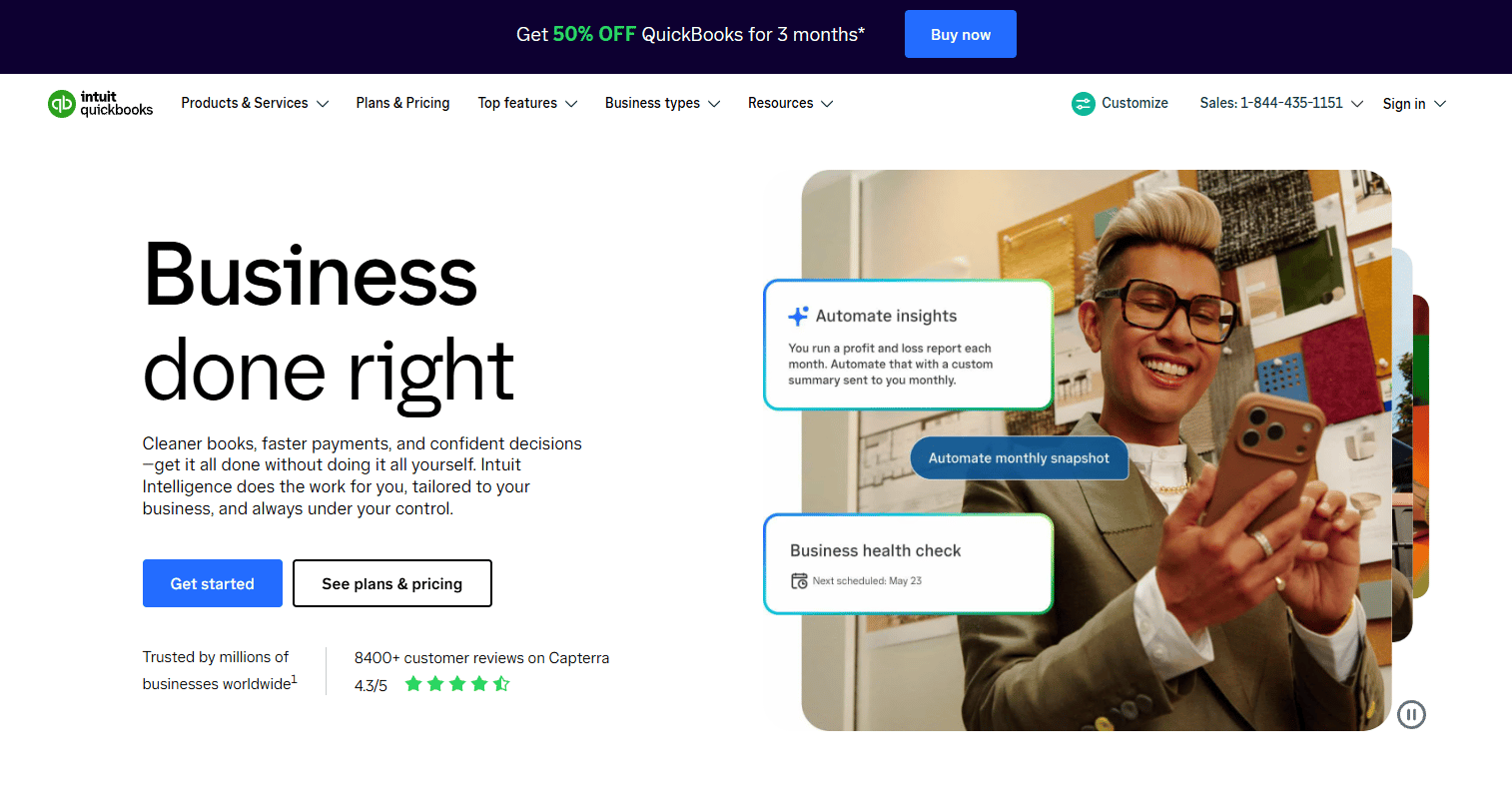
QuickBooks is the most widely adopted cloud accounting platform for small and growing businesses. It covers bookkeeping, invoicing, bill tracking, payment collection, payroll add-ons, tax workflows, and financial reporting under one login. Accountants and bookkeepers across the market know the system, which matters when you are hiring finance help at speed.
Best for: Founders and finance teams that want the safest mainstream accounting choice with a large advisor ecosystem.
Key features
- Invoicing and online payment collection
- Expense and receipt tracking
- Bank transaction reconciliation
- Payroll and tax add-ons
- Financial reports and cash-flow dashboards
Why choose QuickBooks: The draw at Series B is fewer vendor-risk questions and faster onboarding for any finance hire, because most finance operators already know the platform. Breadth matters more than price when your head of finance needs to close the month in week one.
QuickBooks pricing: QuickBooks offers a free tier, plus Simple Start at $19/mo, Essentials at $42.50/mo, Plus at $70/mo, and Advanced at $170/mo. Those paid prices reflect a promotional 50% discount for the first three months.
G2 rating: 4.0/5
2. Xero
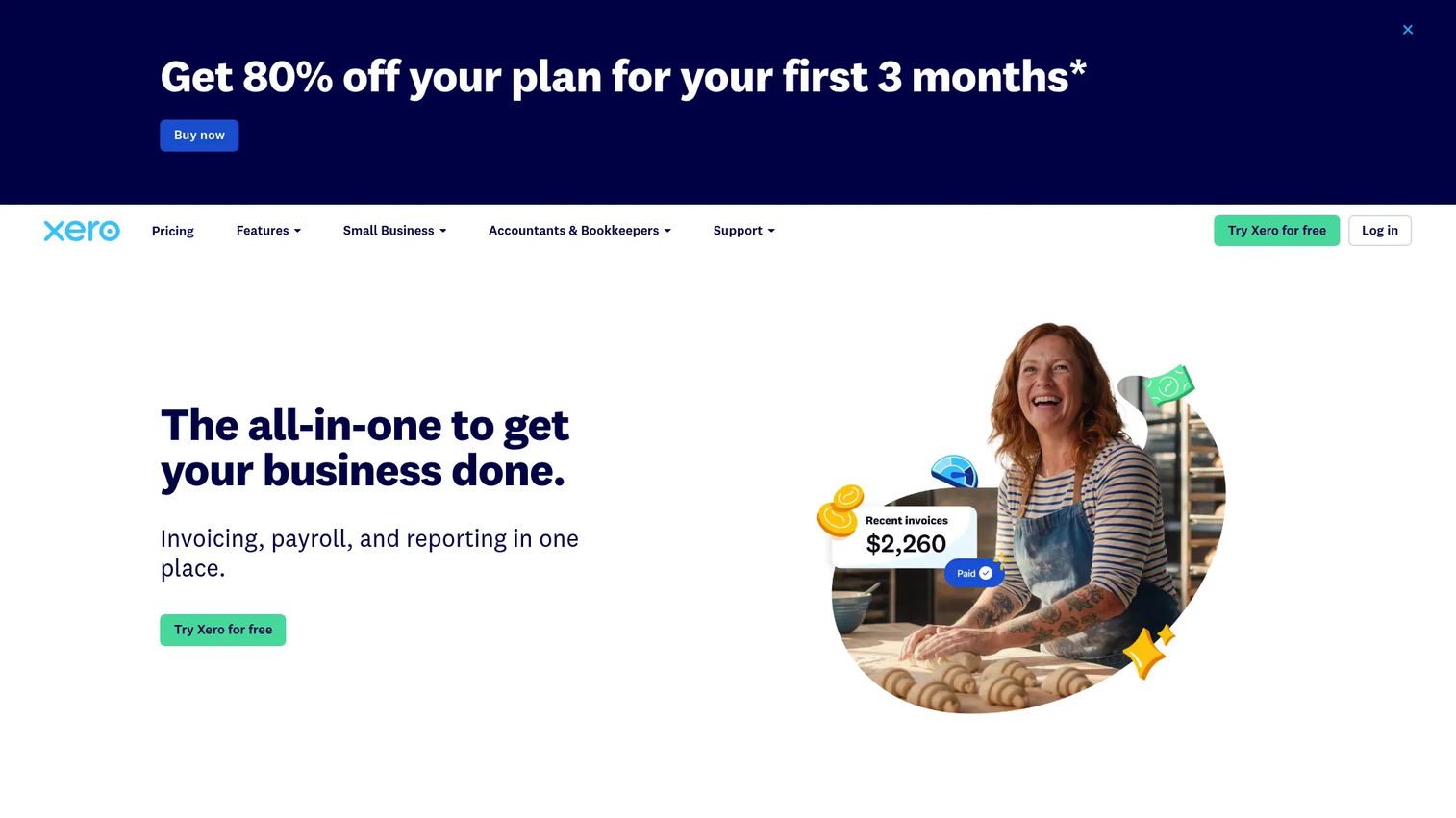
Xero is a cloud accounting platform built around collaboration, bank feeds, reconciliation, and reporting. It supports invoicing, bill management, project tracking, inventory, multi-currency accounting, and an AI assistant called JAX. Teams with external accountants or distributed finance contributors find the multi-user workflow particularly clean.
Best for: SaaS teams that want cloud-first accounting with strong accountant collaboration and an app marketplace.
Key features
- Bank connections and automated reconciliation
- Online invoicing and quotes
- Bill payments and purchase orders
- Payroll and project tracking
- Multi-currency accounting
Why choose Xero: Xero's appeal for founders is a clean handoff to finance without desktop files or inbox-based bookkeeping. The app marketplace connects it to payroll, billing, and CRM tools your team likely already runs.
Xero pricing: Xero offers a 30-day free trial. Paid plans start at $7/mo (Lite), then $32/mo (Starter), $54/mo (Standard), and $82/mo (Premium). Promotional introductory pricing is currently available at reduced rates for the first three months.
G2 rating: 4.4/5
3. FreshBooks
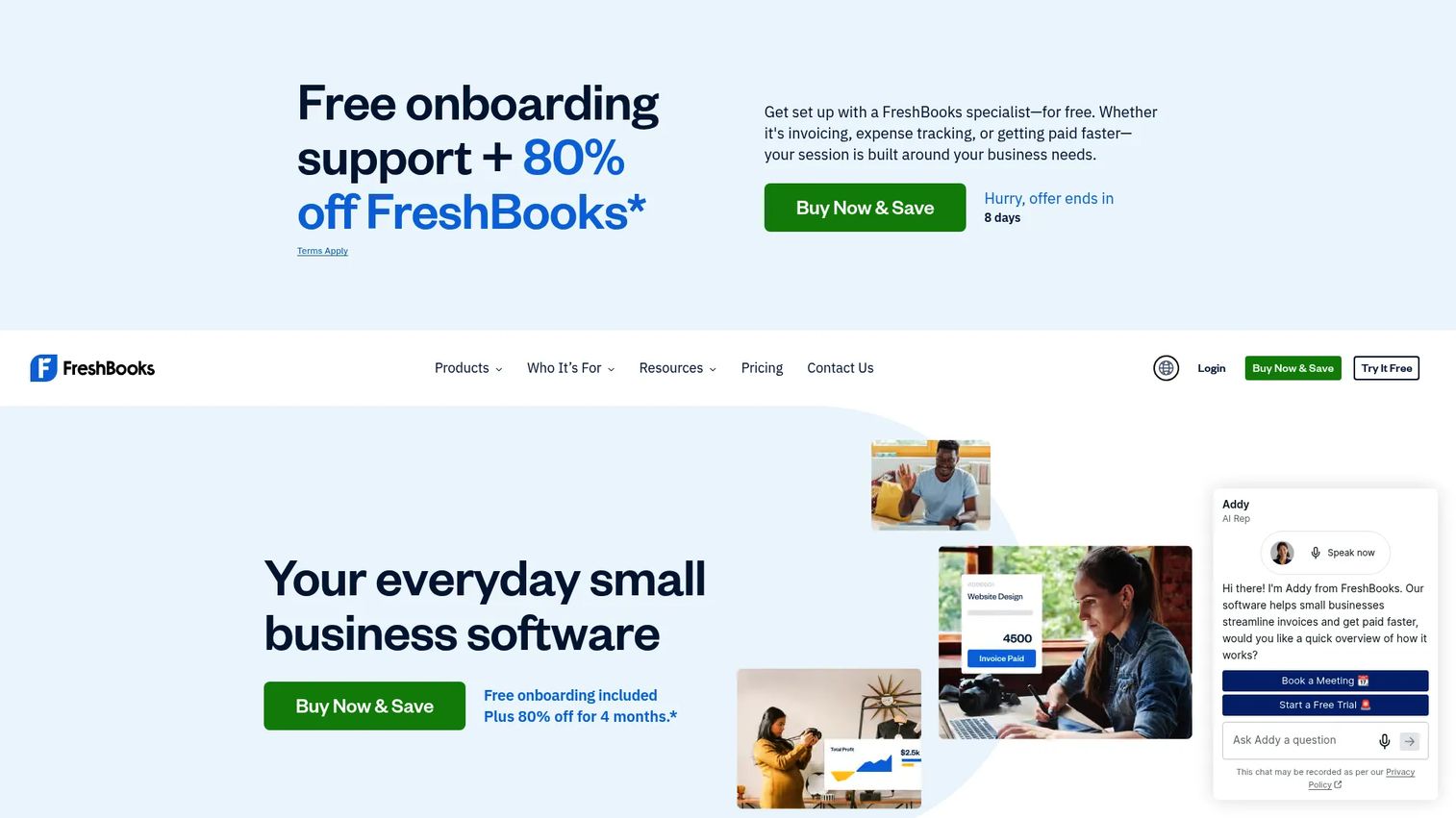
FreshBooks focuses on invoicing, time tracking, expense management, online payments, and project profitability. It is built for service businesses and consultants but works well for any founder-led team where getting paid and tracking project delivery matter more than complex general ledger controls. A 30-day free trial is available.
Best for: Service businesses and founder-led teams that need clean billing before complex finance operations.
Key features
- Custom invoices and estimates
- Time tracking and mileage logging
- Expense capture and receipt scanning
- Online payment acceptance
- Project profitability reporting
Why choose FreshBooks: When cash collection and client billing are the primary finance pain, FreshBooks is faster to start than a full accounting platform. It earns its place before you have a finance function managing a formal close process.
FreshBooks pricing: Plans start at $4.60/mo (Lite, up to 5 clients), $8.60/mo (Plus, up to 50 clients), and $14/mo (Premium, unlimited clients) under current promotional pricing. Standard prices are $23/mo, $43/mo, and $70/mo respectively. Select is custom pricing.
G2 rating: 4.5/5
4. Zoho Books
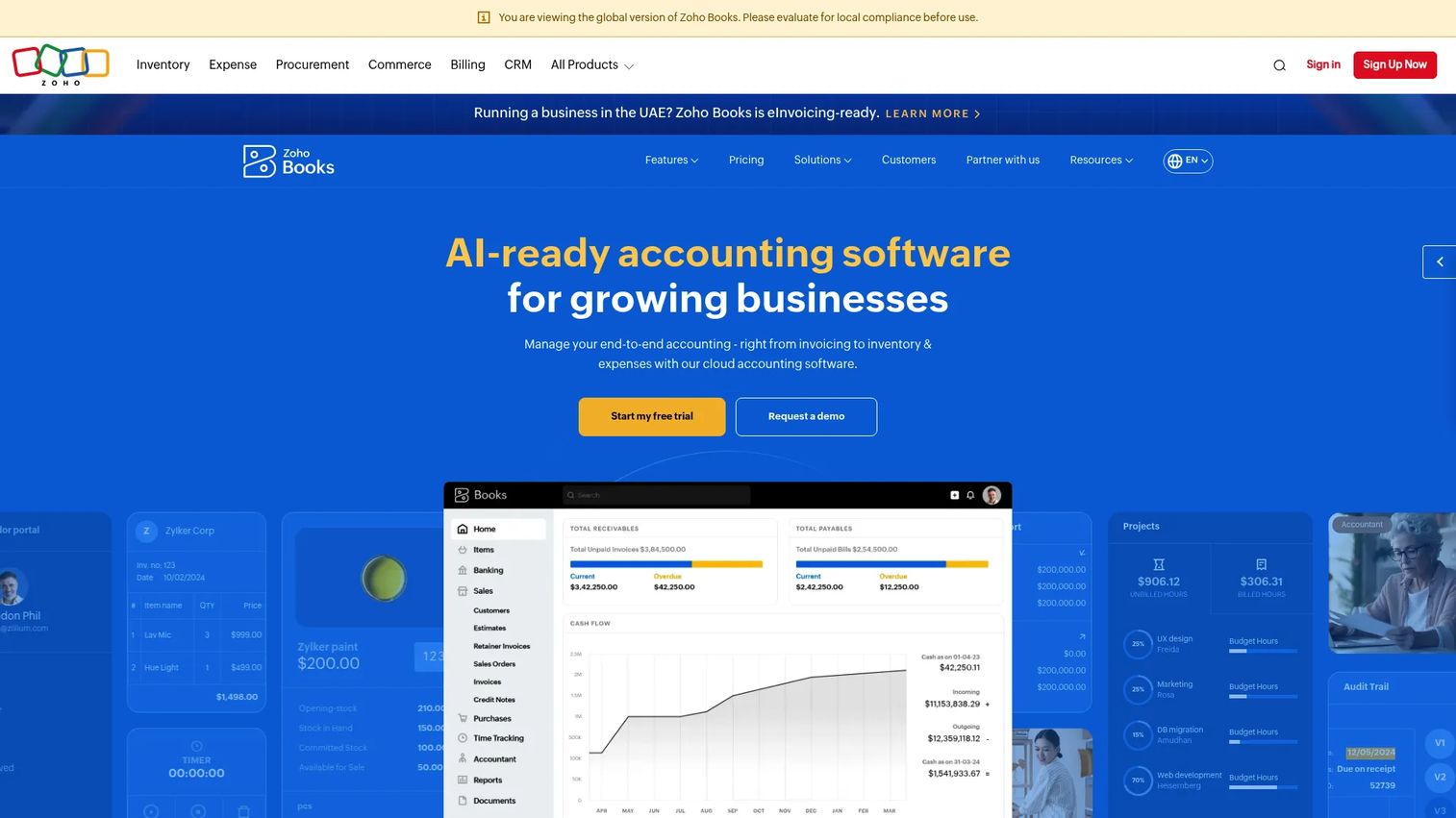
Zoho Books is online accounting software connected to the broader Zoho suite, including Zoho CRM, Zoho Expense, Zoho Inventory, and over 40 other Zoho applications. It handles invoicing, expense tracking, bank reconciliation, inventory, project billing, and automation workflows. Teams already running Zoho for sales or operations get the most from it.
Best for: Teams already using Zoho CRM or other Zoho products who want accounting in the same stack.
Key features
- Invoicing, quotes, sales orders, and bills
- Bank reconciliation and online payments
- Inventory tracking with reorder alerts
- Project management and timesheets
- AI-assisted accounting capabilities
Why choose Zoho Books: Stack consolidation is the draw. If CRM, expenses, billing, and inventory already run on Zoho, adding Zoho Books reduces the number of integrations you have to maintain. That matters when your finance lead is rebuilding workflows from scratch.
Zoho Books pricing: Zoho Books has a free plan. Paid tiers run $15/mo (Standard, billed annually), $40/mo (Professional), $60/mo (Premium), $120/mo (Elite), and $240/mo (Ultimate). Monthly billing adds roughly 25%.
G2 rating: 4.4/5
5. Wave
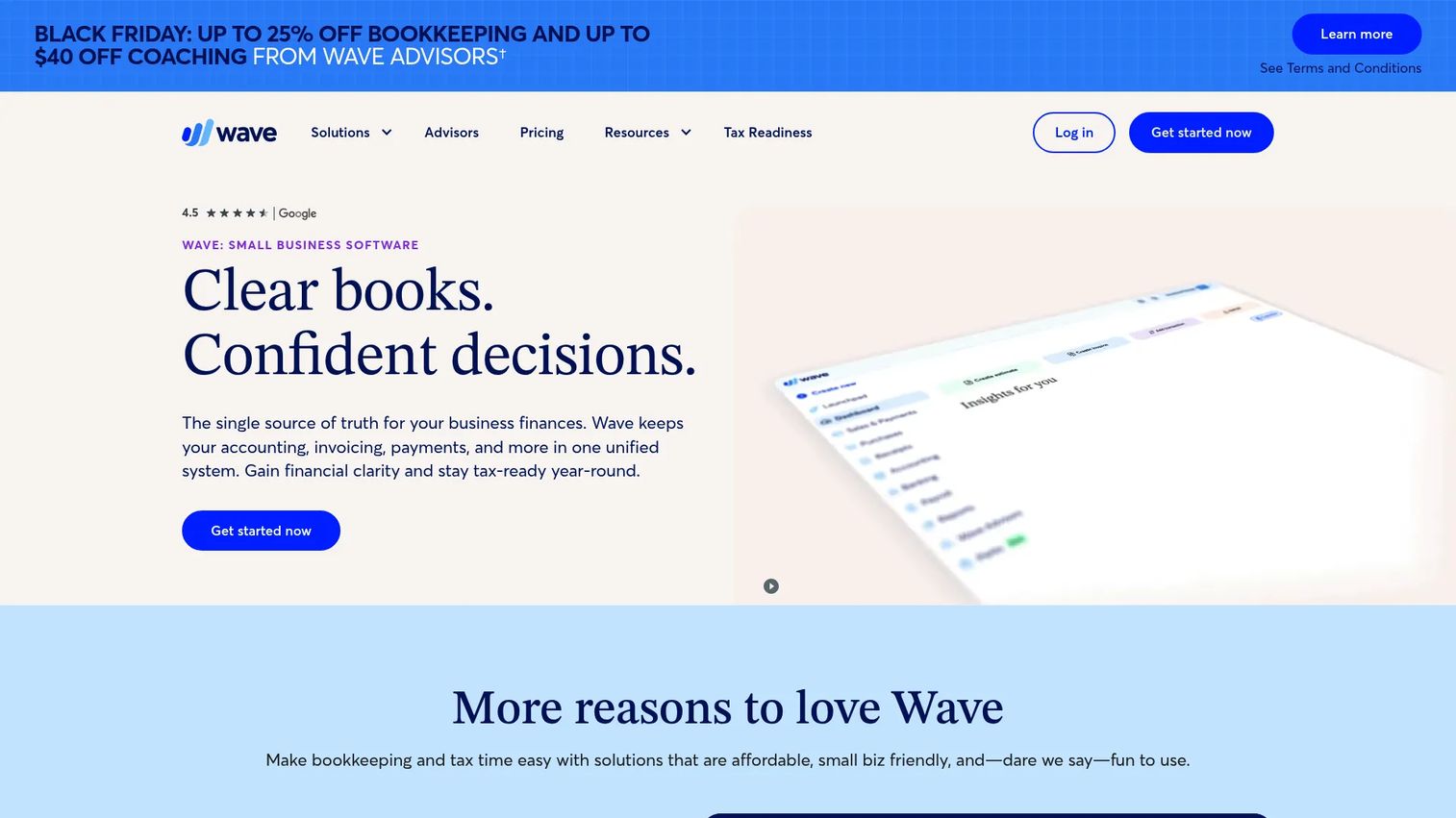
Wave is free accounting software for small businesses, freelancers, and very early-stage founders. It covers invoicing, expense tracking, receipt capture, bank imports, and basic cash-flow reporting. Payment processing, payroll, and bookkeeping services are available as paid add-ons.
Best for: Early-stage founders, freelancers, and very small businesses that need basic bookkeeping and invoicing at no cost.
Key features
- Free accounting and bookkeeping tools
- Unlimited invoices, bills, and estimates
- Automatic bank transaction import and categorization
- Receipt capture and expense tracking
- Cash-flow and customer dashboards
Why choose Wave: Wave is the right starting point when cost and simplicity are the primary constraints. For a Series B company, it is more relevant for side entities or historical reference than as the primary finance backbone going forward.
Wave pricing: The Starter plan is free. The Pro plan runs $190/yr billed annually, and adds unlimited receipt capture, bank transaction merging, additional users, and enhanced support. Payment processing and payroll are separate add-ons.
G2 rating: 4.3/5
6. Sage 50cloud
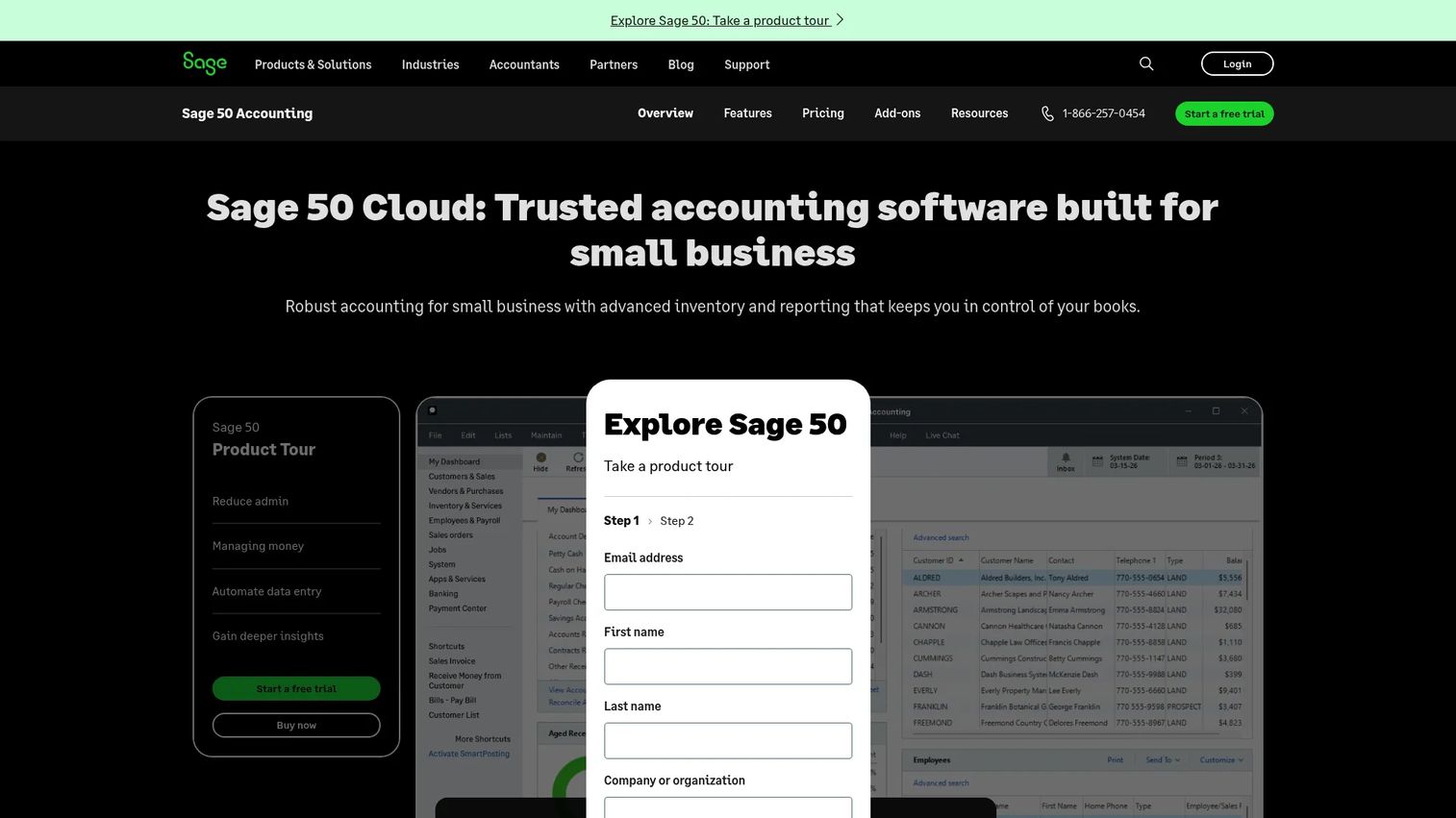
Sage 50cloud brings traditional desktop accounting depth with cloud-connected access. It covers cash-flow management, automated bank reconciliation, inventory management including serialized inventory, job and project costing, and financial reporting. It suits businesses with structured accounting needs that go deeper than basic invoicing.
Best for: Businesses that need established accounting depth with inventory tracking, job costing, and audit-ready reporting.
Key features
- General ledger and financial reporting
- Serialized inventory management
- Job and project costing
- Automated bank reconciliation
- Payroll integration and cash-flow tracking
Why choose Sage 50cloud: Sage earns its place for companies with physical goods, hardware components, or inventory-linked accounting. For pure SaaS businesses, the depth may exceed what you need at this stage, but it is worth evaluating if your finance lead comes from an inventory-heavy background.
Sage 50cloud pricing: Plans require a minimum one-year commitment. Pro Accounting runs $128.67/mo, Premium Accounting $182.50/mo, and Quantum Accounting $271.17/mo. A 30-day free trial is available.
G2 rating: 3.9/5
7. Expensify
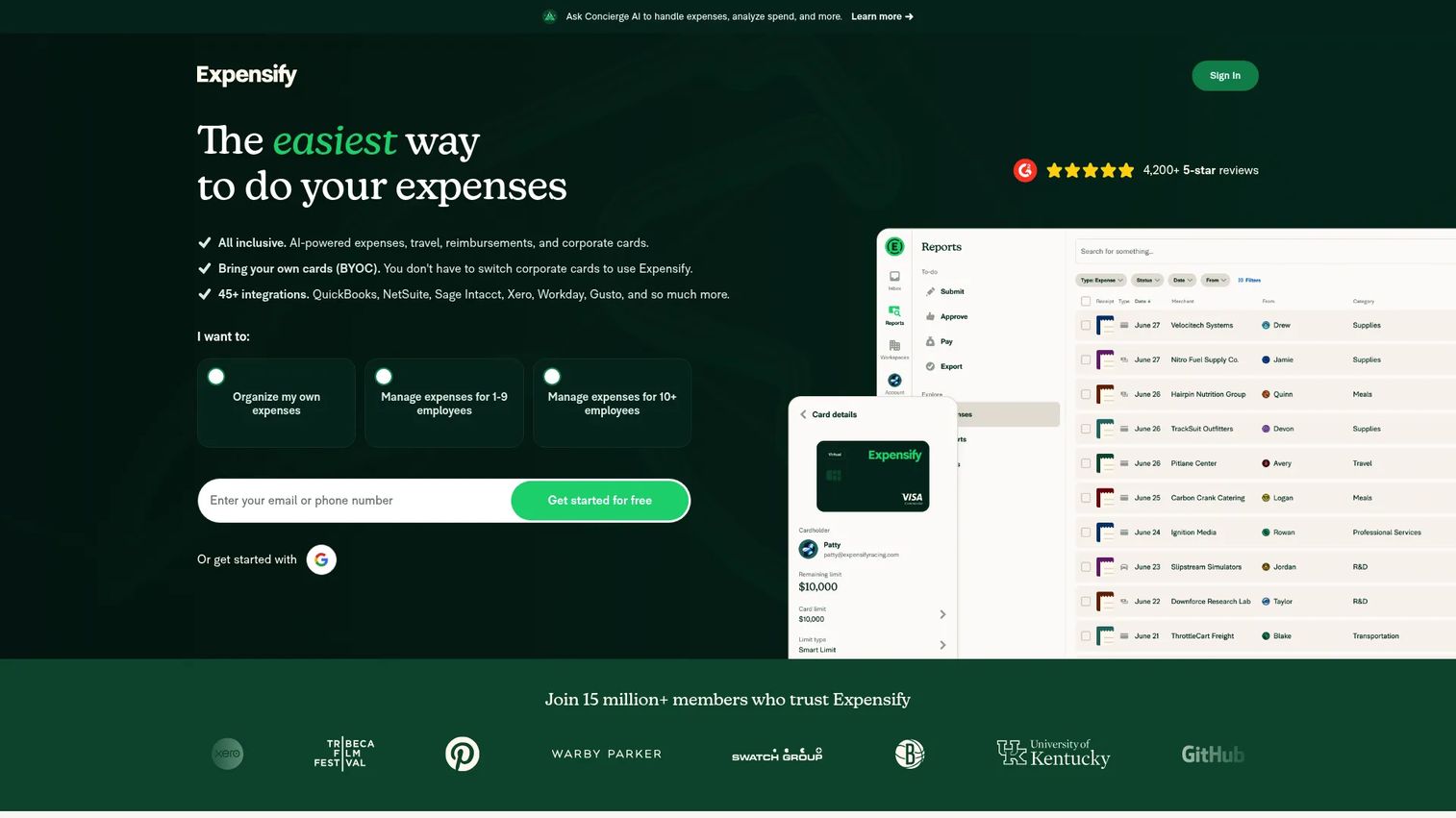
Expensify is a spend management platform rather than a full accounting system. It handles receipt scanning, expense reports, reimbursements, travel booking, corporate cards, and AI-assisted expense categorization. It syncs with QuickBooks, Xero, and major ERPs to push clean expense data into your accounting system.
Best for: Growing teams that need expense controls before employee spend becomes a monthly cleanup project.
Key features
- Receipt scanning and AI expense categorization
- Expense reports and global reimbursements
- Corporate card management and virtual cards
- Travel booking
- Accounting integrations with QuickBooks and Xero
Why choose Expensify: When finance loses time chasing receipts and chasing approvals before each board meeting, Expensify removes that drag. It is not a replacement for bookkeeping software, but it plugs a gap that every company hits as the team grows past 20 people.
Expensify pricing: The Submit plan is free. Collect runs $5/member/mo and adds reimbursements, corporate card management, and QuickBooks/Xero sync. Control is custom pricing starting as low as $9/active member/mo for advanced approvals, ERP integrations, and SSO.
G2 rating: 4.5/5
8. Melio
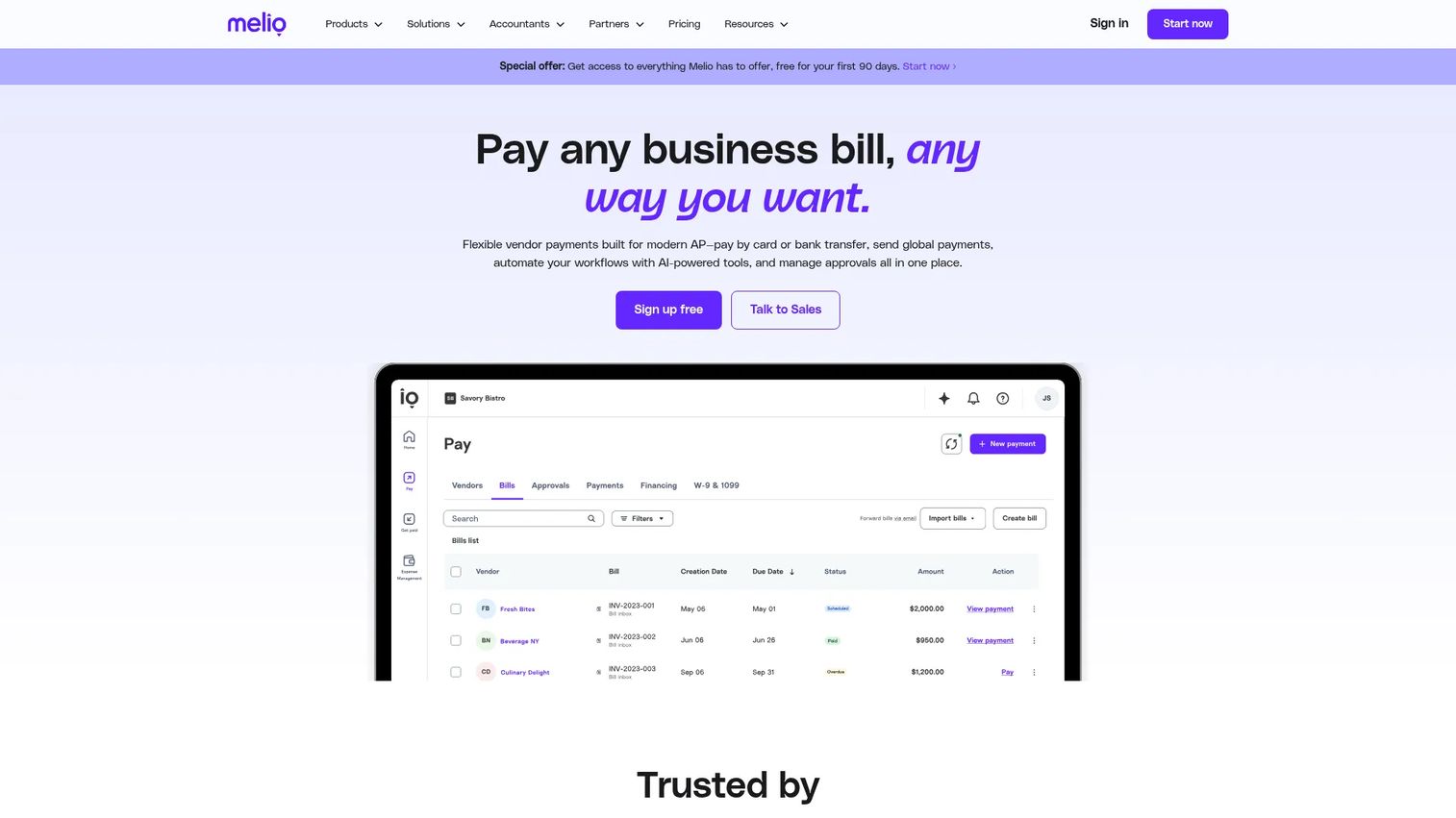
Melio is a B2B payment platform focused on accounts payable. It lets you pay vendors by ACH, card, check, or international wire, with approval workflows, batch payments, and direct sync to QuickBooks, Xero, and NetSuite. AI bill capture pulls invoice details automatically. For accounts payable software that sits cleanly on top of existing accounting tools, Melio is a practical choice.
Best for: Small and growing businesses that need tighter vendor payment workflows without adopting a heavy AP platform.
Key features
- Vendor bill payments via ACH, card, wire, or check
- AI bill capture and AI payment assistant
- Approval workflows and batch payments
- QuickBooks, Xero, and NetSuite sync
- International payments and payment links
Why choose Melio: When bill payment lives in someone's inbox and cash timing is unclear, Melio restores visibility and discipline without requiring a full AP overhaul. The Go plan is free and includes five ACH payments per month, which is enough to test the workflow before committing.
Melio pricing: The Go plan is free forever. Core runs $25/mo after a 90-day free period. Boost is $55/mo and Unlimited is $80/mo (or $64/mo billed annually). Platinum is custom pricing.
G2 rating: 4.4/5
9. Plooto
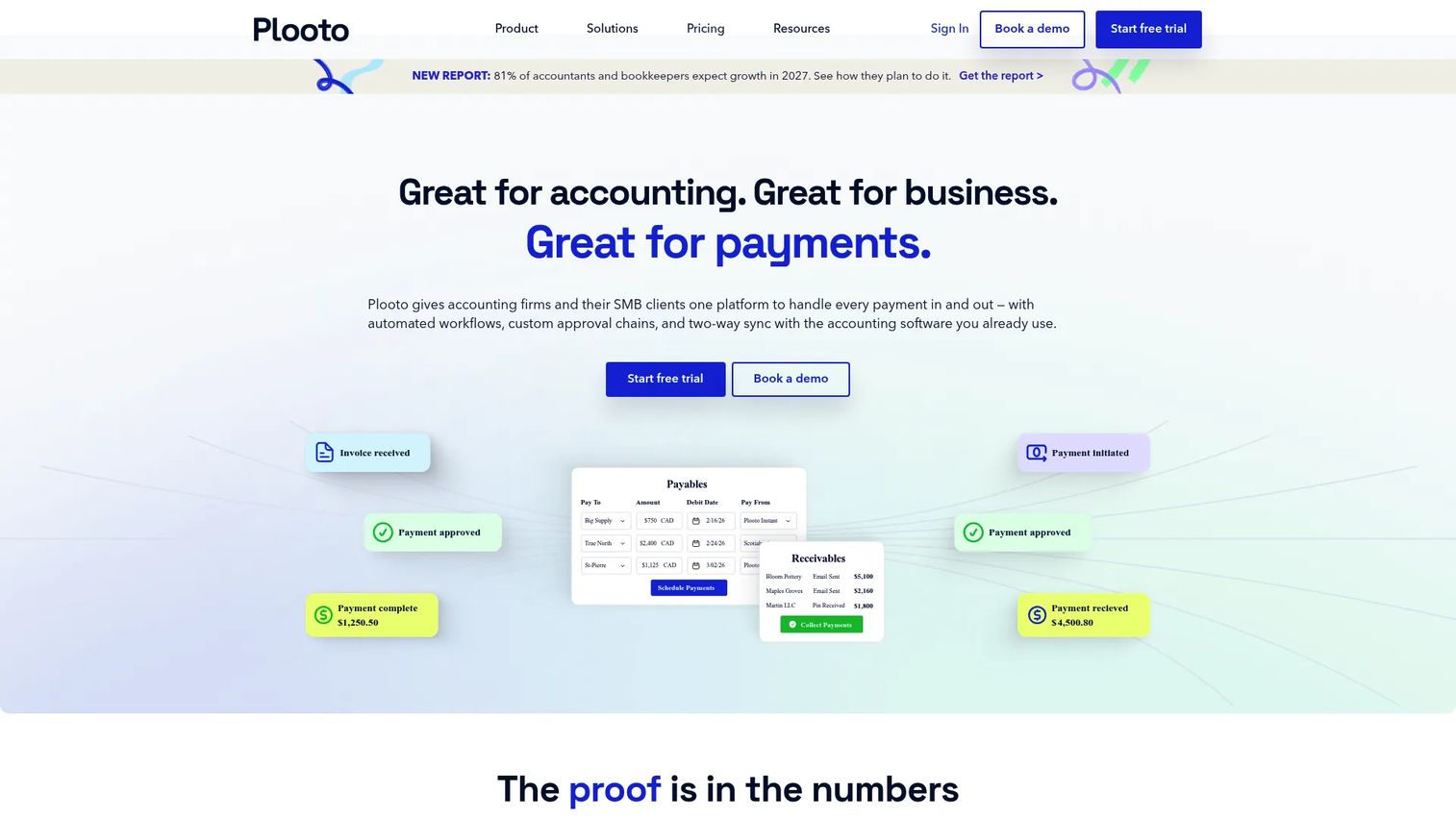
Plooto automates accounts payable and accounts receivable, with custom approval workflows, two-way sync with QuickBooks and Xero, and an invoice OCR feature called Plooto Capture. It supports domestic, international, ACH, EFT, and check payments, with full audit trails on every transaction.
Best for: Finance teams and accounting firms that need approval discipline and accounts receivable software working in the same platform.
Key features
- AP and AR automation in one platform
- Plooto Capture invoice OCR
- Custom approval workflows
- Two-way QuickBooks and Xero sync
- Domestic, international, ACH, and EFT payments
Why choose Plooto: Approval trails matter more as the company grows. Plooto gives finance leaders the controls and audit history they need without building a custom payment workflow. All plans include a 30-day free trial.
Plooto pricing: Go starts at $9/mo. Grow starts from $32/mo and adds unlimited domestic transactions. Pro starts from $99/mo with SSO and priority support.
G2 rating: 4.4/5
10. Kashoo
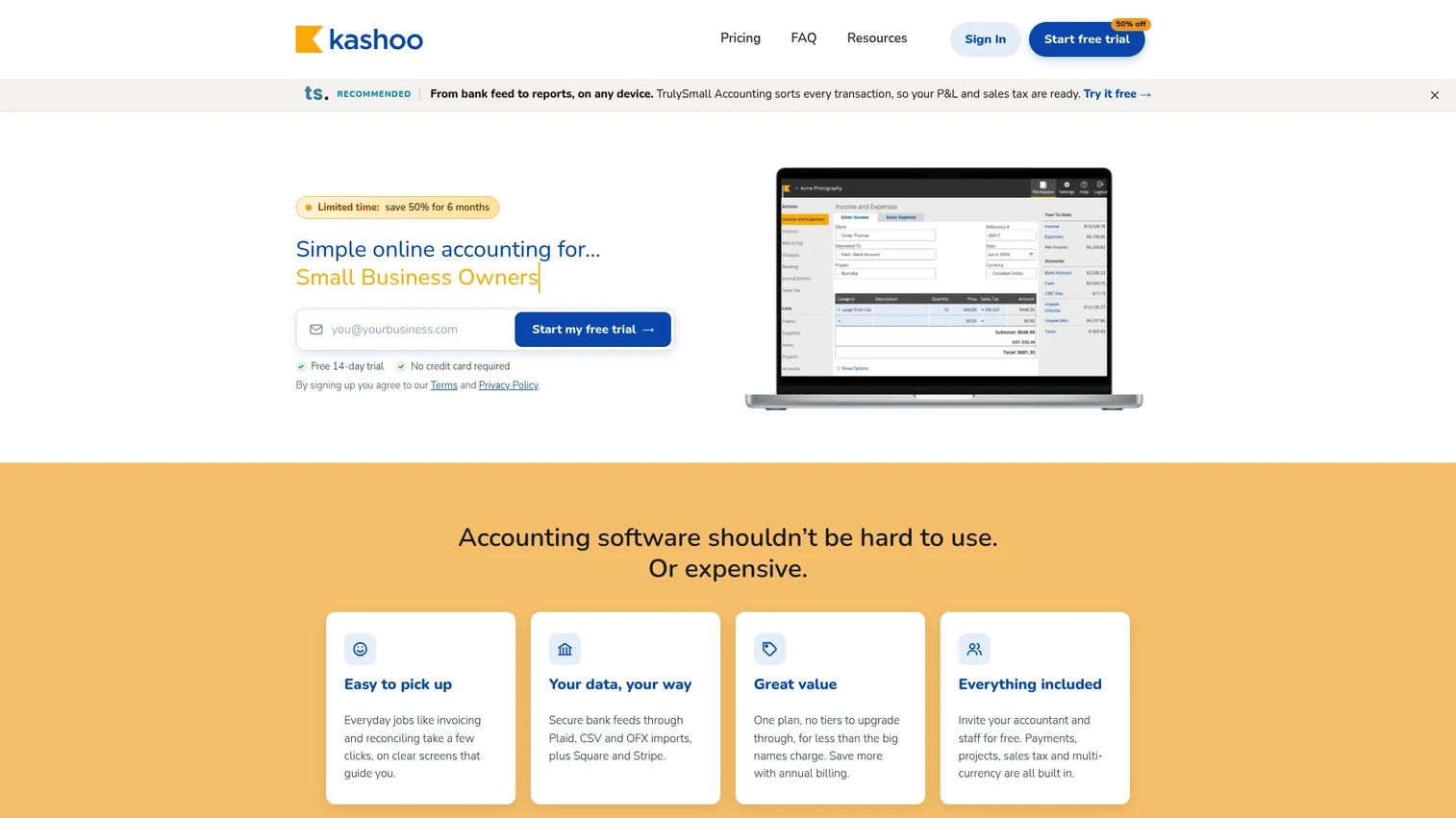
Kashoo is straightforward cloud accounting software for small businesses. One plan covers everything: Unlimited invoicing, expense tracking, bank feeds, multi-currency, sales tax, project tracking, and unlimited users. No tier selection, no feature gating by seat count.
Best for: Small teams that want complete bookkeeping without navigating multiple pricing tiers.
Key features
- Unlimited invoicing and online payments
- Expense, bill, and sales-tax tracking
- Bank feeds with double-entry ledger
- Multi-currency and project tracking
- Unlimited users on a single plan
Why choose Kashoo: Kashoo fits when simplicity is the priority and the finance function does not yet need deep integrations or complex reporting. The 14-day free trial requires no credit card, so you can test it before committing.
Kashoo pricing: One plan at $30/mo covers all features with no user limits. A 14-day free trial is available with no credit card required.
11. ZipBooks
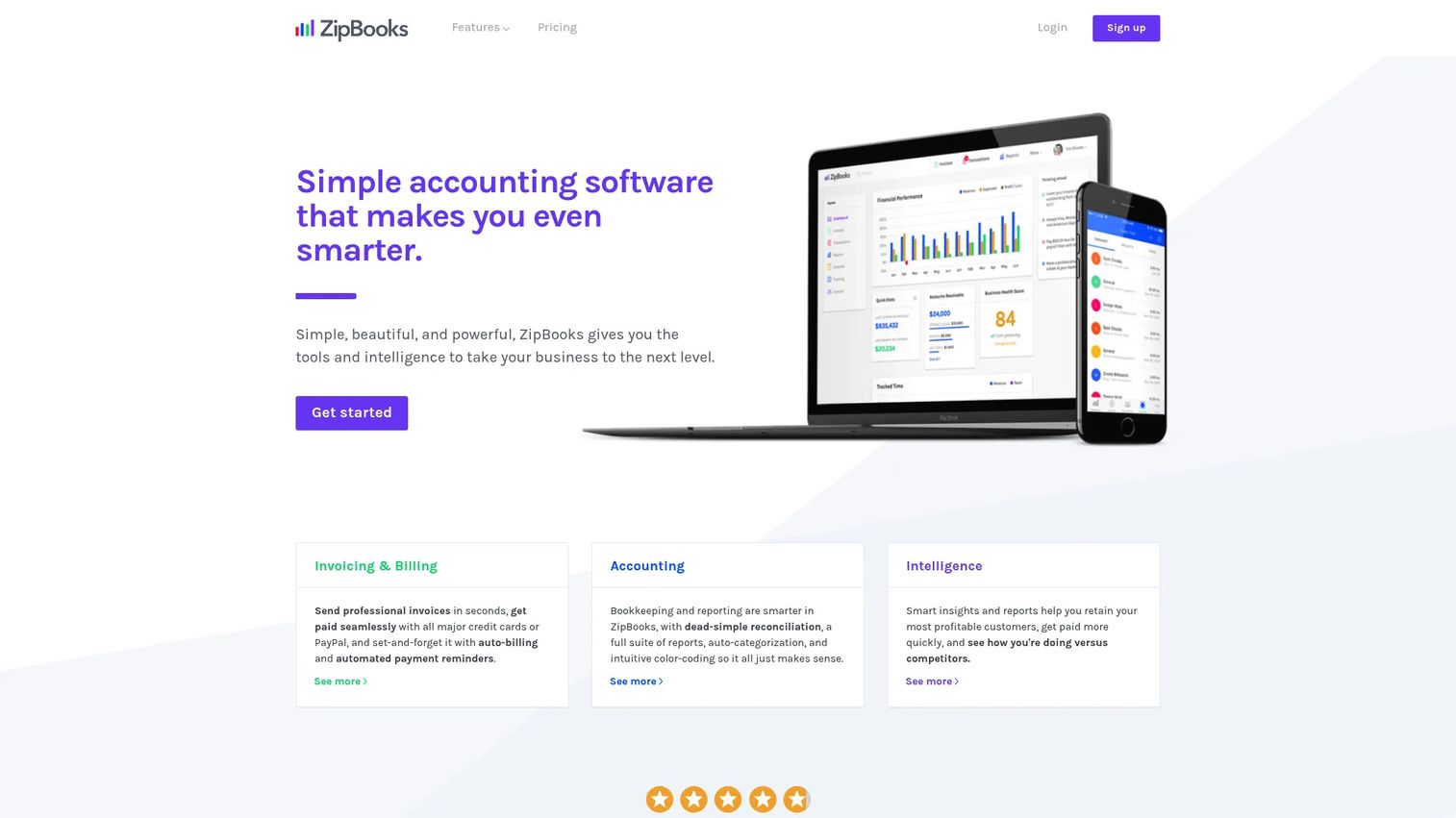
ZipBooks is simple accounting and invoicing software with a free entry-level plan. It covers invoicing with recurring billing and auto-payment reminders, bank connections, reconciliation, expense tracking, and time tracking. The Accountant plan is available for bookkeeping professionals managing multiple clients.
Best for: Freelancers, small teams, and accountants managing multiple clients on a low-cost accounting platform.
Key features
- Online invoicing with recurring billing and payment reminders
- Bank connections and transaction reconciliation
- Time tracking and project management
- Smart tagging and transaction categorization
- Free Starter plan with no credit card required
Why choose ZipBooks: ZipBooks is a sensible choice for very early-stage operations or for a bookkeeper managing several small-business clients. For a Series B company, it is typically an early-stage tool rather than a long-term finance backbone.
ZipBooks pricing: The Starter plan is free. Smarter and Sophisticated paid plans are listed at 15 and 35 on the pricing page (billing interval not displayed).
12. OneUp
OneUp combines accounting, invoicing, inventory, CRM-style contact management, bill scanning, and cash-flow forecasting in one platform. AI handles transaction categorization automatically. It works across desktop and mobile, with all features included on every plan.
Best for: Small businesses that want accounting tied to inventory and sales workflows in a single system.
Key features
- AI transaction categorization
- Invoicing from quotes through payment
- Automated cash-flow forecasting
- Bill scanning and payment
- Inventory, CRM, and mobile access
Why choose OneUp: OneUp fits edge cases where accounting, inventory, and sales workflows need to stay connected. For SaaS companies without physical goods, the inventory layer is less relevant, but the cash-flow forecasting and bill scanning are genuinely useful at any stage.
OneUp pricing: A 30-day free trial is available. Paid plans start at $9/mo (Self, 1 user), $19/mo (Pro), $29/mo (Plus), $69/mo (Team), and $169/mo (Unlimited). All features are included on every plan.
G2 rating: 4.1/5
13. Patriot Accounting
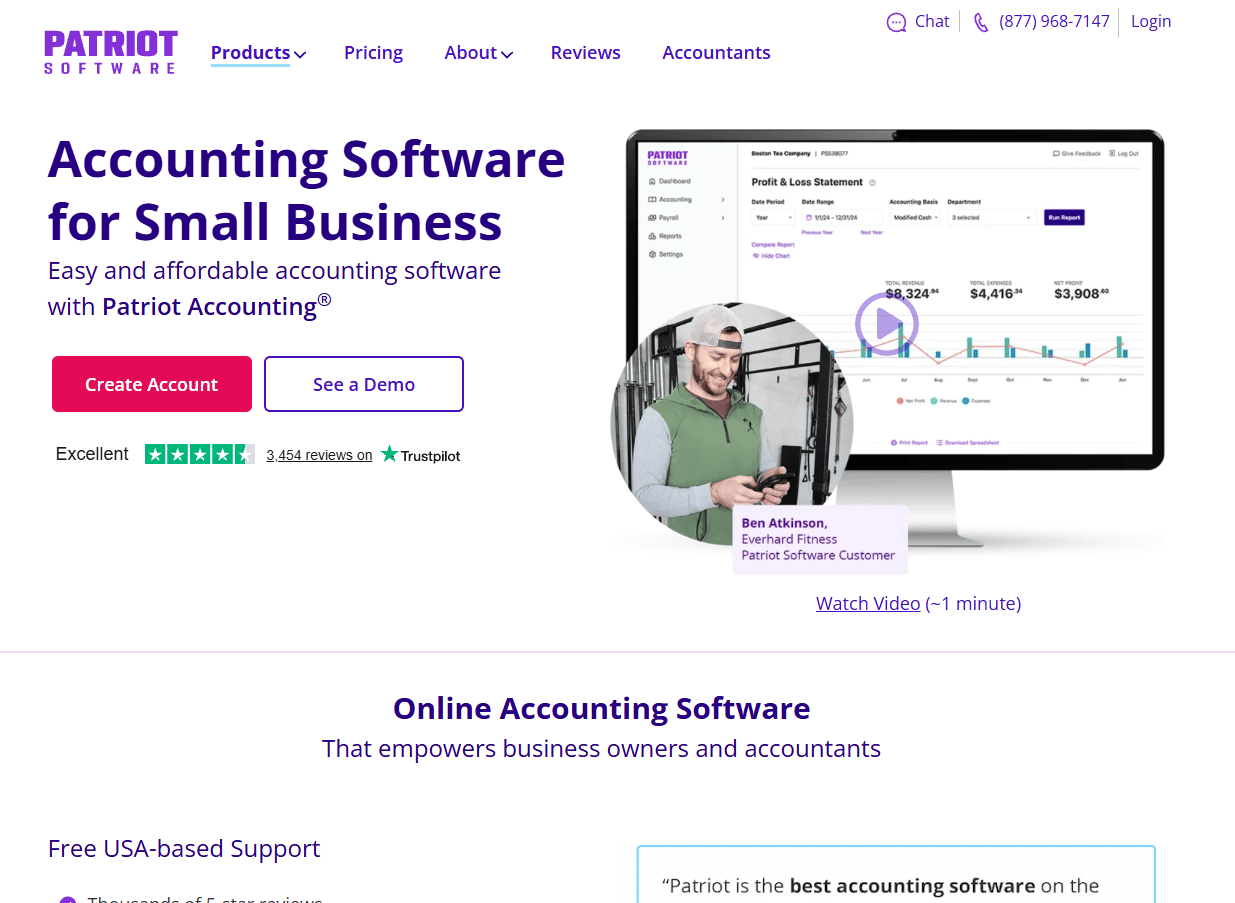
Patriot Accounting is budget-conscious accounting software for small U.S. businesses, particularly those that want accounting and payroll from the same vendor. It covers cash and accrual accounting, bank imports, reconciliation, invoicing, online payments, and reporting. The Premium plan adds estimates, recurring invoices, and document management.
Best for: Small U.S. businesses that want accounting and payroll in a cost-conscious stack.
Key features
- Dual-ledger cash and accrual accounting
- Automatic bank imports and reconciliation
- Unlimited customers, invoices, and vendors
- Online payments including Google Pay and Apple Pay
- Estimates and recurring invoices on Premium
Why choose Patriot Accounting: Price clarity is the draw. At $20/mo for the Basic plan, it covers the essential accounting workflows for a small U.S. team. The payroll add-on from the same vendor reduces the number of systems to manage. Patriot currently offers a 30-day free trial plus 50% off for three months.
Patriot Accounting pricing: Accounting Basic runs $20/mo. Accounting Premium is $30/mo. A payroll add-on is available separately.
G2 rating: 4.9/5
14. Accounting Seed
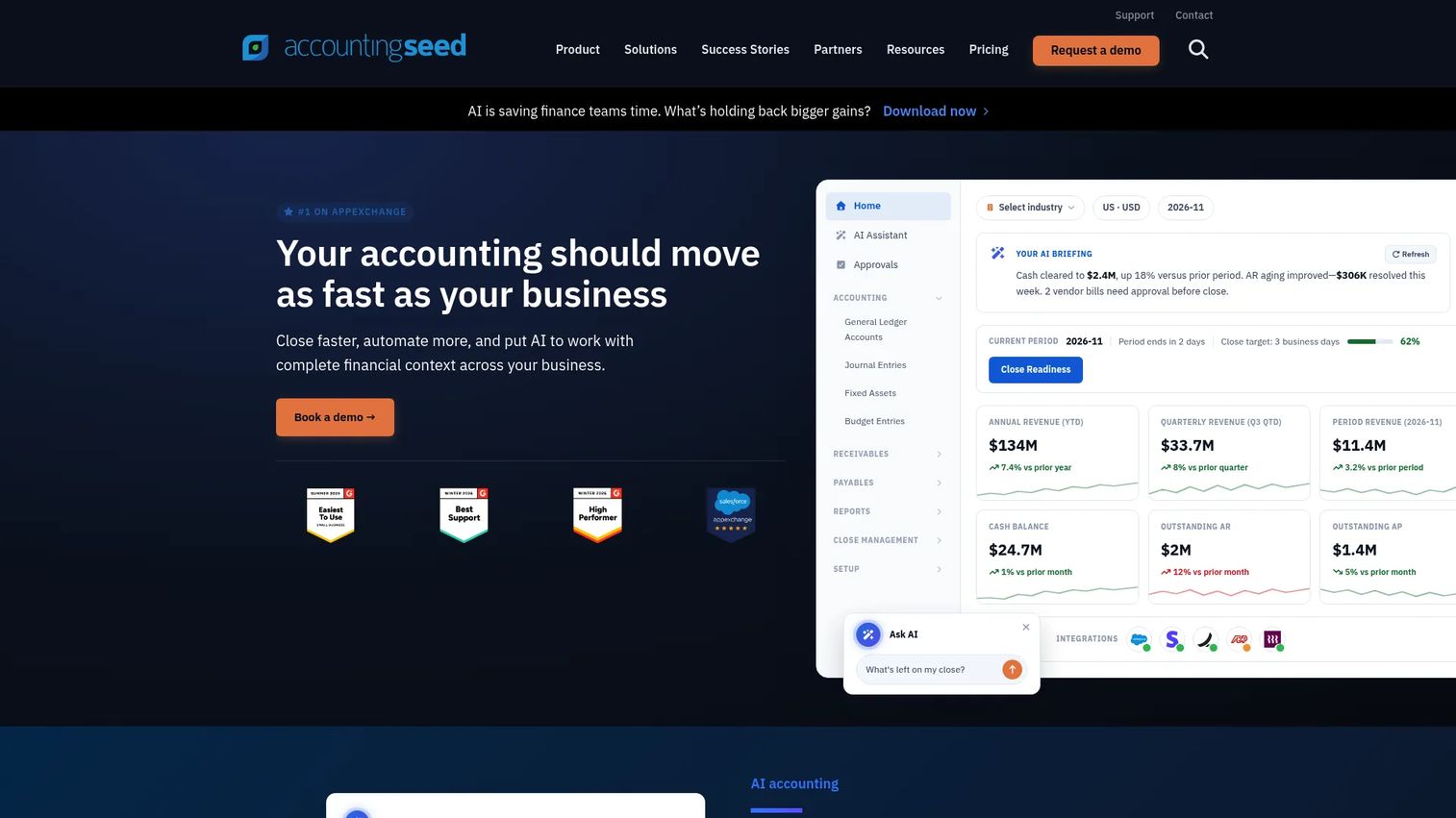
Accounting Seed is a Salesforce-native accounting platform that runs entirely inside the Salesforce environment. It covers the general ledger, accounts payable, accounts receivable, billing, project accounting, bank reconciliation, multi-entity accounting, multi-currency, and revenue reporting. Finance data lives in the same system as customer and pipeline data.
Best for: Salesforce-centric companies that want finance data closer to revenue operations.
Key features
- Salesforce-native general ledger and AP/AR
- Billing automation and invoicing
- Project accounting and revenue reporting
- Multi-entity and multi-currency accounting
- AR and AP automation
Why choose Accounting Seed: For a Series B SaaS company already running Salesforce for sales operations, Accounting Seed can reduce the gap between revenue data and finance reporting. Ask sales about the module mix, user count, and implementation scope before comparing it against off-the-shelf accounting tools.
Accounting Seed pricing: Custom pricing. Contact sales directly for a quote based on your module requirements, user count, and implementation needs.
G2 rating: 4.2/5
15. Bench
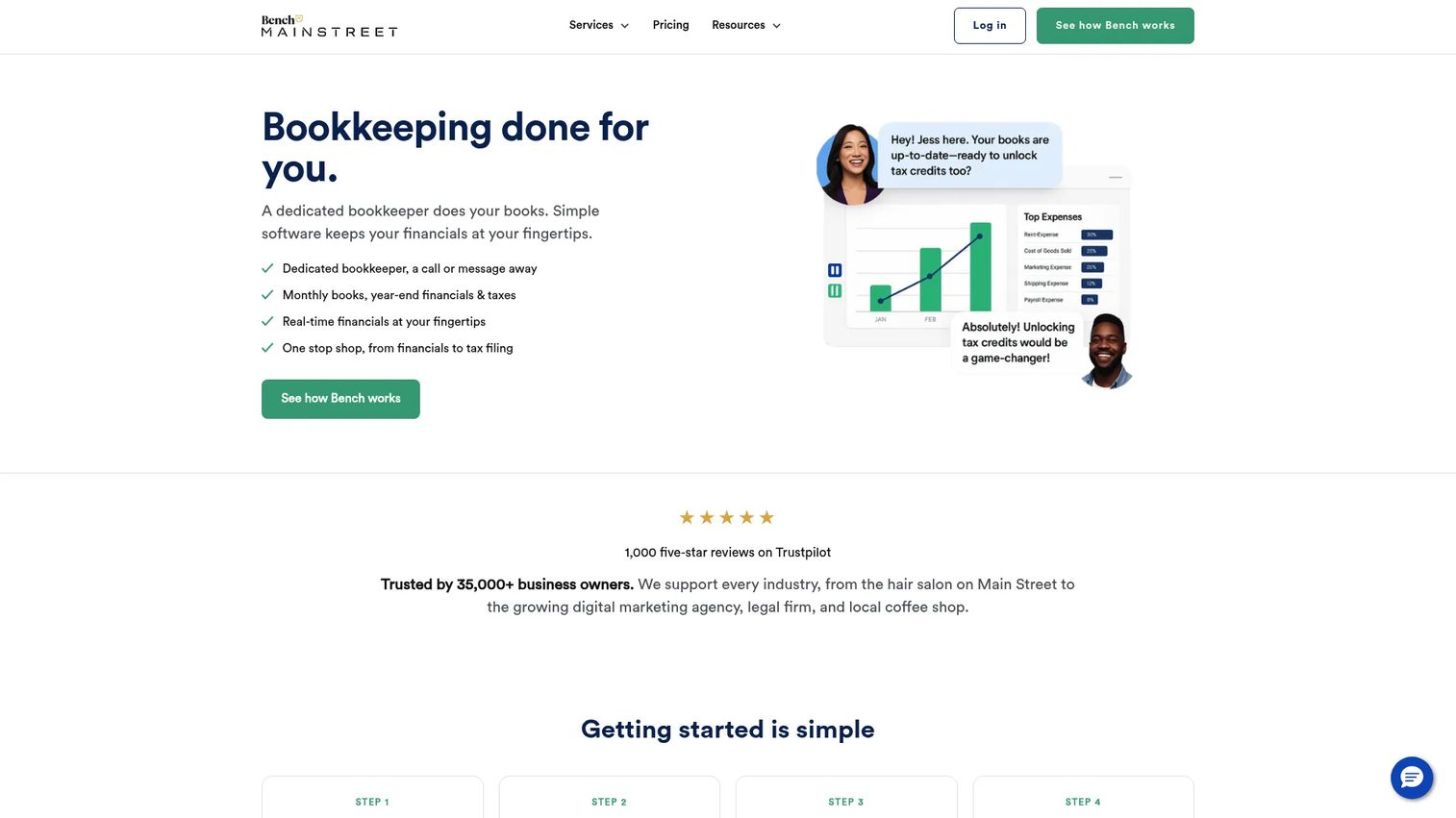
Bench is a bookkeeping service backed by software, not a self-serve accounting platform. Dedicated bookkeeping experts handle monthly reconciliation, produce financial statements, and prepare year-end tax-ready packages. The Core + Tax plan adds income tax filing. It is the right choice when you want bookkeeping done for you while you focus on building the company.
Best for: Founders who want bookkeeping handled by professionals instead of managing accounting software themselves.
Key features
- Dedicated bookkeeping experts for each account
- Monthly P&L, balance sheet, and 1099 reporting
- Year-end tax-ready financial packages
- Bank, card, and business-tool data integrations
- Income tax filing on Core + Tax plan
Why choose Bench: Bench buys time when hiring a full-time finance person is premature. The monthly deliverables are clean enough for board use, and catch-up bookkeeping is available if previous months are messy. Keep in mind: Bench replaces software management, not financial strategy.
Bench pricing: Plans run $199/mo (Bookkeeping Grow), $399/mo (Bookkeeping Core), and $599/mo (Bookkeeping Core + Tax). Annual billing saves up to 20%. A QBO-certified bookkeeper option is available at $55/hr plus a $1,200 onboarding fee.
G2 rating: 4.6/5
Considerations when choosing accounting and finance software
Match the tool to your finance stage
A founder with $500K ARR and a Series B company need different systems. Map tools against company stage, transaction volume, reporting complexity, and finance headcount before comparing feature lists. The best accounting software is the one your finance lead can operate confidently, not the one with the longest feature list.
Check integrations before price
The wrong integration gap creates manual work every month. Evaluate bank feeds, payroll, billing, CRM, payment processors, and spreadsheet export before comparing plans. For a SaaS company, billing and payroll integrations matter more than price differences between mid-tier plans.
Prioritize reporting you can defend
Board-ready reporting means clean financial statements, audit trails, and exports that do not require hours of cleanup. Look for standard P&L and balance sheet outputs, plus custom reporting capabilities. If you are preparing for a fundraise, ask whether the system supports investor-grade reporting formats.
Understand implementation effort
Some tools are ready in a day. Others need chart-of-accounts configuration, historical data migration, and accountant support. Ask who owns the chart of accounts setup and how historical data imports before you commit. Implementation effort is often the hidden cost that matters most.
Separate accounting from finance planning
Accounting software records transactions. Budgeting, forecasting, and scenario planning usually require additional finance tools. Do not expect one bookkeeping software for accountants platform to solve every FP&A problem. Build the accounting layer first, then evaluate what additional tools your finance lead needs to run planning cycles.
Conclusion
The right accounting and finance software depends on where your company is today, not where you hope to be in three years.
For most growing businesses, QuickBooks is the safest broad choice because accountants know it and the ecosystem is deep. Xero fits teams that want clean cloud accounting with strong multi-user workflows. FreshBooks earns its place when billing and time tracking drive most of the finance workload. Zoho Books makes sense if you are already running the Zoho stack. Wave and ZipBooks cover the free-tier starting point for simpler operations.
For payment and spend workflows, Expensify handles employee expenses, while Melio and Plooto bring structure to vendor payments and AP approvals. Accounting Seed is the right evaluation for Salesforce-first companies. Bench is worth considering when you want bookkeeping handled for you while other priorities compete for attention.
Pick two tools that match your finance stage. Then ask your accountant or finance lead which one they can operate cleanly for the next 18 months. That conversation will narrow the list faster than any comparison table.
FAQs
QuickBooks is the most common choice because it covers bookkeeping, invoicing, payments, and payroll in one system, and most accountants already know it. Xero, FreshBooks, and Zoho Books are strong alternatives depending on whether your priority is cloud collaboration, service billing, or stack consolidation. Wave covers basic needs at no cost for very small teams.
Accounting software records historical transactions and produces financial statements like P&L, balance sheet, and cash flow reports. Finance software typically extends into budgeting, forecasting, cash planning, and scenario modeling. Some platforms, like Zoho Books and Xero, overlap both jobs, but they are not identical categories.
For early-stage SaaS, QuickBooks, Xero, and Zoho Books are the most common starting points because they handle subscription billing integrations cleanly. At Series B, the focus shifts to integrations with payroll, expense management, and board reporting tools. The right choice is the one your incoming finance lead can operate on day one without rebuilding the chart of accounts.
Free small business accounting software like Wave and ZipBooks works well for freelancers and very early-stage operations. It becomes limiting when the business needs multi-user controls, revenue recognition support, formal approval workflows, or audit-ready reporting. Most Series B companies will outgrow free accounting software before their fundraise.
Look for invoicing, expense tracking, bank synchronization, reconciliation, payment collection, financial statements, and accountant access as the baseline. Growing companies should also prioritize approval workflows, audit trails, payroll integrations, and custom reporting. For SaaS-specific needs, check whether the platform handles subscription billing and revenue recognition.
Start by asking which platforms your accountant supports well and which ones they can operate without a migration learning curve. Then validate pricing, integration needs, user permissions, and historical data import process. Accountant familiarity typically reduces setup time and monthly close friction more than any single feature comparison.
No. These tools organize data and automate workflows, but they do not set financial strategy. A Head of Finance still owns planning, forecasting, board reporting, and trade-off decisions. The right software gives that person clean data to work with on day one, rather than a cleanup project.
Review it when transaction volume rises significantly, when a finance leader joins, when reporting gets slow or unreliable, or when the company prepares for a fundraise. For high-growth SaaS companies, an annual review of the full finance stack is a sensible habit.