Your front desk starts every morning behind. Paper packets pile up. Staff retype the same insurance card twice, chase down missing signatures, and field calls from patients who forgot what to bring. Meanwhile the person in exam room three is still filling out a clipboard.
Here is the part that should bother you more: about 81% of patients now prefer digital intake forms over paper for providing their information before a visit, according to a 2024 Zentake and Lobbie patient preferences survey. Your patients already moved on. The clipboard is a habit, not a requirement.
But swapping paper for a digital form solves half the problem. The other half is the retyping, the eligibility checks, the missed copays, and the sync back into your EHR or practice management system. A form that dumps data into a PDF you still have to key in manually is not automation. It is a nicer clipboard.
That distinction is where most intake buying decisions go sideways. Teams pick the tool with the cleanest form builder and discover six months later that it does not write back to their record system, does not verify eligibility, or cannot handle the intake variations a cardiology practice needs versus a dermatology one.
So the real question is not "which tool has the best forms." It is "which platform actually removes manual work from my front desk without creating a second disconnected system." That is what this guide sorts out.
What's inside
This guide covers seven patient intake software platforms built for medical and dental practices, health systems, and multi-specialty groups. We selected them based on how they handle the jobs that actually reduce front-desk burden: EHR or practice management integration depth, pre-visit completion, multi-channel access across mobile, tablet, and kiosk, eligibility and payment workflows, and configurability across specialties and locations.
You will get a side-by-side comparison table, honest tool-by-tool breakdowns, a buyer's checklist, and answers to the questions practice managers actually ask. No vendor fluff, no unverified pricing.
TL;DR
- Best overall for full digital front door: Phreesia combines intake, registration, scheduling, payments, and patient activation in one platform with deep PM/EHR integration.
- Best for patient engagement and access: Luma Health fits teams that want intake to live inside a broader patient journey with reminders, recalls, and referrals.
- Best for medical and dental practices: NexHealth pairs paperless intake with online booking, messaging, and verification for front-office automation.
- Best for specialty practices: Clearwave is built around fast check-in, eligibility verification, and patient engagement for specialty clinics.
- Best if you run on Epic: Epic Welcome is the native self-arrival option for organizations already standardized on Epic.
- Best for AI-driven operations automation: Notable automates intake alongside broader patient access and revenue cycle workflows at scale.
What is patient intake software
Patient intake software is a digital tool that collects, verifies, and routes patient information before and during an appointment, then syncs that data into the practice's EHR or practice management system. It replaces paper forms and manual data entry with digital registration, pre-visit forms, insurance capture, and payment collection.
At its core, a patient intake system handles a predictable set of jobs:
- Digital registration and pre-visit forms: patients complete demographics, history, and consents from their phone, a tablet, or a kiosk before they arrive.
- Insurance and eligibility verification: the system captures insurance cards and checks coverage against payers so staff are not on hold with insurers.
- Payments and collections: copays, balances, and estimates get collected before or at the point of care.
- Reminders and confirmations: automated messages reduce no-shows and prompt patients to finish forms early.
- EHR and PMS sync: completed data writes back into the record system so nobody retypes it.
- Multi-channel access: the same intake works across mobile, tablet check-in, and kiosk intake.
Buyers often frame this as building a "digital front door," the idea that a patient's first interaction with your practice should be digital, self-serve, and connected to everything downstream. Good digital patient intake software is not a form tool. It is the connective layer between the patient and your operational systems.
When to use patient intake software
Replace paper forms before appointments
If patients still fill out clipboards in the waiting room, you are collecting data at the worst possible moment. Pre-visit patient registration lets patients complete forms at home, days before the appointment. That shortens wait times and gives staff time to fix errors before the patient walks in.
Reduce front-desk rekeying and follow-up calls
When a form does not sync to your EHR, someone retypes it. That is where errors and hours disappear. Paperless patient intake with bidirectional integration removes the retyping entirely and cuts the follow-up calls chasing missing information.
Collect insurance and payment details earlier
Denied claims and missed copays trace back to bad or late data. Capturing insurance details and running eligibility verification before the visit means fewer surprises at checkout and cleaner claims. Collecting payment at the point of intake improves collections without awkward front-desk conversations.
Standardize intake across specialties or locations
A single-location primary care office and a ten-site orthopedics group have different intake needs. Healthcare intake automation lets you standardize the core workflow while configuring specialty-specific intake and location-specific forms, so every site runs the same process without a one-size-fits-all form.
Comparison table
Here is how the seven platforms stack up. Ratings reflect current G2 listings where available; pricing for this category is almost universally quote-based, aligned to practice size, patient volume, and integrations. Integration depth and specialty fit matter more than sticker price when you compare these tools.
| # | Product | Best for | Key use case | Pricing | G2 rating |
|---|---|---|---|---|---|
| 1 | Phreesia | All-in-one digital front door | Intake, registration, payments, and activation across modalities | Quote-based | 4.1/5 |
| 2 | Luma Health | Patient engagement and access | Intake inside a broader patient journey with reminders and referrals | Quote-based | 4.8/5 |
| 3 | NexHealth | Medical and dental practices | Paperless intake with booking, messaging, and verification | Quote-based | 4.8/5 |
| 4 | Clearwave | Specialty practices | Fast check-in with eligibility verification and payments | Quote-based | Not rated |
| 5 | Epic Welcome | Organizations on Epic | Native patient self-arrival via kiosk or tablet | Quote-based | Not rated |
| 6 | Kyruus Health Check-In | Health systems and groups | Pre-visit intake, payments, and check-in via text link | Quote-based | Not rated |
| 7 | Notable | AI-driven operations automation | Intake automation across access and revenue cycle | Quote-based | Not rated |
Best patient intake software tools for 2026
1. Phreesia
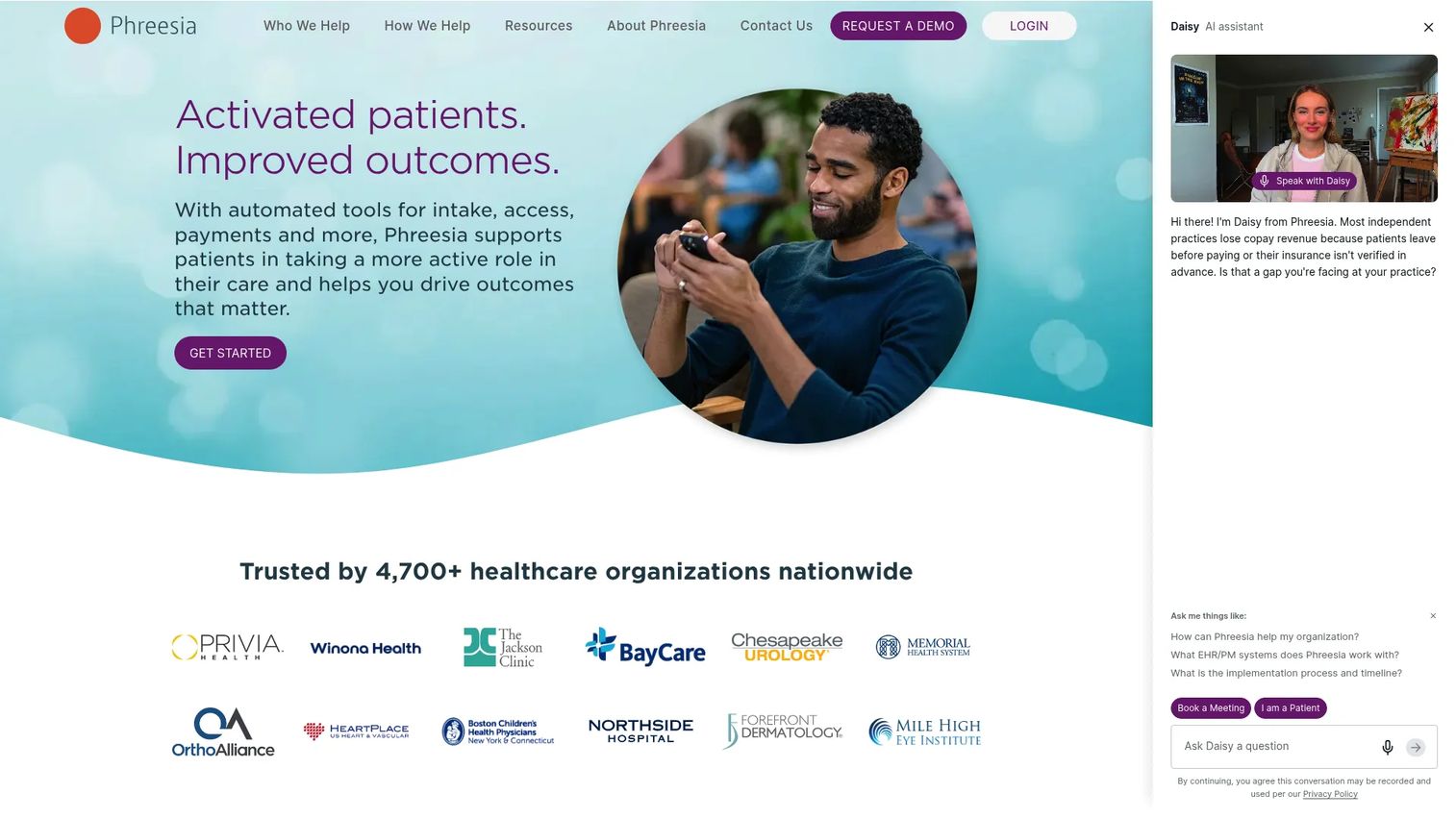
Phreesia is the platform most people picture when they think patient intake software. It runs digital intake, registration, scheduling, payments, and patient activation as one connected system, built for healthcare organizations that want the whole digital front door rather than a single-purpose form tool. Patients complete intake across mobile, in-office, telehealth, and kiosk modalities, and the data flows back through bidirectional integrations with PM, EHR, and HIE systems.
Best for: Healthcare organizations that want an all-in-one intake, access, payments, and engagement platform.
Key strengths
- Digital patient registration and check-in across mobile, tablet, and kiosk
- Scheduling and appointment management with automated reminders
- Payments and revenue cycle workflows collected at intake
- Bidirectional PM/EHR/HIE integration so data does not get retyped
- Patient activation content delivered during the intake flow
Why choose Phreesia: If your goal is to consolidate intake, payments, scheduling, and patient communication under one vendor with proven integration breadth, Phreesia is the most complete option here. It fits larger organizations and multi-site groups that want to standardize the entire pre-visit experience rather than stitch point tools together.
Phreesia pricing: The company describes bundled pricing tailored to organization size, location, patient demographics, features, and integrations, and references a risk-free trial period. Request a quote for figures specific to your setup.
2. Luma Health
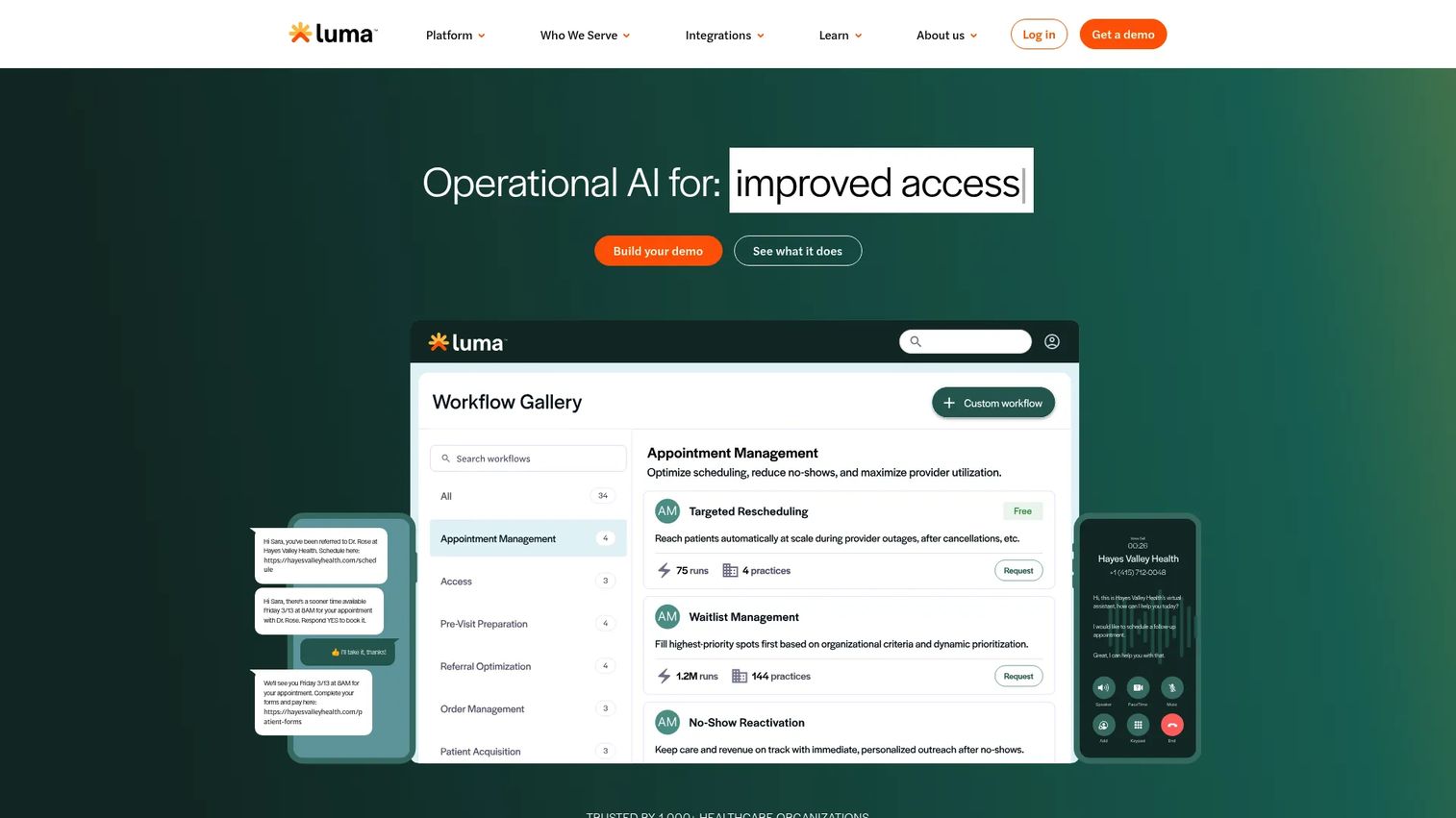
Luma Health positions intake as one part of a larger patient engagement and access platform. Instead of treating intake as an isolated form step, Luma connects it to scheduling, reminders, recalls, referrals, and messaging, so pre-visit registration sits inside the whole patient journey. That framing appeals to teams trying to save staff time and reduce no-shows across the board, not just digitize a packet.
Best for: Healthcare providers who want intake to live inside patient engagement and access workflow automation.
Key strengths
- Patient scheduling and rescheduling with a smart waitlist
- Appointment reminders and patient recalls
- Referral management and two-way patient messaging
- AI-powered appointment reminders to cut no-shows
- Intake that connects to the broader patient success workflow
Why choose Luma Health: Choose Luma if intake is one piece of a bigger patient access problem you are solving. Teams that want a single platform for reminders, recalls, referrals, and intake, rather than a dedicated intake-only tool, get the most from it. Its 4.8/5 G2 rating reflects strong reviewer sentiment.
Luma Health pricing: Luma Health does not display public pricing and directs prospects to request a demo. Contact sales for a quote based on your organization.
3. NexHealth
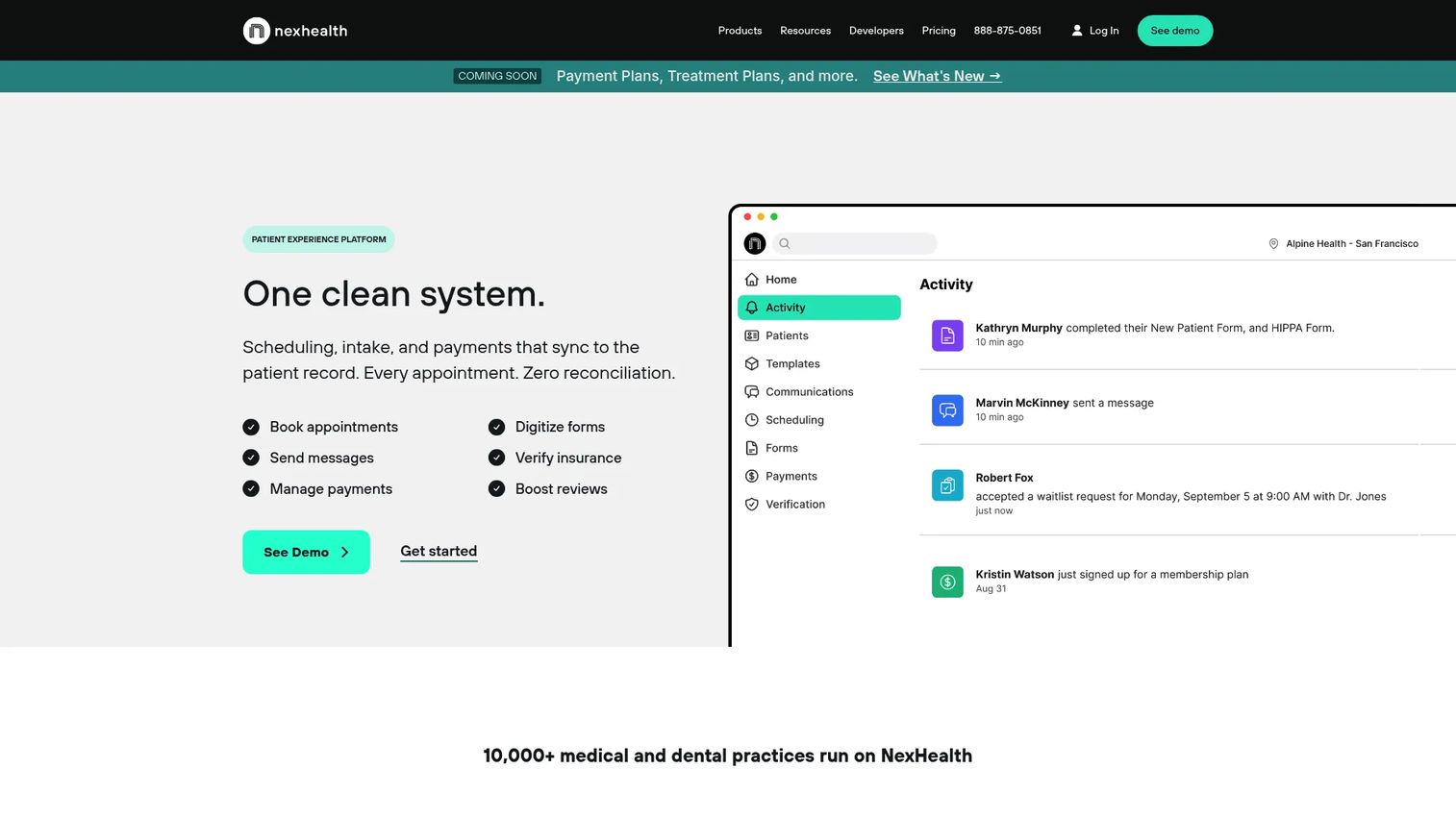
NexHealth is a strong fit for medical and dental practices that want broad front-office automation, not just intake. It pairs digital intake forms that sync to the health record system with online booking, patient communications, billing, and insurance verification. For practices moving off paper and manual scheduling at the same time, NexHealth handles both in one platform, which is why it lands so often on midmarket shortlists.
Best for: Medical and dental practices automating scheduling, intake, messaging, payments, and verification together.
Key strengths
- Online booking and scheduling automation
- Digital intake forms that sync to the health record system
- Patient communications and two-way messaging
- Billing and insurance verification workflows
- Fast onboarding for practices leaving paper behind
Why choose NexHealth: Pick NexHealth if you want intake bundled with scheduling and communications for a growing practice. It stands out for practices that value quick onboarding and a single vendor across the front office. Its 4.8/5 G2 rating signals consistently positive reviewer experiences.
NexHealth pricing: NexHealth uses custom pricing and asks practices to contact them for a quote. The pricing page notes both month-to-month and yearly billing options.
4. Clearwave
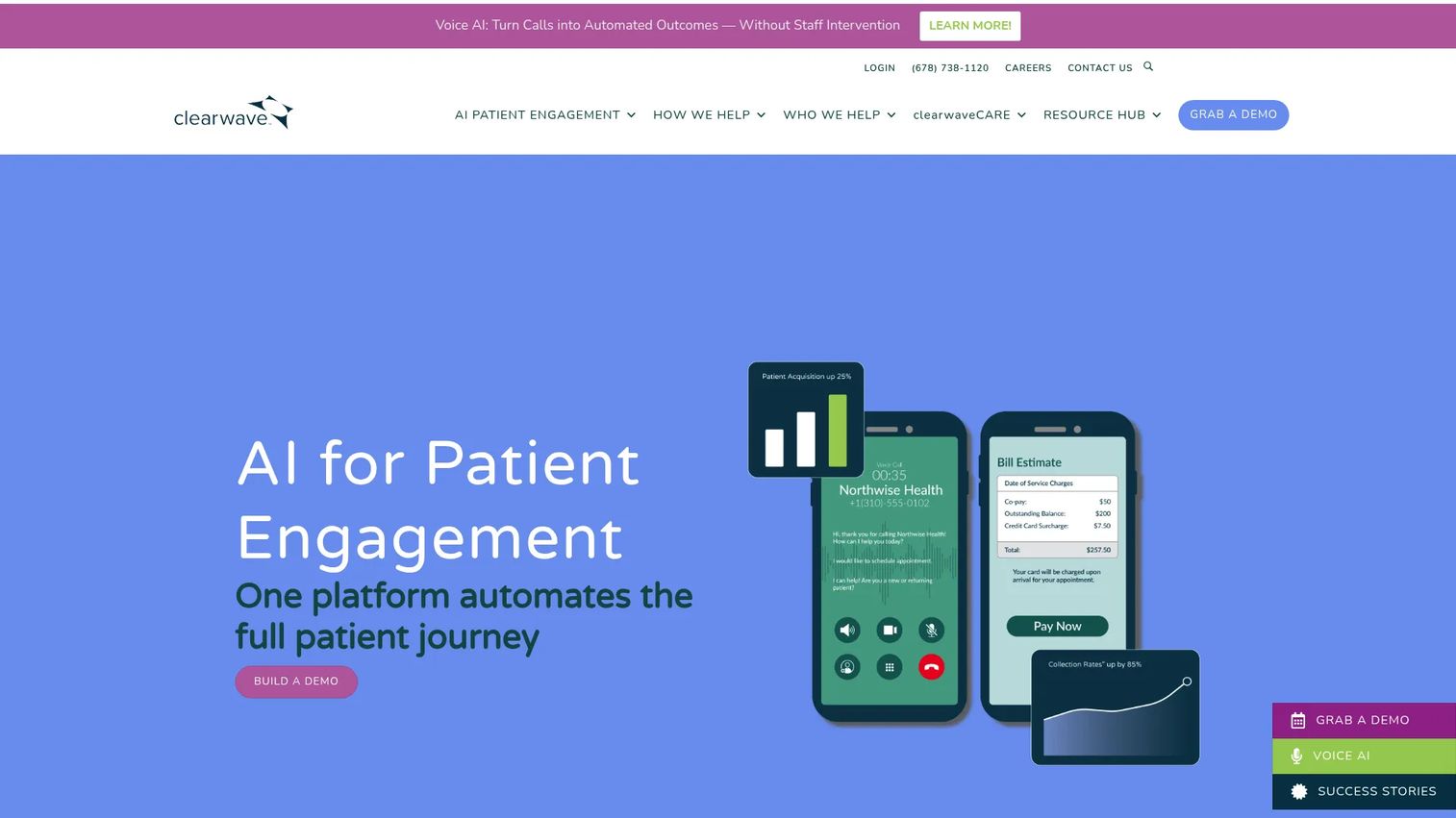
Clearwave is a patient engagement platform built around speed at the front desk. It focuses on fast check-in, insurance eligibility verification, scheduling, communications, and payments, with particular strength for specialty practices. If your front office measures success in seconds saved per patient and clean eligibility results, Clearwave's check-in-first design targets exactly that.
Best for: Specialty healthcare practices that need a fast patient engagement front door.
Key strengths
- Patient scheduling and self-service check-in
- Insurance eligibility verification at check-in
- Patient communications across channels
- Payments and revenue-cycle workflows
- Specialty-focused configuration for high-volume front desks
Why choose Clearwave: Choose Clearwave if you run a specialty practice where check-in speed and reliable eligibility verification drive your day. It is built for high patient throughput and front-desk efficiency rather than as a general-purpose engagement suite.
Clearwave pricing: Clearwave uses quote-based pricing aligned to practice size, patient volume, provider count, and specific requirements.
5. Epic Welcome
Epic Welcome is Epic's patient self-service arrival application, and its case is simple: if you already run Epic, Welcome fits natively. It supports patient self-service arrivals through kiosk enclosures or free-roaming tablets, and because it lives inside the Epic environment, there is no third-party integration to build or maintain. For Epic shops, that native fit is the entire value proposition.
Best for: Healthcare organizations already standardized on Epic that need patient self-arrival workflows.
Key strengths
- Patient self-service arrivals inside the Epic ecosystem
- Kiosk enclosure support for lobby check-in
- Free-roaming tablet support for staff-assisted arrival
- Native workflow fit with no third-party integration layer
- Consistent experience for organizations already on Epic
Why choose Epic Welcome: If your organization runs Epic, Welcome removes the integration question entirely. The arrival and check-in data lives where your clinical and registration workflows already are. For non-Epic organizations, this is not the tool; its strength is precisely that native fit.
Epic Welcome pricing: Epic does not publish a public price for Welcome as a standalone product. Packaging typically depends on your broader Epic agreement. Contact Epic for details tied to your environment.
6. Kyruus Health Check-In
Kyruus Health Check-In, formerly Epion, is a digital patient intake, payment, and check-in solution with roots in care access and navigation. It sends pre-visit intake to patients via a text link, supports two-way SMS messaging, and collects demographics, insurance information, forms, payments, and screeners. Bidirectional EHR integrations with athenahealth and Oracle Health mean the data writes back rather than sitting in a silo.
Best for: Health systems and medical groups that want to digitize intake and check-in with strong patient access roots.
Key strengths
- Pre-visit patient intake via text link
- Two-way SMS messaging with patients
- Bidirectional EHR integrations with athenahealth and Oracle Health
- Collects demographics, insurance, forms, payments, and screeners
- Front-desk check-in workflow tied to broader patient access
Why choose Kyruus Health Check-In: Choose it if you care about coordinated patient access and multi-channel intake, and you run athenahealth or Oracle Health. The care-navigation heritage makes it a fit for organizations thinking about intake as one step in guiding patients to the right care.
Kyruus Health Check-In pricing: Kyruus Health does not publish public pricing for Check-In and uses a "schedule a demo" path instead. No numeric starting price or plan tiers are shown. Request a quote for figures tied to your systems.
7. Notable
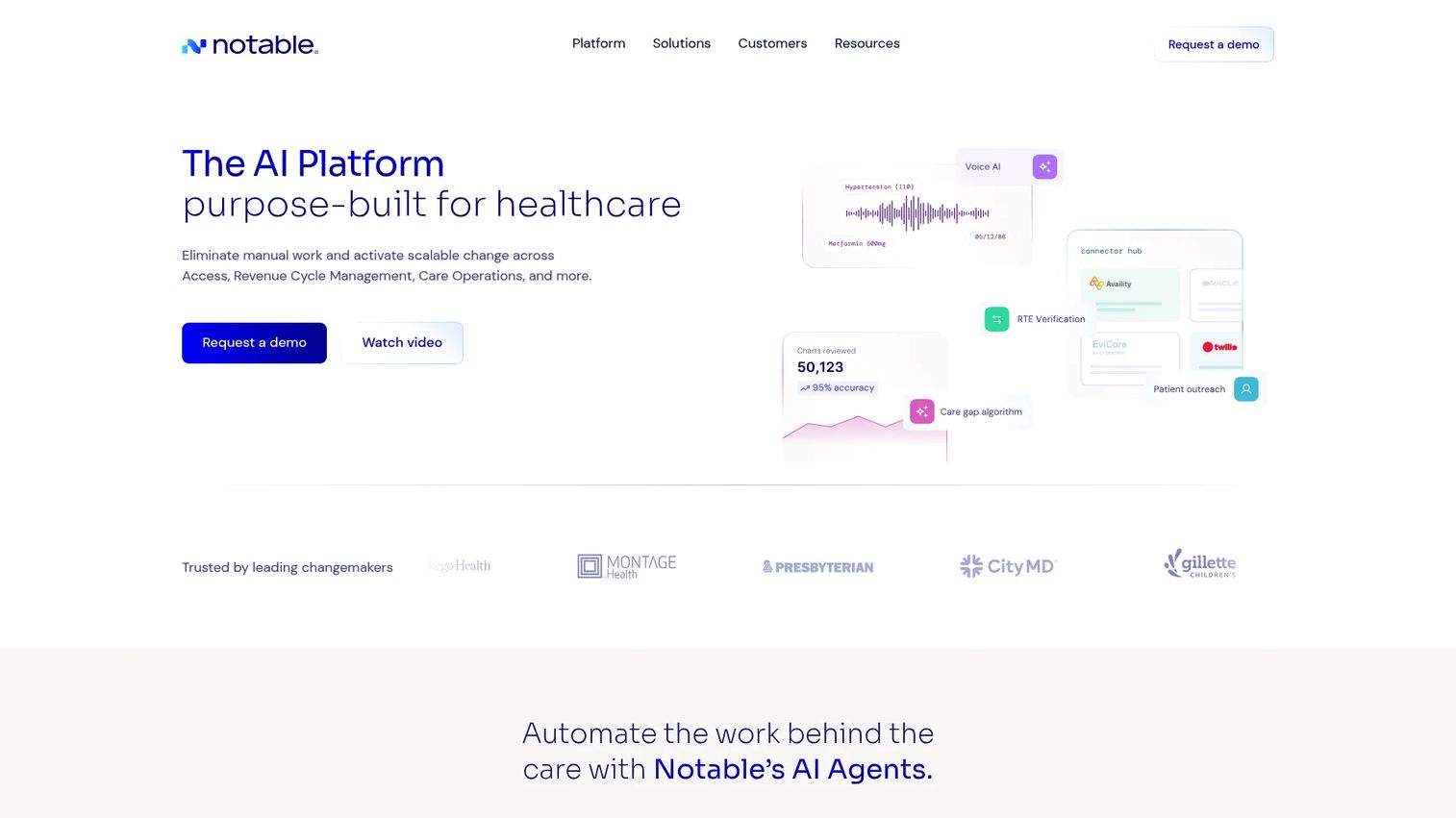
Notable approaches intake as one workflow inside a broader AI automation platform purpose-built for healthcare. Rather than a standalone intake tool, it uses AI agents and a low-code Flow Builder to automate patient access, revenue cycle, and care operations at scale. For larger systems drowning in repetitive manual work across many workflows, intake is one of several processes Notable is designed to automate.
Best for: Healthcare organizations automating patient access, revenue cycle, and care operations, with intake as one piece.
Key strengths
- AI agents for workflow automation across patient operations
- Flow Builder for low-code automation design
- Sidekick AI co-pilot for staff
- Integrations with healthcare systems
- Enterprise security and trust controls
Why choose Notable: Choose Notable if intake is part of a larger automation mandate spanning access and revenue cycle, and you have the scale to justify a platform play. It fits complex environments and larger systems more than a single small practice looking only to replace paper forms.
Notable pricing: Notable does not publish public pricing or plan tiers on its site. Pricing is quote-based and tied to scope and scale. Contact Notable for figures specific to your organization.
Considerations
The demos will all look good. Here is what to verify before you sign anything.
EHR or PMS integration depth
Ask whether the integration is bidirectional and which systems it certifies against. A tool that reads from your EHR but cannot write back still leaves someone retyping. Confirm your exact EHR or PMS version is supported, not just the vendor name. Integration depth is the single biggest predictor of whether intake actually reduces work.
Eligibility and payment handling
Verify that eligibility verification runs against your actual payers and returns results your staff can act on. For payments, confirm the tool handles copays, balances, and estimates at the point of intake and reconciles cleanly with your billing. Late or partial data here is where collections leak.
Multi-location or specialty configuration
If you run more than one site or specialty, ask how forms and workflows get configured per location and per specialty. A platform that forces one universal form across cardiology and dermatology creates friction for both. Confirm you can standardize the core process while tailoring the edges.
Patient completion and reminders
A form patients abandon does not help. Roughly 30% of patients abandon long digital intake forms before completion, per industry data cited by Perspective AI in 2026. Ask about completion rates, mobile experience, and automated reminders that nudge patients to finish before the visit.
Security, compliance, and implementation
Confirm HIPAA compliance, data handling, and what implementation support looks like. Ask for a realistic timeline, who does the configuration work, and how ongoing changes get made. The best workflow fit still fails if implementation drags for months.
Conclusion
The shortlist comes down to fit, not features. Every one of these platforms digitizes intake. The difference is what else they connect to and how deeply.
If you want the full digital front door under one vendor, Phreesia is the most complete. If intake is part of a broader patient engagement and access problem, Luma Health fits. Medical and dental practices automating the whole front office get the most from NexHealth. Specialty practices that live and die by check-in speed should look hard at Clearwave. If you run Epic, Epic Welcome removes the integration question. Health systems on athenahealth or Oracle Health should evaluate Kyruus Health Check-In. And organizations with an enterprise-wide automation mandate should consider Notable.
Your next step: shortlist two platforms that match your EHR or PMS and your specialty mix, then run each against the five considerations above during the demo. Ask them to prove bidirectional write-back with your actual record system. That one test tells you more than any feature list.
FAQs
Patient intake software is a digital tool that collects, verifies, and routes patient information before and during a visit, then syncs it into the EHR or practice management system. It replaces paper forms with digital registration, insurance capture, payments, and pre-visit forms. The goal is less manual work at the front desk and a smoother patient experience.
The best tools use bidirectional integration, meaning they both read from and write to your EHR. Patients complete intake digitally, and the data writes back into the record system so nobody retypes it. Always confirm the integration is bidirectional and certified for your specific EHR version, not just the vendor name.
Prioritize EHR or PMS write-back, eligibility verification against your actual payers, point-of-intake payments, and multi-channel access across mobile, tablet, and kiosk. For multi-site or multi-specialty groups, configurable forms per location and specialty matter. Automated reminders and a strong mobile experience drive completion rates.
Yes, indirectly and directly. Automated reminders and confirmations prompt patients to show up and finish forms early, which reduces no-shows. Platforms that pair intake with reminders, recalls, and waitlists tend to have the biggest no-show reduction impact because they engage patients across the whole journey, not just at form time.
Reputable patient intake platforms are built to be HIPAA compliant, with encrypted data handling and access controls. HIPAA-compliant intake forms and a signed business associate agreement are baseline requirements. Always confirm the vendor's compliance posture, data storage practices, and BAA availability before you sign.
Patient registration software focuses on capturing demographic and insurance details to create or update a patient record. Patient intake software is broader: it includes registration plus pre-visit forms, consents, eligibility verification, payments, and reminders. In practice the terms overlap, and most modern intake platforms handle registration as one part of the workflow.
Specialty practices need configurable, specialty-specific intake and fast check-in. Clearwave is built around speed and eligibility for specialty clinics, while Phreesia and NexHealth support specialty configuration inside broader platforms. The right pick depends on whether you need a dedicated fast front door or intake bundled with scheduling and engagement.
Match each vendor against your EHR or PMS first, since integration depth predicts how much manual work actually disappears. Then compare eligibility verification, payment handling, multi-location and specialty configuration, completion rates, and implementation support. Run a demo where the vendor proves bidirectional write-back with your real record system before you decide.