Your product team wants iOS and Android coverage by next quarter. Engineering says it depends on the framework decision. That decision, once made, will shape your release cadence, your hiring profile, and how quickly feature experiments reach users for the next two or three years.
Most teams underestimate the downstream cost. A cross-platform choice that looks efficient on paper can create platform parity debt when native device integrations, background processing, or high-fidelity interactions turn out to matter more than expected. A native-only bet can double the roadmap burden before the product has validated its mobile user base.
According to Mordor Intelligence (2025), mobile-based apps now account for 64.55% of app-development market revenue globally. The category is not slowing down, and neither is the pressure to pick the right stack before committing engineering capacity.
This guide gives you a PM-oriented comparison of nine mobile development frameworks, with clear decision paths for each one.
What's inside
This guide is built for product managers and engineering leaders evaluating mobile app development frameworks before committing to a direction.
- Nine frameworks compared across native, cross-platform, and hybrid approaches
- How each option affects platform coverage, release cadence, and native feature access
- Practical criteria to use when aligning with engineering leadership on framework fit
- A buyer's checklist to avoid a costly framework mismatch
Selection criteria: Platform coverage, native API depth, team skill alignment, release and maintenance overhead, and ecosystem maturity.
TL;DR
- Best for React teams: React Native, particularly when existing JavaScript and TypeScript skills reduce hiring friction
- Best for custom shared UI: Flutter, for teams that want visual consistency across platforms
- Best for shared logic with native interfaces: Kotlin Multiplatform
- Best for iOS-first products: SwiftUI, especially when Apple platform depth drives the user experience
- Best for Android-first products: Jetpack Compose
- Best for Microsoft stack organizations: .NET MAUI
- Best for web teams extending to mobile: Ionic or NativeScript
- Best for React Native delivery speed: Expo, as a build and release platform on top of React Native
What are mobile development frameworks?
Mobile development frameworks are software platforms and UI systems that help teams build, test, and maintain mobile applications for iOS, Android, or both from native or shared codebases.
Four distinct categories exist, and mixing them up creates confusion in roadmap planning.
Native frameworks
SwiftUI and Jetpack Compose are each platform's modern declarative UI toolkit. They provide direct access to platform APIs, operating system behaviors, and the latest Apple or Android capabilities. The tradeoff: A native-only approach means two separate codebases for iOS and Android.
Cross-platform frameworks
React Native, Flutter, Kotlin Multiplatform, and .NET MAUI each reduce duplicated implementation work across platforms. They share different layers: React Native and Flutter share the UI and logic, Kotlin Multiplatform shares business logic while retaining native interfaces, and .NET MAUI shares both from a single C# project.
Hybrid frameworks
Ionic and NativeScript build on web technologies and connect to native device APIs through a runtime or plugin layer. They are most useful when existing web engineering skills need to extend into mobile distribution.
Framework accelerators
Expo is not a replacement for React Native. It is a development platform and managed workflow toolchain built around React Native that speeds up app creation, testing, cloud builds, and over-the-air updates.
Key capabilities to evaluate
- iOS and Android support, plus web or desktop targets where relevant
- Native API access for payments, push notifications, Bluetooth, biometrics, camera, and health data
- UI flexibility and control over platform-specific design conventions
- Performance for animation, list rendering, media, and offline workflows
- Team skill alignment and local hiring availability
- Testing automation, release pipelines, and long-term maintenance overhead
When to use mobile development frameworks
Ship a consistent product across iOS and Android
When your target audience is split across both platforms and your team cannot maintain two separate mobile codebases, a shared-codebase framework reduces duplication. Shared code does not eliminate platform testing, though. You still need device coverage, OS-specific acceptance criteria, and separate App Store and Google Play release processes.
Build around platform-specific capabilities
Payments, background health monitoring, enterprise device management, and high-fidelity interactions often depend on APIs that are tightly coupled to the platform. If platform-specific behavior is central to your product's value proposition, a native framework protects quality in ways that cross-platform approaches may not replicate cleanly.
Validate a mobile product before building two separate teams
Early-stage and growth-stage products often use a shared codebase to prove user behavior and onboarding flows before committing to independent iOS and Android roadmaps. Cross-platform development can accelerate that validation phase without prematurely scaling hiring.
Mobile app framework comparison
The pricing column below refers to framework access costs, not developer time, cloud infrastructure, testing, or app store fees. Most frameworks covered here are open source; associated cloud services may carry paid plans.
| # | Product | Best for | Key differentiator | Pricing | G2 rating |
|---|---|---|---|---|---|
| 1 | React Native | React and TypeScript teams needing iOS and Android coverage | Native mobile UI built with JavaScript and React | Free | 4.5/5 |
| 2 | Flutter | Teams prioritizing visual consistency across platforms | Custom rendering engine and widget framework in Dart | Free | 4.6/5 |
| 3 | Kotlin Multiplatform | Shared business logic with native iOS and Android interfaces | Share logic while retaining platform-native UI | Free | 4.6/5 |
| 4 | Ionic | Web teams extending to mobile and Progressive Web Apps | Web component UI with Capacitor native runtime | Free (enterprise services available) | 4.4/5 |
| 5 | SwiftUI | iOS-first products built around Apple platform depth | Declarative Apple UI framework with full ecosystem access | Free (Apple Developer Program costs apply) | N/A |
| 6 | Jetpack Compose | Android-first products requiring native platform quality | Declarative Kotlin UI toolkit with Material Design 3 | Free | N/A |
| 7 | .NET MAUI | Microsoft stack teams building across mobile and desktop | C# and .NET shared app development for Android, iOS, Windows, macOS | Free | N/A |
| 8 | Expo | React Native teams focused on delivery speed and release automation | Managed build, update, and distribution platform for React Native | Free tier; paid plans from $19/month | 4.8/5 |
| 9 | NativeScript | JavaScript and TypeScript teams requiring direct native API access | Native UI and APIs accessed from web language skills | Free | N/A |
Best 9 mobile development frameworks for 2026
1. React Native
React Native is an open-source framework maintained by Meta that lets teams build native iOS and Android applications using JavaScript or TypeScript and React component patterns. It renders native platform UI elements rather than a web view, which means the output looks and behaves like a first-party app on each device. React Native's New Architecture, based on concurrent React features, improves performance for complex interaction patterns.
Best for: Product teams with established React skills that need iOS and Android coverage from a largely shared codebase.
Key features
- JavaScript and TypeScript development with React component model
- Native platform UI components rendered per OS
- Large ecosystem of community libraries and native modules
- iOS and Android deployment from one project
- New Architecture with concurrent rendering support
Why choose React Native: React Native reduces hiring friction for companies already running React on the web. Engineers who know the component model can contribute to mobile without switching stacks. Platform-specific work still appears when the product depends on device APIs or differentiated OS behavior.
React Native pricing: React Native is free and open source. Budget separately for developer time, CI/CD infrastructure, device testing, monitoring, and any third-party APIs.
G2 rating: 4.5/5
2. Flutter
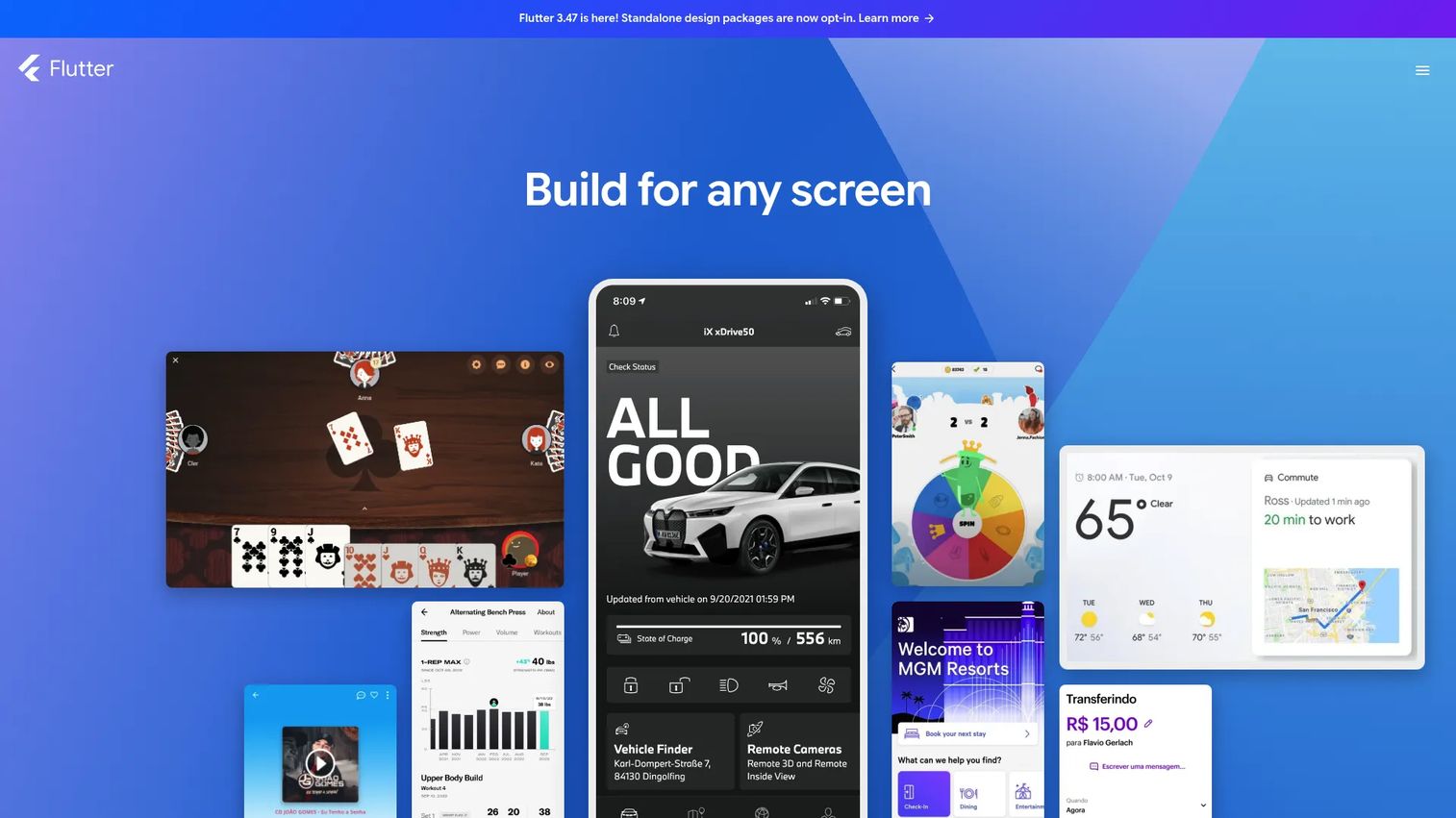
Flutter is Google's open-source framework for building natively compiled applications across mobile, web, desktop, and embedded platforms from a single Dart codebase. It ships its own rendering engine, which means every pixel is drawn by Flutter rather than delegated to platform UI components. That design choice gives product teams precise control over visual consistency and animation behavior across both iOS and Android.
Best for: Teams that need a highly controlled, branded UI across platforms and can invest in Dart expertise rather than relying on existing web framework knowledge.
Key features
- Dart-based development with hot reload for fast iteration
- Widget-based UI system with Material Design 3 and Cupertino components
- Custom rendering engine for pixel-level consistency
- iOS and Android deployment, plus web and desktop targets
- Strong animation support built into the framework
Why choose Flutter: Flutter is the right call when the product's interface is a differentiator and visual inconsistency between platforms would damage the user experience. Consumer apps, onboarding flows with custom interactions, and design-system-driven products benefit most. The team commits to Dart, which narrows the hiring pool compared to JavaScript.
Flutter pricing: Flutter is free and open source. Account for developer staffing, device testing coverage, backend services, and any paid CI or observability tooling.
G2 rating: 4.6/5
3. Kotlin Multiplatform
Kotlin Multiplatform is an open-source JetBrains technology that lets teams write shared Kotlin code for business logic, data models, networking, and validation while retaining native platform interfaces on iOS and Android. It is not a UI framework in the way Flutter or React Native are. Instead, it targets the layer users do not see directly, and leaves SwiftUI and Jetpack Compose to handle platform-specific rendering.
Best for: SaaS products that need native platform quality on both operating systems but want to reduce duplicated work in application logic, data handling, and integration code.
Key features
- Shared Kotlin business logic across iOS and Android
- Native iOS and Android UI via SwiftUI and Jetpack Compose
- Cross-platform networking and shared data models
- Gradual adoption path into existing codebases
- IDE support through IntelliJ IDEA and Android Studio
Why choose Kotlin Multiplatform: This model works well when the roadmap has meaningful shared workflows, product rules, and backend integrations but each platform still needs its own polished experience. It gives teams a way to reduce rework without forcing identical interfaces, and it pairs well with teams that already have Android or Kotlin depth. For more background on application portfolio management software decisions involving multi-platform architecture, that context can inform how you scope your mobile technical portfolio.
Kotlin Multiplatform pricing: Kotlin Multiplatform is free and open source. Plan for Kotlin expertise, iOS integration work, and ongoing platform-specific UI development.
G2 rating: 4.6/5
4. Ionic
Ionic is a cross-platform mobile SDK that builds on web technologies to deliver apps for iOS, Android, and the web from a shared front-end codebase. It supports React, Angular, and Vue, so teams with existing web engineering skills can build mobile experiences without switching frameworks. Native device capability runs through Capacitor, Ionic's native runtime layer that bridges web code to platform APIs.
Best for: Web product teams that need to extend an existing web experience into iOS and Android app store distribution, including Progressive Web App deployments.
Key features
- React, Angular, and Vue support from a single SDK
- Web component UI library with iOS and Android design conventions
- Capacitor native runtime for device API access
- Native plugin architecture for payments, biometrics, and storage
- Web, iOS, and Android deployment from one codebase
Why choose Ionic: Ionic makes sense when the product strategy includes both a web channel and mobile distribution, and the team's skill set is built around web frameworks. It is especially relevant when Progressive Web App delivery is part of the roadmap. Test the specific interactions your product depends on before committing: Startup time, offline behavior, and high-intensity animations are worth validating against your performance requirements.
Ionic pricing: The core Ionic framework is free and open source. Enterprise features and support services are available through Ionic's commercial offerings; contact Ionic sales for current pricing on those tiers.
G2 rating: 4.4/5
5. SwiftUI
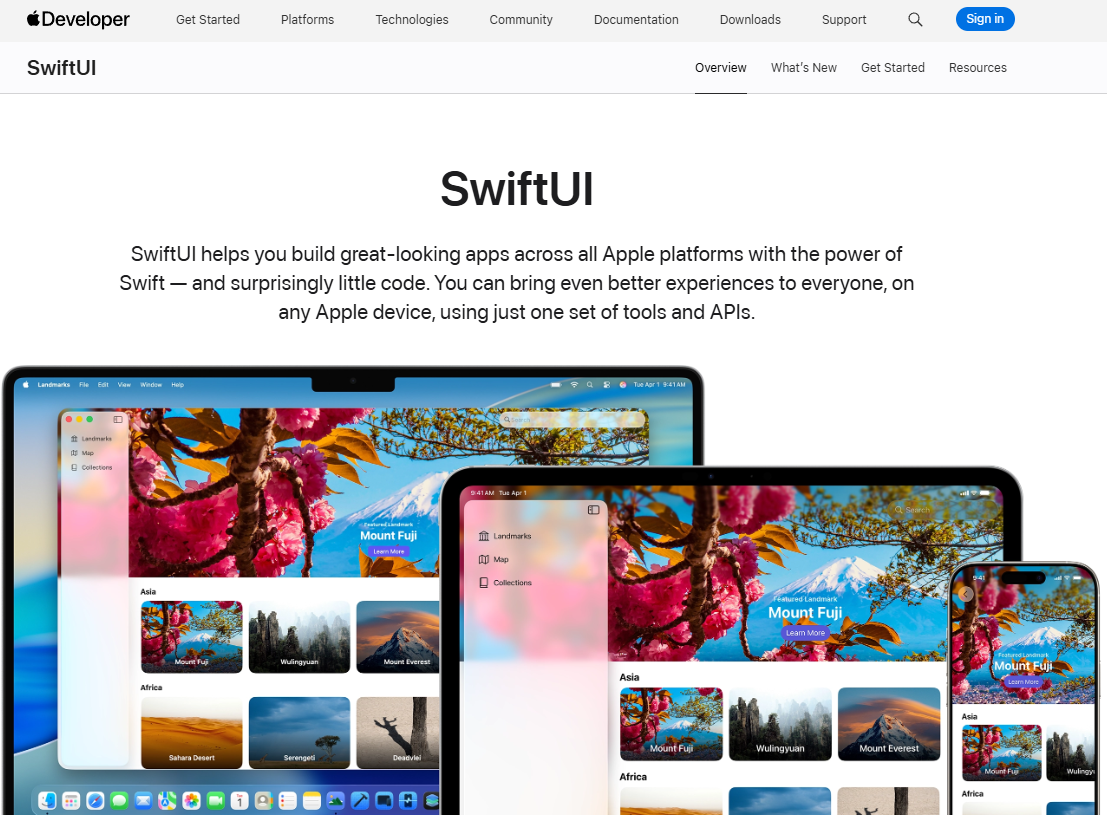
SwiftUI is Apple's declarative UI framework for building native interfaces across iOS, iPadOS, macOS, watchOS, and tvOS using Swift. It integrates directly with Xcode and gives teams access to Apple's complete platform capability set, including HealthKit, widgets, App Clips, and live activities, as they ship with each new OS release. SwiftUI also integrates with UIKit and AppKit for teams migrating from older codebases.
Best for: iOS-first products where the Apple platform experience, performance, and native integrations are central to the product's value.
Key features
- Declarative Swift syntax with Xcode interactive previews
- Full access to Apple platform APIs and OS capabilities
- UIKit and AppKit integration for legacy code migration
- Accessibility, animations, and adaptive layout built in
- Native iOS components that follow Apple HIG conventions
Why choose SwiftUI: Choose SwiftUI when the iOS experience itself is a product differentiator. If the roadmap depends on HealthKit, Apple ecosystem integrations, polished iPhone or iPad interactions, or same-day adoption of new Apple OS features, native development protects quality in ways that cross-platform abstractions cannot guarantee. The cost: A separate Android strategy is required.
SwiftUI pricing: SwiftUI is included with Apple's development tools at no additional charge. Apple Developer Program membership ($99/year) and App Store distribution costs apply separately.
G2 rating: No verified G2 listing for SwiftUI was found at time of writing.
6. Jetpack Compose
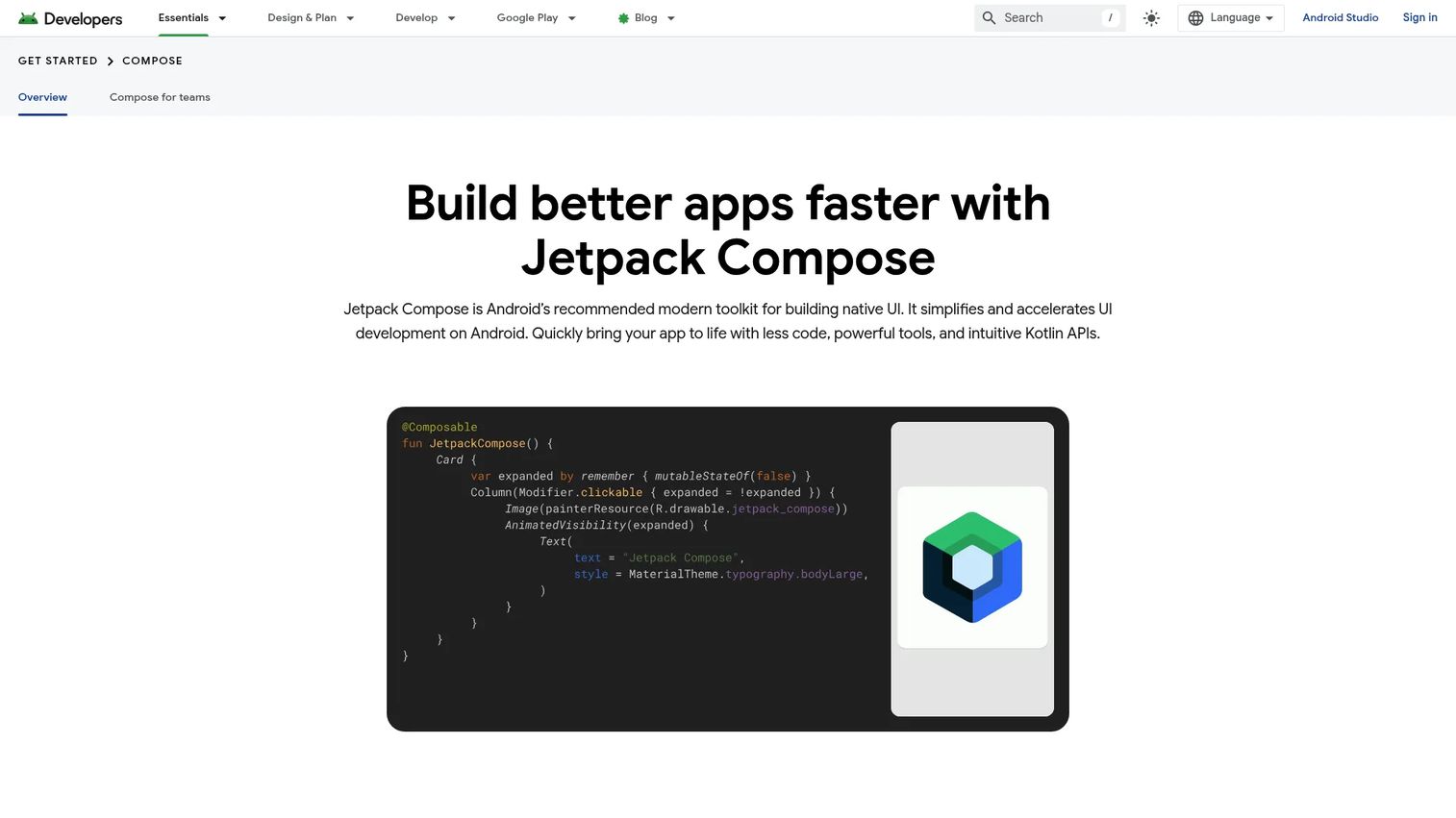
Jetpack Compose is Android's recommended modern toolkit for building native user interfaces with declarative Kotlin APIs. It replaces the XML-based View system with composable functions, simplifies state management, and ships with Material Design 3 support out of the box. Compose also extends to tablets, foldables, Wear OS, and TV, so the same toolkit covers the full Android form factor range.
Best for: Android-first products that need direct platform access, modern UI architecture, and the full range of Android device targets.
Key features
- Declarative Kotlin UI with composable functions
- Material Design 3 theming and adaptive layouts
- Android Studio live previews and interactive tooling
- Native Android API access for all device capabilities
- Support for phones, tablets, foldables, Wear OS, and TV
Why choose Jetpack Compose: Jetpack Compose is the right call when Android is your primary customer channel, not a secondary port. It gives you the fastest path to new Android platform capabilities and the clearest architecture for complex state-driven interfaces. Enterprise device management, Android-specific integrations, and large Android market share in your segment all strengthen the case.
Jetpack Compose pricing: Jetpack Compose is free and open source as part of the Android development ecosystem. Budget for Android device testing, Google Play distribution costs, and release management.
7. .NET MAUI
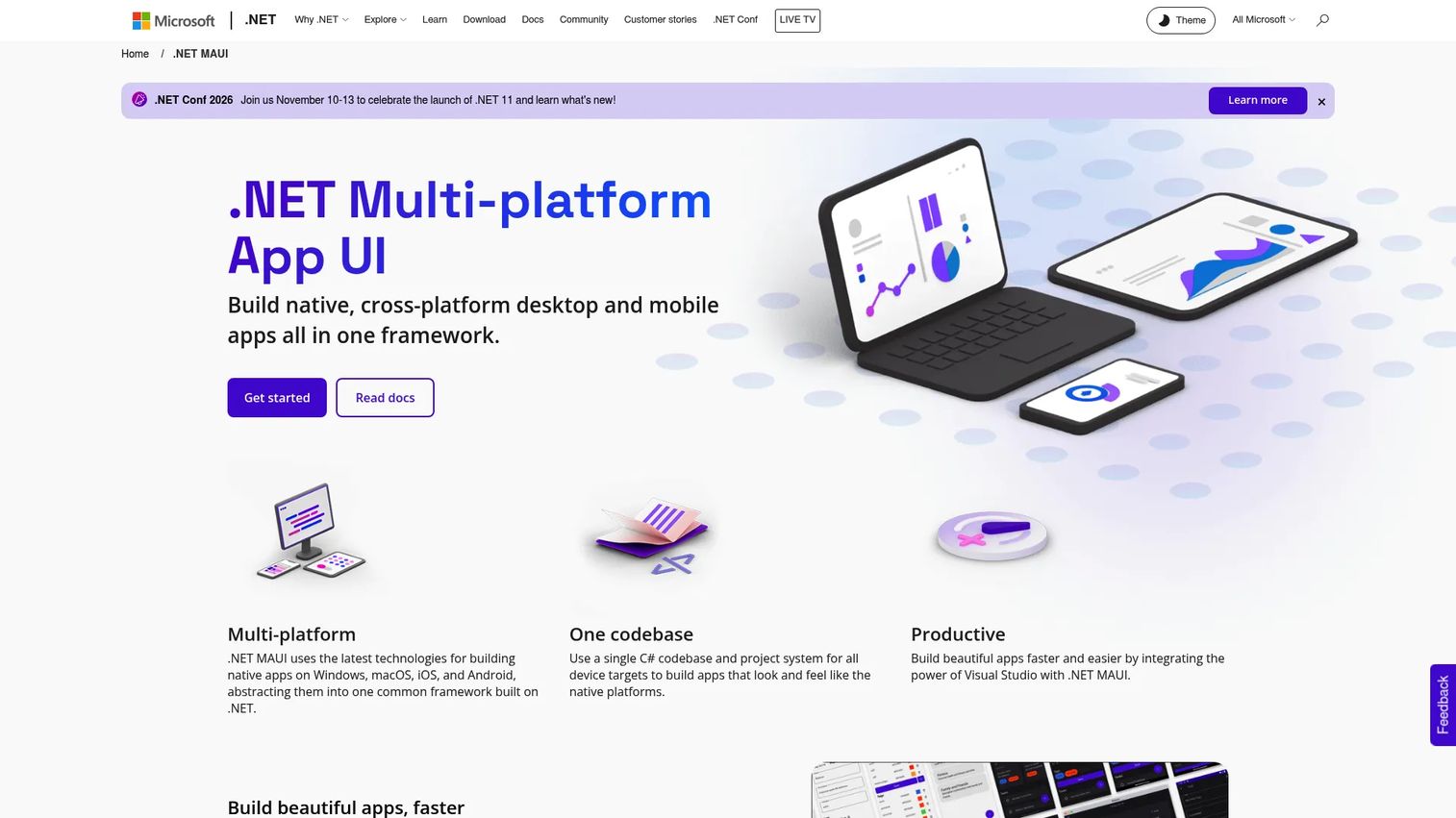
.NET MAUI (Multi-platform App UI) is Microsoft's open-source cross-platform framework for building native mobile and desktop applications from a shared C# and .NET codebase. A single project targets Android, iOS, Windows, and macOS, and integrates with Visual Studio for a consistent development experience across all four platforms. It is positioned as the evolution of Xamarin.Forms, with a unified project structure and improved performance.
Best for: Organizations already invested in C#, .NET services, Azure, and Microsoft development tooling that want to extend existing skills to mobile and desktop.
Key features
- Shared C# and .NET codebase across Android, iOS, Windows, and macOS
- Visual Studio integration with hot reload support
- Shared application code with platform-specific customization where needed
- Open-source controls and components in the default template
- Azure integration for backend and cloud services
Why choose .NET MAUI: The primary case for .NET MAUI is organizational alignment. If your engineering team already works in C# and .NET, choosing MAUI avoids the context-switching cost and hiring complexity of adopting a different mobile stack. Run a proof-of-concept against your product's most demanding native feature before committing: Library coverage for some mobile-specific capabilities is narrower than in React Native or Flutter. Evaluating your overall application security testing software posture alongside framework selection is worth doing, since enterprise mobile apps often carry specific security review requirements.
.NET MAUI pricing: .NET MAUI is free and open source. Visual Studio editions, Azure services, enterprise support, and additional testing tooling may add cost depending on team size and deployment requirements.
8. Expo
Expo is a platform for building, deploying, updating, and operating cross-platform React Native applications. It is not a standalone mobile framework. Expo wraps React Native with a managed workflow, cloud build services, over-the-air update delivery, and App Store submission tooling. Teams that choose React Native often adopt Expo to reduce the custom infrastructure work required to get an app through the full release cycle.
Best for: React Native teams that want a more guided build and release workflow without building a custom CI/CD pipeline from scratch.
Key features
- EAS Build for cloud-based Android and iOS builds
- EAS Update for over-the-air updates without app store submissions
- EAS Submit for automated App Store and Google Play submission
- EAS Workflows for React Native CI/CD automation
- Expo Router for file-based navigation and web hosting
Why choose Expo: Expo removes a significant portion of the setup and maintenance overhead that comes with raw React Native. For teams where the bottleneck is shipping quickly and iterating on onboarding flows, Expo's managed workflow gets the first build into user hands faster. Validate that planned native modules and any enterprise requirements fit the selected Expo workflow before locking in the dependency.
Expo pricing: A free tier is available. The Starter plan runs $19/month, the Production plan $199/month, and Enterprise pricing is custom. All figures are from Expo's official pricing page, verified October 2026.
G2 rating: 4.8/5
9. NativeScript
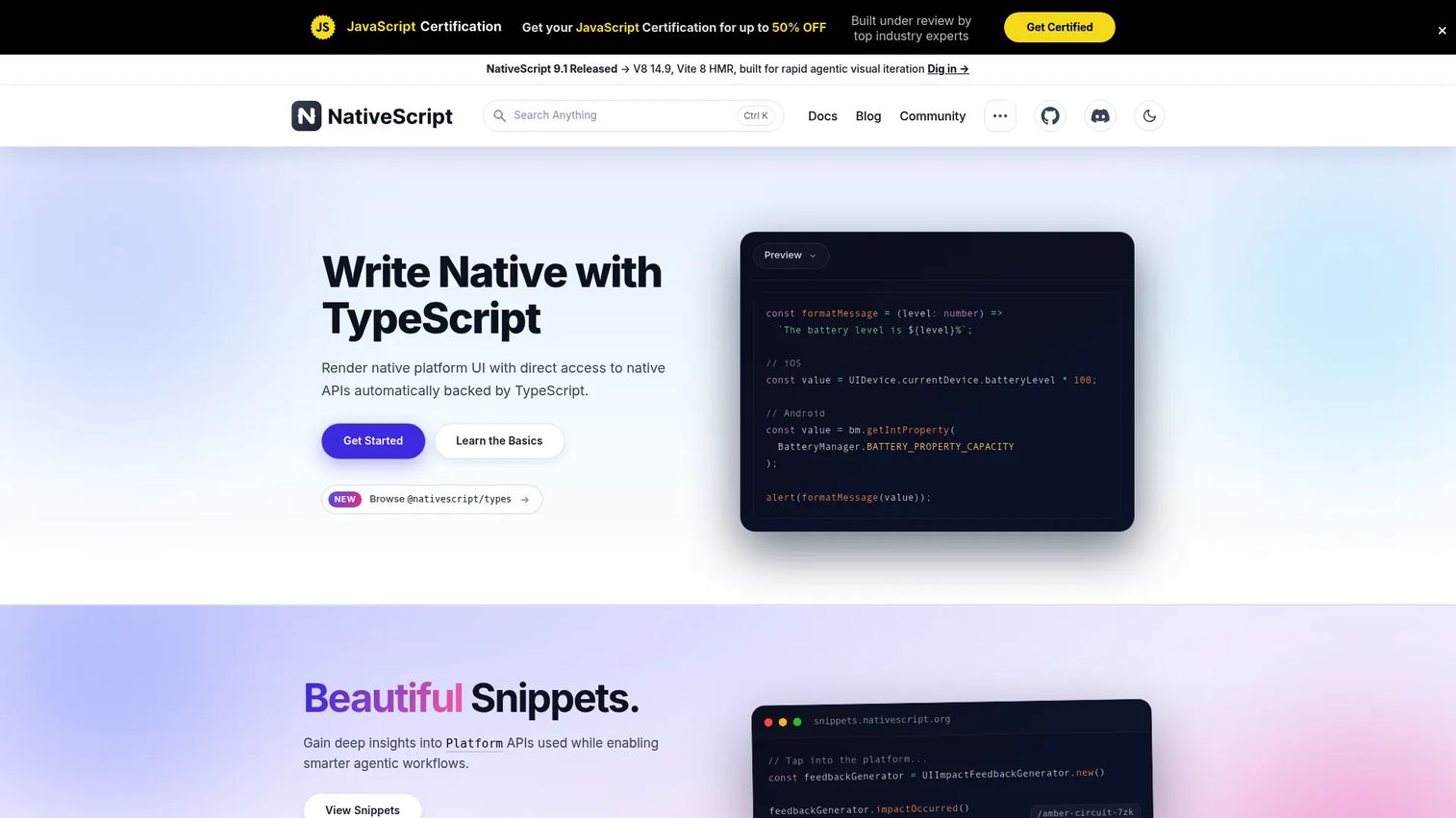
NativeScript is an open-source framework for building fully native iOS, Android, and visionOS applications using TypeScript, with shared cross-platform code and direct access to native platform APIs without a bridge layer. It supports Angular, React, Solid, Svelte, and Vue as UI frameworks on top of the native runtime, so teams can bring different front-end preferences without rewriting the application core.
Best for: Teams with strong JavaScript or TypeScript skills that need direct native device access and prefer a web language workflow over Swift or Kotlin.
Key features
- JavaScript and TypeScript development with direct native API access
- Fully native UI components per platform (no web view)
- Shared codebase with Angular, React, Solid, Svelte, and Vue support
- Extensible plugin architecture for native capabilities
- iOS, Android, and visionOS targets
Why choose NativeScript: NativeScript is a more specialized choice than React Native or Flutter, and it fits teams where web language fluency is high but the mobile roadmap has meaningful device integration requirements. Before standardizing on NativeScript, validate plugin coverage for your key native APIs, check hiring depth in your market, and assess long-term ecosystem activity relative to larger frameworks. Understanding your broader application performance monitoring tools strategy is relevant here, since native API access patterns affect how you instrument and monitor production mobile apps.
NativeScript pricing: NativeScript is free and open source. Budget for engineering time, device testing infrastructure, and any commercial services used alongside the framework.
Considerations when choosing mobile development frameworks
Platform coverage and product roadmap
Start with the platforms your target users rely on today. Then map out which platforms you expect to support over the next 24 months: IOS, Android, tablets, web, desktop, or combinations. The mobile app framework comparison becomes much clearer once the platform target is explicit rather than assumed.
Native capability requirements
List required device integrations before choosing a framework, not after. Payments, push notifications, Bluetooth, biometrics, camera, background processing, offline data, enterprise device management, and health data integrations each carry different compatibility profiles across frameworks. A framework that handles 90% of your native requirements but creates a hard blocker on the remaining 10% is a significant roadmap risk. Pairing this with a review of your best mobile attribution platforms strategy also helps, since attribution SDK compatibility varies by framework.
Team expertise and hiring risk
A framework that looks efficient on paper can create a hiring bottleneck in practice. Compare current team skills, local talent market depth, contractor availability, and the ramp time for engineers new to the chosen stack. Specialized expertise that is difficult to hire for creates dependency risk as the product scales.
Release cadence and maintenance
The maintenance cost of a mobile framework compounds over time. Account for operating system update work, dependency upgrades, device testing coverage, app store review cycles, feature parity between platforms, and incident response time. A framework that ships fast in year one but requires disproportionate maintenance effort in years two and three affects the engineering opportunity cost available for new feature work.
Measurement and experimentation
Product managers need instrumentation that works consistently across platforms. Confirm that analytics SDKs, crash reporting, feature flag systems, experiment tooling, and consent flows operate cleanly in the chosen framework. Gaps in mobile measurement directly affect experiment velocity and onboarding iteration. Cross-referencing with your best mobile marketing software stack helps clarify which SDK integrations need to work on day one.
Conclusion
There is no single best mobile development framework. The right choice depends on the platforms your users need, the native capabilities your product depends on, and the engineering capacity your team can sustain across a release schedule.
React Native fits teams built around React and TypeScript with cross-platform coverage requirements. Flutter suits products where visual consistency and custom interface control are non-negotiable. Kotlin Multiplatform is the right approach when shared business logic matters but native platform quality on each OS is equally important. SwiftUI and Jetpack Compose give iOS-first and Android-first products direct access to each platform's full capability set. .NET MAUI fits Microsoft-centered engineering organizations. Ionic and NativeScript are grounded choices for web-oriented teams extending to mobile. Expo accelerates React Native delivery when build and release automation is the bottleneck.
The most useful next step is a short technical proof of concept against your product's hardest requirement. Test the native integrations your roadmap depends on, validate performance for your most demanding user flows, confirm your analytics and experiment SDKs work cleanly, and check the release automation story before the decision is finalized. For teams also working on showcasing mobile products to buyers and stakeholders, the ai app builder software landscape intersects here as well.
Start your journey with Guideflow today!
FAQs
There is no universal answer. React Native, Flutter, Kotlin Multiplatform, SwiftUI, and Jetpack Compose each serve different product strategies and team configurations. The framework that fits best depends on target platforms, native API requirements, team skills, interface complexity, and long-term maintenance capacity. Run a proof of concept against your most demanding requirement before committing.
React Native is often easier to adopt for teams already using React and TypeScript, since the component model transfers and hiring draws from a large existing talent pool. Flutter is a stronger fit when teams want a consistent, highly controlled interface across platforms and can invest in Dart expertise. Performance and animation control favor Flutter; organizational fit and ecosystem breadth often favor React Native.
Cross-platform development can reduce early duplication when both iOS and Android matter to initial users, giving a small team a faster path to validating onboarding and core workflows. Native development is worth the investment when platform-specific experiences, high-fidelity interactions, or advanced device integrations define the product's value. Many startups use a cross-platform framework to validate the mobile product, then make the native investment once platform-specific priorities are clearer.
Kotlin Multiplatform and React Native solve different problems. Kotlin Multiplatform shares business logic, data models, and networking while letting each platform retain its native UI. React Native shares both the UI and the logic using a JavaScript component model. Kotlin Multiplatform is the right fit for teams that want native iOS and Android interfaces without duplicating application logic. React Native is the fit for teams that want a single UI codebase with native rendering.
Yes. Teams can write shared data models, domain logic, networking, and validation in Kotlin Multiplatform, then use SwiftUI for the iOS interface and Jetpack Compose for Android. This combination gives teams shared business logic with fully native, platform-idiomatic UI on each operating system. It requires depth in both Kotlin and Swift, and is a practical architecture for SaaS products where platform quality is non-negotiable.
Yes, when the web technology model and the product's performance requirements align. Ionic is used in production by enterprise teams, particularly when the product already has a web presence and the mobile distribution channel is an extension of that experience. Teams should validate startup time, offline behavior, high-intensity interactions, and native plugin coverage against their specific requirements before committing to production deployment.
Enterprise fit depends on existing systems, security requirements, mobile device management (MDM) compatibility, integration needs, and long-term staffing. .NET MAUI is a natural choice for Microsoft-centered engineering organizations. Kotlin Multiplatform, React Native, and native stacks fit broader enterprise requirements, particularly when security review depth, complex native integrations, or regulated data handling are involved. Reviewing your application server software and backend integration requirements in parallel helps scope enterprise mobile decisions more accurately.
No. Shared code reduces duplicated implementation work, but product teams still need device coverage testing, operating system-specific validation, accessibility checks, app store review preparation, and platform-specific acceptance criteria. A cross-platform framework means one implementation, not one test run. Plan for both platforms in your QA process regardless of the framework chosen.