Your team wants to ship an application this quarter. The engineers do not want to patch operating systems, wire up load balancers, or babysit a fleet of servers to get there. That tension is exactly what a platform as a service is supposed to remove. Yet the phrase "PaaS platform" stays maddeningly vague, because it covers everything from a one-command deploy tool to a full Kubernetes control plane with governance baked in.
For presales engineers and solutions consultants, that vagueness is a real problem. When a prospect asks "which cloud application platform should we standardize on," the honest answer is "it depends," and you need language that turns "it depends" into a defensible recommendation in a discovery call or architecture review. The stakes are climbing. By 2024, over 64% of new applications were built on cloud-native platforms like PaaS, up from 46% in 2021, according to SNS Insider (2024). And the global PaaS market is expected to grow from USD 137.40 billion in 2025 to USD 344.4 billion by 2031, a 16.55% CAGR, per Mordor Intelligence (2026).
PaaS is no longer a niche category. It is where most new applications will live. So the question stops being "should we use PaaS" and becomes "which one, for this workload, with this security posture, and this delivery motion." This article gives you the shortlist and the reasoning to answer that fast.
What's inside
This guide covers seven real PaaS examples, how they differ, and when each one makes sense for a specific workload. It is written for presales, sales engineering, and architecture readers who need a crisp comparison during technical validation, not a glossary definition.
We selected platforms based on four criteria that matter most when you are shortlisting a managed platform:
- Managed runtime and hosting: how much of the stack the platform operates for you
- Scaling behavior: autoscaling, high availability, and traffic handling
- Developer tooling: deployment workflows, CI/CD, diagnostics, and language support
- Deployment flexibility and enterprise fit: public, private, hybrid, and governance controls
The list includes both general-purpose web app platforms and Kubernetes-native or enterprise-oriented options, so you can match the tool to the architecture in front of you.
TL;DR
For readers skimming mid-evaluation, here are the decision shortcuts:
- Fastest route to deploy a standard web app: AWS Elastic Beanstalk and Microsoft Azure App Service are strong starting points for common web app and API workloads.
- Best serverless abstraction: Google App Engine, especially for teams already in Google Cloud who want to hand off scaling entirely.
- Strongest enterprise and Kubernetes control: Red Hat OpenShift is the most platform-heavy option in this set, built for containers, governance, and regulated environments.
- Best developer-friendly speed: Salesforce Heroku for rapid iteration and small teams that want to push and go.
- Best for portability and abstraction: Cloud Foundry and IBM Cloud Foundry when multi-cloud consistency and a stable push workflow matter more than being tied to one vendor.
The right pick depends on how much abstraction, portability, and operational control your buyer actually needs.
What is a PaaS platform?
A platform as a service is a cloud model that gives teams a managed platform to build, deploy, and run applications without owning or operating the underlying infrastructure. The cloud provider handles servers, storage, networking, operating systems, and the runtime, while your team focuses on the application code and data.
That is the PaaS definition in one sentence. To make it usable, here is what a PaaS platform typically includes as its core PaaS components:
- Runtime environment: managed language runtimes (Node.js, Java, Python, .NET, Go, Ruby, PHP) so code runs without you provisioning servers
- Middleware: message queues, caching, and integration layers that connect application tiers
- Databases: managed relational and NoSQL data services, often with backups and scaling built in
- Dev tools: deployment pipelines, CI/CD, buildpacks, and version control integration
- Hosting and scaling: autoscaling, load balancing, and high availability handled by the platform
- Monitoring and security: health checks, diagnostics, patching, access controls, and compliance features
These are the PaaS services that separate the category from raw infrastructure. The PaaS architecture abstracts the machine so your team ships faster.
PaaS vs IaaS vs SaaS in plain language
The clearest way to anchor the category is the shared responsibility split. With IaaS (infrastructure as a service), you rent servers, storage, and networking, then manage the operating system, runtime, and everything above it yourself. With PaaS, the provider runs the operating system, runtime, and platform, and you own the application and data. With SaaS (software as a service), the provider runs the entire application and you just use it.
So PaaS vs IaaS vs SaaS is really a question of how much you want to manage. IaaS gives maximum control and maximum operational burden. SaaS gives zero control and zero operational burden. PaaS sits in the middle, which is exactly why it fits teams that want to ship applications without building infrastructure from scratch.
When to use a PaaS platform
PaaS use cases cluster around a few clear patterns. Use these to help a prospect self-identify before you recommend a specific platform.
Ship a web app without building infrastructure from scratch
When a team needs to launch a standard web application, an internal tool, or an API and does not want to manage servers manually, PaaS is the fastest path. This is the classic scenario for a new SaaS product launch or an internal application where speed to production matters more than deep infrastructure control. The platform handles provisioning, patching, and scaling so engineers write code and deploy.
Standardize deployments for distributed teams
PaaS helps teams move from local development to production with fewer handoffs. Instead of every developer wiring up their own environment, the platform enforces a consistent deployment path. This matters for organizations that want repeatability across developers, teams, and environments, especially with distributed or remote engineering orgs where drift between machines causes slow, painful debugging.
Modernize applications while keeping operational overhead low
PaaS supports replatforming, cloud migration, API management, and DevOps automation. Teams use it to move legacy applications into a managed runtime, adopt containers and microservices, or standardize CI/CD without staffing a large platform team. Not every legacy workload belongs here. If deep customization of the operating system or kernel is the priority, IaaS or a self-managed option may fit better. But for most modernization work, PaaS lowers the ongoing operational cost.
Comparison table
Here is the shortlist at a glance. Pricing and G2 ratings shift over time, so verify current figures on each vendor's site before you put a number in front of a customer.
| # | Product | Intent | Key differentiation | Pricing | G2 rating |
|---|---|---|---|---|---|
| 1 | AWS Elastic Beanstalk | Deploy and scale web apps on AWS | Managed orchestration with no service charge, pay only for AWS resources | No added charge; pay for underlying AWS resources | Not available |
| 2 | Google App Engine | Serverless app hosting | Fully managed, serverless autoscaling | Free tier, then usage-based (from $0.0526/vCPU hour, Iowa) | 4.1/5 |
| 3 | Microsoft Azure App Service | Managed web apps and APIs | Deep Azure integration, built-in CI/CD | Free tier through Isolated plans | 4.5/5 |
| 4 | Red Hat OpenShift | Enterprise Kubernetes platform | Hybrid cloud, full container governance | Cloud services from $0.076/hour; self-managed varies; free Developer Sandbox | 4.5/5 |
| 5 | Salesforce Heroku | Developer-friendly app platform | Fast push-to-deploy with managed data services | Free, Eco $5/mo, Basic $7/mo, Standard-1X $25/mo | 4.2/5 |
| 6 | Cloud Foundry | Portable app platform | Open-source, cf push workflow, multi-cloud | Open source | 4.0/5 |
| 7 | IBM Cloud Foundry | Cloud Foundry on IBM Cloud | Portability plus IBM Cloud ecosystem | Usage-based on IBM Cloud | 4.0/5 |
The best choice depends on workload type, operating model, and governance needs. A quick web app launch points you toward Beanstalk, App Engine, App Service, or Heroku. A regulated, container-heavy enterprise estate points you toward OpenShift. A portability-first architecture points you toward Cloud Foundry.
1. AWS Elastic Beanstalk
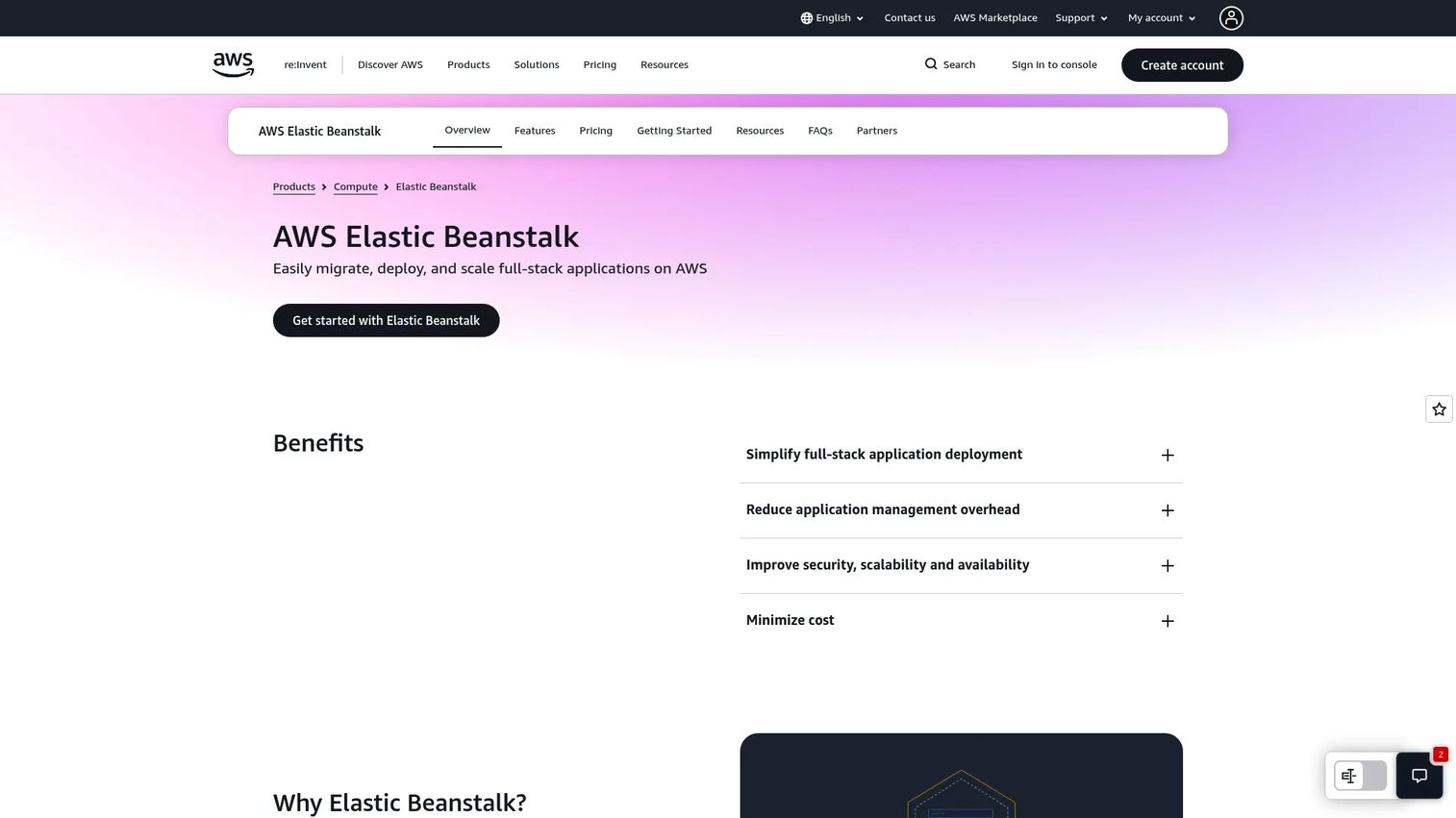
AWS Elastic Beanstalk is an AWS-managed service for deploying, scaling, and operating web applications on AWS. You upload your code and AWS handles capacity provisioning, load balancing, autoscaling, and application health monitoring. It sits on top of AWS primitives like EC2, S3, and Elastic Load Balancing, so you get AWS-native deployment without hand-configuring every service. That makes it a common first PaaS choice for teams already committed to AWS.
Best for: Teams that want a managed way to deploy and scale full-stack web apps on AWS without managing infrastructure directly.
Key strengths
- Upload and go: Push your code and AWS handles provisioning and platform configuration automatically.
- Managed operations: Automated platform updates, security patches, and built-in health monitoring reduce ongoing ops work.
- Scaling and availability: Automatic scaling, high availability, and integrated security controls come standard.
Why choose AWS Elastic Beanstalk: If your organization is already standardized on AWS, Beanstalk gives you a managed deployment path without leaving the ecosystem or handing over control of the underlying resources. You retain visibility into the EC2 instances, databases, and networking beneath the abstraction, which reassures engineers who want to tune performance later. That balance of managed convenience and AWS-native control is its main appeal for presales conversations with AWS-heavy prospects.
AWS Elastic Beanstalk pricing: There is no additional charge for Elastic Beanstalk itself. You pay only for the underlying AWS resources your application consumes, such as EC2 compute, storage, and data transfer. This makes the cost model straightforward on paper, but flag to buyers that infrastructure costs should be estimated separately, because the real bill depends on instance sizing, scaling behavior, and attached services rather than a fixed platform fee.
2. Google App Engine
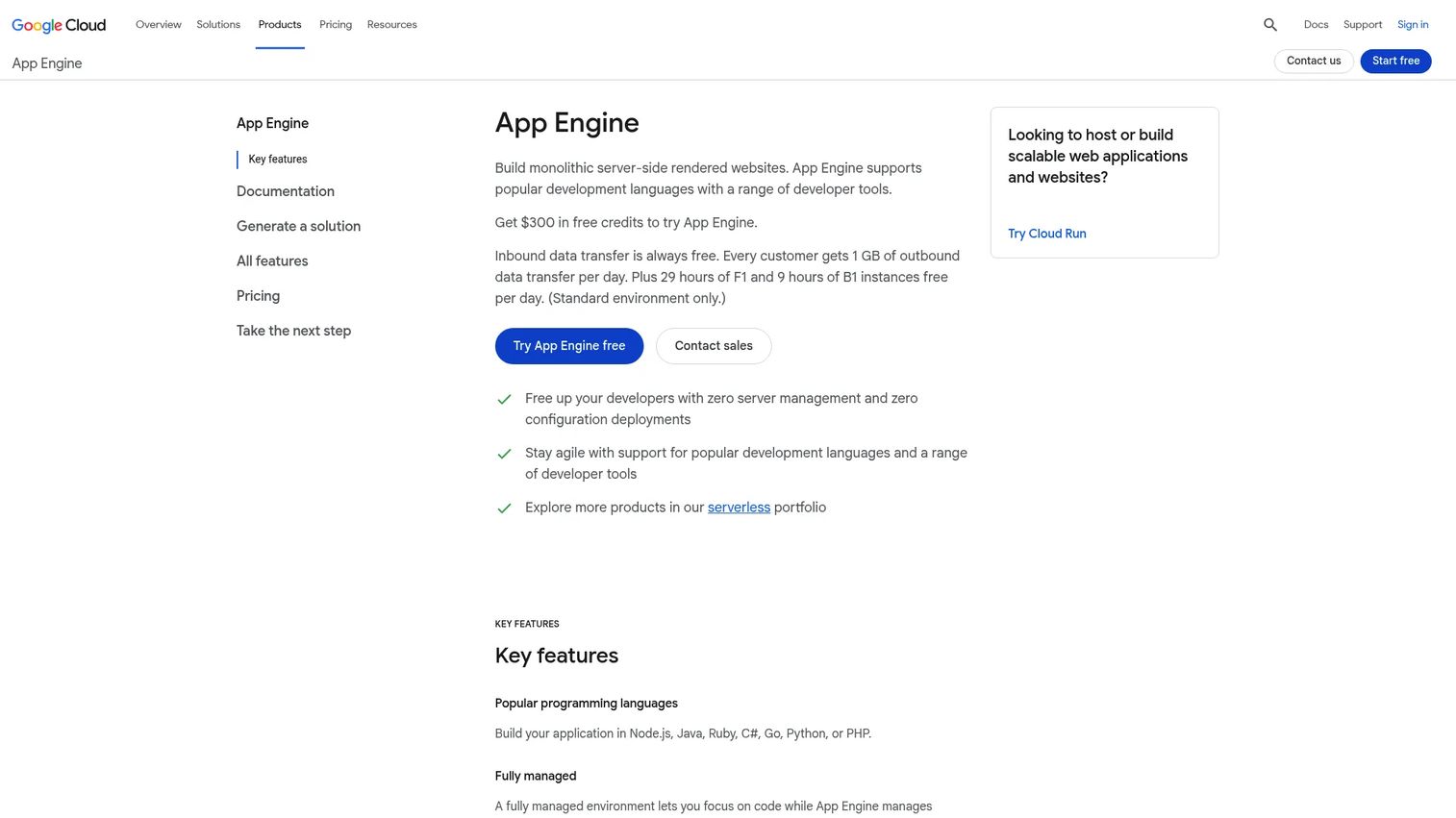
Google App Engine is Google Cloud's fully managed serverless platform for building and hosting web applications. It appeals to teams that want strong abstraction: you deploy code and Google handles the servers, scaling, and patching entirely. App Engine scales from zero to handle traffic spikes and back down automatically, which is a genuine draw for teams that do not want to think about capacity planning at all.
Best for: Teams that want a managed, serverless platform for deploying web apps without managing servers.
Key strengths
- Broad language support: Runs Node.js, Java, Ruby, C#, Go, Python, and PHP so most stacks fit natively.
- Fully managed infrastructure: No servers to provision, patch, or scale by hand.
- Rich operational tooling: Powerful application diagnostics, versioning, security, and tight Google Cloud service integration.
Why choose Google App Engine: App Engine is a natural shortlist candidate for teams already in the Google Cloud ecosystem, or for developer-productivity-focused orgs that value autoscaling and want to minimize infrastructure decisions. The serverless model means you pay for what you use and let the platform handle traffic swings. Versioning and traffic-splitting support also make it friendly for gradual rollouts and A/B style deployments, which matters for product teams shipping frequently.
Google App Engine pricing: The standard environment includes a free tier, then charges on usage. In the Iowa (us-central1) region, that runs from around $0.0526 per vCPU hour and $0.0071 per gibibyte hour of memory. Pricing differs between the standard and flexible environments, and outbound traffic is billed as Compute Engine internet egress while incoming traffic is free. Because rates are region-specific, confirm the numbers for your customer's target region before quoting.
3. Microsoft Azure App Service
Microsoft Azure App Service is Microsoft's managed PaaS for building, deploying, and scaling web apps, APIs, and mobile backends. It is a common choice when a team needs managed hosting plus tight integration with the rest of Azure. App Service handles infrastructure maintenance, security patching, and scaling, and it supports both Windows and Linux workloads, which gives .NET-heavy shops a native home.
Best for: Teams that need a managed Azure-hosted platform for web apps and APIs without managing servers.
Key strengths
- Fully managed platform: Built-in infrastructure maintenance, security patching, and scaling handled for you.
- Built-in CI/CD: Deployment pipelines and zero-downtime deployments come integrated.
- Enterprise networking: Support for virtual networks and an isolated, dedicated App Service Environment for stricter workloads.
Why choose Microsoft Azure App Service: App Service is the obvious fit for Microsoft-centric organizations, especially those running .NET workloads or already invested in Azure Active Directory, Azure SQL, and the broader Azure stack. The ecosystem integration reduces friction across identity, monitoring, and networking. For presales conversations with enterprise IT teams that have standardized on Microsoft, App Service usually clears procurement and security review faster than a cross-cloud alternative.
Microsoft Azure App Service pricing: App Service offers a range of plans from a Free tier through Shared, Basic, Standard, Premium, and Isolated. The higher tiers add dedicated compute, scaling headroom, and network isolation. Microsoft publishes separate Windows and Linux pricing pages, and exact rates depend on region, tier, and instance size, so pull current figures from the Azure pricing calculator for your customer's specific configuration before committing to a number.
4. Red Hat OpenShift
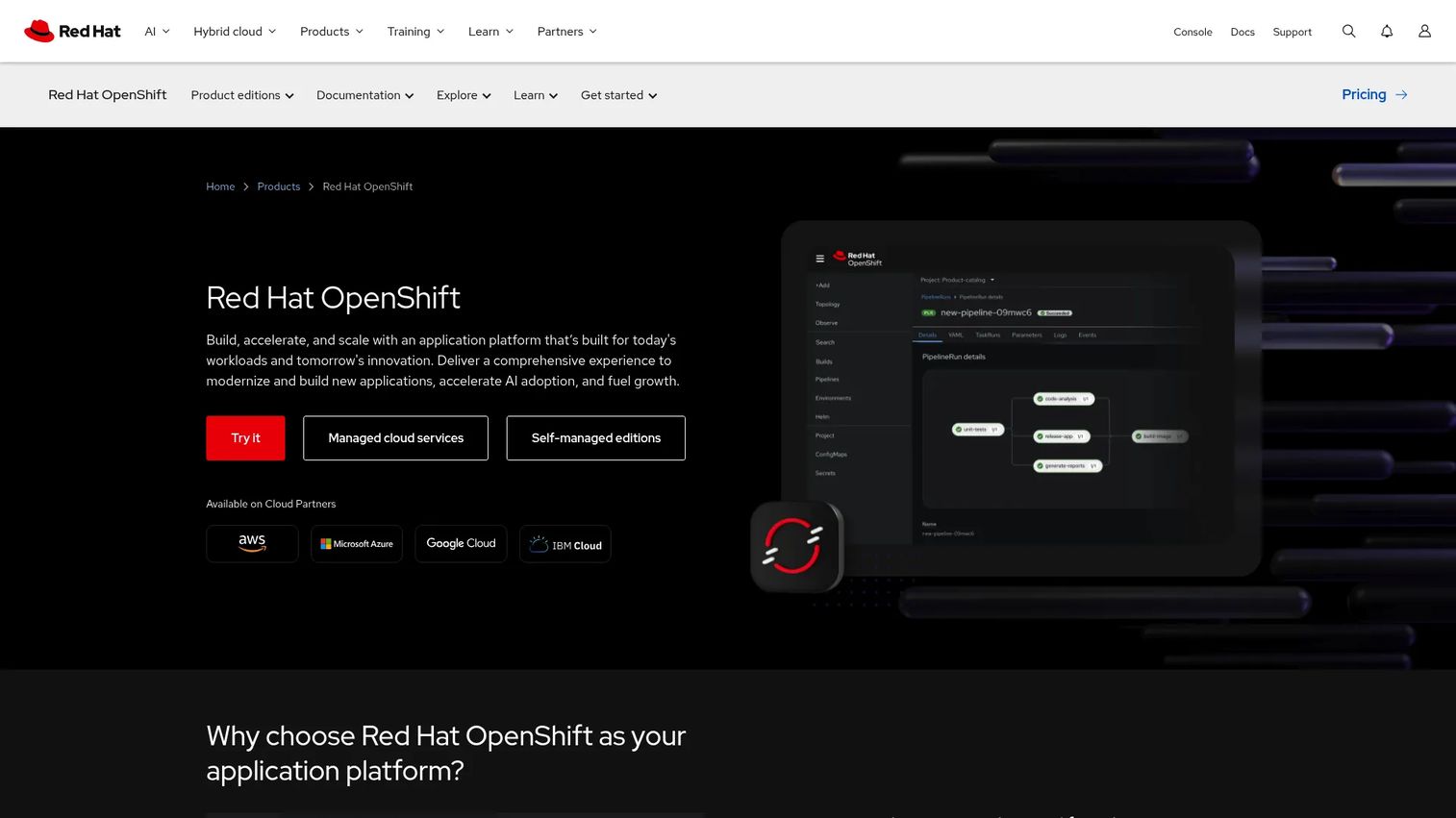
Red Hat OpenShift is a hybrid cloud application platform for building, modernizing, and scaling applications on Kubernetes. This is the enterprise-heavy option in the list. Where Beanstalk or App Engine abstract away containers entirely, OpenShift gives you a full Kubernetes platform with governance, security, and multicluster management built around it. That makes it the right tool when containers, Kubernetes, and platform control are first-class requirements, not afterthoughts.
Best for: Enterprises needing a hybrid cloud Kubernetes application platform with managed or self-managed deployment options.
Key strengths
- Kubernetes-native platform: A complete container application platform built on Kubernetes.
- Hybrid deployment: Runs across self-managed and managed cloud services, on-prem, and public cloud.
- Integrated capabilities: CI/CD, GitOps, serverless, service mesh, virtualization, security, and multicluster management in one platform.
Why choose Red Hat OpenShift: OpenShift shows up in regulated and larger-scale environments because it gives platform teams deep control over how applications are built, secured, and deployed across clouds. It is more platform-heavy than simple web app hosting, which is exactly the point for enterprises running microservices at scale or standardizing a container strategy across business units. If your buyer cares about hybrid or private PaaS, governance, and avoiding cloud lock-in, OpenShift belongs on the shortlist.
Red Hat OpenShift pricing: Red Hat offers cloud services, self-managed editions, and a free Developer Sandbox 30-day trial. Cloud services reserved instances start at $0.076 per hour on a 3-year contract with a minimum four-vCPU worker node configuration. Self-managed pricing varies by sizing and subscription choices, so it is quote-driven for most enterprise deals. The free Developer Sandbox is a useful entry point for technical validation before a larger commitment.
5. Salesforce Heroku
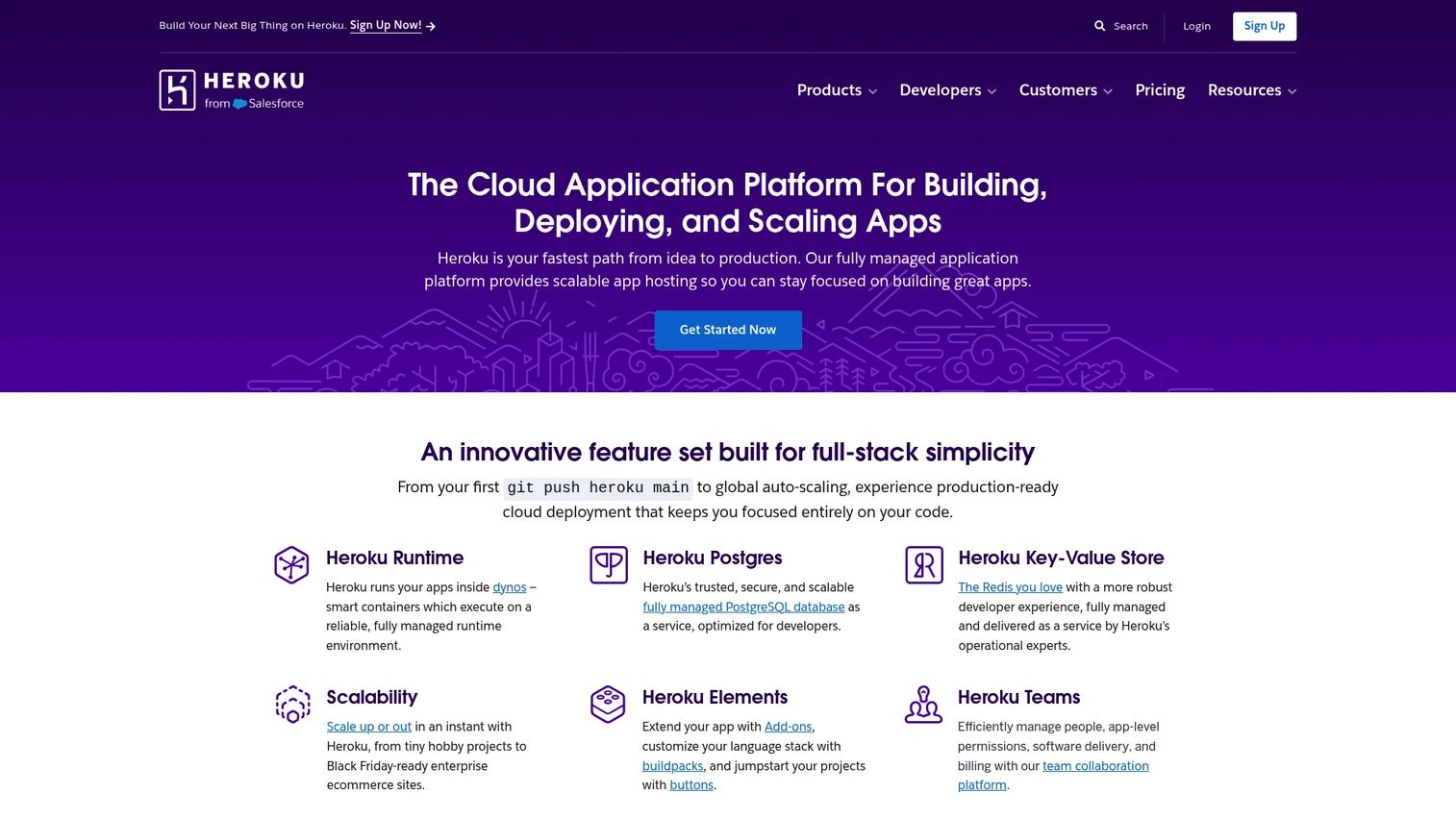
Salesforce Heroku is a managed cloud application platform for deploying, running, and scaling apps with integrated data services. Heroku earned its reputation as one of the most developer-friendly PaaS options on the market, built around a simple git-push deployment model and managed dynos. It still matters for teams that prioritize speed and want to go from code to a running app with minimal ceremony.
Best for: Teams that want a fully managed PaaS for building and scaling web applications quickly.
Key strengths
- Managed dynos: App hosting and scaling handled through Heroku's dyno model.
- Simple deployment workflow: The Heroku platform and deployment flow gets code live fast.
- Managed data services: Built-in Postgres and Redis remove the need to run your own data layer.
Why choose Salesforce Heroku: Heroku fits teams that value convenience over granular infrastructure control. For startups, prototypes, and product teams iterating quickly, the push-to-deploy simplicity and managed add-ons remove a lot of setup work. The trade-off is that you accept Heroku's opinionated model rather than tuning every layer yourself, which is a fair exchange for teams whose priority is shipping features, not operating a platform. State that trade-off plainly with prospects so expectations match the tooling.
Salesforce Heroku pricing: Heroku has public pricing that spans dyno and data-service plans. It starts with a Free plan at $0 per month, then Eco at $5 per month, Basic at $7 per month, and Standard-1X at $25 per month, with additional plans beyond these examples. Data services like Postgres, Redis, and Kafka are priced separately, so total cost depends on the app's data footprint. Confirm the current plan structure on the Heroku pricing page, since dyno and add-on options change.
6. Cloud Foundry
Cloud Foundry is an open-source cloud application platform for building, deploying, and scaling apps. It works as a platform abstraction layer that lets developers push applications without getting deep into infrastructure. The signature cf push workflow takes source code and turns it into a running, scaled application, and because it is open source and infrastructure-agnostic, it can run across Kubernetes and major clouds. That portability is the core reason architecture teams evaluate it.
Best for: Teams that want an open-source PaaS for cloud-native application deployment with strong portability.
Key strengths
- cf push workflow: A single command takes code to a running application.
- Broad framework support: Multiple languages and frameworks supported out of the box.
- Infrastructure choice: Runs across Kubernetes and major cloud providers, so you are not locked to one vendor.
Why choose Cloud Foundry: Cloud Foundry appeals to engineering orgs that want a consistent developer experience across multiple clouds or a hybrid PaaS setup. If a customer is wary of vendor lock-in or runs workloads across more than one cloud, the abstraction layer keeps the deploy experience the same everywhere. It tends to be valued by larger platform-engineering teams that can operate the platform themselves and want that consistency as a strategic asset rather than a convenience.
Cloud Foundry pricing: As an open-source project, Cloud Foundry itself has no license fee. The practical cost comes from the infrastructure you run it on and the engineering effort to operate it, or from a commercial distribution if you choose a vendor-supported version. For buyers, frame the cost conversation around operational ownership and infrastructure spend rather than a per-seat platform price.
7. IBM Cloud Foundry
IBM Cloud Foundry is IBM's Cloud Foundry-based platform service for deploying and scaling applications on IBM Cloud. It brings the Cloud Foundry portability model into the IBM Cloud ecosystem, which makes it a natural evaluation path for teams already invested in IBM Cloud or weighing enterprise application deployment options on that platform. It keeps the familiar buildpacks-and-CLI experience while tying into IBM Cloud services.
Best for: Teams wanting a Cloud Foundry PaaS for app deployment and portability on IBM Cloud.
Key strengths
- Cloud Foundry deployment: Application deployment and scaling using the Cloud Foundry model.
- Blue-green deployments: Supports zero-downtime release patterns for safer rollouts.
- Buildpacks and CLI: Familiar buildpacks and command-line app management for developers.
Why choose IBM Cloud Foundry: An organization already running on IBM Cloud, or one modernizing legacy workloads toward IBM's platform, is the clearest fit. It combines the Cloud Foundry push model with access to IBM Cloud databases, security, and observability services in one place. For broader multi-cloud needs, teams often evaluate it alongside the open Cloud Foundry project or a Kubernetes platform, so position it as the IBM-ecosystem path rather than a general-purpose default.
IBM Cloud Foundry pricing: IBM Cloud uses a usage-based model, with pay-as-you-go options, enterprise savings plans, and reservations. IBM also offers always-free Lite plans as an entry point on the broader IBM Cloud platform. Specific service prices vary by plan and many enterprise offerings are quote-based, so work with IBM or the IBM Cloud pricing pages to build an accurate estimate for a customer's configuration.
Considerations before you recommend a PaaS platform
Before you put a platform in front of a buyer, run through this checklist so the recommendation holds up in architecture and security review.
Deployment model fit
Decide whether the customer needs public, private, or hybrid PaaS. A startup shipping a SaaS app is fine on a public platform. A regulated enterprise may need private or hybrid deployment with data residency guarantees, which pushes the shortlist toward OpenShift or a Cloud Foundry option. Match the deployment model to the compliance posture first.
Ecosystem and lock-in
Weigh how tightly the platform ties into one cloud. AWS Elastic Beanstalk, Google App Engine, and Azure App Service each optimize for their home cloud, which is a strength if the customer is already there and a constraint if they value portability. Cloud Foundry and OpenShift lean toward multi-cloud consistency. Name the trade-off explicitly.
Scaling and operational ownership
Clarify how much operations the customer wants to own. Serverless-style platforms like App Engine hand off nearly everything. A Kubernetes platform like OpenShift gives control at the cost of needing a platform team. Map the operating model to the team's actual capacity.
Security, compliance, and observability
Check PaaS security and compliance certifications against the customer's requirements early. Confirm the platform supports the identity, network isolation, logging, and observability controls that security review will demand. Surfacing this in discovery avoids a late-stage stall when the security team gets involved.
Integration with the existing stack
Verify the platform connects cleanly to the customer's CI/CD, databases, monitoring, and CRM or data pipelines. A platform that forces a rebuild of adjacent tooling costs more than the platform itself. Integration depth often decides the final choice.
Conclusion
There is no single best PaaS platform, only the best match for a given workload, operating model, and governance need. For a standard web app or API on AWS, Elastic Beanstalk is the fast path. For serverless abstraction and autoscaling, Google App Engine fits, especially inside Google Cloud. For Microsoft and .NET shops, Azure App Service clears review quickly. For container-heavy, regulated, or large-scale enterprises, Red Hat OpenShift gives the deepest control. For developer speed and rapid iteration, Salesforce Heroku still delivers. And when portability and abstraction matter most, Cloud Foundry and IBM Cloud Foundry keep the deploy experience consistent across clouds.
The practical next step is simple: pick one real workload your customer is deciding about, then map it against the shortlist on three axes, deployment model, scaling needs, and governance requirements. That single exercise turns a vague "which cloud application platform" question into a defensible recommendation you can walk into any technical validation with.
If you want to make that recommendation land with buyers, showing beats telling. Tools like Guideflow let presales teams turn an architecture or product walkthrough into a self-serve, interactive experience that stakeholders can explore on their own time, which keeps technical evaluations moving between calls.
FAQs
Platform as a service is a cloud model that gives you a managed platform to build, deploy, and run applications without owning the servers, storage, or networking underneath. The provider operates the infrastructure and runtime, and you focus on your code and data. The core benefit is speed: you ship applications faster because you skip the work of provisioning and maintaining machines.
The difference is how much you manage. With IaaS, you rent raw servers and manage the operating system, runtime, and application yourself. With PaaS, the provider runs the operating system, runtime, and platform, and you own only the application and data. With SaaS, the provider runs the whole application and you just use it. In short, PaaS vs IaaS vs SaaS is a sliding scale of control versus operational burden, and PaaS sits in the middle.
Common examples of PaaS include AWS Elastic Beanstalk, Google App Engine, Microsoft Azure App Service, Red Hat OpenShift, Salesforce Heroku, Cloud Foundry, and IBM Cloud Foundry. Named examples matter because "PaaS" is abstract until you see real platforms, and each one optimizes for a different workload, cloud, or operating model. Comparing them side by side is the fastest way to match a platform to a specific architecture.
PaaS fits web applications, APIs, internal tools, and mobile backends where the team wants faster deployment without managing servers. It also suits microservices, containerized apps, and modernization projects that move legacy workloads into a managed runtime. Workloads that need deep operating-system customization or specialized hardware control may fit IaaS or a self-managed setup better.
Kubernetes by itself is not a PaaS. It is a container orchestration system that manages how containers run, scale, and recover. It often sits inside a modern PaaS architecture, though. Platforms like Red Hat OpenShift build a full application platform on top of Kubernetes, adding developer tooling, CI/CD, governance, and security so teams get a PaaS experience without operating raw Kubernetes themselves.
Yes, when the platform supports the governance, scaling, and standardization enterprises need. Enterprise teams benefit from consistent deployment paths across many developers, strong security and compliance controls, and hybrid or private deployment options. Platforms like Red Hat OpenShift are built for this, offering multicluster management and container governance for regulated or large-scale environments where control matters as much as speed.
The main benefits are speed, scalability, reduced operational burden, and better collaboration. Teams deploy faster because the platform handles provisioning and patching. Applications scale automatically without capacity planning. Engineers spend less time on infrastructure and more on features. And standardized deployment paths make it easier for distributed teams to work consistently, which is why over 64% of new applications were built on cloud-native platforms by 2024, according to SNS Insider.