



The line at the door is 40 people deep. Two staff members are squinting at a printed spreadsheet, flipping pages, asking people to spell their last names. One attendee got checked in twice. Another swears they registered but nobody can find the record.
That is the exact moment your event either feels professional or feels amateur, and the tool at the door decides which.
The category has real money behind it. The U.S. event check-in software market was valued at USD 1.0 billion in 2024 and is projected to reach USD 2.4 billion by 2033, according to cited market analysis published on LinkedIn in 2024. The broader event management software market held USD 7.2 billion in 2025, per IMARC Group, with North America taking a 42.8% share. Demand for faster entry and cleaner attendance data is not slowing down.
The problem is not that check-in software exists. It is that the tools vary wildly in what they actually do at the door, and picking the wrong one costs you queue time, data quality, and staff sanity.
What's inside
This guide is for event marketers, ops managers, and conference organizers who need to move people through the door fast and capture attendance data they can actually use afterward.
We evaluated each tool against the criteria that matter at the entrance:
- Check-in speed via QR code and barcode scanning
- Guest name search and walk-in handling
- Self-check-in kiosk support on tablets and iPads
- Badge printing and hardware compatibility
- Live syncing across multiple entrances and staff
- Reporting, exports, and CRM or registration integrations
Pricing and ratings shift over time, so verify current figures on each vendor's site before you commit.
TL;DR
- Best for all-purpose registration and check-in workflows: RSVPify
- Best for fast queue reduction and simple attendance tracking: OneTapCheckin
- Best for offline check-in and onsite badge printing: Eventleaf
- Best for branded event apps and attendee content: Guidebook
- Best for mobile event experiences and onsite operations: EventMobi
- Best for large, complex, enterprise event programs: Cvent
- Best for community, networking, and conference engagement: Whova
If your events are small and registration-driven, start with RSVPify or OneTapCheckin. If you run large conferences with badges and sessions, look at Eventleaf, EventMobi, or Cvent.
What is event check in software
Event check in software is a tool that verifies and records attendee arrival at an event, usually through QR code scanning, barcode scanning, or guest name lookup, then syncs that attendance data in real time across devices and staff.
It replaces the printed guest list and the manual clipboard. Instead of flipping pages, your staff scans a code or types a name, and the system confirms the guest, prevents duplicate entries, and logs the check-in instantly.
The core features you should expect from a modern event check-in system:
- QR and barcode scanning to confirm guests in seconds from a phone or tablet
- Guest name search for walk-ins and anyone without a code
- Digital passes sent by email so attendees arrive scan-ready
- Self-check-in kiosks on iPads or tablets that let guests check themselves in
- Live syncing across multiple entrances so two doors never double-admit the same person
- Badge printing for onsite name badges and access credentials
- Attendance reporting with logs, exports, and no-show tracking
- Integrations with registration platforms, ticketing, and CRM systems
The distinction that matters most: some tools are QR-only check-in apps built for speed and simplicity, while others are full event operations platforms that handle registration, badges, sessions, and engagement. Which one you need depends on the size and complexity of your events.
When to use event check in software
Speed up entry at conferences and trade shows
Long registration lines are the first thing attendees remember and the first thing they complain about. A QR code event check in flow cuts the interaction to a single scan, so one staff member can process arrivals several times faster than a manual list.
Self-check-in kiosks push that further. Attendees scan their own digital pass at an iPad, print a badge, and walk in without touching a staff member. That frees your team to handle exceptions instead of processing every single arrival.
Manage walk-ins, group arrivals, and multiple entrances
Real events are messy. People show up without registering, groups arrive together, and large venues have three or four entrances running at once.
Live syncing is what keeps this from breaking. When every device reads and writes to the same attendance record in real time, a guest checked in at the north door cannot be checked in again at the south door. A mobile event check in app with duplicate prevention handles walk-ins and group check-in without creating chaos in your data.
Capture attendance data for reporting and follow-up
The check-in is not the end of the job. It is the start of your post-event measurement.
Every scan is a data point: who came, who registered but did not show, which sessions filled up. Export those logs to CSV or sync them to your CRM, and you can measure real attendance against registrations, prioritize follow-up with people who actually attended, and prove event ROI with numbers instead of guesses.
Comparison table
Pricing and G2 ratings below reflect values verified in August 2026. Vendors change plans and pricing often, so confirm current figures on each provider's site before you buy.
| # | Product | Best for | Key differentiator | Pricing | G2 rating |
|---|---|---|---|---|---|
| 1 | RSVPify | Registration plus check-in workflows | Branded RSVPs, ticketing, and guest management in one | Free; paid from $24/mo | 4.8/5 |
| 2 | OneTapCheckin | Simple digital check-in and attendance | QR passes and iPad kiosk check-in | Free; paid from $49.99/mo | Not rated |
| 3 | Eventleaf | Offline check-in and badge printing | QR scanning with onsite badge printing | Free; Basic $1/attendee | 4.7/5 |
| 4 | Guidebook | Branded event apps and content | Custom event apps with agendas and engagement | Custom quote | 4.4/5 |
| 5 | EventMobi | Mobile event experiences and onsite ops | Event app plus onsite check-in and badging | From $3,000/event | 4.6/5 |
| 6 | Cvent | Large, complex enterprise event programs | End-to-end platform with onsite badging at scale | Custom quote | 4.3/5 |
| 7 | Whova | Community and conference engagement | Attendee networking plus check-in and lead retrieval | Custom quote | 4.8/5 |
Best event check in software for 2026
1. RSVPify
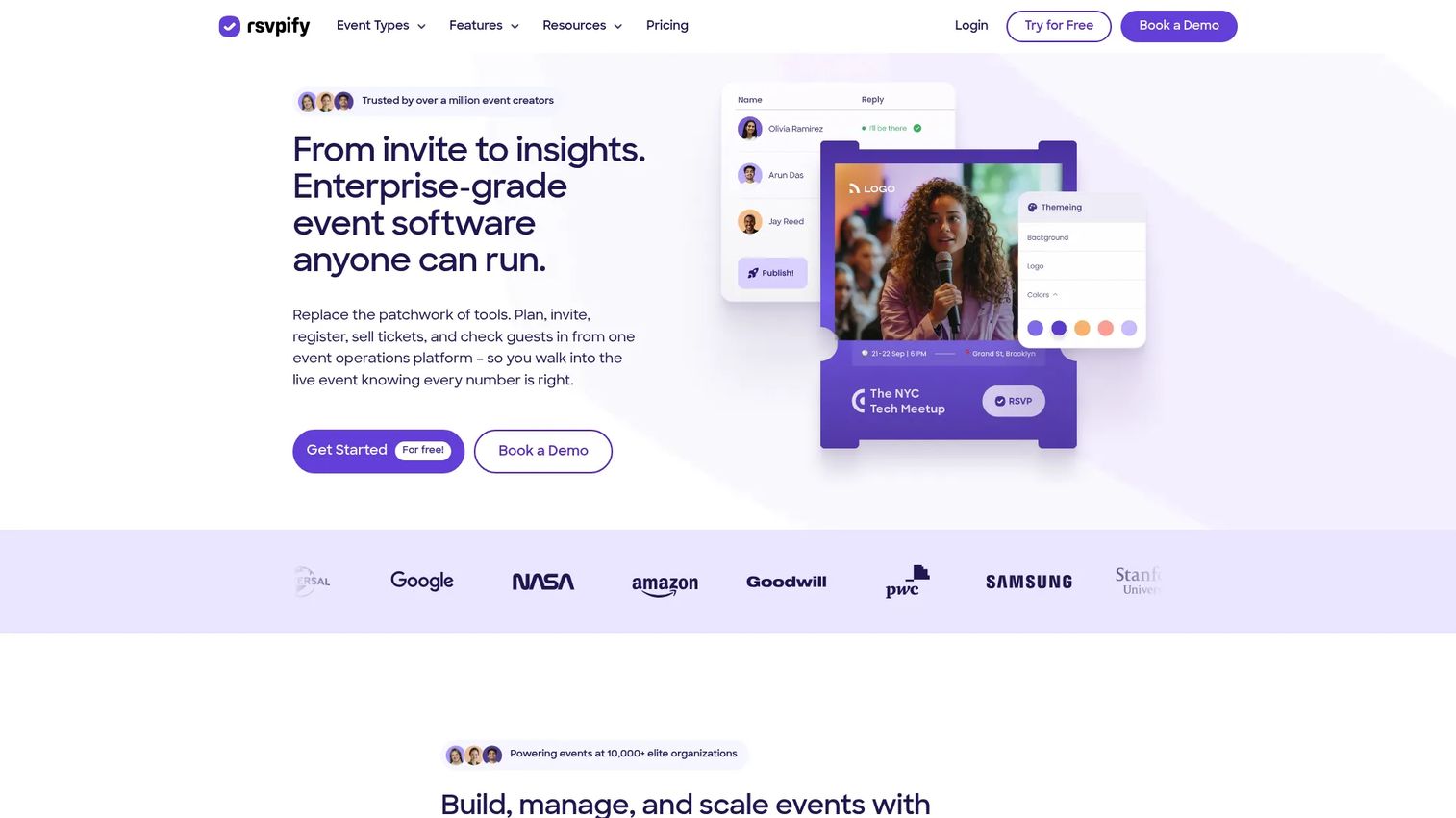
RSVPify is event registration and guest management software that covers RSVPs, ticketing, invitations, check-in, and event websites in one place. It leans toward organizations that want branded registration flows and a check-in experience that pulls directly from the same guest data. Because registration and check-in live in the same system, there is no import step or mismatched list at the door.
Best for: Organizations that need branded event registration, RSVPs, and guest management with check-in built in.
Key strengths
- Online RSVPs and custom registration forms
- Event ticketing, donations, and appointment scheduling
- Guest management, seating charts, and check-in
- QR scan and guest name lookup at the door
- Reporting and attendance analytics
Why choose RSVPify: If you run RSVP-driven events like galas, weddings, corporate functions, or fundraisers, RSVPify keeps registration and check-in in a single branded flow, so your guest list at the door is always the live version.
RSVPify pricing: Free plan available for smaller events up to 100 guests. Paid plans start at $24 per month for Starter, $89 per month for Plus, and $299 per month for Professional, with custom Enterprise pricing.
2. OneTapCheckin
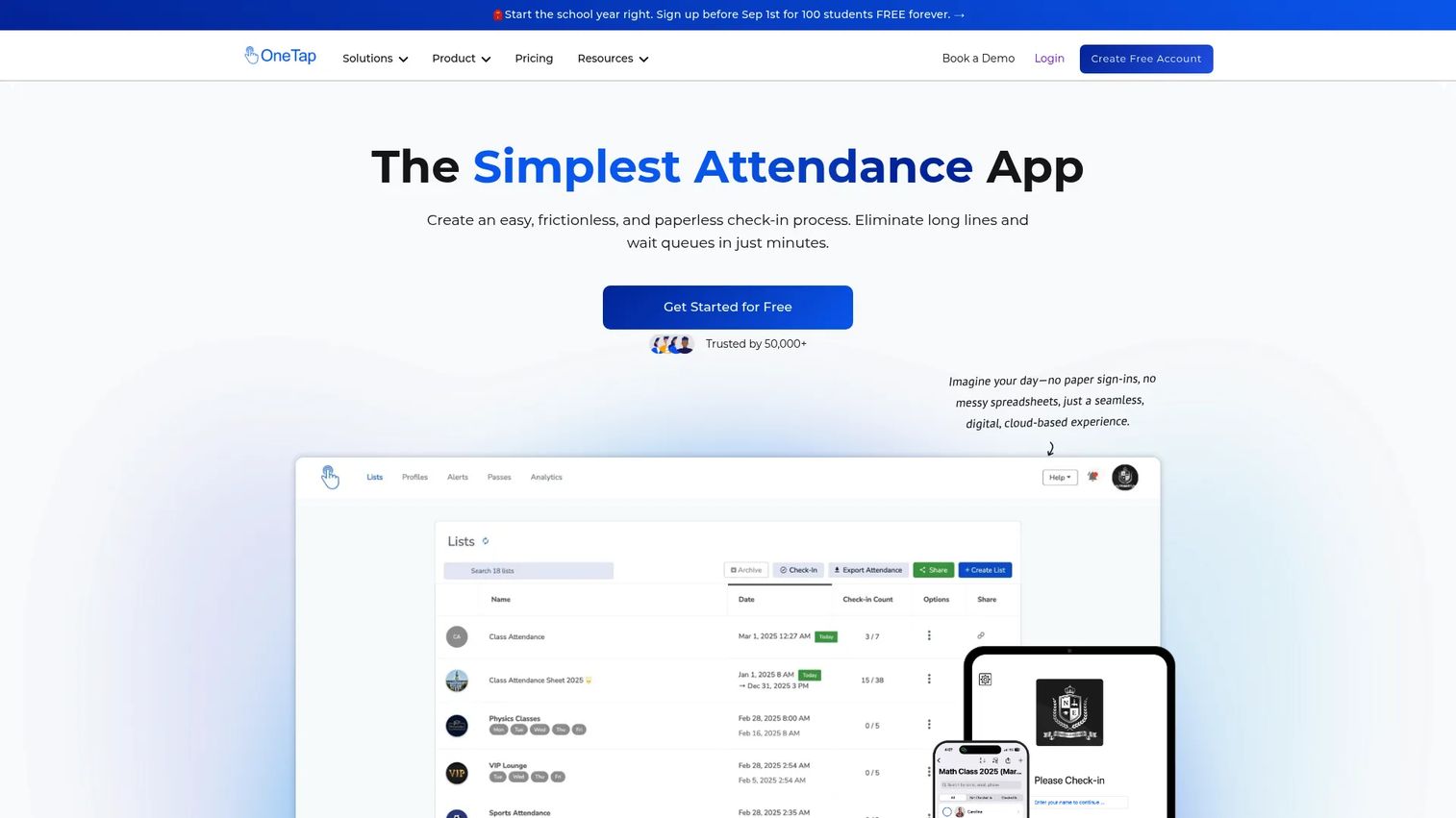
OneTapCheckin is attendance and check-in software for managing visitor, student, and event check-ins. It is built around speed and simplicity rather than full event production, which makes it a clean fit for programs, schools, and recurring events that just need to log who showed up. The iPad kiosk mode lets attendees check themselves in with a QR pass.
Best for: Schools, programs, and organizations that need straightforward digital check-in and attendance tracking.
Key strengths
- QR passes and QR code check-ins
- iPad kiosk and self check-in
- Attendance history and reports
- Custom fields for tracking extra data
- Name search for walk-ins
Why choose OneTapCheckin: When your priority is reducing queue time and keeping a clean attendance record without a heavy event platform, this event checkin app keeps the workflow to a single scan and a synced log.
OneTapCheckin pricing: Free plan available with up to 20 profiles. Paid annual plans run $49.99 per month for Basic, $69.99 per month for Standard, and $99.99 per month for Pro, with Custom plans from $200 per month.
3. Eventleaf
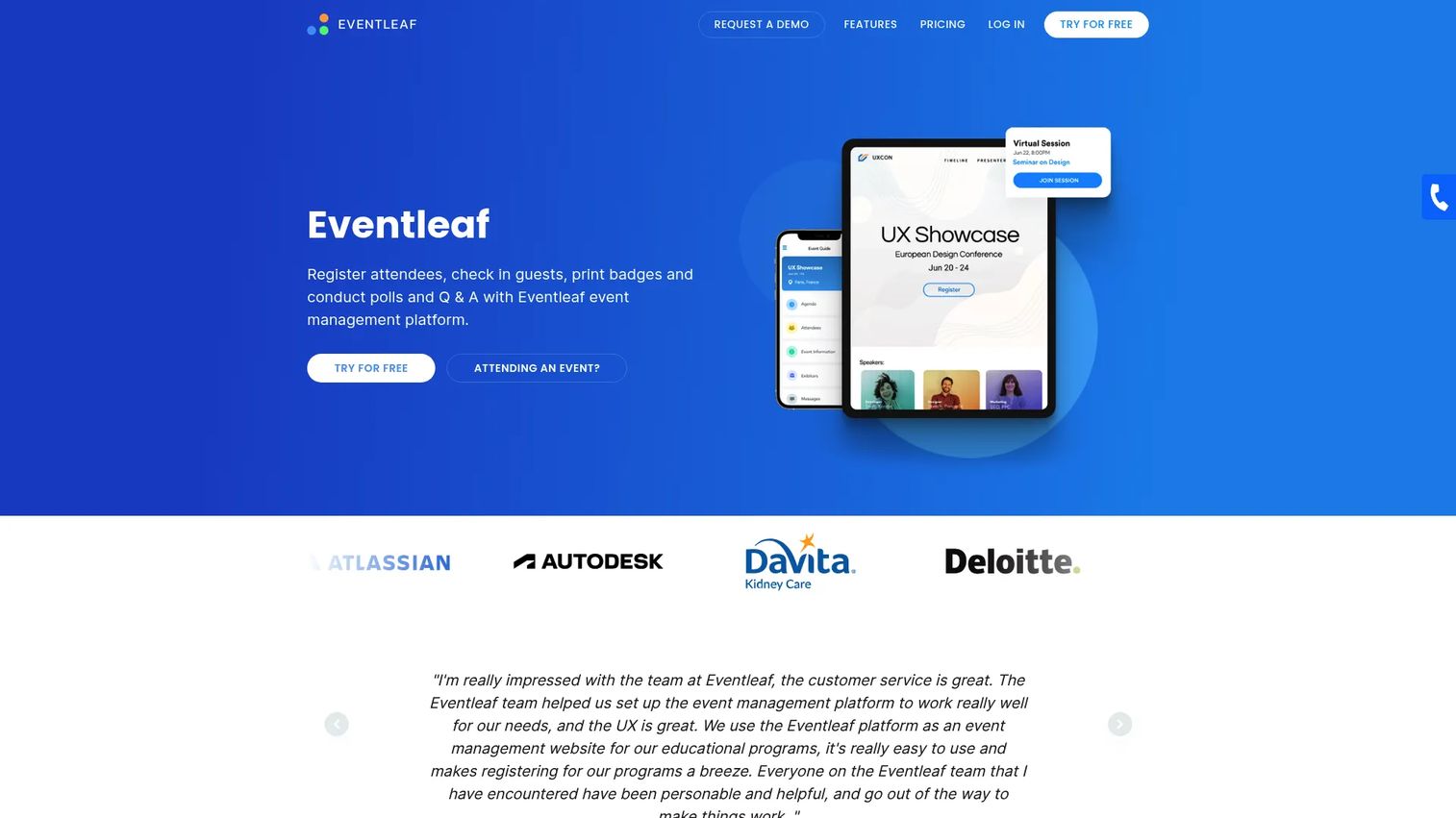
Eventleaf is event management software for registration, check-in, badges, engagement, and event apps. It is a strong option when the door involves more than a scan, specifically onsite badge printing and check-in that keeps working when the venue WiFi does not. That offline reliability matters at trade shows and conferences where connectivity is unpredictable.
Best for: Organizations that need an all-in-one event registration and onsite management platform with badge printing.
Key strengths
- Event registration and ticketing
- Check-in with QR code scanning and badge printing
- Attendee engagement tools like polls, Q&A, and gamification
- Multilingual support
- Session tracking and self-service kiosks
Why choose Eventleaf: If your events need printed name badges and you cannot risk a dead WiFi connection stalling the line, Eventleaf handles onsite badge printing and offline check-in without forcing you into an enterprise contract.
Eventleaf pricing: Starter plan is free for up to 100 attendees per year. Basic is $1 per attendee and Professional is $2 per attendee, both billed annually. Ultimate is a custom quote.
4. Guidebook
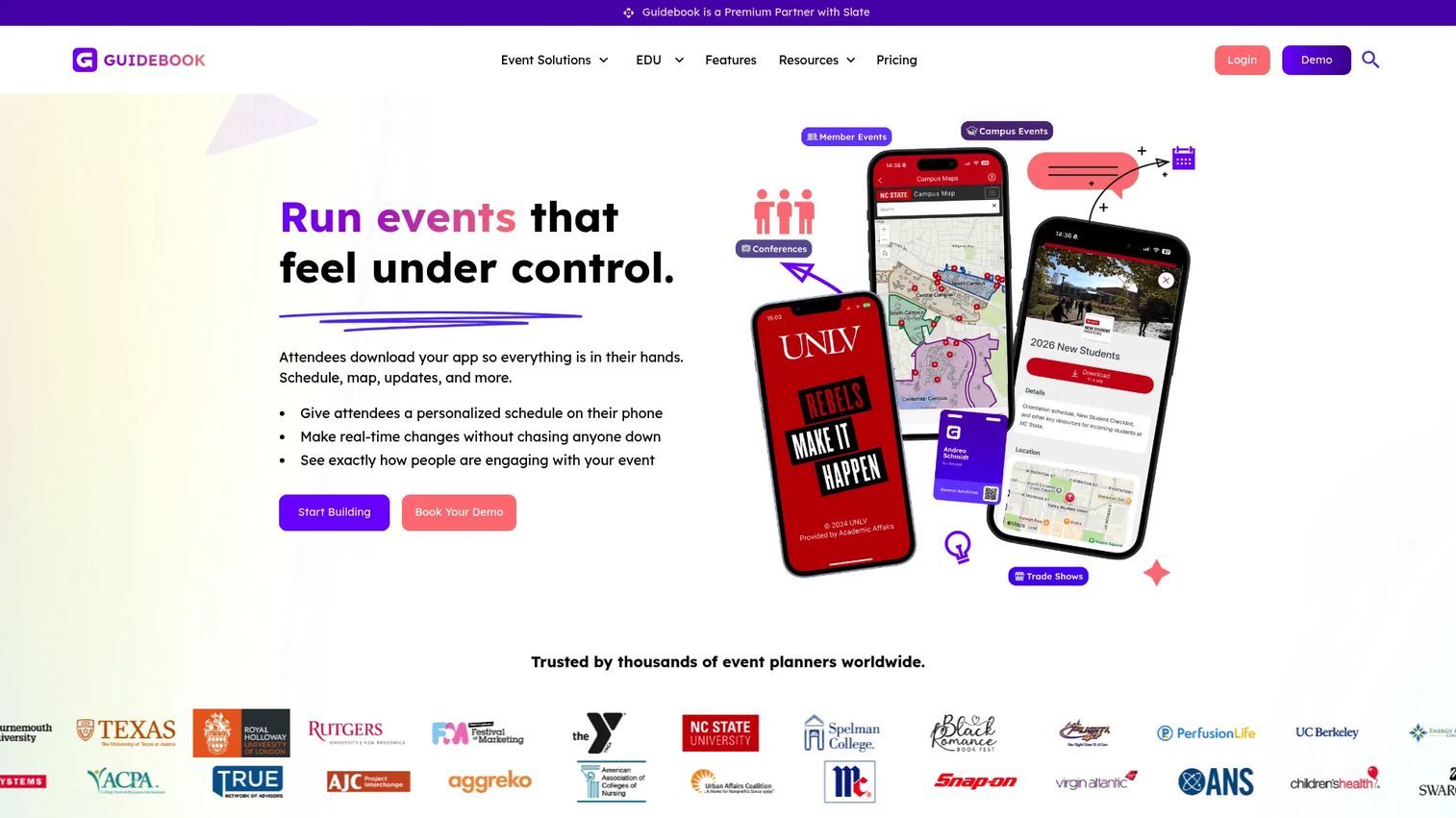
Guidebook is an event app and event management platform for building branded guides, registration, and attendee engagement experiences. Its center of gravity is the attendee app: schedules, maps, documents, and push notifications. Check-in fits into that broader experience, so it suits teams that care as much about the in-event experience as the door.
Best for: Organizations that need branded event apps and attendee engagement tools alongside check-in.
Key strengths
- Custom schedules and personalized agendas
- Interactive maps and document hosting
- Push notifications and surveys
- Gamification for engagement
- Branded event app experience
Why choose Guidebook: Choose Guidebook when the attendee app is the product and check-in is one part of a larger conference experience, especially for education, corporate, and association events that want a polished branded app.
Guidebook pricing: Guidebook offers plan levels including Small Event, Event, Year-Round, and Unlimited. Public numeric pricing is not listed, so request a quote through their site.
5. EventMobi
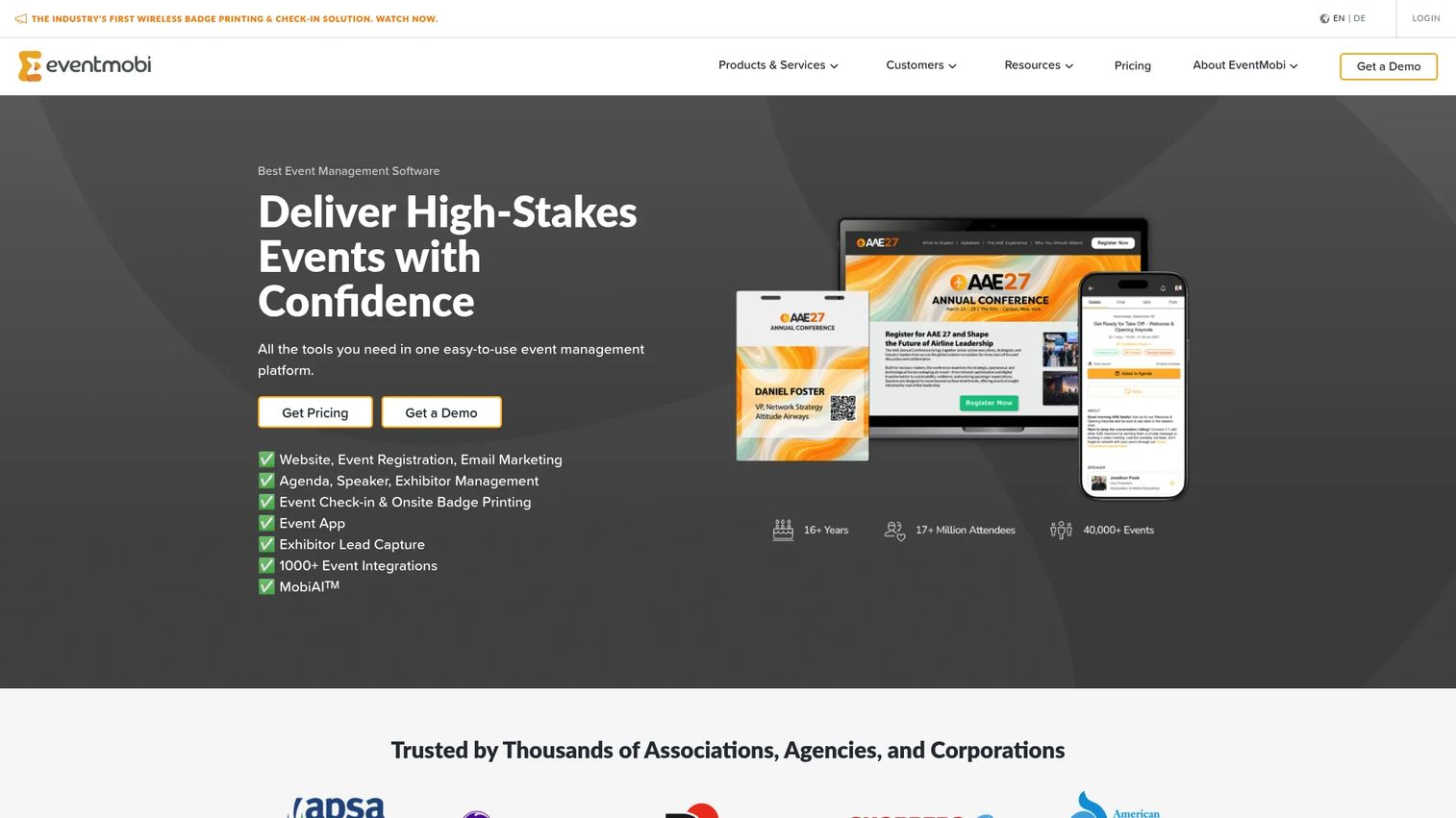
EventMobi is an event management platform for registration, onsite check-in, badge printing, attendee engagement, and virtual or hybrid events. It pairs a mobile event app with onsite operations, so the same platform that runs your agenda and engagement also handles the door and the badge printer. That makes it a fit for associations, agencies, and corporate teams running structured events.
Best for: Associations, agencies, and corporate teams running in-person, hybrid, or virtual events.
Key strengths
- Event registration
- Mobile event app and attendee engagement
- Onsite check-in and badge printing
- Reporting and analytics
- Support for hybrid and virtual formats
Why choose EventMobi: If you want one platform covering the mobile app, onsite check-in, and badge printing without stitching tools together, EventMobi consolidates event operations into a single system.
EventMobi pricing: EventMobi offers per-event pricing starting at $3,000 per event and per-year pricing starting at $8,900 per year, with custom pricing for larger requirements. There is no publicly listed free tier.
6. Cvent
Cvent is an event, meeting, and hospitality technology platform for in-person, virtual, and hybrid events. It is the heavyweight of the list, built for teams running many complex events at scale with registration, engagement, onsite badging, and attendance tracking under one roof. If your program spans dozens of events and multiple stakeholders, Cvent is designed for that level of coordination.
Best for: Teams running complex in-person, virtual, or hybrid events at scale.
Key strengths
- Registration and event websites
- Attendee Hub for engagement and networking
- Onsite check-in, badging, and attendance tracking
- Enterprise integrations
- Reporting across large event programs
Why choose Cvent: Choose Cvent when your event program is large and complex enough that piecemeal tools stop scaling, and you need enterprise registration, onsite badging, and attendance data in one governed platform.
Cvent pricing: Cvent's core event management platform uses quote-based pricing. Public dollar amounts are not listed for the main platform, so request a quote to match your event volume.
7. Whova
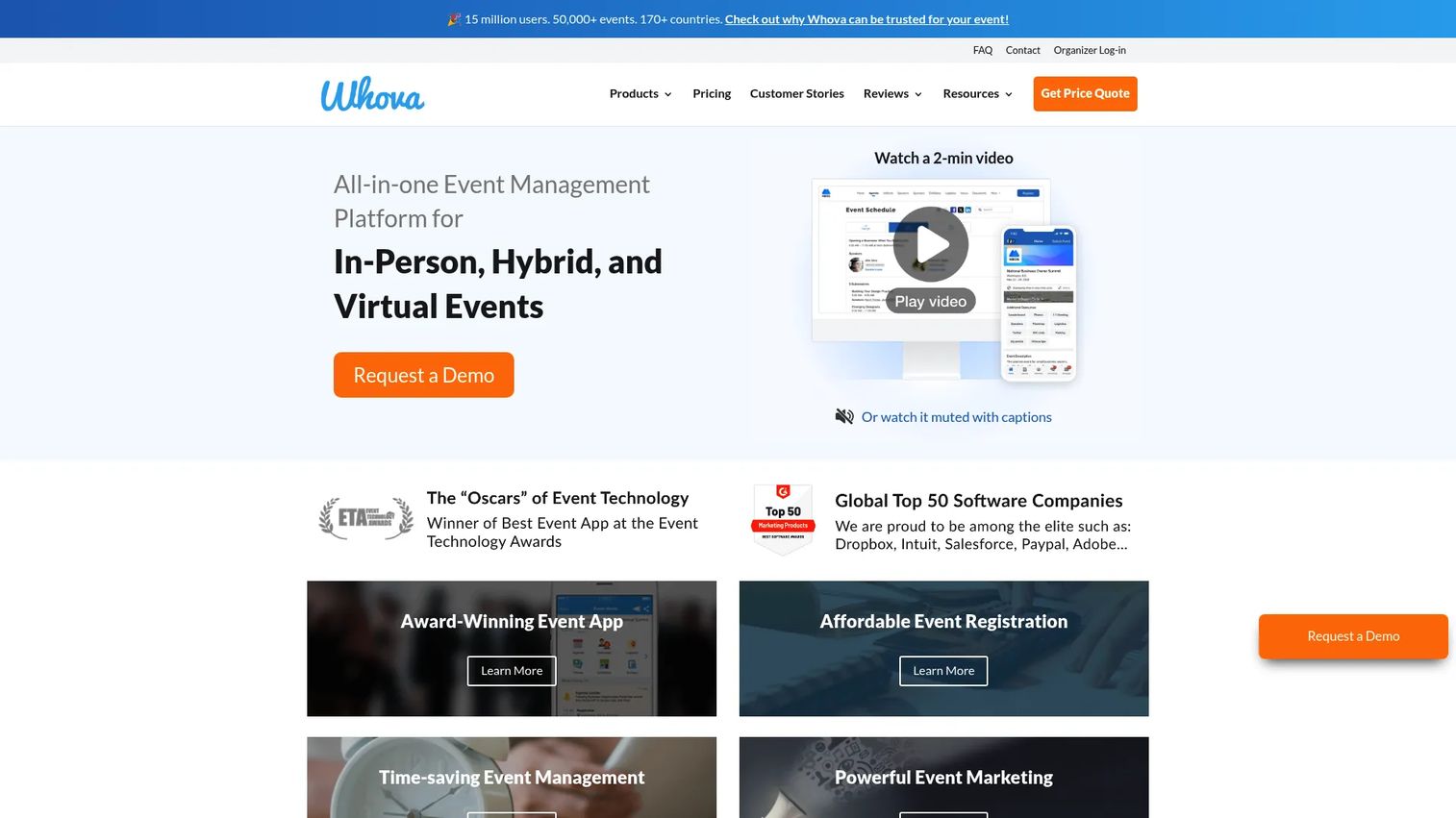
Whova is an all-in-one event management platform for in-person, hybrid, and virtual events, with a strong emphasis on attendee networking and engagement. Alongside registration and check-in, it adds matchmaking, lead retrieval, and community features that keep attendees connected during and after the event. That makes it a natural fit for conferences and expos where networking is a core part of the value.
Best for: Event organizers running conferences, hybrid events, or expos that need attendee engagement and networking tools.
Key strengths
- Event registration and ticketing
- Agenda and speaker management
- Attendee networking and matchmaking
- Lead retrieval for exhibitors
- Check-in support across event formats
Why choose Whova: Pick Whova when attendee networking and engagement carry as much weight as smooth entry, particularly for conferences and expos where connections drive the event's value.
Whova pricing: Whova uses quote-based pricing and asks organizers to request a quote or demo. Public numeric prices are not listed on the site.
Considerations
Before you commit to a check in app for events, run through this checklist against how your events actually operate.
Check-in methods
Confirm the tool supports every entry path you will hit on the day. QR code and barcode scanning cover pre-registered guests, but you also need reliable guest name lookup for walk-ins and anyone who arrives without a code. Test how fast name search actually is with a large list, not a demo of ten records.
Real-time sync
If you run more than one entrance or more than one staff member, live syncing is non-negotiable. Verify that the system writes check-ins to a shared record instantly and prevents duplicate entries across devices. A tool that syncs on a delay will double-admit guests at busy doors.
Badge printing and hardware
If you need printed badges, check printer compatibility before you buy. Confirm which printers the software supports, whether it prints onsite in real time, and how self-check-in kiosks connect to the printer. Hardware mismatches surface at the worst possible moment, which is the morning of the event.
Integrations and exports
Your check-in data is only useful if it flows where you need it. Look for CSV export, CRM sync, and connections to your registration or ticketing platform. Post-event reporting matters as much as the door, so confirm you can pull clean attendance logs and no-show data without manual cleanup.
Offline support and reliability
Venue WiFi fails. Cellular drops in convention basements. Ask whether the app checks people in offline and syncs once connectivity returns. For trade shows and large conferences, offline check-in is the difference between a moving line and a stalled one.
Conclusion
The right event check-in software depends on the shape of your events, not on a single best-in-class winner.
For RSVP-driven and registration-first events, RSVPify keeps guest data and check-in in one branded flow. For simple, fast attendance tracking, OneTapCheckin keeps the workflow to a single scan. When you need onsite badge printing and offline reliability, Eventleaf is built for the door. Guidebook and EventMobi suit teams that want a strong attendee app alongside check-in, while Cvent handles large, complex enterprise programs and Whova leans into networking and community.
Your next step: match your event size, entrance count, and badge needs to two or three tools from this list, then run a free plan or demo against your real guest list before your next event. Test walk-ins, test multiple devices, and test a WiFi drop. The door is where the impression gets made, so prove the tool works under your conditions before the line forms.
FAQs
Yes, most event check-in systems support multiple staff and multiple devices checking in guests simultaneously. The key feature to confirm is live syncing, which writes every check-in to a shared record in real time so two staff members cannot admit the same guest twice. Tools like RSVPify, Eventleaf, and Cvent are built for multi-staff, multi-entrance events.
Yes. Most tools on this list support self-check-in kiosks on iPads or tablets, where attendees scan their own QR pass and check themselves in. OneTapCheckin and Eventleaf both offer iPad kiosk modes, and several platforms pair kiosk check-in with onsite badge printing so guests print a badge without staff help.
Some tools handle this better than others. Offline check-in lets the app record arrivals without a connection and sync once WiFi or cellular returns, which prevents a dead network from stalling the line. Eventleaf specifically supports offline check-in, so confirm this capability if you run events in venues with weak connectivity.
Yes. Most event check-in software lets you export attendance logs to CSV and many sync directly to your CRM or registration platform. This is what turns check-in into post-event measurement, letting you compare actual attendance against registrations, track no-shows, and prioritize follow-up with people who actually attended.
Many platforms support session-level check-in and recurring events. Eventleaf offers session tracking, and EventMobi, Cvent, Whova, and Guidebook are built for multi-session conferences with per-session attendance. For recurring programs like classes or weekly meetings, OneTapCheckin handles repeat check-ins and attendance history.
Yes, several tools combine ticketing and check-in. RSVPify supports event ticketing and donations alongside registration and check-in, and Whova, EventMobi, and Cvent handle paid registration. If payments matter, confirm the processing fees and supported payment methods before you commit.
Reputable event check-in platforms use encryption and access controls to protect attendee data, and most publish privacy practices on their sites. Because you are handling personal information like names, emails, and sometimes payment data, review each vendor's security and privacy documentation and confirm they meet your organization's data handling requirements before uploading your guest list.










