You've been posting on LinkedIn consistently for three months. Engagement is up. Your manager asks what changed in pipeline. You open the native dashboard, export a spreadsheet, and spend two hours building a slide that still doesn't answer the question.
That's the gap these tools close. LinkedIn now has more than 1.4 billion members worldwide, according to LinkedIn's own 2026 data, making it the dominant channel for B2B demand generation. Yet most marketing teams still measure it with a mix of native exports, manual screenshots, and gut feel. The result: Reporting that shows activity but not impact.
The tools in this guide exist to change that calculation. Some track brand mentions and sentiment across the web. Others connect LinkedIn campaign data directly to your CRM. A few are purpose-built for founders and creators measuring personal profile growth. The right choice depends on one question: What report are you trying to defend next week?
What's inside
This guide covers 17 LinkedIn analytics tools evaluated for 2026. It's written for digital marketers, growth teams, agencies, and demand generation operators who need better LinkedIn reporting.
Tools were selected based on:
- LinkedIn-specific analytics depth (Page, profile, post, and audience data)
- Reporting quality: Exports, historical windows, and dashboard options
- Pricing transparency and fit across team sizes
- Workflow relevance: Does it reduce manual reporting or add another subscription?
TL;DR
- Best for social listening and brand monitoring: Brand24 tracks mentions, sentiment, and share of voice across LinkedIn and beyond
- Best enterprise social suite: Sprout Social handles publishing, engagement, and analytics across multiple channels
- Best free option: LinkedIn Native Analytics gives every Page admin first-party data at no cost
- Best for creator and profile analytics: Taplio for personal brand growth; Shield Analytics for profile performance tracking
- Best for CRM and pipeline attribution: HubSpot connects LinkedIn activity to leads, deals, and revenue
- Best for agency reporting dashboards: AgencyAnalytics and DashThis both automate multi-client LinkedIn reporting
What is LinkedIn analytics tools?
LinkedIn analytics tools are software platforms that track, analyze, and report performance data from LinkedIn Company Pages, personal profiles, posts, campaigns, audiences, competitors, and paid ads.
The category splits into several distinct types, each solving a different reporting job.
Core metrics these tools track
- Impressions and reach per post or Page
- Engagement rate (reactions, comments, clicks, and reposts)
- Follower growth and audience demographics (seniority, industry, geography)
- Company Page visitor data and traffic sources
- Personal profile performance and content reach
- Competitor benchmarks and share of voice
- Brand mentions and sentiment across social channels
- LinkedIn Ads spend, conversions, and campaign reporting
- CRM attribution and pipeline contribution
Native analytics vs. third-party tools
LinkedIn's built-in analytics give Page admins a solid baseline. Post metrics, follower demographics, and visitor trends are all accessible without a paid subscription. The limitation shows up fast when leadership asks for quarterly trends, competitor context, or cross-channel attribution. Native analytics doesn't retain deep historical data, doesn't benchmark against competitors, and can't connect organic activity to CRM outcomes on its own.
Third-party tools solve those gaps. They extend reporting windows, automate dashboard delivery, pull in competitor data, and integrate with CRM and paid media platforms.
Company Page analytics vs. personal profile analytics
These are genuinely different jobs. A demand generation team managing a Company Page needs reach, follower growth, and campaign attribution. A founder or executive building a personal brand needs post-level performance, audience growth, and profile engagement data. Some tools handle both; most specialize. Knowing which one you need narrows the shortlist quickly.
When to use LinkedIn analytics tools
Prove LinkedIn impact beyond activity
Engagement metrics tell you what happened. They don't tell you why pipeline changed. When leadership asks how LinkedIn contributes to revenue, you need UTM-tracked links, CRM attribution, and conversion reporting. Tools like HubSpot and Coupler.io connect LinkedIn activity to downstream outcomes in a way that native analytics can't replicate on its own.
Benchmark competitors and monitor brand conversations
Tracking your own Page is only half the picture. Social listening tools show what competitors are posting, which content formats are gaining traction, and what your brand's reputation looks like across the broader web. Brand24, Brandwatch, and Keyhole all handle this differently, but each answers the question: What's happening in my market, not just on my Page?
Automate reporting for stakeholders
The biggest time sink in LinkedIn reporting isn't the analysis. It's rebuilding the same slides every week. Tools like AgencyAnalytics, DashThis, and Coupler.io automate data delivery into dashboards and scheduled reports, so you spend time acting on insights rather than formatting them.
LinkedIn analytics tools comparison
Pricing and G2 ratings below are sourced from each vendor's official pricing page and G2 listing. All figures were verified in November 2026.
| # | Product | Best for | Key differentiator | Pricing | G2 rating |
|---|---|---|---|---|---|
| 1 | Brand24 | Social listening and brand monitoring | AI-powered mention tracking with sentiment and share of voice | From $249/mo | 4.6/5 |
| 2 | Sprout Social | Enterprise social management and analytics | Unified publishing, engagement, and analytics suite | From $79/seat/mo | 4.4/5 |
| 3 | Hootsuite | Scheduling and reporting in one dashboard | Broad channel management with LinkedIn analytics included | From $99/user/mo | 4.3/5 |
| 4 | LinkedIn Native Analytics | Free first-party Page reporting | Built-in Page and post analytics at no cost | Free (Page); $99.99/mo for Premium | N/A |
| 5 | Taplio | Personal brand and LinkedIn creator growth | AI-assisted scheduling, analytics, and engagement for profiles | From $39/mo | 4.1/5 |
| 6 | Brandwatch | Enterprise brand intelligence | Consumer intelligence with social listening at scale | Custom pricing | 4.2/5 |
| 7 | Keyhole | Campaign and competitor tracking | Hashtag, profile, and influencer analytics with automated reports | Custom pricing | 4.3/5 |
| 8 | Buffer | Lean team publishing and post analytics | Simple scheduling with per-channel pricing and a free tier | Free; from $5/mo | 4.3/5 |
| 9 | HubSpot | CRM attribution and pipeline reporting | Connects LinkedIn Ads and campaigns directly to revenue data | Free; from $7/seat/mo | 4.4/5 |
| 10 | Shield Analytics | LinkedIn personal profile performance | Purpose-built profile analytics with historical post tracking | Contact for pricing | 3.2/5 |
| 11 | SocialPilot | Agencies and SMBs managing multiple accounts | White-label reports and client approvals at affordable pricing | From $30/mo | 4.5/5 |
| 12 | Socialinsider | Competitor benchmarking and content analysis | Cross-network analytics with deep benchmarking | From $82/mo | 4.7/5 |
| 13 | AgencyAnalytics | Agency client reporting | Per-client pricing with white-label dashboards and 90+ integrations | From $20/client/mo | 4.7/5 |
| 14 | Later | Content planning with LinkedIn analytics | Visual scheduling with post analytics and link tracking | Free; from $18.75/mo | 4.5/5 |
| 15 | Planable Analytics | Content teams with approval workflows | Analytics add-on built into the planning and approval platform | From $14/workspace/mo | 4.6/5 |
| 16 | Coupler.io | Automated reporting to spreadsheets and BI tools | 400+ data source connectors with scheduled exports | Free; from $24/mo | 4.8/5 |
| 17 | DashThis | Executive dashboards and recurring reports | Automated multi-channel marketing dashboards with client templates | From $44/mo | 4.7/5 |
Best 17 LinkedIn analytics tools for 2026
1. Brand24
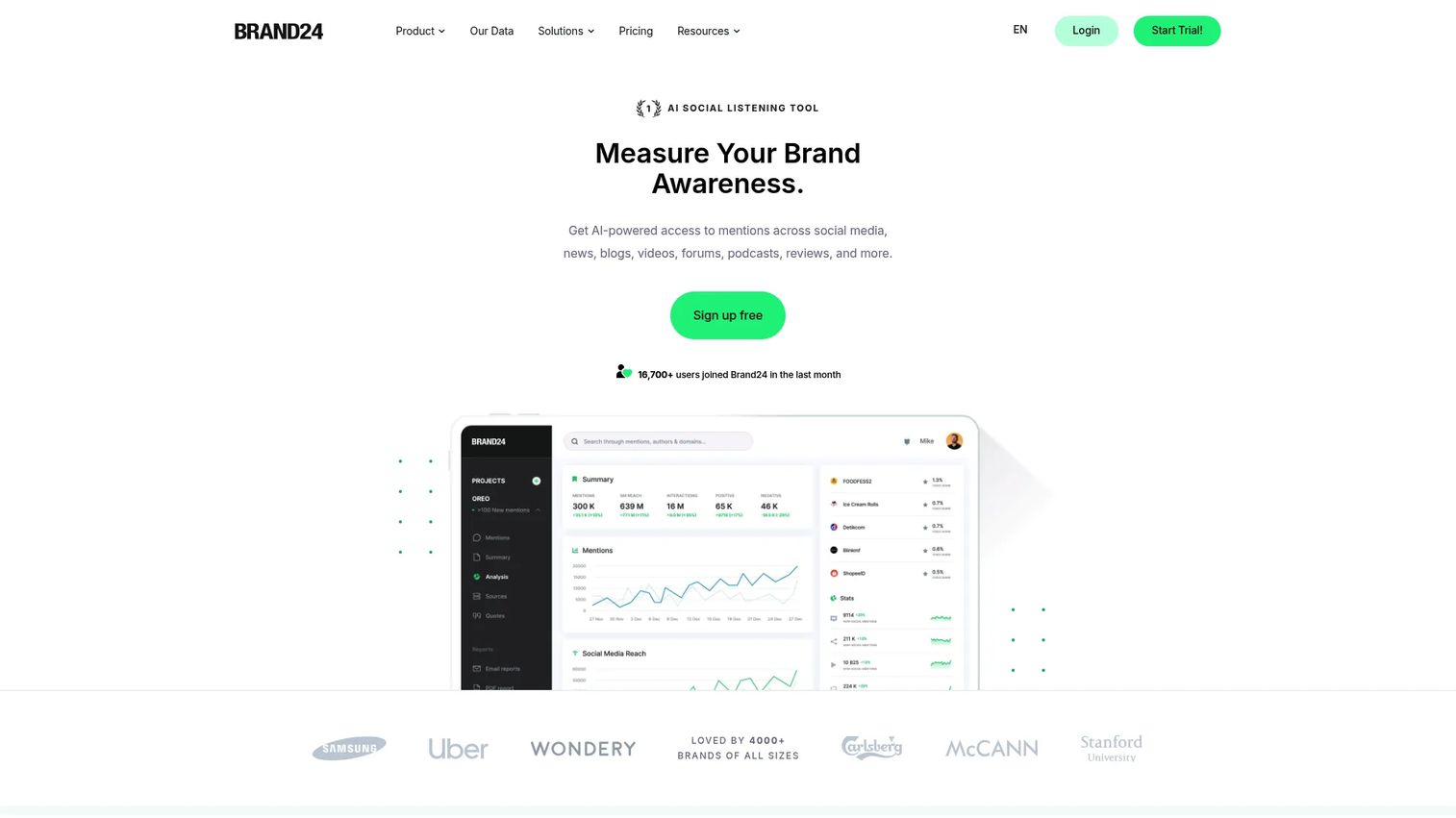
Brand24 is an AI-powered media monitoring and social listening platform. It tracks brand mentions, keywords, and competitor conversations across social media, news sites, blogs, forums, and podcasts in real time. For LinkedIn specifically, Brand24 surfaces who's talking about your brand, what sentiment looks like, and how your share of voice compares to competitors.
Best for: Growth marketers who need to know what people are saying about the brand across LinkedIn and the wider web, not just what their own posts are doing.
Key features
- Real-time mention monitoring across social, news, and blogs
- Sentiment analysis and share-of-voice tracking
- Influencer identification and reach analytics
- AI Insights and anomaly/event detection
- Automated alerts and scheduled reports
Why choose Brand24: Choose Brand24 when your LinkedIn analytics problem extends beyond post performance. It fits teams running brand campaigns or competitive positioning programs where reputation signals matter as much as engagement numbers.
Brand24 pricing: Plans start at $249/month (or $199/month billed annually) for the Individual tier. The Team plan runs $349/month, Pro is $499/month, and Business is $699/month. Enterprise plans start at $1,499/month billed annually. A 14-day free trial is available.
G2 rating: 4.6/5
2. Sprout Social
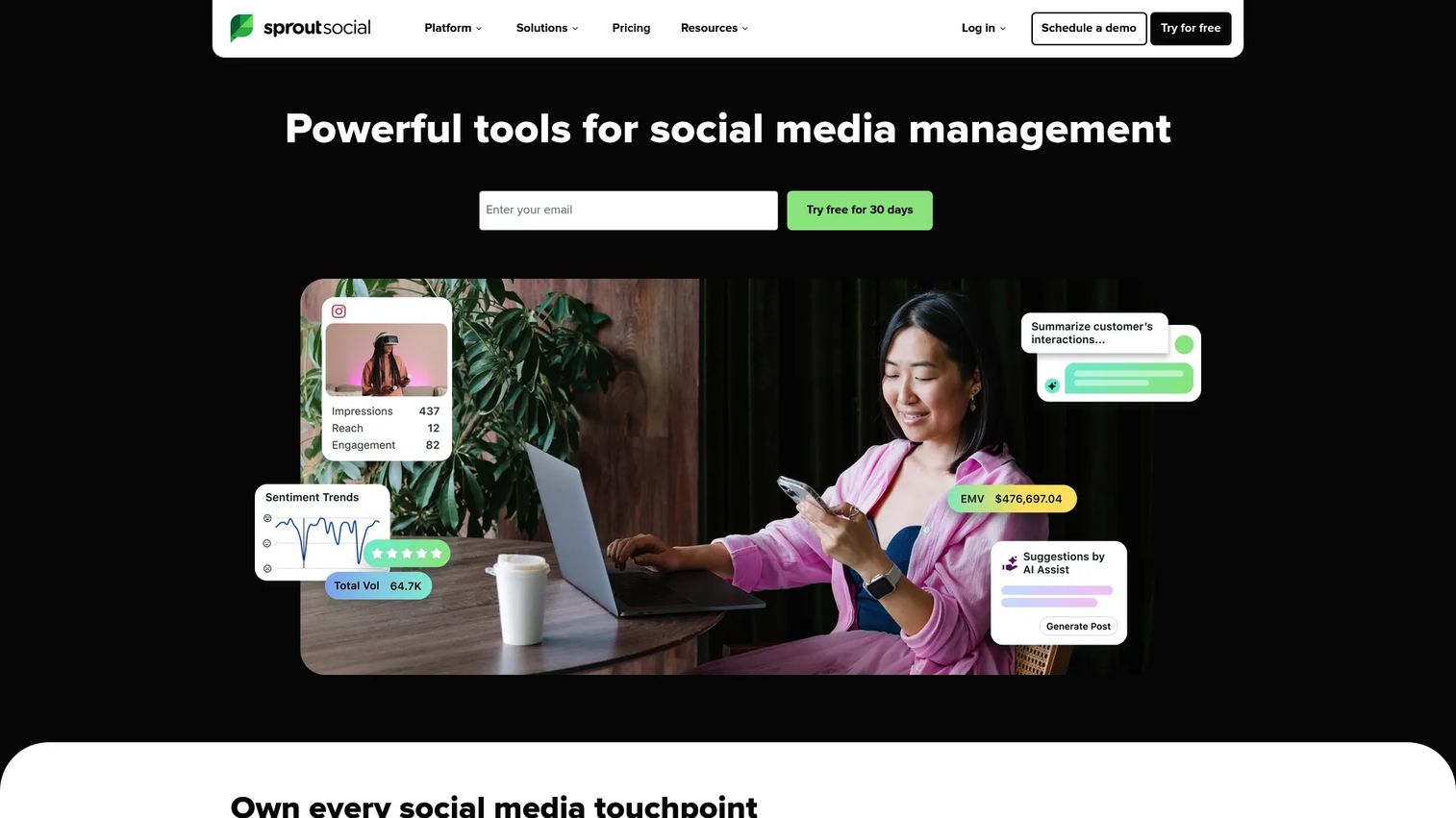
Sprout Social is a full social media management and intelligence platform covering publishing, engagement, customer service, and analytics. LinkedIn reporting sits inside a broader cross-channel view, so teams managing LinkedIn alongside other social networks get one place for performance data, workflows, and approvals.
Best for: Mid-market and enterprise teams that need LinkedIn analytics inside a wider social operating system, not a standalone reporting tool.
Key features
- Cross-channel analytics with custom reports
- LinkedIn publishing and collaborative content calendar
- Unified social inbox and engagement management
- Team workflows and approval controls
- Social listening available as an add-on
Why choose Sprout Social: Choose Sprout Social when LinkedIn is one of several active channels. The reporting depth and workflow features justify the seat-based price when your team is publishing, engaging, and reporting on multiple networks daily.
Sprout Social pricing: Starts at $79/seat/month billed annually (or $99/seat/month monthly) for Essentials. Standard runs $199/seat/month; Professional is $299/seat/month; Advanced is $399/seat/month. Enterprise pricing is custom. A 30-day free trial is available.
G2 rating: 4.4/5
3. Hootsuite

Hootsuite is one of the longest-standing social media management platforms. It covers LinkedIn scheduling, analytics, inbox management, and campaign reporting alongside other social networks. The analytics layer includes performance reports, sentiment analysis, and content approval workflows across teams.
Best for: Social teams that want a familiar, broad-channel management tool with LinkedIn analytics built in.
Key features
- LinkedIn scheduling and publishing
- Social analytics reports with custom dashboards
- Campaign tracking and inbox management
- Social listening and sentiment analysis
- Team permissions and approval workflows
Why choose Hootsuite: Choose Hootsuite when publishing operations and performance reporting need to stay in the same platform. The Standard plan covers 10 social accounts; higher tiers add governance, advanced reporting, and customer-care workflows.
Hootsuite pricing: Standard starts at $99/user/month billed annually. Professional is $199/user/month; Advanced is $399/user/month. Enterprise pricing is custom. A 14-day free trial is available with no free tier ongoing.
G2 rating: 4.3/5
4. LinkedIn Native Analytics
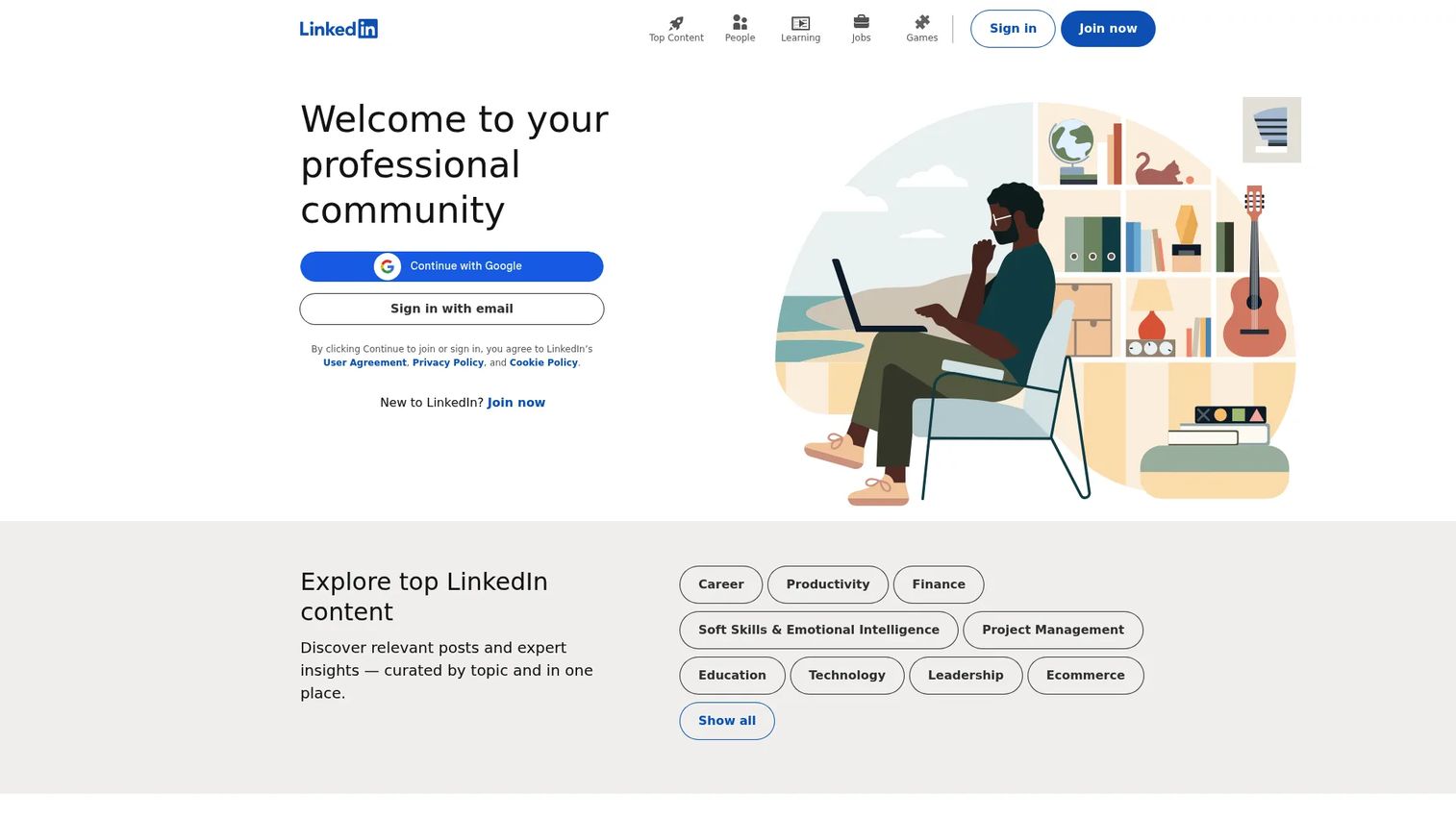
LinkedIn Native Analytics is the built-in reporting tool available to every LinkedIn Company Page admin. It covers post performance, follower demographics, visitor traffic, search appearances, and basic competitor benchmarking. No third-party subscription required.
Best for: Small teams that need first-party LinkedIn Page analytics without adding another tool or paying for a reporting platform.
Key features
- Post metrics: Impressions, clicks, reactions, comments, reposts, and engagement rate
- Follower demographics: Seniority, industry, geography, and company size
- Visitor analytics and traffic trend data
- Search appearances and basic competitor analytics
- XLS data exports for manual reporting
Why choose LinkedIn Native Analytics: Choose native analytics for quick Page health checks, spot verification, or when budget doesn't support a third-party tool. Its limits show up at reporting time: Historical windows are short, competitor depth is thin, and there's no path from engagement data to CRM outcomes.
LinkedIn Native Analytics pricing: Free with every LinkedIn Company Page. The Premium Company Page Essentials tier costs $99.99/month or $839.88/year for enhanced analytics and additional Page features.
5. Taplio
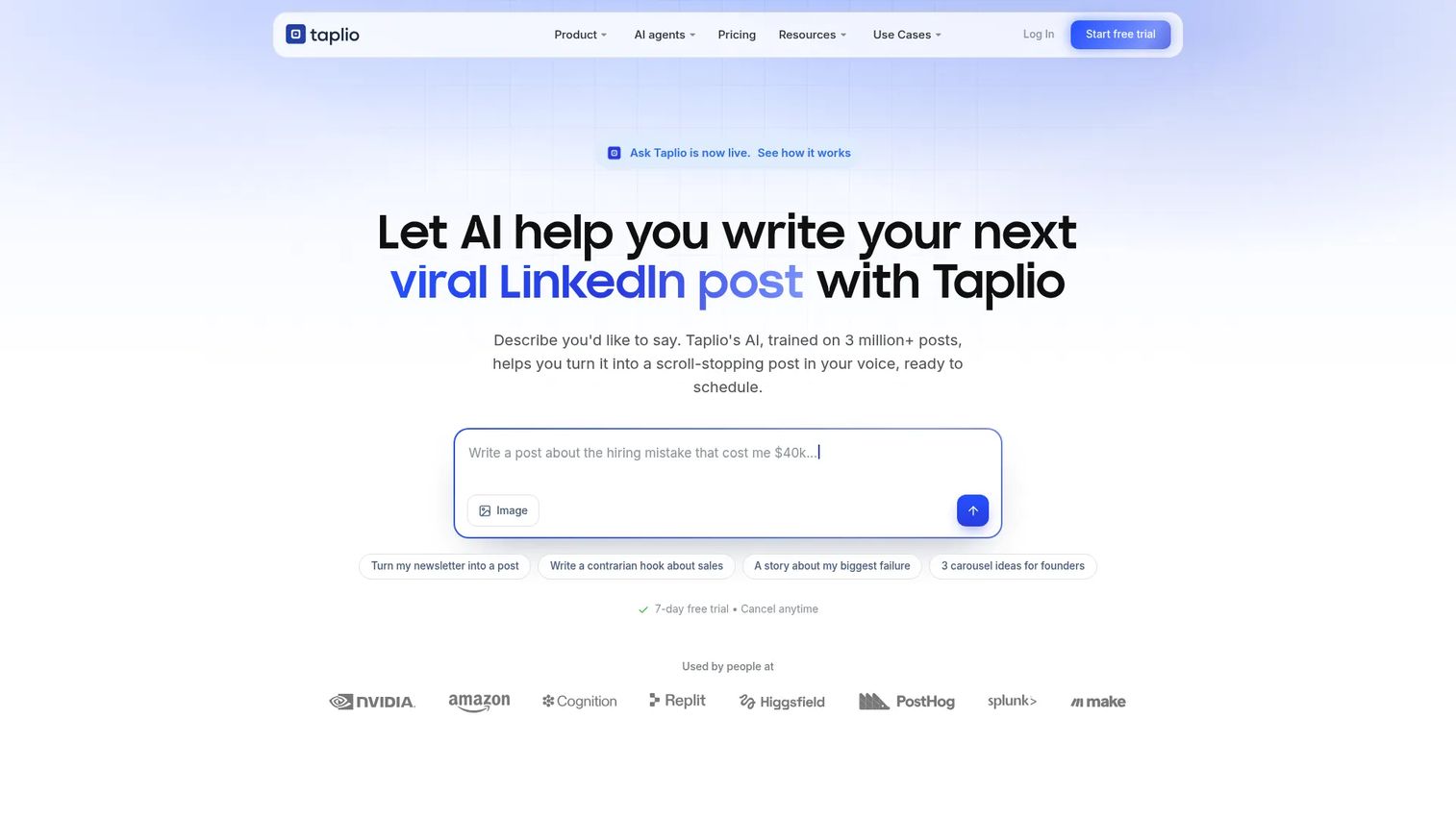
Taplio is an AI-powered LinkedIn tool built for creators, founders, consultants, and social sellers. It combines post analytics, scheduling, viral content inspiration, engagement workflows, and lead generation in one platform focused entirely on personal LinkedIn growth.
Best for: Founders and content creators who need posting consistency, profile-level analytics, and audience growth data without managing a Company Page.
Key features
- Personal profile analytics and audience growth insights
- AI post writing, rewriting, and content scheduling
- Viral post inspiration and idea library
- Engagement and comment management tools
- Lead generation and automated outreach features
Why choose Taplio: Choose Taplio when LinkedIn performance is tied to a person rather than a brand Page. It fits executives, solo consultants, and social sellers who need post-level feedback and consistent publishing without a full social media suite.
Taplio pricing: Starter is $39/month; Growth is $69/month; Pro is $199/month. Annual billing drops those to $32/month, $49/month, and $149/month respectively. A 7-day full trial is available, with a 30-day money-back guarantee. No permanent free plan exists.
G2 rating: 4.1/5
6. Brandwatch
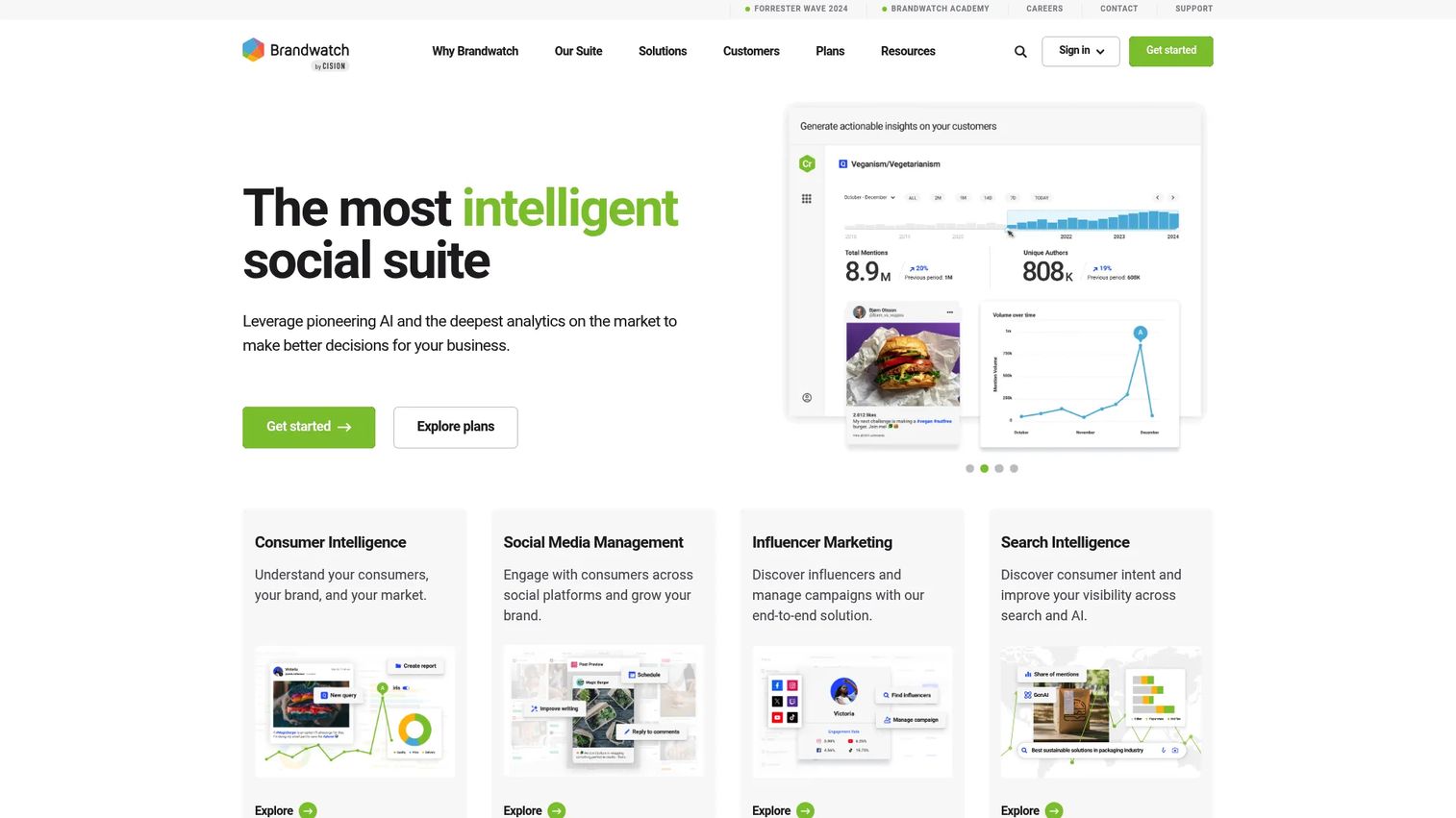
Brandwatch is an enterprise social intelligence platform combining consumer intelligence, social media management, influencer marketing, and search intelligence. LinkedIn sits within a larger monitoring program that tracks brand reputation, market trends, and competitive conversations at scale.
Best for: Enterprise marketing and research teams running global brand intelligence programs where LinkedIn is one of multiple monitored channels.
Key features
- Consumer intelligence and social listening across channels
- Social media publishing, engagement, and benchmarking
- Influencer discovery and campaign management
- Sentiment analysis and AI-powered reporting
- Enterprise-grade alerts and trend monitoring
Why choose Brandwatch: Choose Brandwatch when LinkedIn analytics is part of a larger brand intelligence mandate. It's strongest for teams with complex, multi-region reporting requirements and stakeholders who need market-level insights, not just post metrics.
Brandwatch pricing: Custom pricing across Consumer Intelligence, Social Media Management, and Influencer Marketing plans. Pricing requires a demo request. G2 reviewers report enterprise contracts typically in the range of $1,000 or more per month.
G2 rating: 4.2/5
7. Keyhole
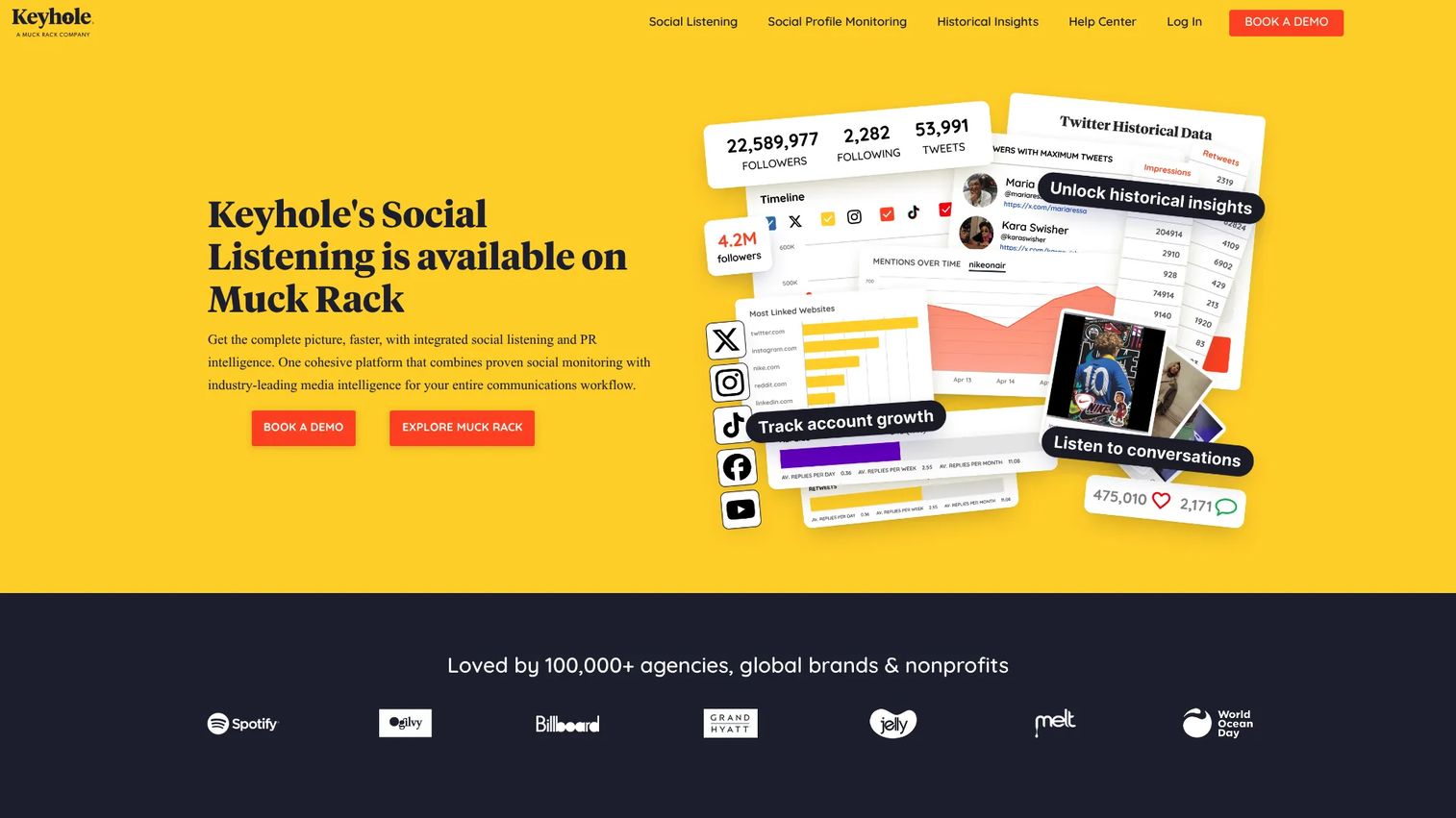
Keyhole is a social analytics and listening platform focused on campaign tracking, competitor monitoring, hashtag analytics, and influencer measurement. It supports LinkedIn reporting alongside other networks and automates delivery of performance reports in PDF and Excel formats.
Best for: Marketers running campaigns or tracking competitor activity who need automated reporting across topics, hashtags, and profiles.
Key features
- Hashtag and keyword tracking across social channels
- Social profile and competitor monitoring
- Influencer tracking and engagement analysis
- Historical data analysis and trend reporting
- Automated report delivery and API access
Why choose Keyhole: Choose Keyhole when you need campaign-level visibility and competitive benchmarking in one place. It works well for teams that report by topic, campaign theme, or competitor set rather than by individual posts.
Keyhole pricing: Contact Keyhole directly for a quote. G2 reviewers report pricing typically starting from a few hundred dollars per month depending on the number of tracked profiles and data sources.
G2 rating: 4.3/5
8. Buffer
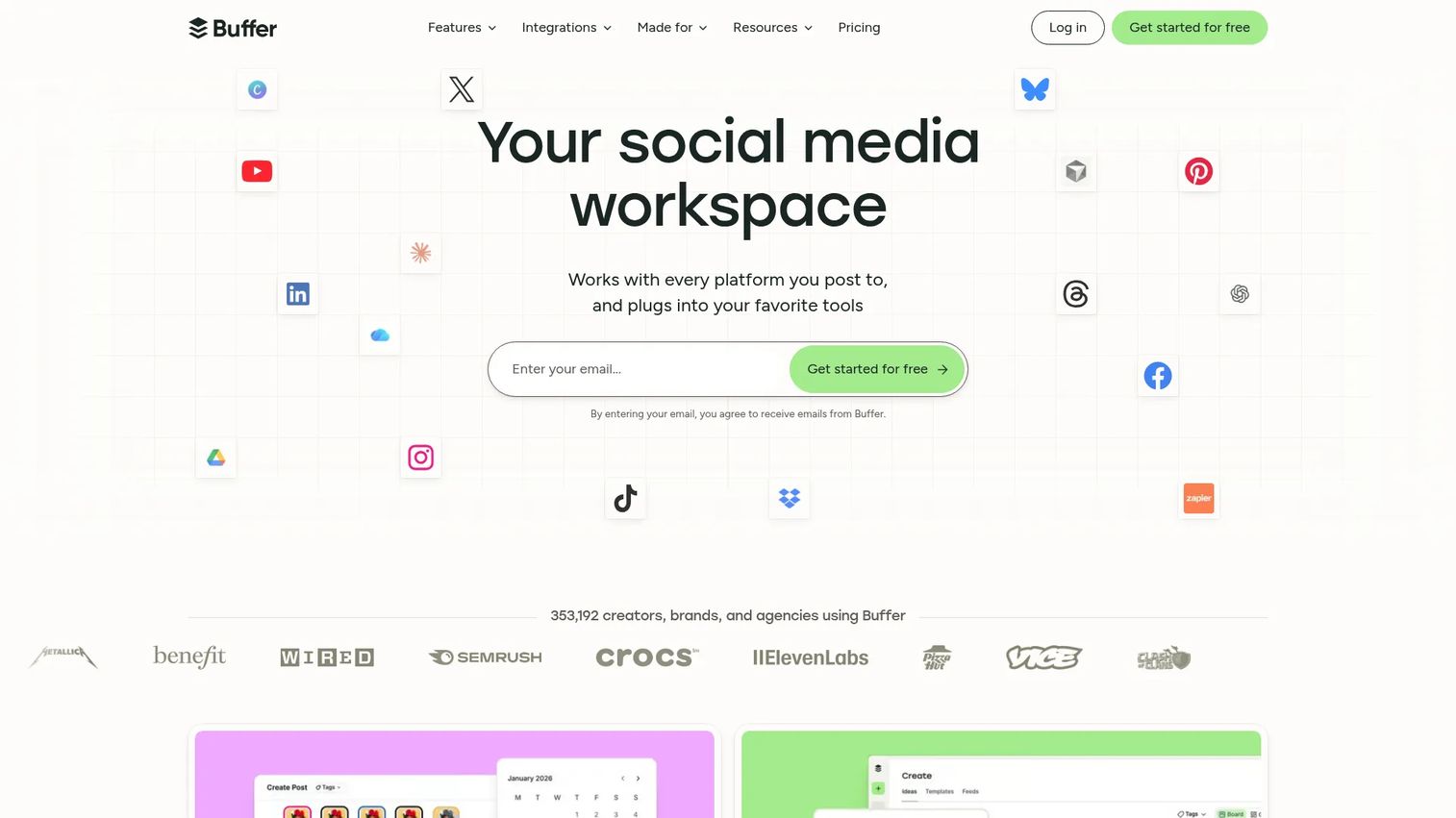
Buffer is a social media management platform for scheduling, publishing, and analyzing content across multiple channels. Its per-channel pricing model makes it one of the most affordable options for small teams that need LinkedIn scheduling with accessible post analytics.
Best for: Startups and lean marketing teams that want clean LinkedIn publishing, basic post analytics, and channel-level comparison without enterprise pricing.
Key features
- LinkedIn scheduling and best-time publishing recommendations
- Post analytics: Impressions, engagement, and reach per post
- Channel-level reporting and comparison
- Community inbox and comment management
- Team collaboration and content approval workflows
Why choose Buffer: Choose Buffer when speed and low overhead matter more than deep reporting. Its per-channel pricing ($5/month per channel on the Essentials plan) keeps costs predictable as the team grows, and the free tier handles up to three connected channels.
Buffer pricing: Free plan available for up to three channels. Essentials starts at $5/month per channel ($60/year for one channel billed annually). Team plan is $10/month per channel. A 14-day free trial applies to paid plans.
G2 rating: 4.3/5
9. HubSpot

HubSpot is a CRM and marketing automation platform that connects LinkedIn Ads, campaign landing pages, contact records, and revenue reporting in one place. The analytics value here is attribution: HubSpot answers whether LinkedIn activity drove leads and pipeline, not just impressions.
Best for: Demand generation teams already using HubSpot who need to close the loop between LinkedIn campaign spend and pipeline outcomes.
Key features
- LinkedIn Ads integration and campaign reporting
- CRM attribution linking contacts to LinkedIn touchpoints
- Revenue dashboards connecting marketing activity to deals
- Contact tracking across form fills and campaign interactions
- Marketing automation and email nurture workflows
Why choose HubSpot: Choose HubSpot when your leadership asks what LinkedIn contributed to pipeline, not just engagement. It's the strongest option for teams already in HubSpot's CRM who want to avoid building a separate attribution layer.
HubSpot pricing: Free plan available for up to two users. Starter is $7/seat/month billed annually ($20/seat/month monthly). Professional is $1,300/month (6 seats, annual billing). Enterprise is $4,700/month (8 seats). A free tier with limited features is available permanently.
G2 rating: 4.4/5
10. Shield Analytics
Shield Analytics is a LinkedIn analytics platform purpose-built for personal profile tracking. It measures post performance, audience growth, earned media value, and historical content data for individual LinkedIn users, making it useful for employee advocacy programs and executives building personal brands.
Best for: Individuals, executive teams, and employee advocacy programs measuring organic LinkedIn content performance at the profile level.
Key features
- LinkedIn post and profile analytics
- Audience demographics and growth tracking
- Historical post performance and search filtering
- Earned media value calculations
- Workspaces, collections, and AI-powered analytics agent
Why choose Shield Analytics: Choose Shield Analytics when the reporting focus is personal profiles rather than Company Pages. It fills the gap native LinkedIn analytics leaves open for creators and advocates who need deeper historical data and cross-profile comparisons.
Shield Analytics pricing: Contact Shield directly for current plan pricing. G2 reviewers report pricing in the range of $6 to $25/month per user depending on the tier.
G2 rating: 3.2/5
11. SocialPilot
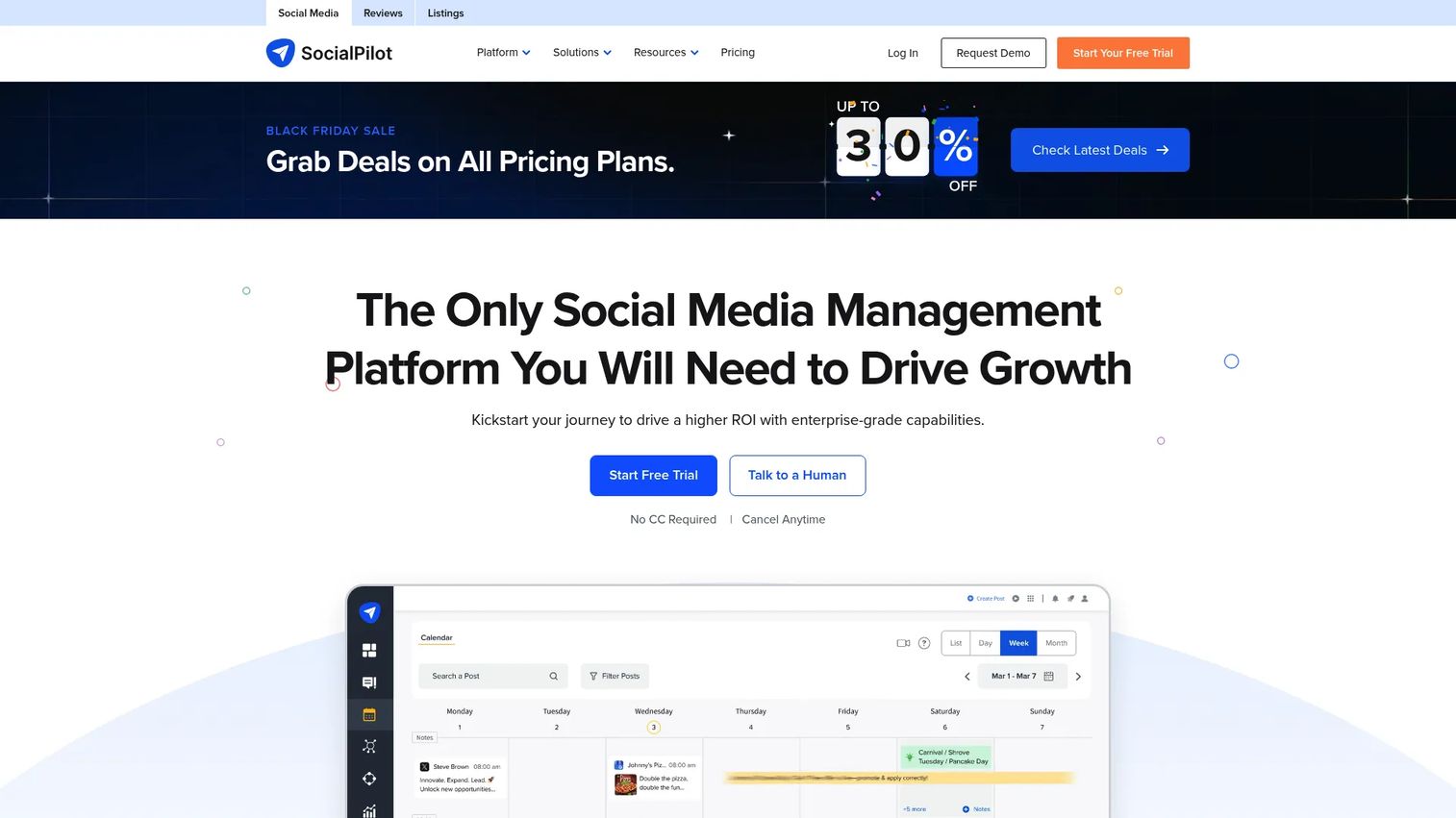
SocialPilot is a social media management platform covering publishing, analytics, client approvals, and white-label reporting. It's priced for agencies and growing SMB teams that need to manage multiple LinkedIn accounts and deliver branded client reports without paying enterprise rates.
Best for: Agencies and SMB marketing teams managing multiple LinkedIn accounts who need affordable reporting with client approval workflows.
Key features
- LinkedIn scheduling and AI-assisted content creation
- Social media analytics and performance reporting
- White-label report generation and delivery
- Client approval workflows and team collaboration
- Multi-account management across clients
Why choose SocialPilot: Choose SocialPilot when you need a practical mix of publishing and reporting at a price point that makes sense for agency margins. Its white-label reports and client workflows reduce the manual overhead of monthly reporting cycles.
SocialPilot pricing: Essentials starts at $30/month; Standard is $50/month; Premium is $100/month; Ultimate is $200/month (all billed monthly). Annual billing applies a 15% discount. No permanent free tier, but a 14-day free trial is available. Enterprise pricing is custom.
G2 rating: 4.5/5
12. Socialinsider
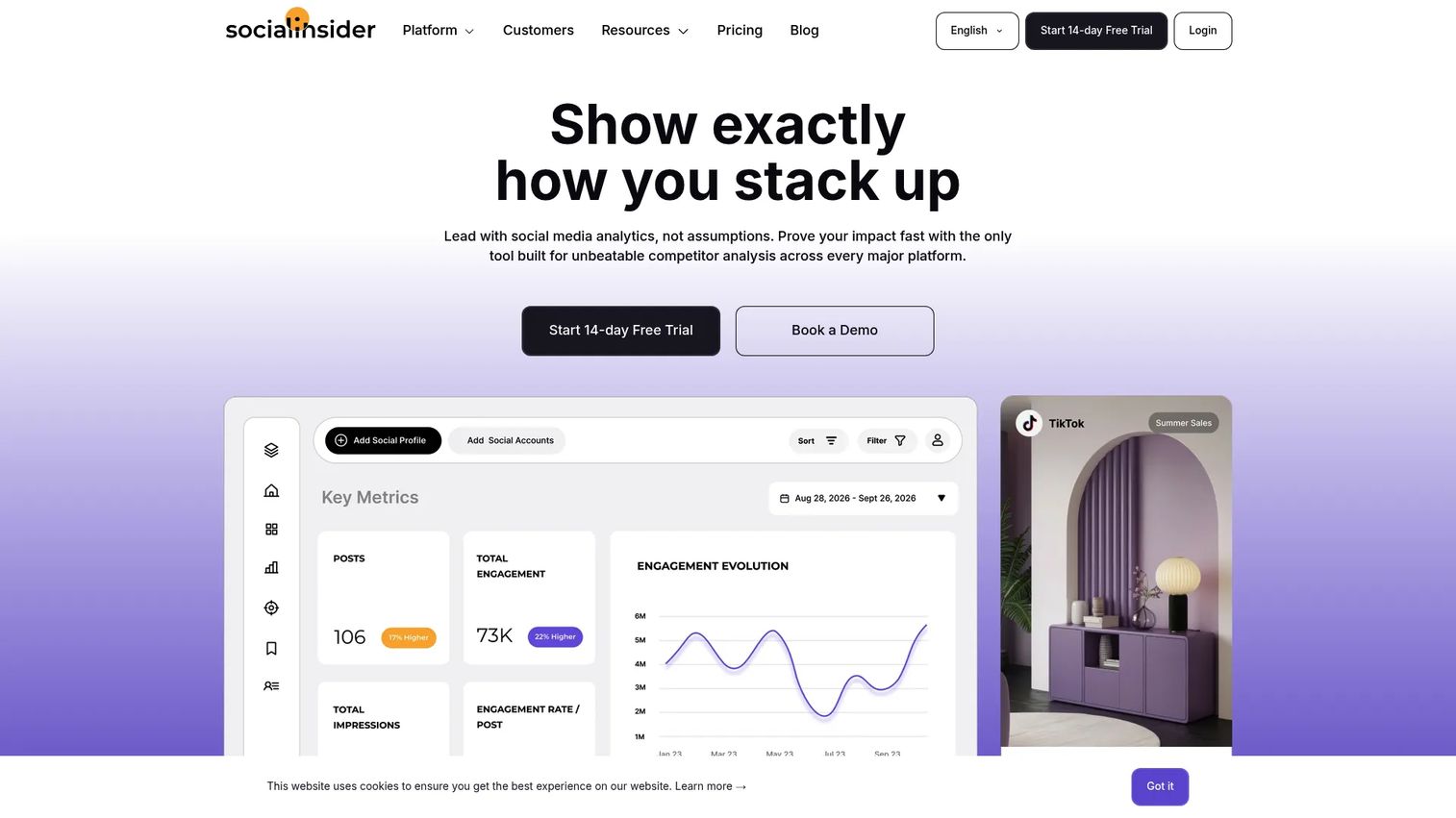
Socialinsider is a social media analytics and competitive benchmarking platform. It tracks LinkedIn content performance, compares it against competitor Company Pages, and delivers cross-channel reporting with historical data and AI-powered content analysis.
Best for: Marketing teams and agencies that need to explain LinkedIn performance in the context of what competitors are doing.
Key features
- Cross-network social media analytics and content reporting
- Competitor benchmarking across Company Pages
- AI-powered content analysis and content pillar tracking
- Historical performance data with unlimited exports
- Automated reports with an MCP connector
Why choose Socialinsider: Choose Socialinsider when you need to benchmark your LinkedIn content strategy against competitors and industry patterns. It's particularly useful for justifying format and topic decisions based on what's actually working in your market.
Socialinsider pricing: Adapt plan starts at $82/month; Optimize is $124/month; Predict is $199/month. Annual billing includes two months free. Enterprise pricing is custom. A 14-day free trial is available with no permanent free tier.
G2 rating: 4.7/5
13. AgencyAnalytics
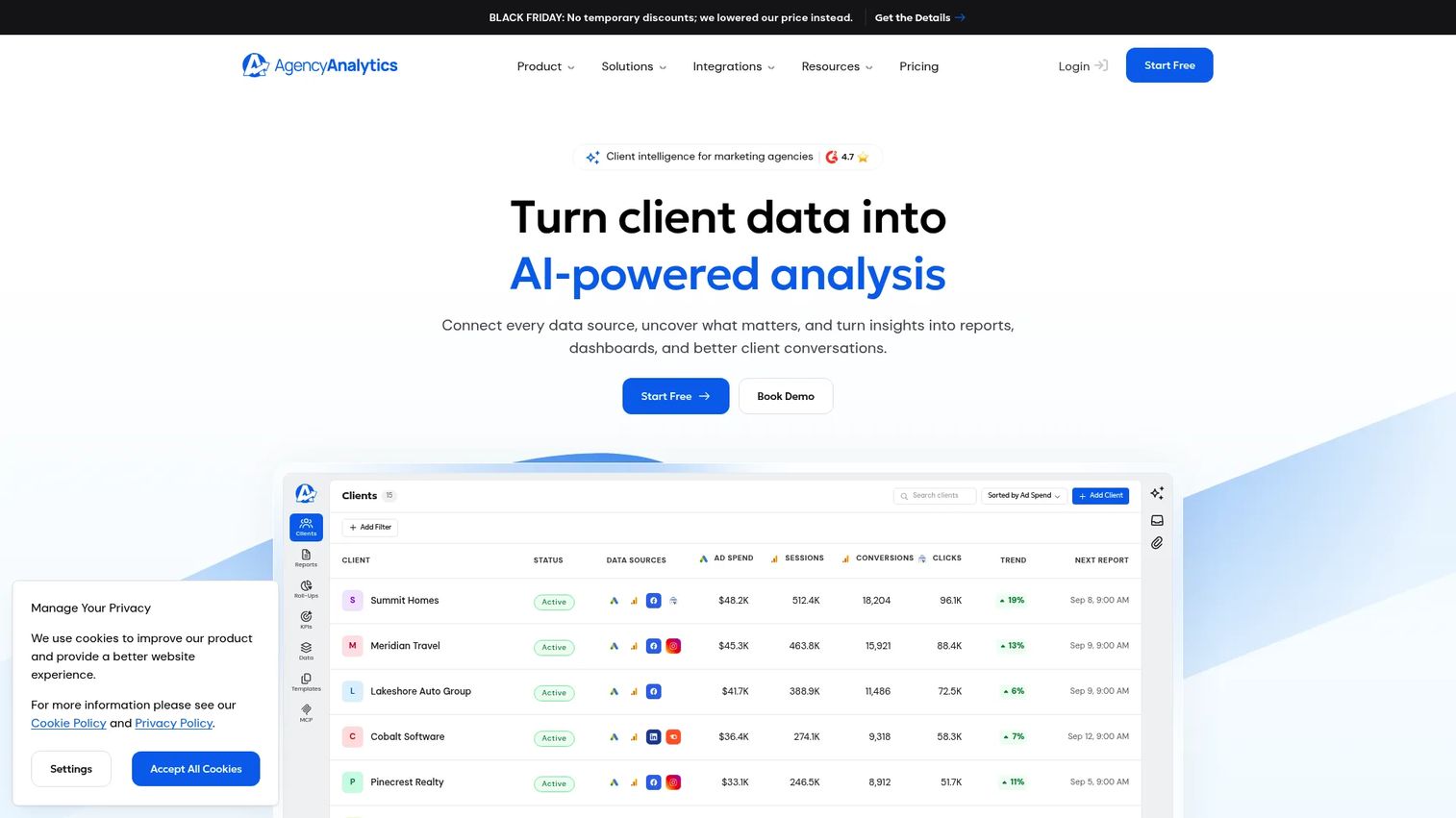
AgencyAnalytics is a client reporting platform built specifically for marketing agencies. It pulls LinkedIn data alongside SEO, paid media, web analytics, and other channel data into automated white-label dashboards for each client.
Best for: Marketing agencies that need to deliver polished, recurring LinkedIn and cross-channel reports to multiple clients without rebuilding them manually each month.
Key features
- Automated client dashboards with white-label branding
- 90+ marketing integrations including LinkedIn
- Scheduled report delivery and goal tracking
- Rank tracking and AI search visibility tools
- Agency-level permissions and multi-client management
Why choose AgencyAnalytics: Choose AgencyAnalytics when reporting workflow efficiency matters as much as the LinkedIn data itself. The per-client pricing model ($20/client/month) keeps costs predictable as your roster grows, and volume pricing applies at 25+ clients.
AgencyAnalytics pricing: Core plan is $20/client/month billed annually. Optional add-ons include AI Tracker at $20.83/month per 250 credits and Rank Tracker at $41.67/month per 500 keywords. Volume pricing is available for agencies with 25 or more clients. A 14-day free trial is available.
G2 rating: 4.7/5
14. Later
Later is a social media management platform known for visual content planning, scheduling, and analytics. LinkedIn support sits alongside Instagram, TikTok, and other visual-first channels, making it useful for content teams that plan across multiple platforms from one calendar.
Best for: Content teams that want LinkedIn analytics close to their content planning and scheduling workflow.
Key features
- Social scheduling and visual content calendar
- Post analytics: Reach, impressions, and engagement per post
- Link in Bio pages and link tracking
- Collaboration and approval workflows
- User-generated content collection and social inbox
Why choose Later: Choose Later when content planning and LinkedIn reporting happen in the same team. Its calendar-first interface makes it easier for content-heavy teams to connect post scheduling decisions to performance feedback without switching tools.
Later pricing: Free plan available. Starter is $18.75/month billed annually; Growth is $37.50/month; Scale is $82.50/month. All paid plans include a 14-day free trial.
G2 rating: 4.5/5
15. Planable Analytics
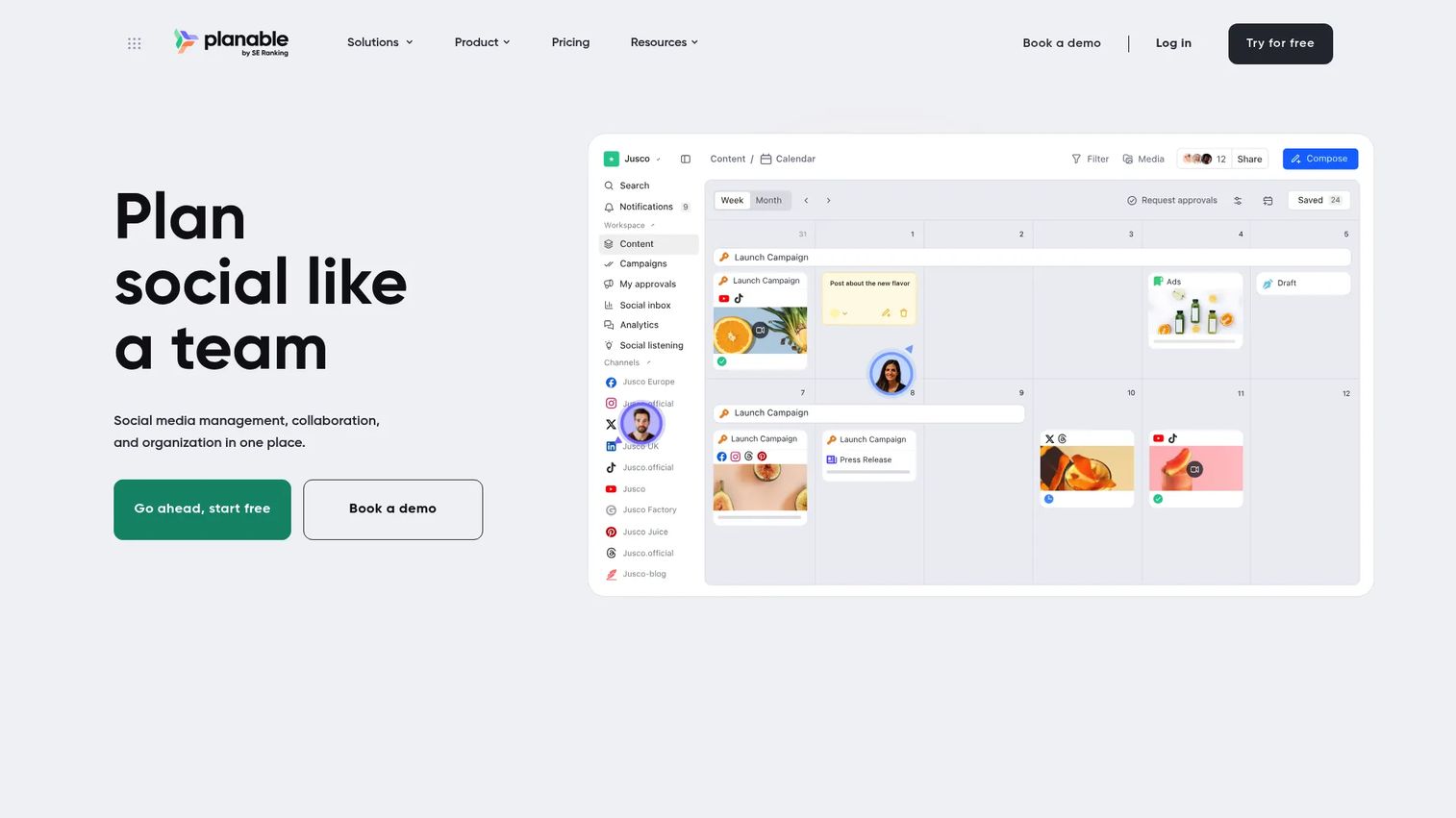
Planable is a social media planning and approval platform. Its Analytics add-on adds a cross-channel performance reporting layer directly into the same workspace where content gets planned, reviewed, and approved. This keeps the cycle from planning to performance measurement within one tool.
Best for: Content teams and agencies that want LinkedIn analytics connected to the same platform where review and approval happen.
Key features
- Cross-channel analytics dashboard covering organic and paid performance
- Post-level metrics and top-performing content identification
- Audience insights and performance breakdowns
- Custom reports exportable as PDF or CSV, shareable by link
- Competitor analytics
Why choose Planable Analytics: Choose Planable Analytics when content operations and reporting are owned by the same team. The add-on model means you're not paying for a full analytics platform if the core value is in planning and approvals.
Planable Analytics pricing: Analytics is a paid add-on at $14/workspace/month ($140/workspace/year). A 30-day free trial applies to the Analytics add-on. Enterprise plans include it by default.
G2 rating: 4.6/5
16. Coupler.io
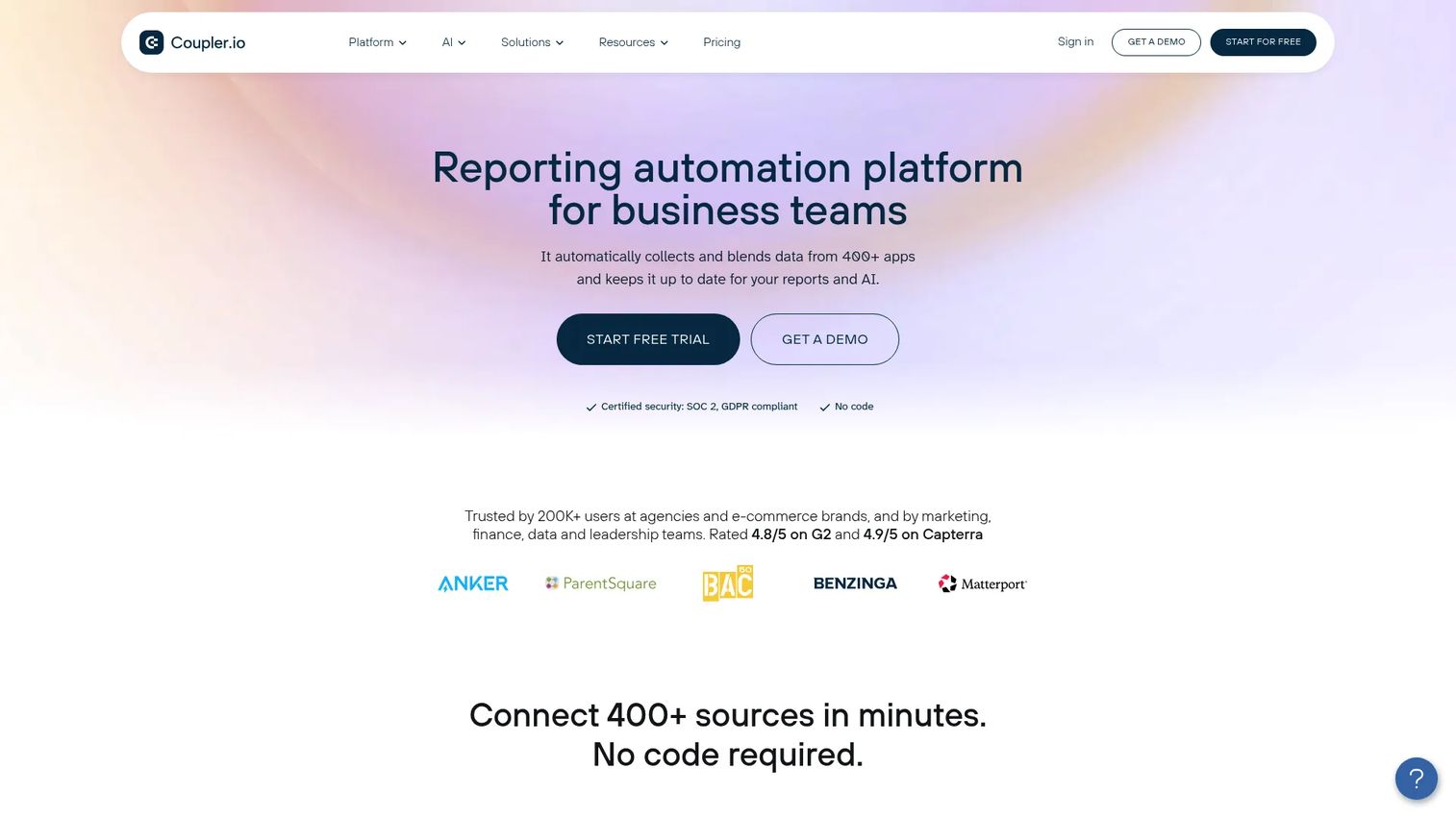
Coupler.io is a data integration and analytics platform that connects 400+ sources, including LinkedIn Ads and social data, to spreadsheets, Looker Studio, BI tools, and databases. It automates data refreshes on schedules as short as 15 minutes, replacing manual CSV exports with live, up-to-date reporting.
Best for: Marketing teams who know where their reports live (spreadsheets, Looker Studio, or a BI tool) and need cleaner, automated data inputs from LinkedIn and other sources.
Key features
- 400+ data source connectors including LinkedIn Ads
- Scheduled exports with refresh intervals as short as every 15 minutes
- Data transformation: Filtering, sorting, and formula fields
- Dashboard templates and AI-powered data analysis
- Webhook-triggered automation and multi-destination support
Why choose Coupler.io: Choose Coupler.io when the problem is data movement rather than social media management. It fits analysts and growth marketers who build their own dashboards and need reliable, automated feeds from LinkedIn into existing reporting infrastructure.
Coupler.io pricing: Free plan available (1 source, 1 destination, manual refreshes, 100 rows per run). Starter is $24/month billed annually. Active is $99/month; Pro is $199/month. Custom plans available for larger data needs.
G2 rating: 4.8/5
17. DashThis
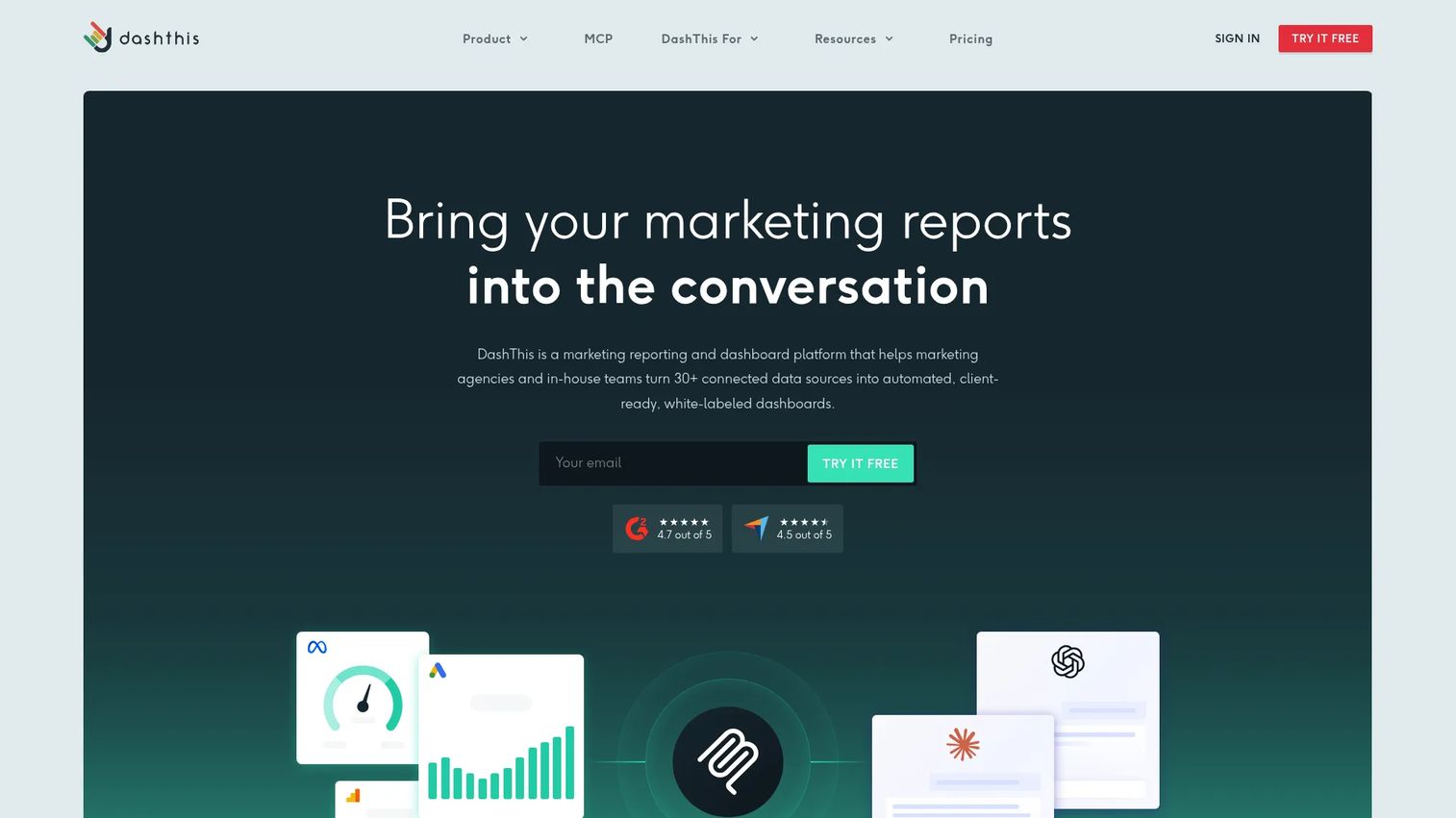
DashThis is an automated marketing dashboard and reporting platform. It connects LinkedIn alongside paid search, SEO, web analytics, and CRM-adjacent data into polished dashboards. Teams use it to deliver weekly executive reports and recurring client updates without rebuilding slides.
Best for: Marketing teams and agencies that need to deliver automated, multi-channel performance dashboards that include LinkedIn reporting.
Key features
- 34+ marketing integrations including LinkedIn
- Multi-integration dashboards combining LinkedIn with other channel data
- AI Insights with preset analysis, chat mode, and dashboard context
- White-label dashboards, custom domains, and branded templates
- Automated email dispatch, PDF export, and shareable links
Why choose DashThis: Choose DashThis when dashboard delivery is the primary need. It suits teams running weekly performance reviews and agencies sending monthly client reports that combine LinkedIn data with paid media and web analytics.
DashThis pricing: Individual plan is $44/month billed annually ($54/month monthly). Professional is $139/month annually ($164/month monthly). Business is $279/month annually ($324/month monthly). Standard is $429/month annually ($499/month monthly). A 14-day free trial is available with no permanent free tier.
G2 rating: 4.7/5
Considerations when choosing LinkedIn analytics tools
Decide whether you need Page analytics, profile analytics, or both
Company Page tools and personal profile tools are built for different jobs. A demand generation team needs Page reach, campaign attribution, and follower data. A founder or executive needs post-level performance, audience growth, and profile engagement history. Some tools in this list cover both; most are stronger at one. Confirm which job you're hiring for before evaluating features.
Check historical data windows and export options
Leadership rarely asks about last week. They want quarter-over-quarter or year-over-year comparisons. Native LinkedIn analytics has limited data retention. When evaluating third-party tools, ask specifically: How many months of historical data are included, can you export raw data, and are scheduled report deliveries part of the plan?
Match the tool to your attribution model
Engagement metrics like impressions and reactions are useful early signals, but they won't satisfy a CFO asking about pipeline contribution. If LinkedIn is a demand generation channel, you need UTM tracking, CRM integration, and conversion reporting. HubSpot and Coupler.io handle this end of the job. Social management tools generally don't.
Look for reporting workflows that cut manual work
The Digital Marketer persona's biggest reporting pain is time: Rebuilding the same slides, re-exporting the same CSV, writing the same commentary every week. The right tool should eliminate at least one of those steps. Scheduled dashboards, automated delivery, and shareable links are the features that actually free up your time.
Verify pricing against your team's structure
Per-seat pricing scales quickly for agencies and enterprise teams. Per-client pricing (AgencyAnalytics) can be more predictable if you're managing many clients at a fixed scope. Per-channel pricing (Buffer) keeps costs low for small teams. Before committing, calculate the full cost across your actual number of users, accounts, and clients, not just the starting plan.
Conclusion
The right LinkedIn analytics tool depends on what report you're trying to defend. Here's how the picks map to common reporting jobs:
Brand24 handles brand monitoring and social listening when you need to know what people say about your brand or competitors across the web. Sprout Social covers enterprise teams managing LinkedIn alongside other channels. LinkedIn Native Analytics is the free baseline every Page admin should know before adding a third-party tool.
For profile analytics, Taplio fits personal brand builders; Shield Analytics goes deeper on historical profile data. HubSpot is the clearest choice when pipeline attribution is the goal. Socialinsider answers competitive benchmarking questions. For agency and executive reporting, AgencyAnalytics, DashThis, and Coupler.io each automate the data delivery and dashboard side of the job.
Start by identifying the one report your team needs to produce more reliably, then work backwards to the tool that closes that gap. Most of the platforms in this list offer free trials, so you can verify the reporting output before committing.
Start your journey with Guideflow today!
FAQs
LinkedIn analytics tools are platforms that track, analyze, and report performance data from LinkedIn Company Pages, personal profiles, posts, campaigns, audiences, and paid ads. They cover metrics like impressions, engagement rate, follower growth, audience demographics, competitor benchmarks, brand mentions, and CRM attribution. Some focus on social listening; others specialize in dashboard reporting or personal profile measurement.
The answer depends on the reporting job. Brand24 fits social listening and brand monitoring. Sprout Social suits social media management teams tracking multiple channels. HubSpot is the strongest option for pipeline attribution. LinkedIn Native Analytics covers free, first-party Page reporting. For agencies, AgencyAnalytics and DashThis both automate multi-client deliverables.
For basic Page checks and quick post performance reviews, yes. It shows impressions, engagement rate, follower demographics, and visitor data at no cost. It stops being enough when you need extended historical data, competitor benchmarking, multi-client workflows, or any connection between LinkedIn activity and CRM outcomes. Those use cases require a third-party tool.
Native LinkedIn gives individuals some profile view data, but it's limited. Tools like Taplio and Shield Analytics are purpose-built for personal profile tracking: They cover post performance, audience growth, historical content data, and engagement patterns at the profile level. These are the right tools for founders, creators, and employee advocacy programs.
AgencyAnalytics is the strongest fit for agencies that need per-client reporting with white-label dashboards and 90+ integrations. DashThis works well for teams delivering automated multi-channel reports. SocialPilot covers agencies that want scheduling and reporting together at an affordable price point. Sprout Social fits larger agencies that need social management alongside reporting.
Most tools calculate engagement rate by dividing total engagements (reactions, comments, clicks, and reposts) by impressions or reach for each post. Some tools use followers as the denominator instead. The formula varies by platform, so check each tool's methodology before comparing engagement rate numbers across different reports.
Yes, with one important boundary. Tools with competitor benchmarking or social listening capabilities can track competitors' public-facing Company Page performance, content themes, posting frequency, and engagement patterns. They cannot access private competitor data, internal metrics, or any information LinkedIn doesn't make publicly visible.
Start with consistent UTM tagging on all LinkedIn links pointing to landing pages or gated assets. Set up LinkedIn Ads conversion tracking within LinkedIn Campaign Manager and import those conversions into your CRM. Tools like HubSpot close the loop between LinkedIn touchpoints, contact records, and deal data. Engagement metrics tell you what resonated; CRM attribution tells you what converted, and those are two different answers to the same executive question.