
You ran a strong call. The champion nodded, the SE handled every technical question, and everyone agreed on next steps. Then the deal went quiet.
Two weeks later you are reconstructing what happened from a scattered email thread, a spreadsheet nobody updated, and a Slack message you half remember. The next step lived in someone's head, and that head got busy.
This is the quiet way deals die. Not from a lost feature battle, but from lost momentum after a good conversation. Modern B2B buying makes it worse: more stakeholders, more handoffs, more approval gates, more places for a deal to stall between meetings.
Mutual action plans fix that. And the data backs it up. Deals that use a mutual action plan see 26% higher win rates than deals without one, according to GTMBuddy (2024), and 70% of revenue leaders say mutual action plans have improved win rates across their organizations. A shared plan turns "we'll follow up" into a dated, owned, visible sequence both sides can see.
What's inside
This guide covers 9 mutual action plan software tools built for 2026 sales, onboarding, and customer success workflows. It is written for account executives and revenue teams who are tired of chasing next steps across email, spreadsheets, and memory.
We selected tools based on four things that actually matter in a deal:
- Buyer collaboration: can both sides work in one shared space without friction
- Deal visibility: can you see who did what, and when momentum stalls
- CRM integration: does it sync owners, status, and deal data to Salesforce or HubSpot
- Task and milestone tracking: real-time progress tracking, not a static checklist
The list spans pre-sale deal execution, post-sale onboarding, and customer success renewal work.
TL;DR
- Best overall for deal execution and visibility: Accord, for structured playbooks plus mutual action plans and buyer alignment.
- Best for customer-facing collaboration rooms: Recapped, for digital sales rooms with engagement analytics.
- Best for templates and fast rollout: Dock, for reusable deal rooms and content in one workspace.
- Best for visibility after the call ends: Aligned, for buyer-facing plans and engagement tracking.
- Best for a polished buyer experience: Trumpet, for branded digital sales rooms and Pods.
- Best for onboarding and post-sale handoffs: Arrows, purpose-built for HubSpot onboarding plans.
- Best for teams already inside Outreach: Outreach Success Plans, for plans tied directly to opportunities.
What is mutual action plan software
Mutual action plan software is a shared buyer-seller workspace that turns a deal into a dated, owned roadmap with milestones, deadlines, reminders, and real-time progress tracking. Both the AE and the buyer work from the same plan, so next steps stay visible and accountable instead of buried in email or a spreadsheet.
A mutual action plan (sometimes called a close plan, joint action plan, or success plan) maps every step from the current stage to closed-won and beyond: technical validation, security review, procurement, legal, signature, and onboarding. Each step has an owner, a due date, and a status. That is the difference between "let's align on timeline" and a plan the buying committee can actually execute.
The best MAP tools replace three things at once: the spreadsheet nobody maintains, the email thread nobody can search, and the static PDF that goes stale the moment you send it. In their place you get a client-facing workspace where progress updates itself.
Core capabilities to expect from mutual action plan software:
- Shared milestones and tasks with owners, deadlines, and status
- Buyer collaboration in a single client-facing workspace or digital sales room
- Automated reminders that nudge stakeholders on stalled steps
- Engagement analytics showing who opened, viewed, and acted
- CRM integration that syncs status and owners to Salesforce or HubSpot
- Templates so reps launch a consistent plan in minutes
- Real-time progress tracking across the full buyer journey
- Post-sale support for onboarding plans and customer success plans
When to use mutual action plan software
Keep late-stage deals moving
Late-stage deals stall when next steps go fuzzy. A mutual action plan keeps every step owned, dated, and visible to the whole buying committee. When procurement, security, and legal each hold a gate, the plan shows exactly what is blocking and who owns it. That is real deal visibility instead of a status you guess at on the forecast call.
It also arms your champion. A shared sales mutual action plan gives them something concrete to circulate internally, so they can sell upward without reconstructing the deal from memory.
Coordinate implementation and onboarding
The same structure works after closed-won. An onboarding plan hands off cleanly from sales to customer success, so the buyer never has to re-explain what they bought or why. Milestones, owners, and deadlines carry the momentum forward. Fewer handoff surprises, faster time-to-value, and a customer who feels the process is under control from day one.
Align customer success on renewals and expansion
A customer success plan keeps post-sale work visible the same way a deal plan does. Renewal milestones, health checkpoints, and expansion conversations get clear owners and dates. When the renewal call arrives, nobody is scrambling to prove value, because the plan already tracked it.
Comparison table
Here is how the 9 tools stack up on buyer fit, differentiation, pricing, and rating. Tools are ordered by relevance to AEs running mutual action plans in 2026. Pricing reflects publicly listed figures at the time of writing and can change, so confirm on each vendor's page.
| # | Product | Best for | Key differentiation | Pricing | G2 rating |
|---|---|---|---|---|---|
| 1 | Accord | Structured deal execution and buyer alignment | AI revenue playbooks plus mutual action plans | From $99/mo (10 users) | 4.9/5 |
| 2 | Recapped | Customer-facing collaboration rooms | Digital sales rooms with engagement analytics | Free; paid from $45/user/mo | 4.6/5 |
| 3 | Dock | Templates and fast rollout | Deal rooms plus content library in one workspace | Free; Standard $350/mo | 4.7/5 |
| 4 | Aligned | Visibility after the call ends | Buyer-facing plans with engagement tracking | Custom | Not listed |
| 5 | Trumpet | Polished buyer experience | Branded digital sales rooms (Pods) | Free; Pro from £29/user/mo | 4.7/5 |
| 6 | Flowla | Structured buyer coordination | Digital sales rooms plus AI workflows | Free; Pro $49/seat/mo | Not listed |
| 7 | GetAccept | Deal execution plus e-signature | Digital sales room with native e-sign | eSign from $25/user/mo | 4.6/5 |
| 8 | Arrows | Onboarding and post-sale handoffs | HubSpot-native onboarding plans | Custom | 4.8/5 |
| 9 | Outreach Success Plans | Teams already inside Outreach | Plans tied 1:1 to opportunities | Custom | 4.3/5 |
Best mutual action plan software for 2026
1. Accord
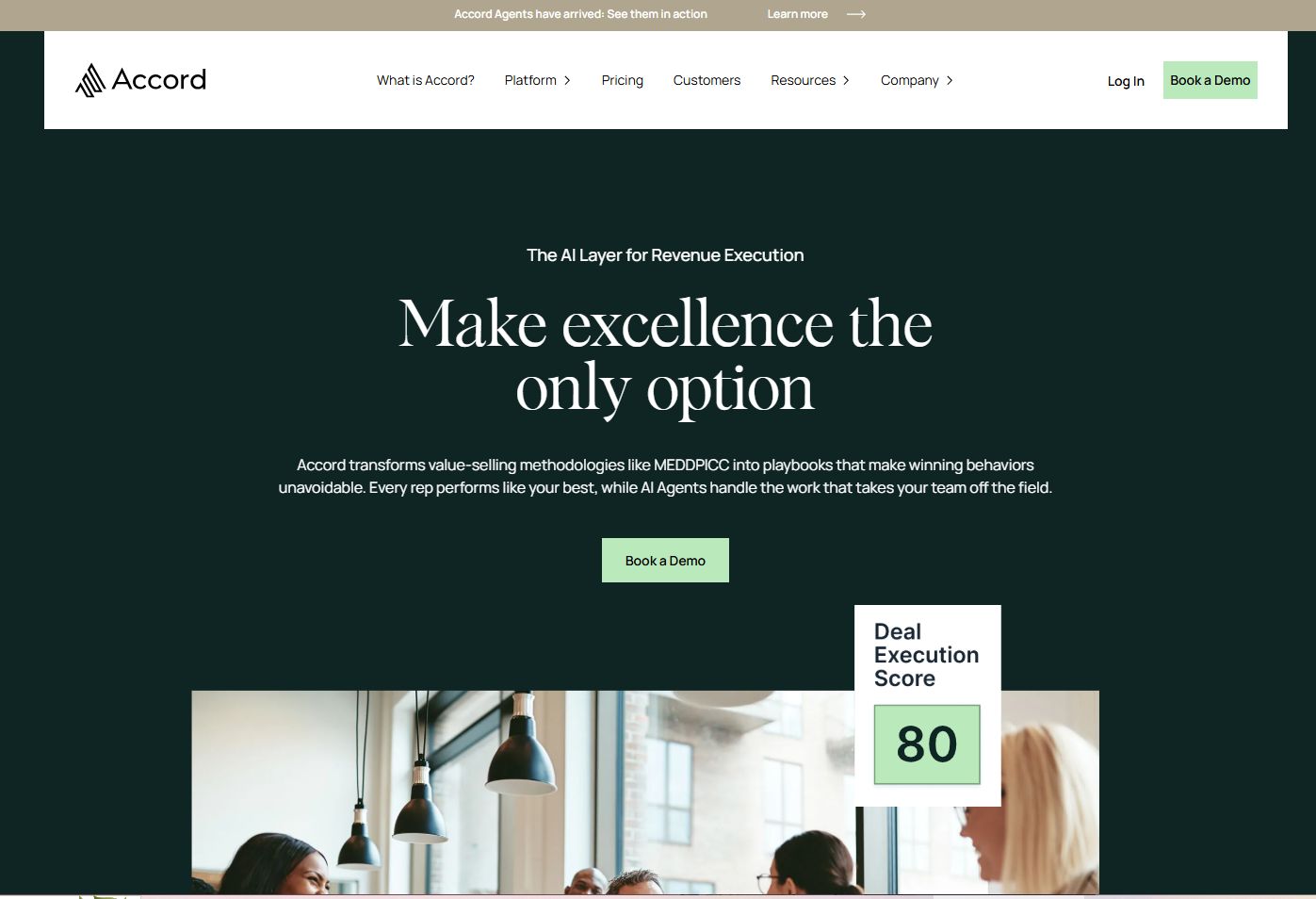
Accord positions itself as an AI-powered revenue platform, and mutual action plans sit at the center of that. It combines structured sales playbooks with buyer-facing action plans, so reps run a consistent process while buyers get a shared roadmap to execute against. For AEs juggling multi-threaded deals, the stakeholder mapping and account research automation reduce the manual work of tracking who matters and what is next.
The value here is discipline without rigidity. Instead of every rep improvising their own close plan, Accord gives the team a repeatable structure that still adapts per deal. That matters most in mid-market and enterprise cycles, where a champion has to sell upward and a shared plan becomes the artifact they circulate internally.
Best for: B2B revenue teams that need structured playbooks and buyer alignment in complex deals.
Key strengths
- AI-powered revenue playbooks
- Multi-threading and mutual action plans
- Stakeholder mapping
- Account research automation
- Buyer-facing shared roadmaps
Why choose Accord: If your deals stall because reps run inconsistent processes, Accord standardizes execution while keeping buyers aligned on the plan. It fits teams that want playbook discipline, not just a task list.
Accord pricing: Starter starts at $99 per month for 10 users, Growth at $119 per month for 10 users, and Enterprise is custom. A free tier is available.
2. Recapped
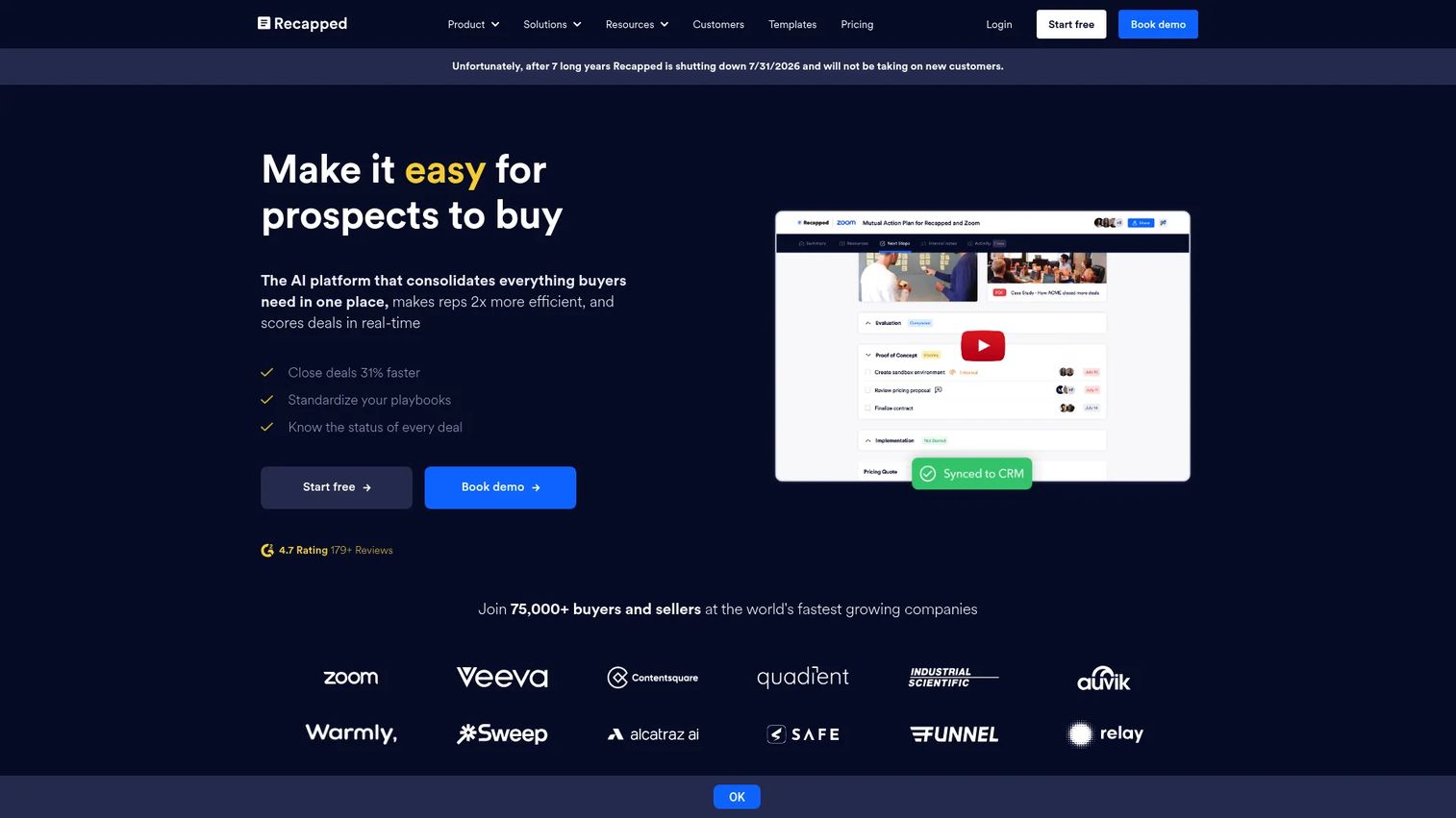
Recapped is built around digital sales rooms and buyer engagement. Each deal gets a collaborative space where mutual action plans, resources, and next steps live together, and buyer engagement analytics show you exactly who is looking at what. That last part is the reason many AEs pick it: you stop guessing whether a stalled deal is dead or just quiet.
For sales teams that want buyers active between meetings, the reminders and engagement scoring keep the plan from going cold. It also works well past the close, since the same room structure supports customer onboarding.
Best for: Sales teams that want collaborative rooms with real buyer engagement tracking.
Key strengths
- Unlimited digital sales rooms
- Mutual action plans
- Buyer engagement analytics
- Automated reminders
- Onboarding support
Why choose Recapped: If your biggest gap is knowing whether buyers are actually engaging, Recapped's engagement analytics turn silence into signal. It suits reps who manage momentum, not just tasks.
Recapped pricing: A free plan is available. Collaborate is $45 per user per month, Integrate is $95 per user per month, and Automate is custom.
3. Dock
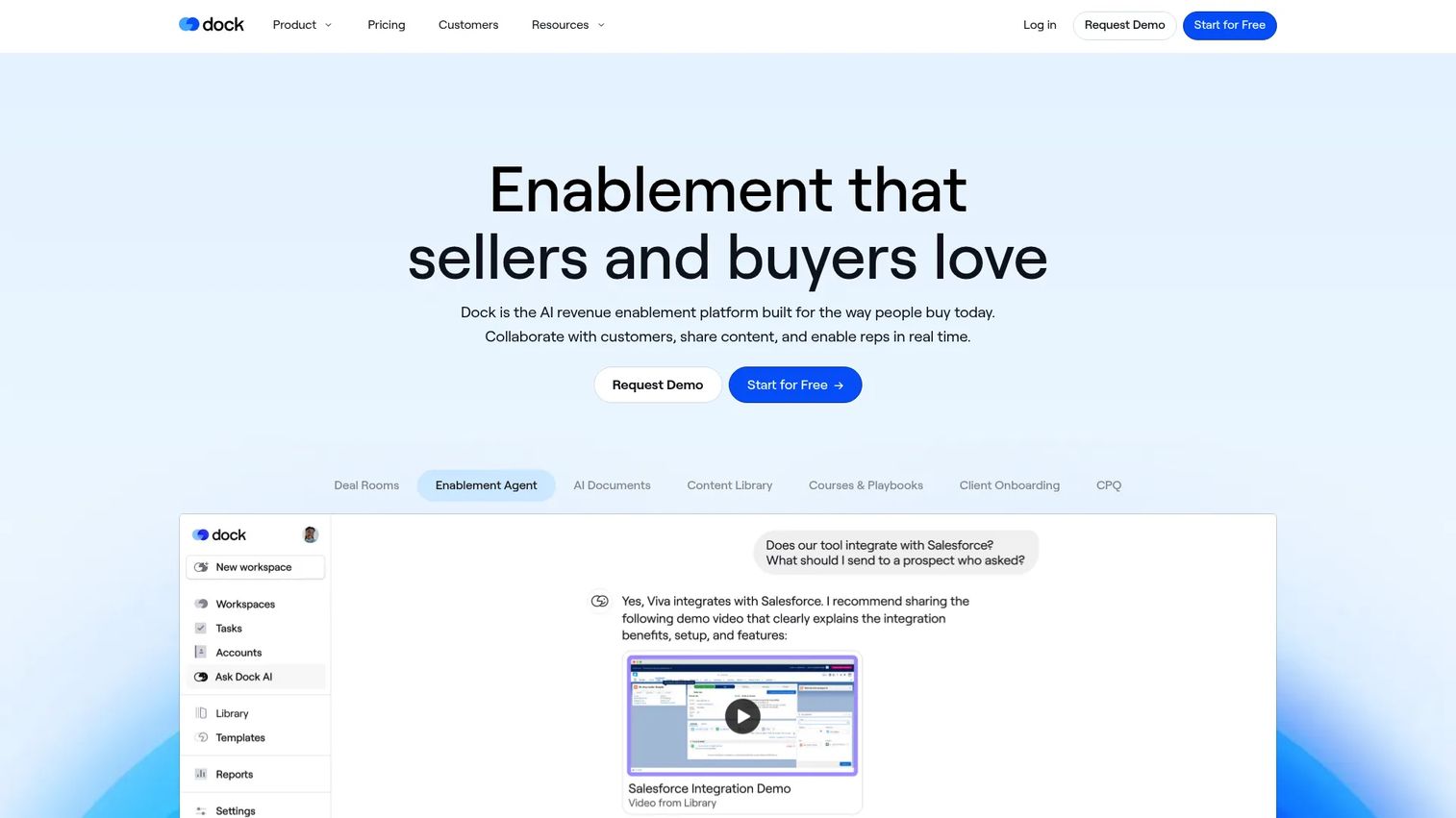
Dock frames mutual action plans as one part of a broader client-facing workspace. You get deal rooms, a content library with AI search, and onboarding plans in the same place, which is why teams that want one workspace across the full lifecycle gravitate to it. Templates make rollout fast: build a plan once, reuse it across every deal and every new hire.
The breadth is the point. Sales uses it for close plans, customer success uses it for onboarding and renewals, and enablement uses the content library to keep everything current. One tool, many stages.
Best for: Revenue teams that want customer-facing workspaces, content, and enablement in one platform.
Key strengths
- Deal rooms and client workspaces
- Content library with AI search
- Courses and playbooks
- Reusable templates
- Onboarding and renewal support
Why choose Dock: If you want one workspace that carries a customer from first deal room through onboarding, Dock consolidates it. It fits teams tired of stitching together separate sales and CS tools.
Dock pricing: Free forever plan available. Standard is $350 per month, Premium is $1,000 per month billed annually, and Enterprise is custom.
4. Aligned
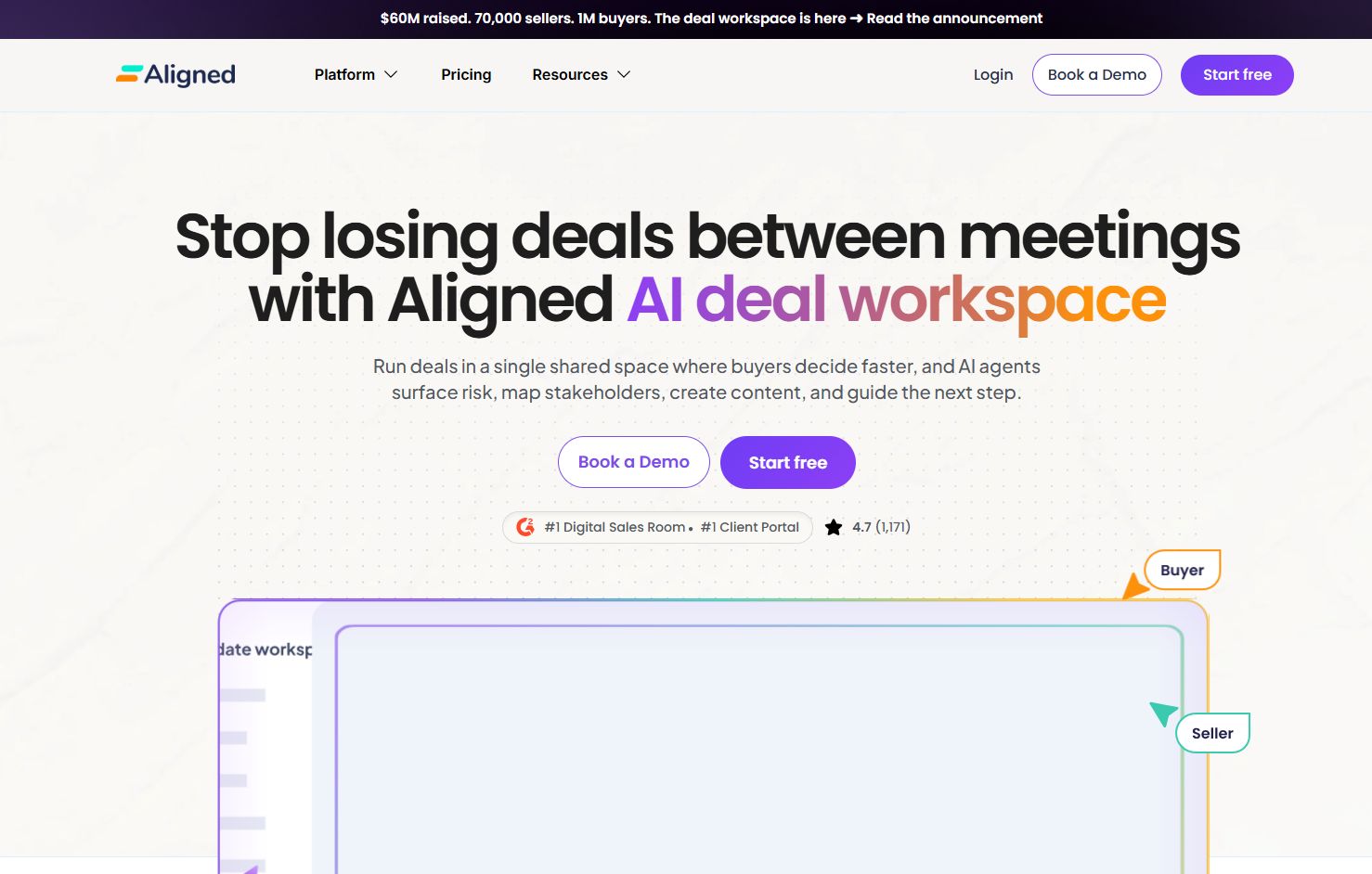
Aligned is built around a simple idea: the deal keeps moving after the call ends. Its buyer-facing collaboration spaces pair mutual action plans with templates and analytics, so AEs can see what buyers do between meetings and where attention drops off. That visibility is the whole pitch, and it maps directly to the AE's most common blind spot.
It works as a digital sales room and a revenue intelligence layer at once. You share a plan, the buyer engages on their own time, and you get signal on which stakeholders are active. For deals with a large buying committee, that tells you where to multi-thread next.
Best for: AEs who want clear visibility into buyer activity after a live call.
Key strengths
- Buyer-facing collaboration rooms
- Mutual action plans and templates
- Engagement analytics
- Content sharing in one space
- Stakeholder activity signals
Why choose Aligned: If your deals go dark between meetings, Aligned surfaces what buyers are actually doing so you can act before momentum dies. It suits AEs who want signal, not silence.
Aligned pricing: Pricing is available on request. Confirm current plans directly with the vendor.
5. Trumpet
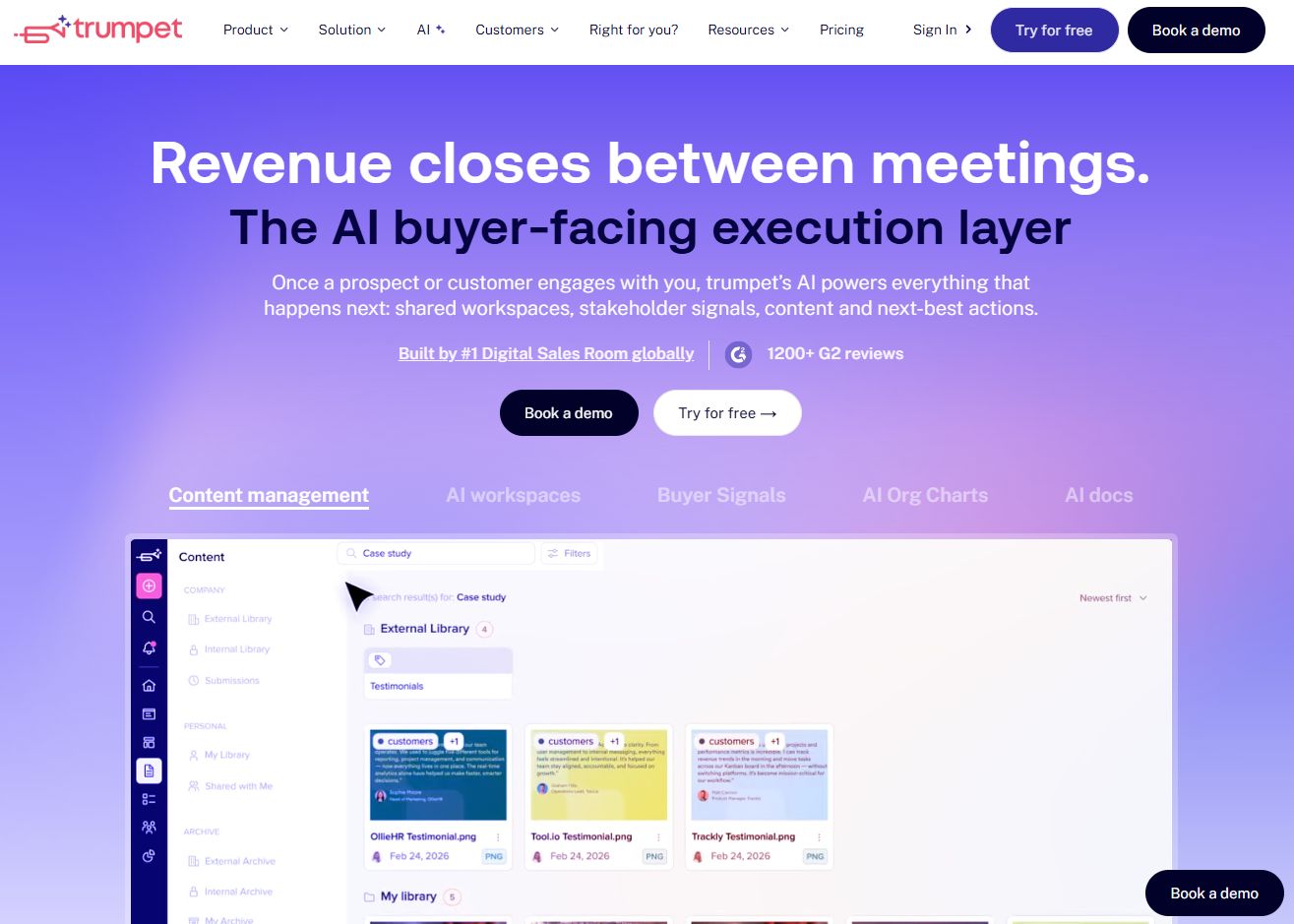
Trumpet builds branded digital sales rooms it calls Pods, and mutual action plans live inside them alongside proposals, quotes, and e-signature. The draw is a polished, buyer-facing experience: the room looks like an extension of your brand, not a generic checklist. For teams that care how the deal feels to the buyer, that presentation matters.
Beyond the polish, Trumpet works across sales, onboarding, and deal collaboration. A single Pod can carry a buyer from first proposal through signature and into onboarding, keeping the whole journey in one branded space.
Best for: B2B revenue teams that want a shared, branded buyer workspace for sales and onboarding.
Key strengths
- Digital sales rooms (Pods)
- Mutual action plans
- Proposals and quotes
- E-signature
- CRM integrations on higher tiers
Why choose Trumpet: If buyer experience and brand consistency matter as much as the plan itself, Trumpet's Pods deliver both. It fits teams that treat the sales room as part of the pitch.
Trumpet pricing: Free plan available. Pro is £29 per user per month billed monthly (£36 annually), Scale from £60 per user per month, and Elite from £100 per user per month.
6. Flowla
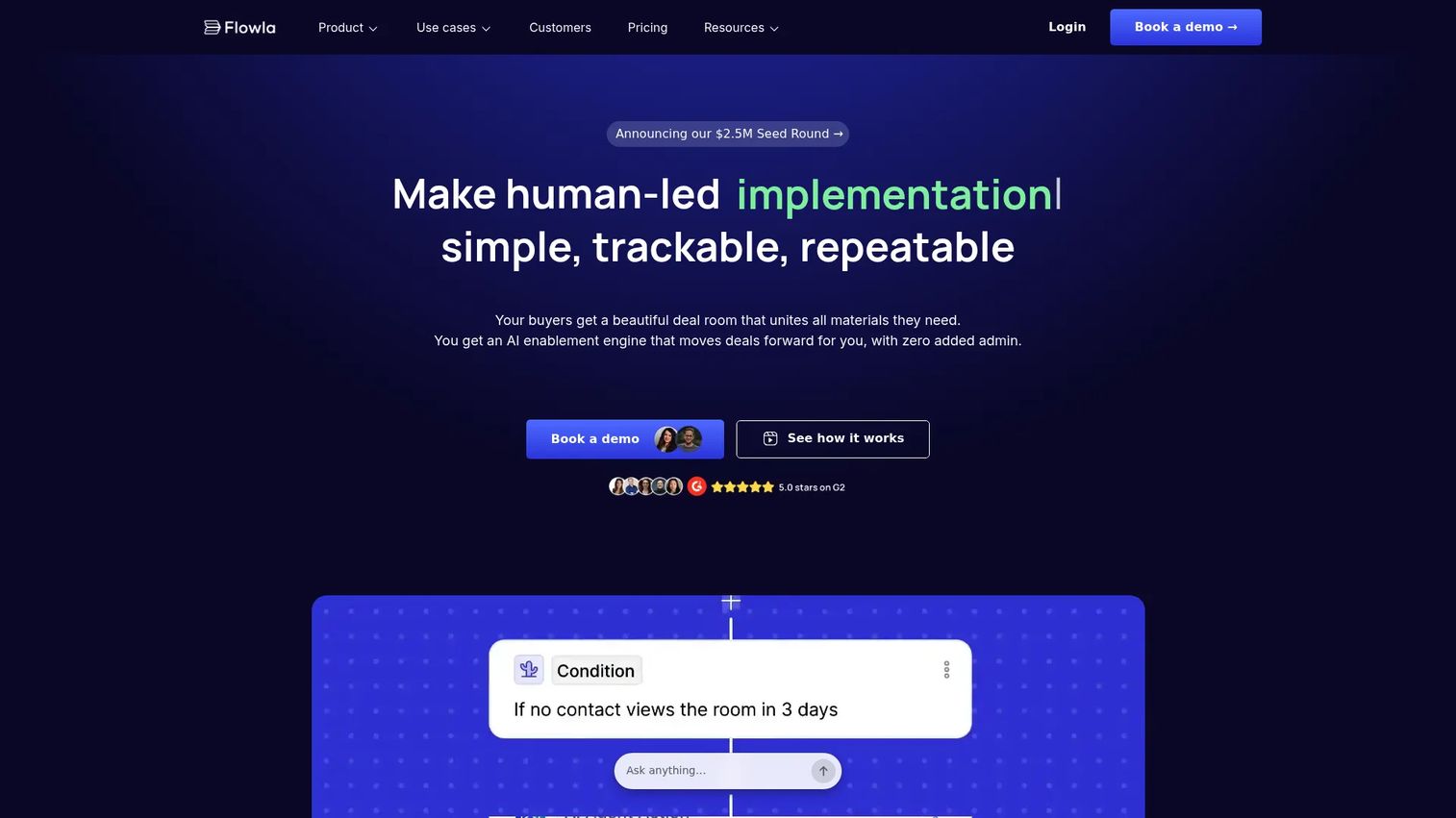
Flowla combines digital sales rooms with AI workflows for sales, CS, and RevOps teams. Mutual action plans sit alongside forms, a content library, and e-signature, so the shared buying journey stays structured from first touch to close. The AutoPilot AI features help reps set up and personalize a flow faster, which matters when you are managing many deals at once.
The strength is structured coordination. Instead of a loose collection of links, the buyer gets an ordered journey with clear task ownership. That structure helps buyers move through the process without you chasing every step.
Best for: Teams that want a structured, guided buyer journey with task ownership built in.
Key strengths
- Digital sales rooms
- Flowla AutoPilot AI workflows
- Mutual action plans
- Forms and content library
- E-signature
Why choose Flowla: If you want buyers to move through a clear, ordered journey rather than a pile of links, Flowla's structure does the coordinating for you. It fits sales, CS, and RevOps in one tool.
Flowla pricing: Starter is free. Pro is $49 per seat per month, Team is $79 per seat per month with a 5-seat minimum, and Enterprise is custom.
7. GetAccept
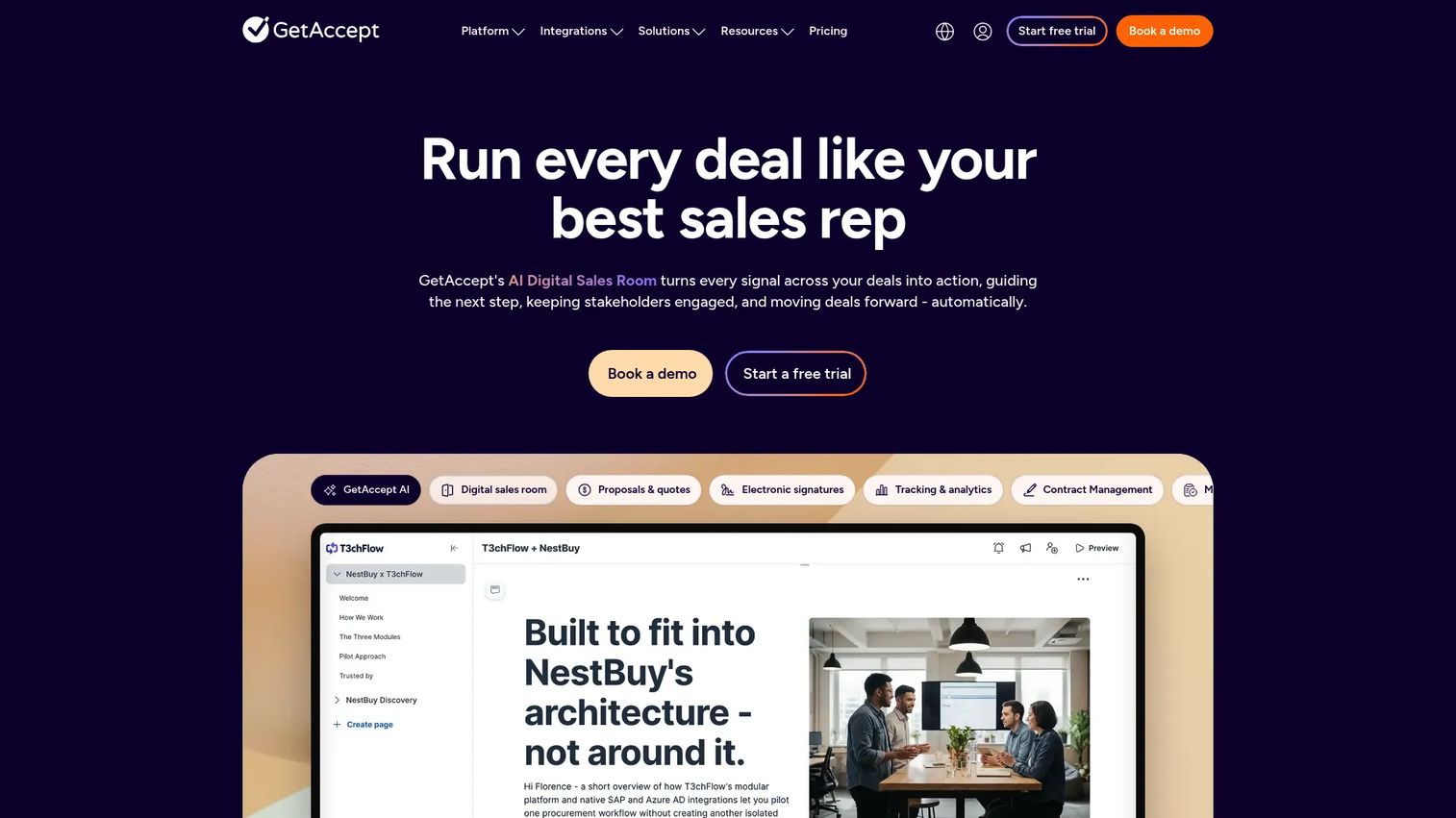
GetAccept pairs a digital sales room with native e-signature and contract management, so deal execution and signature live in one place. Mutual action plans, CPQ, tracking, and analytics round out a platform aimed at centralizing the buyer conversation and the paperwork that closes it. For AEs who lose momentum at the contract stage, keeping the plan and the signature together removes a handoff.
The tool leans into deal execution support. You centralize next steps, resources, and signing without pushing the buyer to yet another system. That consolidation is the appeal.
Best for: Revenue teams that want a digital sales room plus e-signing and deal collaboration together.
Key strengths
- Digital sales room
- Electronic signatures
- Contract management
- Mutual action plans
- CPQ, tracking, and analytics
Why choose GetAccept: If your deals stall at the paperwork stage, GetAccept keeps the plan and the signature in one flow. It suits teams that want fewer tools between agreement and close.
GetAccept pricing: eSign is $25 per user per month. Professional is $49 per user per month with a 5-user minimum, and Enterprise is custom. A free trial is available.
8. Arrows
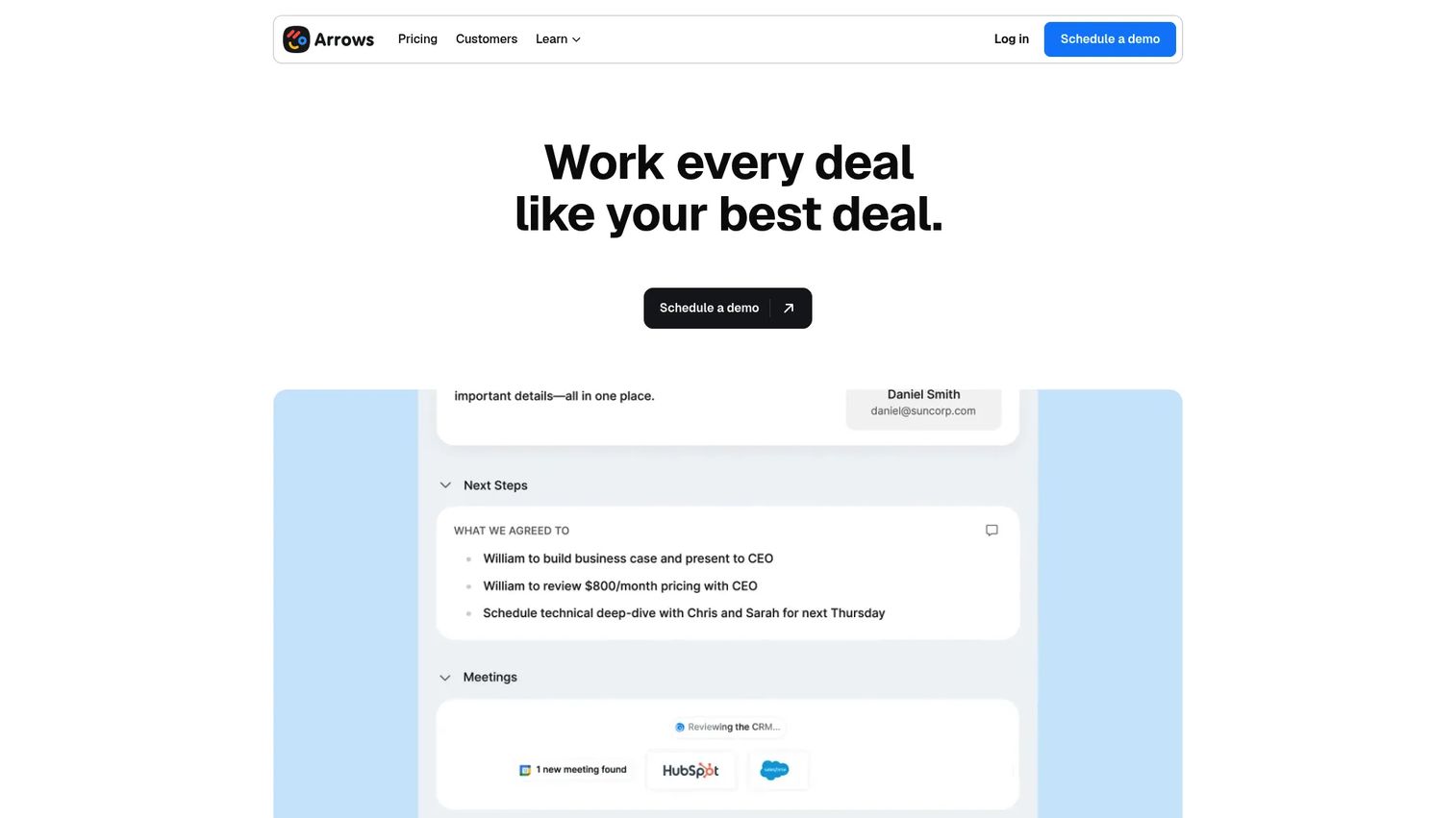
Arrows is built for HubSpot teams, with sales rooms for deal collaboration and onboarding plans for customer implementation. Its strength is the post-sale side: when a deal closes, the onboarding plan picks up the momentum so the handoff from sales to customer success does not lose context. Deep HubSpot integration keeps status and owners synced without manual updates.
For teams where the messiest moment is the handoff, Arrows closes that gap. Sales and CS work from the same structure, so the buyer never has to re-explain what they bought.
Best for: HubSpot teams that want to streamline sales handoffs and customer onboarding.
Key strengths
- Sales rooms for deal collaboration
- Onboarding plans for implementation
- HubSpot-native integration
- CRM sync for status and owners
- Client portals
Why choose Arrows: If your biggest gap is the sales-to-onboarding handoff, Arrows keeps the plan and the context intact through HubSpot. It fits teams that want post-sale continuity, not a cold restart.
Arrows pricing: Pricing is customized by team size and usage, and every plan includes full platform access. Request pricing directly from Arrows.
9. Outreach Success Plans

Outreach Success Plans is a shared planning workspace where sellers and prospects align on timelines, success criteria, resources, and team collaboration. Each plan associates 1:1 with an opportunity, so the mutual action plan lives right next to the deal it belongs to. For teams already running Outreach as their sales engagement platform, that native tie-in means the plan sits inside the rep's existing workflow.
The value is integration, not a separate tab. Timeline planning with phases, events, owners, and documents keeps complex deals structured, and because it maps to opportunities, the plan and the CRM stay in sync.
Best for: Revenue teams already inside Outreach that want mutual action plans tied to opportunities.
Key strengths
- 1:1 association with opportunities
- Timeline planning with phases and events
- Owners, participants, and documents
- Collaborative success criteria
- Internal and external team collaboration
Why choose Outreach Success Plans: If your team already lives in Outreach, Success Plans keep mutual action plans inside that workflow instead of adding another tool. It suits teams that value native integration over a standalone app.
Outreach Success Plans pricing: Success Plans are part of the broader Outreach platform rather than a separately priced product. Contact Outreach for pricing.
Considerations
Before you commit, run each tool through the same checklist. The right pick depends less on feature counts and more on how the tool fits your deal reality.
Fit with the buyer's workflow
The best plan is the one buyers actually use. Check whether a stakeholder can open the plan, see next steps, and act without creating an account or learning a new system. Friction on the buyer side kills adoption faster than any missing feature.
CRM integration depth
Confirm how deeply the tool syncs with Salesforce or HubSpot. Surface-level integration pushes a link into a field. Real CRM integration syncs status, owners, and deal data both ways, so your forecast reflects what the plan shows. For AEs, that two-way sync is the difference between clean pipeline visibility and double data entry.
Analytics quality, not just checklists
A task list tells you what should happen. Engagement analytics tell you what is actually happening: who opened the plan, which stakeholders engaged, where attention dropped. Prioritize tools that turn buyer activity into signal you can act on before a deal goes dark.
Pre-sale and post-sale coverage
Ask whether the tool supports both the deal and what comes after. A mutual action plan that carries into an onboarding plan and a customer success plan keeps momentum through the handoff. If sales and CS need separate tools, you reintroduce the handoff gap you were trying to close.
Speed to launch a plan
If building a plan takes 30 minutes, reps will skip it. Look for templates and fast setup so launching a consistent plan takes minutes, not a meeting.
Conclusion
The best mutual action plan software gives buyers and AEs one shared place to manage milestones, owners, deadlines, and progress, so a good call turns into a moving deal instead of a stalled one.
For structured deal execution and buyer alignment, Accord leads. If engagement visibility is your gap, Recapped and Aligned surface what buyers do between meetings. For one workspace across sales and CS, Dock consolidates it, while Trumpet and Flowla deliver polished, structured buyer journeys. GetAccept keeps the plan and the signature together, Arrows owns the onboarding handoff for HubSpot teams, and Outreach Success Plans fit teams already inside Outreach.
Pick based on where your deals stall. If it is late-stage momentum, prioritize engagement analytics and CRM depth. If it is the handoff, prioritize post-sale coverage. Then run one live deal through the tool before you standardize.
And if the gap is that buyers do not understand the product well enough to move the plan forward, pair your mutual action plan with an interactive demo so stakeholders can experience the product on their own time, across landing pages, follow-up emails, onboarding, and enablement. You can capture your product in a few clicks, personalize it per account, share it inside the deal room, and analyze exactly what each stakeholder explored. Teams can also edit in seconds, collaborate across functions, lean on ai to polish steps and translations, and integrate that engagement signal into the CRM.
Start your journey with Guideflow today!
FAQs
A mutual action plan is a shared plan between a buyer and a seller that maps every step from the current stage to closed-won, and often into onboarding. Each step has an owner, a deadline, and a status, so both sides know what happens next and who is responsible. It replaces vague "we'll follow up" agreements with a visible, dated roadmap.
It gives every next step an owner, a due date, and a status the whole buying committee can see. That clarity keeps deals moving between meetings and shows you where momentum stalls, so you can act before a deal goes dark. Deals using mutual action plans see 26% higher win rates than deals without them, per GTMBuddy (2024).
At minimum: milestones from the current stage to close, an owner for each step, deadlines, the resources or documents needed, and a live status. Strong plans also cover the buyer-side steps you do not control, like security review, procurement, and legal, so nothing surprises the timeline. Post-sale, extend it into onboarding and success milestones.
No. The same shared-plan structure works for customer onboarding and customer success. An onboarding plan keeps the handoff from sales to CS clean, and a customer success plan tracks renewal milestones and health checkpoints. Many tools support all three stages in one workspace.
Most tools sync plan status, step owners, and deal data to Salesforce or HubSpot, so your pipeline reflects what the plan shows. Deeper integrations sync both ways, updating the CRM automatically as the plan progresses. That two-way CRM integration is what keeps AEs from doing double data entry.
A digital sales room is the shared, buyer-facing workspace where resources, content, and communication live. A mutual action plan is the dated, owned roadmap of steps inside that space. Many tools bundle both: the room holds everything, and the plan drives the sequence. You can run a mutual action plan without a full room, but the two work best together.
Yes. A shared workspace replaces the spreadsheet nobody updates, the email thread nobody can search, and the static PDF that goes stale on send. Because status updates in real time and both sides see the same plan, there is no separate tracker to maintain. That is the core reason teams move off spreadsheets and email threads for deal execution.