You rebuilt the same deck four times last quarter. Once for discovery, once for the champion, once for their VP, once for procurement. Same product, four versions, and by the last one you had no idea which slide the buyer actually saw.
That is the real cost of a bad deck workflow. Not design. Time.
Most sales teams think the problem is polish. It is not. It is drift. Messaging drifts across versions. Branding drifts across owners. Follow-up drifts into a black hole because you sent a PDF and never knew if anyone opened it. The deck stopped being a tool and became overhead.
The global pitch deck platforms market hit $3.2 billion in 2025 and is forecast to reach $6.1 billion by 2034, growing at 8.7% CAGR, according to MarketIntelo (2025). That growth is not about prettier slides. It is about teams trying to fix the workflow underneath them.
So the question is not "which tool makes nice slides." Every tool on this list makes nice slides. The question is which one keeps your message tight, your team aligned, and your follow-up trackable when a deck moves through five hands.
What's inside
This guide compares 9 pitch deck software tools for 2026, chosen for how well they fit real sales and fundraising workflows, not just design quality.
We picked and ranked them on the criteria that actually matter to a revenue team:
- AI assistance: how fast the tool drafts and edits slides for you
- Templates and design: starting points you can adapt without a designer
- Collaboration: comments, version history, and live co-editing
- Export and compatibility: PPTX import, PDF, and link sharing
- Analytics: whether you can see who opened the deck and what they viewed
- Pricing: free plans, per-seat cost, and enterprise packaging
The list mixes free and paid options, familiar defaults and modern challengers.
TL;DR
Short on time? Here are the fast picks.
- Best overall for modern team collaboration: Pitch, for AI slides plus a shared workspace and viewer analytics
- Best AI-assisted enterprise decks: Prezent AI, for brand-governed generation at scale
- Best quick branded designs: Adobe Express, for template-led creation with PPTX import
- Best familiar default: Microsoft PowerPoint or Google Slides, depending on whether you live in Microsoft 365 or Google Workspace
- Best fast visual polish for non-designers: Canva
What is pitch deck software?
Pitch deck software is presentation software built to create, edit, share, and track slide decks used for fundraising, sales, and executive communication. It combines templates, slide editing, AI generation, collaboration, and, in modern tools, analytics on how viewers engage with the deck.
At its core, most pitch deck software handles the same feature buckets. What separates the tools is depth and workflow fit.
Here are the capabilities AEs and founders care about most:
- Templates and design: pre-built layouts, brand kits, and industry-relevant starting points
- Slide editing: drag-and-drop layouts, charts, images, and text control
- AI pitch deck generator: auto-drafting slides, rewriting copy, and suggesting layouts
- Collaboration: comments, version history, roles, and live co-editing
- Sharing and export: link sharing, presentation mode, PDF, and PPTX import and export
- Analytics: viewer tracking, engagement signals, and follow-up data
The last bucket is where the category is moving. Older tools treat a deck as a file you send. Newer tools treat it as an asset you distribute and measure. For a sales team, that difference is the gap between "hope they read it" and "the CFO opened slide 7 three times."
When to use pitch deck software
A deck is not one document. It shows up at different moments in a deal, and each moment has a different job. Here is where the right tool earns its seat.
Building investor or executive decks
Fundraising and board updates demand narrative control. Every slide has to land in sequence, because investors read a deck as a story, not a feature list. Good investor deck software gives you polished templates, tight structure, and version control so the numbers on slide 12 match the numbers you quoted on the call. This is where clean design and defensible structure matter more than speed.
Sending sales follow-ups and leave-behinds
Most deals stall between meetings. You had a great call, then silence. A sales pitch deck sent as a follow-up keeps momentum, but only if it survives being forwarded to people who were not on the call. The best tools here let your champion share the deck internally and show you who engaged, so your next step is informed instead of a guess. Cleaner leave-behinds mean faster internal alignment and clearer next steps.
Collaborating across sales, marketing, and product
When a deck belongs to everyone, it belongs to no one. Marketing owns the brand, product owns the roadmap slide, sales owns the story. Pitch deck collaboration features like comments, version history, and approvals keep those edits from colliding. A shared workspace means one source of truth, not seven copies named "final_v3_REAL" floating in email.
Comparison table
Here is the side-by-side view. Ratings are from G2 where verified. Pricing reflects each vendor's published rates as of mid-2026. Read the full sections below for workflow fit.
| # | Product | Best for | Key differentiator | Pricing | G2 rating |
|---|---|---|---|---|---|
| 1 | Pitch | Modern team collaboration | AI slides plus shared workspace and analytics | Free; paid from $13/seat/mo annually | Not listed |
| 2 | Prezent AI | Enterprise brand governance | Expert-curated AI generation at scale | From $399/user/mo | 4.5/5 |
| 3 | Adobe Express | Quick branded design | Template-led creation with PPTX import | Free; Premium $9.99/mo | 4.5/5 |
| 4 | Microsoft PowerPoint | Universal compatibility | Native PPTX plus Copilot AI | Free web; M365 from $9.99/mo | 4.6/5 |
| 5 | Google Slides | Cloud collaboration | Browser-based real-time co-editing | Free; Workspace from $7/user/mo | 4.4/5 |
| 6 | Canva | Fast visual polish | Non-designer templates and brand kits | Free plan available | 4.7/5 |
| 7 | Beautiful.ai | Auto-formatting design | Smart Slides that format themselves | From $12/mo annually | 4.6/5 |
| 8 | Visme | Presentations plus visuals | Data viz and broad content creation | Free; paid from $12.25/mo annually | 4.5/5 |
| 9 | Apple Keynote | Apple-native polish | Smooth animations across Apple devices | Free | Not listed |
Best pitch deck software for 2026
1. Pitch
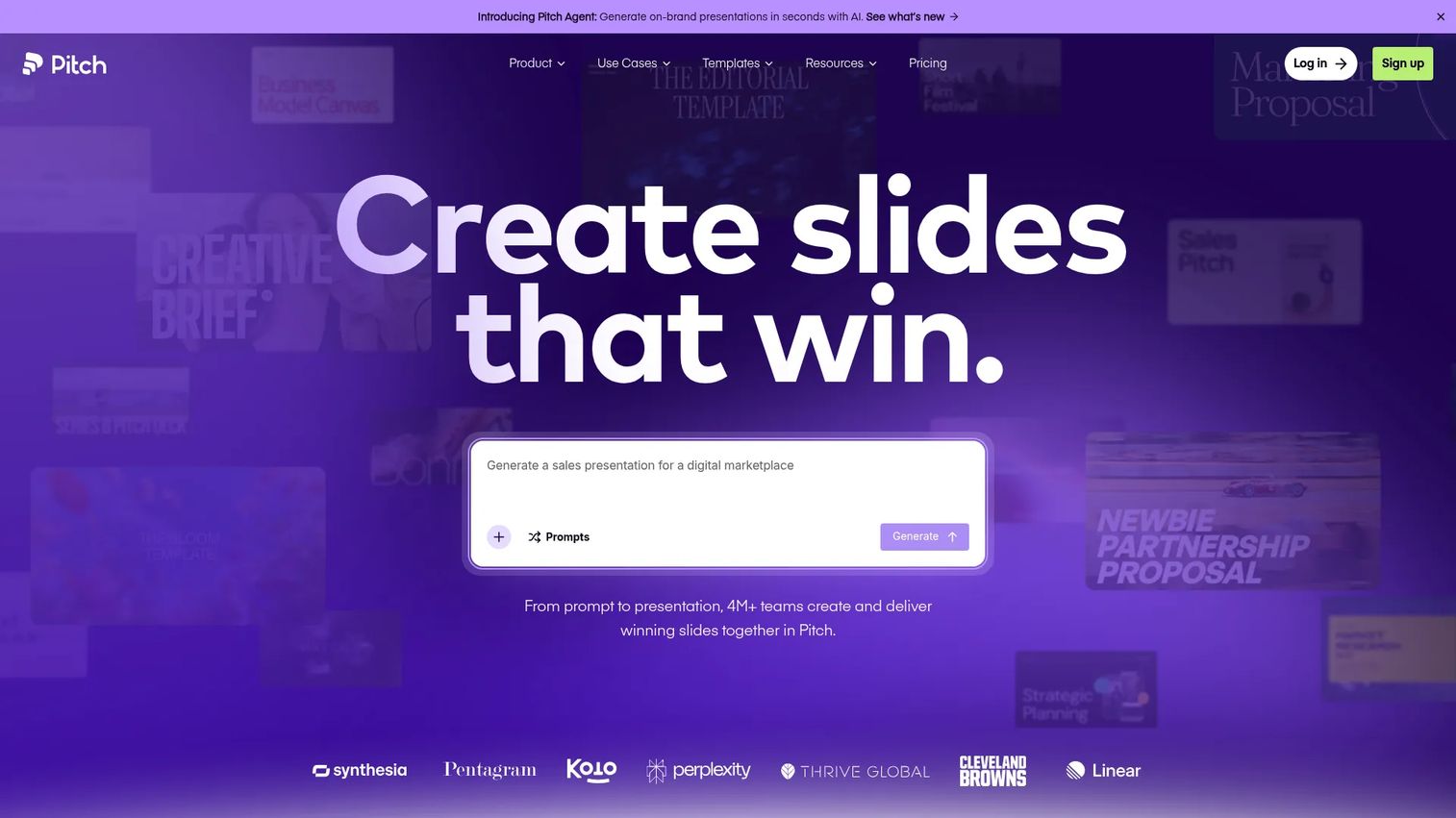
Pitch is collaborative presentation software built for teams that create and distribute decks together. It pairs AI slide creation with a shared workspace, so sales, marketing, and founders can build in one place instead of trading files. Where it stands out for revenue teams is the combination of creation and viewer analytics in a single tool.
Best for: Go-to-market teams that build decks collaboratively and want to track engagement after sending.
Key strengths
- AI slide creation and editing
- Custom fonts and unbranded exports
- Team collaboration with roles, guests, and analytics
Why choose Pitch: If your deck moves through several hands before it reaches a buyer, Pitch keeps the workspace shared and the branding consistent. The analytics layer means a leave-behind is no longer a guess. You see who opened it.
Pitch pricing: Free plan available. Plus is $15/month monthly or $13/month billed yearly. Team is $23/seat/month monthly or $19/seat/month yearly. Business is $30/seat/month monthly or $25/seat/month yearly. Enterprise is custom.
2. Prezent AI
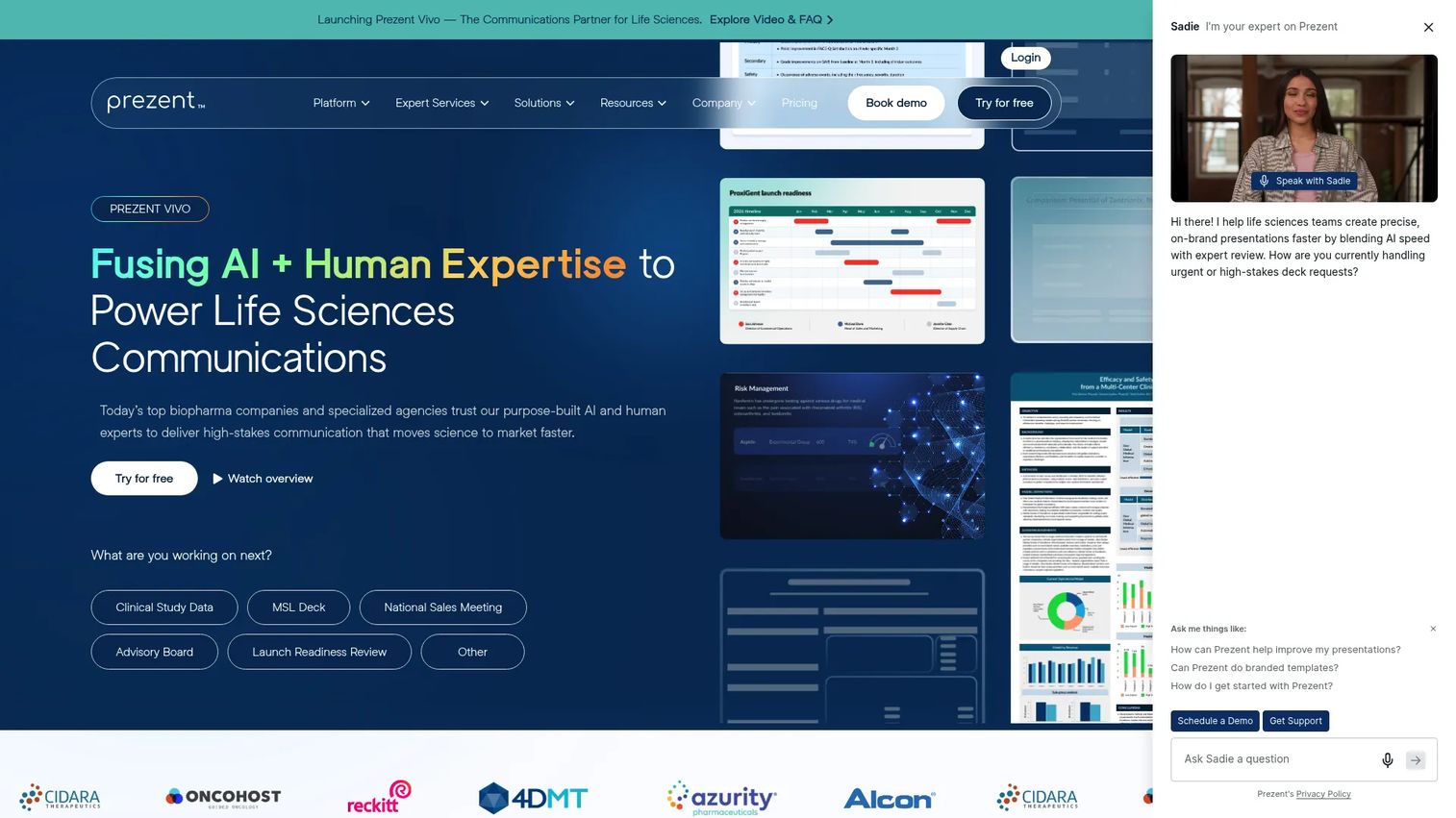
Prezent AI is an AI pitch deck generator built for enterprise communication. It generates on-brand presentations backed by expert-curated content and services, which matters when a deck has to clear brand governance before it reaches a board or a customer. For large teams that produce executive-quality decks at volume, it removes most of the manual design work.
Best for: Enterprise teams that need brand-governed, executive-ready decks with less manual formatting.
Key strengths
- Unlimited AI-generated presentations
- Template Converter and expert-curated slide library
- Communication Fingerprints and API access for agentic workflows
Why choose Prezent AI: When brand consistency is a compliance requirement, not a preference, Prezent AI enforces it while still cutting build time. The expert-curated library gives non-designers a defensible starting point.
Prezent AI pricing: Lite is $399 per user per month, billed monthly or annually with a 15% annual saving. Premium, Pro, and Agency are custom enterprise plans priced through sales.
3. Adobe Express
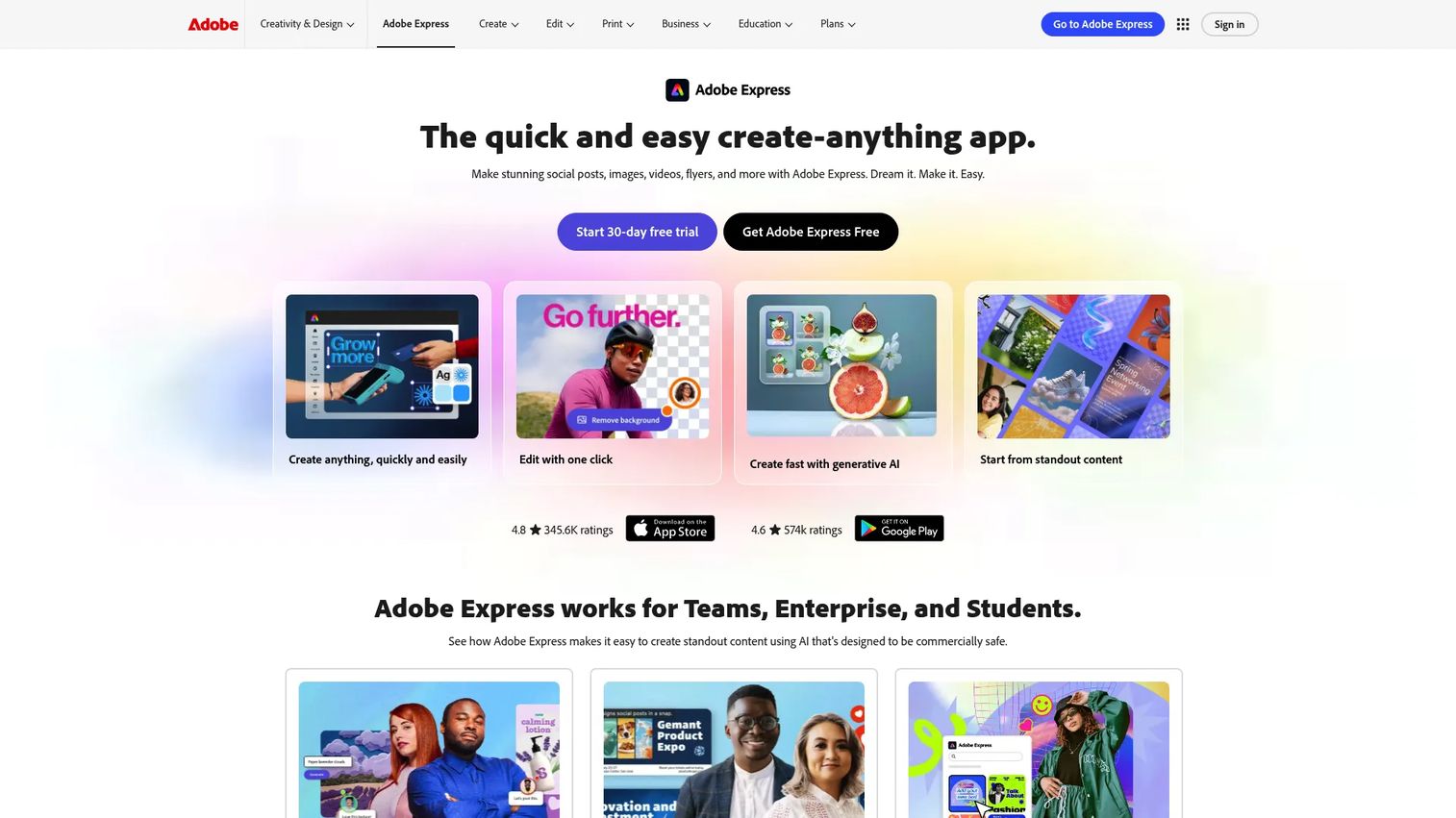
Adobe Express is an all-in-one design app that doubles as a fast pitch deck maker. It leads with templates, stock assets, and quick editing, so you get polished output without a steep learning curve. PPTX import means you can bring an existing PowerPoint in and clean it up rather than starting over.
Best for: Teams that want branded, polished decks quickly without dedicated design skills.
Key strengths
- Templates and stock assets
- Photo, video, and document editing
- Content scheduling and brand kits
Why choose Adobe Express: If speed and brand consistency matter more than deep presentation features, Express is a light, capable choice. The Adobe asset library and brand kits keep output on-brand across a team.
Adobe Express pricing: Free plan available. Premium is $9.99/month. Teams and Enterprise plans are available through Adobe sales.
4. Microsoft PowerPoint
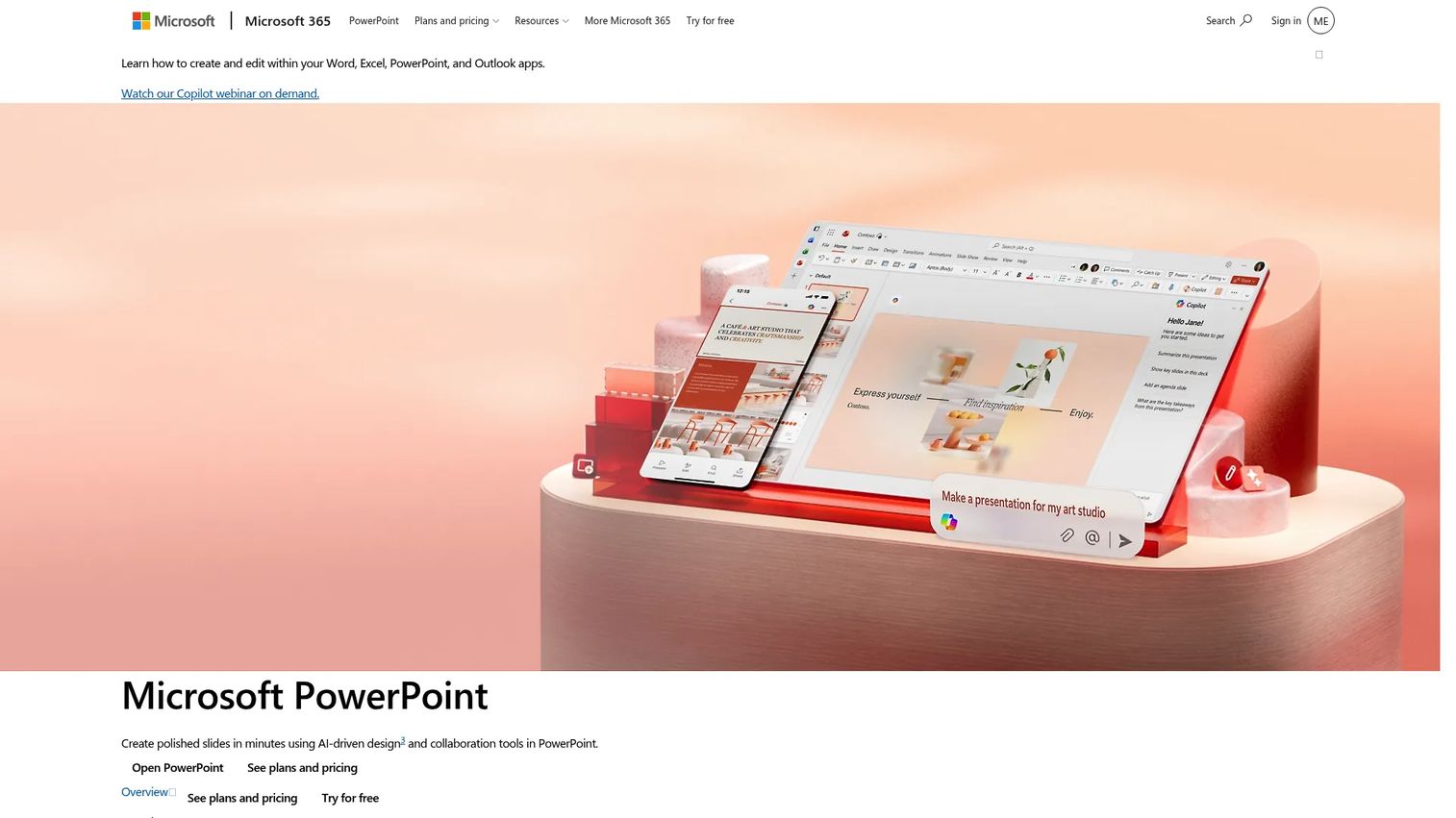
Microsoft PowerPoint remains the default for a reason. It is the format every stakeholder can open, edit offline, and hand to procurement without a compatibility conversation. PPTX interoperability is the whole point: whatever tool built the deck, PowerPoint is where it usually ends up. Copilot now adds AI design and drafting inside the familiar editor.
Best for: Teams that need universal compatibility, offline editing, and native PPTX handling.
Key strengths
- AI-driven design and Copilot assistance
- Real-time collaboration and sharing
- Templates, animations, transitions, and accessibility tools
Why choose Microsoft PowerPoint: When a deck has to move across companies, devices, and legal teams without breaking, PowerPoint is the safe interoperability layer. Most other tools export to it anyway.
Microsoft PowerPoint pricing: Free on the web. Microsoft 365 Personal is $9.99/month or $99.99/year. Family is $12.99/month or $129.99/year. Premium is $199.99/year.
5. Google Slides
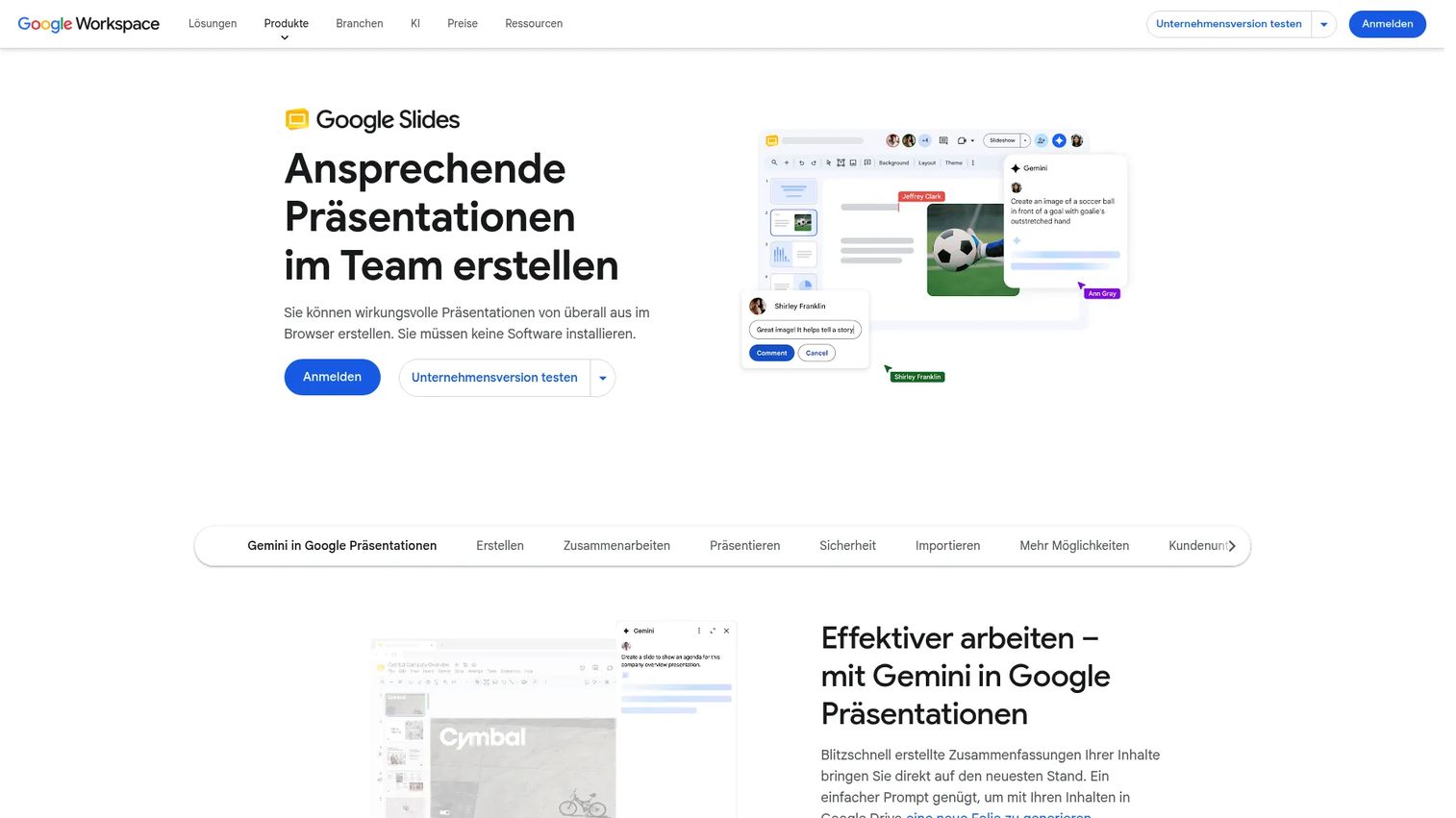
Google Slides is the fastest shared-workflow option for distributed teams. It runs in the browser, needs no install, and lets several people edit, comment, and see live pointers at once. For teams already living in Google Workspace, it is the lowest-friction way to co-build a deck. Gemini now assists with generating slides and images.
Best for: Distributed teams that need real-time, browser-based collaboration.
Key strengths
- Create and deliver presentations in the browser with no install
- Live collaboration with editing, comments, and sharing controls
- Gemini-powered assistance for generating slides and images
Why choose Google Slides: When speed of shared editing beats design depth, Slides wins. Comments and version history keep cross-functional edits clean without a single file attachment.
Google Slides pricing: Available free in the consumer version. Google Workspace plans include Business Starter at $7/user/month, Business Standard at $14/user/month, Business Plus at $22/user/month, and custom Enterprise, on a one-year commitment.
6. Canva
Canva is an online design platform that makes clean decks fast for people who are not designers. Its strength is a huge template library plus brand kits, so an AE can produce a brand-safe deck in an afternoon. Text-to-image AI and PDF editing round out a toolset built for speed over precision.
Best for: Non-designers who need polished, brand-consistent decks quickly.
Key strengths
- PDF editing and conversion
- Text-to-image AI generation
- Brand management and team collaboration
Why choose Canva: Canva is the pick when you need something clean today and do not have a designer. The template depth and brand controls keep quick decks looking intentional.
Canva pricing: A free plan is available, with Pro, Business, and Enterprise tiers offered through Canva's pricing page. Current public prices were not confirmed at the time of writing.
7. Beautiful.ai
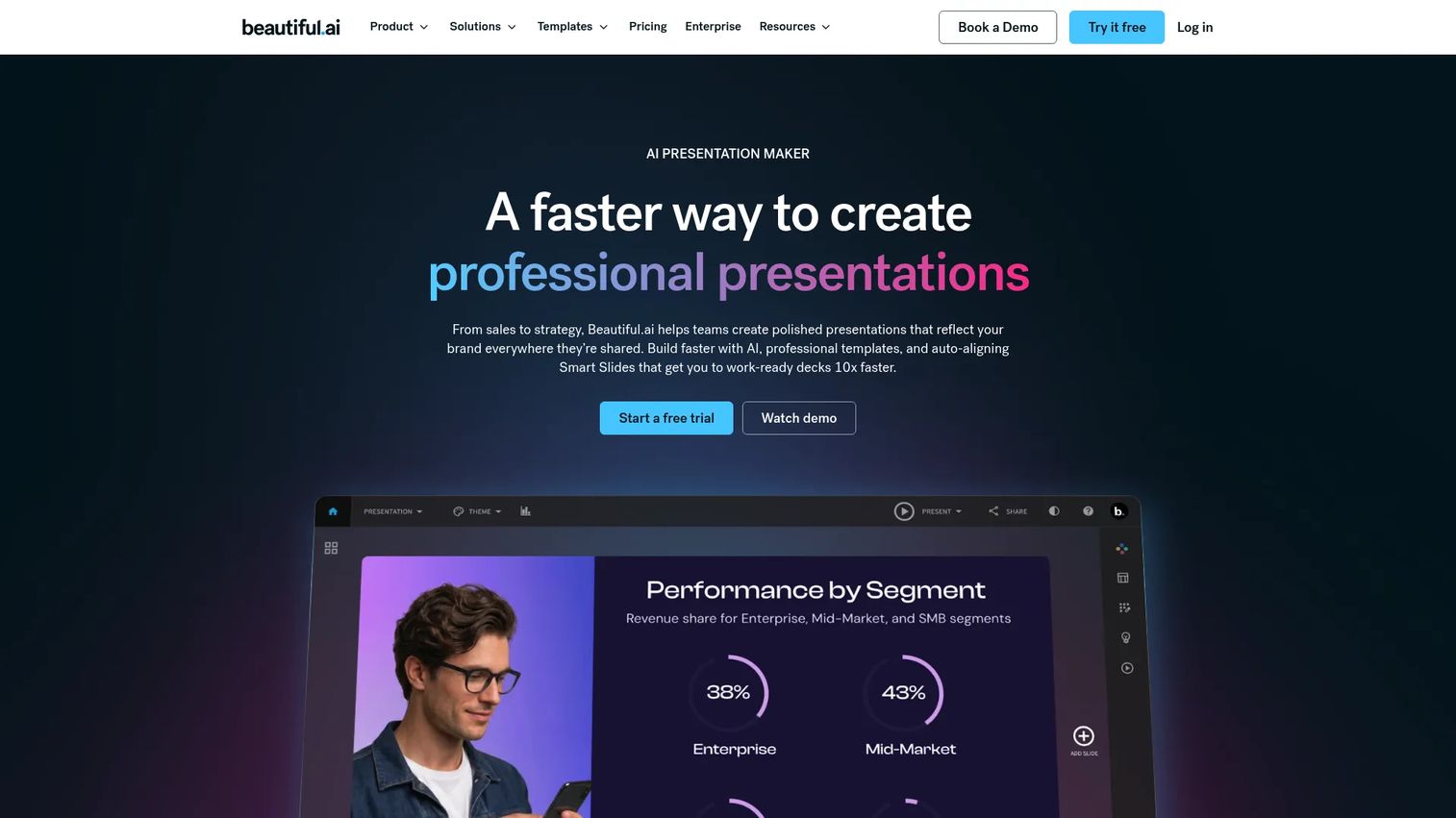
Beautiful.ai is presentation software built around Smart Slides that auto-format and animate content as you add it. Instead of nudging boxes into alignment, you get structured design control that keeps every slide consistent. For teams that want polished decks without manual layout work, that consistency is the draw.
Best for: Teams that want fast, brand-consistent decks without manual formatting.
Key strengths
- Smart Slides that auto-format and animate content
- AI generation for first-draft presentations
- Brand themes and brand control for consistency
Why choose Beautiful.ai: Beautiful.ai fits teams that value design discipline and speed over pixel-level control. The auto-formatting engine means junior reps ship on-brand decks without a design review.
Beautiful.ai pricing: Pro is $12/month billed annually. Team is $40/user/month billed annually or $50/user/month monthly. Enterprise is custom. A single presentation can be bought one-off for $45. A 14-day free trial is available.
8. Visme
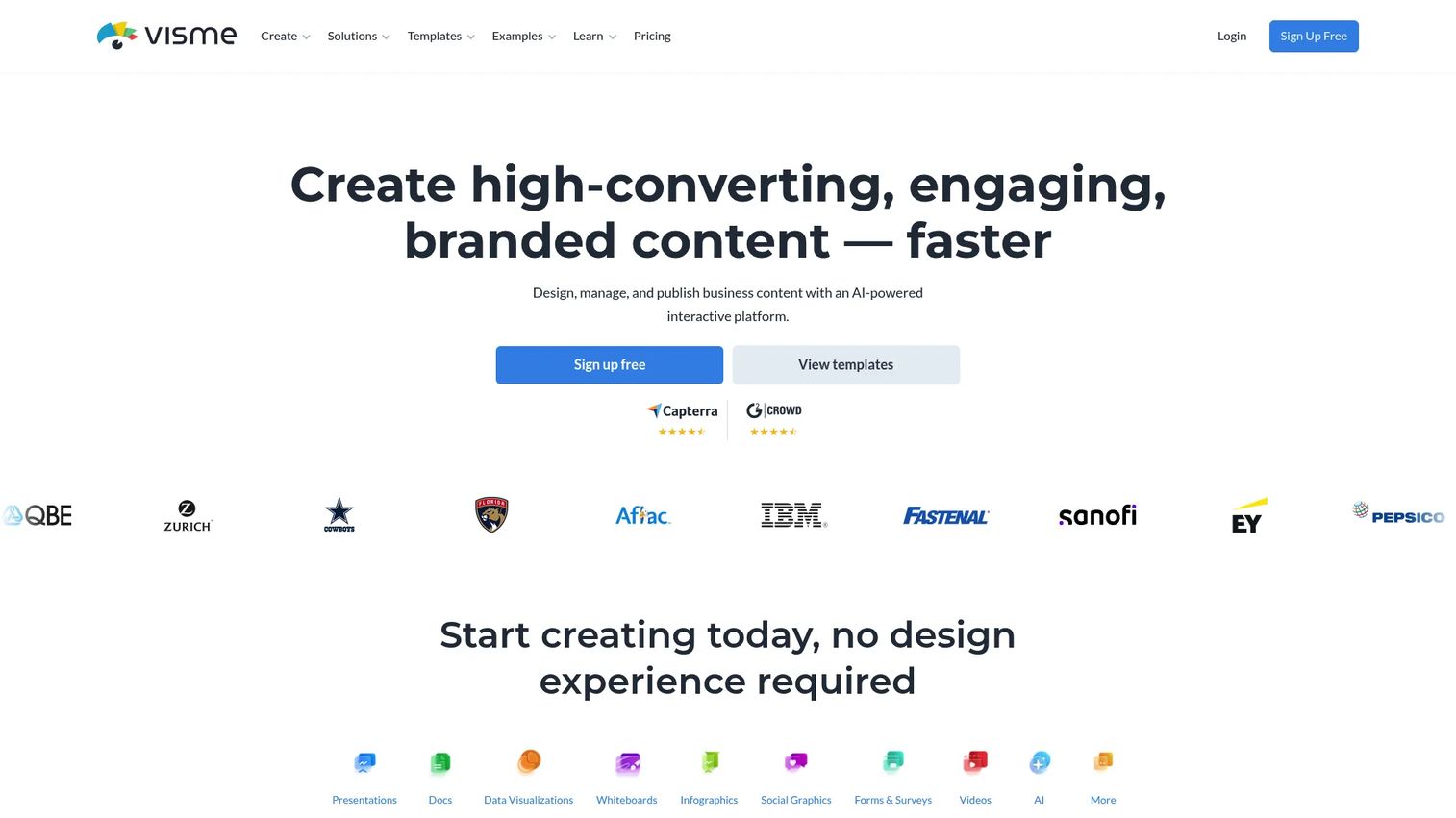
Visme is an AI-powered visual content platform that goes beyond slides. It handles presentations, documents, infographics, and other visual assets, which helps when data visualization is central to your pitch. For teams that need branded output across more than decks, Visme covers wider ground.
Best for: Teams that need branded presentations plus broader visual content and data viz.
Key strengths
- Presentation Maker
- AI Design Tools
- Brand Kit
Why choose Visme: Choose Visme when a deck is one of several visual assets you produce and consistency across all of them matters. The data visualization tools suit numbers-heavy investor and executive decks.
Visme pricing: Basic is free. Starter is $12.25/month per person billed annually. Pro is $24.75/month per person billed annually. Enterprise is custom pricing from 10 users.
9. Apple Keynote
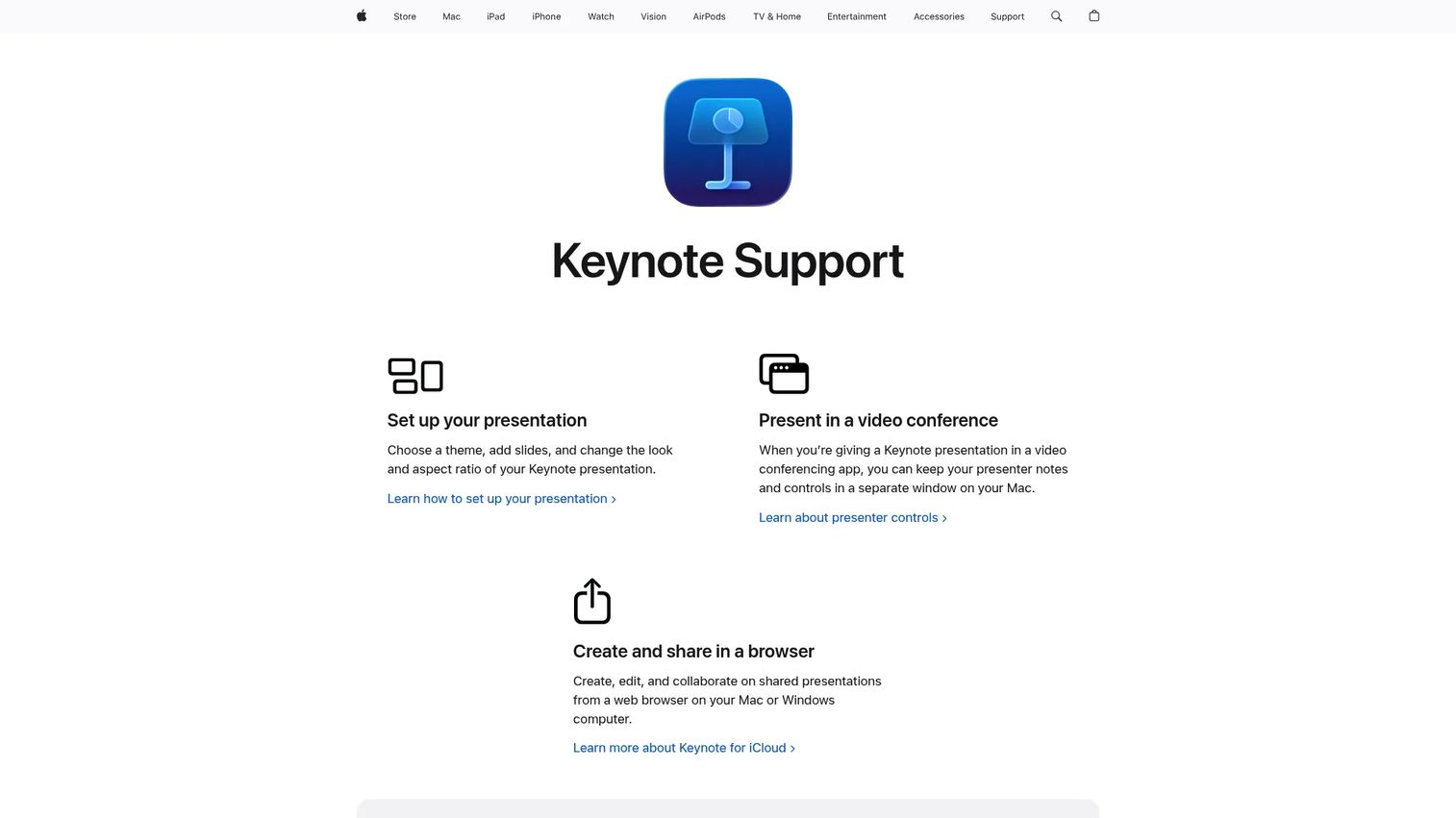
Apple Keynote is Apple's presentation app, known for clean design and smooth animations across Apple devices and the browser. It supports PPTX import and export, plus iCloud and Box collaboration. For individual creators who prefer the Apple workflow, the presentation polish is hard to beat.
Best for: Individuals and teams building slides on Apple devices who value design and animation.
Key strengths
- Apple-designed themes and slide layouts
- PowerPoint import and export plus iCloud and Box collaboration
- Presenter display with Apple Pencil and Apple Watch controls
Why choose Apple Keynote: Keynote shines for presenters inside the Apple ecosystem who want cinematic animations without extra cost. PPTX export keeps it compatible when the deck leaves your Mac.
Apple Keynote pricing: Keynote is free for everyone. Apple Creator Studio adds premium templates, content, and AI features at $12.99/month or $129/year.
Considerations
Picking a tool is less about features on a page and more about how it survives your actual workflow. Here is what to weigh.
Templates and starting points
A gorgeous template is worthless if you cannot adapt it. Check whether templates are editable, whether they match your industry, and whether swapping in your brand takes minutes or an afternoon. Pitch deck templates should speed you up, not lock you into someone else's layout.
Collaboration and approval workflow
If more than one person touches the deck, collaboration is not optional. Look for comments, version history, access controls, and live co-editing. The goal is one source of truth, not a graveyard of near-identical files. Approvals matter most when marketing owns the brand and sales owns the story.
Export and compatibility
Your deck has to work on a stranger's laptop in a boardroom you have never seen. Confirm PPTX import and export, PDF output, link sharing, and a clean presentation mode. PPTX interoperability is the safety net when a buyer's IT team can only open one format.
Analytics and follow-up signals
This is where modern tools separate from legacy ones. Some pitch deck software shows you who opened the deck, which slides they lingered on, and where they dropped. Tie that to your follow-up and you stop guessing. A deck that reports back is a qualification tool, not just a file.
Pricing and scalability
Compare free tiers, per-seat pricing, team plans, and enterprise packaging. The cheapest tool is rarely the lowest-friction one once you add seats, brand governance, or analytics. Weigh pitch deck pricing against the time your team spends rebuilding decks by hand.
Conclusion
The right pick comes down to your dominant pain.
If your team builds decks together and you want engagement tracking, start with Pitch. If brand governance at enterprise scale is the constraint, Prezent AI removes the manual work. If you just need speed and brand-safe polish without a designer, Adobe Express or Canva get you there fast. And when universal compatibility is non-negotiable, Microsoft PowerPoint or Google Slides remain the safe defaults, depending on which suite you already live in.
Pick the tool that fixes the part of your workflow that hurts most, then run one real deck through it before you commit. The best tool is the one your team actually adopts.
FAQs about pitch deck software
For sales teams, the best fit combines collaboration with analytics. Pitch is the strongest option on both counts: reps build decks together in a shared workspace, and built-in viewer tracking shows whether a leave-behind was actually opened. Larger sales orgs that need every rep on-brand without a designer in the loop should look at Prezent AI instead.
Fundraising rewards narrative control and clean structure. Pitch suits founders who want a collaborative deck plus engagement data on who has viewed it, while Prezent AI fits teams that need brand-governed, executive-quality output. PowerPoint and Keynote remain reliable for polished, standalone decks you present live.
Prioritize five things: AI assistance, editable templates, collaboration with version history, export options including PPTX, and analytics. Match those against your workflow. A sales team weights collaboration and analytics higher, while a founder building an investor deck weights design and structure.
PowerPoint is pitch deck software, and it is still the universal compatibility layer. Modern tools like Pitch add collaboration and analytics PowerPoint lacks natively, but PowerPoint wins on offline editing and PPTX interoperability. Many teams build in a modern tool and export to PPTX.
Yes. Nearly every tool on this list ships with pitch deck templates. The difference is quality and editability. Canva and Adobe Express lead on template volume, while Prezent AI offers expert-curated slides built for enterprise brand standards.
Most tools support PPTX import. Adobe Express, PowerPoint, and Apple Keynote all handle PPTX directly, so you can bring an existing deck in rather than rebuilding it. Always check formatting after import, since complex animations and custom fonts can shift.
Pitch is the clearest option here, with analytics that show who opened a deck and how far they got. That data turns a passive send into a qualification signal. Traditional slide tools like PowerPoint, Google Slides, and Keynote do not track viewer behavior at all, which is why sales teams tend to add a modern layer for follow-ups.
For a genuine free plan, Google Slides, Canva, Visme, and Apple Keynote all offer no-cost tiers, and PowerPoint is free on the web. Google Slides is the strongest free option for real-time collaboration, while Canva leads on free templates and quick visual polish.