Your headquarters messaging works. Slack is buzzing, the intranet is live, and email open rates are solid. Meanwhile, the warehouse team found out about the policy change from a printed flyer taped to the break room wall. Three days late.
That gap is not a people problem. It is an infrastructure problem. Frontline worker communication software exists specifically to reach deskless, hourly, field-based, and shift-based employees through the right channel, at the right time, on a device they actually carry. The global frontline worker technology market reached $16.31 billion in 2025, according to Mordor Intelligence, and demand is accelerating because the old methods stopped working as workforces scaled. According to the Workvivo Frontline Gap Report (2025), 69% of frontline workers use personal messaging apps for work, and 47% say their company's communication tools feel built for desk workers.
A missed update is not just an annoyance. It becomes a compliance gap, a safety incident, or a customer-facing failure that shows up weeks later in a churn number.
What's inside
This guide compares 12 frontline worker communication software options for 2026. It is written for founders, COOs, VP People, and operations leaders managing distributed workforces who want a shortlist they can act on quickly.
Tools were chosen based on:
- Frontline fit: Mobile access, non-email authentication, and deskless-first design
- Communication depth: Messaging, alerts, surveys, task integration, and multilingual support
- Review presence: Verified G2 ratings and pricing from live sources
- Operational coverage: Analytics, integrations, and adoption by industry
TL;DR
- Best overall for all-in-one frontline communication: Connecteam fits growing teams that need messaging, scheduling, forms, and HR workflows in one mobile-first app, with a free plan for small teams
- Best for enterprise internal communications: Staffbase and Firstup work for large companies with formal comms teams publishing across deskless and office-based employees
- Best for retail and hourly operations: WorkJam, YOOBIC, Blink, and Zipline work when communication sits close to shifts, task execution, and store performance
- Best for digital signage and shared spaces: Appspace is strongest when frontline updates must reach manufacturing floors, break rooms, and transport hubs
- Best for urgent alerts: SnapComms is worth evaluating when visibility and guaranteed interruption matter more than a social feed
- Best for employee experience depth: Workvivo and Poppulo Employee Experience fit teams that want communication, recognition, and culture in the same motion
What is frontline worker communication software?
Frontline worker communication software is a platform that helps companies reach deskless, hourly, field-based, and shift-based employees with messages, alerts, updates, surveys, resources, and feedback channels.
Office communication tools assume a worker who starts their day by opening a laptop and checking email. Frontline workers do not. A nurse begins a shift. A warehouse associate clocks in. A retail associate opens a store. These roles do not check Slack, often lack corporate email, may share a device with colleagues, and may not speak the same language as the team writing the message. According to the Weavix State of Frontline Communications Survey (2025), 84% of U.S. frontline manufacturing workers believe technology could help solve their workplace communication problems, yet most are still reached through manager cascade or posted notices.
Core capabilities of frontline worker communication software
- Mobile app access with non-email authentication (phone number, employee ID, QR code)
- Push notifications and targeted announcements
- Two-way messaging and group chat
- SMS or non-app fallback channels
- Role-based and location-based message targeting
- Shift-aware or schedule-aware message delivery
- Surveys, polls, and employee listening tools
- Document, SOP, and policy access
- Training and task communication
- Translation and multilingual publishing
- Analytics by message, location, role, and site
- Security controls, permissions, moderation, and audit trails
- HRIS, workforce management, identity, and SSO integrations
What makes frontline communication harder than office communication
Workers may not have company email. Many roles share workstations or devices. Messages can arrive during off-clock hours, raising labor-law concerns. Environments are often noisy, low-connectivity, or regulated. Local managers become the communication bottleneck when no platform exists to bypass them.
For a Series B founder, the operational consequence is direct: A missed critical update at one site can create a compliance failure, a safety incident, or a service breakdown that surfaces in a board review weeks later. Communication infrastructure is not an HR nice-to-have. It is a retention and execution variable.
When to use frontline worker communication software
Reach employees who do not live in email
Retail associates, warehouse teams, field technicians, nurses, hospitality staff, and manufacturing employees rarely open corporate email during a shift. A general employee newsletter tool designed for office workers will not reach them reliably. A dedicated frontline communication platform meets them through mobile push notifications, SMS, or on-site digital screens, whichever channel their role and environment support.
Coordinate updates across shifts, roles, and locations
The hardest communication problem is timing. A safety update meant for a night shift crew should not blast the whole workforce at 7 a.m. Platforms built for frontline work let you target by shift, store, role, region, or language, and they let managers see who received and acknowledged the message. That visibility changes how you operate.
Measure whether critical messages were seen
"Sent" is not the same as "understood." Founders and operators need read receipts, acknowledgements, survey responses, and completion data by site. That data is what turns communication into a weekly operating metric rather than a question you hope managers answered.
Frontline worker communication software comparison
The table below is a starting point. Use it to narrow your shortlist to three platforms, then run a pilot. Pricing and G2 ratings below were verified from each vendor's live pricing page and G2 listing and are accurate as of November 2026.
| # | Product | Best for | Key differentiator | Pricing | G2 rating |
|---|---|---|---|---|---|
| 1 | Connecteam | Small and midsize deskless teams | All-in-one app: Comms, scheduling, HR | Free plan available; paid from $29/mo | 4.6/5 |
| 2 | Staffbase | Enterprise internal comms | Multichannel publishing with AI and intranet | Custom pricing | 4.6/5 |
| 3 | WorkJam | Large hourly workforces | Communication tied to scheduling and task execution | From $799/mo (up to 500 users) | 4.5/5 |
| 4 | YOOBIC | Retail and location-based teams | Store execution tied to comms and AI insights | Custom pricing | 4.6/5 |
| 5 | Beekeeper | Deskless workers across industries | Mobile-first workflows and HRIS integrations | Custom pricing | N/A |
| 6 | Blink | Consumer-style frontline app | Employee feed, chat, recognition, forms | Custom pricing | 4.6/5 |
| 7 | Firstup | Large enterprise comms | Personalized journeys and omnichannel analytics | Custom pricing | 4.4/5 |
| 8 | Workvivo | Culture-driven distributed teams | Social feed, recognition, and engagement analytics | Custom pricing | 4.8/5 |
| 9 | Zipline | Multi-location retail | Store execution with task tracking and AI search | Custom pricing | 4.8/5 |
| 10 | Appspace | Shared screens and workplace channels | Digital signage plus intranet in one platform | Free plan available; paid pricing on request | 4.7/5 |
| 11 | Poppulo Employee Experience | Enterprise comms with signage | Multichannel publishing with strong analytics | Custom pricing | 4.6/5 |
| 12 | SnapComms | Urgent alerts and compliance notices | High-visibility interruption across desktop and mobile | Custom pricing | 4.7/5 |
Best 12 tools for frontline worker communication in 2026
1. Connecteam
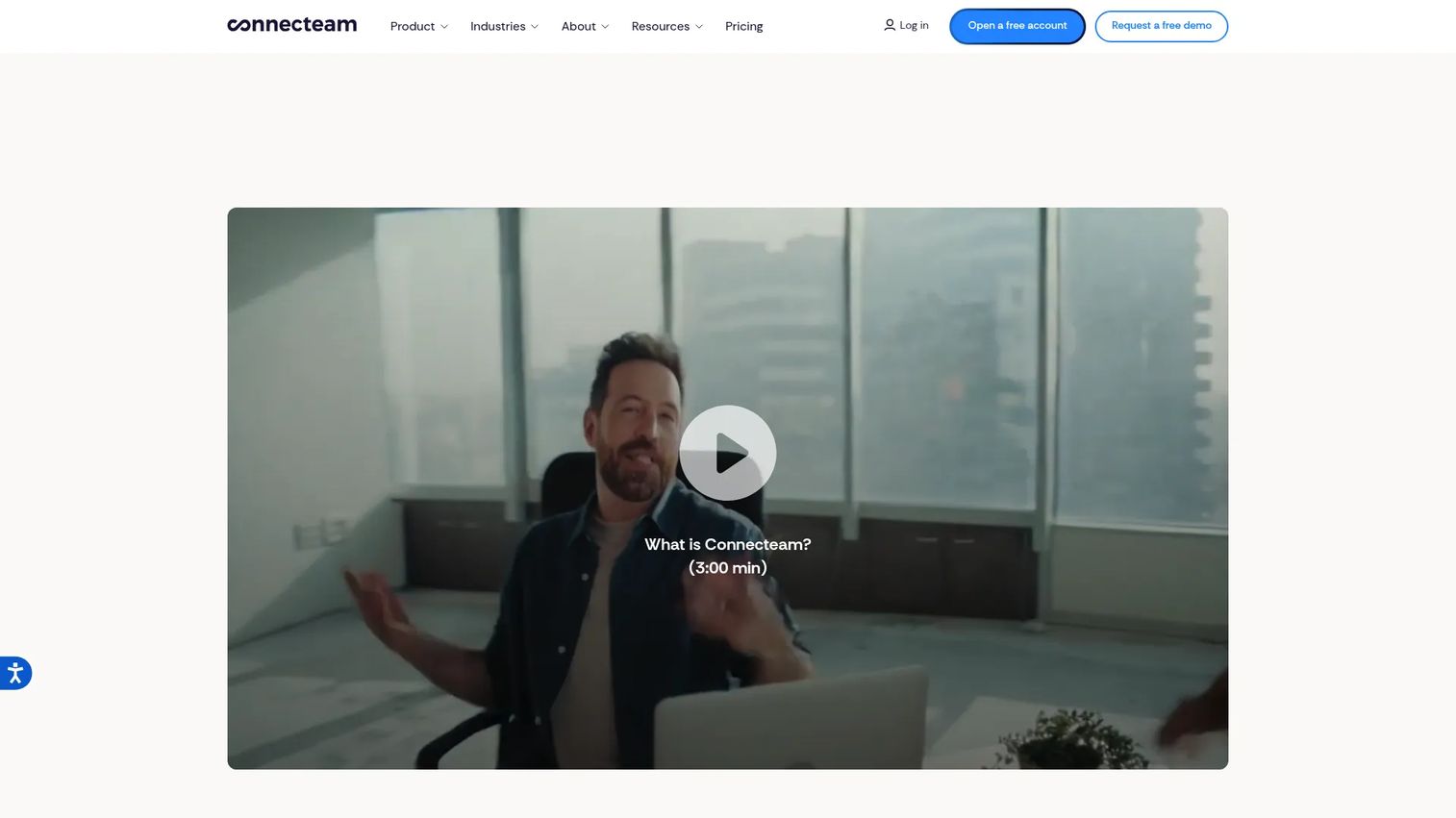
Connecteam is an all-in-one employee management app built for deskless and distributed teams. It combines communication, scheduling, time tracking, task management, HR workflows, and surveys in a single mobile-first interface. The platform is designed so non-desk employees can log in without corporate email, using a phone number or employee ID instead.
Best for: Growing companies that want one mobile app to cover communication, operations, and employee management without buying four separate tools.
Key features
- Team chat, updates feed, and employee directory
- Shift scheduling and time clock
- Digital forms and task checklists
- Surveys and live polls
- Courses, quizzes, documents, and recognition
Why choose Connecteam: It is the strongest pick when a founder wants to consolidate lightweight tools across messaging, scheduling, and field operations into one app. Adoption is easier when the platform covers daily work, not only announcements.
Connecteam pricing: Free for life for teams under 10 users. Paid plans start at $29/month for the first 30 users (billed annually) on the Basic tier, with Advanced at $49/month and Expert at $99/month. Enterprise pricing is available on request.
G2 rating: 4.6/5
2. Staffbase
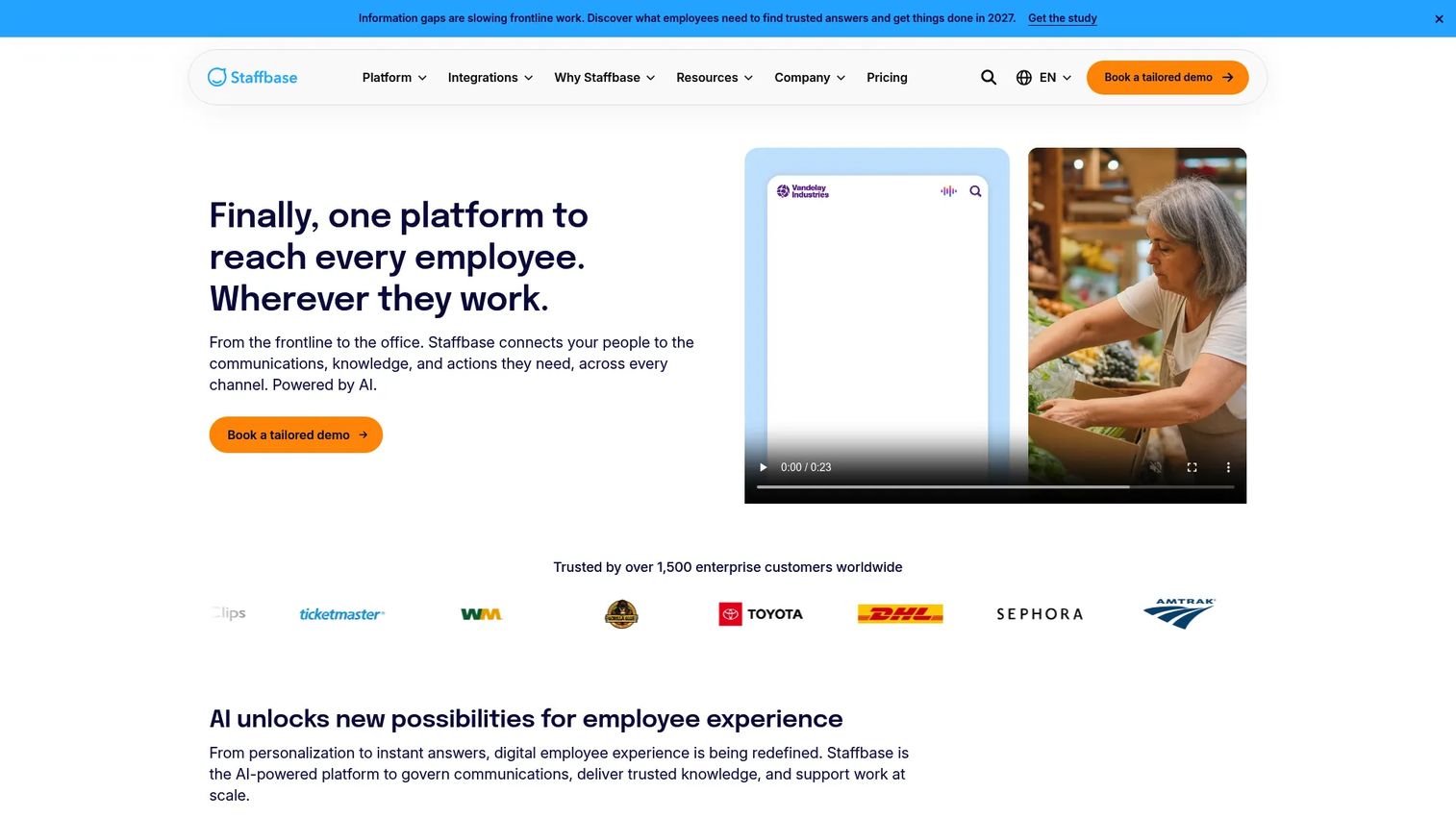
Staffbase is an AI-native employee experience and communications platform that connects large organizations with both desk-based and frontline employees. It supports a branded employee app, intranet publishing, targeted email campaigns, digital signage, SMS, and multilingual content across a single managed platform.
Best for: Enterprise internal communications teams that need governance, branding control, and multi-channel publishing across deskless and office-based employees at scale.
Key features
- Branded employee app and intranet
- Targeted, multilingual, and personalized communications
- Employee email with planning, targeting, and analytics
- AI-powered content creation and knowledge search
- Communities, livestreams, and employee journeys
Why choose Staffbase: It fits organizations where internal communications is a formal function with editorial workflows, approval processes, and measurement requirements. It is not the lightest option for a small distributed team, but it is built for companies that need governance alongside reach.
Staffbase pricing: Staffbase does not post standard prices. Pricing is configured for each organization based on workforce size, channels selected, and configuration. Contact sales and ask specifically about frontline seat counts, integrations, and implementation scope.
G2 rating: 4.6/5
3. WorkJam
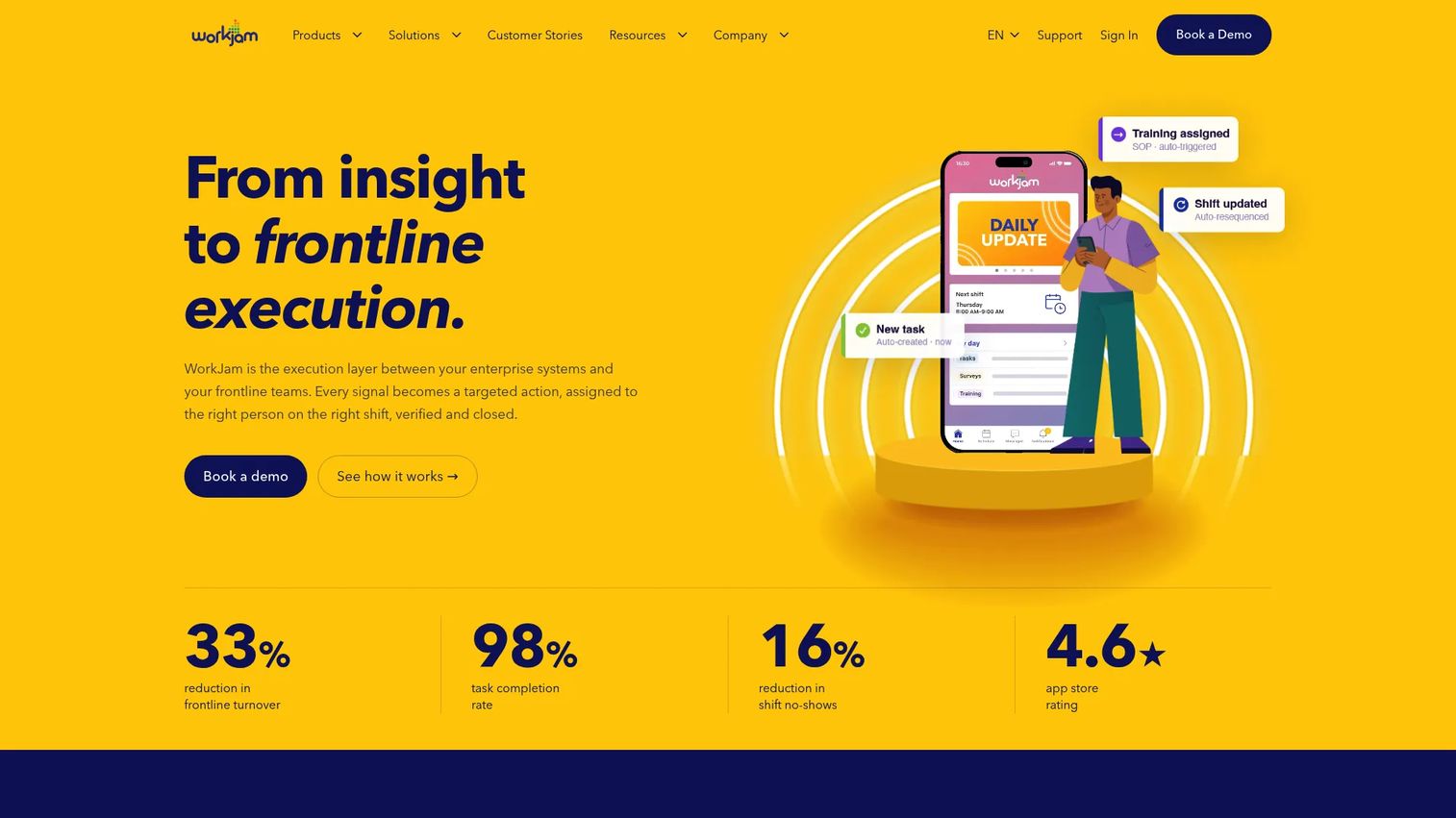
WorkJam is an AI-powered frontline operations platform that ties communication directly to scheduling, task execution, learning, and workforce self-service. It is built for large hourly workforces in retail, hospitality, manufacturing, and logistics where communication cannot be separated from daily execution.
Best for: Large hourly workforces that need communication, training, and scheduling to reinforce each other inside one operational platform.
Key features
- Targeted employee communications by role, location, and shift
- Task management with real-time dashboards
- Flexible shift management and open-shift marketplace
- Role-based learning paths and certifications
- AI-powered workflows and conversational AI
Why choose WorkJam: It is the right choice when communication needs to drive execution, not just inform. If the operational problem is "people hear the message but nothing changes in the field," WorkJam's integration of messaging, tasks, and scheduling addresses that gap directly.
WorkJam pricing: The Frontline Connect product starts at $799/month (billed annually) for up to 500 users on the Essential plan. Operations Elite runs $1,599/month for 500 users or $2,499/month for 1,000 users. Add-ons for productivity, staffing, and skilling are priced separately. Core enterprise WorkJam pricing requires a sales conversation.
G2 rating: 4.5/5
4. YOOBIC
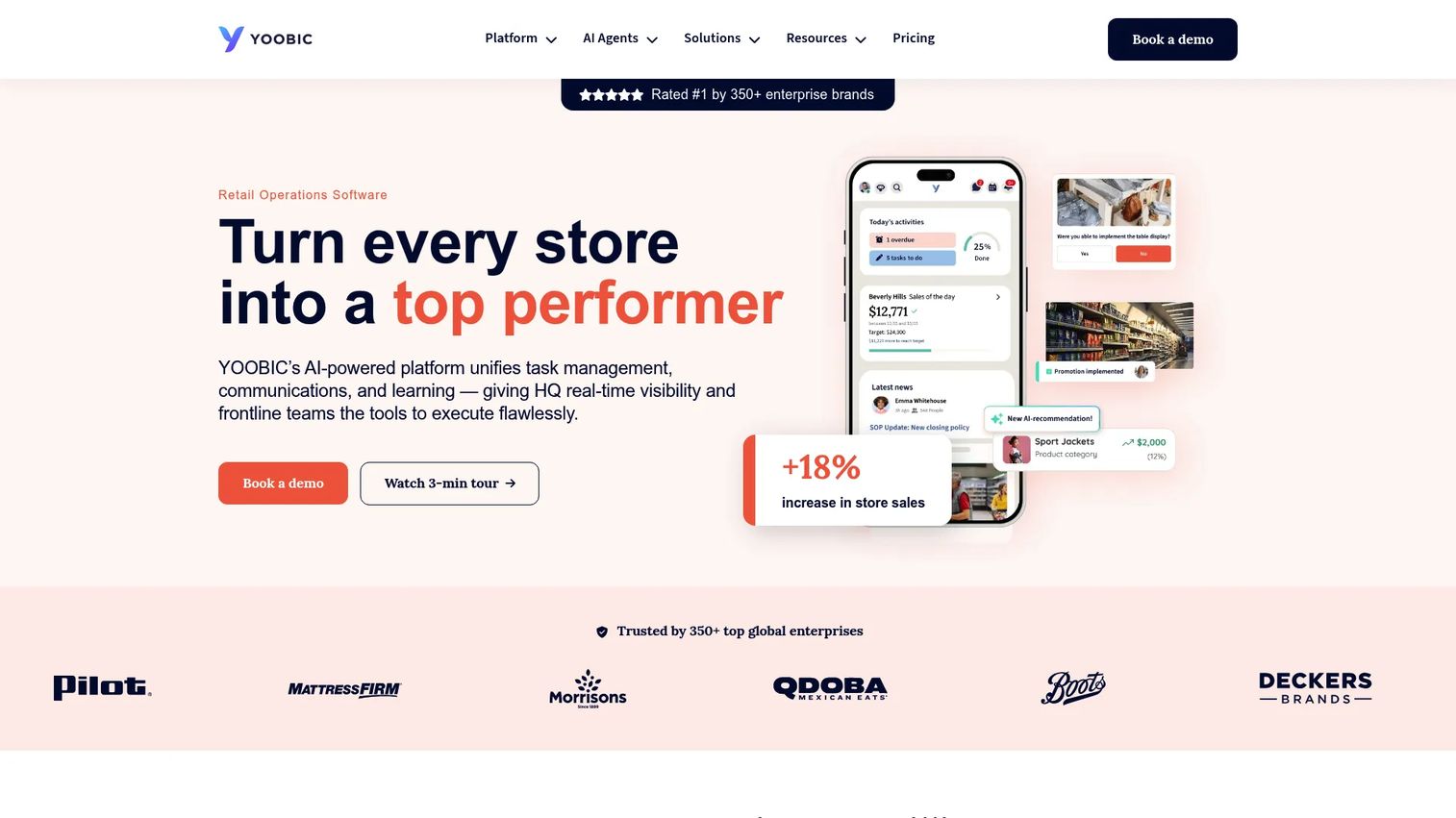
YOOBIC is an AI-powered retail operations platform that connects task management, communications, learning, and AI-driven operational guidance for distributed frontline teams. Its strongest use is in retail and restaurant brands that need consistent execution verified across many locations.
Best for: Enterprise and mid-market retailers with distributed frontline teams that need store execution and communications tied together with AI analysis.
Key features
- Task management with checklists, workflows, and photo verification
- Mobile-first newsfeed, targeted updates, chat, and surveys
- Role-based learning paths with auto-enrollment
- Store Manager Copilot and AI-powered operational recommendations
- Operational dashboards and 200+ integrations
Why choose YOOBIC: It closes the gap between "we sent the directive" and "we can verify it happened in the field." For a founder who needs visibility into whether a promotion, compliance update, or operational change reached 150 store locations, YOOBIC provides proof of execution, not just delivery.
YOOBIC pricing: Pricing is modular and covers Task Management, Communications, Learning, and AI separately. Contact sales and ask how pricing changes by module, number of business locations, and user count.
G2 rating: 4.6/5
5. Beekeeper
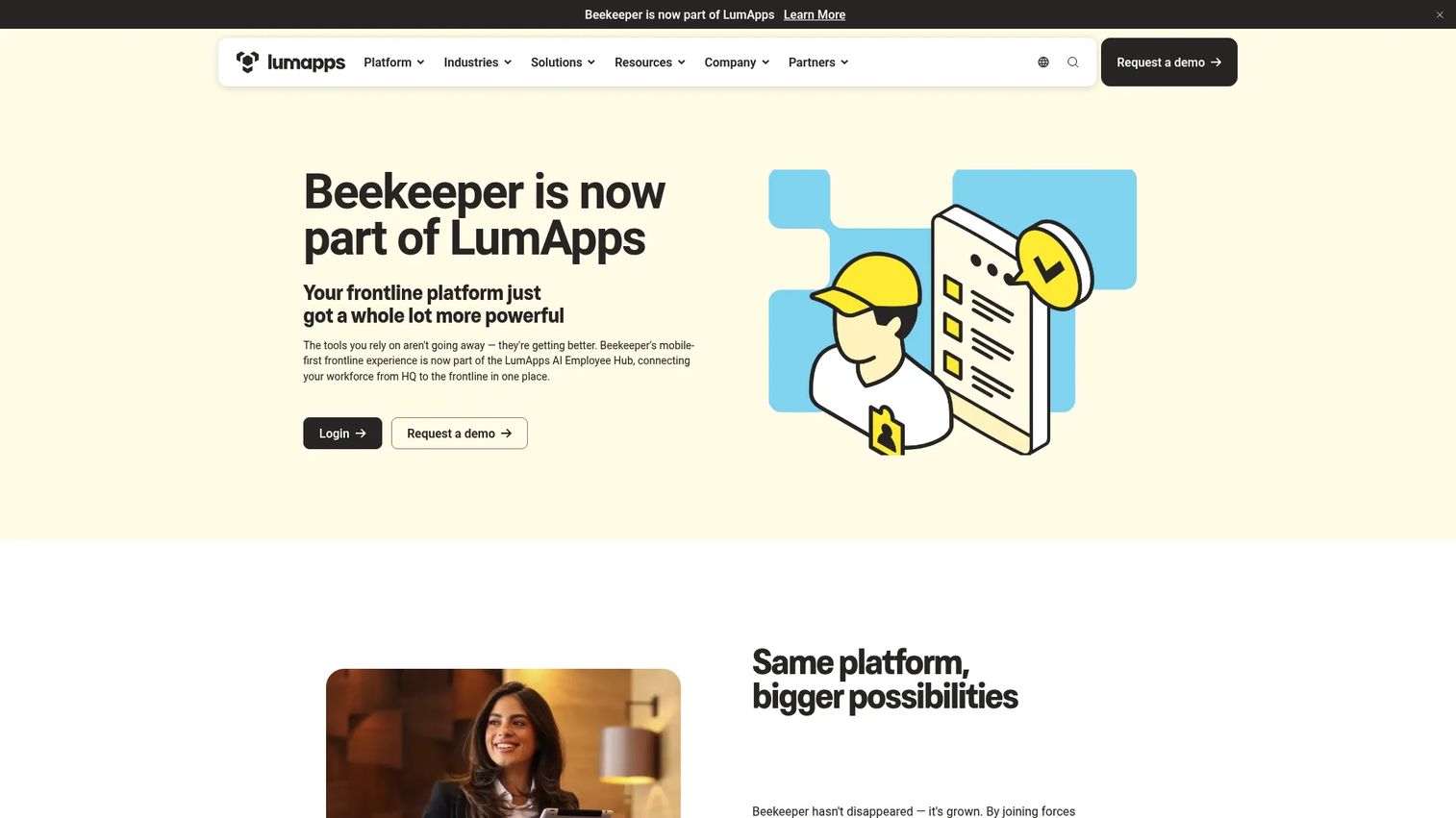
Beekeeper is a mobile-first frontline platform for communication, workflows, task management, and learning, now part of LumApps. It supports targeted campaigns, digital checklists, incident reports, automated onboarding, compliance reminders, and integrations with Workday, SAP SuccessFactors, UKG, and similar workforce systems.
Best for: Frontline-heavy organizations in manufacturing, hospitality, retail, healthcare, and logistics that need secure mobile access, operational workflows, and HRIS connectivity.
Key features
- Targeted frontline campaigns and announcements
- Digital checklists, forms, and incident reports
- Automated shift swaps, approvals, and onboarding workflows
- Integrations with Workday, SAP SuccessFactors, ServiceNow, and UKG
- Mobile learning paths and compliance courses
Why choose Beekeeper: It is a strong choice when the communication problem is inseparable from operational workflows, particularly for organizations that already run on major HRIS systems and need their employee app to connect natively. The LumApps integration broadens its reach for companies with both desk and deskless populations.
Beekeeper pricing: Pricing requires a sales conversation. When asking for a quote, clarify active user count, required integrations, automation scope, and whether you need the full platform or specific modules.
6. Blink
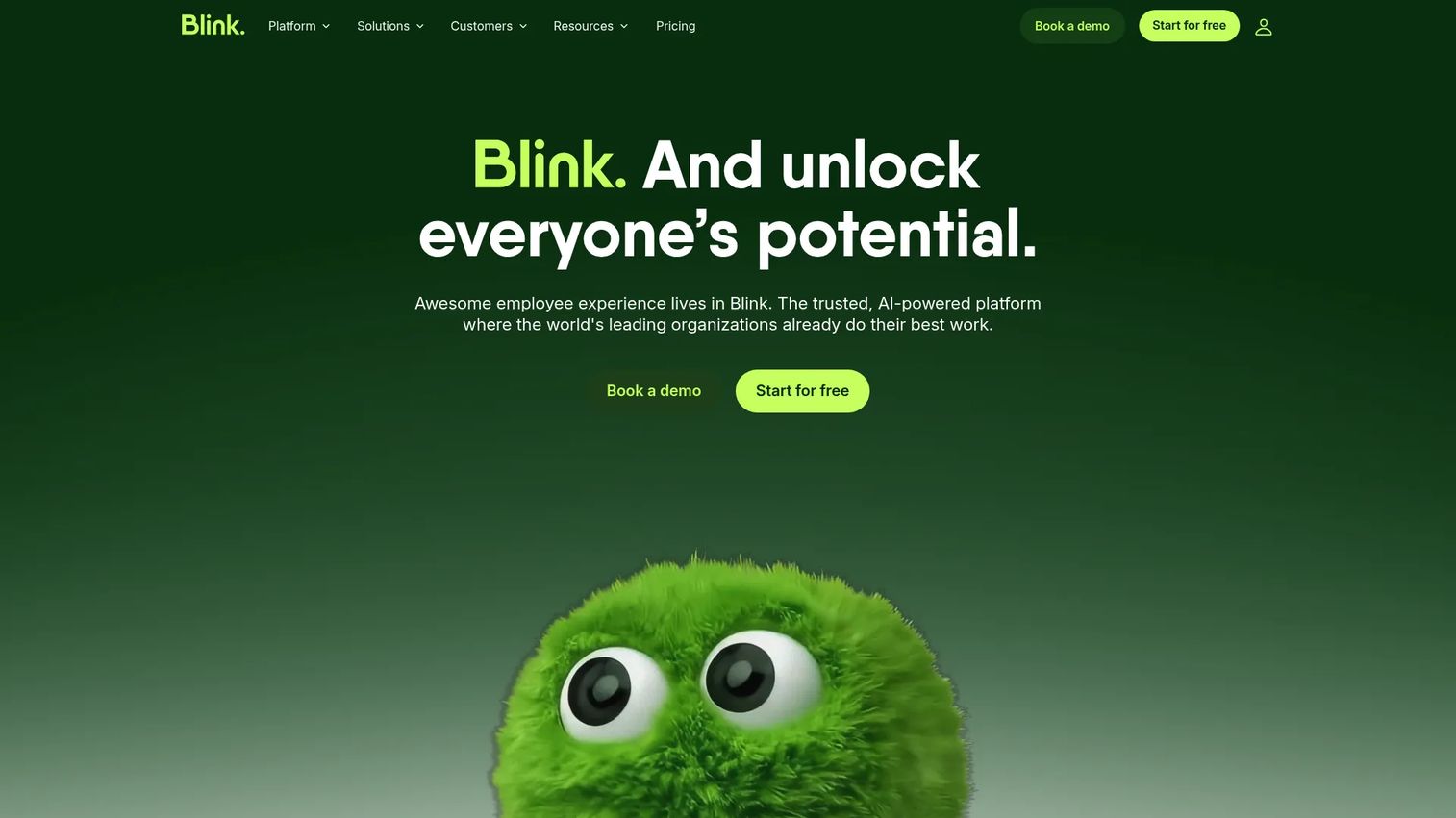
Blink is a mobile-first employee experience platform combining a social-style feed, secure chat, a knowledge hub, digital forms, employee recognition, and workforce analytics. It is designed to feel familiar to employees who already use consumer social apps, which supports adoption without heavy change management.
Best for: Organizations where communication failure has become a culture and retention problem, not only an operations problem, and where adoption is as important as feature depth.
Key features
- Employee feed and Stories for announcements
- Secure 1:1 and group chat
- Knowledge Hub for documents, policies, and micro-apps
- Digital forms and employee recognition
- Employee journeys and workforce analytics
Why choose Blink: It works when you need high adoption quickly. The consumer-style interface lowers the barrier for employees who would otherwise ignore another work app. That matters most in distributed teams where low engagement is the actual problem you are solving.
Blink pricing: Basic, Advanced, and Enterprise plans are available. Numeric pricing requires a sales conversation. Ask about employee count, required modules, implementation, and integrations when requesting a quote.
G2 rating: 4.6/5
7. Firstup
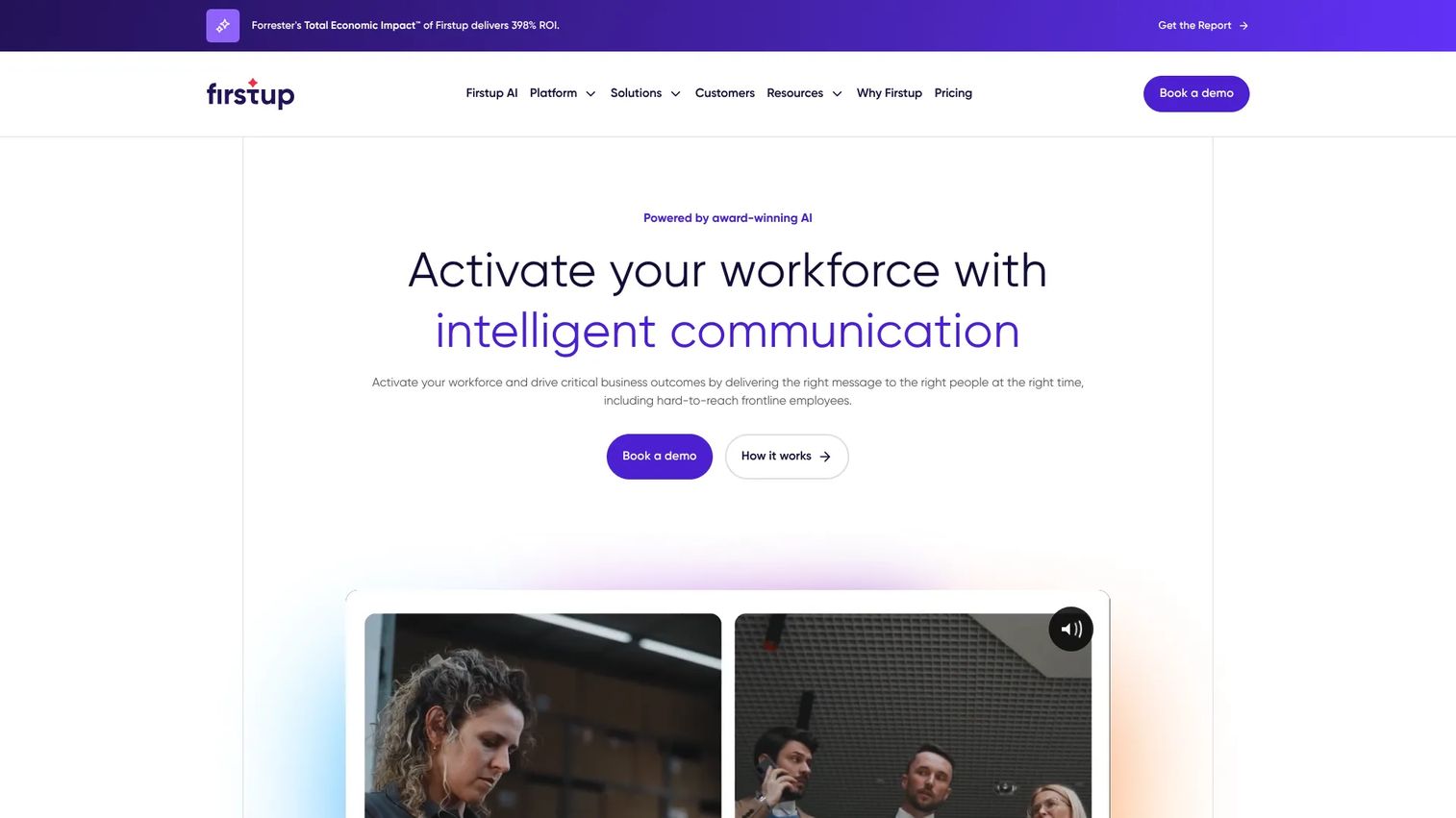
Firstup is an intelligent employee communication platform for large enterprises that need personalized, omnichannel workforce communications and engagement measurement. It delivers messages through email, mobile apps, desktop channels, and digital signage, using employee attribute data and behavioral signals to drive personalization.
Best for: Large organizations that need personalized internal communication campaigns across multiple employee segments, with measurement tied to reach and behavior.
Key features
- Personalized employee intranet and homepages
- Omnichannel delivery: Email, mobile, desktop, and digital signage
- Audience targeting using employee attributes and behavior
- Automated employee journeys and journey orchestration
- AI-powered content creation and engagement analytics
Why choose Firstup: It fits enterprises where internal communication is a data-driven function with segmentation requirements comparable to marketing automation. It is not a lightweight field tool. The payoff is measurable reach and engagement reporting across a complex workforce.
Firstup pricing: Essential, Professional, and Premier plans are listed on the pricing page, plus an Employee Intranet add-on. All plans require a sales conversation. Ask about employee volume, channels included, analytics tiers, services, and integrations.
G2 rating: 4.4/5
8. Workvivo
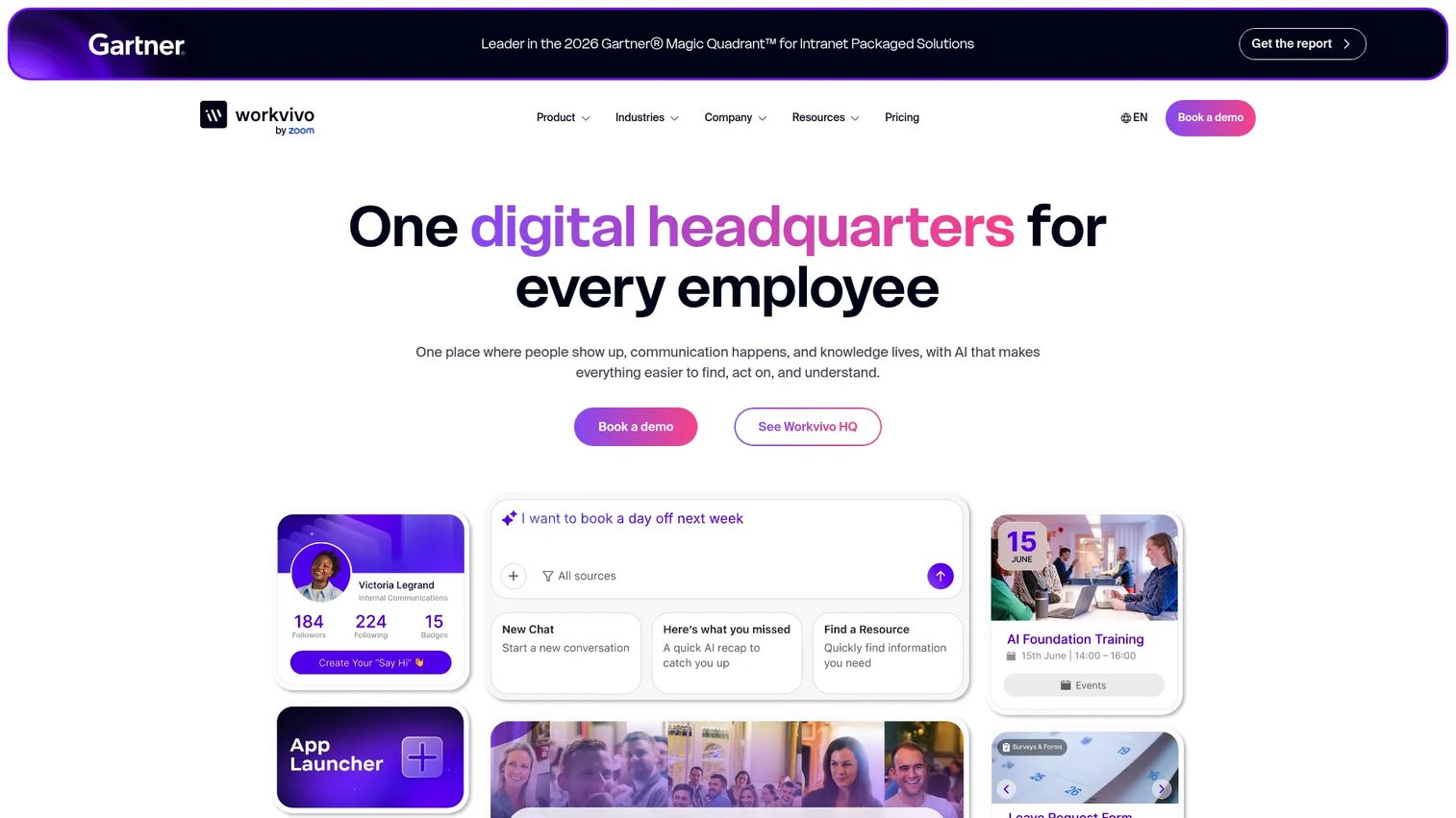
Workvivo is an AI-native employee experience platform covering communication, knowledge, engagement, recognition, and people intelligence. It supports a social employee feed, communities, newsletters, surveys, sentiment analysis, livestreams, podcasts, and real-time analytics, with strong mobile access for frontline and distributed employees.
Best for: Large and distributed organizations where the communication problem includes belonging, leadership visibility, and frontline engagement, not only operational updates.
Key features
- Social employee feed and communities
- Recognition, shoutouts, badges, and events
- Surveys, polls, and sentiment analysis
- Knowledge hubs, document management, and AI-powered search
- Chat, video calls, and mobile access with SSO
Why choose Workvivo: It carries a 4.8/5 on G2, the highest rating in this list. It is the right choice when leadership visibility and employee belonging are measurable retention levers, particularly for companies that have grown through acquisition or geographic expansion and need culture to hold.
Workvivo pricing: Pricing is fully custom. Workvivo HQ, Seer, and add-ons including Chat and Workvivo TV are priced individually by quote.
G2 rating: 4.8/5
9. Zipline
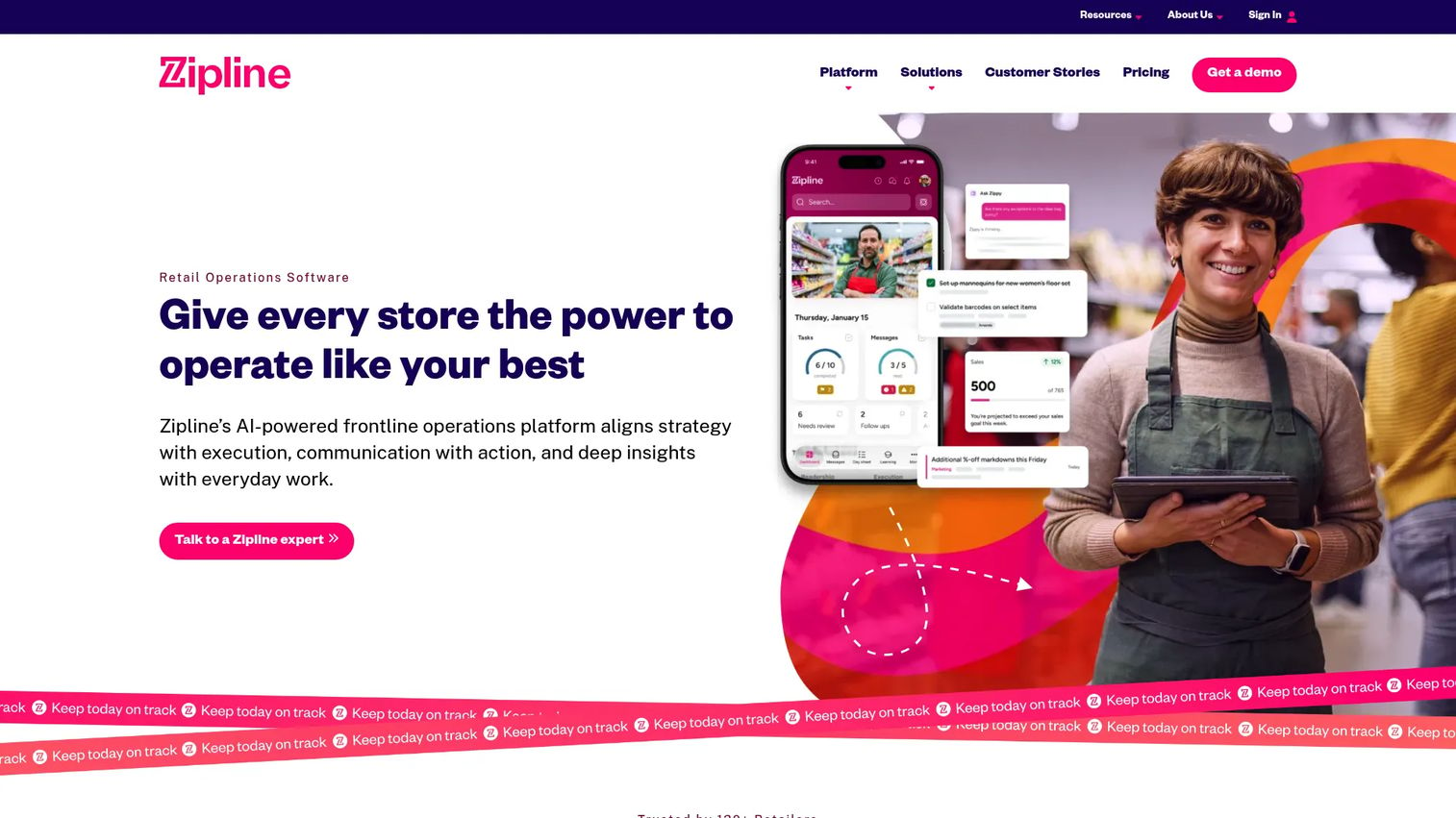
Zipline is an AI-powered frontline operations platform built for retail brands managing communication, tasks, learning, documentation, audits, and analytics across many store locations. Its focus is closing the loop between what corporate sends and what actually happens at the site level.
Best for: Multi-location retail brands that need a centralized frontline communications and operations platform with strong store execution tracking.
Key features
- Employee communication and announcements
- Task management with field execution tracking
- Store audits and reporting
- AI-powered knowledge base and learning center
- Campaign calendars and manager visibility dashboards
Why choose Zipline: It carries a 4.8/5 on G2 alongside Workvivo, and it is purpose-built for retail operators. If headquarters sends 40 messages a week to store managers and has no idea which ones drove action, Zipline is designed specifically to solve that visibility problem.
Zipline pricing: Pricing is module-based and scalable. Contact sales and ask about location count, specific modules, integrations, and implementation support.
G2 rating: 4.8/5
10. Appspace
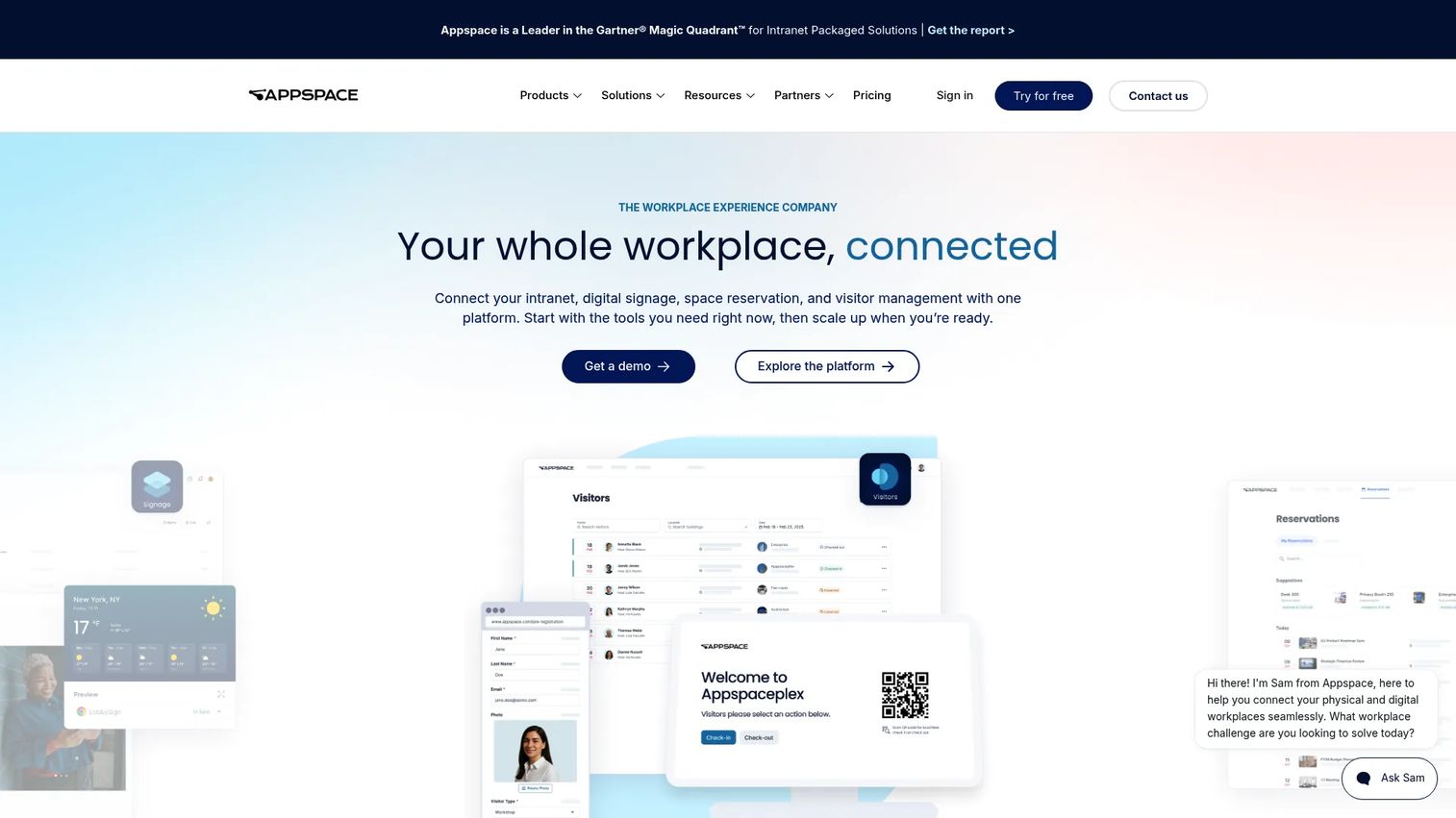
Appspace is a workplace experience platform that unifies digital signage, intranet, employee communications, room and desk booking, visitor management, and wayfinding. It is the strongest option in this list when frontline teams cannot rely solely on a phone, particularly in manufacturing facilities, distribution centers, break rooms, transit hubs, and campuses.
Best for: Organizations that need frontline updates across shared screens and workplace channels, not only mobile devices.
Key features
- Digital signage and content publishing
- Employee app and intranet
- Room and desk booking
- Visitor management and wayfinding
- AI assistants and analytics
Why choose Appspace: Choose it when mobile phones cannot reach every frontline worker reliably. A manufacturing floor, a distribution center, or a hospital corridor needs screens, not just push notifications. Appspace handles both channels from one content publishing system.
Appspace pricing: A Free plan is available. Express and Enterprise plans are priced based on users and devices; pricing requires a quote. Ask specifically about the number of signage endpoints, user count, included storage, and workspace module requirements.
G2 rating: 4.7/5
11. Poppulo Employee Experience
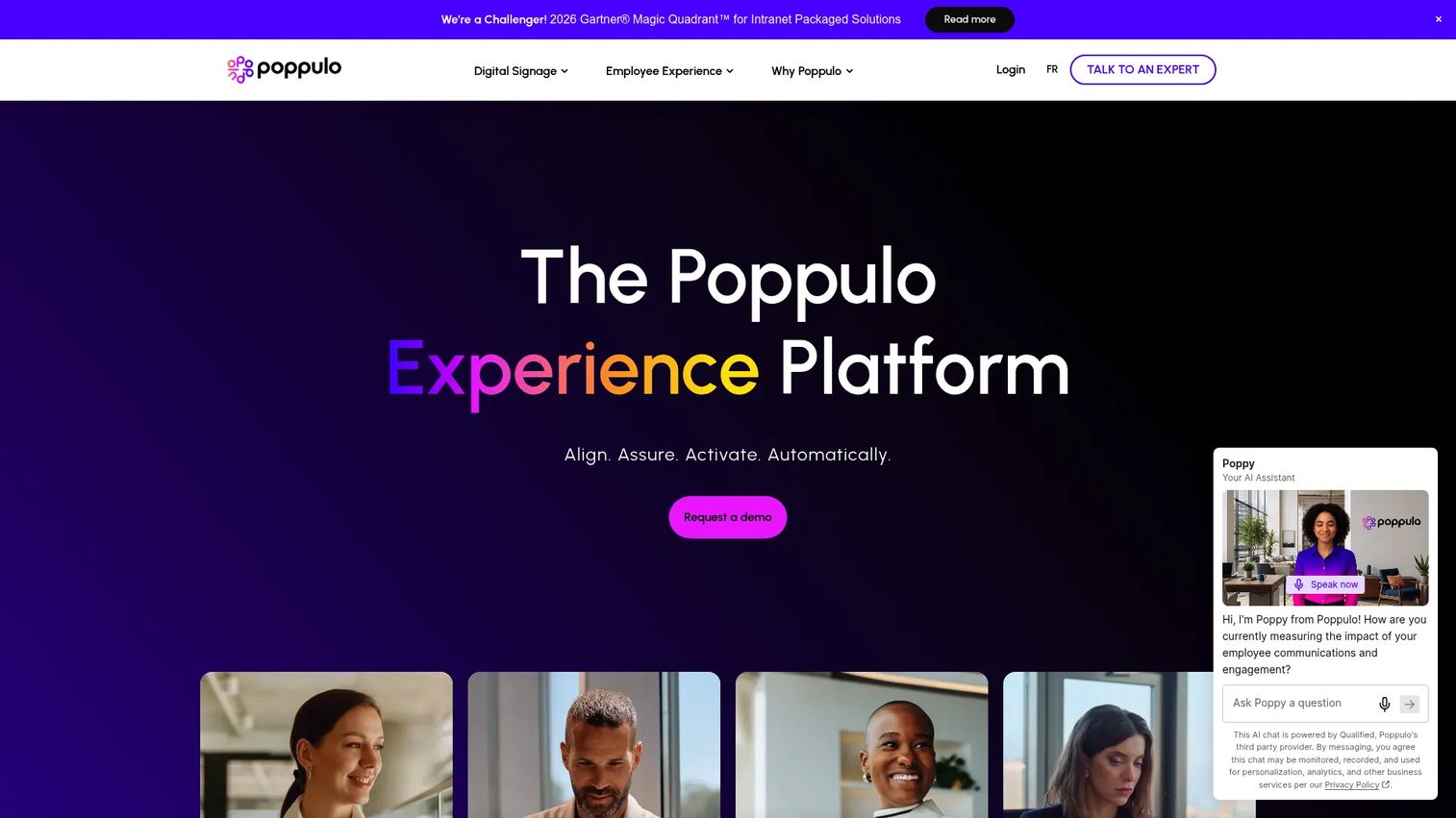
Poppulo Employee Experience is an AI-powered employee experience platform for multichannel employee communications, digital signage, and workplace experience management. It publishes through email, mobile, Microsoft Teams, SharePoint, and digital signage with strong targeting, analytics, and AI-assisted content creation.
Best for: Enterprise internal communications and HR teams that need coordinated employee experiences across multiple channels, including frontline-facing digital signage and mobile.
Key features
- Multichannel publishing: Email, mobile, Teams, SharePoint, and digital signage
- Employee mobile app with personalized feeds, chat, and recognition
- AI analytics, content creation, translation, and employee AI assistant
- Targeted communications based on employee attributes
- Employee journey automation for onboarding and milestones
Why choose Poppulo Employee Experience: It is a strong choice when the internal communications team needs channel breadth alongside measurement. The digital signage layer makes it relevant for frontline environments where shared screens matter alongside the mobile app.
Poppulo Employee Experience pricing: Employee Communications and Employee Experience and Mobile App are priced separately through sales. Contact the team and ask about employee volume, channels, analytics depth, services, and integrations.
G2 rating: 4.6/5
12. SnapComms
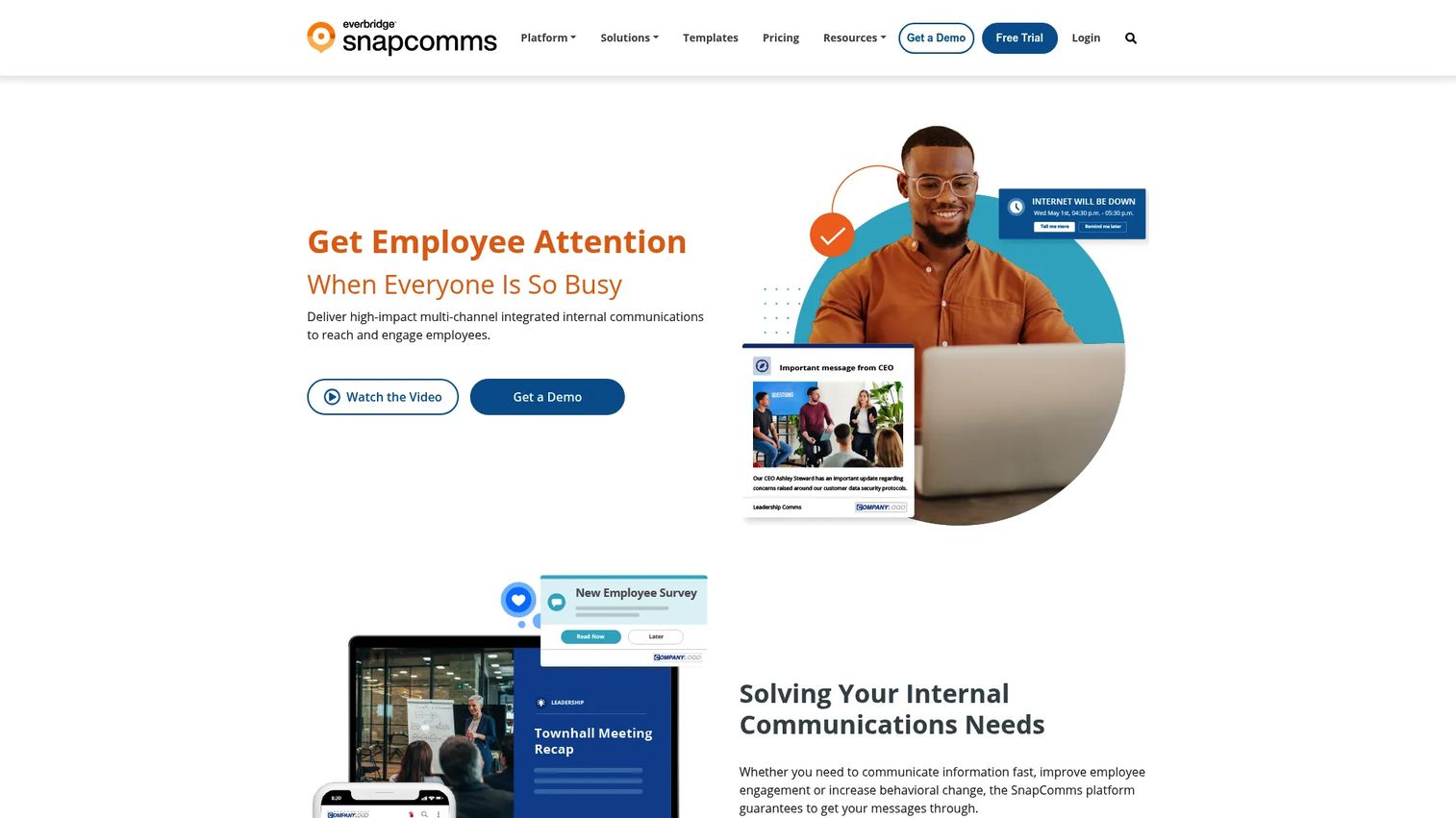
SnapComms is an employee communications platform that delivers targeted, high-visibility messages across desktops, mobile devices, and digital signage. Its design prioritizes interruption and reach over social engagement, making it most effective for safety alerts, IT outage notices, compliance deadlines, and urgent operational communications.
Best for: Large organizations that need urgent alerts, safety notices, compliance messages, or crisis communications to be seen immediately and confirmed.
Key features
- Multi-device alerts across desktop, mobile, and digital signage
- Targeting, scheduling, and message recurrence settings
- Real-time reporting and readership analytics
- Screensavers and tickers for passive reach
- Surveys and acknowledgement workflows
Why choose SnapComms: It is not a social employee app. It is built for moments where visibility matters more than engagement. Safety incidents, data breaches, mandatory policy acknowledgements, and IT outages are the cases it handles best. Use it alongside a broader employee communication platform, or as a standalone interruption layer when you have a critical-message problem.
SnapComms pricing: Inform and Engage packages are available, with SMS as an add-on. All pricing requires a quote. Ask about employee count, channels, alert types, recurrence settings, and support tier.
G2 rating: 4.7/5
Considerations when choosing frontline worker communication software
Start with identity, not channels
Channel selection does not matter if workers cannot log in. Ask whether the tool supports corporate email, personal email, phone number, employee ID, QR-code authentication, SSO, or HRIS-driven provisioning. If your workforce has no corporate email and no personal device policy, that answer determines half the shortlist immediately.
Match the channel to the message type
Chat, push notifications, SMS, digital signage, and email solve different problems. Safety alerts should not live in the same feed as culture updates. A platform that blends urgency levels will train employees to ignore notifications. Ask how each tool differentiates urgent from routine communications.
Evaluate shift-aware and off-clock controls
Shift-based teams need communication timing rules. Assess whether the platform supports schedule-aware delivery, quiet hours, acknowledgement workflows, and labor-law-sensitive controls for off-clock messaging. This is both a compliance question and a retention question. Employees who receive work messages during off hours stop engaging with the app.
Check multilingual support depth
Translation affects safety, onboarding, and compliance, not only convenience. Ask how translations are created, by whom, and how they are reviewed before publishing. Automated translation is useful. Machine translation without review is a liability for safety-critical communications.
Demand site-level analytics
Vanity engagement metrics at the platform level are not enough. You need adoption data by site, region, shift, and manager. That data is what tells a COO or VP People whether a message reached the team it was meant for, or whether one location is chronically disengaged before it becomes a retention or compliance problem.
Conclusion
The right frontline communication platform depends on where the problem actually lives.
If the team is small and scattered, Connecteam covers communication, scheduling, and operations in one app that earns its place in the first week. If headquarters needs to reach thousands of deskless employees across a formal publishing workflow, Staffbase or Firstup fit that operating model. For retail and store execution specifically, WorkJam, YOOBIC, and Zipline all tie communication to what happens on the floor. For culture and engagement at scale, Workvivo leads this list on G2 rating. For screens and shared spaces, Appspace is the clearest choice. For compliance and urgent alerts, SnapComms is a focused tool for a specific job.
A practical buying process: Pick three finalists, run a pilot across two or three sites, and measure adoption, read rates, acknowledgements, and manager workload after 30 days. Buy based on operational behavior, not feature count.
The right frontline communication platform should make the field easier to run, not give headquarters another dashboard nobody trusts. For more context on building the broader people operations stack, see the guide to best employee engagement software alongside this one.
Start your journey with Guideflow today!
FAQs
Frontline worker communication software is a platform that helps companies reach deskless, hourly, field-based, and shift-based employees with messages, alerts, surveys, documents, and feedback channels, without depending on corporate email or desktop tools. It is designed for workers who start a shift rather than a laptop, with authentication methods like phone numbers, employee IDs, or QR codes.
Frontline communication software prioritizes reliable message delivery in daily operations, covering push notifications, announcements, acknowledgements, and shift-aware targeting. Employee engagement software typically focuses on sentiment, culture, recognition, and listening programs. Some platforms, including Workvivo and Poppulo Employee Experience, cover both functions in a single product.
The most important capabilities are mobile access with non-email login, role-based and location-based targeting, push notifications with acknowledgement tracking, SMS fallback for low-connectivity environments, multilingual publishing, and analytics by site and shift. Document access and task integration matter when communication needs to drive operational behavior, not just inform.
They replace manager cascade and printed notices with targeted push notifications sent directly to employees by role, shift, and location. Read receipts and acknowledgements confirm delivery. Site-level analytics show which locations have low engagement so operations leaders can follow up before a missed update becomes an operational failure.
Manufacturing teams should prioritize digital signage for shared floors, offline capability, safety alert interruption, shift-based targeting, multilingual support, and acknowledgement workflows. Appspace is the strongest option for shared-screen communication. SnapComms handles urgent alerts. Beekeeper and WorkJam both serve manufacturing environments with mobile workflows and HRIS integrations.
Retail teams typically need store execution visibility, task management, shift-aware announcements, training delivery, and manager dashboards. Connecteam works well for independent and mid-sized operators. WorkJam, YOOBIC, and Zipline are built for large multi-location retail brands. Blink fits teams where adoption and consumer-style experience are the priority.
Pricing for most platforms in this category is based on active user count, number of locations, selected modules, and integrations. Connecteam and Appspace both offer free entry tiers. WorkJam publishes starting prices from $799/month for Frontline Connect. The remaining ten platforms in this list require a sales conversation. When requesting quotes, ask about total rollout cost including implementation, not only the monthly software fee. Training, support, and integration setup frequently add to first-year cost.
Start with two or three sites, not the whole workforce. Identify manager champions at each site who will reinforce the app in daily briefings. Set clear message rules so employees understand which channel carries urgent information versus general updates. Publish translated content from day one for multilingual teams. Track adoption by site weekly for the first 60 days. Adoption improves when the platform replaces an existing habit, such as a group text thread or a manager email, rather than adding a new channel alongside existing ones.