Most back-office processes do not fail because of bad strategy. They fail because someone is still copying invoice data between two systems that were never designed to talk to each other. The invoice sits, the record waits, and the audit trail is whatever the analyst remembers to write down.
Robotic process automation software fixes exactly that class of problem. Bots execute the repetitive clicks, field reads, and data transfers that humans do hundreds of times a day, across ERP portals, spreadsheets, web apps, and legacy terminals. According to Fortune Business Insights (2026), the global RPA market reached $22.58 billion in 2025 and is projected to grow at 19.1% annually through 2034, driven by enterprise demand for AI-augmented automation at scale.
This guide is for sales engineers, solutions consultants, and technical buyers evaluating RPA platforms. It covers 12 tools in depth, with verified pricing, current G2 ratings, and practical guidance on where each platform fits, and where it does not.
What's inside
This guide compares 12 robotic process automation software platforms for 2026. Selection criteria:
- Automation depth: Attended, unattended, and hybrid bot capabilities
- Enterprise governance: Audit trails, access controls, orchestration maturity, and security
- Integration coverage: APIs, UI automation, ERP, CRM, and document processing
- AI readiness: Process mining, document understanding, agentic automation, and AI-assisted design
- Pricing transparency: Verified from vendor pricing pages at time of writing
Pricing and G2 ratings were verified against live vendor pages and G2 listings.
TL;DR
- Best overall enterprise RPA platform: UiPath, for breadth of automation, process mining, orchestration, and AI capabilities
- Best for AI-native automation programs: Automation Anywhere, for agentic automation, document workflows, and CoE tooling
- Best for Microsoft-centric teams: Microsoft Power Automate, with desktop flows and cloud automation baked into the Microsoft 365 stack
- Best for regulated enterprise operations: SS&C Blue Prism, with governance and digital workforce controls built for compliance-heavy environments
- Best for service operations: ServiceNow Automation Engine, when automation lives inside ITSM and enterprise service workflows
- Best for SAP or IBM ecosystem buyers: SAP Build Process Automation and IBM Robotic Process Automation, respectively, for deep ecosystem integration
What is RPA software?
RPA software is a category of automation tools that uses software bots to perform repetitive, rule-based digital tasks across applications, screens, documents, and systems.
Bots mimic the actions a human takes at a keyboard: Clicking through menus, reading field values, copying data between apps, filling forms, routing records, and flagging exceptions. They can work through APIs where those exist, but the practical advantage of RPA is that bots can also operate through existing user interfaces when no API is available. That makes RPA the right tool for automating legacy systems, portal-based workflows, and desktop applications that were never designed for integration.
Modern RPA platforms extend well beyond screen automation. Most now combine bot orchestration, document understanding using OCR and machine learning, process mining to identify automation candidates, and AI-assisted design. Some add agentic automation layers where AI interprets less-structured inputs before handing off to bots for execution.
The practical distinction worth understanding before evaluating any platform:
- Attended automation: A bot assists a human agent in real time, running steps the agent triggers during a session
- Unattended automation: A bot runs scheduled or event-triggered workflows without any human in the loop
- Hybrid automation: A mix of attended and unattended steps, often with human-in-the-loop exception handling
Key capabilities to look for in any RPA platform:
- Bot design studio with visual or low-code authoring
- Attended and unattended automation runtime
- Orchestration, scheduling, and queue management
- Document processing with OCR and data extraction
- Exception handling and escalation routing
- Integration connectors for ERP, CRM, and legacy systems
- Monitoring dashboards and process analytics
- Governance controls: Role-based access, credential management, audit logs
- Security architecture: Encryption, SSO, and compliance certifications
RPA differs from workflow automation in one key way: Workflow tools route tasks through defined APIs and structured systems, while RPA can also automate the user interface itself. RPA differs from AI agents in that bots follow deterministic rules, whereas AI agents reason across less predictable inputs. Most mature automation programs now use both together.
When to use RPA software
Automate repetitive work across legacy systems
RPA fits when your team needs automation across apps that expose no clean API. ERP portals, mainframe terminals, spreadsheet-based reporting, insurance policy systems, and HR platforms built a decade ago all fall into this category. If the only way to get data out is to log in and click through screens, a bot can do it at scale.
Reduce manual work in high-volume operations
Finance teams processing invoice queues, HR teams running onboarding checklists, customer service agents updating account records, and IT helpdesks resetting passwords all face the same pattern: High volume, low variation, and a human doing the same steps hundreds of times a day. RPA handles that pattern without requiring a system rebuild. For more on AI-driven automation for customer workflows, that resource covers adjacent tooling.
Support AI workflows with reliable execution
AI models classify documents, summarize tickets, and recommend next actions. But something still has to execute the downstream steps: Move the record, trigger the notification, write the field, close the loop. RPA provides that execution layer. Human-in-the-loop exception handling keeps the process auditable when AI confidence drops below a threshold.
RPA software comparison
The table below is a buying shortcut, not a full evaluation. Use it to orient which platforms fit your stack and governance requirements, then go deeper on your top two or three candidates. Pricing and G2 ratings were verified against live vendor pages.
| # | Product | Best for | Key differentiator | Pricing | G2 rating |
|---|---|---|---|---|---|
| 1 | UiPath | Enterprise automation programs | Broad RPA, process mining, orchestration, and AI capabilities | From $25/month (Basic) | 4.6/5 |
| 2 | Automation Anywhere | AI-native automation teams | Agentic automation, cloud RPA, and document automation | Contact sales | 4.5/5 |
| 3 | Microsoft Power Automate | Microsoft-heavy organizations | RPA inside the Power Platform and Microsoft 365 stack | From $15/user/month | 4.4/5 |
| 4 | SS&C Blue Prism | Regulated enterprise operations | Governance, digital workforce management, and compliance controls | Contact sales | 4.5/5 |
| 5 | IBM Robotic Process Automation | IBM ecosystem buyers | RPA with IBM AI, cloud, and enterprise operations integration | From $981/month | 4.7/5 |
| 6 | SAP Build Process Automation | SAP-centric teams | Workflow, decisions, and RPA inside SAP landscapes | From $3.46/user/month | 4.2/5 |
| 7 | ServiceNow Automation Engine | Service operations teams | Automation embedded in ServiceNow ITSM and enterprise workflows | Contact sales | N/A |
| 8 | Nintex RPA | Process automation teams | RPA paired with workflow, forms, and process mapping | Contact sales | 4.3/5 |
| 9 | Appian RPA | Low-code process application teams | RPA inside Appian's low-code platform with case management | Contact sales | 4.5/5 |
| 10 | Pega Robotic Process Automation | Customer operations teams | Attended and unattended automation tied to Pega case management | Contact sales | 4.2/5 |
| 11 | AutomationEdge | IT and service desk teams | RPA plus IT automation, conversational AI, and document processing | Free tier available | 4.6/5 |
| 12 | Tungsten RPA | Document-heavy operations | RPA connected to capture, OCR, and document processing workflows | Contact sales | 4.2/5 |
Best 12 RPA software platforms for 2026
1. UiPath
UiPath is a broad enterprise automation platform that combines robotic process automation, AI agents, process mining, task mining, document understanding, orchestration, and automation testing. It is designed for teams building a centralized automation program rather than managing isolated scripts across departments.
Best for: Enterprise teams building a governed, scalable automation program across multiple departments and systems.
Key features
- AI-agent and robotic-process orchestration in a unified control layer
- Process mining and task mining for identifying automation opportunities
- Document and communications classification with intelligent extraction
- Human-in-the-loop workflows with exception escalation
- Automation testing and application testing built into the platform
Why choose UiPath: UiPath is the broadest starting point for enterprises that need scale, governance, and coverage across APIs, UI automation, documents, and AI agents. Teams at earlier automation maturity should evaluate implementation effort before committing to the full platform stack.
UiPath pricing: Automation Cloud Basic starts at $25 per month. Standard and Enterprise plans require contacting sales, with pricing driven by automation scope, robot count, user roles, and add-ons. A free Community plan is available for individual developers and small teams.
G2 rating: 4.6/5
2. Automation Anywhere
Automation Anywhere is a cloud-native RPA and intelligent automation platform. Its current stack includes AI Agent Studio, document automation for unstructured business documents, process discovery, simulation, and CoE management tooling. The platform is built to coordinate bots, humans, and AI agents inside end-to-end business workflows.
Best for: Enterprise teams building AI-forward automation programs that need to coordinate bots, document processing, and AI agents.
Key features
- AI Agent Studio for designing and deploying AI agents alongside RPA bots
- Document Automation for processing unstructured business documents
- Process Discovery and simulation for automation planning
- Natural-language bot development with low-code and no-code authoring
- Pre-built integrations, governance controls, and auditability across the platform
Why choose Automation Anywhere: Choose it when your automation strategy already includes AI agents, document-heavy workflows, and centralized CoE governance. Buyers should clarify packaging, bot limits, and which AI features are included at each tier before signing.
Automation Anywhere pricing: Enterprise pricing is quote-based. A free Cloud Community Edition is available for developers and students. Ask sales to clarify bot counts, document processing volume, AI agent access, and governance module pricing.
G2 rating: 4.5/5
3. Microsoft Power Automate
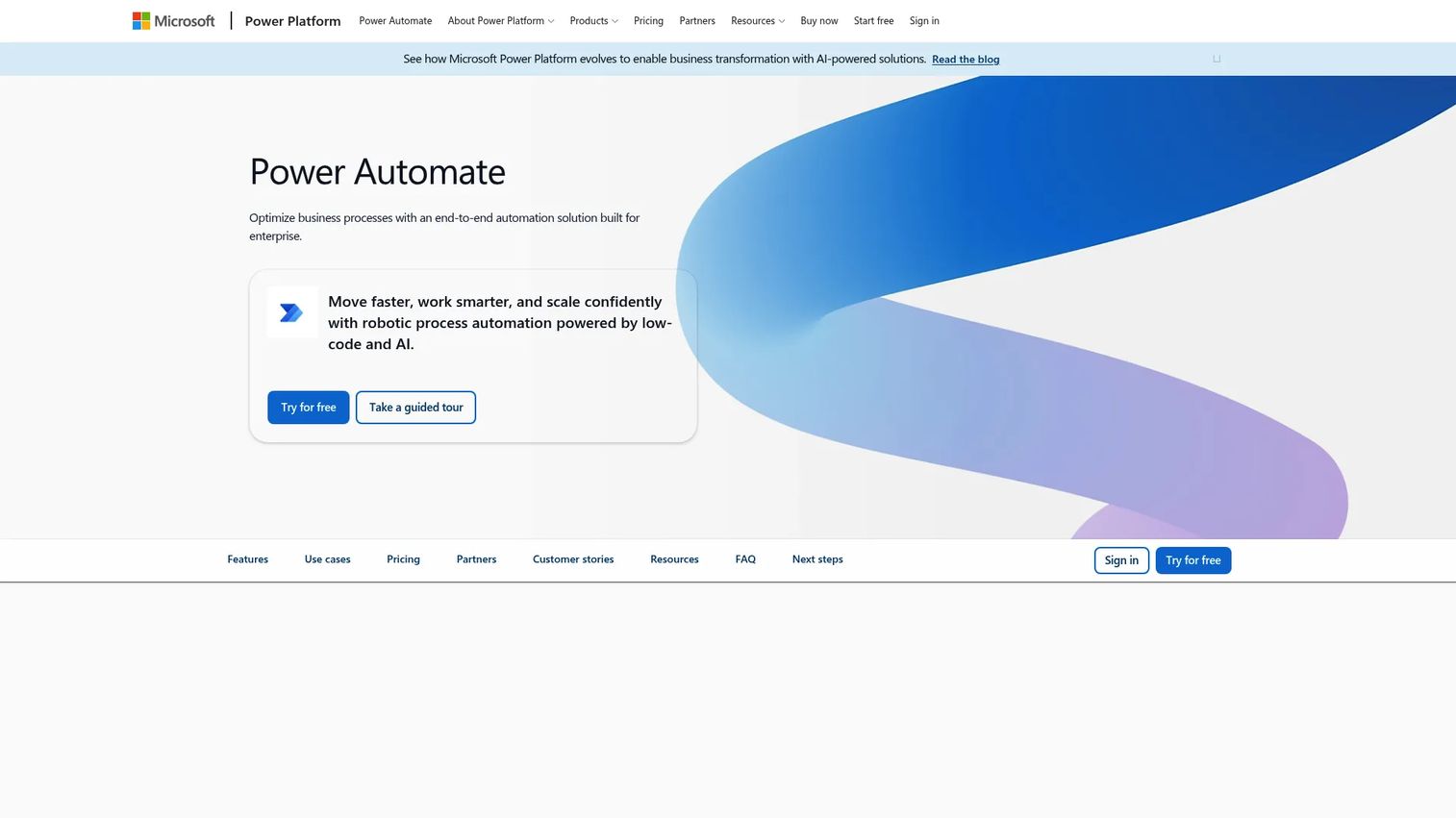
Microsoft Power Automate is Microsoft's automation platform covering cloud flows, desktop flows for attended and unattended RPA, AI Builder, process mining, and deep integration across the Power Platform and Microsoft 365 environment. It is the natural automation layer for organizations already standardized on Microsoft infrastructure.
Best for: Microsoft-centric organizations that want RPA, workflow automation, and process mining inside their existing stack.
Key features
- Desktop flows for attended and unattended robotic process automation
- Cloud flows for digital process automation across connected services
- Process and task mining for identifying and measuring automation candidates
- AI Builder for document processing and prediction within flows
- Native connectors for Excel, SharePoint, Teams, Power Apps, and Dynamics
Why choose Microsoft Power Automate: Choose it when adoption matters as much as automation depth, because users already live in Microsoft tools. Teams with complex cross-enterprise orchestration needs should validate premium connector requirements and governance controls carefully before assuming the standard license covers their scenario.
Microsoft Power Automate pricing: Power Automate Premium is $15 per user per month, billed annually. Power Automate Process (unattended desktop automation) is $150 per bot per month, billed annually. Hosted Process is $215 per bot per month. A 30-day free trial is available.
G2 rating: 4.4/5
4. SS&C Blue Prism
SS&C Blue Prism is an enterprise intelligent automation platform with a long track record in unattended automation for regulated industries. The platform combines robotic process automation, agentic automation, AI agents, digital workforce management, business process management, and intelligent document processing.
Best for: Regulated enterprises with centralized automation teams where governance, auditability, and digital workforce control are non-negotiable requirements.
Key features
- Unattended automation and digital worker management at enterprise scale
- Agentic automation with AI agents coordinated alongside RPA bots
- Low-code visual workflow design with process intelligence
- Intelligent document processing with data extraction
- Governance controls: Audit trails, access management, and compliance reporting
Why choose SS&C Blue Prism: Choose it when automation reliability, centralized governance, and operational control matter more than departmental experimentation speed. Teams evaluating the platform should also assess developer experience and the time required to build the first production automation.
SS&C Blue Prism pricing: Pricing is tailored per customer. Contact sales to discuss digital worker counts, environments, orchestration requirements, and support tiers.
G2 rating: 4.5/5
5. IBM Robotic Process Automation
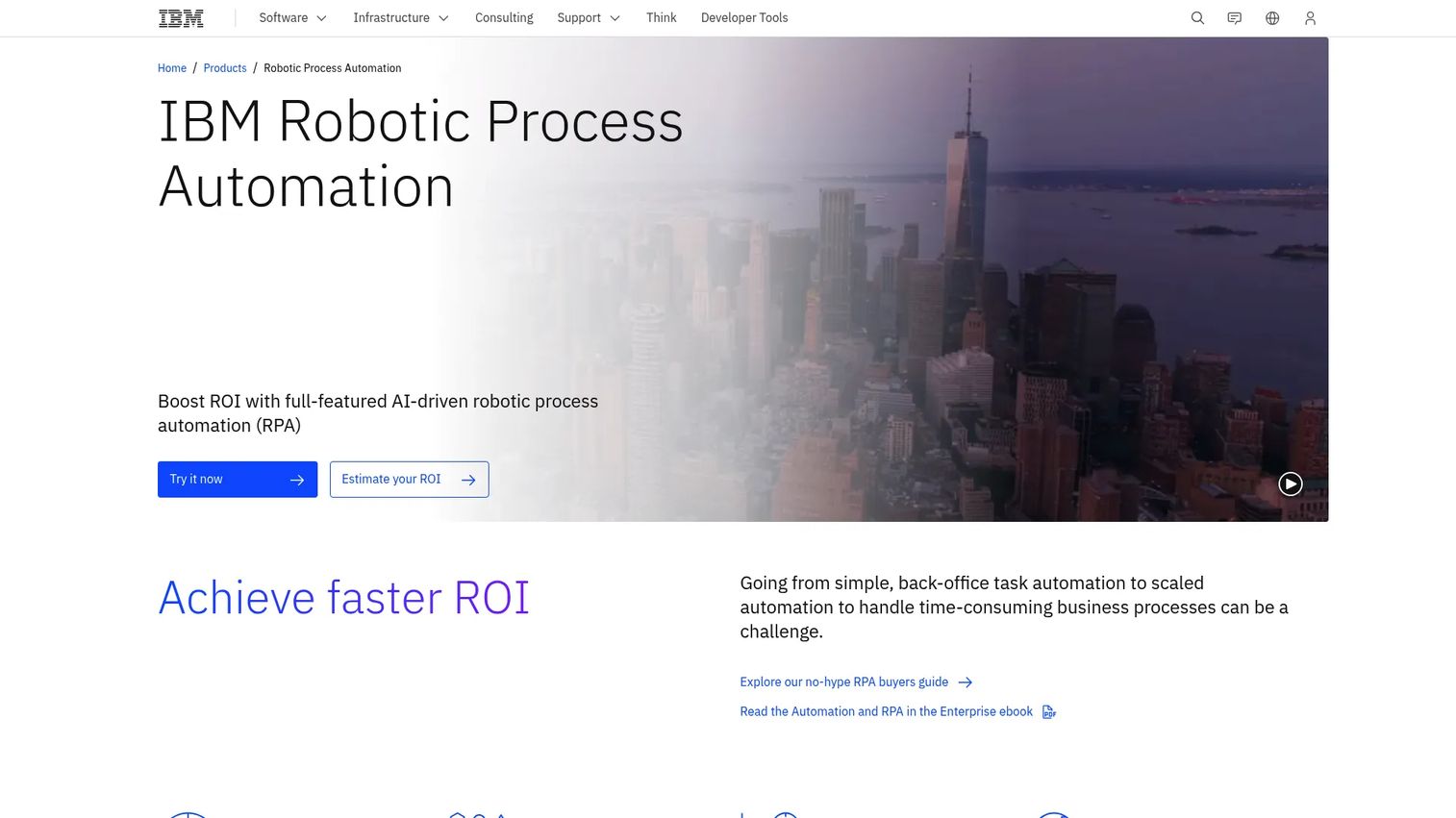
IBM Robotic Process Automation is part of IBM's broader automation portfolio. It provides AI-driven bot automation for desktop, web, SAP, PDF, email, and terminal-based workflows, with both SaaS and on-premises deployment options. The platform integrates with IBM's AI, cloud, and enterprise operations tooling.
Best for: IBM ecosystem buyers who need RPA that sits inside a broader IBM automation and AI architecture.
Key features
- Low-code bot authoring with drag-and-drop commands and screen recording
- Attended and unattended bot execution with scheduling and API-triggered launching
- OCR, PDF processing, web, Windows, SAP, email, and terminal-emulator automation
- SaaS and on-premises deployment with a 30-day no-cost trial
- Integration with IBM's AI and enterprise operations products
Why choose IBM Robotic Process Automation: Choose it when RPA must sit inside a broader IBM automation architecture and when existing IBM infrastructure investments make a consistent vendor stack a priority. Buyers should validate integration depth between IBM RPA and their specific IBM product versions before committing.
IBM Robotic Process Automation pricing: SaaS and on-premises plans both start at $981 per month. A 30-day no-cost trial is available. Pricing may vary by region and enterprise agreement terms.
G2 rating: 4.7/5
6. SAP Build Process Automation
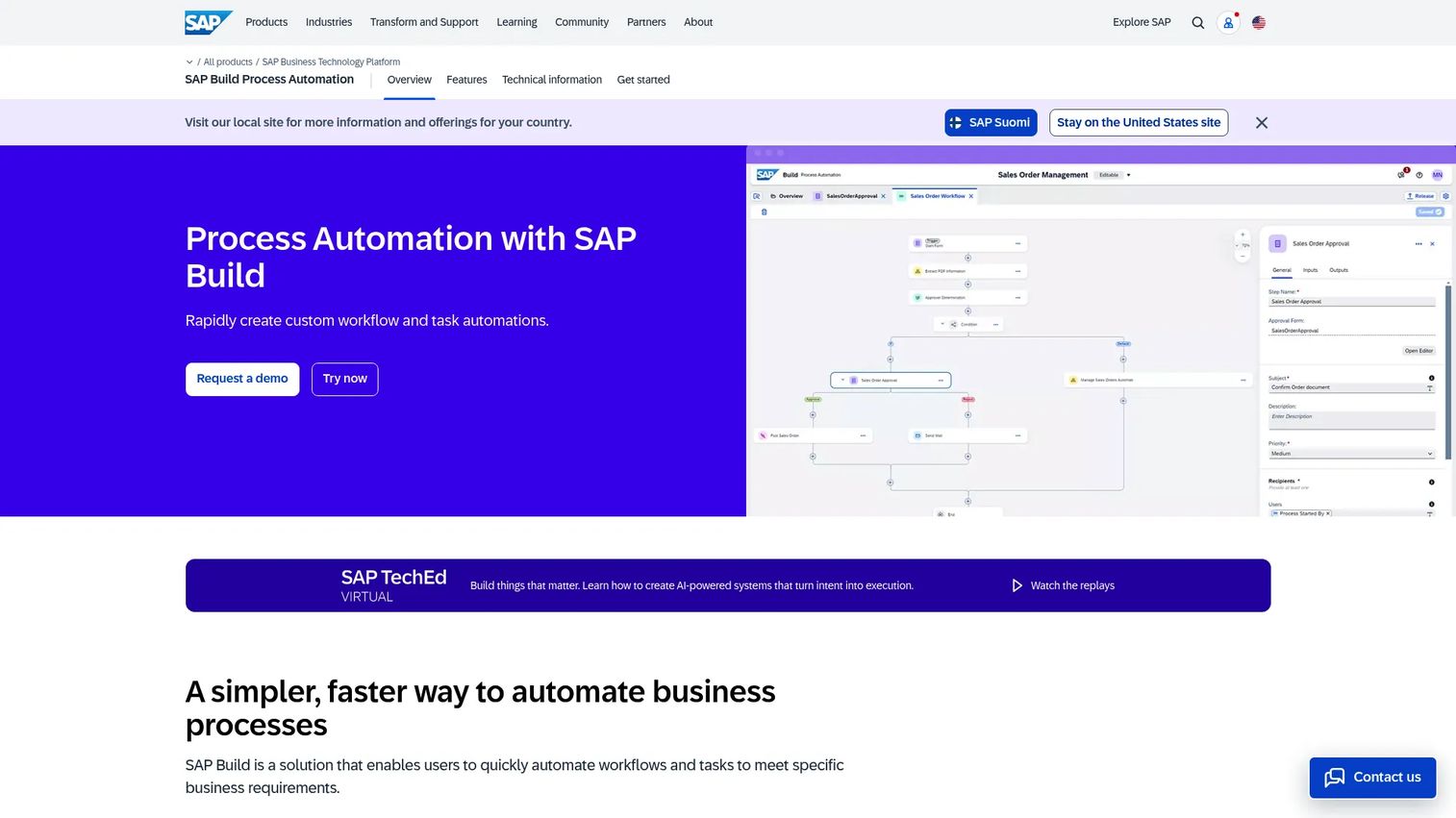
SAP Build Process Automation is a low-code/no-code platform on SAP Business Technology Platform. It combines workflow automation, RPA bots, intelligent document processing using LLM-based and template-based extraction, business rules, and process visibility dashboards for organizations running SAP-centered operations.
Best for: SAP-heavy organizations automating ERP-centered workflows across approvals, procurement, finance, HR, and master data processes.
Key features
- Attended and unattended RPA bots with workflow orchestration
- Intelligent document processing with LLM-based and template extraction
- AI-driven and rule-based workflow automation with SAP and third-party integration
- Task center and guided experiences for business users
- Process-visibility dashboards for monitoring automation performance
Why choose SAP Build Process Automation: Choose it when automation work sits close to SAP systems and business users need low-code workflow support alongside bots. Buyers automating processes that span multiple non-SAP systems should validate the depth of external integrations before treating this as a general-purpose RPA platform.
SAP Build Process Automation pricing: Base user plans start at $3.46 per active user per month under a 3 to 36 month contract. Premium users are $9.21 per month, developer seats are $46 per month, and runtime capacity runs $1.15 per capacity unit per month.
G2 rating: 4.2/5
7. ServiceNow Automation Engine
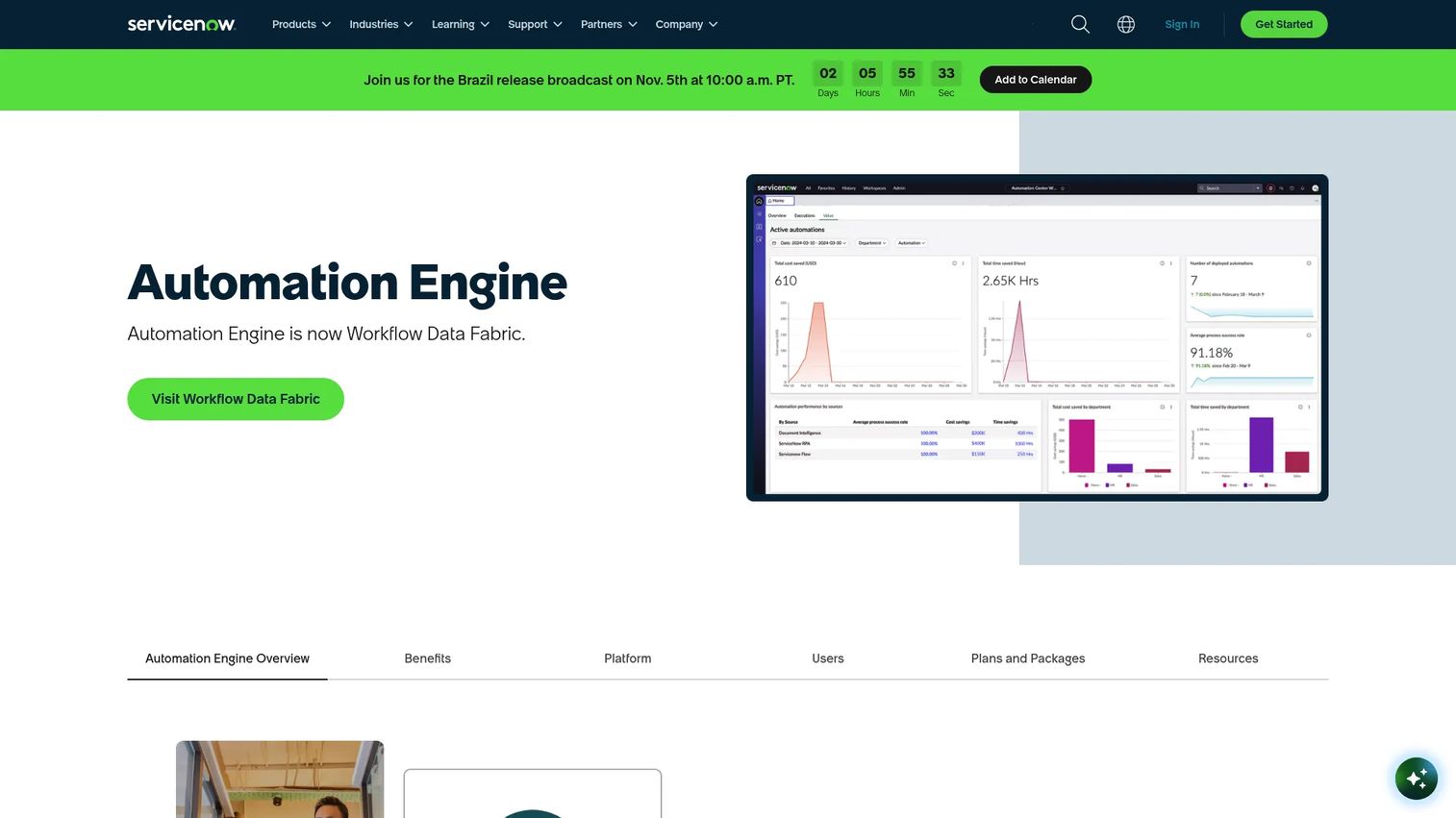
ServiceNow Automation Engine is an enterprise automation platform on the ServiceNow AI Platform. It connects systems through Integration Hub, automates legacy and UI-based tasks through RPA Hub, orchestrates processes centrally through Automation Center, processes documents through Document Intelligence, surfaces inefficiencies through Process Mining, and streams events through Apache Kafka-based Stream Connect.
Best for: Large organizations using ServiceNow as their service operations backbone who want automation embedded in ITSM, HR service delivery, and enterprise workflows.
Key features
- Integration Hub for API-based connections to third-party systems
- RPA Hub for automating legacy and repetitive UI-based tasks
- Automation Center for centralized management and measurement
- Document Intelligence for AI-powered document data extraction
- Process Mining for identifying process inefficiencies across workflows
Why choose ServiceNow Automation Engine: Choose it when automation must live inside service operations workflows rather than as a standalone bot program. Buyers should assess whether the RPA Hub depth matches their need, or whether they need a dedicated general-purpose RPA platform alongside ServiceNow.
ServiceNow Automation Engine pricing: Pricing is quote-based. Ask sales about Automation Engine packaging, transaction volume, RPA Hub usage, and integration requirements for your environment.
G2 rating: No verified dedicated G2 rating was found for Automation Engine at time of writing.
8. Nintex RPA
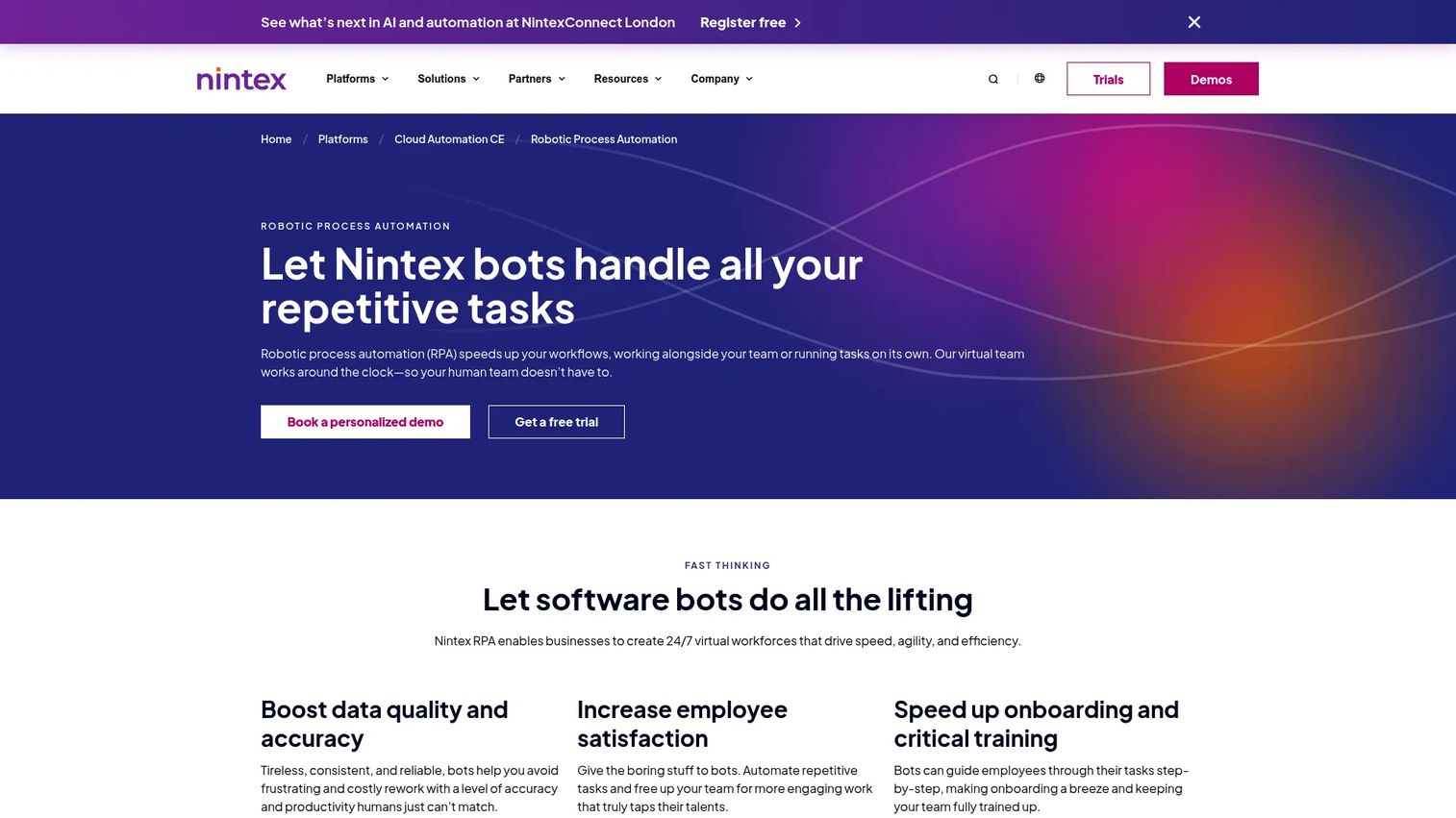
Nintex RPA is part of the Nintex process automation platform, which also covers workflow automation, forms, document generation, process mapping, and e-signature. The RPA module offers a no-code bot design studio with over 200 built-in commands and machine learning and OCR for handling applications that resist conventional automation.
Best for: Teams that want RPA alongside workflow automation and document generation rather than a standalone bot platform.
Key features
- No-code drag-and-drop bot design with 200-plus advanced commands
- Attended and unattended automation with machine learning and OCR support
- Role-based permissions and secure credentials vault
- Native integrations with Nintex Automation CE and K2
- Standard and Enterprise licensing covering attended bots through full unattended and SAP automation
Why choose Nintex RPA: Choose it when the problem spans forms, approvals, documents, and bots and you want one vendor covering all of those. Teams with large-scale unattended bot operations should validate RPA depth against more specialized platforms before deciding.
Nintex RPA pricing: Pricing is quote-based across Standard and Enterprise tiers. Ask sales about bot capacity, workflow volume, SAP interaction requirements, and unattended automation limits.
G2 rating: 4.3/5
9. Appian RPA
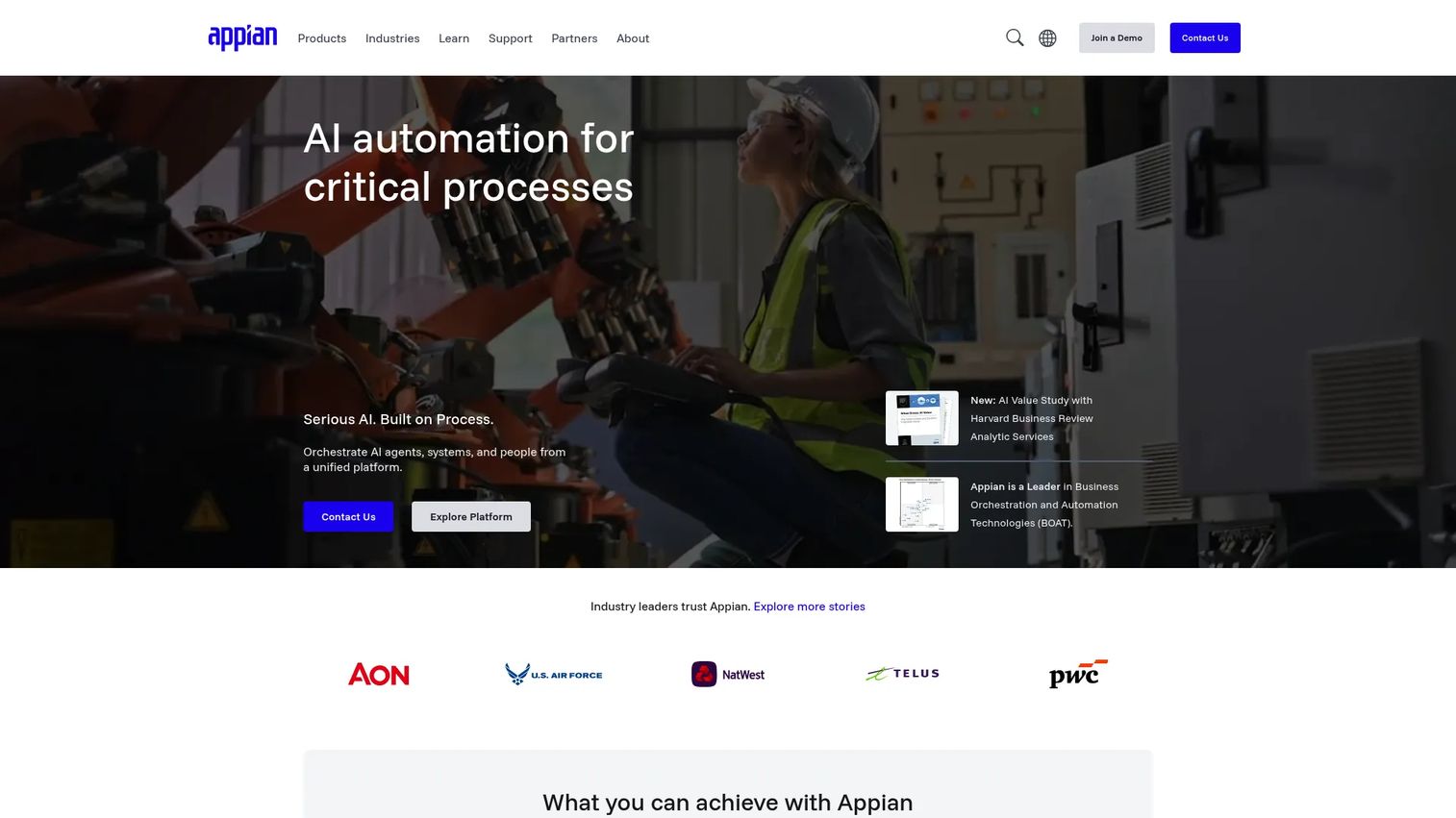
Appian offers RPA as part of its low-code process automation platform, where bots sit alongside AI services, case management, workflow, and human-in-the-loop orchestration. The platform supports automation across browser, Windows, Excel, file systems, image recognition, keyboard and mouse inputs, and mainframe environments.
Best for: Organizations building end-to-end process applications where RPA is one component of a broader orchestration spanning people, systems, and AI.
Key features
- Low-code RPA task recorder and drag-and-drop bot design
- Agentic RPA using natural-language instructions for less structured tasks
- Automation across browsers, Windows apps, Excel, mainframe, and file systems
- Human-in-the-loop exception handling with audit trails
- Tight integration with Appian case management, AI services, and workflow
Why choose Appian RPA: Choose it when RPA is embedded inside a larger process application rather than a standalone bot program. Teams whose primary requirement is high-volume desktop automation at scale should validate standalone RPA depth against dedicated platforms.
Appian RPA pricing: RPA bots are included in Appian platform tiers: Standard includes 5 bots, Advanced includes 25, and Premium includes unlimited. Numeric pricing per tier requires contacting sales. A free Community Edition is available for development and testing.
G2 rating: 4.5/5
10. Pega Robotic Process Automation
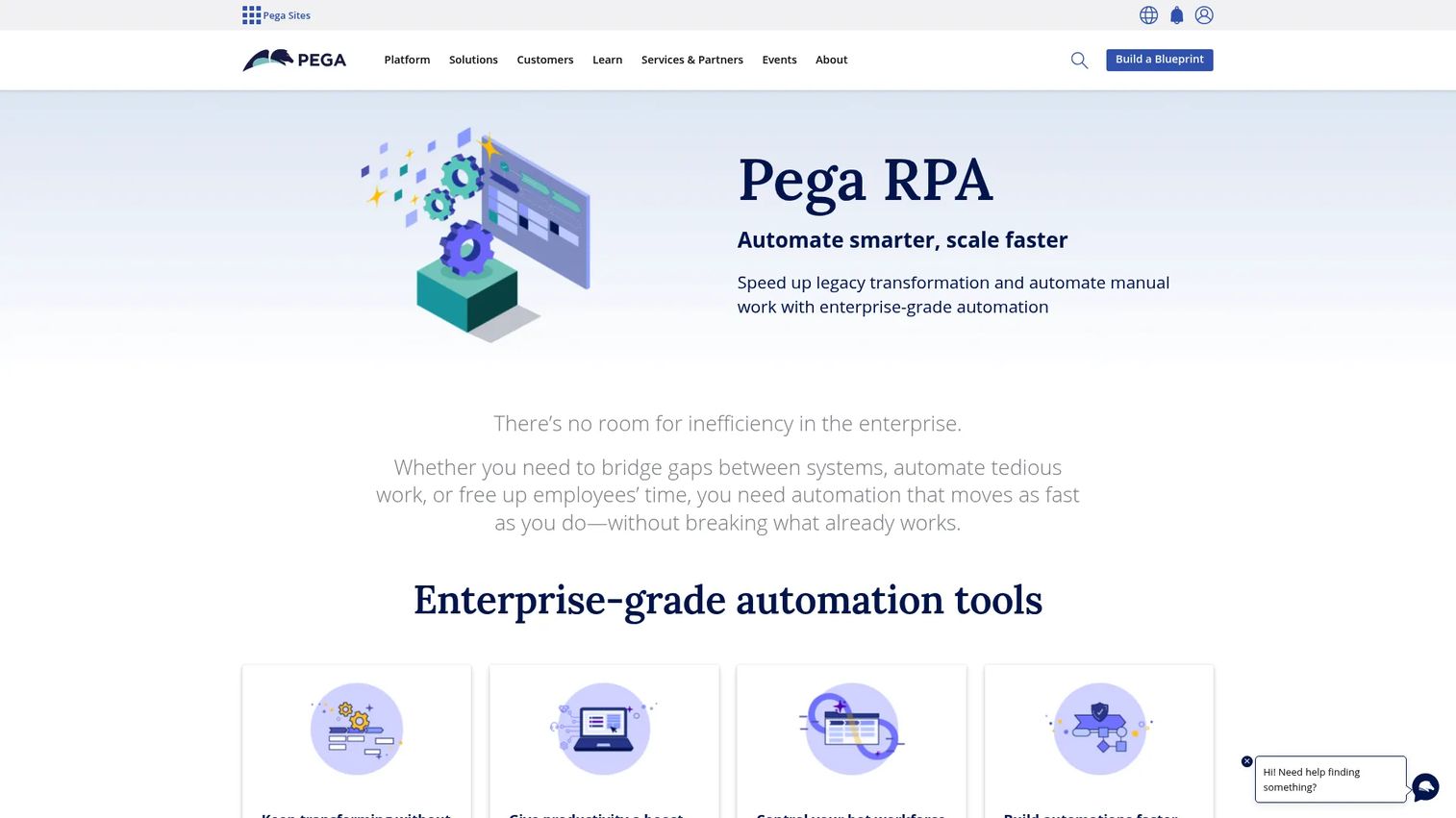
Pega Robotic Process Automation provides attended and unattended automation integrated with Pega's case management, decisioning, process mining, and agentic AI platform. Robot Manager handles work queues, bot monitoring, and self-healing bots, while Robot Studio provides the low-code environment for designing and testing automations.
Best for: Large enterprises automating customer-facing and operational workflows where bots connect directly to Pega case management and decisioning logic.
Key features
- Unattended RPA for high-volume repetitive tasks at scale
- Attended RPA with digital assistants for employee productivity
- Robot Manager for work-queue management, monitoring, and self-healing
- Robot Studio low-code environment for design, testing, and deployment
- Integration with Pega Agentic AI, Process Mining, and Process AI
Why choose Pega Robotic Process Automation: Choose it when automation needs to coordinate closely with case management and real-time decisioning inside Pega-centered operations. Teams whose automation scope extends well beyond Pega workflows should assess whether a general-purpose RPA platform would give broader coverage.
Pega Robotic Process Automation pricing: Pricing is quote-based. Contact sales to discuss user licensing, bot usage, case management dependencies, and support terms.
G2 rating: 4.2/5
11. AutomationEdge
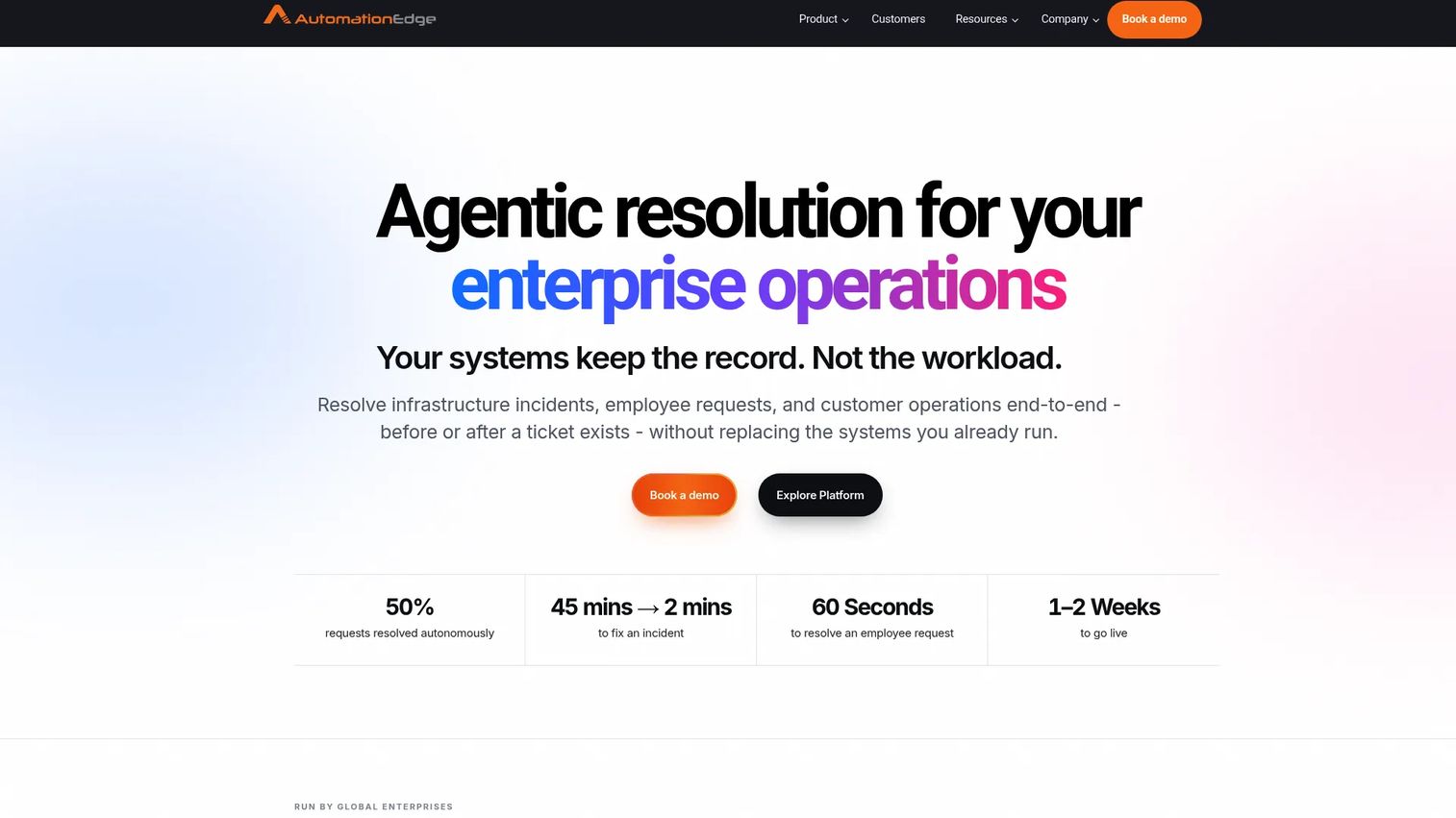
AutomationEdge is an AI-powered hyperautomation platform that combines RPA, intelligent document processing, conversational AI across Teams and WhatsApp, ETL, IT automation, and workload automation in a single platform. It is notable for having a genuinely functional free tier alongside paid Standard and Enterprise plans.
Best for: IT operations and service desk teams that need RPA alongside IT process automation, conversational AI, and document processing in a single platform.
Key features
- RPA and universal automation agents for business process automation
- Intelligent document processing with Document AI
- Conversational AI with NLP across Teams, WhatsApp, web chat, and email
- ETL, IT automation, and workload automation
- Low-code workflow design with 750-plus pre-built connectors
Why choose AutomationEdge: Choose it when the automation backlog spans IT tickets, service requests, document handling, and conversational channels. Buyers with broad enterprise needs across finance, HR, and cross-functional operations should validate whether the platform's coverage matches those scenarios before standardizing.
AutomationEdge pricing: A free tier is available and includes RPA tools. Standard and Enterprise plans are subscription-based with pricing by quote. Ask sales about bot count, ITSM integrations, Document AI volume, and deployment options.
G2 rating: 4.6/5
12. Tungsten RPA
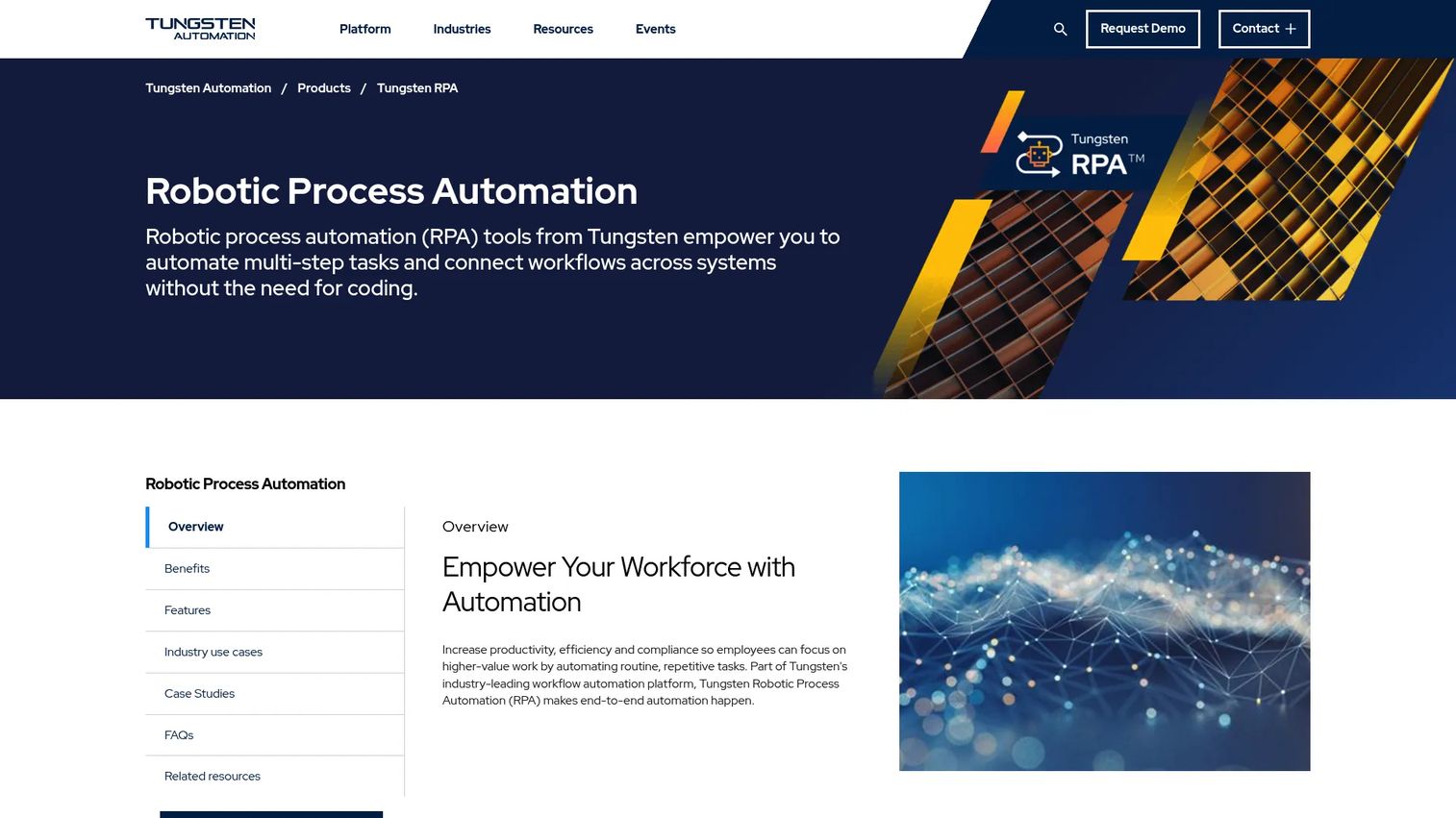
Tungsten RPA is part of Tungsten Automation's broader automation portfolio, which spans capture, intelligent document processing, and workflow. The RPA platform supports low-code and no-code robot design, AI-based document processing with OCR and machine learning, automated process discovery, and centralized robot lifecycle management with Git version control.
Best for: Document-heavy organizations automating back-office operations where automation starts with capture, extraction, and document classification before bots execute downstream steps.
Key features
- Low-code and no-code robot design with intelligent screen automation
- AI-based document processing with OCR, classification, and natural language processing
- Automated process discovery for identifying automation candidates
- Centralized robot management with Git version control for lifecycle governance
- On-premises or cloud deployment with analytics and process intelligence dashboards
Why choose Tungsten RPA: Choose it when document processing sits at the center of the business case and you need RPA tightly coupled with capture and extraction workflows. Buyers who need broad bot orchestration across non-document processes should compare orchestration depth against more general-purpose RPA platforms.
Tungsten RPA pricing: Pricing is quote-based. Contact Tungsten Automation sales to discuss capture volume, bot usage, workflow modules, and enterprise support requirements.
G2 rating: 4.2/5
Considerations when choosing RPA software
Match automation type to your actual process
Attended, unattended, and hybrid automation serve different process shapes. An invoice approval that always requires a human decision mid-flow is not a candidate for fully unattended automation. Before the pilot, map your exception paths, not just the happy path. Most implementation failures trace back to an underestimated exception rate rather than a platform limitation.
Validate integration depth before scoping the pilot
Connector catalogs are marketing numbers. What matters is whether the platform can reliably automate your specific ERP version, your specific portal, or your legacy terminal without brittle screen-dependency workarounds. Request a proof-of-concept against your target application during evaluation, not just a demo environment. For teams evaluating adjacent AI orchestration platforms as part of a broader automation stack, that comparison covers complementary tooling.
Check governance before bot volume scales
Bot sprawl is a real enterprise risk. Without defined ownership, access controls, credential management, and release processes, automation programs accumulate unmaintained bots that break silently. Ask each vendor how they handle bot versioning, monitoring alerts, audit trails, and credential rotation. The platforms that make governance hard to set up early will make it painful to enforce later.
Separate AI claims from working capabilities
Process mining, document understanding, agentic automation, and AI-assisted design are different capabilities that solve different jobs. A platform that markets all four may have production-grade depth in one and a preview feature in the others. Ask for a working demo of any AI capability against real data from your environment before including it in the business case. The AI governance tools landscape covers how organizations are structuring oversight for AI-assisted automation.
Measure from day one, not after the rollout
Set baseline metrics before the pilot starts: Cycle time, error rate, manual hours per transaction, exception rate, and cost per completed process. RPA programs that skip baselines often struggle to demonstrate ROI at scale, even when the automation is working correctly. The Hackett Group (2025) found that 39% of global business services organizations reported broad-based RPA adoption, yet many still struggle to quantify the operational impact beyond anecdotal feedback.
Conclusion
The best RPA software in 2026 is not the platform with the longest feature list. It is the one that matches your process reality, governance model, and systems landscape, and that your team can actually maintain after the pilot ends.
For broad enterprise coverage across attended automation, unattended bots, orchestration, and AI, UiPath is the strongest starting point. Automation Anywhere fits teams building AI-forward programs with document automation and agentic coordination at the center. Microsoft Power Automate is the most practical choice when the organization is already standardized on Microsoft 365. SS&C Blue Prism serves regulated industries where governance and digital workforce control outweigh flexibility. ServiceNow Automation Engine belongs in organizations where automation is an extension of service management workflows, not a separate program.
For ecosystem alignment, IBM RPA fits buyers deep in IBM infrastructure, and SAP Build Process Automation fits those running SAP-centered ERP operations.
Pick two or three platforms based on stack fit and governance requirements, run a controlled pilot against one measurable process, and validate maintenance ownership and exception handling before scaling.
Start your journey with Guideflow today!
FAQs
RPA software uses software bots to perform repetitive, rule-based digital tasks across applications, screens, documents, and systems. Bots mimic human actions like clicking, reading fields, copying data, filling forms, and routing records, and can operate through both APIs and existing user interfaces.
Workflow automation routes tasks through defined systems and APIs, making it ideal when integrations are clean and processes are structured. RPA can also automate user-interface actions across existing applications when no API is available, making it the right choice for legacy systems, desktop apps, and portal-based workflows.
RPA bots follow deterministic, rule-based process steps, which makes them reliable for high-volume repetitive tasks with predictable inputs. AI agents can interpret less-structured goals and reason across variable inputs. Modern automation programs often use both: AI handles classification or decisioning, while bots execute the downstream process steps.
The answer depends on stack fit and governance requirements. UiPath, Automation Anywhere, SS&C Blue Prism, and Microsoft Power Automate cover the broadest enterprise scenarios. IBM RPA and SAP Build Process Automation are strongest for their respective ecosystems. ServiceNow Automation Engine fits organizations where service management is the automation backbone.
Cost drivers include bot count, users, unattended runtime hours, document processing volume, AI modules, environments, and enterprise security features. UiPath starts at $25 per month for Basic. Microsoft Power Automate starts at $15 per user per month, with unattended bots at $150 per bot per month. IBM RPA starts at $981 per month. Most enterprise platforms require a custom quote. Ask each vendor for total cost across pilot and scaled rollout, not just seat price.
High-volume, rule-based, stable processes with consistent inputs are the strongest candidates. Practical examples include invoice processing, data entry across systems, claims intake, account record updates, employee onboarding tasks, report generation, password resets, and service desk ticket routing. Processes with high exception rates or frequent rule changes are harder to maintain and often require more governance investment.
Bot sprawl, brittle automations that break when UIs change, unclear process ownership, poor exception handling, and weak governance controls are the most common failure modes. Underestimating the ongoing maintenance cost is also a consistent problem. Selecting the right process and establishing ownership before scaling matters as much as selecting the right software. For teams evaluating agentic AI platforms as part of a broader automation strategy, understanding where deterministic bots end and AI reasoning begins is worth mapping out early.
Yes. RPA remains the right execution layer for reliable, auditable automation across systems that lack modern APIs. The category is evolving rather than declining, with platforms adding AI-assisted design, process mining, document understanding, and agentic coordination on top of the core bot runtime. Fortune Business Insights (2026) projects 19.1% annual market growth through 2034, driven by enterprise adoption of AI-augmented automation programs. The question for most organizations is not whether to use RPA, but how to combine it with AI capabilities and govern it at scale.