

A customer opens a chat to ask about a failed payment. The bot can't help, so they email. No reply by end of day, so they call. Three touchpoints, three queues, and your agent has zero context on the first two. So the customer explains the whole thing a fourth time, irritated before the conversation even starts.
That is the exact failure an omnichannel contact center is built to prevent. Salesforce describes the model plainly: an omnichannel contact center connects every channel so conversation history and context travel with the customer from one channel to the next, which leads to faster resolution and higher satisfaction. The alternative, a stack of disconnected channels, just multiplies the work for both your agents and your customers.
The pressure is real and measurable. Nextiva's 2026 contact center roundup found that 73% of contact center leaders plan to increase their budgets over the next year, with support split across email (53% of businesses), voice (48%), live chat (38%), and text (38%). Social media now drives 25% of support requests. No single channel dominates anymore, which is precisely why a unified platform matters.
For support leaders, the cost of fragmentation shows up in average handle time, repeat contacts, and agent burnout. Every "please repeat your issue" is a tax on your CSAT and your team's patience. The right platform removes that tax by giving agents one screen, one history, and one routing brain across every channel a customer might use.
What's inside
This guide is for customer support and CX leaders shortlisting an omnichannel contact center platform: Heads of Support, Support Operations, Customer Support Managers, and the RevOps or IT stakeholders helping them evaluate. We focused on tools that genuinely unify channels rather than bolt them on.
We selected and ranked the 10 omnichannel contact center solutions below against four criteria that matter most to support teams: channel breadth (voice, chat, email, SMS, social, self-service), unified customer context and CRM sync, AI and automation depth, and routing intelligence. We also pulled current pricing and G2 ratings into one place so you can compare without opening 10 tabs.
TL;DR
Short on time? Here are the decision shortcuts:
- Best for AI-native voice plus digital: Dialpad combines CCaaS and UCaaS with real-time transcription and coaching.
- Best for Salesforce-native teams: Salesforce Service Cloud puts omnichannel routing inside the CRM you already run.
- Best for routing-driven, high-volume teams: Five9 leads with intelligent, skills-based routing.
- Best for support-led SaaS teams: Zendesk is a support-native suite built around ticketing.
- Best for enterprise analytics and WFO: NICE CXone pairs omnichannel routing with deep workforce optimization.
- Best for cost-conscious lean teams: Freshdesk delivers affordable omnichannel with a free starter program.
What is omnichannel contact center software?
Omnichannel contact center software is a cloud platform that unifies customer conversations across voice, chat, email, SMS, messaging apps, and social channels into a single interface with shared context. Instead of treating each channel as a separate tool with its own queue and history, it routes every interaction into one agent workspace where the full customer record follows the conversation.
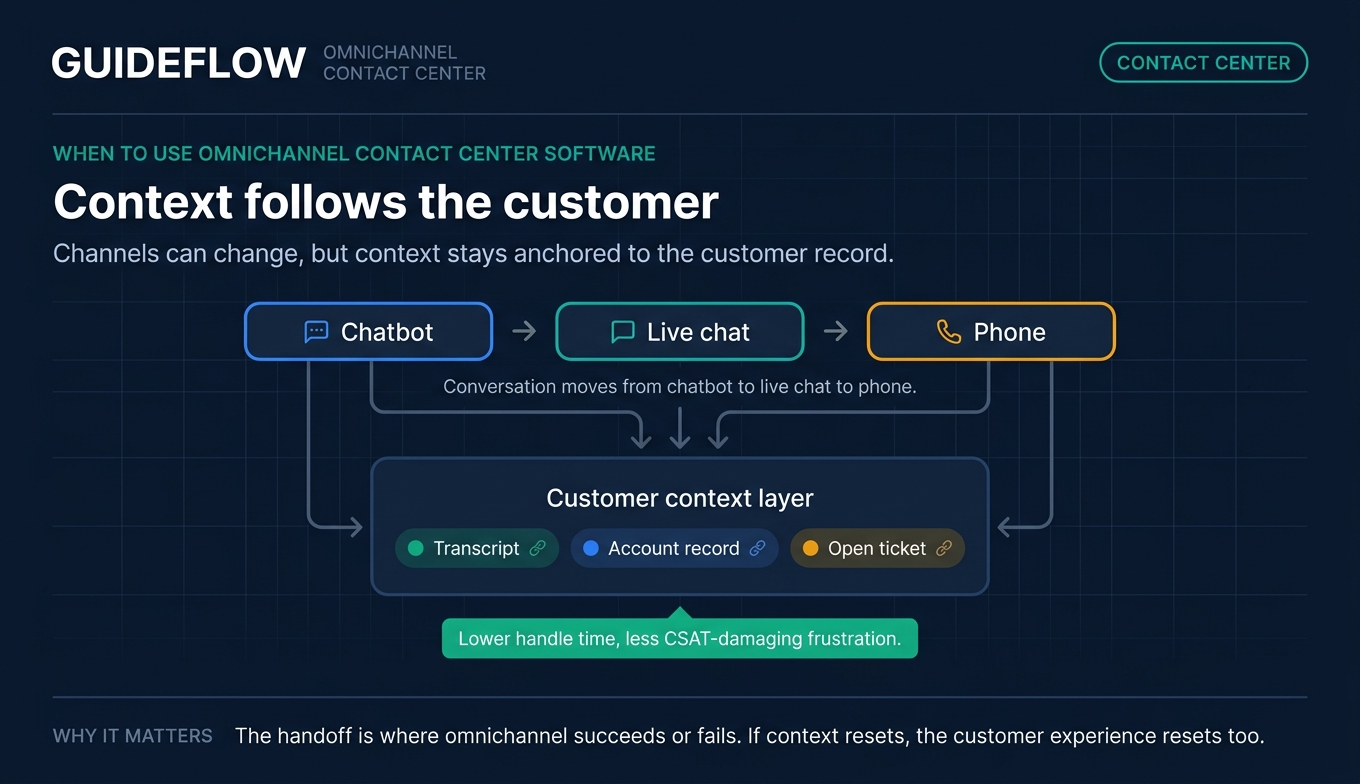
That shared context is the whole point. When a customer switches from chat to a phone call, the agent sees the chat transcript, the account record, and any open tickets without asking the customer to start over. Salesforce frames this as giving reps immediate access to a centralized view of the customer in the CRM, so history and context travel across channels. If you are also evaluating the system of record behind that context, our roundup of the best CRM software is a useful companion read.
Omnichannel vs. multichannel contact centers
People use these terms interchangeably, but they describe very different setups.
| Capability | Multichannel | Omnichannel |
|---|---|---|
| Channels offered | Multiple (voice, chat, email) | Multiple (voice, chat, email, SMS, social) |
| Customer context | Siloed per channel | Shared, follows the customer |
| Agent view | Separate tools per channel | Single unified workspace |
| Handoffs | Customer repeats themselves | Context carries over |
| Routing | Per channel | Unified, intelligent across channels |
Multichannel means you offer many channels, but each one lives in its own silo. Omnichannel means those channels are stitched together so the conversation, and the context behind it, never resets.
A modern omnichannel cloud contact center platform typically includes:
- Unified agent desktop: one screen for every channel and the customer's full history.
- CRM sync: real-time data sharing so records stay current across systems.
- Intelligent routing: skills-based and AI-assisted routing to the right agent.
- AI transcription and summaries: automatic call notes, summaries, and suggested responses.
- Self-service: knowledge base, chatbots, and help center deflection.
- Analytics: real-time dashboards for volume, handle time, CSAT, and deflection.
When to use omnichannel contact center software
Not every support team needs a full omnichannel call center on day one. Here is how to know it is time.
Unify fragmented channels into one queue
If your agents toggle between a chat tool, an email inbox, and a phone system, work is leaking through the cracks. Customers bounce between channels and your team loses track of who said what, where. An omnichannel platform pulls all of it into one queue with one set of priorities, so nothing sits unanswered because it landed in the "wrong" tool.
Preserve customer context across handoffs
The most common driver is the "please repeat your issue" problem. When a conversation moves from chatbot to live chat to phone, context should move with it. Omnichannel software keeps the transcript, the account record, and the open ticket attached to the customer, not the channel. That alone cuts handle time and the frustration that tanks CSAT.
Scale support without scaling headcount linearly
As your user base grows, ticket volume grows with it. Hiring one agent per ticket spike does not scale. The strongest support stacks route smarter, automate repetitive work, and deflect the predictable questions before they ever reach a human. A big part of that deflection is proactive self-service: when customers can answer "how do I" questions on their own, the queue shrinks. The right knowledge base software is the foundation of that self-serve layer.
This is where interactive demos earn their place in the stack. Embedded inside help center articles and chatbot flows, guided clickable walkthroughs let customers see exactly how to complete a task instead of parsing a wall of text. They perform best when paired with your contact center as a proactive self-serve education layer, catching the repetitive product questions early so your agents spend their time on the issues that actually need a human.
Comparison table: omnichannel contact center solutions at a glance
Here is a side-by-side view of the 10 omnichannel contact center solutions in this guide, sorted by relevance to support and CX buyers. Pricing reflects entry tiers verified on vendor pricing pages as of June 2026; confirm current figures before purchase, since CCaaS pricing changes often.
| # | Product | Intent | Key use case | Pricing | G2 rating |
|---|---|---|---|---|---|
| 1 | Dialpad | AI-native CCaaS + UCaaS | Voice, digital, and AI in one platform | From $15/user/mo | 4.4/5 |
| 2 | Salesforce Service Cloud | CRM-native omnichannel | Support inside the Salesforce CRM | From $25/user/mo | 4.4/5 |
| 3 | Five9 | Routing-first CCaaS | High-volume, skills-based routing | From $119/seat/mo | 4.1/5 |
| 4 | GoTo Connect Contact Center | Voice-forward, SMB-friendly | Phone plus CX in one portal | Contact sales | 4.4/5 |
| 5 | Zendesk | Support-native suite | Ticketing-led omnichannel support | From $19/agent/mo | 4.3/5 |
| 6 | Genesys Cloud CX | Enterprise omnichannel + WEM | Journey orchestration at scale | From $75/user/mo | 4.4/5 |
| 7 | NICE CXone | Enterprise CCaaS + analytics | Analytics-driven support orgs | From $110/agent/mo | 4.2/5 |
| 8 | Talkdesk | AI-first cloud contact center | Automation-heavy support teams | From $85/user/mo | 4.5/5 |
| 9 | Twilio Flex | Programmable contact center | Build-your-own with engineering | From $35/active user | 4.1/5 |
| 10 | Freshdesk / Freshworks | Affordable omnichannel | Lean, cost-conscious teams | From $19/agent/mo | 4.4/5 |
1. Dialpad
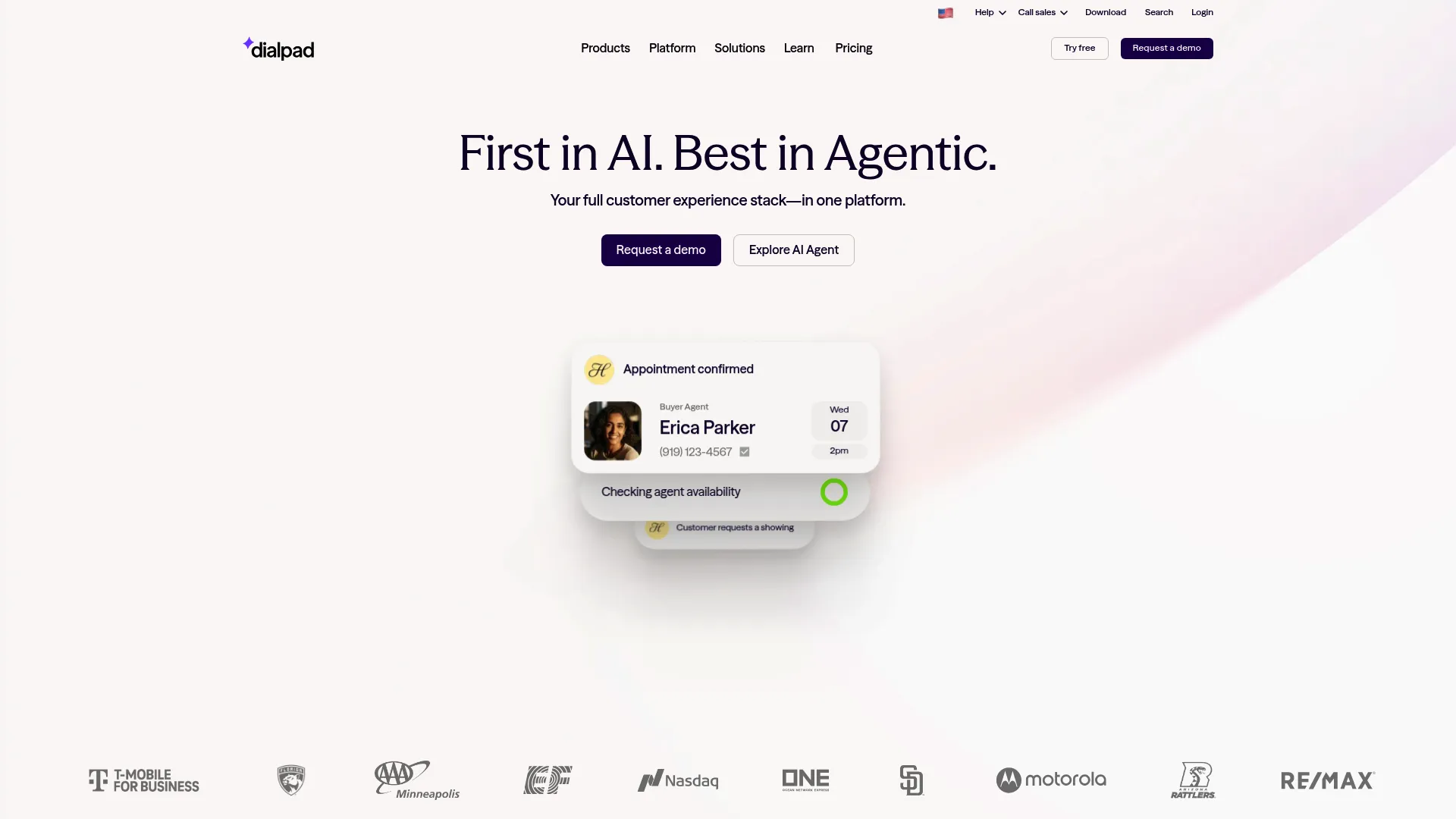
Dialpad is an agentic AI-powered contact center and communications platform that brings calls, messages, meetings, sales, and support into one place. It combines CCaaS and UCaaS, so your support voice channel and your internal collaboration tools run on the same system. The standout is Dialpad Ai, which transcribes calls in real time and generates instant summaries the moment a call ends.
Best for: Small to enterprise teams that want AI-powered voice, digital, messaging, and meetings unified in a single platform.
Key strengths
- Real-time transcription and summaries: every call is transcribed live and summarized automatically, cutting the after-call work that inflates handle time.
- AI-assisted coaching: Dialpad Ai surfaces live prompts and post-call insights to help agents improve in the moment.
- CRM integrations and admin controls: higher tiers add CRM sync, 24/7 support, SSO, user access controls, and multi-office management.
Why choose Dialpad: If voice is central to your support motion and you want AI baked in rather than bolted on, Dialpad is a strong fit. The combined CCaaS and UCaaS approach means your support team and the rest of the company share one communications backbone, which simplifies admin and reduces tool sprawl.
Dialpad pricing: The Standard plan starts at $15/user/month billed annually and includes HD calls, meetings, real-time transcripts, and call summaries. Pro runs $25/user/month billed annually and adds CRM integrations, 24/7 support, and multi-office management. Enterprise is custom-priced with SSO, user access controls, and a 99.9% uptime commitment. There is no free tier, but a 14-day free trial is available. Dialpad holds a 4.4/5 rating on G2.
2. Salesforce Service Cloud
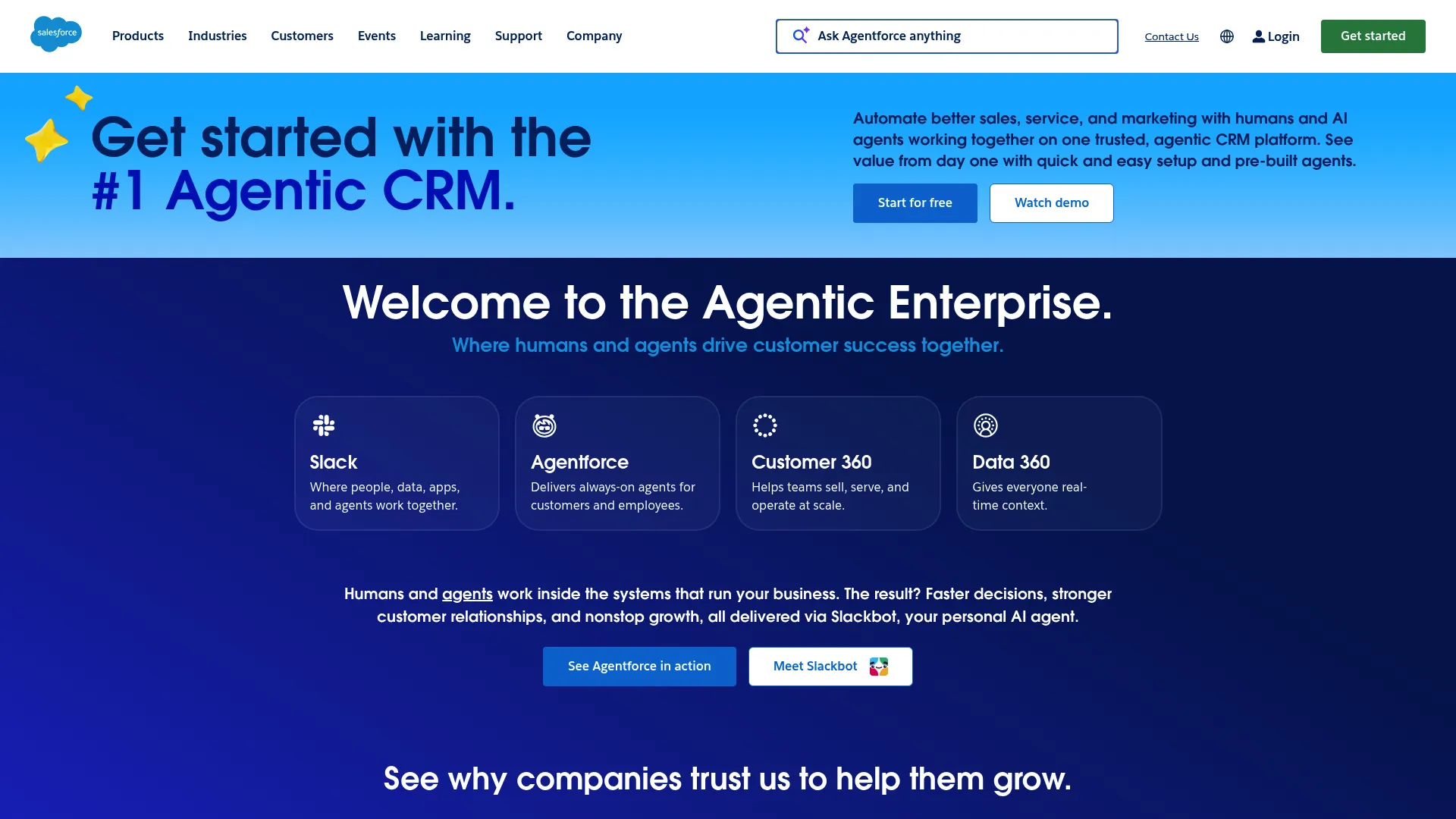
Salesforce Service Cloud, now presented as Agentforce Service, is an AI-powered service platform that brings AI agents, human expertise, and trusted data together. It delivers an omni-channel contact center with both voice and digital channels, all sitting on top of the Salesforce CRM. For teams already running Salesforce, that means support context lives in the same record as sales and account data. You can explore a clickable Salesforce product walkthrough to see how that unified record looks in practice.
Best for: Enterprise and growing service teams that need AI-assisted, omni-channel support on a unified CRM platform.
Key strengths
- Omni-channel contact center: voice and digital channels managed in one workspace with a centralized customer view.
- AI agents and insights: AI agents handle routine work while Service Intelligence surfaces patterns and recommendations.
- Self-service and automation: a built-in help center, service portal, and workflow automation handle common issues before they reach an agent.
Why choose Salesforce Service Cloud: The case is strongest when your company already lives in Salesforce. Routing, case management, and customer context share the same data layer as your CRM, so there is no separate system to sync. That unified record is exactly what makes context continuity work across channels.
Salesforce Service Cloud pricing: Editions start with Starter Suite at $25/user/month, Pro Suite at $100/user/month, Enterprise at $175/user/month, and Unlimited at $350/user/month. The Agentforce 1 Service edition runs $550/user/month. Transaction fees may apply and most tiers are billed annually. A free trial is available, but there is no ongoing free tier. Salesforce Service Cloud holds a 4.4/5 rating on G2.
3. Five9
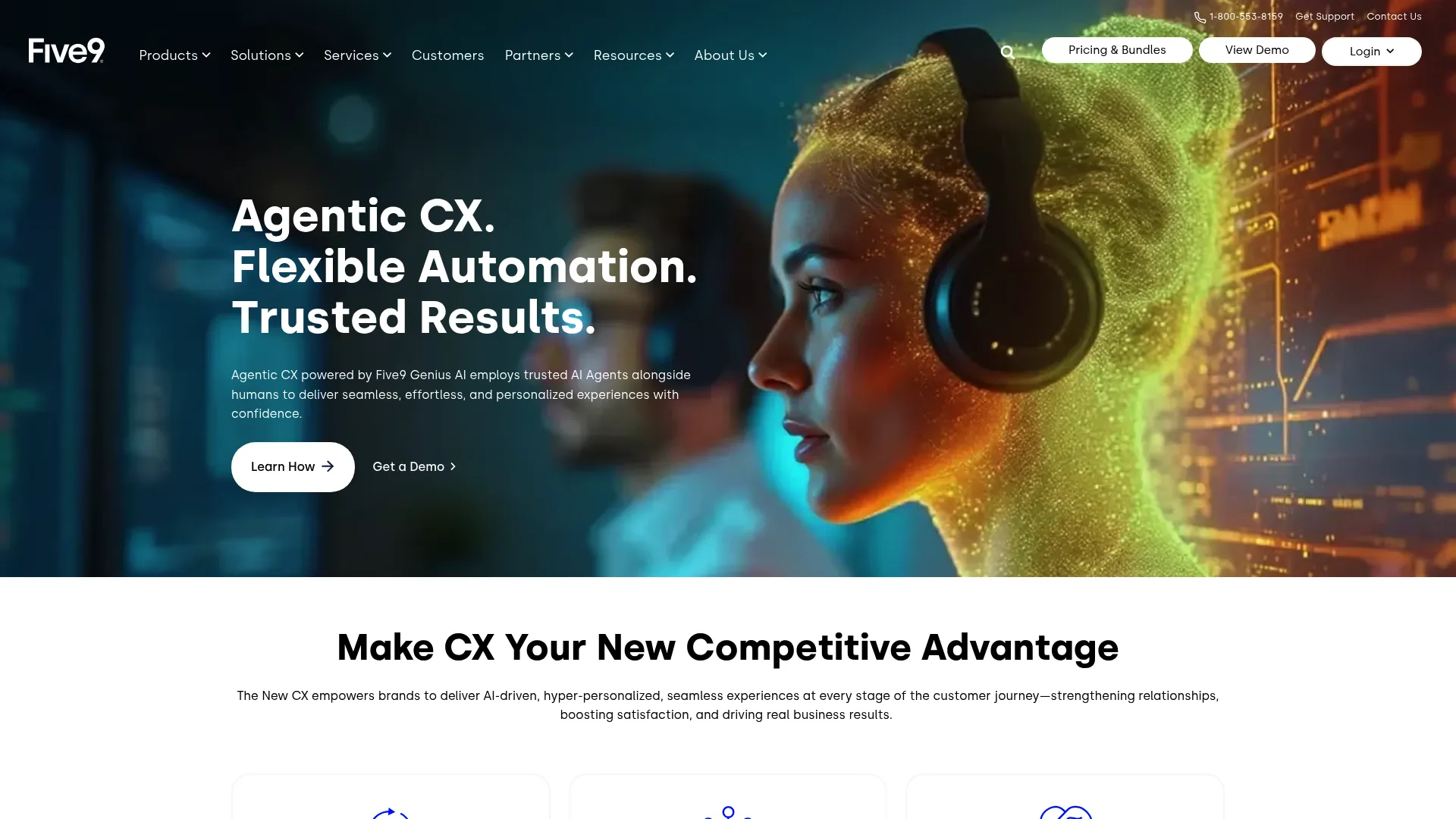
Five9 is a cloud-native Intelligent CX Platform built for contact center and customer experience operations. Its reputation rests on routing: the platform handles omnichannel engagement across voice, chat, email, SMS/MMS, social messaging, and live video, then sends each interaction to the right agent through skills-based and AI-assisted routing. For high-volume teams, the five9 dialer and routing logic are the core draw.
Best for: Enterprise and mid-market contact centers needing omnichannel CCaaS with AI-assisted customer experience workflows.
Key strengths
- Intelligent routing: skills-based routing, IVR, and intelligent virtual agents match each contact to the best-fit agent, reducing transfers.
- AI engagement suite: AI Agents, Agent Assist, AI Summaries, and AI Knowledge support agents during and after interactions.
- Full contact center operations: agent desktop, recording, blended inbound/outbound, dashboards, reporting, and workforce engagement options.
Why choose Five9: When call and contact volume is high and routing accuracy directly affects your numbers, Five9 is built for that reality. Five9 support for skills-based routing and screen pop means agents arrive at every interaction with context already loaded, which keeps handle time down even at scale.
Five9 pricing: The Digital bundle starts at $119/seat/month for digital channels only. Core runs $159/seat/month and covers all channels with essential AI. Plus, Pro, and Enterprise tiers require contacting sales for flexible pricing. Prices are per concurrent user, usage-based pricing may apply, and there is a 50-seat minimum. Five9 holds a 4.1/5 rating on G2.
4. GoTo Connect Contact Center
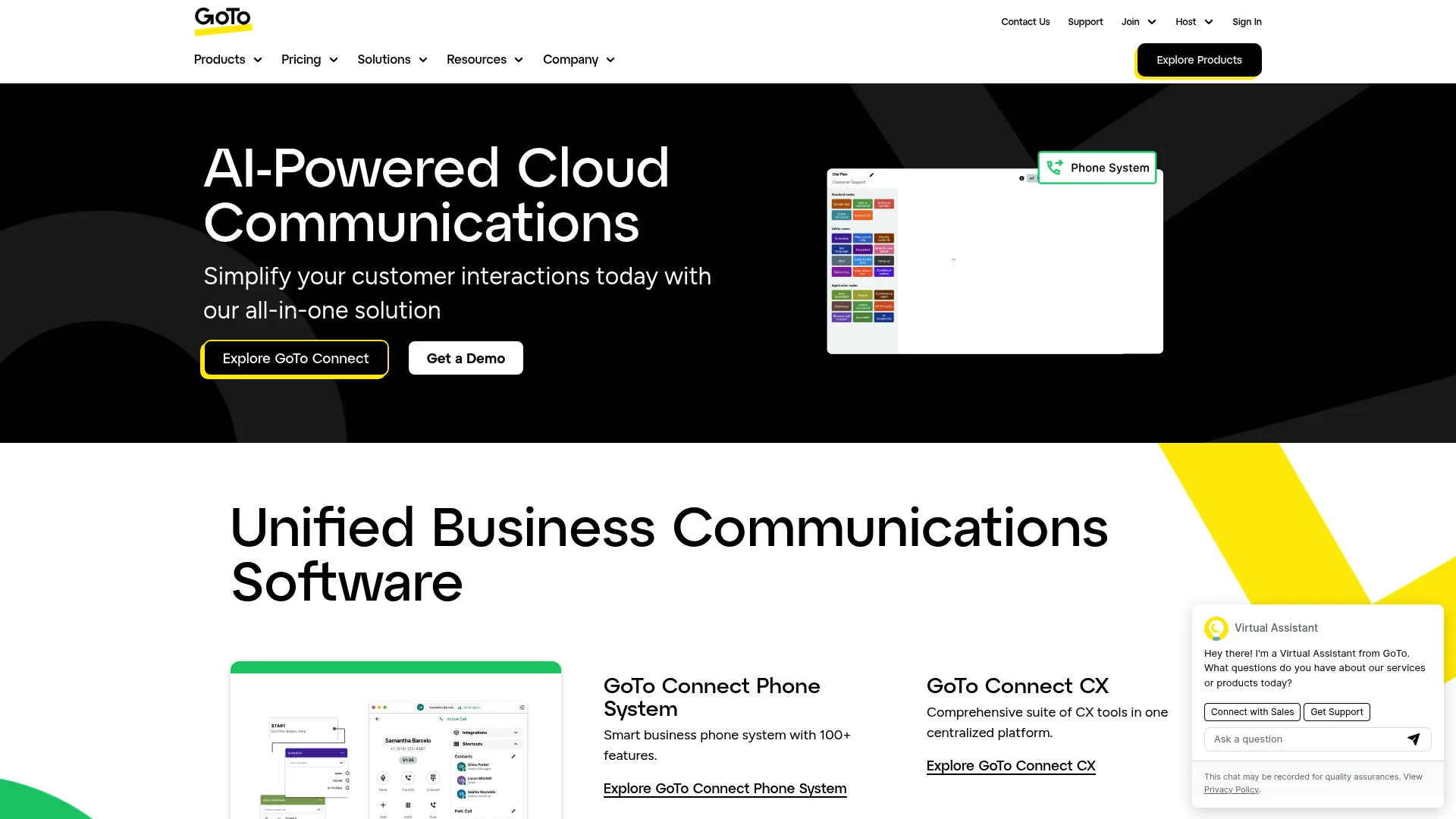
GoTo Connect Contact Center is an AI-powered cloud contact center solution for managing customer interactions, agent performance, routing, and reporting. It is voice-forward and built around a unified admin portal, which makes it approachable for teams that do not want a heavy IT lift. Omnichannel interactions span voice, video, chat, SMS, and social.
Best for: Small and mid-sized businesses that want phone, CX, and contact center capabilities in one GoTo Connect platform.
Key strengths
- Unified admin portal: manage phone system, CX, and contact center capabilities from one place, including a drag-and-drop dial plan editor.
- Supervisor tools: whisper, listen, and barge modes plus agent dashboards give team leads real-time oversight.
- Real-time analytics: reporting, supervisor dashboards, and CSV/PDF/PNG exports cover the metrics support managers track daily.
Why choose GoTo Connect Contact Center: For SMB and mid-market teams that want voice and digital without enterprise complexity, GoTo keeps things simple. Intelligent call routing, callback queues, and AI call analysis come in a portal that does not demand a dedicated admin to run.
GoTo Connect Contact Center pricing: GoTo's pricing page lists Phone System, Customer Experience (CX), CX Complete, and Contact Center plans, each shown as "Contact Sales" rather than a public price. There is no confirmed public starting price for the Contact Center plan, so request a quote for your seat count and channel mix. GoTo Connect holds a 4.4/5 rating on G2.
5. Zendesk
Zendesk is an AI-powered customer service platform for managing support across channels, with ticketing, automation, knowledge, messaging, voice, analytics, and integrations. It is support-native, meaning the whole product is organized around the ticket and the agent workspace rather than around voice. For teams that already think in tickets and macros, the model is immediately familiar. You can preview a guided Zendesk demo to see the agent workspace in action.
Best for: Customer support teams that need an AI-enabled omnichannel service desk with ticketing, automation, self-service, voice, and analytics.
Key strengths
- Unified agent workspace: ticketing plus messaging and live chat capabilities across web, mobile, and social in one view.
- AI agents and automation: AI agents, automations, and triggers handle routine tickets and route the rest intelligently.
- Knowledge base and voice: a built-in help center supports self-service while telephony and IVR cover the voice channel.
Why choose Zendesk: If your team already lives in a ticketing tool and wants to add channels without changing how it works, Zendesk is the natural path. The omnichannel routing, knowledge base, and AI agents extend the support desk you know rather than forcing a new mental model.
Zendesk pricing: The Support Team plan starts at $19/agent/month paid yearly with email, ticketing, routing, and prebuilt dashboards. Suite Team runs $55/agent/month and adds AI Agents, knowledge base, omnichannel routing, messaging, live chat, and telephony. Suite Professional is $115/agent/month with skills-based routing and IVR. Suite Enterprise plus Copilot is sales-assisted. A 14-day free trial is available, but there is no permanent free tier. Zendesk holds a 4.3/5 rating on G2.
6. Genesys Cloud CX
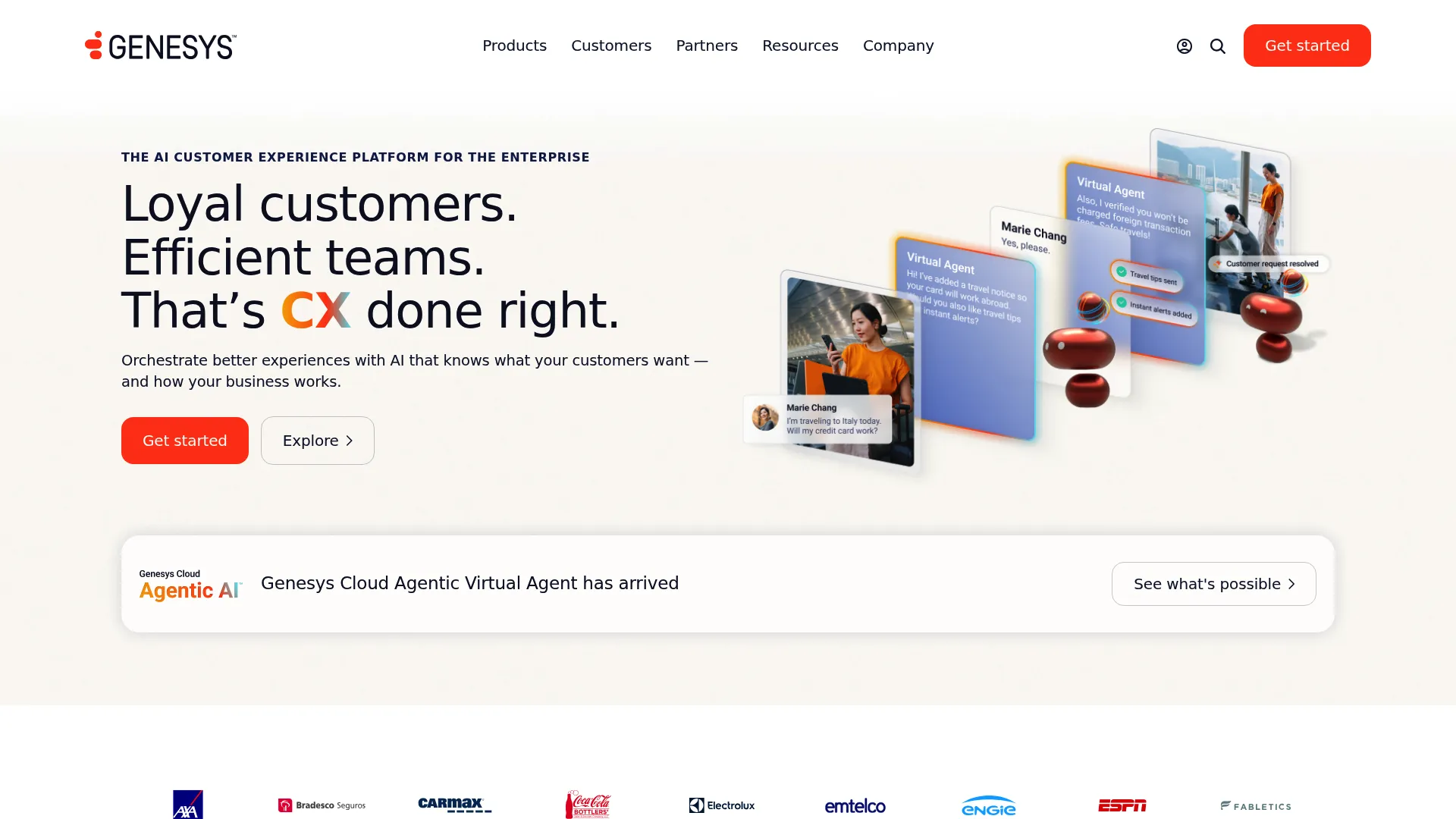
Genesys Cloud CX is an AI-powered cloud contact center and customer and employee experience orchestration platform. It is built for scale, with omnichannel engagement across voice and digital, native AI-driven routing, and workforce engagement management in one system. Journey management lets larger orgs orchestrate the full customer path rather than handling interactions one at a time.
Best for: Enterprise and mid-market contact centers that need scalable omnichannel engagement, AI-assisted routing, analytics, and workforce engagement management.
Key strengths
- Omnichannel engagement: voice and digital channels unified with predictive, AI-assisted routing.
- Journey orchestration: journey management connects interactions across touchpoints for a coherent customer path.
- Workforce engagement management: WEM capabilities cover forecasting, scheduling, and quality at higher tiers.
Why choose Genesys Cloud CX: For enterprise support orgs that need routing, analytics, and workforce management in one platform, Genesys covers the full stack. The tiered editions let you start with voice and add omnichannel, quality, WEM, and AI experience features as your operation matures.
Genesys Cloud CX pricing: Genesys Cloud CX 1 starts at $75/user/month billed annually for voice. CX 2 runs $115/user/month and adds omnichannel with quality and compliance. CX 3 is $155/user/month with full WEM, and CX 4 is $240/user/month adding Agent Copilot, journey management, and AI Experience tokens. There is no free tier. Genesys Cloud CX holds a 4.4/5 rating on G2.
7. NICE CXone
NICE CXone is an AI-powered customer engagement platform for enterprise contact centers that unifies customer data, interactions, human agents, and AI agents on one platform. Its strength is analytics and workforce optimization paired with omnichannel routing, which makes it a fit for large, metrics-driven support organizations that need to measure and tune everything.
Best for: Enterprises modernizing contact center operations with AI-powered omnichannel engagement, workforce management, automation, and analytics.
Key strengths
- Engagement orchestration: omnichannel routing across voice and digital, with recording, compliance, and AI routing.
- Workforce empowerment: workforce engagement, quality management, workforce management, and interaction analytics in one suite.
- AI and automation: AI-powered automation across channels plus Copilot features to support agents in real time.
Why choose NICE CXone: When analytics depth and workforce optimization are non-negotiable, NICE CXone is built for that scale. Large support orgs use the interaction analytics and WFO capabilities to forecast staffing, audit quality, and tie routing decisions to measurable outcomes.
NICE CXone pricing: The Omnichannel Suite starts at $110/agent/month, with Essential Suite at $135, Core Suite at $169, and Complete Suite at $209. The Ultimate Suite is $249/agent/month plus $0.25 per session. NICE uses monthly billing in arrears with a usage-based, tiered model. NICE CXone holds a 4.2/5 rating based on 581 reviews on Capterra.
8. Talkdesk
Talkdesk provides AI-powered customer experience automation and cloud contact center software for customer service operations. It leans hardest into AI, with Talkdesk Copilot assisting agents live, Autopilot handling automated resolution, and low-code Studio and Routing tools for building flows without heavy engineering. Digital and voice engagement run side by side.
Best for: Customer service teams that need an AI-enabled omnichannel cloud contact center with voice, digital channels, routing, and analytics.
Key strengths
- AI products suite: Copilot, Autopilot, Navigator, and Interaction and Quality Analytics automate and assist across the workflow.
- Digital and voice engagement: email, chat, SMS, and social messaging plus voice with speech recognition and voicemail transcription.
- Studio and routing: low-code flow building and routing let teams adjust automation without developers.
Why choose Talkdesk: If automation is your priority and you want AI carrying a meaningful share of resolution, Talkdesk is built around that goal. Autopilot deflection plus Copilot agent assistance can lift first-contact resolution while keeping the build effort low through Studio.
Talkdesk pricing: Digital Essentials starts at $85/user/month, Voice Essentials at $105, and Elite at $165 with custom reporting, screen recording, and workforce management. Industry Experience Clouds run $225/user/month with sector-specific capabilities. Talkdesk Express is described as free to try with 25 licenses and $100 in credit for businesses under 50 employees. Talkdesk holds a 4.5/5 rating based on 733 reviews on Capterra.
9. Twilio Flex
Twilio Flex is a digital engagement center for sales and service that provides a single user interface and native channels to manage personalized, omnichannel customer experiences. The defining trait is programmability: nearly every part of the UI, routing, queues, and pre-agent experience is customizable through APIs. It is a build-your-own contact center for teams with engineering resources. A guided Twilio demo can help you visualize how the programmable layer works before committing engineering time.
Best for: Organizations that need a highly customizable, programmable omnichannel contact center built on Twilio communications infrastructure.
Key strengths
- Native multichannel support: built-in inbound voice plus SMS, Facebook Messenger, WhatsApp, and WebChat.
- Full programmability: customize UI, routing, call flows, queues, skills, capacities, and integrations to match any workflow.
- Agent Copilot: AI-powered agent assistance with relevant responses and post-interaction wrap-ups.
Why choose Twilio Flex: When you have the engineering bandwidth and want a contact center that bends exactly to your processes, Flex gives you that control. Teams that have outgrown off-the-shelf tools use it to build precisely the routing logic and agent experience their support model requires.
Twilio Flex pricing: New Twilio Flex accounts get a free trial with 5,000 free active user hours. Paid models include User plus usage at $35 per monthly active user, named user pricing at $150 per named user, and active user hour pricing at $1 per active user hour. Twilio Flex holds a 4.1/5 rating on G2.
10. Freshdesk / Freshworks
Freshdesk, from Freshworks, is an AI-powered customer service and help desk platform for ticketing, self-service, workflows, and agent support. Its Omnichannel edition combines a unified inbox, Freddy AI, ticketing, voice, and chat, all priced to be accessible for smaller teams. It is the most budget-friendly genuine omnichannel option on this list. You can browse a clickable Freshworks demo to get a feel for the unified inbox.
Best for: Customer support teams that need AI-assisted ticketing, self-service, routing, and reporting in a centralized help desk.
Key strengths
- Advanced ticketing: organize, track, and resolve issues with routing mechanisms and custom objects at higher tiers.
- Freddy AI: Freddy AI Agent and Freddy AI Copilot automate responses and assist agents across the queue.
- Self-service: a built-in knowledge base and customer portal deflect common questions before they hit an agent.
Why choose Freshdesk: For lean, cost-conscious support teams that still want real omnichannel and AI, Freshdesk delivers without enterprise pricing. The free program for one to two agents lets very small teams start at zero and grow into paid tiers as volume rises.
Freshdesk pricing: The Growth plan starts at $19/agent/month billed annually with ticketing, customer portal, and reports. Pro runs $55/agent/month adding custom support portals, custom objects, advanced ticketing, and routing. Enterprise is $89/agent/month with audit logs, approval workflows, and skills-based assignments. Freshdesk also offers a free program at $0 for one to two agents for six months. Freshdesk holds a 4.4/5 rating on G2.
Considerations: how to choose omnichannel contact center software
Once you have a shortlist, evaluate each tool against the criteria that actually affect your support operation.
Channel coverage and the right mix
Confirm the platform supports every channel your customers actually use: voice, live chat, email, SMS, messaging apps, social, and self-service. With support now split across email, voice, chat, text, and social, gaps cost you. Check that adding a channel later does not require a different product or a separate contract.
Unified customer context and CRM sync
Verify that customer data flows in real time across channels and into your CRM. The whole value of an omnichannel contact center platform collapses if context does not follow the customer. Ask specifically how the tool keeps records current when a conversation moves from chat to phone.
AI and automation depth
Decide whether you need AI built in or are fine with bolt-on add-ons. Look at routing intelligence, live transcription, summaries, and suggested responses. AI that reduces after-call work and routes accurately pays for itself in lower handle time.
Self-service and ticket deflection
Evaluate the knowledge base, chatbot, and how proactive self-service reduces volume before queue entry. Text-heavy docs get skipped, which is why guided interactive demos embedded in help articles perform best alongside the contact center: they show customers how to complete a task and catch repetitive "how do I" questions early, so the queue you build your routing around is already smaller. Pairing them with the right user onboarding software extends that deflection from the help center into the product itself.
Total cost of ownership and scalability
Look past the sticker price. Most platforms are seat-based, so model your cost at current and projected headcount. Factor in contract terms, minimum seat counts, usage-based fees, and the IT overhead of implementation and integration.
Conclusion
The right omnichannel contact center comes down to your channel mix, your existing stack, and your appetite for AI. For AI-native voice plus digital, Dialpad is a strong pick. If you live in Salesforce, Service Cloud keeps support inside the CRM. For routing-driven, high-volume teams, Five9 leads on intelligent routing. Support-led SaaS teams gravitate to Zendesk, while NICE CXone and Genesys Cloud CX serve enterprise orgs that need deep analytics and workforce optimization. Talkdesk wins on automation, Twilio Flex on customization, and Freshdesk on affordability for lean teams.
The next step is simple: pick your single most important criterion, whether that is routing accuracy, CRM fit, AI depth, or cost, then shortlist two or three tools that lead on it. Run live demos with your own ticket scenarios, not the vendor's canned walkthrough. Bring a real handoff, a real escalation, and a real spike in volume. The platform that handles your messiest interaction cleanly is the one worth signing.
FAQs
A multichannel contact center offers several channels, like voice, chat, and email, but each one runs in its own silo with separate history. An omnichannel contact center unifies those channels so context and conversation history follow the customer from one channel to the next. The practical result is that customers stop repeating themselves when they switch channels.
Most platforms are seat-based, charging per agent per month. Entry tiers in this guide range from around $15 to $119 per seat monthly, with mid and enterprise tiers running higher and some priced via custom quotes. Always confirm current pricing on the vendor's site, since CCaaS pricing and tiers change frequently.
At minimum, look for voice, live chat, email, SMS and messaging apps, social channels, and self-service through a knowledge base. With support volume now spread across all of these, gaps in coverage push customers into channels you do not handle well. Confirm that adding a channel later does not require a separate product.
Yes. It reduces volume through smarter routing, AI deflection, self-service, and chatbots that resolve common issues before they reach an agent. Pairing the platform with proactive self-serve education, like guided help center walkthroughs, further lowers repetitive "how do I" questions. The combined effect is fewer human-handled tickets and lower average handle time.
It can be. Support-native tools and entry tiers, some starting around $19 per agent per month and a few with free starter programs, make it viable for lean teams. Weigh the per-seat cost against the gains in deflection, faster resolution, and lower handle time. Smaller teams often start with a support-led suite and expand channels as volume grows.
AI improves routing accuracy, transcribes calls live, and generates summaries that cut after-call work. It also powers suggested responses, sentiment analysis, and CSAT prediction, plus self-service automation that deflects routine questions. Vendors increasingly use AI to assist agents during interactions and to handle simpler resolutions end to end.
CCaaS, or Contact Center as a Service, describes the cloud delivery model: the contact center runs as a hosted service rather than on-premise hardware. Omnichannel describes the capability of unifying conversations across channels with shared context. Most modern CCaaS platforms are omnichannel, but the terms describe different things: one is how it is delivered, the other is what it does.
It depends on complexity. Simpler SMB or support-native deployments can go live in days to a few weeks. Enterprise rollouts with CRM integration, custom routing, and data migration often take several months. Scope your timeline around how much routing logic and how many integrations you need before launch.