LinkedIn drives roughly 80% of B2B social media leads, according to Cclarity's 2025 benchmark data. That is not a small number. It is the channel where your buyers actually are, which is why 89% of B2B marketers use LinkedIn for lead generation, per Sopro's 2025 roundup.
So the channel works. The tooling around it is where things get messy.
You already pay for a CRM, an enrichment tool, maybe a sequencer. Now you are shopping for a LinkedIn lead generation tool and the same question keeps surfacing: does this replace something, or just add another line item your CFO will ask about? On top of that, half these products run a real risk of getting your account restricted if you push the limits too hard.
Most listicles skip the part you care about. They list features. They forget that you have to defend cost per meeting, tie LinkedIn activity to pipeline, and keep your account alive while you do it.
This guide ranks 12 LinkedIn lead generation tools through that exact lens: account safety, verified current pricing, integration depth, and whether you can attribute the output. Every tool below has a screenshot and pricing pulled from its live vendor page. No guessing, no inflated claims.
If you run outbound and want predictable, defensible pipeline without tool sprawl, this is built for you.
What's inside
This guide is for growth and demand gen marketers, founders running their own outbound, and sales ops teams consolidating their stack. It assumes you already know LinkedIn works and want to pick tooling without overpaying or risking your account.
We chose every tool against four criteria that matter to a growth marketer:
- Account safety and LinkedIn compliance: cloud versus browser, human-like sending limits.
- Pricing transparency and value: verified current pricing, not vague tiers.
- Integration and CRM depth: does it sync cleanly to what you already run?
- Measurable outcomes and analytics: can you tie activity to pipeline?
Every entry includes a screenshot and verified pricing from the vendor's live page.
TL;DR
Short on time? Here are the decision shortcuts.
- Best all-in-one outreach plus inbox: Expandi for cloud-based LinkedIn and email sequences with safety controls built in.
- Best for agencies and multi-account: HeyReach for per-sender pricing and a unified inbox across many accounts.
- Best free option to start: Apollo.io for a free tier with prospecting data and sequencing.
- Best for enrichment and data quality: Clay for waterfall enrichment across 150-plus providers.
- Best native sourcing layer: LinkedIn Sales Navigator for advanced search and lead lists.
- Best for clean Sales Navigator exports: Evaboot for scraping plus email verification.
What are LinkedIn lead generation tools
LinkedIn lead generation tools are software that help you find, contact, and convert prospects on LinkedIn through prospecting, enrichment, automated outreach, and lead capture. They sit on top of LinkedIn (and often email) to turn manual profile-by-profile work into repeatable campaigns you can measure.
Most products in this category cover some mix of these core capabilities:
- Prospect search and export: find and pull lists of target accounts and contacts.
- Enrichment: append verified emails, phone numbers, and firmographic data.
- Connection and message automation: send connection requests and follow-ups at scale.
- Sequencing and multichannel: chain LinkedIn steps with email, calls, or X.
- Inbox and CRM management: handle replies and sync activity to your CRM.
- Analytics: track acceptance, reply, and conversion rates.
It helps to think in three buckets. Prospecting and enrichment tools (like Clay, Apollo, or Evaboot) find and clean your data. LinkedIn outreach automation tools (like Expandi, Dripify, or Waalaxy) run the sending. All-in-one platforms combine sourcing, sequencing, and inbox management in one place.
The line between these blurs. LinkedIn automation software increasingly bundles enrichment, and enrichment tools increasingly trigger outreach. That overlap is exactly why the consolidation question matters: buy the wrong combination and you pay twice for the same job. If your outreach strategy spans more than just LinkedIn, it is worth reviewing the best outreach software to round out your stack.
LinkedIn is cited as 277% more effective for lead generation than other social networks, per data repeated by Sopro and LinkedSelling in 2025. That effectiveness is the reason this category is crowded, and the reason picking carefully pays off.
When to use a LinkedIn lead generation tool
You do not need a tool the day you start. You need one when manual work caps your output or when you cannot prove what is working.
Scale outbound without burning hours
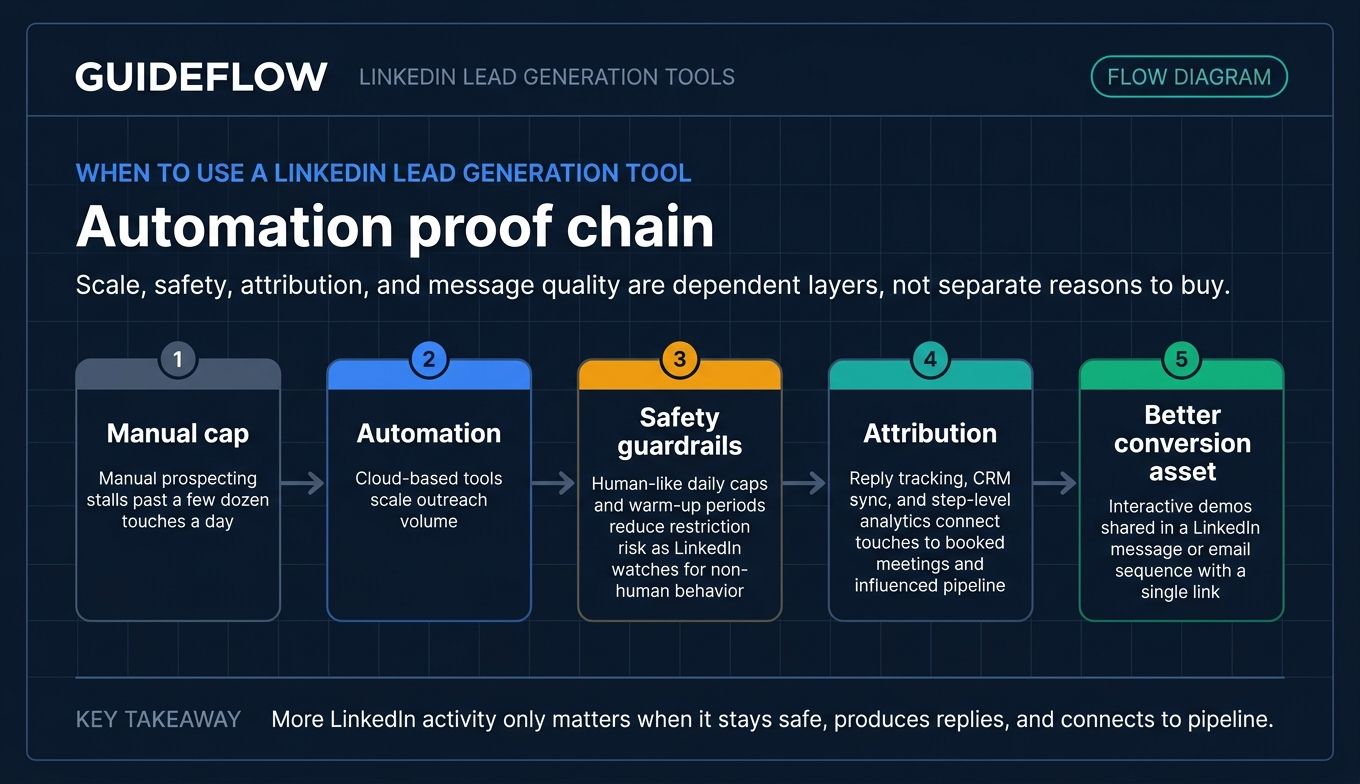
Manual prospecting does not scale past a few dozen touches a day. Researching accounts, sending connection requests, writing follow-ups, and logging replies eats hours you do not have. A LinkedIn outreach automation tool runs sequences in the background so you spend time on the replies that matter, not the busywork that produces them. Many teams pair this with broader sales engagement tools to coordinate touches across every channel.
This is the moment most teams adopt their first tool: when one person cannot keep the queue full by hand.
Keep your account safe while automating
Automation only helps if your account survives it. LinkedIn watches for non-human behavior, and aggressive settings get accounts restricted. Cloud-based tools with human-like daily caps and warm-up periods reduce that risk. Browser-based tools can work too, but they tie activity to your machine and demand more caution. Match send volume to your account's age and history, and never max the dials on day one.
Tie LinkedIn activity to pipeline
Volume without attribution is just activity. The growth marketer's real job is connecting LinkedIn touches to booked meetings and influenced pipeline, then defending cost per meeting. Tools with reply tracking, CRM sync, and step-level analytics let you do that. Pairing them with the right CRM software keeps that attribution clean from first touch to closed deal.
What you send matters as much as how you send it. Generic pitches get ignored. Teams increasingly attach an interactive demo to first-touch and follow-up messages, letting a prospect experience the product inside the thread instead of waiting for a call. It is a high-engagement conversion tactic that lifts reply quality, and it pairs cleanly with any of the outreach tools below. You can share these demos directly in a LinkedIn message or email sequence with a single link.
The 12 best LinkedIn lead generation tools compared
Before the deep dives, here is the shortlist at a glance. This table covers the best LinkedIn automation tools and enrichment platforms by intent, use case, verified pricing, and G2 rating, so you can shortlist in under a minute.
| # | Product | Intent | Key use case | Pricing | G2 rating |
|---|---|---|---|---|---|
| 1 | Expandi | Outreach automation | Cloud LinkedIn plus email sequences | From $99/mo | 4.2/5 |
| 2 | HeyReach | Outreach automation | Agency multi-account outreach | From $79/seat/mo | 4.6/5 |
| 3 | Waalaxy | Outreach automation | Beginner LinkedIn and email campaigns | From €19/user/mo | 4.5/5 |
| 4 | Dux-Soup | Outreach automation | Affordable LinkedIn automation | From $14.99/mo | 4.3/5 |
| 5 | Apollo.io | Prospecting plus outreach | Database, enrichment, sequencing | Free, from $49/seat/mo | 4.7/5 |
| 6 | LinkedIn Sales Navigator | Sourcing | Native advanced search and lead lists | From $119.99/mo | 4.4/5 |
| 7 | Clay | Enrichment | Waterfall enrichment and AI lists | Free, from $167/mo | 4.7/5 |
| 8 | PhantomBuster | Extraction plus automation | Data scraping and outreach flows | Free trial, from $56/mo | 4.5/5 |
| 9 | Dripify | Outreach automation | Multichannel LinkedIn sequencing | From $39/user/mo | 4.5/5 |
| 10 | La Growth Machine | Multichannel outreach | LinkedIn, email, calls, and X | From €60/mo per identity | 4.6/5 |
| 11 | lemlist | Multichannel outreach | Email-first plus LinkedIn steps | From $31/user/mo | 4.6/5 |
| 12 | Evaboot | Enrichment | Sales Navigator scraping and cleaning | From $9/mo | 4.6/5 |
Pricing and ratings reflect live vendor and G2 data as of June 2026. Now the detail behind each pick.
Best LinkedIn lead generation tools for 2026
1. Expandi
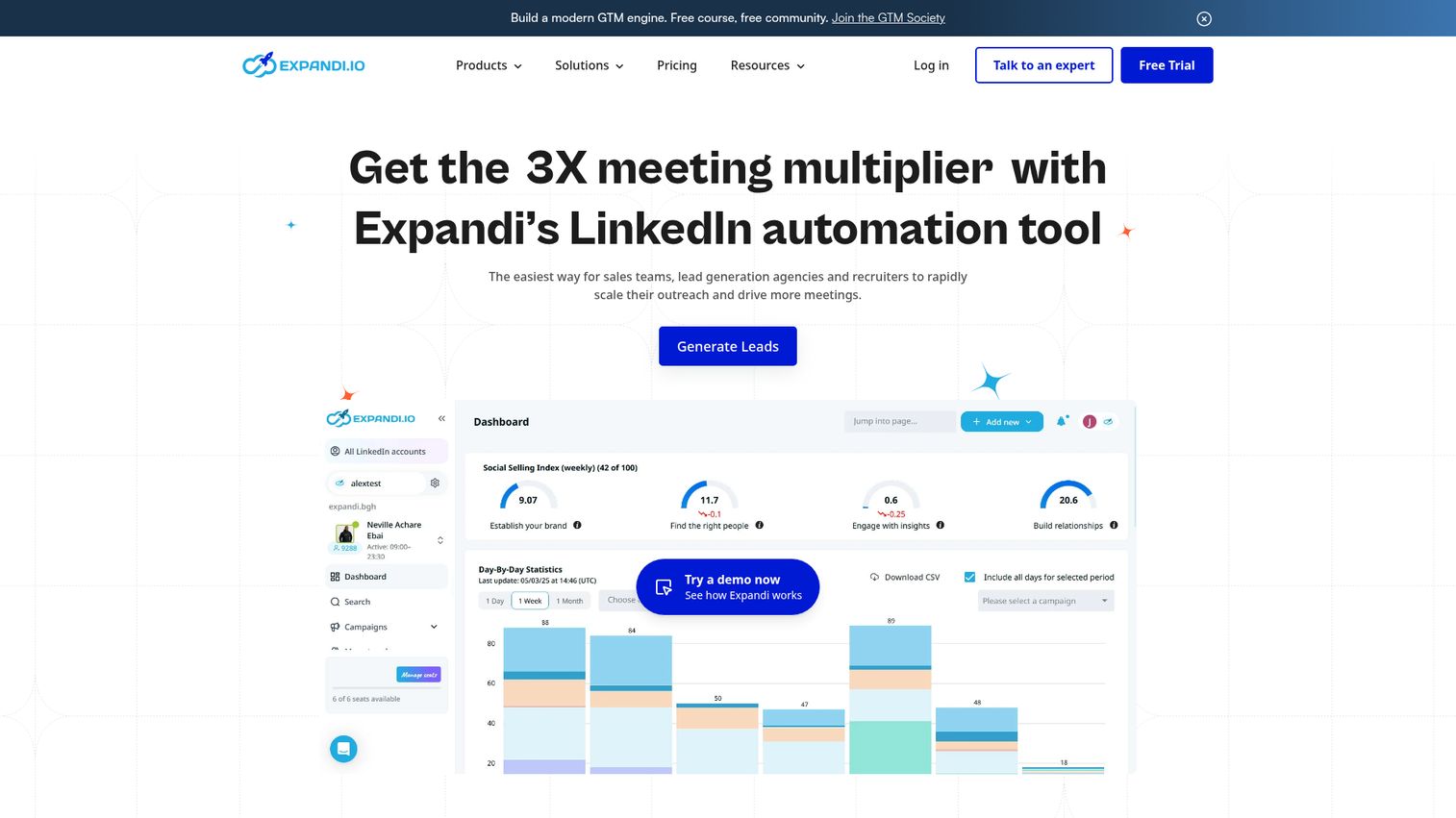
Expandi is a LinkedIn automation and omnichannel outreach tool for sales teams, lead generation agencies, recruiters, and business owners. It runs cloud-based campaigns so your sending does not depend on your laptop staying open, and it layers email follow-ups on top of LinkedIn steps for a true multichannel motion.
Best for: Sales teams and agencies that want to scale LinkedIn and email outreach with behavior-based sequences.
Key strengths
- Cloud-based automation: Campaigns run from the cloud, keeping sending consistent and reducing exposure tied to your machine.
- Smart sequences: Build flows with actions and conditions that branch based on how a prospect behaves.
- Email follow-ups: Connect your email provider to chain email touches with LinkedIn outreach in one campaign.
Why choose Expandi: If you run outbound across both LinkedIn and email and want one tool to orchestrate both, Expandi fits. The smart sequence engine lets you stop chasing replies manually and start reacting to prospect behavior automatically, which keeps your funnel moving without constant babysitting.
Expandi pricing: The Business plan is $99 per month, dropping to $79 per month with annual billing at 20% off. The Agency plan is custom-priced for teams needing 10-plus seats or white-label setups. A 7-day free trial is available, but there is no permanent free tier. Expandi holds a 4.2/5 rating on G2.
2. HeyReach
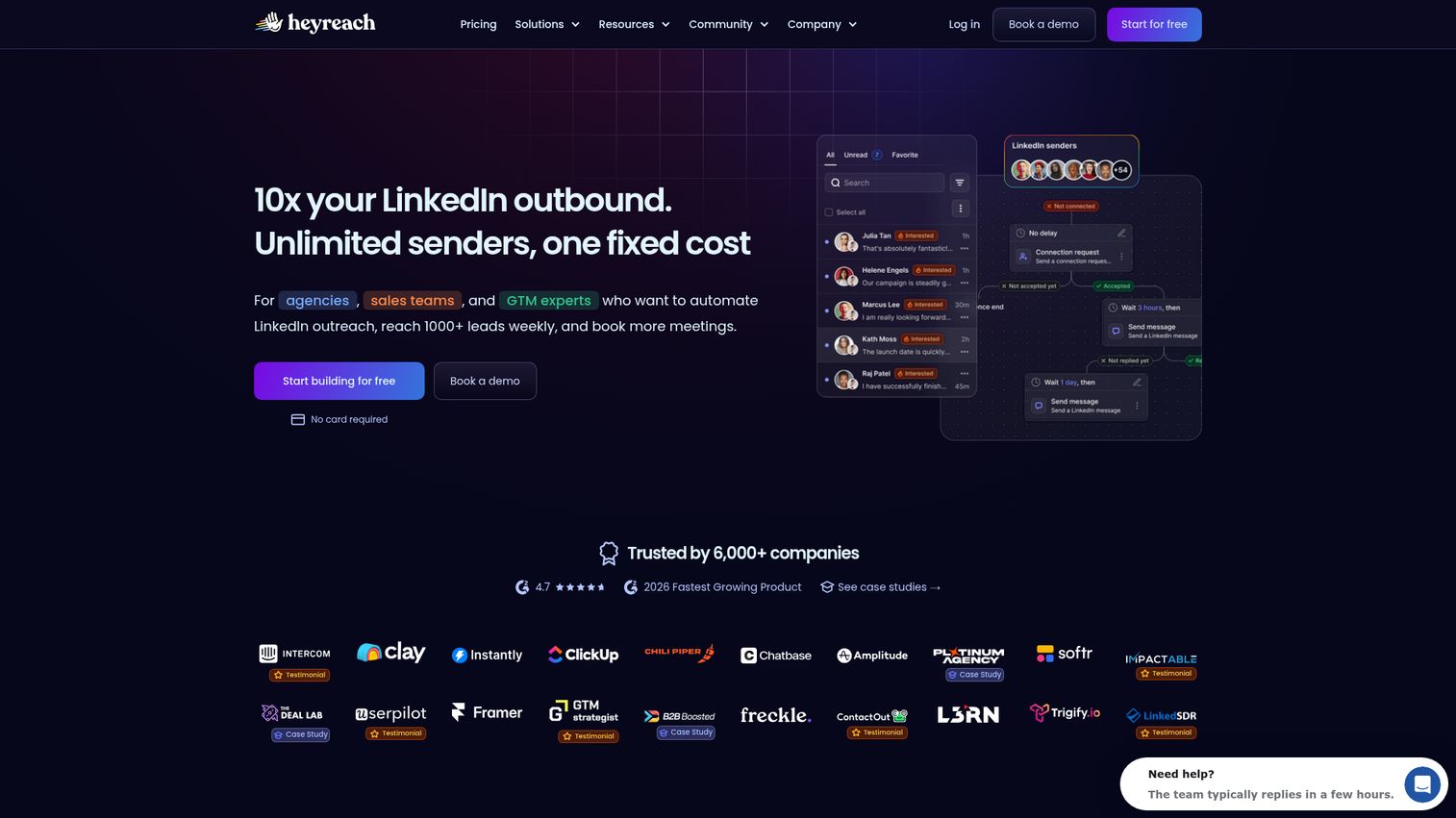
HeyReach is a LinkedIn automation platform built for agencies, sales teams, and GTM operators who run outreach across many sender accounts at once. It auto-rotates senders, imports leads from sources like Sales Navigator and Clay, and centralizes every reply in one unified inbox.
Best for: Agencies and GTM teams scaling LinkedIn outbound across multiple sender accounts.
Key strengths
- Sender auto-rotation: Spread activity across connected LinkedIn accounts to run high volume without overloading any single one.
- Unified inbox: Manage replies from every account in one place instead of toggling between profiles.
- Native multichannel integrations: Connect with Instantly and Smartlead, plus API, webhooks, and workspaces for scaled operations.
Why choose HeyReach: HeyReach earns its place when you manage outreach for several clients or sender accounts and need both volume and clean reply management. The per-seat model scales with senders rather than locking you into bloated flat fees, which matters when you are running an agency motion.
HeyReach pricing: The Growth plan is $79 per seat per month with unlimited campaigns and the unified inbox. Agency is $999 per month for 50 senders with white-label and done-for-you onboarding. Unlimited is $2,999 per month with a 300-sender fair-use cap. There is no permanent free tier. HeyReach rates 4.6/5 on G2.
3. Waalaxy
Waalaxy is a LinkedIn outreach automation tool for finding prospects, launching LinkedIn and email follow-up campaigns, and syncing replies with your CRM. Its pre-built sequence templates make it one of the easier entry points for teams new to automation.
Best for: Sales reps, founders, and outbound teams that want to automate LinkedIn outreach and follow-ups with optional email touches.
Key strengths
- Pre-built prospecting sequences: Launch campaigns from templates instead of building flows from scratch.
- Automated follow-ups: Set LinkedIn outreach with timed follow-ups that run without manual nudges.
- CRM synchronization: Sync replies to HubSpot, Pipedrive, and 2,000-plus integrations.
Why choose Waalaxy: Waalaxy fits when you want results fast without a steep learning curve. The template library and CRM sync mean a solo founder or small team can launch a real campaign the same day they sign up, then layer in email touches as they grow.
Waalaxy pricing: The Pro plan starts at €19 per user per month with 300 invitations monthly and CRM sync. Advanced is €49 per user per month, adding API access and Make, Zapier, and n8n modules. Business is €69 per user per month with cold email sequences and 500 email finder credits. A 14-day free trial is offered. Waalaxy holds a 4.5/5 rating on G2.
4. Dux-Soup
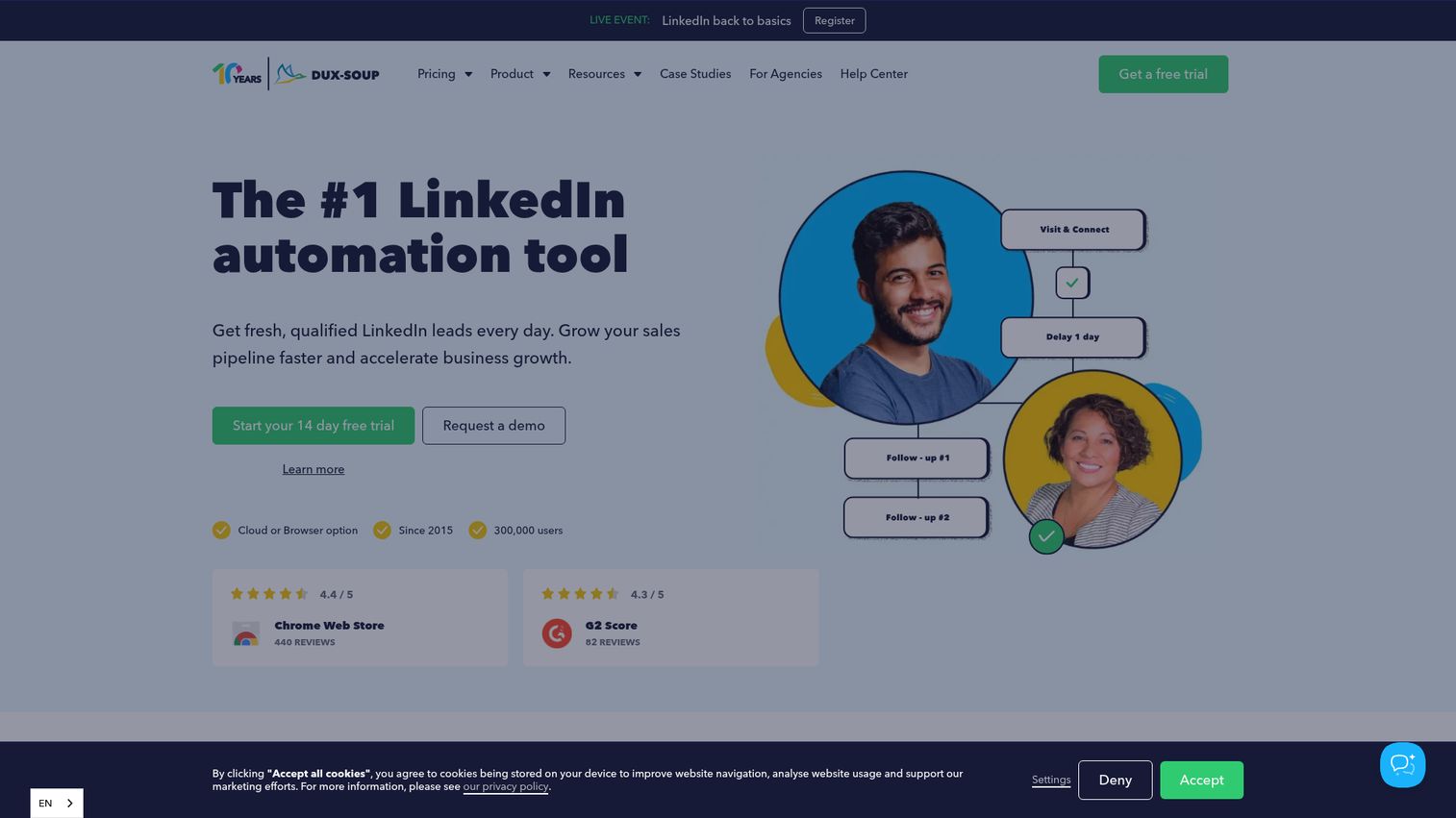
Dux-Soup is a LinkedIn automation tool for generating qualified LinkedIn leads and growing sales pipeline. It automates the full range of LinkedIn actions, from connection invitations and profile visits to endorsements, InMails, and messages, and it has one of the most affordable entry points in this list.
Best for: Sales, marketing, recruiting, and agency teams that want to automate LinkedIn outreach and manage LinkedIn-generated leads on a budget.
Key strengths
- Full LinkedIn action set: Automate invitations, profile visits, follows, endorsements, InMails, and messages.
- Drip campaigns: Build flows with custom time delays, response detection, and campaign statistics.
- Lead management and export: Handle leads, export to CSV, and connect to your CRM or workflow tools.
Why choose Dux-Soup: Dux-Soup is the practical pick when cost is the constraint and you still want a complete automation feature set. With individual, team, and agency tiers, it scales from a solo seller testing the waters to an agency managing multiple LinkedIn accounts.
Dux-Soup pricing: Individual plans run from $14.99 per month for Pro Dux, up to $55 for Turbo Dux and $99 for Cloud Dux. Team plans (Turbo Team and Cloud Team) are priced per seat, and Cloud Agency is $371 per month. A 14-day free trial is available. Dux-Soup rates 4.3/5 on G2.
5. Apollo.io
Apollo.io is an AI sales platform for sales and marketing teams to build pipeline, engage prospects, enrich data, and manage deals. It pairs a large B2B contact database with multichannel outbound, which makes it a strong consolidation play if you currently pay separately for data and sequencing. If you are evaluating AI-driven options more broadly, the best AI sales tools roundup covers adjacent platforms worth a look.
Best for: Sales and marketing teams that want prospecting data, outbound engagement, enrichment, and deal workflows in one platform.
Key strengths
- B2B contact database: Search verified emails and phone numbers across a large company and contact database.
- AI multichannel campaigns: Run AI-powered outbound across email and other channels from one place.
- Data enrichment and routing: Enrich records, route leads, and automate sales workflows without a separate tool.
Why choose Apollo.io: Apollo answers the "what does this replace?" question better than most. If your data quality is shaky and your sequencer is a separate line item, Apollo folds both into one platform with a usable free tier to test before committing.
Apollo.io pricing: The Free plan includes 900 credits per seat per year. Basic is $49 per seat per month (billed annually) with 30,000 credits. Professional is $79 per seat per month, and Organization is $119 per seat per month with a three-seat minimum. Apollo.io holds a 4.7/5 rating on G2.
6. LinkedIn Sales Navigator
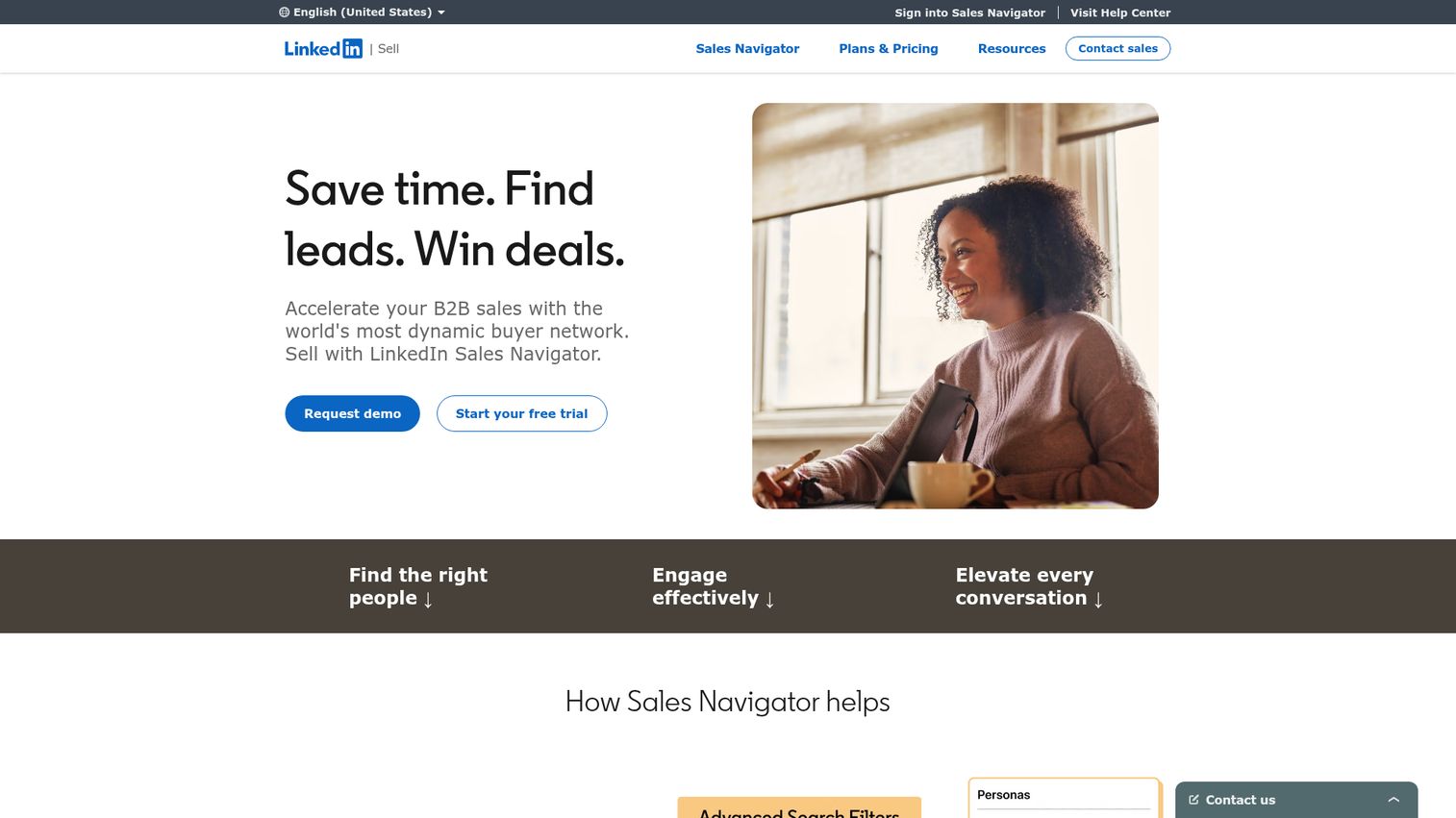
LinkedIn Sales Navigator is a B2B sales platform for finding, researching, and engaging leads and accounts using LinkedIn data, search, alerts, InMail, CRM integrations, and AI-powered insights. It is the native sourcing layer most other tools build on top of.
Best for: B2B sales professionals and teams prospecting, researching accounts, and engaging decision-makers through LinkedIn.
Key strengths
- Advanced search filters: Use 50-plus filters to build precise lead and account lists.
- InMail messaging: Reach prospects outside your network with 50 InMails per month.
- CRM integrations: Sync supported CRMs to keep account and lead data aligned.
Why choose LinkedIn Sales Navigator: Sales Navigator is the most accurate source of LinkedIn data because it is LinkedIn. Many tools on this list import directly from it. If your targeting precision is the bottleneck, Sales Navigator is the foundation the rest of your stack sits on, not a replacement for outreach automation.
LinkedIn Sales Navigator pricing: Core is $119.99 per month or $1,079.88 per year per license. Advanced is $159.99 per month or $1,799.88 per year and adds AI-powered research and team collaboration tools. Advanced Plus is custom-priced for CRM-integrated teams. Free trials are offered on Core and Advanced, but there is no free tier. Sales Navigator rates 4.4/5 on G2.
7. Clay
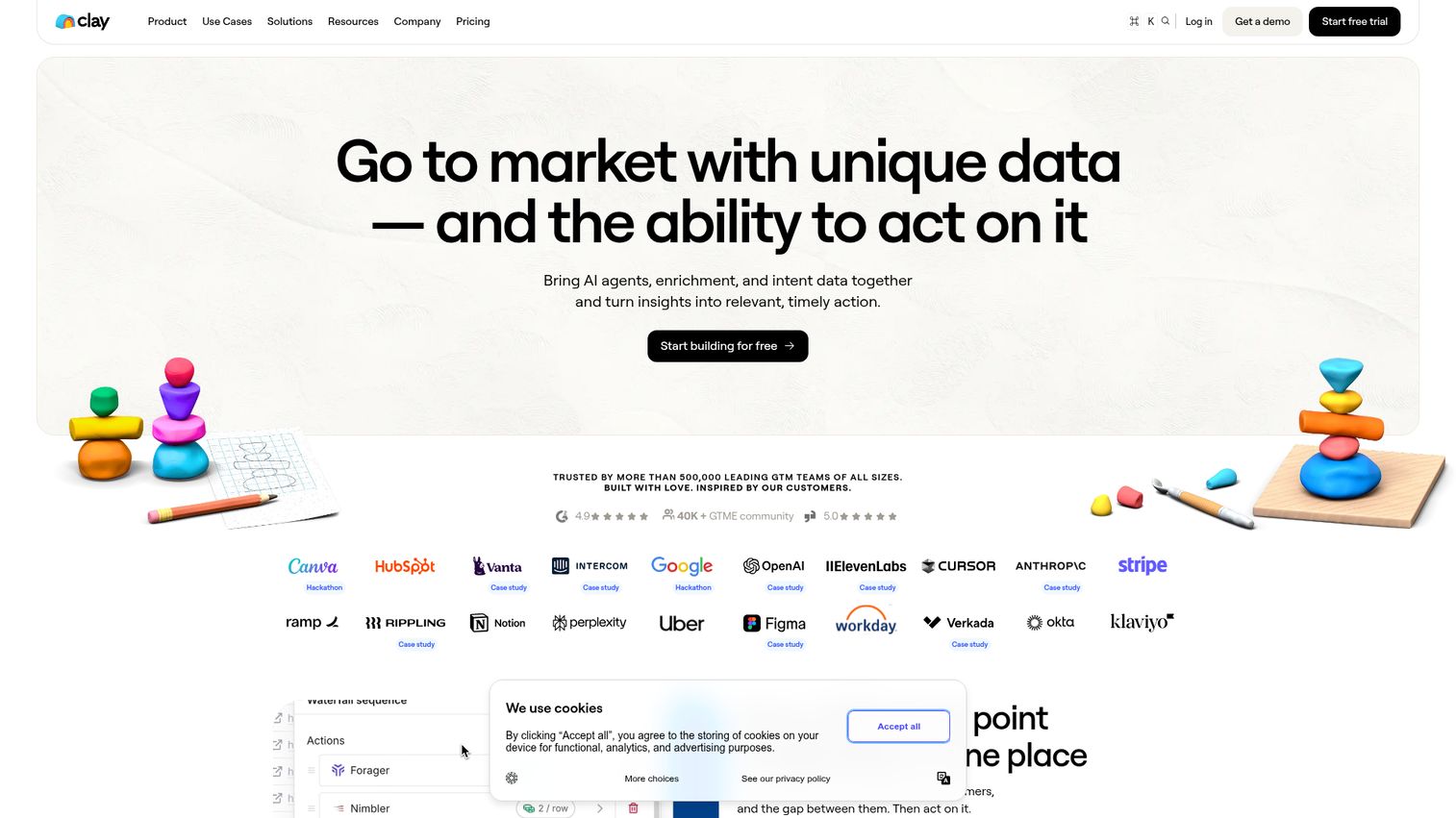
Clay brings AI agents, enrichment, and intent data together to turn GTM insights into relevant, timely action. It is the enrichment engine for teams that care about data quality, pulling from 150-plus providers in a waterfall so you get the most complete record before you ever send a touch.
Best for: GTM, sales, and marketing teams building automated prospecting, enrichment, and CRM workflows at scale.
Key strengths
- Multi-provider waterfall enrichment: Pull from 150-plus providers in sequence to maximize match rates.
- Claygent AI research: Use an AI research agent to fill custom data points no single provider has.
- Signals and intent tracking: Track job changes, company news, and web intent to time outreach.
Why choose Clay: Clay is the answer when bad data is costing you wasted touches and reply rates. Instead of relying on one enrichment source, the waterfall enrichment across 150-plus providers approach and AI research mean you act on the freshest, most complete data, then sync it into your CRM and outreach tools automatically.
Clay pricing: The Free plan includes unlimited seats, 500 actions per month, and 100 data credits. Launch is $167 per month with phone enrichment and signals. Growth is $446 per month, adding CRM auto-sync and web intent signals. Enterprise is custom-priced with data warehouse sync and SSO. Clay holds a 4.7/5 rating on G2.
8. PhantomBuster
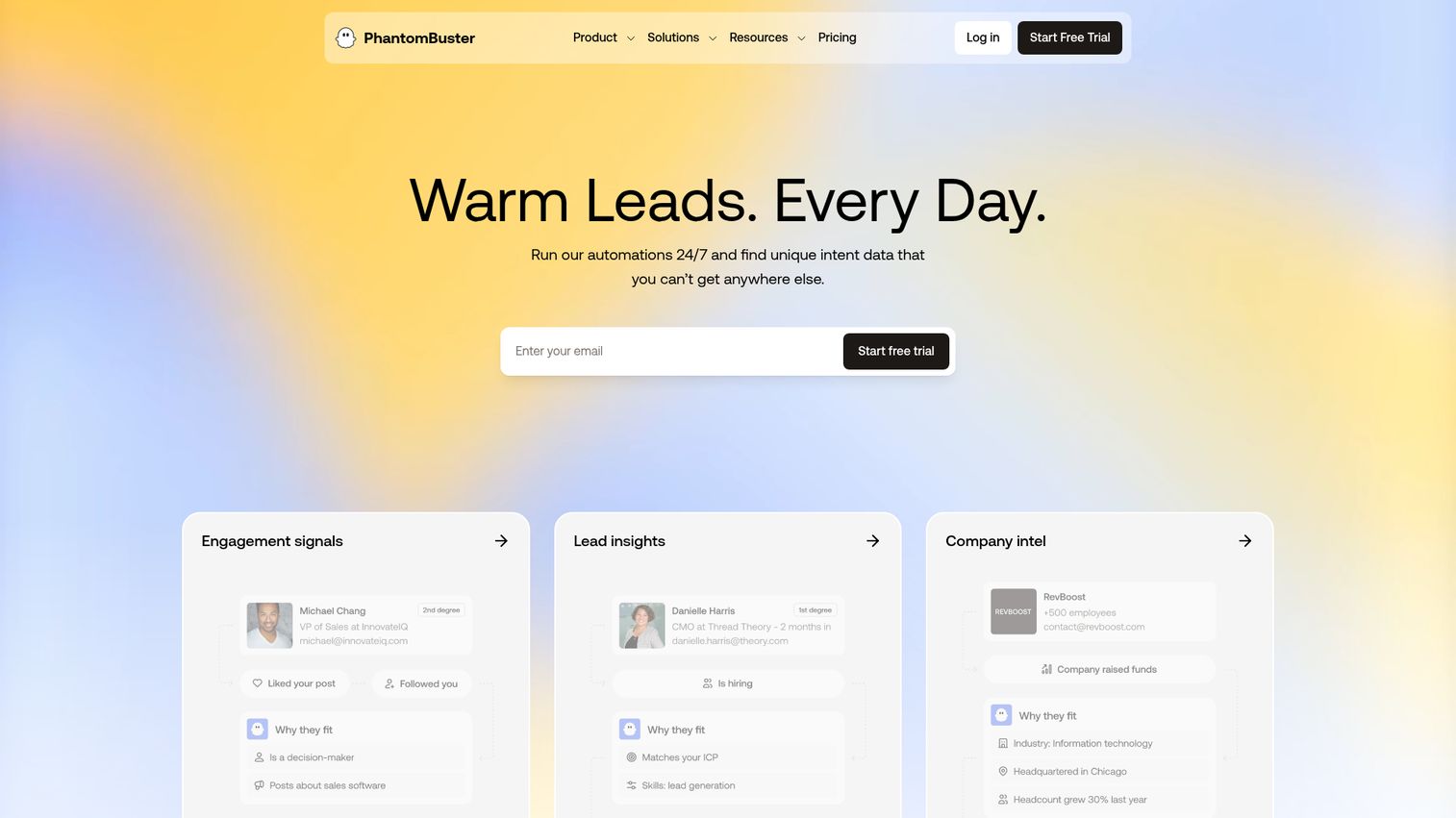
PhantomBuster is a real-time sales prospecting automation platform for sourcing, enriching, and contacting leads across LinkedIn and other platforms. Its cloud-based "phantoms" extract live data and feed it into enrichment and outreach flows, making it a flexible middleware layer for custom workflows.
Best for: Sales and growth teams that need no-code, cloud-based prospecting, enrichment, and LinkedIn outreach automation.
Key strengths
- Multi-platform extraction: Scan and extract live data from 15-plus platforms, not just LinkedIn.
- Lead enrichment: Segment and enrich lists with 1,000-plus live data points.
- AI outreach automation: Automate personalized LinkedIn outreach with AI-generated messages and follow-up flows.
Why choose PhantomBuster: PhantomBuster fits teams that want to build their own pipeline of data extraction and outreach rather than buy a rigid all-in-one. The cloud automation runs without your machine, and the breadth of phantoms lets you stitch together a workflow that matches your exact motion.
PhantomBuster pricing: A free Trial includes 5 automation slots and limited credits. Start is $56 per month ($672 billed annually) with unlimited exports. Grow is $128 per month and Scale is $352 per month, both adding 1:1 expert onboarding. PhantomBuster holds a 4.5/5 rating on Capterra.
9. Dripify
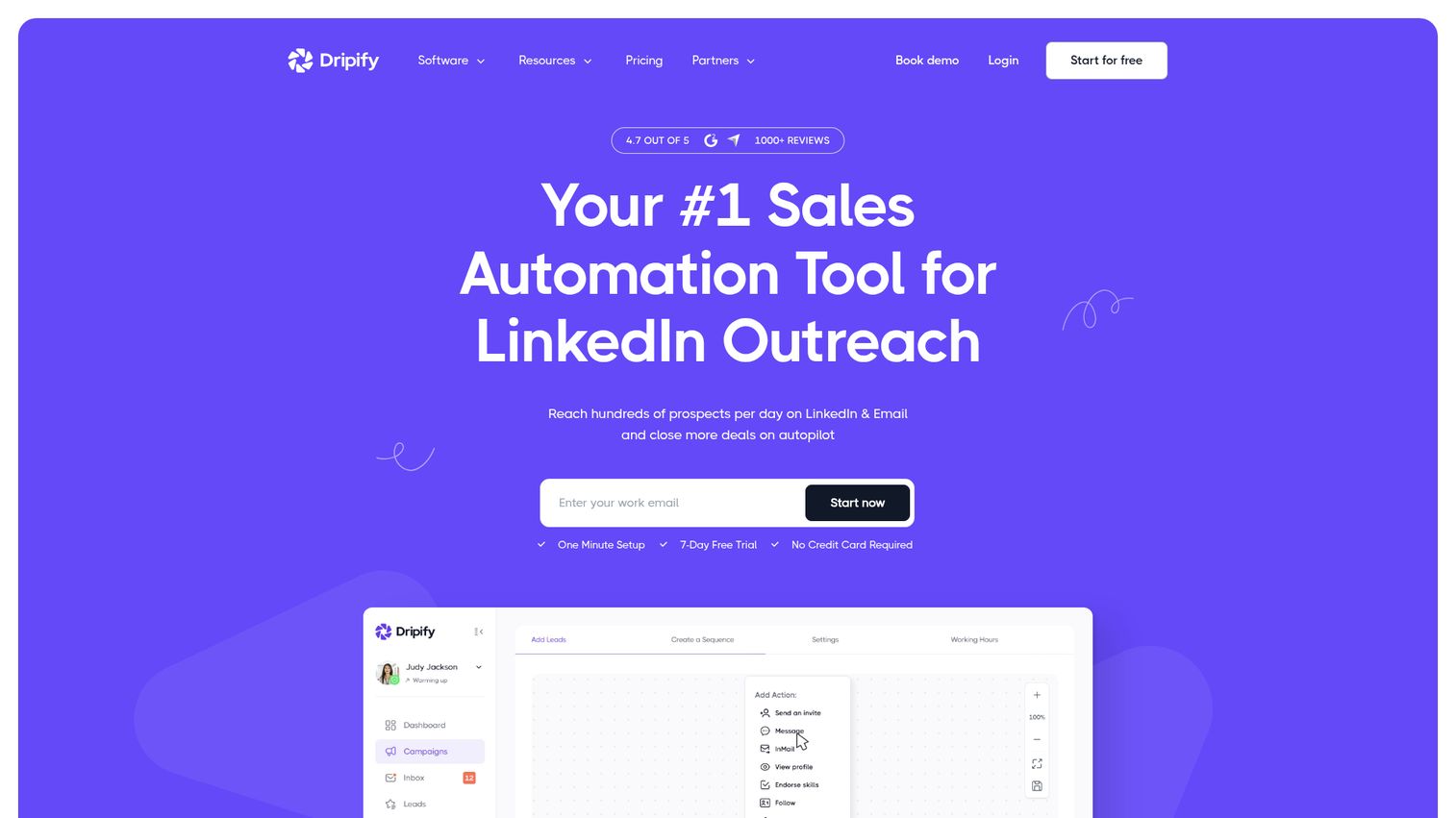
Dripify is a sales automation platform for running LinkedIn and email outreach campaigns, finding and verifying emails, managing replies, and tracking campaign performance. Its built-in analytics and LinkedIn protection make it a balanced pick for teams that want sequencing plus visibility.
Best for: Sales teams, founders, recruiters, and agencies automating LinkedIn and email prospecting workflows.
Key strengths
- Multichannel sequences: Run LinkedIn and email steps in a single drip campaign.
- Email finder and verifier: Find and validate emails inside the platform before you send.
- Analytics and inbox management: Track campaign performance and manage replies from a dedicated inbox.
Why choose Dripify: Dripify is a strong fit when you want clean reporting alongside your sequencing. The built-in LinkedIn protection and step-level analytics on higher tiers help you keep your account safe while proving what each campaign step actually produces.
Dripify pricing: Basic is $39 per user per month billed annually ($59 monthly). Pro is $59 per user per month annually, adding unlimited campaigns and a dedicated inbox. Advanced is $79 per user per month annually with multi-team management and advanced LinkedIn protection. Enterprise is custom-priced. A 7-day free trial is offered. Dripify rates 4.5/5 on G2.
10. La Growth Machine
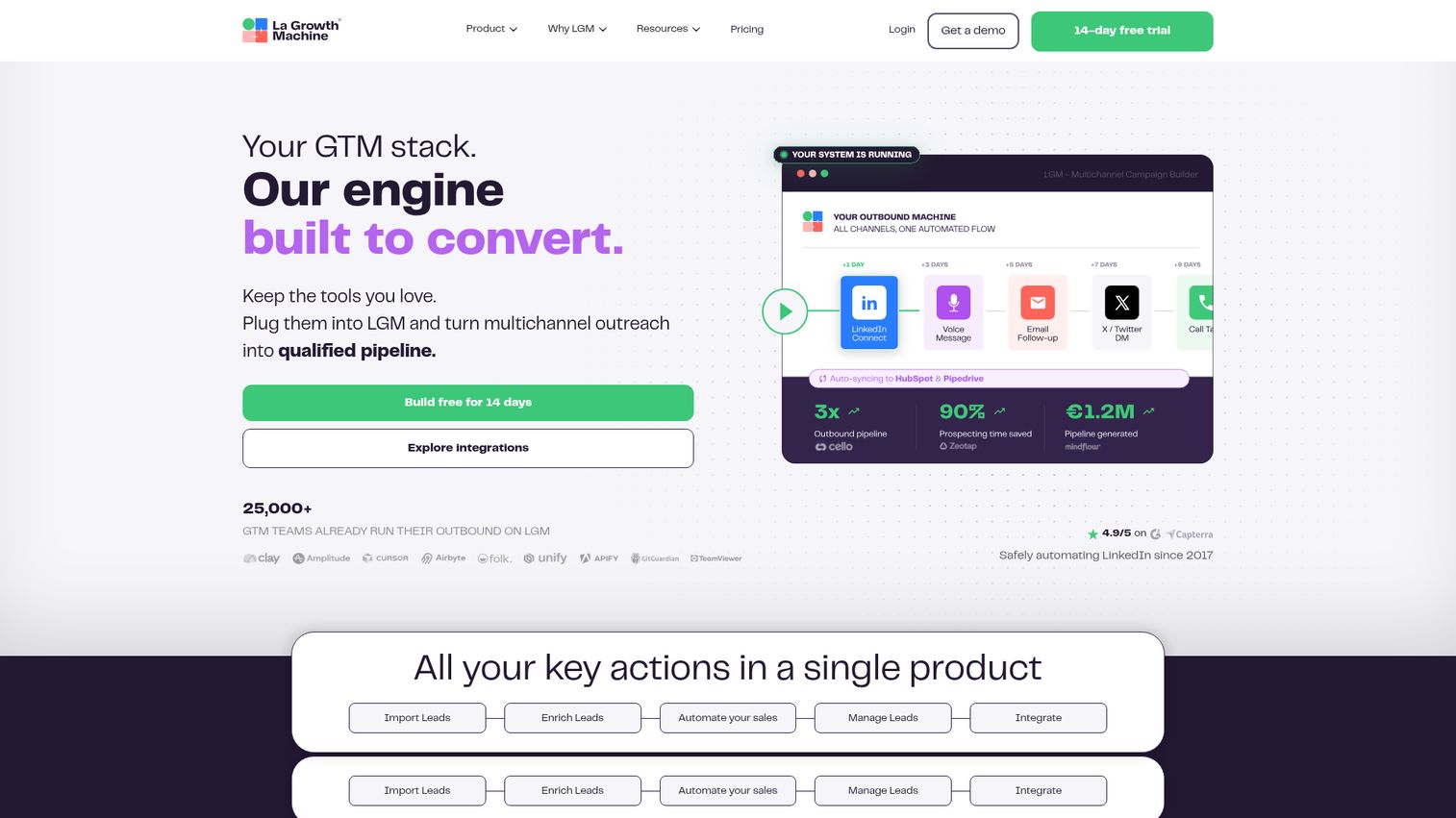
La Growth Machine is a sales automation platform for finding, enriching, and engaging prospects across LinkedIn, email, calls, and X while syncing activity with a CRM. It is built for advanced growth teams that want one workflow spanning every channel.
Best for: Sales, marketing, and recruiting teams that need multichannel outbound automation with lead enrichment and CRM sync.
Key strengths
- True multichannel sequences: Run LinkedIn, email, calls, and X in a single coordinated workflow.
- Waterfall email enrichment: Append verified emails and enriched lead data inside the platform.
- Unified multichannel inbox: Manage every reply across channels from one inbox.
Why choose La Growth Machine: La Growth Machine suits teams that have outgrown single-channel tools and want orchestration across LinkedIn, email, and X with enrichment baked in. The per-identity pricing and CRM sync make it a fit for advanced operators who measure pipeline by channel.
La Growth Machine pricing: Basic starts at €60 per month per identity with LinkedIn and email and 250 enriched leads monthly. Pro is €120 per month per identity, adding calls and unlimited identities. Ultimate is also €120 per month per identity, adding X and CRM sync. Agency and custom plans require minimum commitments. A 14-day free trial is offered. La Growth Machine rates 4.6/5 on G2.
11. lemlist
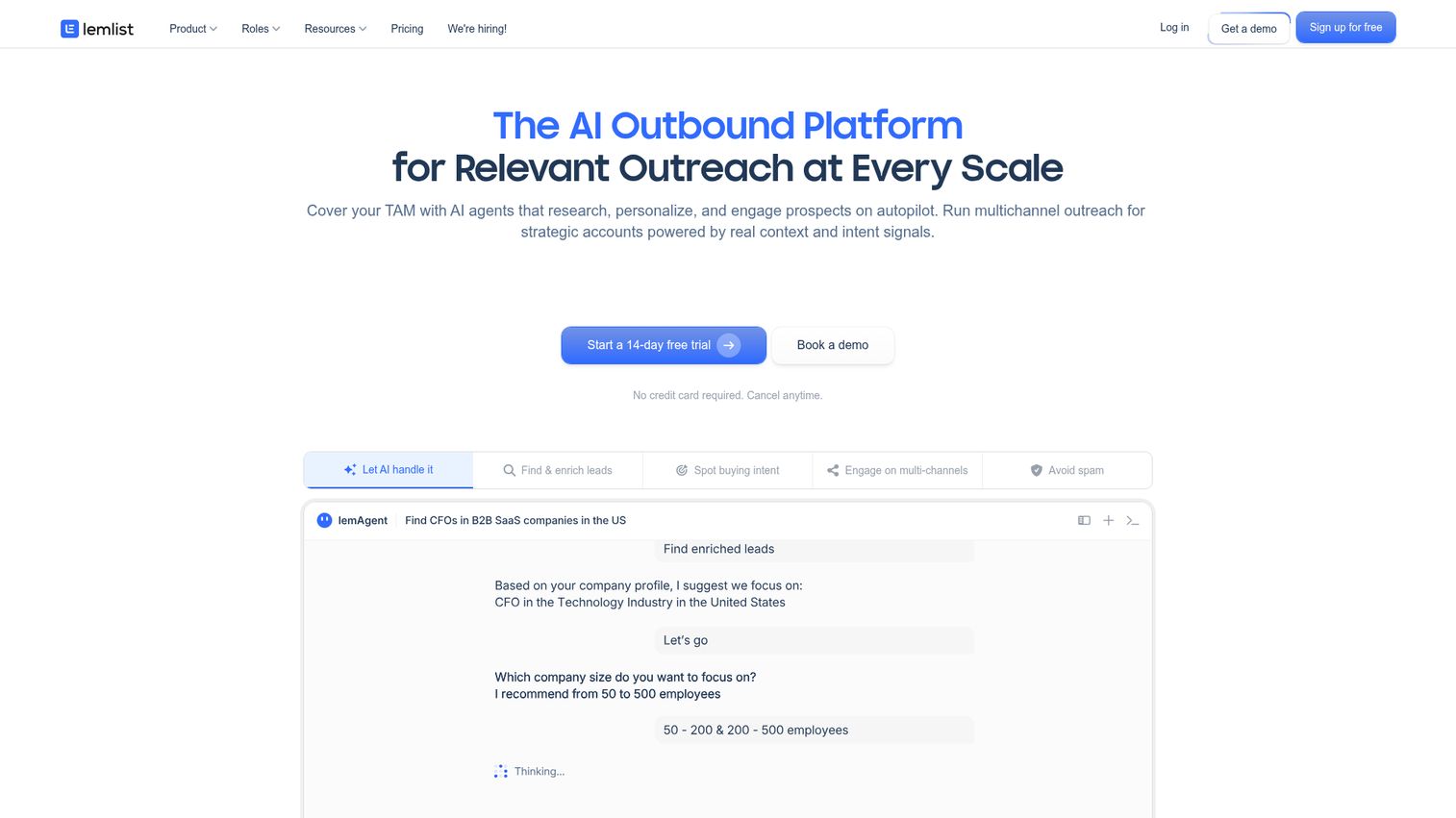
lemlist is a sales engagement and multichannel outbound automation platform for B2B lead generation, outreach, personalization, deliverability, and CRM-connected workflows. It leads with email strength and deliverability, then layers LinkedIn, calls, WhatsApp, and SMS on top. For teams whose motion leans heavily on email, the best email marketing software comparison is a useful companion read.
Best for: B2B sales teams, growth teams, founders, and agencies running personalized multichannel outbound campaigns.
Key strengths
- Large lead database: Access a 650M-plus lead database with email and phone finder and verifier.
- Multichannel sequences: Run outreach across email, LinkedIn, calls, WhatsApp, and SMS.
- Deliverability tools: Use warm-up, inbox monitoring, and alerts to protect your sending reputation.
Why choose lemlist: lemlist is the pick when email deliverability is central to your motion and LinkedIn is a complementary channel rather than the primary one. The deliverability hub and personalization tools help your messages actually land, which is half the battle in multichannel outbound.
lemlist pricing: The Email plan is $31 per user per month billed yearly with 5,000 emails monthly and the lead database. Multichannel is $87 per user per month yearly, adding LinkedIn, SMS, and WhatsApp automation plus a built-in dialer. Enterprise is custom-priced. A 14-day free trial is offered. lemlist holds a 4.6/5 rating on G2.
12. Evaboot
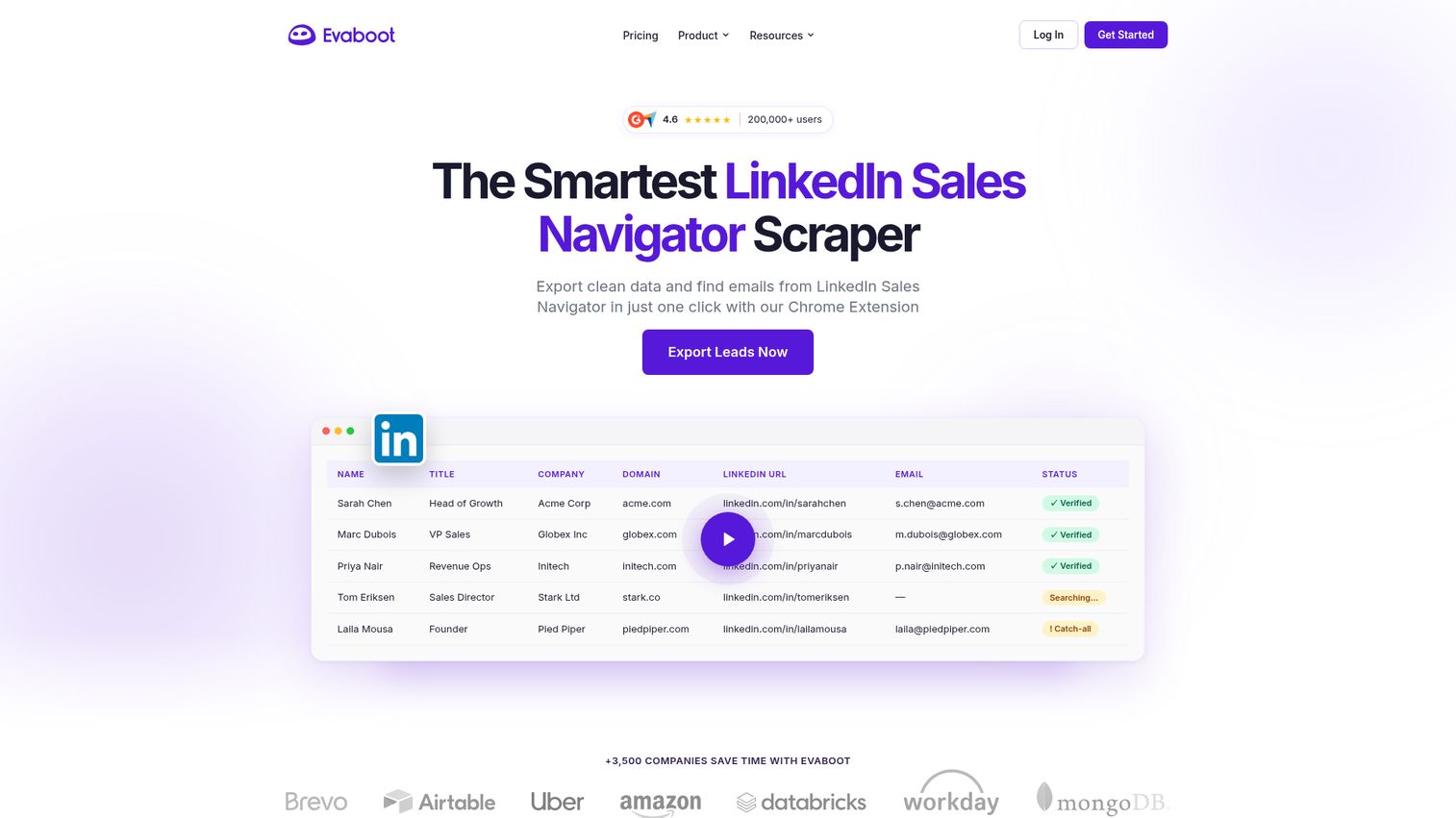
Evaboot is a LinkedIn Sales Navigator scraper that exports clean lead data and finds verified professional emails via a Chrome extension. It fills the specific niche between sourcing and outreach: taking raw Sales Navigator lists and turning them into clean, enriched, ready-to-use data.
Best for: Sales teams using LinkedIn Sales Navigator who need to export, clean, enrich, and verify prospect lists.
Key strengths
- Sales Navigator export: Export leads and accounts from Sales Navigator straight to CSV.
- Data cleaning and filtering: Clean and filter messy LinkedIn data before it hits your CRM.
- Email finder and verifier: Find and verify professional emails to enrich your exported lists.
Why choose Evaboot: Evaboot is the surgical tool for one job done well. If you already run Sales Navigator and your problem is dirty exports and missing emails, Evaboot cleans the data so your downstream outreach tools work with quality records instead of garbage.
Evaboot pricing: Plans are credit-based, starting at $9 per month for 100 credits, scaling up through higher credit volumes to custom. Included capabilities span Sales Navigator export, data cleaning, lead filtering, email finder and verifier, and unlimited seats. A Sales Navigator subscription is required. Evaboot holds a 4.6/5 rating on G2.
How to choose the right LinkedIn lead generation tool
The shortlist is the easy part. Matching a tool to your motion, stack, and risk tolerance is where the real decision lives. Run every candidate through these criteria.
Account safety and LinkedIn compliance
Check whether the tool runs in the cloud or through your browser, and whether it enforces human-like daily limits and warm-up. Aggressive defaults are the fastest path to a restricted account. Favor tools that cap volume by account age and let you ramp gradually.
Pricing model and total cost
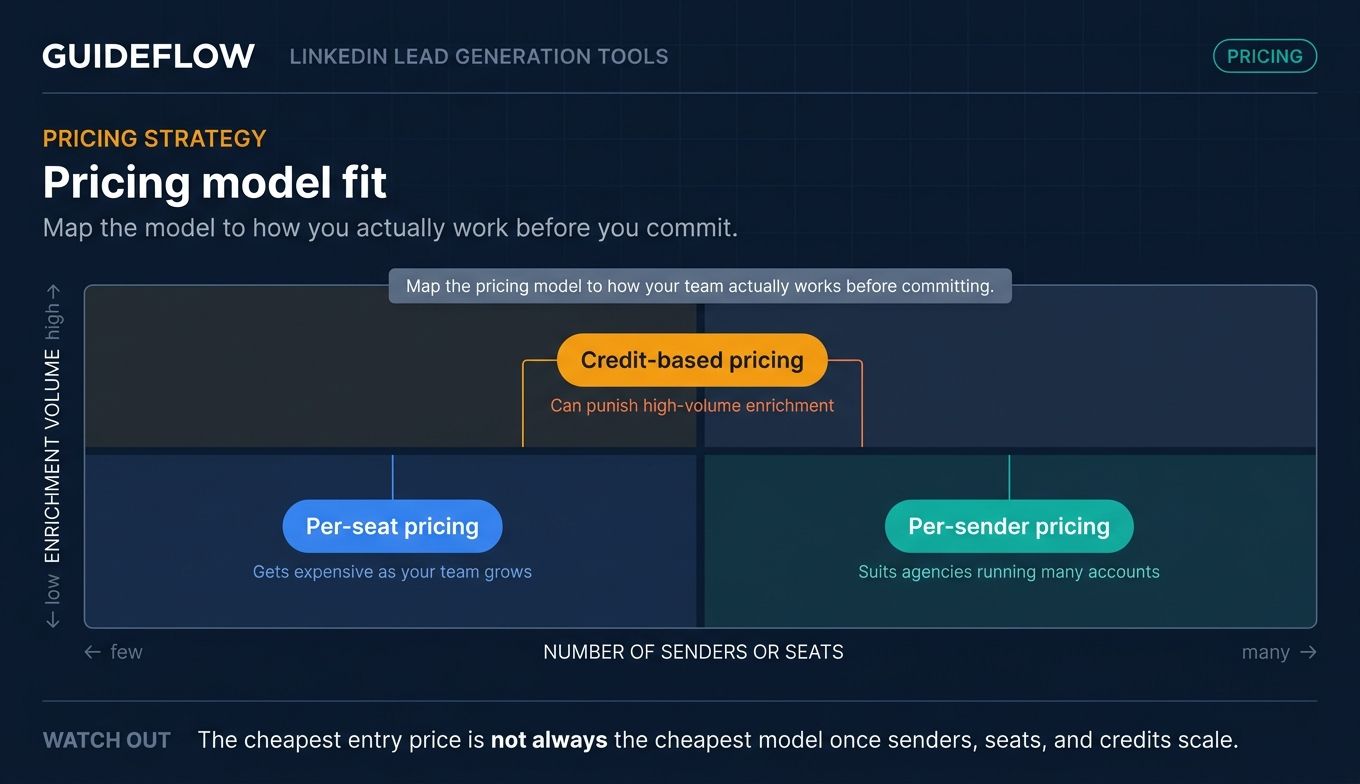
Per-seat, per-sender, and credit-based pricing scale very differently. Per-seat gets expensive as your team grows, per-sender suits agencies running many accounts, and credit models punish high-volume enrichment. Map the model to how you actually work before you commit.
Integration and CRM depth
This is the consolidation question. Does the tool sync cleanly to your CRM and the rest of your stack, or does it create a silo you have to reconcile later? Confirm the specific integrations you need exist and work two-way, not just one-way export.
Data quality and enrichment
Bad data means wasted touches and a dented sender reputation. Whether enrichment is built in or you pair a dedicated tool like Clay or Evaboot, make sure your records are clean and verified before they enter a sequence.
Analytics and attribution
You have to defend pipeline impact. Look for reply tracking, step-level analytics, and CRM sync so you can tie LinkedIn activity to booked meetings and cost per meeting. If you cannot measure it, you cannot defend the spend. Demo-level engagement data from a tool's analytics view can add another layer of insight into which prospects are genuinely interested.
Conclusion
There is no single winner here, only the right fit for your motion. For cloud-based LinkedIn and email outreach with safety controls, Expandi is a clean all-in-one pick. Agencies running many sender accounts should look hard at HeyReach and its per-seat model. If you are starting from scratch and want a free tier, Apollo.io combines data and sequencing in one place. And when dirty data is your real bottleneck, Clay or Evaboot fix it before outreach ever begins.
The next step is simple. Shortlist two tools that match your channel mix and budget, start a trial on each, and run the same target list through both. Then measure what actually matters: acceptance rate, reply-to-meeting rate, and cost per meeting.
That last number is the one your CFO cares about. Pick the tool that moves it, tie LinkedIn activity to pipeline you can defend, and ignore the rest of the noise. The channel works. Now make your stack prove it.
FAQs
Apollo.io offers a genuine free plan with 900 credits per seat per year, covering prospecting data and basic outreach. Clay has a free tier with 500 actions and 100 data credits monthly for enrichment. PhantomBuster offers a free trial rather than a permanent free plan. Most outreach automation tools provide free trials but reserve full functionality for paid tiers.
They can be, if you use them responsibly. Cloud-based tools with human-like daily limits and warm-up periods carry less risk than aggressive browser-based setups. LinkedIn's user agreement discourages automated activity, so keep send volumes modest, ramp gradually based on account age, and avoid maxing out the dials. Safety is mostly about settings, not just the tool you pick.
Yes, the risk is real with aggressive settings. Sending too many connection requests too fast, ignoring daily caps, or running automation on a brand-new account can trigger restrictions. You reduce that risk by using tools with built-in limits, warming up your account slowly, and keeping activity within human-plausible ranges. Conservative settings keep most accounts safe.
LinkedIn Sales Navigator is the native data and search layer: advanced filters, lead lists, and InMail straight from LinkedIn. Lead generation tools are the automation, outreach, and enrichment software built on top of that data. Many tools import directly from Sales Navigator, so the two often work together rather than competing.
Pricing ranges from free to enterprise. Entry tools like Evaboot start around $9 per month, and Dux-Soup starts at $14.99. Mid-range outreach platforms run $39 to $99 per seat or sender per month. Enrichment and all-in-one platforms like Clay and Sales Navigator run higher. Models split across per-seat, per-sender, and credit-based pricing.
Not always. All-in-one platforms like Apollo.io or lemlist bundle data and outreach, which suits smaller teams. You separate them when data quality is critical and you want best-in-class enrichment from a tool like Clay feeding a dedicated outreach engine. Bigger, more sophisticated operations usually split the two for control over each layer.
HeyReach is built for agency scale, with sender auto-rotation, per-seat pricing, a unified inbox, and white-label on its Agency plan. Dux-Soup also offers a Cloud Agency tier for managing multiple LinkedIn accounts. Both let you run high-volume outreach across many client accounts while keeping replies organized in one place.
Track the funnel end to end: connection acceptance rate, reply rate, meeting-booked rate, and cost per meeting. Then tie those to pipeline influenced and ultimately to CAC. Tools with CRM sync and step-level analytics make this attribution possible. If you cannot connect LinkedIn activity to booked meetings and revenue, you cannot defend the spend.