A front desk juggles a paper calendar, a billing portal in one browser tab, a texting app on someone's phone, and a spreadsheet nobody fully trusts. Appointments slip. Claims sit unfiled. Reminders go out late, and no-shows pile up. Nobody has a clean view of what the clinic actually collected last week.
That fragmentation is expensive, and it is the exact problem clinic management software exists to solve. The global clinical practice management software market is projected to grow from USD 3.31 billion in 2024 to USD 6.83 billion by 2035 at a 6.8% CAGR, according to Market Research Future (2025). That growth is not accidental. Clinics are consolidating scheduling, billing, patient communication, reporting, and compliance into a single system because the manual version stopped scaling.
If you run a clinic, or you evaluate healthcare-adjacent software the way a Series B operator evaluates any stack decision, the question is not whether you need a clinic management system. It is which one fits your workflows, your specialty, and your billing reality without forcing a painful migration. The wrong pick creates a new silo. The right one earns its place in the first quarter by removing confusion from both the front desk and the patient side.
This guide breaks down seven platforms worth shortlisting, with honest positioning on where each one fits. If you are building out related operational content, our roundups on event management software and contract lifecycle management follow the same evaluation-first structure.
What's inside
This guide covers the best clinic management software for scheduling, billing, patient communication, reporting, integrations, compliance, and telehealth. It is written for practice owners, operations leads, and anyone comparing medical clinic software before booking demos. We selected platforms based on workflow coverage, ease of use, integration depth, compliance posture, and support for specialty or private-practice workflows. Each entry includes verified pricing where public, a G2 rating where available, and clear guidance on the clinic type it fits best. The comparison table sits before the item sections so you can shortlist fast, then read deeper.
TL;DR
- Best overall for broad clinic operations: Salesforce, when you want clinic workflows connected to a wider CRM and service layer.
- Best for allied health and private practices: Zanda Health, for scheduling, notes, billing, and patient communication in one system.
- Best for configurable all-in-one practice management: PracticeSuite, for multi-provider practices that want billing and EHR together.
- Best for operational breadth in small to mid-sized clinics: Medesk, for booking, EHR, telemedicine, and reporting.
- Best for revenue cycle and integrated EHR at scale: athenahealth, for mature ambulatory practices.
- Best for behavioral health and solo practitioners: SimplePractice, for a clean, self-serve clinic software experience.
- Best for billing-heavy practices that need RCM depth: CareCloud, for financial operations and patient engagement together.
What is clinic management software?
Clinic management software is a cloud or on-premise platform that unifies the administrative and operational work of running a healthcare practice: scheduling, billing, patient communication, reporting, compliance, and often telehealth. It is the operational backbone that keeps the front desk, the billing team, and the patient experience running on one system instead of five.
Core capabilities you should expect from any serious clinic management system:
- Scheduling and online booking: calendar management, self-service booking, waitlists, and reminders
- Billing, claims, and payments: invoicing, claim submission, payment capture, and reconciliation
- Patient communication and reminders: SMS, email, and automated appointment nudges
- Patient portals and digital forms: intake, consent, and self-service document handling
- Reporting and analytics: revenue, utilization, no-show rates, and provider productivity
- Compliance and security: HIPAA-aligned access controls, audit logging, and data protection
- Integrations: calendar, payment processors, CRM, and accounting connections
- Telehealth support: native video visits or tight integration with an external tool
Clinic management software is not the same as an EHR, though the two overlap. An electronic health record system owns clinical documentation: charts, diagnoses, prescriptions, and the legal medical record. Clinic management software owns the operational layer around that record. Many platforms now bundle both, which is why the line blurs in marketing copy.
The term you will see used almost interchangeably is practice management software. In practice, medical practice management software tends to emphasize the financial and administrative side, billing, claims, scheduling, while clinic management system software often implies broader front-desk and patient-flow coverage. Most modern platforms in this list are practice management software cloud products, meaning they run in the browser with no server to maintain. That shift matters: cloud-based practice management solutions accounted for 56.02% of the market in 2025 and are projected to grow at 9.05% CAGR through 2031, per Mordor Intelligence (2026). The migration away from on-premise clinic software is well underway.
When to use clinic management software
Reduce front-desk admin load
If your team spends its mornings confirming appointments by phone, retyping intake forms, and chasing patients who forgot their visit, that is the trigger. Scheduling automation, digital intake, and reminder workflows cut the manual work that eats staff hours. Clinics that switch usually see no-show rates drop once automated reminders replace ad hoc calls, and front-desk staff get time back for patients who are actually in the room.
Tighten billing and cash collection
Revenue leaks quietly. Claims sit unsubmitted, denials go unworked, and patient balances age past the point of easy collection. When you cannot answer "what did we collect this week" without a spreadsheet, you need stronger payment flows, claim visibility, and reconciliation. Good patient management software surfaces where money is stuck and shortens the gap between service and payment.
Improve patient self-service and visibility
When patients want to book, fill forms, pay, and join video visits on their own time, and your leadership wants clean operational dashboards, the self-service layer becomes the priority. Patient portals, digital forms, reporting dashboards, and telehealth matter most for clinics scaling patient volume without proportionally scaling staff. This is where medical management software stops being a cost center and starts driving retention.
Comparison table
Seven platforms, sorted from broadest operational scope to specialty fit. Pricing and ratings below are verified from first-party pages and G2 seller profiles at the time of writing. Where a vendor keeps pricing custom, we say so rather than guess.
| # | Product | Intent | Key use case | Pricing | G2 rating |
|---|---|---|---|---|---|
| 1 | Salesforce | CRM-led clinic operations | Connect clinic workflows to broader CRM and service ops | From $0 (Free Suite); Starter $25/user/mo | 4.4/5 |
| 2 | Zanda Health | Allied health and private practice | Scheduling, notes, billing, and communication in one | From $9.50/mo (first 6 months) | 4.7/5 |
| 3 | PracticeSuite | Configurable all-in-one PM + EHR | Multi-provider billing and practice operations | Custom | 4.3/5 |
| 4 | Medesk | Small to mid-sized clinics | Booking, EHR, telemedicine, and reporting | Free start; custom plans | Not listed |
| 5 | athenahealth | Ambulatory practices at scale | Integrated EHR, RCM, and patient engagement | Custom (% of collections) | 3.6/5 |
| 6 | SimplePractice | Behavioral health and solo practices | Scheduling, telehealth, notes, and payments | From $49/mo | 4.1/5 |
| 7 | CareCloud | Billing-heavy practices | RCM, practice management, and patient experience | Custom | 3.6/5 |
1. Salesforce
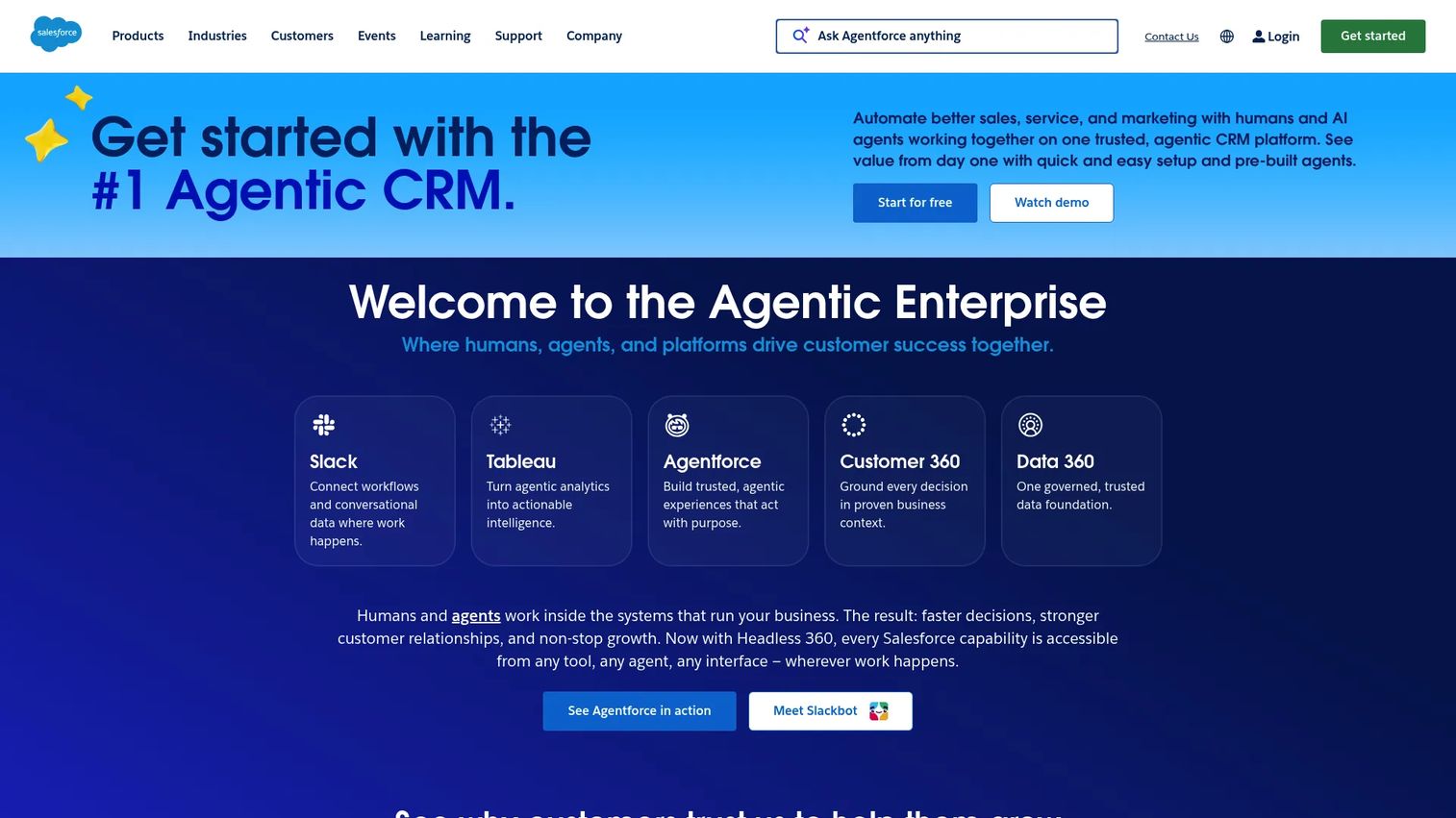
Salesforce is a cloud-based CRM and enterprise platform spanning sales, service, marketing, commerce, and AI. For clinics, it is the option that treats patient relationships the way a revenue team treats accounts: a single view of every interaction, orchestrated engagement workflows, reminders, and analytics on top. It is less a purpose-built medical clinic software and more a configurable platform you shape around clinic operations, which is exactly why larger or multi-line healthcare organizations reach for it.
The appeal is orchestration. When your clinic runs alongside marketing, service, and outreach functions, keeping patient data, communication, and operational reporting in one CRM removes the seams. Agentforce adds AI-assisted automation for routine service work, and Service Cloud handles inbound patient support at scale.
Best for: Healthcare organizations that want clinic workflows connected to a broader CRM and service operation, not a standalone practice tool.
Key strengths
- Unified patient view: Sales Cloud CRM centralizes every patient touchpoint, so engagement and history live in one record.
- Service and support at scale: Service Cloud manages inbound patient communication, case routing, and follow-up.
- AI-assisted automation: Agentforce handles repetitive service tasks and surfaces next-best actions.
Why choose Salesforce: Pick it when the clinic is one part of a larger operation and you value platform depth over out-of-the-box medical workflows. It rewards teams with the appetite to configure. If you want a system that arrives pre-built for claims and charting, a dedicated practice platform will get you there faster.
Salesforce pricing: Salesforce offers a Free Suite at $0, then Starter Suite at $25 USD per user per month (billed monthly or annually), Pro Suite at $100, Enterprise at $175, Unlimited at $350, and Agentforce 1 Sales at $550 per user per month, most billed annually. Verified from Salesforce's Sales pricing page as of July 2026. Its G2 rating is 4.4/5.
2. Zanda Health
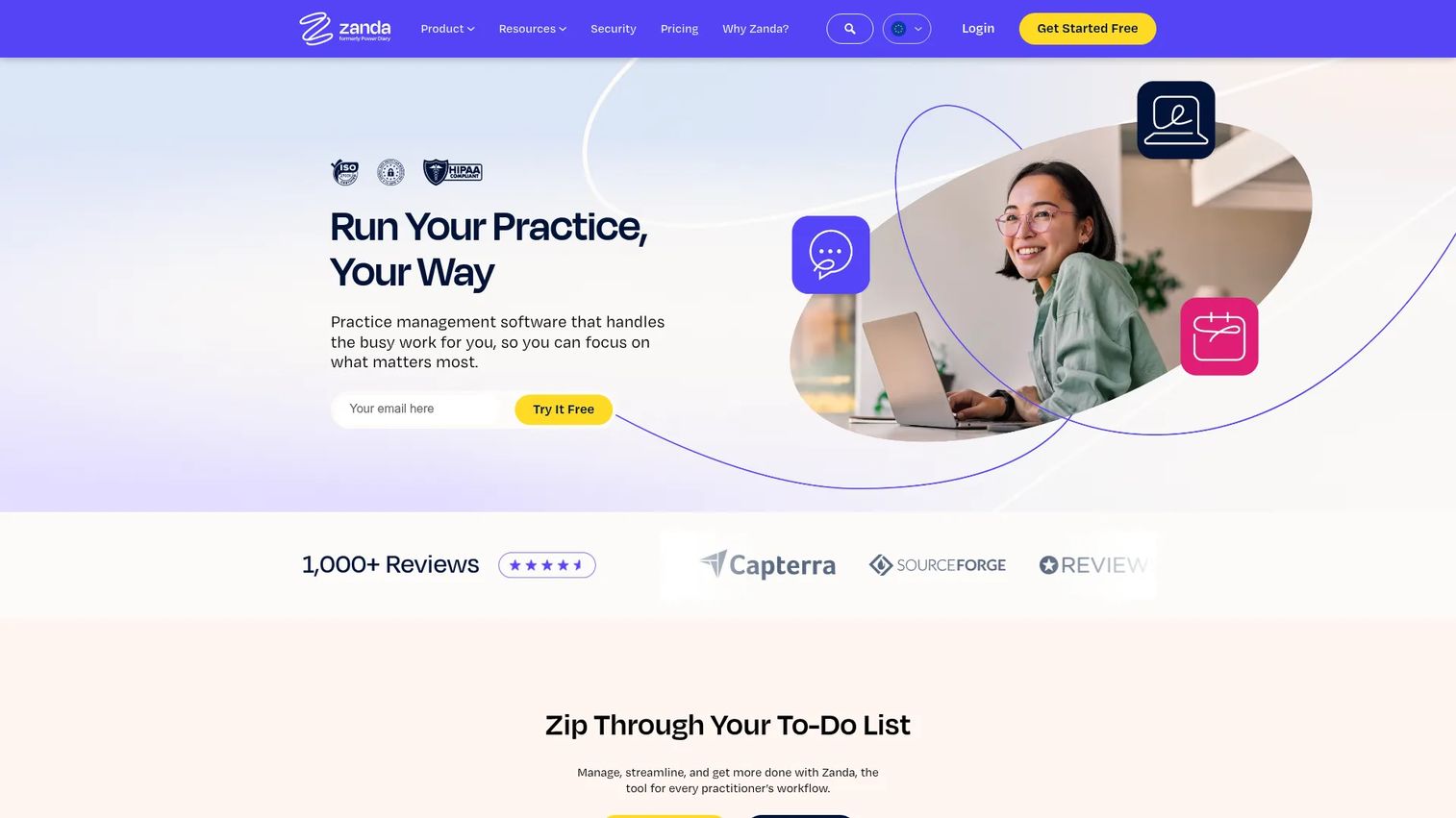
Zanda Health, formerly Power Diary, is all-in-one practice management software built for health practices. It brings scheduling, clinical notes, billing, and patient communication into a single system, and it has earned a following among allied health and private practice teams who want one tool rather than a stitched-together stack. The 4.7/5 G2 rating is the highest on this list, and it reflects how cleanly the day-to-day workflows fit real clinic routines.
Scheduling and communication are where Zanda shines. Appointment management, automated reminders, and a client portal reduce the front-desk load without a heavy setup. The Practice Operations Manual, a built-in library of workflow guidance, is a genuine differentiator for smaller teams that lack a dedicated operations lead.
Best for: Solo and group health practices needing scheduling, notes, billing, and patient communication in one accessible system.
Key strengths
- Appointment management and scheduling: Calendar control, online booking, and automated reminders in one place.
- Billing, invoices, and claiming: Integrated invoicing and claim submission tied to the schedule.
- Clinical notes, forms, and client portal: Documentation and patient self-service without a separate portal tool.
Why choose Zanda Health: It is the practical pick for allied health and private practice teams that want strong scheduling and communication without enterprise complexity. The Practice Operations Manual and clean workflows make it approachable for teams standing up their first real clinic management system.
Zanda Health pricing: Zanda lists a Starter plan at $9.50 per month for the first six months, then $19 per month, and a Growth plan at $34 per month for the first six months, then $68 per month for one practitioner plus $19 per month per additional practitioner. A 14-day free trial is available with no credit card required. Verified from Zanda's pricing page as of July 2026. G2 rating: 4.7/5.
3. PracticeSuite
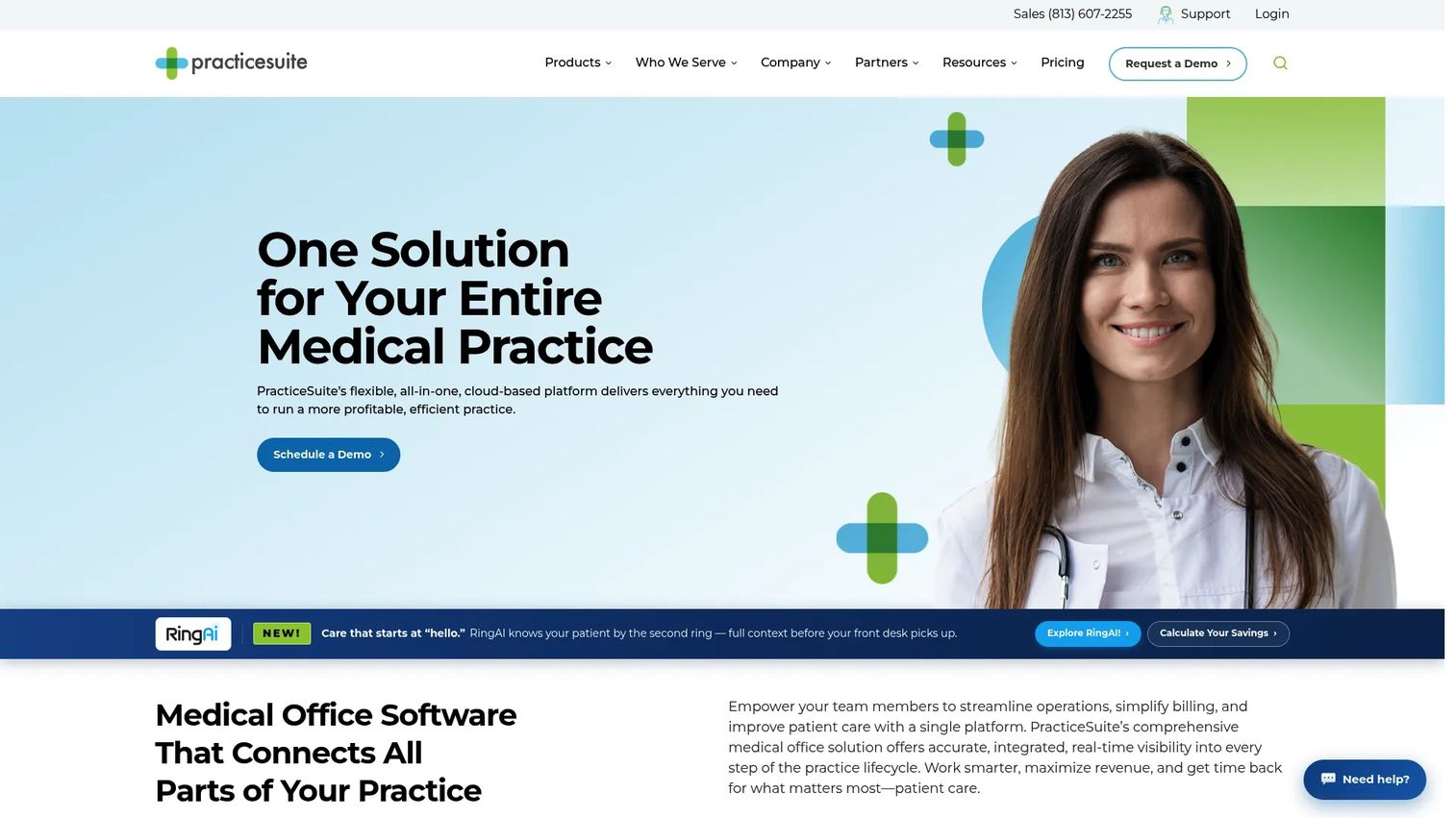
PracticeSuite is a cloud-based medical practice management platform that pairs scheduling, billing, an ONC-certified EHR, patient engagement, and telehealth in one configurable system. It sits at the broader end of the medical practice management software spectrum, which makes it a strong fit for multi-provider practices that want administrative, financial, and clinical workflows under one roof rather than integrated across vendors.
The platform leans into operational and revenue depth. Billing and revenue management are core rather than bolt-on, and the ONC-certified EHR means clinical documentation lives alongside the operational layer. For practices that have outgrown a lightweight scheduler and now need billing discipline plus charting, PracticeSuite covers a lot of ground.
Best for: Multi-provider healthcare practices that want a configurable, all-in-one practice management and EHR platform.
Key strengths
- Billing and revenue management: Claim workflows and revenue tracking built into the core, not added later.
- ONC-certified EHR: Clinical documentation and operations in a single platform.
- Patient engagement and telehealth: Portals, reminders, and native video visits for self-service care.
Why choose PracticeSuite: Choose it when your practice needs breadth and is willing to invest in configuration to get workflows exactly right. It suits clinics that want billing, scheduling, and EHR together and value a platform they can shape to their specialty over a plug-and-play tool with a narrower scope.
PracticeSuite pricing: PracticeSuite uses custom pricing tailored to each practice. Its pricing page directs prospects to request a personalized quote rather than displaying a public price, so budget for a sales conversation before you can compare directly. Its G2 rating is 4.3/5.
4. Medesk
Medesk is cloud-based medical practice management software built for clinics and private practices that need operational breadth without heavy overhead. It combines online booking, integrated electronic health records, telemedicine, patient communications, and reporting in one platform, and it positions itself squarely at small to mid-sized practices that want to run lean.
The strength here is coverage relative to setup effort. Online booking and appointment scheduling handle the front-of-house work, while integrated patient records keep clinical and administrative data together. Telemedicine, patient communications, and analytics round out a stack that would otherwise require three or four separate tools. For a growing clinic watching its tool budget, that consolidation is the pitch.
Best for: Small to mid-sized private healthcare practices needing practice management, EHR, and booking in one platform.
Key strengths
- Online booking and scheduling: Self-service appointment booking tied to the clinic calendar.
- Integrated EHR and patient records: Clinical and administrative data in a single record.
- Telemedicine, communications, and reports: Video visits, patient messaging, and analytics built in.
Why choose Medesk: It fits clinics that want operational breadth and reporting without the weight of an enterprise platform. If you are consolidating several point tools into one system and value a free starting point to evaluate fit, Medesk is worth a close look before you commit.
Medesk pricing: Medesk's site offers a free start with no credit card required and directs prospects to a demo, but public plan prices were not visible at the time of writing. Reach the vendor for tier details tied to your practice size. A verified G2 rating was not available during this run, though third-party review sites carry reviewer feedback.
5. athenahealth
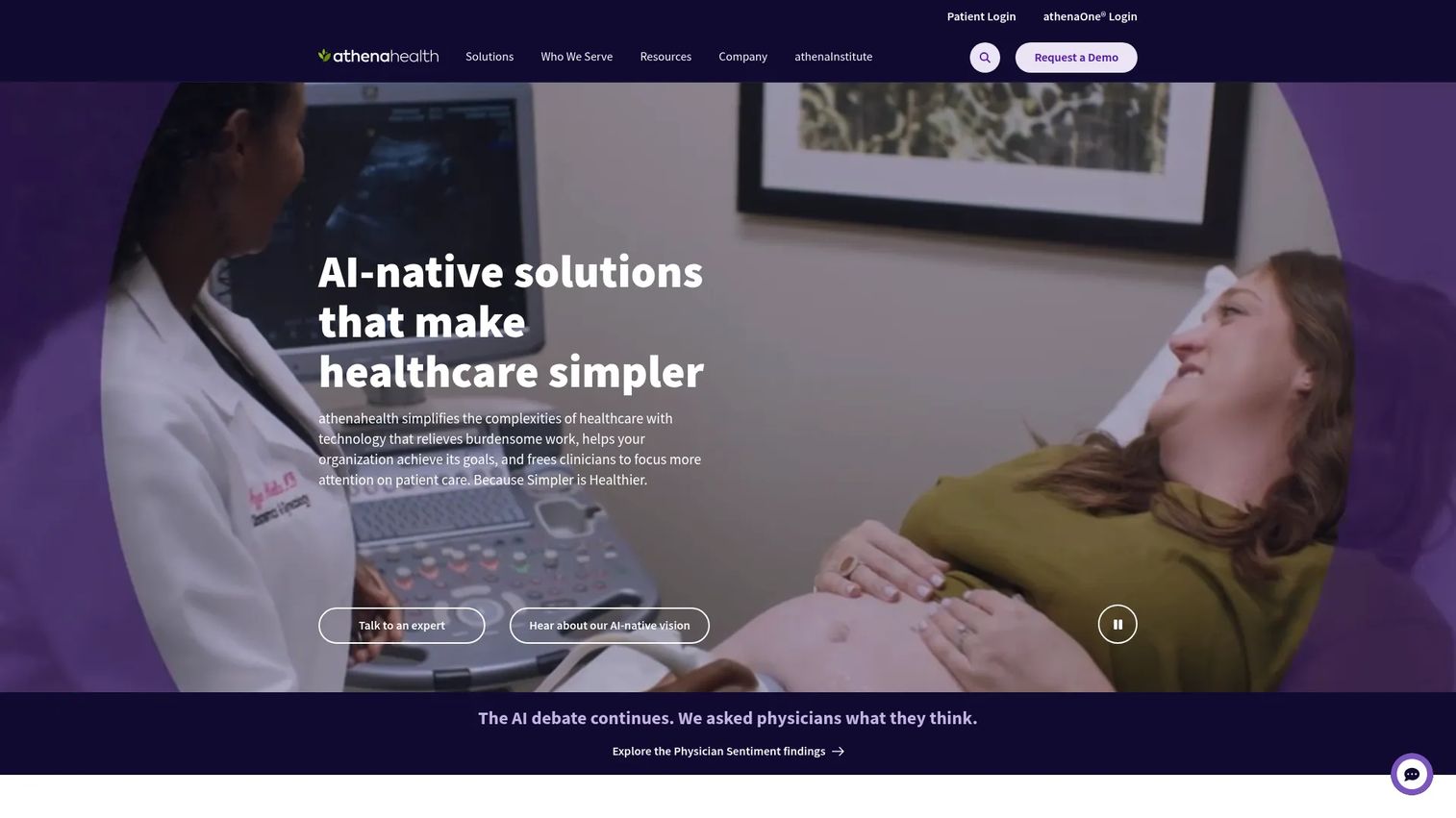
athenahealth is a healthcare software and services company offering an AI-native EHR, practice management, revenue cycle management, and patient engagement in one integrated platform. It is built for ambulatory practices that have scaled past lightweight tools and need serious revenue-cycle depth alongside clinical documentation. The revenue-cycle angle is the headline: athenahealth runs on a percent-of-collections model, which aligns its incentives with getting your claims paid.
For larger or more mature clinics, the integration of EHR, billing, and patient engagement removes the seams that fragment operations elsewhere. AI-powered chart review, documentation, and workflow automation reduce the manual clinical admin that slows providers down, and the patient portal, mobile app, and telehealth cover the self-service side.
Best for: Ambulatory healthcare practices seeking an integrated EHR, RCM, and patient engagement platform at scale.
Key strengths
- Integrated EHR, billing, and practice management: One platform for clinical, financial, and operational work.
- Patient engagement suite: Portal, mobile app, and telehealth for patient self-service.
- AI-powered workflows: Chart review, documentation, and automation to cut clinical admin.
Why choose athenahealth: Choose it when revenue cycle is a top priority and you want a partner whose pricing is tied to your collections. It fits mature ambulatory settings over solo practices. The percent-of-collections model rewards clinics with meaningful claim volume, so weigh that against your billing scale.
athenahealth pricing: athenahealth uses individualized pricing based on a percent of collections rather than a flat subscription, and directs prospects to request a customized quote. There is no public numeric price, so plan for a scoping conversation. Its G2 rating is 3.6/5.
6. SimplePractice
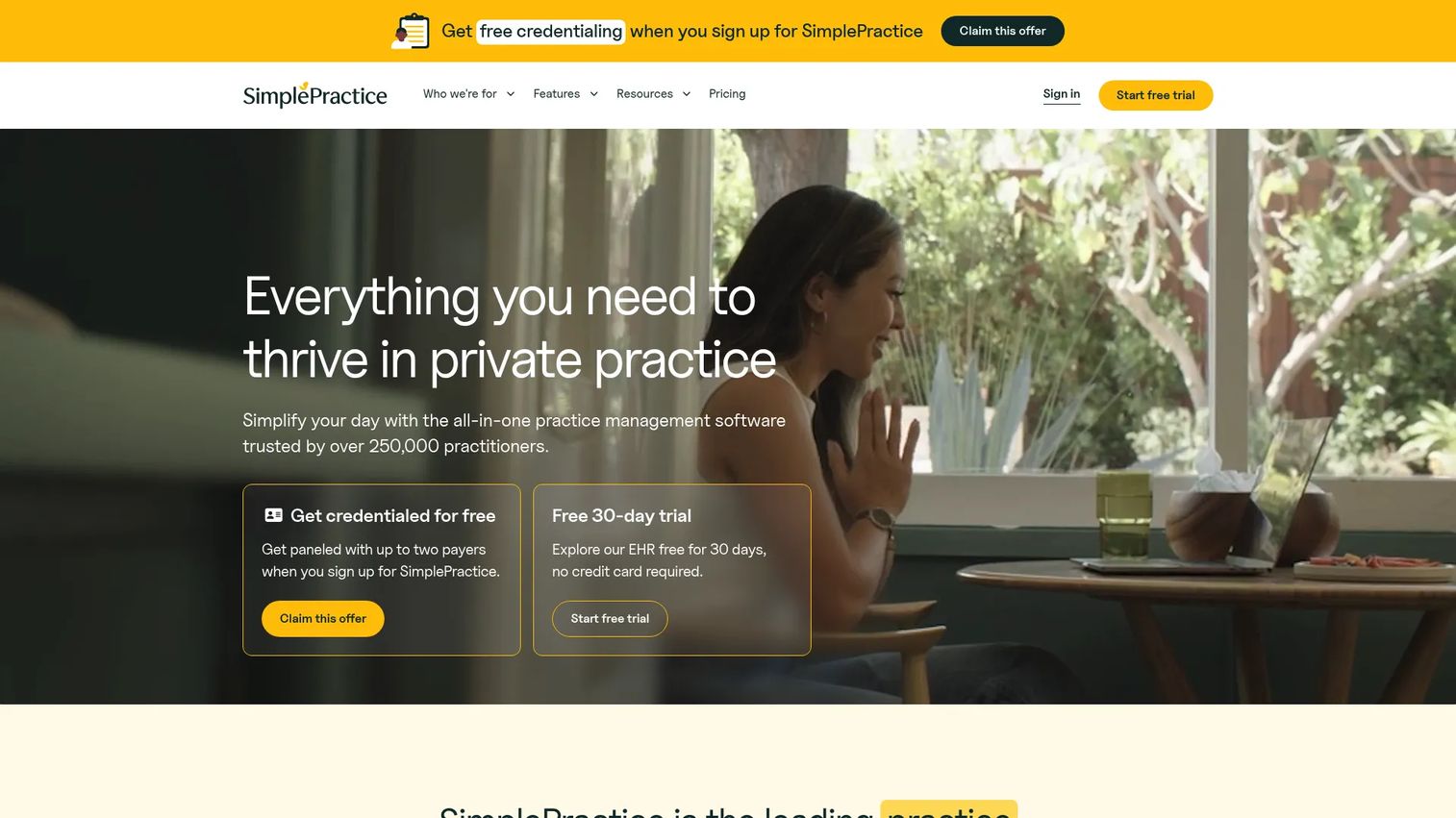
SimplePractice is practice management software built for therapists and other behavioral health practitioners. It is the cleanest fit on this list for solo and small clinician-led practices that want scheduling, telehealth, notes, and patient communication without operational overhead. The experience is deliberately self-serve, which is why so many private practices run their entire operation on it without a dedicated admin.
Simplicity is the differentiator, not a limitation. Scheduling and online booking, integrated billing and payments, and secure messaging with telehealth cover the full arc of a behavioral health visit. For a solo practitioner, the ability to stand up a working clinic software setup in a day, rather than a quarter, is the whole point.
Best for: Behavioral health private practices needing an all-in-one EHR and practice management tool that is quick to adopt.
Key strengths
- Scheduling and online booking: Self-service booking that fits a clinician's own calendar.
- Billing and payments: Integrated invoicing and payment capture for private-pay and insurance work.
- Secure messaging and telehealth: HIPAA-aligned communication and native video visits.
Why choose SimplePractice: It is the pick for solo and small behavioral health practices that value speed to value and a clean interface over enterprise breadth. If you want a system one clinician can run alone, this is the strongest self-serve option on the list.
SimplePractice pricing: SimplePractice offers three paid plans: Starter at $49 per month, Essential at $79 per month, and Plus at $99 per month. A 30-day free trial is available, and promotional pricing sometimes discounts the first months. Verified from SimplePractice's pricing page as of July 2026. Its G2 rating is 4.1/5.
7. CareCloud
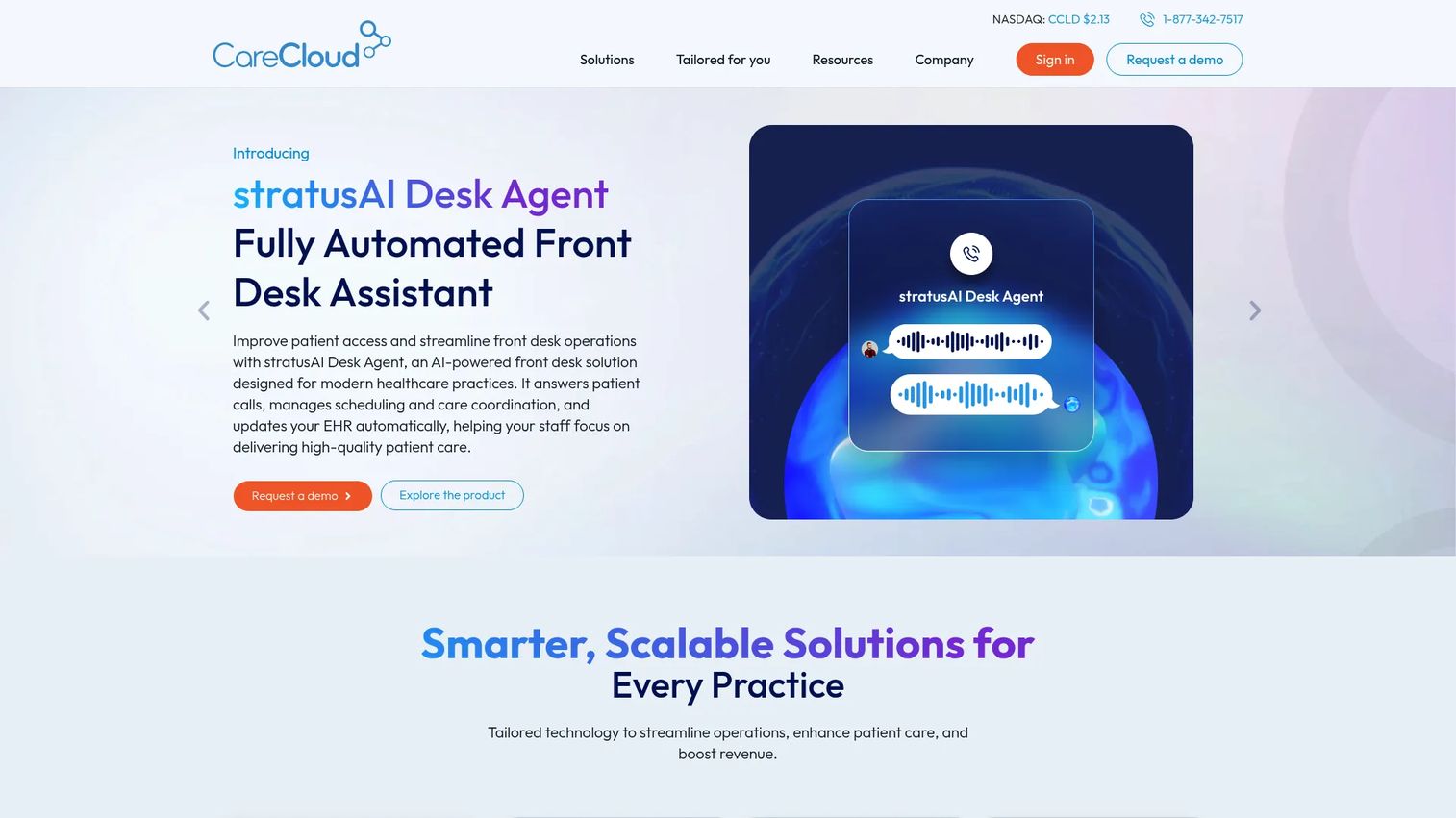
CareCloud is a cloud-based healthcare software platform covering practice management, EHR, patient experience, and revenue cycle workflows. It is built for clinics that need a comprehensive practice management stack with real financial-operations depth. If billing complexity is your bottleneck and you want RCM integrated with scheduling, charting, and patient engagement, CareCloud targets exactly that combination.
The financial operations angle is where CareCloud earns its place. Practice management with scheduling, billing, workflow, reporting, and RCM integration sits at the core, and the patient-experience layer, online scheduling, reminders, intake, telehealth, and payments, keeps the front-of-house running. For practices scaling billing volume, having RCM inside the same system reduces the reconciliation friction that separate tools create.
Best for: Healthcare practices needing an integrated practice management and patient engagement platform with strong billing.
Key strengths
- Practice management with RCM integration: Scheduling, billing, workflow, and reporting tied to revenue cycle.
- Patient experience tools: Online scheduling, reminders, intake, telehealth, and payments.
- Integrated EHR and billing ecosystem: Charting and billing in a connected system.
Why choose CareCloud: Choose it when revenue cycle and financial operations are the priority and you want them integrated rather than bolted on. It suits scaling practices with meaningful billing complexity. Like other RCM-heavy platforms, it rewards clinics with the volume to justify a comprehensive system.
CareCloud pricing: CareCloud uses customized pricing based on practice size, specialty, and feature needs, and does not publish a public price. Its FAQ confirms pricing is tailored per practice, so expect a scoping call. Its G2 rating is 3.6/5.
Considerations before you buy
Shortlisting is the easy part. Verifying fit before you sign is where the real work sits. Run every finalist through these criteria.
Security and compliance
HIPAA alignment is non-negotiable for any medical clinic software handling patient data. Confirm access controls, audit logging, encryption, and whether the vendor signs a Business Associate Agreement. Ask how they handle breach notification and data residency. This is the criterion that should disqualify a tool fastest if it comes up short.
Migration effort
Moving from your current system, whether it is spreadsheets or an older platform, is where projects stall. Ask what data migrates cleanly (patients, appointments, balances, notes) and what does not. Get a realistic timeline. A tool that fits your workflows but takes two quarters to migrate may cost more than it saves in year one.
Workflow fit
The best patient management software matches how your clinic actually runs, not how a demo suggests it should. Map your real front-desk, billing, and clinical workflows, then verify the platform handles each without workarounds. Involve the people who will use it daily, not just the person signing the contract.
Integrations
Calendar, payment processors, accounting, and any CRM or communication tools you already run should connect cleanly. Every manual export or re-entry point is a place data fragments and errors creep in. Confirm which integrations are native versus which require middleware or custom work.
Total cost and support
Look past the sticker price to implementation fees, per-provider costs, transaction fees on payments, and any percent-of-collections model. Then pressure-test support: response times, onboarding help, and whether you get a real human when billing breaks at month-end.
Conclusion
The right clinic management software depends less on a feature checklist and more on your operating reality. If you want clinic workflows wired into a broader CRM and service operation, Salesforce is the platform play. For allied health and private practices that want scheduling, notes, and billing in one accessible system, Zanda Health is the standout. PracticeSuite and Medesk suit multi-provider and small-to-mid clinics that want broad, configurable coverage. When revenue cycle is the priority, athenahealth and CareCloud bring integrated RCM depth. And for solo behavioral health practitioners who value speed and simplicity, SimplePractice is the cleanest fit.
Here is the practical next step: shortlist two vendors that match your clinic type and billing model, verify their compliance and integration fit against the checklist above, then book demos and put your real workflows in front of them. The tool that survives contact with your actual front-desk and billing routines is the one worth buying.
FAQs
Clinic management software is a platform that unifies the operational side of running a healthcare practice: scheduling, billing, patient communication, reporting, compliance, and often telehealth. Unlike an EHR, which owns the clinical medical record, clinic management software runs the administrative and financial workflows around that record.
The terms overlap heavily and are often used interchangeably. Practice management software and medical practice management software tend to emphasize billing, claims, and administrative operations, while clinic management system software often implies broader front-desk and patient-flow coverage. Most modern platforms cover both, so focus on capabilities rather than the label.
Usually yes, and many clinics run both. The EHR handles clinical records, charting, diagnoses, and prescriptions, while clinic management software handles operations like scheduling, billing, and communication. Several platforms on this list, including PracticeSuite and athenahealth, bundle a certified EHR with the operational layer, which reduces the need for a separate system.
Prioritize scheduling and online booking, billing and claims, patient communication and reminders, reporting and analytics, compliance and security, and integrations. The right mix depends on your bottleneck: front-desk load points toward scheduling and reminders, while cash-flow problems point toward billing and revenue-cycle depth.
It varies. Some platforms include telehealth natively, such as SimplePractice, Medesk, and CareCloud, while others integrate with external video tools. If virtual visits are core to your practice, confirm whether telehealth is built in and HIPAA-aligned before you shortlist.
For private and solo practices, prioritize ease of use, scheduling, reminders, patient forms, and billing simplicity. You want a system one person can run without a dedicated admin, which is why clean, self-serve clinic software like SimplePractice or Zanda Health tends to fit best. Speed to value matters more than enterprise breadth.
Integrations are what stop data from fragmenting across tools. Calendar, billing, payment, CRM, and accounting connections remove manual re-entry, which is where errors and wasted staff hours come from. Confirm which integrations are native versus which need middleware, since a missing connection can quietly undermine the whole system.
Verify security and HIPAA compliance, migration effort and timeline, workflow fit against your real routines, integration coverage, and total cost including implementation and any percent-of-collections fees. Then test support responsiveness. Shortlist two vendors, run your actual workflows through their demos, and pick the one that survives contact with your daily operations.