You have a model that needs to hold up. Real loads, real code checks, real liability if the numbers are wrong. The software you pick decides how fast you get to a defensible answer, and how much rework you eat when a load case changes at the eleventh hour.
The stakes are climbing. The global structural engineering software market was valued at USD 7.54 billion in 2025 and is forecast to reach USD 12.8 billion by 2035, a 5.4% CAGR through 2035, according to WiseGuy Reports (2025). Structural analysis applications alone account for 55.83% of finite element analysis (FEA) software revenue in 2025, per Mordor Intelligence (2026). Translation: more teams are standardizing on dedicated analysis tools, and the field of options keeps widening.
That growth is a problem for anyone doing the buying. Cloud-first platforms, deep enterprise suites, free browser calculators, and building-specific design tools all compete for the same shortlist. They do not solve the same job. A tool that excels at quick beam checks is a poor fit for a 40-story tower with seismic detailing, and vice versa.
This guide breaks down eight structural analysis software platforms engineers and technical buyers actually shortlist in 2026. If you evaluate software for a living, whether as an engineer or as a presales or solutions engineering partner supporting technical validation, you already know the pattern here mirrors any complex software buy: workflow fit first, credibility second, reporting and integrations close behind. The same evaluation discipline that vets AI design tools applies to structural software, and the tools below reward that discipline.
What's inside
This guide is written for structural engineers, designers, consultants, and the technical buyers and presales teams who support software evaluation. We selected platforms based on four criteria: real-world adoption in professional engineering, breadth of analysis and design capability, code coverage across regions, and workflow fit from quick calculation to full BIM-connected projects. Each tool section covers what it is, who it suits, key strengths, and pricing so you can build a shortlist that matches your evaluation stage and project complexity. No single tool wins every category, so the picks are framed by use case.
TL;DR
- Best cloud-first pick: SkyCiv, for browser-based analysis and design with no installation, ideal for distributed teams.
- Best for BIM-heavy enterprise teams: Autodesk Robot Structural Analysis Professional, for deep Revit and AEC Collection workflows.
- Best free browser option: STRIAN 2.1, for quick beam, frame, and truss calculations.
- Best suite for complex projects: Bentley STAAD, for 90-plus international codes and connected design.
- Best building-focused design: ETABS, purpose-built for multi-story structures and seismic work.
- Best all-round 3D analysis: RISA-3D and SAP2000, for general-purpose modeling with strong code checks; Tekla Structural Designer for model-based documentation.
What is structural analysis software?
Structural analysis software is a category of engineering tools that model how structures respond to loads, then calculate internal forces, stresses, deflections, and reactions to support safe design decisions. Engineers build a geometric model, apply loads and boundary conditions, run the analysis, and read the results as diagrams, tables, and code checks.
Most professional-grade platforms share a core capability set. Understanding these features helps you compare tools on the same terms:
- Modeling and geometry: Build 2D and 3D structural models with beams, plates, shells, and solids, often importing from CAD or BIM sources.
- Load definition: Apply dead, live, wind, seismic, and moving loads, with automatic generation of code-based load combinations.
- Analysis methods: Run static, dynamic, nonlinear, buckling, and finite element analysis (FEA) to capture real structural behavior.
- Design and code checks: Verify members against steel, concrete, timber, masonry, and aluminum codes across regions.
- Results and diagrams: Produce shear, moment, and deflection diagrams, stress plots, and utilization ratios for reporting.
- Reporting and documentation: Generate calculation reports and drawings that satisfy review and permitting requirements.
- Interoperability: Exchange data with BIM, CAD, and detailing tools through APIs and file formats.
The category spans everything from a free frame analysis program in a browser tab to a full structural analysis and design suite deployed across an enterprise. Deployment matters too: on-premise setups held 64.73% of FEA software revenue in 2025, while cloud-based platforms are forecast to grow at 15.11% CAGR through 2031, per Mordor Intelligence. The market is shifting toward cloud access without abandoning heavy on-premise installs.
When to use structural analysis software
Validate a design against code before you commit
When a project moves from concept to permit, you need defensible numbers. Structural analysis tools let you apply the correct load combinations, run the analysis, and produce code-compliant checks you can hand to a reviewer. This is the core job for most professional structural design software, and it is where accuracy and code coverage matter most.
Run quick calculations without heavy setup
Not every task needs a full 3D model. A single beam, a simple frame, or a truss check often calls for a fast answer. Online structural analysis software and free browser tools shine here, giving you diagrams and reactions in minutes without installing anything or opening a large enterprise environment.
Coordinate analysis across a BIM workflow
On larger projects, analysis does not live in isolation. You model in BIM, exchange data with detailing and documentation, and keep everyone working from one source of truth. Suite-oriented and BIM-connected platforms fit teams that need analysis, design, and drawings to stay synchronized across disciplines and revisions.
Comparison table
The table below summarizes the eight tools by primary intent, standout capability, entry pricing, and rating where a verified value was available. Use it as a fast filter, then read the full section for any tool that fits your evaluation.
| # | Product | Intent | Key differentiation | Pricing | G2 rating |
|---|---|---|---|---|---|
| 1 | SkyCiv | Cloud-based analysis and design | Browser access, no installation, integrated design modules | From US $29/mo | 4.6/5 |
| 2 | Autodesk Robot Structural Analysis Professional | BIM-connected enterprise analysis | Revit data exchange, static to dynamic analysis | $307/mo | Not listed |
| 3 | STRIAN 2.1 | Free online beam, frame, and truss analysis | In-browser solving with instant diagrams | Free tier | Not listed |
| 4 | Bentley STAAD | Suite-oriented analysis and design | 90-plus international codes, OpenSTAAD API | Licensing-based | 4.4/5 |
| 5 | RISA-3D | 3D analysis and multi-material design | FEA with mesh, response spectra, P-Delta | $2,290/yr | Not listed |
| 6 | SAP2000 | General-purpose structural analysis | SAPFire engine, multiple 64-bit solvers | From $2,977 | Not listed |
| 7 | ETABS | Building-focused analysis and design | Purpose-built for multi-story structures | From $7,439 | Not listed |
| 8 | Tekla Structural Designer | Model-based analysis and documentation | Single model to analysis, design, and BIM | From $2,700/yr | Not listed |
1. SkyCiv
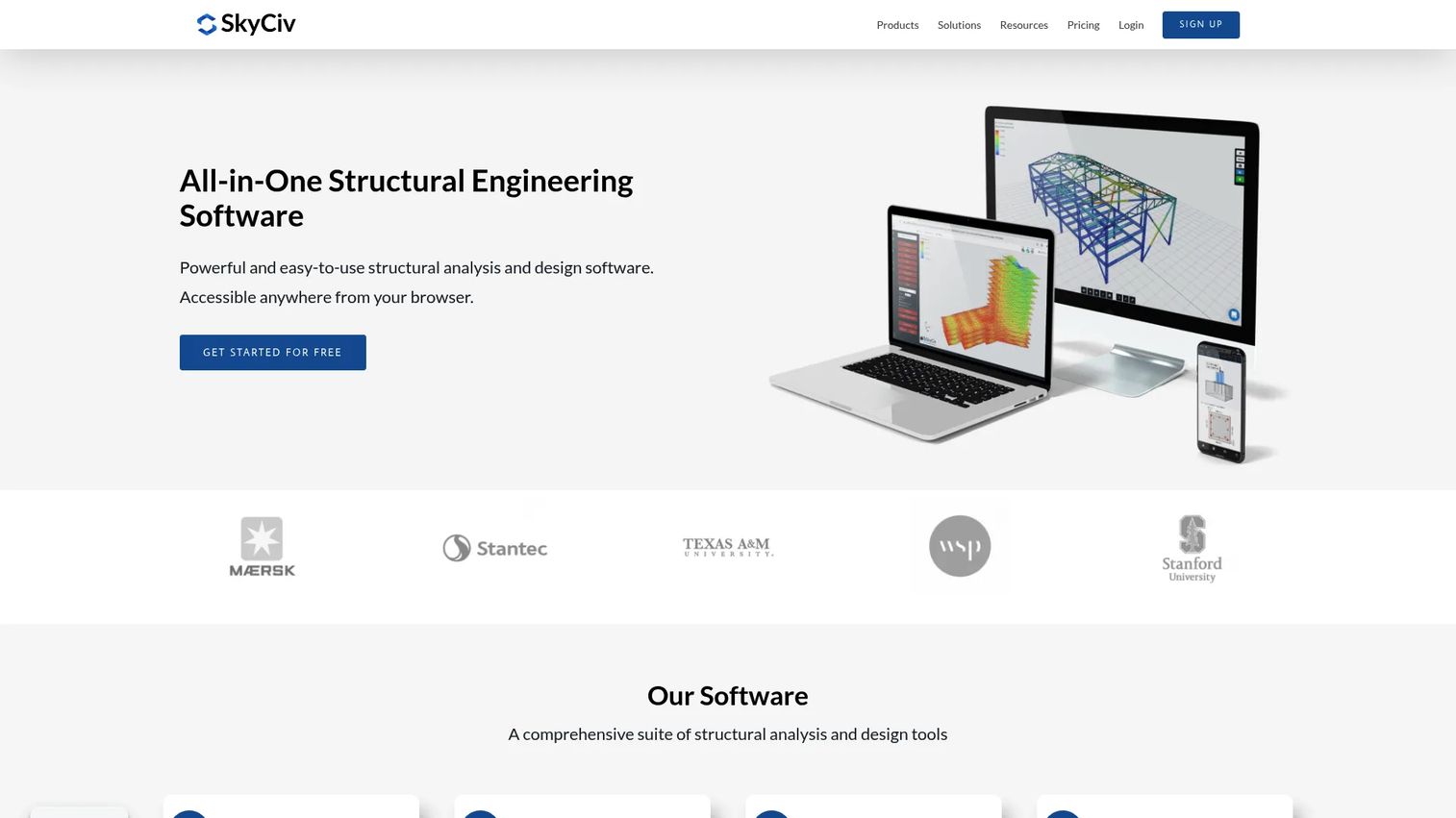
SkyCiv is cloud-based structural analysis and design software that runs entirely in the browser, so there is nothing to install and updates arrive automatically. It pairs 3D structural modeling with integrated design modules for steel, concrete, connections, and foundations, which lets an engineer move from model to code check inside one environment. The cloud model is the differentiator: distributed teams and reviewers can open the same project from anywhere, which matters for firms with remote engineers or fast technical validation cycles.
Best for: Structural engineers and distributed teams who want cloud-based analysis and design without local installs.
Key strengths
- Cloud access with no installation: Open projects from any browser, which keeps distributed teams and reviewers on the same model.
- Integrated design modules: Steel, concrete, connection, and foundation design sit alongside analysis, reducing tool-switching.
- Structural 3D modeling: Build and analyze 3D structures with broad code coverage for professional work.
Why choose SkyCiv: If your team is spread across locations or you want to evaluate software without provisioning machines, the browser-first model removes friction from onboarding and collaboration. It fits engineers who value fast access and a modular workflow over a heavy desktop install, and it scales from single-user work up to enterprise deployments.
SkyCiv pricing: SkyCiv offers a free tier and paid plans that start at US $29 per month for CloudCAD, with an annual option at US $290 per year. Higher tiers include Basic and Professional plans billed monthly, and an Enterprise plan reported at US $5,000 per year. Pricing spans monthly, flexible, and annual billing, so teams can match the plan to how often they run projects. SkyCiv holds a 4.6 out of 5 rating on G2.
2. Autodesk Robot Structural Analysis Professional
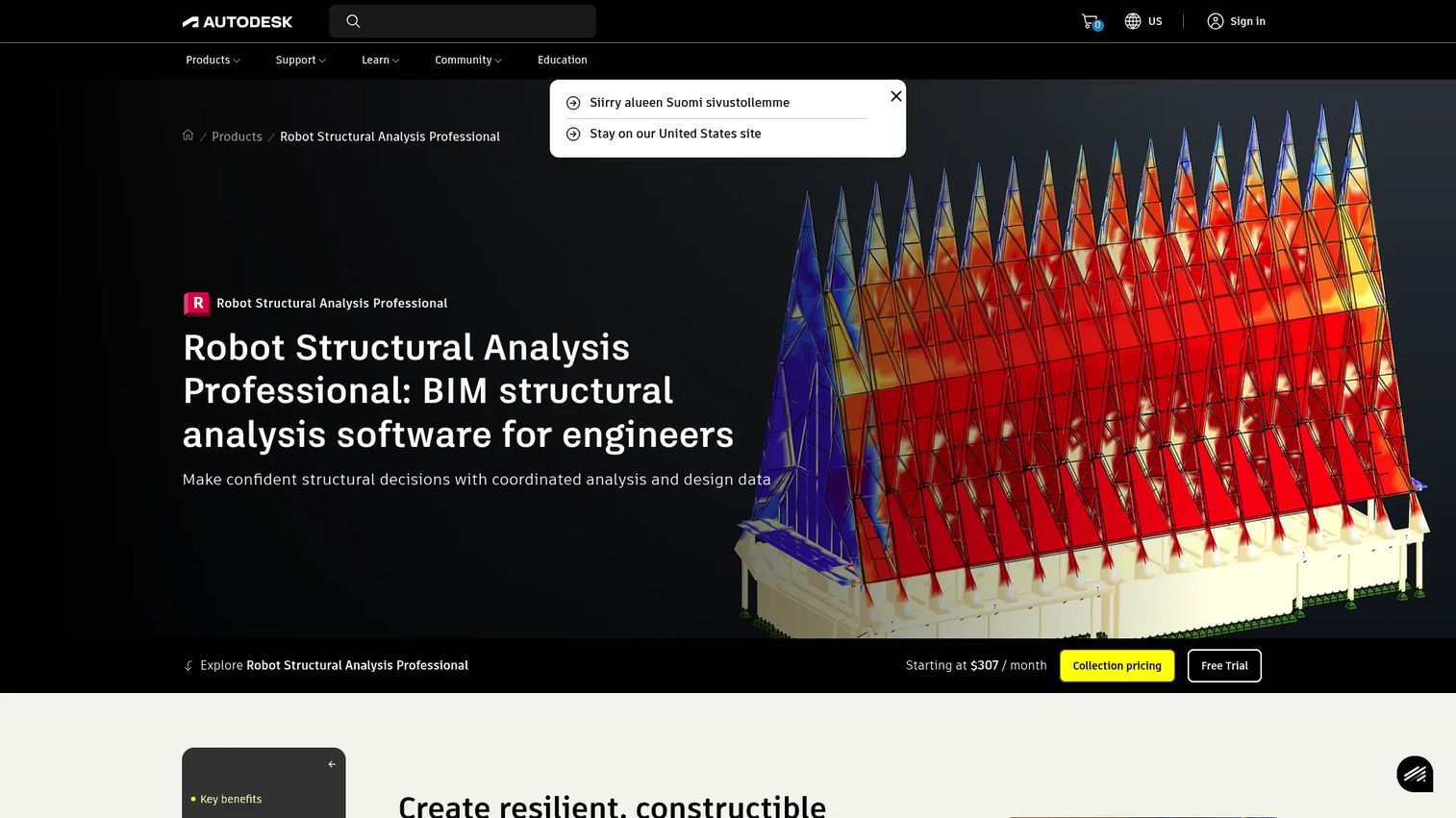
Autodesk Robot Structural Analysis Professional is structural load analysis software built for teams that already live inside the Autodesk and BIM ecosystem. It runs static, nonlinear, buckling, and dynamic analyses, then verifies steel, timber, and concrete members against regional codes. The strongest reason to pick it is the Revit data exchange: if your models already flow through BIM, Robot keeps analysis connected to the rest of the design and documentation pipeline rather than forcing an export-and-rebuild loop.
Best for: Structural engineers on enterprise teams who need BIM-connected analysis and code-check workflows.
Key strengths
- Broad analysis methods: Static, nonlinear, buckling, and dynamic analysis cover complex structural behavior in one tool.
- Code-based member design: Verify steel, timber, and concrete members against regional codes for defensible checks.
- Revit and BIM data exchange: Move models between analysis and BIM without rebuilding geometry.
Why choose Autodesk Robot Structural Analysis Professional: Teams already invested in Revit and the broader Autodesk toolset get the most value here, because analysis becomes one connected step in an existing workflow. It suits enterprise engineering groups that prioritize interoperability and learning resources over a lightweight standalone tool.
Autodesk Robot Structural Analysis Professional pricing: Autodesk lists a standalone starting price of $307 per month and also states the product is available through the Architecture, Engineering, and Construction (AEC) Collection. The AEC Collection is priced at $3,675 per year, with a three-year option at $11,030. A free trial is available. There is no free tier.
3. STRIAN 2.1
STRIAN 2.1 is a free online structural analysis tool for beams, frames, and trusses that solves directly in the browser. You define the system, apply loads, and read the resulting diagrams without installing anything or committing to a license. That makes it a genuinely useful frame analysis software for quick calculations, teaching, and lightweight evaluation, especially when you need an answer fast and the scope is contained.
Best for: Engineers, students, and evaluators who need quick beam, frame, and truss calculations in the browser.
Key strengths
- Free browser access: Solve beams, frames, and trusses with no installation and no upfront cost.
- In-browser solving: Enter the model and get results without a heavy desktop environment.
- Instant diagrams: Read shear, moment, and deflection outputs quickly for fast checks.
Why choose STRIAN 2.1: For quick calculations, coursework, or a fast sanity check on a simple system, free access is often enough to do the job well. It fits engineers who want a no-friction tool alongside heavier platforms, and students learning how loads translate into diagrams. For full 3D projects with extensive code checks, teams typically pair it with one of the professional suites below.
STRIAN 2.1 pricing: STRIAN 2.1 is available as a free online tool, which is its core appeal for quick calculations and educational use. Because it runs in the browser at no cost, it is an easy addition to an engineer's toolkit for lightweight tasks.
4. Bentley STAAD
Bentley STAAD is structural analysis and design software built for teams that need broad code coverage and interoperability across complex projects. It supports over 90 international design codes for steel, concrete, timber, and aluminum, and moves from a physical model to an analytical model within one workflow. The OpenSTAAD API and connections to Bentley applications and Revit make it a strong fit for firms with established engineering processes that span analysis, detailing, and connected design.
Best for: Structural engineers who need code-based analysis and design for buildings and other structures across regions.
Key strengths
- Extensive code coverage: Over 90 international design codes support projects across regions and materials.
- Physical-to-analytical workflow: Move from a physical model to an analytical model without starting over.
- OpenSTAAD API and interoperability: Connect with Bentley apps and Revit for connected design workflows.
Why choose Bentley STAAD: Firms running complex, multi-region projects benefit from the depth of code support and the interoperability across a broader engineering portfolio. It appeals to teams with mature processes that need analysis, detailing, and design to work together, rather than a single-purpose calculator.
Bentley STAAD pricing: Bentley does not list a public numeric price on the STAAD product page. Pricing depends on licensing options, including perpetual licenses and subscriptions, so teams contact Bentley for a quote based on deployment. STAAD holds a 4.4 out of 5 rating on G2.
5. RISA-3D
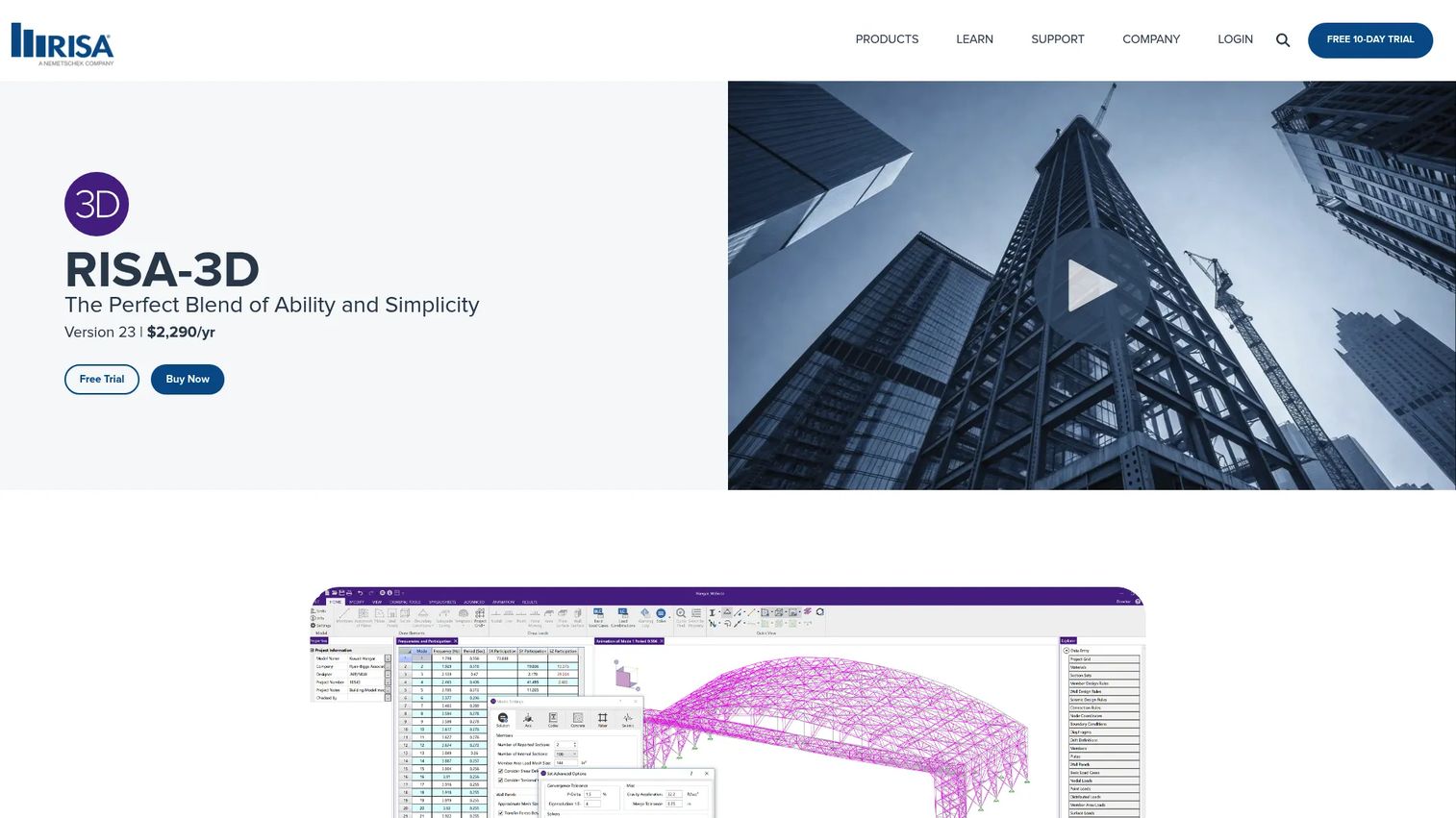
RISA-3D is structural analysis and design software focused on 3D modeling and practical engineering workflows. It covers modeling, loading, analysis, design, results, and BIM integration, with finite element analysis that includes mesh generation, response spectra, time history, and P-Delta effects. Multi-material design across steel, concrete, wood, masonry, and aluminum makes it a versatile 3D structural analysis software for building and industrial structures.
Best for: Structural engineers who need 3D analysis and code-based design for building and industrial structures.
Key strengths
- Full FEA capability: Mesh generation, response spectra, time history, and P-Delta capture real structural behavior.
- Multi-material design: Steel, concrete, wood, masonry, and aluminum design in one platform.
- End-to-end workflow: Modeling, loading, analysis, design, results, and BIM integration in a single tool.
Why choose RISA-3D: Teams that want a capable 3D analysis and design platform without the breadth of a full enterprise suite get strong value here. It fits engineers who work across materials and want practical FEA depth, sitting between cloud-first tools and the largest connected suites.
RISA-3D pricing: RISA-3D is publicly displayed as Version 23 at $2,290 per year, with a free trial available. There is no free tier, so the annual subscription is the entry point for professional use.
6. SAP2000
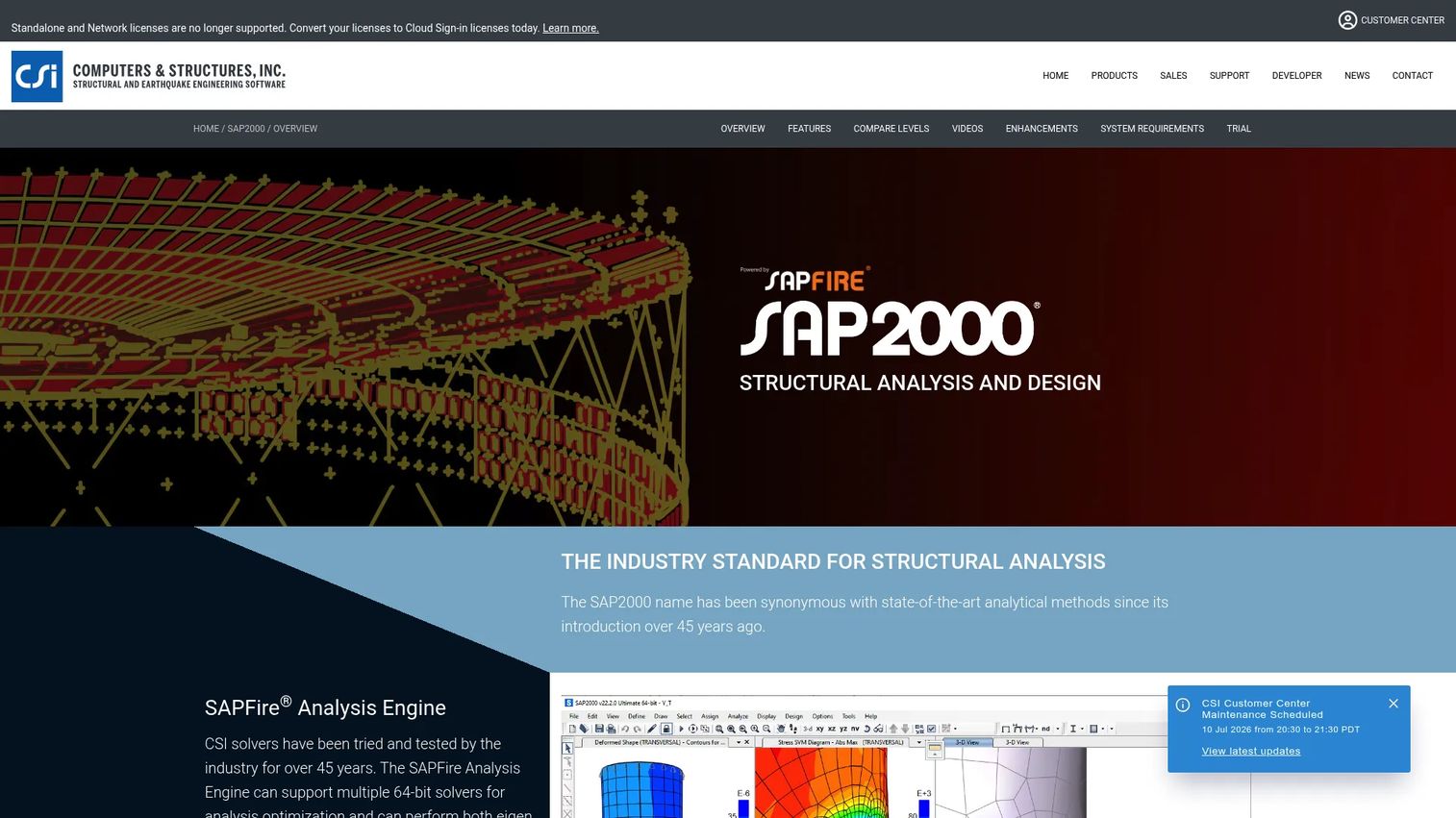
SAP2000 is a widely recognized general-purpose structural analysis and design program from CSI. It runs on the SAPFire analysis engine with multiple 64-bit solvers and brings modeling, analysis, design, and reporting into a single user interface. Automatic seismic and wind load generation speeds up common load cases, and its reputation across a wide range of project types keeps it on many engineers' shortlists even alongside broader suites.
Best for: Structural engineers who need general-purpose analysis, design, and code-based checks across varied project types.
Key strengths
- SAPFire analysis engine: Multiple 64-bit solvers handle demanding models and analysis types.
- Single interface: Modeling, analysis, design, and reporting in one environment.
- Automatic load generation: Seismic and wind loads generate automatically to speed up setup.
Why choose SAP2000: Its general-purpose flexibility and long track record make it a dependable choice for engineers who tackle diverse structures rather than one building type. Teams keep it on the shortlist because it handles a broad range of analysis needs within a familiar, well-established interface.
SAP2000 pricing: CSI lists public USD pricing for perpetual licenses: Basic at $2,977, Plus at $7,439, Advanced at $11,903, and Ultimate at $17,855. A three-month lease for Ultimate is listed at $2,289, and annual maintenance is priced separately. There is no free tier.
7. ETABS
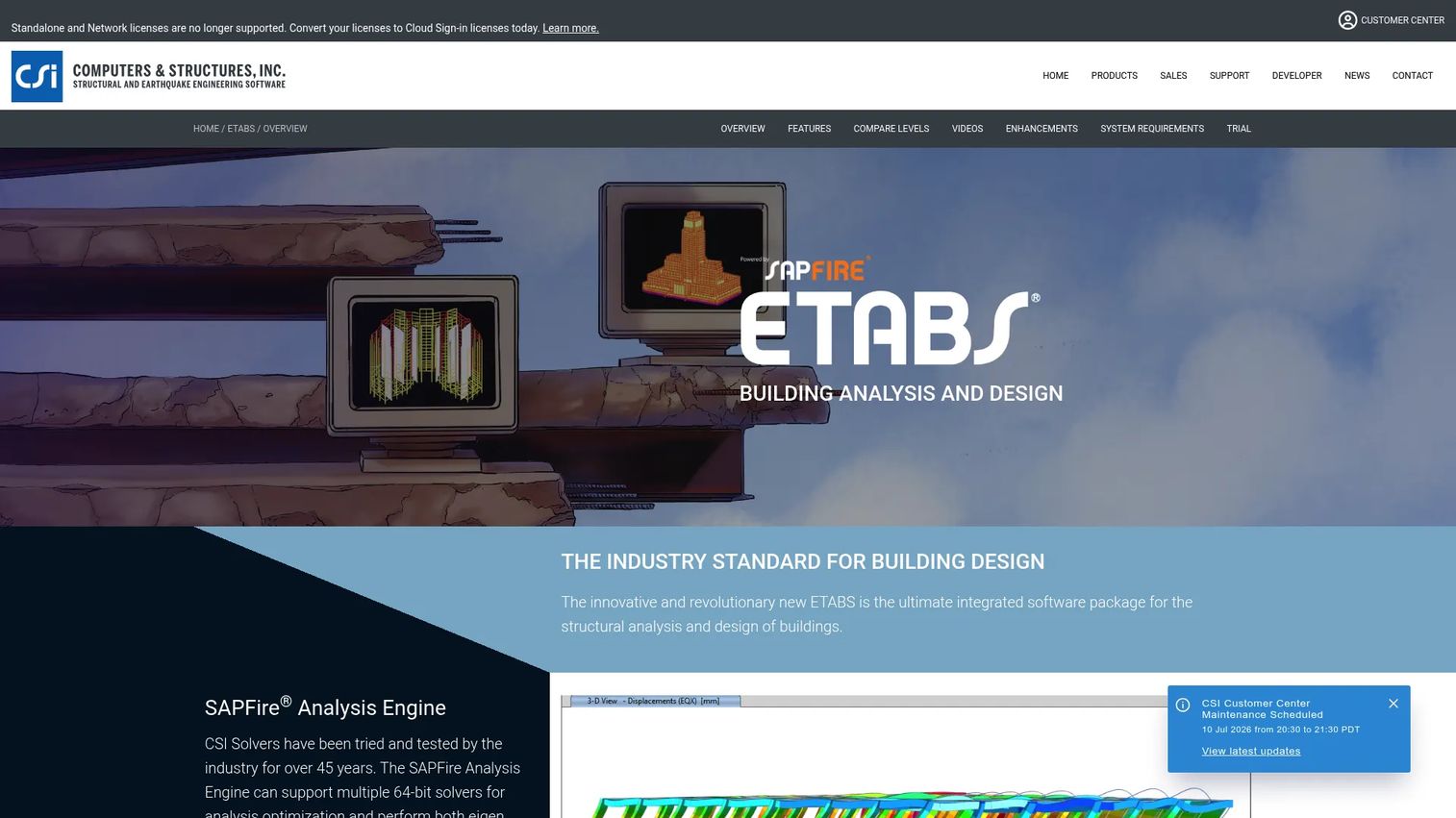
ETABS is structural analysis and design software built specifically for buildings, also from CSI. It runs on the same SAPFire Analysis Engine, adds a customizable graphical interface, and provides interactive design for steel and concrete structures. The building focus is the point: floor systems, lateral resistance, and multi-story behavior are first-class concerns, which makes ETABS a natural fit for engineers designing towers, offices, and residential structures.
Best for: Structural engineers designing and analyzing multi-story building structures.
Key strengths
- SAPFire Analysis Engine: Shares CSI's proven solver technology for demanding building models.
- Building-specific workflow: Floor systems, lateral systems, and multi-story behavior are built in.
- Interactive steel and concrete design: Design members interactively with a customizable interface.
Why choose ETABS: When your work is dominated by buildings rather than general structures, a purpose-built tool removes the friction of adapting a general-purpose program. ETABS suits firms and engineers whose portfolios center on multi-story construction and seismic design, where building-specific modeling saves real time.
ETABS pricing: CSI lists three ETABS perpetual license tiers: Plus at $7,439, Nonlinear at $11,903, and Ultimate at $17,855. Lease pricing is shown for the Ultimate tier, and academic pricing is available on request. There is no free tier.
8. Tekla Structural Designer
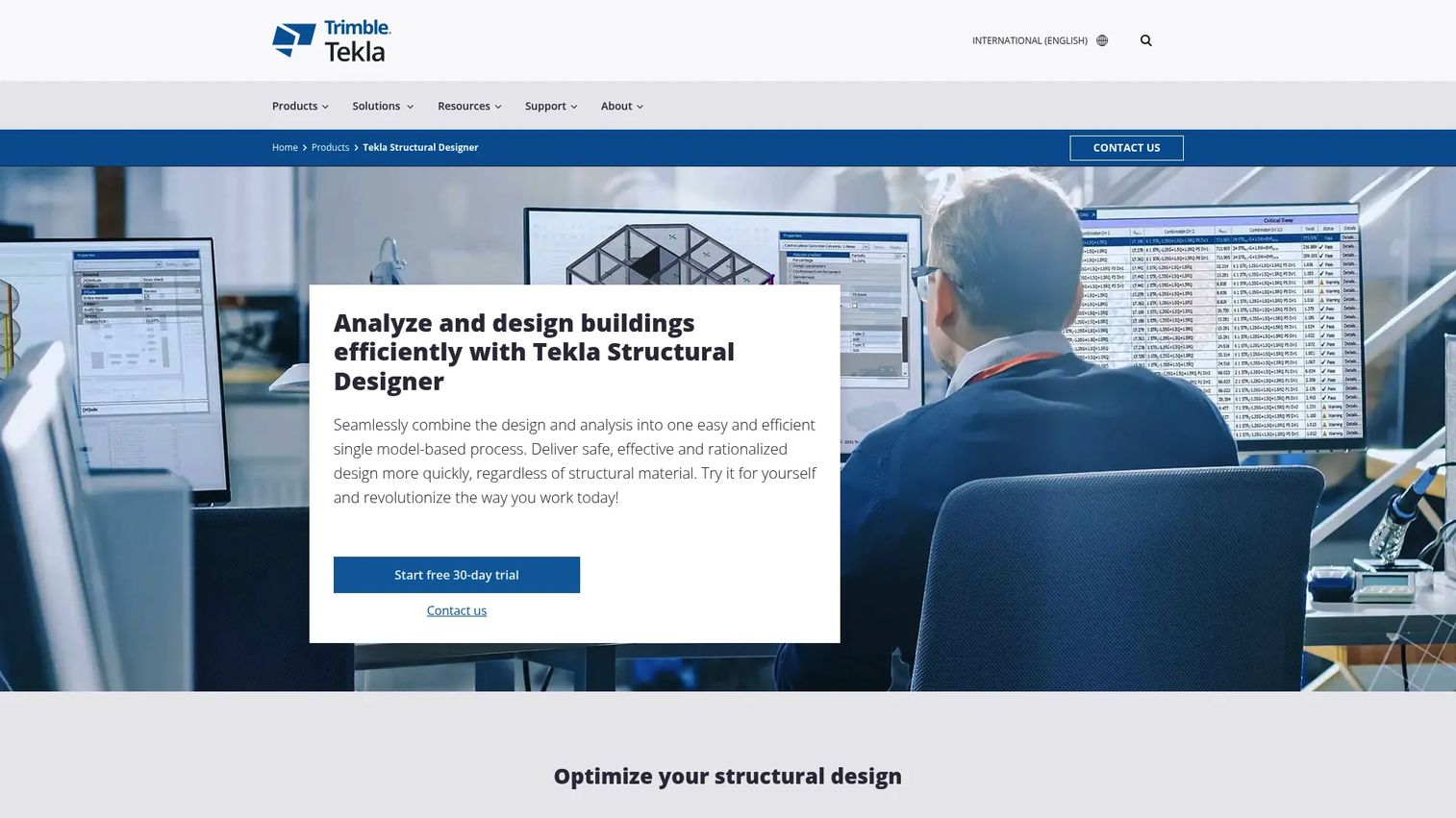
Tekla Structural Designer is integrated model-based software for the analysis and design of multi-material buildings. A single model drives analysis, design, BIM, and documentation, with automated wind loading and analytical model generation reducing manual setup. It supports steel, cast-in-place concrete, and other materials through Tekla Tedds calculations, which appeals to engineers who care about connected workflows and clean documentation.
Best for: Structural engineers who need BIM-linked analysis and design for steel and concrete buildings.
Key strengths
- Single-model workflow: One model drives analysis, design, BIM, and documentation together.
- Automated wind loading: Analytical model generation and automated loads cut manual setup.
- Multi-material design: Steel, cast-in-place concrete, and more via Tekla Tedds calculations.
Why choose Tekla Structural Designer: Firms that value documentation and a connected model-to-drawing workflow get strong value from the single-model approach, which keeps analysis and design synchronized. It fits engineers designing steel and concrete buildings who want their analysis to feed directly into BIM and deliverables.
Tekla Structural Designer pricing: Tekla Structural Designer is offered on an annual subscription starting at $2,700 per year plus VAT, with the Tekla Structural Design Suite at $3,400 per year plus VAT. A free 30-day trial is available. There is no free tier.
Considerations before you buy
A shortlist is only useful if you evaluate the right things. Use this checklist to pressure-test any structural analysis software before you commit.
Workflow fit
Match the tool to how your team actually works. A cloud-first platform suits distributed teams and fast validation, a BIM-connected suite suits firms with mature processes, and a free browser tool suits quick checks. The best fit is the one that removes friction from your daily engineering, not the one with the longest feature list.
Code coverage
Confirm the software supports the design codes and regions your projects require. Steel, concrete, timber, masonry, and aluminum coverage varies widely, and international projects raise the bar. A tool that skips a code you rely on creates manual work and review risk.
Analysis depth
Decide how much analysis capability you genuinely need. Static and linear analysis covers many projects, but nonlinear, dynamic, buckling, and full FEA matter for complex or seismic work. Buying more depth than you need adds cost and learning curve; buying too little forces workarounds.
Interoperability and reporting
Check how the tool exchanges data with your CAD, BIM, and detailing stack, and whether its reports satisfy your reviewers. APIs, file formats, and calculation report quality determine how well the software fits an existing pipeline. Weak interoperability is where hidden rework accumulates.
Total cost and deployment
Weigh licensing model, deployment, and support against your budget and evaluation stage. Subscription, perpetual, and cloud pricing each fit different teams, and a free trial lets you validate before committing. Factor in maintenance and onboarding, not just the sticker price.
Conclusion
The best structural analysis software depends on your workflow, your code requirements, and the complexity of your projects. SkyCiv leads for cloud-first teams that want browser access and fast onboarding. Autodesk Robot Structural Analysis Professional and Tekla Structural Designer suit firms deep in BIM and connected documentation. STRIAN 2.1 covers quick beam, frame, and truss calculations for free. Bentley STAAD brings broad international code coverage for complex projects, while RISA-3D and SAP2000 deliver capable general-purpose 3D analysis. ETABS stays the specialist choice for multi-story buildings and seismic design.
Shortlist based on where you are in evaluation, how mature your team's processes are, and what your reports need to prove. Then use a free trial to validate workflow fit before you buy, because the tool that matches how you actually work will always beat the one with the longest spec sheet. Start with the two or three that fit your primary use case, run a real project through each, and let the results decide.
FAQs
Structural analysis software is used to model how structures respond to loads, then calculate internal forces, stresses, deflections, and reactions to support safe design. Engineers use it to validate designs against building codes, generate shear and moment diagrams, and produce calculation reports for review and permitting. It spans everything from quick beam checks to full 3D analysis of complex buildings and industrial structures.
The features that matter most are modeling and geometry tools, load definition with automatic code-based combinations, analysis methods such as FEA and dynamic analysis, and design checks against the codes you use. Reporting quality and interoperability with CAD and BIM also matter, because they determine how well the tool fits your pipeline. Prioritize the capabilities your projects actually require rather than the longest feature list.
Yes, cloud-based structural analysis software is used for professional engineering, and platforms like SkyCiv offer full analysis and design in the browser with broad code coverage. Cloud deployment removes installation and keeps distributed teams on the same model. On-premise tools still hold most FEA revenue, but cloud adoption is growing at roughly 15% CAGR through 2031, per Mordor Intelligence, which reflects rising professional confidence in cloud workflows.
Structural analysis calculates how a structure responds to loads, producing forces, stresses, and deflections. Structural design software goes a step further, checking members against code requirements and sizing them for steel, concrete, timber, or other materials. Most modern platforms combine both into structural analysis and design software, so a single tool covers analysis and code-based design in one workflow.
ETABS is purpose-built for buildings, with floor systems, lateral resistance, and multi-story behavior treated as first-class concerns, which makes it a strong fit for towers, offices, and residential structures. Tekla Structural Designer also suits building work with a single-model workflow that connects analysis, design, and documentation. General-purpose tools like RISA-3D and SAP2000 handle buildings too, but building-specific tools remove adaptation friction.
Free structural analysis software like STRIAN 2.1 is reliable for the scope it targets: beams, frames, and trusses with quick in-browser solving. It is well-suited to quick calculations, teaching, and lightweight evaluation. For full 3D projects, extensive code checks, and formal reporting, most professionals pair a free tool with a paid platform that offers deeper analysis and documentation.
Engineers compare tools on workflow fit, code coverage, analysis depth, interoperability, reporting quality, and total cost. The practical method is to run a representative project through the shortlisted tools during a free trial, then compare results, ease of setup, and report output. This mirrors how any technical buyer validates software: prove fit with real work before committing budget.
A presales or solutions engineering team should look for how quickly a prospect reaches a meaningful result, whether the trial reflects their real project and codes, and how well the tool integrates with their existing CAD and BIM stack. Clear reporting and repeatable evaluation matter, because they shorten technical validation and build buyer confidence. The goal is a trial that lets the buyer validate fit on their own terms and move the deal forward.