



An agent swears they followed the process. The customer swears they didn't. You have the call recording, so you can hear every word. But you cannot see the three tabs the agent had open, the field they skipped, or the refund they issued before checking the policy.
Audio tells you half the story. The screen tells you the rest.
That gap costs real money. The call center recording software market reached USD 2.8 billion in 2024 and is projected to hit USD 9.6 billion by 2033, according to DataHorizzon Research (2024). Support teams are spending on this for a reason: repeat contacts, compliance exposure, and coaching that relies on memory instead of evidence.
Call center screen capture software closes that gap. It records what agents did on screen during a call or chat, so managers can review actual workflow, protect sensitive data, and coach on what happened instead of what someone remembers happening.
What's inside
This guide covers eight call center screen recording software tools built for support and QA teams in 2026. You will get a side-by-side comparison table, tool-by-tool breakdowns, and a buyer's checklist framed around support ops outcomes.
We selected tools based on four criteria that matter to support leaders:
- Screen capture depth: whether it records agent desktops and browser activity, not just calls
- Redaction and compliance: masking, retention, and access controls for sensitive data
- QA and coaching workflows: scorecards, tagging, annotations, and replay
- Integrations and clarity: CRM, helpdesk, and telephony fit, plus pricing you can actually verify
TL;DR
- Best for enterprise monitoring: Teramind, for agent activity capture and insider risk controls
- Best for AI-assisted QA: Level AI, for automated scoring and omnichannel coverage
- Best for full contact center suites: NICE CXone, for recording inside an end-to-end platform
- Best for all-in-one communications: Nextiva, for recording plus voice, chat, and CX
- Best for modern cloud coaching: Talkdesk, for AI-driven monitoring and omnichannel visibility
- Best for structured enterprise QA: Five9, for playback, coaching, and operational reporting
- Best for simple screen recording: Screen Recorder Pro, for quick browser-based capture
- Best for creator-led coverage: CXM, a media brand rather than a QA platform
What is call center screen capture software?
Call center screen capture software records an agent's screen during customer interactions so teams can review workflow, audit compliance-sensitive steps, and coach on real behavior. It differs from call recording, which captures only audio, and from generic screen recording, which lacks contact center context.
Three terms get used interchangeably, and the difference matters when you buy:
- Call recording captures voice. You hear what was said.
- Screen recording captures the desktop. You see what was done.
- Screen capture for call centers ties the two together and links them to the interaction, agent, and QA workflow.
Most support teams eventually want both audio and screen, synced to the same interaction record. Contact center screen recording pairs the transcript with the desktop activity so a reviewer sees the full picture in one place.
Core capabilities to expect from quality assurance software for call centers:
- Screen and call playback synced to the same interaction
- Agent activity monitoring across desktop and browser
- QA scorecards, tagging, and coaching workflows
- Redaction and privacy controls for sensitive data
- CRM and telephony integrations
- Omnichannel recording across voice and chat
Cloud deployment now dominates this category. Cloud-based tools held a 65% share of the call center recording software market in 2023, according to DataHorizzon Research (2024). That shift matters for support teams because cloud recording makes review, search, and coaching accessible without on-prem infrastructure.
When to use call center screen capture software
Coach agents on real workflow mistakes
Audio tells you an agent gave the wrong answer. It does not tell you why. Screen playback shows the moment the process broke: the field they skipped, the article they never opened, the wrong record they pulled.
That visibility ties directly to average handle time and repeat contacts. When you can see where an agent got stuck, you coach the specific step instead of a vague "be more careful." Agent screen recording turns coaching from opinion into evidence.
Review compliance-sensitive interactions
Agents type card numbers, search account records, and copy personal data during calls. When a dispute or audit lands, you need proof of exactly what appeared on screen and who accessed it.
This is where redaction, retention rules, and access controls earn their keep. Compliance recording of both screen and audio gives you a defensible record. Masking sensitive fields keeps that record safe to store and review.
Train new hires without live shadowing
New agents learn by watching. Traditionally that means pulling a senior agent off the queue to shadow, which costs two people's time. Recorded examples of clean interactions let new hires study the workflow on their own schedule.
Pair those recordings with your macro library and process docs, and onboarding gets faster and more consistent. Instead of re-explaining the same multi-step flow, you point to a recording that shows it.
Comparison table
Here is how the eight tools stack up. Pricing and ratings reflect what each vendor and G2 published at the time of writing. Tools are sorted by relevance to call center screen capture and QA.
| # | Product | Best for | Key differentiator | Pricing | G2 rating |
|---|---|---|---|---|---|
| 1 | Teramind | Enterprise monitoring | Agent activity capture with insider risk and DLP | Starter, UAM, DLP, Enterprise tiers; 5-seat minimum | Not published |
| 2 | Level AI | AI-assisted QA | Automated scoring across voice and chat | Custom, quote-based | 4.7/5 |
| 3 | NICE CXone | Full contact center suites | Recording inside an AI-first CX platform | From $110/agent/mo | 4.3/5 |
| 4 | Nextiva | All-in-one communications | Recording plus voice, video, and CX | From $15/user/mo | 4.5/5 |
| 5 | Talkdesk | Modern cloud coaching | AI-driven omnichannel monitoring | From $85/user/mo | 4.4/5 |
| 6 | Five9 | Structured enterprise QA | Playback and coaching with operational reporting | From $119/mo per seat | 4.1/5 |
| 7 | Screen Recorder Pro | Simple screen recording | Quick browser-based capture with free tier | Free tier; Pro upgrade | Not published |
| 8 | CXM | Creator-led media coverage | Editorial brand, not a QA platform | Not published | Not published |
Best 8 call center screen capture software for 2026
1. Teramind
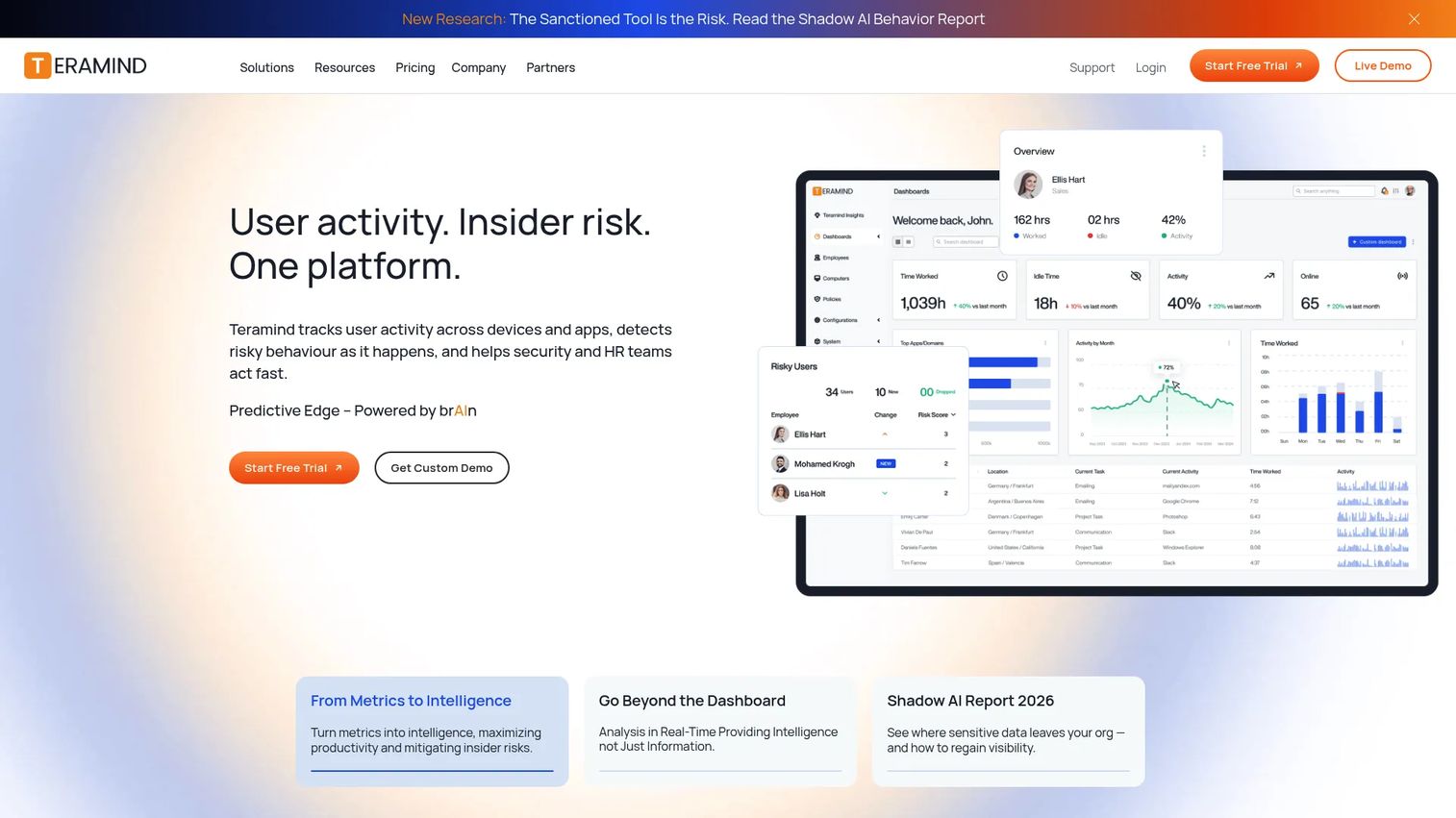
Teramind is a workforce monitoring, insider risk, and data loss prevention platform that support ops teams use for deep agent activity capture. It records screens with live view and historical playback, and layers on keystroke logging and OCR. For teams that need to see exactly what an agent did across every app and browser tab, it goes further than call-only recording.
Best for: Larger support organizations that need strong oversight, sensitive data protection, and detailed agent activity monitoring.
Key features
- Live view and historical screen playback
- OCR and keystroke logging
- Email, web, app, and social monitoring
- Insider risk and data loss prevention controls
- Sensitive data alerts and access rules
Why choose Teramind: Pick it when your priority is oversight and compliance across the full agent desktop, not just the call. It suits regulated environments and larger teams that treat screen capture as a security and QA function together.
Teramind pricing: Teramind publishes Starter, UAM, DLP, and Enterprise tiers on its pricing page, with monthly or yearly billing and a five-seat minimum. Exact per-seat figures are not shown publicly, so request a quote for your team size. A free trial is available.
2. Level AI
Level AI is a customer experience platform built around AI-assisted QA, conversation intelligence, and coaching. Its agent screen recording pairs with automated scoring, so you can flag frustration, escalation risk, and process gaps across both voice and chat. Instead of sampling 2% of interactions by hand, QA teams get coverage across the full volume.
Best for: Enterprise contact centers that want automated QA scoring and coaching tied to omnichannel interaction data.
Key features
- AI-scored quality assurance
- Omnichannel screen and interaction capture
- Conversation intelligence and tagging
- Redaction for sensitive data
- Coaching and voice-of-customer insights
Why choose Level AI: Choose it when manual QA cannot keep up with volume and you want AI to surface the interactions that need a human review. It fits teams scaling coverage without adding QA headcount.
Level AI pricing: Level AI uses custom, quote-based pricing rather than published tiers. Contact their team for a figure scoped to your interaction volume and seat count.
Level AI holds a 4.7/5 rating on G2.
3. NICE CXone
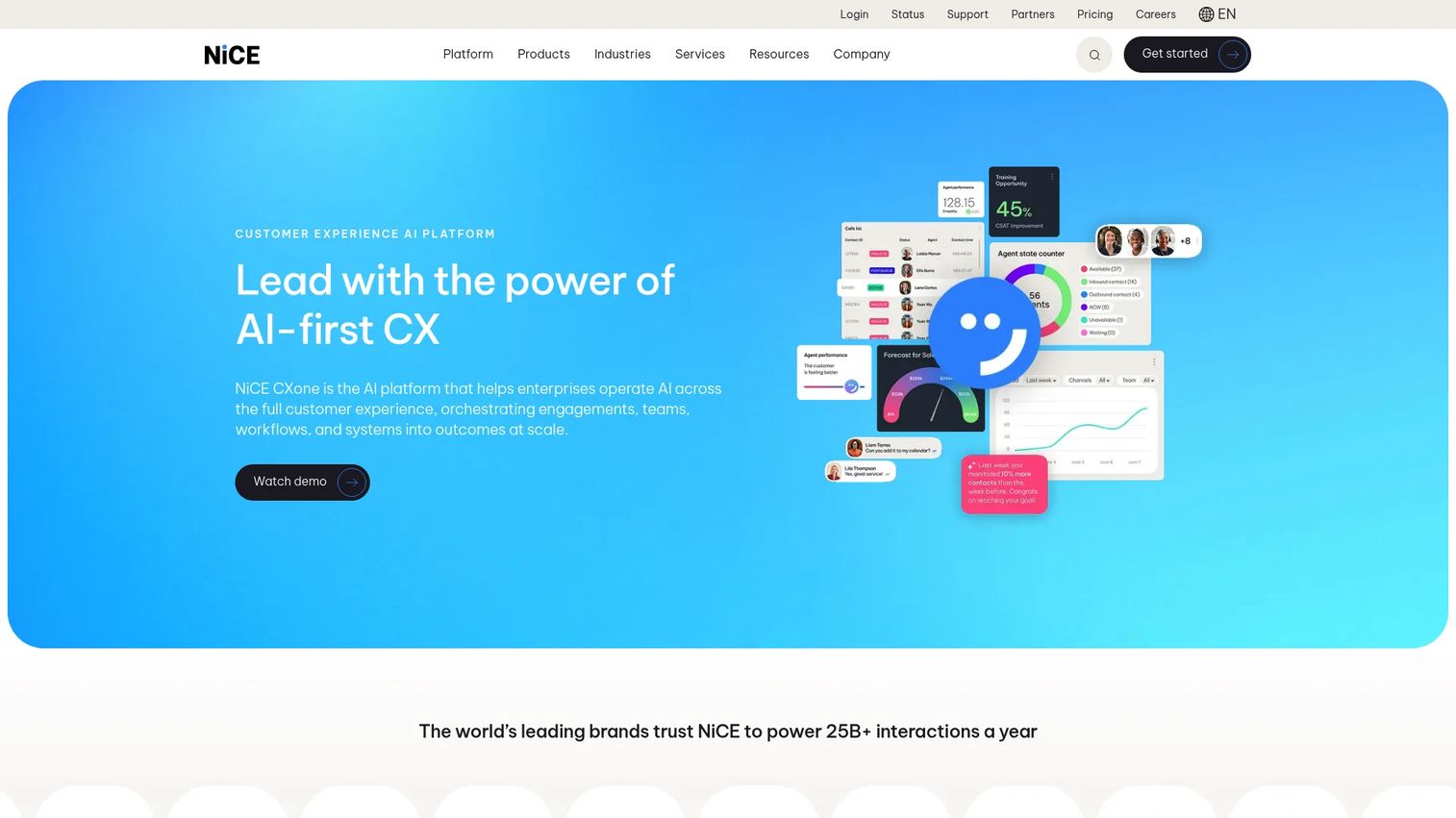
NICE CXone is an AI-first contact center platform with recording and quality tools built in. Screen and call monitoring, QA scorecards, and analytics all live inside one omnichannel system. For teams that want recording as part of the same platform that handles routing and workforce management, it removes the need to bolt on a separate tool.
Best for: Enterprises that want screen and call recording inside a full contact center suite rather than a standalone product.
Key features
- AI-first omnichannel CX platform
- Call and screen monitoring
- QA scorecards and analytics
- Workforce engagement and automation
- Omnichannel routing
Why choose NICE CXone: Pick it if you are already in or moving toward the NICE ecosystem and want recording, QA, and analytics under one roof. It suits large operations that value platform consolidation over point tools.
NICE CXone pricing: Public plans start at $110 per agent per month for the Omnichannel Suite, rising through Essential at $135, Core at $169, Complete at $209, and Ultimate at $249. Billing is monthly in arrears with no prepay.
NICE CXone holds a 4.3/5 rating on G2.
4. Nextiva
Nextiva is a customer experience and business communications platform that combines call and screen recording with voice, video, chat, and QA workflows. Support teams that want recording alongside broader contact center functionality get both in one subscription. Its CRM and helpdesk integrations tie recordings back to the customer record.
Best for: Teams that want recording plus a full communications stack rather than a dedicated QA-only tool.
Key features
- Unified voice, video, SMS, and chat
- Call and screen recording
- QA workflows and coaching
- AI transcription and summaries
- CRM and helpdesk integrations
Why choose Nextiva: Choose it when you want one vendor for communications and recording instead of stitching tools together. It fits growing support teams consolidating their stack.
Nextiva pricing: Small business plans start at $15 per user per month for Core, then Engage at $25 and Scale at $75. Contact center plans begin with Essential from $75 per agent per month, with Professional and Premium available by quote.
Nextiva holds a 4.5/5 rating on G2.
5. Talkdesk
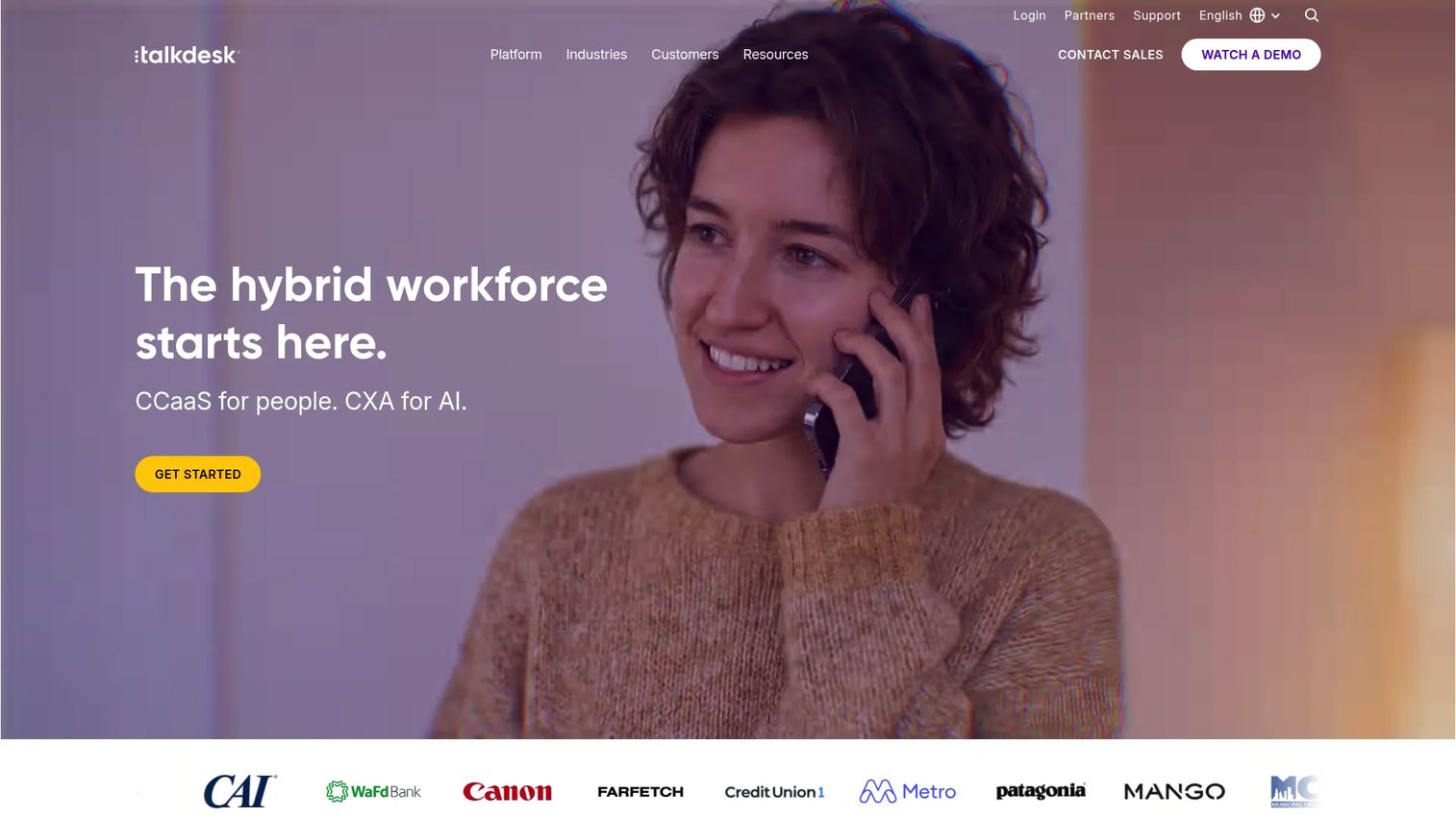
Talkdesk is a cloud contact center platform with AI-driven workflows, recording, and omnichannel visibility. Its coaching and monitoring tools give support leaders a modern view of agent performance across voice and digital channels. For teams that want current cloud tooling with AI features layered on top, it fits the brief.
Best for: Support teams that want a modern cloud contact center with AI-assisted coaching and monitoring.
Key features
- Digital engagement across email, chat, SMS, and social
- Voice engagement with routing and transcription
- AI tools including Copilot and Autopilot
- Coaching and monitoring workflows
- Omnichannel analytics
Why choose Talkdesk: Pick it when you want a cloud-native platform with AI features and omnichannel recording in one place. It suits mid-market and enterprise teams modernizing their contact center.
Talkdesk pricing: Plans start at $85 per user per month for Digital Essentials, then Voice Essentials at $105, Elite at $165, and Industry Experience Clouds at $225. Talkdesk Express offers small teams in the US and Canada up to 25 licenses with $100 in free credit and no contract.
Talkdesk holds a 4.4/5 rating on G2.
6. Five9
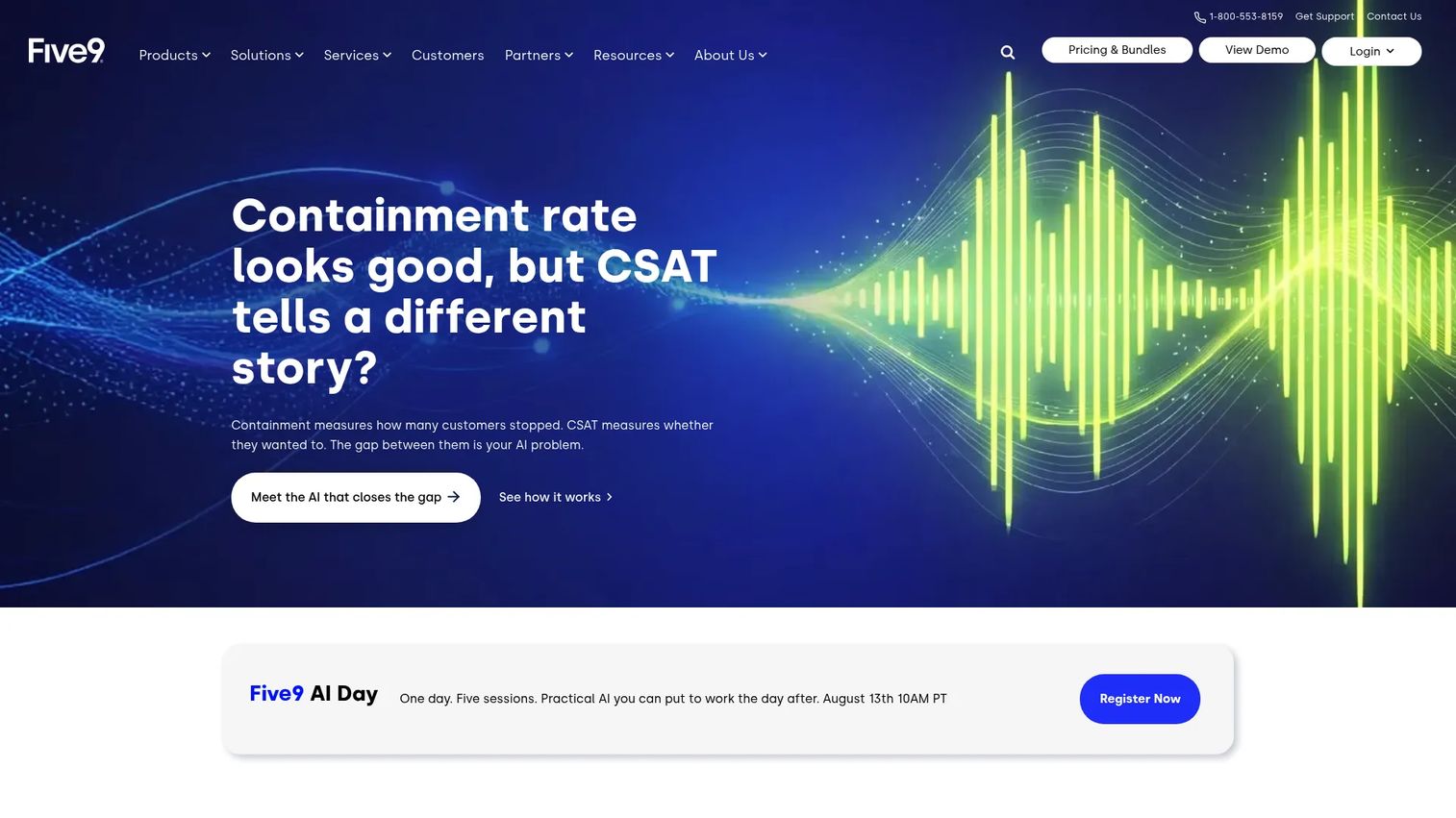
Five9 is a cloud contact center platform with recording, playback, and QA use cases across omnichannel service. Coaching tools and operational reporting help larger support teams run structured quality programs. For organizations that need recording tied to routing, workforce optimization, and analytics, it delivers that in one platform.
Best for: Larger or more structured support teams that want recording, coaching, and reporting inside a full contact center platform.
Key features
- Omnichannel contact center software
- Playback and call recording
- Coaching and QA workflows
- Genius AI and automation
- Workforce optimization and analytics
Why choose Five9: Choose it when you run a structured QA and coaching program and want operational reporting alongside recording. It fits teams that value depth in workforce and analytics tooling.
Five9 pricing: The pricing page lists the Digital bundle at $119 per month per seat. Five9 also offers preconfigured bundles and custom quotes based on concurrent users, named agents, or pay-per-use, so larger deployments should request a scoped quote.
Five9 holds a 4.1/5 rating on G2.
7. Screen Recorder Pro
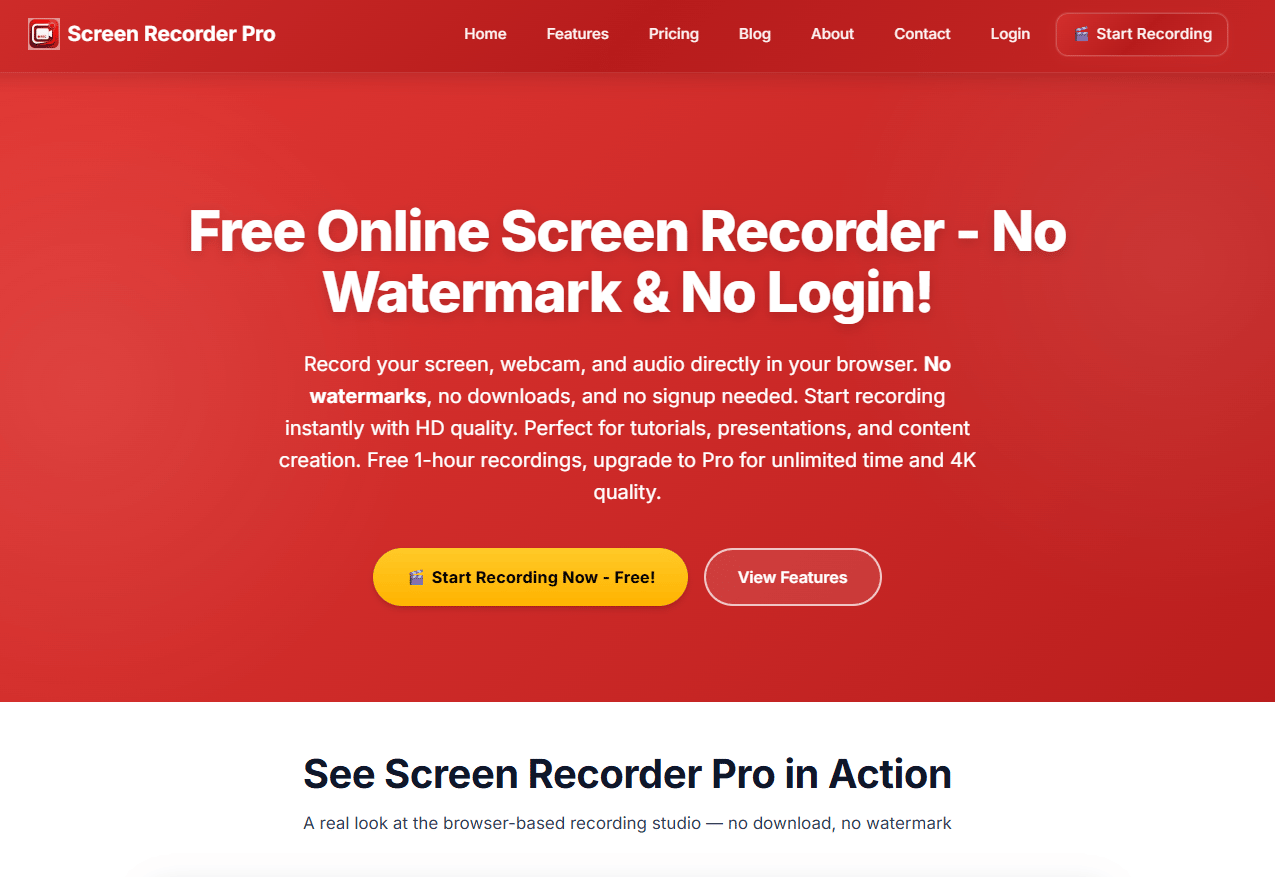
Screen Recorder Pro is a browser-based screen recording tool for quick capture of screen, webcam, and audio. It suits simpler use cases where you want to record a workflow without a full QA platform. Support teams sometimes reach for it to capture a one-off example for a training doc or a macro walkthrough.
Best for: Teams that need fast, simple screen recording rather than a dedicated call center QA platform.
Key features
- Screen, window, and tab recording
- Webcam overlay
- Microphone and system audio capture
- Browser-based, no install needed
- Free tier for quick recordings
Why choose Screen Recorder Pro: Pick it when your need is lightweight capture for training clips or documentation, not synced call-plus-screen QA at scale. It performs best as a quick-capture companion, not a compliance recorder.
Screen Recorder Pro pricing: A free tier covers per-session recording, and a Pro plan adds more via an upgrade. The pricing page does not display a numeric Pro figure, so check the vendor page for current details.
8. CXM
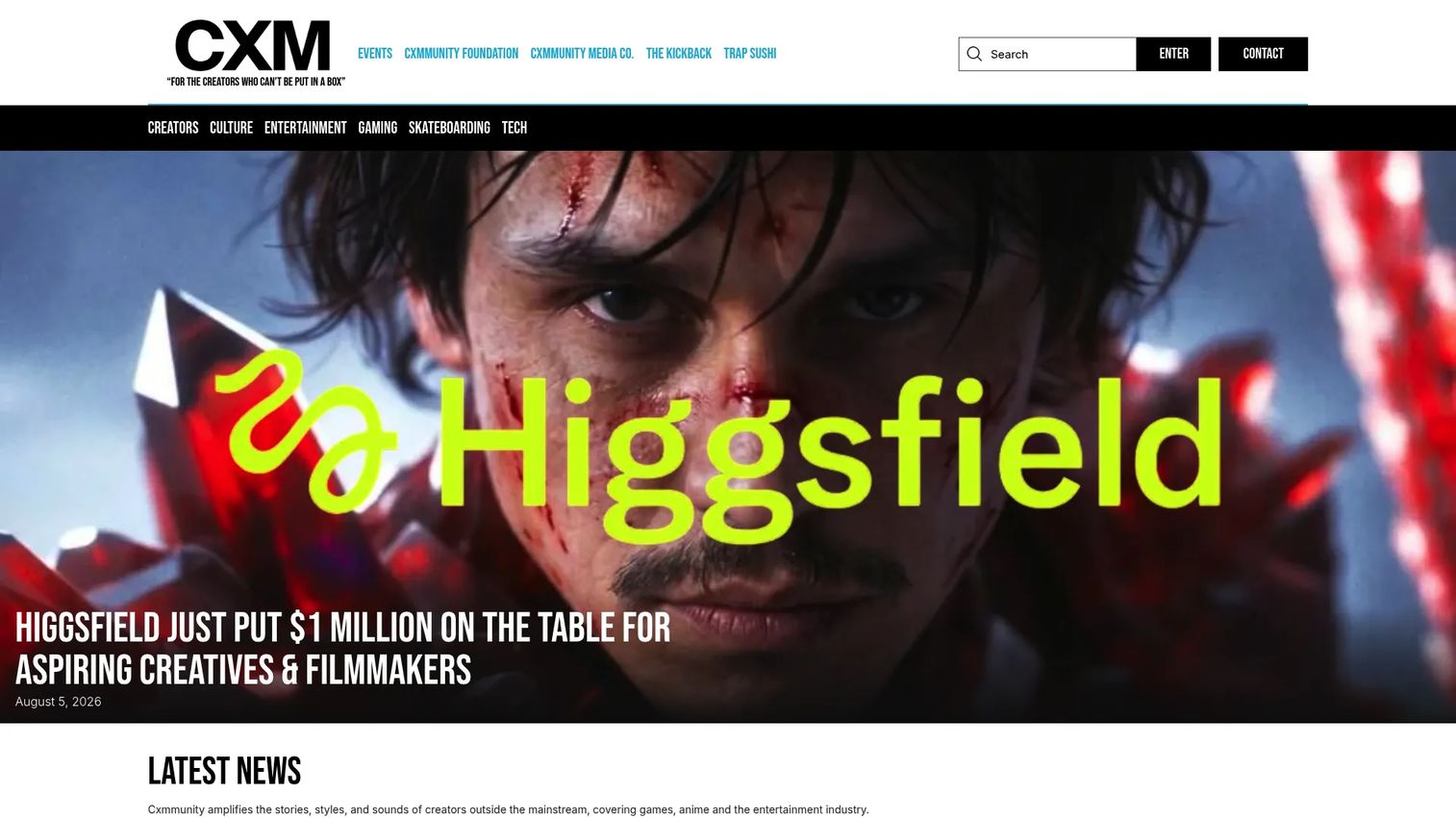
CXM appears in searches around call center recording, but the brand at cxm.co is Cxmmunity Media, a creator-focused media company covering games, culture, and entertainment. It is not a QA or screen capture platform. We include it here to clear up a common naming mix-up, since separate "CXM" recording and quality monitoring products exist under different vendors.
Best for: Readers who landed on the CXM name and need to know it is a media brand, not contact center software.
Key features
- Editorial coverage across gaming and culture
- Creator interviews and podcasts
- Event and brand coverage
Why choose CXM: If you were searching for call center recording software, this is not your tool. Verify the vendor behind any "CXM" product before you evaluate, because the acronym is used by unrelated companies.
CXM pricing: cxm.co is a media publication and does not publish software pricing. If you find a "CXM" recording product elsewhere, confirm the vendor and its published plans directly.
Considerations
Before you shortlist, run every candidate through these checks. The wrong assumption here costs you during an audit or a coaching escalation.
Check what actually gets captured
Confirm whether the tool records the full agent desktop, browser activity, or only the call. Some products market "recording" but capture audio alone. If your coaching depends on seeing which fields agents filled or which records they opened, you need true screen capture, not call recording software dressed up as more.
Verify redaction and privacy controls
Agents handle card numbers, health data, and personal records. Look for masking, blur, and configurable retention so sensitive fields never sit unprotected in storage. Ask how access is controlled and who can replay a recording. Compliance recording is only defensible if the data inside it is handled correctly.
Confirm QA and coaching workflows
Raw recordings are not a QA program. Check for scorecards, annotations, tagging, and fast replay so managers can review at scale. The tools that connect recording to a coaching workflow save the most time. Without that layer, you are back to reviewing interactions from memory.
Review integrations before buying
Recording that lives in a silo is hard to use. Confirm CRM, helpdesk, IVR, and ACD fit so recordings link to the customer and interaction. Ask about exports and API access if you need data in your own reporting. Integration depth decides whether review is fast or a manual hunt.
Ask how easy it is to search and replay
At volume, findability is everything. Look for transcript search, filters, and quick replay so a reviewer reaches the right moment in seconds. This directly affects average handle time coaching and how many interactions your QA team can actually cover.
Conclusion
The right pick depends less on brand and more on your job to be done.
If you need deep agent oversight and data protection, Teramind covers the full desktop. If manual QA cannot keep up with your volume, Level AI brings AI scoring across voice and chat. Teams that want recording inside a full platform should look at NICE CXone, Nextiva, Talkdesk, or Five9, depending on whether you prioritize suite depth, all-in-one communications, modern cloud tooling, or structured reporting. For quick, simple capture, Screen Recorder Pro handles one-off clips. And CXM is a reminder to verify the vendor behind any name before you buy.
Start with your compliance needs and team size. A regulated 200-agent operation buys differently than a 10-agent SaaS support team. Shortlist two tools, run a real interaction through each, and check how fast you can find and coach a specific moment.
Start your journey with Guideflow today!
FAQs
Call recording captures audio, so you hear what was said. Screen recording captures the agent's desktop, so you see what was done. Support teams often need both, synced to the same interaction, because audio alone misses the workflow steps that cause errors and repeat contacts.
Legality depends on your jurisdiction and consent rules, which vary by state and country. Many regions require notifying customers and agents that recording is taking place. This is general information, not legal advice, so confirm consent and disclosure requirements with your legal team before deploying call center call recording software.
Prioritize synced playback of screen and audio, tagging and annotations, redaction for sensitive data, and coaching workflows tied to scorecards. These connect directly to first-contact resolution, average handle time, and CSAT. A tool that only records without a review workflow leaves most of the value on the table.
Yes, by exposing where agents get stuck. When you can see the exact step that slows an interaction, whether a clunky search or a skipped shortcut, you coach that step and fix the process. Screen playback turns vague "be faster" feedback into specific workflow changes.
Look for CRM, helpdesk, IVR, and ACD integrations so recordings link back to the customer and interaction record. API access and exports matter if you feed data into your own reporting. Strong integrations make review and reporting fast instead of a manual search across disconnected systems.
Combine access controls, retention rules, encryption, and redaction. Mask sensitive fields so card numbers and personal data never sit exposed in storage. Limit replay access to the people who need it, and set retention windows that match your compliance obligations rather than keeping everything forever.
Yes. Recorded examples of clean interactions let new hires study real workflows without pulling a senior agent off the queue to shadow. Pair those recordings with your macro library and process docs, and onboarding gets faster and more consistent across the team.
Ask what exactly gets captured, how search and replay work, how redaction is applied, whether AI tagging surfaces the interactions worth reviewing, and how reporting exports. Then run a real interaction through the tool and time how fast you reach and coach a specific moment.










