You merged the pull request at 4pm. The build passed. Tests were green. Then someone had to manually promote it to staging, wait for a second approval, coordinate a release window, and babysit the deploy into production. By the time it shipped, three more changes were queued behind it.
That manual chain is where velocity dies. Every hand-off adds latency, and every batched release raises the blast radius when something breaks.
The data backs the shift away from it. Roughly 68% of global development teams had implemented automated deployment pipelines by 2024, according to Market Growth Reports. And about 72% of DevOps-led organizations deploy application updates at least once per day, versus just 18% among teams still running manual release models.
Continuous deployment software is what closes that gap. It takes the path from commit to production and automates it, so quality gates decide what ships instead of someone's calendar. The hard part is picking the platform that fits your release frequency, your stack, and your appetite for rollback control.
What's inside
This guide is for DevOps engineers, platform engineering teams, and engineering leaders who need to choose continuous deployment software without wading through another glossary page. It also helps presales and sales engineers who have to explain release automation to technical buyers during validation.
We picked these seven platforms on four criteria that actually matter when you deploy to production:
- Automation depth: how much of the commit-to-production path runs without human hands
- Testing and quality gates: support for automated testing before release
- Rollback and progressive delivery: canary, blue-green, and safe rollout controls
- Governance and ecosystem fit: approvals, integrations, and how well it slots into your existing stack
TL;DR
- Best overall for enterprise DevOps: GitLab, a single application spanning planning, CI/CD, security, and deployment
- Best for cloud-native release automation: AWS CodeDeploy, managed deployments across EC2, Lambda, and ECS
- Best for teams already in GitHub: GitHub Actions, workflow automation tied directly to your repositories
- Best Microsoft-stack fit: Azure DevOps, integrated boards, repos, and pipelines for governed enterprise delivery
- Best for flexible pipelines and plugins: Jenkins, open-source automation with deep extensibility
- Best for small to mid-size teams wanting simplicity: CircleCI, fast managed pipelines with reusable config
- Best for release orchestration in IBM-heavy environments: IBM DevOps Accelerate, delivery-flow analysis and release governance
What is continuous deployment software
Continuous deployment software automates the path from a code commit to a live production release, shipping every change that passes your automated tests and quality gates without a manual promotion step.
It sits at the end of your CI/CD pipeline. Continuous integration validates each change as it lands, and continuous deployment takes the validated build and pushes it to production on its own. The result is smaller, more frequent releases and a shorter feedback loop between writing code and seeing it run.
Core features to expect from these CI/CD tools:
- Automated build and test workflows: compile, run automated testing, and enforce quality gates on every commit
- Release orchestration: coordinate multi-service, multi-stage rollouts
- Environment promotion: move a build through dev, staging, and production consistently
- Rollback support: revert to the last known-good version fast when metrics degrade
- Monitoring and metrics: watch health signals during and after a deploy
- Configuration management: version and manage environment settings alongside code
- Progressive delivery patterns: canary deployment, blue-green deployment, and feature flags to limit blast radius
Adoption is now mainstream. An estimated 83% of enterprises were using CI/CD pipelines in 2024, per Market Growth Reports, and the continuous deployment software market reached USD 978.99 million in 2025 on its way to a projected USD 2.06 billion by 2035.
Continuous integration vs continuous delivery vs continuous deployment
Buyers confuse these three because vendors use them interchangeably. They are not the same, and the difference decides how much automation you are actually buying.
| Practice | What it automates | Human step? | Ships to production? |
|---|---|---|---|
| Continuous integration (CI) | Merging and validating code changes frequently with automated builds and tests | No promotion, just validation | No |
| Continuous delivery (CD) | Keeps every validated build release-ready and deployable at any moment | Yes, a human approves the release | Only after approval |
| Continuous deployment | Pushes every change that passes quality gates straight to production | No manual gate | Yes, automatically |
The continuous delivery vs continuous deployment distinction is the one that trips people up. Continuous delivery keeps you ready to ship with a person pressing the button. Continuous deployment removes the button. Both rely on strong automated testing, but continuous deployment demands more confidence in your test suite and your rollback strategy because nothing stands between a green build and your users.
When you evaluate software, check which model it defaults to and whether it supports approval gates when you want them. Most platforms here handle all three; the difference is how cleanly they let you dial the human step in or out.
When to use continuous deployment software
Ship small changes frequently
Small releases are safer releases. When you deploy one change at a time, a failure points to a single commit instead of a batch of forty. Teams that automate this ship daily and learn faster because feedback arrives while the context is fresh. Continuous deployment turns "release day" into a non-event that happens dozens of times a day.
Reduce release-day bottlenecks
Manual deployment concentrates risk into a scheduled window and a handful of people. Deployment automation removes the late-stage coordination, the ticket queues, and the "who has permission to push" scramble. The pipeline enforces the same steps every time, so releases stop depending on one engineer's availability or memory.
Support safer rollouts
Frequent shipping only works if you can limit and undo damage. This is where canary deployment, blue-green deployment, and automated rollback earn their keep. Canary sends the new version to a small slice of traffic first. Blue-green keeps a full standby environment ready to switch back. Rollback reverts instantly when monitoring flags a regression. If your service carries real production traffic, these controls are non-negotiable.
Comparison table
The table below covers the seven platforms across the factors that decide fit: what each does best, its key differentiator, verified pricing, and current G2 rating. Pricing models vary widely here, from free open-source to usage-based cloud billing, so read the per-tool sections for the full picture.
| # | Product | Best for | Key differentiator | Pricing | G2 rating |
|---|---|---|---|---|---|
| 1 | GitLab | All-in-one DevSecOps | Planning, CI/CD, security, and deploy in one app | Free; Premium $29/user/mo | 4.5/5 |
| 2 | AWS CodeDeploy | Cloud-native AWS teams | Managed deploys to EC2, Lambda, ECS, on-prem | Usage-based via AWS | 4.2/5 |
| 3 | GitHub Actions | Teams already in GitHub | Workflow automation next to source code | Free for public repos | 4.7/5 |
| 4 | Azure DevOps | Microsoft-stack enterprises | Boards, repos, pipelines, artifacts together | Free tier; $15/extra parallel job/mo | 4.2/5 |
| 5 | Jenkins | Custom, plugin-heavy pipelines | Open-source with deep extensibility | Free, open source | 4.4/5 |
| 6 | CircleCI | Small to mid-size teams | Fast pipelines, reusable config | Free; Performance from $15/mo | 4.4/5 |
| 7 | IBM DevOps Accelerate | Regulated enterprise delivery | Delivery-flow analysis and release governance | Custom | - |
Best 7 continuous deployment tools for DevOps teams
1. GitLab
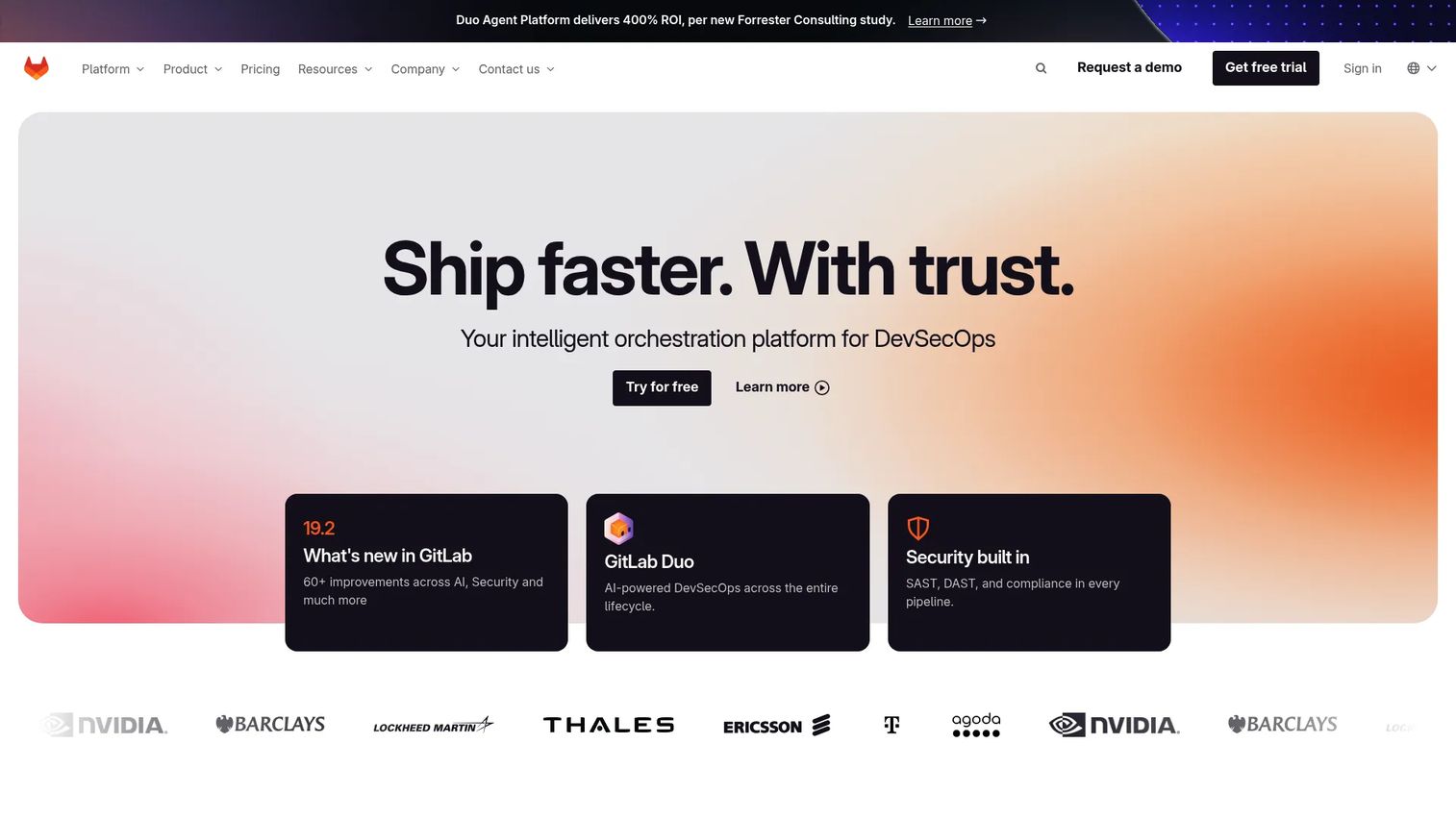
GitLab is an AI-powered DevSecOps platform that folds planning, source code management, CI/CD, security testing, and deployment automation into one application. Instead of stitching together a repository tool, a pipeline runner, and a separate deploy service, you get the whole lifecycle in a single place with one permissions model and one audit trail.
That consolidation is why teams pick it. When your CI/CD pipeline, container scanning, and merge request guardrails live in the same product, release automation stops being a bolt-on and starts being the default path. Continuous testing runs inline, DevSecOps checks gate merges, and governance controls apply across every stage without a second system to reconcile.
Best for: Teams that want an all-in-one DevSecOps platform with built-in planning, CI/CD, and security.
Key strengths
- Planning, SCM, CI/CD, security testing, and compliance in one app
- Cloud SaaS, Self-Managed, and Dedicated deployment options
- Built-in container scanning and merge request guardrails
- Governance and audit controls across the full lifecycle
Why choose GitLab: If tool sprawl is your real problem, GitLab collapses a half-dozen point tools into one platform, which simplifies governance and speeds release automation for teams that value a single source of truth over best-of-breed pieces.
GitLab pricing: Free tier at $0 per user/month with no credit card required. Premium is $29 per user/month billed annually. Ultimate is custom pricing through sales.
2. AWS CodeDeploy
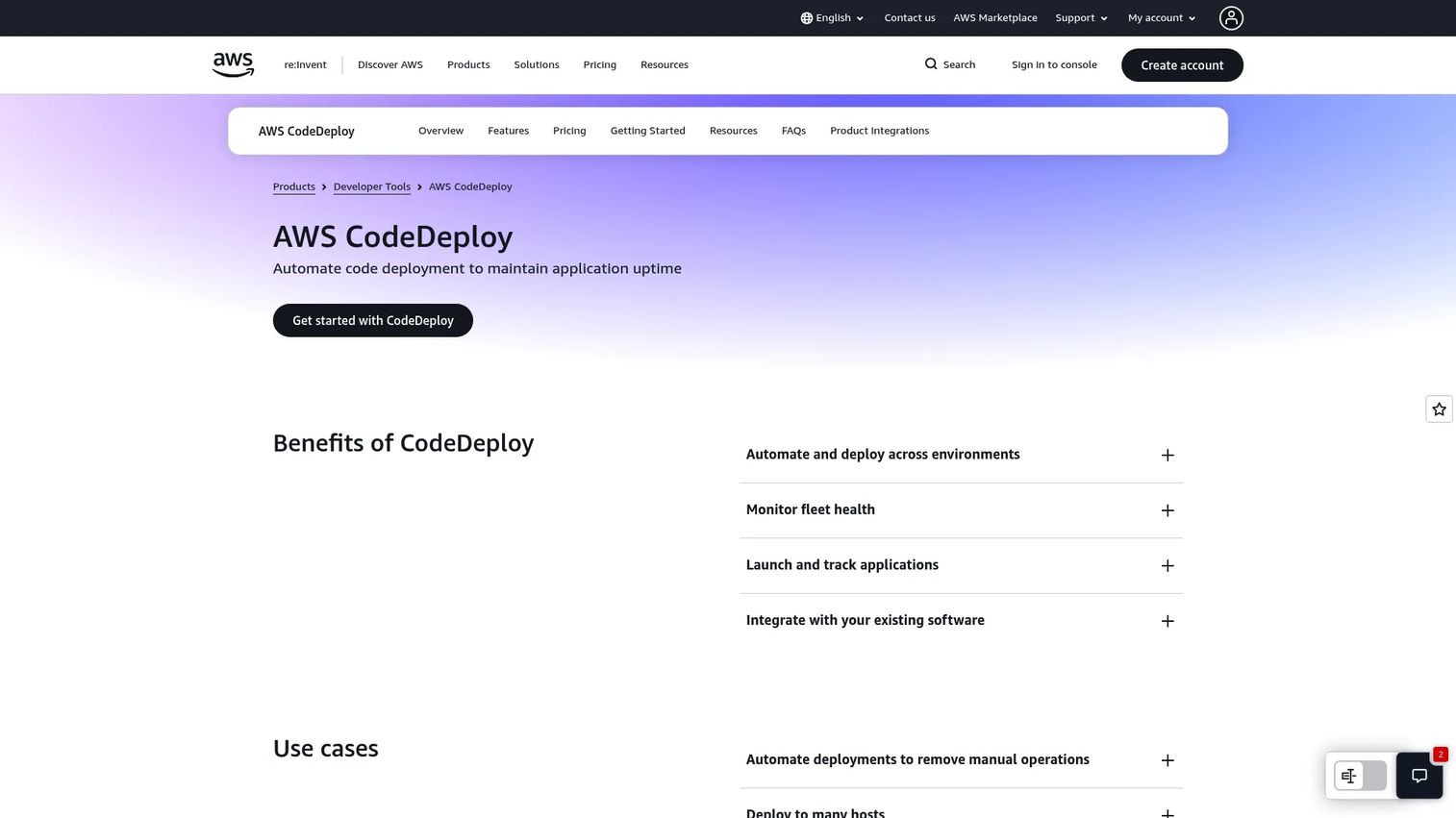
AWS CodeDeploy is a managed deployment service that automates application releases across EC2, Lambda, ECS and Fargate, and on-premises instances. If your infrastructure already lives in AWS, it plugs into your existing compute without you standing up separate deployment infrastructure.
Its strength is safe rollout patterns. CodeDeploy handles blue-green and rolling deployments natively, with rollback support that reverts a release automatically when a deployment fails or an alarm fires. You control and monitor everything centrally through the console, CLI, SDKs, and APIs, so a bad release can be caught and reversed without manual intervention.
Best for: Teams already on AWS that want managed application deployment automation.
Key strengths
- Automated deploys to EC2, Lambda, ECS/Fargate, and on-prem
- Native blue-green and rolling deployments
- Automatic rollback on failed deploys or alarms
- Central control via console, CLI, SDKs, and APIs
Why choose AWS CodeDeploy: For teams standardized on AWS, CodeDeploy is the path of least resistance because it uses the compute, monitoring, and IAM you already run rather than asking you to adopt and secure another platform.
AWS CodeDeploy pricing: Usage-based and billed through your AWS account. AWS offers a free way to get started and a pricing quote on request rather than a published flat rate.
3. GitHub Actions
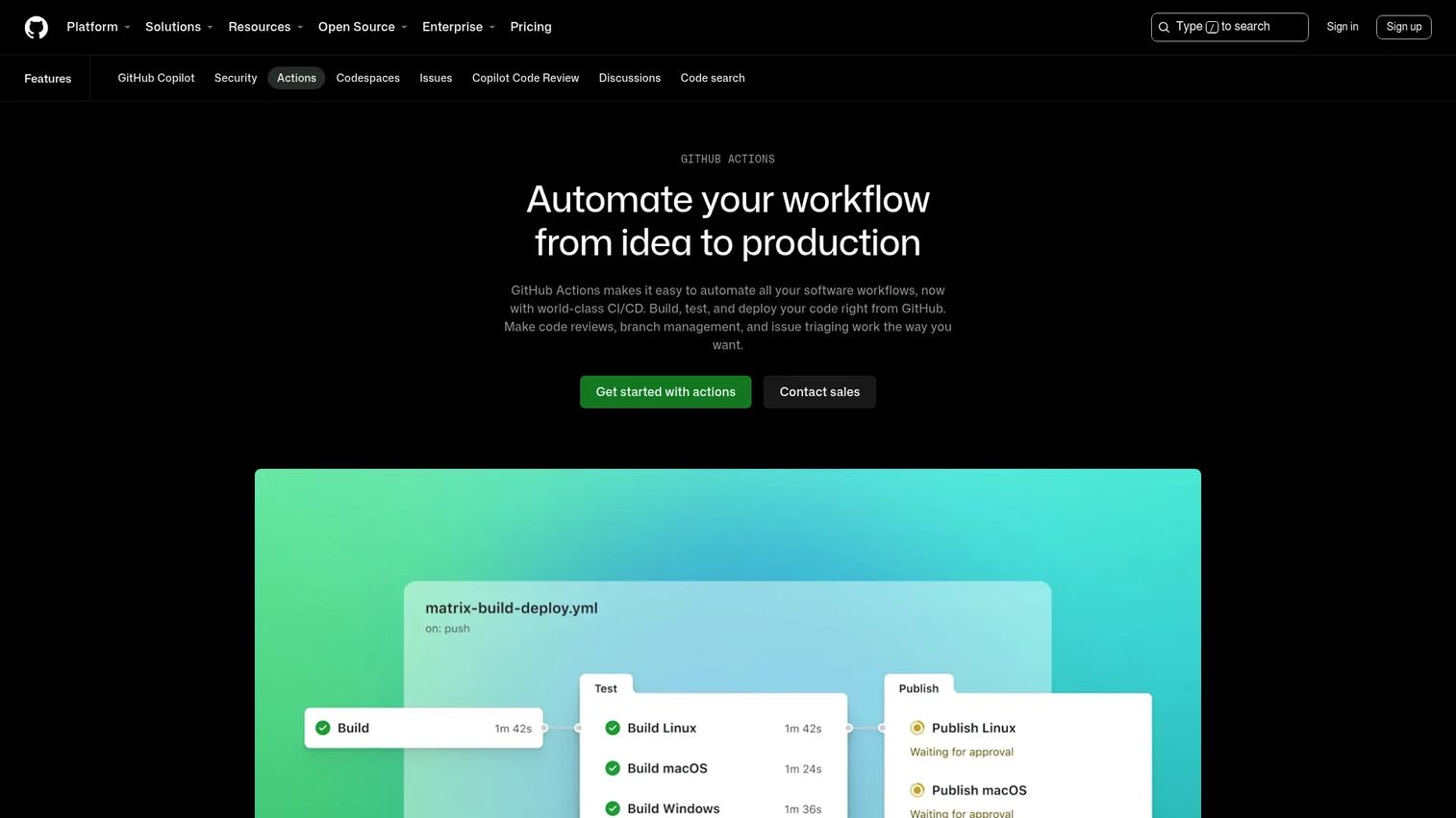
GitHub Actions is workflow automation and CI/CD built directly into GitHub. You define pipelines as YAML workflow files that live in the repository, so your build, test, and deploy steps sit right next to the code they ship and version alongside it.
The advantage for teams already storing code in GitHub is obvious: no separate CI system to connect and authenticate. Workflows trigger on GitHub events like pushes and pull requests, run on hosted or self-hosted runners, and support matrix builds, live logs, and secret storage. The marketplace of prebuilt actions means common deploy steps are usually a copy-paste away rather than a custom script.
Best for: Teams needing CI/CD and workflow automation close to their source code.
Key strengths
- Workflows triggered on GitHub events
- Hosted and self-hosted runners
- Matrix builds, live logs, and secret storage
- Large marketplace of reusable prebuilt actions
Why choose GitHub Actions: If GitHub is already your source of truth, Actions removes the integration tax entirely, letting your team automate deployments without leaving the platform they use all day.
GitHub Actions pricing: Free and unlimited on standard GitHub-hosted runners for public repositories. Private repositories include plan-based free minutes and storage, with usage beyond the included amounts billed. Larger runners are available on Team and Enterprise Cloud plans.
4. Azure DevOps
Azure DevOps is Microsoft's integrated DevOps platform, bundling Azure Boards for work tracking, Azure Repos for Git hosting, Azure Pipelines for CI/CD, Azure Test Plans for testing, and Azure Artifacts for package management. It covers plan-to-ship in one governed suite.
Where it fits best is enterprise governance and multi-stage delivery. Azure Pipelines runs CI/CD across languages, platforms, and clouds, with approvals and environment gates that suit organizations needing sign-off before promotion. For teams already standardized on Azure and Microsoft tooling, the identity, billing, and permissions all line up with what IT already administers.
Best for: Teams wanting an end-to-end Microsoft DevOps suite with boards, repos, pipelines, test plans, and artifacts.
Key strengths
- Azure Boards for work tracking and Kanban
- Azure Pipelines for CI/CD across clouds and languages
- Azure Repos, Test Plans, and Artifacts included
- Approval and environment gates for governed promotion
Why choose Azure DevOps: For Microsoft-heavy enterprises, Azure DevOps keeps identity, governance, and deployment in one administrative boundary, which matters when approvals and audit trails are a compliance requirement, not a nice-to-have.
Azure DevOps pricing: Azure Pipelines includes one free Microsoft-hosted CI/CD job and one free self-hosted job. Extra parallel jobs start at $15 per month. Azure Artifacts offers 2 GiB free then starts at $2 per GiB. GitHub Advanced Security for Azure DevOps is $30 per committer per month.
5. Jenkins
Jenkins is the open-source automation server that has anchored CI/CD for years. You define pipelines as code in a Jenkinsfile, extend behavior through a vast plugin library, and run it wherever you want: native packages, Docker, or standalone on any machine with a Java runtime.
Its appeal is control. If you need a custom workflow, an unusual integration, or a deployment step no managed platform supports out of the box, a plugin or a bit of Groovy usually gets you there. That flexibility is the reason Jenkins stays popular for teams with specific requirements. The trade-off is real and worth naming: you own the infrastructure, the upgrades, and the plugin maintenance yourself. That is the cost of running self-hosted, open-source automation, and teams that want that control accept it deliberately.
Best for: Teams that want a self-hosted, highly extensible CI/CD automation server.
Key strengths
- Pipeline-as-code with Jenkinsfile
- Extensible through a large plugin ecosystem
- Runs on native packages, Docker, or standalone
- Full control over infrastructure and workflows
Why choose Jenkins: Pick Jenkins when your pipeline needs exceed what managed tools offer and you have the appetite to own maintenance in exchange for near-unlimited flexibility and no licensing cost.
Jenkins pricing: Free and open source. There are no paid tiers or public pricing on the official site; you pay only for the infrastructure you run it on.
6. CircleCI

CircleCI is a cloud-based CI/CD platform built for fast pipeline execution with less operational overhead than a self-managed setup. It automates builds, tests, and deployments across Docker, Linux, Windows, Arm, macOS, and self-hosted runners, so you match the environment to the workload without maintaining the underlying servers.
It appeals to teams that want speed and less ops work. Reusable configuration, build optimization, autoscaling, and insights reduce the time spent tuning pipelines and the time waiting on them. For small to mid-size teams that would rather ship than babysit a CI server, CircleCI handles the heavy lifting while still offering a self-hosted server option for teams with tighter control needs.
Best for: Teams needing automated CI/CD with flexible cloud or self-hosted deployment options.
Key strengths
- Continuous integration and delivery in the cloud
- Environments across Docker, Linux, Windows, Arm, macOS
- Build optimization, autoscaling, and insights
- Reusable configuration to cut pipeline setup
Why choose CircleCI: Choose CircleCI when you want fast, managed pipelines without running your own CI infrastructure, which frees a small team to spend its time on the product instead of on the build system.
CircleCI pricing: Free plan at $0 per month. Performance is usage-based starting at $15 per month. Scale is billed annually. Server is available through a demo request.
7. IBM DevOps Accelerate
IBM DevOps Accelerate is IBM's product for analyzing delivery flow and optimizing software delivery across on-premises, cloud, and mainframe environments. It focuses on release orchestration and enterprise change management rather than just running a build.
Its role is deployment control in complex, regulated environments. Accelerate automates builds, deployments, and releases while giving value-stream visibility across the pipeline, so large organizations can see where delivery stalls and enforce governance on every release. For IBM-centric shops or teams managing mainframe alongside cloud, it handles the orchestration and approval requirements that off-the-shelf tools often struggle with.
Best for: Enterprises modernizing and automating complex software delivery pipelines.
Key strengths
- Delivery-flow analysis with actionable insights
- Automated builds, deployments, and releases
- Value-stream visibility across the pipeline
- Release orchestration for on-prem, cloud, and mainframe
Why choose IBM DevOps Accelerate: For large or regulated enterprises, especially those already invested in IBM infrastructure, Accelerate brings the release governance and cross-environment orchestration that matter more than raw pipeline speed.
IBM DevOps Accelerate pricing: IBM does not publish a public price for DevOps Accelerate. Pricing is custom and arranged directly with IBM sales based on environment and scale.
Considerations
Before you commit to a platform, run every candidate through this checklist against your own release reality.
Automated testing
Continuous deployment is only as safe as the tests standing between a commit and production. Confirm the platform runs unit, integration, and end-to-end automated testing as quality gates, and that a failing test halts the release. If your test coverage is thin, invest there before you turn on full automation.
Rollback and progressive delivery
Check for native blue-green deployment, canary deployment, and one-click rollback. Progressive delivery limits how many users see a bad release, and fast rollback limits how long they see it. A platform without these forces you to build safety nets yourself.
Environment consistency
Your staging environment should mirror production closely, and your pipeline should promote the same artifact through each stage. Stable test environments prevent the "works in staging, breaks in prod" failures that erode trust in automation. Look for configuration management that versions environment settings alongside code.
Governance and approvals
Full automation does not mean no oversight. Regulated teams still need approval gates, audit logs, and role-based access on sensitive releases. The right software lets you insert a human step exactly where compliance demands it and remove it everywhere else. This is also where DevSecOps checks belong, gating merges on security scans.
Integrations
Deployment software lives in a stack. Verify it connects to your version control, monitoring and observability, secrets management, and configuration management tools. The tighter the integration, the less glue code your team maintains and the fewer places a release can silently fail.
Conclusion
The seven platforms here cover the full range of continuous deployment needs. GitLab consolidates the whole lifecycle into one DevSecOps application. AWS CodeDeploy and Azure DevOps win when you are already committed to a cloud. GitHub Actions is the natural pick for GitHub-native teams. Jenkins gives you unlimited flexibility if you will own the maintenance. CircleCI keeps managed pipelines fast and simple. IBM DevOps Accelerate brings orchestration and governance to regulated enterprises.
The decision factor underneath all of them is the same: automation without losing control. The best continuous deployment software ships every good change on its own while giving you the rollback, canary, and approval controls to catch the bad ones before they spread.
Start by mapping your real requirements. How often do you release? What compliance gates are non-negotiable? How fast must you roll back? Score each platform against those answers, run a proof of concept with your actual pipeline, and pick the one that fits your team rather than the one with the longest feature list.
FAQs
Continuous delivery keeps every validated build release-ready, but a human decides when to push it to production. Continuous deployment removes that manual step and ships every change that passes your quality gates automatically. The difference is one approval button: delivery keeps it, deployment removes it.
Not exactly. CI/CD is an umbrella covering continuous integration plus either continuous delivery or continuous deployment. Continuous deployment is the most automated end of that spectrum, where validated changes reach production without manual promotion. Many CI/CD tools support both delivery and deployment so you can choose per pipeline.
Look for automated build and test workflows, release orchestration, environment promotion, rollback support, monitoring and metrics, configuration management, and progressive delivery patterns like canary and blue-green deployment. Strong integrations with version control, secrets management, and observability tools matter just as much as the deploy engine itself.
Use blue-green deployment when you need near-zero downtime and instant rollback for a service carrying real production traffic. You run two identical environments, deploy to the idle one, then switch traffic over. If something breaks, you switch back immediately. It costs more infrastructure but buys you the fastest possible recovery.
A rollback reverts your production environment to the last known-good version when monitoring detects a regression. Automated rollback triggers on failed health checks or alarms without waiting for a human. Blue-green setups roll back by switching traffic to the standby environment; other setups redeploy the previous artifact. Fast rollback is what makes aggressive automation safe.
Yes, for teams that want maximum flexibility and control. Jenkins remains popular because its plugin ecosystem handles almost any custom workflow or integration, and it is free and open source. The consideration is that you own the infrastructure and maintenance. Teams comfortable managing a self-hosted server get near-unlimited extensibility in return.
Progressive delivery is a set of techniques that release changes gradually instead of all at once. Canary deployment routes a small slice of traffic to the new version first, feature flags toggle functionality per user or segment, and staged rollouts expand exposure as confidence grows. The goal is to limit blast radius and catch problems before they reach everyone.
DevSecOps folds security into the pipeline rather than bolting it on at the end. When evaluating software, check for built-in security scanning, container and dependency checks, and the ability to gate merges or deployments on security findings. Feature flags and approval gates also let you control risky releases. The best platforms make security a quality gate, not a separate manual review.