You need to size a treatment train by Friday. Your options: a public-domain hydraulic solver from the EPA, a free membrane designer from a chemical supplier, a browser-based RO configurator behind a login, and three calculators you found on a vendor resource page. Each solves a different piece of the problem. None of them solves all of it.
That is the real issue with choosing water treatment software. The category name is one thing, but the actual jobs split into distinct buckets: hydraulic and water quality modeling for distribution networks, process simulation for treatment plants, membrane design software for RO and UF trains, and configuration or calculator tools for operational planning. Pick by brand recognition and you can end up with a tool that models the wrong physics for your task.
The stakes are not small. The global water treatment software market was valued at USD 44.72 billion in 2023 and is projected to reach USD 165.5 billion by 2032, a 15.65% CAGR, according to Wise Guy Reports (2024). That growth reflects how much engineering decision-making now runs through software rather than spreadsheets and hand calculations. When a modeling error propagates into a capital project, the cost is measured in redesigns, not license fees.
This guide compares seven tools by the engineering problem each one actually solves. Some are public domain, some are free downloads, and some sit behind vendor access. All of them earn a place for a specific reason, and the goal here is to help you match the tool to the job before you commit a workflow to it.
What's inside
This is a practical shortlist for engineers, utility teams, plant designers, and technical buyers evaluating water treatment design software in 2026. It covers seven tools spanning distribution modeling, treatment process simulation, membrane design, and operational calculators.
We selected each tool on four criteria that matter when a plant decision is on the line:
- Modeling depth: full simulation, design support, or calculator-level output.
- Workflow fit: how the tool maps to real engineering tasks.
- Access model: public domain, free download, cloud, or gated.
- Documentation and support: manuals, help resources, and update cadence.
The list includes both public-domain and commercial tools, so treat it as a menu keyed to your task, not a ranking from best to worst.
TL;DR
Short on time? Here are the decision shortcuts.
- Best for water distribution modeling: EPANET, the public-domain standard for hydraulic and water quality simulation.
- Best for integrated plant design: WAVE, DuPont's free tool for UF, RO, and ion exchange in a single linked workflow.
- Best for cloud-based membrane design: Winflows Design Simulator, a browser-based tool for RO, NF, and EDI systems.
- Best for steady-state treatment modeling: WatPro, built for drinking water facility performance analysis.
- Best for operational decision support: the RO Operating Tools calculator suite for cost and savings estimates.
- Best for MBR and pressurized UF design: ZeeWeed Design Cloud, a cloud-native ZeeWeed process designer.
What is water treatment software?
Water treatment software is a category of engineering tools used to design, simulate, and optimize the systems that clean drinking water, treat wastewater, and move water through distribution networks. It replaces manual calculations and disconnected spreadsheets with modeling engines that predict how a treatment train or pipe network behaves under real operating conditions.
The category splits into four practical groups:
- Distribution modeling: hydraulic and water quality simulation of pressurized pipe networks, used by utilities to plan, calibrate, and troubleshoot systems.
- Treatment process modeling: process simulation software that predicts unit-process performance across a treatment plant, including microbial and chemical behavior.
- Membrane design: membrane design software for reverse osmosis, ultrafiltration, nanofiltration, and ion exchange, often tied to a specific manufacturer's membranes.
- Online calculators and configuration tools: focused utilities for cost estimation, savings comparisons, and product selection.
Core capabilities to weigh before you commit:
- Hydraulic and water quality simulation: extended-period modeling of flow, pressure, and contaminant transport across a water network.
- Plant design workflows: sizing, technology comparison, and treatment train validation in one environment.
- Process performance analysis: prediction of treatment outcomes, disinfection byproduct formation, and unit-process behavior.
- Access and deployment model: desktop install, cloud-based water treatment software, public domain, or login-gated.
- Documentation and support: manuals, quick-start guides, source code, and update frequency.
- Extension or integration options: toolkits, APIs, source code, or cloud workflow hooks for custom engineering pipelines.
Get these six right for your specific task and the tool will hold up under scrutiny. Miss one and you inherit a maintenance problem later.
When to use water treatment software
The right category depends entirely on the engineering question in front of you. Here is how to match the job to the tool type.
Choose water treatment software for plant design
Reach for plant design tools when you need to size a system, compare treatment technologies, or validate a full treatment train before committing to capital. Design-oriented software lets you model UF, RO, and ion exchange stages together and propagate a change through the whole train, so you see the downstream effect of a single decision. This is the work that happens before procurement, when getting the sizing wrong is expensive.
Choose water treatment software for water quality or hydraulic modeling
Use water distribution modeling software when a utility needs to analyze pressure and flow across a pipe network, calibrate a model against field readings, or plan for operational scenarios like fire flow, contamination events, or pump scheduling. Distribution modeling answers questions about how water moves and how quality changes as it travels, not how a treatment unit performs. It is the backbone of utility planning and emergency response.
Choose water treatment software for membrane or process simulation
Pick process simulation software or membrane design software when you need design support for reverse osmosis, ultrafiltration, ion exchange, or steady-state treatment performance. These tools predict recovery, flux, energy use, and chemical consumption for a specific membrane or process, which makes them the right call for both new design and troubleshooting an underperforming system.
Comparison table
Sorted by relevance to the core water treatment software search intent, not alphabetically.
| # | Product | Intent | Key use case | Pricing | G2 rating |
|---|---|---|---|---|---|
| 1 | EPANET | Distribution modeling | Hydraulic and water quality simulation of pipe networks | Public domain | Not listed |
| 2 | WAVE | Plant design | Integrated UF, RO, and ion exchange design | Free | Not listed |
| 3 | WatPro | Process simulation | Steady-state drinking water treatment modeling | Contact vendor | Not listed |
| 4 | Winflows Design Simulator | Membrane design | Cloud-based RO, NF, and EDI design | Not publicly listed | Not listed |
| 5 | RO Operating Tools | Operational support | RO operating cost and savings estimation | Not publicly listed | Not listed |
| 6 | ZeeWeed Design Cloud | Membrane design | MBR and pressurized UF process design | Contact vendor | Not listed |
| 7 | flexConfigurator | Configuration | Product and process configuration | Not publicly listed | Not listed |
1. EPANET
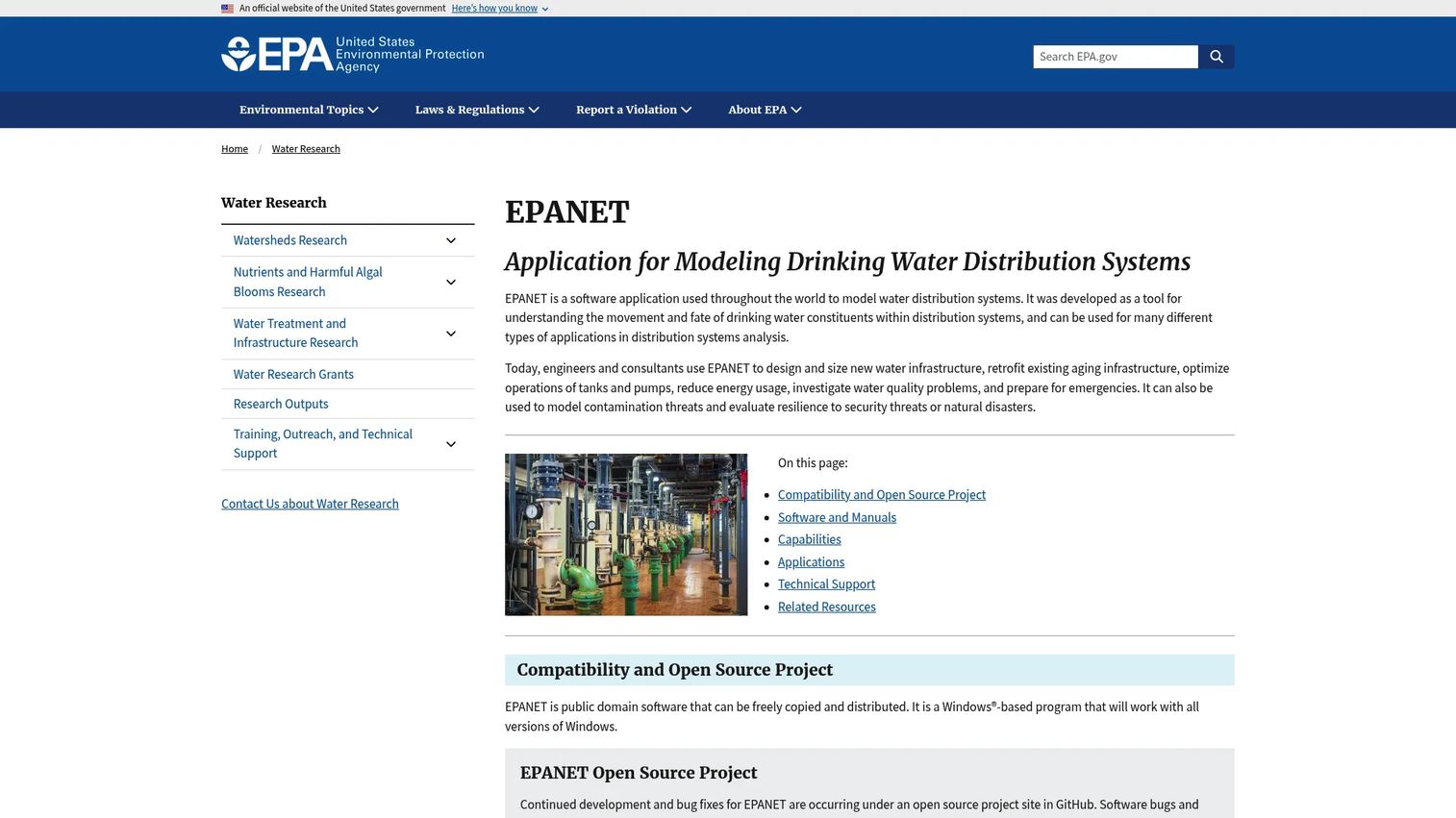
EPANET is the public-domain standard for modeling drinking water distribution systems, developed and maintained by the US EPA. It performs extended-period simulation of hydraulic behavior and water quality inside pressurized pipe networks, which makes it the reference tool that most commercial water network software is built to interoperate with. Because it is public domain, it can be freely copied and distributed, and its source code is openly available.
Best for: Engineers and utilities modeling water distribution hydraulics and water quality without a license cost.
Key strengths
- Extended-period hydraulic simulation: models flow, pressure, and tank levels across a full operating cycle, not just a single snapshot.
- Water quality modeling: tracks contaminant transport, chlorine decay, and water age through the network for water quality modeling software use cases.
- Visual network editor and reporting: a built-in editor plus visualization and reporting tools make model building and result review workable in one environment.
Why choose EPANET: EPANET is the right choice when you want open source water modeling software with a deep documentation ecosystem and no procurement cycle. Extensions like EPANET-RTX for real-time data integration and EPANET-MSX for multi-species reactions extend it toward operational decision support and advanced water quality work. The toolkit files and source code let engineering teams wire it into custom workflows, which is why it anchors so many utility and research pipelines.
EPANET pricing: EPANET is public-domain software. It can be freely copied and distributed at no cost, with downloads, manuals, and toolkit files available directly from the EPA. There is no paid tier and no license required.
2. WAVE
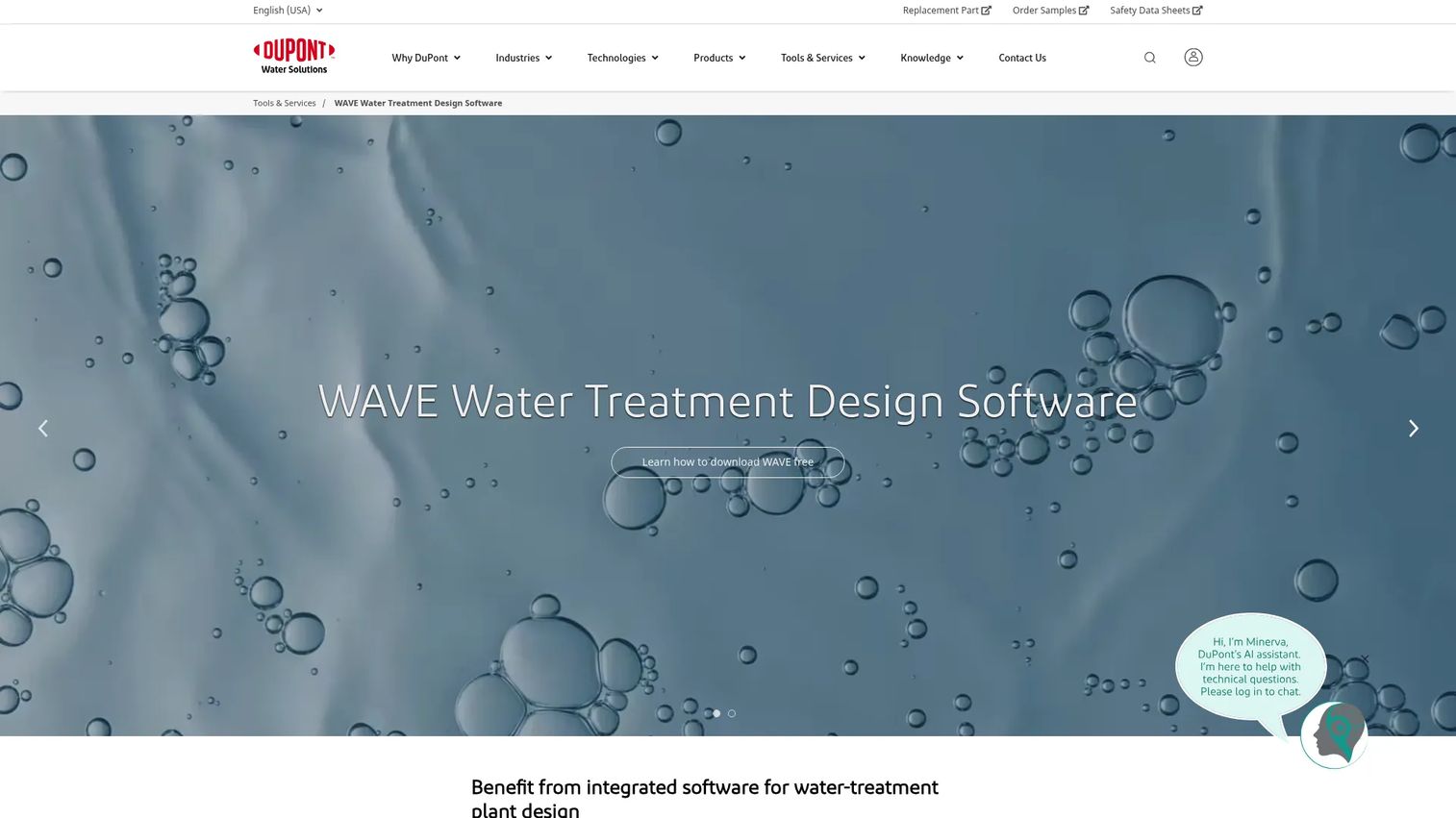
WAVE is DuPont's integrated water treatment design software for modeling ultrafiltration, reverse osmosis, and ion exchange systems in a single environment. Its defining capability is linked design propagation, so a change in one unit process flows through the connected stages of the treatment train. That integration is what separates it from single-process membrane design software and makes it a genuine plant design tool for teams working with DuPont technologies.
Best for: Process engineers and design teams sizing treatment systems built on DuPont membrane and resin technologies.
Key strengths
- Integrated multi-process modeling: UF, RO, and ion exchange design in one linked workflow rather than three separate tools.
- Free download from DuPont: the software is available at no cost, lowering the barrier to standardizing on it across a team.
- Windows-compatible desktop delivery: runs as a local install, which suits engineering teams that model offline or on secured machines.
Why choose WAVE: WAVE fits teams that need reverse osmosis design software and ultrafiltration design software plus ion exchange design software in one place, with the stages connected. The linked-train modeling means you validate a complete design rather than stitching outputs from separate calculators. For any team already specifying DuPont technologies, it removes friction from the design-to-specification handoff.
WAVE pricing: DuPont states that WAVE can be downloaded and used for free, and that WAVE PRO is also free to use. There is no paid tier documented on the DuPont design software page.
3. WatPro
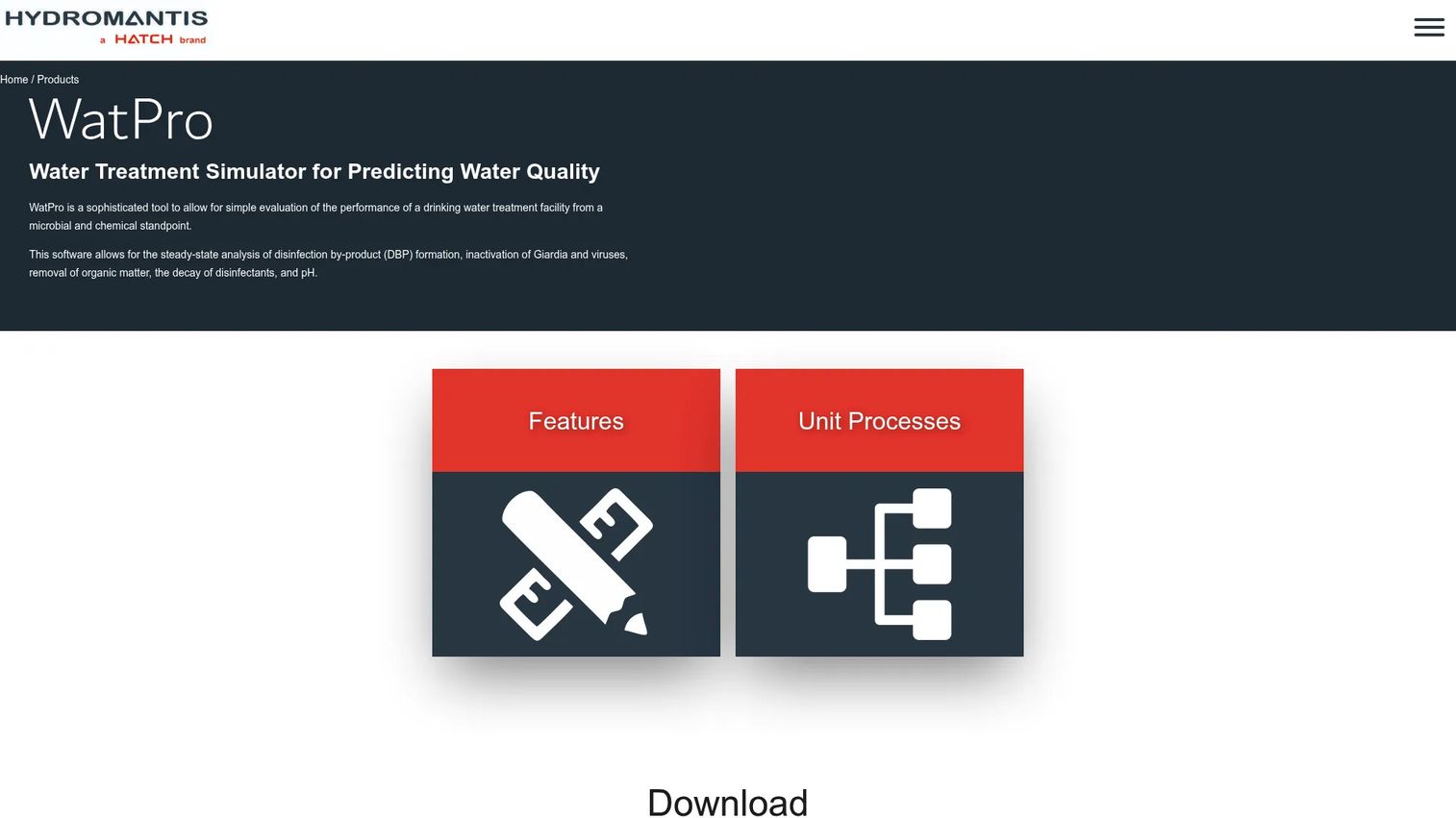
WatPro is water treatment simulation software from Hydromantis for evaluating the performance of drinking water treatment facilities. It models steady-state behavior across unit processes, letting engineers build a plant layout, connect model objects, and predict treatment outcomes including microbial and chemical evaluation and disinfection byproduct formation. It is a more specialized process simulation software than a general-purpose modeler, which is exactly why it earns a spot for facility performance work.
Best for: Water utilities and engineers modeling drinking water and wastewater treatment software performance at the plant level.
Key strengths
- Drag-and-drop plant layout: build a treatment train visually by placing and connecting model objects on a canvas.
- Customizable parameter inputs: tune process parameters to match a specific facility rather than relying on generic defaults.
- Dashboards and sensitivity analysis: hotspots surface model results, and report export plus sensitivity analysis support decision-ready output.
Why choose WatPro: WatPro fits teams that need steady-state treatment performance modeling with the ability to evaluate how process changes affect microbial risk, chemical dosing, and byproduct formation. The sensitivity analysis is the part that matters for high-stakes calls, since it shows how sensitive an outcome is to a given input before you commit to a design or operating change.
WatPro pricing: Hydromantis exposes a pricing page that routes to contact information, and no public price or plan detail was visible at the time of writing. Treat WatPro as a contact-vendor tool and request current pricing directly.
4. Winflows Design Simulator
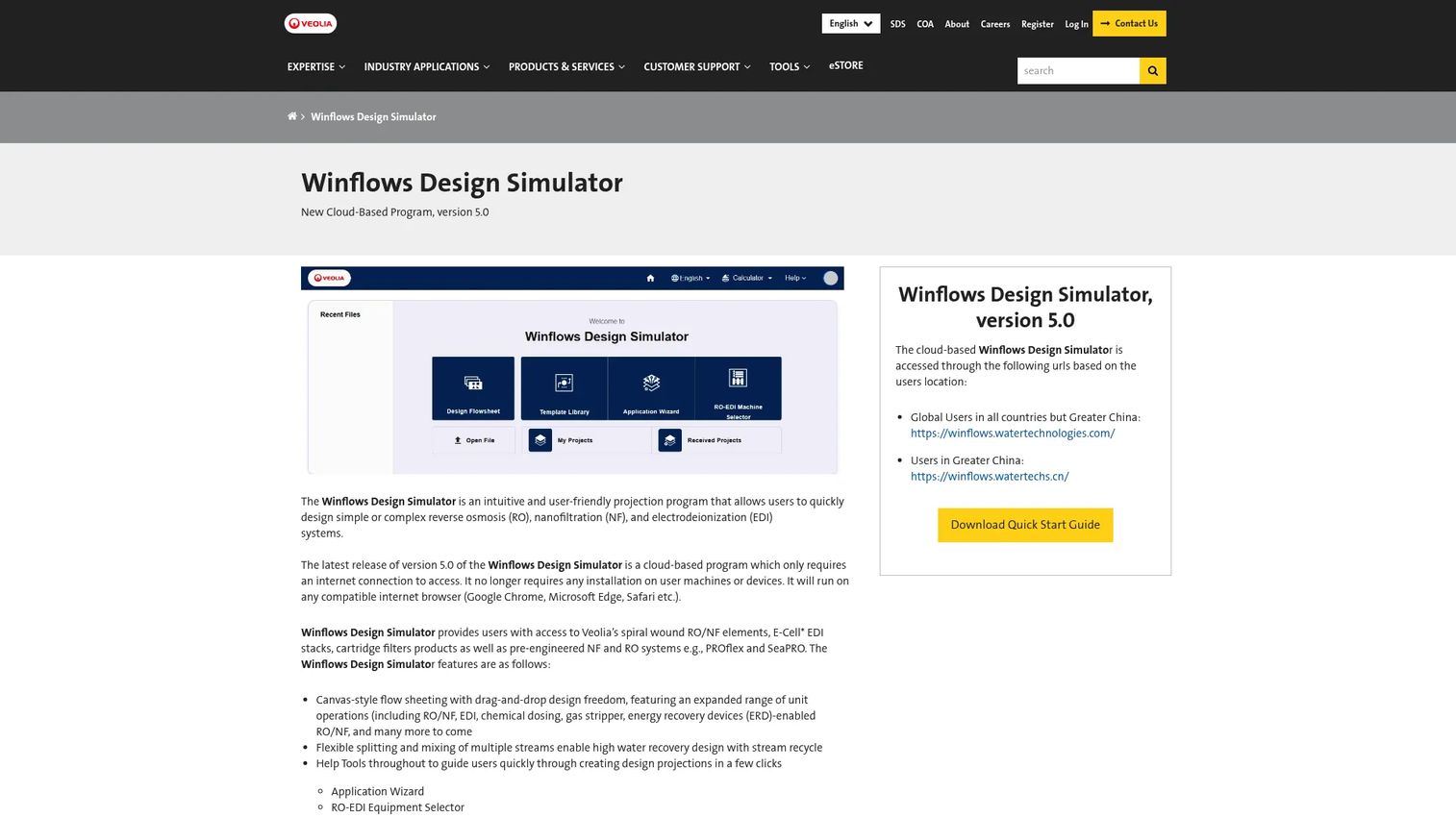
Winflows Design Simulator is Veolia's cloud-based projection software for designing reverse osmosis, nanofiltration, and EDI water treatment systems. It runs in a web browser with a drag-and-drop, canvas-style flowsheet, so teams can design without a local install. For engineers who want fast membrane evaluation across machines, the no-install access is the whole point.
Best for: Engineers designing reverse osmosis, nanofiltration, and EDI systems who want browser access rather than a desktop tool.
Key strengths
- Cloud-based browser access: design from any machine with a browser, no software to install or update locally.
- Drag-and-drop flowsheet canvas: lay out a treatment configuration visually and iterate quickly.
- Multi-language interface and legacy compatibility: works across languages and reads legacy .win files, so existing projects carry forward.
Why choose Winflows: Winflows fits teams that want cloud-based water treatment software for membrane design without managing installs or versions across a group. The browser delivery means the whole team works from the same current version, and legacy .win file compatibility protects prior project work. It is a strong fit for distributed engineering teams evaluating RO and NF options quickly.
Winflows pricing: No public pricing is shown on the Veolia product page. The tool is described in detail, but pricing is not published, so plan to confirm access and cost directly with Veolia.
5. Reverse Osmosis (RO) Operating Tools
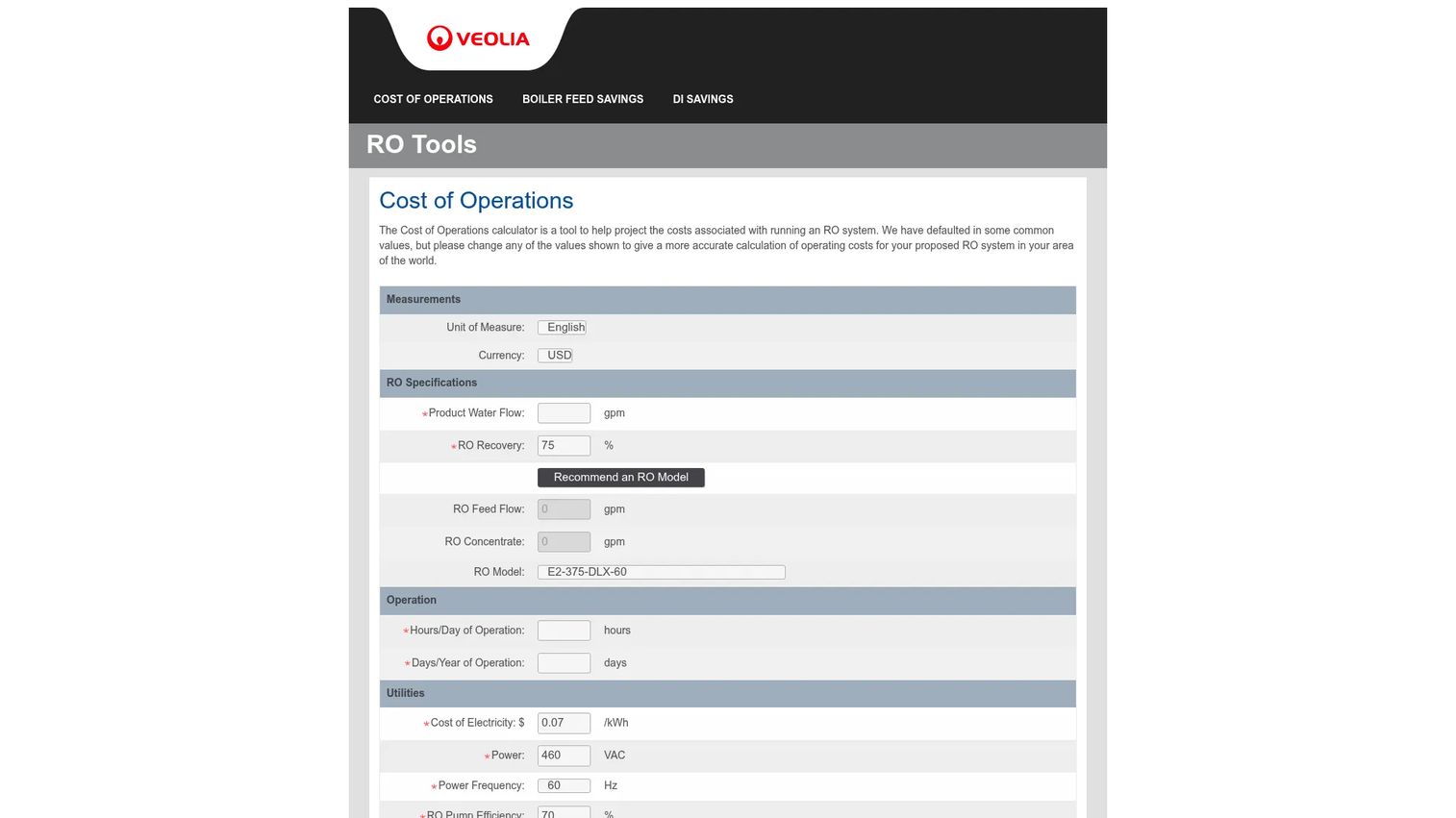
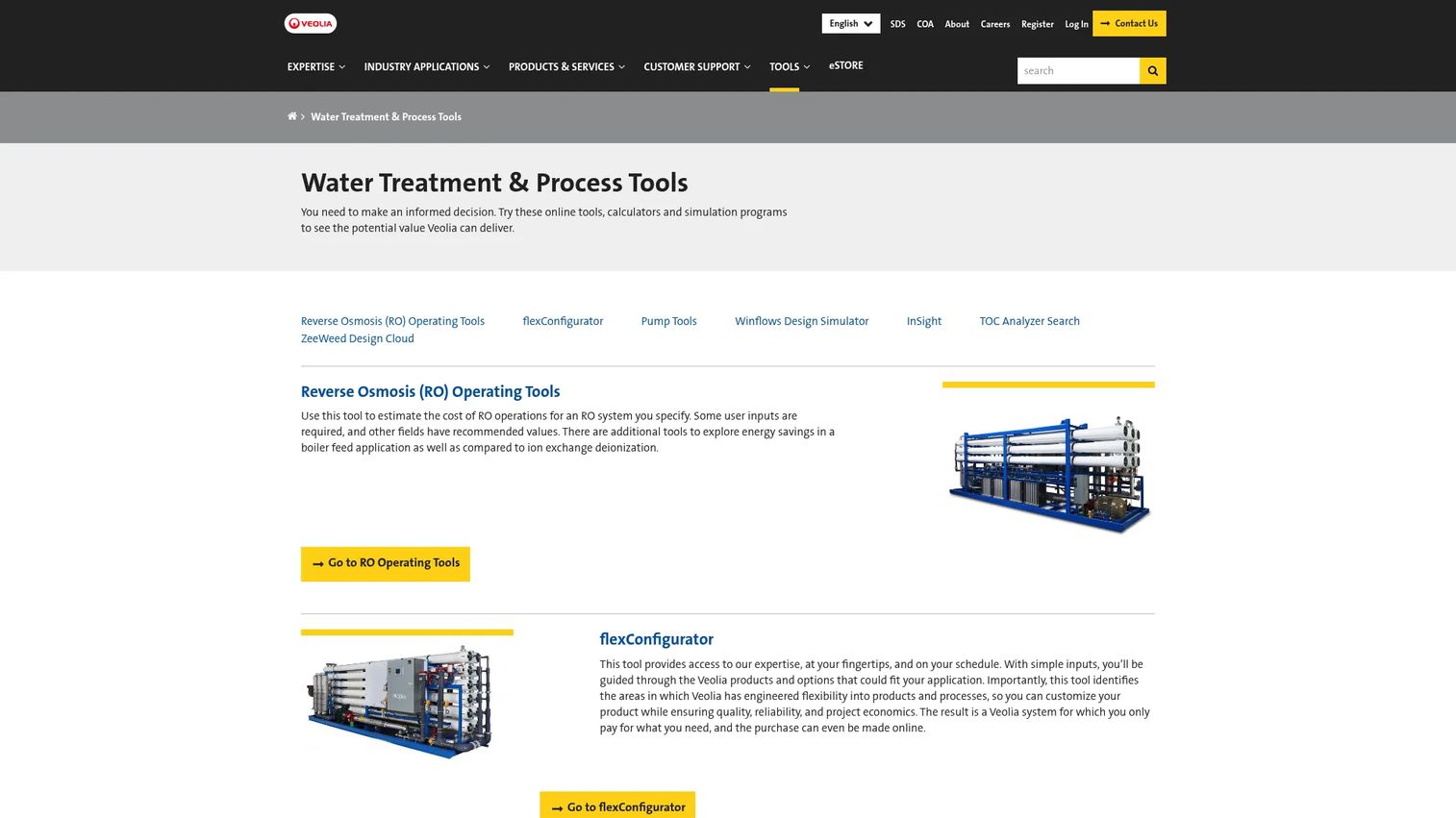
The Reverse Osmosis (RO) Operating Tools are a set of calculators from Veolia Water Technologies & Solutions for estimating RO operating costs and comparing savings scenarios. Rather than a full design suite, this is a focused online toolset built for operational decision support. You specify an RO system and the tools estimate the cost of operations, then let you model savings in specific applications.
Best for: Teams evaluating RO system operating costs and running savings comparisons for planning decisions.
Key strengths
- Cost of Operations calculator: estimate the operating cost of an RO system you specify, useful for budgeting and lifecycle planning.
- Boiler Feed Savings calculator: explore energy and cost savings in a boiler feed application.
- DI Savings calculator: compare RO against ion exchange deionization to quantify the tradeoff.
Why choose RO Operating Tools: This suite fits operational planning where the question is cost, not physical design. When you already know the system and need to defend an operating budget or justify a technology choice against ion exchange, calculator-level output is exactly the right depth. It complements design software rather than replacing it.
RO Operating Tools pricing: No public pricing page or plan detail was found on the Veolia domain for this calculator suite. The tools are positioned as an online resource, so confirm any access requirements directly with Veolia.
6. ZeeWeed Design Cloud
ZeeWeed Design Cloud is Veolia's cloud-based design tool for ZeeWeed membrane wastewater process design. It covers two workflows: immersed MBR design for municipal wastewater applications, and pressurized UF design using ZeeWeed 700B and ZeeWeed 1500 ultrafiltration membranes for municipal and industrial applications. Within minutes, a designer can produce a full membrane design plus sizing for the surrounding equipment.
Best for: Veolia customers, distributors, and partners needing high-level ZeeWeed process sizing and design support.
Key strengths
- Immersed MBR design: develop high-level biological and membrane designs for municipal wastewater treatment software applications using ZeeWeed membranes.
- Pressurized UF design: produce complete ultrafiltration design software output for municipal and industrial systems using pressurized ZeeWeed membranes.
- Exportable technical detail: outputs cover tank sizing, blowers, permeate and recirculation pumps, cleaning chemicals, and energy and chemical consumption, exportable for downstream use.
Why choose ZeeWeed Design Cloud: ZeeWeed Design Cloud fits teams standardizing on ZeeWeed membranes who want a cloud-native design workflow rather than a desktop install. The speed is the draw, since a full UF or MBR process design with pumps, cleans, waste and reject streams, and consumption estimates can be developed within minutes. Access is oriented toward internal users, distributors, and partners.
ZeeWeed Design Cloud pricing: Veolia's page describes access restrictions and directs prospective users to contact a sales manager for details. No public price is shown, so treat access and cost as a direct-contact process.
7. flexConfigurator
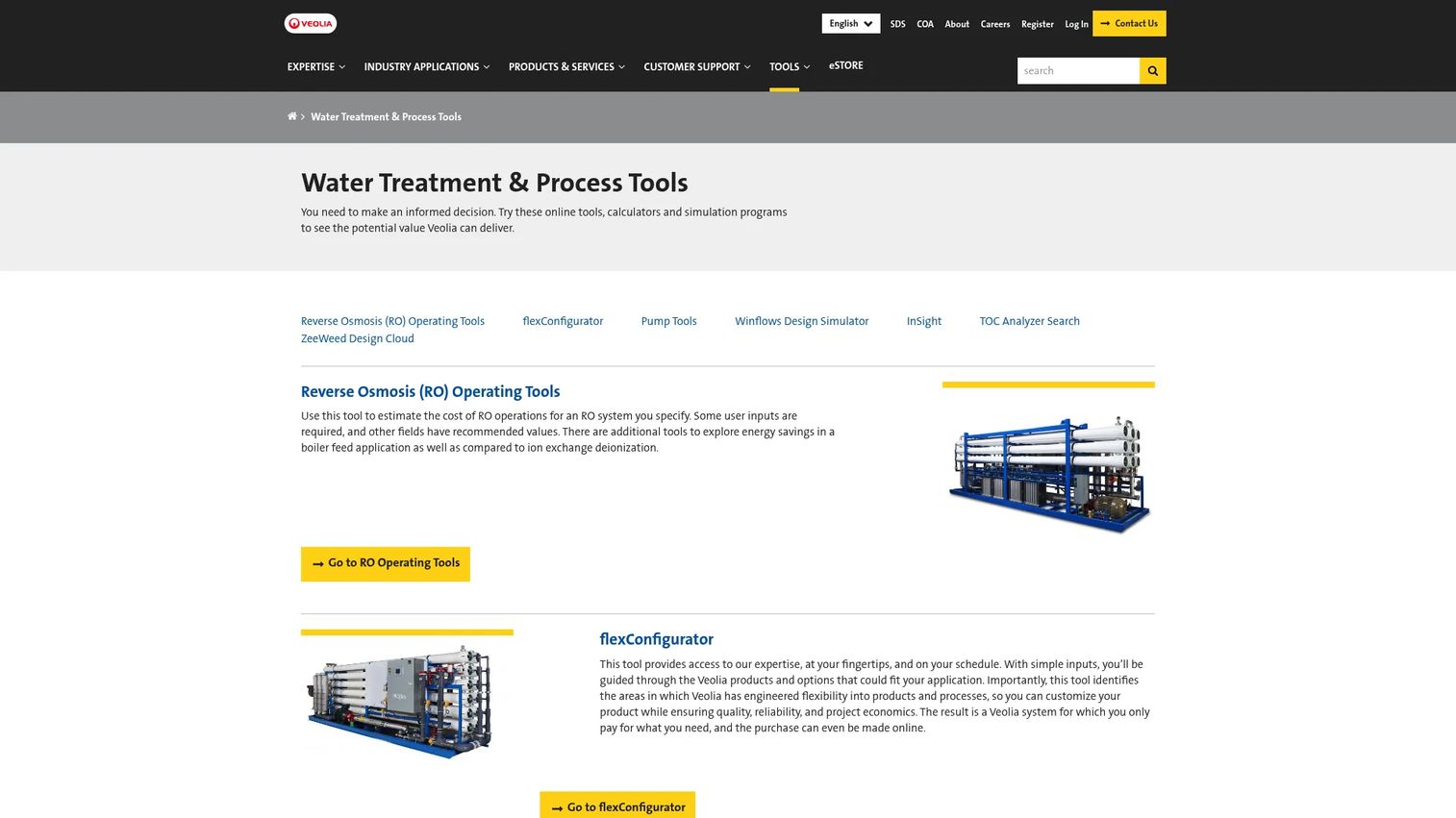
flexConfigurator is Veolia's cloud-based product configuration tool for water treatment systems. It guides a user from simple inputs to a matched product or process configuration, identifying engineered flexibility in Veolia's products and options along the way. It is a product selection and configuration support tool rather than a full modeling suite, and it earns its place for exactly that reason: it shortens the path from requirement to specified system.
Best for: Veolia customers, distributors, and channel partners configuring water treatment systems from a defined set of products.
Key strengths
- Guided input-to-configuration flow: walks users through products and options using simple inputs rather than open-ended modeling.
- Engineered flexibility mapping: identifies where products and processes offer configurable flexibility, so you match the system to the need.
- Online purchasing: for qualifying systems, the purchase can be completed online, compressing the specification-to-order step.
Why choose flexConfigurator: flexConfigurator fits teams that already know they are buying Veolia and need to configure and specify quickly, not model from first principles. It sits at the selection end of the workflow, so pair it with a design or simulation tool when the engineering still needs validation. As a configuration layer, it is the fastest route from a set of requirements to a defined, purchasable system.
flexConfigurator pricing: No public pricing or visible price was found for flexConfigurator on Veolia's site. The tool appears access-controlled for internal users and partners, and pricing depends on the configured system, so confirm directly with Veolia.
Considerations before you choose
The tool that fits your task is not always the one with the most features. Weigh these five criteria against your actual engineering job.
Modeling depth
Decide whether you need full simulation, design support, or calculator-level output. A distribution modeler like EPANET and a plant simulator like WatPro do real physics; a configurator or a cost calculator answers a narrower question. When a plant decision carries capital risk, depth matters, because a shallow tool used for a deep problem produces confident numbers that are wrong.
Deployment and access
Access models range from public domain to free download, cloud, and login-gated. EPANET is public domain, WAVE is a free download, Winflows and ZeeWeed are cloud-based, and several Veolia tools are gated to partners. Deployment friction matters to technical teams because a tool nobody can access at the moment of decision is a tool nobody uses. Confirm access before you build a workflow around it.
Documentation and support
Manuals, quick-start guides, source code, and update cadence directly affect adoption and long-term maintenance. EPANET's documentation ecosystem is a large part of why it endures. A tool with sparse documentation costs you in ramp time and in every future engineer who inherits the model.
Use case fit
Separate utility distribution modeling from process and membrane design work, and match accordingly. The most common mistake is picking a tool that is too narrow for the job, then forcing it past its design intent. A membrane calculator will not model a distribution network, and a hydraulic solver will not size an MBR train.
Integration and extensibility
If your team runs custom engineering pipelines, look for toolkits, source code, or cloud workflow hooks. EPANET's toolkit and open source, plus the exportable outputs from cloud tools like ZeeWeed Design Cloud, are what let engineering teams wire these into larger workflows rather than treating each as an island.
Conclusion
The right water treatment software depends on the modeling task, not the brand on the box. For water distribution modeling, EPANET is the public-domain standard and the reference most other network tools interoperate with. For integrated plant design across UF, RO, and ion exchange, WAVE gives you a linked treatment train in one free download. For steady-state drinking water treatment performance, WatPro brings process simulation depth. For cloud-based membrane design, Winflows and ZeeWeed Design Cloud cover RO, NF, EDI, MBR, and pressurized UF, and the RO Operating Tools plus flexConfigurator handle operational cost and configuration decisions.
Start with the tool that matches your highest-priority use case, then confirm access and documentation before you commit a workflow to it. Model the job you actually have in front of you, validate the tool against a known case, and only then standardize your team around it.
FAQs
EPANET is the widely used standard for water distribution modeling. It performs extended-period hydraulic simulation and water quality modeling inside pressurized pipe networks, and as public-domain software it is the tool most commercial water network software is built to interoperate with. For utilities analyzing pressure, flow, and contaminant transport, it is the default starting point.
WAVE is a strong choice for integrated plant design. DuPont's tool models ultrafiltration, reverse osmosis, and ion exchange in a single environment with linked design propagation, so a change in one stage flows through the connected treatment train. That lets you validate a complete design rather than stitching outputs from separate single-process calculators.
Yes. EPANET is public-domain software from the US EPA that can be freely copied and distributed, with downloads, manuals, and source code available at no cost. WAVE is also offered as a free download from DuPont, including WAVE PRO. Both give utilities and engineers capable tools without a license or procurement cycle.
For membrane system design, WAVE covers UF, RO, and ion exchange in an integrated desktop workflow, while ZeeWeed Design Cloud handles immersed MBR and pressurized UF design in the browser using ZeeWeed membranes. Winflows Design Simulator adds cloud-based RO, NF, and EDI design. Which one fits depends on the membrane technology and whether you want a desktop or cloud workflow.
Process simulation predicts how a treatment plant's unit processes perform, covering things like recovery, flux, microbial and chemical behavior, and disinfection byproduct formation. Distribution modeling instead analyzes how water moves through a pipe network, covering pressure, flow, water age, and contaminant transport. One answers how water is treated; the other answers how treated water travels through the system.
It varies by tool. EPANET and WAVE are desktop applications you download and install locally. Winflows Design Simulator and ZeeWeed Design Cloud are cloud-based and run in a web browser with no local install, and the RO Operating Tools are online calculators. Confirm the deployment model against your team's security and access requirements before committing.
For operational decision support, the right tool depends on the question. EPANET-RTX extends EPANET toward real-time data integration for live network operations. The RO Operating Tools calculators handle operating cost estimation and savings comparisons. Cloud design simulators like ZeeWeed Design Cloud support sizing and specification decisions. Match the tool to whether you are optimizing operations, budgeting costs, or specifying a system.