Ask any instructor who has run a peer review cycle what went wrong, and you'll hear the same story. Students submitted one-line comments. The rubric was ignored. Half the class missed the deadline. And you spent three hours manually sorting reviewer assignments that software should have handled in seconds.
The problem isn't student motivation. It's structure. When the review workflow doesn't guide students toward specific, actionable feedback, vague comments are the natural output. Peer assessment software changes this by giving instructors rubric control, automated reviewer assignment, and deadline enforcement, so the process produces feedback that actually improves work.
The feedback software market reflects growing demand for structured review workflows. According to Verified Market Research (2026), the employee feedback software market alone was valued at approximately USD 0.48 billion in 2024 and is projected to reach USD 1.72 billion by 2032. Educational peer review sits at the center of that shift toward structured, measurable feedback at scale.
This guide breaks down the 7 strongest peer feedback tools for 2026, covering rubric control, LMS integration, automation, and workflow fit.
What's inside
This guide is for instructors, instructional designers, and academic program managers evaluating peer assessment software. Tools were chosen based on four criteria:
- Rubric and prompt structure: Does the tool guide reviewers toward specific, actionable comments?
- LMS integration and workflow fit: Does it work inside your existing course environment?
- Automation and governance: Can you set deadlines, manage assignments, and track completion without manual chasing?
- Analytics and feedback quality measurement: Does it tell you whether peer review is working?
TL;DR
- Best for LMS-native peer review: Canvas, for institutions already on Instructure's platform
- Best for open-source flexibility: Moodle, for teams with technical capacity to configure Workshop activities
- Best for structured feedback quality: FeedbackFruits, for higher-ed teams who need AI-assisted rubrics and deep LMS integration
- Best for writing and revision workflows: Eli Review, for instructors whose core goal is improving student writing through iteration
- Best for conference and event peer review: Fourwaves, for academic organizers managing abstract review and submission workflows
- Best for higher-ed writing assessment: Turnitin PeerMark, for institutions already running Turnitin for academic integrity
- Best for rubric-based classroom assignments: PeerStudio, for instructors who want comparison-based feedback prompts
What is peer feedback software?
Peer feedback software is a category of educational technology that structures how students or reviewers give written feedback to each other, using rubrics, guided prompts, assignment logic, and submission workflows to replace vague, unstructured commentary with specific, actionable input.
Without structure, peer review defaults to polite generalities. With the right tool, reviewers work through a rubric that asks targeted questions, and instructors see completion data rather than chasing emails.
Key capabilities to look for
- Rubric creation: Build criteria-based feedback forms with rating scales and comment fields
- Reviewer assignment: Automate random, manual, or calibration-based distribution of submissions
- Anonymous or named review: Control whether reviewer identity is visible to the recipient
- Deadline management: Set submission and review deadlines with automated reminder logic
- Self-assessment: Allow students to evaluate their own work alongside peer reviews
- LMS integration: Connect to Canvas, Moodle, Blackboard, D2L, or other institutional platforms via LTI
- Analytics and export: Track completion rates, feedback quality scores, and individual reviewer activity
- Revision support: Route peer feedback back into a resubmission or reflection workflow
The clearest dividing line in this category is between tools that are native to an LMS (Canvas, Moodle) and tools that plug in via LTI (FeedbackFruits, Eli Review, Turnitin PeerMark, PeerStudio). Native tools require less setup but offer less specialization. LTI tools add workflow depth at the cost of a separate license.
Fourwaves sits apart: It's built for conference and academic event peer review, not classroom assignments.
When to use peer feedback software
Improve the quality of student comments
Peer review fails when students write "looks good" and nothing else. Rubric-based peer feedback software fixes this by requiring reviewers to respond to specific prompts before submitting. If your current peer review produces one-sentence responses, a structured tool with guided questions will materially improve comment depth and consistency.
Reduce instructor admin work
Manual reviewer assignment, email reminders, and spreadsheet tracking of completion status are time drains that scale badly. Automation handles reminder sequences, distributes submissions according to your rules, and surfaces completion dashboards so you know who fell behind before the deadline passes.
Support revision and iteration
Feedback that doesn't connect to revision is feedback that doesn't stick. Tools like Eli Review build revision tasks directly into the workflow, so students act on what they received rather than reading it once and moving on. Use this approach when the learning goal is writing improvement, not just summative grading.
Peer feedback software comparison
The table below compares all seven tools on best-fit use case, the one feature that most defines their approach, and pricing as of 2026. Ratings are sourced from G2.
| # | Product | Best for | Key differentiator | Pricing | G2 rating |
|---|---|---|---|---|---|
| 1 | Canvas | LMS-native peer review | Built-in peer assignment inside existing courses | Custom pricing | 4.5/5 |
| 2 | Moodle | Open-source LMS flexibility | Workshop activity with configurable grading strategies | Free (hosting extra) | 4.1/5 |
| 3 | FeedbackFruits | Structured higher-ed feedback | AI-assisted feedback with rubrics and LMS integration | Custom pricing | 4.8/5 |
| 4 | Eli Review | Writing and revision workflows | Peer review tied directly to revision tasks | From $28.95/term (student) | 4.5/5 |
| 5 | Fourwaves | Conference and event peer review | Abstract management with reviewer distribution | Free to $4,499/year | 4.8/5 |
| 6 | Turnitin PeerMark | Higher-ed writing assessment | Peer review inside Turnitin's existing submission workflow | Custom pricing | 4.2/5 |
| 7 | PeerStudio | Comparison-based classroom review | AI-backed reviewer assignment with guided prompts | Contact for pricing | N/A |
Best peer feedback software for 2026
1. Canvas
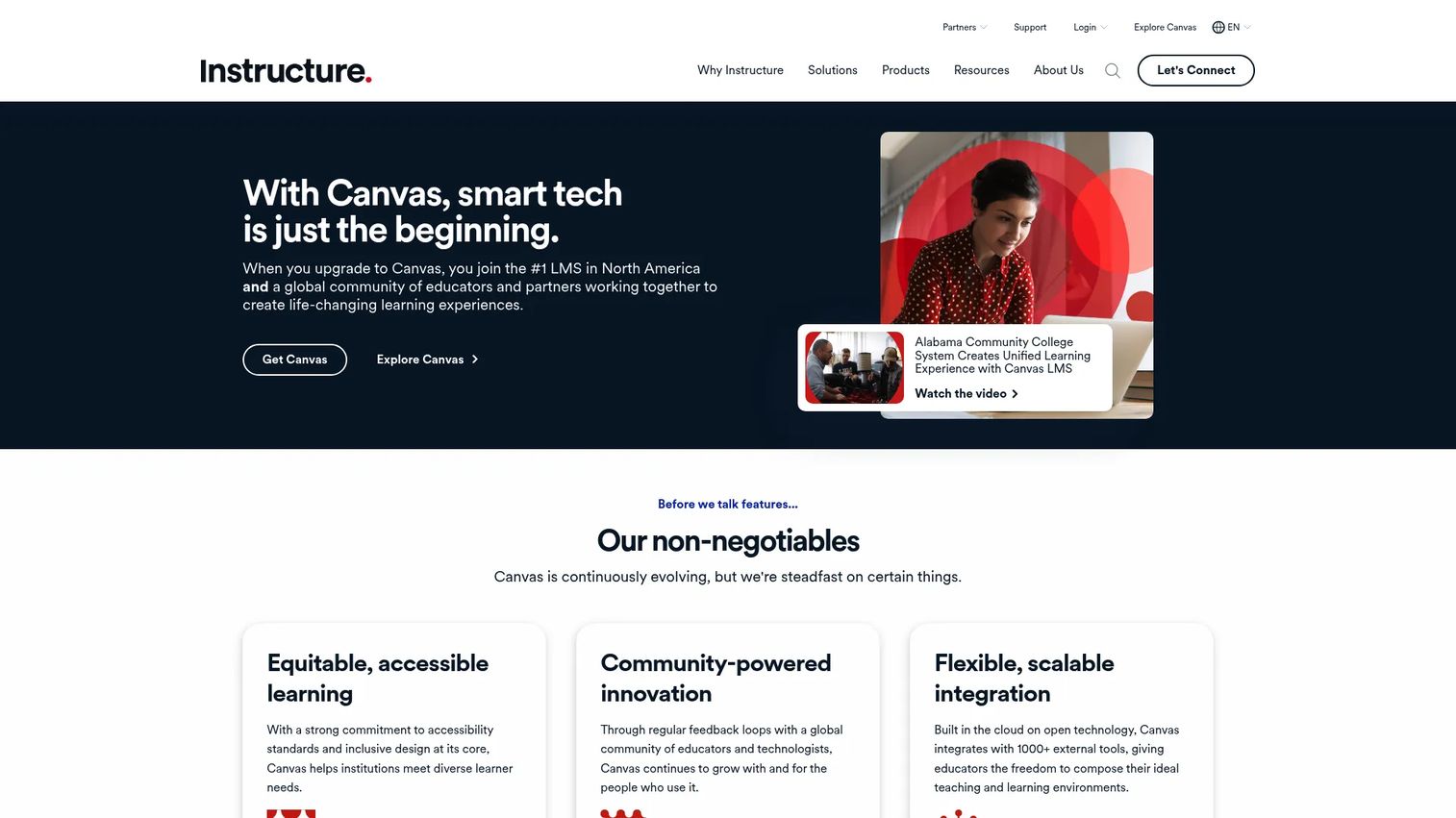
Canvas by Instructure is a cloud-based learning management system used across K-12 and higher education. Its peer review functionality lives inside the standard assignment workflow, meaning instructors enable it without configuring a separate tool. Submissions, reviewer assignment, and feedback collection happen inside the environment students already use for every other course activity.
Best for: Institutions and instructors already on Canvas who want peer review with zero additional tooling.
Key features
- Automatic or manual reviewer assignment per assignment
- Anonymous peer review mode available
- Rubric attachment to peer review assignments
- Completion tracking visible in the gradebook
- SpeedGrader integration for instructor review of peer feedback
Why choose Canvas: Canvas peer review works because there's no adoption barrier. Students don't log into a second system. If your institution runs Canvas and you want basic structured feedback without a separate license, Canvas handles it. The trade-off is depth: Rubric customization and analytics are simpler than dedicated peer feedback tools.
Canvas pricing: Instructure offers Canvas in three tiers (Core, Plus, and Next) and requires institutions to contact them for a customized quote. No per-seat figure is published on the pricing page.
G2 rating: 4.5/5
2. Moodle
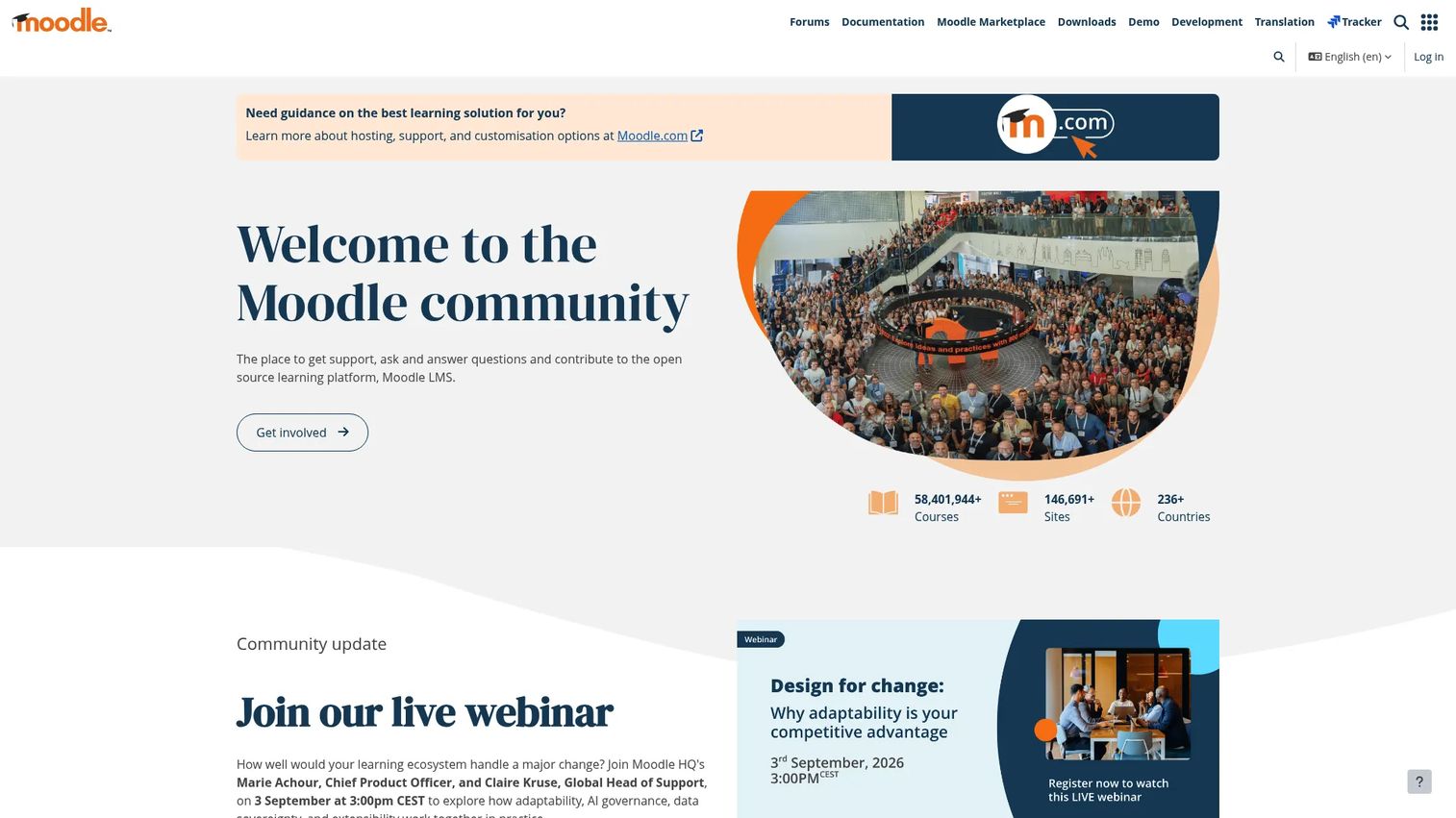
Moodle is a free, open-source LMS that powers learning environments across schools, universities, and corporate training programs globally. Its Workshop activity module is the primary mechanism for peer assessment, supporting multiple grading strategies including accumulative, comments-only, number of errors, and rubric-based scoring. Instructors configure phase-by-step workflows: Submission, assessment, grading, and closure.
Best for: Schools and universities with technical capacity to self-host or configure MoodleCloud, who need a flexible peer assessment workflow without per-seat licensing costs.
Key features
- Workshop activity with five configurable assessment strategies
- Anonymous peer review with instructor-controlled identity settings
- Self-assessment alongside peer assessment in the same activity
- Gradebook integration for combined peer and self-assessment scores
- Open-source codebase with plugin extensibility
Why choose Moodle: If your institution self-hosts Moodle and has a technically capable admin team, Workshop delivers meaningful peer assessment flexibility at no software cost. The configuration overhead is real: Workshop requires more setup than Canvas peer review or dedicated LTI tools, but it rewards that investment with granular control over every phase of the process.
Moodle pricing: Moodle LMS is free to download and self-host. MoodleCloud (the hosted option) operates on a subscription basis; specific plan prices require contacting Moodle directly or reviewing current MoodleCloud plan pages, as pricing varies by user count and storage.
G2 rating: 4.1/5
3. FeedbackFruits

FeedbackFruits is a learning design platform built specifically for higher education, offering a suite of assessment and collaboration activities that run inside the LMS via LTI. Its peer review module supports rubric-based structured feedback, deadline automation, group member evaluation, and AI-assisted feedback suggestions that help students improve comment quality before submitting. The platform integrates with Canvas, Moodle, Blackboard, D2L, and other major LMS platforms.
Best for: Higher-education institutions that want structured, rubric-driven peer review with AI feedback support and deep LMS integration.
Key features
- LTI-based integration with major LMS platforms
- Rubric builder with criteria, scales, and comment fields
- AI-assisted feedback suggestions to improve comment specificity
- Automated deadline reminders and completion dashboards
- Group member evaluation alongside individual peer review
Why choose FeedbackFruits: FeedbackFruits addresses the hardest part of peer review: Feedback quality. The AI suggestion layer doesn't grade for students; it nudges them toward more specific responses before they submit. Institutions that have struggled with vague peer comments report meaningful improvement in comment depth after adopting structured prompts. The LMS-native delivery means adoption friction is low for both instructors and students.
FeedbackFruits pricing: FeedbackFruits sells institutional licenses; no per-seat figure appears on the website. The platform routes prospects to a demo or pilot conversation. Contact FeedbackFruits for institution-specific pricing.
G2 rating: 4.8/5
4. Eli Review
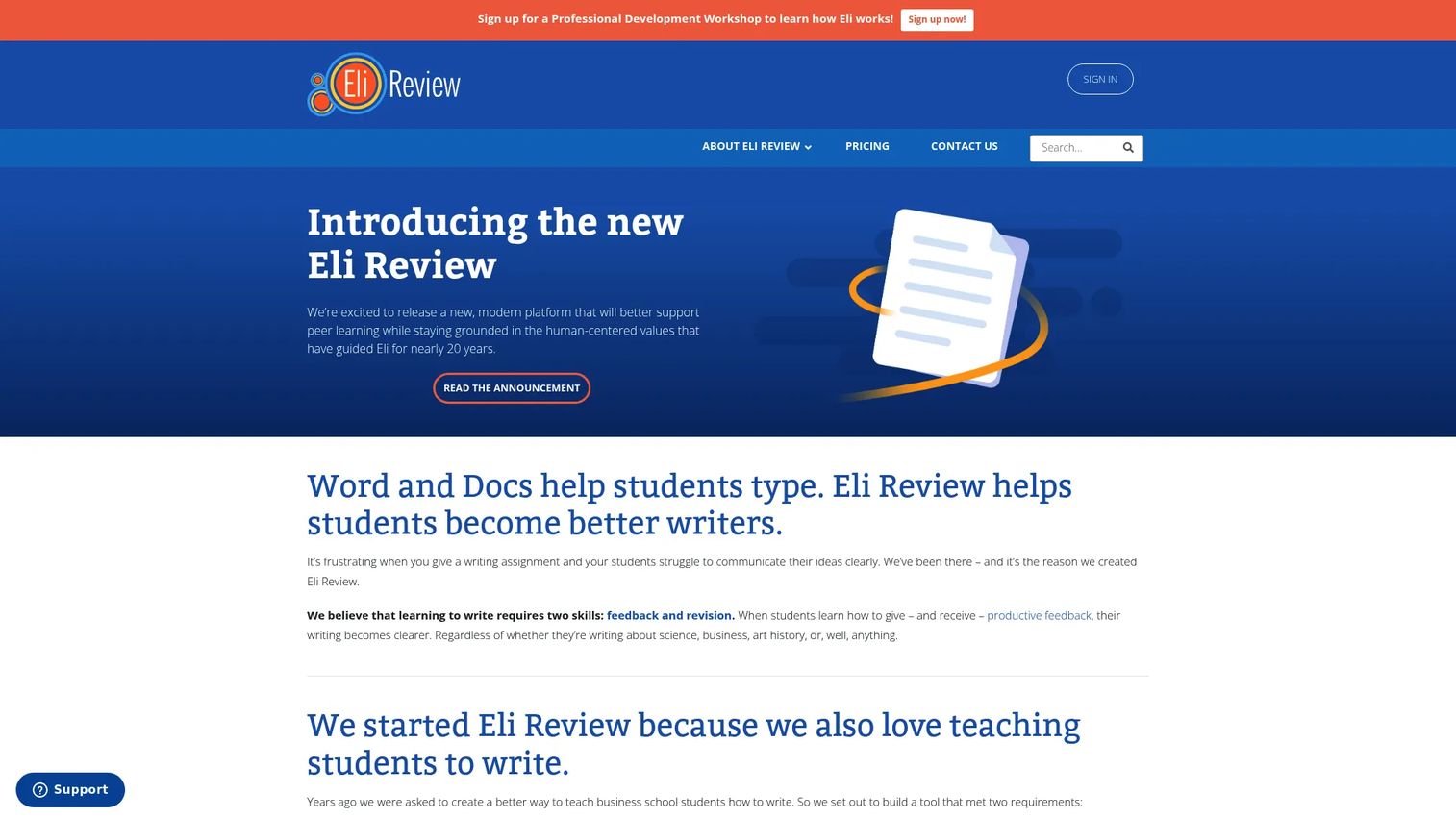
Eli Review is a peer feedback and writing revision platform with more than 15 years of academic use. The platform is built around a core belief: Feedback only improves writing when it connects directly to revision. So Eli Review structures its workflow as a cycle: Students write, peers review using task-based checklists and rating scales, students revise, and instructors see analytics on who gave useful feedback and who didn't. More than 500,000 students across nearly every subject area have used the platform, according to Eli Review's own published figures.
Best for: Higher-ed instructors whose primary outcome is writing improvement through structured peer feedback and revision cycles.
Key features
- Task-based review prompts with checklists and rating scales
- Revision tasks tied directly to received peer feedback
- Review quality reports showing comment helpfulness by reviewer
- LMS integration via LTI for assignment and gradebook connection
- Instructor analytics on completion, review quality, and revision behavior
Why choose Eli Review: Most peer review tools treat feedback as the endpoint. Eli Review treats it as the input for revision, which is where learning actually happens. If your course goal is measurable writing improvement rather than just feedback collection, this workflow distinction matters. The pricing model is also unusually transparent: Instructors use the platform for free, and students purchase individual subscriptions.
Eli Review pricing: Instructors access Eli Review at no cost. Students pay $28.95 for one term or $52.95 for one year. Institutional access codes are also available for bulk purchasing.
G2 rating: 4.5/5
5. Fourwaves
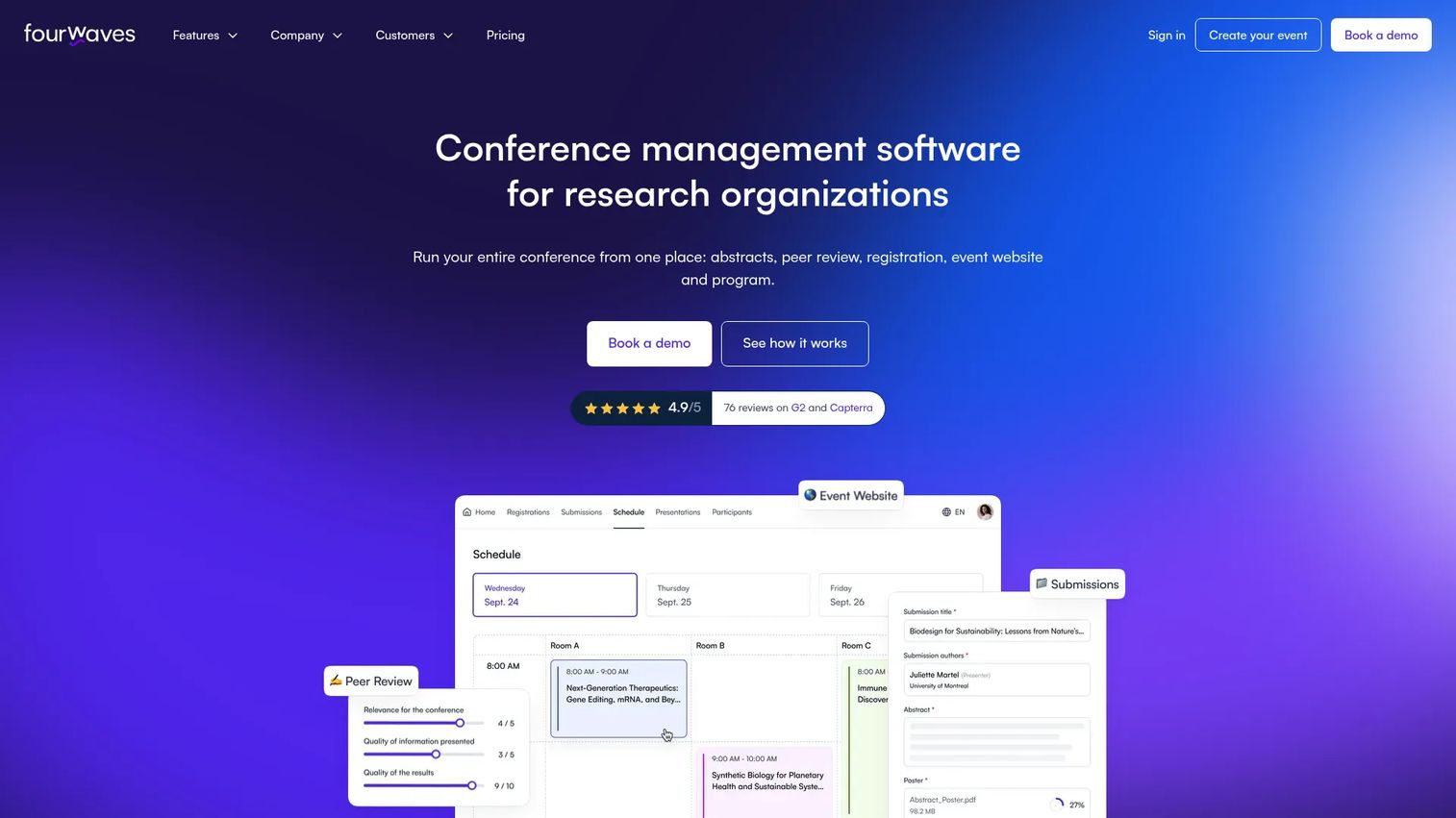
Fourwaves is conference management software built for academic and scientific event organizers. It handles abstract submission, reviewer assignment, peer review workflows, and event websites in a single platform. The peer review module lets organizers define review criteria, distribute submissions to reviewers based on expertise matching, collect structured scores and comments, and export results for program committee decisions. Fourwaves serves research organizations across dozens of countries.
Best for: Academic conference organizers and research event managers who need a structured abstract submission and peer review workflow, not classroom-based student assessment.
Key features
- Abstract submission portal with configurable forms
- Automated reviewer assignment with conflict-of-interest controls
- Structured review forms with scoring criteria and comment fields
- Submission and review status dashboards for organizers
- Event website builder with registration and scheduling
Why choose Fourwaves: Fourwaves is the right choice when the peer review context is a conference or scientific event rather than a course. It handles the reviewer distribution, criteria weighting, and export workflows that conference organizers need, and it packages these alongside abstract management and event logistics. Classroom-focused instructors should look at FeedbackFruits, Eli Review, or PeerStudio instead.
Fourwaves pricing: A free plan is available with core features. Paid plans are billed annually: Essential at $899/year, Advanced at $1,699/year, and Pro at $4,499/year. Custom plans are available for multi-event or high-volume programs.
G2 rating: 4.8/5
6. Turnitin PeerMark
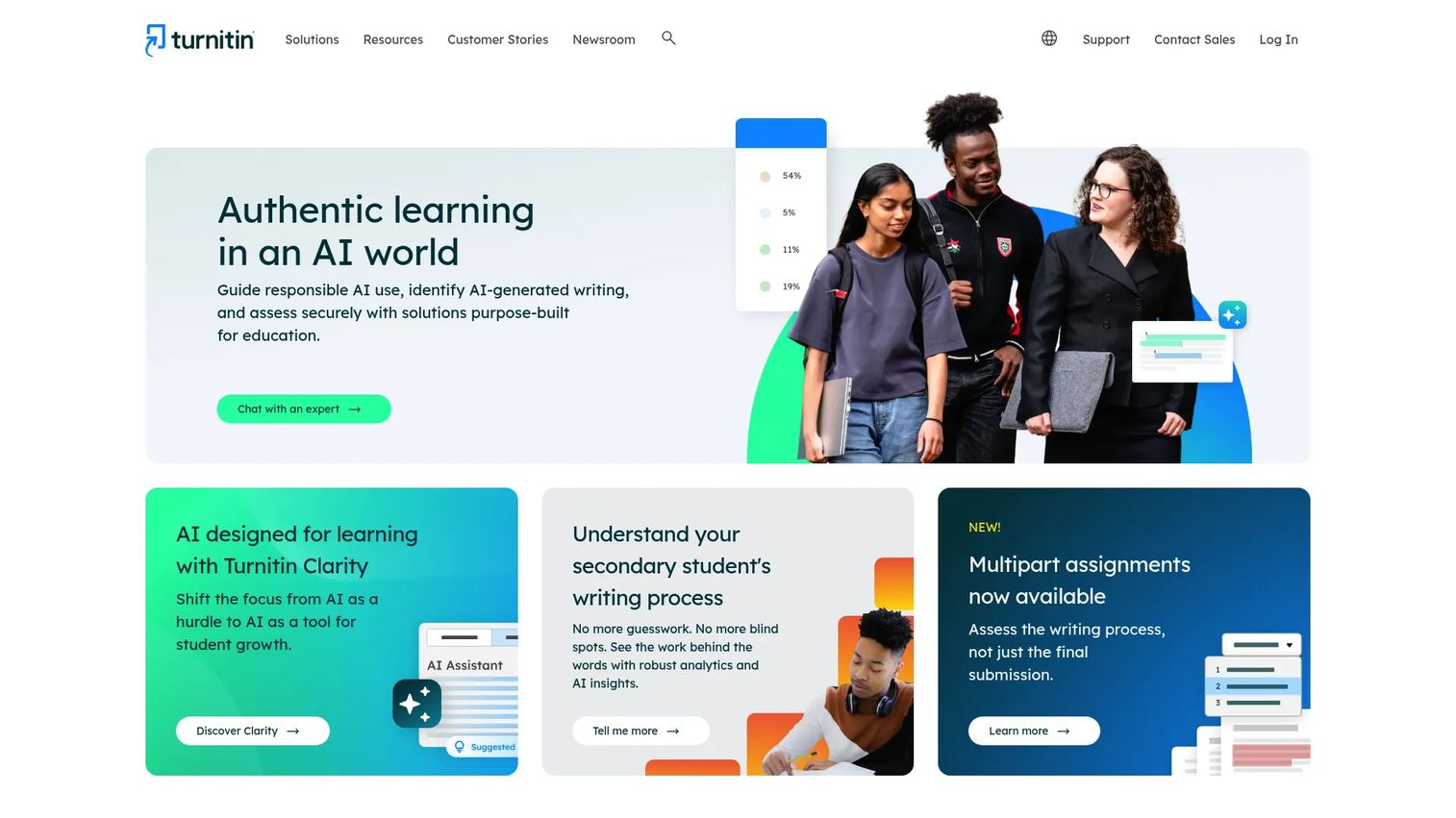
Turnitin PeerMark is the peer review module within Turnitin's writing assessment platform. It lets instructors create peer review assignments attached to Turnitin submission folders, where students read and annotate each other's papers using free-response and scale questions. Review distribution is automatic, and instructors can require a minimum number of reviews per student. Both anonymous and attributed review modes are supported.
Best for: Higher-education institutions already subscribed to Turnitin who want peer review built into the same environment students use for originality checking and feedback.
Key features
- Peer review assignments linked directly to Turnitin submission folders
- Free-response and scale questions for structured reviewer guidance
- Anonymous or named review mode per assignment
- Automatic or manual reviewer distribution
- Instructor monitoring of review completion status
Why choose Turnitin PeerMark: The argument for PeerMark is consolidation. If your institution already pays for Turnitin, adding PeerMark doesn't require a separate procurement cycle, a new LTI configuration, or student-facing login friction. For writing courses where Turnitin is already the submission environment, PeerMark keeps the peer review workflow in the same place. Institutions without a Turnitin subscription should evaluate purpose-built alternatives first.
Turnitin PeerMark pricing: Turnitin sells subscriptions to educational institutions only, with pricing based on institution size and requirements. Contact Turnitin directly for a quote; no pricing is shown on the website.
G2 rating: 4.2/5
7. PeerStudio
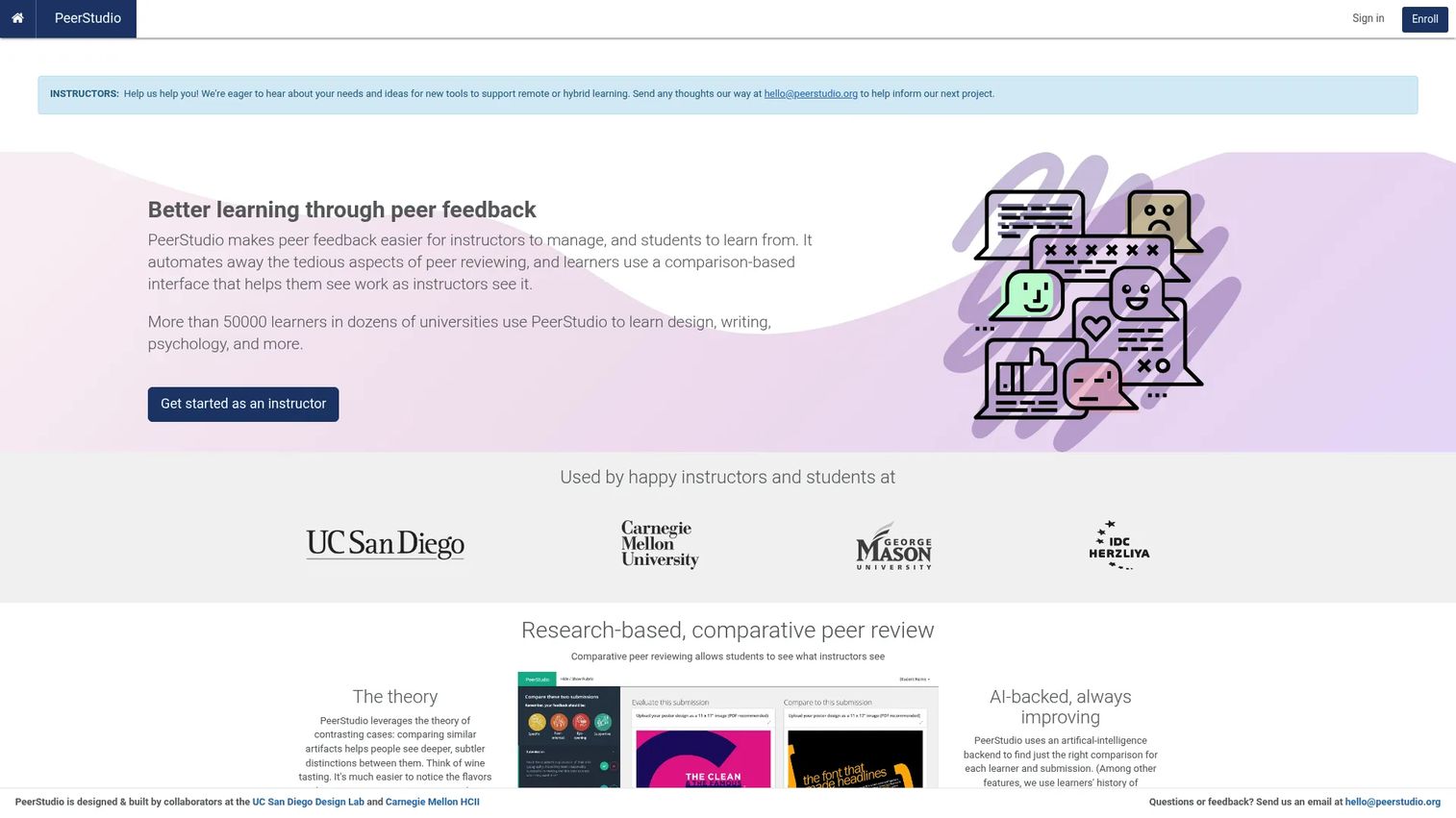
PeerStudio is a classroom-focused peer review platform developed in an academic research context. Its distinguishing approach is comparison-based peer review: Instead of reviewing a single submission in isolation, students compare two submissions side-by-side, which research suggests produces more calibrated, specific feedback. AI-backed reviewer assignment distributes submissions based on similarity and reviewer load. The platform also includes review quality checks that flag low-effort responses before they're delivered.
Best for: Academic instructors who want to improve feedback specificity through comparison-based prompts and AI-assisted reviewer assignment.
Key features
- Comparison-based peer review with side-by-side submission display
- AI-backed reviewer assignment for calibrated distribution
- Review quality checks to flag low-effort responses
- Guided reviewing prompts with structured criteria
- Instructor dashboard for completion and quality monitoring
Why choose PeerStudio: If the core problem is vague peer feedback, PeerStudio's comparison approach directly addresses it. Asking students to judge which of two submissions better meets a criterion forces them to articulate reasoning rather than offer encouragement. More than 49,500 learners across dozens of universities have used the platform, according to PeerStudio's own published data. It's a research-grounded choice for instructors who want feedback quality improvement, not just completion tracking.
PeerStudio pricing: PeerStudio does not display pricing on its website. Contact the team directly for current plans and institutional access options.
G2 rating: Not yet listed on G2.
Considerations
Before committing to a peer feedback tool, work through these four criteria. The right answer depends on your current LMS, course type, and how much configuration overhead your team can absorb.
LMS integration and login flow
The single biggest adoption barrier in peer feedback software is adding a second login. Confirm whether the tool integrates via LTI 1.3 (the current standard) and whether your LMS version supports it. Also check whether grades sync back to your gradebook automatically or require manual export.
Rubric control and reviewer assignment
Not all rubrics are equal. Some tools let you build multi-criterion rubrics with rating scales and required comment fields. Others offer simple text prompts. Evaluate whether the rubric format matches the complexity of feedback your course requires. For reviewer assignment, confirm whether you can set exclusion rules for conflict of interest and control the number of reviews per student.
Feedback quality measurement
Completion rates tell you whether students submitted reviews. They don't tell you whether those reviews were useful. Look for tools that score review quality, flag low-effort responses, or give recipients a way to rate helpfulness. This data is what lets you improve the process over multiple iterations.
Analytics and grade export
Instructors need to know, at a glance, who hasn't completed their review. Check whether the completion dashboard is real-time and whether you can export review scores, comment text, and participation data to your gradebook or reporting tool without manual reformatting.
Setup, adoption, and maintenance overhead
Tools vary significantly in how long they take to configure for a first assignment. LMS-native options like Canvas peer review require minimal setup. LTI tools like FeedbackFruits and PeerStudio require an initial integration step, but that's a one-time cost. Weigh initial configuration time against the depth of workflow control the tool provides over repeated use.
Conclusion
The right peer feedback tool depends on two things: Your current LMS and your core learning goal.
If you're on Canvas and want zero additional tooling, the built-in peer review feature covers basic structured feedback. If writing improvement is the explicit goal, Eli Review's revision-connected workflow is the strongest option, and its transparent per-student pricing removes a common procurement headache. FeedbackFruits is the most complete option for higher-ed institutions that need AI-assisted rubrics, deep LMS integration, and multi-activity learning design. Turnitin PeerMark makes sense only if you're already in Turnitin's ecosystem. Fourwaves is purpose-built for conference review and won't fit a classroom context. PeerStudio's comparison-based approach is worth evaluating if feedback specificity is the problem you're trying to solve.
Start by mapping your current LMS and the one outcome you most want to improve. That narrows the list to two or three candidates, and a pilot assignment tells you the rest.
Start your journey with Guideflow today!
FAQs
The best option depends on your LMS and learning goal. FeedbackFruits is strongest for higher-ed teams that need structured rubrics, AI-assisted feedback, and deep LMS integration. Eli Review is the top choice when writing improvement through revision is the primary goal. Canvas peer review covers basic needs for institutions already on that platform.
A rubric breaks a review into specific criteria, such as argument clarity, evidence use, or formatting, each with a rating scale and a required comment field. Students respond to each criterion separately instead of writing a single open-ended comment. This structure consistently produces more specific, actionable feedback than unguided review prompts.
Yes. Most tools in this category connect via LTI, which embeds them inside the LMS assignment workflow. Students access the review activity through their existing course without a separate login. Canvas and Moodle also have native peer review functionality that doesn't require an external tool at all.
It depends on the course context. Anonymous review tends to produce more candid feedback, particularly in courses where students know each other well and social dynamics might soften criticism. Named review creates accountability and is appropriate when instructors want to discuss feedback quality directly with reviewers. Most peer feedback platforms support both modes, configurable per assignment.
Structured prompts are the most direct fix. Replacing "give feedback on this paper" with "identify one specific claim that needs stronger evidence and explain what evidence would help" forces students to engage with the work at a detailed level. Tools with review quality checks or AI suggestion layers, such as FeedbackFruits, add another layer by flagging vague responses before they reach the recipient.
Rubric control and reviewer assignment automation are the two highest-priority features. Without rubric structure, feedback defaults to the vague. Without automated assignment, instructors manually distribute submissions, which doesn't scale past a single class section. Analytics on completion and feedback quality matter for measuring whether the process is working.
Track three signals across a course: Completion rate (did all assigned reviews get submitted), feedback specificity (are comments responding to rubric criteria or ignoring them), and revision behavior (do students act on the feedback they receive). Some tools, including Eli Review, surface reviewer helpfulness ratings directly, which gives you a proxy for feedback quality without reading every comment manually.
Peer review software structures the feedback process between students, managing reviewer assignment, rubric delivery, comment collection, and deadline enforcement. Grading software supports instructor-led evaluation, including gradebook management and grade calculation. Many peer feedback tools sync peer-assessed scores to a gradebook, but the core function is structuring peer-to-peer feedback, not replacing instructor grading.