Last updated: October 2026
A failed build is rarely caused by one missing package. It is usually the result of dependencies, containers, binaries, and permissions living in systems nobody owns end to end. Packages live in a public registry one team found convenient three years ago. Containers sit in a cloud bucket. Binaries get passed around in shared drives. Nobody can reproduce a release from six months ago.
For product managers, this fragmentation has a direct cost: Delayed launches, failed security reviews, and engineering time spent debugging dependency conflicts instead of shipping roadmap work. The software repository management market has grown to $862.4 million and is projected to reach $1.76 billion by 2034, according to Research and Markets (2026), which reflects how broadly teams have recognized this problem.
G2 now tracks 37 products in its repository management category, with an average rating of 4.45 out of 5 as of October 2026. The range is wide. Universal artifact platforms, cloud-native registries, and source-control-embedded registries serve different jobs, and picking the wrong category costs more than picking the wrong vendor.
This guide cuts through that range to nine tools worth evaluating.
What's inside
This guide covers nine repository management software tools for teams evaluating multi-format platforms, cloud-native registries, source-control-native options, and container-focused registries.
Items were selected based on:
- Package-format coverage: How many artifact types the tool handles natively
- Deployment model: SaaS, self-hosted, cloud-native, or hybrid
- CI/CD and governance fit: Integration depth, access controls, and artifact lifecycle controls
- Pricing model: Whether costs scale by storage, requests, seats, or subscription tier
Pricing and G2 ratings were verified in October 2026 from each vendor's pricing page and current G2 listing.
TL;DR
- Best for universal artifact management: JFrog Artifactory, for teams managing 60-plus package formats, containers, binaries, and AI/ML assets across the software supply chain
- Best for repository governance and proxying: Sonatype Nexus Repository, for teams that need controlled upstream access, free Community Edition, and flexible deployment
- Best managed SaaS option: Cloudsmith, for teams that want multi-format artifact management without operating their own repository infrastructure
- Best for GitHub-centered teams: GitHub Packages, when source, permissions, Actions workflows, and package hosting should stay in one platform
- Best for GitLab-native workflows: GitLab Package Registry, when the team already runs CI/CD and source control inside GitLab
- Best for cloud-native registries: Google Artifact Registry, AWS CodeArtifact, or Azure Artifacts, depending on which cloud runs your builds and workloads
What is repository management software?
Repository management software stores, proxies, secures, versions, and distributes software artifacts such as packages, containers, binaries, build outputs, and dependency metadata.
What repository management software stores
The category covers more than source code. A repository manager handles:
- Language packages: Maven and Gradle dependencies, npm packages, Python wheels, NuGet packages, Ruby gems
- Container images: Docker and OCI images for Kubernetes and cloud-native delivery
- Build artifacts and binaries: Generic release files, compiled outputs, platform-specific builds
- Helm charts: Kubernetes application packaging
- AI and ML assets: Model weights and related artifacts, on platforms that support them
What the software does
A repository manager performs a distinct set of jobs in the delivery workflow:
- Host private packages and release artifacts
- Proxy public registries and cache dependencies locally to reduce build failures from upstream instability
- Apply repository permissions and access policies
- Track package versions, metadata, and artifact provenance
- Promote artifacts across development, staging, and production repositories
- Enforce retention, cleanup, and immutability rules
- Connect builds and deployments to CI/CD pipelines
Repository management versus adjacent tools
This boundary matters for product managers approving platform decisions. The table below distinguishes the job each tool category owns:
| Category | Primary job | Example outcome |
|---|---|---|
| Source-code hosting | Store and collaborate on source code | Pull requests and branch protection |
| Repository management | Store and govern build artifacts | Controlled package publishing and dependency resolution |
| CI/CD | Build, test, and deploy software | Automated releases |
| Dependency security | Identify risky components | Vulnerability and license alerts |
| Container registry | Store OCI images and related artifacts | Kubernetes image delivery |
A single product may span more than one column, but the job you are buying it for should be clear before you evaluate features. A repository manager is not a replacement for source control, a CI/CD tool, or a full software composition analysis program.
When to use repository management software
Centralize artifacts across product teams
When teams publish to different public registries, file shares, or cloud buckets, build inconsistency compounds over time. Centralizing artifact storage gives platform and product teams a single source of truth for what was built, when, and from what inputs. That traceability is essential when a customer asks for a software bill of materials or when a security team needs to audit a production release.
Control dependency and package flows
Proxy repositories let you route all external dependencies through a controlled upstream. Approved upstreams, private package access, version retention, and audit logs give security and compliance teams confidence in what enters the build. For product managers supporting enterprise sales, this control point is often what makes a security review pass.
Make CI/CD pipelines more predictable
Local caching of upstream dependencies reduces build failures caused by public registry outages. Artifact promotion across environments and immutable versions eliminate the question of whether the artifact deployed to production is the same one tested in staging. These properties compound: A team that can reproduce any release from the past year has a fundamentally different incident response capability than one that cannot. Teams evaluating access control software for their broader security stack will find repository-level access policies a natural complement.
Repository management software comparison
The nine tools below differ in scope. JFrog Artifactory and Sonatype Nexus Repository are universal artifact repository managers. Cloudsmith is a managed SaaS alternative. GitHub Packages and GitLab Package Registry are source-control-native options. Google Artifact Registry, AWS CodeArtifact, and Azure Artifacts are cloud-native services that work best inside their respective clouds. Harbor is a container and OCI registry, appropriate when that narrower job is the primary requirement.
| # | Product | Best for | Key differentiator | Pricing | G2 rating |
|---|---|---|---|---|---|
| 1 | JFrog Artifactory | Broad multi-format artifact management | 60+ package technologies, container, Kubernetes, and AI/ML asset support | From $50/month + consumption charges | N/A (see entry) |
| 2 | Sonatype Nexus Repository | Governed repository management and upstream proxying | Free Community Edition plus consumption-based cloud and self-hosted paid options | Free Community Edition; Pro from $7,500/year | 4.5/5 |
| 3 | Cloudsmith | Managed SaaS multi-format artifact delivery | 30+ formats, supply chain security, no infrastructure to operate | Free Core; Pro from $149/month | 4.5/5 |
| 4 | GitHub Packages | GitHub-centered teams | Source, Actions, permissions, and package hosting in one platform | Free for public; 500 MB included on Free plan; excess from $0.25/GB | 4.5/5 |
| 5 | GitLab Package Registry | GitLab-native DevSecOps workflows | Registry embedded in GitLab projects and CI/CD | Included with GitLab tiers; Free, Premium at $29/user/month | 4.5/5 |
| 6 | Google Artifact Registry | Google Cloud build and runtime workflows | Native IAM, Cloud Build, and GKE integration | First 0.5 GiB-month free; then usage-based storage | 4.4/5 |
| 7 | AWS CodeArtifact | AWS-native package management | IAM and AWS ecosystem integration; usage-based billing | Usage-based with monthly free tier | 3.5/5 |
| 8 | Azure Artifacts | Azure DevOps teams | Native feeds, upstream sources, Azure Pipelines integration | 2 GiB free; then from $2/GiB | 4.4/5 |
| 9 | Harbor | Kubernetes and OCI artifact management | Open-source OCI registry with replication, policy, and vulnerability scanning | Open source; infrastructure costs vary | 4.6/5 |
Pricing and ratings verified October 2026 from each vendor's pricing page and current G2 listing.
Best 9 repository management software tools for 2026
1. JFrog Artifactory
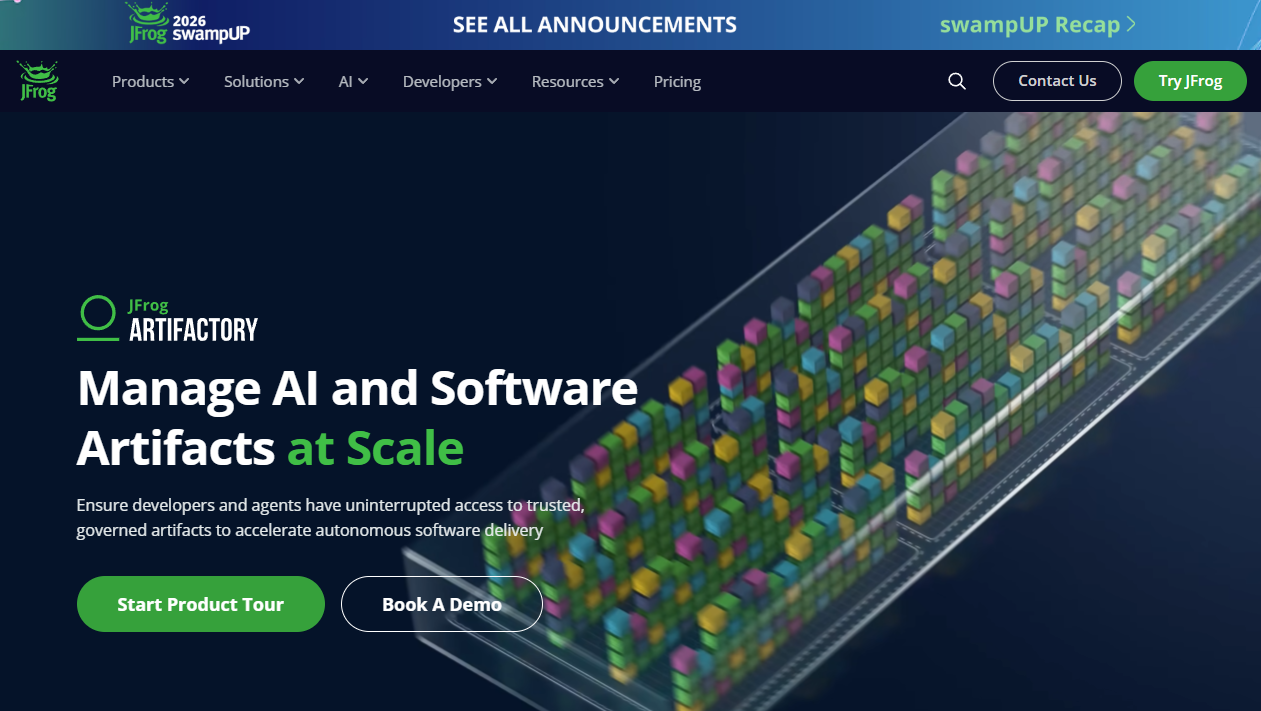
JFrog Artifactory is a universal artifact repository designed for organizations that need to store, secure, and distribute a wide range of artifact types under a single platform. It supports 60+ package technologies, including containers, Kubernetes, and AI/ML model assets, alongside traditional language package ecosystems. Teams can deploy it as SaaS, self-managed, hybrid, or multi-cloud.
Best for: Platform engineering teams standardizing artifact management across heterogeneous stacks, multiple cloud environments, and release processes.
Key features
- Universal repository: 60+ artifact and package technologies
- Container and OCI artifact management with Kubernetes and Helm support
- Remote repository proxying and local caching
- Repository federation and cross-environment replication
- Role-based access control and software supply chain governance
Why choose JFrog Artifactory: Artifactory fits teams that need one artifact system across a varied stack. Fewer ad hoc registries means more consistent artifact promotion paths across products, which reduces the debugging load when builds behave differently across environments.
JFrog Artifactory pricing: The Pro plan starts at $50/month plus tax, with consumption-based charges applied on top. A base monthly consumption of 25 GB is included. Enterprise X starts at $950/month. Enterprise Plus uses custom pricing. Verify the current consumption rates and any promotional annual offers on the JFrog pricing page before committing.
2. Sonatype Nexus Repository
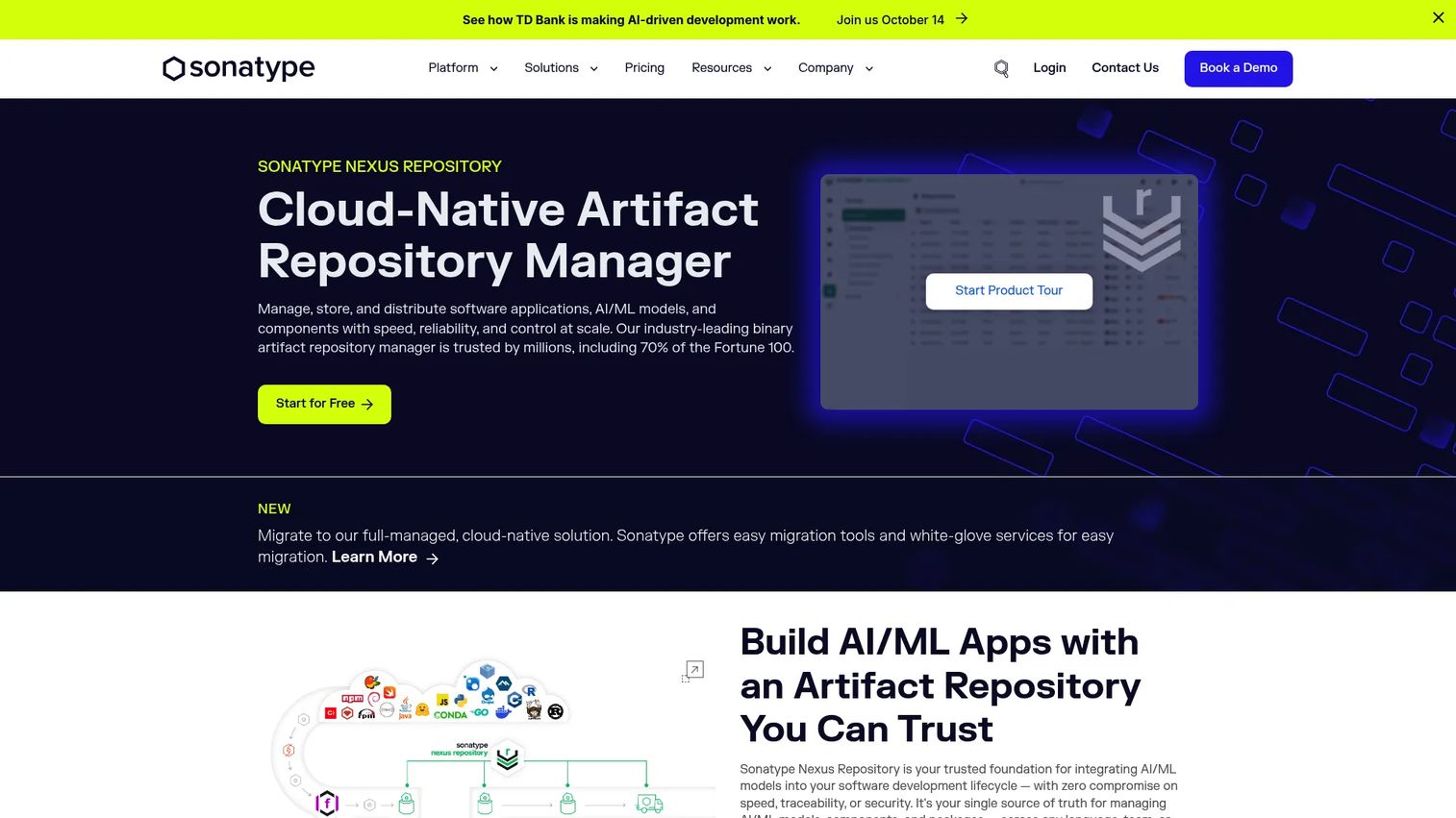
Sonatype Nexus Repository is a binary repository manager built for managing software components across their full lifecycle. It handles hosted, proxy, and group repositories for 20-plus package formats, including Maven, npm, Docker, PyPI, NuGet, and Helm. Teams can deploy it self-hosted or through Nexus Repository Cloud.
Best for: Organizations that need a free starting point, strong upstream proxying, and enterprise deployment flexibility across self-hosted and cloud environments.
Key features
- Hosted, proxy, and group repository types
- Support for 20+ package formats including Maven, npm, Docker, PyPI, NuGet
- Repository cleanup and retention lifecycle controls
- Role-based access control, SAML/SSO, audit logs, and immutable artifacts
- Self-hosted and cloud deployment options
Why choose Sonatype Nexus Repository: Nexus is particularly useful when dependency governance and deployment architecture carry equal weight. The free Community Edition removes the cost barrier for teams starting out, while the paid options grow with consumption rather than forcing a seat-count jump.
Sonatype Nexus Repository pricing: Community Edition is free. Pro Edition starts at $7,500 per year for self-hosted deployments. Nexus Repository Cloud uses consumption-based pricing: $1.10/GB/month for the first 1,000 GB consumed, dropping to $0.90/GB/month for 1,001 to 2,500 GB. Volumes above 2,500 GB require a sales conversation. Verify current tiers before purchase.
G2 rating: 4.5/5 (verified October 2026, G2).
3. Cloudsmith
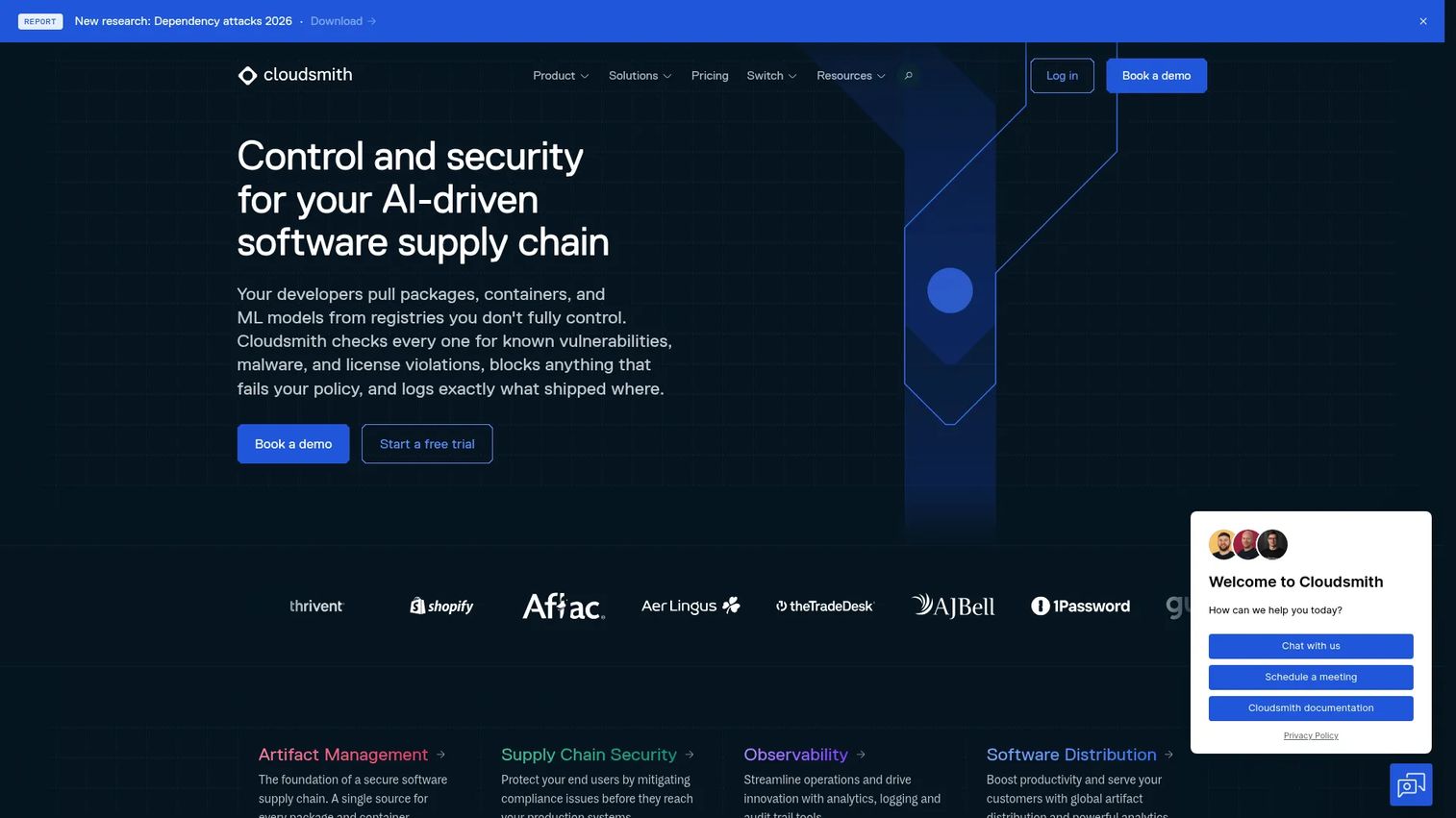
Cloudsmith is a fully managed, cloud-native artifact management and software distribution platform. It supports 30-plus package formats and adds supply chain security controls, including vulnerability detection, license scanning, malicious-package risk detection, and SBOM generation, without requiring teams to maintain any infrastructure.
Best for: SaaS platform and DevOps teams that want managed multi-format artifact management with supply chain security built in, and no servers to operate.
Key features
- Managed multi-format repositories: 30+ supported formats
- Software supply chain security with vulnerability, license, and malicious-package scanning
- Policy management, package signing, quarantine, and SBOM generation
- Global edge caching for package distribution
- CLI, REST API, Terraform provider, webhooks, and CI/CD integrations
Why choose Cloudsmith: The managed delivery model is the main argument. A platform team that does not operate repository infrastructure can redirect engineering capacity toward product reliability and roadmap work. Cloudsmith also starts a 14-day premium-feature trial on every new workspace, so evaluation is low friction.
Cloudsmith pricing: Core is free. Pro is $149/month. Ultra and Enterprise use custom pricing for larger organizations. An open-source plan with 50 GB artifact data is available for eligible public repositories.
G2 rating: 4.5/5 (verified October 2026, G2).
4. GitHub Packages
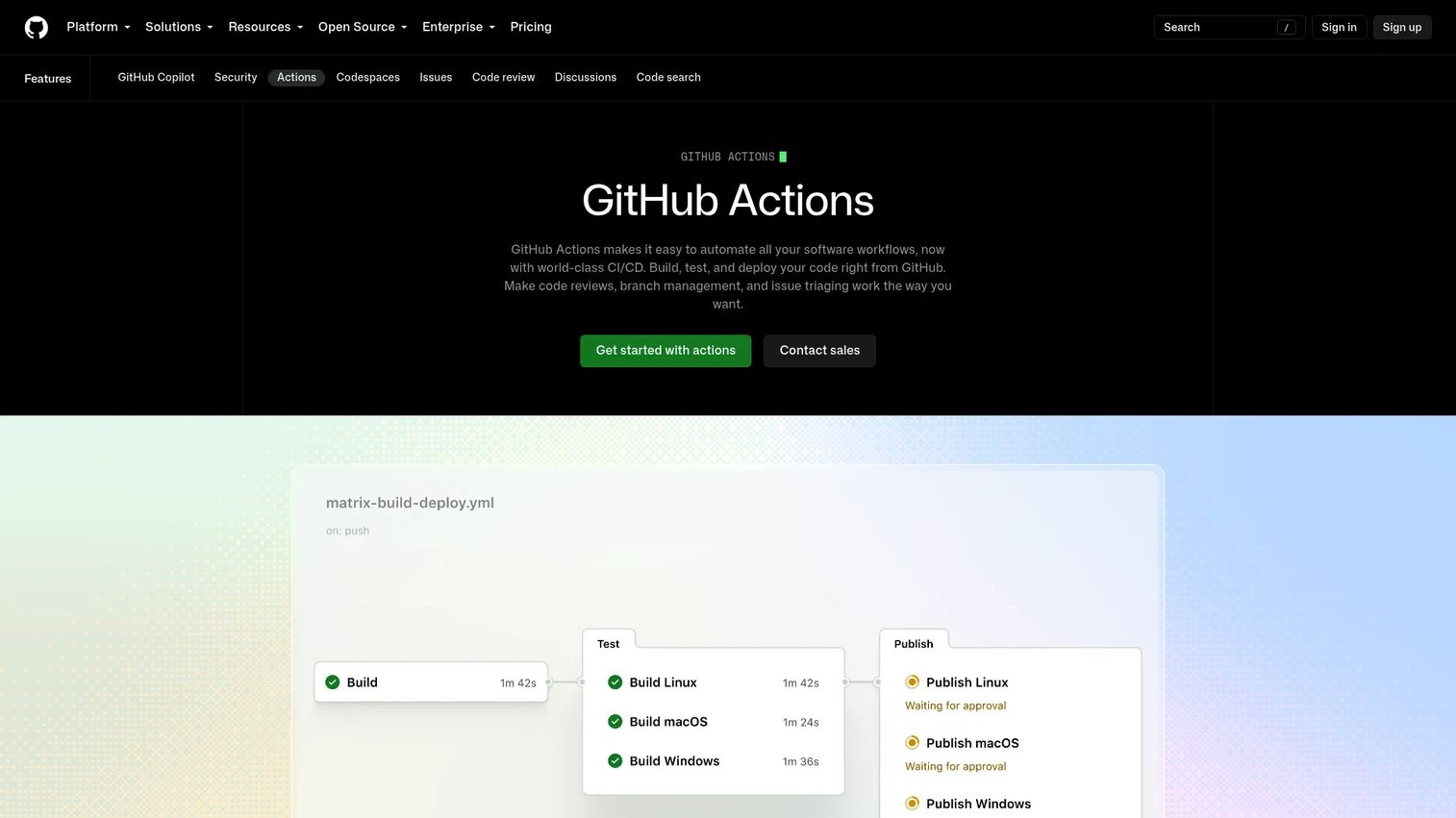
GitHub Packages provides package hosting integrated directly into GitHub repositories, permissions, and CI/CD workflows. It supports npm, RubyGems, Maven, Gradle, Docker/OCI, and NuGet registries. For teams where GitHub is already the engineering system of record, it removes the need for a separate package hosting layer.
Best for: Product and engineering teams that want package hosting tied to their GitHub repositories, organization permissions, and Actions workflows.
Key features
- Private and public package hosting
- Support for npm, RubyGems, Maven, Gradle, Docker/OCI, and NuGet
- GitHub Actions integration for publishing and consuming packages
- Inherited organization-level permissions and access controls
- Package metadata: Licensing, download statistics, and version history
Why choose GitHub Packages: The primary case is workflow consolidation. Keeping source, pull requests, CI, and packages in one system reduces the adoption friction that separate tools introduce. It works best when package workflows follow source repositories closely and the team does not need a cross-platform or multi-cloud artifact layer.
GitHub Packages pricing: Public packages are free. The GitHub Free plan includes 500 MB of Packages storage. GitHub Team ($4/user/month) includes 2 GB. GitHub Enterprise ($21/user/month) includes 50 GB. Additional storage beyond plan allowances is billed at $0.25/GB. Verify billing terms before scaling private package usage.
G2 rating: 4.5/5 (verified October 2026, G2, listed as GitHub Package Registry).
5. GitLab Package Registry
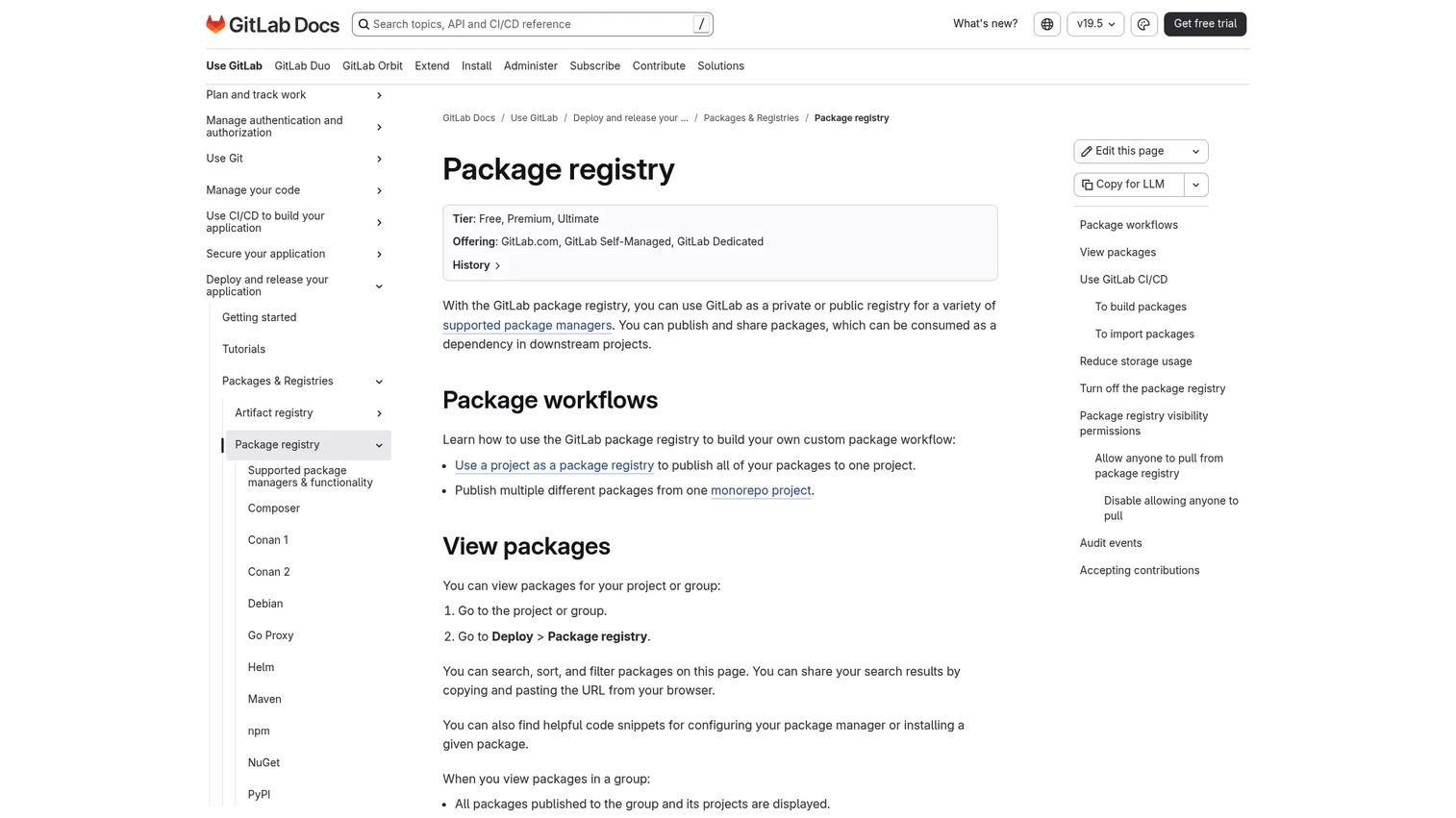
GitLab Package Registry is an integrated package registry available across GitLab plans. It supports Composer, Conan, Debian, Go, Helm, Maven, npm, NuGet, PyPI, Ruby gems, and generic packages. Packages are managed at the project or group level alongside source code and CI/CD pipelines.
Best for: GitLab-centered teams that want package distribution connected to the same project workspace as source control, merge requests, and pipelines.
Key features
- Package registry within GitLab projects and groups
- GitLab CI/CD integration for building, importing, and publishing
- Support for Composer, Conan, Helm, Maven, npm, NuGet, PyPI, and Ruby gems
- Package search, filtering, versioning, and access controls
- Package protection rules and dependency proxy for some package types
Why choose GitLab Package Registry: It works best when GitLab already governs the development lifecycle. An integrated registry shortens coordination between product, engineering, and platform teams when the organization already uses GitLab pipelines. Teams that need a large multi-cloud artifact program may outgrow it, but for GitLab-native organizations it reduces tool sprawl without adding another system to maintain. For teams evaluating broader security tooling alongside this decision, application security testing software is a related category worth reviewing.
GitLab Package Registry pricing: Available on GitLab Free ($0/user/month), Premium ($29/user/month, billed annually), and Ultimate (custom pricing). Some features, such as the dependency proxy, require Premium or Ultimate. Verify current storage limits and package registry feature availability per tier before purchasing.
G2 rating: 4.5/5 (verified October 2026, G2, GitLab overall rating).
6. Google Artifact Registry
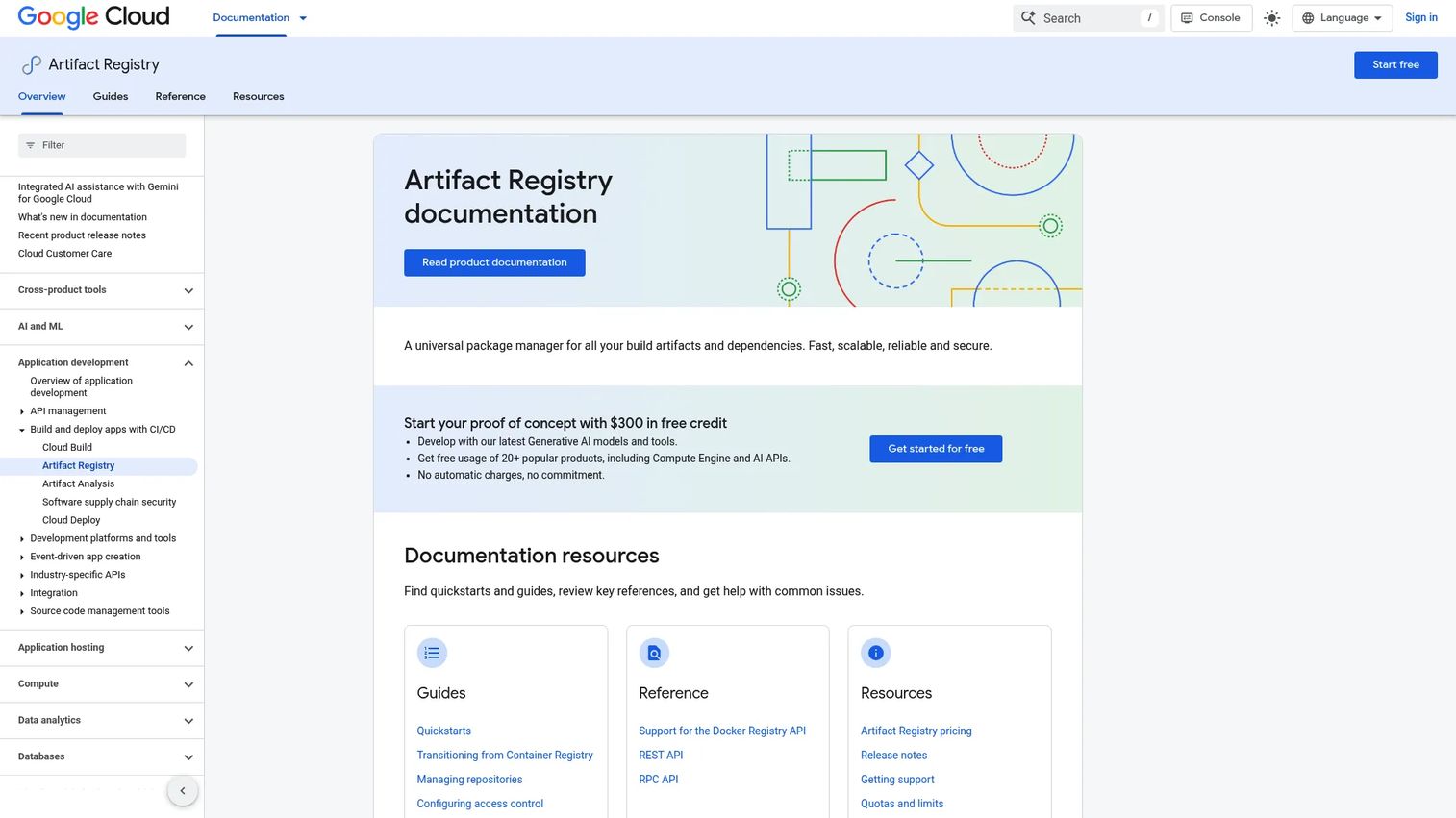
Google Artifact Registry is Google Cloud's managed service for storing container images and language packages. It integrates natively with Cloud Build, Google Kubernetes Engine, Cloud Run, and Compute Engine. Repositories are regional or multi-regional, and access uses Google Cloud IAM rather than a separate permission model.
Best for: Teams standardized on Google Cloud that need managed storage for containers and language packages with IAM-based access and no separate identity system to maintain.
Key features
- Docker and OCI image storage with Kubernetes and Cloud Run integration
- Language package support: Maven, npm, and Python artifacts
- Standard, remote, connector, and virtual repository types
- IAM access control and VPC Service Controls support
- Regional and multi-regional repository options with vulnerability scanning
Why choose Google Artifact Registry: Its strongest case is environmental alignment. Teams already running workloads in Google Cloud keep identity, billing, regional placement, and runtime integration in a consistent model. Mixing in a separate artifact platform adds an identity boundary that requires ongoing maintenance. Artifact placement affects deployment speed and egress cost, so keeping repositories in the same region as your workloads has direct operational impact.
Google Artifact Registry pricing: The first 0.5 GiB-month of storage per billing account is free. Storage above that threshold is billed at $0.000136986 per GiB-hour, roughly $0.10 per GiB-month. Data transfer and vulnerability scanning carry separate charges. Verify regional egress rates and scanning costs on the Google Cloud pricing page before modeling spend.
G2 rating: 4.4/5 (verified October 2026, G2).
7. AWS CodeArtifact
AWS CodeArtifact is a fully managed artifact repository service that stores and distributes software packages using AWS IAM for access control. It supports Cargo, generic packages, Maven, npm, NuGet, PyPI, Ruby, and Swift. Repositories are organized into domains, and external dependencies are fetched through upstream source connections to public registries.
Best for: AWS-first product organizations that want private package repositories connected to AWS identity, billing, and deployment workflows without an external platform.
Key features
- Private artifact repositories for supported package formats
- Upstream connections to npm, Maven Central, PyPI, RubyGems.org, and NuGet.org
- AWS IAM, CloudTrail, KMS, EventBridge, and PrivateLink integration
- Domain-based repository organization across teams and AWS accounts
- Usage-based pricing with a monthly free tier
Why choose AWS CodeArtifact: It reduces integration work for teams already operating inside AWS. When IAM policies and AWS account structures already govern developer access, extending the same model to artifact storage avoids introducing a separate identity system. The usage-based billing also aligns with AWS-native cost management practices. Teams looking at AI security posture management tools alongside their DevOps stack will find CodeArtifact's CloudTrail integration useful for artifact-level audit trails.
AWS CodeArtifact pricing: Charges apply to artifact storage, requests, and data transfer out of an AWS Region. A monthly free tier covers a portion of storage and requests; specific thresholds change, so verify the current rates on the AWS CodeArtifact pricing page before modeling costs at scale.
G2 rating: 3.5/5 (verified October 2026, G2).
8. Azure Artifacts
Azure Artifacts is a package-management service for Azure DevOps organizations. It creates feeds for Maven, npm, NuGet, Python, and Rust packages, plus Universal Packages for generic binaries. Upstream sources connect feeds to public registries. Access is controlled through Azure DevOps organization and project permissions, and billing is tied to the existing Azure DevOps account.
Best for: Teams that build and release through Azure DevOps and want native package feeds connected to Azure Boards, Azure Repos, and Azure Pipelines.
Key features
- Package feeds for Maven, npm, NuGet, Python, and Rust
- Universal Packages for storing generic binary artifacts
- Azure Pipelines native integration for CI/CD artifact workflows
- Upstream sources for public dependency resolution
- Feed-level access controls tied to Azure DevOps permissions
Why choose Azure Artifacts: It is the practical default for Azure DevOps organizations. Its value is integration: Repositories, pipelines, work management, and package feeds all sit in the same governance model. Adding a separate artifact platform for this workflow creates an unnecessary coordination boundary. The tiered storage pricing also becomes favorable at higher volumes.
Azure Artifacts pricing: Every organization receives 2 GiB of storage free. Additional storage starts at $2/GiB/month for the first 10 GiB above the free allowance, dropping to $1/GiB for 10 to 100 GiB, $0.50/GiB for 100 to 1,000 GiB, and $0.25/GiB above 1,000 GiB. Verify the current rate card and any Azure DevOps license requirements on the Azure pricing page.
G2 rating: 4.4/5 (verified October 2026, G2).
9. Harbor
Harbor is an open-source OCI registry for container images and cloud-native artifacts. It provides vulnerability scanning, content signing, role-based access control, image replication across registries, and multi-tenancy through project quotas. Harbor is self-hosted; there is no managed SaaS offering from the project itself.
Best for: Platform teams running Kubernetes or cloud-native workloads that need a self-hosted, OCI-focused registry with policy controls and replication.
Key features
- OCI image and artifact storage with project-based access controls
- Vulnerability scanning and monitoring with pluggable scanner integrations
- Content signing and validation
- Replication policies across registries and environments
- Multi-tenancy, project quotas, and identity integration
Why choose Harbor: It fits teams where the primary delivery unit is the OCI image and a broader multi-format platform would add overhead without adding coverage. Harbor's open-source model gives engineering teams full control over the deployment, configuration, and upgrade cadence, which matters in environments with strict procurement or data-residency requirements.
Harbor pricing: Harbor is open-source software. Budget covers infrastructure, storage, security scanner integrations, operations, and any commercial support arrangements. No vendor-published pricing exists. Review available support options from the Harbor community and third-party providers before planning an enterprise deployment.
G2 rating: 4.6/5 (verified October 2026, G2).
Considerations when choosing repository management software
Package formats and artifact types
Start by inventorying what your build pipeline produces today and what the roadmap will introduce. A team publishing npm packages today may need to add Docker images, Helm charts, or internal Python libraries within a release cycle. Choosing a platform with narrow format support creates migration debt earlier than most product teams expect.
Deployment model and operating burden
SaaS, self-hosted, cloud-native, and hybrid options carry different maintenance ownership models. A managed SaaS repository removes infrastructure from engineering's plate but introduces a dependency on vendor availability and pricing changes. Self-hosted platforms give more control but require your team to own upgrades, backups, and incident response. Involve platform engineering before committing, because this decision directly affects their workload and your incident surface.
Governance and supply chain controls
Evaluate RBAC, SSO, audit logs, immutability, retention policies, approved upstream configurations, provenance data, and vulnerability scanning integrations. The right controls reduce release risk without turning every publish event into a manual approval. Teams with active software supply chain security requirements should review how each platform handles upstream proxying and artifact signing specifically. Pairing this with application portfolio management software can help product managers build a complete view of platform dependencies and their risk exposure.
CI/CD and developer workflow fit
Test publishing, pulling, caching, promotion, and rollback inside your existing pipelines before standardizing. A repository manager that requires custom workarounds for a core package format will create friction that scales with every release. Ask each vendor for a realistic proof-of-concept scenario with your actual artifact types and pipeline tooling.
Pricing model and growth curve
Compare flat subscription fees against storage, request volume, egress, and replication charges separately. Model the cost at current usage and at the artifact volume you expect after two major product releases. Cloud-native registries can appear inexpensive at low volumes and become significant cost centers at scale if egress charges are not factored in early.
Conclusion
Repository management is a release reliability decision. The right tool determines where artifacts live, how dependencies enter the build system, who can publish them, and how confidently your team can reproduce a release months later.
JFrog Artifactory suits teams that need broad format coverage and multi-cloud flexibility. Sonatype Nexus Repository is the strong pick for governance-focused organizations that want a free starting point or consumption-based cloud deployment. Cloudsmith removes infrastructure overhead for teams that want managed delivery. GitHub Packages and GitLab Package Registry work best when the platform already governs the entire development lifecycle. Google Artifact Registry, AWS CodeArtifact, and Azure Artifacts are natural choices when the build and runtime environment is standardized on a single cloud. Harbor is the right answer when container delivery is the core requirement and a broader platform would add unnecessary scope.
Start by mapping your artifact types and current registry sprawl. Then test one high-volume CI/CD workflow in your top candidate before migrating all repositories. A clean proof of value in a real pipeline is stronger than a vendor demo.
Start your journey with Guideflow today!
FAQs about repository management software
Repository management software stores and distributes artifacts produced or consumed during software delivery. This includes language packages, container images, build outputs, generic binaries, and dependency metadata. It is distinct from source-code hosting, which manages the code itself rather than what the build system produces from that code.
A package registry typically focuses on one or a small set of language-specific or platform-specific package formats, such as npm for JavaScript or PyPI for Python. An artifact repository manager supports many package formats alongside containers, generic binaries, proxy repositories, and artifact promotion workflows. The terms are often used interchangeably, but a universal artifact repository manager covers a materially broader scope.
Small teams often start with a source-control-native option like GitHub Packages or GitLab Package Registry, which requires no additional infrastructure. A dedicated repository manager becomes more valuable when the team manages several package formats, needs stronger governance controls, or operates across multiple environments or cloud providers. The governance overhead of a full repository platform is difficult to justify for a two-person team shipping a single artifact type.
The best fit depends on the existing CI/CD environment. Teams using GitHub Actions get the most frictionless integration from GitHub Packages. Azure DevOps pipelines integrate most directly with Azure Artifacts. Google Cloud Build connects cleanly with Google Artifact Registry. For cross-platform CI/CD or multi-cloud pipelines, JFrog Artifactory and Sonatype Nexus Repository offer broader integration surface and more consistent promotion workflows regardless of which build system is in use.
A repository manager improves supply chain security by controlling which upstream sources are trusted, caching approved versions locally, enforcing access policies on who can publish or consume artifacts, and maintaining immutable artifact versions with full audit logs. Some platforms add native vulnerability scanning and policy enforcement. These controls reduce the risk of dependency confusion attacks and make it easier to audit what entered a production release. No repository manager alone solves every supply chain risk; it is one layer in a broader security posture. Teams building out a full security practice may also want to review access review software for managing who has publish rights across artifact repositories.
No. Git hosting manages source code, collaboration workflows, pull requests, and branch protection. Repository management software handles packages, binaries, containers, and other artifacts created by builds. The two categories are complementary: Your source control system stores the code, your repository manager stores what the build system produces from it.
Key evaluation factors include developer productivity impact, release reliability improvement, maintenance ownership for the platform team, security and compliance requirements, integration fit with existing CI/CD and identity systems, and how pricing scales with artifact volume growth. Test the tool against at least one production-adjacent workflow before standardizing across teams. A pilot that passes a real CI/CD pipeline integration is a stronger signal than a feature comparison alone. Product managers supporting enterprise sales cycles should also verify how the tool supports audit log export and access control documentation, since these come up in customer security reviews.
A container registry covers OCI images and related cloud-native artifacts. It is sufficient when container delivery is the team's only artifact type. Teams that also manage Maven dependencies, npm packages, NuGet libraries, Python wheels, or internal binary releases need broader repository support. Most container registries do not handle language package formats, so a team with mixed artifact types will eventually run parallel systems unless they choose a universal artifact repository manager from the start.