



A member emails you at 11pm asking to book the kitchen for a 6am prep slot. You check a Google calendar, a spreadsheet of insurance expiry dates, and a folder of unsigned agreements. Then you remember three invoices went out late last month, and two members still owe you for hours they logged in a group chat.
That is how most kitchens run before they buy software. Bookings live in one place, billing in another, compliance documents in a third, and the person holding it all together is you.
Kitchen management software pulls those pieces into one system. Reservations, invoicing, onboarding, inventory, and reporting stop being separate manual tasks and start being connected workflows. The global restaurant management software market hit USD 5.79 billion in 2024 and is projected to reach USD 14.70 billion by 2030, according to Grand View Research. Operators are moving off spreadsheets fast, and the tools have caught up.
The catch is that "kitchen management software" means different things depending on your model. A shared-use kitchen needs booking and member billing. A restaurant group needs food cost control and POS integration. This guide sorts that out so you pick based on your actual bottleneck.
What's inside
This guide is built for operators running shared-use commercial kitchens, commissary and incubator spaces, single-location restaurants, and multi-location groups. If your day is split between chasing payments and updating a calendar, you are the reader.
We picked the seven tools below on four criteria:
- Operational fit: how well the tool matches shared-use, commissary, or restaurant workflows
- Billing and payments: recurring invoices, payment processing, and accounting sync
- Compliance and onboarding: document collection, expirations, and audit-ready workflows
- Reporting and integrations: utilization reporting, food cost, and connections to your existing stack
TL;DR
Short on time? Here are the fastest picks by use case.
- Best for shared kitchens: The Food Corridor, purpose-built for booking, billing, and member management
- Best for restaurant back office: Restaurant365, deep accounting, inventory, and workforce management
- Best for enterprise operations: SynergySuite, modular back-of-house for multi-unit groups
- Best for kitchen and menu control: Kitchen CUT, live-costed recipes and menu management
- Best for procurement and ordering: BlueCart, wholesale ordering and supplier management
- Best for workflow automation: Operandio, checklists, audits, and training across sites
- Best for budget-conscious teams: Kitch, a free tier plus low-cost paid plans
What is kitchen management software?
Kitchen management software is a system that helps commercial kitchens run reservations, scheduling, billing, onboarding, inventory, compliance, and reporting from one platform instead of stitching together spreadsheets, calendars, and manual invoices.
The category spans two broad models. Shared kitchen management software focuses on booking, member billing, and document collection for shared-use commercial kitchens. Restaurant kitchen management software focuses on food cost, inventory, prep, and POS integration for restaurants and multi-unit groups.
Core capabilities usually include:
- Reservations and self-service booking: members or staff reserve time without a back-and-forth email thread
- Billing and invoice automation: recurring invoices, usage-based charges, and payment processing
- Document collection and compliance management: insurance, licenses, and food safety records with expiration reminders
- Inventory, prep, and food cost tracking: stock counts, recipe costing, and waste tracking
- Analytics and utilization reporting: an analytics dashboard showing occupancy, revenue, and food cost trends
- Integrations with accounting and payments: QuickBooks integration, Stripe integration, and POS connections
Cloud-based platforms represented 68.5% of 2024 market value in restaurant management software, according to Strategic Market Research. Most tools on this list run in the browser, so your team updates a booking or an invoice from a phone in the kitchen, not a back-office desktop.
When to use kitchen management software
Not every kitchen needs software on day one. Here are the three moments when spreadsheets stop working.
Centralize bookings and reduce calendar chaos
Manual scheduling breaks the moment you have more than a handful of members or stations. Double-bookings, no-shows, and "who has the kitchen Tuesday?" messages eat your week. Self-service booking lets members see open slots and reserve time themselves, with rules that stop conflicts before they happen. Reservations and scheduling stop being your job and start being the system's job.
Automate billing and reduce payment chasing
When you are reconciling logged hours against a group chat and cutting invoices by hand, billing becomes the bottleneck. Recurring invoices, usage-based charges, and automatic payment processing remove most of that work. Billing and invoicing tied to actual booking data means members get charged for what they used, and you stop writing "friendly reminder" emails.
Track compliance and reporting without spreadsheets
Insurance lapses, expired food handler certificates, and missing signed agreements are risks you cannot see in a spreadsheet until an auditor asks. Compliance management with document collection and expiration reminders keeps you audit-ready. Utilization reporting shows which stations earn their keep and which sit empty. That visibility is what turns a kitchen from a guess into a managed operation.
Comparison table
Here is how the seven tools compare on fit, differentiation, pricing, and reviews. Use it to shortlist two options before you book demos.
| # | Product | Best for | Key differentiator | Pricing | G2 rating |
|---|---|---|---|---|---|
| 1 | The Food Corridor | Shared-use and commissary kitchens | Booking, billing, and member management in one system | From $129/mo | 4.7/5 |
| 2 | Restaurant365 | Multi-location restaurant back office | Accounting, inventory, and workforce in one platform | Custom quote | 4.6/5 |
| 3 | SynergySuite | Enterprise multi-unit operations | Modular back-of-house you assemble per need | Custom quote | 4.6/5 |
| 4 | Kitchen CUT | Menu and food cost control | Live-costed recipes and menus | Not publicly listed | Not listed |
| 5 | BlueCart | Procurement and wholesale ordering | Wholesale order and catalog platform | Request a demo | 5.0/5 |
| 6 | Operandio | Workflow and compliance automation | Checklists, audits, and training across sites | Custom quote | Not listed |
| 7 | Kitch | Budget-conscious restaurant teams | QR-to-kitchen-to-management flow | Free tier, then $49/mo | Not listed |
Best kitchen management software for 2026
Below is the detailed breakdown. Each entry covers what the tool does, who it fits, what it costs, and where reviewers land.
1. The Food Corridor
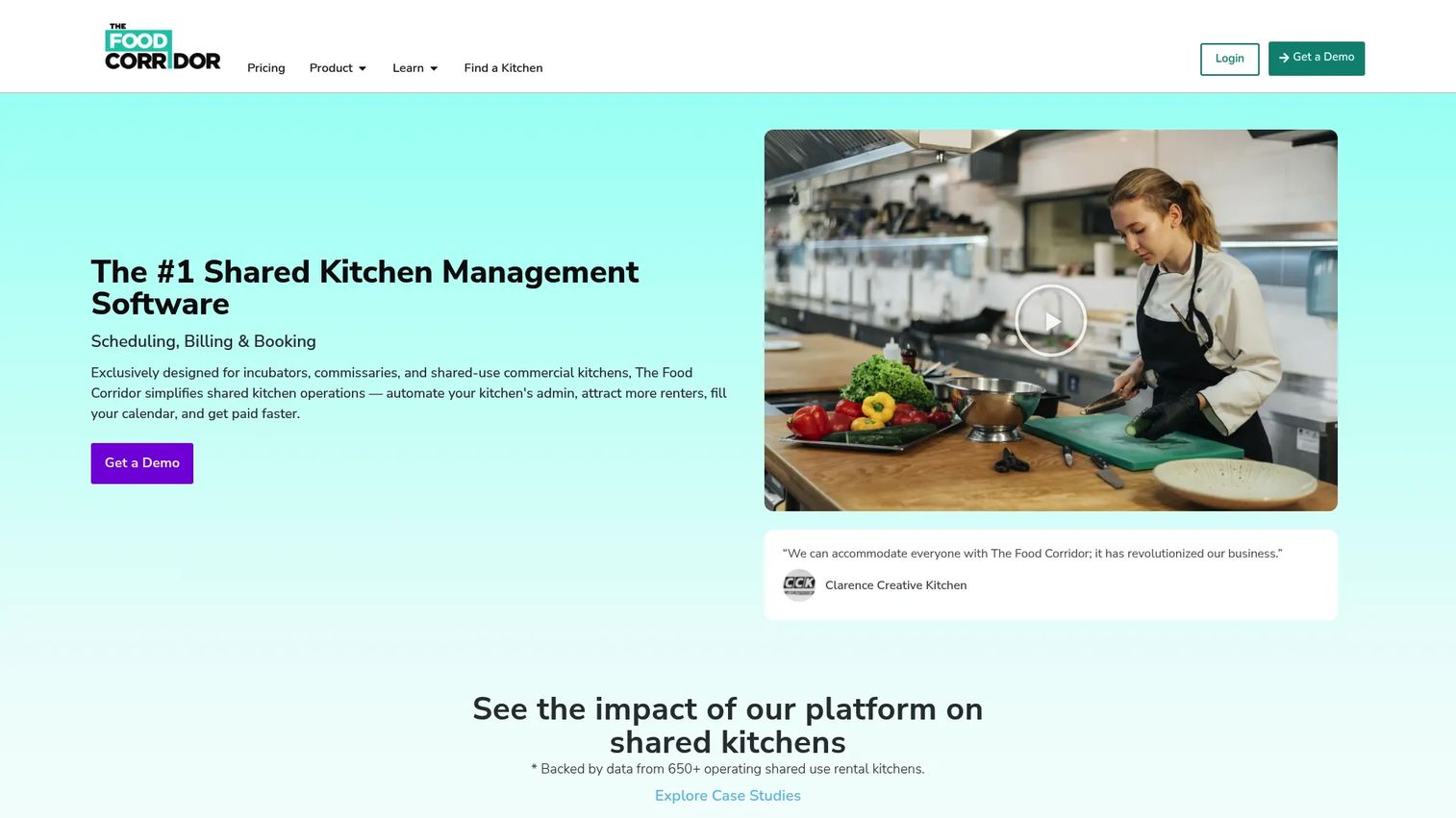
The Food Corridor is shared-use commercial kitchen management software built for the exact problem this article opened with. It handles self-serve scheduling, automated invoicing, and member onboarding so a shared kitchen operator runs booking, billing, and client management from one place. If you run an incubator, a commissary, or a shared-use space, this is the tool designed for your workflow rather than adapted from a restaurant one.
Best for: Shared-use kitchen operators who need booking, billing, and member management in one system.
Key features
- Self-serve scheduling and booking
- Automated invoicing and payment processing
- Compliance and document management
- In-app messaging with members
- QuickBooks integration add-on
Why choose this tool: It is the one platform on this list purpose-built for shared kitchens rather than restaurants. If your members book stations, log hours, and pay recurring fees, The Food Corridor maps to that reality without workarounds.
The Food Corridor pricing: Public plans start at $129 per month for Starter, $206 per month for the Annual plan, and $229 per month for Professional. Add-ons cover onboarding flows and the QuickBooks integration.
The Food Corridor holds a 4.7 out of 5 rating on G2, the strongest score among the tools built specifically for shared-use kitchens.
2. Restaurant365
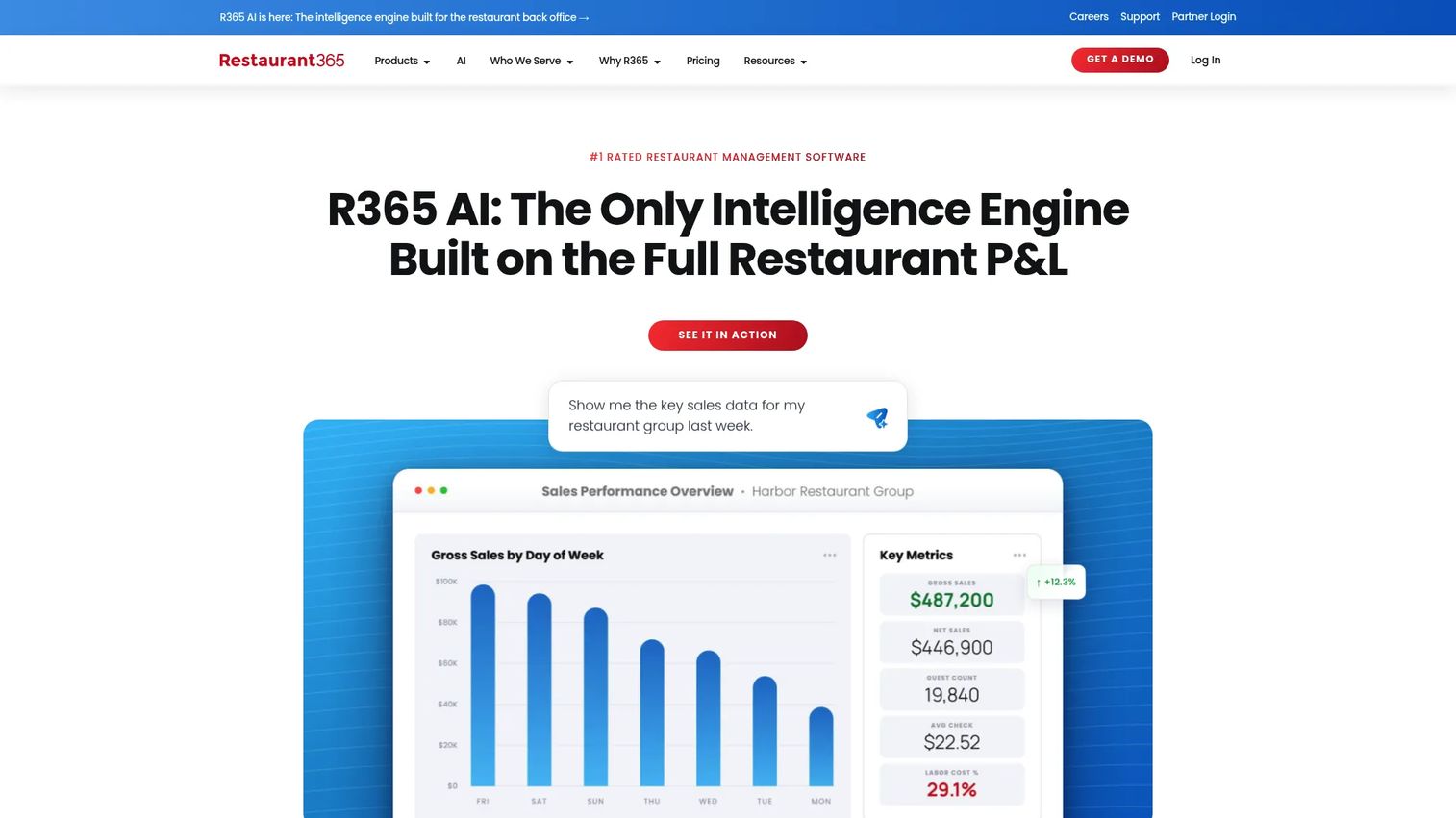
Restaurant365 is restaurant management software that pulls accounting, inventory, and workforce management into one back-office platform. It is built for multi-location restaurants that want food cost control, prep planning, and payroll connected to POS and accounting data. For a group juggling several locations, the appeal is multi-unit visibility from a single system instead of separate tools per site.
Best for: Multi-location restaurants needing an all-in-one back-office platform.
Key features
- Accounting built for restaurants
- Inventory and purchasing management
- Workforce management and scheduling
- Food cost and prep tracking
- POS and accounting integrations
Why choose this tool: If your bottleneck is back-office admin across several restaurants, Restaurant365 consolidates the accounting, inventory, and labor work that usually lives in three or four disconnected tools.
Restaurant365 pricing: Restaurant365 builds pricing per operation and provides a custom quote rather than listing fixed plans. Expect the cost to track with location count and the modules you turn on.
Restaurant365 carries a 4.6 out of 5 rating on G2, with reviewers pointing to depth of accounting and inventory features.
3. SynergySuite
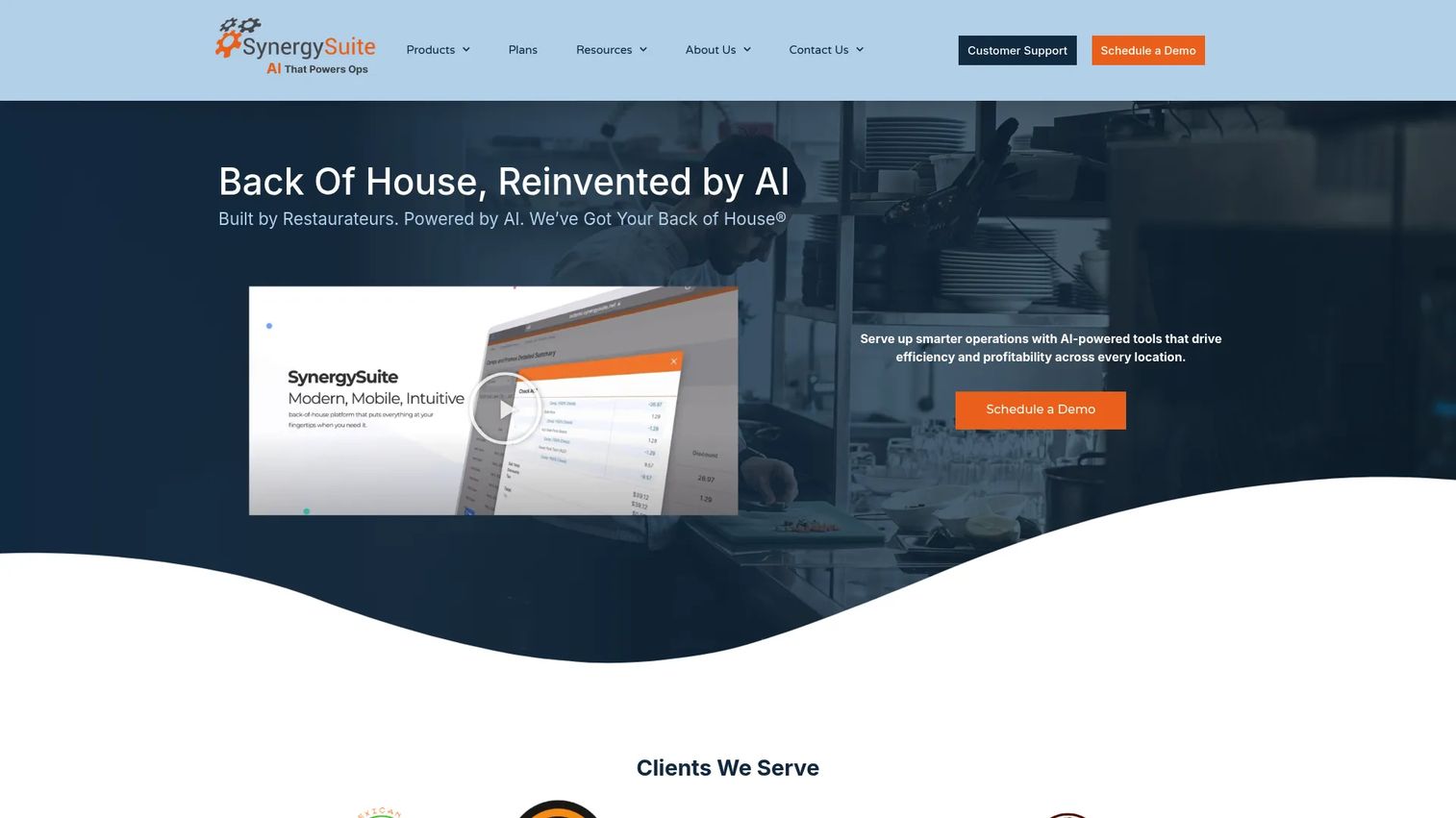
SynergySuite is back-of-house management software for multi-unit restaurant and hospitality groups. It is modular, so you assemble the pieces you need across inventory, purchasing, and labor scheduling rather than buying a fixed bundle. The mobile apps and enterprise scaling make it a fit for larger operators standardizing operations across many locations.
Best for: Multi-unit restaurant and hospitality groups needing back-of-house operations software.
Key features
- Inventory management
- Purchasing and invoice matching
- Labor and scheduling
- Mobile apps for on-site work
- Enterprise multi-unit reporting
Why choose this tool: The modular structure means you pay for the operations pieces you actually run. For enterprise groups scaling location count, that flexibility plus mobile access is the draw.
SynergySuite pricing: SynergySuite prices per location per month with a minimum of three modules, and quotes each operation directly. There is no fixed public price, so cost depends on module selection and location count.
SynergySuite holds a 4.6 out of 5 rating on G2, with reviewers highlighting the breadth of back-of-house modules.
4. Kitchen CUT
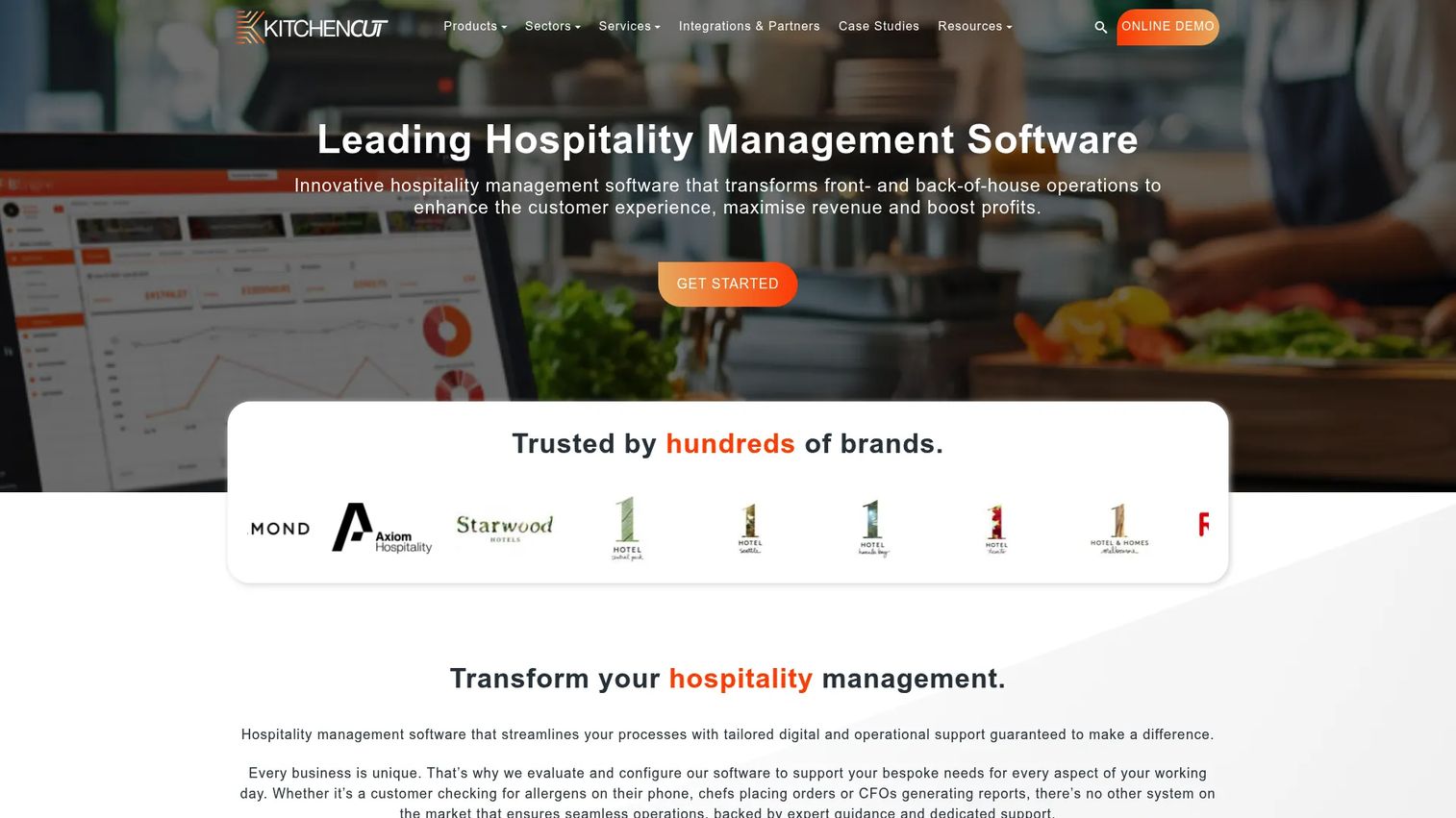
Kitchen CUT is cloud-based hospitality management software centered on recipes, menus, and food cost control. It gives you live-costed recipes, so a change in ingredient price updates your margin in real time. For central kitchens and operators who live or die on menu profitability, that costing depth plus allergen and nutrition labelling is the core value.
Best for: Hospitality businesses needing an integrated food and beverage operations platform.
Key features
- Live-costed recipes and menus
- Inventory, stock, and waste management
- Allergen, nutrition, and CO2 labelling
- Central kitchen support
- Ordering and purchasing workflows
Why choose this tool: If menu engineering and food cost are your primary concern, Kitchen CUT builds everything around live recipe costing rather than treating it as a side feature.
Kitchen CUT pricing: Kitchen CUT structures plans by product tier, and the current figures are not published on its site. Reach out for a quote based on your operation size and the modules you need.
A current G2 rating for Kitchen CUT was not available at the time of writing, so weigh it on the strength of its costing and menu features during a demo.
5. BlueCart
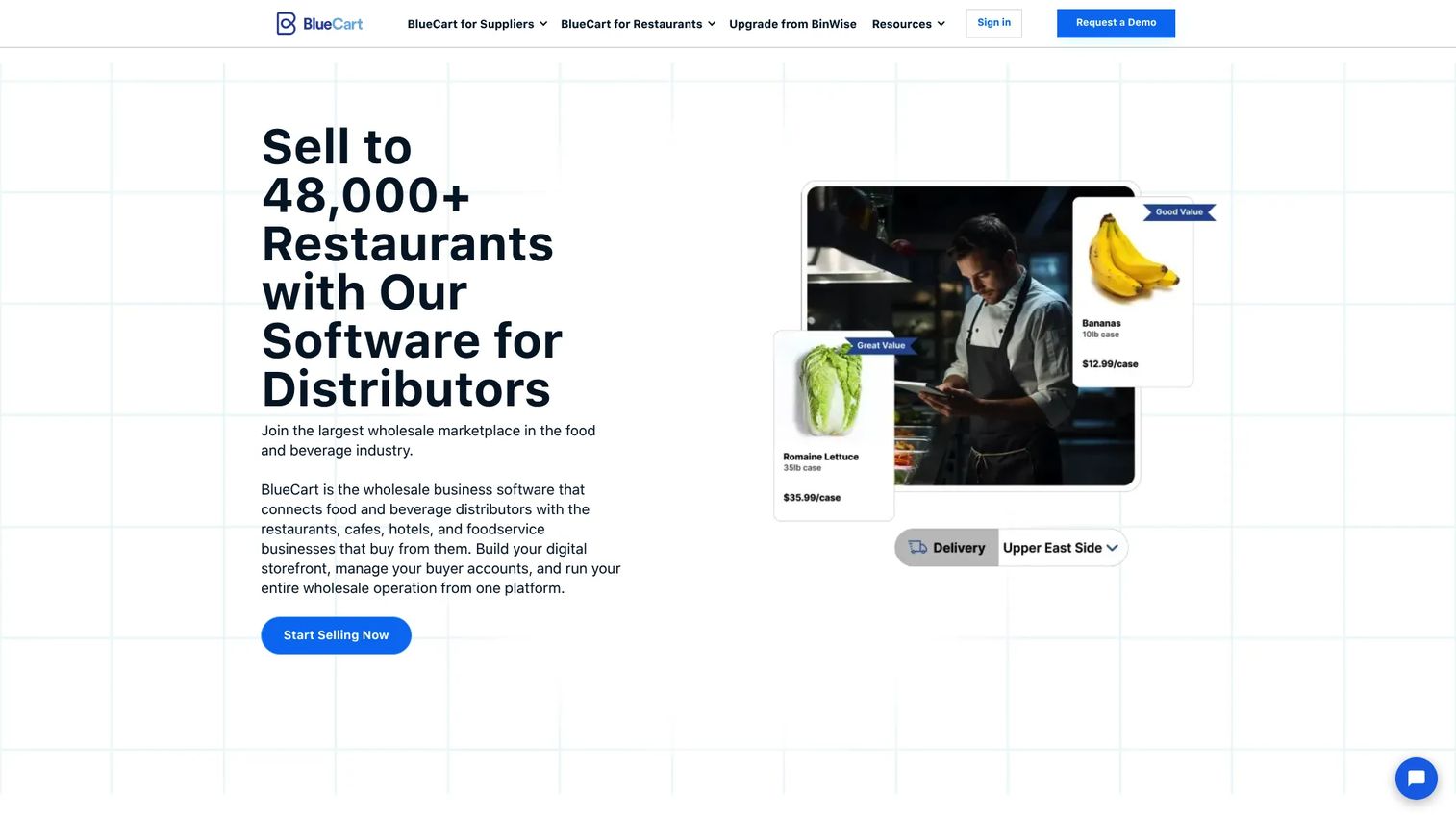
BlueCart is a wholesale ordering, inventory, and ecommerce platform for food and beverage businesses. It sits on the procurement side of kitchen operations, connecting buyers and suppliers with catalogs, order management, and invoicing. If your friction is ordering from vendors and tracking what comes in, BlueCart handles the supply chain end that most kitchen platforms only touch lightly.
Best for: Food and beverage distributors and buyers needing a wholesale order and catalog platform.
Key features
- Buyer-facing ecommerce storefront
- Per-account catalogs and pricing
- Order management and inventory tracking
- Invoicing and payment collection
- Supplier and buyer connections
Why choose this tool: BlueCart specializes in procurement and ordering, so it fills the vendor-management gap that broader restaurant platforms leave thin. It fits operators who want supply visibility as a first-class feature.
BlueCart pricing: BlueCart runs a request-a-demo flow rather than posting prices on its site, so you get a quote after a conversation about your ordering volume and needs.
BlueCart shows a 5.0 out of 5 rating on its G2 seller page, though review counts on procurement tools tend to be smaller than on full restaurant suites.
6. Operandio
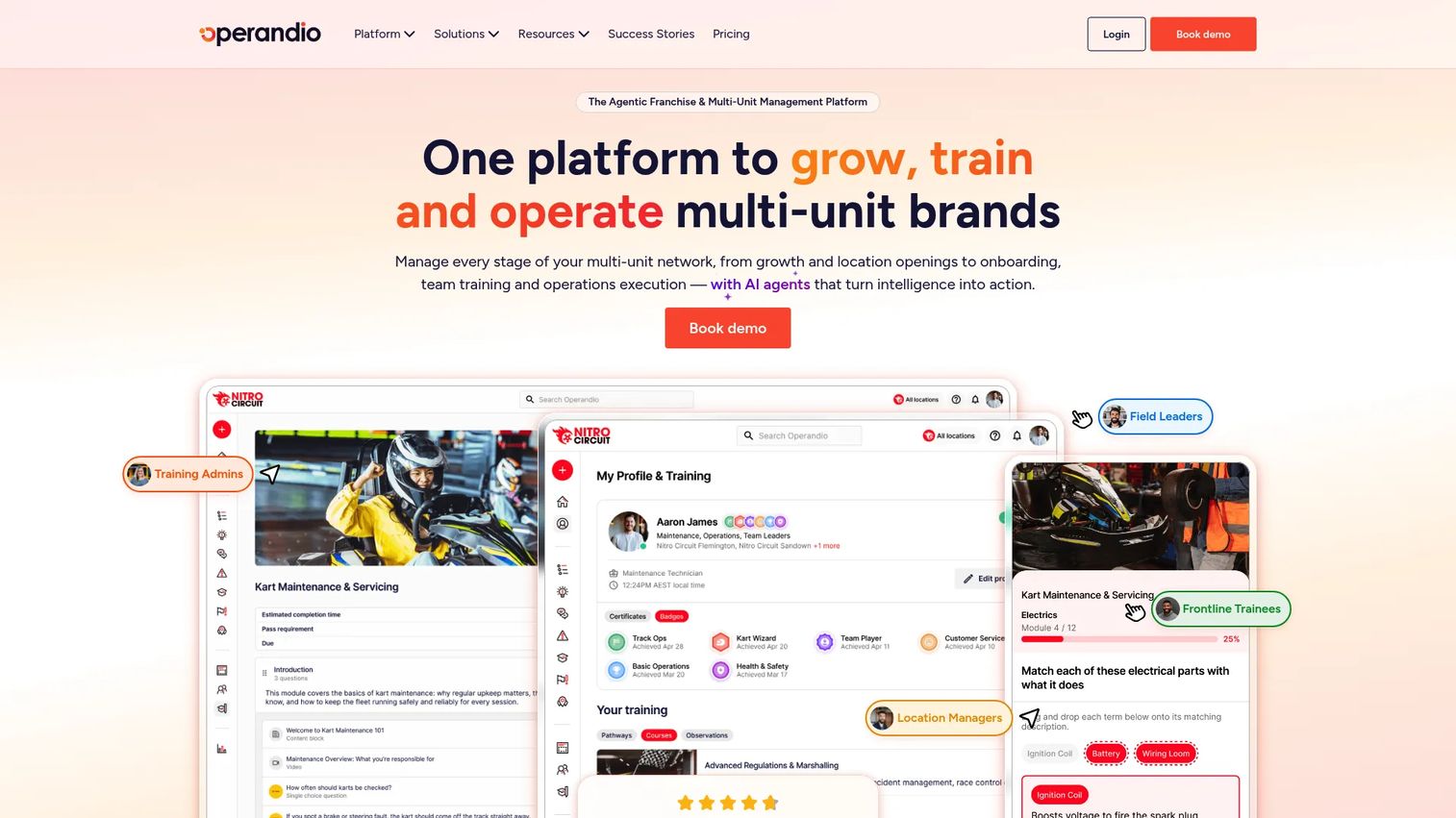
Operandio is an operations management platform for franchise and multi-unit businesses. It centers on task management, checklists, audits, and training, so daily opening procedures, food safety checks, and corrective actions run the same way across every site. For groups where consistency between locations is the problem, Operandio turns tribal knowledge into repeatable workflows.
Best for: Multi-location operators that need operations, compliance, and training in one platform.
Key features
- Inspections, audits, and corrective actions
- Task and checklist management
- Mobile-first learning and training
- Knowledge and document management
- Food safety and EHS tools
Why choose this tool: Operandio is the pick when your challenge is execution consistency across sites rather than accounting or booking. It bakes compliance and training into the daily workflow instead of leaving them in a binder.
Operandio pricing: Operandio offers Business and Enterprise plans priced by locations, users, and selected modules, with a 14-day free trial. Pricing is quote-based rather than listed, so cost scales with your footprint.
Operandio does not have an established G2 rating yet, so evaluate it through the free trial and a walkthrough of its checklist and audit workflows.
7. Kitch
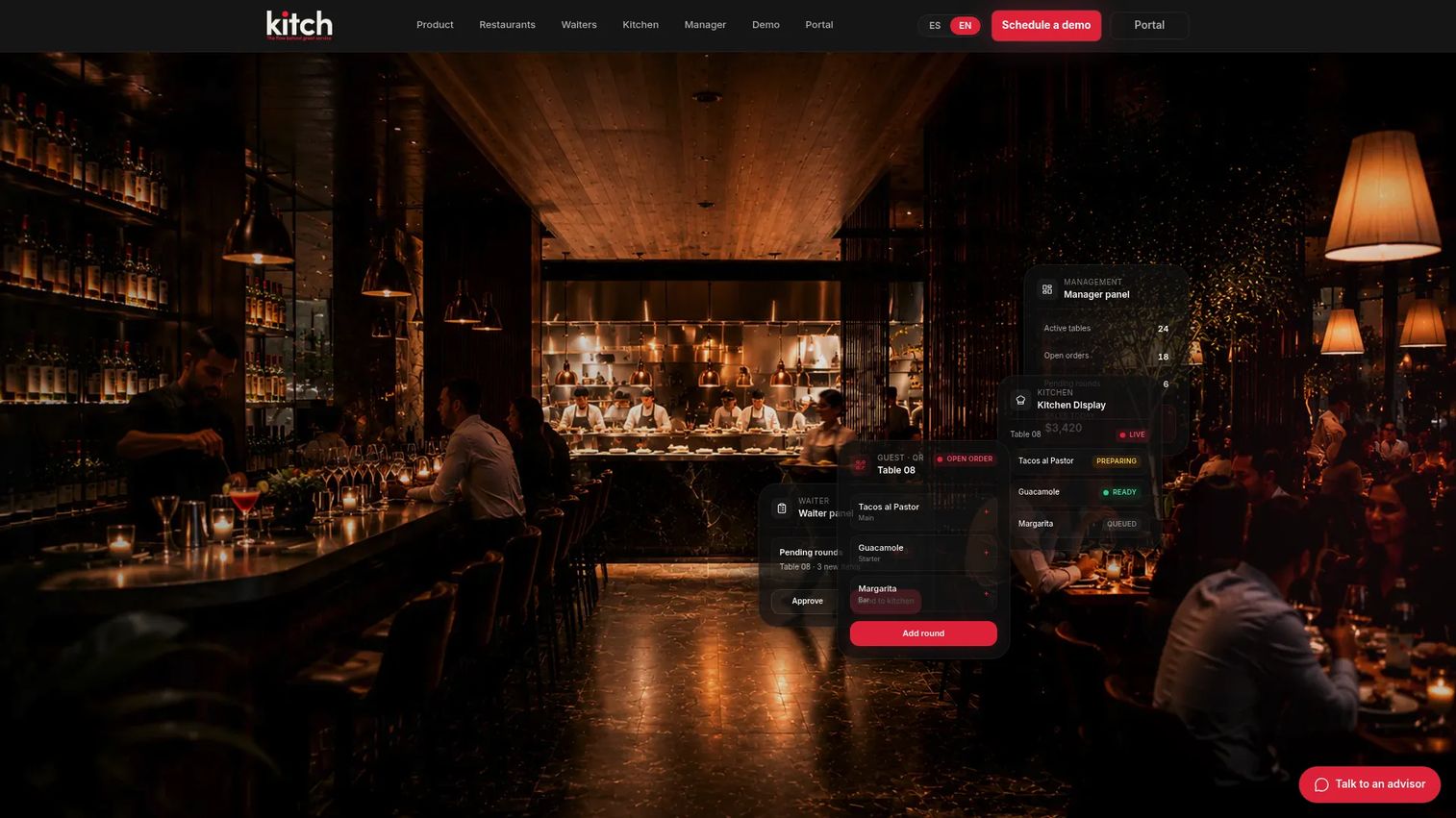
Kitch is restaurant operating software that connects guests, waiters, kitchen, and management in one flow. QR ordering feeds a live digital menu, orders route through waiter approval to a kitchen display, and a manager panel shows live operational visibility. For smaller teams that want front-to-back flow without an enterprise price, Kitch offers a genuine free tier plus low-cost paid plans.
Best for: Restaurants that want a QR-to-kitchen-to-management operational flow at an accessible price.
Key features
- QR ordering and live digital menu
- Waiter approval and kitchen display flow
- Manager panel with live visibility
- Multi-location support on higher tiers
- Order management workflows
Why choose this tool: Kitch is the budget-conscious choice. If you run a single location or a small group and want guest-to-kitchen flow without a custom enterprise contract, the free tier lets you start with no card.
Kitch pricing: Kitch offers a free plan for one location with no card required, then Starter at $49 per month, Operator at $149 per month per location, and Kitch Orders at $299 per month per location. Prices are listed in CAD, and an enterprise Control tier is custom.
A G2 rating for Kitch was not available at the time of writing, so lean on the free tier to test fit before you commit.
Considerations
Before you commit, run every shortlisted tool through this checklist. It keeps you from buying features you will not use and missing the ones you need.
Match the tool to your kitchen model
A shared-use kitchen and a five-location restaurant group need different software. Kitchen management software for shared kitchens centers on booking and member billing. Kitchen management software for commissary kitchens adds document collection and usage tracking at scale. Restaurant tools center on food cost and POS. Buying the wrong category means fighting the tool every day.
Check billing and payments depth
Look at how the tool handles recurring invoices, usage-based charges, and payment processing. Confirm it syncs to your accounting system, whether that is a QuickBooks integration or another platform. Check which payment processors it supports, since a Stripe integration or equivalent decides how fast money actually lands.
Verify compliance workflows
If you handle insurance, licenses, or food safety records, test the document collection and expiration workflows directly. Ask whether it flags expiring insurance before it lapses, and whether it produces audit-ready workflows when an inspector shows up. Compliance management is the feature you ignore until you desperately need it.
Look at reporting that management will actually use
An analytics dashboard is only useful if it answers real questions. Check whether utilization reporting shows station or location occupancy, whether food cost tracking updates as prices change, and whether the reports export cleanly. Reporting that no one opens is not reporting.
Test integrations before you commit
Your kitchen software has to fit the stack you already run. Confirm POS integration if you take orders, QuickBooks integration or your accounting equivalent, Stripe integration or another processor for payments, and any calendar or cloud storage links you rely on. Test these during the trial, not after you sign.
Conclusion
The right kitchen management software depends on your model and the bottleneck you most need gone. For shared-use kitchens, commissaries, and incubators, The Food Corridor is the clearest fit because it is built around booking, billing, and member management. For restaurant back office, Restaurant365 consolidates accounting, inventory, and workforce across locations. For enterprise multi-unit operations, SynergySuite offers modular back-of-house depth.
If menu profitability drives your business, Kitchen CUT builds everything around live recipe costing. For procurement and vendor ordering, BlueCart owns the supply side. For execution consistency and training across sites, Operandio turns daily procedures into repeatable workflows. And for smaller teams watching budget, Kitch delivers guest-to-kitchen flow with a free tier to start.
Next step: shortlist the two tools that match your kitchen model, then book demos and run your real workflows through each. Test the billing, compliance, and integration pieces with your own data before you sign anything. The tool that removes your biggest daily headache is the one worth paying for.
FAQs
Kitchen management software centralizes the operational work of running a commercial kitchen: reservations and scheduling, billing and invoicing, onboarding and compliance, inventory, and reporting. Instead of spreadsheets, calendars, and manual invoices, you run these workflows from one connected system. The specific mix depends on whether you run a shared kitchen or a restaurant.
For shared-use and commissary kitchens, The Food Corridor is the strongest fit because it is purpose-built for booking, member billing, and document management rather than adapted from restaurant software. It handles self-serve scheduling, automated invoicing, and compliance in one place. It holds a 4.7 out of 5 rating on G2.
Pricing ranges widely. The Food Corridor starts at $129 per month, and Kitch offers a free tier plus paid plans from $49 per month. Enterprise and restaurant platforms like Restaurant365, SynergySuite, and Operandio use custom quotes based on locations and modules. Compare kitchen management software pricing against the admin hours and billing errors it removes, not just the sticker price.
Yes, that is the point. It replaces the calendar, the billing spreadsheet, the compliance folder, and the group chat where hours get logged. The value is not just fewer files, it is that booking data, invoices, and reports connect automatically, so a change in one place updates the others without manual reentry.
Most tools built for shared kitchens and restaurants handle recurring invoices, usage-based charges, and payment processing. Look for accounting sync through a QuickBooks integration and payment processing through a Stripe integration or equivalent. The Food Corridor, for example, automates invoicing tied to actual booking data so members pay for what they used.
The integrations that matter depend on your stack, but the common ones are POS integration for order data, QuickBooks integration or another accounting sync, Stripe integration or a payment processor, and calendar or cloud storage links. Confirm these work during a trial, since a missing integration means manual data entry every day.
Very much so. Restaurant groups use it for food cost tracking, inventory, prep planning, labor scheduling, and multi-unit reporting. Restaurant365 and SynergySuite are built for exactly this, giving multi-location visibility from one back-office system instead of separate tools per site. Operandio adds operational consistency and training across locations.
Start with your revenue model. If you rent kitchen time to members and bill for usage, you need shared kitchen management software like The Food Corridor. If you sell food to guests and manage food cost, prep, and POS, you need restaurant kitchen management software like Restaurant365 or SynergySuite. Buying across models means constant workarounds, so match the tool to how you actually make money.










