You can patch on a schedule and still lose the race. The harder problem is deciding which endpoints need action now, what can safely fix itself, and where a human still needs to approve the change.
Endpoint fleets have expanded far beyond the clean office network. Devices are remote, hybrid, multi-OS, and frequently disconnected. Patch backlogs grow faster than IT teams can triage. Security wants faster vulnerability response. Employees feel endpoint problems as slow logons, application crashes, and broken VPN connections.
According to a 2025 Enterprise Strategy Group survey, 85% of organizations are increasing their spending on endpoint management and security over the next 12 to 24 months, and 95% are using or interested in autonomous endpoint management. That research was commissioned by Tanium, which appears as tool 6 in this guide. The gap between what teams need to do and what they can do manually is the driver.
This guide is for IT operations, security, MSP, and technical evaluation teams building a shortlist. Every tool section covers capabilities, buyer fit, pricing as the vendor publishes it, and the current G2 rating. The goal is a buyer's shortlist, not a category overview.
What's inside
This guide covers 14 autonomous endpoint management software options evaluated for technical evaluators and presales teams.
- A plain-English definition of autonomous endpoint management and how it differs from scheduled automation
- A comparison table with pricing and G2 rating fields
- 14 numbered tool sections with capabilities, buyer fit, and pricing
- Buying criteria for POC and technical validation
- FAQs covering automation, governance, security, and MSP fit
Tools were chosen based on: endpoint automation depth, remediation coverage, fleet and OS support, governance controls, and buyer fit across enterprise, MSP, and security-led operating models.
TL;DR
- Best for enterprise autonomous endpoint management: Ivanti Neurons, for endpoint intelligence, self-healing, and digital employee experience across complex fleets
- Best for broad UEM and patch automation: ManageEngine Endpoint Central, starting at $1.32 per endpoint per month with a free tier for up to 25 endpoints
- Best for MSPs: N-able's N-central (complex multi-tenant environments) or N-sight RMM (smaller teams needing core RMM without enterprise overhead)
- Best for cloud-native patch automation: Automox from $1 per endpoint per month, or Action1 free for the first 200 endpoints
- Best for Windows-first Microsoft environments: Microsoft Intune from $8 per user per month, paired with Windows Autopatch for update ring automation
- Best security-led exposure view: Tanium for large-fleet real-time visibility, Rapid7 for exposure and remediation planning, CrowdStrike for security telemetry tied to response, or Tenable for vulnerability prioritization. Fit depends on your existing stack
What is autonomous endpoint management software?
Autonomous endpoint management software monitors endpoints, detects issues, applies approved policies, remediates problems, and verifies outcomes with limited manual intervention.
Unlike scheduled automation, which runs predefined tasks on a timer, autonomous endpoint management uses telemetry, analytics, and policy engines to decide when action is needed, then takes that action and confirms the result. The closed loop is what separates it from a cron job.
One caution before the shortlist: "autonomous endpoint management" is a vendor marketing term as much as a product category. Several platforms in this guide carry the label while delivering scheduled automation, and two of them perform no remediation at all. Treat the closed loop below as the test, not the label on the website.
Category: Endpoint management and IT operations software Primary users: IT operations, security operations, MSPs, endpoint engineering teams Primary outcomes: Fewer manual tickets, faster remediation, lower endpoint risk, stronger compliance evidence
Devices covered: Laptops, desktops, servers, mobile devices, and remote endpoints
Core workflow:
- Telemetry collection from agents or agentless sensors
- Analysis against policy baselines and risk thresholds
- Decision: take action, queue for approval, or escalate
- Action: patch, remediate, reconfigure, or restart
- Verification: confirm the fix and log the result
Key capabilities to look for:
- Asset discovery and endpoint inventory
- Endpoint telemetry collection
- AI analytics and anomaly detection
- Patch prioritization and deployment
- Vulnerability remediation
- Configuration drift detection
- Self-healing policies
- Remote access and support
- Compliance reporting and audit trails
- Approval gates, rollback, and change control
- Integrations with ITSM, SIEM, and identity tools
The distinction from unified endpoint management (UEM) matters here. UEM platforms manage devices and policies. Autonomous endpoint management adds the detection-to-verification loop. Some platforms do both. Others specialize in one layer. Knowing which job you need done first shapes which shortlist makes sense.
When to use autonomous endpoint management software
Reduce manual patch triage
Patch volume regularly exceeds what IT teams can prioritize by hand. Autonomous endpoint management helps teams rank patches by exposure, device criticality, and business risk rather than arrival order. Approval gates keep high-risk systems under human control while lower-risk devices get fixed automatically during maintenance windows.
Heal recurring endpoint issues before tickets pile up
Self-healing use cases go beyond patching. Restarting failed services, reapplying missing configurations, cleaning disk issues, fixing VPN or agent failures, and reinstalling broken applications all happen without a ticket being opened. For technical evaluators, the POC should prove that the platform detects the issue, takes the action, and verifies the fix, not just that it can trigger a script.
Keep distributed fleets compliant
Remote and hybrid workforces create constant configuration drift. Autonomous endpoint management continuously checks devices against policy baselines, enforces encryption settings and patch status, removes unauthorized local admin rights, and produces audit evidence. For regulated environments, that evidence trail is as important as the remediation itself.
Autonomous endpoint management software comparison
The table below covers all 14 tools. Pricing reflects the figures each vendor publishes on its own pricing page as of October 2026. G2 ratings are the current overall score on each product's G2 listing. Where a vendor publishes no figures, "Custom pricing" reflects a sales-led model stated on the vendor's site.
Two vendor relationships affect how you read this list. N-central and N-sight RMM are both N-able products, so entries 3 and 4 are two platforms from one company rather than two independent vendors. Microsoft Intune and Windows Autopatch are both Microsoft services, and Autopatch is administered inside the Intune admin center, so entries 7 and 10 are layers of one Microsoft stack. Separately, Automox licenses its remote control module from Splashtop, which is listed at entry 14.
| # | Product | Best for | Key differentiator | Pricing | G2 rating |
|---|---|---|---|---|---|
| 1 | Ivanti Neurons | Enterprise autonomous endpoint management | Endpoint intelligence, self-healing, and digital employee experience | Custom pricing | 4.3/5 |
| 2 | ManageEngine Endpoint Central | Broad UEM with strong patch automation | Unified patching, compliance, and endpoint control in one console | From $1.32/endpoint/month | 4.5/5 |
| 3 | N-central (N-able) | MSPs managing complex multi-client fleets | Multi-tenant RMM with deep automation and security integrations | Custom pricing | 4.4/5 |
| 4 | N-sight RMM (N-able) | Smaller MSPs and lean IT teams | Core RMM, patching, and remote support in one console | Custom pricing | 4.3/5 |
| 5 | Automox | Cloud-native patch automation across distributed endpoints | Policy-based cross-OS and third-party patching without VPN dependency | From $1/endpoint/month | 4.5/5 |
| 6 | Tanium | Large enterprises needing real-time endpoint control | Real-time endpoint querying and action at fleet scale | Custom pricing | 4.5/5 |
| 7 | Microsoft Intune | Microsoft-centric device management | Device management tied to Microsoft Entra ID and Defender | From $8/user/month | 4.5/5 |
| 8 | NinjaOne | IT teams and MSPs needing practical RMM with AI-driven patching | Unified endpoint monitoring, patch intelligence, and remote management | From $1.50/device/month at 10,000 endpoints | 4.7/5 |
| 9 | Action1 | Risk-based patching with a generous free tier | Free for first 200 endpoints, vulnerability-led patch deployment | Free up to 200 endpoints, then custom pricing | 4.9/5 |
| 10 | Windows Autopatch (Microsoft) | Microsoft-managed Windows update automation | Automated update rings for eligible Microsoft tenants | Included with eligible Microsoft licenses | Not listed on G2 |
| 11 | Rapid7 | Security-led exposure and remediation planning | InsightVM exposure prioritization feeding remediation workflows | Custom pricing, per active asset | 4.4/5 |
| 12 | CrowdStrike | Security operations teams connecting telemetry to response | AI-native endpoint security with threat detection and response workflows | From $7.99/device/month | 4.6/5 |
| 13 | Tenable | Vulnerability and exposure management across complex environments | Risk-based exposure scoring and remediation guidance | From $3,500/year for 100 assets | 4.5/5 |
| 14 | Splashtop | Remote endpoint access and technician-led troubleshooting | Secure remote access and unattended support across devices | From $6/month | 4.8/5 |
Tool-by-tool breakdown
1. Ivanti Neurons
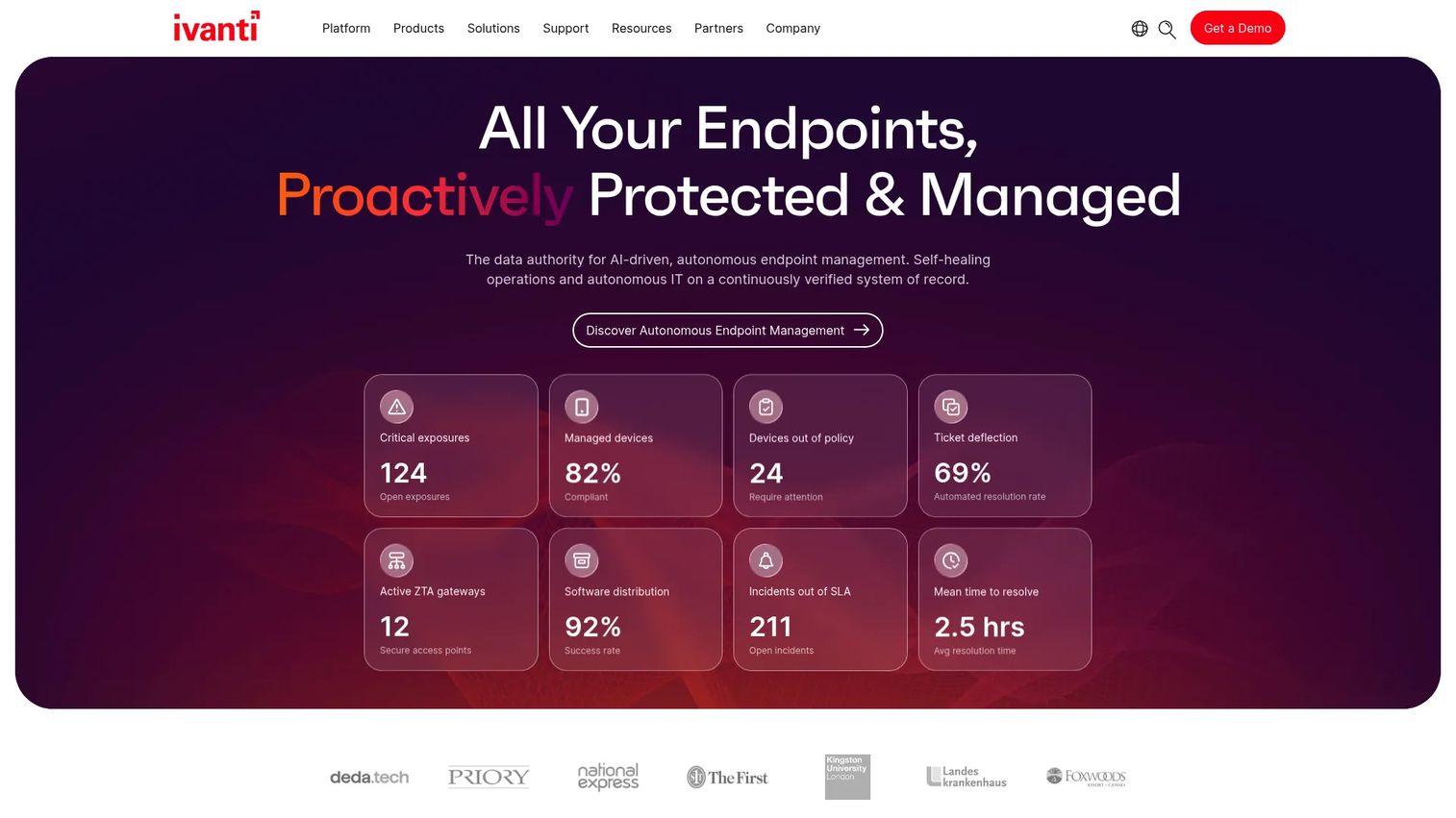
Ivanti Neurons is a cloud-based platform that unifies data, AI, automation, and workflows for IT and security operations. Its autonomous endpoint management positioning centers on endpoint intelligence: continuous asset discovery, behavioral analysis, and self-healing bots that detect and fix issues before users notice them. The platform also tracks digital employee experience (DEX) signals, including boot time, application crashes, and device health, connecting endpoint performance to user impact.
Best for: Enterprise IT and security teams that need endpoint intelligence, autonomous remediation, and experience monitoring across complex, distributed fleets.
Key features
- Continuous asset discovery and authoritative inventory
- Self-healing bots for automated policy-driven remediation
- Digital employee experience analytics across devices
- Risk-based patch prioritization and deployment
- Role-based access control, audit logging, and telemetry
Why choose Ivanti Neurons: Ivanti is the right call when DEX visibility and self-healing automation need to operate at the same time, not as separate products. Validate setup effort and integration depth during a POC before committing to the full platform.
Ivanti Neurons pricing: Ivanti directs all buyers to contact sales for pricing.
G2 rating: 4.3/5 for Ivanti Neurons for Unified Endpoint Management.
2. ManageEngine Endpoint Central
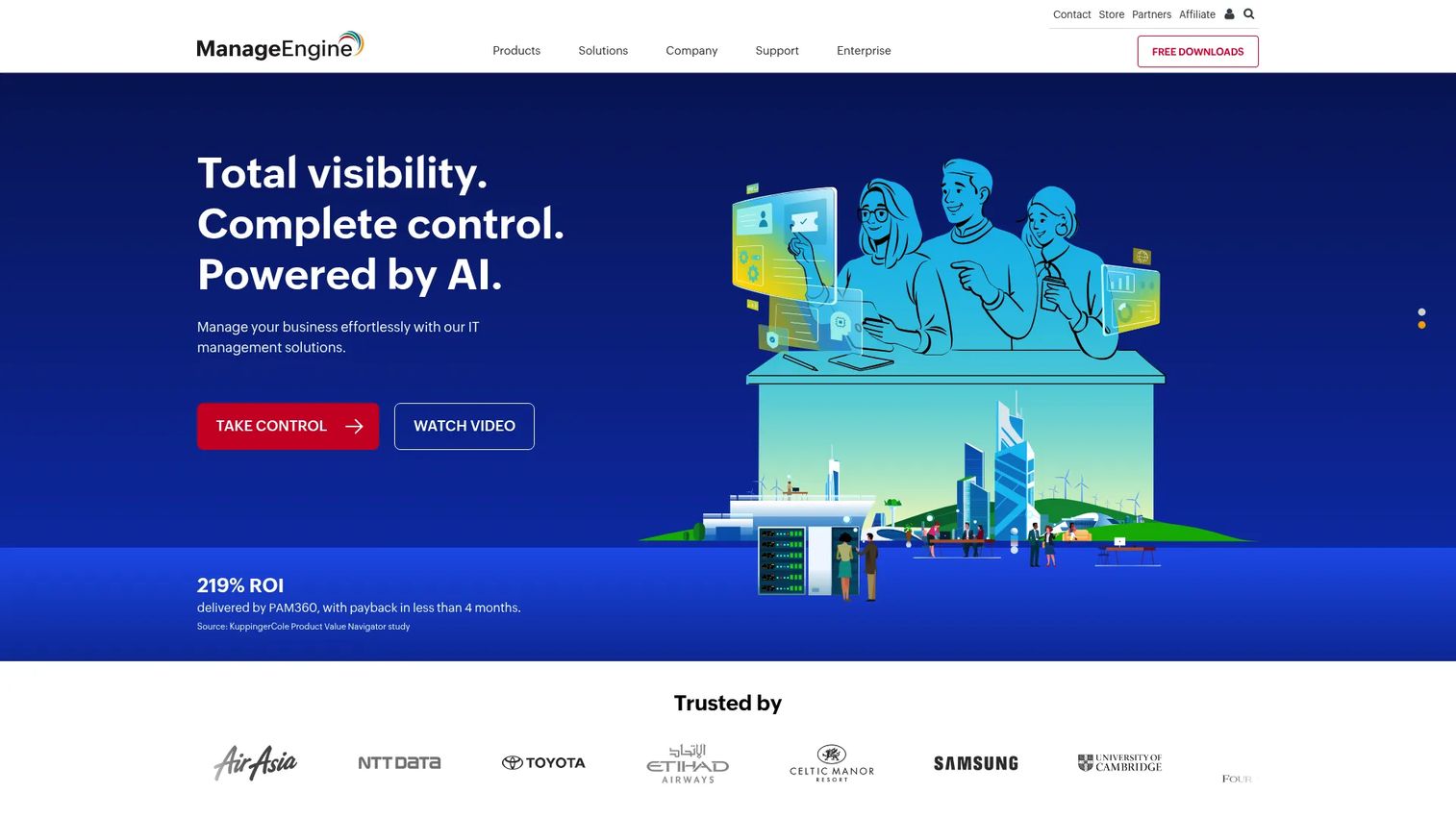
ManageEngine Endpoint Central is a unified endpoint management and security platform for managing servers, desktops, laptops, smartphones, and tablets from a single console. It covers patch management, software deployment, remote troubleshooting, OS imaging, mobile device management, vulnerability detection, and endpoint security. It's one of the few platforms at this price point that handles both endpoint management breadth and security depth without requiring separate tools.
Best for: IT teams managing distributed endpoint fleets across multiple operating systems who want broad UEM capabilities and strong patch automation without buying narrowly scoped tools.
Key features
- Automated patching for OS and third-party applications
- Software deployment and packaging workflows
- Real-time asset discovery and inventory
- Remote control and troubleshooting
- Vulnerability detection, DLP, and device control
Why choose ManageEngine Endpoint Central: Strong fit for teams that want UEM breadth alongside patch and compliance automation. Compare cloud and on-premises deployment options during your evaluation, as both are available and pricing differs by model.
ManageEngine Endpoint Central pricing: A free edition covers up to 25 endpoints with no time limit. Paid plans start at $1.32 per endpoint per month (Professional), rising to $1.57 (Enterprise), $1.82 (UEM), and $2.82 (Security), all billed annually. For 50 endpoints billed annually, Professional starts at $795 per year.
G2 rating: 4.5/5
3. N-central
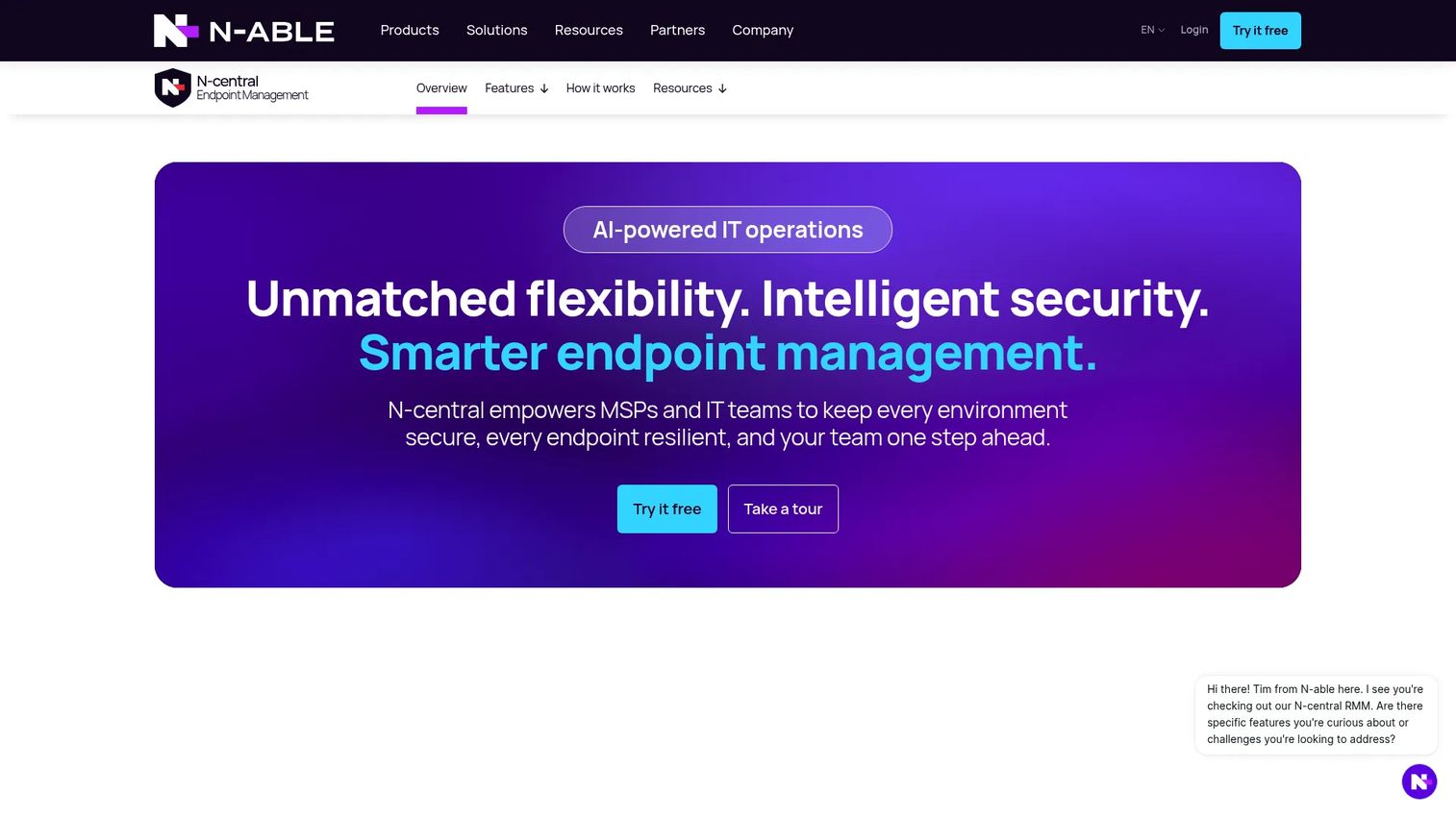
N-central is a unified RMM and endpoint management platform built for MSPs managing complex, multi-platform client environments. It covers Windows, macOS, Linux, network devices, and cloud-connected assets from one console. Rules-based automation, scripting, and self-healing workflows reduce repetitive manual tasks. Built-in Power BI reporting gives MSPs client-level visibility without leaving the platform. Security integrations include EDR, backup, and disaster recovery.
N-central is an N-able product. N-able was spun out of SolarWinds as an independent company in 2021, and it also owns N-sight RMM at entry 4, so these two entries are sibling platforms rather than competing vendors.
Best for: MSPs that manage many client endpoint environments and need deep customization, multi-tenant automation, and scalable RMM workflows.
Key features
- Unified multi-OS endpoint management across platforms
- Automated vulnerability scanning and patch management
- Rules-based automation, scripting, and self-healing workflows
- Embedded Power BI reporting and analytics
- Integrated EDR, backup, and disaster-recovery capabilities
Why choose N-central: N-central is the MSP platform to evaluate when client segmentation, automation depth, and client-specific approval gates all matter. Discuss human escalation policies with the vendor during the proof of concept, particularly for high-change-risk clients.
N-central pricing: N-able requires a sales conversation for all N-central pricing. Contact N-able for plan costs, tenant minimums, and module options.
G2 rating: 4.4/5
4. N-sight RMM
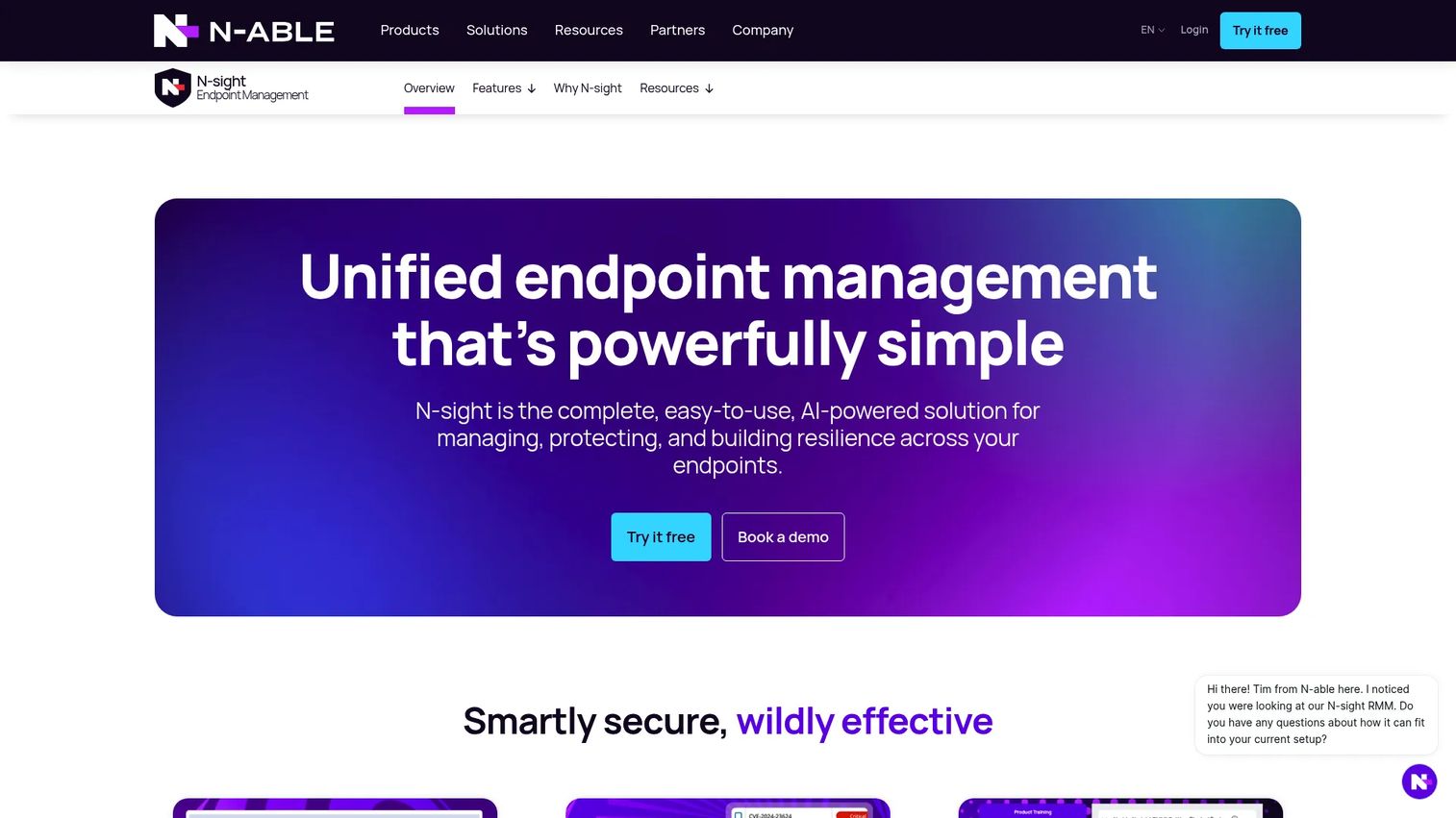
N-sight RMM is a cloud-delivered endpoint management platform combining remote monitoring, automation, patching, security, and remote access for IT teams and MSPs. It supports Windows, macOS, Linux, iOS, and other platforms, and includes an AI Assistant and MCP Server. Preconfigured automation scripts reduce manual setup time for smaller teams. Integrated ticketing, time tracking, and billing make it practical for MSPs that want RMM basics without enterprise-scale configuration overhead.
N-sight RMM is the second N-able product in this guide, positioned below N-central rather than against it. If you are comparing the two, you are choosing a tier within one vendor's portfolio, which also means one commercial relationship and one support organization.
Best for: Smaller MSPs and lean IT teams that need core RMM capabilities without the complexity of a full enterprise platform.
Key features
- Multi-OS remote monitoring and management
- Patch and vulnerability management
- Secure attended and unattended remote support
- Automation with preconfigured scripts
- Integrated ticketing, time tracking, and billing
Why choose N-sight RMM: N-sight RMM is the more accessible path for MSPs that do not need the full customization depth of N-central. Validate the automation policy library against your most common client scenarios before purchase.
N-sight RMM pricing: Contact N-able sales for current plan costs.
G2 rating: 4.3/5
5. Automox
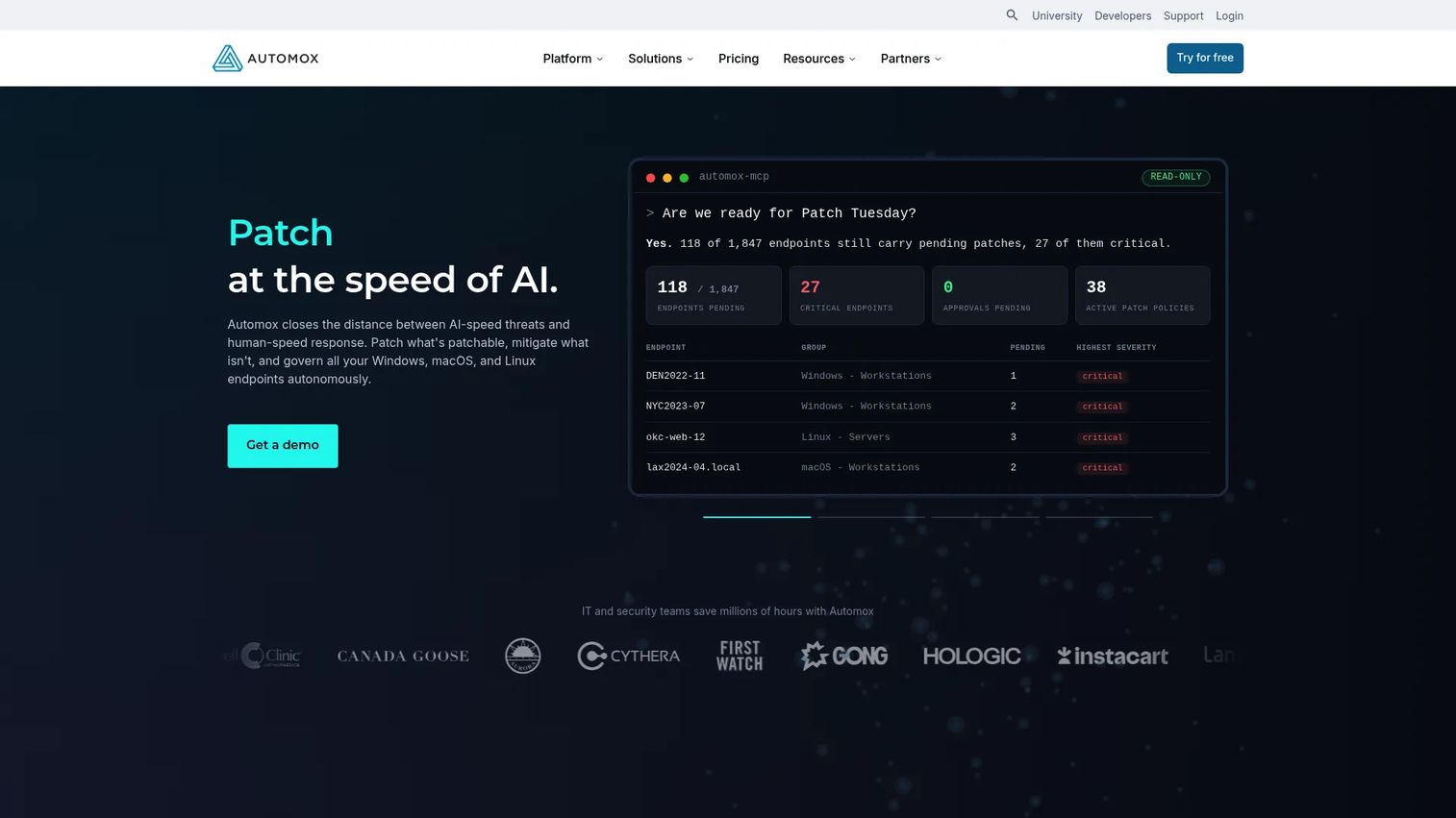
Automox is a cloud-native endpoint management platform for automated patching, configuration, remediation, and control across Windows, macOS, and Linux. It operates without VPN dependency, making it effective for distributed teams where devices rarely touch the corporate network. Policy-based automation and custom Worklets let teams script remediation beyond OS patching. Automox offers a free trial rather than a permanent free tier.
Automox Resolve, its remote control module, is powered by Splashtop under a vendor partnership. Splashtop is listed separately at entry 14, so buyers evaluating both should know they would be licensing the same underlying remote access technology twice.
Best for: IT and security teams managing distributed endpoints that need cloud-native patch automation across Windows, macOS, and Linux without relying on VPN-bound tooling.
Key features
- Cross-OS patching for Windows, macOS, and Linux
- Third-party software patching and deployment
- Policy-driven automation and custom Worklets
- Software deployment and device configuration
- API access, RBAC, MFA, and SSO support
Why choose Automox: Strong for teams that want patching and remediation outside a VPN perimeter. Verify Linux coverage depth and third-party patching scope during your trial, as these vary by plan tier.
Automox pricing: The Patch OS plan starts at $1 per endpoint per month with an annual commitment. Automate Essentials and Automate Enterprise tiers use custom pricing through sales. The Resolve remote control module is priced as an add-on.
G2 rating: 4.5/5
6. Tanium
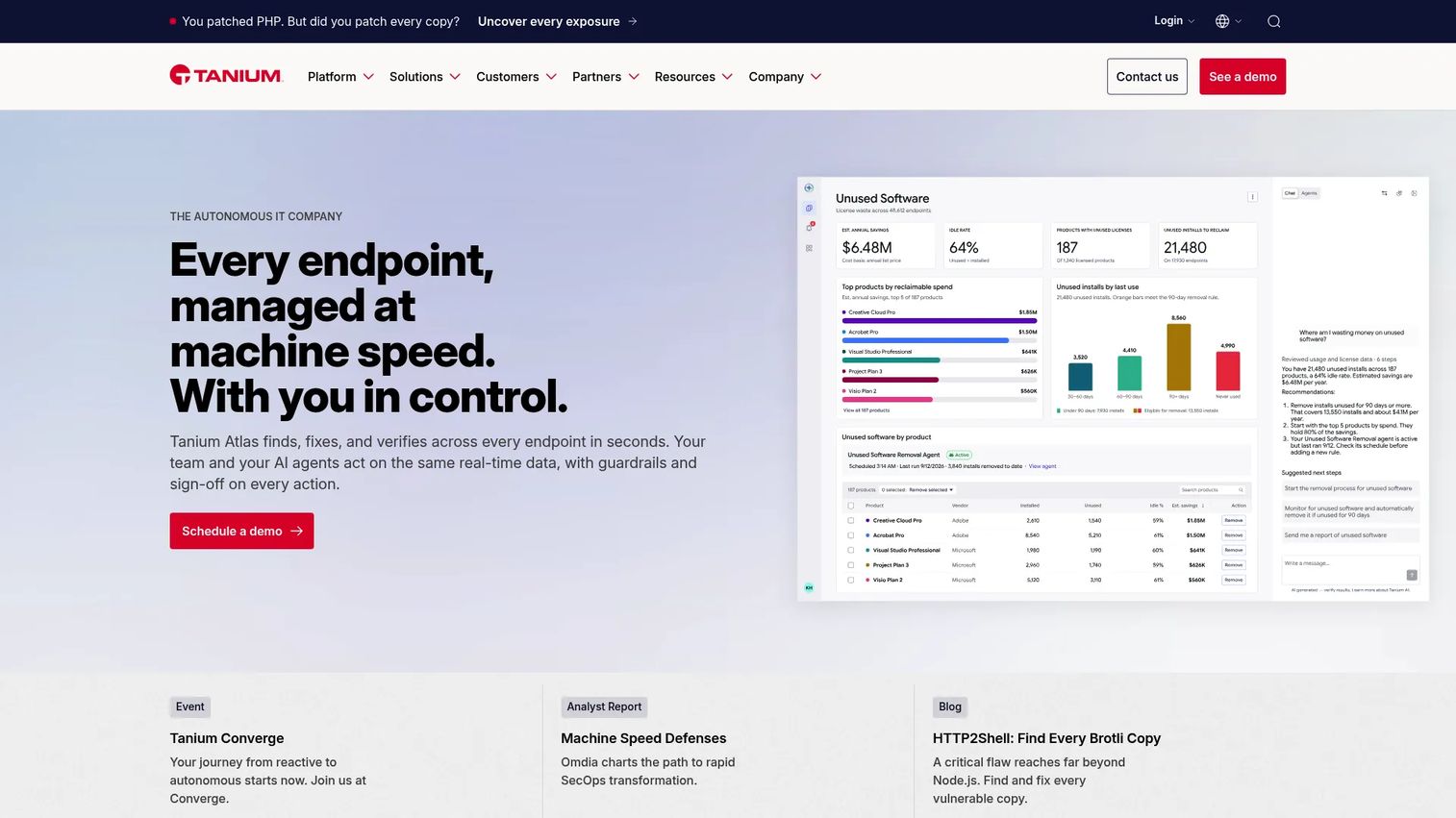
Tanium is an Autonomous IT platform providing real-time endpoint visibility, management, exposure management, and security operations. Its architecture delivers endpoint data in seconds across hundreds of thousands of devices, enabling rapid querying, patching, configuration changes, and incident response. Continuous vulnerability monitoring, risk-based prioritization, and integrated remediation modules address both IT operations and security use cases from one platform.
Tanium commissioned the Enterprise Strategy Group research cited earlier in this guide. The survey data is ESG's, but the sponsorship is worth knowing when reading category spending figures.
Best for: Large enterprises that need real-time endpoint visibility and the ability to take fast, verified action across distributed fleets.
Key features
- Real-time asset discovery and endpoint visibility
- Endpoint querying for instant fleet-wide status
- Autonomous patch management and software deployment
- Continuous vulnerability monitoring and risk prioritization
- Incident response and configuration management
Why choose Tanium: Tanium's real-time querying speed is its distinguishing characteristic. Deployment design and the ownership model for policy governance should be validated in any technical evaluation before committing, as the platform rewards structured operating procedures.
Tanium pricing: Tanium uses sales-led pricing. Contact Tanium for plan costs and module options.
G2 rating: 4.5/5
7. Microsoft Intune
Microsoft Intune is a cloud-based endpoint management service for securing and managing organizational devices and applications. It supports Windows, macOS, iOS, Android, and Linux. Device enrollment, compliance policies, app management, conditional access through Microsoft Entra ID, OS update management, and security baseline enforcement all operate from the Microsoft Intune admin center. Automation is available through Microsoft Graph APIs and PowerShell. It integrates natively with Microsoft 365 and Microsoft Defender.
Windows Autopatch at entry 10 is the same vendor's update automation service and is administered from this same Intune admin center, so the two entries are complementary layers of one Microsoft stack rather than independent choices.
Best for: Organizations standardized on Microsoft 365, Entra ID, and Defender that want endpoint management tightly connected to identity and productivity infrastructure.
Key features
- Cross-platform device enrollment: Windows, macOS, iOS, Android, Linux
- Compliance policies and endpoint security baselines
- Application deployment and protection policies
- Conditional access integration with Microsoft Entra ID
- OS and driver update management with reporting
Why choose Microsoft Intune: Intune is the natural starting point for Microsoft-first environments. Teams with significant non-Microsoft endpoints or complex third-party patching needs should validate coverage depth during the evaluation before assuming full parity.
Microsoft Intune pricing: Intune Plan 1 starts at $8 per user per month billed annually. Plan 2 is a $4 per user per month add-on that requires Plan 1, and the Intune Suite is a $10 per user per month add-on on top of Plan 1. All tiers assume an annual commitment. A 30-day trial is available.
G2 rating: 4.5/5, listed on G2 as Microsoft Intune Enterprise Application Management.
8. NinjaOne
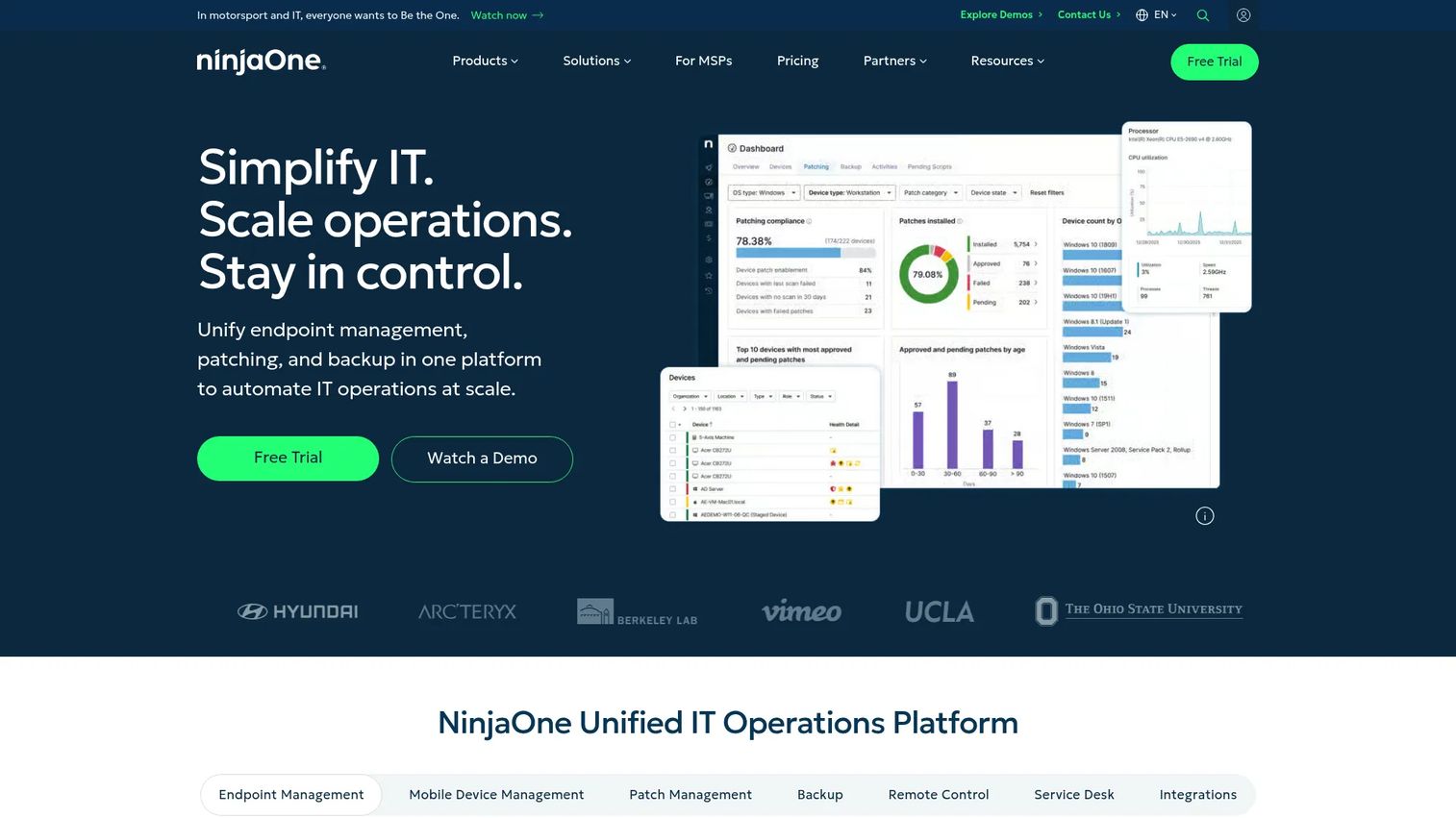
NinjaOne is a unified IT operations platform for endpoint management, autonomous patching, backup, remote access, and service desk operations. Its Patch Intelligence AI feature helps teams prioritize and automate patching decisions. Endpoint monitoring, software deployment, scripting, ticketing, and documentation all operate from one console. A 14-day free trial is available. NinjaOne serves both internal IT teams and MSPs with per-device pricing that scales with fleet size.
Best for: IT teams and MSPs that need a practical RMM-style platform with strong day-to-day endpoint operations and AI-assisted patching.
Key features
- Endpoint monitoring and asset inventory
- Patch management with Patch Intelligence AI
- Cross-OS remote access and control
- Software deployment and automation scripting
- Service desk, ticketing, and documentation
Why choose NinjaOne: NinjaOne offers operational clarity and fast endpoint action in a single console. Validate whether you need the MSP-packaged version or the internal IT version before purchase, as packaging differs.
NinjaOne pricing: NinjaOne publishes a starting range rather than full plan pricing, from $1.50 per device per month at 10,000 endpoints to $3.75 per device per month at 50 or fewer endpoints. Those figures apply to the commercial, non-FedRAMP instance and vary by region and module mix, so request a quote for your fleet size. A 14-day free trial is available.
G2 rating: 4.7/5
9. Action1
Action1 is a cloud-native autonomous endpoint management platform for OS and third-party patching, vulnerability remediation, and endpoint visibility. It operates without VPN or on-premises infrastructure. Vulnerability discovery and patch deployment run together in one workflow, making it a practical option for security-conscious IT teams that want to close patch gaps quickly. Remote desktop access and IT asset inventory are included. The free tier, covering the first 200 endpoints with no functionality limits, is a genuine entry point for smaller teams.
Best for: Security-conscious IT teams that want vulnerability discovery and patch remediation in one cloud-native workflow, especially teams under 200 endpoints evaluating cost before committing.
Key features
- Cross-OS patching: Windows, macOS, and Linux
- Third-party application patching
- Vulnerability detection and remediation
- Cloud-native operation without VPN or on-premises infrastructure
- Remote desktop access and IT asset inventory
Why choose Action1: The free-for-200-endpoints tier is one of the most practical entry points in this category. Verify current free-tier terms before planning a deployment, and ask sales for paid-plan thresholds at your anticipated endpoint count.
Action1 pricing: The first 200 endpoints are free forever with no functionality restrictions. Pricing beyond 200 endpoints is quote-based through sales.
G2 rating: 4.9/5
10. Windows Autopatch
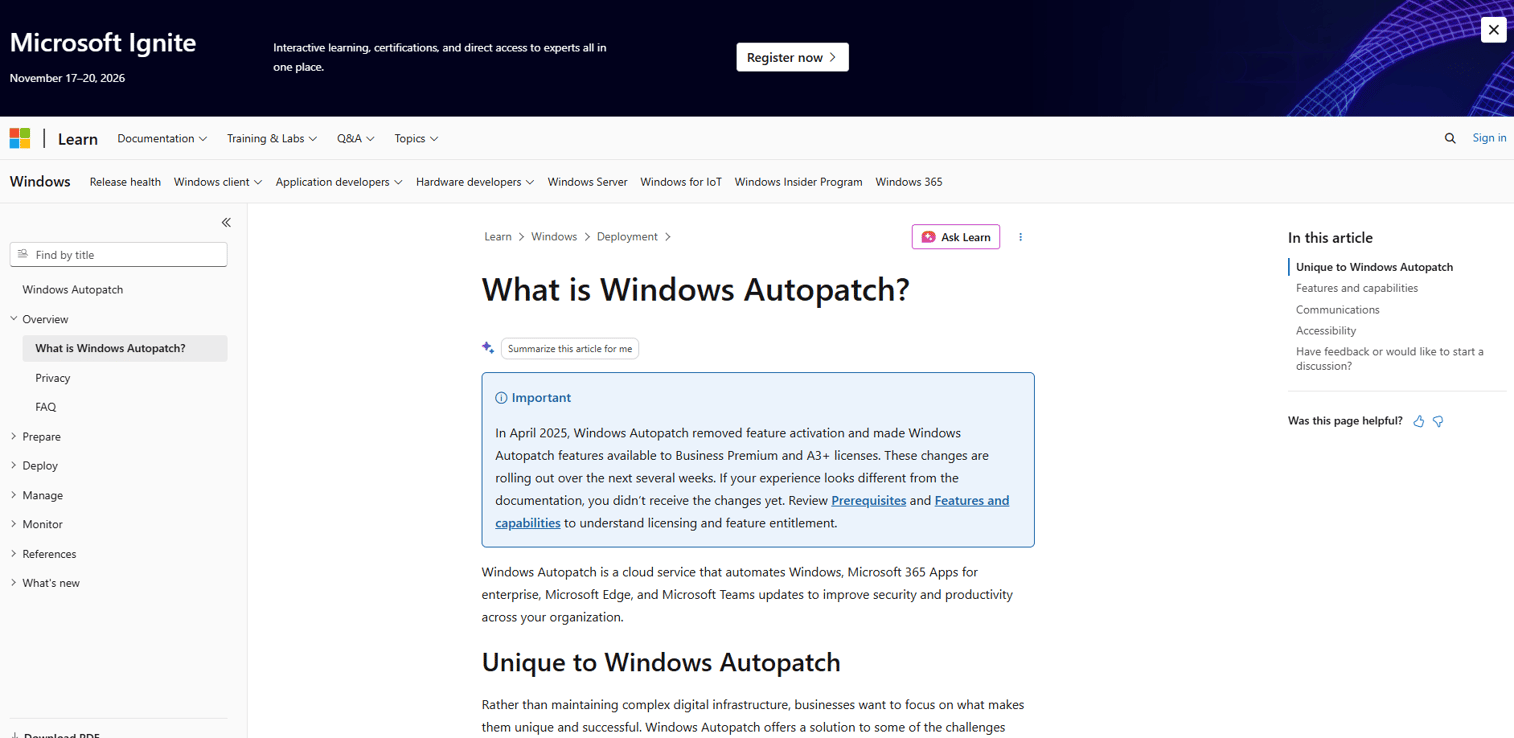
Windows Autopatch is a Microsoft cloud service that automates update management for Windows, Microsoft 365 Apps for enterprise, Microsoft Edge, and Microsoft Teams. It manages update rings, controls phased rollouts through Autopatch groups, handles hotpatch updates without requiring device restarts, and provides reporting and device alerts through the Microsoft Intune admin center. Programmatic update approval and scheduling is available through Microsoft Graph.
Windows Autopatch is a Microsoft service that runs inside Microsoft Intune at entry 7. It is not a standalone alternative to Intune, and it cannot be bought or operated without it.
Best for: Organizations using Microsoft Intune and eligible Microsoft licensing that need structured, automated Windows and Microsoft application update management without building custom ring policies.
Key features
- Windows quality and feature update ring automation
- Hotpatch updates without required device restarts
- Driver and firmware update management
- Autopatch groups and phased rollout control
- Update reporting, monitoring, and device alerts
Why choose Windows Autopatch: Best suited when the primary gap is Windows update governance inside a Microsoft environment. Windows Autopatch does not replace a cross-platform autonomous endpoint management platform and does not cover third-party patching.
Windows Autopatch pricing: Included at no additional charge with eligible Microsoft volume-licensing subscriptions, including Microsoft 365 Business Premium, Windows 10/11 Enterprise E3 or E5, and related VDA licenses.
11. Rapid7
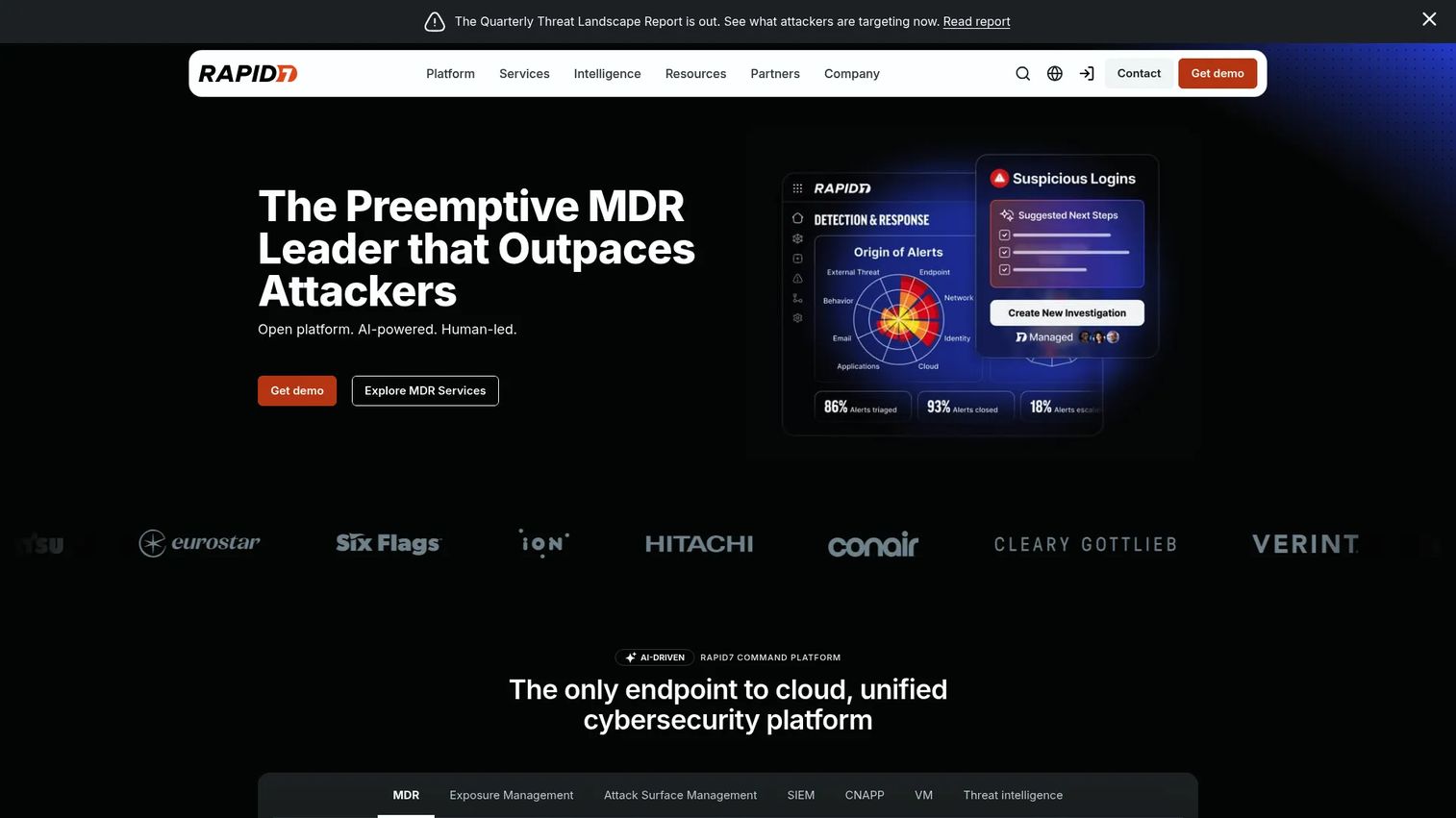
Rapid7 provides cybersecurity products for exposure management, vulnerability management, application security, cloud security, threat detection, and managed detection and response. InsightVM is its primary vulnerability management product, covering asset discovery, risk scoring, remediation workflows, and integrations with ITSM and endpoint tools. Rapid7 helps IT and security teams decide what to fix first, then connect that decision to the tools doing the fixing.
Best for: Security teams that need exposure context and structured remediation workflows more than full device management, particularly those running parallel endpoint operations tools.
Key features
- Attack surface and vulnerability assessment
- Exposure prioritization and risk scoring
- Remediation project workflows and tracking
- Next-generation SIEM with AI-driven detections
- Security integrations with ITSM and endpoint tools
Why choose Rapid7: Rapid7 works well as a security-led layer that answers "what do we fix first?" before handing remediation work to endpoint operations tools. It is not a full UEM replacement, and it does not remediate endpoints itself.
Rapid7 pricing: Rapid7 licenses InsightVM per active asset on an annual term and does not publish per-asset rates or tier pricing. Its pricing page recommends a minimum of roughly 512 assets and states that the per-asset rate decreases as asset volume rises. Other Rapid7 products are also sales-led. Request a quote from Rapid7 for your asset count rather than budgeting from third-party figures, which circulate widely and do not match the vendor's own page.
G2 rating: 4.4/5, listed on G2 as InsightVM (Nexpose).
12. CrowdStrike
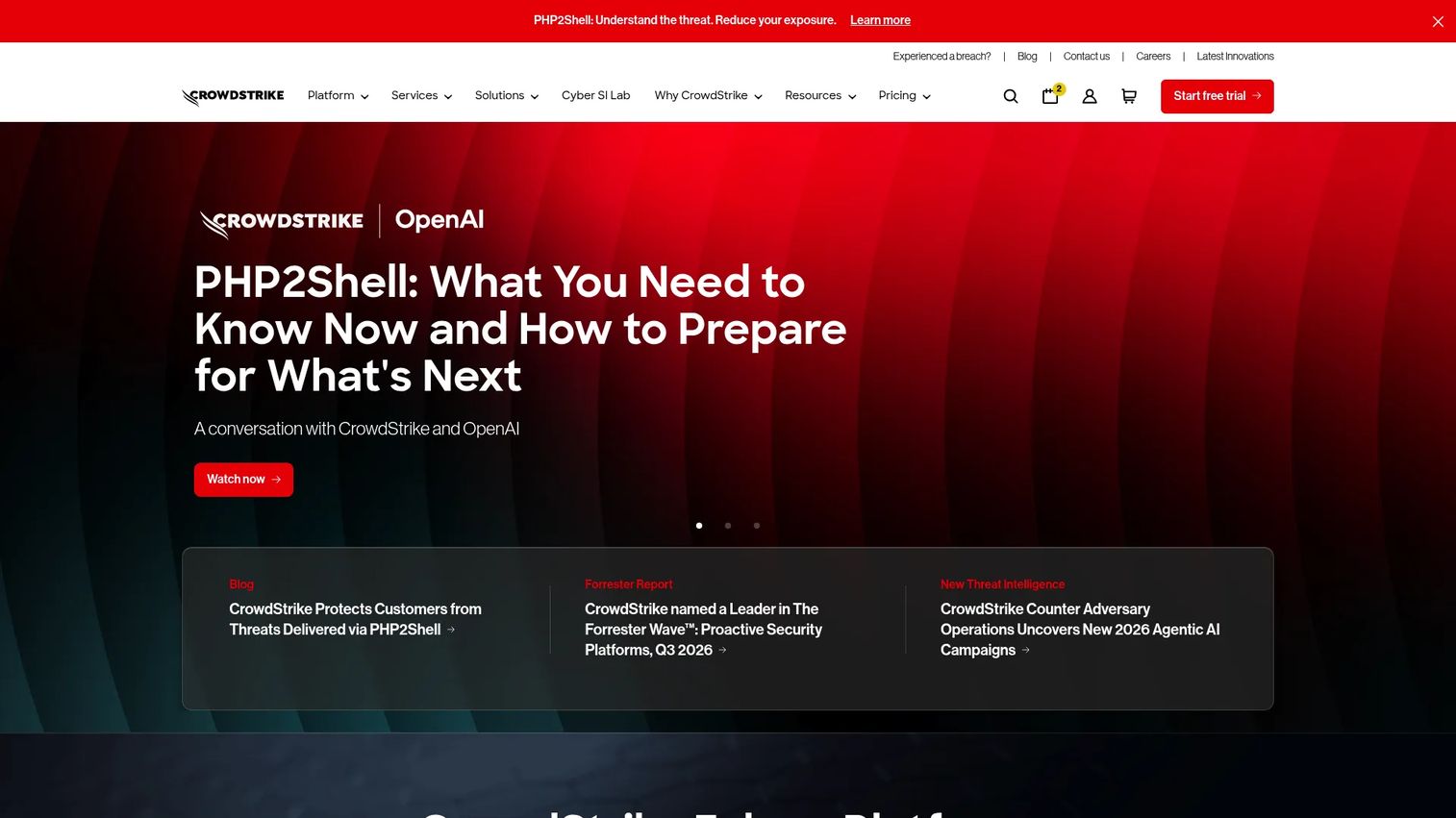
CrowdStrike provides the Falcon AI-native cybersecurity platform for unified protection across endpoints, identity, cloud, SaaS, and AI systems. Its endpoint protection capabilities include next-generation antivirus, endpoint detection and response, device control, firewall management, threat intelligence, and identity protection. Asset visibility and exposure context connect endpoint telemetry to response workflows for security operations teams. A 15-day free trial is available.
Best for: Security operations teams that want endpoint telemetry and response context connected to their security platform, particularly those already in the CrowdStrike Falcon ecosystem.
Key features
- Next-generation antivirus and endpoint detection and response
- Threat detection, hunting, and intelligence
- Device control and firewall management
- Identity protection and cloud security modules
- Asset visibility and exposure context
Why choose CrowdStrike: CrowdStrike is the right evaluation for security-first buyers where endpoint management decisions need to flow from security telemetry. Full patch and device management depth depends on which Falcon modules are licensed and which integrations are configured.
CrowdStrike pricing: Falcon Go starts at $7.99 per device per month, or $59.99 per device per year, and is capped at 100 devices. Falcon Pro is $14.99 per device per month, or $99.99 per device per year. Falcon Enterprise is $19.99 per device per month, or $184.99 per device per year. Falcon Complete Next-Gen MDR uses custom pricing. Monthly and annual billing are both available.
G2 rating: 4.6/5, listed on G2 as CrowdStrike Falcon Endpoint Protection Platform.
13. Tenable

Tenable provides exposure management and vulnerability assessment for IT, cloud, web applications, OT, identities, and external attack surfaces. Its core capability is asset visibility combined with risk-scored vulnerability findings that teams can act on. Configurable dashboards, reporting workflows, and ticketing integrations connect Tenable's exposure data to existing IT remediation processes. Nessus Professional remains one of the most widely deployed vulnerability scanners in the market.
Best for: Vulnerability management teams that need exposure-based asset prioritization across complex IT environments before pushing remediation work to endpoint operations tools.
Key features
- Unified asset discovery across IT, cloud, OT, and web applications
- Vulnerability identification, risk scoring, and prioritization
- Web application scanning and external attack surface discovery
- Compliance reporting and configurable dashboards
- Cloud workload protection and security posture management
Why choose Tenable: Use Tenable when the primary need is a risk lens before remediation rather than a full autonomous endpoint management platform. Do not overstate its autonomous remediation capabilities; Tenable provides prioritization and exposure context, with remediation executed elsewhere.
Tenable pricing: Nessus Professional is $4,790 per year and Nessus Expert is $6,790 per year. Tenable Vulnerability Management starts at $3,500 per year for 100 assets, though Tenable's own buy page displays $3,700 for the same tier in one place and $3,500 in its purchase modal, so confirm the current figure before budgeting. Web App Scanning pricing for 5 FQDNs is also shown inconsistently on that page. Other products use custom pricing through sales.
G2 rating: 4.5/5, listed on G2 as Tenable Vulnerability Management.
14. Splashtop
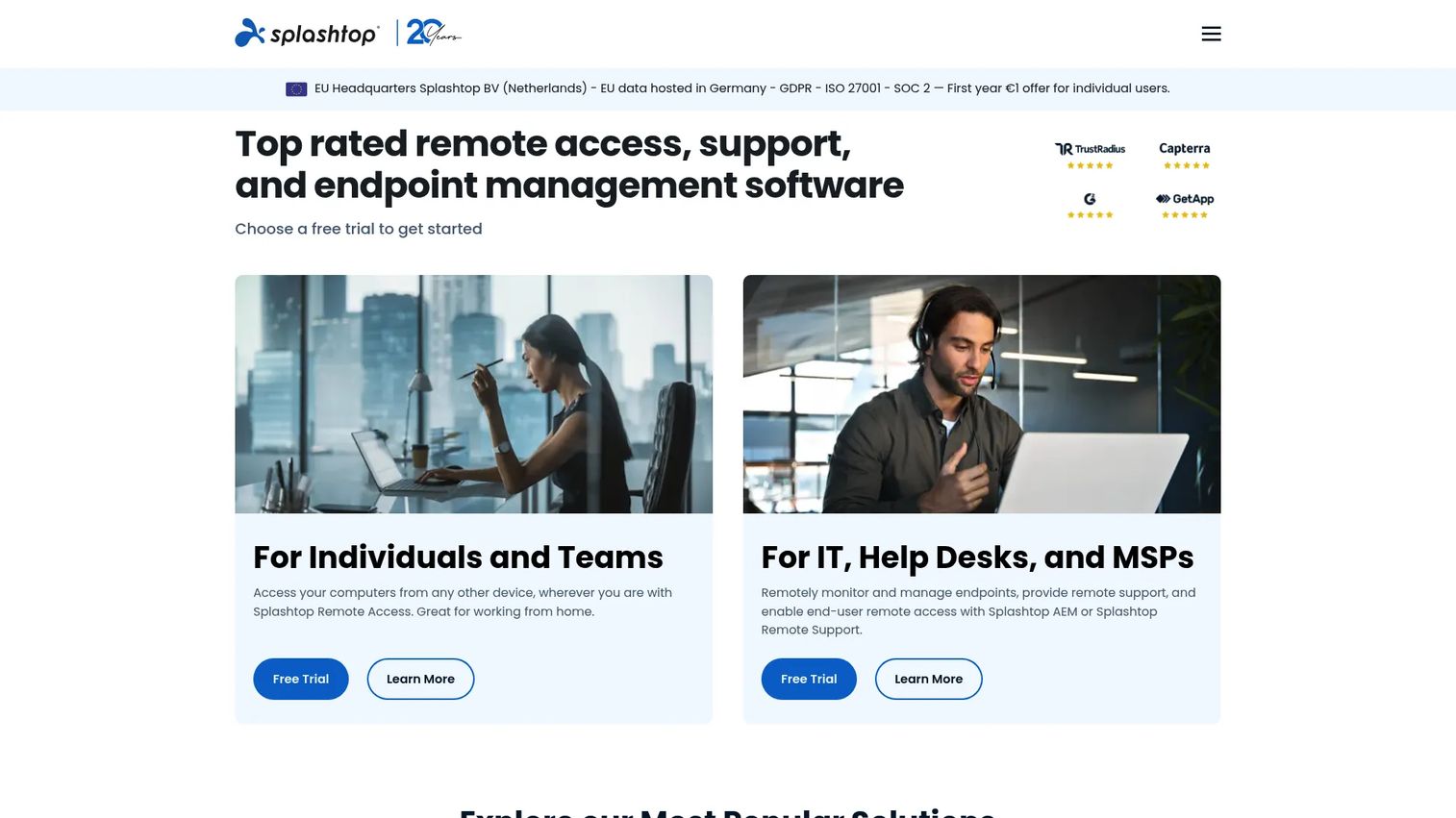
Splashtop provides secure remote access, remote support, and endpoint management for individuals, IT teams, help desks, MSPs, and enterprises. It covers attended and unattended remote access, file transfer, session recording, multi-monitor support, endpoint monitoring, patch management, and remediation. SSO, granular access controls, SIEM logging, and APIs support enterprise security requirements. Splashtop complements autonomous endpoint management platforms by giving technicians direct access when automated remediation is not sufficient.
Splashtop also supplies the remote control technology behind Automox Resolve at entry 5. If Automox is already on your shortlist with that module licensed, you may be evaluating Splashtop's technology twice under two contracts.
Best for: IT teams and help desks that need secure remote access to investigate and resolve endpoint issues hands-on, as part of a broader endpoint operations stack.
Key features
- Remote access from any device
- Unattended remote support and file transfer
- Session recording and in-session chat
- Endpoint monitoring, patch management, and remediation
- SSO, access controls, and SIEM logging
Why choose Splashtop: Splashtop fills the gap when human technicians still need to access devices directly. It works alongside autonomous endpoint management platforms rather than replacing patch, compliance, or remediation tools.
Splashtop pricing: The Solo plan starts at $6 per month, billed annually at $72, and is sold for individual use rather than per user. Pro is $8.25 per user per month, billed annually at $99 per user. Performance is $13 per user per month, billed annually at $149 per user. Enterprise uses custom pricing. Remote Support SOS starts at $22 per month per concurrent tech license billed annually.
G2 rating: 4.8/5, listed on G2 as Splashtop Remote Access.
Considerations when choosing autonomous endpoint management software
Confirm what "autonomous" means in the product
Some platforms automate scheduled tasks. Others detect issues, remediate them, and verify the outcome. Ask vendors to demonstrate one closed-loop example from telemetry detection through to logged proof of fix. That workflow, not the marketing language, tells you what you're buying.
Test the guardrails before trusting the automation
Evaluate approval workflows, maintenance windows, rollback controls, change logs, and confidence thresholds before running any automation in production. Autonomous remediation without governance controls creates risk that IT and security leadership will need to own.
Match the platform to your fleet
Check Windows, macOS, Linux, mobile, and server coverage. Confirm whether the platform works for remote devices that rarely connect to the corporate network. A tool that requires a VPN to function is a different deployment than one that operates cloud-natively from an agent.
Verify security and compliance reporting
Ask how each platform proves policy enforcement. Look for audit trails, baseline compliance reporting, vulnerability evidence, and integrations with your ITSM or SIEM. The reporting layer is what survives a security review or an audit.
Check who actually owns each product
Vendor consolidation makes shortlists look more diverse than they are. Two products on this list, N-central and N-sight RMM, come from N-able, and two more, Microsoft Intune and Windows Autopatch, come from Microsoft. Before you call a shortlist a competitive comparison, confirm how many separate companies are actually in it, because concentration affects negotiating leverage and vendor risk.
Measure operational impact during the POC
Track manual hours saved, patch backlog reduction, mean time to resolution, ticket deflection rates, and endpoint health changes before and after the POC. Dashboard screenshots alone do not prove operational value to stakeholders who control the budget.
Conclusion
The 14 tools in this guide cover most operating models and team sizes, though they come from 11 distinct companies rather than 14.
For enterprise autonomous endpoint management with self-healing and DEX visibility, Ivanti Neurons is the evaluation to start. ManageEngine Endpoint Central covers the widest UEM breadth at the lowest entry price. N-central and N-sight RMM serve MSPs at different complexity levels, both from N-able. Automox and Action1 handle cloud-native patch automation, with Action1 offering a free 200-endpoint tier that is hard to ignore for smaller teams. Microsoft Intune and Windows Autopatch belong in every Microsoft-first evaluation, as a platform and its update service rather than two options. For large-fleet real-time control, Tanium is in a category by itself. Rapid7, CrowdStrike, and Tenable serve security-led buyers who need exposure context before or alongside remediation execution. Splashtop rounds out the stack for teams that still need direct technician access to devices.
The next step is to shortlist three to five tools based on your operating model, then define a POC around one closed-loop workflow: detect a missing critical patch, prioritize affected devices, deploy within policy, verify the fix, and produce audit evidence. Test rollback before go-live.
Running that diligence means sitting through vendor demos before you reach the closed-loop workflow you actually need to see, which is the part of the evaluation most buyers want to reach first. Guideflow is an interactive demo platform that presales and product marketing teams use to publish interactive demos buyers can click through on their own, at the depth and pace the evaluation requires. If your own organization sells software and fields these technical evaluations, the same format shortens the diligence cycle for the teams reviewing you.
Start your journey with Guideflow today!
FAQs
Autonomous endpoint management software monitors endpoints for issues, applies approved policies, remediates problems, and verifies outcomes with limited manual intervention. It differs from manual endpoint administration by using telemetry and policy engines to decide when and how to act, then confirming the result without requiring a technician to initiate each step.
Automated endpoint management runs predefined tasks on a schedule, such as patching every Tuesday at 2am. Autonomous endpoint management uses telemetry, analytics, and policy thresholds to determine when action is needed, takes that action, and verifies the result. The key difference is that autonomous systems respond to detected conditions rather than fixed timers. In practice the label is applied loosely across the market, so test the loop rather than trusting the category name.
Common tasks include patch deployment, configuration drift correction, failed service restarts, software installation and removal, vulnerability remediation, compliance policy enforcement, disk cleanup, VPN agent repair, and device health checks. Coverage depends on the platform and which modules are licensed.
It can be safe when teams configure approval gates, rollback controls, staged deployment rings, maintenance windows, and audit logging. High-risk changes to production servers or regulated systems should still require human approval. Running a limited POC with a small device group before broad deployment is standard practice for validating governance controls.
It overlaps with UEM but does not always replace it. Some UEM platforms, such as ManageEngine Endpoint Central and Microsoft Intune, add autonomous or automated remediation capabilities. Some autonomous endpoint management tools focus narrowly on patching or remediation rather than full device lifecycle management. The right answer depends on whether you need device enrollment and application management alongside remediation, or only the detection-to-fix loop.
Define one closed-loop use case before starting. A practical sequence: detect a missing critical patch on a subset of devices, prioritize those devices by risk, deploy the patch within the configured policy window, verify remediation on each device, roll back one device to confirm rollback works, and produce an audit report showing before and after state. That sequence proves detection, action, verification, governance, and reporting in one run.
N-central fits MSPs with complex multi-client environments that need deep customization, automation policies, and client-specific reporting. N-sight RMM is a better starting point for smaller MSPs that want core RMM, patching, and remote support without the configuration overhead. Both are N-able products, so choosing between them is a tier decision inside one vendor rather than a competitive bake-off. NinjaOne is a genuinely separate option with AI-assisted patching and a per-device pricing model that scales with fleet growth. Fit depends on client count, multi-tenancy requirements, and how much automation depth the MSP's team can configure and maintain.
Microsoft Intune is the natural starting point for organizations standardized on Microsoft 365 and Entra ID. It handles device enrollment, compliance policies, app management, and security baselines across Windows, macOS, iOS, Android, and Linux. Windows Autopatch adds automated update ring management for Windows and Microsoft application updates at no additional cost for eligible license holders, and it runs inside the Intune admin center rather than as a separate purchase. Buyers with complex third-party patching needs or non-Microsoft endpoints should validate coverage gaps before treating Intune as a complete autonomous endpoint management solution.
Ask each vendor to show you the audit trail for a completed remediation, the compliance baseline reporting against a standard policy, and how the platform integrates with your SIEM or ITSM. Verify SOC 2 or relevant certification status directly with the vendor's security documentation, not only from marketing pages. For regulated environments, confirm what evidence the platform produces for auditors and whether that evidence is exportable in a format your audit workflow accepts. Tools like those in our best AI security posture management tools guide can complement endpoint management by adding broader posture visibility.