One late file transfer holds up invoicing. One failed dependency leaves a customer-facing workflow half-finished. The problem is rarely a single job. It is the chain of systems around it.
Basic scheduling works for isolated tasks. When workflows span ERP systems, cloud services, data platforms, and legacy infrastructure, a missed step can cascade into a customer-impacting incident before any alert fires. According to Redwood Software's Enterprise Automation Index (2025), 61.3% of organizations said their automation tools were underutilized, and 73.2% increased automation investment in the prior year. The gap between investment and utilization is the operational debt that workload automation software is built to close.
For product managers who own integration-heavy workflows, platform reliability, or data operations, the evaluation question is concrete: Which platform makes critical workflows more reliable without creating a migration project that overwhelms engineering?
This guide answers that question across eight platforms.
What's inside
This guide covers eight enterprise workload automation platforms for 2026. Tools were selected based on four criteria:
- Orchestration depth: Dependency management, event-driven triggers, and cross-system coordination
- Deployment flexibility: Support for hybrid, cloud, on-premises, and mainframe environments
- Integration breadth: Verified support for ERP, data, managed file transfer, and application workflows
- Governance and observability: SLA monitoring, audit controls, and failure recovery
You'll also find a side-by-side comparison table, buyer considerations, and FAQs covering adjacent categories and implementation questions.
TL;DR
- Best for enterprise-wide orchestration: BMC Control-M covers hybrid cloud, application workflows, and data pipelines with Jobs-as-Code and SLA management
- Best for SAP and ERP-heavy operations: Redwood RunMyJobs delivers cloud-native orchestration built around complex business processes
- Best for event-driven hybrid automation: Stonebranch Universal Automation Center handles real-time, cross-platform workloads with event-based triggers
- Best for mainframe and distributed environments: IBM Workload Automation provides centralized control across z/OS and modern infrastructure
- Best for Microsoft-centric scheduling: JAMS Scheduler starts at $833/month and covers Windows, SQL Server, and PowerShell workloads natively
The best choice depends on your systems of record, job volume, governance requirements, and migration complexity.
What is workload automation software?
Workload automation software coordinates, schedules, monitors, and recovers interdependent jobs across enterprise applications, infrastructure, data platforms, cloud services, and business systems.
It is distinct from basic job scheduling, which executes individual tasks on a timer. Workload automation manages the relationships between jobs: What runs first, what waits, what retries on failure, and who gets alerted when an SLA is at risk.
What workload automation software does
- Schedules time-based and event-driven jobs across systems
- Manages dependencies between applications, files, APIs, and infrastructure
- Monitors workflow status and flags SLA risk before deadlines pass
- Retries, escalates, or remediates failed runs automatically
- Orchestrates workloads across cloud, on-premises, and mainframe environments
- Connects ERP, data pipelines, managed file transfer, and business applications
Workload automation vs adjacent categories
| Category | Primary job | Best use case | What it does not replace |
|---|---|---|---|
| Workload automation | Coordinate enterprise job dependencies | Hybrid business-critical workflows | User-interface automation |
| Job scheduling | Run scheduled tasks | Single-system batch jobs | Cross-platform orchestration |
| RPA | Automate user-interface actions | Repetitive business processes | Infrastructure-level scheduling |
| iPaaS | Connect SaaS applications via APIs | API-based integrations | Complex batch dependency management |
| Data orchestration | Coordinate data transformations | Analytics and data pipelines | Broad IT workload control |
The practical boundary: If a failure in one system causes a downstream job to run against stale data or not run at all, that is a workload orchestration problem, not a data transformation problem.
When to use workload automation software
Orchestrate business-critical workflows across systems
Order processing, billing runs, ERP period closes, customer data synchronization, and fulfillment chains all involve multiple systems with strict sequencing. When a dependency fails mid-chain, the customer experience breaks before any ticket is filed. PMs who own these workflows need visibility into which job in the chain caused the delay and how far downstream the impact reached.
Coordinate hybrid and multi-cloud operations
Workloads increasingly move between on-premises infrastructure, public cloud, containers, and SaaS systems. A single control point for cloud migration workflows provides consistent auditability and reduces the engineering overhead of maintaining separate schedulers per environment.
Reduce manual recovery work and SLA risk
Event triggers, dependency-aware reruns, and escalation rules replace the manual recovery loop where someone notices a failure, digs through logs, and restarts jobs by hand. According to BMC (2026), 81% of surveyed organizations reported an increase in monthly workload automation jobs over the prior twelve months. That volume makes manual recovery untenable at scale.
Workload automation software comparison
Rankings reflect enterprise workload automation fit, deployment flexibility, orchestration depth, integration breadth, and governance. Pricing and G2 ratings are verified from each vendor's official pricing page and live G2 listing as of October 2026.
| # | Product | Best for | Key differentiator | Pricing | G2 rating |
|---|---|---|---|---|---|
| 1 | BMC Control-M | Broad enterprise orchestration | Jobs-as-Code, hybrid cloud, MFT | From $2,400/mo | Not listed |
| 2 | Redwood RunMyJobs | SAP and ERP-heavy operations | Cloud-native SaaS, ERP process depth | Custom pricing | Not listed |
| 3 | Stonebranch Universal Automation Center | Event-driven hybrid automation | Universal agents, real-time triggers | Custom pricing | 4.5/5 |
| 4 | IBM Workload Automation | Mainframe and distributed scheduling | z/OS and hybrid control, AI anomaly detection | Custom pricing | 4.3/5 |
| 5 | Broadcom Automic Automation | Large-scale enterprise governance | Agentic AI orchestration, RBAC, audit | Custom pricing | 4.0/5 |
| 6 | ActiveBatch | IT ops with broad integration needs | Low-code design, prebuilt job-step library | Custom pricing | 4.5/5 |
| 7 | JAMS Scheduler | Microsoft-centric environments | Windows, SQL Server, PowerShell scheduling | From $833/mo | 4.5/5 |
| 8 | Tidal Workload Automation | Centralized cross-application scheduling | SLA management, 40+ integrations | Custom pricing | 4.6/5 |
Best 8 workload automation software tools for 2026
1. BMC Control-M
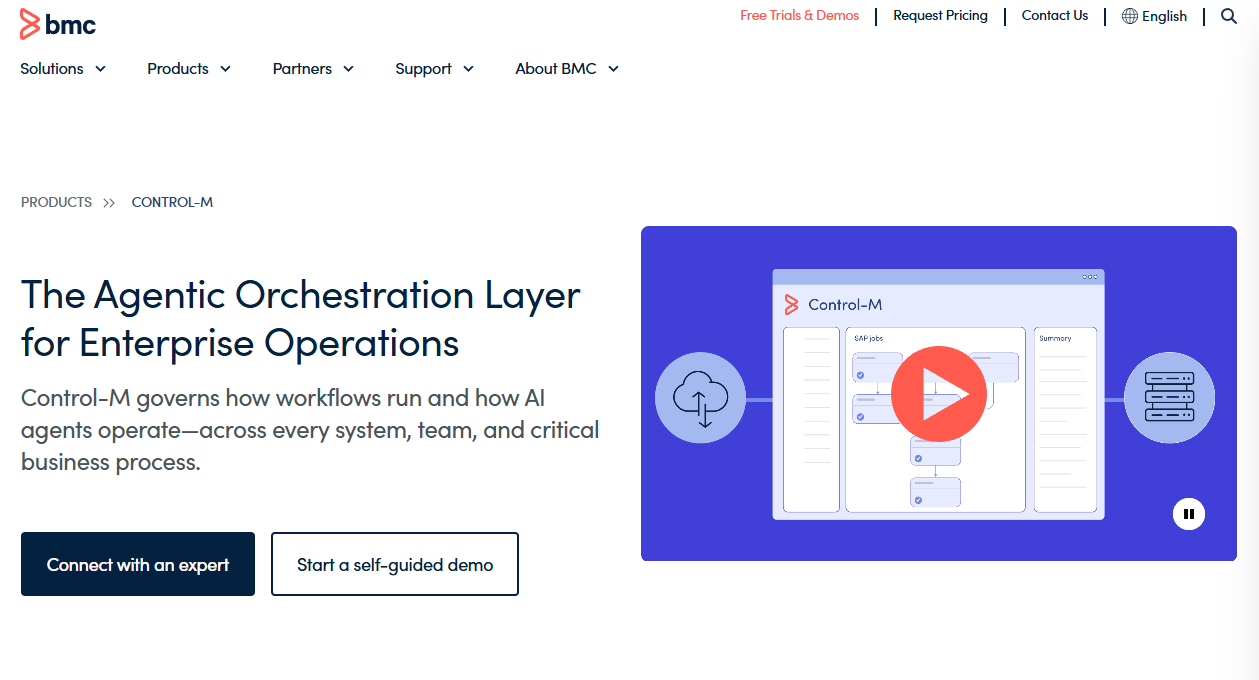
BMC Control-M is an enterprise workload orchestration platform for automating and monitoring complex hybrid-cloud, on-premises, and mainframe workflows. It covers application workflows, data pipelines, managed file transfers, and CI/CD pipelines from a single control layer. Teams can define jobs as code, integrate with DevOps pipelines through GitOps support, and use AI-assisted monitoring to catch anomalies before they breach SLAs.
Best for: Large enterprises coordinating mission-critical workflows across hybrid cloud, on-premises, and mainframe environments.
Key features
- Jobs-as-Code workflow definitions via GitOps and CI/CD pipelines
- Hybrid and multi-cloud application and data orchestration
- SLA management with predictive monitoring and alerting
- Managed file transfer orchestration
- AI-assisted workflow creation, monitoring, and troubleshooting
Why choose BMC Control-M: If your operations team manages a large and diverse automation estate, Control-M's dependency visibility and DevOps integration give engineering and platform teams a shared control plane. It is the platform PMs should evaluate when broken dependencies in one system cause visible customer impact downstream.
BMC Control-M pricing: The Starter Pack (SaaS) starts at $2,400/month billed annually and includes full-featured orchestration with capped execution volume. Enterprise plans cover configurable SaaS, self-hosted, or hybrid deployments and require a custom quote.
2. Redwood RunMyJobs
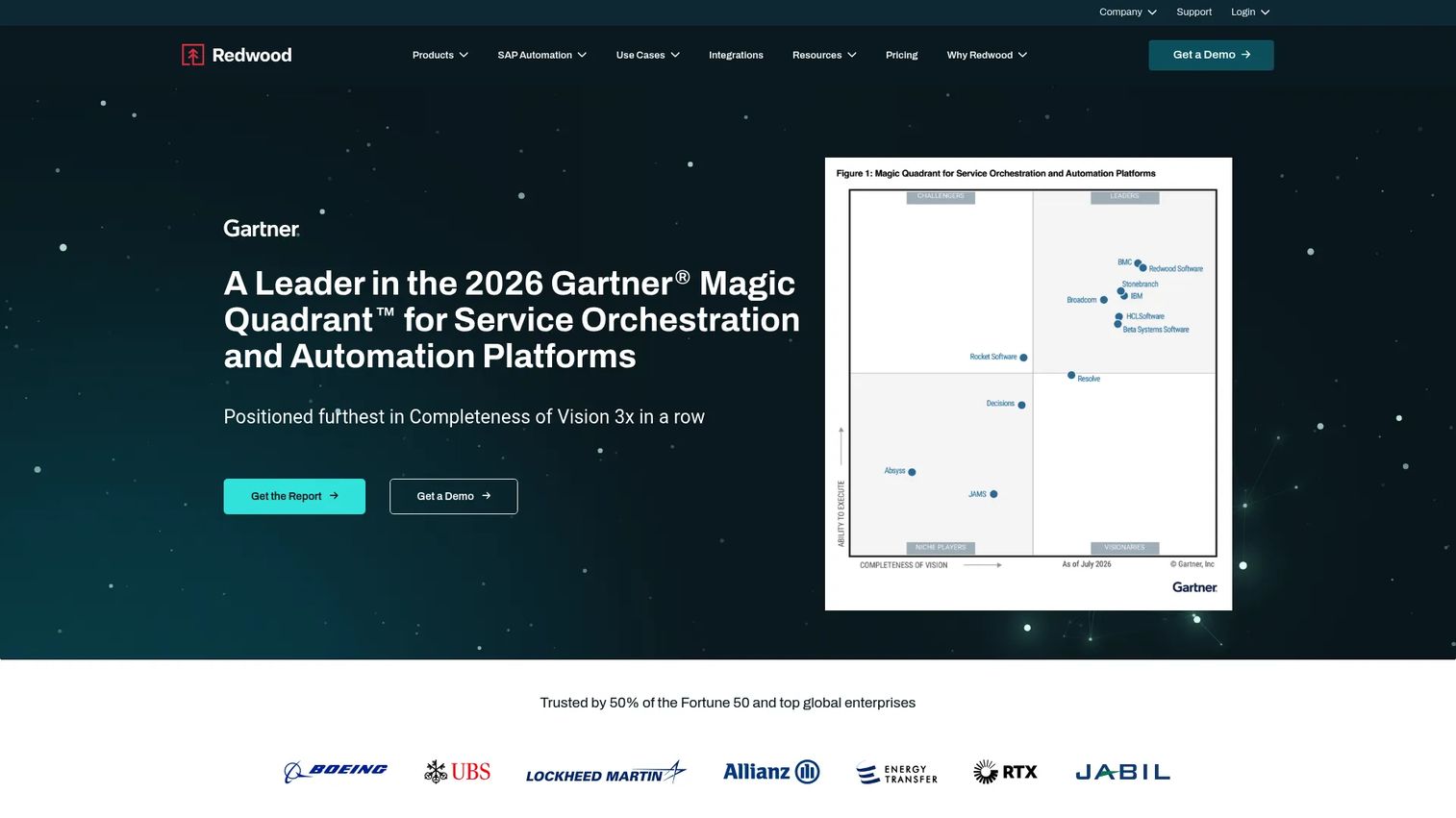
Redwood RunMyJobs is a cloud-native workload automation and orchestration platform built for organizations coordinating complex business processes across SAP, Oracle, cloud, and legacy systems. It delivers SaaS-based automation with low-code workflow design, reusable process templates, event-driven scheduling, and predictive SLA monitoring. The platform includes built-in managed file transfer and REST API extensibility, which covers most integration requirements without additional middleware.
Best for: Large enterprises where the automation program centers on business operations, SAP processes, or ERP workflows rather than isolated infrastructure jobs.
Key features
- Event-driven and time-based job scheduling with reusable calendars
- Low-code design with templates, wizards, and process sequences
- Hybrid-ready integrations across SAP, Oracle, cloud, and legacy systems
- Predictive SLA monitoring, observability dashboards, and audit trails
- Managed file transfer and REST API extensibility
Why choose Redwood RunMyJobs: RunMyJobs is the strongest option on this list when SAP or ERP processes define the automation perimeter. PMs who own billing, provisioning, order fulfillment, or customer onboarding workflows backed by ERP systems should ask which failed job produces the largest downstream revenue or retention impact. That analysis typically points to this platform.
Redwood RunMyJobs pricing: Pricing is quote-based. Redwood states that all plans include enterprise integrations, up to three pre-production environments, SaaS implementation, guaranteed uptime, and 24x7 enterprise support. Contact Redwood directly for a quote.
3. Stonebranch Universal Automation Center
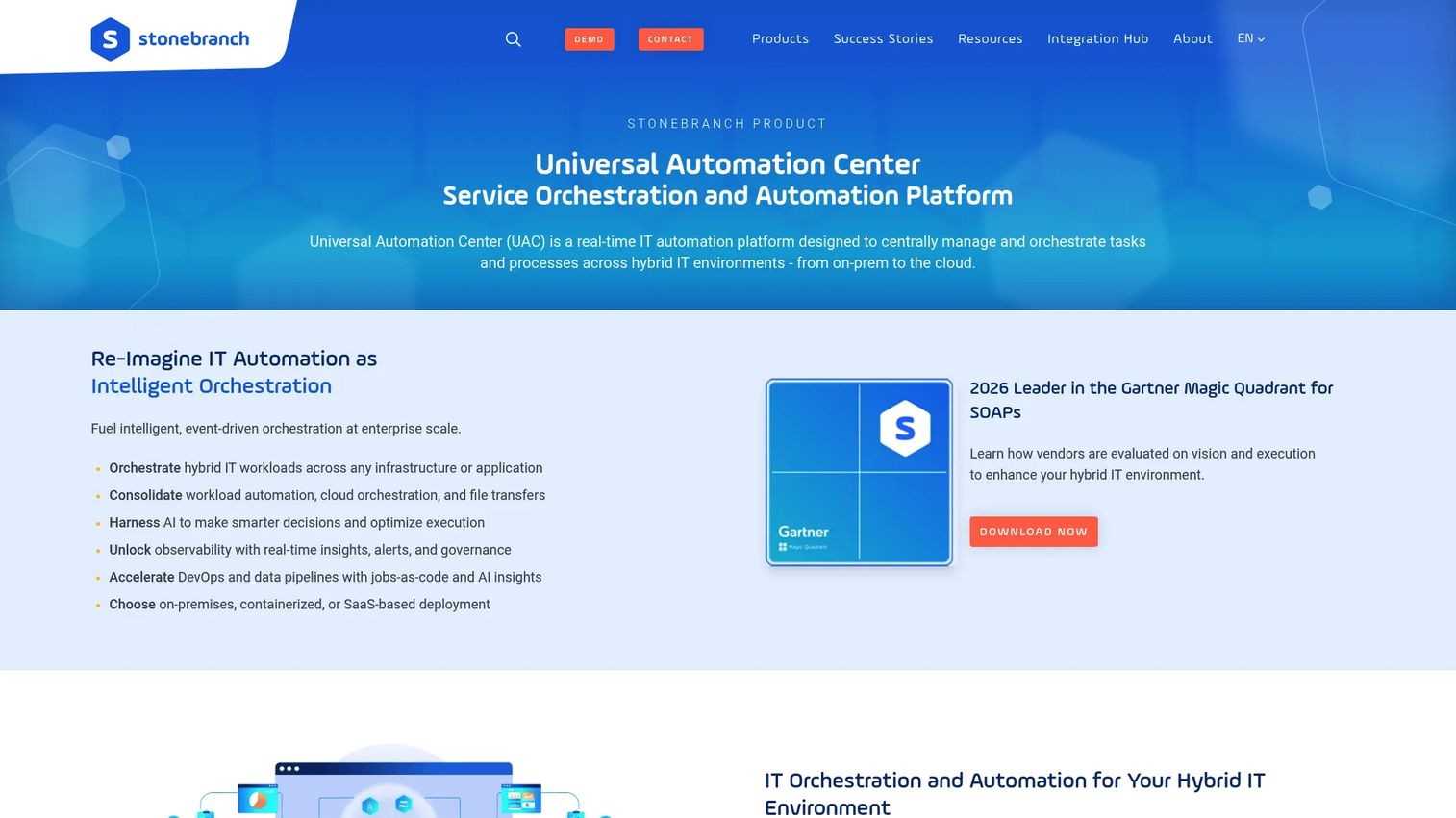
Stonebranch Universal Automation Center is a real-time IT automation and service orchestration platform for managing workflows across on-premises, cloud, and containerized environments. It uses universal agents deployed across the technology estate, enabling event-driven automation that moves beyond fixed batch windows. The browser-based, low-code workflow builder supports self-service automation with role-based access controls, making it practical for cross-functional teams to participate in orchestration without requiring central IT involvement for every change.
Best for: Teams that need hybrid automation with a strong event-driven model and a broad infrastructure footprint.
Key features
- Event-driven workflow triggers across applications, files, and APIs
- Hybrid cloud orchestration with universal agents
- Browser-based low-code and no-code workflow creation
- Self-service automation with role-based access controls
- Data pipeline automation and managed file transfer
Why choose Stonebranch Universal Automation Center: Event-based triggering is the key differentiator. Rather than waiting for a batch window, the platform responds to application signals, file arrivals, or API events in real time. For PMs managing provisioning, entitlement updates, or data refreshes that should happen immediately after a product event, this reduces waiting time and the engineering effort to maintain custom trigger logic.
Stonebranch Universal Automation Center pricing: Platform pricing requires a custom quote. Integration Hub listings show per-integration prices, but those do not reflect the UAC platform cost. Contact Stonebranch for a current quote based on environment size and workload volume.
G2 rating: 4.5/5 (verified October 2026 from the Stonebranch G2 listing).
4. IBM Workload Automation
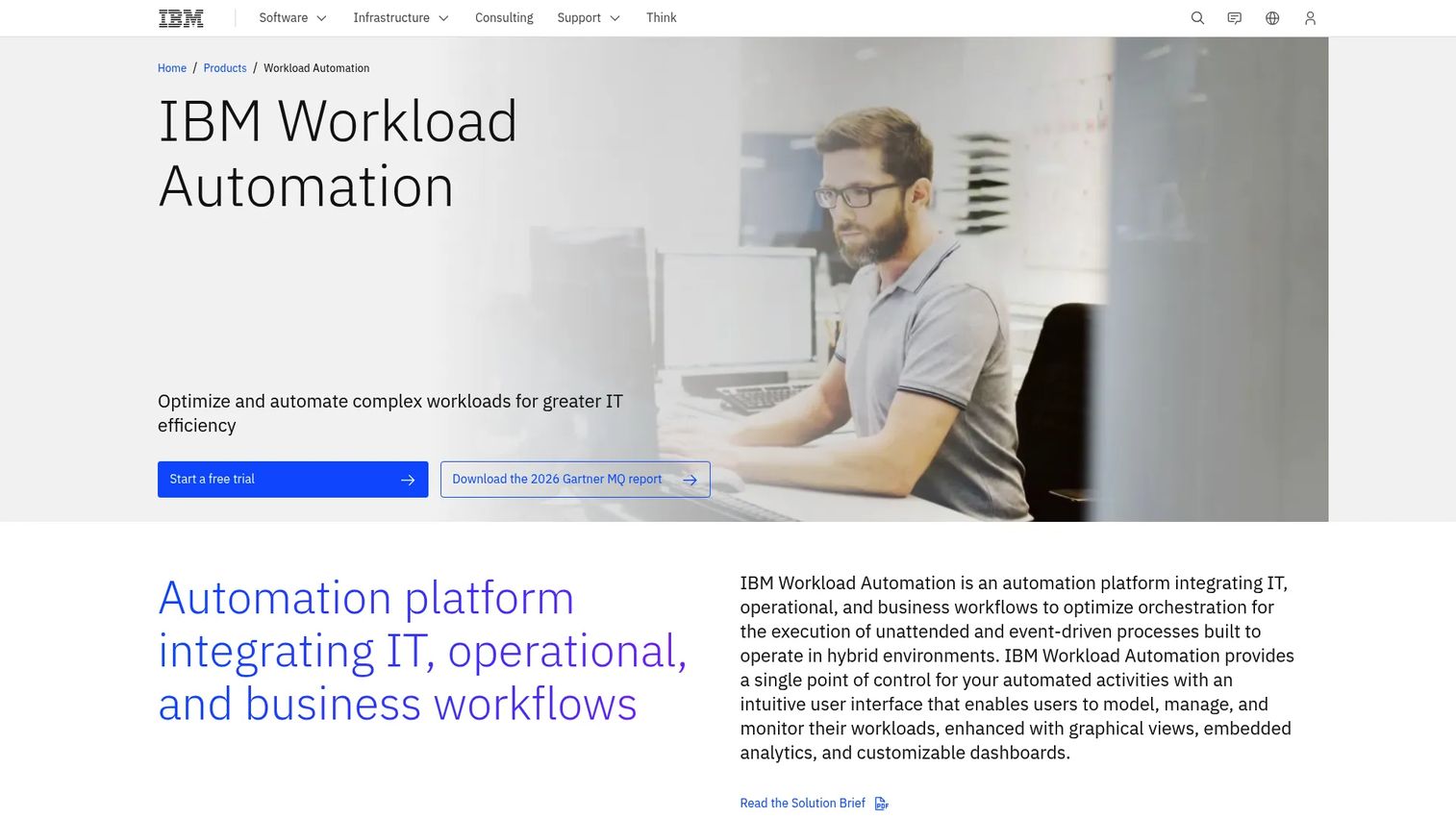
IBM Workload Automation provides a single control point for modeling, managing, and monitoring workloads across mainframe (z/OS), distributed systems, and cloud environments. AI-powered anomaly detection analyzes historical workload patterns to surface risk before jobs breach deadlines. The platform includes a Workload Designer for building scheduling objects, self-service automation with mobile monitoring, and integrations for SAP, Salesforce, Oracle PeopleSoft, and REST APIs.
Best for: Enterprises with mainframe workloads, strict governance requirements, and large dependency networks across legacy and modern systems.
Key features
- Single control point for mainframe (z/OS) and distributed scheduling
- AI-powered anomaly detection and historical workload analysis
- Workload Designer for creating and managing scheduling objects
- Self-service automation with on-demand mobile monitoring
- Integrations for SAP, Salesforce, Oracle PeopleSoft, and REST APIs
Why choose IBM Workload Automation: Choose this platform when mainframe integration is not an edge case. Industries with high transaction volume or strict operating controls, such as financial services or healthcare, frequently cannot treat legacy systems as secondary environments. PMs can use the dependency maps to connect customer-facing outcomes to the mainframe jobs that product teams may otherwise overlook entirely.
IBM Workload Automation pricing: IBM offers a free 30-day trial. Paid plans require a custom quote. IBM Workload Automation on Cloud was withdrawn from market on June 10, 2026; confirm current deployment options with IBM directly.
G2 rating: 4.3/5 (verified October 2026 from the IBM Workload Automation G2 listing).
5. Broadcom Automic Automation
Broadcom Automic Automation is enterprise workload automation and intelligent control-plane software for orchestrating complex workloads, data pipelines, ERP processes, and governed AI workflows across hybrid environments. The platform now includes agentic AI orchestration using MCP and agnostic LLM architectures, natural-language workflow generation, and native Python execution. Role-based access controls, predictive SLA management, and root-cause analysis are built into the governance layer rather than added as optional modules.
Best for: Large organizations that need centralized governance across complex, distributed automation workloads, including AI-driven processes.
Key features
- Agentic AI orchestration via MCP and agnostic LLM architectures
- Natural-language workflow generation and AI-driven Code Assist
- Workload automation across mainframe, hybrid, and cloud environments
- Predictive SLA management and root-cause analysis
- Self-service automation with RBAC, auditing, and governance controls
Why choose Broadcom Automic Automation: This platform fits organizations with established automation teams and formal governance requirements. PMs who experience ambiguity between product, infrastructure, and operations teams during high-impact incidents will find that centralized workflow ownership and audit trails reduce the time spent reconstructing what happened and who should act next.
Broadcom Automic Automation pricing: Pricing is not publicly listed and requires a quote from Broadcom. Contact the vendor directly; pricing typically depends on environment scale, workload volume, and support tier.
G2 rating: 4.0/5 based on 20 reviews (verified October 2026 from the Automic Automation G2 listing).
6. ActiveBatch
ActiveBatch is an enterprise workload automation and job scheduling platform for orchestrating IT and business processes across on-premises, cloud, and hybrid environments. Its drag-and-drop workflow designer and pre-built job-steps library let teams build complex automation without writing scripts from scratch. Event-driven and time-based scheduling, SLA management, and automated remediation are included in the core platform.
Best for: IT operations, DevOps, and infrastructure teams that want to consolidate scripting, scheduling, and cross-application workflows without building every dependency from scratch.
Key features
- Low-code drag-and-drop workflow design with a pre-built job-steps library
- Event-driven and time-based job scheduling
- SLA monitoring, alerting, reporting, and automated remediation
- Cross-platform scheduling across on-premises, cloud, and hybrid environments
- Self-service portal with role-based access controls
Why choose ActiveBatch: The pre-built job-steps library reduces the engineering effort to standardize automation across teams. For PMs supporting internal enterprise products, this matters for repeatable workflows around provisioning, reporting runs, billing operations, and customer data synchronization, where the goal is consistent execution with minimal maintenance overhead.
ActiveBatch pricing: Pricing is not publicly listed. The official pricing page requires a quote request. Contact ActiveBatch directly; cost typically depends on the number of agents, endpoints, and environments in scope.
G2 rating: 4.5/5 (verified October 2026 from the ActiveBatch G2 listing).
7. JAMS Scheduler
JAMS Scheduler is enterprise job scheduling and workload automation software with deep support for Microsoft-centric environments. It covers Windows Server, SQL Server, PowerShell, Azure Data Factory, and Python integrations alongside cross-platform workloads. The Core plan provides unlimited executions and a Managed File Transfer client. The Advanced plan adds enterprise security, compliance controls, implementation services, and migration support.
Best for: Enterprise IT teams operating heavily across Windows Server, SQL Server, PowerShell, and Microsoft business applications.
Key features
- Cross-platform job scheduling with unlimited executions
- PowerShell, SQL, Azure Data Factory, and Python integrations
- Calendar and dependency controls for complex scheduling windows
- Centralized job monitoring with audit and notification workflows
- Managed File Transfer client and .NET and REST APIs
Why choose JAMS Scheduler: JAMS is the clearest fit for organizations that have outgrown native schedulers (Windows Task Scheduler, SQL Server Agent) but need strong alignment with Microsoft infrastructure. PMs supporting internal enterprise products should pay attention to the calendar exception controls, which handle monthly closes, reporting cycles, and cutover windows where job timing affects downstream customer data.
JAMS Scheduler pricing: The Core plan starts at $833/month billed annually. The Advanced plan offers customizable pricing and contract options. No free tier is available, but a free trial is offered.
G2 rating: 4.5/5 (verified October 2026 from the JAMS G2 listing).
8. Tidal Workload Automation
Tidal Workload Automation is a centralized enterprise workload automation platform for managing and controlling job scheduling across business, operations, and IT processes. It offers time-based and event-based scheduling, SLA management with critical-path tracking, and more than 40 pre-built integrations. The platform includes role-based access control, a mobile application for monitoring on the go, and integrated resource management.
Best for: Organizations that need a central scheduling layer across multiple applications and want consistent visibility into business-critical job status.
Key features
- Time-based and event-based scheduling with calendar controls
- SLA management and critical-path tracking
- 40+ pre-built integrations with business and IT systems
- Role-based access control and integrated resource management
- Monitoring, alerts, recovery, reporting, analytics, and mobile application
Why choose Tidal Workload Automation: Tidal is worth evaluating when the operational pain is fragmented scheduling ownership. When different teams manage separate schedulers and nobody has a single view of which critical jobs are running, delayed, or failed, consolidating into Tidal gives PMs a clear answer to the question: Which team owns the recovery when a customer-impacting process stalls?
Tidal Workload Automation pricing: Pricing requires a custom quote based on configuration. The official pricing page does not list plan tiers or numeric prices. Contact Tidal directly for current rates.
G2 rating: 4.6/5 (verified October 2026 from the Tidal Automation G2 listing).
Considerations when choosing workload automation software
Match the platform to your workflow estate
Before comparing feature lists, inventory every system in scope: Cloud services, ERP applications, mainframes, data platforms, managed file transfers, scripts, and business calendars. A platform with impressive logos but no verified connector for your SAP process or mainframe environment will not solve the actual problem.
Evaluate dependency visibility and failure recovery
A scheduler that starts jobs is necessary but not sufficient. Confirm whether the platform shows upstream and downstream dependencies, identifies critical paths, and supports defined recovery actions when a job fails. Platforms that only alert after failure leave the recovery work to humans.
Test integration depth, not logo count
Ask whether integrations support the exact actions your team needs. A logo wall on a vendor's website does not confirm support for your specific SAP module, cloud workload type, API monitoring requirement, or custom data pipeline. Request a proof-of-concept against a real dependency chain before signing.
Plan migration before committing
Ask how the vendor discovers existing jobs, maps dependencies, converts scripts, tests cutovers, and supports rollback. Migration quality matters more than the initial demo. The platforms that handle it well (JAMS and BMC, for example) include migration services in their pricing tiers.
Define ownership and measurement
Assign clear owners across IT operations, platform engineering, data, and business systems. Track failure rate, SLA attainment, manual recovery time, workflow duration, and the count of incidents that affect customers. Without baseline metrics before implementation, the operational improvement is invisible to stakeholders.
Conclusion
Each platform on this list solves a specific workload problem better than a generic approach:
BMC Control-M covers broad enterprise orchestration with Jobs-as-Code and managed file transfer. Redwood RunMyJobs fits SAP and ERP-heavy operations. Stonebranch Universal Automation Center handles event-driven hybrid environments. IBM Workload Automation provides centralized control across mainframe and distributed systems. Broadcom Automic Automation suits large-scale governance with agentic AI orchestration. ActiveBatch offers visual automation with a broad integration library. JAMS Scheduler serves Microsoft-centric scheduling at a transparent price point. Tidal Workload Automation centralizes cross-application scheduling with SLA visibility.
The practical next step: Start with a job inventory, then shortlist two or three platforms that support your hardest workload. Run the proof-of-concept against a real dependency chain, not a clean demo workflow.
For teams that also need to show how their products and workflows work to external stakeholders, sales automation and marketing automation resources on the Guideflow blog cover the adjacent GTM tooling decisions.
FAQs
Job scheduling executes individual jobs based on a time trigger or a simple event. Workload automation manages the dependencies, cross-system sequencing, SLA monitoring, failure recovery, and escalation rules across a broader technology estate. The distinction matters when a missed job in system A prevents a job in system B from running at all.
Hybrid fit depends on agents, supported cloud connectors, on-premises integration depth, and centralized governance. Stonebranch Universal Automation Center and BMC Control-M both have strong hybrid track records. IBM Workload Automation covers mainframe alongside modern cloud environments. Evaluate based on your specific cloud provider, container platform, and on-premises infrastructure.
It can consolidate them, but migration should be gradual. Start with high-risk or business-critical workflows where dependency visibility and recovery deliver the clearest value. Low-risk, isolated jobs can move later. Platforms like JAMS and ActiveBatch include migration support specifically for teams moving off native schedulers.
No. RPA automates user-interface tasks and repetitive business actions that require interacting with a screen or application UI. Workload automation coordinates system-level and application-level jobs, including jobs that may trigger RPA processes as one step in a broader workflow. The two categories are often complementary rather than interchangeable.
Many platforms can orchestrate data pipeline dependencies, file arrival events, data refreshes, and downstream reporting triggers. Data transformation logic, however, typically remains in specialized data tools. For teams evaluating the boundary, see our guide to AI orchestration platforms and data visualization tools for context on where orchestration ends and data tooling begins.
Track workflow duration, SLA attainment, failed-run rate, manual recovery time, incident volume, and the count of customer-impacting delays. Engineering time spent on operational intervention before and after implementation is a meaningful efficiency signal. Establish baselines before go-live; without them, the improvement is hard to defend in a roadmap review.
Timing depends on environment complexity, job count, legacy scheduler migration, integration requirements, governance setup, and testing scope. A phased rollout starting with one business-critical workflow is the standard recommendation. A full enterprise migration covering hundreds of jobs across multiple systems can take several months to a year, depending on vendor migration support and internal resources.
Many enterprise platforms on this list support all three, but integration depth differs. Redwood RunMyJobs and IBM Workload Automation have specific SAP and ERP integration depth. IBM covers mainframe (z/OS) most directly. BMC Control-M, JAMS, and Tidal all include managed file transfer capabilities. Verify the exact module, connector version, security model, and licensing requirement before purchase, since some capabilities require a specific edition or add-on. Teams evaluating cloud data security software alongside workload automation should confirm how each platform handles data governance during file transfer and cross-system job execution.