You can ship three Reels a week, answer every comment, and still sit in a leadership meeting with nothing to show but follower counts. Instagram can look active while contributing zero measurable pipeline. That gap between content activity and business impact is where most Instagram marketing stalls.
According to Digiday+ Research (2025), 92% of surveyed marketers say their company uses social media for marketing. Yet most of them cannot tell you whether Instagram is cutting CAC or just filling a calendar. The platform itself, with 3 billion monthly active users per Meta (2025), is not the problem. The problem is a stack that was assembled tool by tool, without a clear sense of which workflow each piece was meant to fix.
The right Instagram marketing tool depends on the job you need done: Creating assets faster, publishing on a reliable schedule, managing engagement at volume, tracking clicks back to conversions, or connecting campaign spend to actual revenue. Buy the wrong category and you are paying for capabilities you will not use.
What's inside
This guide compares 15 Instagram marketing tools for 2026. Tools were selected based on category fit, relevance to digital marketer workflows, and appearance across competitor analyses.
Evaluation criteria:
- Campaign execution and publishing capability
- Analytics depth and attribution quality
- Creative workflow and production speed
- Pricing fit across startup, mid-market, and enterprise budgets
- Team collaboration, approval workflows, and integrations
TL;DR
- Best native free analytics: Instagram Insights gives every business account a free performance baseline
- Best for paid Instagram campaigns: Meta Ads Manager is the only tool with direct control over Instagram ad delivery
- Best all-in-one social management: Sprout Social covers publishing, inbox, analytics, and listening for mature teams
- Best Instagram analytics depth: Iconosquare delivers competitor tracking and custom dashboards beyond native data
- Best low-overhead scheduler: Buffer keeps publishing moving for small teams without heavy implementation
- Best visual creation tool: Canva produces on-brand Instagram assets without a design team
What is Instagram marketing software?
Instagram marketing software is a category of tools that helps teams plan, create, publish, promote, measure, and optimize Instagram content and campaigns.
Core jobs Instagram marketing tools handle
The category covers a wide range of workflow needs:
- Scheduling and publishing posts, Reels, Stories, and carousels
- Analytics and reporting on reach, engagement, and follower performance
- Visual content creation and template production
- Paid advertising campaign management
- Link tracking and click attribution across campaigns
- Influencer and creator discovery and program management
- Social listening and brand mention monitoring
- Comment and DM management at volume
- Hashtag research and trend tracking
- Team approvals, client workflows, and content governance
How Instagram marketing software fits the stack
Instagram tools frequently overlap with broader categories. A social media management platform may replace a standalone scheduler and a reporting dashboard. A link management tool may replace UTM spreadsheets. A creative platform may reduce dependency on a design agency.
Before buying, ask what the new tool replaces. The digital marketer's most common objection, "we already have too many tools," applies here. A scheduler that also handles analytics and approvals replaces two or three separate subscriptions. A tool that connects Instagram activity to CRM data replaces manual export and merge work. The goal is fewer tabs, not more.
When to use Instagram marketing tools
Publish consistently without adding manual work
If your team posts inconsistently because publishing requires logging in, downloading assets, and manually uploading every format, a scheduler solves a real operational problem. This matters most for teams running Reels, feed posts, and Stories in parallel. For agencies managing multiple brand accounts, approval workflows become the bigger bottleneck than the publish action itself.
Prove Instagram performance beyond engagement
Likes and follower growth are not an Instagram ROI story. If leadership asks what Instagram contributes to CAC or pipeline, you need tools that track clicks through to conversions, tie paid campaigns to cost per lead, and export data into dashboards leadership will trust. UTM links, short link analytics, and CRM-connected attribution are the difference between a report and a conversation about budget.
Turn engagement into action
Comments and DMs only matter if the team can respond at volume and route conversations into measurable outcomes. When engagement gets high enough that native Instagram management creates missed replies and lost leads, tools that automate DM flows, centralize the inbox, and trigger follow-up sequences become revenue-critical rather than optional.
Instagram marketing tools comparison
The table below sorts tools by the workflow job they do best, not by brand size or marketing budget. No single tool covers every Instagram workflow for every team size.
| # | Product | Best for | Key differentiator | Pricing | G2 rating |
|---|---|---|---|---|---|
| 1 | Instagram Insights | Native analytics | Free in-app performance data | Free | N/A |
| 2 | Meta Ads Manager | Paid Instagram campaigns | Native ad campaign control | Free (ad spend required) | N/A |
| 3 | Sprout Social | All-in-one social management | Publishing, inbox, analytics, listening | From $79/seat/mo | 4.4/5 |
| 4 | Iconosquare | Instagram analytics depth | Competitor tracking and custom dashboards | From €9/mo | 4.5/5 |
| 5 | Buffer | Lean scheduling | Simple per-channel publishing queue | Free; paid from $5/mo | 4.3/5 |
| 6 | Sendible | Agencies and approvals | Client dashboards and multi-brand workflows | From $35/mo | 4.5/5 |
| 7 | Canva | Visual content creation | Templates and brand kits | Free; Pro from $144/yr | 4.7/5 |
| 8 | Linktree | Link in bio | Multi-destination bio link routing | Free; paid from $7/mo | 4.6/5 |
| 9 | Bitly | Link tracking | Branded short links and campaign click data | Free; paid from $10/mo | 4.4/5 |
| 10 | HubSpot Marketing Hub | CRM-connected attribution | Instagram activity tied to contacts and pipeline | Free tools; paid from $20/seat/mo | 4.4/5 |
| 11 | Sked Social | Visual feed planning | Instagram-first visual grid planner | From $58/mo | N/A |
| 12 | Agorapulse | Social inbox and reporting | Engagement management with team workflows | Free; paid from $79/user/mo | 4.5/5 |
| 13 | Upfluence | Influencer marketing | Creator discovery and affiliate tracking | Custom pricing | 4.6/5 |
| 14 | ManyChat | DM automation | Instagram messaging automation and lead capture | Free; paid from $14/mo | 4.5/5 |
| 15 | Brand24 | Social listening | Mention monitoring and sentiment analysis | From $249/mo | 4.6/5 |
Best Instagram marketing tools for 2026
1. Instagram Insights
Instagram Insights is the native analytics tool built into every Instagram business and creator account. It gives teams a free, always-on baseline for content performance, audience behavior, and account activity without requiring a third-party subscription. The data lives inside the app and is accessible to anyone with account access.
Best for: Solo marketers and small teams that need a free starting point for Instagram performance data before evaluating paid analytics tools.
Key features
- Account reach and impressions tracking
- Content interactions by post, Reel, and Story
- Follower growth and audience demographics
- Reel performance metrics including plays and reach
- Story engagement including exits and link taps
Why choose Instagram Insights: Choose it as your baseline, not your reporting layer. It answers basic questions about what content is working, but it does not support competitor benchmarking, historical exports, or cross-channel attribution.
Instagram Insights pricing: Free with any eligible Instagram professional account. No subscription or paid tier required.
2. Meta Ads Manager
Meta Ads Manager is Meta's native tool for creating, managing, and reporting on paid advertising campaigns across Instagram, Facebook, Messenger, and WhatsApp placements. For Instagram specifically, it handles placements across feed, Stories, Reels, and Explore. It gives marketers direct control over objectives, audiences, budgets, creative testing, and performance reporting with no intermediary platform.
Best for: Growth marketers running paid Instagram acquisition and performance testing who need direct campaign control.
Key features
- Instagram feed, Stories, Reels, and Explore ad placements
- Audience targeting by demographics, interests, and behavior
- Campaign budget and bid strategy controls
- Creative A/B testing across ad variations
- Campaign-level performance reporting
Why choose Meta Ads Manager: Choose it when Instagram is a paid acquisition channel. No third-party ad tool gives you more direct control over Instagram delivery and optimization than the native platform itself.
Meta Ads Manager pricing: The tool is free to access. Campaign costs depend on your budget, bid strategy, audience size, and ad placement. There is no platform subscription fee.
3. Sprout Social
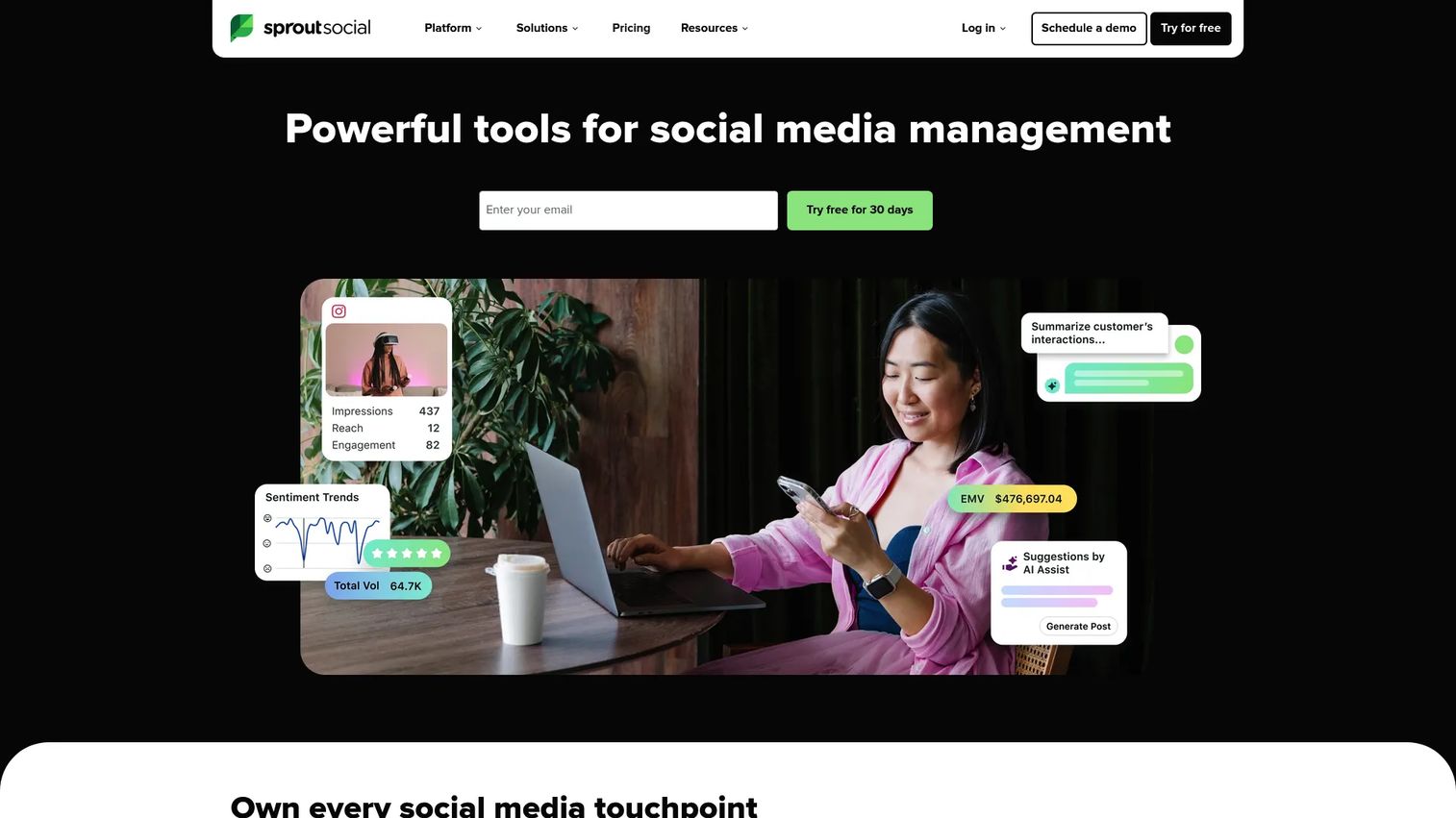
Sprout Social is a social media management platform that covers publishing, engagement, analytics, social listening, and employee advocacy across multiple channels. For Instagram, it centralizes scheduling, comment and DM management, and reporting inside a shared workspace. It is a strong choice when Instagram sits inside a broader multi-platform social program rather than operating as a standalone channel.
Best for: Mid-market and enterprise teams that need governance, cross-channel reporting, and collaborative social workflows.
Key features
- Unified social inbox for comments, DMs, and mentions
- Publishing calendar with scheduling and team approvals
- Social listening across channels and topics
- Analytics reports with custom export options
- Employee advocacy tools for content amplification
Why choose Sprout Social: Choose it when Instagram is one channel among several and your team needs consistent reporting, shared workflows, and stakeholder-ready exports. It is more than most one-person marketing operations need.
Sprout Social pricing: Plans start at $79 per seat per month billed annually ($99 per seat billed monthly). The Standard plan is $199 per seat annually and Professional runs $299 per seat annually. A 30-day free trial is available.
G2 rating: 4.4/5
4. Iconosquare
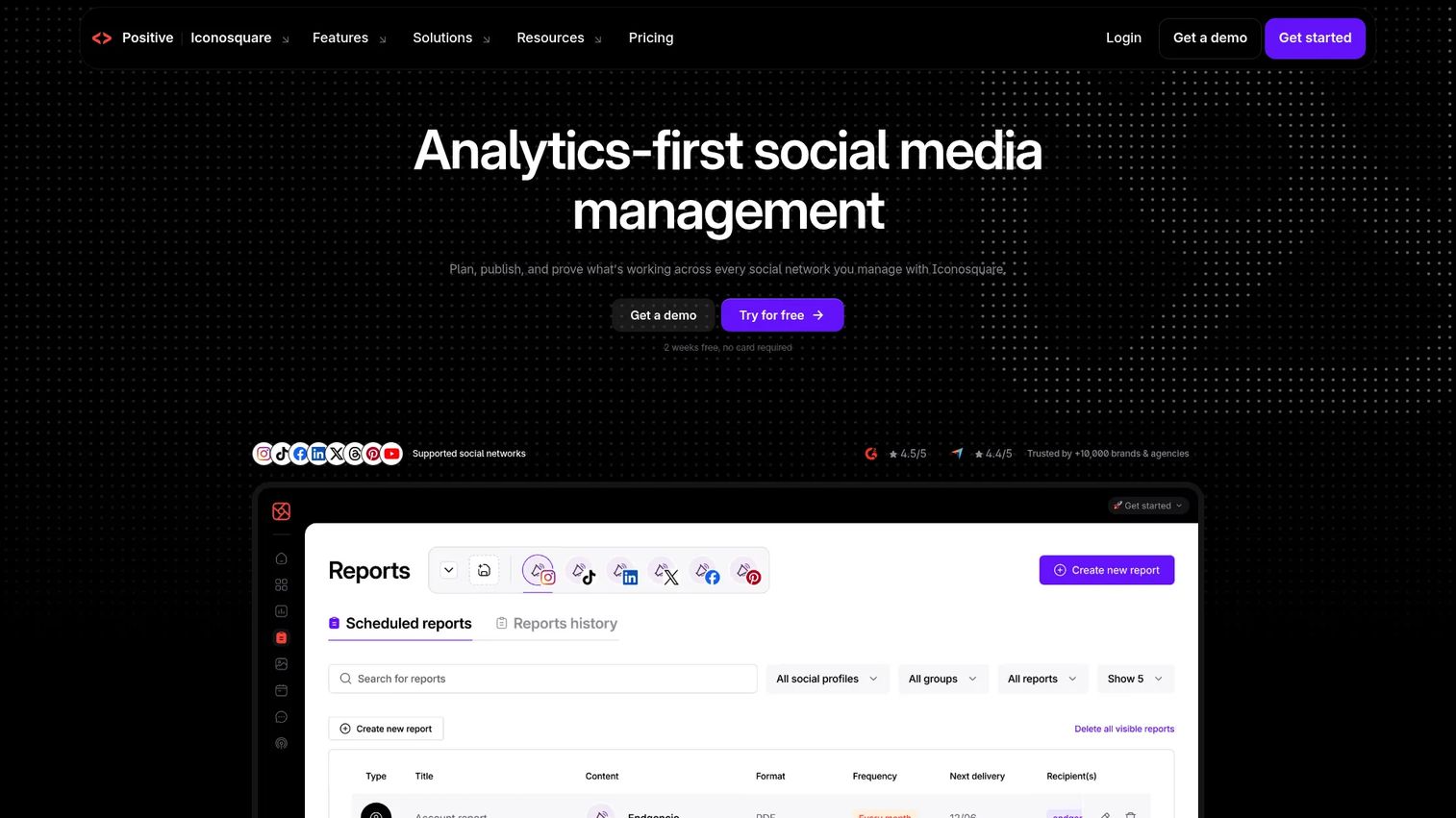
Iconosquare is an analytics-first social media management platform built around reporting depth, competitor monitoring, and content performance analysis. It goes well beyond what native Instagram analytics shows, with custom dashboards, benchmark comparisons, and AI-powered insights. Teams use it when leadership wants to know not just what performed, but how it compares to competitors and industry benchmarks.
Best for: Marketers who need deeper Instagram reporting, competitor analysis, and custom performance dashboards.
Key features
- Instagram profile analytics and trend tracking
- Competitor monitoring and benchmarking
- Content scheduling and publishing calendar
- Custom reporting dashboards
- Hashtag performance analysis
Why choose Iconosquare: Choose it when Instagram reporting has to answer harder questions: Which content themes are lifting reach quality, how does your engagement rate compare to competitors, and which follower segments are actually growing. It is a better fit for analytics-focused teams than broad social suite buyers.
Iconosquare pricing: A free plan is available. Paid plans start from €9 per month on the Starter tier billed annually, with Launch from €33/month and Scale from €69/month. Pricing is in euros.
G2 rating: 4.5/5
5. Buffer
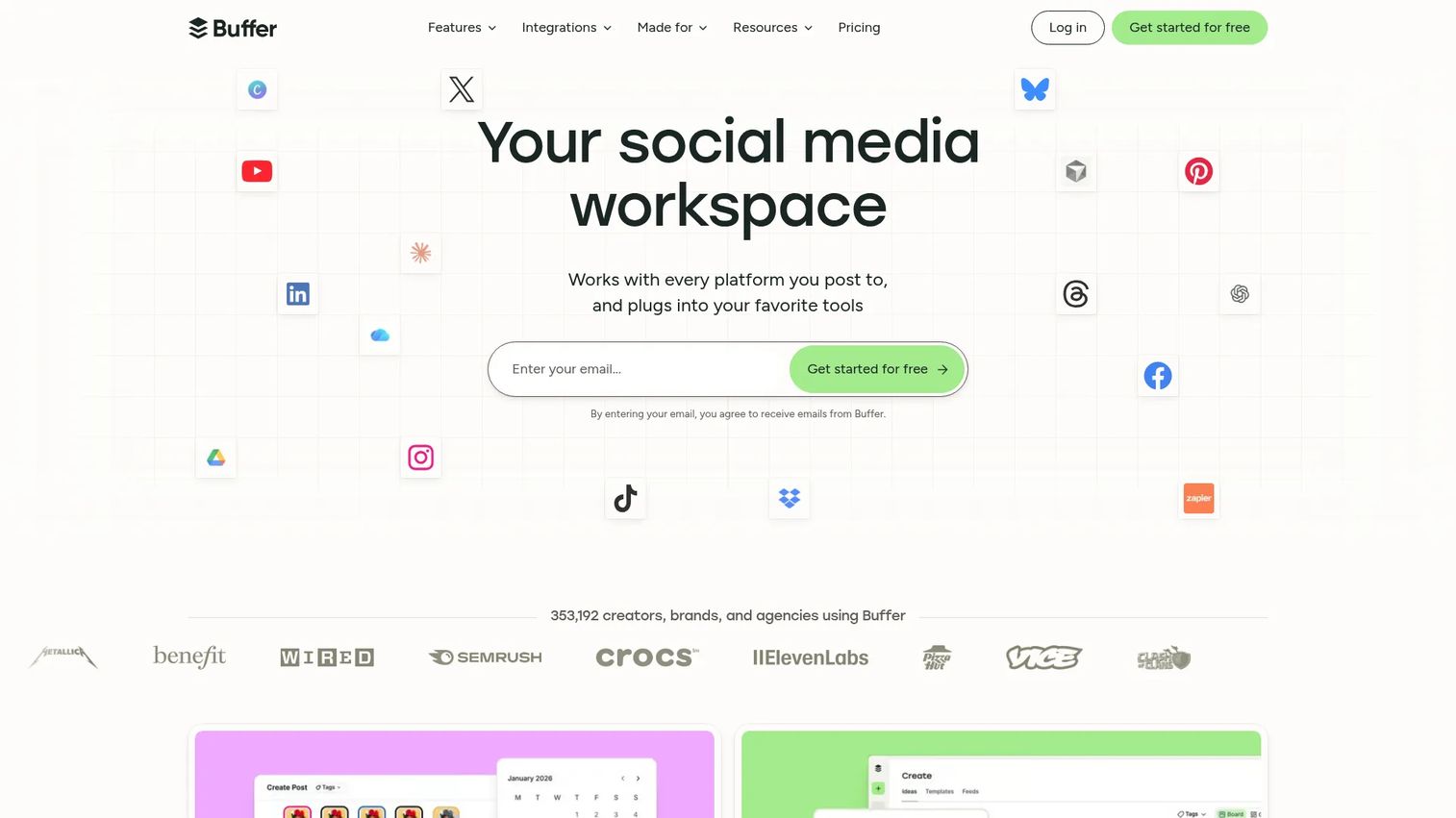
Buffer is a social media management platform focused on straightforward publishing, content queues, and basic analytics. Its per-channel pricing model makes it one of the most accessible paid schedulers for small teams. It supports Instagram, plus other major social networks, through a clean interface that removes complexity rather than adding it.
Best for: Startups and lean teams that need dependable Instagram scheduling without committing to a complex platform.
Key features
- Post scheduling queue and content calendar
- Multi-channel publishing including Instagram, Facebook, and LinkedIn
- Basic analytics and engagement tracking
- Link-in-bio tool included
- Team collaboration and approval workflows on paid plans
Why choose Buffer: Choose Buffer when the team needs fewer tabs and more reliable publishing cadence. It does not try to be a listening platform or an enterprise reporting suite. That focus is its advantage for small teams running fast.
Buffer pricing: Buffer offers a free plan supporting up to 3 channels. The Essentials plan costs $5 per month per channel (billed monthly) and the Team plan costs $10 per month per channel.
G2 rating: 4.3/5
6. Sendible
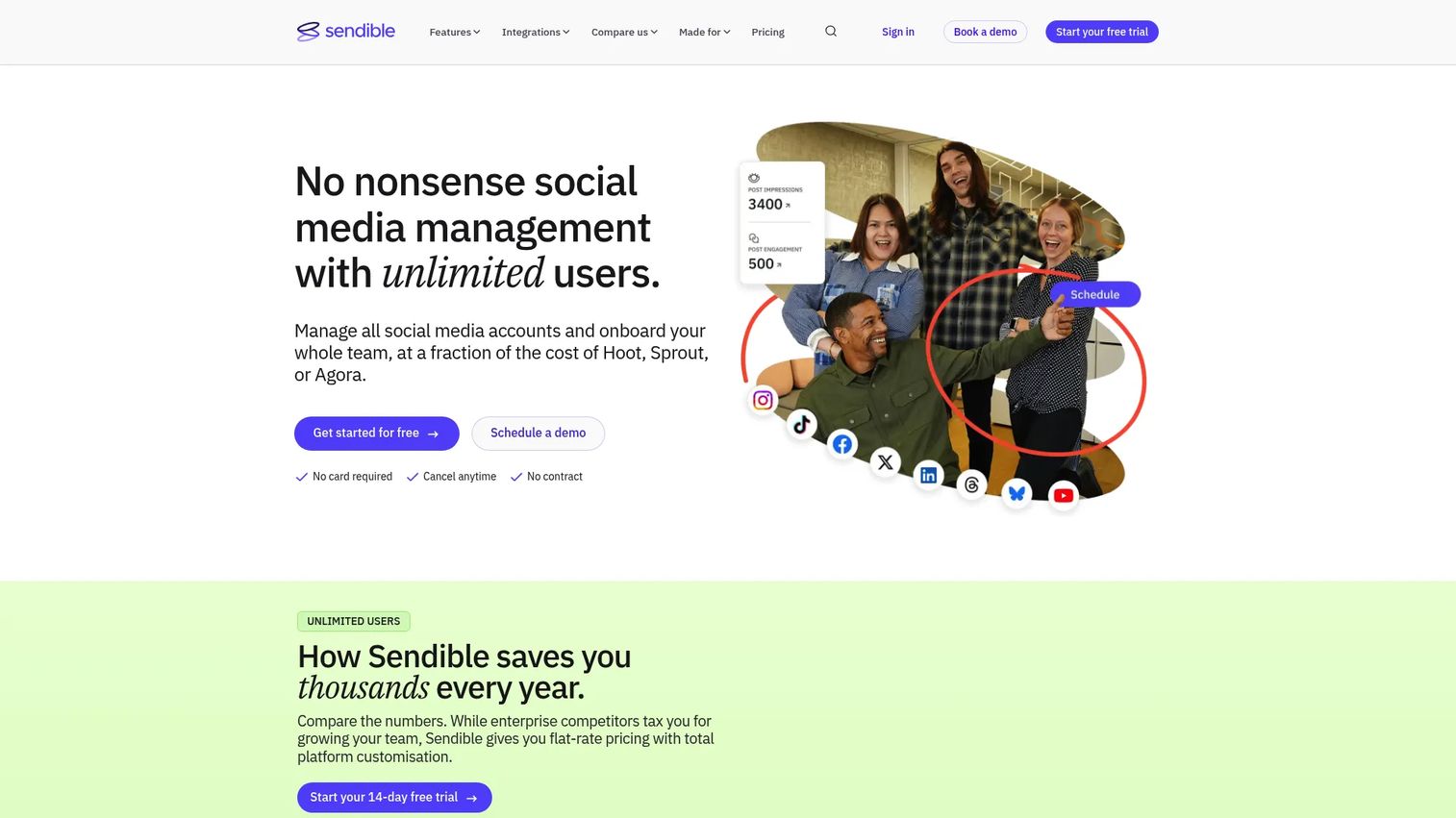
Sendible is a social media management platform built with agency and multi-brand workflows in mind. Beyond scheduling and publishing, it includes client dashboards, approval workflows, white-label reporting, and inbox management. Teams managing Instagram for more than one brand or client will find the client workspace structure directly relevant to their daily work.
Best for: Agencies and marketing teams managing Instagram across multiple brands or client accounts.
Key features
- Client dashboards and workspace separation
- Approval workflows with internal and external review
- Social inbox with comment and reply management
- Bulk scheduling and CSV uploads
- White-label reports for client delivery
Why choose Sendible: Choose it when the approval cycle between your team and clients is slowing down your content calendar. The white-label reporting and client workspace separation reduce the friction that most social tools add to agency workflows.
Sendible pricing: No free tier. The Core plan starts at $35 per month, Plus at $99 per month, Premium at $199 per month, and Elite at $299 per month. Annual billing takes 15% off. A 14-day free trial is available.
G2 rating: 4.5/5
7. Canva
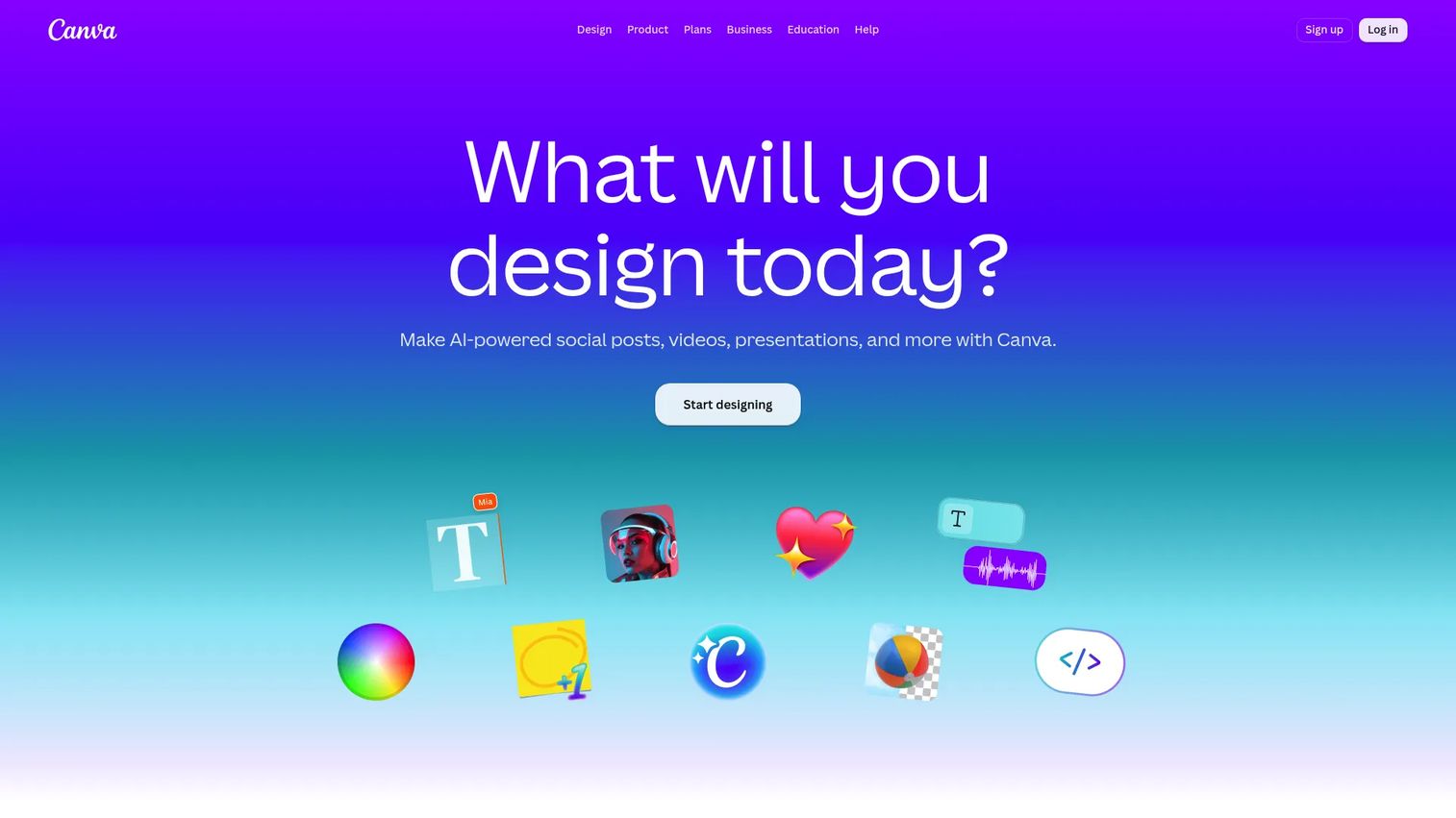
Canva is a visual design and communication platform used for creating Instagram posts, Stories, Reels covers, carousels, and ad creatives. It includes thousands of templates, a drag-and-drop editor, brand kits for consistent styling, and AI tools for image generation, background removal, and content resizing. Teams use it to produce campaign assets without waiting on a design resource.
Best for: Digital marketers who need fast, on-brand Instagram creative without depending on a design team.
Key features
- Instagram templates for posts, Stories, Reels, and carousels
- Brand kits with logo, color, and font management
- Video editing and Reel production tools
- AI image generation and background removal
- Team collaboration and content planning calendar
Why choose Canva: Choose Canva when creative velocity is the bottleneck. It is especially useful for small teams running multiple campaigns and needing to produce assets faster than a design queue allows. The free tier is genuinely usable for Instagram content, not a trial bait.
Canva pricing: Free plan available. Pro costs $144 per year per person (billed annually). Business costs $250 per year per person. Enterprise pricing requires a sales conversation.
G2 rating: 4.7/5
8. Linktree
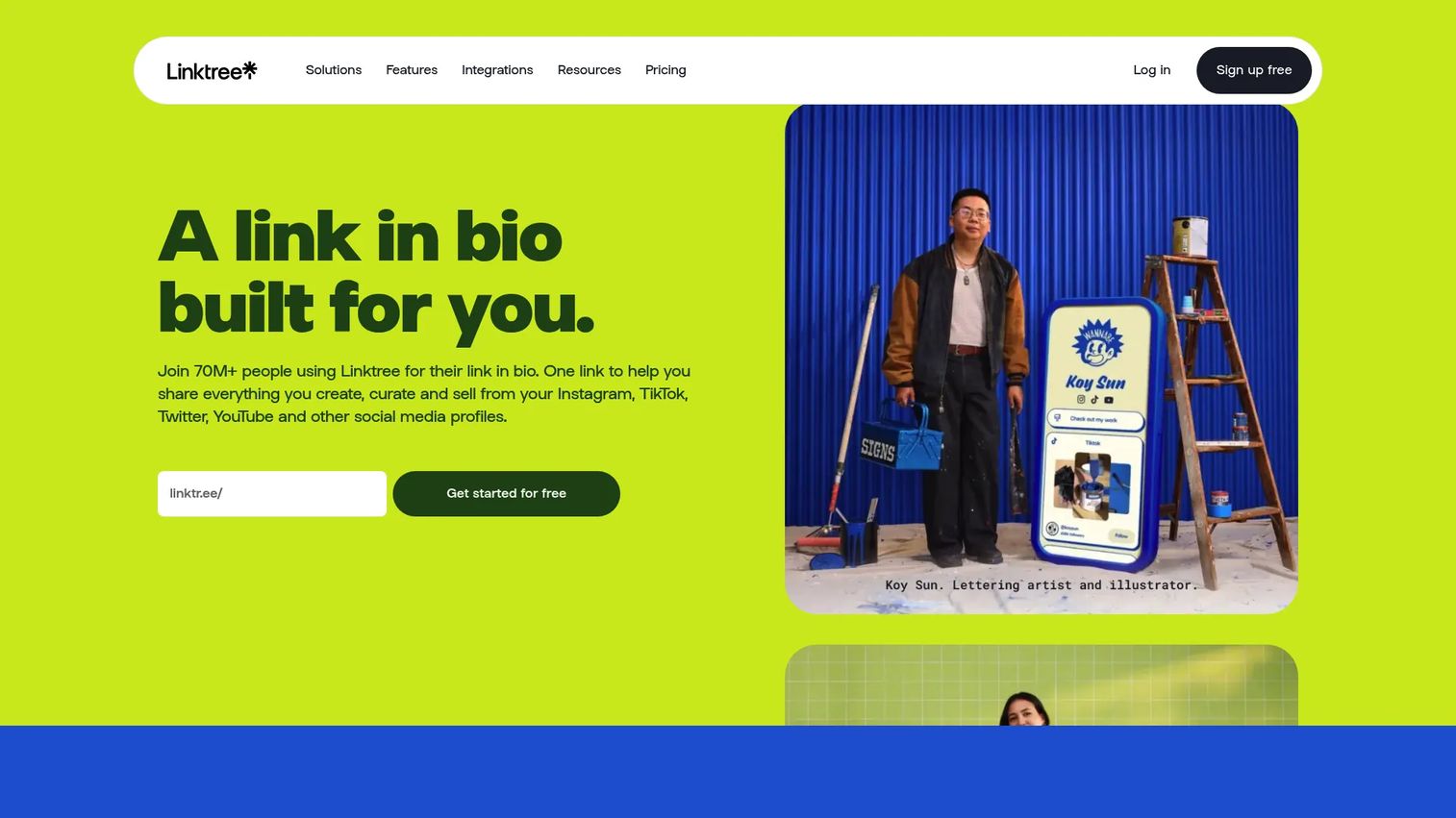
Linktree is a link-in-bio platform that turns the single link in your Instagram profile into a destination with multiple routes. Rather than updating your bio link every time you launch a campaign, product, or post, you update the Linktree page and the bio link stays the same. It includes click analytics, lead capture, payment links, and customizable branding for the landing page.
Best for: Creators, brands, and marketers running multiple Instagram campaigns or offers simultaneously.
Key features
- Customizable multi-link bio page
- Link scheduling to activate links at set times
- Click-level audience analytics
- Email and phone lead capture
- Custom domain and branding options on paid plans
Why choose Linktree: Choose it when your bio link changes too often for manual updates and when you need to route traffic from a single Instagram destination to multiple campaign pages, product listings, or content pieces.
Linktree pricing: Free plan available. The Starter plan is $7 per month billed annually (or $9 monthly). Pro is $14 per month annually, Premium is $30 per month annually, and Growth is $49 per month annually.
G2 rating: 4.6/5
9. Bitly
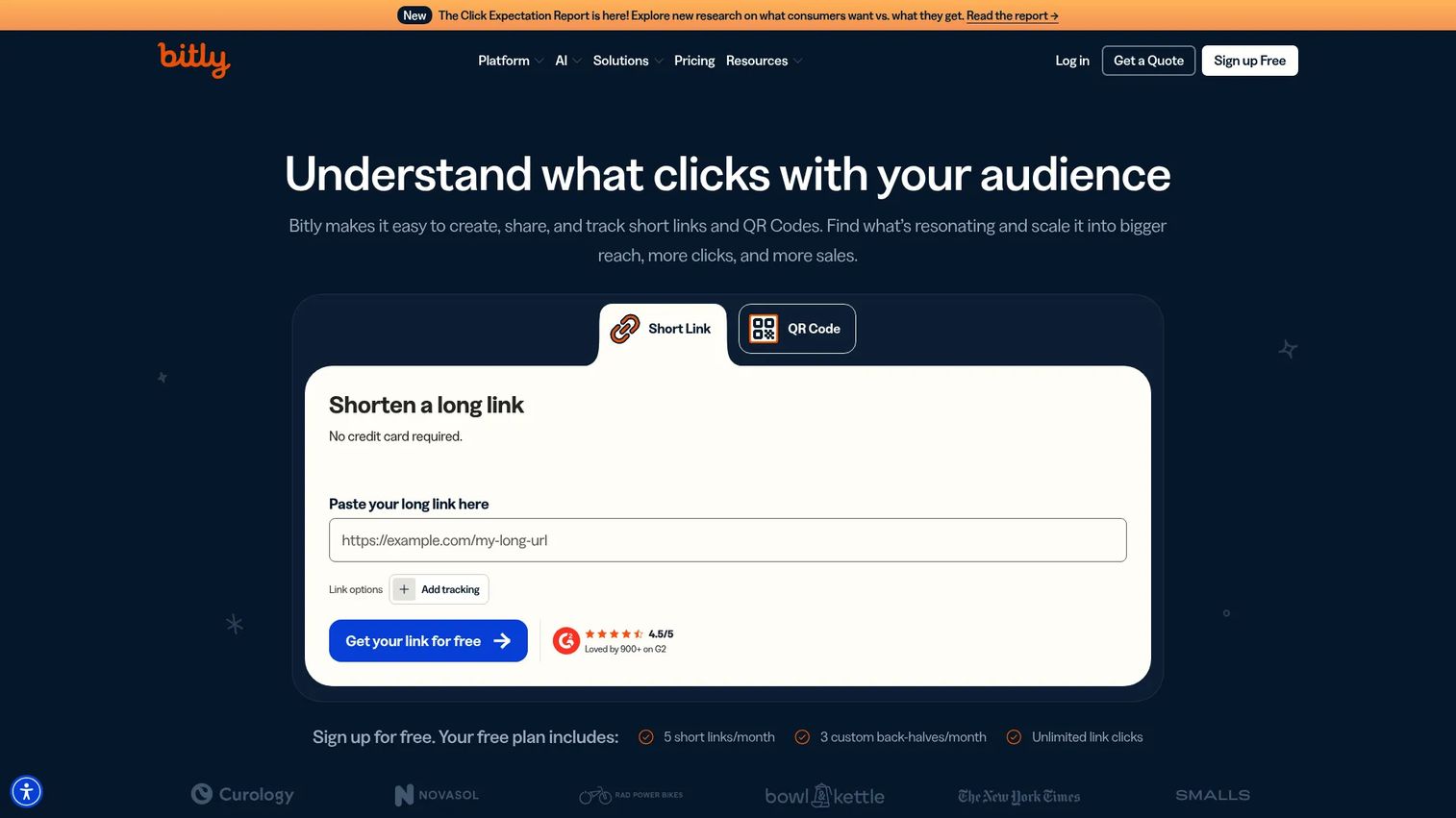
Bitly is a link management platform for creating and tracking short links, branded links, QR codes, and mobile-friendly landing pages. For Instagram marketers, it provides click data on bio links, Stories links, influencer partner links, and cross-channel campaign URLs. When native Instagram analytics stops at reach and engagement, Bitly picks up at the click and tracks where traffic actually went.
Best for: Teams that need campaign click tracking and branded short links for Instagram and cross-channel attribution.
Key features
- Short link creation and management
- Branded links with custom domains
- Click analytics by channel, device, and location
- QR code creation and tracking
- Bulk link creation for large campaigns
Why choose Bitly: Choose it when you need cleaner campaign tracking than platform analytics alone provides. It is useful for bio links, Stories swipe-ups, influencer links, and anywhere you need to know whether Instagram traffic is converting or just clicking.
Bitly pricing: Free plan available with limited links. The Core plan costs $10 per month (billed annually at $120). Growth is $29 per month annually and Premium is $199 per month annually.
G2 rating: 4.4/5
10. HubSpot Marketing Hub
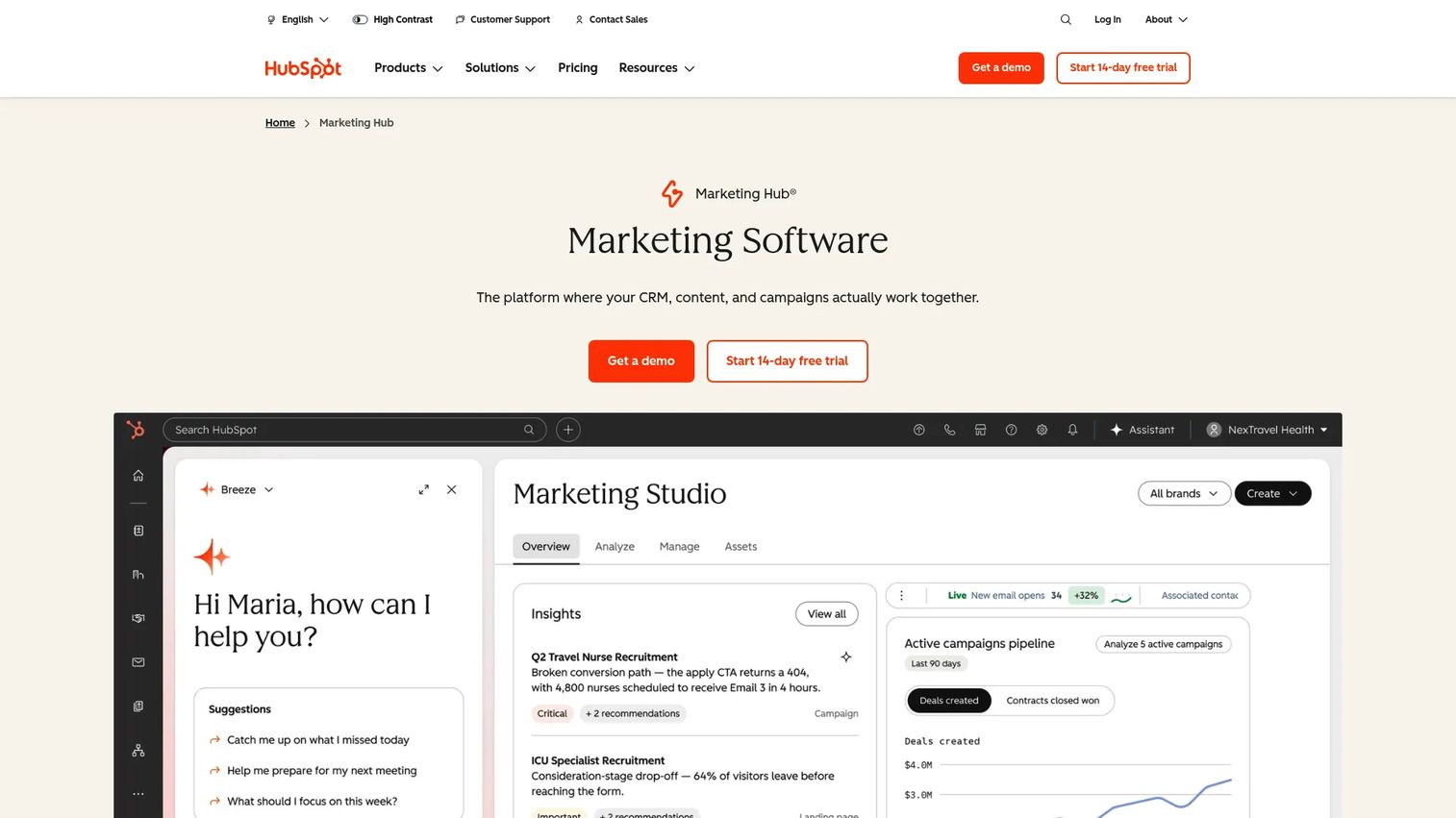
HubSpot Marketing Hub is a CRM-connected marketing platform that includes social publishing, campaign tracking, landing pages, forms, email, and marketing automation. For Instagram specifically, it matters when you need to connect Instagram activity to contacts, leads, and revenue in the CRM. If your team already runs on HubSpot, extending it to cover Instagram campaign reporting reduces the number of separate attribution tools the stack requires.
Best for: Growth teams that need Instagram activity tied to CRM records, lifecycle campaigns, and pipeline reporting.
Key features
- Social media publishing and scheduling
- CRM-connected campaign tracking and attribution
- Marketing automation and lifecycle workflows
- Landing page and form builder
- Multi-channel campaign analytics
Why choose HubSpot Marketing Hub: Choose it when Instagram is one touchpoint in a bigger funnel and you need to report on its contribution to leads and revenue, not just engagement. It is strongest for teams already using HubSpot as their marketing system of record.
HubSpot Marketing Hub pricing: Free tools available. The Starter plan costs $20 per seat per month. Professional is $890 per month and Enterprise is $3,600 per month. Professional and Enterprise plans require onboarding fees.
G2 rating: 4.4/5
11. Sked Social
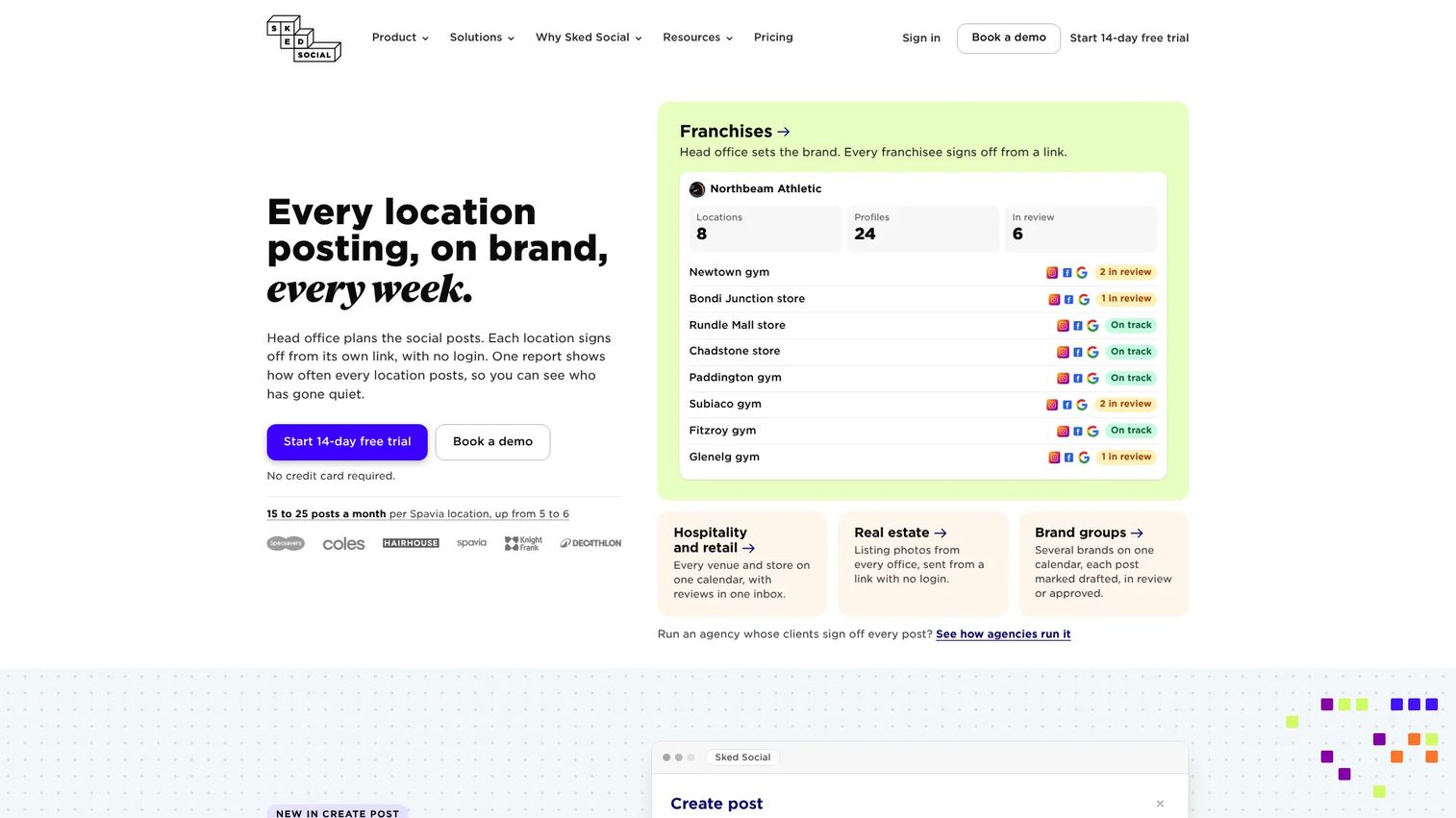
Sked Social is a social media management platform with a strong emphasis on Instagram-first planning and visual feed management. Its visual grid planner lets teams see how posts will look in the Instagram feed before publishing, which matters for brands where the grid's visual consistency carries weight. It also includes approval workflows, analytics, and a unified inbox.
Best for: Brands and agencies that care about Instagram feed planning and visual consistency alongside publishing speed.
Key features
- Visual Instagram feed planner
- Auto-posting across Instagram post types
- Internal and external approval workflows
- Unified inbox for comments and direct messages
- Analytics and reporting with social listening
Why choose Sked Social: Choose it when the Instagram grid's visual layout is a real consideration in content planning, not just an afterthought. It suits content-heavy teams managing frequent posts for brand-sensitive accounts.
Sked Social pricing: No free tier. The Grow plan costs $58 per month (or $690 per year) and includes 3 users and 6 profiles. The Accelerate plan costs $208 per month (or $2,490 per year). Custom plans are available for larger teams.
12. Agorapulse
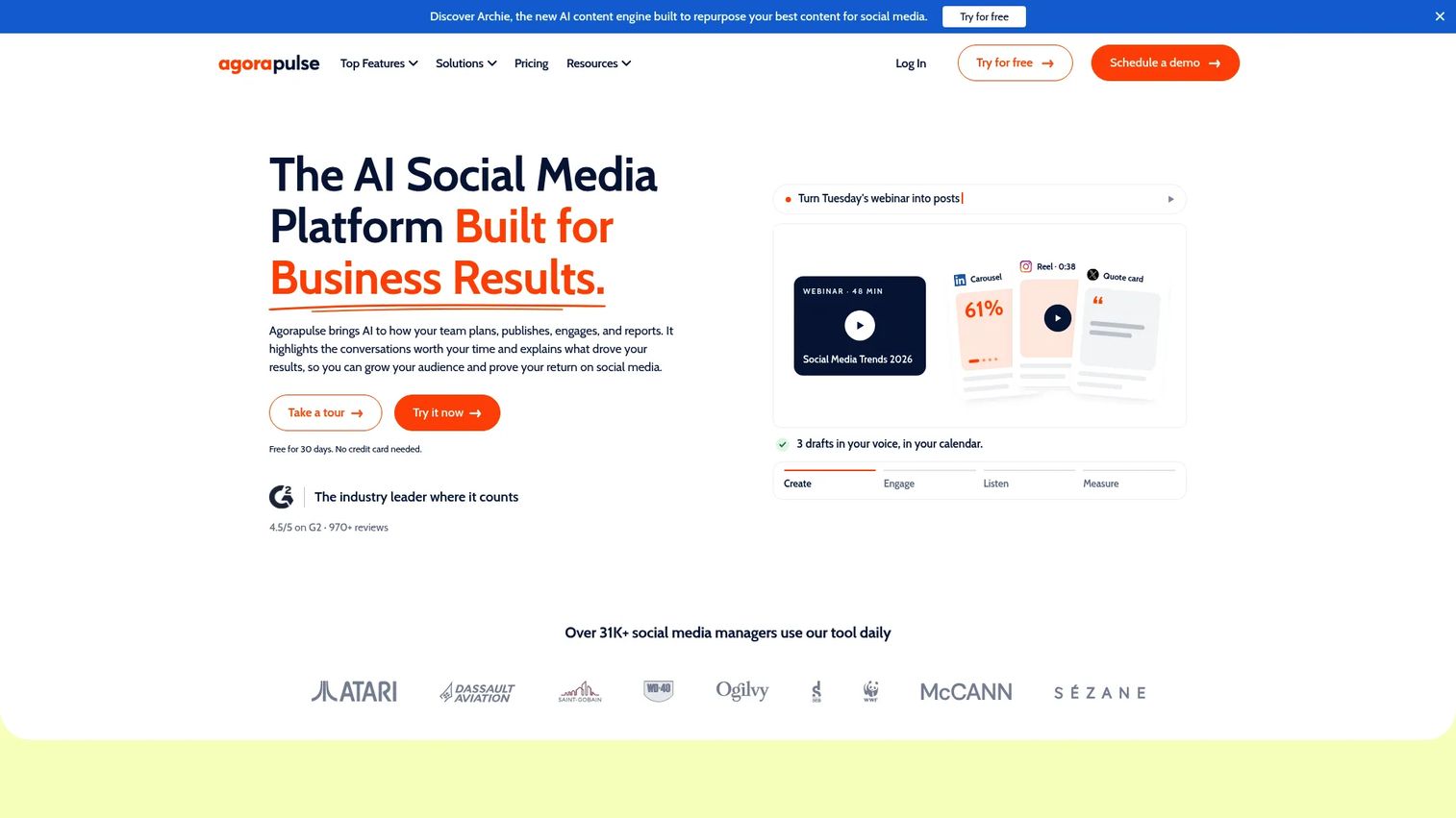
Agorapulse is a social media management platform focused on inbox management, publishing, reporting, social listening, and team workflows. Its unified inbox consolidates Instagram comments, DMs, and mentions in one place, with assignment and labeling tools that help teams manage high-volume engagement without missing replies. It also includes ROI analytics that connect social activity to revenue.
Best for: Teams managing active Instagram engagement at volume and needing shared inbox workflows alongside publishing and reporting.
Key features
- Unified social inbox with assignment and labeling
- Publishing calendar with approval workflows
- Social listening across networks and beyond
- Custom reports with ROI analytics
- AI-assisted replies and sentiment analysis
Why choose Agorapulse: Choose it when Instagram engagement volume has outgrown native management and when team-based comment routing is as important as scheduling. It strikes a solid balance between inbox focus and broader social management capability.
Agorapulse pricing: Free plan available (3 profiles, 1 user, 10 scheduled posts). The Standard paid plan starts at $79 per user per month billed annually ($99 monthly). Professional is $119 per user annually and Advanced is $149 per user annually.
G2 rating: 4.5/5
13. Upfluence
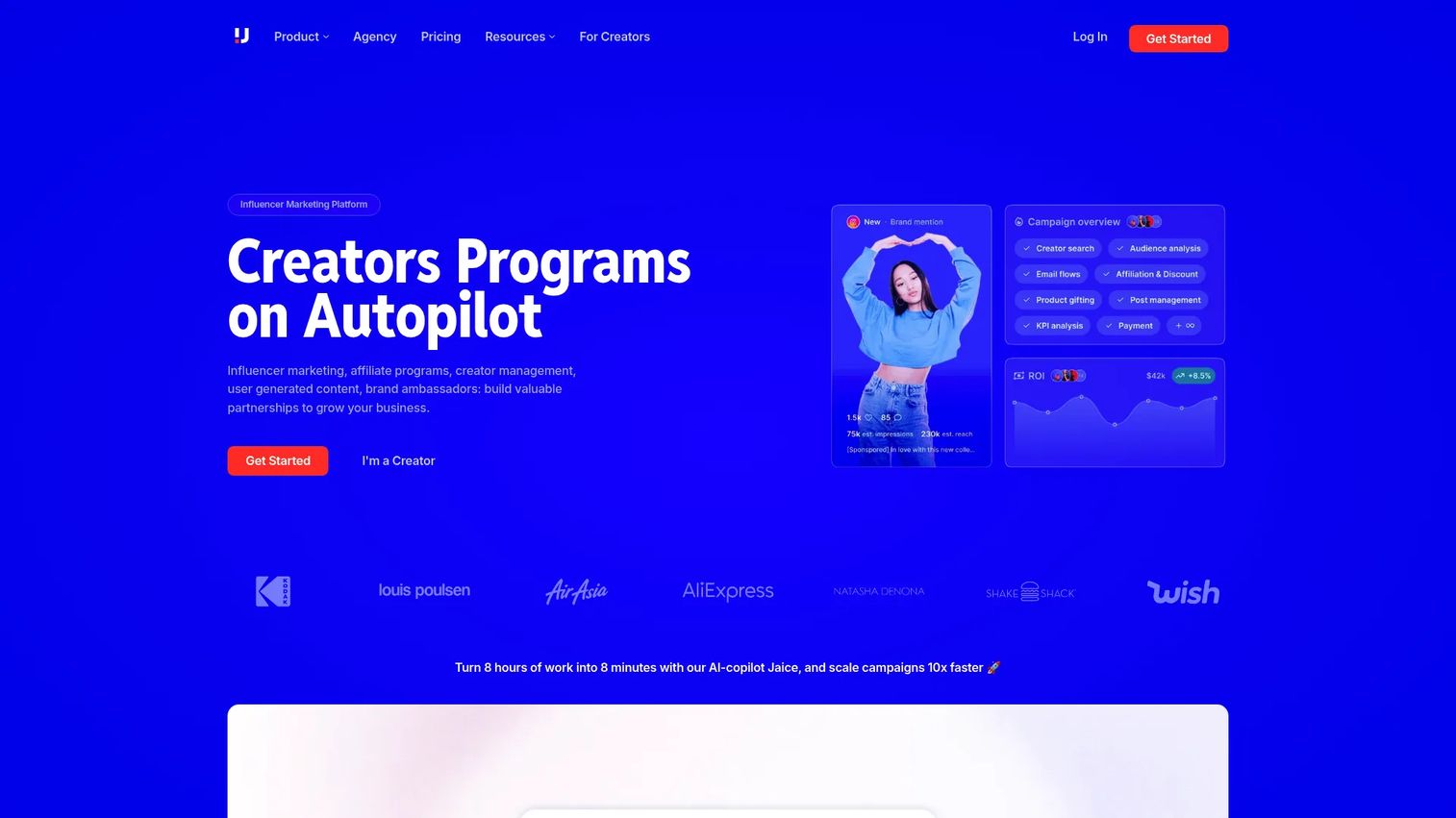
Upfluence is an influencer marketing platform for finding creators, managing campaigns, tracking performance, processing payments, and running affiliate programs. It includes e-commerce integrations with Shopify, WooCommerce, and similar platforms, making it relevant for brands where creator partnerships connect directly to sales rather than just awareness.
Best for: E-commerce brands and agencies running structured Instagram influencer, creator, and affiliate programs.
Key features
- Creator discovery with searchable database
- Campaign management and influencer outreach automation
- Affiliate sales tracking and ROI reporting
- Product gifting and creator payment processing
- E-commerce integrations including Shopify and WooCommerce
Why choose Upfluence: Choose it when influencer marketing has grown beyond spreadsheet tracking and you need a system that handles creator relationships, tracks revenue attribution, and manages program operations at scale.
Upfluence pricing: Custom pricing only. Plans are structured around modules: Find Creators, Scale Programs, and an Auto-pilot Plan. Pricing is quote-based with no percentage taken from sales. A free trial is available after an initial call.
G2 rating: 4.6/5
14. ManyChat
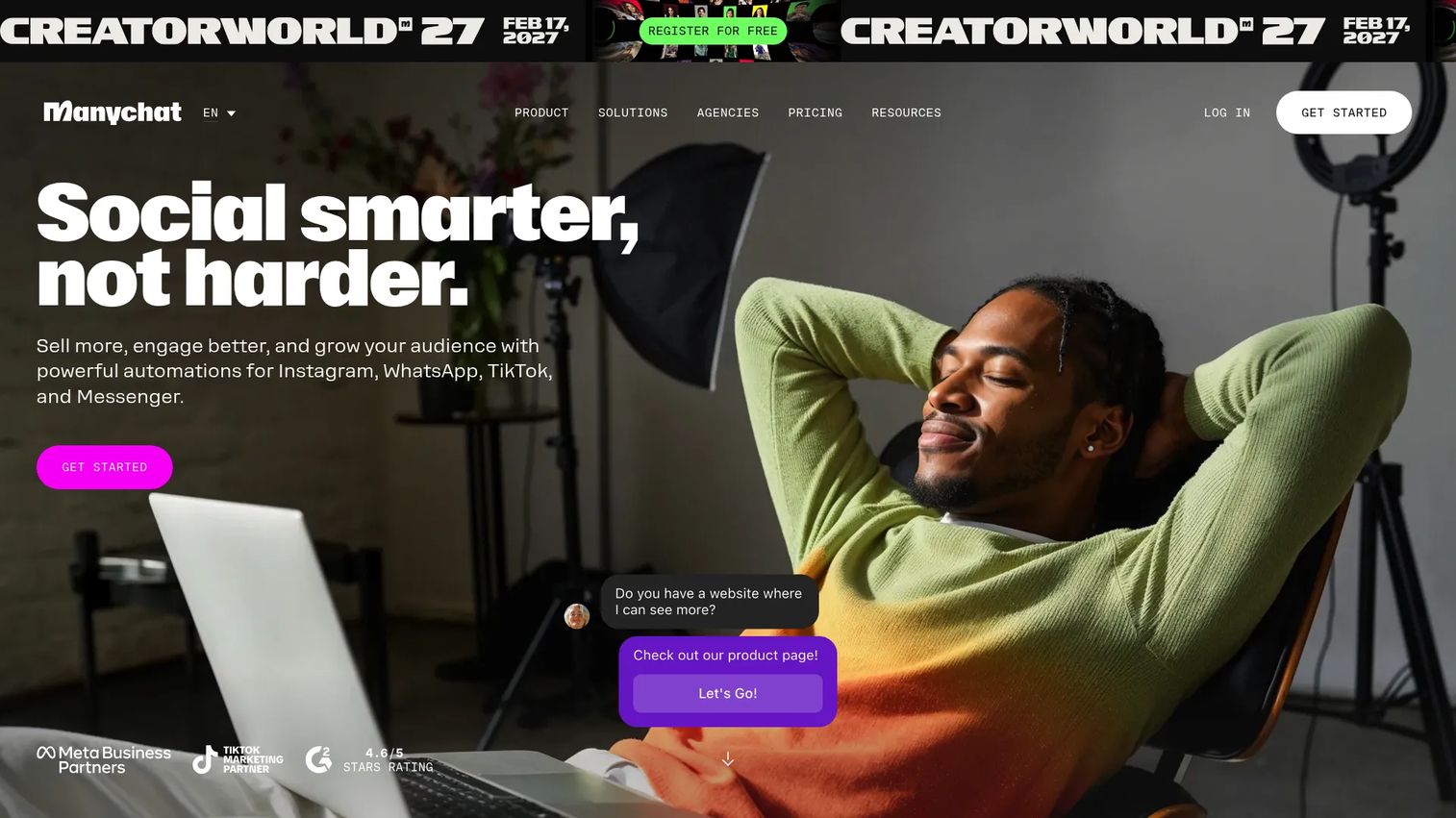
ManyChat is a conversational marketing and automation platform that supports Instagram DM automation, comment-to-message flows, lead capture, broadcast messaging, and AI-powered conversations. For Instagram marketers, it turns comments on posts and Reels into automated conversation flows that capture leads, deliver content, or route users to a purchase.
Best for: Teams using Instagram DMs for lead capture, campaign follow-up, or customer conversation automation.
Key features
- Instagram DM automation flows
- Comment trigger automations (comment keywords to DM)
- Lead capture with forms and segmentation
- Broadcast messaging to subscriber lists
- AI-powered conversation handling
Why choose ManyChat: Choose it when Instagram engagement creates repetitive messaging work and when turning comments or giveaways into structured conversations is a campaign priority. It converts passive interactions into measurable conversations.
ManyChat pricing: Free plan available. The Essential plan costs $14 per month, Pro is $29 per month, Business is $69 per month, and Advanced is $139 per month. All prices are billed monthly.
G2 rating: 4.5/5
15. Brand24
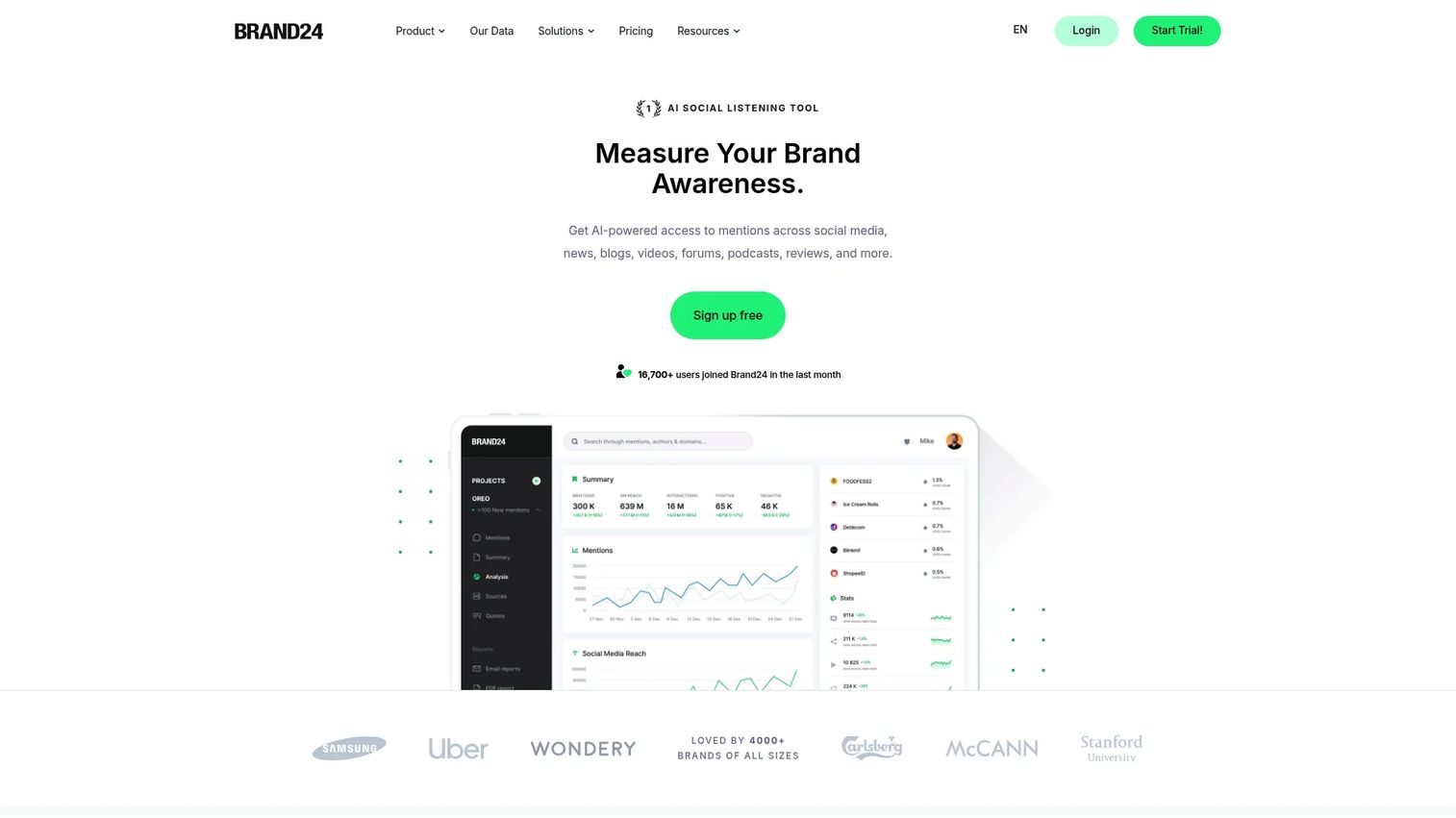
Brand24 is an AI-powered social listening and media monitoring platform that tracks mentions, sentiment, reach, and conversations across social media, news, blogs, videos, forums, and podcasts. For Instagram marketers, it surfaces what people say about your brand and campaigns outside of your own posts, including conversations you are not tagged in.
Best for: Marketing and PR teams tracking brand reputation, campaign sentiment, competitor conversations, and earned mentions.
Key features
- Real-time mention monitoring across social and web sources
- Sentiment analysis with AI-powered categorization
- Reach, engagement, and influencer analytics by mention
- Automated alerts and scheduled reports
- Competitor monitoring and topic tracking
Why choose Brand24: Choose it when Instagram performance depends on reputation management or earned media rather than owned content alone. It catches campaign feedback that native Instagram analytics will miss entirely.
Brand24 pricing: No free tier. A 14-day free trial is available. The Individual plan starts at $249 per month ($199 per month billed annually). Team is $349 per month, Pro is $499 per month, and Business is $699 per month.
G2 rating: 4.6/5
Considerations when choosing Instagram marketing tools
Match the tool to the job you need done
Before evaluating features, name the actual bottleneck. If publishing is inconsistent, the problem is a scheduler. If reporting stops at likes, the problem is attribution. Buying a full social suite when you need a creative tool adds cost and complexity without solving the right problem.
Check what the tool replaces
This is the digital marketer's most useful filter. Ask whether the new tool replaces manual UTM spreadsheets, native scheduling through the app, a standalone reporting export, or agency approval emails. A tool that consolidates two or three existing workflows justifies its cost faster than one that sits alongside your current stack.
Verify Instagram-specific depth
Some social media management platforms support Instagram but were built primarily for other networks. Before committing, check how well they handle Reels scheduling, Story format previews, carousel publishing, and Instagram-specific analytics. Generic social tools sometimes treat Instagram as an afterthought.
Demand reporting that leadership trusts
Engagement metrics are table stakes. Look for tools that support UTM parameters, campaign-level reporting, CRM data export, dashboard sharing, and paid plus organic visibility in the same view. If the data requires significant manipulation before you can present it, the tool is adding work rather than removing it.
Watch pricing triggers
Instagram marketing tools price on a wide range of variables: Users, social profiles, scheduled post volume, analytics history length, client workspaces, monthly contacts, and mention volume. Know which driver applies before comparing sticker prices. A per-user tool that looks cheap at two seats becomes expensive at ten.
Conclusion
Instagram marketing does not fail because teams lack tools. It fails because teams buy tools without identifying which workflow is actually breaking down.
For free analytics, Instagram Insights gives you the baseline. For paid campaigns, Meta Ads Manager is the only platform with native control. Sprout Social, Sendible, and Agorapulse cover different shapes of all-in-one social management depending on team size. Iconosquare handles deep analytics. Buffer and Sked Social each serve different scheduling needs. Canva solves the creative bottleneck. Linktree and Bitly handle link routing and click attribution. HubSpot Marketing Hub connects Instagram activity to pipeline. Upfluence, ManyChat, and Brand24 each address a specific layer of creator programs, automation, and listening.
Start with the workflow that is currently costing you time or money. Add the tool that fixes that job first. Instagram activity only matters when it creates a measurable next step, whether that is a click, a lead, or a conversation that converts.
Start your journey with Guideflow today!
FAQs
Instagram marketing tools are software products that help teams plan, create, publish, promote, track, and optimize Instagram content and campaigns. The category includes schedulers, analytics platforms, creative tools, ad management tools, link trackers, influencer marketing platforms, social listening tools, and DM automation software. Most teams use a combination of two to four tools rather than a single platform.
Instagram Insights is the best free option for native analytics because it comes with every professional account and requires no setup. Canva's free tier covers most basic Instagram creative needs. Buffer's free plan supports up to 3 channels and handles basic scheduling. Each free tier has real limitations, so the right choice depends on whether your primary need is analytics, creative production, or publishing consistency.
Instagram Insights is the free baseline for account performance and audience data. For deeper reporting, Iconosquare provides competitor benchmarking, custom dashboards, and historical trend analysis beyond what native tools offer. Sprout Social and Agorapulse both include analytics as part of broader social management platforms, with cross-channel reporting and team-ready exports.
Start with one tool per core workflow. A creative tool for asset production, a scheduler for consistent publishing, an analytics layer beyond native data, and a link tracker for click attribution covers most growth marketer needs. Add an engagement tool or social listening platform only when volume or reputation monitoring creates a real operational bottleneck.
Paid tools earn their cost when they save hours per week, reduce reporting work, replace manual processes, or connect Instagram activity to leads and revenue. If your team posts occasionally and native analytics answer your reporting questions, free tools may be sufficient. The clearest signal that a paid tool is worth it is when the time cost of working around the limitation exceeds the subscription cost.
Buffer is the strongest option for small teams that want dependable, low-overhead scheduling at a low per-channel price. Sked Social is better suited to brands where the visual feed grid matters alongside publishing. Sendible and Agorapulse fit agencies and teams managing multiple accounts with approval workflows. The right choice depends on team size and whether approvals are part of the content process.
Start with UTM parameters on every campaign link so your analytics platform can attribute traffic by source. Use Bitly or branded links for cleaner short URLs with click-level data. Connect Instagram campaign activity to your CRM through a tool like HubSpot Marketing Hub to tie engagement to leads and pipeline. Paid campaign reporting in Meta Ads Manager shows cost per result. Combine those data sources to build an attribution story that connects Instagram spend to measurable business outcomes, not just engagement rate.