Your CRM is full of leads with nothing but an email address. No job title, no company size, no phone number. Your reps spend hours on LinkedIn filling in the gaps instead of selling.
Lead enrichment tools fix this by automatically appending firmographic, demographic, and contact data to your lead records. This guide compares 11 enrichment tools for B2B sales teams, covering accuracy, pricing, and which tool fits your specific workflow.
What is a lead enrichment tool
A lead enrichment tool automatically fills in missing data on your lead records. When a prospect submits a form with just their email address, the tool queries external databases.
It then appends details like job title, company size, industry, and phone number. Your sales team gets complete context without spending time on manual research.
The data types that enrichment tools typically append include:
- Firmographic data: Company size, industry, revenue range, headquarters location
- Demographic data: Job title, seniority level, department, LinkedIn profile
- Technographic data: Software and tools the company currently uses
- Contact data: Verified email addresses, direct phone numbers
Lead enrichment tools focus on sales and marketing records. Broader data enrichment covers any dataset, including product data or transaction records. Most B2B sales teams run enrichment at two points: when inbound leads arrive (real-time enrichment) and before launching outbound sequences (batch enrichment).
What this guide covers about lead enrichment tools
This guide covers 11 lead enrichment tools built for B2B sales teams. You'll find a comparison table for quick scanning, followed by individual tool profiles with pricing and ideal use cases.
The evaluation criteria section explains how to assess accuracy, coverage, and integration fit. The final sections cover automation workflows and selection guidance based on team size and budget.
Quick summary: top lead enrichment tools by use case
- Best for large B2B databases: ZoomInfo offers the deepest North American coverage with intent data layered on top
- Best free tier for startups: Apollo provides generous free access with built-in sequencing
- Best for European compliance: Cognism delivers GDPR-compliant data with mobile-verified phone numbers
- Best email enrichment tool: Hunter.io focuses on finding and verifying email addresses
- Best for LinkedIn prospecting: LeadIQ captures contacts directly from Sales Navigator
- Best for custom workflows: Clay chains multiple data sources through waterfall enrichment
How we evaluated these lead enrichment tools
Selection criteria for lead enrichment tools focused on what matters for sales teams running enrichment at scale:
- Data accuracy: How often enriched fields match verified records when spot-checked
- Coverage depth: Breadth of firmographic, technographic, and contact data across regions and industries
- CRM integrations: Native connections to Salesforce, HubSpot, and common sales engagement platforms
- Automation capabilities: Ability to enrich in real-time versus batch processing
- Pricing transparency: Clear per-record or subscription costs without hidden fees
We prioritized tools with documented accuracy rates and transparent pricing. G2 ratings provided a secondary signal for user satisfaction.
Lead enrichment tools compared at a glance
| # | Product | Best for | Key differentiation | Pricing | G2 rating |
|---|---|---|---|---|---|
| 1 | ZoomInfo | Enterprise sales teams | Largest B2B database with intent data | Custom | 4.5/5 |
| 2 | Apollo | Startups and SMBs | Free tier with built-in sequencing | Free tier; paid from $49/user/mo (annual) | 4.7/5 |
| 3 | Breeze Intelligence (formerly Clearbit) | HubSpot users | Native real-time form enrichment | From $45/mo add-on, requires HubSpot | 4.4/5 |
| 4 | Cognism | European markets | GDPR-compliant, mobile-verified numbers | Custom | 4.6/5 |
| 5 | Lusha | Individual reps | Simple Chrome extension for quick lookups | Free tier; Pro tier varies by credit volume | 4.3/5 |
| 6 | Clay | RevOps teams | Waterfall enrichment across multiple sources | Launch from $185/mo (legacy Starter $149/mo) | 4.7/5 |
| 7 | LeadIQ | SDR teams | Sales Navigator integration | Per-seat pricing, free tier available | 4.4/5 |
| 8 | FullContact | B2C-to-B2B identity stitching | Identity resolution across channels | API-based | 4.3/5 |
| 9 | Hunter.io | Email-focused teams | Email finder and verification | Free tier; paid from $34/mo (annual) | 4.4/5 |
| 10 | Snov.io | SMBs | Enrichment plus outreach in one tool | Free tier; paid from $39/mo | 4.5/5 |
| 11 | Crunchbase | Sales teams using funding signals | Funding data and company news | Free tier; Pro from $49/user/mo (annual) | 4.5/5 |
11 best lead enrichment tools for sales teams
1. ZoomInfo
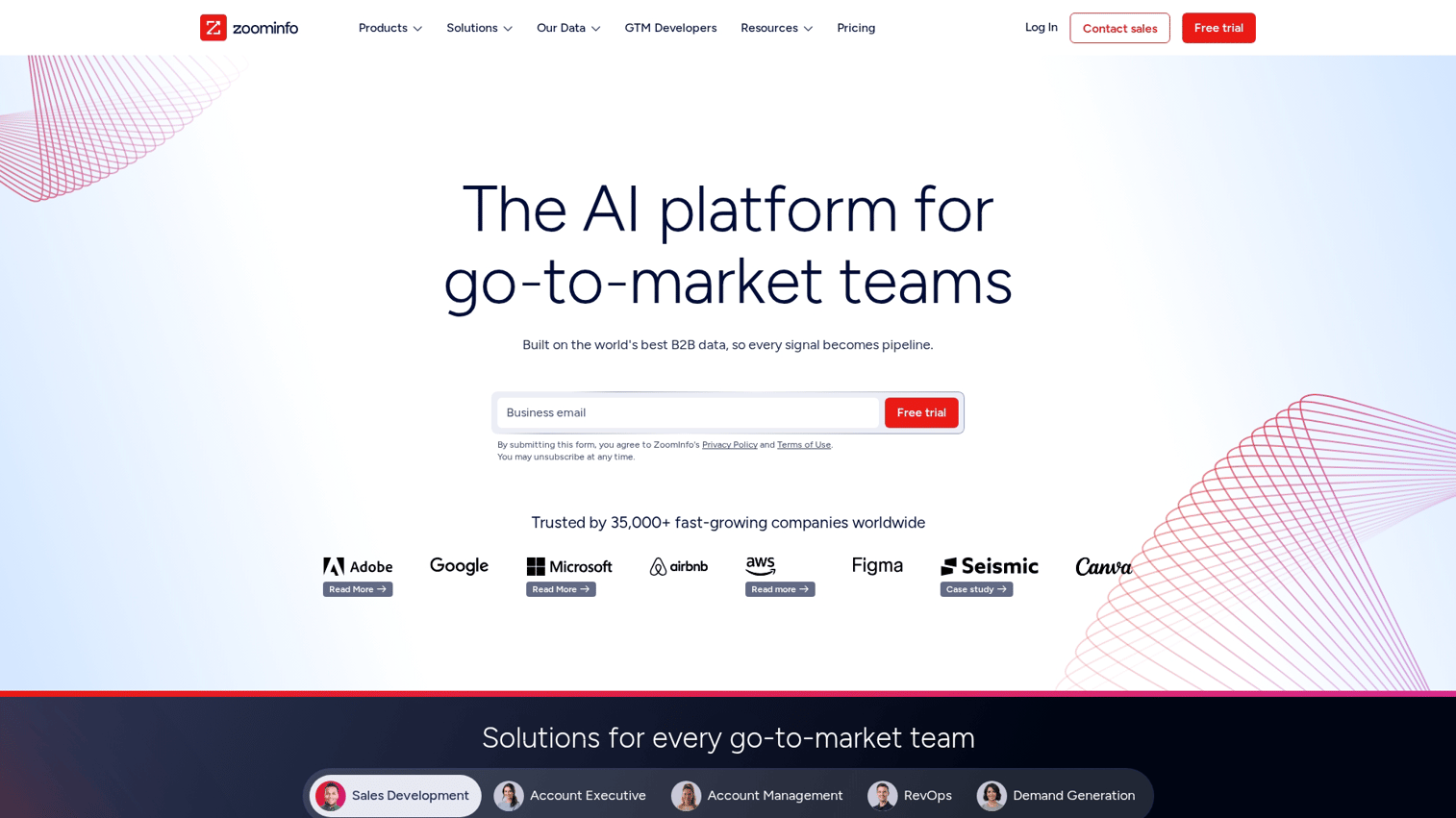
ZoomInfo operates the largest B2B contact database in North America. The platform combines contact enrichment with intent signals, showing which accounts are actively researching topics relevant to your solution.
Best for: Enterprise sales teams with budget for premium data and complex account hierarchies.
Key strengths
- Massive database: Extensive coverage of North American B2B contacts, companies, and org structures
- Intent data layer: Identifies accounts actively researching relevant topics based on content consumption signals
- Org chart mapping: Visualizes buying committee structure within target accounts
Why choose ZoomInfo
ZoomInfo fits teams that can justify premium pricing through deal size or volume. The intent data layer adds value beyond basic enrichment by helping prioritize accounts showing buying signals. The cost structure makes it less practical for early-stage companies or teams with smaller deal sizes.
ZoomInfo pricing
Enterprise-focused with custom quotes required. No free tier or self-serve pricing available. Expect annual contracts starting in the five-figure range based on user count and data access levels.
2. Apollo
Apollo combines lead enrichment with sales engagement in one platform. The free tier provides access to contact data without upfront commitment, making it popular with startups and SMBs testing enrichment workflows.
Best for: Startups and SMBs that want prospecting and enrichment in one tool without enterprise pricing.
Key strengths
- Generous free tier: Access to contact data and limited enrichment without payment
- Built-in sequencing: Send outbound emails directly from the platform after enriching contacts
- Chrome extension: Enrich LinkedIn profiles while browsing, capturing contacts without switching tabs
Why choose Apollo
Apollo works well as an entry point for teams new to enrichment tools. The combination of data access and outreach reduces tool sprawl. Data accuracy tends to be strongest for North American tech companies, with reviewers consistently flagging bounce rates of 15 to 35% on international data.
Apollo pricing
Free tier available with limited credits. Paid plans start at $49/user/month for Basic on annual billing, or $59/user/month on monthly billing. Professional is $79/$99 (annual/monthly), and Organization is $119/$149.
Credits are consumed for unlocks and exports, so real spend often runs higher than the seat fee.
3. Breeze Intelligence (formerly Clearbit)
Breeze Intelligence is HubSpot's rebrand of Clearbit, following the November 2023 acquisition. The standalone Clearbit product no longer exists for new customers. To access Breeze data in 2026, you need a paid HubSpot subscription plus a Breeze credit add-on.
Best for: Existing HubSpot customers who want native enrichment inside the CRM they already use.
Key strengths
- Real-time form enrichment: Append data the moment leads submit forms, enabling shorter forms with complete records
- Native HubSpot integration: Enriched data flows directly into HubSpot properties and workflows without middleware
- Company reveal: Identify anonymous website visitors by company, even before they submit forms
Why choose Breeze Intelligence
Breeze makes sense if you're already invested in HubSpot. The native integration removes sync issues.
If you run Salesforce or another CRM, there is no integration path. Breeze Intelligence works inside HubSpot only.
Breeze Intelligence pricing
Breeze Intelligence is an add-on that requires an active HubSpot subscription. The add-on starts at $45/month (annual) for 100 credits, with larger credit packs at $150/month (1,000 credits) and $700/month (10,000 credits).
Credits expire monthly with no rollover. Total cost depends on which HubSpot Hub tier you sit on.
4. Cognism
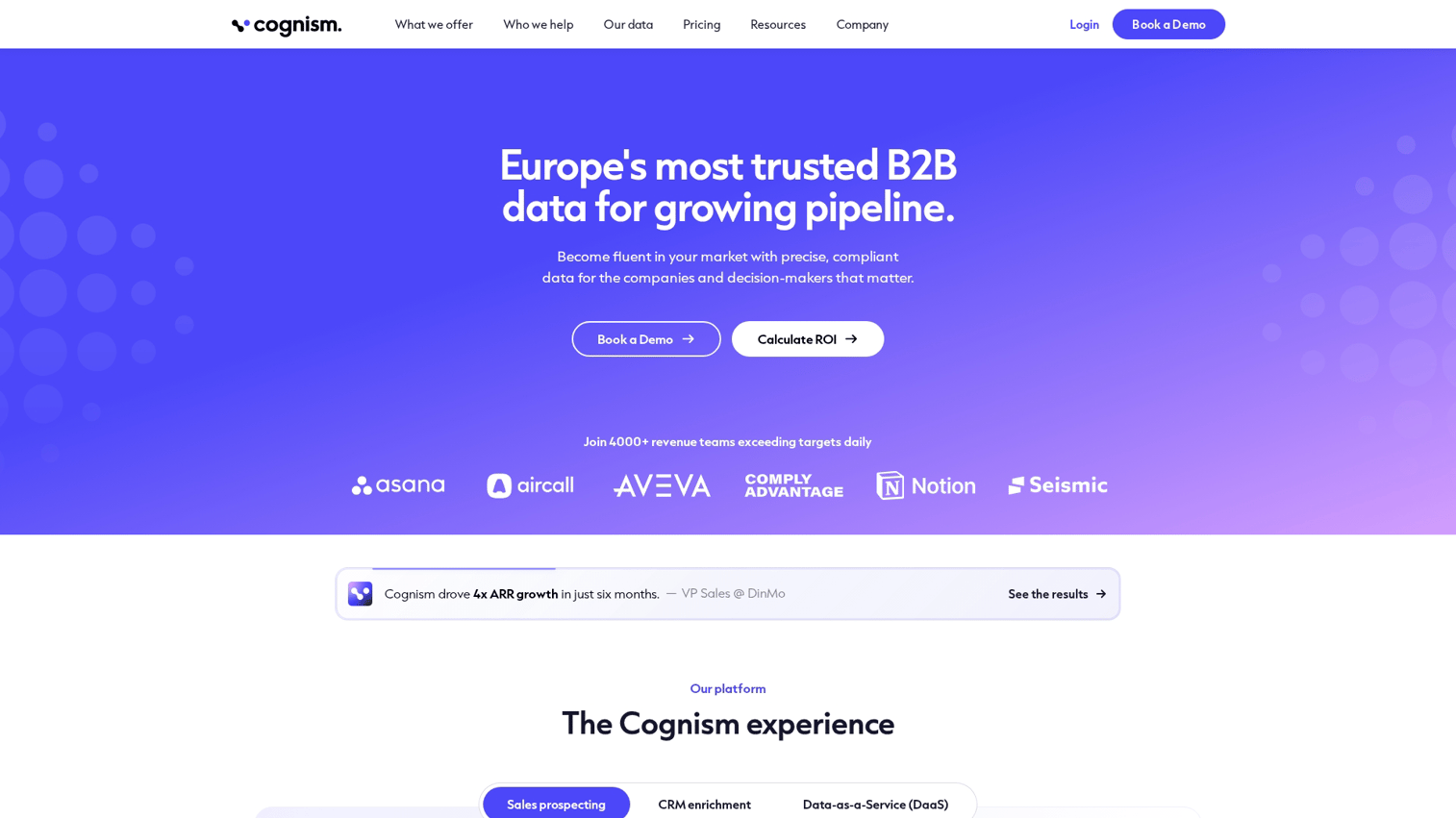
Cognism focuses on European data quality and GDPR compliance. The platform's mobile-verified phone numbers are human-checked, not just algorithmically validated, which improves connect rates for outbound calling.
Best for: Teams selling into European markets where compliance and direct dial accuracy matter.
Key strengths
- GDPR-compliant data: Built for European privacy regulations with documented consent processes
- Mobile-verified numbers: Human-verified direct dials, not switchboard numbers or algorithmic guesses
- Do-not-call list checking: Automatic compliance screening against regional registries
Why choose Cognism
Cognism fits teams with significant European pipeline where compliance isn't optional. The mobile verification process adds cost but improves connect rates compared to unverified phone data. North American coverage exists but isn't the platform's strength.
Cognism pricing
Custom pricing based on user count and data access. No public tiers available. Expect annual contracts with pricing comparable to other enterprise enrichment tools.
5. Lusha
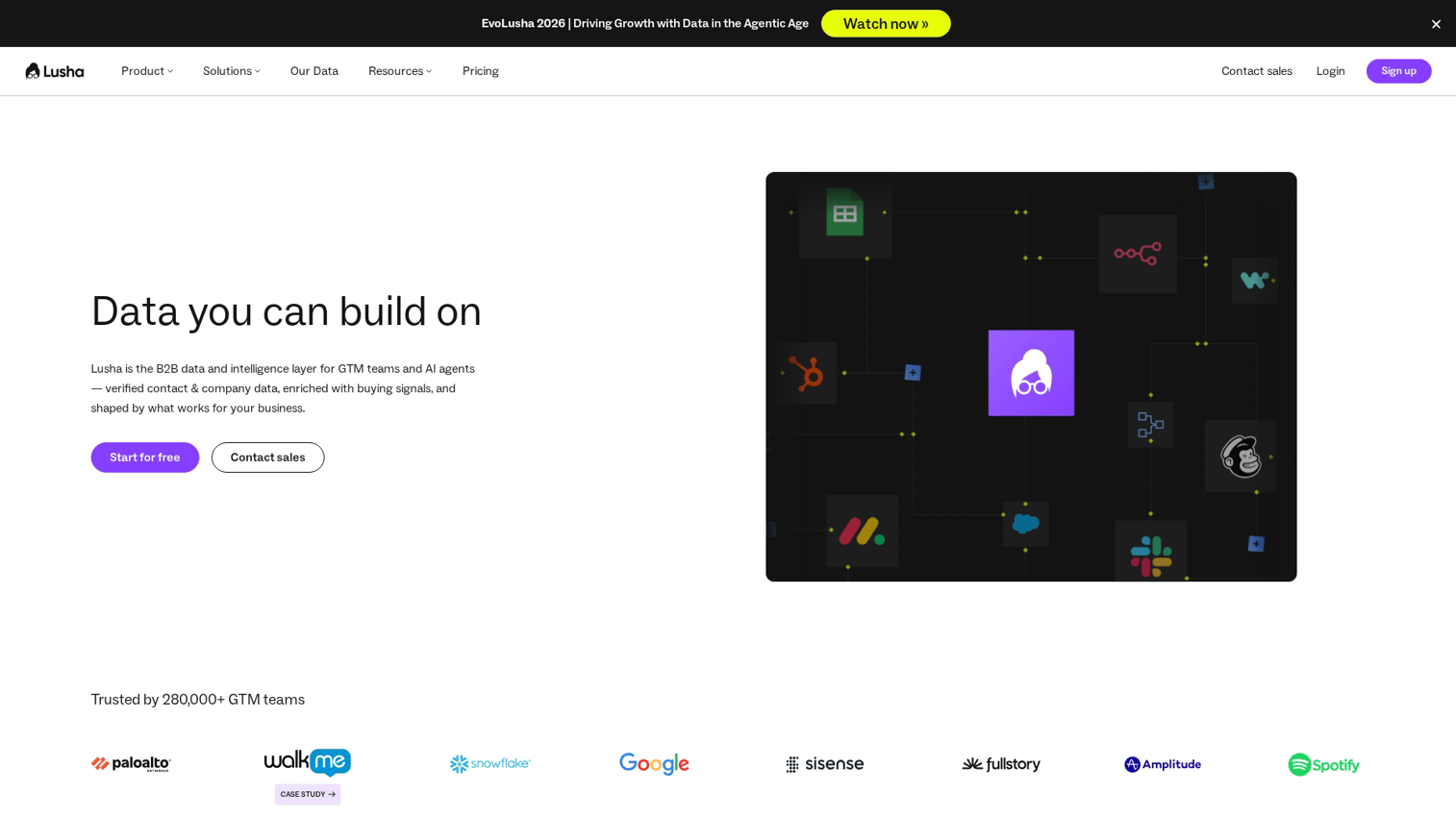
Lusha provides a Chrome extension for quick contact lookups. Individual reps find phone numbers and emails without leaving their browser, which makes it popular for teams that don't need batch enrichment workflows.
Best for: Individual reps who want fast contact lookups without complex platform setup.
Key strengths
- Simple Chrome extension: One-click enrichment from LinkedIn profiles or company websites
- Direct dial focus: Prioritizes phone numbers over firmographic depth, built for calling workflows
- Team credit sharing: Pool credits across sales team members rather than individual allocations
Why choose Lusha
Lusha works best for reps who prioritize speed over depth. The Chrome extension fits naturally into LinkedIn prospecting workflows. For batch enrichment or complex automation, other tools offer more capability.
Lusha pricing
Free tier with limited credits. Lusha moved to a credit-volume slider model, so Pro pricing varies.
Reviewers report Pro tiers commonly land between $29 and $69 per user per month depending on credit volume and billing cycle. Check the live pricing page before committing.
6. Clay
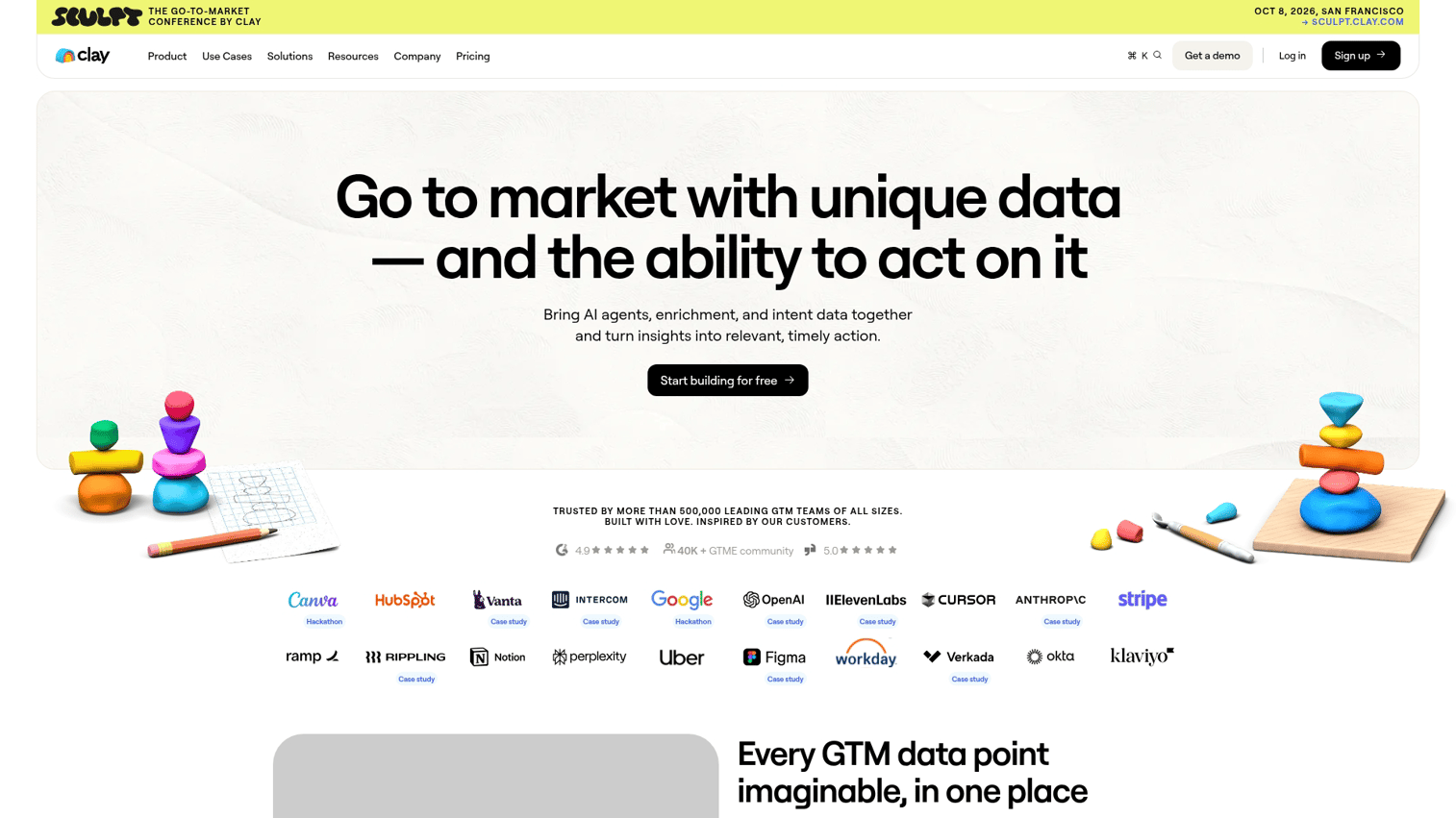
Clay takes a different approach. Instead of being a data provider, it orchestrates queries across multiple enrichment sources. Waterfall enrichment queries providers in sequence, using the next source only when the previous one fails to match.
Best for: RevOps teams building custom enrichment workflows that combine multiple data sources.
Key strengths
- Waterfall enrichment: Query multiple sources sequentially to maximize match rates across your database
- AI-powered research: Automate custom data points beyond standard fields, like recent news or hiring signals
- Spreadsheet-like interface: Familiar UI for building complex workflows without engineering support
Why choose Clay
Clay fits teams that have outgrown single-source enrichment and want to optimize match rates by combining providers. The learning curve is steeper than point-and-click tools, but the flexibility pays off for teams with specific data requirements.
Clay pricing
Clay overhauled pricing in March 2026. New self-serve plans start at $185/month for Launch (2,500 Data Credits, 15,000 Actions) and $495/month for Growth, both billed annually.
Existing customers on the previous Starter ($149/month), Explorer ($349/month), and Pro ($800/month) plans can stay on those rates indefinitely. Failed lookups still consume credits, so plan list quality matters.
7. LeadIQ
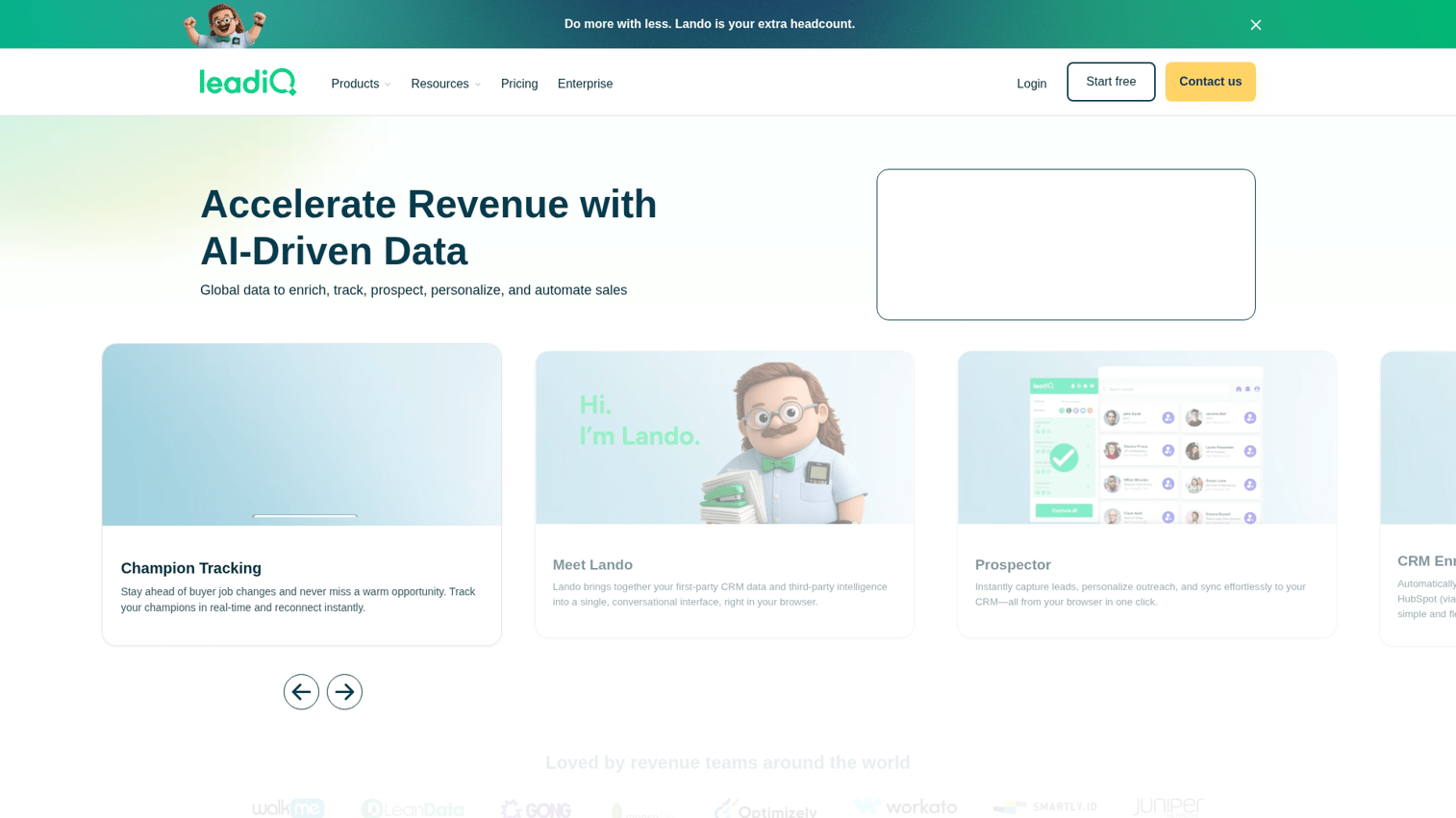
LeadIQ integrates with LinkedIn Sales Navigator, letting SDRs capture contacts while prospecting. The platform pushes enriched contacts to Salesforce with one click, which cuts manual data entry.
Best for: SDR teams that prospect heavily on LinkedIn and use Salesforce as their CRM.
Key strengths
- Sales Navigator integration: Capture contacts directly from LinkedIn searches without copy-paste workflows
- One-click Salesforce push: Add enriched contacts to CRM without manual entry or CSV imports
- Contact tracking: Monitor job changes for past contacts, surfacing warm outreach opportunities
Why choose LeadIQ
LeadIQ excels for LinkedIn-centric prospecting workflows. The tight Sales Navigator integration saves time compared to manual capture. For inbound enrichment or non-LinkedIn prospecting, other tools offer more relevant features.
LeadIQ pricing
Per-seat pricing with a free tier available. Paid plans scale based on user count and credit allocations. Custom quotes apply for larger teams or API access.
8. FullContact
FullContact focuses on identity resolution, connecting fragmented contact data across multiple touchpoints into unified profiles. For sales teams, the value shows up when prospects submit forms with personal email addresses. FullContact can often resolve a Gmail signup back to the prospect's work identity, company, and title.
Best for: Sales teams running freemium products, event-based capture, or any motion where prospects sign up with personal email addresses.
Key strengths
- Identity graph: Connect personal-email leads back to their work identity, company, and role
- Real-time API: Enrich records programmatically at scale for custom applications
- Privacy-safe matching: Resolve identities without exposing PII in the matching process
Why choose FullContact
FullContact makes sense when your inbound captures personal emails rather than work emails. For standard B2B enrichment where you already have work emails, traditional providers like ZoomInfo or Apollo deliver more direct firmographic depth.
FullContact pricing
API-based pricing with custom quotes for enterprise volume. Essentials plans typically start around $99/month. Contact sales for specific pricing based on enrichment volume and use case.
9. Hunter.io
Hunter.io focuses on email: finding addresses from domain names and verifying existing lists. The platform doesn't provide firmographic data, but it excels at its narrow focus.
Best for: Teams where email is the primary outreach channel and phone data matters less.
Key strengths
- Email finder: Discover email patterns and specific addresses from company domains
- Email verification: Validate existing email lists to cut bounce rates before sending
- Domain search: See all known emails associated with a company domain for prospecting
Why choose Hunter.io
Hunter.io fits teams where email is the primary outreach channel and phone data matters less. The verification feature alone justifies the cost for teams with large email verification needs and deliverability concerns. Hunter does not include phone numbers, so pair it with another tool if direct dials matter.
Hunter.io pricing
Free tier with 50 unified credits per month (one search costs 1 credit, one verification costs 0.5). Paid plans start at $34/month for Starter on annual billing, or $49/month on monthly billing.
Growth is $104/month, and Scale runs $139/month annual. The unified credits model replaced the old separate search and verification pools in mid-2025.
10. Snov.io
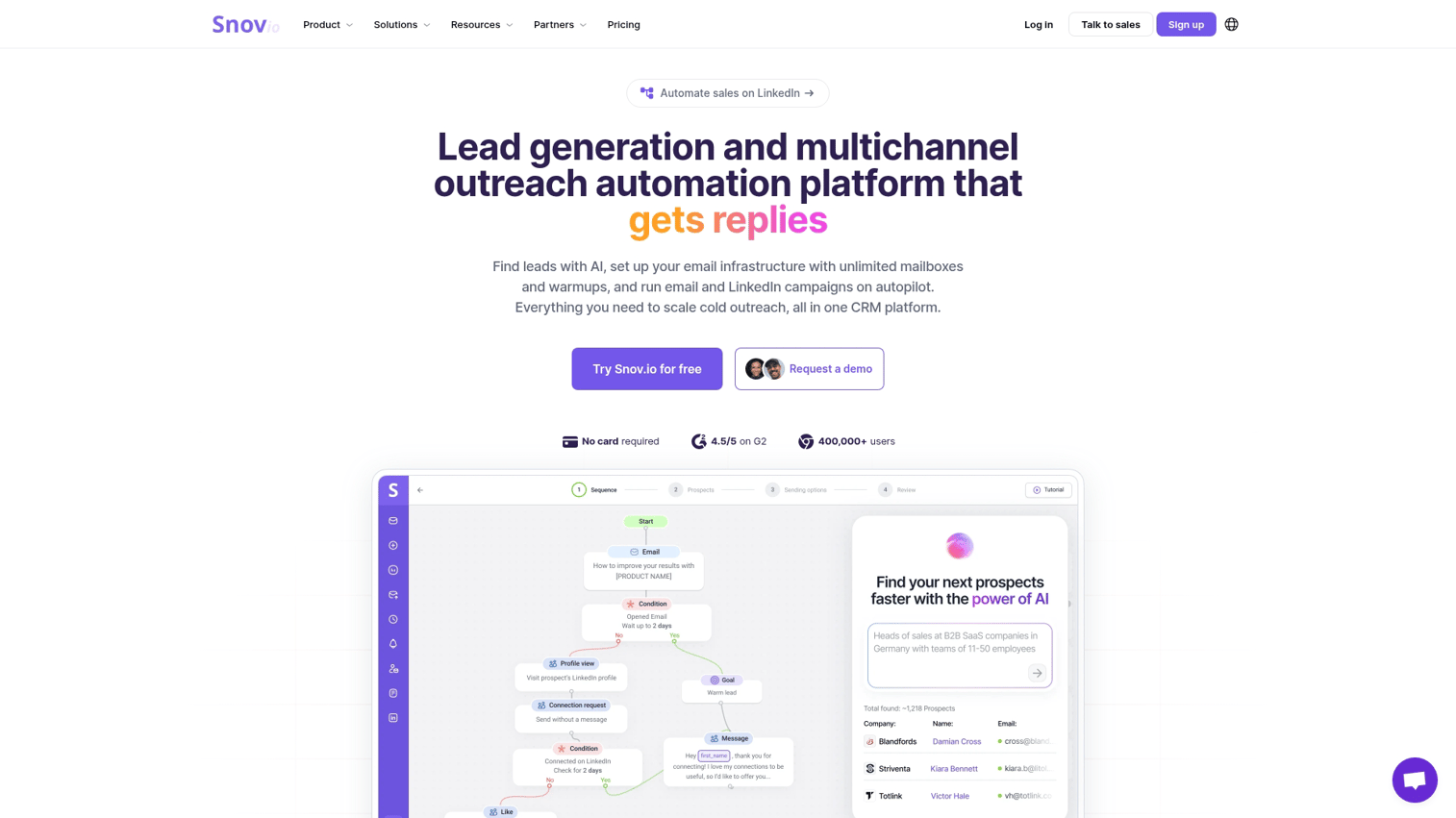
Snov.io combines email finding, verification, and outreach sequencing in one platform. The all-in-one approach appeals to SMBs that want to keep their tool count low.
Best for: SMBs wanting enrichment plus outreach without managing multiple tools.
Key strengths
- Email finder and verifier: Combined workflow for building clean email lists from scratch
- Built-in email sequences: Send outbound directly after enrichment without switching platforms
- Technology checker: See what tech stack prospects use for personalization angles
Why choose Snov.io
Snov.io offers value for teams that need both enrichment and outreach. The database isn't as deep as enterprise tools, but the price-to-feature ratio works for smaller teams. LinkedIn automation is a separate $69/month add-on per slot, which adds up for multichannel teams.
Snov.io pricing
Free tier available with 50 credits. Paid plans start at $39/month for Starter (1,000 credits), with Pro tiers from $99/month for 5,000 credits up to $554/month for 100,000 credits. Annual billing brings roughly 25% off.
11. Crunchbase
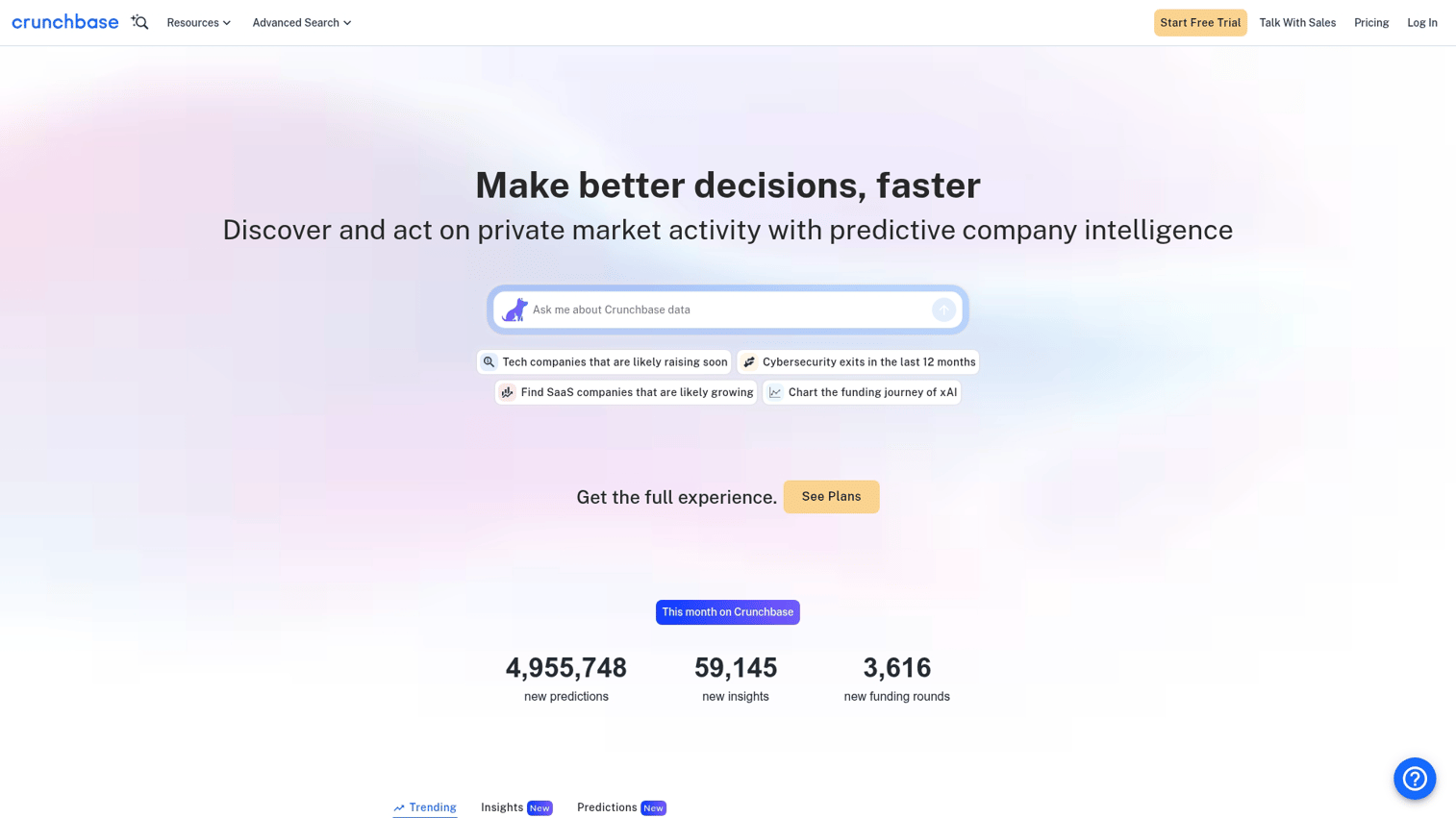
Crunchbase provides company and funding data rather than individual contact enrichment. The platform tracks funding rounds, investors, acquisitions, and leadership changes. This makes it useful for sales teams that target startups or use funding events as buying signals.
Best for: Sales teams using funding events, acquisitions, or leadership changes as buying signals to time outreach.
Key strengths
- Funding data: See recent rounds, investors, and funding amounts for target companies
- Buy signals: Track acquisitions, leadership changes, and growth events that often correlate with budget
- Industry classifications: Filter by detailed industry and sub-industry tags for precise targeting
Why choose Crunchbase
Crunchbase fits sales teams where funding events correlate with buying intent. A company that just raised a Series B often has budget and urgency that didn't exist a quarter ago.
Crunchbase is an account intelligence layer, not a contact enrichment tool. Pair it with a contact provider like Apollo or ZoomInfo to get individual decision-maker data.
Crunchbase pricing
Free tier with limited access. Pro plans start at $49/user/month on annual billing ($99/month monthly). Business is $199/month billed annually. API access requires custom enterprise pricing.
How lead enrichment works
Understanding the enrichment process helps you set realistic expectations and troubleshoot when match rates fall short.
1. Data collection
Enrichment starts with your existing lead data. The more seed data you provide, the better the match rate. An email address alone typically yields 50 to 70% matches in published vendor benchmarks.
Add company name and you typically reach 75 to 85%. Include LinkedIn URL and you can approach 90 to 95% in most tools. Your mileage will vary by region and industry.
2. Data matching
Enrichment tools match your records against their databases using identifiers like email domain, company name, or LinkedIn profile URL. Each tool uses different matching algorithms and data sources. That's why match rates vary between providers on the same input data.
3. Data append
Once matched, the tool appends missing fields to your original record. Job title, company size, industry, phone number, and technographic data flow back based on what the tool's database contains.
4. Data validation
Quality enrichment tools verify appended data before writing to your CRM. Email verification checks deliverability.
Phone validation confirms numbers are active. This step prevents bad data from polluting your database.
5. CRM sync
Enriched data flows back into Salesforce, HubSpot, or your CRM of choice. This happens in real-time for form submissions or via scheduled batch updates for existing records.
Benefits of lead enrichment for sales teams
Faster lead qualification and scoring
Complete data lets you score and route leads instantly. Instead of waiting for reps to research company size or industry, enrichment tools populate those fields automatically. Lead scoring models become more accurate when they have complete inputs.
Higher response rates on outbound
Personalized outreach using enriched job titles and company context outperforms generic templates. Enrichment provides the data that makes personalization possible at scale.
Reduced manual research time
Reps spend less time on LinkedIn and Google when enrichment tools fill in the gaps automatically. That time shifts to actual selling activities.
Better personalization at scale
Enriched firmographic and technographic data enables dynamic personalization across email sequences and marketing automation software. You can reference specific technologies a prospect uses or tailor messaging to their company size without manual research.
Teams that combine enrichment data with interactive demos can personalize the demo experience based on the prospect's industry, company size, or role.
Improved lead routing accuracy
Enriched data (company size, industry, location) enables precise routing rules. Leads hit the right rep immediately instead of sitting in a queue for manual assignment.
How to choose a lead enrichment tool
Data accuracy and coverage
Accuracy varies by region, industry, and company size. A tool with 90%+ match rates for North American tech companies often drops sharply for European manufacturing or APAC mid-market.
Test match rates on a sample of your existing database before committing to annual contracts. Export 500 to 1,000 contacts from your CRM and run them through the tool's free tier or trial. Manually verify a subset of the results against LinkedIn and company websites.
Enrichment speed and automation
Real-time enrichment matters for inbound leads where response time affects conversion. Batch enrichment works fine for outbound list building where you're enriching before sequences launch.
Consider your workflow: Do you need enrichment at form submission? Before outbound sequences? On a scheduled basis for database maintenance?
CRM and sales stack integrations
Native integrations with Salesforce, HubSpot, Outreach, and Salesloft reduce manual work. Some tools require middleware like Zapier, which adds complexity and potential failure points.
Check whether the integration is bidirectional. Can enriched data flow back to your CRM automatically?
Can CRM updates trigger re-enrichment? The depth of integration with your existing stack determines how much manual work remains.
Pricing model and total cost
Common pricing models include:
- Per-record pricing: Pay for each contact enriched, regardless of match success
- Credit-based: Buy credits in bulk, use as needed, with unused credits sometimes expiring
- Subscription: Flat monthly fee with usage limits, overages charged separately
Calculate cost per successfully enriched lead, not list price. A tool charging $0.10 per record with 60% match rates costs $0.17 per success.
A tool charging $0.15 with 90% match rates costs $0.17 per success. Same effective cost, very different sticker prices.
Compliance and data privacy
GDPR and CCPA create real constraints for enrichment. Some tools are better suited for European data (Cognism). Others focus on North American records where compliance requirements differ.
Ask vendors about their data sourcing practices. Where does the data come from? How is consent documented? What happens if a contact requests deletion?
How to automate lead enrichment in your workflow
Enrich inbound leads at form submission
Set up real-time enrichment when leads submit forms. This reduces form fields (ask for email only) while capturing complete records. The enrichment happens before the lead hits your CRM, so reps see complete data immediately.
This approach works well for marketing teams running demand generation campaigns where form friction affects conversion rates.
Enrich contacts before outbound sequences
Enrich prospect lists before loading into sequencers. This makes sure personalization variables are populated and invalid emails are filtered out before sending.
Re-enrich stale records on a schedule
Set up monthly or quarterly re-enrichment to catch job changes, company updates, and decayed email addresses. People change jobs. Companies get acquired. Email addresses stop working.
A simple rule: any contact not engaged in 90 days gets re-enriched before the next outreach attempt.
Start building pipeline with enriched data
The best lead enrichment tools depend on your team size, target market, and existing stack. Start with a free tier (Apollo, Hunter.io) to test match rates on your actual database before scaling.
For teams that have enriched their leads but struggle to convert them, the next bottleneck is often showing product value. Enriched data tells you who the prospect is. An interactive demo shows them why your product matters for their specific situation.
When you combine enrichment data with personalized product experiences, prospects see relevant use cases based on their industry, company size, or role.
Start your journey with Guideflow today!
FAQs about lead enrichment tools
Export a sample of 500 to 1,000 existing CRM contacts and run them through the tool's free tier or trial. Manually verify a subset of the enriched fields against LinkedIn and company websites. This reveals real-world accuracy for your specific market and industry.
Waterfall enrichment queries multiple data providers in sequence, using the next source only when the previous one fails to match. This approach works best when no single enrichment tool covers your full target market, or when you want to maximize match rates across diverse segments.
Divide your total enrichment spend by the number of leads that actually received usable data, not just attempted enrichments. Match rates vary widely by data source and market segment. A lower per-record price with poor match rates often costs more than a premium tool with high accuracy.
Cognism offers the strongest European coverage with GDPR compliance built in. ZoomInfo and Apollo have deeper North American databases.
Your choice depends on where your target accounts are located. Test match rates on a sample from each region before committing.
Contact enrichment appends data about individual people (job title, email, phone). Account enrichment adds company-level data (size, industry, tech stack, funding). Most tools do both but vary in depth.
Yes. Many RevOps teams use waterfall enrichment setups through tools like Clay to query multiple providers sequentially. This improves overall match rates while managing costs across different data sources.
No. HubSpot acquired Clearbit in November 2023 and rebranded it as Breeze Intelligence.
The standalone Clearbit product is sunsetted for new customers. To access the data, you need a paid HubSpot subscription plus the Breeze Intelligence add-on.
Industry estimates put B2B contact data decay at roughly 2 to 3% per month as people change jobs and companies restructure. Without scheduled re-enrichment, even initially accurate records lose reliability within 6 to 12 months.