A contractor needs temporary access to an internal web app. Security flags the unmanaged device. Your engineering team gets pulled into an access negotiation that should have taken minutes but costs half a day.
Browser isolation software changes where the risk boundary sits. Instead of letting untrusted web code run on a local device, it executes that code in a remote or controlled environment and delivers a safe version of the page. According to Mordor Intelligence (2026), the browser isolation market was valued at $2.03 billion in 2025 and is forecast to grow at a 24.74% CAGR through 2031, with cloud-based deployments already accounting for over 60% of revenue. Security teams are no longer treating this as a niche control. For product managers who influence how employees, contractors, and partners access web applications, browser isolation is increasingly a cross-functional decision, not just a security one.
Every deployment model, policy depth, and maintenance commitment differs. This guide cuts through that to give you a practical shortlist.
What's inside
This guide is for product managers, IT owners, and security leads evaluating browser isolation software for 2026. Items were selected and ordered based on:
- Verified deployment model (remote/cloud, client-side, or enterprise browser)
- Documented data controls (clipboard, download, upload, watermarking)
- Identity and access integrations
- Pricing transparency and G2 signal where available
You'll leave with a shortlist, a comparison table, and a buying checklist you can use with engineering, security, and procurement.
TL;DR
- Best for Zero Trust and SASE consolidation: Cloudflare Browser Isolation integrates remote browser execution directly into a broader Zero Trust platform
- Best for Citrix-invested organizations: Citrix Secure Private Access (4.5/5 on G2) fits teams already managing workspace and application delivery through Citrix
- Best for security research and OSINT workflows: Silo Workspace (4.7/5 on G2) provides isolated investigation sessions with managed attribution
- Best free starting tier: Kasm Workspaces offers a Community edition at no cost, with paid tiers from $10/user
- Best for browser-native Zero Trust controls: CrowdStrike Falcon Seraphic Enterprise Browser (4.9/5 on G2) enforces policy across any browser without VPN or device enrollment
- Best for agentless contractor access: Parallels Browser Isolation supports BYOD and unmanaged endpoints from $19/month on an annual plan
What is browser isolation software?
Browser isolation software separates a user's web session from the endpoint or from sensitive applications, so untrusted web content runs in a controlled environment rather than directly on the user's device.
How browser isolation works
Two implementation patterns dominate the market:
- Remote browser isolation (RBI): The browser runs in a cloud or data-center environment. Users receive a safely rendered version of the page, with no active web code reaching the local device.
- Client-side or enterprise browser isolation: Security controls run in or alongside the browser to inspect behavior, enforce policy, and contain risky activity without remote rendering.
How isolated content reaches the user
- Pixel reconstruction: The remote environment sends a visual stream rather than active web code. The endpoint displays an image, not an executable page.
- DOM mirroring: The isolated session sends a sanitized representation of page structure, allowing interaction without exposing raw JavaScript or third-party scripts.
- Network vector rendering: A rendering approach some platforms use to balance visual fidelity with responsiveness and isolation depth.
Core capabilities to evaluate
- Policy-based URL and content-category isolation
- Identity-aware access enforcement per user segment
- Clipboard, print, upload, download, and watermark controls
- SaaS and internal web application access
- Activity logging and session visibility
- Secure web gateway, SSE, SASE, and IAM integrations
- Support for managed devices, BYOD, and external users
Browser isolation versus adjacent technologies
Browser isolation is not the same as a secure web gateway, which filters URLs and traffic but does not execute code remotely. Enterprise browsers enforce controls in a managed browser without necessarily routing execution off-device. Virtual desktop infrastructure gives users a full remote OS, not just a browser. VPN and ZTNA control network access paths but do not contain browser-level threats. Understanding these boundaries prevents over-buying or under-protecting.
When to use browser isolation software
Contain high-risk web browsing
Some users, analysts, support agents, and researchers, regularly access unknown sites, external links, or web-based tools outside the organization's control. Running those sessions in an isolated environment contains phishing payloads, malicious JavaScript, and drive-by downloads before they reach the endpoint. This is especially relevant when users are on public Wi-Fi or accessing content your security team cannot prescreen.
Enable contractors and BYOD users without granting broad network access
Contractors need access to internal web tools, but their devices lack the management controls you rely on for corporate endpoints. Browser isolation lets you grant policy-controlled browser access without requiring device enrollment, VPN configuration, or network-level trust. Identity and session expiration policies become the enforcement layer instead of the device posture check.
Control SaaS and sensitive web application access
Finance consoles, customer data systems, development environments, and admin portals carry real data-loss risk from browser-based actions: Copy, paste, download, screenshot. Isolation policies can restrict exactly those interactions without blocking the application entirely. For product teams, this is also about release cadence: Verify that any isolation layer does not regress authenticated workflows, SSO flows, or embedded webviews before standardizing policy.
Browser isolation software comparison
The table below covers each tool's primary fit, key differentiator, verified pricing posture, and G2 rating where verifiable. Use it as a first filter, not a final decision.
| # | Product | Best for | Key differentiator | Pricing | G2 rating |
|---|---|---|---|---|---|
| 1 | Cloudflare Browser Isolation | Zero Trust and SASE buyers | Edge-based RBI with integrated SASE controls | Add-on to Zero Trust plans; contact sales | N/A |
| 2 | Citrix Secure Private Access | Citrix-invested organizations | ZTNA plus remote browser isolation for web apps | Contact sales | 4.5/5 |
| 3 | Silo Workspace | Threat intel and research teams | Managed attribution and investigation browser | Contact sales | 4.7/5 |
| 4 | DefensX | Browser-native Zero Trust security | AI phishing detection and zero-trust access | Contact sales (five tiers available) | 4.0/5 |
| 5 | CrowdStrike Falcon Seraphic Enterprise Browser | CrowdStrike-aligned endpoint teams | Browser-layer security across any browser or device | Contact sales; 15-day trial available | 4.9/5 |
| 6 | Symantec Security Service Edge | Broad enterprise SSE programs | Integrated SWG, ZTNA, isolation, and CASB | Contact sales | N/A |
| 7 | Akamai Workforce Protector | Workforce DLP and AI governance | Browser-native DLP for AI interactions and SaaS | Contact sales | 4.9/5 |
| 8 | iboss AI-Powered SASE Platform | Cloud-first SASE consolidation | Unified SASE with isolation, SWG, and DLP | Contact sales (three packages) | 4.0/5 |
| 9 | Kasm Workspaces | Flexible cloud or self-hosted isolation | Containerized browser workspaces | Free Community; Starter from $10/user | 4.7/5 |
| 10 | SquareX Enterprise | Browser detection and response | Browser DLP and disposable session isolation | Contact sales | N/A |
| 11 | Parallels Browser Isolation | Agentless contractor and BYOD access | Air-gap isolation from any browser | From $19/month (annual) | N/A |
| 12 | Check Point Browser Security | Local browser enforcement | Extension-based protection with DLP controls | Contact sales (Basic and Advanced tiers) | 4.3/5 |
Best 12 browser isolation software tools for 2026
1. Cloudflare Browser Isolation
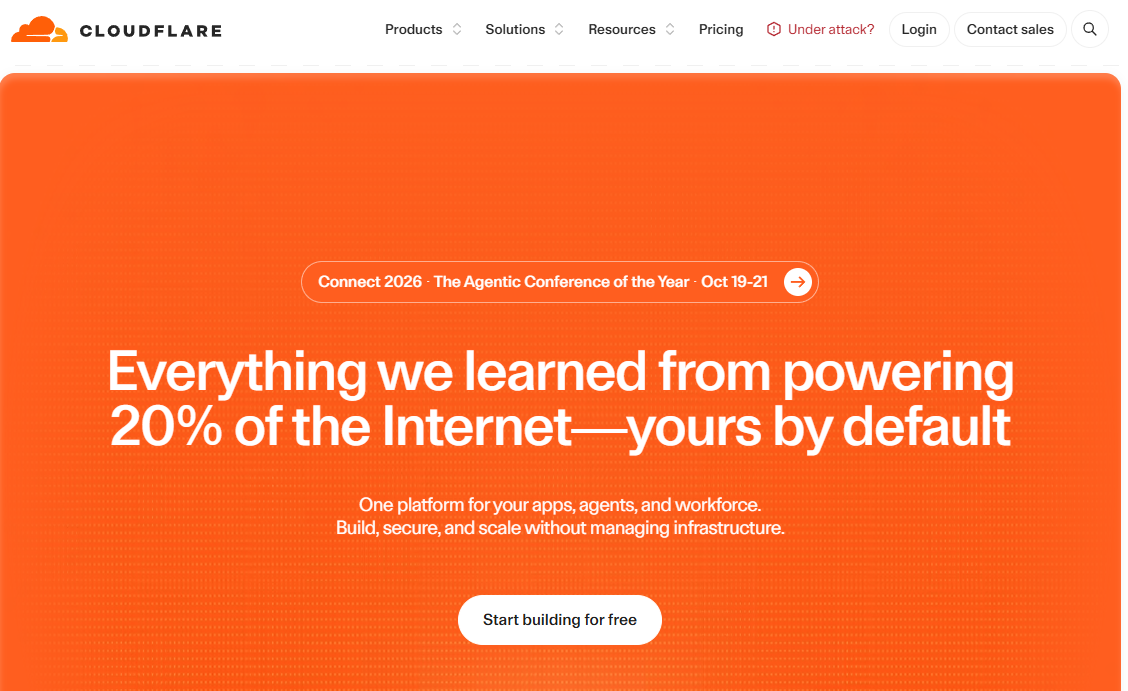
Cloudflare Browser Isolation runs untrusted web code at Cloudflare's global edge network rather than on the user's device. It integrates directly with Cloudflare's Zero Trust platform, so isolation policies apply alongside identity, DNS, and gateway controls from a single pane. Clientless access lets contractors and BYOD users connect through an ordinary browser without agents or enrollment.
Best for: Security teams standardizing on Cloudflare Zero Trust, SSE, or SASE services who want isolation policy enforcement without a separate vendor.
Key features
- Edge-based remote browser execution with no active code on device
- Granular isolation policies by identity, content category, or threat signal
- Clientless BYOD and contractor access
- Clipboard, keyboard input, upload, and download controls
- Integration with Cloudflare Gateway, Email Security, and SASE
Why choose Cloudflare Browser Isolation: If your organization is already consolidating around Cloudflare's Zero Trust stack, adding browser isolation as a policy layer avoids operating a second vendor relationship. Product teams benefit because policy changes propagate through one admin console instead of two.
Cloudflare Browser Isolation pricing: Browser isolation is an add-on to Cloudflare's Zero Trust Pay-as-you-go and Enterprise plans. The add-on does not carry a published per-user price; contact sales for current packaging.
2. Citrix Secure Private Access
Citrix Secure Private Access delivers Zero Trust network access for SaaS, private web, and client-server applications. Remote browser isolation is one of its access modes, enforcing security controls for internet-hosted web applications without routing all traffic through a full VPN. Adaptive authentication uses device posture, location, and risk signals to set session-level policy.
Best for: Enterprises already using Citrix Workspace or virtual application delivery that want to extend browser isolation without adding a separate access-control vendor.
Key features
- Remote browser isolation for internet and internal web apps
- VPN-less access to private applications via Connector Appliance
- Adaptive authentication with device posture, location, and risk signals
- Single sign-on for SaaS, private web, and client-server apps
- Enhanced controls: Download, print, clipboard, screen capture, keylogger protection
Why choose Citrix Secure Private Access: The clearest fit is for organizations that have already standardized on Citrix for workspace delivery. Evaluating it outside that context typically means assessing a broader platform change, not just a browser isolation purchase.
Citrix Secure Private Access pricing: Citrix sells through partners and does not display pricing on its product pages. Contact a Citrix partner or the sales team for current license terms and plan prerequisites.
G2 rating: 4.5/5
3. Silo Workspace
Silo Workspace, a product from Authentic8, provides a cloud-native isolated browser purpose-built for security research, OSINT, fraud investigation, and corporate security operations. Sessions run with managed egress profiles and geographic controls, so analysts can operate with attribution that is separate from corporate identity, cookies, or device fingerprints.
Best for: Security operations, threat intelligence, and trust-and-safety teams that need isolated research sessions with controlled attribution, not generic employee web protection.
Key features
- Isolated research browser with no persistent session state
- Managed egress profiles and geographic session controls
- Multi-application workspace for investigation workflows
- Secure session management for OSINT and brand-protection research
- Separation of investigator identity from corporate credentials
Why choose Silo Workspace: The distinction from general-purpose browser isolation is significant. Silo is purpose-built for analysts who need investigative infrastructure, not employees who need safer access to company tools. If your use case is threat research or fraud, Silo is worth prioritizing in your POC. For standard employee web browsing, other tools in this list are a better fit.
Silo Workspace pricing: Silo uses enterprise, quote-based pricing. Contact Authentic8 directly for packaging details.
G2 rating: 4.7/5
4. DefensX
DefensX is a secure enterprise browser and human-risk management platform covering browser security, data protection, zero-trust access, and AI governance. It targets MSPs and enterprises that want protection across desktop and mobile without redesigning access architecture. Five product tiers range from Core to a Nexi AI Agent package.
Best for: Organizations, including MSP-managed environments, that want browser-native phishing protection, data-loss prevention, and zero-trust access without rearchitecting network flows.
Key features
- AI visual phishing detection and DNS-layer protection
- Zero-trust password protection and browser data-leak prevention
- AI prompt and data protection for generative AI interactions
- Remote browser isolation and ZTNA as access modes
- Human-risk reporting and cyber-resilience training modules
Why choose DefensX: DefensX fits teams that want to harden browser behavior across existing workflows rather than route all browsing through a remote execution layer. Trial subscriptions are available, which makes it practical to run a segment-level test before full rollout.
DefensX pricing: DefensX offers five tiers (Core, Core+, Premium, Premium+, Nexi AI Agent) with flexible, customized pricing. Contact DefensX for current package rates; trial subscriptions are offered.
G2 rating: 4.0/5
5. CrowdStrike Falcon Seraphic Enterprise Browser
CrowdStrike Falcon Seraphic Enterprise Browser delivers browser-native security and Zero Trust access enforcement across managed and unmanaged devices. It operates without requiring a dedicated browser, VPN, or device enrollment, which keeps the access path lighter for contractors and BYOD users. It supports Chrome, Edge, Safari, Firefox, Chromium variants, and agentic browsers.
Best for: Security teams that want browser-layer threat detection and access controls integrated with endpoint and identity programs, particularly in CrowdStrike-aligned environments.
Key features
- Runtime protection against phishing, zero-day exploits, and malicious JavaScript
- Continuous Zero Trust verification with context-aware policy per session
- Copy/paste restriction, download blocking, screenshot prevention, content masking
- Support for employees, contractors, partners, and BYOD without enrollment
- Coverage across major browsers including agentic browser environments
Why choose CrowdStrike Falcon Seraphic Enterprise Browser: Security teams already operating inside the CrowdStrike platform may find that adding browser-layer enforcement avoids standing up a separate management plane. For product teams, the ask is to validate that browser policies applied by segment, support agents, contractors, admins, do not create workflow regressions on product admin consoles or embedded authentication flows.
CrowdStrike Falcon Seraphic Enterprise Browser pricing: Licensed by Browser Users. Contact CrowdStrike sales for current pricing. A 15-day free trial is available.
G2 rating: 4.9/5
6. Symantec Security Service Edge
Symantec Security Service Edge, delivered through Broadcom, combines secure web gateway, cloud access security broker, Zero Trust network access, web isolation, and DLP into a cloud-delivered platform. Browser isolation is one capability within a broader SSE architecture rather than a standalone purchase.
Best for: Large enterprises that need to standardize secure web access, private application access, and cloud security under a single SSE platform rather than a point solution for browser isolation.
Key features
- Proxy-based Cloud Secure Web Gateway with SSL/TLS inspection
- Zero Trust network access for private applications
- Web Isolation for selective or full browsing isolation
- Cloud access security broker controls
- Unified policy management and centralized reporting
Why choose Symantec Security Service Edge: The right fit is organizations with a mature security architecture that are already evaluating SSE consolidation. Buying it purely for browser isolation would mean adopting a larger platform than the problem requires. Procurement and implementation complexity is real; clarify ownership across networking, identity, and endpoint teams before committing.
Symantec Security Service Edge pricing: Broadcom describes per-user, per-year subscription pricing but does not publish numerical figures. Contact Broadcom sales for current terms.
7. Akamai Workforce Protector
Akamai Workforce Protector governs employee and AI-agent activity across browsers, SaaS applications, and desktop tools. It started as the LayerX Security platform and focuses on browser-native DLP, shadow-AI discovery, and adaptive policy enforcement. The platform does not replace the browser; it governs what happens inside it.
Best for: Enterprise security teams that need to control data leakage from browser interactions, generative AI tool usage, and SaaS access, particularly where governing AI interactions is a compliance priority.
Key features
- Browser-native DLP for text input, copy/paste, uploads, and data exchanges
- Real-time visibility into AI prompts, responses, and AI-tool interactions
- Shadow-AI discovery across web applications and desktop tools
- Adaptive policies that warn, redact, or block based on context
- Browser extension risk analysis and blocking
- Support for Chrome, Edge, Firefox, and Safari; managed and unmanaged devices
Why choose Akamai Workforce Protector: For teams whose primary concern is what users do inside a browser, particularly with generative AI tools, this product addresses that at the policy layer without rerouting all browsing remotely. Usability testing is mandatory before rollout: Verify that data controls do not break customer support consoles, analytics tools, or file-based product workflows.
Akamai Workforce Protector pricing: Contact Akamai for current pricing. The product page requests a demo rather than showing plan tiers.
G2 rating: 4.9/5
8. iboss AI-Powered SASE Platform
iboss is an AI-powered SASE platform covering secure web gateway, cloud firewall, CASB, DLP, browser isolation, SD-WAN, and zero-trust access. It targets enterprises, government, and education organizations consolidating multiple web and access security functions. Three named packages, Zero Trust Core, Zero Trust Advanced, and Zero Trust Complete, are available, with no public price per tier.
Best for: Cloud-first organizations in enterprise, government, or education that are consolidating web security, zero-trust access, DLP, and firewall under one SASE architecture.
Key features
- Cloud-delivered secure web gateway with URL filtering
- AI-powered CASB and DLP for cloud application control
- Browser isolation as part of a broader SASE stack
- Zero Trust network access and VPN replacement capability
- AI chat monitoring and security for generative AI governance
Why choose iboss AI-Powered SASE Platform: Identify whether the organization needs a point isolation tool or a full SASE program before evaluating. iboss makes sense when browser isolation is one of several web-security gaps being addressed together. Buying an oversized platform for a narrow contractor-access problem adds operational overhead that slows your release cadence.
iboss AI-Powered SASE Platform pricing: Three packages are available (Zero Trust Core, Zero Trust Advanced, Zero Trust Complete), all contact-sales. No numerical pricing is shown on the pricing page.
G2 rating: 4.0/5
9. Kasm Workspaces
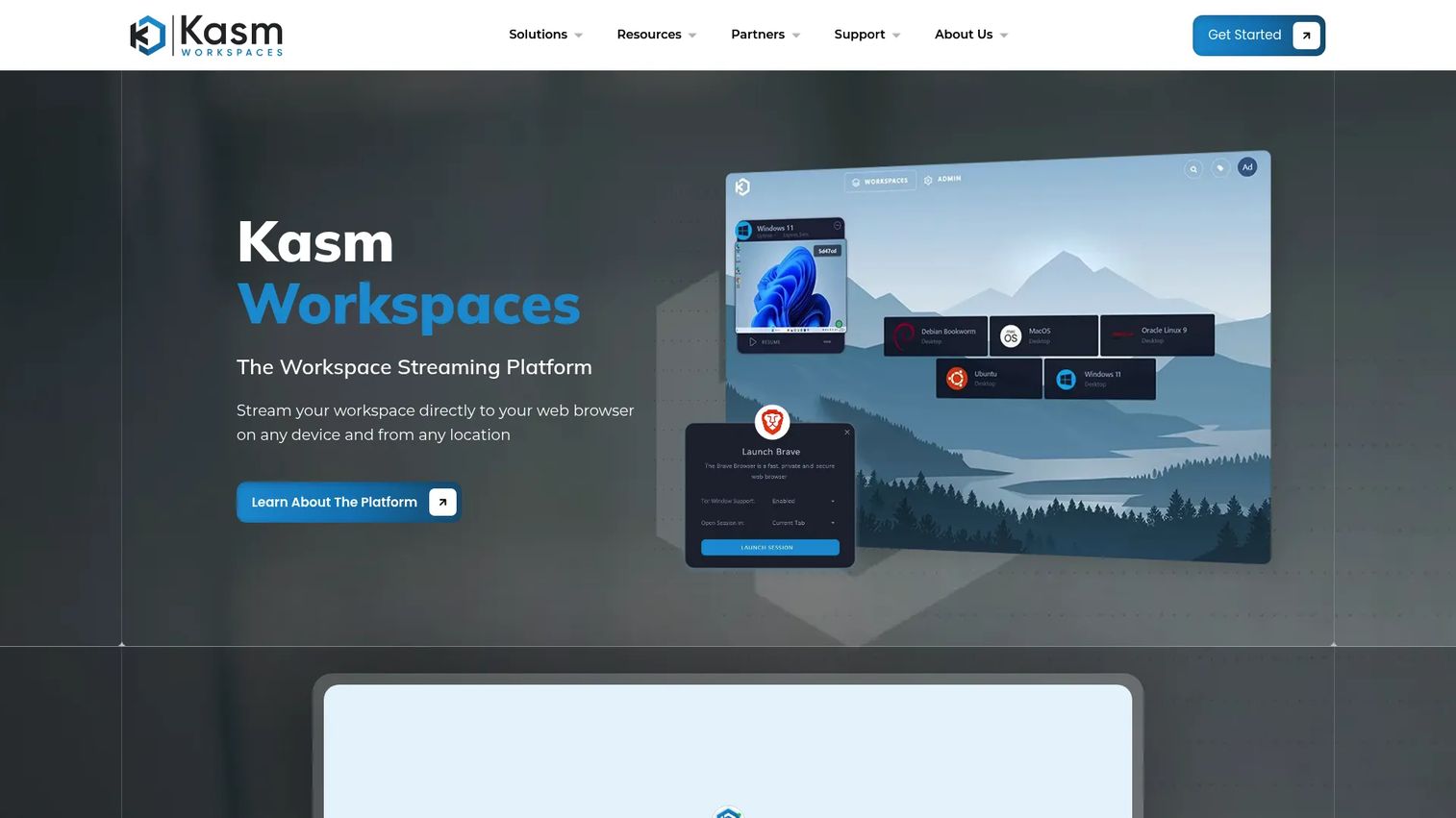
Kasm Workspaces provides containerized desktops, application streaming, and browser workspaces accessible from any web browser. Deployments run on cloud, on-premises, hybrid, or air-gapped infrastructure. A free Community edition supports up to 5 concurrent sessions, making Kasm the most accessible entry point in this list for teams that want to validate isolated browsing before committing budget.
Best for: Technical teams that need deployment flexibility, including self-hosted environments, and want containerized browser workspaces with centralized policy and session recording.
Key features
- Containerized and VM-based browser workspaces
- Cloud and self-hosted deployment across hybrid or air-gapped environments
- DLP controls for uploads, downloads, clipboard, and USB
- Single sign-on, two-factor authentication, and web filtering
- Session recording and persistent user profiles
- Auto-scaling for containerized and VM environments
Why choose Kasm Workspaces: Deployment flexibility is the real differentiator. Teams with infrastructure requirements, data-residency constraints, or air-gap needs that rule out cloud-hosted options will find Kasm the most adaptable platform in this list. The tradeoff is operational ownership: Teams need a clear owner for workspace images, patch cycles, session policy, and capacity planning.
Kasm Workspaces pricing: Community edition is free (limited to 5 concurrent sessions, eligible for individuals and non-profits). Starter is $10/user or $20/concurrent session. Enterprise pricing is quote-based.
G2 rating: 4.7/5
10. SquareX Enterprise
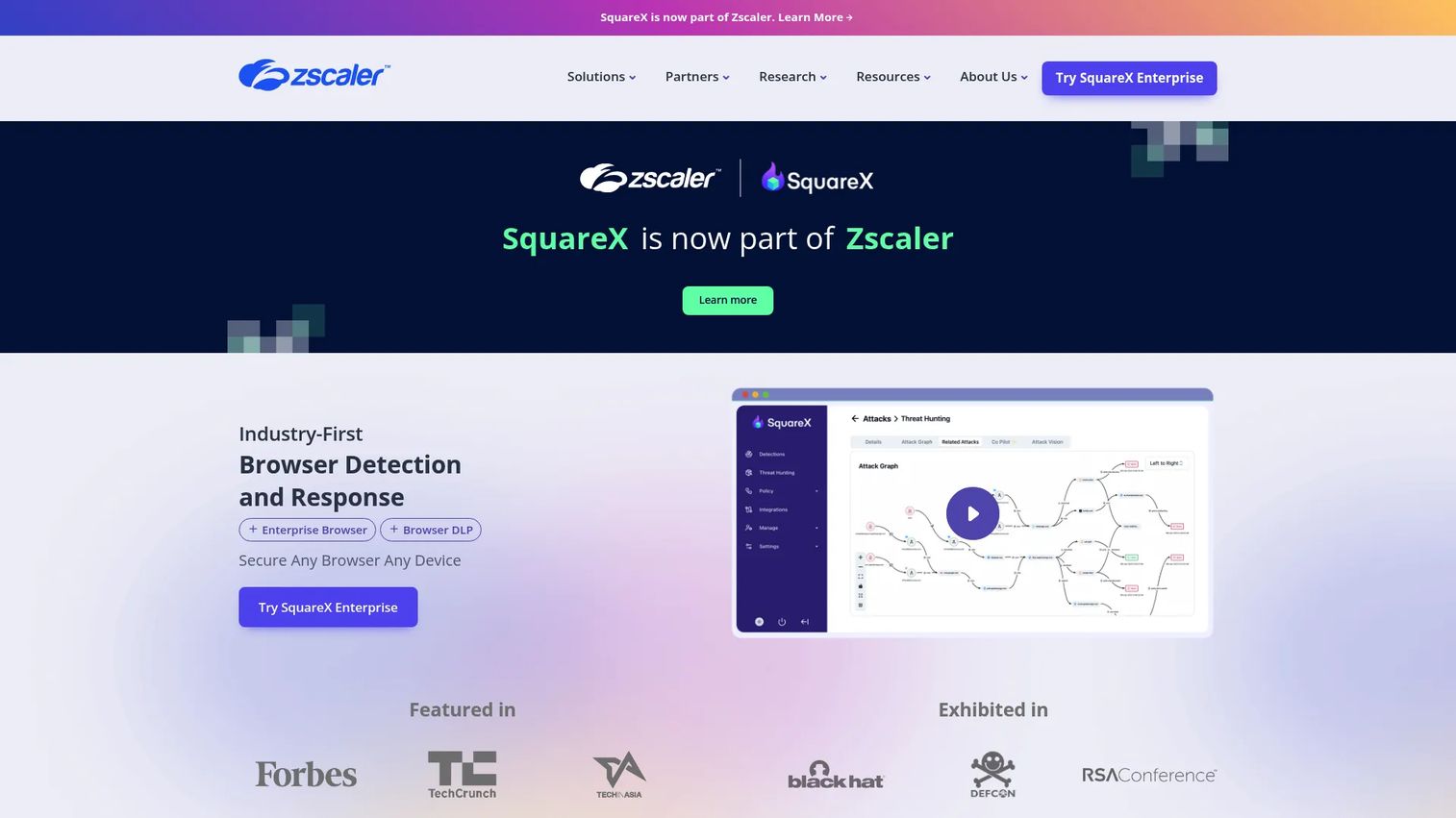
SquareX Enterprise is a Browser Detection and Response platform that protects users from browser-based threats, including identity attacks, malicious extensions, and malicious files, while providing secure access to web and private applications. The product is now part of Zscaler. It delivers browser DLP for generative AI, clipboard, and file data loss through a lightweight browser extension rather than full browser replacement.
Best for: Enterprises seeking browser-native detection and response, browser DLP, and secure private application access across managed, unmanaged, or BYOD devices.
Key features
- Browser Detection and Response for identity attacks and malicious sites
- Browser DLP covering generative AI, clipboard, and file transfers
- Secure private application access without VPN or full endpoint agents
- Granular browser policy controls with rule-builder and scripting interfaces
- Extension risk analysis using metadata, static-code, and dynamic analysis
Why choose SquareX Enterprise: The detection-and-response framing distinguishes SquareX from tools that focus purely on isolation. For teams that want to detect what is happening in browser sessions, not just contain execution, this posture is worth evaluating. Assess session startup time, user onboarding friction, and whether users can move between standard and isolated sessions without workflow confusion.
SquareX Enterprise pricing: Contact sales for current pricing. No plan tiers or trial details are shown on the product pages.
11. Parallels Browser Isolation
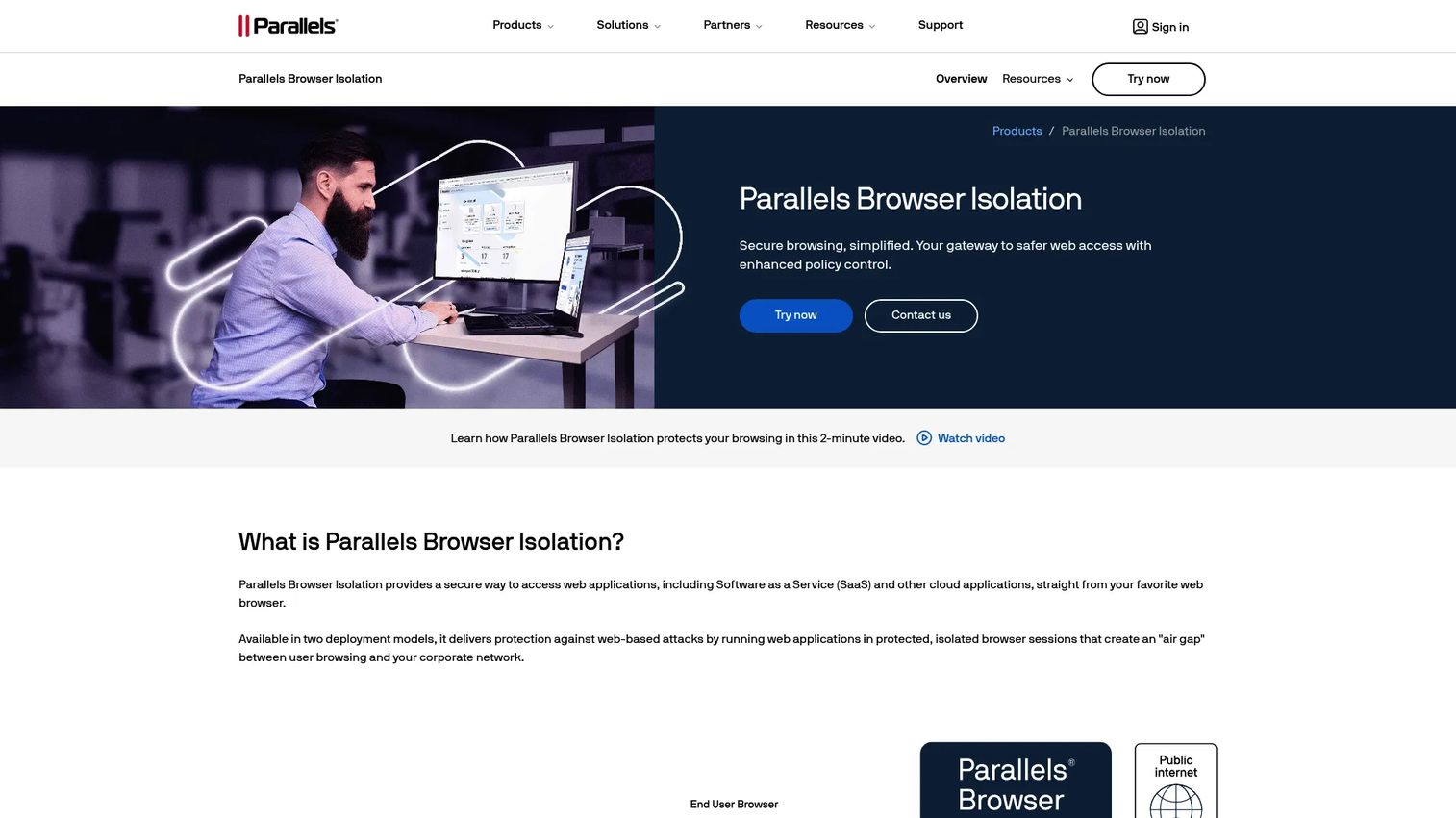
Parallels Browser Isolation provides Zero Trust and air-gap browser isolation accessible from any web browser, on any device, without installing an agent. Granular policies govern clipboard, printing, file transfers, watermarking, geographic access, and time-based session controls. It is purpose-built for giving contractors, vendors, and BYOD users controlled access to SaaS and internal web applications.
Best for: Organizations that need to grant browser-based access to external users or unmanaged endpoints without exposing corporate networks or requiring device management.
Key features
- Agentless Zero Trust and air-gap browser isolation
- Access from any browser, device, or operating system
- Granular controls: Clipboard, printing, file transfers, watermarking, geography, time
- Trusted-domain access and URL blocking
- Real-time and historical user and admin activity insights
Why choose Parallels Browser Isolation: For contractor and third-party access use cases, Parallels addresses the identity setup, session policy, and access revocation workflow as a self-contained product. Treat contractor onboarding as a product workflow during your POC: Test identity provisioning, access revocation speed, browser compatibility across contractor devices, and the support steps from request through offboarding.
Parallels Browser Isolation pricing: Available from $19 USD per month on a one-year annual commitment. Monthly billing plans are also available. Contact sales for current pricing details.
12. Check Point Browser Security
Check Point Browser Security delivers centrally managed browser protection through a lightweight extension. It targets phishing, malicious sites, zero-day exploits, and in-browser data loss. Two license tiers cover different capability depths: Basic includes access control and secure browsing; Advanced adds DLP.
Best for: Organizations that want locally enforced browser security and inspection controls alongside a broader Check Point security stack, without routing all browsing through a remote rendering environment.
Key features
- Zero-day phishing and malicious-site protection via extension
- Access control, URL filtering, safe search, and password-reuse prevention
- In-browser DLP covering uploads, downloads, copy/paste, and sharing
- SSL/TLS traffic inspection at the browser layer
- Basic and Advanced license tiers for varying policy depth
Why choose Check Point Browser Security: Security teams already running Check Point endpoint or firewall products may find browser security a natural extension of existing policy management. Before rollout, validate that extension-based controls cover all required browsers, embedded webviews, authentication flows, and the browser extensions used by internal product teams.
Check Point Browser Security pricing: Basic and Advanced licenses are available. Contact Check Point for current pricing; no numerical figures are shown on product pages.
G2 rating: 4.3/5
Considerations when choosing browser isolation software
Deployment model and operational ownership
Decide whether the requirement is cloud-hosted remote isolation, self-hosted browser containers, browser-native extension controls, or a broader SSE platform. The architecture determines who owns maintenance, capacity planning, image patching, and incident response. A cloud-hosted product transfers that burden to the vendor; a self-hosted platform like Kasm keeps it in-house. Neither is wrong, but ownership must be explicit before procurement.
Application compatibility and workflow regression
Do not assume an isolated session behaves identically to a local browser. Before standardizing policy, test SSO flows, MFA, file uploads and downloads, clipboard behavior, web sockets, embedded applications, video calls, browser extensions, and admin consoles that your product or operations teams depend on. Compatibility failures discovered post-rollout create the kind of engineering interruption that slows your release cadence.
Identity, policy, and access governance
Evaluate identity-provider integration, device posture signals, user group segmentation, session expiration, and access revocation workflows. A technically strong isolation layer still creates exposure if identity workflows are inconsistent across employee and contractor segments. This is also where policy ownership belongs in the documentation: Who approves a policy exception, and how fast can it be applied?
Data exchange controls
Review clipboard, print, copy, paste, upload, download, watermarking, screen capture, and file-transfer policies against the actual workflows each user group performs. Match policy depth to data sensitivity, not to a blanket rule. Finance users accessing customer billing data need different controls than analysts reviewing public competitor pages.
Instrumentation and measurement
Set baseline metrics before rollout: Access failures, compatibility incidents, contractor provisioning time, support tickets related to browser behavior, and security events blocked. Without a pre-rollout baseline, proving risk reduction to leadership and procurement becomes guesswork.
Conclusion
Browser isolation software spans a wide range of architectures, from Cloudflare's edge-based remote execution to Kasm's self-hosted containers to Check Point's extension-based local enforcement. No single tool fits every organization.
For teams consolidating under a Zero Trust or SASE program, Cloudflare and Symantec SSE are the natural starting points. Citrix Secure Private Access fits organizations already running Citrix infrastructure. Silo Workspace stands apart for investigation and research workflows. Kasm Workspaces is the strongest choice for teams with deployment flexibility requirements or self-hosting constraints. Parallels Browser Isolation addresses agentless contractor access directly and efficiently.
The right shortlist depends on whether the primary problem is threat containment, third-party access, SaaS data governance, secure research, or SSE consolidation. Build your POC matrix around a small set of high-risk workflows, user segments, data-control rules, and measurable success criteria. Start with the tool that best matches your deployment model and ownership capacity, not just your security requirements.
If you want to see how to present your vendor evaluation findings or secure access workflows to internal stakeholders, explore cloud data security software and application security testing software on the Guideflow blog.
FAQs
Browser isolation software is technology that separates a user's web browsing activity from the local device or protected application environment. Remote browser isolation runs the browser in a cloud or data-center environment, so untrusted web code never reaches the endpoint. The user interacts with a safe representation of the page, not the live code behind it.
Browser isolation is the broad category covering any approach that separates web execution from the endpoint or application environment. Remote browser isolation is a specific architecture where the browser itself runs in a cloud or data-center environment, and only a rendered output, via pixel stream or DOM representation, reaches the user's device. Client-side and enterprise-browser approaches are also forms of browser isolation, but they enforce controls locally rather than executing remotely.
Isolation reduces the risk from malicious sites, drive-by downloads, and browser-based exploits by containing web content in a remote or controlled environment. It does not replace identity security, user education, email security controls, or endpoint protection. A phishing link in an email still requires the user to click it; isolation limits what happens after that click reaches a web environment.
Many products in this list, including Cloudflare, Parallels, and CrowdStrike Falcon Seraphic, support clientless or agentless access for external users and unmanaged devices. Verify identity integration, session expiration, data-transfer policies, and application compatibility before relying on this for production contractor workflows.
For users who only need access to browser-based applications, isolation can replace VPN as the access path. It does not cover non-browser protocols, desktop applications, or internal resources that require network-level access. ZTNA and browser isolation are complementary for organizations moving away from broad VPN trust.
Test the highest-risk web workflows, SSO and MFA flows, file uploads and downloads, clipboard policies, video and collaboration tools, session latency under realistic conditions, browser extension compatibility, policy exception handling, and admin visibility into session activity. Also measure contractor provisioning and access revocation time, since these directly affect the operational overhead of the program.
The categories overlap but differ in architecture. Remote browser isolation typically executes web code off-device and streams a safe output to the user's existing browser. Enterprise browsers, such as Falcon Seraphic and DefensX, enforce security controls directly inside a managed or instrumented browser environment. Some platforms combine both approaches. The distinction matters when evaluating maintenance burden and user experience.
Most enterprise browser isolation products use quote-based pricing. The price drivers are user count, deployment model (cloud versus self-hosted), data-control depth, SSE or SASE bundling, and support commitments. Kasm Workspaces offers a published Starter tier at $10/user, and Parallels Browser Isolation starts at $19/month on an annual commitment. For all others in this list, request a quote and compare total cost including implementation, identity integration, and ongoing maintenance, not entry price alone. You can also review adjacent security categories like best AI security posture management tools for context on how security tooling is typically packaged.