Your sales calls live in one system. Customer support runs through another. Meeting notes sit in a Zoom transcript that never made it into Salesforce. And somehow, you're still the person everyone calls when a deal escalates.
The communications stack is one of the most underrated sources of founder drag at Series B. By 2025, 65% of enterprises worldwide had already moved VoIP to their primary communication system, according to Global Growth Insights. The Federal Communications Commission reported 43.9 million U.S. business VoIP subscriptions as of June 30, 2025, up from 42.2 million a year earlier. The shift is real, and the question is no longer whether to move off a legacy phone system. It's which business VoIP software gives your VP Sales, Head of CS, and RevOps lead the infrastructure to operate without routing every decision through you.
This guide helps you answer that. Each provider is evaluated on the factors that matter when you're at 50 to 150 people: Calling features, AI practicality, CRM fit, total cost, and migration risk.
What's inside
This guide compares 12 VoIP phone software providers for 2026. It's written for Series B founders who need a defensible shortlist to hand to an operator.
Tools were selected based on:
- Calling and routing depth: Auto attendant, IVR, call queues, voicemail, and recording
- AI practicality: Transcription, summaries, and coaching that actually change rep behavior
- CRM and RevOps fit: Native integrations with Salesforce, HubSpot, and similar systems
- Pricing clarity: Whether total cost is predictable at 30 to 100 seats, including add-ons
- Migration and admin: Number porting, setup complexity, and ongoing ownership
Guideflow does not appear in this list. VoIP phone software is a separate category from demo automation, and including it here would waste your time.
TL;DR
- Best overall for scaling SaaS teams: RingCentral, strong unified communications, admin depth, and broad integrations across sales and support
- Best for customer communication workflows: Nextiva, strong for teams where phone, messaging, and customer experience need to connect
- Best for AI-assisted calling: Dialpad, with real-time transcription, post-call summaries, and rep coaching built in
- Best for Zoom-standardized companies: Zoom Phone, adds cloud calling inside the workspace your team already uses
- Best for lightweight business phone lines: Grasshopper for simple virtual lines, Ooma for small-office calling with desk-phone support
- Best for international or distributed teams: 8x8 for global voice and unified communications, Vonage for teams combining calling with communications APIs
What is VoIP phone software?
VoIP phone software lets businesses make, receive, route, record, and manage calls over the internet instead of a traditional landline or on-premises PBX. VoIP stands for Voice over Internet Protocol.
Modern business VoIP software does far more than replace a desk phone. Most platforms now bundle some combination of cloud PBX features, SMS and business messaging, video meetings, team chat, voicemail, call analytics, and AI. Users place calls from desktop apps, mobile apps, browsers, or SIP-compatible desk phones. Admins manage users, call flows, routing rules, business hours, and phone numbers from a web portal.
Core capabilities to look for:
- Call routing, auto attendant, and IVR
- Voicemail and voicemail transcription
- Call recording and analytics
- SMS and business messaging
- Call queues and ring groups
- Mobile and desktop softphones
- CRM and helpdesk integrations
- AI-generated summaries and coaching
- Number porting and phone-number management
- Security controls, compliance settings, and uptime documentation
One important boundary: VoIP phone software handles business calling. Contact center software goes further, adding advanced queue management, workforce management, omnichannel support routing, and deep customer-service reporting. Some platforms on this list offer contact center features as add-ons; others bundle them in higher tiers. Know which you need before pricing a plan.
Voice over IP software sits at the intersection of communications infrastructure and revenue operations. For a SaaS company at Series B, the phone system either supports your GTM motion or creates invisible drag that shows up in your CRM data gap reports.
When to use VoIP phone software
Replace a legacy phone system
Teams move off landlines or on-premises PBX when hardware maintenance, office-bound calling, or unreliable infrastructure slows them down. Cloud phone systems eliminate on-site equipment, make number porting straightforward, and give admins full control from a browser. For a distributed team, this shift removes the bottleneck of calling infrastructure tied to a physical location.
Give sales and CS teams a consistent calling workflow
An outbound sales team and an inbound customer support queue have different requirements, but both benefit from calls that log automatically to CRM, record by default, and route predictably. VoIP software creates one calling workflow across both teams, so managers can review calls, track outcomes, and coach reps without asking anyone to export a spreadsheet.
Support remote and hybrid teams at scale
Distributed teams need calling that works identically from a home office, a co-working space, or a conference room. Cloud calling with consistent caller ID, business hours enforcement, and mobile app access removes the dependency on physical phone lines. When evaluating providers, check emergency calling support and what happens to call quality when internet connection drops.
VoIP phone software comparison
Twelve providers, sorted by fit for scaling SaaS companies. Pricing reflects the entry published plan at annual billing unless otherwise noted. G2 ratings are verified from live listings.
| # | Product | Best for | Key differentiator | Pricing | G2 rating |
|---|---|---|---|---|---|
| 1 | RingCentral | Multi-team unified communications | Phone, messaging, video, and AI in one admin layer | From $19.99/user/mo (annual) | 4.3/5 |
| 2 | Nextiva | Customer communication workflows | Phone plus customer experience tools combined | From $15/user/mo | 4.5/5 |
| 3 | Dialpad | AI-assisted calling and conversation intelligence | Real-time transcription, summaries, and coaching | From $15/user/mo | 4.4/5 |
| 4 | Zoom Phone | Teams already on Zoom | Cloud calling inside the Zoom workspace | From $15/user/mo (G2-listed) | 4.6/5 |
| 5 | GoTo Connect | SMB to mid-market with video and phone | AI call summaries plus flexible contact center paths | Custom pricing, quote required | 4.5/5 |
| 6 | Vonage | Business calling with API flexibility | Business phone plus communications API layer | From $13.99/line/mo (promo) | 4.3/5 |
| 7 | 8x8 | Distributed teams needing global voice | International calling with unified communications | From $15/user/mo | 4.2/5 |
| 8 | Ooma | Small offices and cost-conscious teams | Practical cloud PBX without enterprise overhead | From $19.95/user/mo | 4.5/5 |
| 9 | Grasshopper | Founders and small teams needing quick setup | Flat-rate virtual phone lines with business texting | From $14/mo (annual) | 3.9/5 |
| 10 | 3CX | IT-led deployments wanting deployment control | Flat annual licensing with self-hosted or cloud options | From $300/year | 4.4/5 |
| 11 | CloudTalk | Sales and support calling with dialer features | Power dialer, international numbers, and CRM sync | From €25/user/mo (annual) | 4.4/5 |
| 12 | Avaya Cloud Office | Enterprise telephony migration | Cloud UC from a legacy telephony brand | From $19.99/user/mo | N/A |
Best 12 VoIP phone software tools for 2026
1. RingCentral
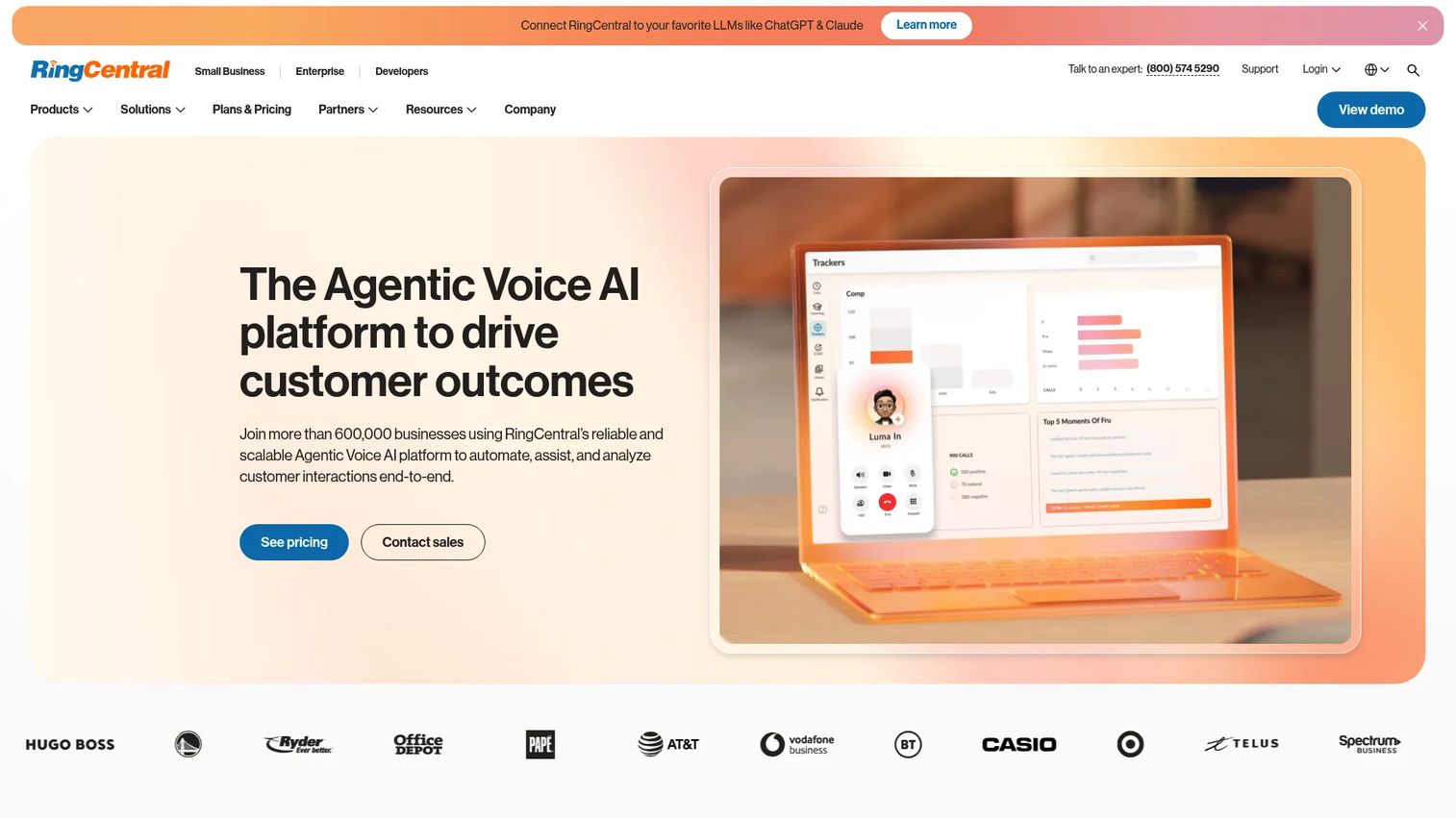
RingCentral is a broad business communications platform combining VoIP calling, team messaging, video meetings, SMS, fax, analytics, and AI tools in one admin layer. For a Series B company scaling across sales, support, and operations simultaneously, RingCentral reduces the number of communication tools your RevOps team has to manage. It supports mobile, desktop, and desk-phone access with CRM integrations into Salesforce, HubSpot, and others.
Best for: Scaling SaaS teams that need one phone system serving multiple departments, not just a sales pod.
Key features
- Business calling and SMS across desktop, mobile, and desk phones
- Auto attendant, call routing, and call queues
- Call recording, voicemail transcription, and analytics
- AI receptionist and conversation analytics
- CRM and productivity app integrations
Why choose RingCentral: Strong fit when you need a VP Sales and a Head of CS to operate from the same calling infrastructure, with admin controls that don't require IT involvement for every change.
RingCentral pricing: Plans start at $19.99/user/month (Essentials) billed annually. The Standard plan runs $24.99, Premium $34.99, and Ultimate $49.99 per user per month on annual billing. Monthly billing adds roughly $10/user to each tier.
G2 rating: 4.3/5
2. Nextiva
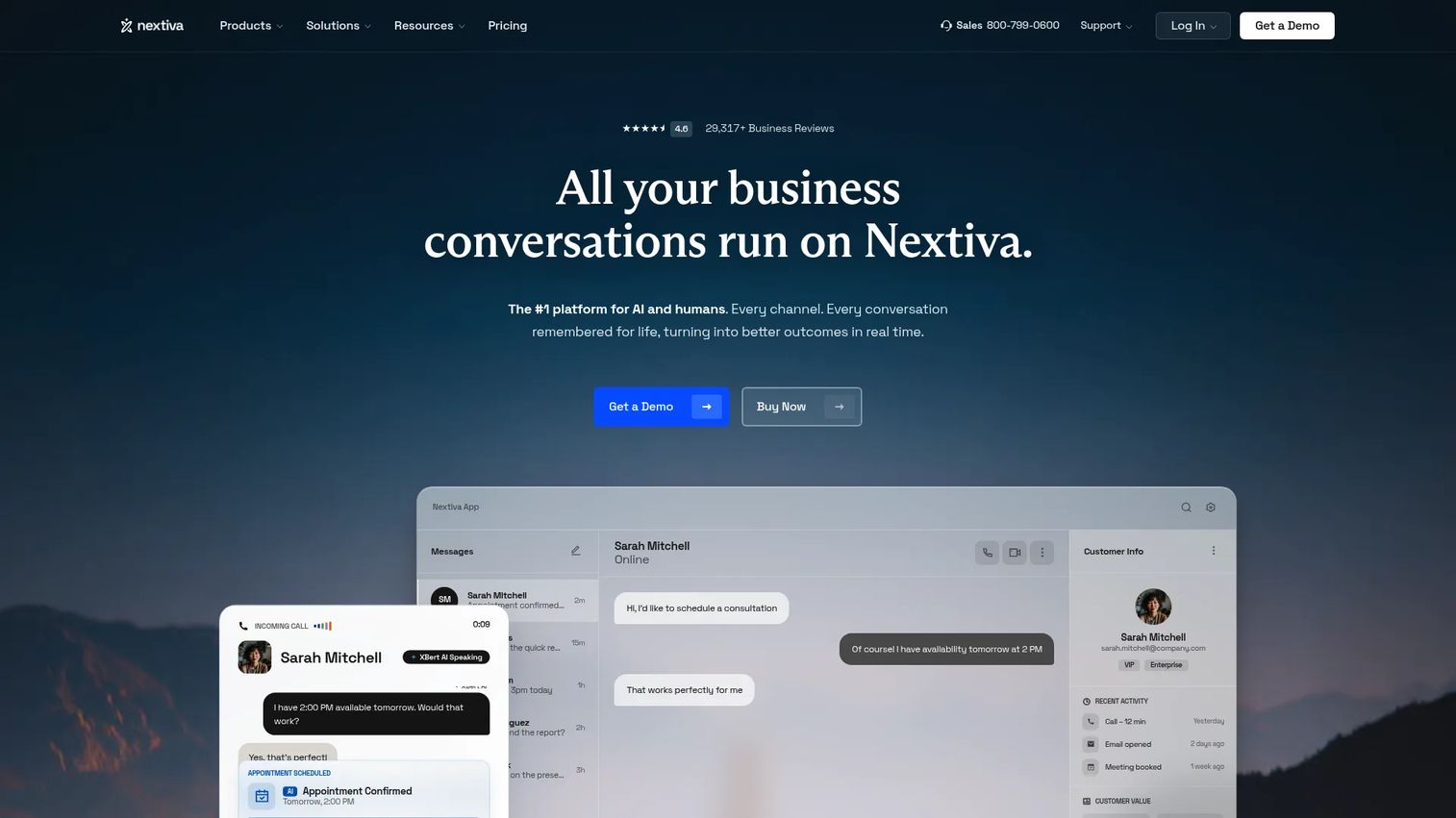
Nextiva positions itself as a unified business communications and customer experience platform. Beyond standard VoIP calling, it layers in SMS, video, automation, and customer conversation tools that connect calling activity to the broader customer lifecycle. For founders who want sales and customer success to share one view of customer communication, Nextiva's design is worth evaluating. It includes auto attendant, IVR, call recording, voicemail transcription, and AI call summaries.
Best for: SaaS companies where sales, support, and customer success all handle customer conversations and need to share context.
Key features
- Unlimited voice and video calling
- Business SMS, MMS, and team messaging
- Auto attendant and IVR
- Call recording and voicemail transcription
- AI call summaries and contact-center workflow automation
Why choose Nextiva: Good fit when the communication layer needs to serve the full customer lifecycle, not just inbound support or outbound sales in isolation. Validate which analytics and AI features require higher-tier plans before pricing.
Nextiva pricing: The NEXT Core plan starts at $15/user/month. NEXT Engage runs $25/user/month, and NEXT Scale reaches $75/user/month. Contact center plans start from $75/agent/month for the Essential tier.
G2 rating: 4.5/5
3. Dialpad
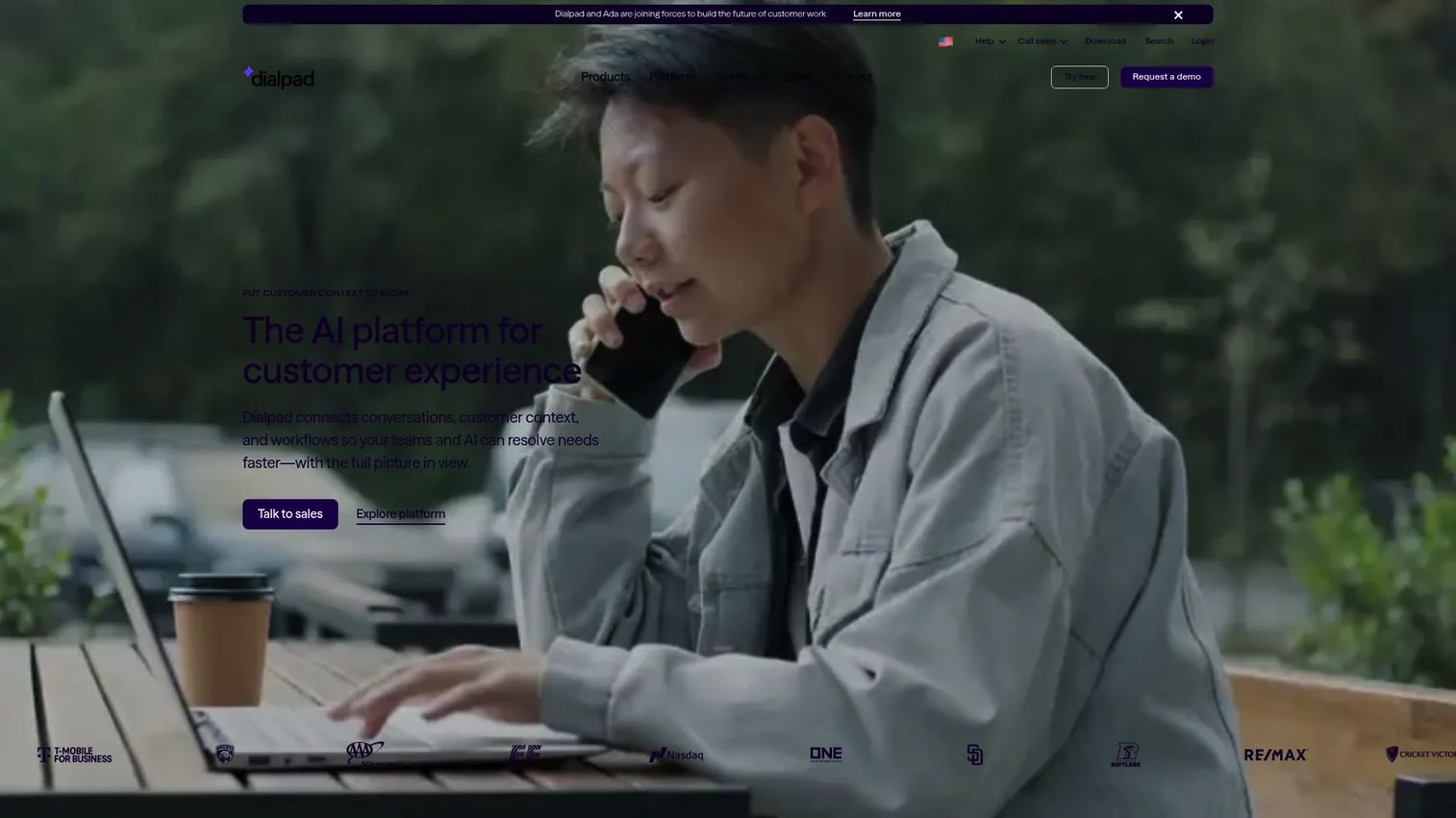
Dialpad is built around AI-native business communications. Its core differentiator is real-time transcription during calls, combined with post-call summaries, action items, coaching alerts, and CSAT scoring. For a VP Sales managing a growing team, Dialpad reduces the time spent manually reviewing calls by surfacing patterns automatically. The platform covers voice, SMS, and meetings, with CRM integrations that push call data into existing pipeline workflows.
Best for: Sales and support teams where managers need visibility into call quality and rep performance without reviewing every recording manually.
Key features
- Real-time AI transcription during calls
- Post-call summaries and action items
- Coaching alerts, scorecards, and playbooks
- Voice, SMS, and meetings in one platform
- CRM integrations and analytics
Why choose Dialpad: The AI features address a real operational problem: Managers at 30-plus-person teams can't review every call. Dialpad's summaries and coaching surface what matters. Check whether the AI tools you care about sit in the Connect Standard ($15/user/mo) plan or require Sell or Support tiers.
Dialpad pricing: Connect Standard starts at $15/user/month, Connect Pro at $25/user/month, and Connect Enterprise uses custom pricing. Sales-focused Sell plans begin at $39/user/month. A 14-day free trial is available.
G2 rating: 4.4/5
4. Zoom Phone
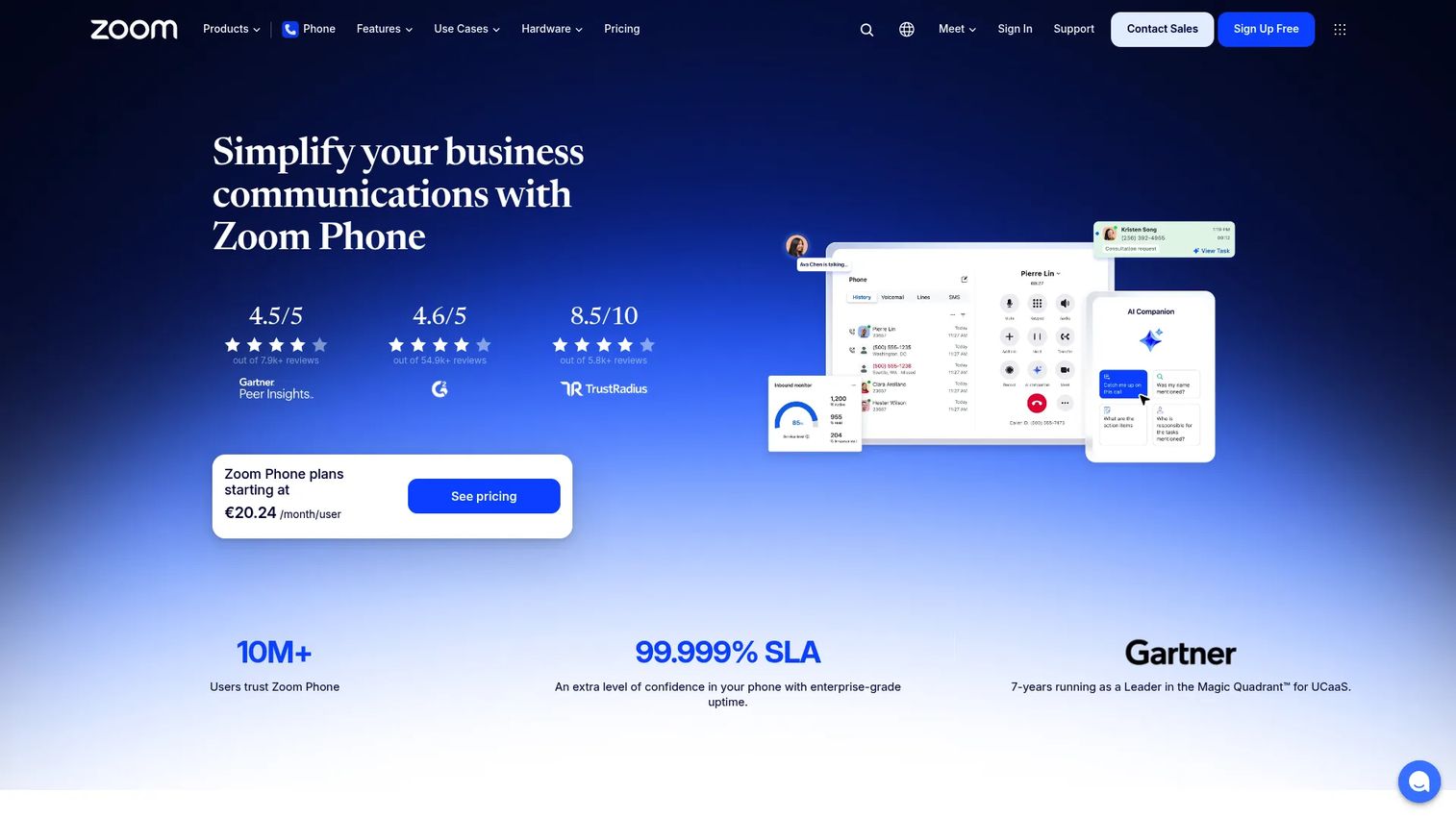
Zoom Phone adds cloud calling directly inside Zoom Workplace, the platform most SaaS teams already use for meetings, webinars, and async communication. For a founder who wants to consolidate the communications stack rather than add to it, Zoom Phone's integration story is its strongest argument. It includes auto attendant, call routing, voicemail transcription, AI call summaries, and SMS alongside the existing Zoom infrastructure.
Best for: Teams already standardized on Zoom for meetings and async video who want calling in the same workspace.
Key features
- Cloud phone calling integrated with Zoom Workplace
- Auto attendant, call routing, and call queues
- Voicemail transcription and AI call summaries
- SMS and MMS business texting
- Mobile, desktop, web, and desk-phone support
Why choose Zoom Phone: Adoption matters. If your team lives in Zoom already, adding calling inside the same interface removes one more login and one more admin layer. Compare the total cost of Zoom Phone plus your existing Zoom plan against bundled UCaaS competitors before committing.
Zoom Phone pricing: The US and Canada Unlimited plan is listed at $15/user/month. Additional plan tiers exist within Zoom Workplace bundles; pricing for those configurations requires a quote.
G2 rating: 4.6/5
5. GoTo Connect
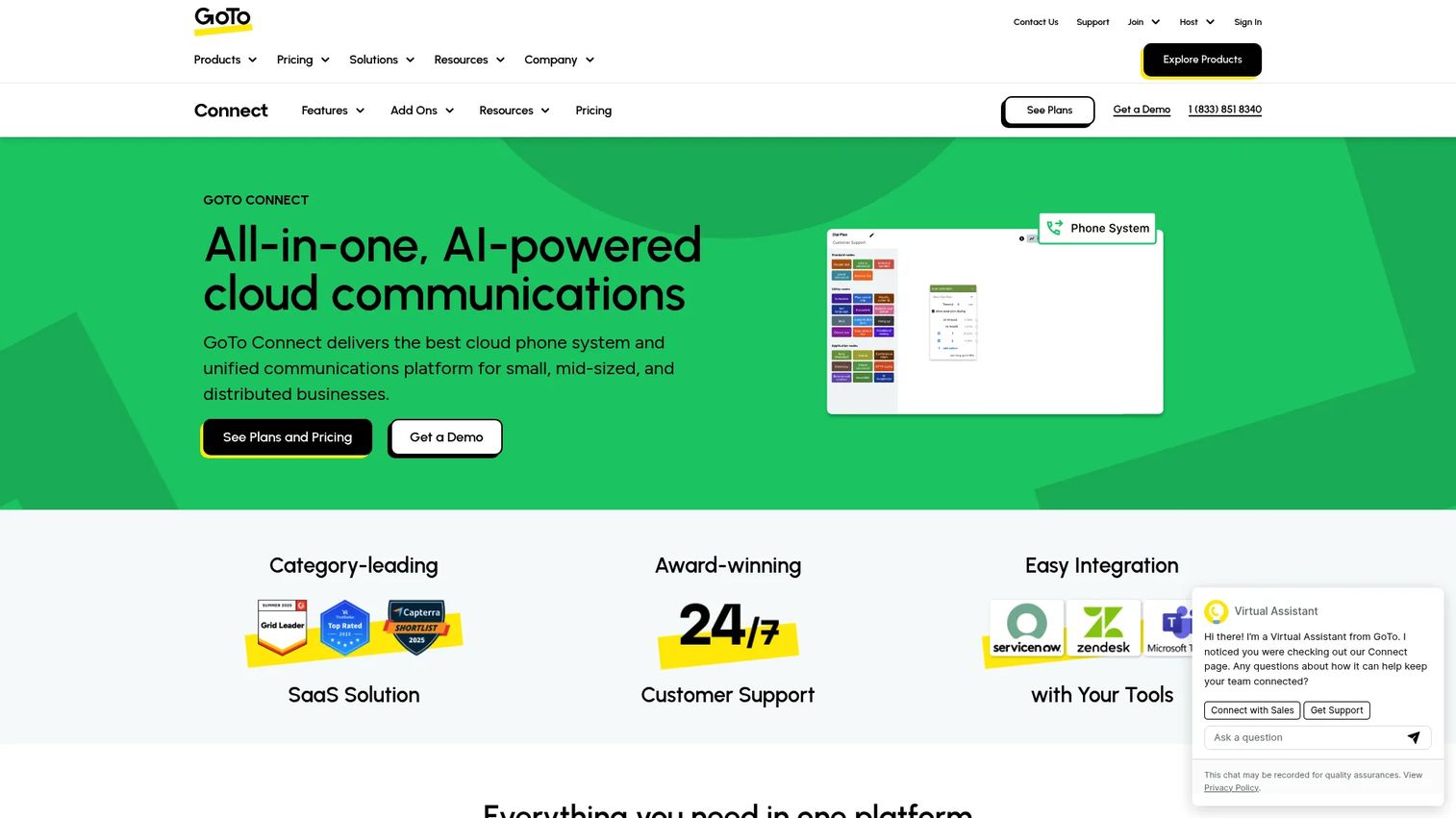
GoTo Connect is an all-in-one cloud communications platform combining business phone, video meetings for up to 250 participants, team messaging, and AI-powered call tools including summaries, transcription, and sentiment analysis. It offers expansion paths toward contact center features for teams with more complex inbound routing needs. GoTo Connect suits small to mid-sized companies that want phone and meetings managed together without building a complicated UCaaS stack.
Best for: Small to mid-sized SaaS companies that want an integrated cloud phone, video, and messaging platform with optional contact center expansion.
Key features
- Cloud phone with SMS and softphone support
- Video meetings and team messaging with file sharing
- Smart call routing and customizable dial plans
- AI call summaries, transcription, and sentiment analysis
- Unified admin portal and analytics
Why choose GoTo Connect: Good fit when simplicity matters and the team doesn't need deep CRM-native dialing or enterprise contact center workflows. Confirm which AI features and contact center capabilities require the higher CX Complete or Contact Center plans.
GoTo Connect pricing: Custom pricing, quote required. Plans include Phone System, Phone System with AI Receptionist, CX Complete, and Contact Center tiers. G2 lists the product rating at 4.5/5 from reviewer data.
G2 rating: 4.5/5
6. Vonage
Vonage provides cloud business calling, unified communications, and a communications API layer under one brand. For SaaS companies with complex customer communication needs or international calling requirements, Vonage covers more ground than a pure phone-system provider. Its business communications plans include VoIP calling, SMS, team messaging, video conferencing, call recording, and CRM integrations. Teams that also need to build programmable communication into their product can access the API layer separately.
Best for: Teams that want business phone service with international calling capabilities or access to communications APIs for product-level use.
Key features
- Cloud business calling across desktop and mobile apps
- Call routing, call recording, and call queues
- Business SMS, MMS, and virtual receptionist
- Video conferencing and team messaging
- CRM integrations including Salesforce and HubSpot
Why choose Vonage: The combination of business phone service and the API layer matters if your roadmap includes building communication features into the product. If you only need a business phone system, compare the Mobile and Premium plans carefully to confirm which integrations and features are included.
Vonage pricing: The Mobile plan starts at $13.99/line/month (12-month promotional rate, plus taxes and fees). Premium runs $20.99/line/month and Advanced $27.99/line/month at the same promotional terms.
G2 rating: 4.3/5
7. 8x8
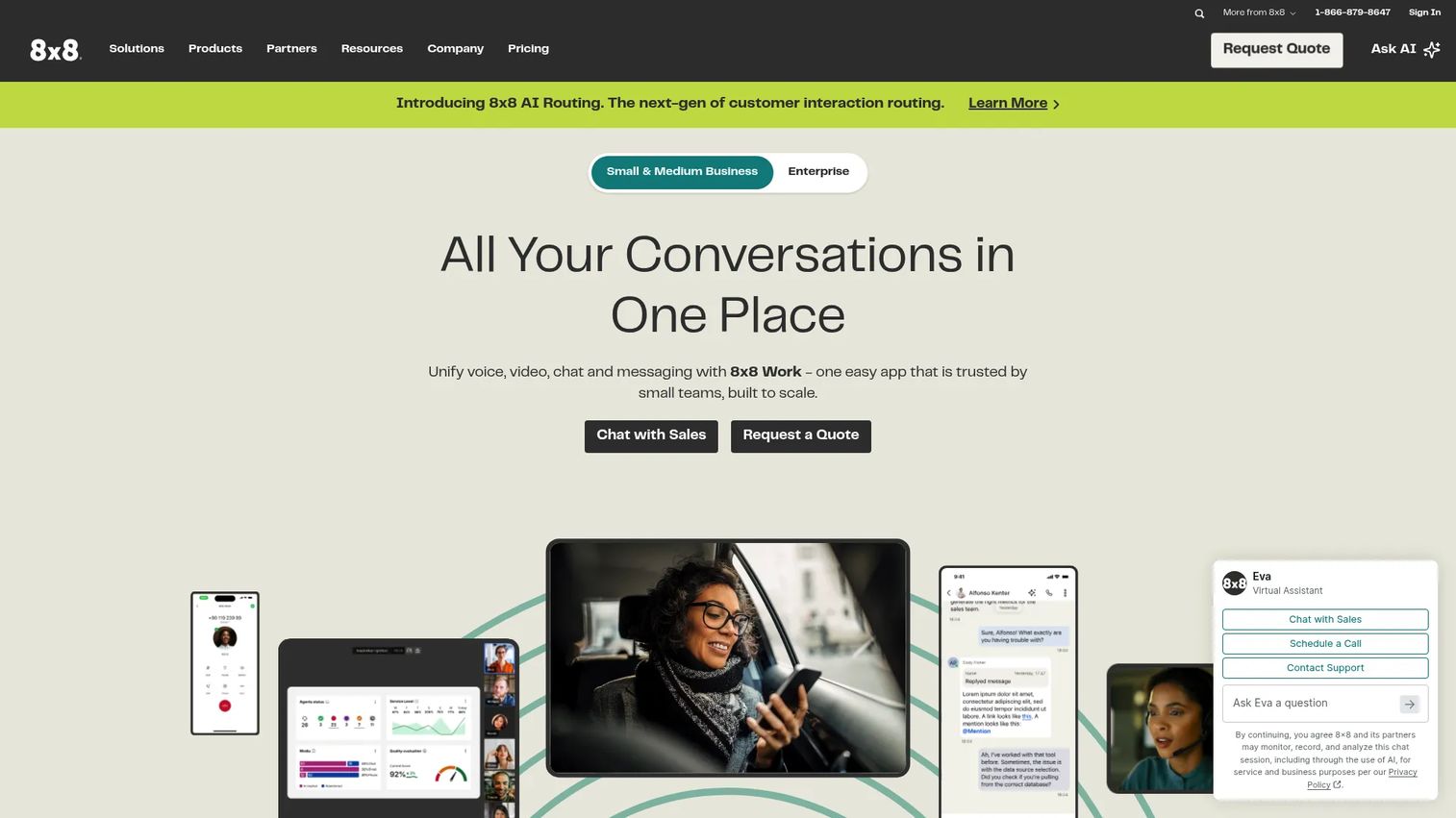
8x8 is a unified communications and contact center platform with voice, video, team messaging, SMS, analytics, and international calling across a large number of countries. For SaaS companies with distributed teams or international offices, 8x8's global voice reach is a material differentiator. It supports both business communications and contact center workflows, making it a candidate for companies that want to unify those functions over time.
Best for: Distributed companies with international users or offices that need voice, meetings, messaging, and global calling reach.
Key features
- Cloud business telephony with international calling zones
- Team messaging, video meetings, and collaboration
- Omnichannel contact center routing and analytics
- SMS and reporting
- Admin portal with global user management
Why choose 8x8: Worth serious consideration when international calling coverage and regulatory compliance across multiple countries drive the evaluation. Confirm specific country coverage and plan structure directly, since the official pricing page uses quote-based packaging.
8x8 pricing: Starting price is listed at $15/user/month on official 8x8 pages, though the current plans-and-pricing page directs buyers to request a quote for detailed plan mapping. Confirm current structure directly with 8x8.
G2 rating: 4.2/5
8. Ooma
Ooma is a cloud-based business phone system built for small and mid-sized teams that need reliable calling without enterprise-level setup complexity. Its Ooma Office plans include virtual receptionist, ring groups, mobile app, digital fax, and desk-phone support. Higher tiers add desktop app access, videoconferencing, call recording, voicemail transcription, and CRM integration. For a SaaS company at early Series B with a small office-based team, Ooma earns its place as a practical phone-first option.
Best for: Small SaaS teams that need affordable, reliable business phone service before investing in deep workflow automation.
Key features
- Virtual receptionist and ring groups
- Mobile app and desk-phone support
- Digital fax and call recording (Pro and above)
- Voicemail transcription and analytics
- CRM integration (Pro Plus)
Why choose Ooma: Good choice when the goal is reliable VoIP for a 10-to-30-person team without the admin overhead of a full UCaaS platform. Teams with complex CRM logging requirements or high outbound call volume should compare CRM integration depth against Dialpad or CloudTalk.
Ooma pricing: Ooma Office Essentials costs $19.95/user/month. Pro runs $24.95/user/month, and Pro Plus is $29.95/user/month. Billing is monthly.
G2 rating: 4.5/5
9. Grasshopper
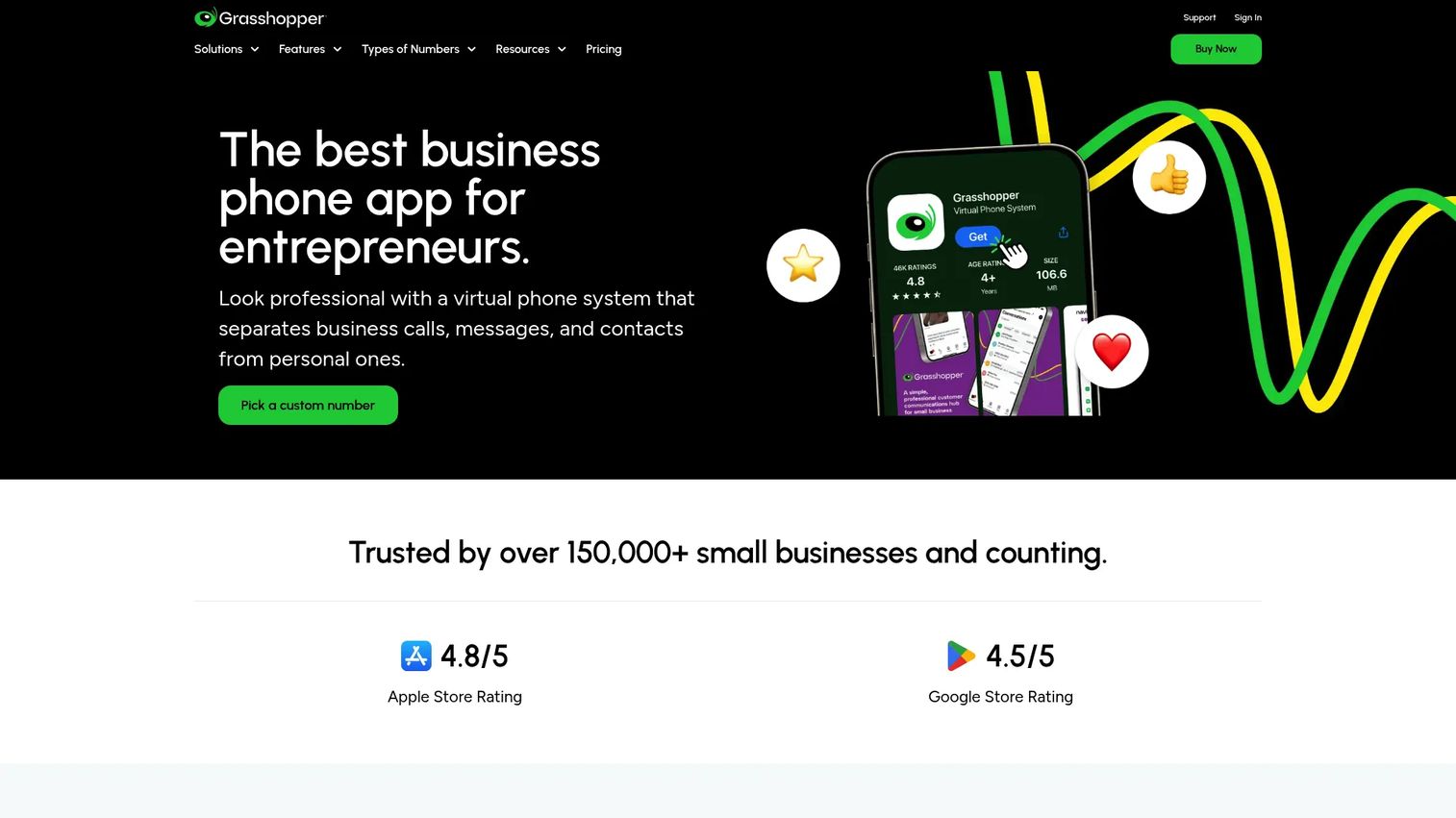
Grasshopper is a virtual phone system for small teams and founders who need business phone lines quickly without setting up a full cloud PBX. Plans include business numbers (local, toll-free, or vanity), extensions, call forwarding, voicemail transcription, and business texting. Its pricing is flat-rate rather than per-seat for most plans, which keeps it affordable for very small teams. A 7-day free trial is available.
Best for: Founders or teams of 1 to 5 people who need a business phone number and basic call routing before the company reaches a size that justifies a full VoIP platform.
Key features
- Business phone numbers with local, toll-free, or vanity options
- Call forwarding, routing, and custom greetings
- Voicemail transcription
- Business texting and unlimited calling
- Mobile and desktop apps
Why choose Grasshopper: Best when simplicity and speed of setup matter more than enterprise reporting or CRM integration. It is not the right fit for a 30-person sales team that needs call recording, analytics, or Salesforce logging. Use it as a bridge, not a long-term UCaaS solution.
Grasshopper pricing: True Solo starts at $14/month (billed annually). Solo Plus is $25/month, and Small Business is $55/month, both billed annually. A 7-day free trial is available.
G2 rating: 3.9/5
10. 3CX
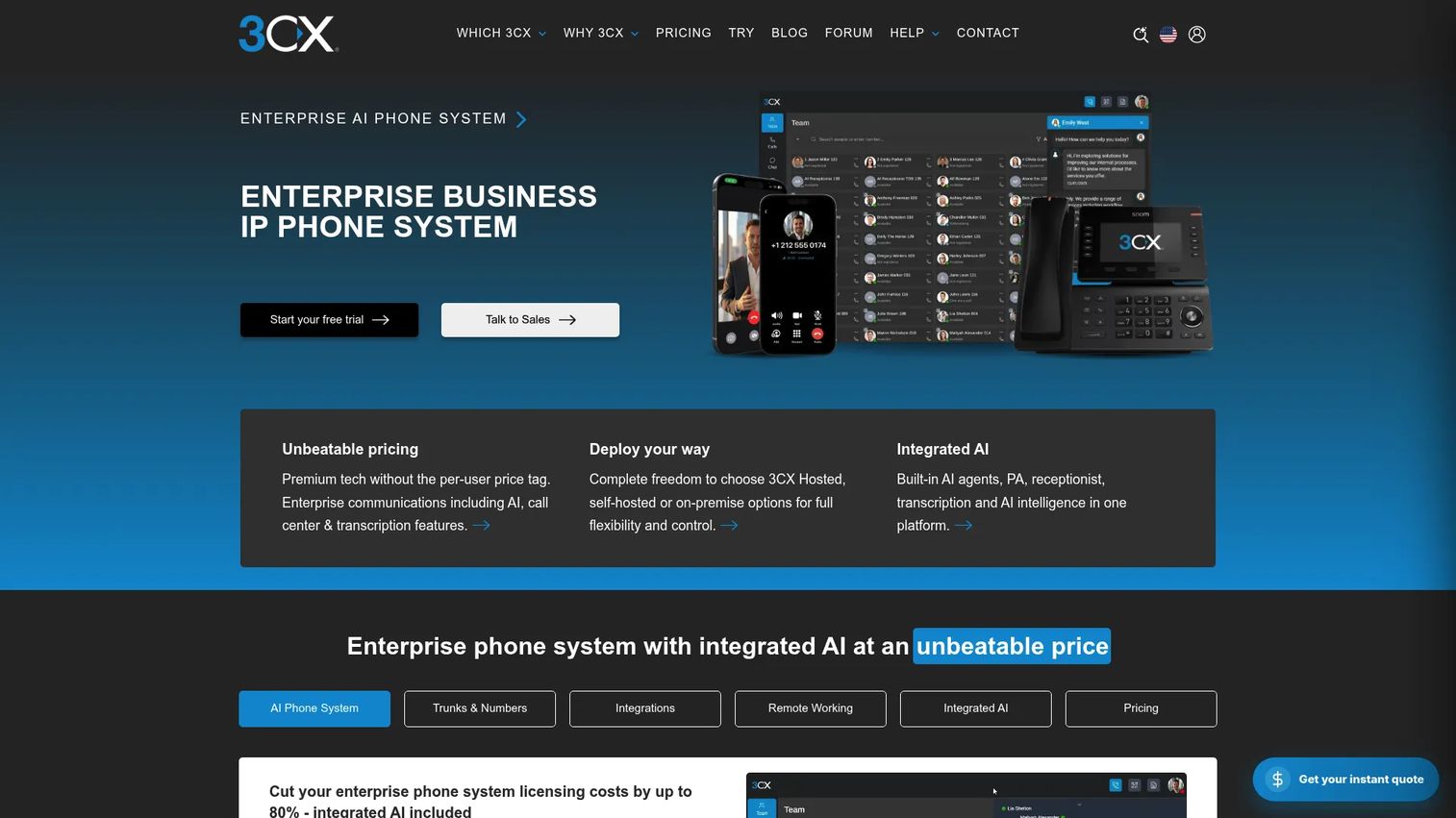
3CX is a flexible business phone and communications system with on-premise, self-hosted, or 3CX-hosted deployment options. Its flat annual licensing model, based on simultaneous call capacity rather than per-seat fees, appeals to IT-led organizations that want control over carrier relationships and infrastructure. It includes SIP trunk support, call queues, IVR, web conferencing, live chat, CRM integrations, and an AI edition with transcription, AI agents, and analytics.
Best for: Companies with technical IT resources that want deployment flexibility, carrier choice, and cost control at higher call volumes.
Key features
- Cloud, self-hosted, or on-premise PBX deployment
- SIP trunk support and call queues
- AI agents, transcription, and analytics (AI edition)
- Web conferencing, live chat, and WhatsApp integration
- CRM and Microsoft 365 integrations
Why choose 3CX: The annual licensing model can reduce per-call costs at scale if IT owns the infrastructure. Teams without internal telecom expertise should factor in setup time and ongoing administration ownership before choosing self-hosted deployment.
3CX pricing: Annual licensing starts at $300/year for the Basic edition at 8 simultaneous calls. Pro runs $395/year and AI $575/year at the same capacity. Hosting costs are separate.
G2 rating: 4.4/5
11. CloudTalk
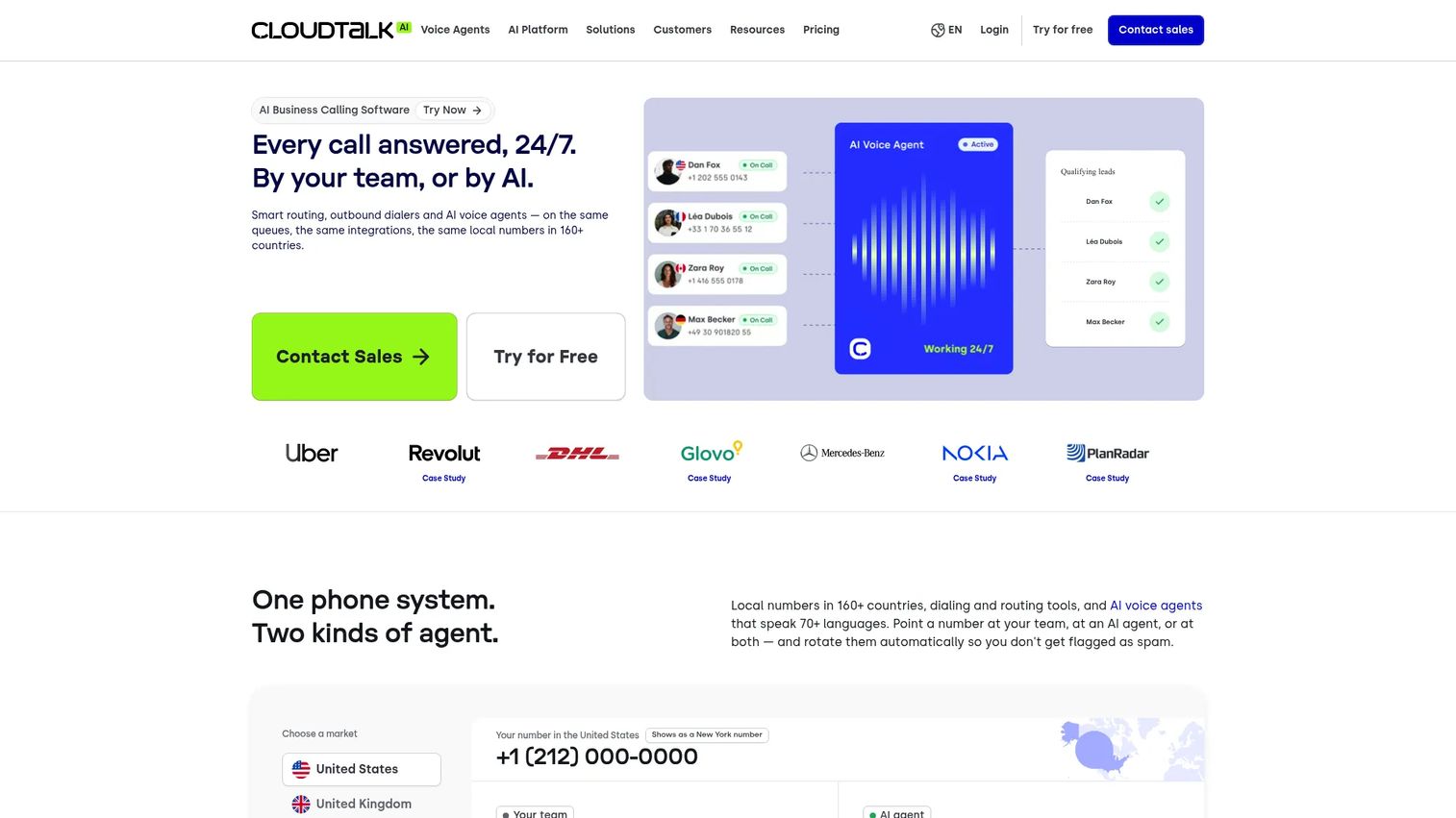
CloudTalk is a cloud-based business phone and call-center platform built specifically for sales and customer support teams. It includes a visual call-flow builder, call recording and transcription, international phone numbers, an AI sales dialer, AI voice agents, and native CRM integrations with HubSpot, Salesforce, and others. For a SaaS company running outbound sales sequences or handling high inbound support volume, CloudTalk's call-center-style features are more purpose-built than a general UCaaS platform.
Best for: Sales and support teams that need call-center features, outbound dialing, and CRM-synced call data without deploying an enterprise contact center platform.
Key features
- Visual call-flow builder and IVR
- Call recording and transcription
- AI Sales Dialer and AI Voice Agents
- International numbers across many countries
- CRM and helpdesk integrations
Why choose CloudTalk: Strong fit when outbound call volume, power dialing, and call analytics drive the evaluation. If the broader company also needs a phone system for operations, finance, or executive teams, pair CloudTalk with a lighter UCaaS layer rather than trying to extend it company-wide.
CloudTalk pricing: Plans are priced in EUR. Starter starts at €25/user/month (billed annually). Essential runs €29/user/month and Expert €49/user/month on the same billing. A 14-day free trial is available. US and Canadian buyers may see an additional 11% compliance and administrative recovery fee.
G2 rating: 4.4/5
12. Avaya Cloud Office
Avaya Cloud Office is a cloud communications platform from Avaya, a company with deep enterprise telephony heritage. It offers business calling, team messaging, video meetings, SMS, fax, and third-party app integrations in tiered plans. For companies migrating off traditional Avaya or other legacy on-premise PBX systems, the brand continuity can simplify stakeholder buy-in during the transition. Confirm current packaging and delivery model directly with Avaya, since availability can vary by region and partner.
Best for: Companies moving from traditional enterprise telephony to a cloud communications platform and want vendor familiarity during migration.
Key features
- Business calling, voicemail transcription, and SMS
- Team messaging, file sharing, and task management
- Video meetings and meeting recordings
- Analytics and third-party app integrations
- Enterprise administration controls
Why choose Avaya Cloud Office: Relevant when migration from legacy Avaya infrastructure is the primary driver and telephony continuity matters to IT or procurement. Verify current plan availability and partner delivery terms before shortlisting.
Avaya Cloud Office pricing: Plans start at $19.99/user/month (Essentials), with Standard at $27.99, Premium at $34.99, and Ultimate at $49.99 per user per month. Annual billing prices are $22.99, $30.99, $37.99, and $52.99 respectively.
Considerations when choosing VoIP phone software
Call volume and calling pattern
A 10-person CS team handling inbound tickets evaluates differently from a 30-person outbound sales team running power dialing sequences. Map your inbound, outbound, international, after-hours, and escalation patterns before shortlisting. The right answer for support may be a different platform than the right answer for sales, especially if one team needs call-center-style queuing and the other needs CRM-native logging.
Total cost after add-ons
Entry plan prices rarely reflect what you'll actually pay. SMS packages, toll-free number fees, international calling minutes, call recording storage, AI features, analytics dashboards, and contact center functionality can double the per-seat cost. Build a quote with your actual user count, calling pattern, and required features before comparing vendors. Monthly versus annual billing differences can also shift the math materially.
CRM and RevOps fit
Involve RevOps before you decide. The phone system should log calls, preserve activity history, support routing rules, and produce usable reporting without requiring manual cleanup. Ask vendors specifically how call activity syncs to your CRM, whether the integration is native or via Zapier, and what data the CRM receives per call. Poor CRM logging creates a data gap that shows up in pipeline forecasting months later.
Reliability and call continuity
Uptime claims matter, but so do failover behavior, emergency calling support, internet bandwidth requirements, and what happens during an outage. Lost calls mean missed deals and frustrated customers. Review each vendor's service-level documentation, check whether emergency calling is supported in your jurisdictions, and confirm device compatibility before committing.
Admin ownership and migration
Decide before purchase who will own call flows, user provisioning, routing changes, and number porting: IT, RevOps, sales ops, or an external partner. Number porting timelines vary by carrier, number type, and country. Plan for overlap between old and new systems so call disruption doesn't coincide with a busy quarter. Good VoIP software still fails when no one is accountable for administration after go-live.
Conclusion
The right business phone system for a Series B SaaS company isn't the one with the most features. It's the one your VP Sales, Head of CS, and RevOps lead can operate without routing every admin task through engineering or the founder.
RingCentral is the broadest pick for multi-department unified communications. Nextiva fits teams focused on customer conversation workflows. Dialpad is the strongest choice when AI-assisted calling and rep coaching are priorities. Zoom Phone makes sense if your company already runs on Zoom and wants to consolidate. Grasshopper and Ooma cover lightweight business-phone needs at the small-team end. 8x8 and Vonage deserve evaluation for teams with international footprint or API requirements. CloudTalk stands out for sales and support teams running high call volumes with power dialing needs.
The practical next step: Shortlist three vendors, build a quote with actual user count and calling patterns, run a trial with sales and support users, and test CRM logging, call routing, and mobile call quality before signing anything. Number porting timelines and contract terms deserve as much scrutiny as the feature list.
Start your journey with Guideflow today!
FAQs
VoIP phone software lets businesses make and manage calls over the internet rather than through traditional landlines or on-premises PBX systems. Modern platforms include call routing, auto attendant, voicemail, SMS, call recording, analytics, and CRM integrations. Many also bundle video meetings, team messaging, and AI-generated call summaries. For more on how AI fits into the broader sales technology stack, see our guide to AI customer service software.
Entry-tier plans from major providers typically start between $13 and $25 per user per month on annual billing. That number grows when you add SMS packages, toll-free numbers, international calling minutes, call recording storage, AI features, and contact center tiers. A team of 50 users across sales and support should model the full per-seat cost with every required add-on before comparing vendors.
For most SaaS companies, yes. VoIP is better suited to remote and hybrid teams, easier to administer from a browser, and integrates with CRM and analytics tools that traditional PBX systems don't support. Traditional on-premise systems may still apply for specific regulatory environments, facilities with constrained internet infrastructure, or organizations mid-way through a long-term telephony contract.
No. Most VoIP platforms support softphones on desktop apps and mobile apps, which is sufficient for most SaaS teams. Desk phones are optional and useful for front desk setups, shared workspaces, or employees who prefer a physical device. SIP-compatible desk phones from most manufacturers work with the major VoIP platforms listed here.
Bandwidth requirements depend on the number of simultaneous calls, codec in use, and overall network activity. Cisco and most major carriers estimate approximately 100 kbps per concurrent call for standard quality. Teams running 20 or more simultaneous calls should evaluate their network capacity and consider QoS (quality of service) settings that prioritize voice traffic.
Business-grade VoIP is secure when configured correctly. Most major providers support TLS and SRTP encryption for call signaling and media, role-based access controls, SSO, and audit logging. Review each vendor's security documentation specifically, check compliance certifications relevant to your industry, and confirm how call recordings are stored and who has access. Encryption and access controls are not uniform across plans.
Porting typically takes 2 to 4 weeks for US numbers, though complex cases or international numbers can take longer. The timeline depends on the losing carrier, number type, and whether account information is submitted accurately on the first attempt. Plan for overlap between your old and new systems, and avoid scheduling a cutover during a critical sales or support period.
The answer depends on team shape. RingCentral suits multi-department deployments where unified communications and admin depth matter most. Dialpad is the strongest choice when AI-assisted calling and conversation intelligence are priorities. Zoom Phone fits teams already operating inside Zoom. CloudTalk works well for high-volume sales and support calling with power dialing. For AI voice assistant capabilities in adjacent categories, see our separate roundups. Test CRM logging, call routing, and mobile call quality in a trial before making a final decision.