Your launch deck looked polished. The room still went quiet.
Design was not the problem. The format was. Standard slides broadcast at an audience. They do not ask anything of them, collect any signal from them, or let buyers experience what you are actually selling. According to the Engageli Active Learning Impact Study (2024), active-learning sessions produce 62.7% learner participation, compared with just 5% in passive lectures. The gap between watching and doing is not subtle.
For product marketers, this shows up in launch decks that explain the product but never prove it, sales enablement assets that reps quietly ignore, and webinars where the only feedback is a attendance number. Interactive presentation software changes that dynamic. The right tool turns a one-way broadcast into a feedback loop, whether that means live polls, clickable product walkthroughs, real-time Q&A, or audience response data tied to your enablement goals.
The global presentation software market was valued at $7.27 billion in 2025 and is projected to reach $22.22 billion by 2033, according to SNS Insider (2025). Cloud-based tools already account for more than 60% of that market. The category is growing because passive slides are losing to formats that produce measurable engagement.
What's inside
This guide compares 12 interactive presentation platforms for PMMs, enablement teams, trainers, educators, and meeting owners.
- Who this is for: Product marketing managers, sales enablement teams, trainers, educators, and anyone running meetings where participation and analytics matter
- How tools were chosen: Relevance to interactive presentations, audience response features, product storytelling capability, and PMM fit
- What gets compared: Best use case, key differentiator, verified pricing, and G2 rating
- What to check before buying: Free-plan limits, participant caps, import support, analytics depth, and integration requirements
TL;DR
- Best for product marketing teams: Guideflow is the top pick when your presentation needs to be a clickable product experience, not just a slide deck
- Best for traditional slide decks: PowerPoint remains the standard for enterprise-approved formats, Microsoft 365 collaboration, and leadership reviews
- Best for collaboration: Google Slides is the fastest way to build and iterate on decks with distributed teams
- Best for design speed: Canva gives non-designers polished output in a fraction of the time
- Best for visual storytelling: Prezi and Genially both serve nonlinear, media-rich narratives that standard slides cannot match
- Best for live audience engagement: Mentimeter, Poll Everywhere, and Kahoot! 360 each specialize in real-time polls, Q&A, and participation at scale
What is interactive presentation software?
Interactive presentation software helps presenters create slides, product stories, or live sessions that audiences can participate in through clicks, polls, quizzes, embedded media, branching paths, or real-time responses.
The category is not a single tool type. It spans four distinct jobs:
- Slide-based creation: Building decks with templates, branding, animations, and collaboration
- Audience response: Collecting live input through polls, word clouds, quizzes, and Q&A during a session
- Classroom and training platforms: Delivering structured lessons with formative assessment, student-paced modes, and learning reports
- Product demo and interactive product presentations: Letting audiences click through the actual software experience instead of watching screenshots
Understanding which job your presentation has to do is the most important question before choosing a tool.
Core features to look for
- Interactive slides: Buttons, hotspots, branching paths, animations
- Audience response: Polls, quizzes, Q&A, word clouds, surveys
- Existing deck imports: PowerPoint, Google Slides, PDF
- Sharing and delivery options: Live, async, remote, hybrid, in-person
- Analytics: Participation, completion, response data, drop-off tracking
- Exports: PDF, video, GIF, SCORM where supported
- Collaboration: Comments, team editing, permissions, templates
- Branding controls: Themes, fonts, colors, approved assets
How this differs from standard presentation software
Standard slideware is built for presenter-led delivery. Interactive presentation software adds participation, self-guided exploration, assessment, or analytics on top of that foundation.
For a PMM, the distinction matters: A launch deck explains positioning, an interactive presentation tests whether the message lands, and a clickable interactive demo lets buyers experience the value directly before they talk to sales.
When to use interactive presentation software
Turn product launches into measurable stories
Use interactive formats when a new feature needs more than screenshots. Combining messaging, product visuals, and audience response questions gives you launch data, not just launch coverage. If the product itself is the best proof point, a clickable product walkthrough does the work a slide deck cannot.
Run training and enablement sessions that produce signal
Live polls, quizzes, word clouds, and Q&A help you spot confusion during sales enablement sessions, internal training, customer onboarding, and town halls. The feedback is immediate and tied to specific content, not buried in a post-session survey nobody completes.
Educate and onboard without scheduling another call
Classroom-style platforms with student-paced modes, SCORM export, and completion tracking let you build training content that runs asynchronously. Customer education, partner onboarding, and internal certification programs all benefit from formats that do not require a live presenter every time.
Interactive presentation software comparison
The table below sorts tools by relevance to PMM and marketing use cases. Pricing is from each vendor's official pricing page. G2 ratings are from each tool's current G2 listing.
| # | Product | Best for | Key differentiator | Pricing | G2 rating |
|---|---|---|---|---|---|
| 1 | Guideflow | Product-led presentations and interactive demos | Clickable product experiences with analytics | Free; paid from $35/mo | 5.0/5 |
| 2 | PowerPoint | Traditional enterprise slide decks | Familiar creation with broad Microsoft 365 integration | Free web; Microsoft 365 from $7/user/mo | N/A |
| 3 | Google Slides | Real-time team collaboration | Browser-based decks with simple sharing | Free; Workspace from $7/user/mo | 4.4/5 |
| 4 | Canva | Fast branded visual decks | Templates and design assets for non-designers | Free; Pro $144/year | N/A |
| 5 | Prezi | Nonlinear visual storytelling | Zoomable canvas and audience participation built in | Free; paid from $7/mo | 4.2/5 |
| 6 | Genially | Interactive media-rich presentations | Click-triggered elements and SCORM export | Free; paid from 6€/mo | 4.6/5 |
| 7 | Kahoot! 360 | Interactive meetings and training | Quizzes, polls, and AI-assisted content generation | From $15/mo | N/A |
| 8 | Nearpod | Classroom lessons and formative assessment | Interactive lessons with real-time student insights | Free; paid from $159/year | N/A |
| 9 | Pear Deck | Google Slides-based teaching | Student response layers inside existing slide lessons | Free; Premium $149/year | 4.4/5 |
| 10 | Mentimeter | Live polling and audience response | Word clouds, polls, and anonymous participation | Free; paid plans billed annually | 4.7/5 |
| 11 | Poll Everywhere | Enterprise live polling | Audience response inside meeting and slide workflows | Free; paid from $10/mo | 4.5/5 |
| 12 | Keynote | Apple-native polished presentations | Cinematic design for Apple-first teams | Free with Apple devices | 4.4/5 |
Best 12 interactive presentation software tools for 2026
Each tool below fits a different version of "interactive." Some build decks, some collect live responses, some support classroom instruction. The right starting point depends on whether your audience needs to watch slides, answer questions, or experience a product.
1. Guideflow
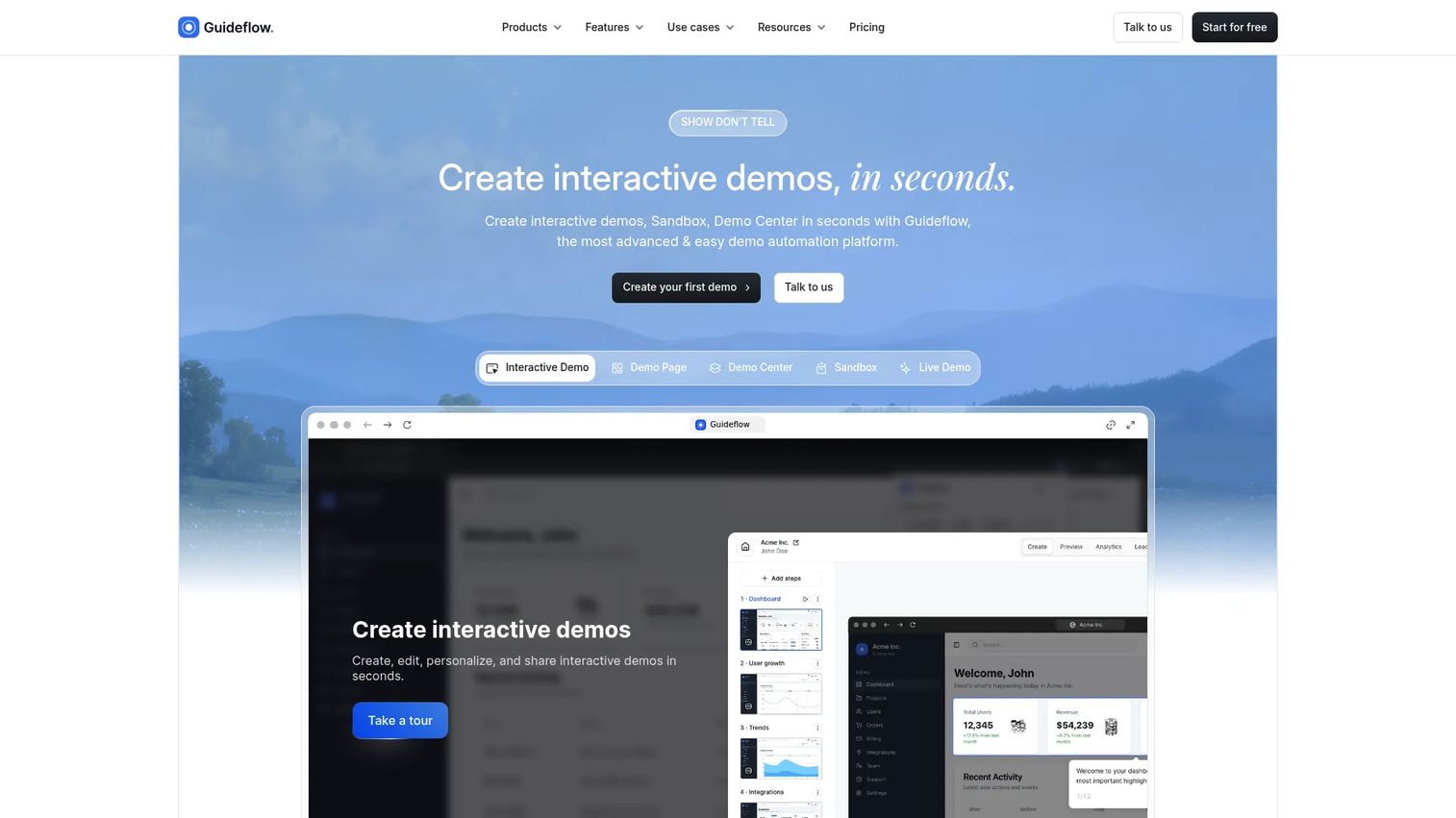
Guideflow is a demo automation platform that turns your product into a clickable, self-serve experience prospects can explore without scheduling a call. For PMMs, it fills the gap that slideware cannot: When the product itself is the message, Guideflow lets you show it rather than describe it. The platform covers interactive demos, sandbox environments, demo centers, mobile demos, and live demos as complementary formats across the buyer and customer journey.
Best for: PMMs creating product launch demos, sales enablement leave-behinds, website embeds, customer education flows, partner enablement assets, and analyst or board presentations.
Key features
- No-code product capture via Chrome extension or desktop app
- Branching demo paths and personalization by account or persona
- Demo Center for organizing multiple demos in one branded hub
- Analytics tracking completion, drop-off, leads, and conversion
- AI-generated voiceovers, translations, and step content
Why choose Guideflow: PMMs can turn the product itself into the presentation. When a buyer clicks through a Guideflow demo, every step they take, every drop-off point, and every lead captured becomes signal your Sales team can act on. That is a fundamentally different engagement model than a static deck or recorded video.
Guideflow pricing: Free plan includes 5 guideflows and 7-day analytics. Solo starts at $35/month billed annually ($40/month billed monthly). Startup is $499/month on annual billing. Advanced is $1,499/month annually, and Enterprise starts at $2,999/month annually.
G2 rating: 5.0/5
Start your journey with Guideflow today!
2. PowerPoint
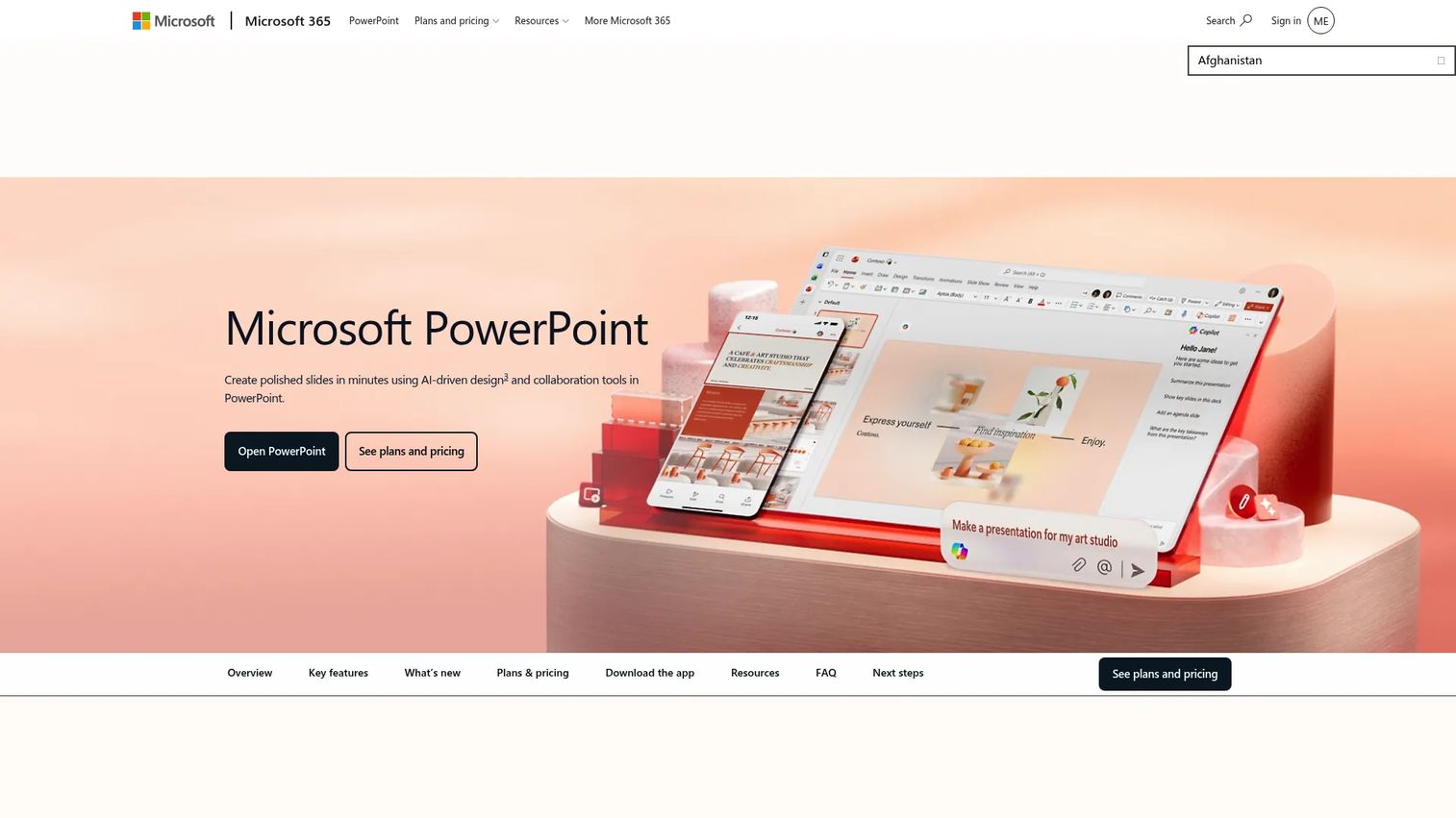
Microsoft PowerPoint is the default for business presentations across most enterprise organizations. Its deep integration with Microsoft 365 means your team can co-author, comment, and share decks without switching tools. AI features through Copilot help generate slide content, design recommendations, and rehearsal feedback via Speaker Coach. For launch decks, executive reviews, and cross-functional alignment, PowerPoint is the format most stakeholders already know.
Best for: PMMs who need an enterprise-approved, Microsoft 365-compatible deck format for launches, analyst briefings, and leadership reviews.
Key features
- Slide master controls and customizable templates
- AI-assisted editing and slide generation with Copilot
- Speaker Coach for presenter rehearsal feedback
- Real-time co-authoring and commenting
- Export to PDF and video
Why choose PowerPoint: If your organization runs on Microsoft 365, PowerPoint is the path of least resistance for formal launches, board presentations, and cross-functional reviews. For deeper audience engagement, you will typically need an add-in or a connected tool.
PowerPoint pricing: A free web version is available. Microsoft 365 Personal runs approximately $84.99/year. Business plans start at around $7/user/month (billed annually) and go up to approximately $32/user/month for Business Premium with Copilot.
3. Google Slides
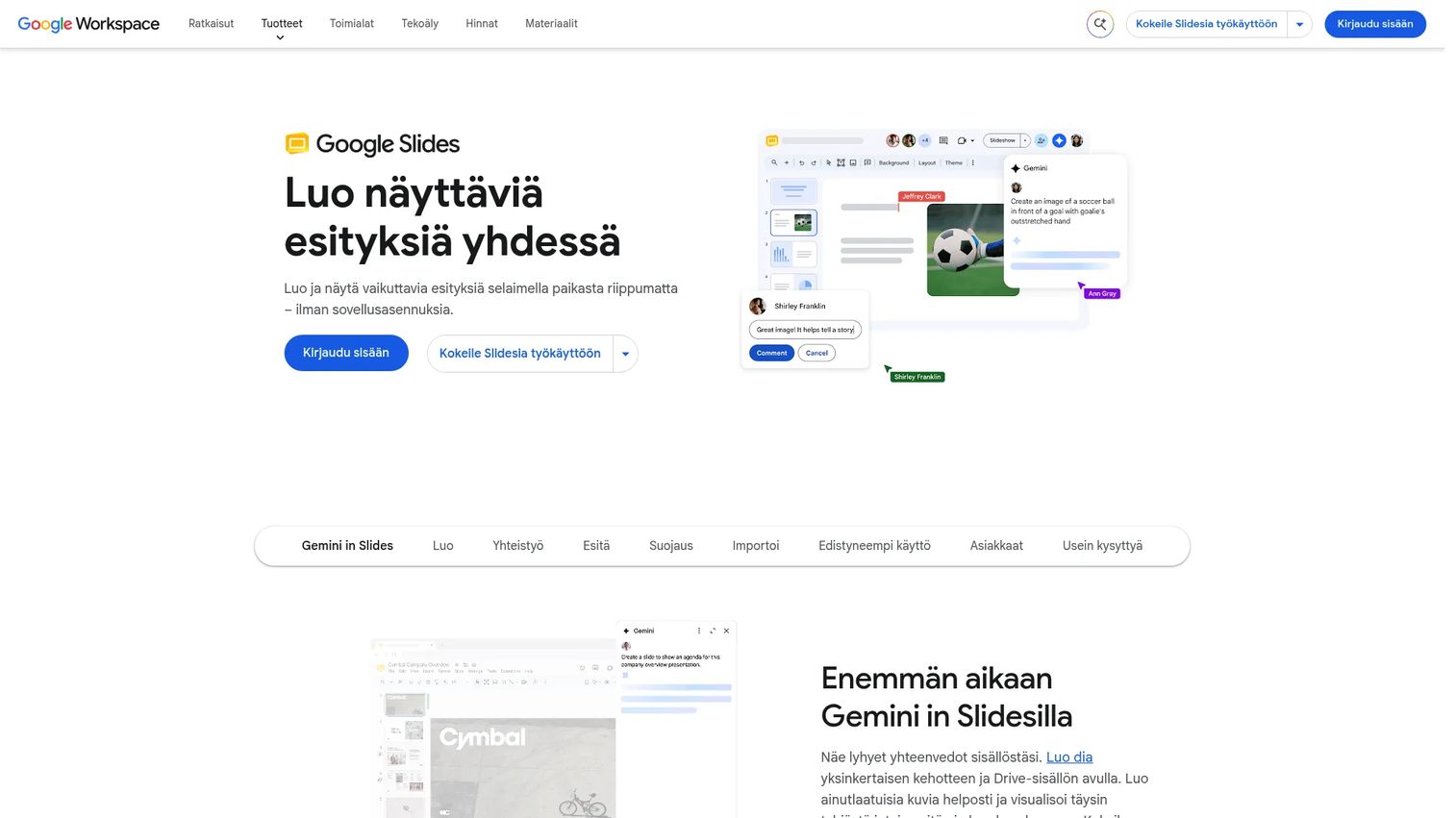
Google Slides is the fastest way to build and iterate on decks with a distributed team. Because it lives in the browser, there is no version-file problem. Comments, suggestions, and edits from Product, Design, Sales, and CS all happen in one place. Gemini AI can help generate slides, write summaries, and create images. Google Slides also imports PowerPoint and Canva presentations, which matters for PMMs managing assets across multiple tools.
Best for: PMMs who need fast collaborative deck creation across product, sales, and growth teams, especially when review cycles are tight.
Key features
- Real-time co-editing with comments and live pointers
- Gemini-assisted slide generation and content summaries
- PowerPoint and Canva import
- Version history and restore
- Offline access and mobile apps
Why choose Google Slides: The collaboration experience is hard to beat for review-heavy workflows. If your team already works in Google Workspace, the absence of switching costs is real. For live audience engagement, you will typically extend it with an add-on or a connected polling tool.
Google Slides pricing: Free for anyone with a Google account. Google Workspace Business Starter runs $7/user/month. Business Standard is $14/user/month, and Business Plus is $22/user/month. Enterprise pricing requires contacting sales.
G2 rating: 4.4/5
4. Canva
Canva is where PMMs go when they need visually polished output without waiting on a designer. Its presentation templates, brand kits, and stock media library make it fast to build launch decks, webinar slides, event visuals, and campaign materials. Canva also supports real-time team collaboration, comments, and a presenter view for live delivery. AI tools help generate images, write copy, and suggest design improvements.
Best for: PMMs creating polished campaign decks, webinar visuals, and launch materials under time pressure, without designer support.
Key features
- Presentation templates with brand kit controls
- Drag-and-drop editor with stock media library
- AI image, copy, and design generation
- Real-time team collaboration
- Multiple export formats including PDF, video, and PNG
Why choose Canva: Speed and visual quality are Canva's strengths. For PMMs running multiple launches simultaneously, the ability to produce on-brand materials without a design queue is a real productivity gain. Interactive audience features usually require external tools or embedded links.
Canva pricing: Free plan available. Pro is $144/year for one person. Business runs $250/year per person. Enterprise pricing requires contacting sales.
5. Prezi
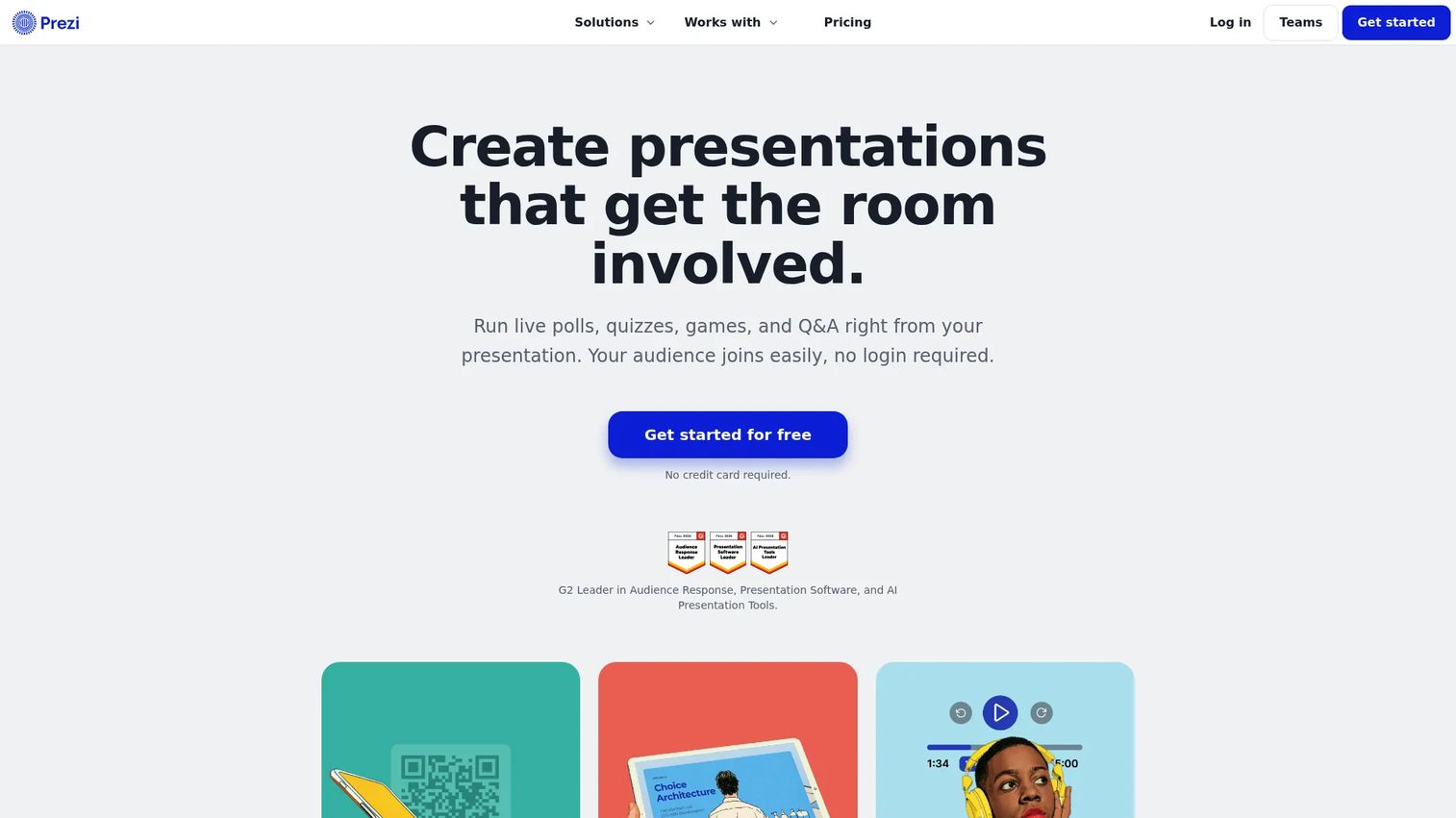
Prezi moves beyond the linear slide deck with a zoomable canvas that lets presenters navigate ideas spatially. Rather than moving from slide to slide, you zoom in and out of a larger visual space, which creates a different kind of narrative momentum. Prezi also includes built-in audience participation tools: Live polls, quizzes, Q&A, and word clouds are available within the platform. Analytics let you see how audiences engaged with each part of the presentation.
Best for: Teams presenting complex narratives, market maps, or product ecosystems who want to move beyond linear slide sequences.
Key features
- Zoomable presentation canvas
- Built-in live polls, quizzes, Q&A, and word clouds
- AI-assisted creation from prompts or uploaded content
- PowerPoint import and PDF/PPTX export
- Presentation analytics and audience results
Why choose Prezi: PMMs presenting multi-layered product stories, competitive landscapes, or category narratives often find the spatial format more memorable than a linear deck. The built-in participation tools remove the need for a separate audience response platform.
Prezi pricing: Basic plan is free. Standard is $7/month billed annually. Plus is $19/month, and Premium is $29/month (both billed annually).
G2 rating: 4.2/5
6. Genially
Genially is a no-code platform for building interactive, animated digital content that feels closer to a web experience than a slide deck. Click-triggered elements, animated transitions, embedded media, and branching scenarios all work without writing a line of code. Genially supports SCORM and LTI integrations, which makes it relevant for teams building training or certification content that needs to run inside a learning management system.
Best for: PMMs, trainers, and educators building media-rich interactive presentations, self-guided learning content, and onboarding modules.
Key features
- Click-triggered interactions and animation effects
- Interactive quizzes, surveys, and branching scenarios
- SCORM and LTI integrations for LMS delivery
- Drag-and-drop editor with templates and multimedia embeds
- Analytics and team collaboration
Why choose Genially: When you need something that behaves more like an interactive microsite than a deck, Genially covers it without requiring a developer. SCORM support makes it a practical option for customer education or partner certification programs that need LMS compatibility.
Genially pricing: Free plan available. Pro is 6€/month billed annually. Master is 20€/month. Author is 40€/member/month. Enterprise pricing is custom.
G2 rating: 4.6/5
7. Kahoot! 360
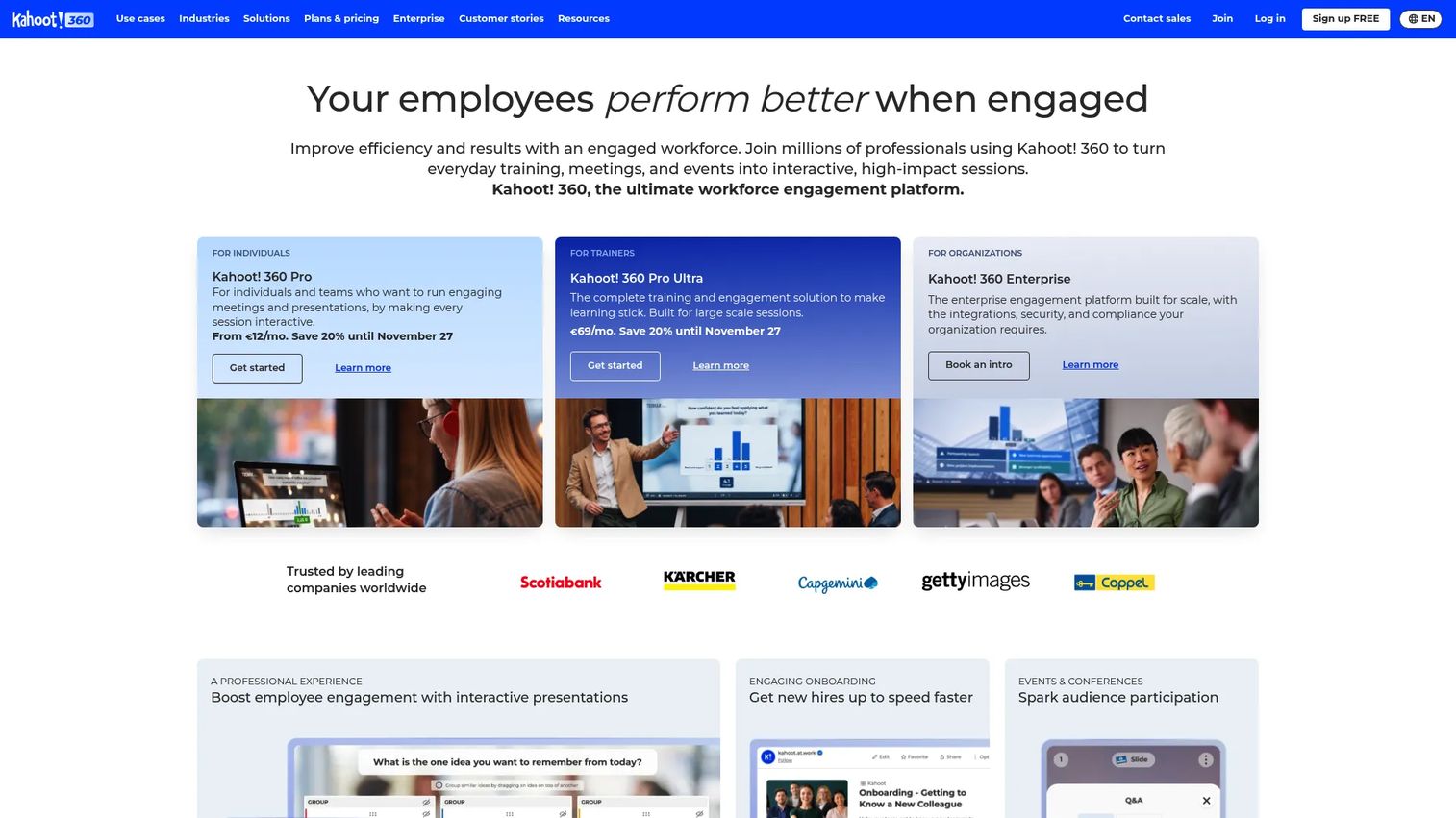
Kahoot! 360 is a workforce engagement platform built for interactive meetings, training sessions, onboarding programs, and large-scale events. Presenters can run live quizzes, polls, word clouds, brainstorms, and open-ended Q&A during a session. AI tools can generate quiz content from a PDF or URL, which speeds up content creation for sales kickoffs and product training. Enterprise features include SSO, SCIM, and integrations with Zoom, Microsoft Teams, and PowerPoint.
Best for: Organizations running interactive employee training, onboarding sessions, town halls, and large-scale company meetings where participation is the primary goal.
Key features
- Live quizzes, polls, word clouds, and moderated Q&A
- AI-powered content generation from PDFs and URLs
- Self-paced kahoots, courses, and certificates
- Participation reports and downloadable insights
- Zoom, Teams, and PowerPoint integrations
Why choose Kahoot! 360: PMMs running sales kickoff training, launch readiness checks, or enablement workshops will find Kahoot! 360 effective at generating participation and measuring knowledge retention. It is less suited to producing static decks or demonstrating software products.
Kahoot! 360 pricing: Kahoot! 360 Express is free. Pro Start is $15/month ($180/year). Pro Standard is $25/month. Pro Plus is $39/month. Pro Max and Pro Ultra are both $79/month. Enterprise pricing requires contacting sales.
8. Nearpod
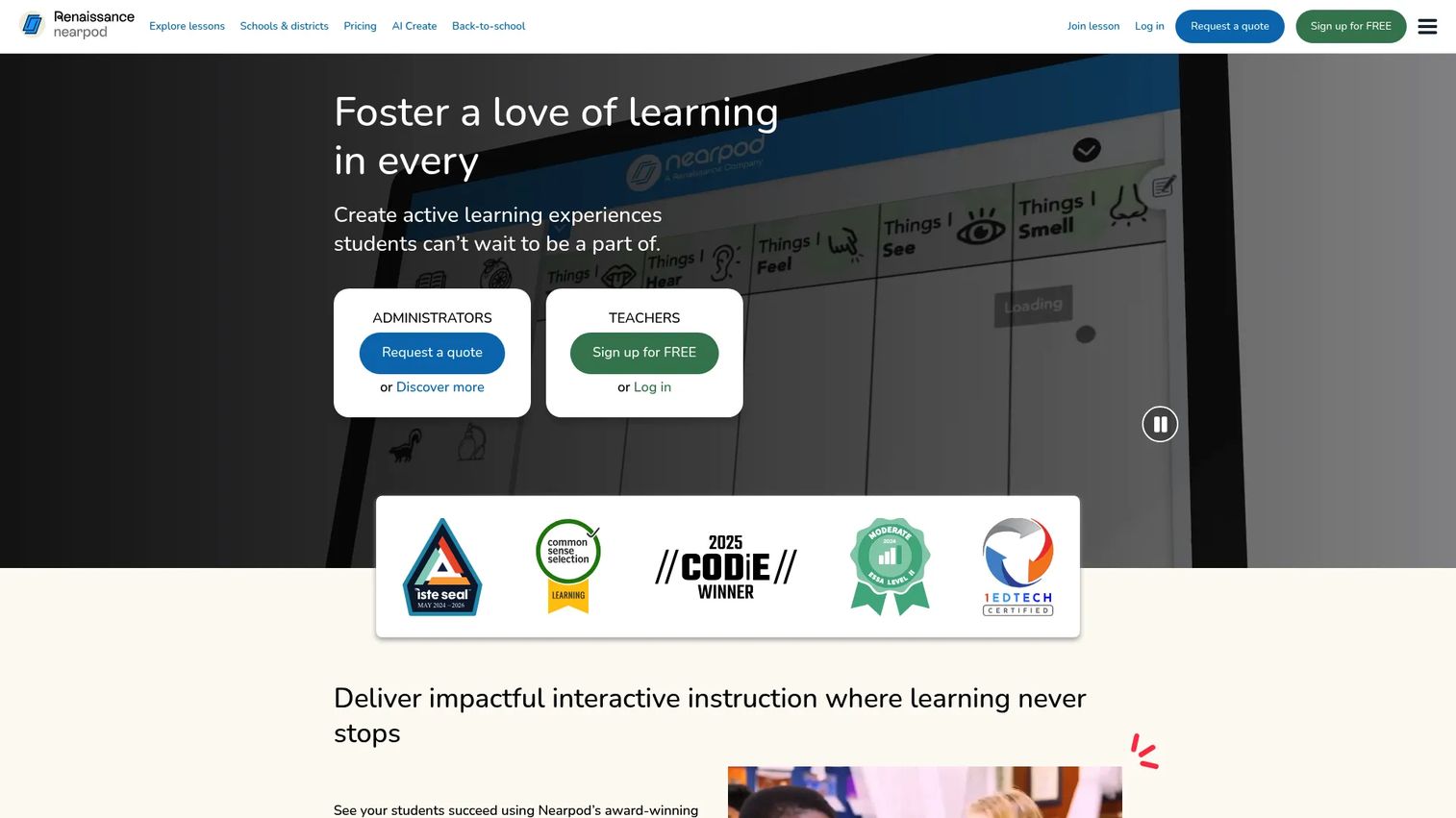
Nearpod is an interactive lesson platform built primarily for K-12 classrooms, though its structure translates to corporate training and customer education use cases. Lessons can run in Live Participation mode, where the presenter controls pacing, or Student-Paced mode, where participants move through content independently. The platform includes more than 20 activity types: Draw-it, polls, quizzes, VR field trips, and 3D objects, alongside real-time and post-session reporting.
Best for: Educators, trainers, and enablement teams building structured lesson-style content with formative assessment and self-paced delivery.
Key features
- Interactive lessons with 20-plus activity and assessment types
- Live Participation, Student-Paced, and Front of Class delivery modes
- Real-time student insights and post-session learning reports
- VR Field Trips, 3D objects, and PhET simulations
- Google Classroom, Microsoft Teams, and LMS integrations
Why choose Nearpod: The platform excels in education-style instruction where structured progression and formative assessment drive the workflow. PMMs should consider it when the use case resembles curriculum delivery, specifically customer training programs or structured partner education.
Nearpod pricing: Silver plan is free. Gold is $159/year. Platinum is $397/year. School and district licensing requires requesting a quote.
9. Pear Deck
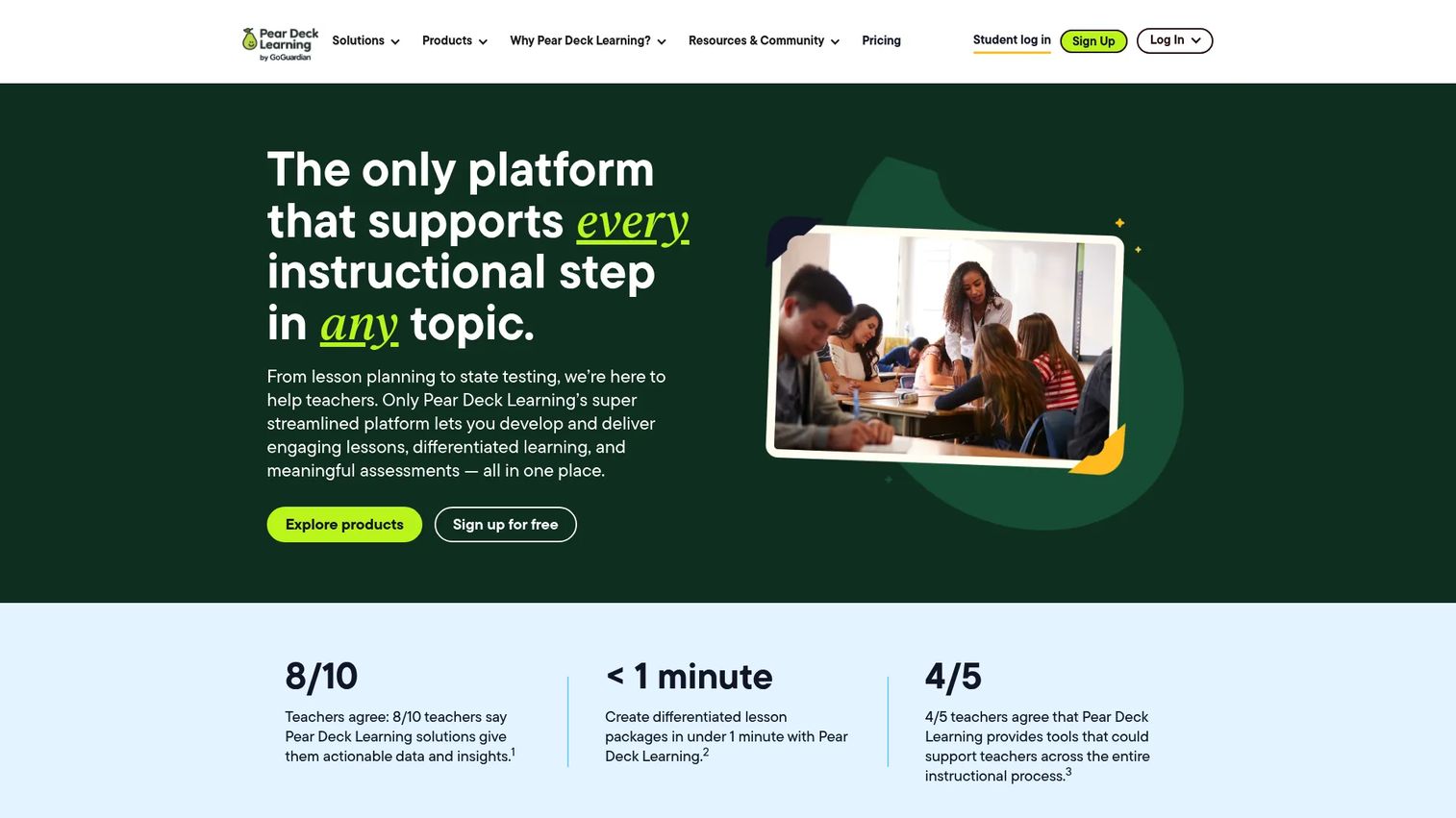
Pear Deck layers interactive student response directly on top of Google Slides, which means your team can keep building in the tool they already use. Teachers add polls, quizzes, drawing prompts, draggable questions, and free-text responses to any slide. During a session, the teacher dashboard shows live responses, and Student-Paced Mode lets participants work through the content at their own speed. AI-powered lesson packages can convert existing content into interactive versions.
Best for: Teachers and training teams who already build in Google Slides and want to add live participation and formative assessment without rebuilding their content.
Key features
- Google Slides add-on for interactive response prompts
- Real-time student responses with teacher dashboard
- Student-Paced Mode with timers and anonymous response options
- AI-powered lesson and content conversion
- Google Classroom, Microsoft, Canvas, and Schoology integrations
Why choose Pear Deck: If the team already lives in Google Slides and the use case involves structured participation, like sales certification or customer onboarding training, Pear Deck adds that layer without requiring a new content creation workflow. The fit is classroom-style rather than broad business presentation design.
Pear Deck pricing: Free teacher plan available. Pear Deck Teacher Premium is $149/year with an educator discount. School and district pricing requires a custom quote.
G2 rating: 4.4/5
10. Mentimeter
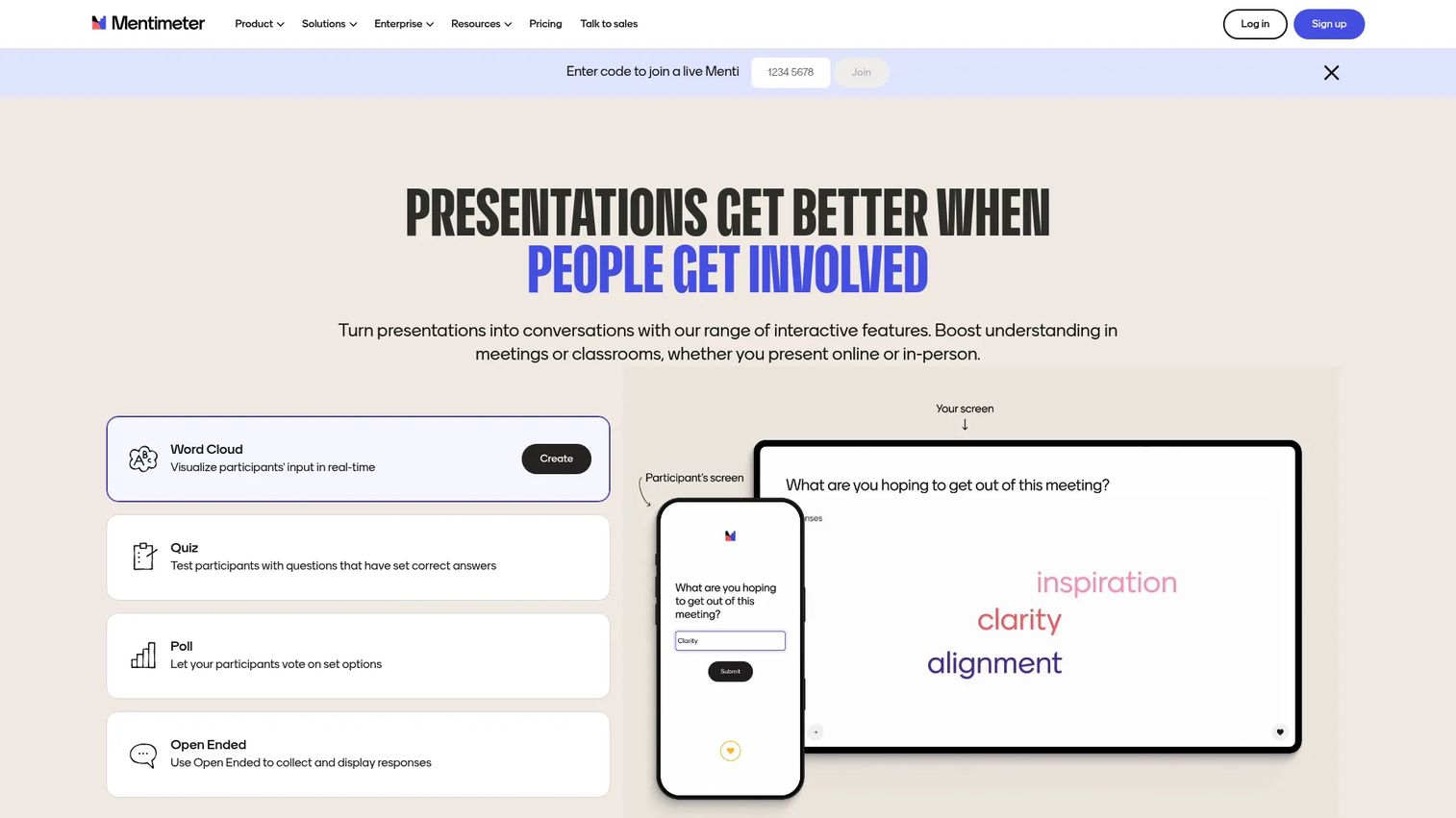
Mentimeter is an audience engagement platform focused on real-time polling, word clouds, quizzes, Q&A, and anonymous participation. Presenters build slides inside Mentimeter or embed response activities into existing presentations via integrations with PowerPoint, Google Slides, Zoom, and Microsoft Teams. AI tools help generate questions and group open-ended responses by theme. The free plan supports up to 50 participants per month.
Best for: Teams running workshops, webinars, training sessions, and meetings where quick live feedback and anonymous participation matter most.
Key features
- Live polls, word clouds, and audience Q&A
- Quiz competitions and ranking questions
- AI-assisted question generation and response grouping
- PowerPoint, Google Slides, Zoom, and Teams integrations
- Result exports and real-time audience insights
Why choose Mentimeter: PMMs running message testing sessions, launch training, or field feedback workshops will find Mentimeter effective for capturing audience response quickly. The focus is on participation and response capture, not slide design or long-form content creation.
Mentimeter pricing: Free plan includes up to 50 participants per month. Basic and Pro plans are billed annually per presenter but specific prices were not publicly displayed at time of writing. Enterprise pricing is custom.
G2 rating: 4.7/5
11. Poll Everywhere
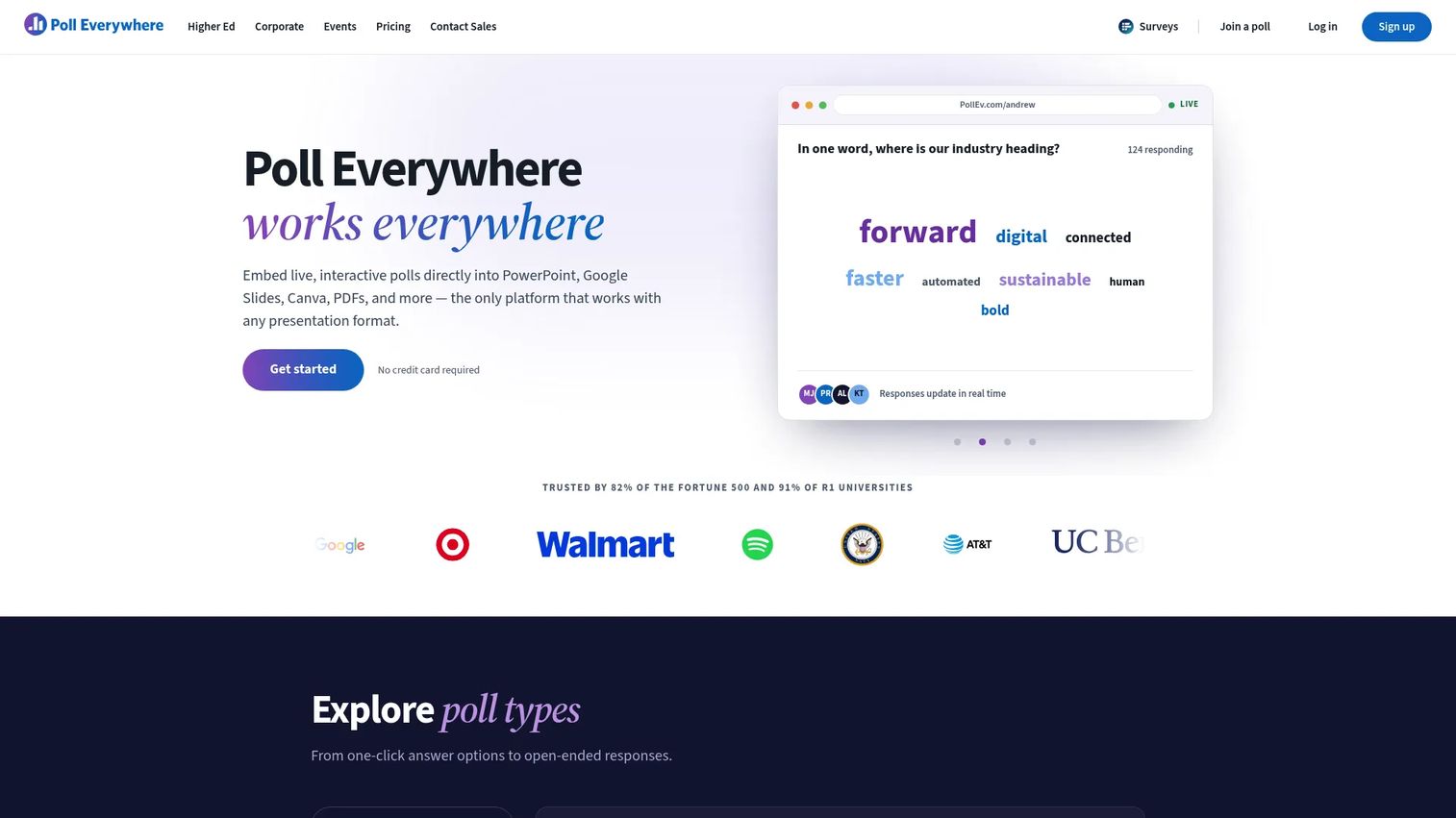
Poll Everywhere is live audience response software designed to work inside the presentation workflows teams already run. Integrations with PowerPoint, Google Slides, Zoom, Webex, and Microsoft Teams mean polls and Q&A appear alongside existing slide content rather than replacing it. AI-powered poll creation helps generate questions quickly. Response data, anonymous participation, and QR code access are all available. Enterprise controls include moderation, reporting, and admin permissions.
Best for: Enterprises and education teams that need live polling, Q&A, and surveys inside their existing presentation and meeting tools without changing their workflow.
Key features
- AI-powered poll and Q&A creation
- Live polling, word clouds, surveys, and competitions
- Anonymous participation via response links and QR codes
- PowerPoint, Google Slides, Zoom, Webex, and Teams integrations
- Real-time response reporting and admin controls
Why choose Poll Everywhere: The integration-first approach means teams do not have to rebuild their presentation workflow. PMMs can use it for sales kickoff feedback, launch readiness checks, and customer workshops while keeping their existing slide format intact.
Poll Everywhere pricing: Intro plan is free (no expiration). Present is $10/month billed annually ($120/year). Engage is $49/month ($588/year). Teams is $84/month ($999/year). Enterprise pricing is custom.
G2 rating: 4.5/5
12. Keynote
Apple Keynote is presentation software for Apple-first teams that prioritizes visual quality and polish. Cinematic transitions, charts, tables, and media-rich slides make it a strong choice for executive storytelling, product launch keynotes, and creative narratives where visual design carries significant weight. Real-time collaboration via iCloud works across Mac, iPad, and iPhone, and Apple Pencil support adds handwriting and annotation capability. Keynote exports to PowerPoint, PDF, and video.
Best for: Individuals and Apple-first teams creating polished executive presentations, keynote-style product launches, and visually driven narratives.
Key features
- Apple-native design with cinematic transitions
- Charts, tables, shapes, images, and media embedding
- Real-time iCloud collaboration and Apple Pencil support
- Live video, recorded narration, and presentation recording
- Export to PowerPoint, PDF, and video
Why choose Keynote: For Apple users, Keynote is free and produces visually refined output that rivals dedicated design tools. Audience participation during live sessions typically requires a companion tool or external links.
Keynote pricing: Keynote is free on Apple devices. Apple Creator Studio, an optional subscription that adds premium content and additional AI-powered Keynote features, is available separately.
G2 rating: 4.4/5
Considerations when choosing interactive presentation software
Match the tool to the presentation job
"Interactive" covers four distinct workflows: Slide creation, live audience response, classroom instruction, and product experience delivery. A PMM launch deck, a sales kickoff quiz, and a buyer-facing product walkthrough need different platforms. Choose by workflow first, feature count second.
Check import support before rebuilding anything
Product marketing teams accumulate years of launch decks, sales enablement assets, and training materials. Before committing to a new tool, verify whether it imports from PowerPoint, Google Slides, PDF, and Canva. Import quality varies significantly, particularly for animations and complex layouts.
Look at the depth of audience engagement
Basic reactions and emoji responses are not the same as branching quizzes, anonymous Q&A moderation, or click-level product analytics. Deeper engagement produces better signal. PMMs who need to prove enablement effectiveness or launch content performance should map their measurement requirements to engagement depth before selecting a tool.
Verify analytics and reporting scope
Check what gets tracked: Participant count, response rates, completion rates, drop-off points, lead capture, account-level engagement, and data exportability. Tools with launch and enablement analytics help PMMs connect content performance to pipeline goals, not just attendance numbers.
Confirm pricing, participant limits, and governance
Free-plan participant caps, branding restrictions, export format limits, SSO availability, and admin permission controls all affect whether a tool will work at team or organization scale. PMMs running cross-functional rollouts will need procurement and RevOps alignment before committing, so verifying governance requirements early saves time.
Conclusion
Interactive presentation software is not one category. It is four overlapping jobs: Slide creation, audience response, classroom instruction, and product experience delivery.
For product marketing teams, that distinction drives the tool decision. If the goal is alignment, collaborative slideware like Google Slides or PowerPoint fits the workflow. If participation is the main job, Mentimeter, Poll Everywhere, or Kahoot! 360 each specialize in that. If the presentation is meant to show software value, not just describe it, Guideflow is built for that job, with clickable product demos, analytics, and formats that work across launches, sales enablement, customer education, and partner programs.
A good starting question before picking a tool: Does your audience need to watch slides, answer questions, or experience the product? The answer routes you to the right category faster than comparing feature lists across all 12.
For PMMs who need their presentation to do more than display slides, start with the tool that lets the product do the talking.
Start your journey with Guideflow today!
FAQs
Interactive presentation software is a category of tools that help presenters create and deliver presentations audiences can participate in, through live polls, quizzes, Q&A, clickable media, branching paths, or real-time responses. The category spans slide-creation platforms, audience response tools, classroom engagement systems, and product demo platforms. Some tools focus primarily on design and delivery, while others specialize in participation or interactive product experiences.
The right tool depends on what your presentation has to accomplish. For sales enablement leave-behinds, website embeds, and buyer-facing product walkthroughs, Guideflow gives PMMs clickable product demos with engagement analytics and lead capture. For launch decks and executive reviews, PowerPoint or Google Slides fit the enterprise workflow. If live participation and audience feedback are the primary goal, Mentimeter or Poll Everywhere are stronger choices.
Yes. Several tools support PowerPoint import, add-ins, embedded polls, or connected participation layers. Prezi imports PowerPoint files and adds its zoomable canvas format. Poll Everywhere and Mentimeter both integrate directly with PowerPoint to add live response activities. Interactivity depth varies by tool, so verify animation support and analytics before migrating content.
Google Slides supports basic interactivity through links, comments, and add-ons. For live polls or classroom engagement, tools like Pear Deck add interactive response layers on top of existing Google Slides content without requiring you to rebuild your decks. Mentimeter and Poll Everywhere also integrate with Google Slides for audience response during live sessions.
Tools with browser-based access, live polling, and meeting platform integrations work best for remote and hybrid delivery. Mentimeter, Poll Everywhere, and Kahoot! 360 all integrate with Zoom and Microsoft Teams. Most tools allow participants to respond from their own devices without downloading an app. Check participant caps and moderation controls when planning large-scale hybrid sessions.
Many do, but limits vary significantly. Guideflow's free plan includes 5 guideflows with 7-day analytics. Mentimeter's free plan covers up to 50 participants per month. Poll Everywhere's Intro plan has no expiration. Prezi and Genially both offer free tiers with limits on privacy controls and advanced features. Pear Deck and Nearpod have free educator plans. Keynote and Google Slides are free. Always check current limits on the vendor's pricing page before committing to a free plan at scale.
At minimum, look for response rates by question, quiz or poll results, participant counts, and session completion data. For PMMs, the more valuable signals are drop-off by slide or step, lead capture tied to individual viewers, account-level engagement from buyer-facing assets, and data export compatibility with your CRM or marketing automation stack. Tools that connect content engagement to pipeline data help PMMs prove enablement and launch performance rather than reporting attendance alone.
Interactive presentation software typically handles slide creation, live audience participation, or instructional delivery. Interactive demo software like Guideflow lets viewers click through the actual software product, exploring features, following guided paths, and self-qualifying before a sales conversation. PMMs often use both: A slide deck to set context, and a product interactive demo to deliver the product proof that closes the gap between explanation and experience. For more on how interactive demo tools fit into product marketing workflows, that resource covers the selection criteria in detail.