



An alert fires at 2 a.m. It goes to a phone that is set to silent. Nobody sees it until the morning standup, and by then the outage has a support queue behind it.
That gap between "the system knew" and "a human acted" is the entire problem paging software exists to close. Missed alerts, fragmented on-call chains, and legacy pagers nobody remembers how to program all cost the same thing: response time.
The paging systems market sits at USD 1.2 billion in 2025 and is projected to reach USD 1.5 billion by 2034 at a 2.1% CAGR, according to Market Intelo (2025). The category is not dying. It is splitting. IP-based office paging systems accounted for roughly 55 to 65% of new installations in 2025, per IndexBox (2025), while dedicated wireless paging still runs healthcare, government, and industrial sites.
So the real question is not whether you need reliable alerting. It is which flavor of it fits your team.
What's inside
This guide is for product managers, ops leads, and IT teams deciding how to route urgent alerts to the right person, fast, without dropping them.
We picked four tools that cover the distinct jobs behind the keyword:
- Protocol support: SNPP, TAP, SMTP, WCTP, and modern app delivery
- Alert reliability: escalation, routing, and alert-until-read behavior
- Ease of deployment: how fast a team gets from signup to first live page
- Workflow fit: on-call alerting, free team paging, incident response, or legacy device programming
Each tool below wins a different job. Read the "best for" line before you read the price.
TL;DR
- Best for modern on-call alerting: OnPage. Alert-until-read notifications and escalation built for healthcare and IT critical response.
- Best for free mobile paging: Pagem. A free pager app for up to three people, with group paging and a web console.
- Best for incident response at scale: PagerDuty. Full incident management with on-call scheduling, automation, and post-incident reporting.
- Best for legacy paging and device programming: American Messaging. Numeric and alphanumeric paging with group call and protocol-specific support.
- Quick rule: If you are replacing pagers with an app, start with OnPage or Pagem. If you are running incident response, look at PagerDuty. If you still maintain physical pagers, American Messaging fits.
What is paging software?
Paging software sends urgent messages or programmatic alerts to people or devices through mobile apps, web consoles, messaging protocols, or physical pager hardware. It exists to guarantee that a time-sensitive notification reaches a responder and gets acknowledged.
The category splits in two. Modern paging apps route alerts to smartphones with escalation and read receipts. Legacy paging software programs and manages physical pagers over established wireless protocols.
Both share a core promise: the alert does not get lost.
Key functions of paging software:
- Escalation and routing: send to the next responder if the first does not acknowledge
- Group paging and team notifications: broadcast to a team, a shift, or an on-call group
- Mobile and web delivery: reach responders on phones, in a browser, or on a pager
- Protocol support: SNPP, TAP, SMTP, and WCTP for device and system interoperability
- Scheduling and logging: on-call calendars, audit trails, and delivery records
- Alert-until-read behavior: the alert keeps sounding until a human acknowledges it
That last function is the one that separates paging from ordinary notifications. A normal push notification fires once and gives up. A page persists. It overrides silent mode, repeats, and escalates. For a product manager weighing support deflection against on-call burnout, that persistence is the whole point.
Internet paging and web paging refer to sending pages over IP rather than dedicated radio networks. This is where most new deployment happens, since it removes the need for separate paging infrastructure and ties alerting into existing systems. Legacy programming still matters wherever hardware pagers are mandated or where radio coverage beats cellular, which is common in hospitals and remote industrial sites.
When to use paging software
Replace manual escalation chains
Phone trees and manual text blasts break under pressure. Someone forgets who is on call, or the message reaches a phone that is off. Paging software automates the chain: it knows the schedule, sends to the primary responder, and escalates if there is no acknowledgment inside a set window. You get a documented path instead of a guessing game.
Support on-call incident response
When a system alert fires, the software routes it to whoever is on call right now, not whoever answered last time. Escalation policies, alert-until-read receipts, and integrations with monitoring tools cut the time between detection and human action. For teams measuring time-to-resolution, this is where the minutes get saved.
Program or maintain pager hardware
Some environments still run physical pagers by mandate or by coverage. Hospitals, government sites, and industrial plants often keep them because radio paging reaches places cellular does not. Here you need software that programs devices, supports the right protocols, and offers download tools for legacy hardware from vendors like Unication and Motorola.
Comparison table
The list is sorted by relevance to the keyword and by the mix of modern alerting versus legacy paging. OnPage leads for on-call app alerting, Pagem for free mobile paging, PagerDuty for incident response at scale, and American Messaging for legacy device programming. Pricing and ratings below reflect each vendor's current published figures.
| # | Product | Best for | Key differentiator | Pricing | G2 rating |
|---|---|---|---|---|---|
| 1 | OnPage | Modern on-call alerting | Alert-until-read with HIPAA-compliant messaging | From $13.99 per user/month, billed yearly | 4.3/5 |
| 2 | Pagem | Free mobile paging | Free for up to 3 people, group paging | Free; $5/month per extra person | Not listed |
| 3 | PagerDuty | Incident response at scale | Full incident management and automation | Free plan; paid from $21 per user/month | 4.5/5 |
| 4 | American Messaging | Legacy paging and devices | Numeric and alphanumeric paging with group call | From $1.67/month per pager | Not listed |
Best paging software for 2026
1. OnPage
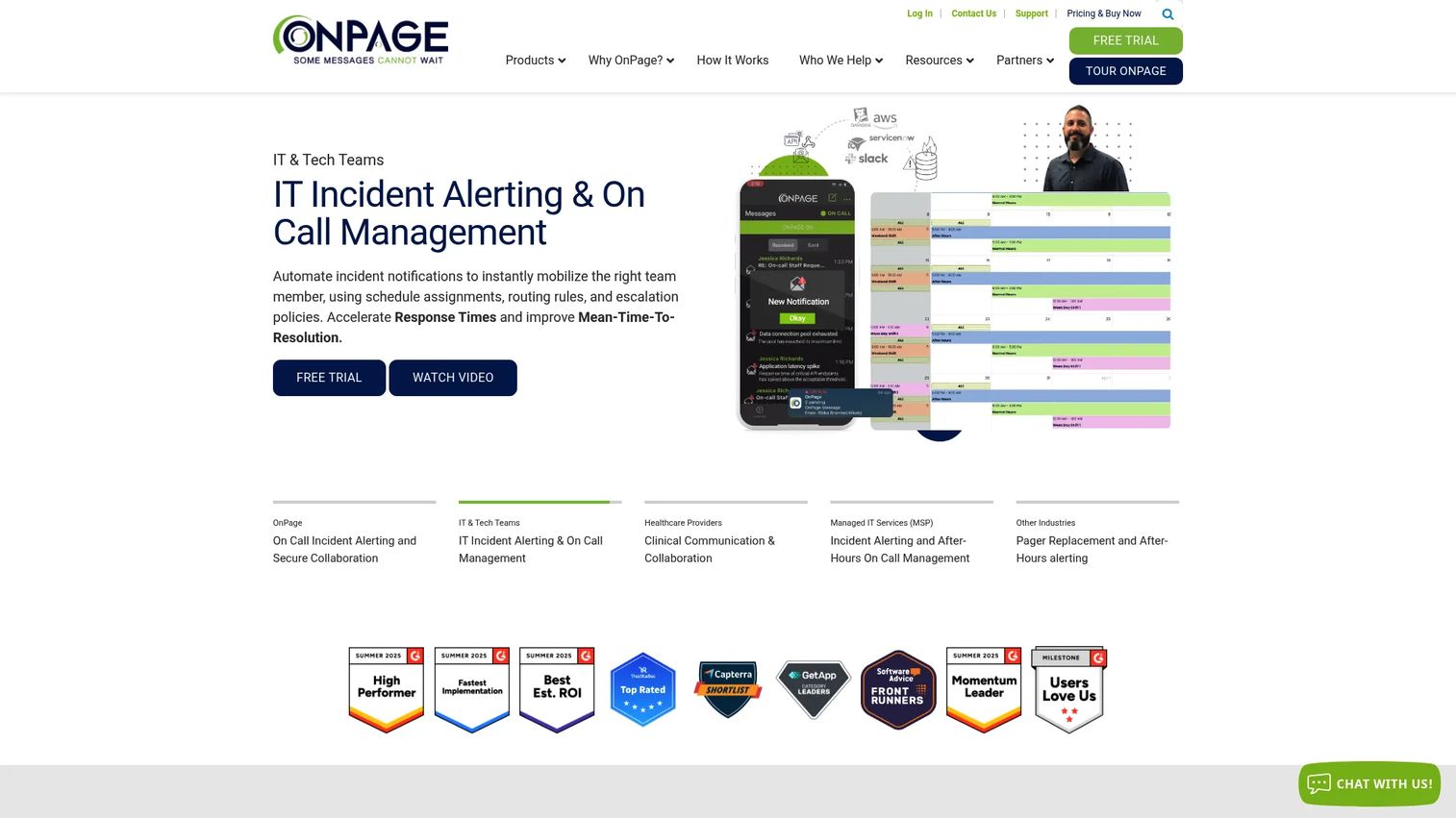
OnPage is critical alerting and incident management software built for healthcare and IT teams that cannot afford a missed page. Its signature feature is alert-until-read: a page keeps notifying, overriding silent mode, until the responder acknowledges it. That persistence is why hospitals and MSPs pick it over standard messaging apps.
The platform pairs on-call scheduling with escalation policies, so an unacknowledged alert moves to the next person automatically. HIPAA-compliant messaging makes it a fit for clinical teams handling patient data.
Best for: Teams that need secure, persistent critical alerts with automatic on-call escalation.
Key features
- Alert-until-read notifications that override silent mode
- On-call scheduling with automatic alert escalation
- HIPAA-compliant secure messaging
- Escalation policies for unacknowledged pages
Why choose OnPage: If a dropped alert has clinical or operational consequences, OnPage's persistence and healthcare compliance make it the stronger fit over a general messaging tool.
OnPage pricing: The mobile application plan starts at $13.99 per user, per month paid yearly. Enterprise Silver runs $22.99 and Enterprise Gold $28.99 per user, per month paid yearly. A free trial is available, and quarterly billing lists the base plan at $16.99 per user per month.
OnPage holds a 4.3 out of 5 rating on G2.
2. Pagem
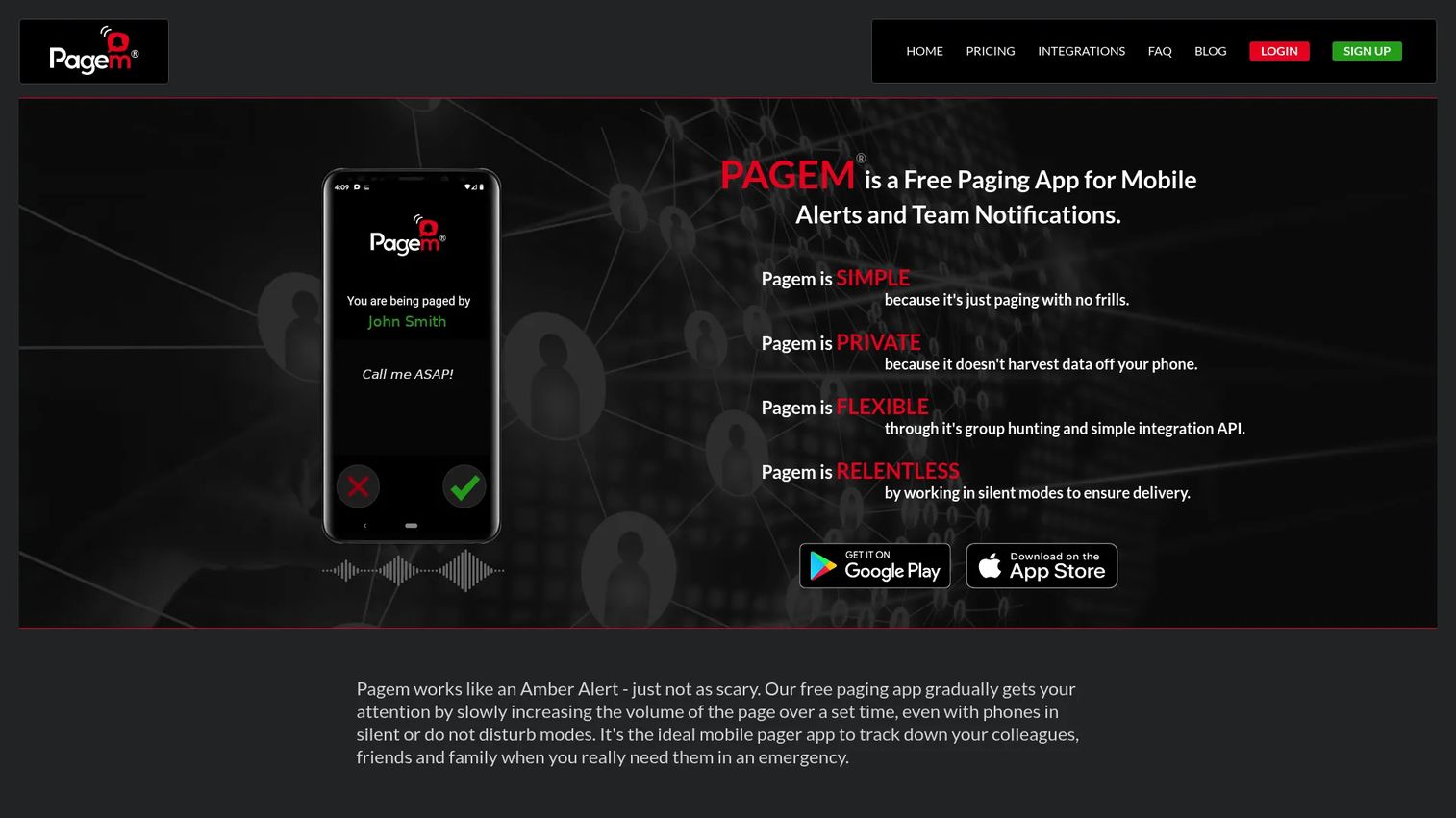
Pagem is a free pager app for mobile alerts and team notifications. It strips paging down to the essentials: send an urgent page, escalate the volume until someone responds, and reach a whole group at once. There are no plans or contracts, which suits small teams that want paging without a procurement cycle.
Its gradual alert model increases volume over time, so a page that starts quiet grows harder to ignore. Group paging supports both broadcast and hunting modes, and a web console plus API and email integrations extend it beyond the app.
Best for: Small teams needing a simple, private paging app for urgent alerts and group notifications.
Key features
- Gradual paging alerts that increase volume over time
- Group paging with broadcast and hunting modes
- Web console plus API and email integrations
- Private, contract-free setup
Why choose Pagem: For a team of three or fewer that wants working paging today without a budget conversation, Pagem removes every barrier to starting.
Pagem pricing: Free for up to 3 people, with no plans or contracts. Each additional person is $5 per month, billed month to month.
A verified third-party rating for Pagem was not available at the time of writing.
3. PagerDuty
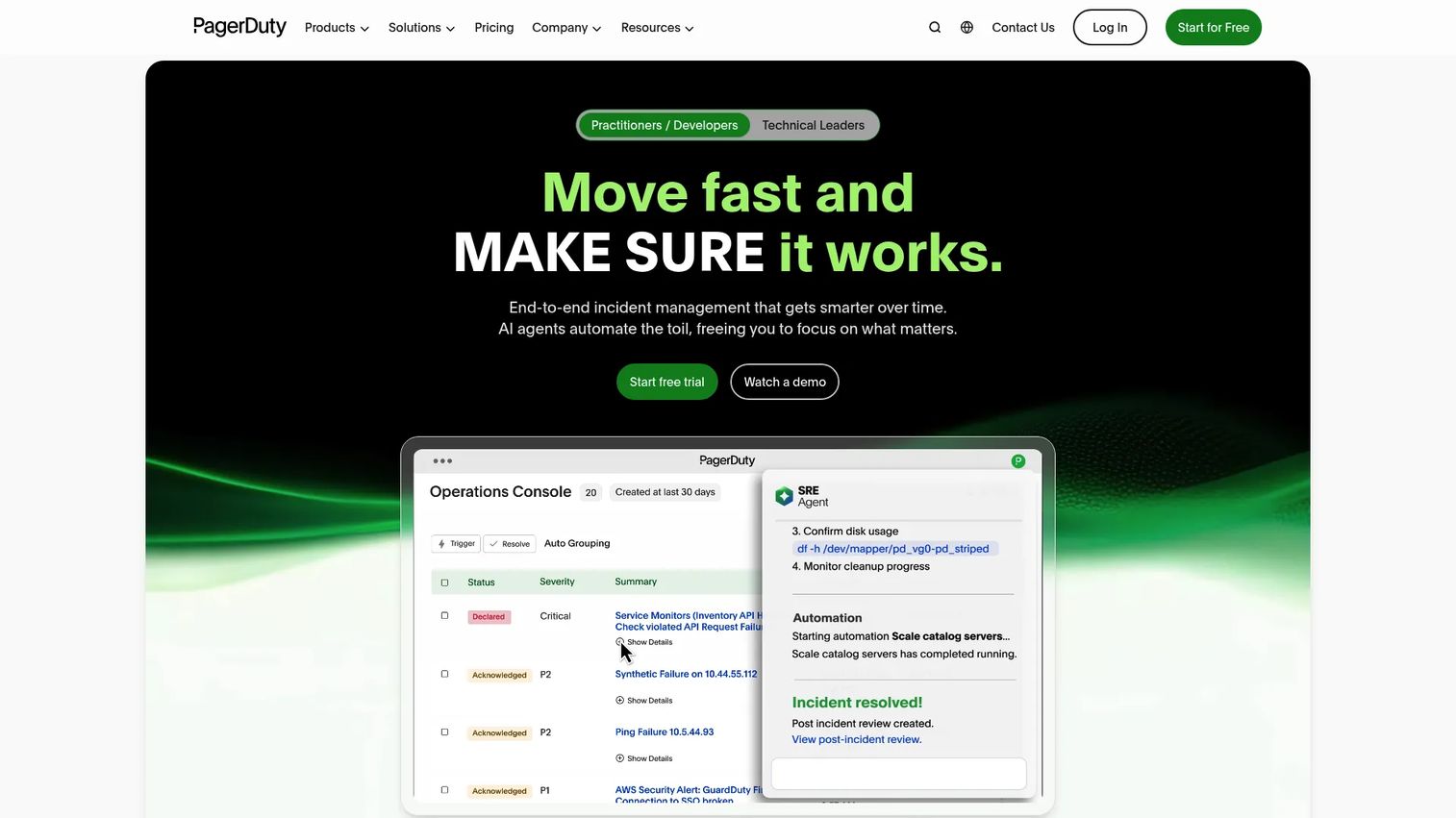
PagerDuty is an AI-first operations platform for incident management, on-call scheduling, automation, and real-time response. It is the most enterprise-oriented option here, built less as a pager replacement and more as the coordination layer for whole engineering and ops organizations.
Beyond alerting, it adds AIOps and event orchestration to cut alert noise, workflow automation to trigger runbooks, and stakeholder communications during an incident. Post-incident reporting closes the loop for teams that run retrospectives.
Best for: Teams needing incident response, on-call scheduling, and automated escalation across multiple services.
Key features
- Incident response and on-call management
- AIOps and event orchestration to reduce noise
- Workflow automation and runbook triggers
- Stakeholder communications and post-incident reporting
Why choose PagerDuty: When alerting is one piece of a broader incident lifecycle that includes automation and reporting, PagerDuty covers the full workflow rather than just the page.
PagerDuty pricing: A Free plan covers up to 5 users per month. Professional is $21 per user/month billed yearly, or $25 monthly. Business is $41 per user/month billed yearly, or $49 monthly. Enterprise pricing is contact sales.
PagerDuty holds a 4.5 out of 5 rating on G2.
4. American Messaging
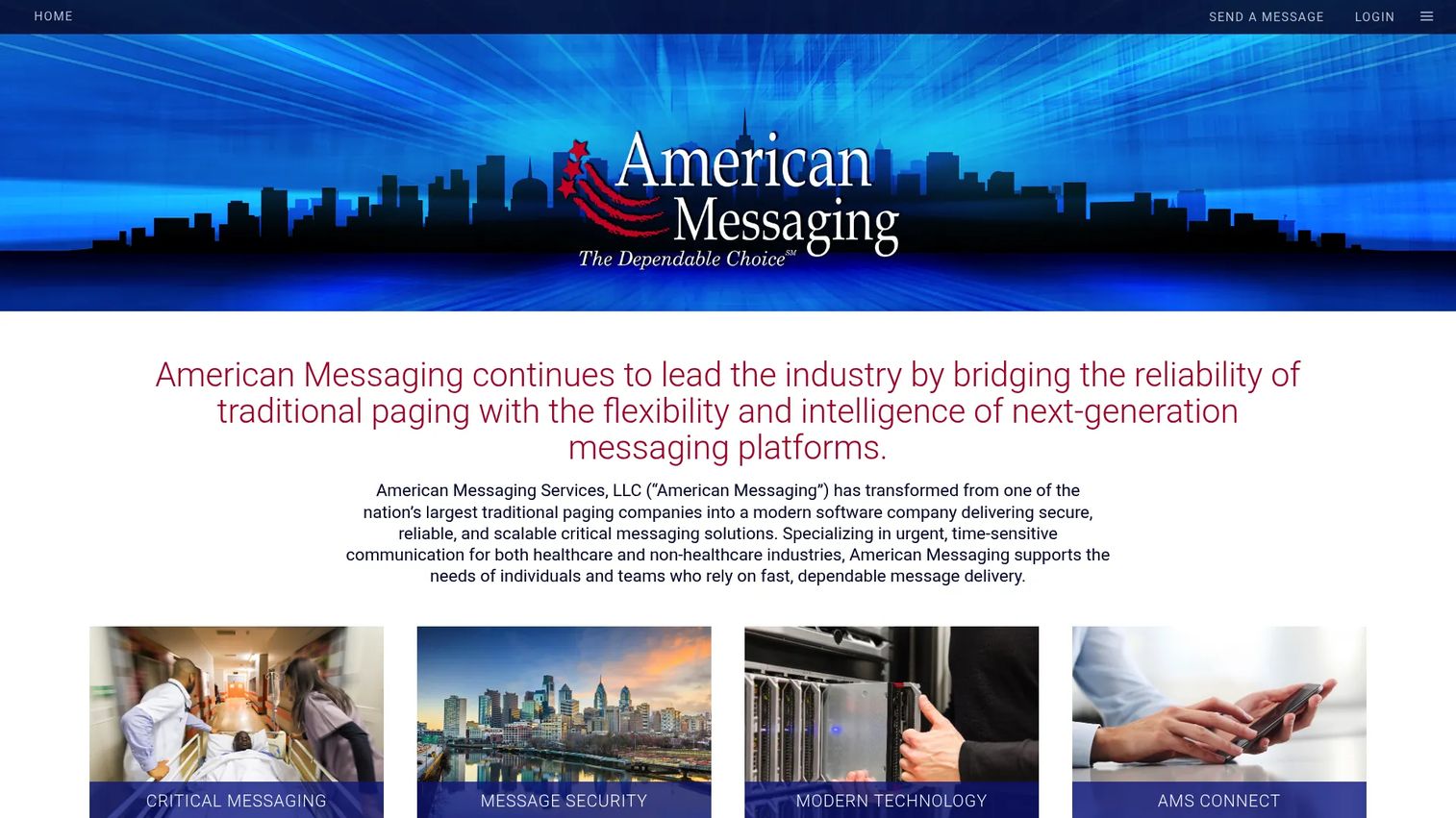
American Messaging is a critical messaging provider offering paging and secure messaging, and it is the pick for teams that still run physical pagers. Where the other three focus on app-based alerting, American Messaging covers leased pager service, device coverage, and the protocol-level support that hardware paging needs.
It handles numeric and alphanumeric one-way paging, group call for broadcasting to a team, and message forwarding with voice mail options. For organizations bound to legacy hardware from vendors like Unication and Motorola, this is the operational backbone.
Best for: Healthcare and other organizations needing reliable critical messaging and physical pager coverage.
Key features
- Numeric and alphanumeric one-way paging
- Group call for team broadcast
- Message forwarding and voice mail options
- Coverage tiers: local, statewide, regional, nationwide
Why choose American Messaging: If a mandate or coverage gap keeps physical pagers in play, American Messaging supplies the service and hardware support that app-only tools do not.
American Messaging pricing: Numeric one-way local paging starts at $1.67 per month per pager. Alphanumeric local paging is $4.47 per month, and group paging is $1.49 per month. Statewide, regional, and nationwide rates are listed separately, and there is no free tier.
A verified third-party rating for American Messaging was not available at the time of writing.
Considerations
Before you commit, run each option against the criteria that actually determine whether alerts land.
Protocol support
SNPP, TAP, SMTP, and WCTP matter when your alerting must talk to existing systems or hardware. SNPP and TAP drive traditional pager delivery, SMTP lets monitoring tools page over email, and WCTP handles two-way wireless messaging. If you run legacy devices, confirm the exact protocols before buying.
Delivery reliability
An alert that fires once and dies is a liability. Look for alert-until-read behavior, automatic escalation to a backup responder, and failover paths if the primary channel drops. Test what happens when a phone is silent, offline, or out of coverage.
Mobile vs legacy workflow
A pager app covers most modern teams and deploys in minutes. Hardware programming software is required only where physical pagers are mandated or where radio coverage beats cellular. Decide which world you live in before comparing features, because the two rarely overlap.
Integrations
For a product manager, integration fit decides ongoing maintenance load. Verify the API, the web console, and connections to your monitoring, CRM, or Slack stack. Paging that plugs into your existing instrumentation reduces the manual handoffs that cause missed alerts.
Maintenance and onboarding
App-based tools like Pagem and OnPage get a team live quickly with little upkeep. Enterprise platforms like PagerDuty carry more configuration but scale across services. Legacy hardware programming implies ongoing device management. Weigh the setup cost against how often your release cadence and on-call rotation change.
Conclusion
Four tools, four jobs. OnPage owns persistent on-call alerting where a dropped page has consequences. Pagem gives small teams free, private mobile paging with zero procurement friction. PagerDuty runs incident response at scale with automation and post-incident reporting. American Messaging keeps physical pagers alive where mandates or coverage demand them.
Pick based on the job, not the feature list. If you are replacing pagers with an app and need read receipts, start with OnPage. If your team is three people who need paging today, Pagem. If alerting is one part of a full incident lifecycle, PagerDuty. If hardware pagers are non-negotiable, American Messaging.
Your next step: match your primary trigger, whether that is on-call burnout, incident response friction, or a legacy device audit, to the tool that solves it, then run a trial before you standardize.
If your broader goal is helping users reach first value faster and cut the support load behind those alerts, Guideflow lets you turn any workflow into a self-serve interactive demo in minutes.
Start your journey with Guideflow today!
FAQs
Paging software delivers urgent, time-sensitive messages to responders and guarantees they get acknowledged. Teams use it for on-call incident response, healthcare critical alerts, IT outage escalation, and programming physical pagers. The defining behavior is persistence: the alert keeps notifying until a human responds.
A pager app is one form of paging software: a smartphone application that receives urgent alerts with escalation and read receipts. Paging software is the broader category, which also covers web consoles, messaging protocols, and tools that program physical pager hardware. Every pager app is paging software, but not all paging software is an app.
Yes, on-call alerting is one of its core jobs. The software holds the on-call schedule, routes each alert to whoever is on duty, and escalates to a backup if the primary responder does not acknowledge in time. OnPage and PagerDuty both build on-call scheduling and escalation into their core workflow.
SNPP, TAP, SMTP, and WCTP remain in active use. SNPP and TAP handle traditional one-way pager delivery, SMTP lets systems page over email, and WCTP supports two-way wireless messaging. Legacy hardware environments in healthcare and industry rely on these protocols, which is why protocol support still matters when choosing paging software.
For most teams, yes. A pager app delivers alerts to a smartphone with escalation and read receipts, covering the same job without dedicated hardware. Physical pagers still win where a mandate requires them or where radio coverage beats cellular, such as inside large hospitals or remote industrial sites.
Prioritize automatic escalation, alert-until-read receipts, and integrations with your monitoring stack. Add on-call scheduling, event orchestration to cut alert noise, and post-incident reporting if you run retrospectives. PagerDuty covers this full lifecycle, while OnPage focuses tightly on persistent critical alerting.
Yes, wherever physical pagers stay in service. Hospitals, government sites, and industrial plants keep hardware pagers for coverage and reliability reasons, and those devices need software to program and manage them. Providers like American Messaging supply the paging service and protocol support that legacy hardware from vendors such as Unication and Motorola depends on.
Pagem is a strong free option: it covers up to three people at no cost, with group paging, gradual volume alerts, and a web console. Each additional person is $5 per month, month to month. For small teams that want working paging without a contract, it removes the barrier to getting started.










