Physics is infrastructure. Choose the wrong engine and you inherit its constraints: Solver instability that breaks gameplay feel, numerical drift that invalidates a robotics validation run, or a maintenance burden that follows every product release. The physics engine software market was estimated at $1.62 billion in 2025, according to Verified Market Research, and the range of tools spanning that market is wide enough to create real selection risk.
The problem most PMs face is not a shortage of options. It is choosing by popularity rather than by the physical behavior the product actually needs to simulate. A casual mobile platformer, a surgical training simulator, and an autonomous vehicle digital twin have almost nothing in common from a simulation requirements perspective. Yet teams frequently evaluate them against the same shortlist.
This guide cuts through that by mapping each of the 21 engines below to a specific workload: Game physics, robotics, scientific computing, industrial simulation, and education. Use it to build a shortlist of three, then prototype the hardest physics scenario in each before committing.
What's inside
This guide covers 21 physics engine software options for 2026, chosen to span the full workload spectrum from lightweight 2D game physics to high-fidelity multiphysics simulation.
- Who it's for: PMs evaluating physics infrastructure for games, robotics, industrial simulation, scientific computing, or education products
- Selection criteria: Simulation type coverage, licensing and maintenance risk, language bindings and integration effort, and documentation quality
- Pricing approach: Many engines are open source with no commercial pricing; those that require a quote are noted
- Ratings: Most physics engines have no G2 listing; ratings are shown only where a live listing was verified
TL;DR
- Best for multiphysics and vehicle simulation: Project Chrono, open source under BSD-3
- Best for 2D games: Box2D (MIT licensed) or Chipmunk (MIT licensed), depending on language preference
- Best for modern open-source 3D game physics: Jolt Physics for performance-focused C++; Bullet for broader ecosystem familiarity
- Best for robotics and GPU-accelerated simulation: Newton, Apache-2.0 licensed with differentiable physics support
- Best for educational browser simulations: My Physics Lab or Algodoo, both free to access
- Best for enterprise industrial simulation: AGX Multiphysics or Vortex Studio, both quote-based
What is physics engine software?
Physics engine software simulates physical behavior such as motion, collision, gravity, constraints, friction, deformation, and fluid interaction so digital objects behave predictably inside games, robotics systems, scientific models, or interactive simulations.
The category spans a wide range of tools with different optimization targets. Understanding those targets before evaluating specific engines saves significant prototyping time.
Core capabilities to evaluate:
- Rigid-body dynamics: Simulates solid objects with mass, inertia, and contact response
- Collision detection and contact resolution: Covers broad-phase culling, narrow-phase geometry testing, and contact constraint solving
- Constraints, joints, and articulated bodies: Supports hinges, motors, springs, ragdolls, and robotic links
- Soft-body and deformable simulation: Models tissue, cloth, ropes, and materials that bend or fracture
- Fluid, particle, and granular simulation: Covers water, gas, sand, and bulk materials
- Solver accuracy and time stepping: Determines numerical stability and reproducibility
- Real-time performance: Whether the engine can maintain simulation at interactive frame rates
- APIs, language bindings, and engine integration: C++, Python, Rust, JavaScript, and Unity or Unreal integration coverage
- Licensing and deployment model: Open source, commercial, or quote-based
The four simulation goals that drive engine choice:
Real-time engines optimize for speed, stability, and believable interaction. They accept some physical approximation in exchange for low latency. Scientific engines optimize for numerical fidelity and reproducibility, often at the cost of performance. Robotics engines optimize for contact-rich behavior, sensor modeling, and sim-to-real transfer. Educational simulators optimize for clarity and interactive exploration rather than physical precision.
Knowing which goal your product serves is the prerequisite for every decision that follows.
When to use physics engine software
Build real-time game interactions
Games require stable, low-latency physics that holds up across thousands of frames without solver divergence. Collision detection, ragdolls, projectiles, vehicle physics, and destructible objects all place different demands on the solver, and poor engine fit shows up immediately in gameplay feel. PMs should define the hardest physics scenario in the product before choosing an engine, then prototype it early.
Validate robotics and autonomy workflows
Robotics teams use physics engines for contact-rich simulation, sensor testing, synthetic data generation, reinforcement learning, and sim-to-real validation. The engine must map accurately to real contact behavior, or the sim-to-real gap becomes a product risk. PMs should assess whether the candidate engine integrates with the team's robotics stack before locking in the architecture.
Model scientific or industrial systems
High-precision workloads such as vehicle dynamics, deformable body simulation, fluid-solid coupling, terramechanics, and material fracture require solvers that prioritize numerical fidelity over speed. These engines carry higher computation cost and typically require specialist engineering to set up correctly. Budget for validation work alongside integration work on any scientific engine decision.
Physics engine software comparison
The table below gives a first-pass shortlist organized by primary use case. It is not a substitute for prototyping. Many engines listed here are open source with no commercial price. G2 ratings are shown only where a live listing was verified at the time of writing. Entries marked N/A had no verifiable G2 listing.
| # | Product | Best for | Key differentiator | Pricing | G2 rating |
|---|---|---|---|---|---|
| 1 | Project Chrono | Multiphysics and vehicle simulation | Open-source BSD-3 multiphysics infrastructure | Free | N/A |
| 2 | Box2D | 2D game physics | MIT-licensed 2D rigid-body engine | Free | N/A |
| 3 | Bullet | Open-source 3D physics | Mature collision detection with PyBullet | Free | 4.0/5 |
| 4 | Jolt Physics | Modern 3D game physics | Multithreaded C++ with MIT license | Free | N/A |
| 5 | PhysX | GPU-accelerated game and robotics physics | NVIDIA-backed open-source SDK | Free | 3.9/5 |
| 6 | Rapier | Rust and WebAssembly physics | Apache-2.0 with JavaScript bindings | Free | N/A |
| 7 | Open Dynamics Engine | Open-source articulated rigid-body simulation | Joint and contact simulation, LGPL/BSD | Free | N/A |
| 8 | Newton Game Dynamics | Deterministic game physics | Homepage suspended; verify before use | Unverified | N/A |
| 9 | Chipmunk physics engine | Lightweight 2D physics | MIT-licensed C-based 2D engine | Free | N/A |
| 10 | SOFA | Medical and soft-body simulation | LGPL open-source with plugin architecture | Free | N/A |
| 11 | Siconos | Nonsmooth dynamical systems | Scientific computing for hybrid mechanics | Verify | N/A |
| 12 | AGX Multiphysics | Industrial and robotics simulation | Contact-rich multiphysics, quote-based | Contact for quote | N/A |
| 13 | Vortex | Operator training and industrial simulation | Real-time equipment and vehicle dynamics | Contact for quote | 2.5/5 |
| 14 | Algodoo | Education and visual physics learning | Free 2D physics sandbox | Free | N/A |
| 15 | My Physics Lab | Browser-based educational simulations | Apache-2.0 with 50+ simulations | Free | N/A |
| 16 | Newton | Robotics and GPU-accelerated simulation | Differentiable physics on NVIDIA Warp | Free | N/A |
| 17 | Advanced Simulation Library | GPU-based scientific simulation | AGPLv3 multiphysics with OpenCL backend | Free | 4.8/5 |
| 18 | Havok | Commercial game physics middleware | Licensed from $50,000 per product | From $50,000 | 3.8/5 |
| 19 | Chaos | Unreal Engine physics and destruction | Native to Unreal Engine | See Unreal pricing | 4.5/5 |
| 20 | Digital Molecular Matter | Material deformation and destruction | FEM-based material fracture simulation | Contact for quote | N/A |
| 21 | Tokamak Physics | Legacy game physics reference | Repository archived; not for new builds | Unverified | N/A |
Best 21 physics engine software tools
1. Project Chrono
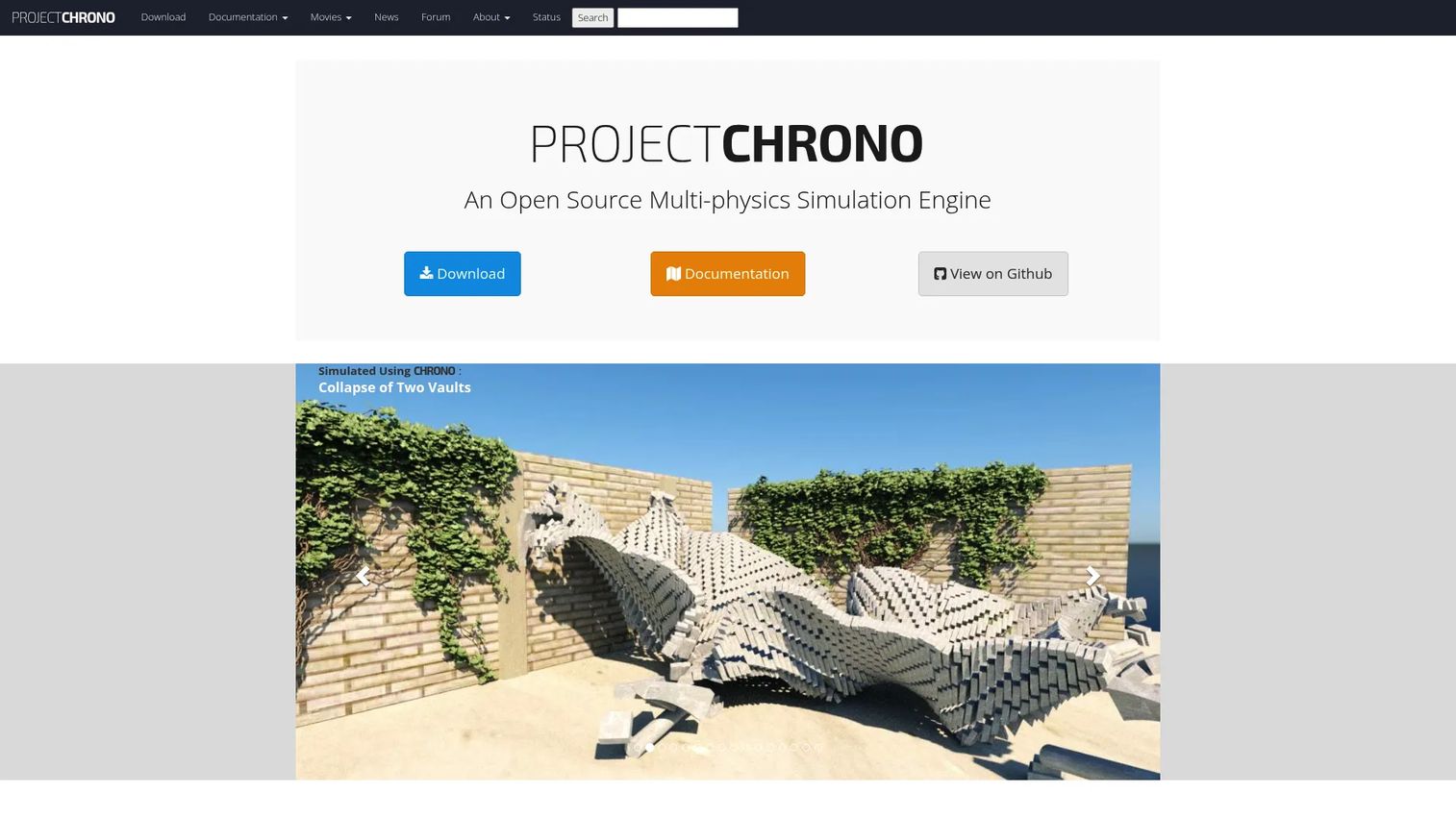
Project Chrono is an open-source, cross-platform C++ multiphysics simulation infrastructure developed for research and engineering applications. It covers rigid and flexible multibody dynamics, finite element analysis, vehicle dynamics, granular materials, and fluid-solid interaction within a single framework. Python access is available through the PyChrono module, which lowers the barrier for research teams and data scientists who need scripting capabilities. It is one of the most complete open-source physics platforms for teams whose simulation problem involves coupled physical systems.
Best for: Researchers, robotics engineers, and vehicle dynamics teams needing high-fidelity multiphysics with Python access.
Key features
- Multibody dynamics with rigid and flexible bodies
- Vehicle and wheeled/tracked dynamics modules
- Finite element analysis
- Granular material and terramechanics simulation
- PyChrono Python bindings
Why choose Project Chrono: It fits teams that need a research-grade simulation platform rather than a lightweight game library. PMs should budget for specialist engineering and domain expertise alongside integration time.
Project Chrono pricing: Open source under the BSD-3 license. Free to download and use, including for commercial applications.
2. Box2D
Box2D is the most widely adopted 2D physics engine for games. It handles rigid-body simulation, collision detection, joints, motors, springs, and character movement within a lightweight C++ codebase. The library supports multithreading and continuous collision handling, which prevents fast-moving objects from tunneling through thin surfaces. It ships under the MIT license with no commercial restrictions, making it a default starting point for 2D platformers, puzzle games, mobile games, and any product requiring stable 2D contact physics.
Best for: Game developers and product teams building 2D games or simulations that need proven physics without heavy overhead.
Key features
- 2D rigid-body simulation
- Collision detection and continuous contact handling
- Joints with limits, motors, and springs
- Multithreading support
- Character movement solver
Why choose Box2D: It is the safe default for 2D game physics when the team wants developer familiarity and a long maintenance history. It is not appropriate for 3D simulation, robotics pipelines, or scientific modeling.
Box2D pricing: Free under the MIT license. No commercial tier or paid support plan is offered on the official site.
3. Bullet
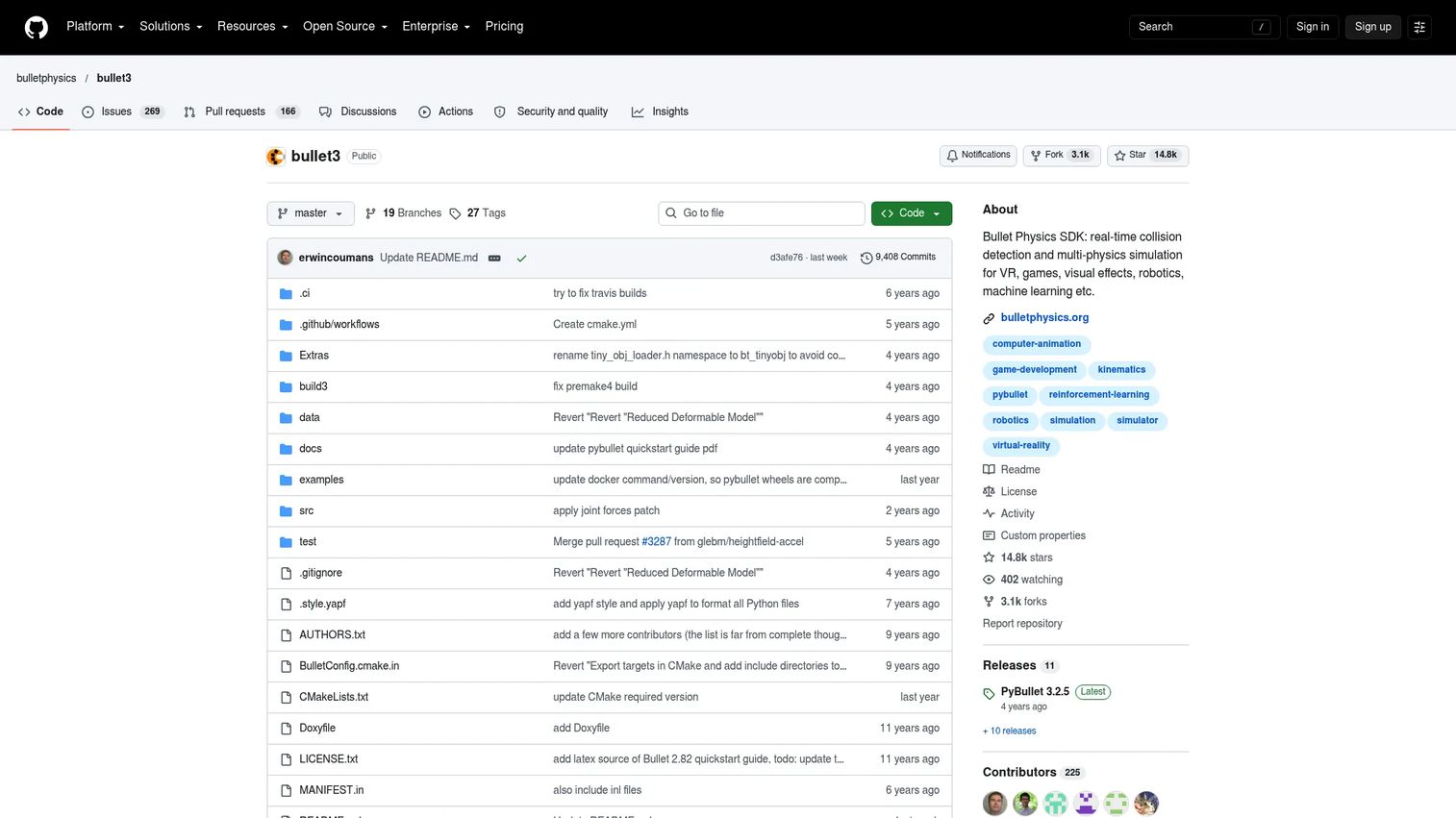
Bullet is an open-source physics SDK covering real-time collision detection, rigid-body dynamics, and soft-body simulation, with broad adoption in games, visual effects, robotics, and machine learning. The PyBullet Python interface makes it accessible to reinforcement learning and robotics teams who prototype in Python before moving to production. It supports URDF, SDF, and MJCF model loading, which aligns with common robotics workflows. Given its age and ecosystem size, it remains a practical option for teams that want source-level control and existing community documentation.
Best for: Developers and researchers building physics simulations for games, robotics, VR, or machine learning pipelines.
Key features
- 3D rigid-body and soft-body dynamics
- Real-time collision detection
- PyBullet Python bindings
- URDF, SDF, and MJCF model loading
- Forward and inverse dynamics queries
Why choose Bullet: It offers one of the broadest feature sets among open-source 3D physics engines, especially for robotics research via PyBullet. PMs should verify current maintenance cadence and documentation quality before choosing it for a new product.
Bullet pricing: Open source under the permissive zlib license. Free for commercial use.
G2 rating: 4.0/5 based on 2 reviews on G2.
4. Jolt Physics
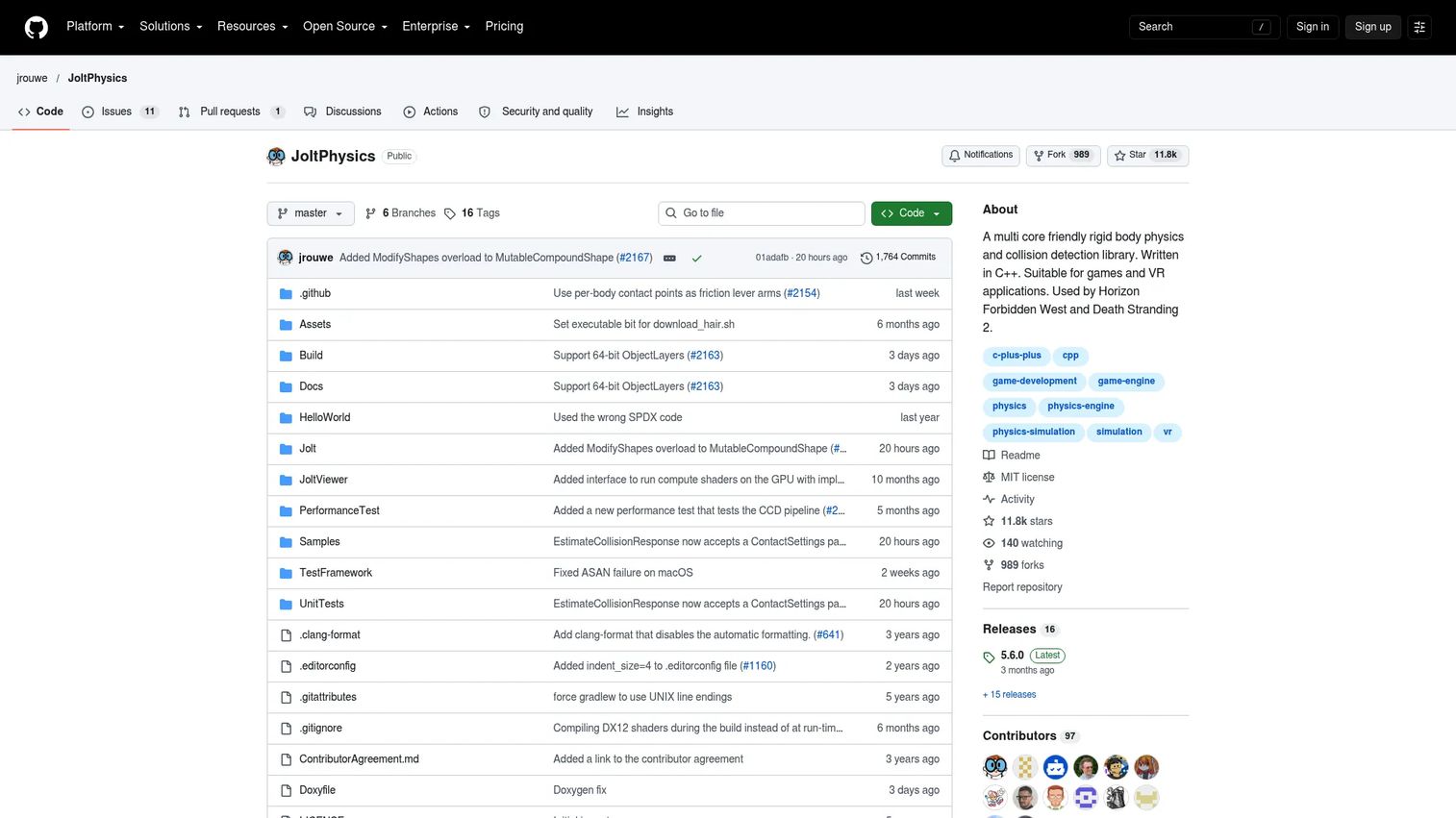
Jolt Physics is a modern C++ physics engine built for real-time game and VR applications, with a multithreaded architecture designed for current hardware. It handles rigid-body simulation, character controllers, vehicles, ragdolls, soft bodies, and even GPU-accelerated strand-based hair simulation. Continuous collision detection prevents tunneling in fast-moving scenarios. The engine supports Windows, Linux, macOS, iOS, Android, and WebAssembly, making it one of the most cross-platform open-source 3D engines available.
Best for: Game and VR developers who need a modern, multithreaded C++ physics engine for real-time 3D interaction.
Key features
- Rigid-body simulation with continuous collision detection
- Multithreaded architecture
- Character controller and vehicle support
- Soft-body and ragdoll simulation
- MIT license with no dependencies beyond the standard template library
Why choose Jolt Physics: It deserves serious evaluation when real-time performance and a modern codebase matter more than ecosystem breadth. Have engineering prototype the target platform early, since physics integration directly affects gameplay feel and toolchain decisions.
Jolt Physics pricing: Free under the MIT license. No commercial tier.
5. PhysX
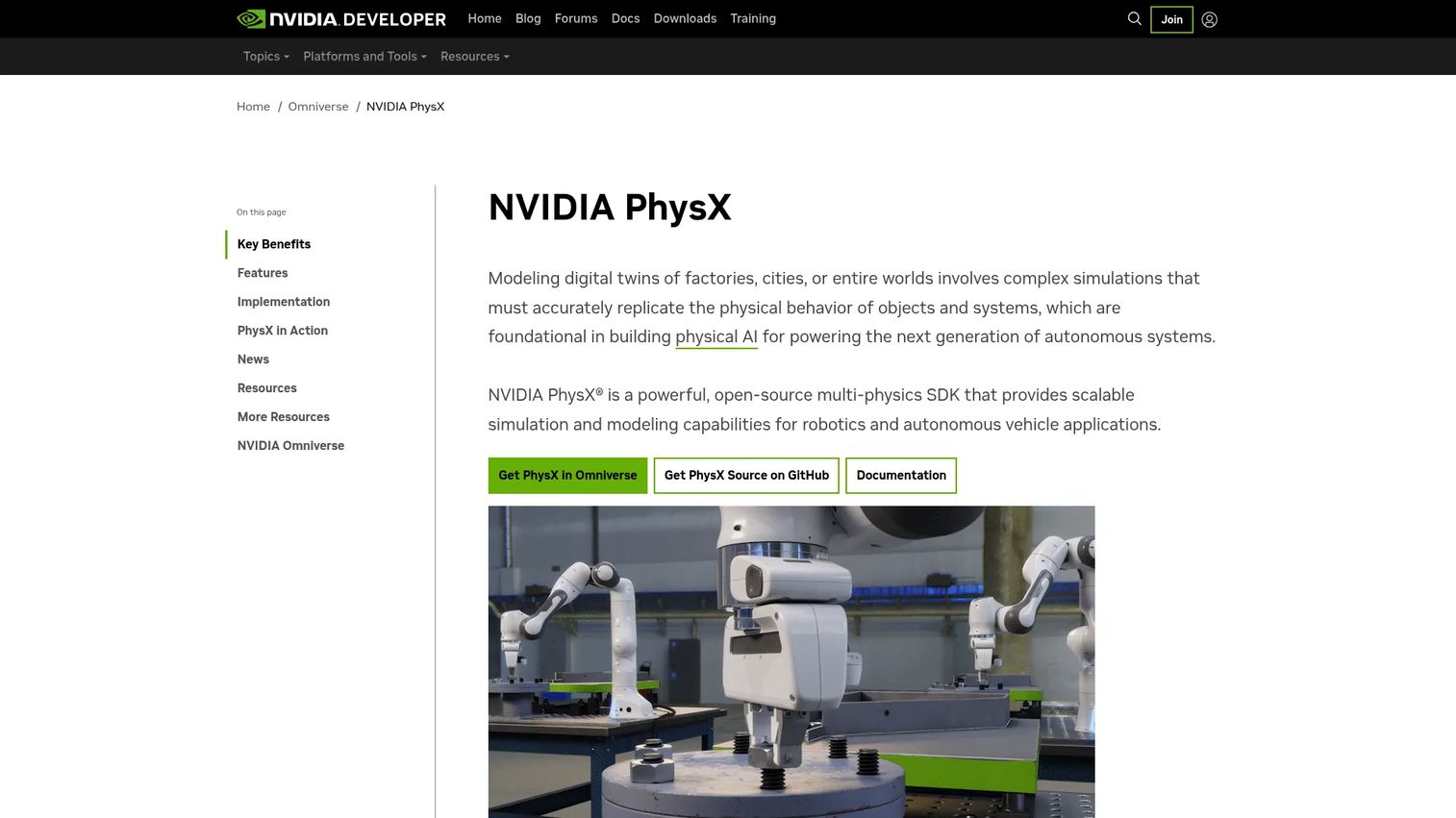
PhysX is NVIDIA's open-source multi-physics SDK covering rigid-body dynamics, soft bodies, cloth, particles, and fluid simulation, with CPU and GPU solver support. It is widely used in commercial game engines and increasingly in robotics, autonomous vehicle simulation, and industrial digital twin workflows where NVIDIA hardware is already part of the stack. Scene queries, articulations, vehicle controllers, and character controllers are included as first-party modules.
Best for: Developers building real-time physics for games, robotics, or autonomous systems who are already aligned with NVIDIA infrastructure.
Key features
- Rigid-body dynamics with CPU and GPU support
- Soft-body, cloth, particle, and fluid simulation
- Scene queries, joints, articulations, and character controllers
- Vehicle simulation module
- Integration with the broader NVIDIA simulation ecosystem
Why choose PhysX: It is a strong fit when the product roadmap depends on NVIDIA hardware or when the team needs GPU-accelerated physics at scale. PMs should clarify platform constraints and check current licensing terms before locking it into the architecture.
PhysX pricing: Open source; confirm exact license terms in the official repository documentation.
G2 rating: 3.9/5 on G2.
6. Rapier
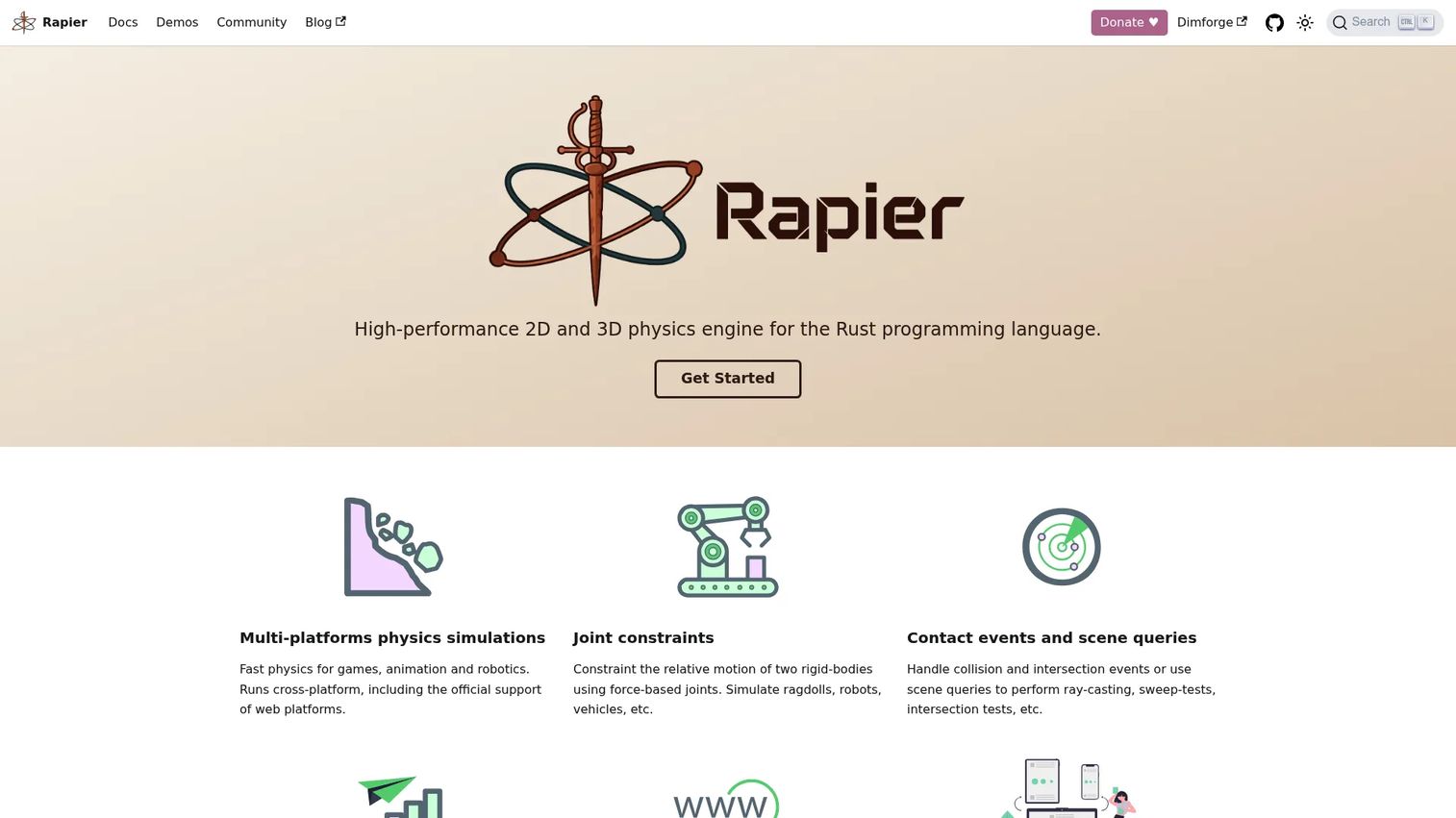
Rapier is a high-performance 2D and 3D physics engine from the Dimforge project, built in Rust and targeting games, animation, robotics, and web applications. It ships with JavaScript, C, and Python bindings alongside WebAssembly support, making it one of the few options that works natively in the browser without compromising simulation quality. Features include rigid-body collisions, joint constraints, soft bodies (including ropes and cloth), snapshotting, optional cross-platform determinism, and SIMD parallelism.
Best for: Developer teams using Rust, JavaScript, or WebAssembly stacks who need modern 2D or 3D physics with browser deployment options.
Key features
- 2D and 3D rigid-body and soft-body simulation
- Rust-first architecture with JavaScript, C, and Python bindings
- WebAssembly support for browser deployment
- Optional cross-platform determinism
- SIMD parallelism
Why choose Rapier: It fits teams building with modern web or Rust workflows where integration ergonomics and browser deployment matter. PMs should assess whether the team's hiring market and existing stack support a Rust-centric dependency.
Rapier pricing: Free and open source under the Apache 2.0 license.
7. Open Dynamics Engine
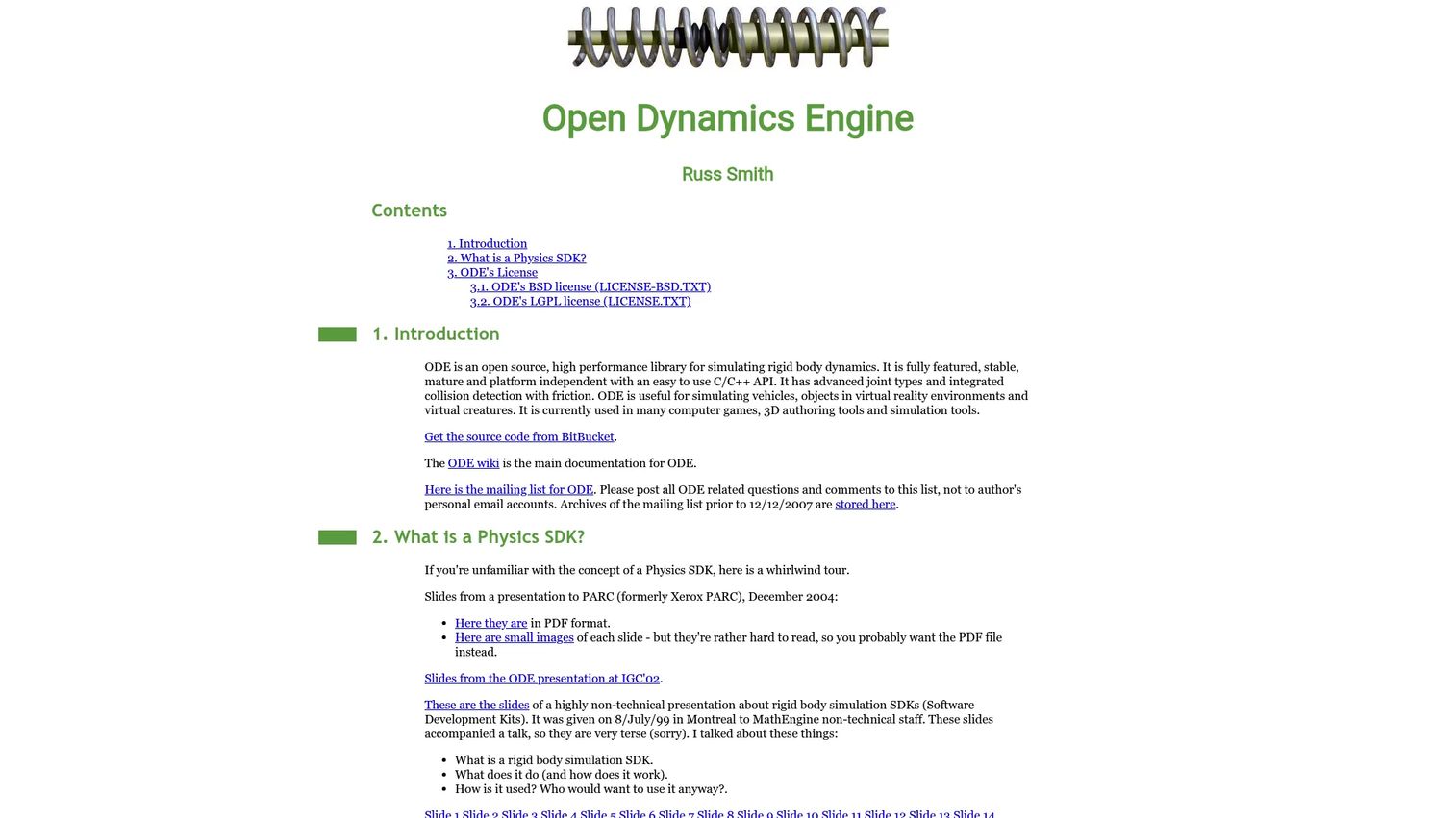
Open Dynamics Engine (ODE) is an open-source library for simulating rigid-body dynamics, with support for joint constraints, contact handling, and articulated systems. It exposes a C and C++ API and is distributed under either the GNU LGPL or a BSD-style license. ODE has historical use in robotics simulation and virtual reality. Teams maintaining existing ODE-based systems will find it familiar, though PMs evaluating it for a new product should verify current maintenance status and documentation depth before committing.
Best for: Teams maintaining existing ODE-based systems or needing an open-source starting point for rigid-body and articulated-body simulation.
Key features
- Rigid-body dynamics
- Joint constraints and articulated body support
- Collision detection with friction
- C and C++ API
- LGPL and BSD-style dual licensing
Why choose Open Dynamics Engine: It can be practical for legacy compatibility or when the team knows the library well. For new products, weigh current maintenance cadence and developer availability against more actively developed alternatives.
Open Dynamics Engine pricing: Free under LGPL or BSD-style license.
8. Newton Game Dynamics
Newton Game Dynamics was a rigid-body physics engine designed around deterministic, stable simulation for real-time games and simulation products. At the time of writing, the official homepage resolves to an account-suspended page, and no primary-source feature or pricing information could be verified. The engine appears in older game and simulation documentation and in community references, but PMs should treat it as unverified for current deployment.
Best for: Historical reference only; not recommended for new product decisions until official availability is confirmed.
Key features
- Rigid-body physics (historically documented)
- Deterministic solver design
- Game engine integration
Why choose Newton Game Dynamics: Do not choose it for a new product until you can verify that active development and support are ongoing. The suspended homepage is a significant maintenance risk signal.
Newton Game Dynamics pricing: Unverified. The official site is currently inaccessible.
9. Chipmunk physics engine
Chipmunk is a lightweight 2D rigid-body physics library written in C, designed for speed, portability, and a small integration footprint. Chipmunk2D is the current version, MIT licensed and free for commercial use. It includes rigid-body simulation, collision callbacks, constraints, Objective-C bindings for Apple platforms, and ARM optimizations for mobile targets. Its compact size makes it well suited to mobile games, embedded simulations, and any context where pulling in a larger engine would be excessive.
Best for: Lightweight 2D games, mobile games, and embedded simulations where a small engine footprint matters.
Key features
- 2D rigid-body simulation
- C API with Objective-C bindings
- ARM optimizations for mobile
- Collision callbacks and constraints
- MIT license
Why choose Chipmunk physics engine: It is a sensible choice when a project needs a smaller 2D engine than a full physics platform. Verify current maintenance and licensing before locking it in, particularly for mobile app store submission.
Chipmunk physics engine pricing: Free under the MIT license.
10. SOFA

SOFA, which stands for Simulation Open Framework Architecture, is an open-source framework built for physics-based interactive mechanical simulations, particularly in biomechanics and robotics. It supports soft- and rigid-body dynamics, finite element methods, collision detection, Python scripting, and GPU parallelization. The plugin architecture allows teams to extend the framework for specialized simulation domains including haptics, surgical training, and soft robotics. It is distributed under the LGPL license.
Best for: Medical, robotics, and research teams working with deformable body simulation, FEM, or biomechanics applications.
Key features
- Soft-body dynamics and finite element methods
- C++ LGPL open-core with plugin architecture
- Collision detection and response
- Python scripting
- GPU and multithreading parallelization
Why choose SOFA: It fits teams whose physics problem centers on deformation rather than rigid-body contact. PMs should expect a research-oriented setup process and plan for specialist engineering time accordingly.
SOFA pricing: Free and open source under the LGPL license.
11. Siconos
Siconos is scientific software for modeling and simulating nonsmooth dynamical systems, with a focus on mechanical systems involving contact, friction, impacts, and hybrid control. It offers Python bindings and numerical solver support for the mathematical structures that appear in nonsmooth mechanics and control theory. The official homepage resolved to limited content at the time of writing, so PMs should treat feature and pricing information as requiring direct verification from the project's GitHub and documentation sources.
Best for: Research and engineering teams modeling nonsmooth mechanics, contact-impact systems, or hybrid dynamical systems.
Key features
- Nonsmooth dynamics and contact mechanics
- Numerical solvers for hybrid systems
- Python bindings
- Control system support
Why choose Siconos: It is not a game engine. It fits research-grade simulation where mathematical modeling quality matters more than visual production or broad ecosystem support.
Siconos pricing: Verify current licensing from the official GitHub repository, as the main homepage was not fully accessible at time of writing.
12. AGX Multiphysics
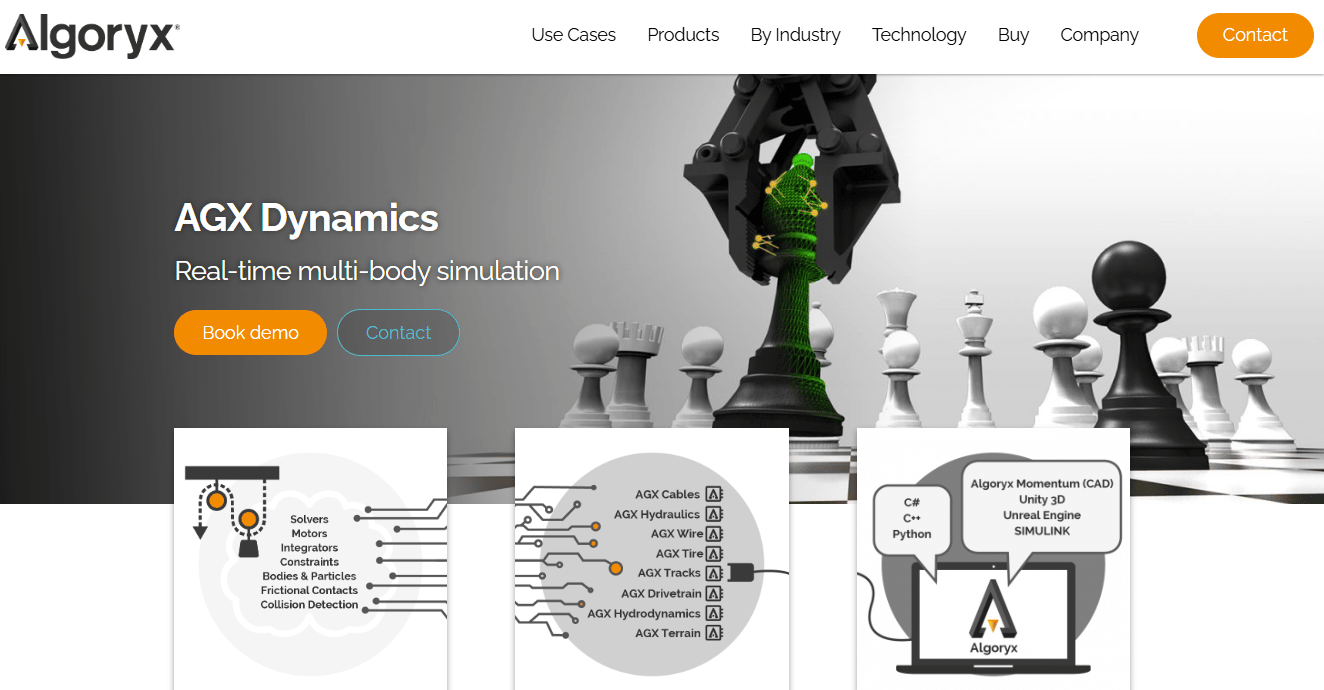
AGX Multiphysics is commercial real-time multiphysics and multibody simulation software from Algoryx, targeting engineering, robotics, and industrial simulation. It covers rigid-body and multibody dynamics, terrain, granular materials, hydraulics, hydrodynamics, cables, wires, and drivetrains, all within a single SDK. A C++ core with C# and Python bindings, plus Unity and Unreal integrations, makes it accessible across different team configurations. Its contact-rich simulation capability is particularly relevant for heavy machinery, mining, and robotics scenarios where standard game physics engines fall short on accuracy.
Best for: Engineering and robotics teams simulating complex industrial machinery, terrain interaction, and contact-rich multiphysics scenarios.
Key features
- Rigid-body and multibody dynamics with contacts, friction, and joints
- Multidomain modules: Terrain, granular materials, hydraulics, cables, and drivetrains
- C++ SDK with C# and Python bindings
- Unity and Unreal integrations
- Support for industrial robotics workflows
Why choose AGX Multiphysics: It fits products where simulation accuracy directly affects safety outcomes, training effectiveness, or machine behavior. Evaluate procurement and licensing early in the selection process.
AGX Multiphysics pricing: Quote-based. Algoryx lists Basic, Custom, Premium, Academic Single License, and Academic Group License tiers, but no numeric prices appear. Contact Algoryx for pricing.
13. Vortex
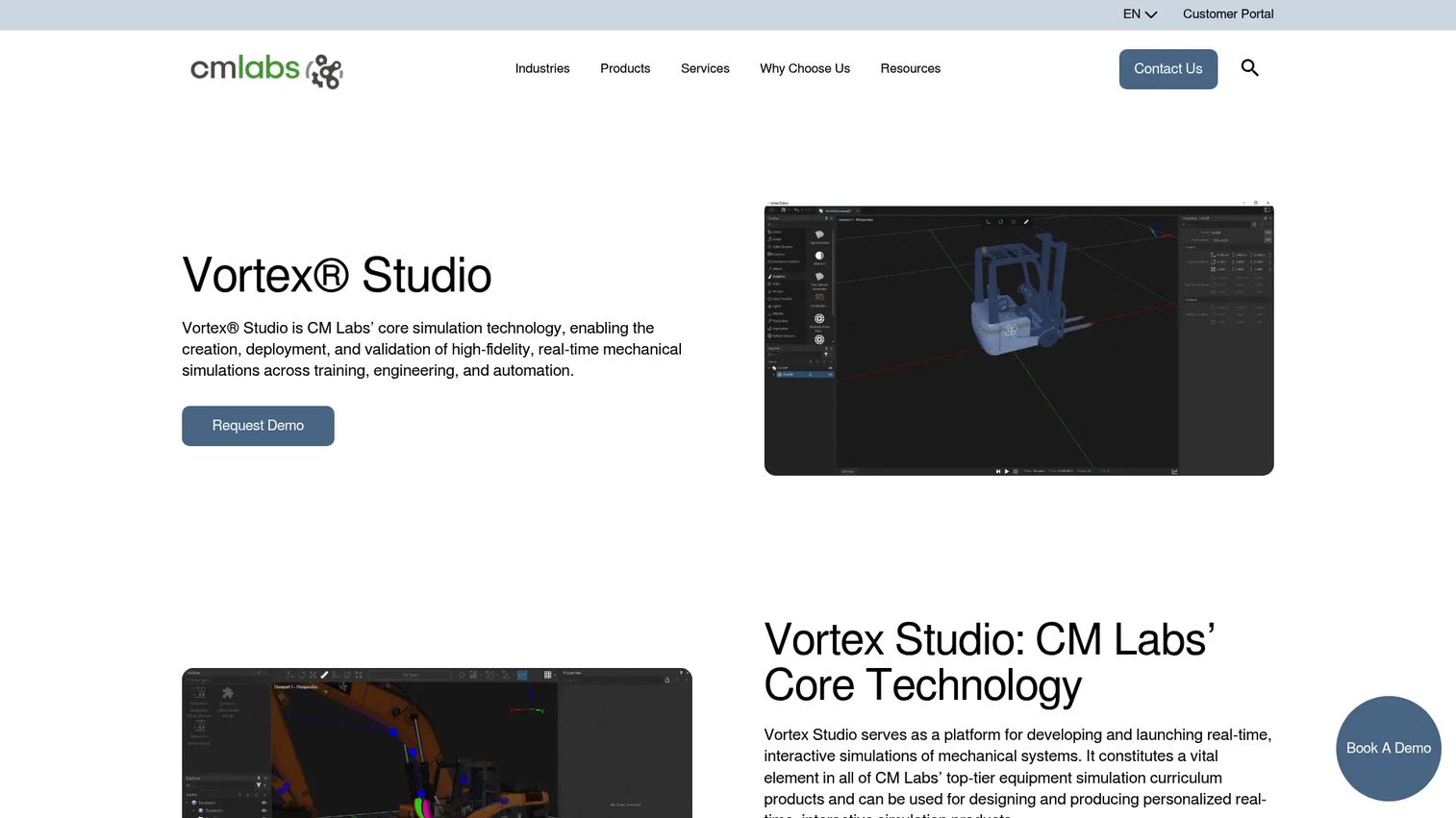
Vortex Studio from CM Labs is a platform for building, deploying, and validating high-fidelity real-time mechanical simulations for training, engineering, and automation. It covers rigid bodies, vehicles, tires, tracks, cables, and earthmoving, and integrates with ROS2, Simulink, Unity, and Unreal. Physics modules are paired with Python 3 scripting and verification test suites. The platform is particularly well suited to operator training simulators for heavy equipment and industrial machinery.
Best for: Enterprise teams building operator training simulators, vehicle simulation, or industrial digital twins.
Key features
- Real-time rigid-body and vehicle dynamics
- Physics modules for tracks, cables, and earthmoving
- ROS2 and Simulink integration
- Python 3 scripting with verification test suites
- Unity and Unreal export
Why choose Vortex: It fits products where physical realism affects training outcomes and operator performance. PMs should assess deployment requirements and total implementation effort before committing to the platform.
Vortex pricing: Quote-based. CM Labs offers Vortex Create and Vortex Activate packages; numeric pricing requires contacting CM Labs directly.
G2 rating: 2.5/5 based on 1 review on G2.
14. Algodoo

Algodoo is a free 2D physics sandbox designed for educational use, available on Mac and PC. Users draw objects, apply physics elements including springs, motors, thrusters, fluids, and light rays, and observe how the system behaves in real time. An Algobox community library allows scene sharing. It supports graph visualization of forces, velocities, and momentum, which makes it useful for explaining physical concepts without requiring a custom simulator. It is not suitable for production game physics or robotics infrastructure.
Best for: Education teams, teachers, and product teams building physics learning tools or demonstrating physical concepts visually.
Key features
- 2D physics sandbox with drawing tools
- Physics elements: Fluids, springs, motors, thrusters, and optics
- Force and velocity graph visualization
- Algobox scene sharing library
- Classroom-ready interaction model
Why choose Algodoo: It helps teams explain physics concepts quickly without engineering a custom simulation. The tradeoff is that it offers no path to production physics middleware.
Algodoo pricing: Free download for Mac and PC. The iPad version is available through the App Store; confirm current App Store pricing directly.
15. My Physics Lab
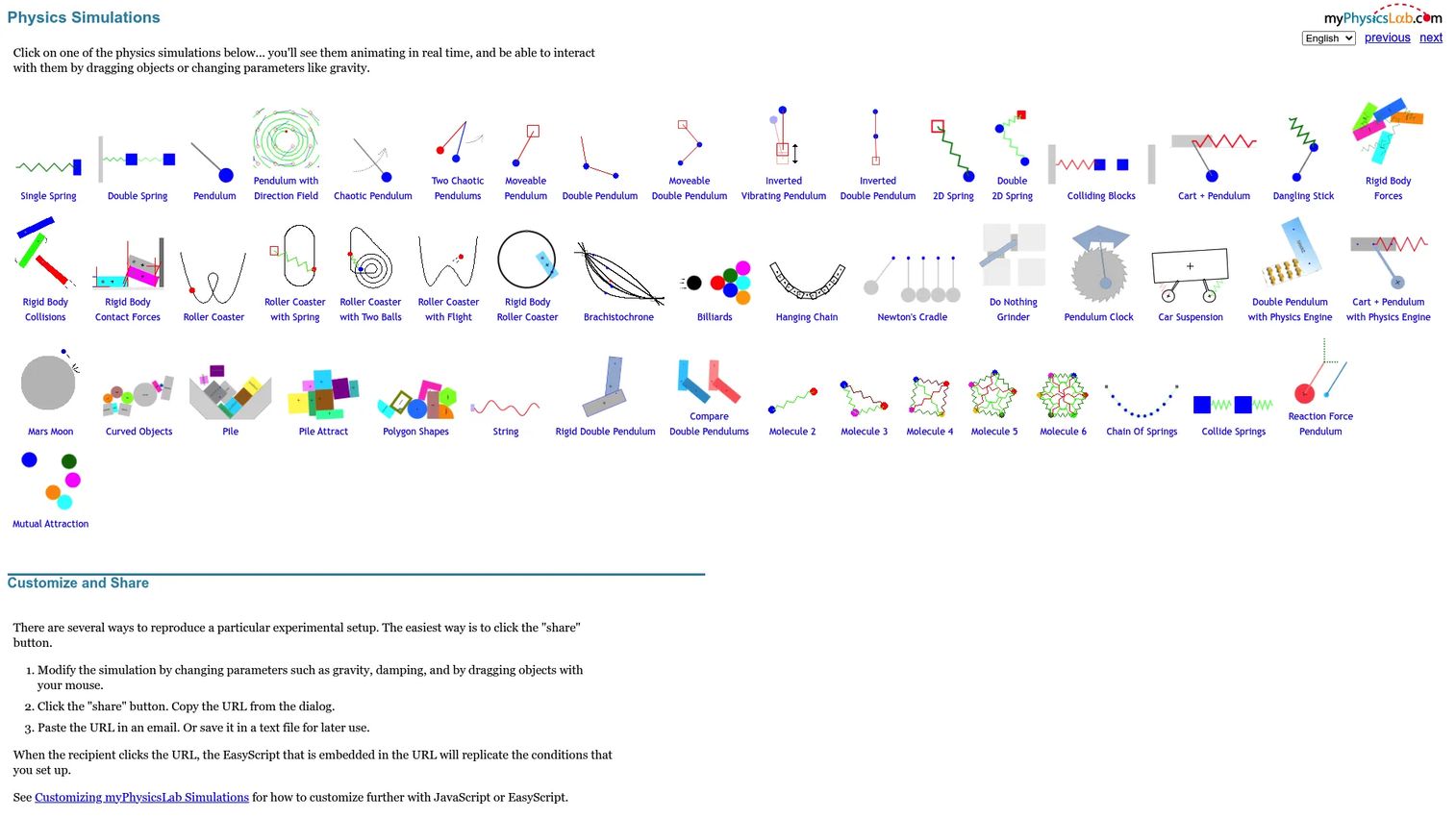
My Physics Lab is an open-source website offering approximately 50 interactive browser-based physics simulations with adjustable parameters, mouse interaction, and mathematical explanations. It covers pendulums, springs, collisions, rigid bodies, roller coasters, and more. Simulations are shareable via URL parameters. The underlying 2D rigid-body engine includes gravity, damping, collisions, contact forces, and spring forces, all documented in the source code under the Apache 2.0 license.
Best for: Education products, documentation teams, and PMs who want a browser-accessible reference for how to expose simulation concepts clearly.
Key features
- Browser-based interactive simulations, no install required
- 50+ simulations across core physics topics
- Shareable simulation URLs with custom parameters
- Apache 2.0 open-source codebase
- Graphs and numeric data access for simulation variables
Why choose My Physics Lab: It is the right choice when the goal is understanding and demonstration, not production middleware. PMs can use it as a reference model for clear physics education UX.
My Physics Lab pricing: Free. Open source under Apache 2.0.
16. Newton
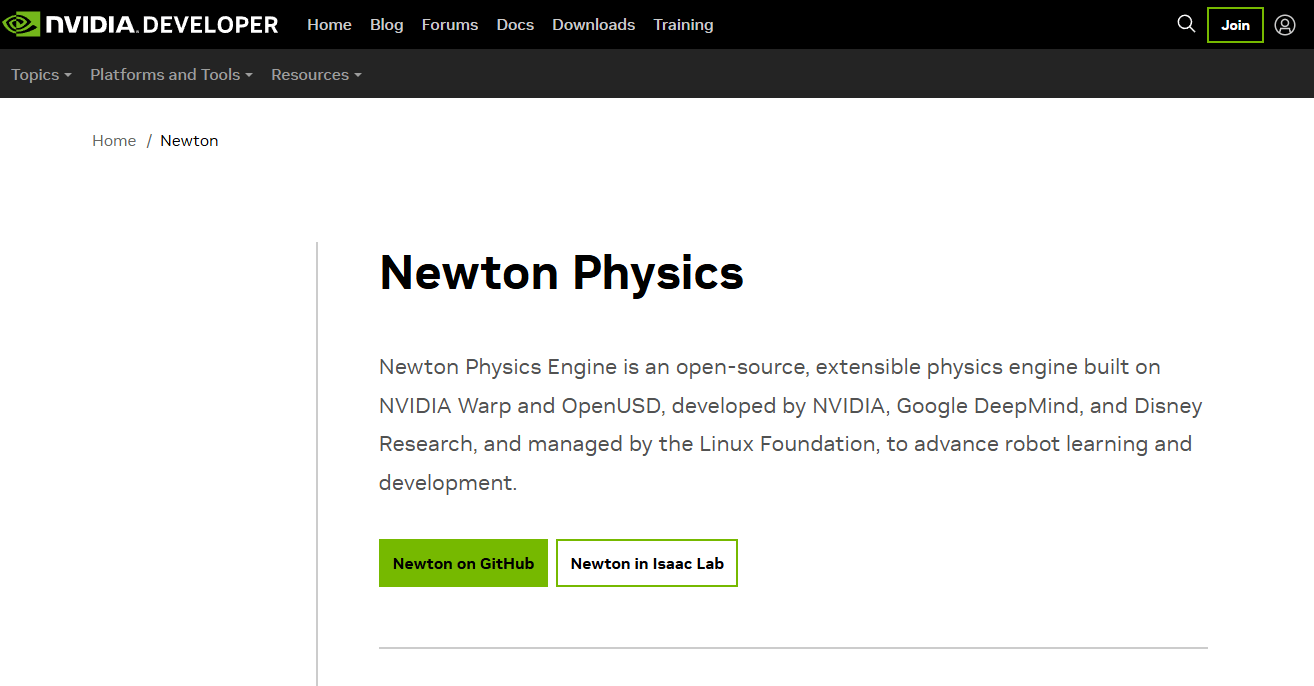
Newton is an open-source, GPU-accelerated physics simulation engine built on NVIDIA Warp, designed for robotics simulation and robot learning. It supports differentiable simulation, OpenUSD workflows, multiple solver implementations, and model import from URDF, MJCF, and USD formats. Extensible Python APIs make it accessible to machine learning and robotics researchers who work primarily in Python. Its Apache-2.0 license and focus on differentiable physics position it as a compelling option for teams building robot learning pipelines.
Best for: Robotics researchers and developers building GPU-accelerated physics simulations, differentiable simulation pipelines, or robot learning workflows.
Key features
- GPU-accelerated simulation via NVIDIA Warp
- Differentiable simulation support
- OpenUSD workflow integration
- URDF, MJCF, and USD model import/export
- Extensible Python APIs
Why choose Newton: It is compelling when robot learning and high-throughput simulation are central to the product roadmap. PMs should check the project's release cadence and production-readiness before committing to it for a time-sensitive product build.
Newton pricing: Free and open source under the Apache-2.0 license.
17. Advanced Simulation Library
Advanced Simulation Library (ASL) is a free and open-source hardware-accelerated multiphysics simulation platform from Avtech Scientific. It uses an OpenCL computational engine to deploy across CPUs, GPUs, FPGAs, DSPs, clusters, and supercomputers. The mesh-free immersed-boundary approach enables direct CAD-to-simulation workflows without meshing overhead. Supported physics domains include fluid flow, chemical reactions, heat transfer, elasticity, and interface tracking. An optional commercial license is available, though no numeric commercial price was found on the first-party site.
Best for: Engineering and scientific teams building high-performance multiphysics or PDE simulations that need hardware flexibility.
Key features
- C++ API with OpenCL computational engine
- Deployment across CPUs, GPUs, FPGAs, DSPs, and HPC clusters
- Mesh-free immersed-boundary approach for CAD-to-simulation
- Multiphysics: Fluid flow, heat transfer, elasticity, and chemical reactions
- Cross-platform: Linux, Windows, and macOS
Why choose Advanced Simulation Library: It fits teams comfortable with scientific computing workflows who need hardware-flexible deployment. PMs should validate documentation depth and project maintenance status before planning around it.
Advanced Simulation Library pricing: Free under AGPLv3. An optional commercial license is available; contact Avtech Scientific for pricing.
G2 rating: 4.8/5 on G2.
18. Havok
Havok is commercial physics, cloth, and navigation middleware with a long history in professional game development. It covers real-time collision detection, dynamic simulation, physically based cloth for garments, hair, and foliage, and navigation mesh generation with pathfinding. Havok for Unreal is included in both license tiers. The licensing structure targets studios rather than indie developers, with the entry tier priced for game budgets under $20 million.
Best for: Professional game studios with commercial middleware requirements and budgets that justify enterprise licensing.
Key features
- Real-time collision detection and dynamic simulation
- Physically based cloth simulation
- Navigation mesh generation and pathfinding
- Havok for Unreal integration
- Full platform coverage with no royalty
Why choose Havok: It fits teams that need commercial support, a proven game-industry track record, and source access. PMs should verify current platform support and engine compatibility before evaluating licensing terms.
Havok pricing: Starts at $50,000 per Havok product for studios with budgets under $20 million. Studios with budgets above $20 million should contact Havok for flexible pricing.
G2 rating: 3.8/5 based on 2 reviews on G2.
19. Chaos
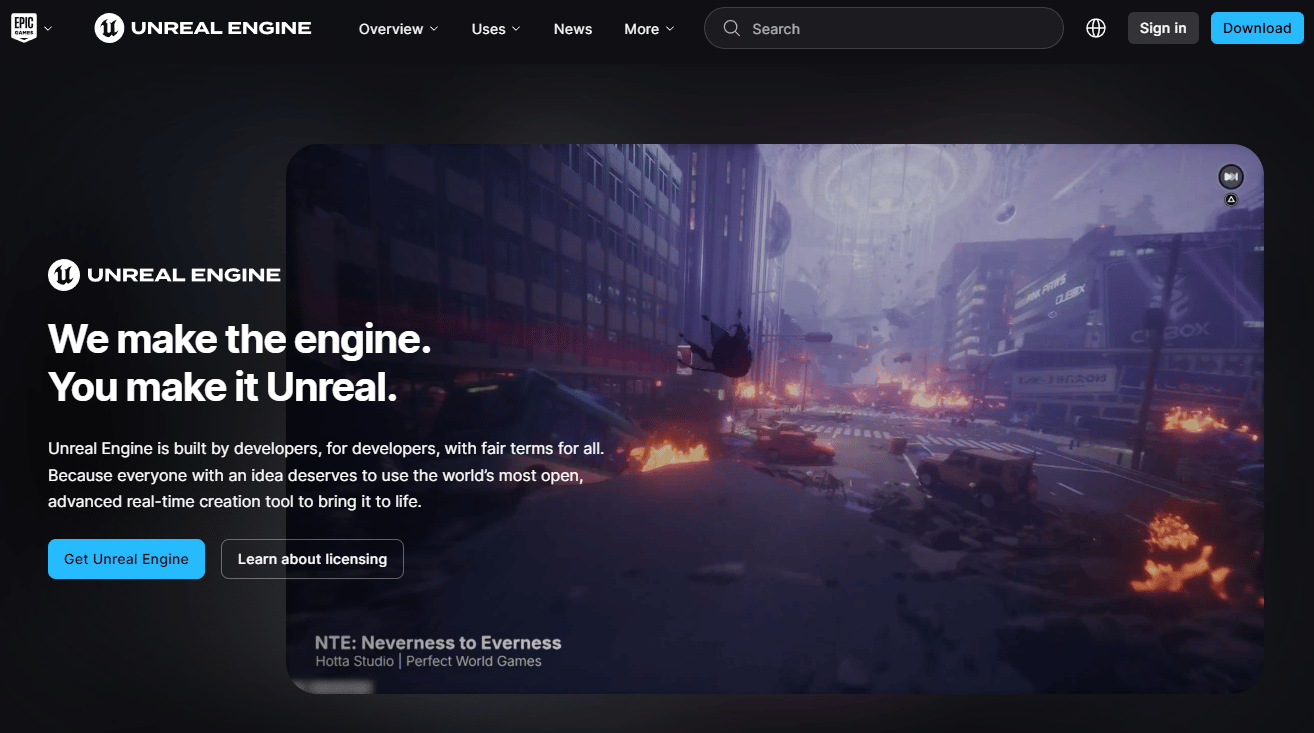
Chaos is Unreal Engine's native high-performance physics and destruction system for real-time 3D simulation. It handles rigid-body dynamics, destruction and fracturing, cloth, ragdolls, vehicles, fluid, and hair simulation, all integrated directly into the Unreal Editor workflow. Because Chaos is built into Unreal Engine rather than distributed as a standalone SDK, its pricing and availability follow Unreal Engine's licensing terms.
Best for: Unreal Engine teams who want physics integrated tightly into the editor and rendering pipeline.
Key features
- Rigid-body dynamics and destruction system
- Cloth, ragdoll, and vehicle simulation
- Fluid and hair simulation
- Native Unreal Editor integration
- No separate SDK to maintain
Why choose Chaos: It is the natural choice when the product is already built around Unreal Engine. PMs should evaluate whether engine lock-in is acceptable for the product roadmap before choosing it over a standalone engine.
Chaos pricing: Bundled with Unreal Engine. Refer to Unreal Engine's current licensing terms for commercial use specifics.
G2 rating: 4.5/5 for Unreal Engine on G2.
20. Digital Molecular Matter
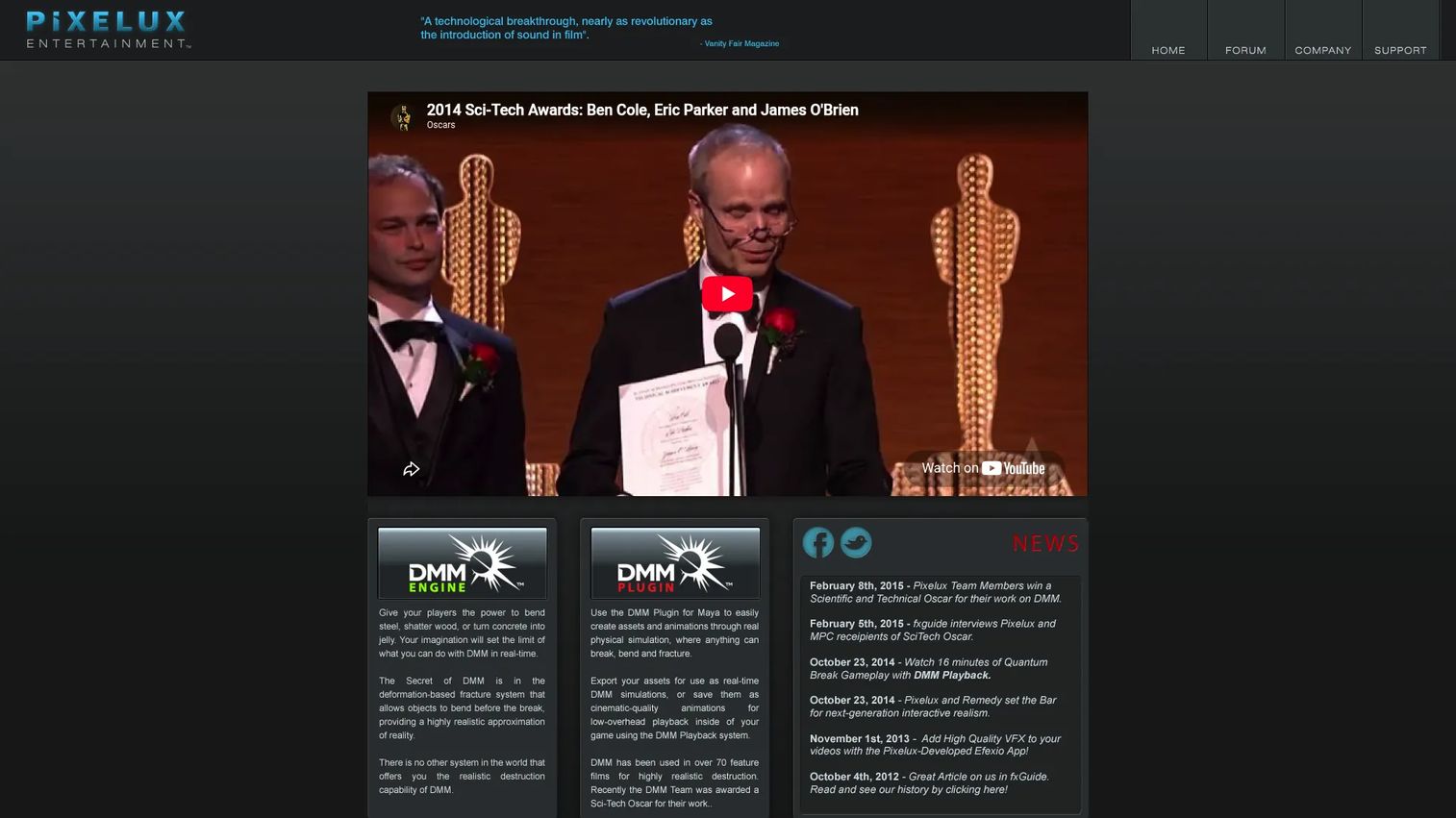
Digital Molecular Matter (DMM) is Pixelux's physics-based material simulation technology for realistic deformation, fracture, and destruction in games and visual effects. It uses finite element methods to model how materials bend, splinter, shatter, dent, and break based on their physical properties. GPU and multiprocessor support are included for real-time interactive applications. The Pixelux site is largely historical and does not display current commercial plans, so PMs should contact the company directly to verify active availability.
Best for: Film, VFX studios, and game developers who need material-aware deformation and destruction beyond what standard rigid-body contact provides.
Key features
- Finite-element-based material simulation
- Realistic deformation and fracture behavior
- Simulation of bending, splintering, shattering, and denting
- GPU and multiprocessor support
- Real-time and playback systems
Why choose Digital Molecular Matter: It is relevant when the product requires believable material-specific breakage rather than generic collision response. Verify current commercial availability before treating it as a selectable option.
Digital Molecular Matter pricing: Contact Pixelux directly. No pricing was found on the first-party site.
21. Tokamak Physics
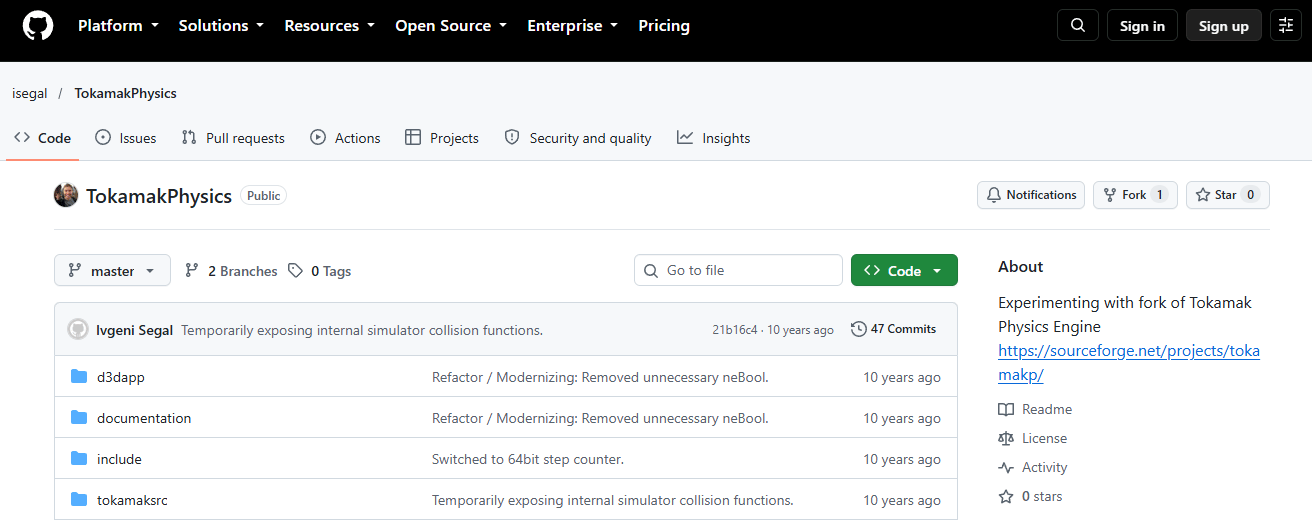
Tokamak Physics (no accessible screenshot) was a real-time physics engine historically used in game development, with rigid-body simulation and collision handling as its core capabilities. The repository referenced in research returned a 404 at time of writing. No authoritative first-party page, pricing, or feature documentation could be verified. It belongs in this list as a historical reference for teams researching legacy game physics options, not as a recommendation for new builds.
Best for: Historical research or teams maintaining old codebases that depend on Tokamak Physics.
Key features
- Real-time rigid-body simulation (historically documented)
- Collision handling
- Game-focused design
Why choose Tokamak Physics: Do not choose it for a new product. If an existing system depends on it, plan a migration path to an actively maintained engine.
Tokamak Physics pricing: Unverified. The repository was inaccessible at time of writing.
Considerations when choosing physics engine software
Match the engine to the product's physics tolerance
A casual mobile game, a surgical training simulator, and an autonomous vehicle validator have almost nothing in common from a simulation requirements perspective. Define the acceptable error bound before comparing engines. A platformer jump that feels wrong is a UX failure; a deformable tissue simulation that drifts is a safety risk in clinical training.
Separate real-time feel from numerical fidelity
Believable interaction and mathematically precise simulation are different goals, and optimizing for one typically compromises the other. A game physics engine running at 60 Hz with small solver inaccuracies feels right to a player. A finite element solver running overnight on a cluster needs reproducibility across runs. Confirm which goal your product actually serves before the shortlist stage.
Validate integration before committing the roadmap
Physics code becomes load-bearing infrastructure fast. Have engineering prototype the hardest workflow first: The edge case with fast-moving objects, the articulated body with complex joint limits, the scene with thousands of contacts. Good prototype targets include solver stability under stress, frame-rate performance on the target device, and debugging workflow quality.
Check licensing and commercial support
Open source reduces acquisition cost but does not reduce maintenance cost. An MIT-licensed engine with an active community may be lower total cost than a commercial middleware license, or it may not. Safety-critical or enterprise deployments often benefit from commercial support agreements. Factor in the cost of owning the dependency, not just acquiring it.
Plan for maintainability and hiring
Physics code does not stay static. The engine you choose will need to keep pace with your product's release cadence. Assess documentation quality, community size, example availability, and whether the team can hire engineers who know the stack. An engine with thin documentation and a small community is a long-term maintenance risk regardless of how good the solver is.
Conclusion
The right physics engine is the one that matches your specific simulation workload, not the most popular one in your genre.
For high-fidelity multiphysics, start with Project Chrono, SOFA, AGX Multiphysics, or Vortex depending on your domain: Chrono and SOFA for research and scientific simulation, AGX and Vortex for industrial and training applications.
For game physics, compare Box2D and Chipmunk for 2D, then Bullet, Jolt Physics, PhysX, Havok, and Chaos for 3D. Engine choice often follows the game engine and target platform, so confirm those constraints first.
For robotics simulation, evaluate Newton, Project Chrono, PhysX, and AGX Multiphysics against your specific contact model requirements and hardware stack.
For web and educational products, Rapier covers modern web deployment, while Algodoo and My Physics Lab serve learning and demonstration contexts well.
The practical next step: Shortlist three engines, run the same prototype in each, and compare solver stability, integration time, platform performance, and licensing risk. That prototype will surface the real tradeoffs faster than any comparison table.
For more tools in related technical categories, see our roundups on breach and attack simulation software and acoustic simulation software.
Start your journey with Guideflow today!
FAQs
Physics engine software simulates physical behavior so digital objects move, collide, deform, and respond to forces predictably. Use cases span games, robotics validation, surgical training, autonomous vehicle simulation, industrial operator training, and educational physics tools. The same category label covers both a lightweight 2D game physics library and a finite element multiphysics research framework, so use case matters more than the category name when evaluating options.
Box2D and Chipmunk are the most widely used 2D options. Box2D is typically the default choice for its feature breadth, multithreading support, and long maintenance history. Chipmunk fits scenarios where a smaller footprint matters, particularly for mobile. The right pick depends on language preference (both are C-based), the game engine being used, and whether community documentation density matters to your team.
For open-source options, Jolt Physics and Bullet are the strongest current candidates. Jolt offers a modern multithreaded architecture; Bullet has a larger ecosystem and PyBullet for Python workflows. PhysX is relevant for teams aligned with NVIDIA tooling. Havok suits professional studios with commercial middleware budgets, and Chaos is the clear choice for products built inside Unreal Engine.
The terms overlap significantly in search behavior. "Physics engine" typically refers to reusable middleware that another application or game engine integrates to handle physical behavior. "Physics simulator" often means an end-user application, educational environment, or standalone simulation tool that runs without a host application. My Physics Lab and Algodoo are physics simulators in that sense; Box2D and Bullet are physics engines.
Yes, for many production use cases. Box2D powers commercial games at scale. Bullet is used in production VFX and robotics research. Jolt Physics is used in published games. The relevant questions for PMs are whether maintenance is active, whether documentation covers the team's specific use cases, and whether the open-source license is compatible with the product's distribution model. Open source removes the acquisition cost but not the engineering cost of ownership.
Newton is the most purpose-built option for GPU-accelerated robotics and robot learning workflows, with differentiable physics support and NVIDIA Warp integration. Project Chrono covers high-fidelity multibody and vehicle dynamics. PhysX integrates with the broader NVIDIA simulation ecosystem. AGX Multiphysics and Vortex are strong for contact-rich industrial and heavy machinery robotics. The right choice depends on whether the team needs differentiable physics, high-throughput parallel simulation, or industrial contact accuracy.
Start with the simulation workload: What physical behavior must the product simulate, and how much approximation is acceptable? Then assess integration cost (language bindings, game engine compatibility, and platform support), maintenance risk (license, community health, documentation, and release cadence), and hiring availability. Finally, validate with a prototype of the hardest physics scenario before finalizing the selection. Choosing by popularity rather than by workload fit is the most common and most costly mistake in this category.
Some do, and the benefit is workload-specific. PhysX supports GPU-accelerated rigid-body and particle simulation on NVIDIA hardware. Newton is built on NVIDIA Warp for GPU-first robotics simulation. Advanced Simulation Library targets GPUs, FPGAs, and HPC clusters via OpenCL. For most game physics workloads, CPU-based solvers are sufficient and more portable. GPU acceleration pays off primarily in high-throughput simulation, large-scale robotics training, and scientific computing where parallel solver runs are the bottleneck.