Your team can spend months refining a robot workflow in code, then discover the reachability issue when the physical cell is already on the floor. That discovery is expensive: Rescheduled hardware time, rework on controller programs, and a sprint burned before the first real test.
Robotic simulation software changes where that discovery happens. Teams can validate motion paths, sensor behavior, and controller logic before touching hardware, which means fewer surprises at the worst possible moment in a release cycle. The global robotics simulation software market reached $2.2 billion in 2026 and is projected to hit $6.3 billion by 2033, according to Persistence Market Research, reflecting how broadly teams now depend on simulation to reduce validation risk.
The right simulator fits your robot type, existing engineering stack, and the decisions your team actually needs to make. The wrong one becomes a side project that drains engineering time and produces results nobody fully trusts.
This guide covers 10 options across industrial programming, ROS 2 development, AI training, and enterprise virtual commissioning, with a PM-focused lens on validation speed, engineering ownership, and maintainability across release cadences.
What's inside
This guide is for product managers, robotics leads, and automation engineers evaluating simulation platforms against roadmap risk, engineering cost, and integration requirements.
Tools were selected based on:
- Category fit: Industrial robot programming, ROS 2 environments, physics-first research, and virtual commissioning are all represented
- Ecosystem alignment: ROS/ROS 2 support, CAD imports, PLC connectivity, and API depth
- Pricing transparency: Free, open-source, and commercial tiers all covered
- Maintenance realism: Engineering ownership costs, not just feature counts
TL;DR
- Best for industrial robot arms and offline programming: RoboDK, with broad robot-brand support and CAD/CAM workflows
- Best open-source environment: Webots, free with cross-platform controller support
- Best for photorealistic perception and synthetic data: NVIDIA Isaac Sim, Omniverse-based and free to use
- Best for ROS 2 workflows: Gazebo, the reference simulator for ROS-native development
- Best for research-grade dynamics and reinforcement learning: MuJoCo, free and built for contact-rich physics
- Best for enterprise virtual commissioning: Siemens Process Simulate, with PLC and controller validation across full production workcells
What is robotic simulation software?
Robotic simulation software creates a virtual environment where teams model robots, sensors, actuators, workcells, and physical interactions before testing on hardware. It allows engineers to validate motion paths, detect collisions, test controller code, and train AI policies without requiring physical access to the robot or production environment.
Core capabilities
- Robot kinematics and dynamics: Forward and inverse kinematics, trajectory generation, and articulated-body modeling
- Physics engines: Contact, friction, and collision simulation at varying fidelity levels
- Sensor simulation: Cameras, lidar, IMUs, radar, and force sensors modeled with noise and environmental variation
- Motion planning and path validation: Reachability, singularity detection, cycle-time analysis, and axis-limit checking
- Offline programming: Controller-code generation and testing away from the production cell
- CAD and model imports: URDF, SDF, MJCF, and 3D-model file support
- ROS and ROS 2 integration: Middleware connectivity for robot operating system workflows
- Synthetic data generation: Annotated image and sensor output for AI and perception model training
- Digital twins and virtual commissioning: Full production-logic validation, including PLC and controller behavior
Not every simulator does the same job
| Simulator category | Primary job | Typical users |
|---|---|---|
| Industrial robot programming | Validate paths, generate controller programs | Manufacturing engineers |
| Workcell and virtual commissioning | Test PLCs, equipment, and production logic | Controls and industrial engineering |
| ROS development | Test mobile robots and sensor stacks | Robotics engineers |
| Physics and AI research | Train policies, study control dynamics | Researchers, autonomy teams |
| High-fidelity perception | Build synthetic sensor data, digital twins | AI, perception, and autonomy teams |
| General-purpose scene simulation | Prototype varied robotics workflows | Developers, research teams |
Simulation reduces uncertainty and moves discovery earlier. Hardware testing still validates calibration, wear, network latency, and mechanical tolerances that no model fully captures.
When to use robotic simulation software
Validate robot paths before touching hardware
Collision detection, singularity analysis, reachability mapping, and cycle-time estimation all run in simulation before any physical cell is booked. This matters most for industrial robot arms handling welding, machining, packaging, or palletizing, where a missed axis limit translates directly into a hardware delay.
Test autonomy and sensor behavior across edge cases
Sensor-rich simulation environments let teams test navigation, perception, and control logic against scenarios that are rare, dangerous, or expensive to reproduce in the real world. Define representative scenarios and acceptance criteria before simulation starts; otherwise, coverage grows without meaningful signal.
De-risk factory automation and system integration
Virtual commissioning lets controls, product, and manufacturing teams validate PLC logic, robot programs, and equipment interactions inside a digital twin before the production line is physically assembled. Late-stage integration surprises carry the highest rework cost in factory automation, and simulation pushes that discovery to a much cheaper moment in the program.
Robotic simulation software comparison
The table below covers all 10 tools. Use it to shortlist by simulation intent and pricing model, then read the full entries for ecosystem and ownership details.
| # | Product | Best for | Key differentiator | Pricing | G2 rating |
|---|---|---|---|---|---|
| 1 | RoboDK | Industrial robot arms, offline programming | Broad robot-brand library, CAD/CAM, post processors | From $145/year (Educational) | N/A |
| 2 | Webots | Open-source robot development, education | Cross-platform with broad controller-language support | Free (open source); support from CHF 500/year | N/A |
| 3 | NVIDIA Isaac Sim | Perception, synthetic data, AI robotics | Omniverse-based simulation; free under Apache 2.0 | Free | N/A |
| 4 | Gazebo | ROS 2 simulation, mobile robotics | Deep ROS ecosystem integration, modular architecture | Free (open source) | N/A |
| 5 | CoppeliaSim | General-purpose robotics simulation | Multiple physics engines, extensive scripting APIs | Edu: Free; Pro: Contact for pricing | N/A |
| 6 | Siemens Process Simulate | Enterprise virtual commissioning, production workcells | Industrial digital twins with PLC and controller validation | Contact for pricing (Essentials/Standard/Advanced tiers) | N/A |
| 7 | MATLAB Robotics System Toolbox | MATLAB-based algorithm and robot development | Kinematics, navigation, SLAM, Simulink integration | From $900/year | 4.5/5 |
| 8 | MuJoCo | Dynamics, manipulation, reinforcement learning | Fast, accurate contact-rich physics; open source | Free | N/A |
| 9 | RobotStudio | ABB robot programming, virtual commissioning | Native ABB controller and robot-cell workflows | Free (basic); Premium pricing: Contact ABB | N/A |
| 10 | Unity Robotics Hub | Custom simulation, perception, visualization | Unity-based scenes, synthetic data, ROS 2 integration | Governed by Unity editor pricing; see Unity's site | N/A |
Best 10 robotic simulation software tools for 2026
1. RoboDK
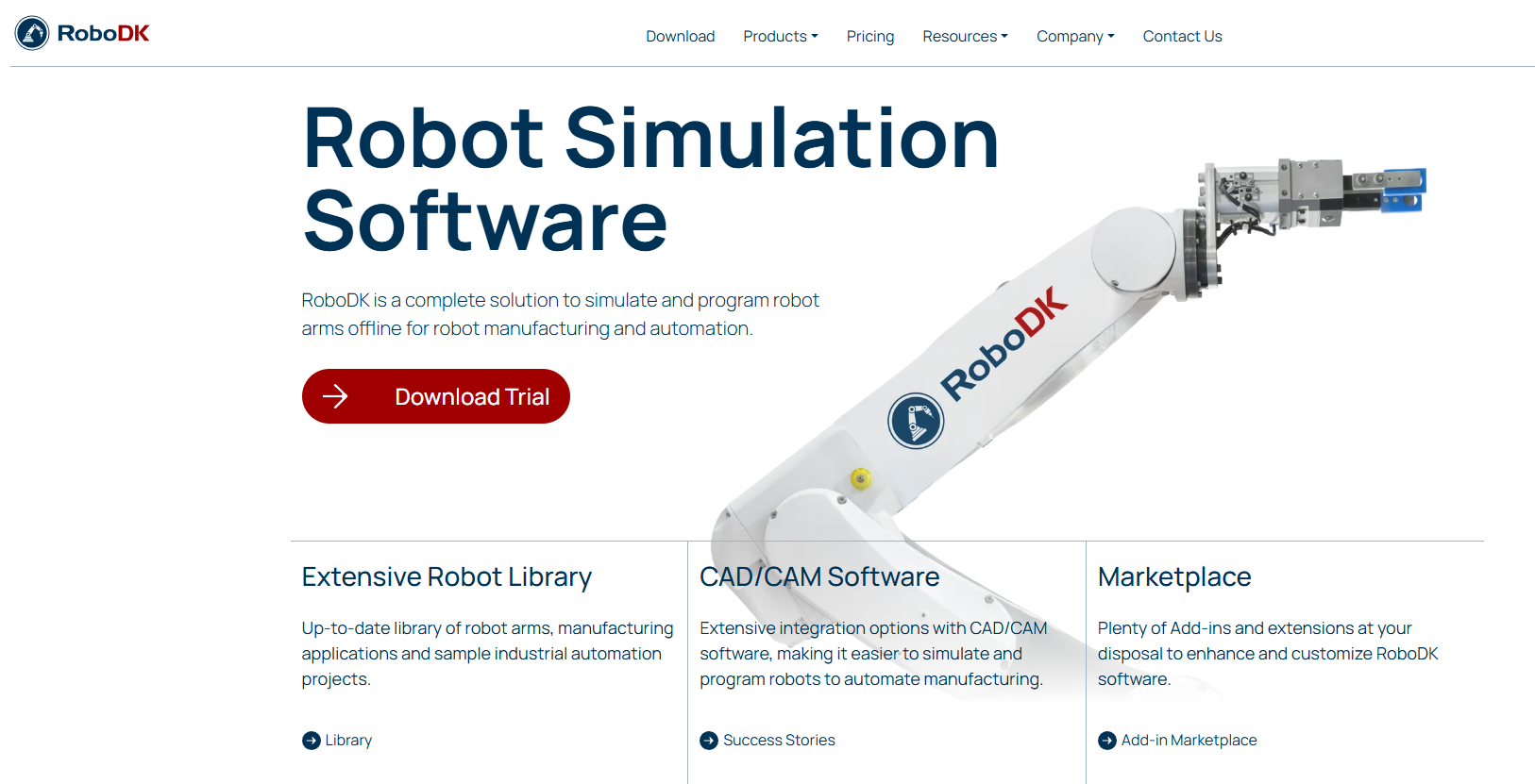
RoboDK is a simulation and offline programming platform built for industrial robot arms across manufacturing and automation applications. It supports robot machining, welding, palletizing, 3D printing, and painting workflows, with a library covering hundreds of robot brands and models. Teams use it to validate motion paths, detect collisions and singularities, and generate controller-ready programs without touching the production cell.
Best for: Manufacturing and automation teams that need to validate robot-arm paths and generate offline programs across multiple robot brands before deployment.
Key features
- Offline programming for industrial robot arms with post-processor support
- CAD and CAM model imports for machining and path generation
- Collision detection, singularity avoidance, and axis-limit checking
- Robot calibration workflows for accuracy improvement
- API support for Python, C#, and C++
Why choose RoboDK: It earns consideration when industrial deployment timelines depend on reducing physical-cell iteration. The breadth of supported robot brands and post processors makes it practical for teams working across equipment from multiple manufacturers, which is common in contract manufacturing and systems integration.
RoboDK pricing: A 30-day free trial is available. The Professional license is $3,995 (permanent, with one year of maintenance included). Educational licenses run $145/year. Robot Calibration adds $17,995. Enterprise and classroom options require contacting RoboDK directly.
2. Webots
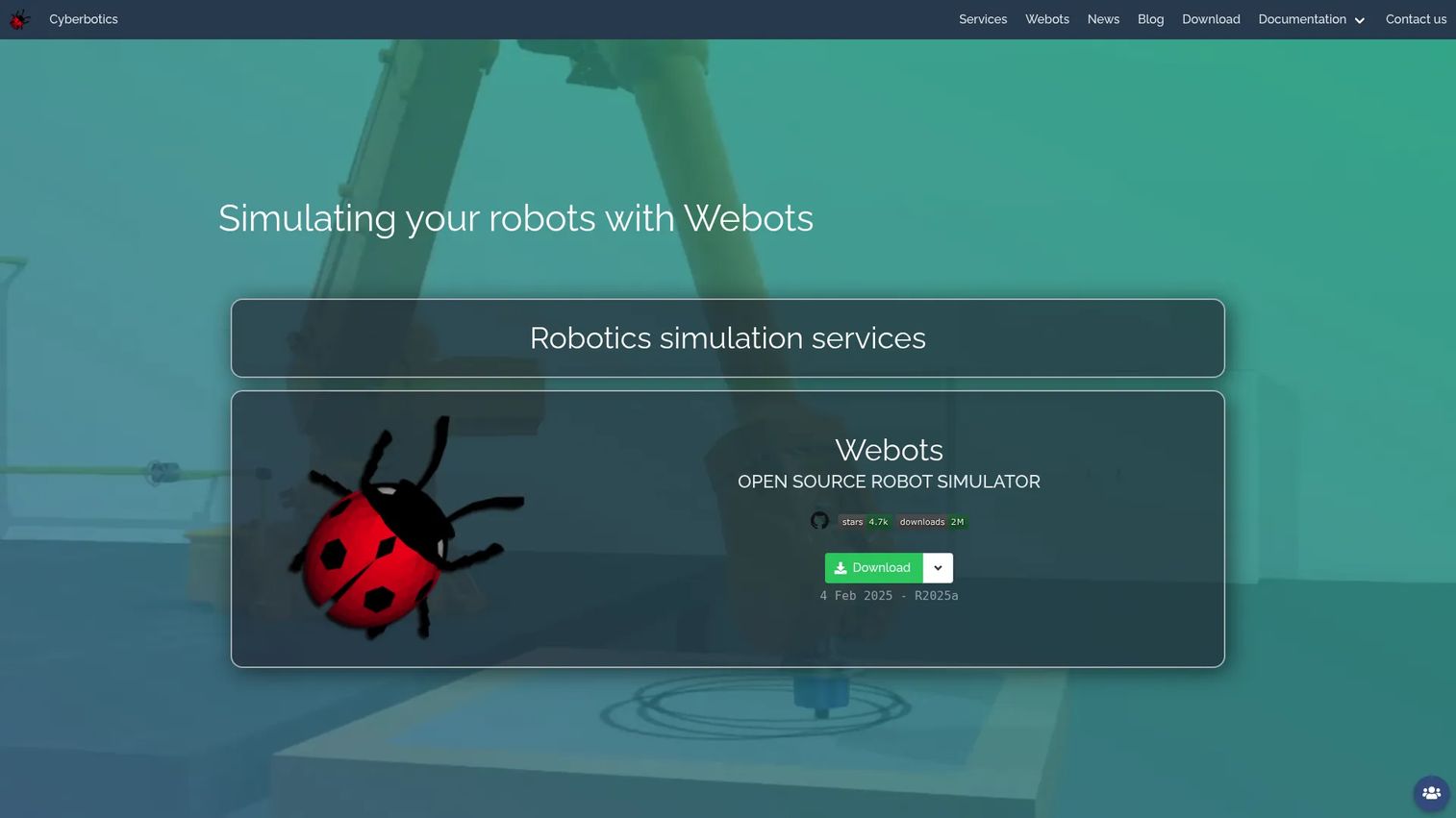
Webots is an open-source, cross-platform robot simulator maintained by Cyberbotics. It covers robot modeling, controller development, sensor simulation, and algorithm testing, and runs on Windows, Linux, and macOS. Teams use it for mobile robot research, educational prototyping, and early-stage controller validation across a wide range of robot types.
Best for: Product and engineering teams that need an accessible open-source simulator for mobile robots, research prototypes, or academic-to-production experimentation.
Key features
- Cross-platform 3D physics-based simulation
- Controllers in C, C++, Java, Python, MATLAB, and ROS
- Built-in sensors, actuators, and robot library
- URDF and 3D-model import support
- Export to movies, interactive HTML, or web streams
Why choose Webots: The zero-license-cost entry point removes procurement friction for early-stage teams. Budget engineering time for environment creation and controller integration, because ownership of the simulation setup sits entirely with your team. For teams already comfortable with ROS 2 workflows, it can serve as a practical development environment before committing to a more specialized stack.
Webots pricing: The Webots software is free and open source. Cyberbotics offers paid Premier Service plans for support: Standard runs CHF 500/year and Deluxe runs CHF 2,500/year. Custom development services are available on request.
3. NVIDIA Isaac Sim
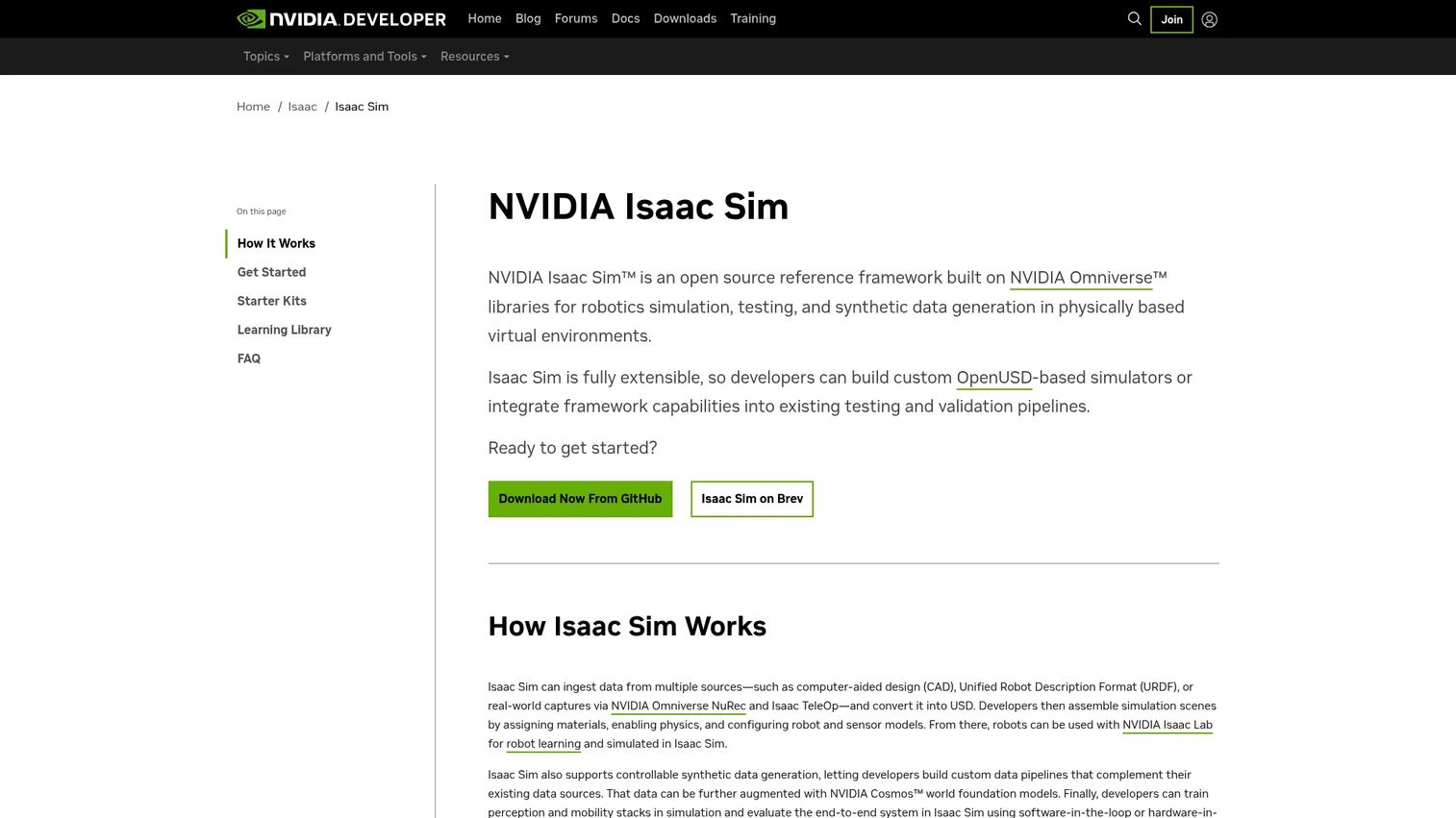
NVIDIA Isaac Sim is an open-source robotics simulation framework built on NVIDIA Omniverse for physically based simulation, synthetic data generation, and AI-enabled robot development. It supports rigid-body, articulation, and vehicle physics alongside RTX-rendered sensor outputs including cameras, lidar, and depth sensors. Teams developing vision-heavy autonomy products use it to generate training data and validate perception pipelines before field testing.
Best for: Robotics teams training or validating perception, navigation, and AI systems that depend on camera and lidar sensor fidelity at scale.
Key features
- Omniverse-based 3D physically based simulation
- Controllable synthetic data generation with annotated outputs
- RTX sensor simulation for cameras, lidar, and IMUs
- ROS 2 integration and URDF/MJCF model support
- Multi-GPU support for parallel simulation
Why choose NVIDIA Isaac Sim: It earns a place on the shortlist when visual fidelity and sensor realism directly shape product performance. Plan for GPU requirements, data pipeline engineering, and specialized team ownership up front. Commercial redistribution of Omniverse Kit requires an Omniverse Enterprise subscription, so confirm the right terms for your deployment model.
NVIDIA Isaac Sim pricing: Isaac Sim is free to use, licensed under Apache 2.0 with additional NVIDIA terms. Cloud infrastructure and enterprise Omniverse redistribution may carry separate costs depending on the deployment.
4. Gazebo
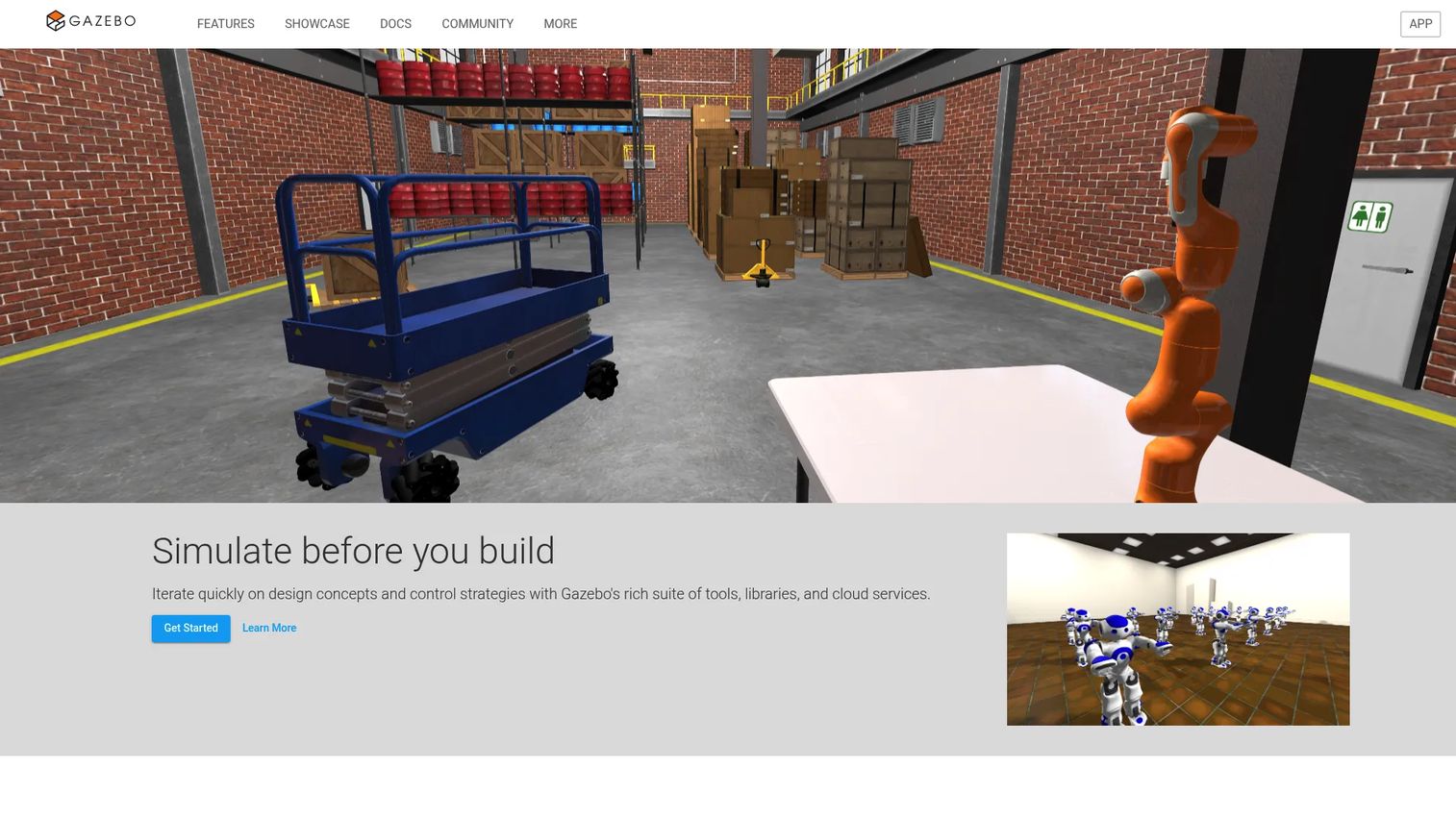
Gazebo is the open-source robotics simulator most closely aligned with the ROS and ROS 2 development ecosystem. Its modular architecture supports swappable physics engines, sensor and actuator plugins, and a library of world and model assets. Teams building ROS-native robots use it as the standard environment for testing navigation stacks, sensor integration, and autonomy workflows.
Best for: Teams building ROS-based robots that need a maintainable, community-supported test environment for navigation and sensor-driven autonomy.
Key features
- Native ROS and ROS 2 integration
- Modular physics, rendering, and simulation systems
- Sensor and actuator plugin library
- World and model asset library
- High-fidelity sensor noise modeling
Why choose Gazebo: The decision to use Gazebo is less about visual polish and more about software-stack alignment. If the production robotics stack centers on ROS 2, Gazebo reduces integration overhead because it shares the same middleware assumptions. Require engineering to document the specific ROS packages, sensors, and plugins that must be supported before committing to the environment build.
Gazebo pricing: Free and open source. Confirm current distribution options and any commercial support packages available for your team's requirements.
5. CoppeliaSim
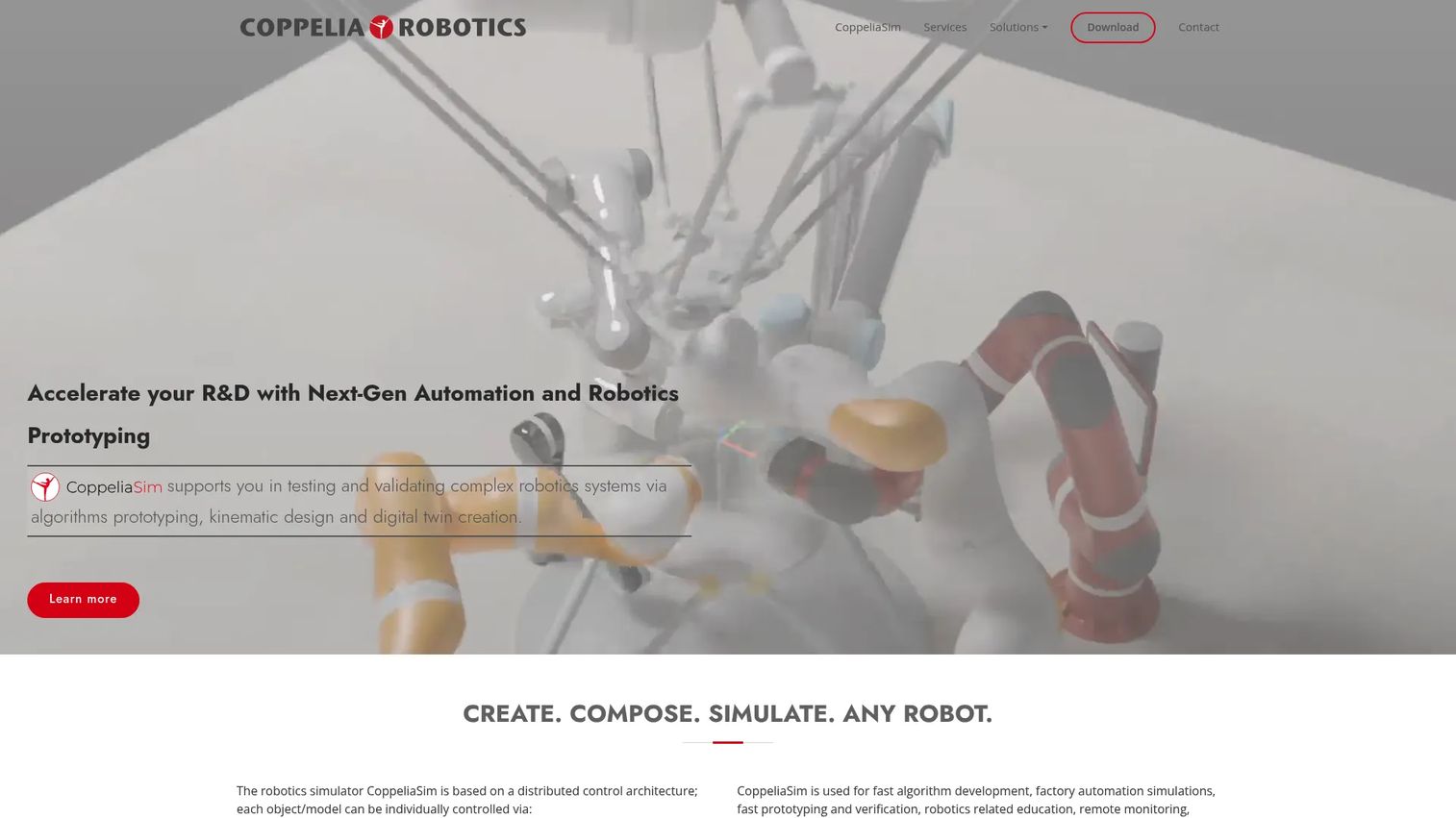
CoppeliaSim, developed by Coppelia Robotics, is a cross-platform general-purpose robotics simulator built for prototyping, testing, and validating complex robotic systems. Its key differentiator is physics-engine flexibility: Teams can choose from MuJoCo, Bullet, ODE, Vortex, or Newton depending on the simulation fidelity required. Scripting support spans Python, Lua, C/C++, Java, JavaScript, MATLAB, and Octave, making it accessible across varied engineering teams.
Best for: Technical teams that need a versatile simulator for prototyping across different robot forms and experimental workflows without selecting a narrowly specialized stack.
Key features
- Multiple physics engines: MuJoCo, Bullet, ODE, Vortex, Newton
- Kinematics, dynamics, collision detection, and path planning
- Remote API support for Python, Lua, C/C++, Java, MATLAB
- Robot and scene model libraries
- ROS and ROS 2 connectivity
Why choose CoppeliaSim: It suits teams that value experimentation across different robot types and physics configurations. The flexibility that makes it useful also means simulation standards and environment conventions need explicit internal ownership. Without clear agreements on what gets simulated and how, flexible environments tend to produce inconsistent results across engineers.
CoppeliaSim pricing: CoppeliaSim Edu is free for eligible students, teachers, and professors (non-commercial use). CoppeliaSim Pro carries commercial licensing priced by contacting Coppelia Robotics directly. A Lite edition is available on request for distribution packaging scenarios.
6. Siemens Process Simulate
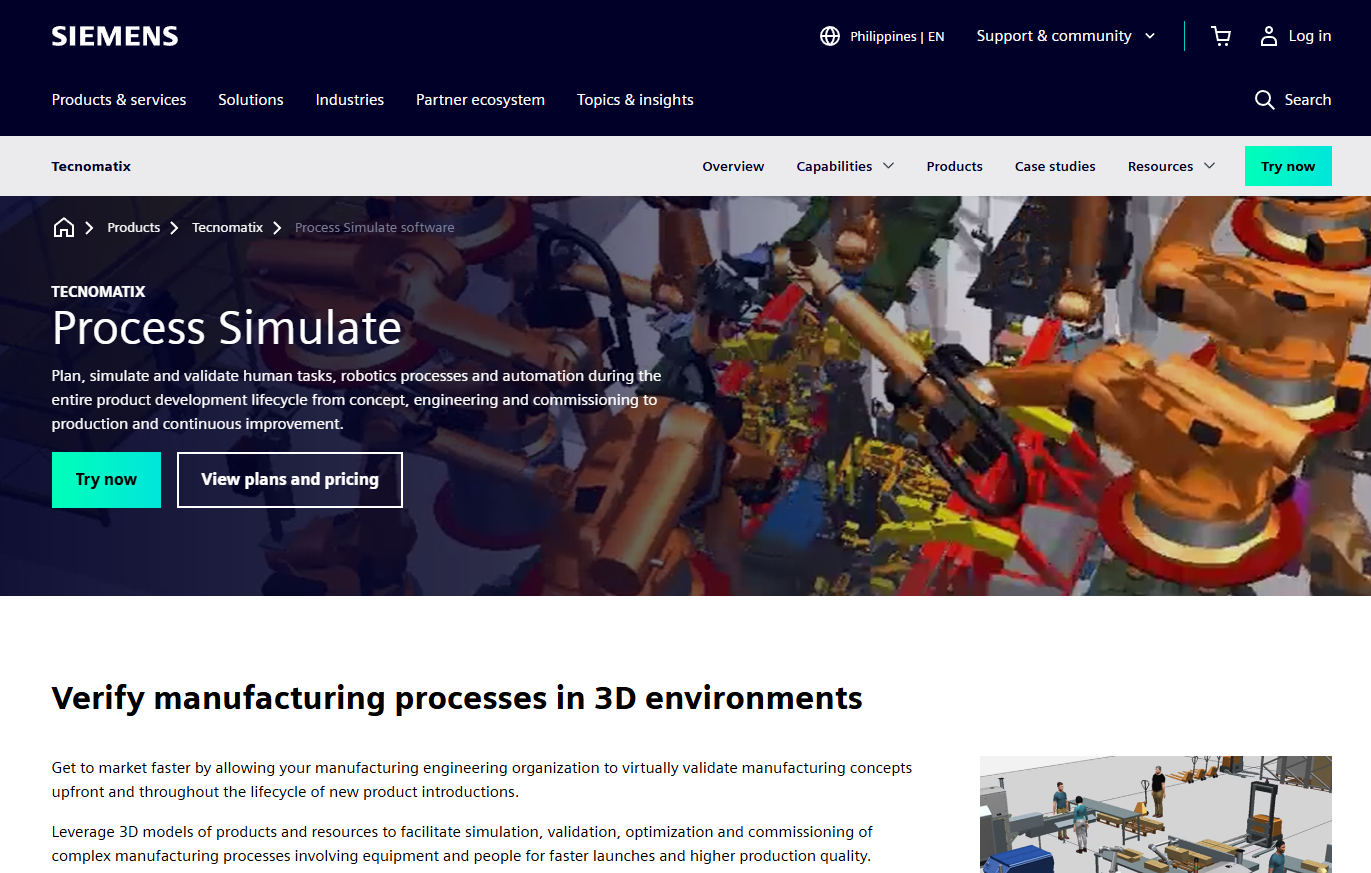
Siemens Process Simulate is manufacturing process simulation software for planning, simulating, and validating human tasks, robotics, automation, and production processes in 3D. It covers robotic workcell design, offline robot programming, virtual commissioning with PLC and controller validation, human ergonomics simulation, and continuous manufacturing path generation for welding, sealing, painting, and related robot workflows. Organizations use it when simulation must connect design, controls, and production planning across large manufacturing programs.
Best for: Manufacturing engineering teams validating automated production lines, material handling, and PLC-connected processes before physical deployment.
Key features
- Robotic workcell design with reach and cycle-time analysis
- Offline robot programming and motion planning
- Virtual commissioning with TIA Portal, PLCSIM Advanced, and OPC UA
- Human simulation for ergonomics and safety analysis
- 3D assembly and collision detection across full production sequences
Why choose Siemens Process Simulate: It fits high-stakes factory automation programs where late integration failures carry significant cost. The virtual commissioning capability is its clearest differentiator: Teams can validate PLC logic and controller behavior against a digital twin before the production equipment ships. Evaluate implementation services, controls integration, and internal adoption requirements before selecting, because the program scope determines the engineering investment.
Siemens Process Simulate pricing: Siemens offers Essentials, Standard, and Advanced tiers, plus value-based licensing with token packs of 25, 50, and 100 tokens. Contact Siemens directly for pricing, as no public numeric figures are posted.
7. MATLAB Robotics System Toolbox
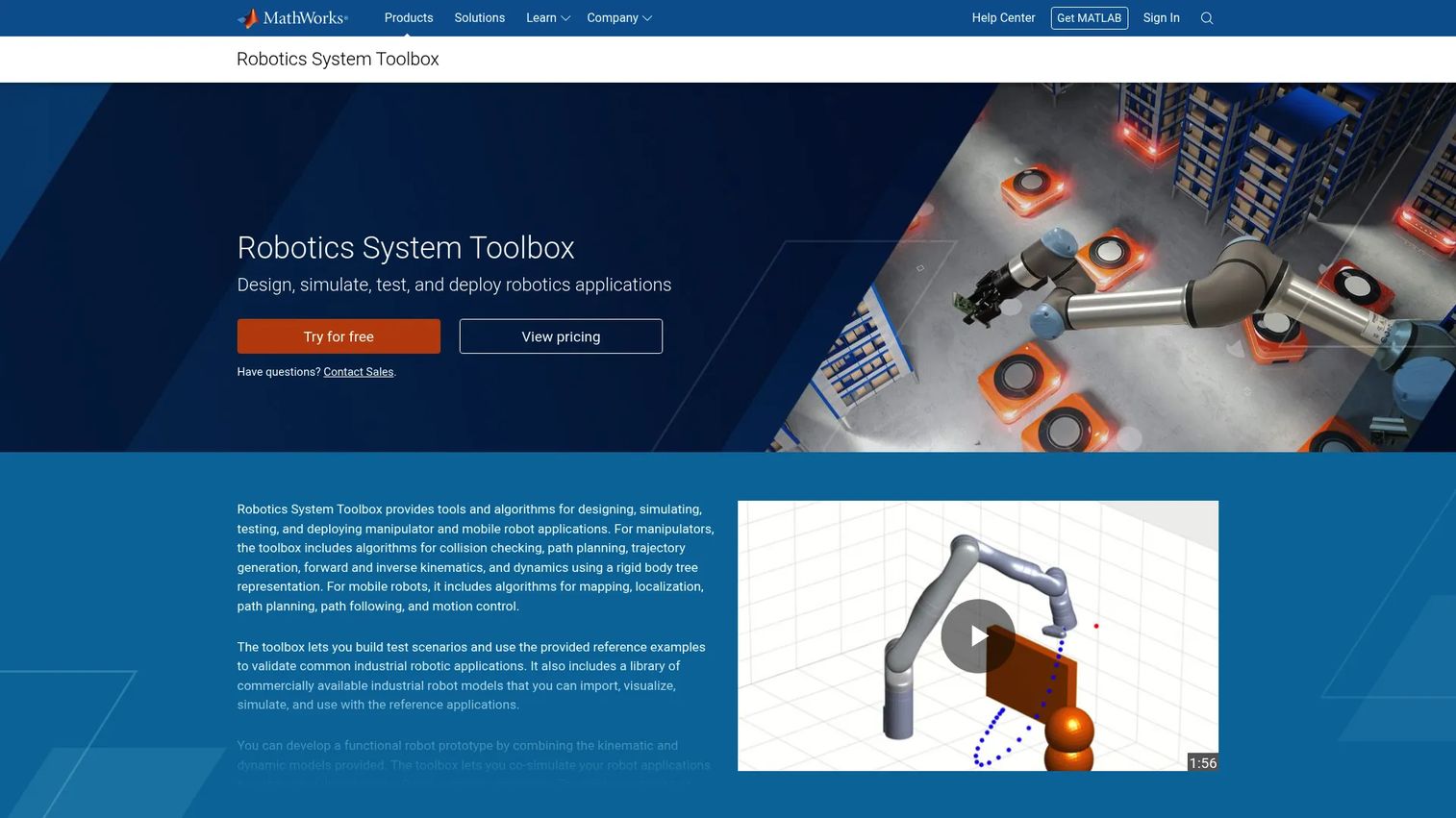
MATLAB Robotics System Toolbox from MathWorks provides algorithms and tools for designing, simulating, testing, and deploying manipulator and mobile-robot applications inside MATLAB and Simulink. It covers rigid-body tree modeling, forward and inverse kinematics, trajectory generation, SLAM, navigation, and ROS 2 connectivity. Teams already invested in MATLAB for controls, sensor fusion, or model-based design can extend those workflows into robotics without adopting a separate simulation environment.
Best for: Engineering and research teams developing robotics algorithms in MATLAB who need to validate kinematics, planning, and navigation without switching toolchains.
Key features
- Rigid-body tree modeling with URDF import and built-in robot library
- Manipulator kinematics, trajectory generation, and collision checking
- Mobile robot mapping, localization, path planning, and SLAM
- ROS and ROS 2 connectivity with code generation for deployment
- Unreal Engine environment support and Gazebo co-simulation
Why choose MATLAB Robotics System Toolbox: Choose it when simulation must stay close to existing MATLAB and Simulink development. Its strongest application is algorithm validation rather than photorealistic factory visualization. Calculate the total license footprint before committing, because the toolbox requires a base MATLAB license, and additional MathWorks products may be needed depending on the workflow.
MATLAB Robotics System Toolbox pricing: An annual license runs $900. A new (permanent) license is $2,250. Pricing requires a base MATLAB installation.
G2 rating: 4.5/5
8. MuJoCo
MuJoCo (Multi-Joint dynamics with Contact) is a free, open-source physics engine from DeepMind built for fast and accurate simulation of articulated-body systems. It is widely used in robotics research, reinforcement learning, biomechanics, and control system development. Its generalized-coordinate simulation and convex-optimization contact model deliver high-speed, repeatable physics, making it a common substrate for training locomotion and manipulation policies.
Best for: Research and autonomy teams that need fast, repeatable physics simulation for controller development, manipulation research, and reinforcement learning policy training.
Key features
- Generalized-coordinate simulation with articulated-body dynamics
- Convex-optimization constraints covering soft contacts and friction
- MJCF XML modeling format with built-in compiler
- Python bindings for programmatic control and training loops
- Cross-platform OpenGL visualization
Why choose MuJoCo: It is the right choice when physics speed, repeatability, and control research precision matter more than a polished industrial interface. Teams must build the surrounding environment and evaluation workflow themselves, so confirm the engineering capacity for that work before committing. Define the sim-to-real validation plan early; fast learning cycles are useful only when the learned behavior transfers to physical hardware tests.
MuJoCo pricing: Free and open source. No paid tiers exist.
9. RobotStudio
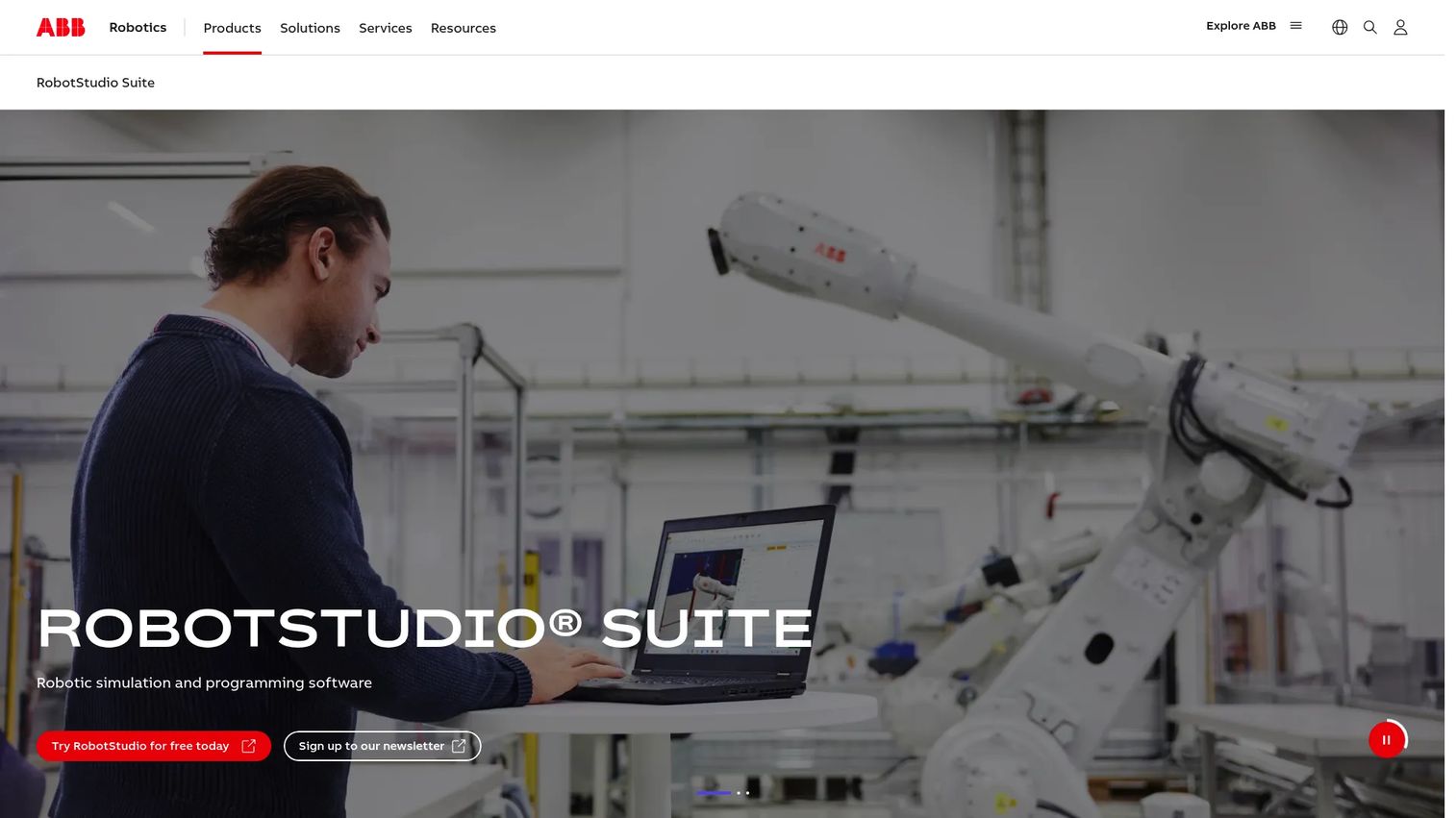
RobotStudio is ABB's offline programming and simulation platform for designing, testing, and optimizing robotic applications. Its core advantage is the Virtual Controller: A software replica of the ABB robot controller that runs the same code the physical robot runs, making offline program validation highly accurate for ABB systems. Teams use it for workcell layout design, collision and reachability checking, path planning, and cloud-based collaborative editing.
Best for: Industrial robotics teams standardizing on ABB robots that need vendor-native offline programming, virtual commissioning, and collaborative workcell design.
Key features
- Offline programming using ABB's Virtual Controller
- Automatic collision-free path planning
- Workcell layout design with reachability analysis
- Cloud collaboration with version control and shared editing
- 30-day desktop and cloud trial available
Why choose RobotStudio: Its advantage sits entirely in ABB-ecosystem alignment. When ABB is central to the roadmap, RobotStudio's native controller fidelity reduces the gap between simulation results and physical performance. For programs spanning multiple robot manufacturers, compare multi-vendor simulation support before standardizing on a single vendor's environment, because the controller-fidelity advantage only applies to ABB equipment.
RobotStudio pricing: Basic functionality is available free of charge. Premium functionality requires a paid annual subscription; ABB does not post the Premium price, so contact ABB directly for a quote.
10. Unity Robotics Hub
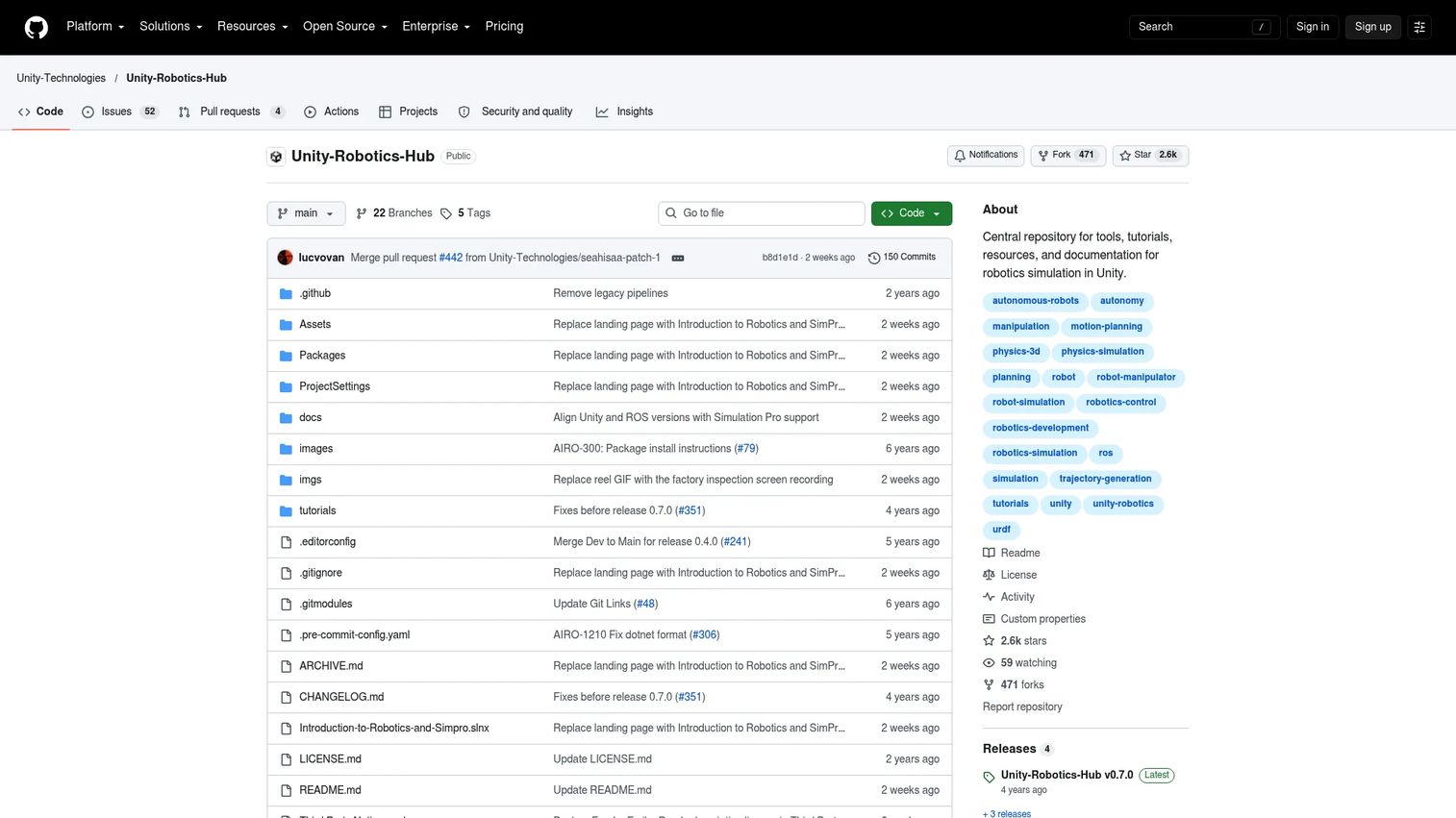
Unity Robotics Hub is a Unity-maintained open repository of tools, tutorials, and documentation for building robotics simulations in Unity. It provides URDF robot import, lidar, RGB-D, and IMU sensor simulation, ROS 2 communication, and headless Linux build support for parallel simulation runs. Teams with existing Unity expertise use it to build custom environments, generate synthetic perception training data, and prototype robotics workflows that require high visual fidelity or interactive scene design.
Best for: Robotics developers and researchers with established Unity capability who need custom simulation environments, perception pipelines, or synthetic-data generation workflows.
Key features
- URDF robot import with articulation support
- Lidar, RGB-D, and IMU sensor simulation
- ROS 2 communication and integration
- Headless Linux builds for parallel training runs
- Tutorials and community training resources
Why choose Unity Robotics Hub: It works best when the team already owns Unity expertise and needs custom scene design that off-the-shelf industrial simulators do not cover. Factor in engineering time for asset management, simulation standards, and long-term version compatibility with Unity editor releases. Do not frame it as a replacement for an industrial workcell simulator; it serves a different job centered on custom visualization and perception pipeline development.
Unity Robotics Hub pricing: The Robotics Hub itself is open source. Costs depend on the Unity editor plan required for the deployment: Unity plans range from a free Personal tier to paid Pro and Industry plans. Check Unity's current pricing page for the plan that matches the team's size and deployment model.
Considerations when choosing robotic simulation software
Match fidelity to the actual decision
Do not pay for photorealistic rendering when the only question is robot-arm reachability. Do not use a lightweight kinematics model to sign off on a vision-heavy autonomy workflow. Define the specific decisions the simulator must support before evaluating options, then match fidelity to that requirement rather than to a maximum-features benchmark.
Validate ecosystem and integration fit early
Check ROS or ROS 2 compatibility, controller support, CAD and URDF import fidelity, PLC connectivity, and API depth against what engineering already uses. A simulator that does not connect cleanly to the team's existing middleware becomes an integration project on top of a simulation project.
Estimate maintenance before buying
A simulation environment is an internal product. Someone owns robot models, scene versions, sensor configurations, software updates, and result reproducibility. Treat this as a recurring roadmap cost, not a one-time setup, especially for teams with frequent release cadences.
Separate simulation success from hardware success
Simulation validates assumptions earlier in the program. Hardware testing still confirms calibration, mechanical tolerances, network latency, environmental variability, and edge conditions that models cannot fully replicate. Simulation results are inputs to hardware decisions, not substitutes for them.
Evaluate licensing, GPU requirements, and vendor support
Compare open-source terms, commercial license structures, cloud and GPU requirements, and vendor support availability. A free entry price can create a higher total engineering cost when the team must build and maintain core capabilities internally. Enterprise tools with quote-based pricing often include support and integration services that reduce that hidden cost.
Conclusion
The right robotic simulation software is not the one with the longest feature list. It is the one that fits the specific validation problem your team needs to solve, integrates with the engineering stack already in place, and can be maintained without becoming a full-time internal project.
For industrial robot arms and offline programming, RoboDK and RobotStudio (for ABB-centered programs) are the clearest fits. Webots and Gazebo serve open robotics and ROS 2 development. NVIDIA Isaac Sim covers sensor-rich perception and synthetic data. Siemens Process Simulate is the enterprise choice for factory automation and virtual commissioning. MuJoCo is purpose-built for control research and reinforcement learning. MATLAB Robotics System Toolbox belongs on the list when the team already works in MATLAB. CoppeliaSim and Unity Robotics Hub suit flexible, custom experimentation where off-the-shelf environments don't match the requirement.
Build a short evaluation matrix before committing: Score each shortlisted tool on simulation fidelity, ecosystem fit, engineering ownership, licensing cost, and the specific deployment decision it must support. The matrix makes the tradeoffs visible to engineering and stakeholders alike, and it keeps the selection grounded in the roadmap rather than in feature comparisons.
Start your journey with Guideflow today!
FAQs
Robotic simulation software creates virtual environments for motion planning, collision testing, sensor modeling, controller development, offline programming, and virtual commissioning. Use cases differ substantially across industrial automation, mobile robotics, autonomous vehicles, drones, and academic research, so the right tool depends on the specific job rather than a generic feature set.
Teams evaluating industrial robot arm simulation should check robot-brand support, available post processors, CAD/CAM import fidelity, collision and singularity detection, calibration tools, and controller compatibility. RoboDK covers multiple manufacturers and is strong for offline programming workflows. RobotStudio is the native choice for ABB-centered programs, while Siemens Process Simulate fits broader factory automation programs requiring virtual commissioning.
ROS 2 compatibility depends on the robot type, sensor stack, and the specific nodes and interfaces the team uses. Gazebo is the reference simulator for ROS-native development and is maintained alongside the ROS ecosystem. Webots and NVIDIA Isaac Sim both offer ROS 2 integration and serve different fidelity requirements. Evaluate each against the exact ROS 2 packages and simulation interfaces required before committing.
Open-source tools support serious commercial robotics development, but teams must account for internal maintenance, support ownership, documentation quality, and environment reproducibility across software versions. The absence of a license fee does not mean zero cost: Engineering time to build, maintain, and update simulation environments is a real line on the roadmap. Factor that in before selecting.
Simulation reduces early uncertainty and allows teams to test more scenarios at lower cost. It does not remove the need for hardware validation. Physical testing still verifies calibration, network latency, mechanical tolerances, environmental variability, and edge conditions that simulation models approximate but do not fully replicate. Treat simulation results as inputs to hardware decisions.
Offline programming means creating and validating robot motion programs away from the production cell, then uploading them to the physical controller. Virtual commissioning goes further: It validates the broader automation system, including PLC logic, controller behavior, equipment interactions, and production sequences, inside a digital twin before the physical system is built or modified.
MuJoCo is the most widely used physics engine for reinforcement learning research, with fast contact-rich simulation, Python bindings, and a large community of robotics and control researchers. NVIDIA Isaac Sim also supports RL workflows with GPU-accelerated parallel simulation and Omniverse-based environments. The correct choice depends on contact modeling requirements, training throughput, environment generation complexity, and the sim-to-real validation plan for the target hardware.
Start with the specific validation decision the simulator must support, not the feature list. Then evaluate: Fidelity match to that decision, integration fit with existing ROS, CAD, PLC, or ML tools, engineering ownership cost for building and maintaining the environment, the hardware transfer plan (how simulation results connect to physical test criteria), and licensing terms including GPU or cloud requirements. Score shortlisted tools on those dimensions, not on visual quality alone.