
You pushed a hotfix straight to a production cluster at 2am. It worked. Three weeks later nobody can explain why staging and production drifted apart, and the incident review points to a manual kubectl edit that never made it into Git.
That gap between what your cluster is running and what your repo says it should be running is the exact problem GitOps software exists to close.
The pattern has gone mainstream. A CNCF GitOps microsurvey (2023) found 91% of respondents already using GitOps, and 67% of non-users expecting to start within a year. Octopus Deploy's State of GitOps (2025) reported that 64% of enterprises now treat GitOps as their primary delivery mechanism. The question is no longer whether to adopt it. It is which of the leading gitops tools fits your Kubernetes setup, your drift tolerance, and your team.
This guide ranks seven gitops platforms and shows you how to choose between them.
What's inside
This guide is for platform engineers, SREs, and presales teams who need to evaluate gitops software for Kubernetes and infrastructure delivery. We looked past feature lists and focused on how each tool behaves in a real delivery pipeline.
Every tool was assessed against four criteria that matter when you are running clusters, not slides:
- GitOps workflow fit: how well it treats Git as the single source of truth
- Kubernetes support: native reconciliation, multi-cluster handling, and manifest management
- Drift detection and reconciliation: how it surfaces and corrects divergence
- Secrets and governance: RBAC, SSO, secret workflows, and audit trails
TL;DR
Short on time? Here is how the best gitops tools map to buyer needs:
- Best for Kubernetes-native CD: Argo CD, with visual sync status and rollback
- Best for reconciliation and automation: Flux CD, built around continuous pull-based sync
- Best for unified DevOps and GitOps workflows: GitLab, where Git, CI/CD, and deployment live together
- Best for enterprise deployment control: Octopus Deploy, for release orchestration across mixed targets
- Best for Flux-based visibility at scale: Weave GitOps, a management layer on top of Flux
- Best for opinionated cloud-native delivery: Jenkins X, an end-to-end pipeline framework
- Best building block for config overlays: Kustomize, for environment-specific manifest customization
What is GitOps software?
GitOps software is a set of tools that use a Git repository as the single source of truth for declarative infrastructure and application state, then automatically reconcile your live environment to match what is committed.
Instead of running imperative commands against a cluster, you describe the desired state in version-controlled files. An agent watches Git, compares it to the running state, and applies changes until the two match. That model gives you drift detection, continuous reconciliation, an audit trail, and rollback by reverting a commit.
The approach follows four widely referenced GitOps principles, formalized by the OpenGitOps community: declarative configuration, versioned and immutable state, automatic pull-based delivery, and continuous reconciliation.
Core capabilities you should expect from gitops software for Kubernetes:
- Declarative desired state: every environment defined as code in Git
- Continuous reconciliation: an agent that keeps live state aligned with the repo
- Drift detection: automatic detection when a cluster diverges from Git
- Rollback: revert a commit to restore a known-good state
- Version control and audit: every change traceable to a commit and author
- Multi-cluster support: manage many Kubernetes clusters from one control plane
- Access control: RBAC and SSO to gate who can change what
The result is a delivery model where declarative deployment replaces one-off manual edits, and the git history becomes your operational record.
When to use GitOps software
GitOps is not mandatory for every team. It earns its keep in specific situations. Here are three where the switch pays off.
Manage Kubernetes deployments at scale
Once you run more than a handful of clusters, keeping their state consistent by hand stops working. A CNCF microsurvey (2023) found 54% of GitOps users apply it to more than 26% of their cloud-native deployments. GitOps software lets you define each environment once and reconcile every cluster against Git, so a new region or tenant inherits the same known-good state instead of a hand-assembled one.
Reduce configuration drift and manual edits
Drift is the silent killer of reliability. Someone patches a running deployment during an incident, forgets to commit it, and the next apply quietly reverts the fix, or worse, preserves an undocumented change. Continuous reconciliation makes Git the authority. When a cluster diverges, the tool flags it or corrects it, so what you see in the repo is what is actually running.
Add review, auditability, and rollback to delivery
If a change to production requires nothing more than someone's terminal access, you have no review gate and no paper trail. GitOps routes every change through a pull or merge request. Reviewers approve, the change lands in Git, and the agent deploys it. If it breaks something, you revert the commit and the cluster follows. Every action ties back to an author and a timestamp.
Comparison table
The table below lines up all seven gitops platforms so you can scan intent, differentiation, pricing, and ratings side by side. Pricing and G2 ratings shift over time, so confirm the current figures against each vendor's live pricing page and G2 listing before you commit budget.
| # | Product | Best for | Key differentiator | Pricing | G2 rating |
|---|---|---|---|---|---|
| 1 | Argo CD | Kubernetes-native continuous delivery | Visual sync status, drift detection, and rollback | Open source | 4.6/5 |
| 2 | Flux CD | Reconciliation and automation | Pull-based sync from Git, Helm, and OCI sources | Open source | Not listed |
| 3 | GitLab | Unified DevOps and GitOps | Git, CI/CD, and deployment in one platform | Free; Premium from $29/user/mo | 4.5/5 |
| 4 | Octopus Deploy | Enterprise deployment control | Release orchestration across mixed targets | Free; Professional from $2,080/yr | 4.5/5 |
| 5 | Weave GitOps | Flux visibility at scale | Management console layered on Flux | Contact vendor | Not listed |
| 6 | Jenkins X | Opinionated cloud-native delivery | End-to-end CI/CD with preview environments | Open source | 4.1/5 |
| 7 | Kustomize | Config overlays and customization | Template-free manifest customization | Open source | Not listed |
Best gitops software for 2026
Below is a closer look at each tool: what it does, who it fits, its strengths, and how it is priced.
1. Argo CD
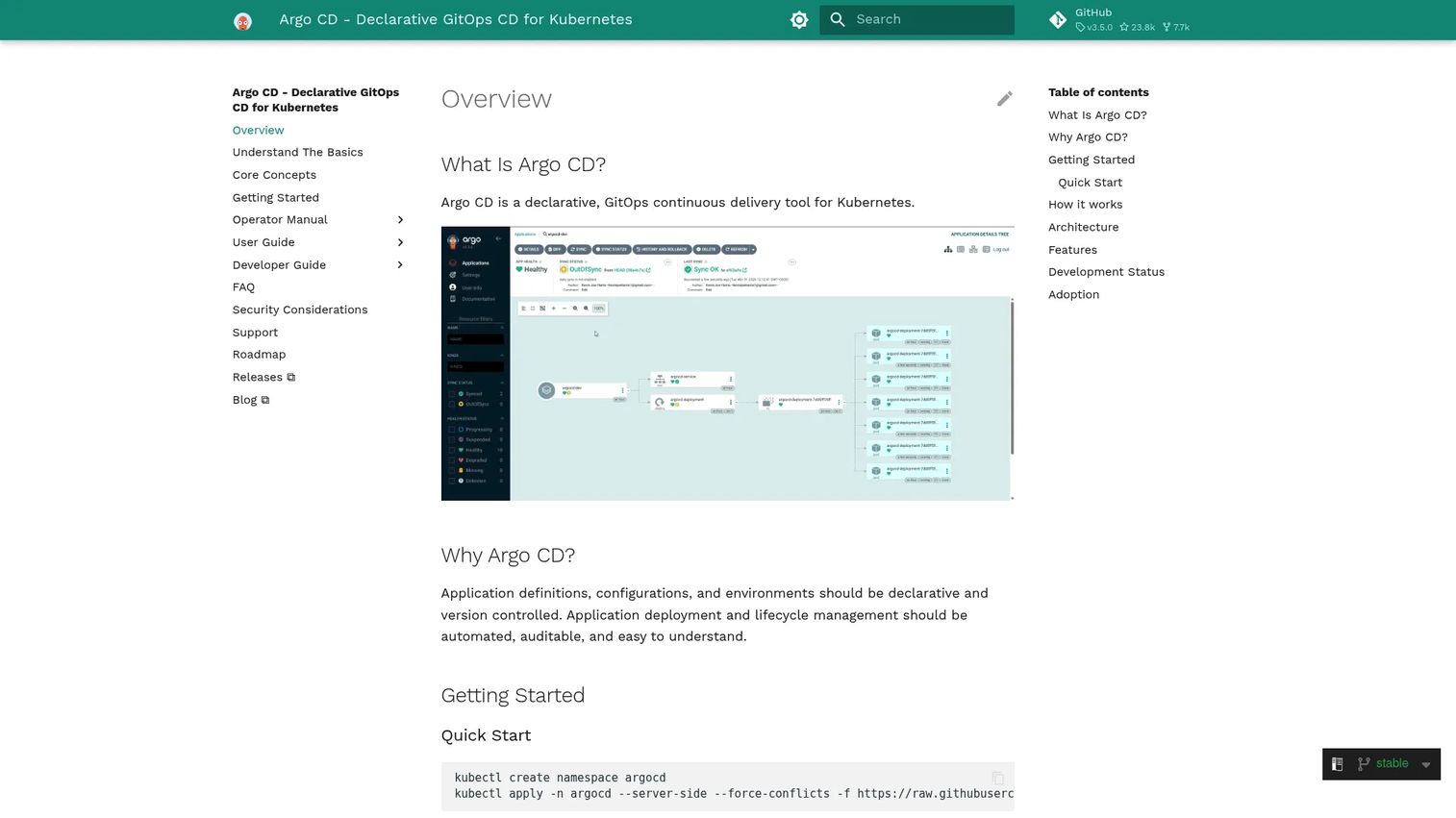
Argo CD is a declarative GitOps continuous delivery tool built specifically for Kubernetes. It watches your Git repositories, compares the desired state against what is running in the cluster, and syncs the two. Its web UI shows application health and sync status at a glance, which is why so many Kubernetes-first teams reach for it by default.
The tool handles multi-cluster deployment from a single control plane and integrates SSO, RBAC, and audit trails for controlled access. Drift detection is visual and immediate: you see which resources are out of sync and can trigger a manual or automated sync. Rollback is a matter of pointing an application back at a previous Git revision.
Best for: teams that want GitOps-based Kubernetes deployment automation with clear visibility into sync and drift.
Key features
- Automated deployment to target Kubernetes environments
- Multi-cluster management from one control plane
- SSO, RBAC, and audit trails
- Visual drift detection and sync status
- Git-revision rollback
Why choose Argo CD: if your world is Kubernetes and you want a purpose-built CD tool with a strong UI, Argo CD is the safe default. Its visual model makes drift and sync state legible to the whole team, not just the person who wrote the manifests.
Argo CD pricing: Argo CD is an open-source, community-developed project with no published commercial pricing. You self-host it on your own clusters.
2. Flux CD
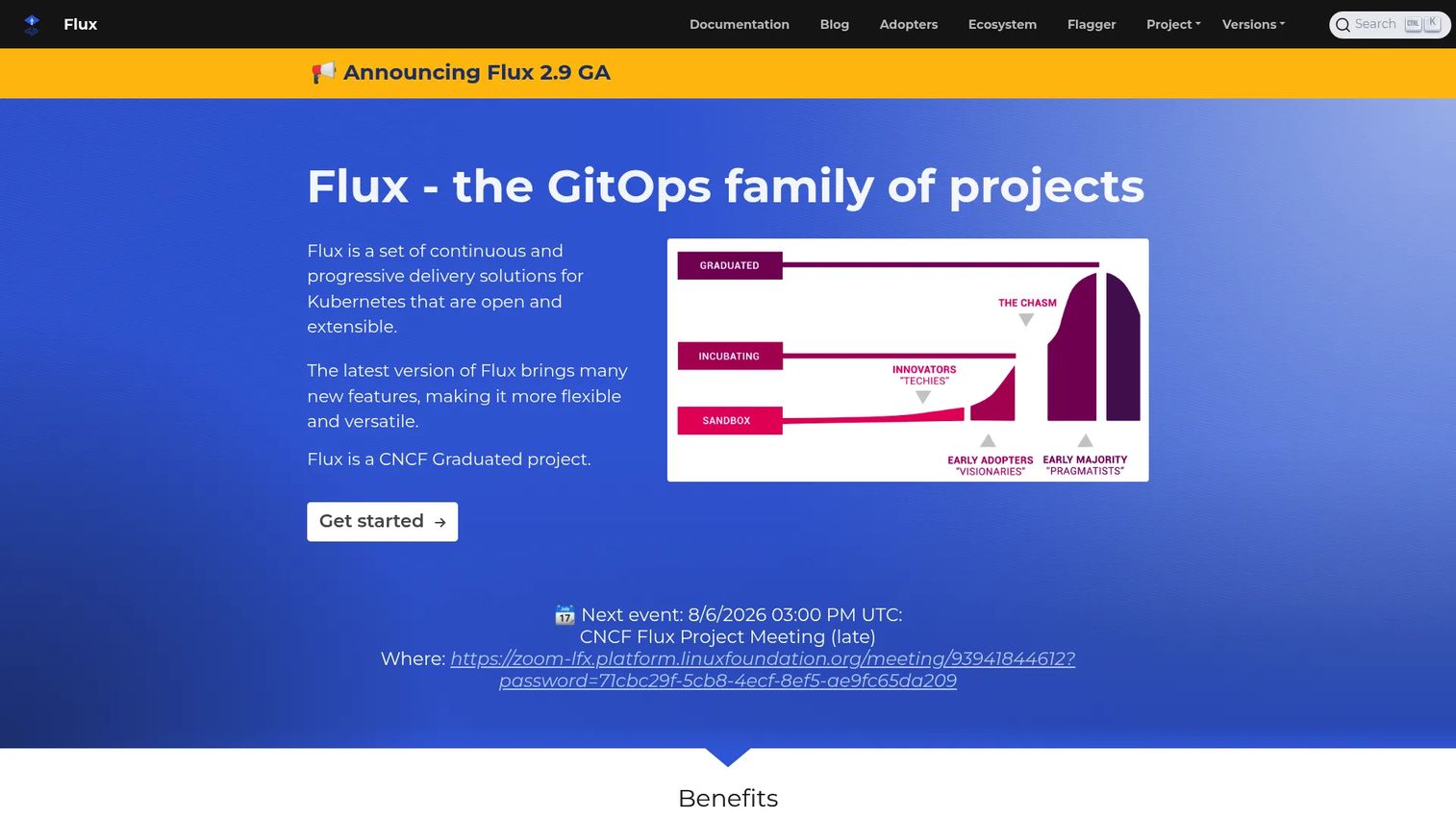
Flux CD is an open and extensible GitOps tool for Kubernetes that focuses on continuous reconciliation. Rather than a heavy UI, Flux runs as a set of controllers inside your cluster that pull from Git, Helm, and OCI or S3-compatible sources and keep everything reconciled. It is a CNCF graduated project and a common foundation for platform teams building their own delivery layer.
Flux handles GitOps for both applications and infrastructure. Image automation can update manifests when new container images ship, and multi-tenancy is enforced through native Kubernetes RBAC across clusters. Secret management typically runs through SOPS, so encrypted secrets live safely in Git alongside everything else.
Best for: teams that want a composable, open-source Kubernetes GitOps control plane they can extend.
Key features
- GitOps for both apps and infrastructure
- Automatic reconciliation from Git, Helm, and OCI or S3 sources
- Image automation to update manifests on new builds
- Multi-tenancy via Kubernetes RBAC and multi-cluster support
- SOPS-based secret management
Why choose Flux CD: Flux fits teams that prefer building blocks over a fixed console. If you want reconciliation logic that composes cleanly with your own tooling, Flux gives you that flexibility.
Flux CD pricing: Flux CD is a free, open-source CNCF project. There is no public commercial pricing; you run it on your own Kubernetes clusters.
3. GitLab
GitLab approaches GitOps from the other direction. Instead of a standalone deployment agent, it folds the GitOps workflow into a full DevSecOps platform where planning, source control, CI/CD, security scanning, and deployment all live in one place. Git is already the source of truth, so the merge request review flow becomes your deployment gate.
For teams that want GitOps inside a broader platform rather than as a separate tool, GitLab is a natural fit. Its agent for Kubernetes supports pull-based deployment, and the same repo that holds your code holds your declarative deployment manifests. That consolidation reduces the number of systems your team has to stitch together.
Best for: teams that want GitOps as part of an all-in-one DevSecOps platform with SaaS or self-managed options.
Key features
- CI/CD pipelines
- Built-in security scanning
- Project planning and issue tracking
- Merge request review flow as a deployment gate
- Kubernetes agent for pull-based deployment
Why choose GitLab: choose GitLab when you would rather manage one platform than assemble a stack. The merge-request-driven workflow puts review and deployment in the same place your code already lives.
GitLab pricing: GitLab offers a Free tier at $0 per user per month. Premium is $29 per user per month, billed annually. Ultimate uses custom pricing, available on request.
4. Octopus Deploy
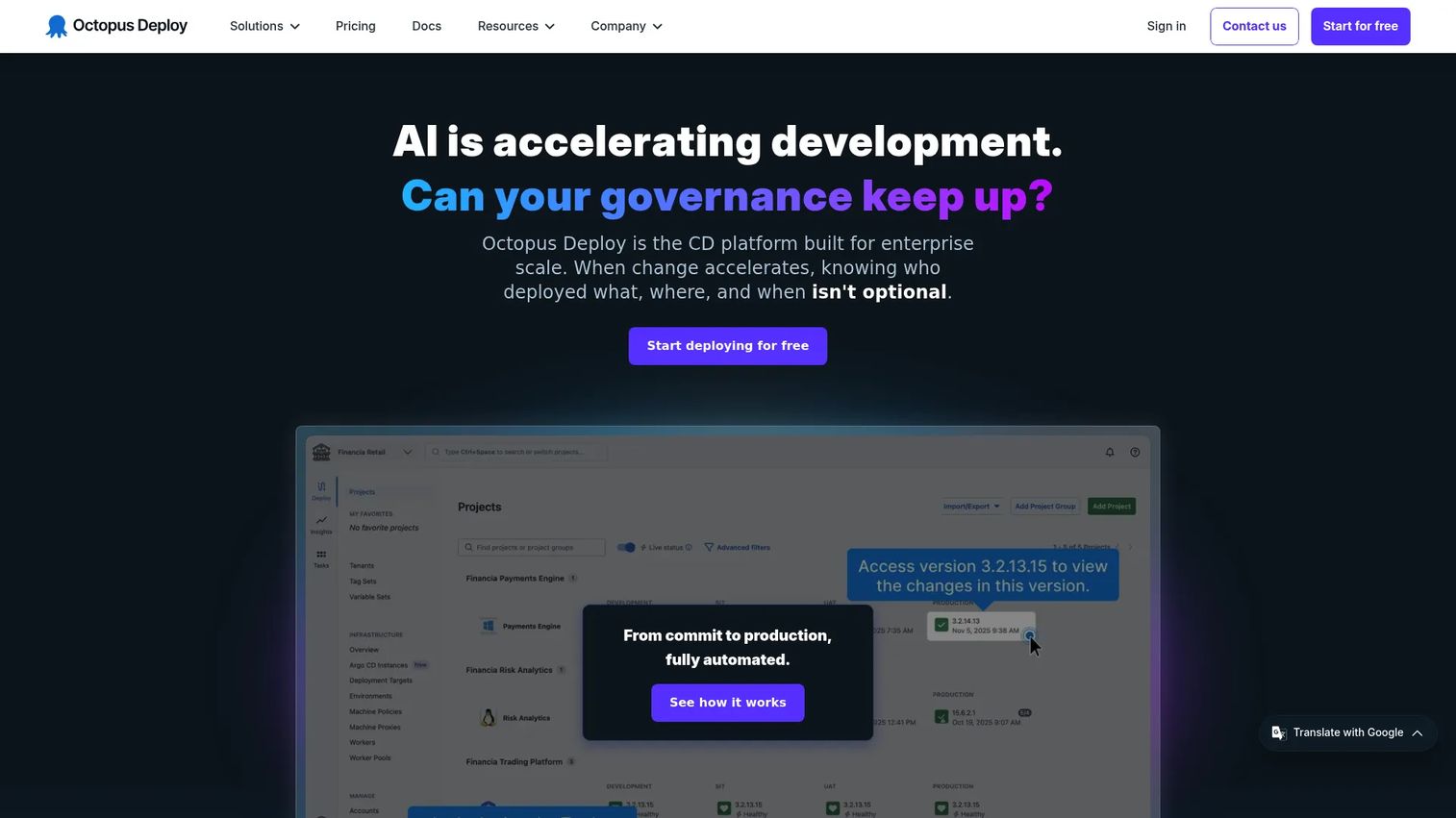
Octopus Deploy is a deployment automation and continuous delivery platform that reaches beyond plain cluster reconciliation. It handles release orchestration, environment promotion, and runbook automation across mixed targets, which matters when your estate is not purely Kubernetes. If you deploy to VMs, cloud services, and clusters, Octopus gives you one place to model and control releases.
The platform snapshots releases so a deployment is repeatable and traceable. Config variables handle secrets management, and runbook automation covers operational tasks that sit outside the core deploy. Octopus supports GitOps patterns while adding the release visibility and approval control that enterprise teams often need.
Best for: teams needing centralized deployment automation across multiple environments and target types.
Key features
- Release snapshotting and build server integrations
- Config variables for secrets management
- Runbook automation and environment promotion
- Deployment across mixed targets
- Release visibility and approval control
Why choose Octopus Deploy: Octopus fits teams whose deployments span more than Kubernetes. When you need orchestration and release governance across a heterogeneous estate, it gives you that control layer.
Octopus Deploy pricing: Octopus offers a Free tier covering up to 10 projects, tenants, machines, and users. Professional starts at $2,080 per year, and Enterprise at $15,600 per year. Billing is annual only.
5. Weave GitOps
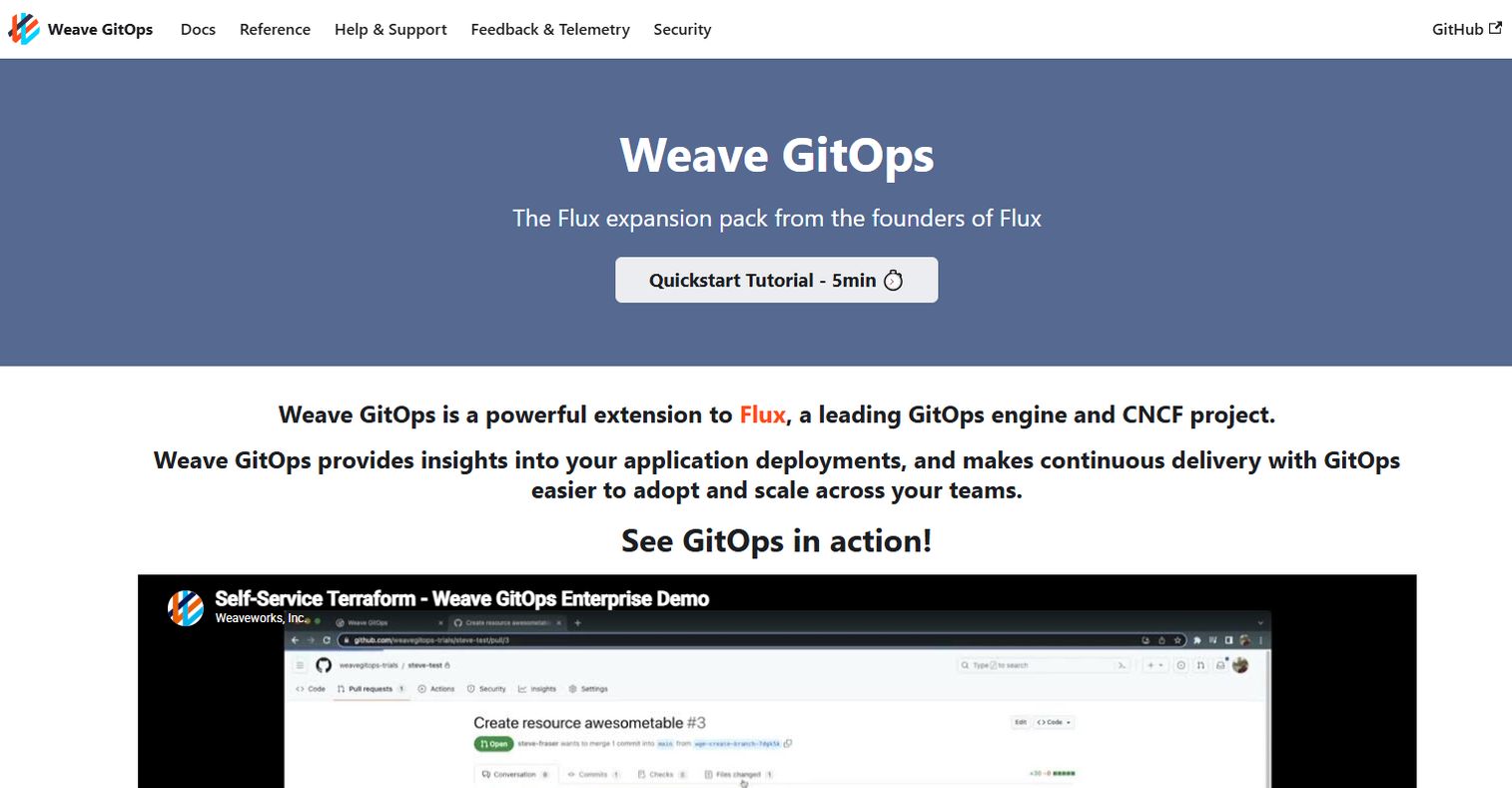
Weave GitOps is continuous operations software for deploying and managing Kubernetes clusters and applications with GitOps. It sits on top of Flux and adds a single management console, so platform teams get a higher-level view of their delivery without giving up the reconciliation engine underneath. If you already run Flux and want visibility across teams and clusters, this is the layer that surfaces it.
Beyond the console, Weave GitOps adds application pipelines, GitOps templates, and progressive delivery. It is compatible with Helm, Terraform, Crossplane, and Argo CD, so it slots into an existing toolchain rather than replacing it. Policy validation helps teams enforce standards across a growing fleet.
Best for: platform teams standardizing GitOps-based Kubernetes delivery who want a management layer over Flux.
Key features
- Single management console for cluster and application operations
- Built on Flux, compatible with Helm, Terraform, Crossplane, and Argo CD
- Application pipelines and GitOps templates
- Progressive delivery
- Policy validation across the fleet
Why choose Weave GitOps: if you are already invested in Flux, Weave GitOps gives you a higher-level operations and visibility layer without swapping out your reconciliation engine.
Weave GitOps pricing: Weave GitOps Enterprise uses a contact-vendor pricing model, quoted per Kubernetes node. No public numeric price is published, so reach out for a quote.
6. Jenkins X
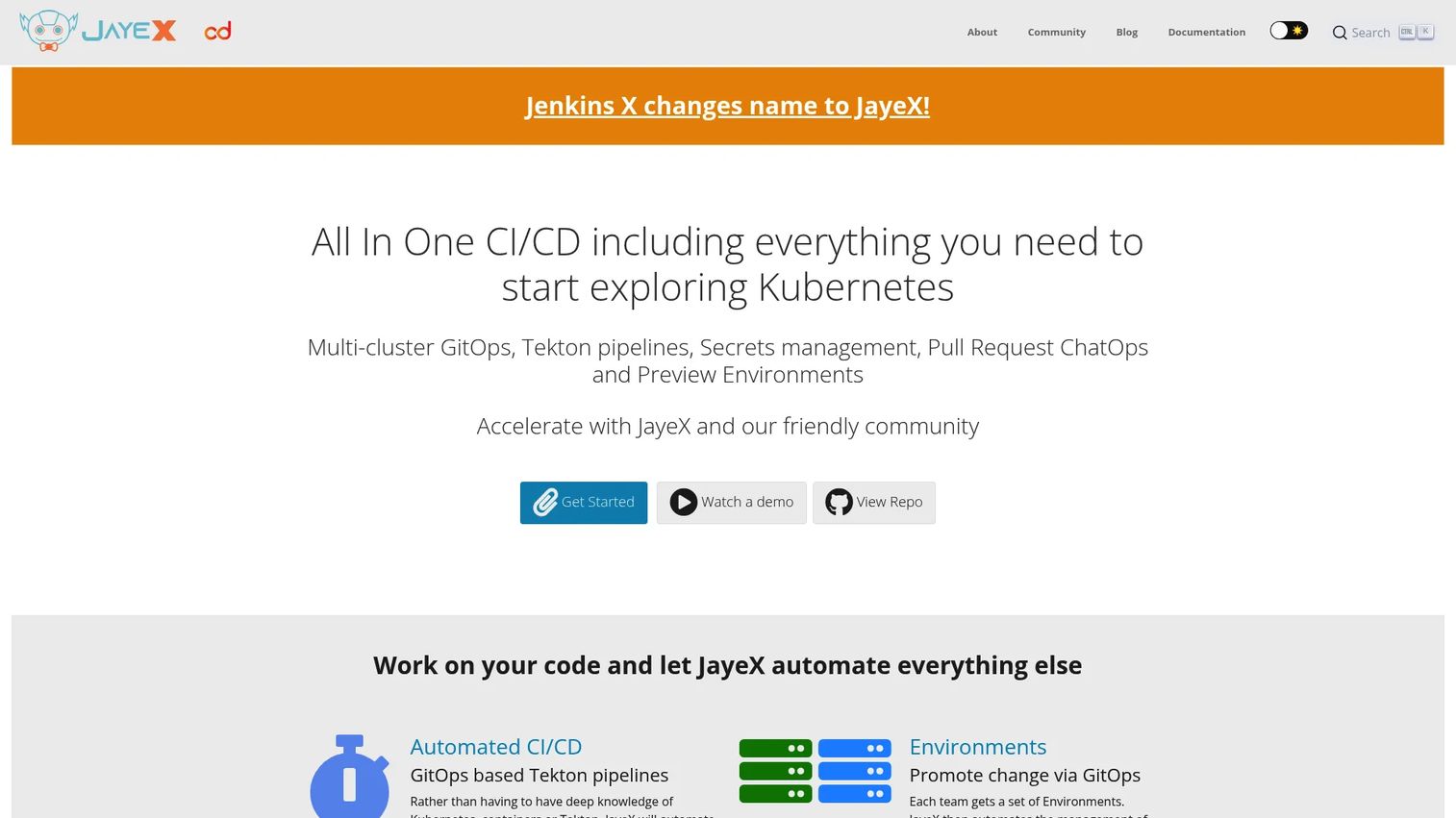
Jenkins X is an open-source, cloud-native CI/CD platform built on Kubernetes and GitOps. Where other tools focus on deployment, Jenkins X takes an opinionated end-to-end view: it wires up automated pipelines, GitOps-managed environments, and promotion flows so a commit moves through build, test, and release along a structured path. That opinionation is the point for teams who want a paved road rather than a blank canvas.
Preview environments spin up per pull request, giving reviewers a live version of a change before it merges. Pipelines run on Tekton, and environment promotion follows GitOps conventions, so each environment is defined and versioned in Git. For teams standing up cloud-native delivery from scratch, the built-in structure removes a lot of assembly work.
Best for: teams that want an opinionated, open-source Kubernetes-native CI/CD workflow.
Key features
- Automated CI/CD for Kubernetes applications
- GitOps-based environments and promotions
- Preview environments per pull request
- Tekton-based pipelines
- Structured promotion flow
Why choose Jenkins X: pick Jenkins X when you want a structured, prescribed path for cloud-native delivery rather than assembling one yourself. The opinionated workflow trades flexibility for speed to a working pipeline.
Jenkins X pricing: Jenkins X is an open-source project under the Apache 2.0 license. There is no paid tier; you run it on your own Kubernetes infrastructure.
7. Kustomize
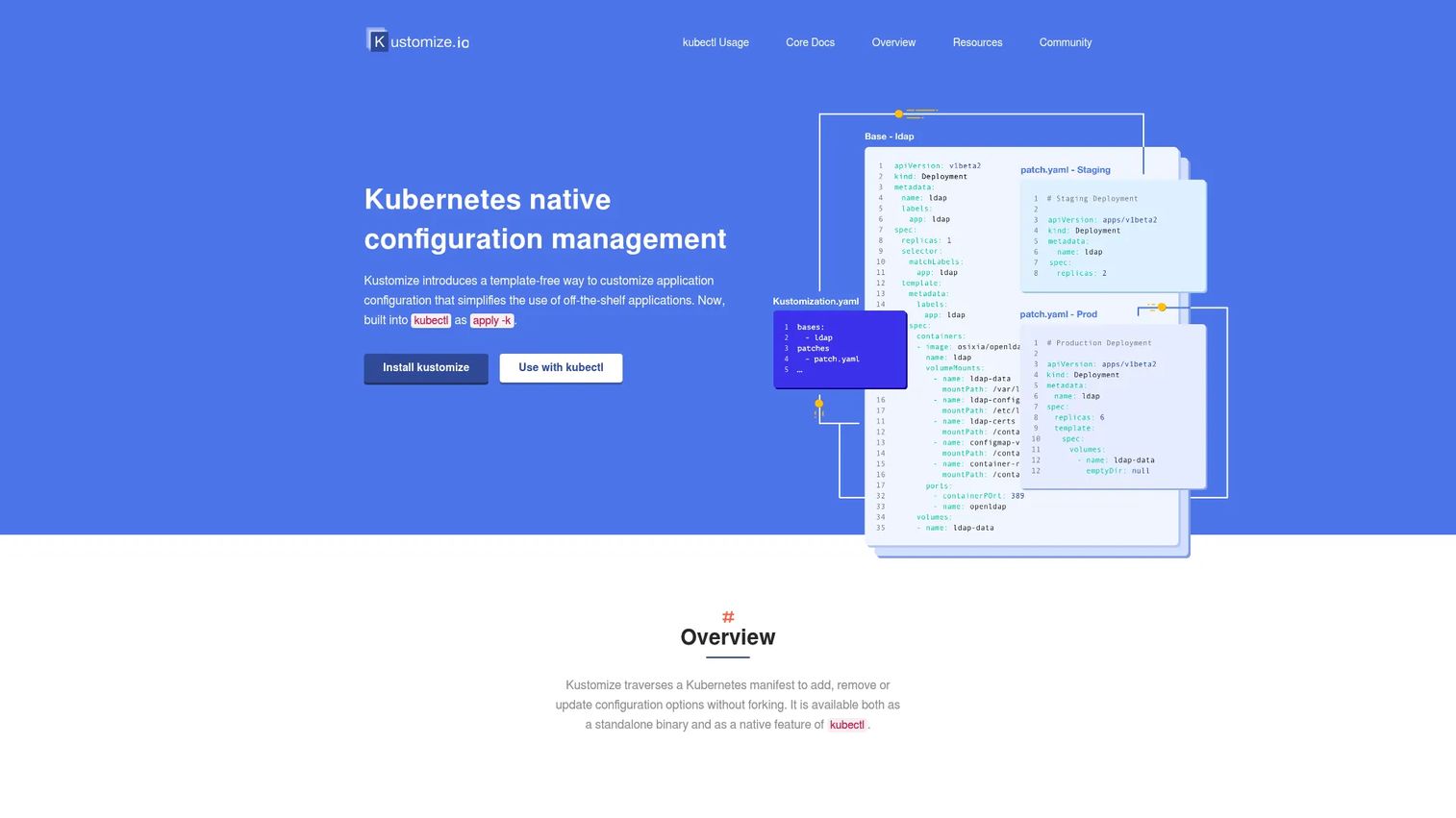
Kustomize is not a full GitOps platform, and that is by design. It is a Kubernetes-native configuration management tool that customizes manifests without templates. You define a base set of manifests, then apply overlays for each environment, so staging, production, and development share a common foundation with only the differences declared. It is a building block inside a GitOps workflow, not a replacement for one.
Because Kustomize is built into kubectl as apply -k, there is nothing extra to install to start using it. It also ships as a standalone binary for teams that want to integrate it into their own pipelines. Argo CD and Flux both understand Kustomize natively, so it slots into the reconciliation tools above rather than competing with them.
Best for: teams managing Kubernetes manifests and environment-specific overlays inside a larger GitOps setup.
Key features
- Template-free configuration customization
- Base and overlay model for environment differences
- Built into kubectl as apply -k
- Standalone binary for pipeline integration
- Native support in Argo CD and Flux
Why choose Kustomize: reach for Kustomize when you need clean, environment-specific manifest customization without templating. It pairs with a reconciliation tool rather than standing in for one.
Kustomize pricing: Kustomize is a free, open-source part of the Kubernetes project. There is no commercial pricing.
Considerations
Choosing the right gitops software comes down to matching the tool to how your team actually deploys. Use these criteria as a checklist before you commit.
Kubernetes fit
Ask how deeply the tool assumes Kubernetes. Argo CD, Flux, and Jenkins X are Kubernetes-native by design, while Octopus Deploy spans mixed targets. Check whether it manages multiple clusters from one control plane, and whether that scales to the number of clusters and tenants you actually run.
Drift detection and reconciliation
Confirm how the platform surfaces drift and whether it corrects it automatically or flags it for review. Some teams want continuous auto-sync; others want a human to approve every correction. Make sure the tool's model matches your risk tolerance for production changes.
Secrets and access control
Look at how the tool handles RBAC, SSO, and secret workflows. Flux leans on SOPS for encrypted secrets in Git, Argo CD integrates SSO and RBAC directly, and Octopus uses config variables. Whatever the approach, verify secrets never land in plaintext in your repo.
Workflow integration
Check how the tool fits your existing CI/CD, infrastructure as code, and delivery pipeline. GitLab folds everything into one platform, while Kustomize slots in as a config layer under Argo CD or Flux. The best fit is the one that reduces the number of systems you stitch together.
Governance and rollback
Evaluate the audit trail, approval flow, and rollback mechanics. GitOps gives you rollback by reverting a commit, but confirm the tool exposes clear history and ties every change to an author. For regulated environments, the paper trail is as important as the deployment itself.
Conclusion
The best gitops tools for 2026 sort cleanly by team shape. For Kubernetes-first continuous delivery with a strong UI, Argo CD is the default pick. If you want composable, pull-based reconciliation you can extend, Flux CD is the foundation. Teams that want GitOps inside a single platform should look at GitLab, and those deploying across mixed targets get the most control from Octopus Deploy.
Already running Flux and need visibility at scale? Weave GitOps adds the management layer. Standing up cloud-native delivery from scratch and want a paved road? Jenkins X gives you the opinionated structure. And whatever reconciliation tool you land on, Kustomize is worth adopting for clean, environment-specific manifest customization.
Your next step depends on maturity. If you are new to GitOps, start by putting one non-critical environment under Argo CD or Flux and measure how drift and rollback behave. If you already run clusters at scale, evaluate the governance and multi-cluster criteria above against your two strongest candidates before you standardize.
FAQs
The main purpose is to make Git the single source of truth for your infrastructure and application state, then automatically reconcile your live environment to match. That gives you version control, drift detection, an audit trail, and rollback by reverting a commit. It replaces manual, error-prone changes with a reviewed, declarative workflow.
GitOps started in the Kubernetes world and most gitops tools are Kubernetes-native, but the pattern is not limited to it. The core idea, a declarative desired state in Git reconciled against a live system, applies to any infrastructure you can describe as code. Tools like Octopus Deploy extend GitOps patterns to VMs, cloud services, and mixed targets.
DevOps is a broad culture and set of practices for how development and operations teams collaborate to ship software. GitOps is a specific operational model within that culture, one that uses Git as the source of truth and continuous reconciliation to manage deployments. Put simply, GitOps is one way to implement the delivery side of DevOps.
For pure Kubernetes continuous delivery, Argo CD and Flux CD are the two leading choices. Argo CD offers a strong visual UI for sync status and drift, while Flux CD focuses on composable, controller-based reconciliation. Both are CNCF projects, so the choice usually comes down to whether your team prefers a console or building blocks.
GitOps agents continuously compare the running state of your cluster against what is committed in Git. When they detect drift, the tool either flags it for review or automatically re-applies the Git state to correct it, depending on your configuration. Because Git is the authority, undocumented manual edits get surfaced rather than quietly persisting.
Yes, though secrets need careful handling since Git is public within your team. Flux commonly uses SOPS to store encrypted secrets safely in the repo, Argo CD integrates with external secret managers, and Octopus Deploy handles them through config variables. The rule across every tool is the same: never commit plaintext secrets to Git.
Usually yes. CI builds and tests your code and produces artifacts, while GitOps handles the delivery, reconciling your cluster to the desired state in Git. They are complementary: CI produces the images and manifests, and the GitOps agent deploys them. Platforms like GitLab and Jenkins X combine both into a single workflow.
Start with Kubernetes fit and multi-cluster support, then check how the tool handles drift detection and continuous reconciliation. Evaluate secrets management, RBAC, and SSO for access control, and confirm it integrates with your existing CI/CD and infrastructure as code. Finally, verify the governance model, audit trail, approval flow, and rollback, matches your production risk tolerance.