



You booked five interviews this week. One participant no-showed. Two recordings are still untranscribed. The notes live in three different docs, and nobody can find the clip where a user said the onboarding flow made no sense.
That is the real cost of running user research without the right software. Not the interviews themselves. The operations around them.
Most product managers think the bottleneck is finding people to talk to. It usually is not. The bottleneck is what happens after: scheduling drift, recording cleanup, and a pile of unstructured notes that never turns into a decision. Research slows down because recruiting, scheduling, recording, and analysis live in separate tools that do not talk to each other.
The stakes are higher than they look. When you cannot move from conversation to insight quickly, roadmap decisions get made on hunches. The market is responding. The user research software market is forecast to grow from USD 311.77 million in 2026 to USD 811.37 million by 2034 at a 12.7% CAGR, according to Straits Research (2025). More teams are treating remote research as core infrastructure, not a side project.
This guide breaks down the platforms that keep that infrastructure moving.
What's inside
This guide is for product managers, UX researchers, and research ops leads who need to run interviews without turning discovery into a manual operations project.
We picked tools based on four things that matter most for fast validation:
- Workflow coverage: recruiting, scheduling, recording, transcription, and analysis in a usable flow
- Participant sourcing: panel access, targeting, screening, and incentive handling
- Collaboration and synthesis: notes, clips, tags, and stakeholder sharing
- Integrations and fit: how well each tool plugs into your calendar, conferencing, and research stack
We prioritized platforms that reduce ops overhead, not ones that add another silo.
TL;DR
Here is the short version if you are shortlisting a user interview platform this week.
- Best for end-to-end recruiting and participant management: User Interviews
- Best for AI-assisted research workflows and analysis: Maze
- Best for broad UX research coverage: UXtweak
- Best for live moderated sessions and simple video calls: Zoom
- Best for collaborative session review and observation: Lookback
- Best for diary-style and deeper qualitative research: Dscout
- Best for lightweight capture from existing web traffic: Hotjar Engage
- Best learning resource on interview method (not software): Coursera
If your team is still stitching workflows together, start with one recruiting tool and one analysis tool, then expand.
What is user interview software
User interview software is a category of tools that help teams recruit participants, schedule sessions, record interviews, capture notes, transcribe conversations, and synthesize findings into decisions.
Some tools are point solutions that do one job well. A video app records the call. A panel service handles participant recruitment. Other tools are end-to-end platforms that cover most of the interview workflow in one place. The right choice depends on how much of the workflow you want under one roof.
The main workflow components look like this:
- Participant recruitment and panels: access to a participant panel or your own audience
- Screening and targeting: screeners and filters to reach the right people
- Interview scheduling and reminders: calendar sync, time zone handling, and no-show reduction
- Video or session capture: recording the conversation and screen
- Transcription and note-taking: turning speech into searchable text and structured notes
- Tagging, clips, and analysis: organizing highlights for synthesis
- Stakeholder sharing and collaboration: repositories and permissions for the wider team
For a PM, the category is not just "running calls." It is building a repeatable research system. The goal is to reduce time to insight, keep participant recruitment consistent, and make findings easy to share so product decisions have evidence behind them. When that system works, user research stops being a bottleneck and starts being a feedback loop.
Here is how the workflow stages map to what each stage produces:
| Workflow stage | What it produces |
|---|---|
| Recruitment and screening | A qualified participant list |
| Interview scheduling | Confirmed, reminded sessions |
| Session capture | Recorded conversations |
| Transcription and note-taking | Searchable transcripts and notes |
| Tagging and analysis | Clips, themes, and a research repository |
| Stakeholder sharing | Aligned, evidence-backed decisions |
When to use user interview software
Not every research question needs a dedicated platform. These three moments are when software earns its cost.
Recruit participants faster
Internal lists and ad hoc emails work until they do not. At some point, pinging the same Slack channel stops producing fresh, qualified participants. That is when a platform matters. Software gives you panel access, precise targeting, screener logic, incentive handling, and fraud checks so you are not manually vetting every respondent. For a PM who needs to validate a concept before a roadmap decision, faster participant recruitment is the difference between shipping with evidence and shipping on a guess.
Run moderated remote interviews
When you need live, structured conversations for workflow discovery or concept testing, moderated interviews carry more signal than a survey. Interview software reduces the friction around them: scheduling, reminder chasing, and recording cleanup. It also supports the collaboration layer that remote research depends on, letting observers watch live and take notes without crowding the call. That matters when a research finding needs buy-in from engineering, design, and leadership at the same time.
Turn raw conversations into usable insight
You have twelve recordings and a folder of notes. The findings are in there somewhere, but they are not structured, and nobody has time to rewatch everything. This is where transcripts, clips, tags, and a research repository pay off. Software turns hours of conversation into searchable, taggable evidence you can pull into a synthesis doc or a stakeholder review. The output is a decision, not a backlog of unwatched video.
Comparison table
Here is how the eight tools stack up. Read the "Best for" column first to match a tool to your job, then check pricing and rating for fit. Coursera appears as an educational resource rather than a software platform, so treat its row accordingly.
| # | Product | Best for | Key differentiator | Pricing | G2 rating |
|---|---|---|---|---|---|
| 1 | User Interviews | Recruiting and participant management | Large participant panel with screeners and incentives | From $49/session | 4.6/5 |
| 2 | Maze | AI-assisted research and analysis | AI moderator plus prototype testing | Contact sales | 4.5/5 |
| 3 | UXtweak | Broad UX research coverage | All-in-one testing and recruiting toolkit | Free plan; from 7.25 € per participant | 4.7/5 |
| 4 | Zoom | Live moderated video sessions | Reliable video conferencing with transcripts | Free; paid plans quoted | 4.6/5 |
| 5 | Lookback | Collaborative session review | Live observation rooms and AI synthesis | From $299/year | 4.3/5 |
| 6 | Dscout | Diary and deep qualitative research | Multi-method missions and AI moderation | Custom pricing | 4.5/5 |
| 7 | Hotjar Engage | Lightweight capture from web traffic | Recruit from your own site visitors | Free tier available | - |
| 8 | Coursera | Learning the interview method | University-backed research courses | Free; Plus from $59/month | 4.5/5 |
Best user interview software for 2026
1. User Interviews
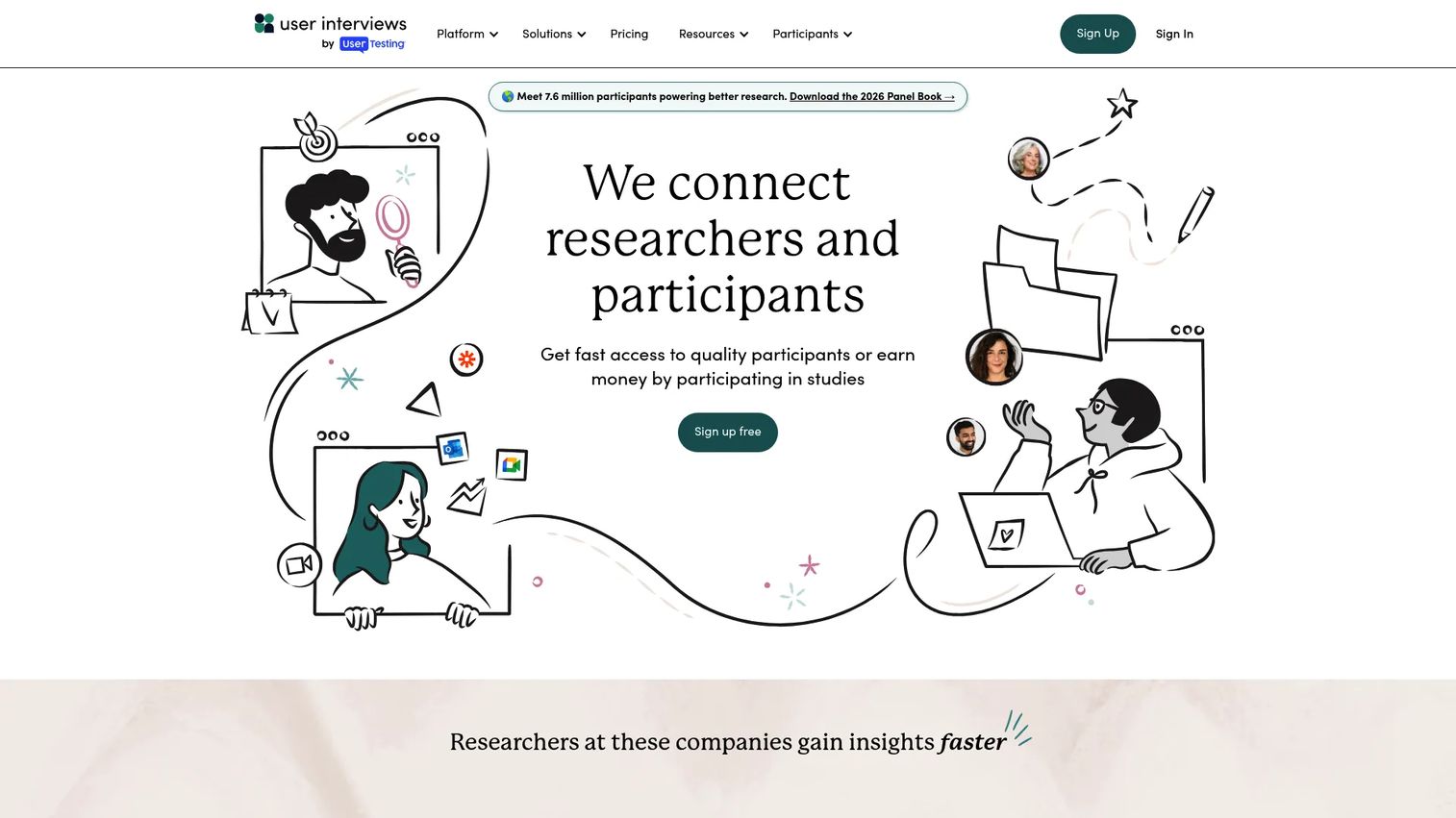
User Interviews is a participant recruiting and research management platform built for teams that need people to talk to, fast. It combines a large participant panel with screeners, scheduling, incentive payments, and a research hub that works like a CRM for your participants. If your bottleneck is sourcing rather than moderating, this is the tool that removes it.
The platform handles the parts of recruiting that eat time: audience targeting, screener logic to filter for the right roles, scheduling, and incentive handling so you are not chasing payments after every session. That matters for a PM who needs to validate a concept this sprint, not next quarter.
Best for: Teams that need to recruit participants and run studies quickly without building a manual recruiting process.
Key strengths
- Audience targeting and recruiting from a large panel
- Screeners, scheduling, and participant management
- Incentive payments handled inside the platform
- Research hub and CRM workflows for repeat studies
Why choose User Interviews: Choose it when participant recruitment is your constraint. It is built to source qualified people reliably, so your team spends time on interviews instead of vetting respondents.
User Interviews pricing: Recruit Pay As You Go starts at $49 per session. Recruit Essential is $41 per session billed annually. Research Hub Workflow is $36 per session billed annually. Research Hub CRM and Custom plans are available by contacting sales.
2. Maze
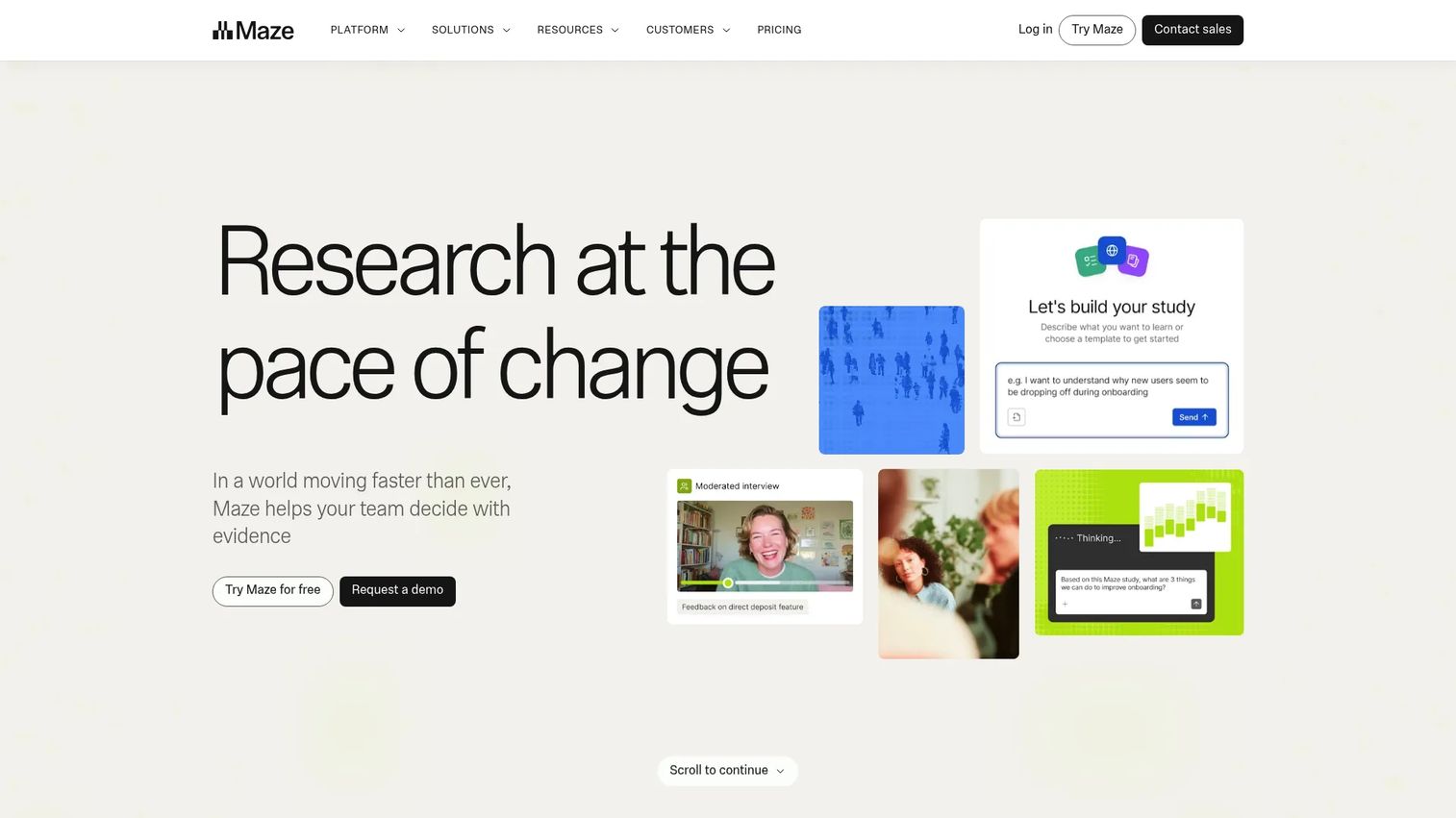
Maze is a user research platform that covers recruiting, running studies, and analyzing insights in one system. Its standout feature is the AI moderator, which can run interviews at scale, alongside prototype testing, card sorting, and automated reporting. For product teams that want both the conversation and the synthesis in one place, Maze fits the interview workflow tightly.
The AI-assisted approach appeals to PMs under pressure to validate fast. You can run more sessions without booking every one live, then let automated reporting surface patterns across responses.
Best for: Product teams that need end-to-end UX research and testing with an analysis layer built in.
Key strengths
- AI moderator for interviews at scale
- Prototype testing and card sorting
- Panel recruitment inside the platform
- Automated reporting and mobile testing
Why choose Maze: Choose Maze when you want recruitment and analysis in one workflow. It suits teams that value speed and structure over stitching separate tools together.
Maze pricing: Maze offers tiered plans with a free option to start. Specific plan pricing is available through its sales team on the Maze pricing page.
3. UXtweak
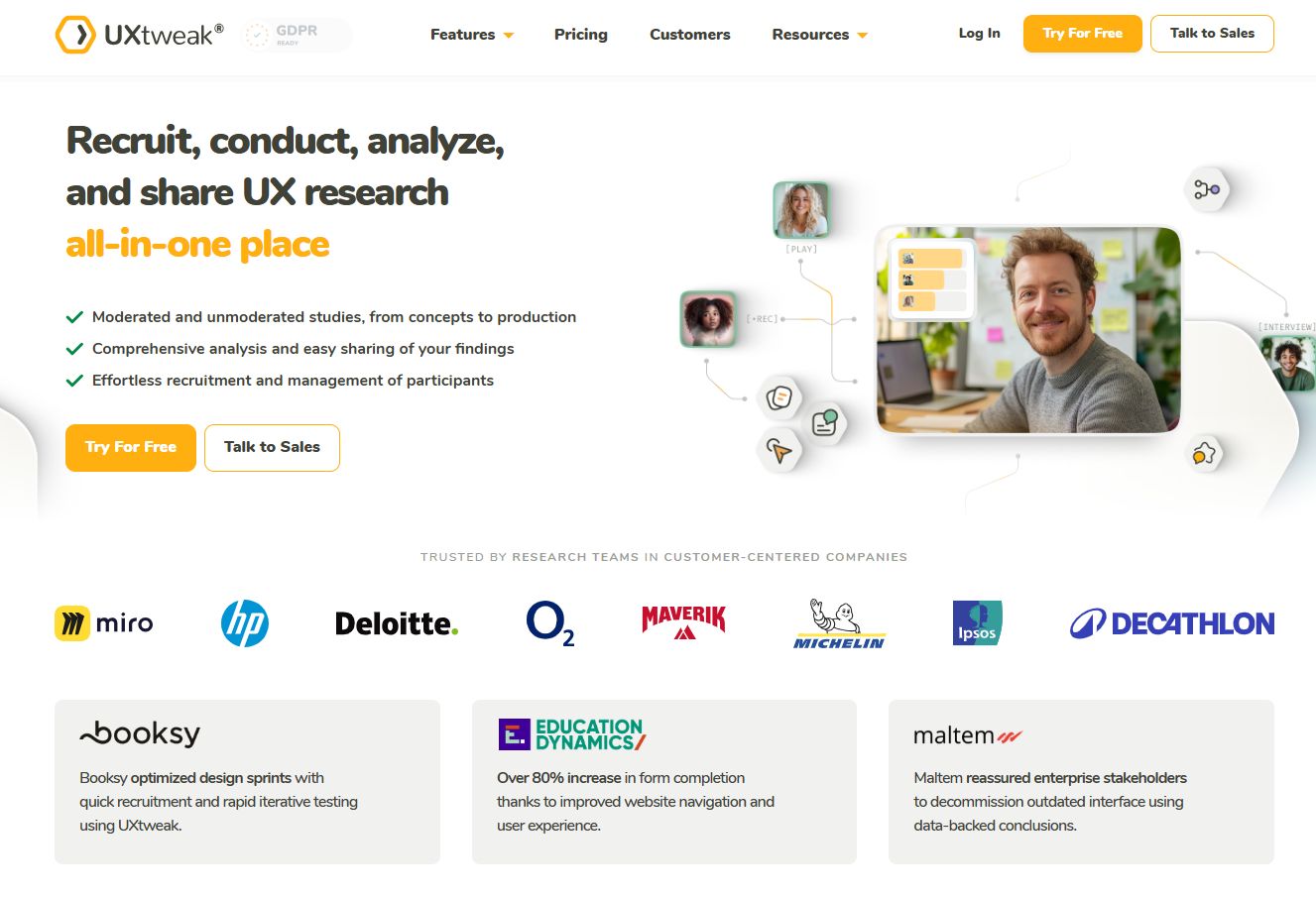
UXtweak is a broad UX research platform that supports usability testing, card sorting, tree testing, and participant recruitment. Interviews are one method among many, which makes it a strong fit for teams that want multiple research approaches under one roof rather than a single-purpose interview tool.
Recruitment is flexible: you can use your own database, tap the UXtweak user panel, recruit onsite, or share a link. For a PM balancing interviews with broader UX research, that range keeps you from buying a separate tool for every method.
Best for: UX teams that want an all-in-one research and testing platform, not just an interview tool.
Key strengths
- Usability testing with screen, voice, and face recording
- Card sorting and tree testing
- Recruitment via own database, panel, onsite, or link
- Analysis features across multiple research methods
Why choose UXtweak: Choose it when interviews are part of a wider research program. It gives you method breadth so you are not switching tools every time the question changes.
UXtweak pricing: UXtweak offers a free plan. Paid usage is participant-based, starting from 7.25 € per participant depending on study details.
4. Coursera
Coursera is not user interview software. It shows up in searches because it teaches the method: how to plan, run, and analyze user interviews through courses from universities and companies. If your team is new to research, this is where you build the skill before you buy a platform.
Think of it as the training layer, not the tooling layer. A PM who wants to run better moderated interviews can take a structured course, then apply that method inside whichever software fits the workflow. The two work together.
Best for: Individuals and teams who want to learn interview technique and research fundamentals before investing in tooling.
Key strengths
- Courses from universities and companies
- Specializations and professional certificates
- Coursera Plus subscription with unlimited access
- Structured learning paths for research skills
Why choose Coursera: Choose it when the gap is skill, not software. It builds the interviewing and analysis fundamentals that make any platform more useful.
Coursera pricing: Coursera Plus is $59 per month or $399 per year. A 7-day free trial is available, and some content can be previewed for free.
5. Zoom
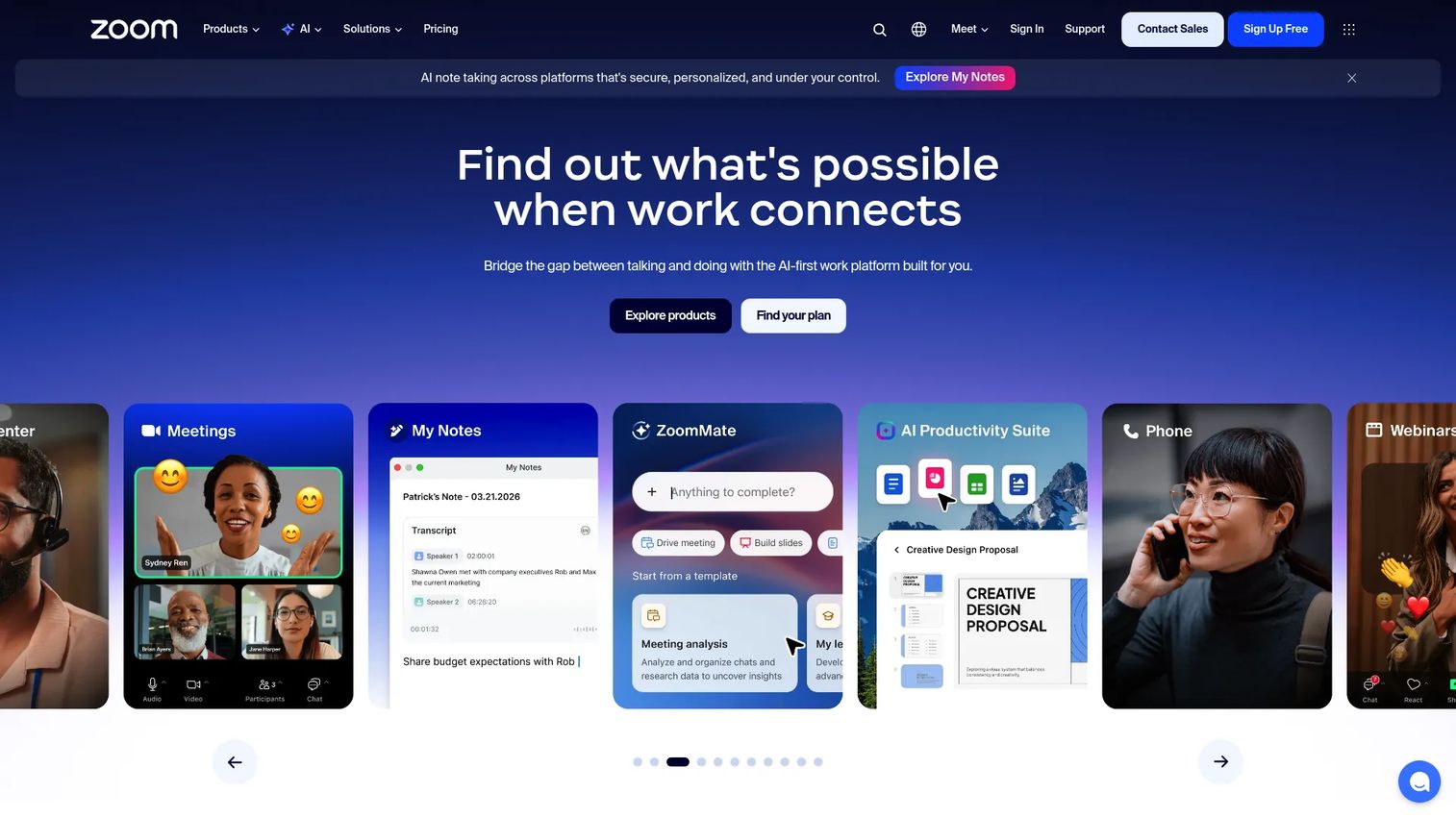
Zoom is the video conferencing tool most participants already know how to use, which removes friction from moderated remote interviews. It handles HD video, recording, transcripts, and captions, plus scheduling through its built-in scheduler. It is not a recruiting or analysis platform, but it is often the call layer inside a larger interview stack.
Familiarity is the point. When a participant does not have to install anything new or learn an unfamiliar interface, more sessions actually happen. For lightweight research or teams already standardized on Zoom, it may be all you need for the interview itself.
Best for: Teams that need reliable video for live sessions and already run on Zoom for meetings.
Key strengths
- HD video meetings participants already know
- Recording, transcripts, and captions
- Built-in scheduler for interview scheduling
- Team chat, whiteboard, and clips
Why choose Zoom: Choose it when the conversation is the priority and recruiting or synthesis lives elsewhere. It is the dependable call layer, not the full research workflow.
Zoom pricing: Zoom Basic is free. Pro, Business, and Enterprise plans are quoted through Zoom's sales team on its pricing page.
6. Lookback
Lookback is a remote user research platform built for moderated and unmoderated studies, with a strong focus on collaboration. Live observation rooms let stakeholders watch sessions in real time, take notes together, and debrief afterward. It also handles participant recruitment through User Interviews or your own participants, plus AI-assisted analysis.
The collaboration layer is what sets it apart. When research quality depends on the whole team seeing what users actually do, shared observation and synthesis keep everyone aligned. That reduces the "you had to be there" gap between researchers and the rest of the product org.
Best for: UX research teams that need remote testing, stakeholder observation, and shared synthesis.
Key strengths
- Moderated and unmoderated research
- Live observation rooms with shared notes
- Participant recruitment via User Interviews or your own list
- AI-assisted analysis and synthesis
Why choose Lookback: Choose it when stakeholder review and team visibility matter as much as the interview itself. It keeps observers close to the research without crowding the participant.
Lookback pricing: Freelance is $299 per year. Team is $1,782 per year. Insights Hub is $4,122 per year. Enterprise is custom. A free trial includes 5 sessions over 60 days.
7. Dscout
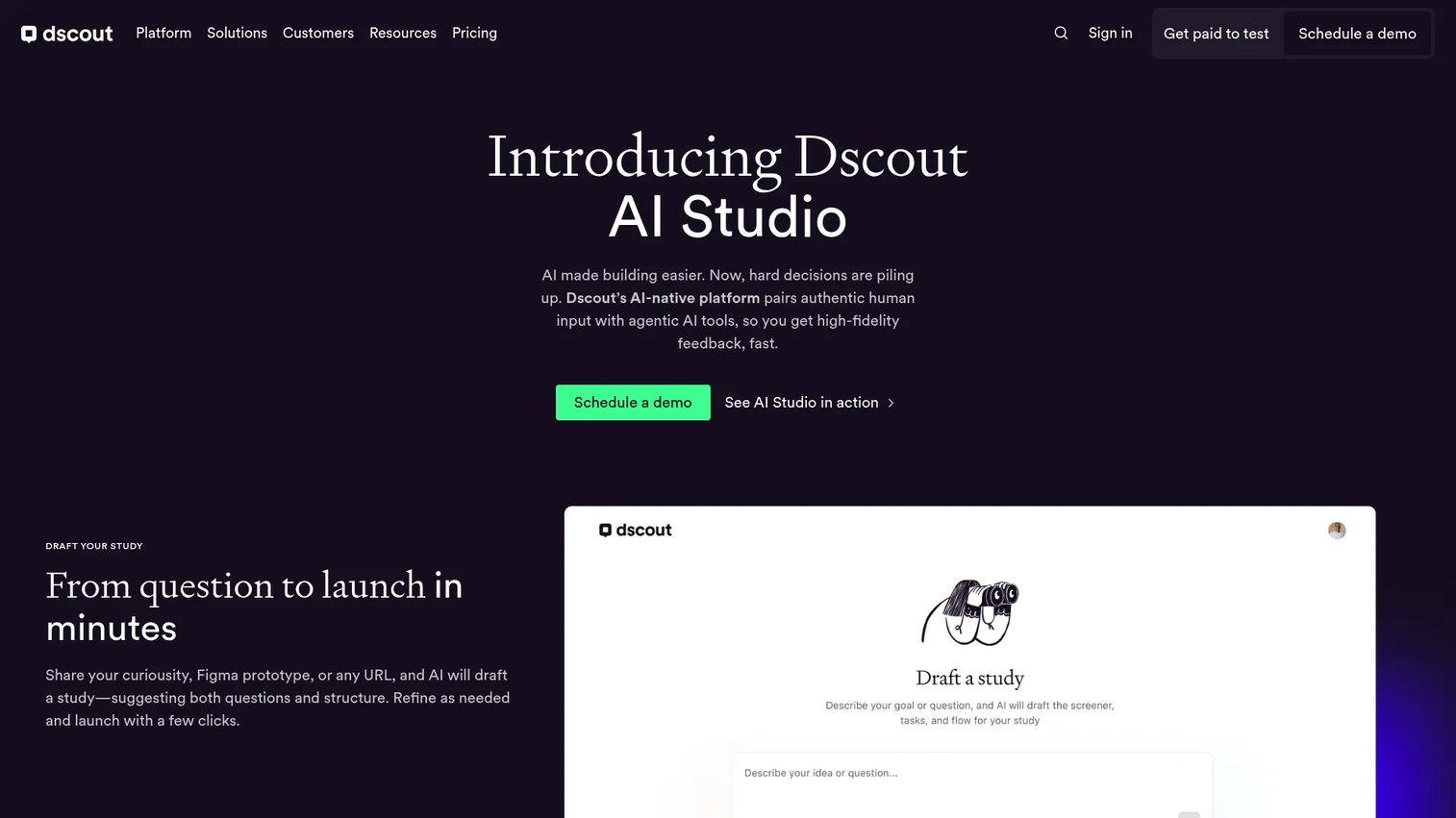
Dscout is an AI-powered feedback and testing platform built for richer, more exploratory research. Its research missions support diary studies, field studies, intercepts, surveys, interviews, and card sorting, which makes it a fit for teams that need more than a one-off call. AI study drafting and AI-moderated interviews speed up the setup and moderation.
For a PM who needs to understand behavior over time rather than a single moment, Dscout's diary and mission model captures context you cannot get in a 30-minute interview. It integrates with Miro, Slack, and Figma, so findings flow into where your team already works.
Best for: Mid-market and enterprise research teams running multi-method, in-depth UX studies.
Key strengths
- AI study drafting and AI-moderated interviews
- Diary studies, field studies, intercepts, and surveys
- Integrations with Miro, Slack, and Figma
- Private panel recruiting and data export
Why choose Dscout: Choose it when a single interview is not enough and you need longitudinal, contextual research. It suits deeper programs over quick validation calls.
Dscout pricing: Dscout offers Core, Select, and Enterprise plans with custom pricing. Contact its team for a quote tailored to your research volume.
8. Hotjar Engage
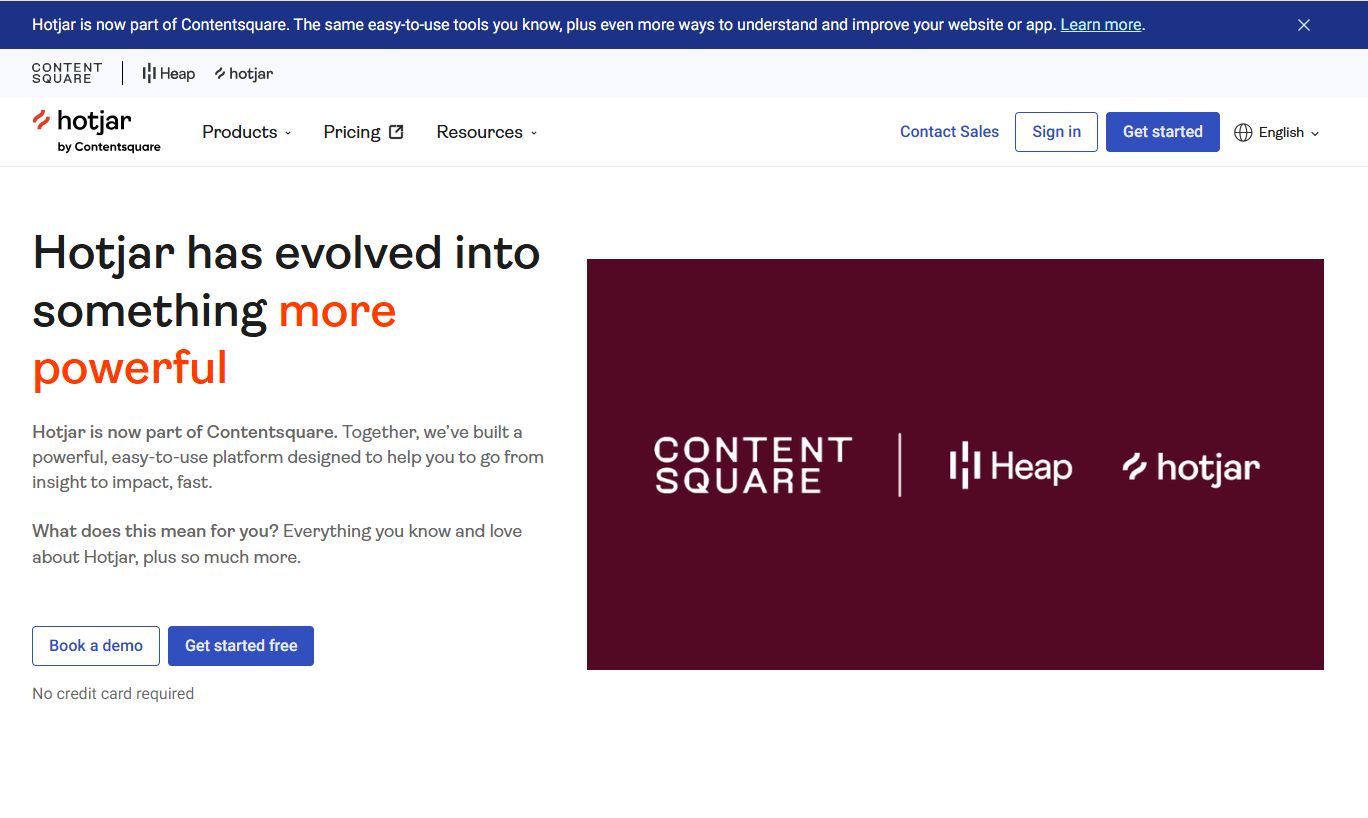
Hotjar Engage is a user research tool focused on moderated interviews and quick participant recruitment, now part of Contentsquare. You can recruit from a participant pool or your own network, schedule and host moderated video interviews, then record, transcribe, and capture collaborative notes and highlights. It is built for teams that want fast access to feedback without deep panel management.
The strength here is speed and simplicity. When the problem is getting to a conversation quickly, especially with your existing web traffic, Engage removes the setup overhead. It suits lighter research motions where a full research platform would be more than you need.
Best for: Teams that want moderated user interviews and quick recruiting without heavy panel operations.
Key strengths
- Recruit participants from a pool or your own network
- Schedule and host moderated video interviews
- Record and transcribe sessions automatically
- Collaborative notes and highlights
Why choose Hotjar Engage: Choose it when fast access to participants matters more than deep panel management. It fits lightweight research and teams already using Hotjar.
Hotjar Engage pricing: Hotjar offers a free Basic tier that includes Engage. Paid tiers are listed on the Hotjar pricing page, with Engage now part of the Contentsquare product family.
Considerations
Before you commit to a user interview platform, run through this checklist. The right pick depends less on feature counts and more on how the tool fits your actual research workflow.
Participant quality and screening
Check how each tool sources participants and whether it supports screeners tight enough to reach your exact segment. Ask about fraud checks and low-quality response filtering. A large panel means nothing if the people you reach are not the users you are trying to understand. For roadmap decisions, participant recruitment quality is the foundation everything else sits on.
Scheduling and logistics
Look at calendar integrations, time zone handling, automated reminders, incentive payments, and cancellation workflows. Interview scheduling friction is where sessions quietly die. Reminders and easy rescheduling protect your completion rate, which protects your timeline.
Transcription and synthesis
Evaluate transcription accuracy, clip creation, tagging, summarization, and export options. Good transcripts turn hours of video into searchable evidence. Weak analysis features leave you with recordings nobody rewatches. This is where time to insight is won or lost.
Collaboration and stakeholder review
Look for observation rooms, shared notes, sharing permissions, and async review tools. Research only changes decisions when stakeholders trust it, and trust grows when they can see the evidence. A research repository that the whole team can browse keeps findings from dying in one researcher's folder.
Integrations and research ops fit
Confirm compatibility with your calendar, conferencing, CRM, research repository, and analytics stack. The best tool for your research ops is the one that reduces tool-switching, not the one with the longest feature list.
Pricing and scale
Assess whether user interview software pricing grows sensibly with seats, sessions, participants, or research volume. Per-session recruiting fees add up fast. Model your real cadence, not a light month, so the cost scales with how your team actually runs research.
Conclusion
The right user interview tool depends on the job you are solving. If your constraint is finding people, prioritize recruiting. If it is turning conversations into decisions, prioritize analysis and collaboration.
Here is the shortlist by job:
- User Interviews for recruiting and participant management
- Maze for broad workflow coverage and AI-assisted analysis
- Lookback for collaborative session review and stakeholder observation
If your team is still stitching workflows together, do not try to buy one platform that does everything on day one. Start with one recruiting tool and one analysis tool. Prove the interview workflow works, measure your time to insight, then consolidate once you know which parts of the process actually slow you down.
Research should be a feedback loop, not an operations project. Pick the tool that removes your specific bottleneck, and let the rest of the stack grow from there.
Speaking of showing product value instead of describing it, if your team also needs to let buyers experience your product without a live call, Guideflow builds interactive demos, sandboxes, and demo centers that support onboarding, sales follow-ups, customer education, and product launches. You can capture your product flow, personalize it per audience, share it anywhere, analyze engagement, use AI to polish it, collaborate with your team, and integrate it into your stack.
Start your journey with Guideflow today!
FAQs
For recruiting, participant marketplaces like User Interviews stand out because panel size, precise targeting, and fraud checks determine whether you reach the right people. When your internal lists run dry, a dedicated recruiting tool keeps qualified participants flowing without manual vetting. Prioritize screener depth and incentive handling so you spend time interviewing, not chasing respondents.
Moderated remote interviews depend on reliable video, easy interview scheduling, note-taking, and collaboration. Zoom works well when participants already know it and recruiting lives elsewhere. Lookback adds live observation rooms so stakeholders can watch and take notes together, which matters when a finding needs cross-team buy-in.
Tools with strong transcription, clip creation, tagging, and repositories make synthesis faster. Maze and Dscout both pair AI-assisted moderation with analysis features, while Lookback offers AI-assisted synthesis alongside shared notes. The best fit is the one whose transcripts and tags flow into how your team already builds a research repository.
Zoom handles the conversation, recording, and transcripts, but it is not built for participant recruitment, screening, tagging, or analysis. If your only need is the call itself, Zoom may be enough. Once recruiting drift and unstructured notes start slowing you down, a dedicated platform covers the parts Zoom does not.
Teams use a research repository with consistent tags, timestamped clips, and shared notes so findings stay searchable. Sharing permissions let stakeholders browse evidence without crowding the researcher. The discipline that matters most is tagging consistently during synthesis, so a clip is findable months later, not just the week you recorded it.
Watch how pricing scales: seat-based fees, session volume, recruiting or incentive fees, and hidden costs as research volume grows. Per-session recruiting charges add up quickly across a busy quarter. Model your real cadence rather than a light month so user interview software pricing matches how your team actually runs studies.
The integrations that matter most are your calendar, video conferencing, Slack, CRM, research repository, and analytics tools. Calendar and conferencing sync reduces interview scheduling friction, while Slack and repository connections keep findings flowing to stakeholders. Confirm the specific integrations your research ops depend on before committing.
Yes. Many platforms extend into adjacent UX research methods like concept testing, usability testing, card sorting, tree testing, and diary studies. UXtweak and Dscout in particular support multiple methods, so interviews sit inside a wider research program rather than standing alone. That breadth helps when a single question is not enough to validate a decision.










