A near-miss gets scribbled on a clipboard. A patient safety event lands in someone's email. A jobsite incident sits in a text thread until Monday. By the time it reaches the person who can act on it, the details are fuzzy, the timeline is broken, and the audit trail does not exist.
That is the real problem incident report software solves. Not "logging incidents" in the abstract, but closing the gap between the moment something happens and the moment someone reviews, routes, and resolves it with a defensible record attached.
Manual intake breaks the second an incident needs more than one person. Forms scatter. Email chains lose severity context. Spreadsheets have no routing, no escalation, and no audit history. The market has noticed: the global incident management software market hit USD 2.5 billion in 2024 and is projected to reach USD 5.93 billion by 2032 at an 11.4% CAGR, according to Verified Market Research (2024). Cloud deployments already drove 68% of that revenue in the same year.
If you evaluate an enablement stack, this logic will feel familiar. The tools that win are not the ones with the most features. They are the ones with governance, adoption, workflow fit, and measurement built in. The same is true here. This guide compares eight incident reporting software platforms so you can shortlist fast. For a broader view of how workflow tooling ties into operational measurement, our roundups on audit management software and best contract management software tools cover adjacent governance decisions.
What's inside
This guide compares eight incident reporting platforms across four buyer contexts: healthcare compliance, workplace safety and EHS, construction field reporting, and IT or security incident handling. Each tool is evaluated on the criteria that actually predict adoption and outcomes.
We ranked and selected based on:
- Workflow automation for routing, escalation, and follow-up
- Mobile incident reporting and field-first intake
- Compliance support including OSHA logs and audit trails
- Incident analytics for dashboards and trend reporting
- Customization across forms, severity levels, and workflows
- Integrations with existing stacks
TL;DR
- Best for healthcare compliance: MedTrainer, for centralized routing, anonymous intake, and multi-location consistency.
- Best for broad EHS and root cause workflows: Benchmark Gensuite, for CAPA, investigation, and AI-assisted handling.
- Best for construction field reporting: HCSS, for mobile capture, attachments, and OSHA record keeping.
- Best for enterprise workflow orchestration: ServiceNow, when incident reporting lives inside a larger service platform.
- Best for IT and service desk incidents: Jira Service Management or Freshservice, depending on your existing tooling.
- Best for privacy and security incident governance: OneTrust or Resolver, for regulated risk workflows.
What incident reporting software actually does
Incident reporting software is a system that captures, routes, investigates, and reports incidents through to closure, with a permanent audit trail attached to every event.
The standard workflow runs in a predictable sequence. An event is captured at intake. It gets triaged and assigned a severity. It routes automatically to the right owner. Someone investigates. The issue reaches resolution. The record is retained. Reporting rolls the whole thing up for leadership and regulators. Break any link in that chain and you are back to email and spreadsheets.
An incident reporting system software platform typically bundles a consistent core feature set:
- Mobile capture so workers, clinicians, and technicians can report from the field
- Configurable forms that adapt to incident type and location
- Automated routing and escalation with owner assignment and missed-deadline reminders
- Severity levels that drive prioritization and workflow branching
- Dashboards and trend analysis for incident analytics
- Compliance logs including OSHA incident reporting support
- Attachments and evidence such as photos, video, and witness statements
- Integrations with HR, IT service, safety, and security tooling
The distinction that trips up buyers: incident tracking software captures and monitors the event, while incident management software owns the full workflow of investigation and resolution. Most modern platforms do both, but the depth varies. Some lean toward fast intake and clean records. Others lean toward heavy investigation and corrective action. Knowing which side you need narrows the field immediately.
When to use incident reporting software
Capture incidents from the field
Most incidents do not happen at a desk. They happen on a jobsite, on a patient floor, in a warehouse, or in the middle of a service outage. If intake requires walking back to a computer and logging into a portal, reports get delayed or skipped entirely.
Mobile-first intake fixes this. Workers submit from a phone or tablet the moment something happens, attach photos and witness notes, and capture context while it is still accurate. Offline-friendly capture matters on jobsites and remote locations where connectivity is unreliable. Faster capture means better data and fewer gaps in the record.
Standardize escalation and follow-up
Consistency is where manual processes fall apart. When a serious incident depends on someone remembering to email the right manager, accountability evaporates. Automated routing removes that risk.
The right platform assigns owners by incident type and severity, escalates when deadlines slip, and sends reminders until an item closes. This turns follow-up from a personal habit into a system. For safety incident reporting software in particular, that reliability is the difference between a closed loop and a repeat incident.
Improve reporting and compliance visibility
Leaders need to see patterns before they become liabilities. That means OSHA logs, exportable audit trails, dashboards, and trend reporting that answers real questions: where are incidents clustering, which sites are trending up, and how fast are we closing them.
When reporting lags, decisions lag. Strong incident analytics compress that cycle. Instead of assembling reports manually at quarter-end, managers pull a live view whenever they need it, which is exactly the governance mindset our analytics platforms drive roi guide applies to measurement stacks.
Comparison table
Here is how the eight incident reporting software platforms compare at a glance. Pricing for most enterprise tools is quote-based, so we noted that where public figures are not published. Use this to narrow to two or three, then read the full sections below.
| # | Product | Intent | Key differentiation | Pricing | G2 rating |
|---|---|---|---|---|---|
| 1 | MedTrainer | Healthcare compliance | Centralized compliance, credentialing, and incident workflows | Quote-based (Select, Premier, Signature) | 4.4/5 |
| 2 | Benchmark Gensuite | EHS and safety | AI-native EHS with CAPA and root cause | Quote-based | 4.0/5 |
| 3 | HCSS | Construction field reporting | Field-first capture with OSHA record keeping | Quote-based | Not listed |
| 4 | ServiceNow | Enterprise orchestration | Incident workflows inside a full AI platform | Quote-based | 4.4/5 |
| 5 | Resolver | Risk and security | Configurable risk intelligence and investigations | Quote-based | 4.3/5 |
| 6 | Jira Service Management | IT and service desk | ITSM incident workflows in the Atlassian stack | From $0 (Free); Standard from $20/agent/mo | Not listed |
| 7 | Freshservice | IT operations | AI-powered ITSM with automation | Pro from $49/agent/mo (annual) | 4.6/5 |
| 8 | OneTrust | Privacy and security governance | Unified privacy, consent, and AI governance | Usage-based, quote | 4.4/5 |
1. MedTrainer
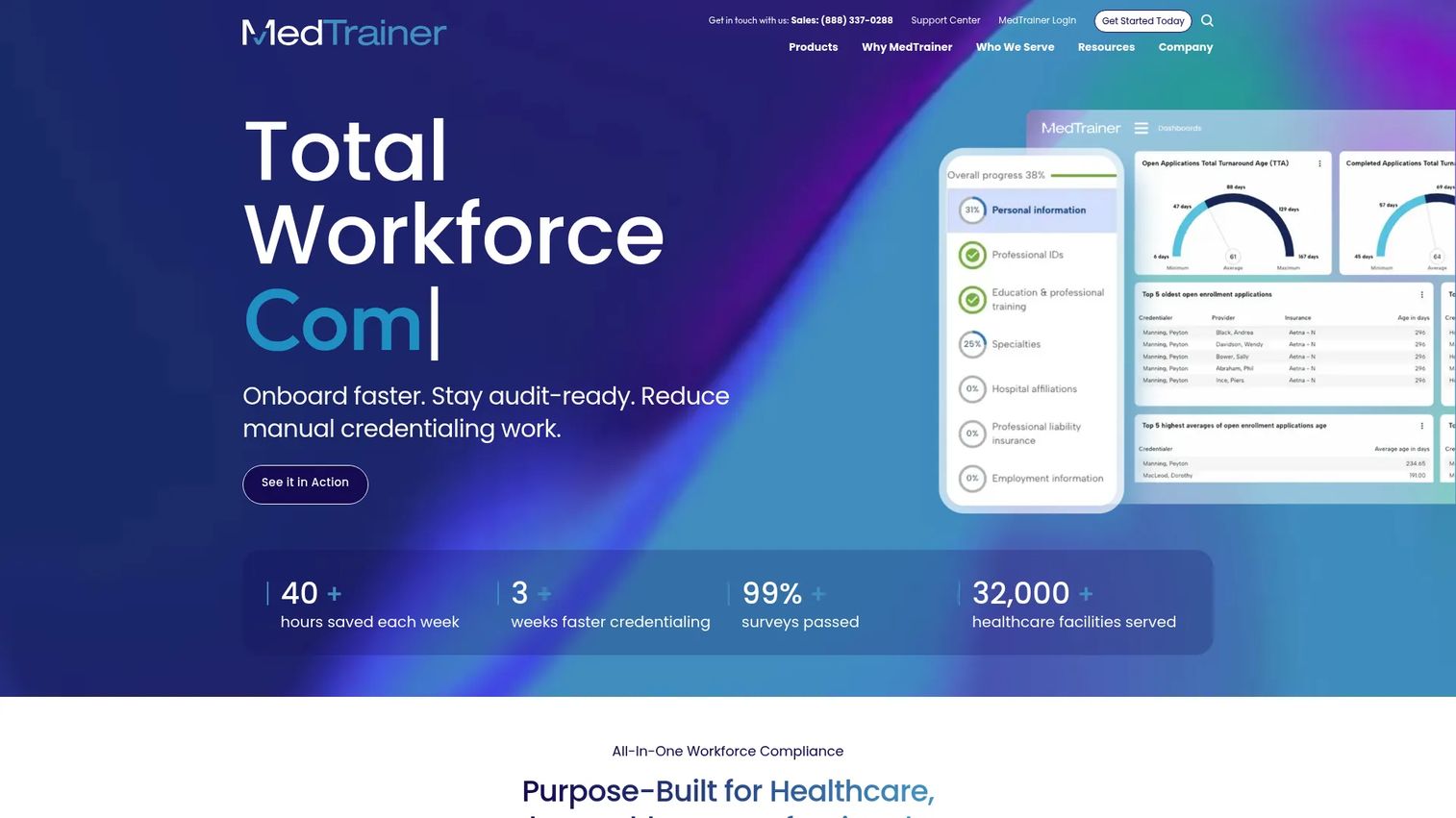
MedTrainer is a healthcare compliance platform that combines training, credentialing, and compliance management, with incident reporting as part of a centralized workflow. It is built for healthcare organizations that need consistency across sites, not a standalone logging tool. That framing matters because in healthcare, an incident report rarely ends at the report. It feeds remediation, retraining, and documentation that a surveyor may ask for later.
The platform's strength is centralization. Incident intake, routing, and follow-up sit alongside the credentialing and policy tools compliance teams already use daily. For multi-location groups, that means one consistent process across every facility instead of a different clipboard system at each site. Anonymous intake supports the sensitive reporting healthcare environments require, and escalation options keep serious events moving to the right reviewers.
Best for: Healthcare organizations needing an all-in-one compliance and credentialing platform with incident reporting built in.
Key strengths
- Centralized compliance workflows: Incident reporting lives alongside credentialing, policy, and document tools in one platform.
- Learning and onboarding: Ties incident follow-up to retraining and staff education directly.
- Compliance reporting: Documentation and reporting tools built for regulated healthcare environments.
Why choose MedTrainer: If your incidents need to connect to training, credentialing, and audit-ready documentation, a point solution creates gaps. MedTrainer fits compliance-heavy healthcare teams that want reporting, remediation, and record keeping in one place, with multi-location consistency baked in.
MedTrainer pricing: MedTrainer offers three tiers, Select, Premier, and Signature, but does not publish public prices. Pricing is quote-based, so you request a quote based on your organization's size and needs. It holds a 4.4 out of 5 rating on G2.
2. Benchmark Gensuite
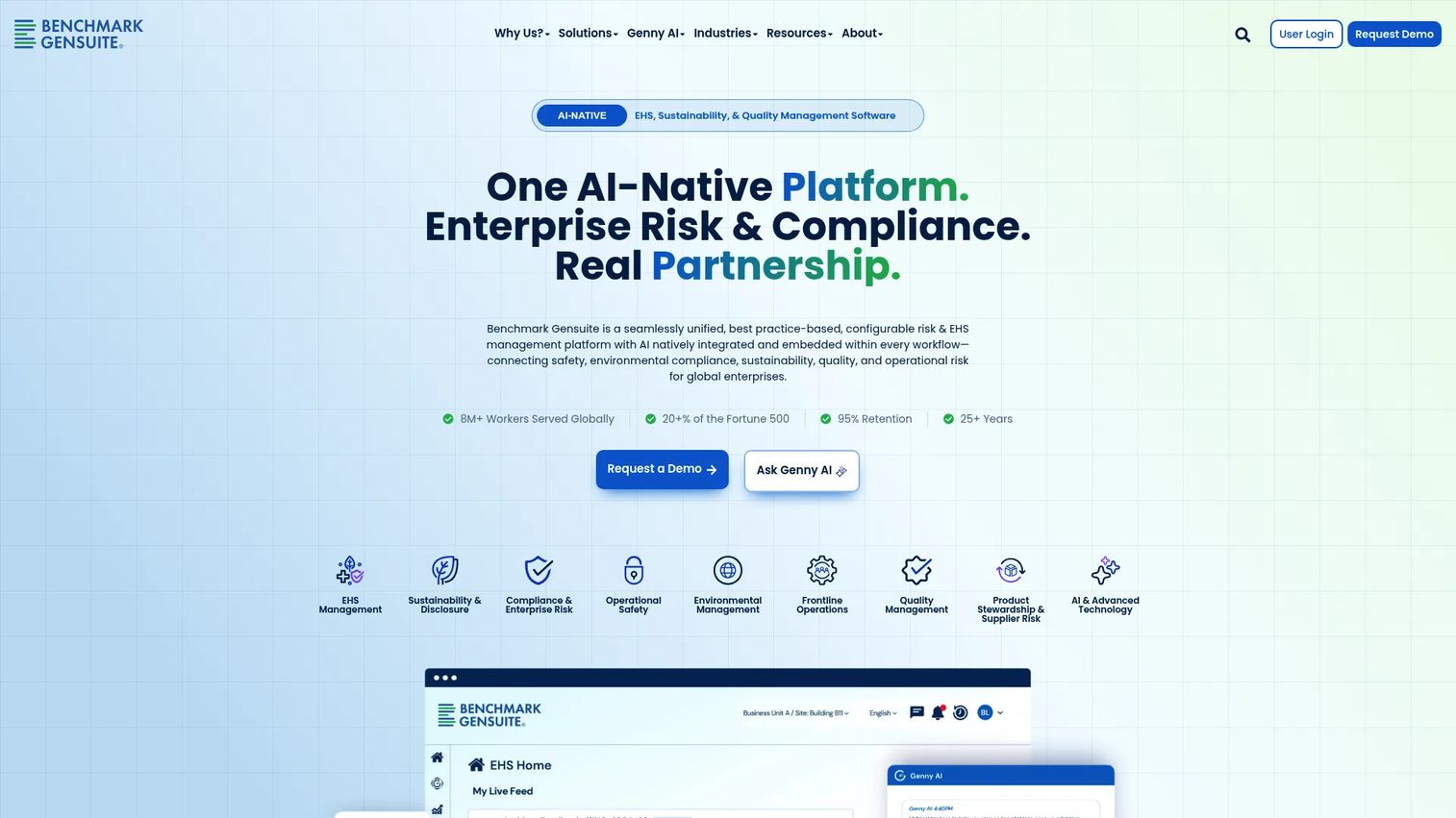
Benchmark Gensuite positions incident management inside a broader EHS, sustainability, and quality platform. This is the tool for teams that treat an incident as the start of a learning loop, not just a record. The workflow runs from capture through investigation, root cause analysis, and corrective and preventive action (CAPA), so the same event that gets reported also drives the fix that prevents the next one.
Its embedded Genny AI supports incident handling across workflows, which speeds up classification, investigation prompts, and reporting. For a safety incident reporting software buyer, the appeal is the closed loop: field reporting flows into analytics, analytics surface trends, and trends feed corrective action. The suite is modular and configurable, which suits large enterprises with mature EHS programs.
Best for: Large enterprises needing a configurable EHS and ESG management platform with deep incident and CAPA workflows.
Key strengths
- Unified EHS platform: Incident management sits within safety, sustainability, and quality workflows.
- Embedded Genny AI: AI-assisted incident handling across classification, investigation, and reporting.
- Configurable modular suite: Applications adapt to mature, multi-site EHS programs.
Why choose Benchmark Gensuite: Choose it when incidents need to feed root cause analysis and corrective action, not just get filed. Teams running formal EHS programs get the full investigation-to-CAPA loop plus incident analytics in one configurable platform. It carries a 4.0 out of 5 rating on G2.
3. HCSS
HCSS builds construction software for heavy civil and infrastructure contractors, connecting office and field workflows. Its incident reporting is field-first by design, which matters enormously on a jobsite where the person witnessing an incident is rarely near a desk. Workers capture incidents on mobile, attach photos and evidence, and file records that hold up for OSHA logging and permanent record keeping.
The jobsite workflow is the whole point. A field worker submits with optional fields and attachments, and the safety team picks up follow-up from there. Because HCSS spans estimating, job costing, and fleet management alongside safety, incident data lives in the same system that runs the rest of the project. For contractors, that reduces the "yet another app" problem that kills field adoption.
Best for: Heavy civil and infrastructure contractors needing integrated construction management with field-first incident reporting.
Key strengths
- Field-first mobile capture: Workers report incidents and attach evidence directly from the jobsite.
- OSHA record keeping: Permanent logs and record keeping built for construction compliance.
- Connected project workflows: Incident data sits alongside estimating, job costing, and fleet tracking.
Why choose HCSS: Pick HCSS when the jobsite is the point of capture and adoption depends on speed and simplicity in the field. Heavy civil contractors get mobile intake, evidence attachments, and OSHA-ready records inside the platform that already runs their projects.
HCSS pricing: HCSS uses quote-based pricing. The pricing page directs you to request a custom quote rather than listing public figures, so cost depends on your product mix and deployment scope.
4. ServiceNow
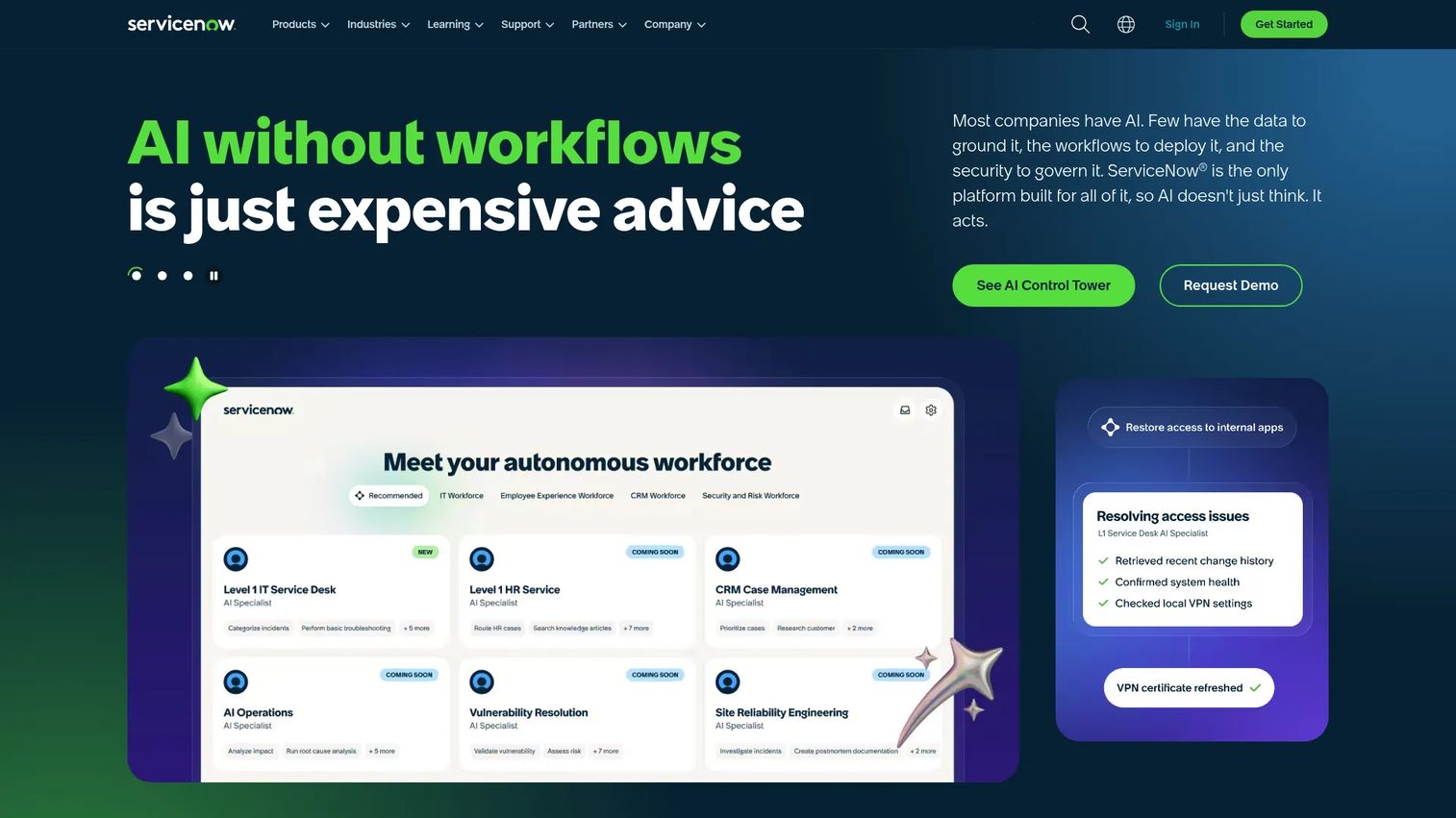
ServiceNow is an enterprise AI platform for workflow automation across IT, customer service, security, HR, and app development. Incident reporting here is not a standalone product but one workflow inside a much larger orchestration engine. That fits organizations that already run complex service and operational processes and want incidents handled in the same system, with the same governance, as everything else.
The strength is configurability and reach. Workflows, routing, escalation, and analytics all live in a low-code environment, and AI agents on the ServiceNow AI Platform automate repetitive handling. For security incident reporting software needs, ServiceNow connects incident intake to the broader IT and security operations stack, so an event does not sit in isolation. This is a platform decision, not a point-tool decision.
Best for: Large enterprises standardizing service workflows and automation across multiple business functions.
Key strengths
- Workflow automation: Incident routing, escalation, and resolution across IT, security, and HR.
- AI agents and platform: AI-assisted handling on the ServiceNow AI Platform.
- Low-code development: Custom apps, dashboards, and configurable incident workflows.
Why choose ServiceNow: Choose it when incident reporting must live inside a larger enterprise platform rather than as a separate tool. Organizations already invested in ServiceNow get incident workflows, automation, and analytics with governance that scales across functions. It holds a 4.4 out of 5 rating on G2.
5. Resolver
Resolver is a risk intelligence platform for managing incidents, compliance, audits, investigations, and related risk workflows. It sits at the intersection of security, risk, and operations, which makes it a strong fit for teams that need incident reporting tied to governance and cross-functional visibility rather than a single department's needs.
The platform's no-code configurable workflows and forms let risk teams shape intake and investigation to their own process without engineering. Role-based access and configurable dashboards give leaders the reporting they need while keeping sensitive investigations controlled. For organizations balancing compliance obligations with operational risk, Resolver's investigation workflows and reporting depth make it a serious contender in the incident tracking software and incident investigation software categories.
Best for: Enterprise teams needing configurable risk, compliance, and incident management workflows in one platform.
Key strengths
- No-code configurable workflows: Teams shape intake, forms, and investigation without engineering.
- Role-based access and dashboards: Controlled visibility with configurable reporting.
- Risk intelligence: Incident management connected to compliance, audits, and investigations.
Why choose Resolver: Pick Resolver when incidents are part of a broader risk and security picture, not an isolated safety log. Teams balancing compliance and risk operations get investigation workflows, governance, and cross-functional reporting in a configurable platform. It carries a 4.3 out of 5 rating on G2.
6. Jira Service Management
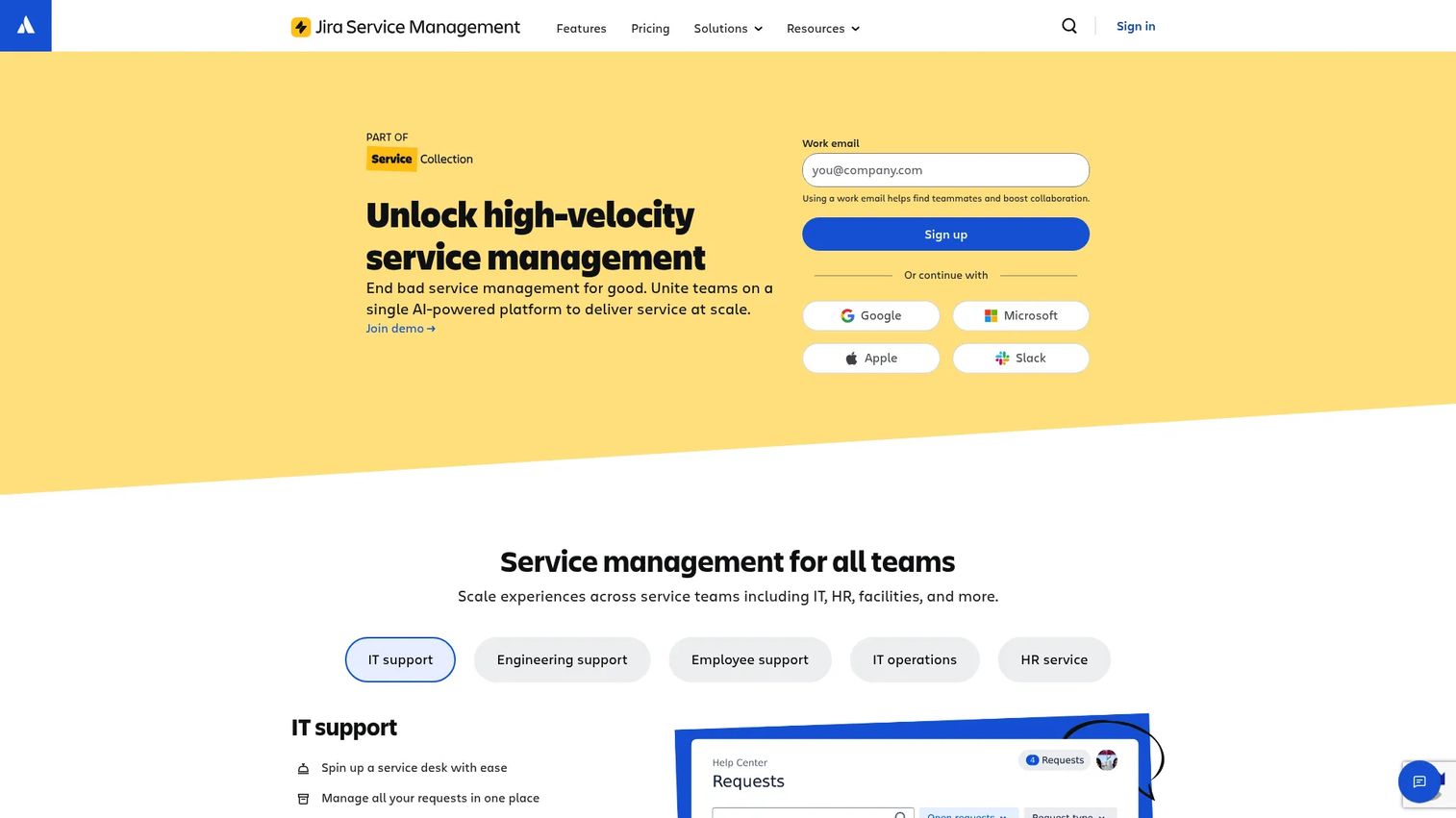
Jira Service Management is Atlassian's service management platform for ITSM and support workflows. For IT and security incident handling, it covers request, incident, problem, change, and configuration management in one place, with intake through a customer portal, email, chat, or embedded widget. Teams already running Atlassian tooling get incident workflows that plug into the ecosystem they use daily.
The appeal is service desk alignment. Incidents route to the right team, escalate through defined workflows, and connect to problem and change management so a single event does not get handled in a vacuum. Asset and configuration management plus AI-assisted support features round out the operational reporting picture. For teams standardizing on Atlassian, the integration story does most of the selling.
Best for: Teams needing an ITSM and service desk tool with self-service, automation, and incident workflows.
Key strengths
- Full ITSM workflows: Request, incident, problem, change, and configuration management together.
- Flexible intake: Portal, email, chat, and embedded widget capture.
- Atlassian ecosystem fit: Native connection to the tools engineering and IT teams already use.
Why choose Jira Service Management: Choose it when your team already lives in Atlassian and wants incident workflows without adding a disconnected tool. Service desk alignment, automation, and asset management make it a natural fit for IT and security operations.
Jira Service Management pricing: Jira Service Management publishes public pricing. The Free plan covers up to 3 agents. Standard starts at $20 per agent per month, and Premium starts at $51.42 per agent per month, with enterprise pricing available on request.
7. Freshservice
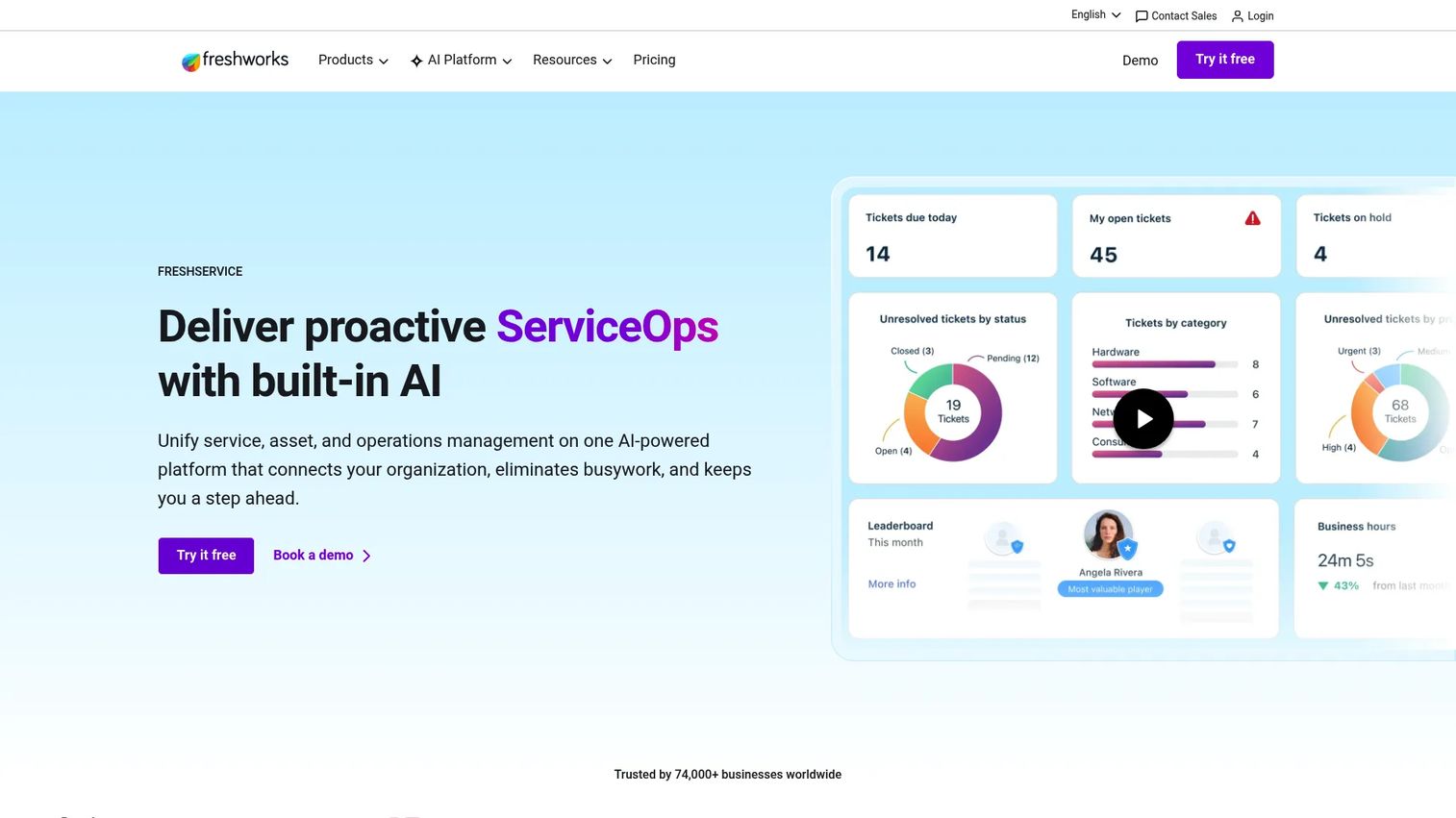
Freshservice is AI-powered IT service management software covering IT, employee support, asset, and operations workflows. For teams that want incident intake plus broader service management, it delivers incident, problem, change, and asset management with workflow automation and a service catalog in one configurable platform.
Its value is ease of adoption paired with depth. Freddy AI agents, copilot, and insights assist with incident handling, routing, and reporting, which reduces the manual load on service teams. Workflow automation handles escalation and follow-up, and the reporting layer gives IT operations the analytics they need to spot trends. For organizations that want a service desk that ramps quickly without heavy configuration, Freshservice is a practical choice.
Best for: IT and employee service teams needing a configurable ITSM platform with automation and AI.
Key strengths
- Full ITSM coverage: Incident, problem, change, and asset management in one platform.
- Workflow automation: Automated routing, escalation, and a service catalog.
- Freddy AI: AI agents, copilot, and insights for AI-assisted incident handling.
Why choose Freshservice: Pick Freshservice when you want incident reporting inside a broader ITSM platform that adopts quickly. Automation, AI assistance, and a clean service catalog make it a strong fit for IT operations that value speed to value. It holds a 4.6 out of 5 rating on G2.
Freshservice pricing: Freshservice's Business Teams Pro plan is listed at $49 per agent per month, billed annually. Additional ITSM tiers exist, and you can confirm current options on the Freshservice pricing page.
8. OneTrust
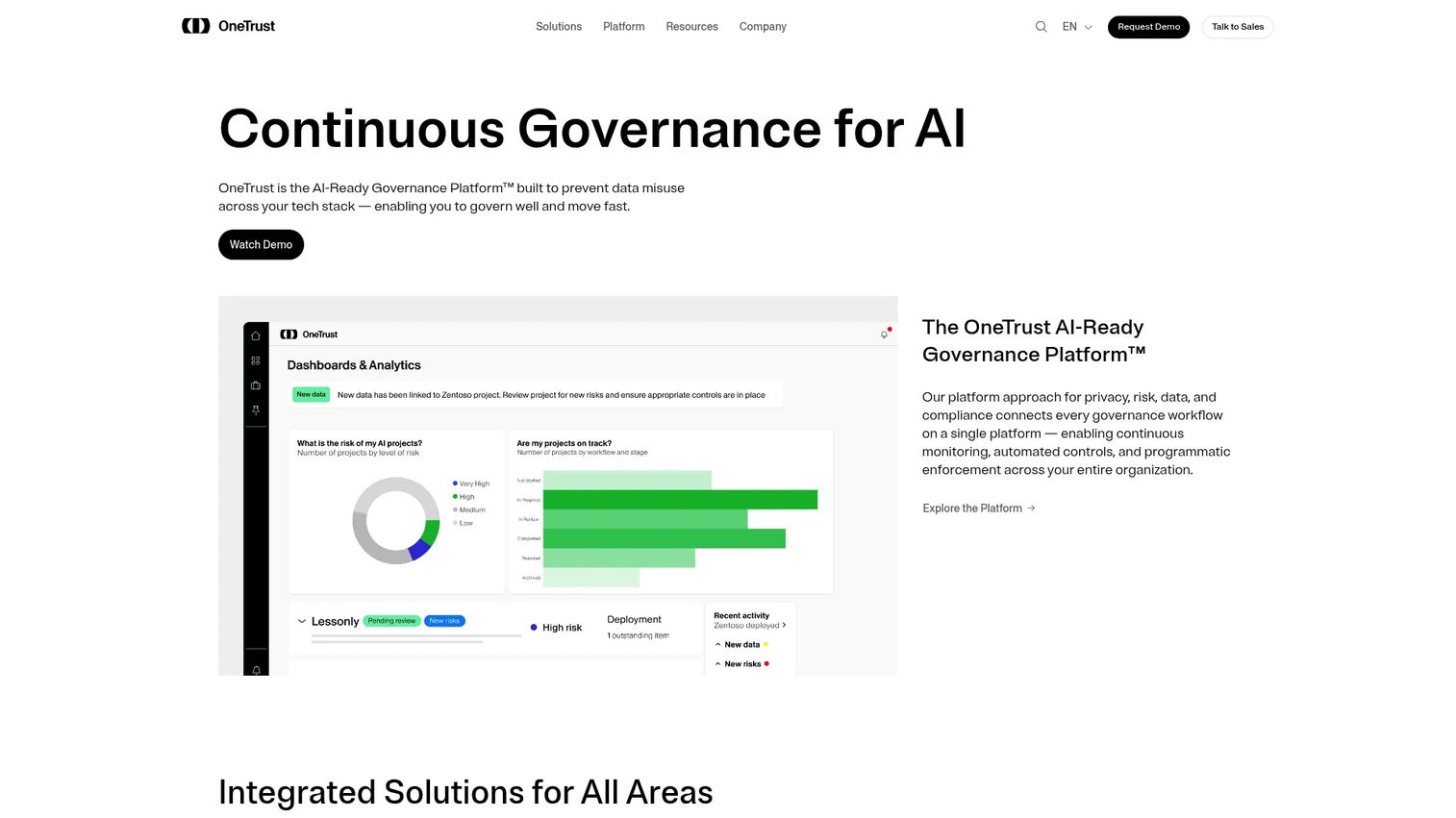
OneTrust is an AI-ready governance platform for privacy, consent, risk, AI governance, and third-party management. For incident reporting, its center of gravity is privacy and security incidents in regulated environments, where an event triggers not just a log but a governed response with audit-ready evidence.
The platform's strength is compliance depth. AI Governance provides policy, approvals, monitoring, and audit-ready evidence, while privacy automation handles data mapping, PIAs, DSRs, and vendor risk. For teams managing incident response under regulatory scrutiny, that governance and reporting rigor is the point. OneTrust fits organizations where privacy and security incident management must sit inside a broader compliance and risk framework, not in a separate safety tool.
Best for: Enterprises needing a unified platform for privacy, consent, AI governance, and vendor risk workflows.
Key strengths
- AI Governance: Policy, approvals, monitoring, and audit-ready evidence for incidents.
- Privacy automation: Data mapping, PIAs, DSRs, and vendor risk management.
- Consent and preferences: Governed consent experiences across web, mobile, and CTV.
Why choose OneTrust: Choose it when incident response is a privacy and security governance problem, not a safety one. Regulated teams get compliance workflows, reporting, and risk visibility inside a unified governance platform. It carries a 4.4 out of 5 rating on G2, with usage-based, quote-driven pricing.
Considerations before you buy
Workflow fit
Verify the platform handles intake, routing, escalation, investigation, closure, and record keeping in one continuous flow. A tool that captures well but hands off investigation to email defeats the purpose. Ask how much configuration your specific process needs, and whether that configuration requires engineering or lives in a no-code editor.
Mobile and field usability
Confirm users can submit incidents from phones, tablets, or jobsite devices. For mobile incident reporting to work, intake has to be fast and forgiving, with photo, video, attachment, and witness statement support. Test whether offline capture holds up where connectivity is weak, because that is where field reports go missing.
Compliance and audit readiness
Check OSHA incident reporting support, exportability, permissions, audit trails, and retention controls. Ask how the system handles evidence and version history, because a compliance record that cannot be defended is worse than none. Strong platforms make the audit trail automatic, not a manual reconstruction.
Analytics and reporting
Evaluate dashboards, filters, trend analysis, scheduled reports, and severity breakdowns. Good incident analytics answer questions managers actually ask, not just count incidents. Look for reporting people will use without a data team, because unused dashboards are just expensive decoration.
Integrations and governance
Check integrations with your CRM, HR, security, help desk, safety, or compliance stack so the tool does not become another isolated workflow. Review customization, ownership, approvals, and how easy updates are. Favor tools that stay maintainable without constant admin work, the same governance test our best contract lifecycle management software roundup applies to document-heavy stacks.
Conclusion
The right incident reporting software depends less on brand and more on what job you need done. For healthcare compliance, MedTrainer connects incidents to training, credentialing, and multi-location consistency. For EHS and root cause work, Benchmark Gensuite closes the loop from report to corrective action. For construction, HCSS wins on field-first mobile capture and OSHA record keeping.
On the IT and enterprise side, ServiceNow fits when incidents belong inside a larger platform, Jira Service Management and Freshservice serve service desk and ITSM teams, Resolver suits risk and security operations, and OneTrust anchors privacy and security incident governance in regulated environments.
Do not buy on feature lists alone. Shortlist two or three platforms, then test the three things that predict success: intake speed, routing and escalation reliability, and reporting your managers will actually open. The tool that makes those three effortless is the one worth paying for.
FAQs
Incident reporting software is a system that captures, routes, and tracks incidents from the moment they happen through to closure. It replaces manual forms, email chains, and spreadsheets with structured intake, automated routing, and a permanent audit trail. Most platforms handle safety, healthcare, IT, or security incidents depending on their focus.
It improves compliance by automating audit trails, routing, and record keeping so nothing depends on memory. Every event gets logged with timestamps, ownership, and evidence, which makes reporting to regulators defensible. For safety teams, OSHA incident reporting support and exportable logs turn compliance from a manual scramble into a live, always-ready record.
Yes. Most modern platforms support mobile incident reporting, letting workers, clinicians, or technicians submit from phones and tablets in the field. That typically includes attaching photos, video, and witness details at the point of capture. Some tools also offer offline-friendly intake for jobsites and remote locations with weak connectivity.
Incident reporting captures the event: what happened, where, when, and who was involved. Incident management software owns the workflow after that, including triage, investigation, resolution, and corrective action. Most modern platforms combine both, but some lean toward fast intake and clean records while others emphasize deep investigation.
Many platforms support anonymous reporting, which matters most in healthcare, HR, and safety contexts where people may hesitate to report if identified. Protected intake lets someone submit without attaching their name while still routing the report to the right reviewer. Not every platform handles anonymity the same way, so confirm how identity is shielded before you buy.
Look for centralized routing, anonymous intake, compliance logs, and multi-location consistency so every facility follows the same process. Strong healthcare incident reporting software also ties follow-up to training and remediation, because an incident often signals a knowledge or process gap. Audit-ready documentation is non-negotiable given regulatory scrutiny.
Prioritize mobile capture, evidence attachments, OSHA logs, and field-first workflows built for the jobsite. Speed and usability matter more here than anywhere else, because if reporting is slow, field workers skip it. Look for offline capture, photo and witness support, and permanent record keeping that satisfies construction compliance.
Not exactly. Incident reporting is often one module inside a broader EHS or risk platform that also handles safety programs, audits, sustainability, and corrective action. A standalone incident reporting system software focuses on capture, routing, and reporting, while EHS software wraps that in a wider operational safety framework. Which you need depends on program maturity: focused intake versus a full EHS suite.