Your finance team knows the pattern. A vendor invoice slips past the approval chain. A rep expenses a flight nobody flagged. Three receipts go missing before month-end close. And by the time anyone reconciles the numbers, the money is already gone.
That is the real problem spend management software solves. Not "tracking expenses" in the abstract, but stopping the slow leak of unapproved, unbudgeted, and unreconciled spend before it hits the books. The global business spend management software market is projected to reach $31.93B in 2026, up from $28.01B in 2025 according to Research and Markets. That growth is not vanity. It reflects how many teams are moving off spreadsheets and card statements toward systems that enforce policy at the point of purchase.
For a Sales Enablement Manager or anyone who owns a piece of the revenue stack, this matters more than it looks. Every tool your team adopts, every travel budget, every software renewal runs through some form of spend control. When approvals stall or budgets drift, tool adoption stalls with them. Choosing the right platform is partly a governance decision and partly an operational one.
The catch: most roundups are interchangeable. They list the same ten tools with the same feature bullets and leave you no closer to a decision. This guide takes a different angle. We map each platform to a concrete operational reality, whether you run a travel-heavy team, an accounting-first shop, a scaling mid-market finance org, or an enterprise with heavy procurement governance. If you are also evaluating adjacent systems, our roundups on contract management software tools and audit management software cover the neighboring pieces of the finance and operations stack.
What's inside
This guide covers 10 spend management platforms built for finance and operations teams that need tighter control without more admin. The list spans expense management, corporate cards, approval workflows, budgeting, travel, and accounting sync, so it fits everyone from small businesses to enterprise finance teams.
We chose tools based on four criteria that separate a real spend management platform from a basic expense tracker: spend controls and policy enforcement, automation depth (receipt capture, reconciliation, approvals), accounting and ERP integrations, and reporting and real-time visibility. Where relevant, we flag which company stage or team type each tool fits best. For teams comparing wider ops systems, our best business intelligence software guide pairs well with reporting-heavy decisions.
TL;DR
- Best overall for automated expenses and cards: Expensify, for teams that want receipts, reimbursements, cards, and travel in one workflow.
- Best for growing businesses needing controls and approvals: Spendesk, for finance-led spend control across cards, expenses, and AP.
- Best for finance teams wanting real-time visibility and budgets: Ramp, for spend controls plus expense automation with a free tier.
- Best for card-led spend control at scale: Brex, for mid-market and enterprise finance teams managing global spend.
- Best for enterprise procurement and finance workflows: Coupa, for source-to-pay governance across many workflows.
- Best for accounting-first teams: QuickBooks, for small businesses that anchor spend around their books.
What is spend management software?
Spend management software is a platform that controls, tracks, and automates all company spending across cards, expenses, approvals, budgets, and vendor payments in one system. It goes beyond basic expense reporting by enforcing policy at the moment money is committed, not weeks later at reconciliation.
The distinction matters. Expense reporting software captures what was spent and routes it for reimbursement. A spend management platform manages the full lifecycle: capture, approve, reimburse, reconcile, report, and control. It sets limits before the swipe, flags outliers automatically, and pushes clean data into your accounting system without manual re-entry.
Core capabilities you should expect:
- Receipt capture: Mobile upload, email forwarding, OCR scanning, and duplicate detection that removes the receipt-chasing loop.
- Corporate and virtual cards: Physical and virtual cards with per-card limits, category restrictions, and real-time visibility into every transaction.
- Approval workflows: Role-based approvals, spend limits, and policy checks that catch exceptions before spend clears.
- Budgeting: Department and project budgets with budget vs actual tracking so overspend surfaces early.
- Reimbursements: Automated reimbursement runs for out-of-pocket expenses, with clear status for employees.
- Accounting integrations: Sync to QuickBooks, NetSuite, Xero, Sage Intacct, and ERP systems to cut reconciliation work and data drift.
- Reporting and analytics: Real-time visibility into spend by team, category, vendor, and budget line.
North America accounted for 39.8% of global SaaS spend management software revenue in 2025, and large enterprises held 61.3% of market share, per Dataintelo. But the category now serves everyone from a five-person startup to a multi-entity enterprise, and the right fit depends on your workflows, not your headcount alone.
When to use spend management software
Not every team needs a full spend management platform on day one. Here is how to tell when you have outgrown the manual approach.
Control employee spend before it becomes a spreadsheet problem
When you are chasing card statements and approving reimbursements over email, you have already lost visibility. Teams outgrow manual controls the moment spend crosses departments and headcount climbs. A platform with approval workflows, policy enforcement, and per-card limits stops unapproved spend at the source instead of catching it after the fact.
Replace scattered expense tracking with one workflow
If your process lives in email threads, Slack messages, and a shared spreadsheet, reconciliation becomes a monthly scramble. Consolidating into one workflow with receipt capture, mobile uploads, and automated reconciliation removes the manual re-entry and the missing-receipt excuses. Expense tracking software that connects directly to cards closes the loop between purchase and record.
Unify cards, travel, and reimbursements
Growing finance teams eventually want one system across every spend category. Travel-heavy organizations especially benefit when booking, policy enforcement, and expense capture live together instead of in separate tools. Unifying cards, travel, and reimbursements gives finance a single source of truth and real-time budget oversight across the whole company.
Comparison table
Here is a quick side-by-side of all ten platforms, sorted by relevance to general spend management use. Pricing and ratings reflect verified values at the time of writing and should be confirmed on each vendor's site before you buy.
| # | Product | Intent | Key differentiation | Pricing | G2 rating |
|---|---|---|---|---|---|
| 1 | Expensify | All-in-one expense and cards | Receipts, reimbursements, cards, travel in one flow | From $5/member/mo | 4.5/5 |
| 2 | Spendesk | Finance-led spend control | Cards, expenses, AP, procurement combined | Contact sales | 4.6/5 |
| 3 | Ramp | Real-time visibility and budgets | Spend controls plus AP automation, free tier | Free; Plus $15/user/mo | 4.8/5 |
| 4 | Brex | Card-led spend at scale | Cards, expenses, bill pay, travel, accounts | Free; Premium $12/user/mo | 4.8/5 |
| 5 | Coupa | Enterprise procurement | Source-to-pay across many workflows | Custom pricing | 4.2/5 |
| 6 | Zoho Expense | Receipt-to-report automation | Autoscan, approvals, multi-currency | Free; Standard $4/user/mo | 4.5/5 |
| 7 | Payhawk | Multi-entity spend control | Cards, expenses, AP, travel, procurement | From $299/mo | 4.5/5 |
| 8 | BILL Spend & Expense | Free SMB spend control | Free cards plus budgets and expense controls | Free; Corporate $89/user/mo | 4.5/5 |
| 9 | Navan | Travel plus expense | Booking, policy, expenses, cards in one | Free tier available | 4.7/5 |
| 10 | QuickBooks | Accounting-first spend | Expense tracking anchored to the books | See vendor site | 4.2/5 |
The 10 best spend management software for 2026
1. Expensify
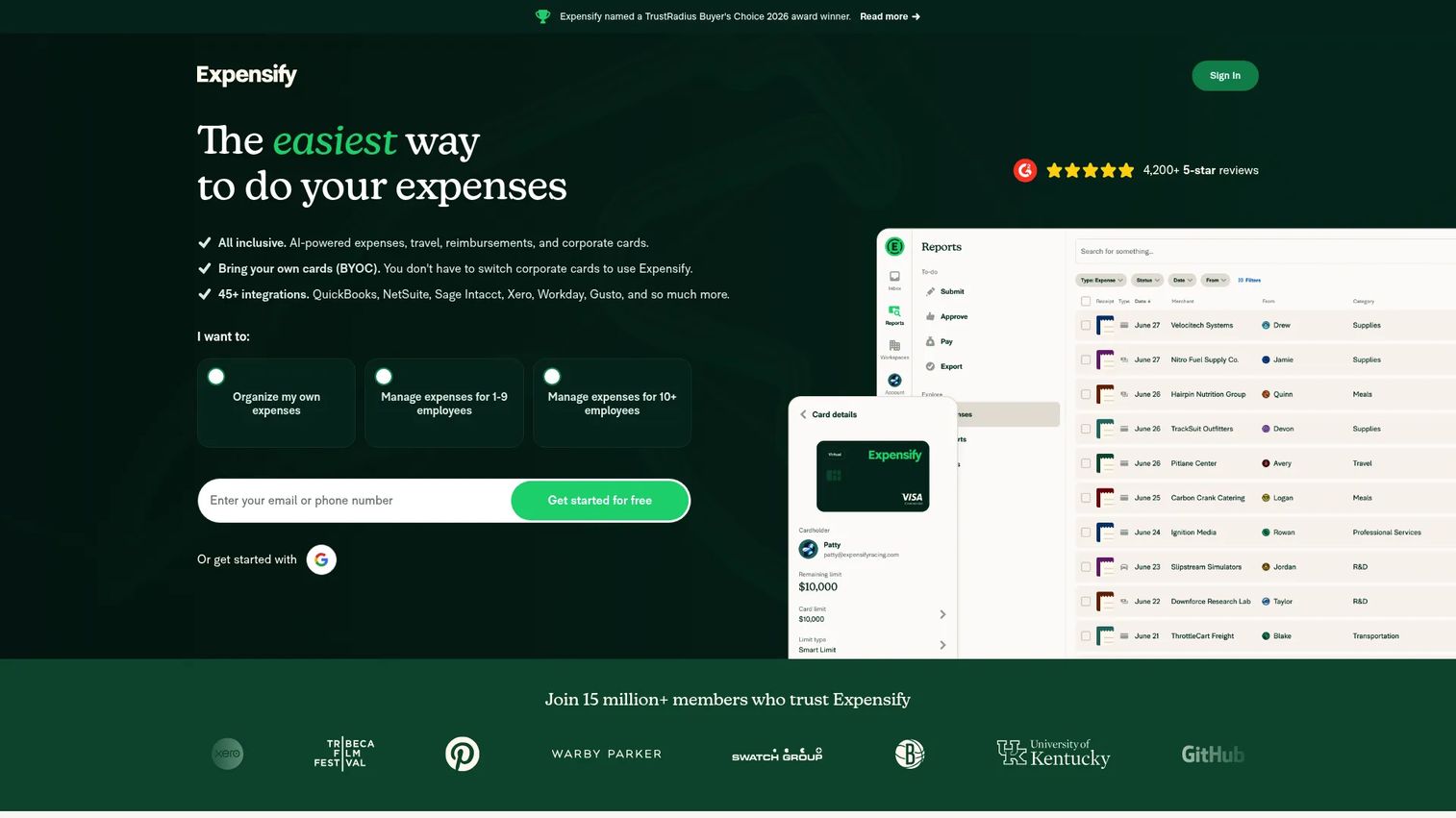
Expensify is expense management software that pulls receipts, reimbursements, corporate cards, travel, bills, and invoices into a single workflow. Its SmartScan receipt capture is the feature most teams notice first: snap a photo, and the expense codes itself. For finance teams that want broad automation without heavy onboarding, it is one of the easiest platforms to roll out across a whole company.
Best for: Teams that want an all-in-one expense, card, reimbursement, and travel workflow with minimal setup.
Key strengths
- Receipt scanning: SmartScan captures and codes receipts automatically, cutting the manual entry that slows month-end close.
- Expense reports and approvals: Configurable approval workflows route expenses by policy so exceptions get caught before reimbursement.
- Corporate cards and reimbursements: Cards and automated reimbursements sit in the same system as reporting, closing the loop between spend and record.
Why choose Expensify: The pitch is adoption. Reps and employees actually use it because the receipt-to-report flow is fast, which means finance gets clean data without nagging. If your priority is broad automation across expenses, cards, and travel rather than deep procurement governance, Expensify covers the most ground with the least friction.
Expensify pricing: New Expensify is free for individuals with unlimited SmartScans. Business plans start with Collect at $5 per member per month, and Control is custom pricing as low as $9 per active member per month. Expensify holds a 4.5/5 rating on G2.
2. Spendesk
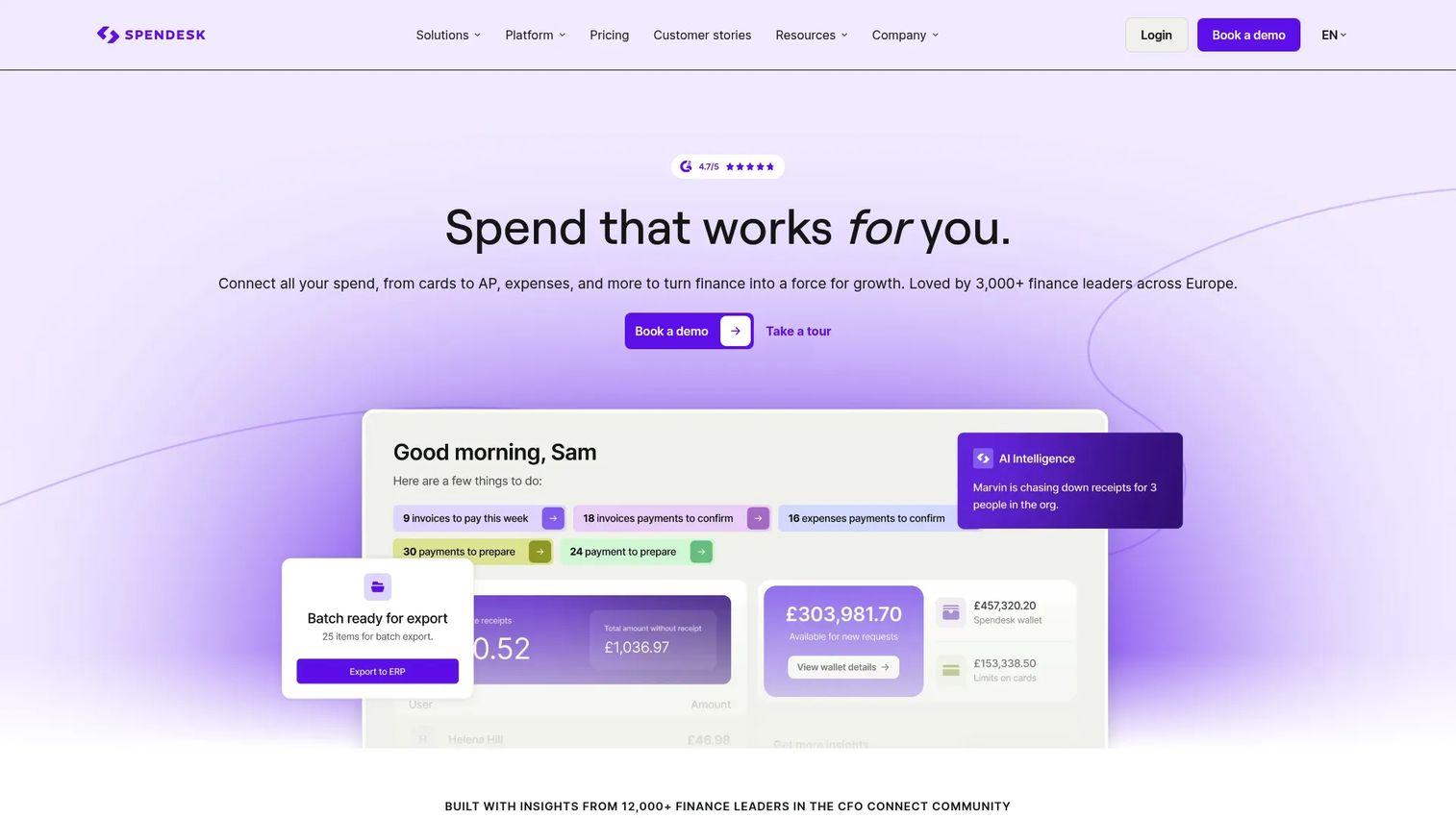
Spendesk is a spend management platform built for finance teams that want control across cards, expenses, accounts payable, and procurement in one place. It goes well beyond simple reimbursements: virtual and physical cards carry pre-set limits, approval workflows enforce policy before spend happens, and budget controls keep departments inside their lines.
Best for: Growing businesses that want finance-led spend control across cards, expenses, AP, and budgets.
Key strengths
- Corporate and virtual cards: Issue cards with built-in limits and category rules so spend stays on-policy from the first swipe.
- Expense management with receipt capture and approvals: Receipts, approvals, and reimbursements run through one workflow with clear audit trails.
- Accounts payable, procurement, and budget control: AP and procurement live alongside spend, giving finance central visibility across the full spend lifecycle.
Why choose Spendesk: Spendesk fits the moment a growing company needs real governance, not just an expense tool. It handles company spend as a system, tying cards, approvals, budgets, and vendor payments together so finance controls the whole picture rather than reconciling pieces after the fact.
Spendesk pricing: Spendesk does not publish subscription pricing publicly; its pricing page directs buyers to contact sales for a quote based on package and add-ons. It holds a 4.6/5 rating on G2.
3. Ramp
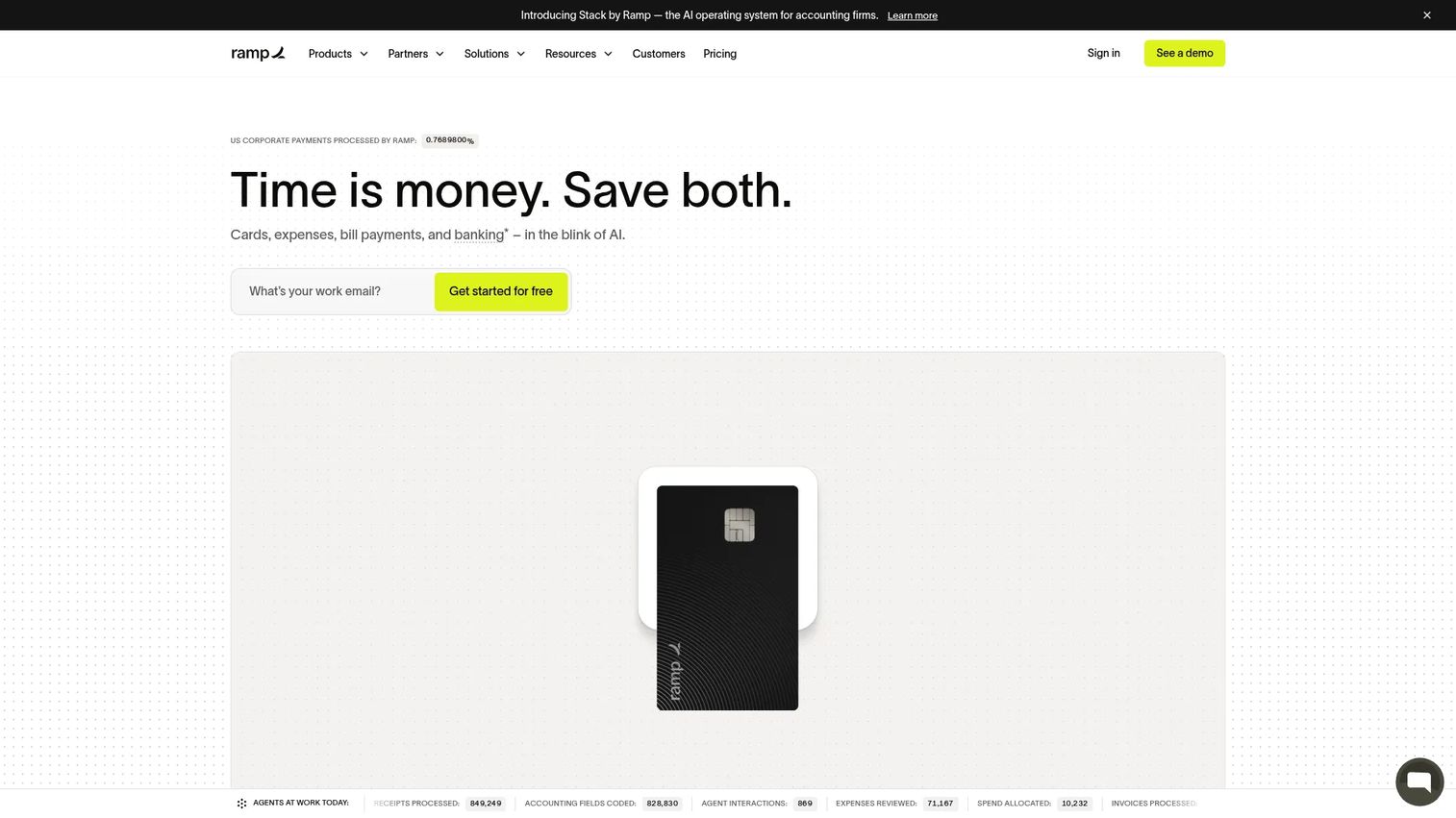
Ramp is a finance operations platform covering spend management, corporate cards, AP automation, travel, procurement, and accounting automation. Finance teams gravitate to it for real-time visibility: every card transaction, budget line, and reimbursement updates live, so overspend surfaces the day it happens rather than at close.
Best for: Finance teams that want an all-in-one spend management platform with strong real-time controls and reporting.
Key strengths
- Corporate cards with spend controls: Set per-card limits, category restrictions, and budgets that enforce policy automatically at the point of purchase.
- Expense management and reimbursements: Receipt capture and reimbursement runs feed straight into reporting with minimal manual touch.
- Accounts payable automation: Bill capture, approvals, and payments automate the AP side so reconciliation stays clean.
Why choose Ramp: Ramp leans into real-time visibility and spend optimization, flagging savings and duplicate subscriptions as it tracks spend. Its free tier makes it accessible for smaller finance teams that still want serious controls, while the Plus tier adds AI-driven automation for teams that need more depth.
Ramp pricing: Ramp offers a Free plan at $0 per user per month, a Plus plan at $15 per user per month plus a platform fee scaled to team size, and custom Enterprise pricing. Ramp holds a 4.8/5 rating on G2.
4. Brex
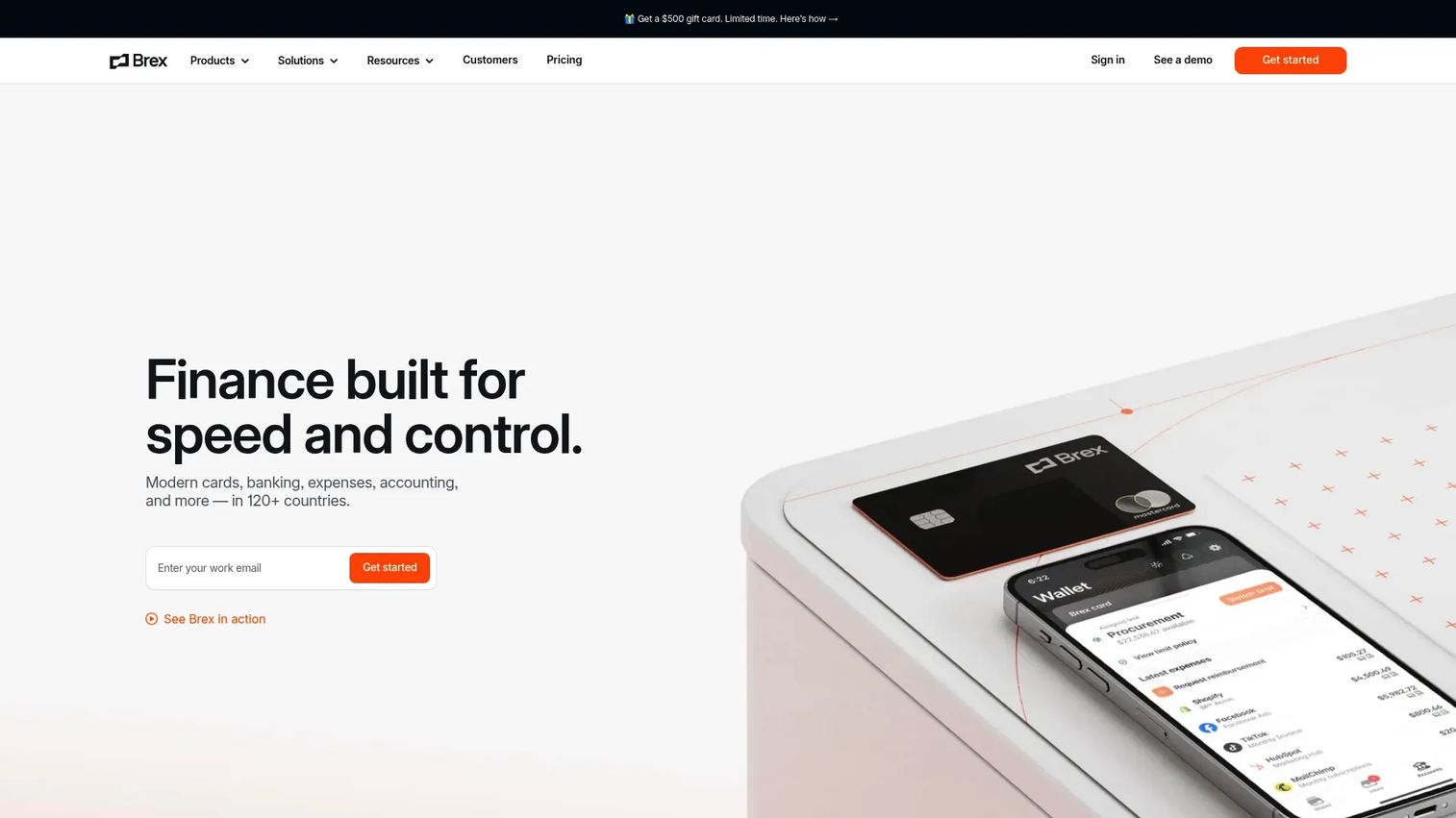
Brex is a unified spend management platform spanning corporate cards, expenses, travel, bill pay, and business accounts. Its strength is card-led control at scale: spend policies live on the cards themselves, so approvals and limits travel with each transaction rather than getting bolted on afterward.
Best for: Mid-market and enterprise finance teams managing global spend across cards, expenses, and bill pay.
Key strengths
- Corporate cards and spend controls: Policies enforce limits and categories on every card, keeping global spend on-policy without manual review.
- Expense management, reimbursements, and approvals: Expenses, approvals, and reimbursements run in one flow with real-time transaction visibility.
- Bill pay, travel, and business accounts: AP, travel, and accounts sit under one roof so finance manages every spend category centrally.
Why choose Brex: Brex fits fast-growing companies that need both control and scale. The card-led model means governance is built into the spend itself, which suits distributed teams and multi-entity finance orgs that cannot chase every transaction manually. Accounting sync keeps the books current as spend flows through.
Brex pricing: Essentials is free at $0 per user per month. Premium runs $12 per user per month, and Enterprise plus the Smart Card offering are custom pricing. Brex holds a 4.8/5 rating on G2.
5. Coupa
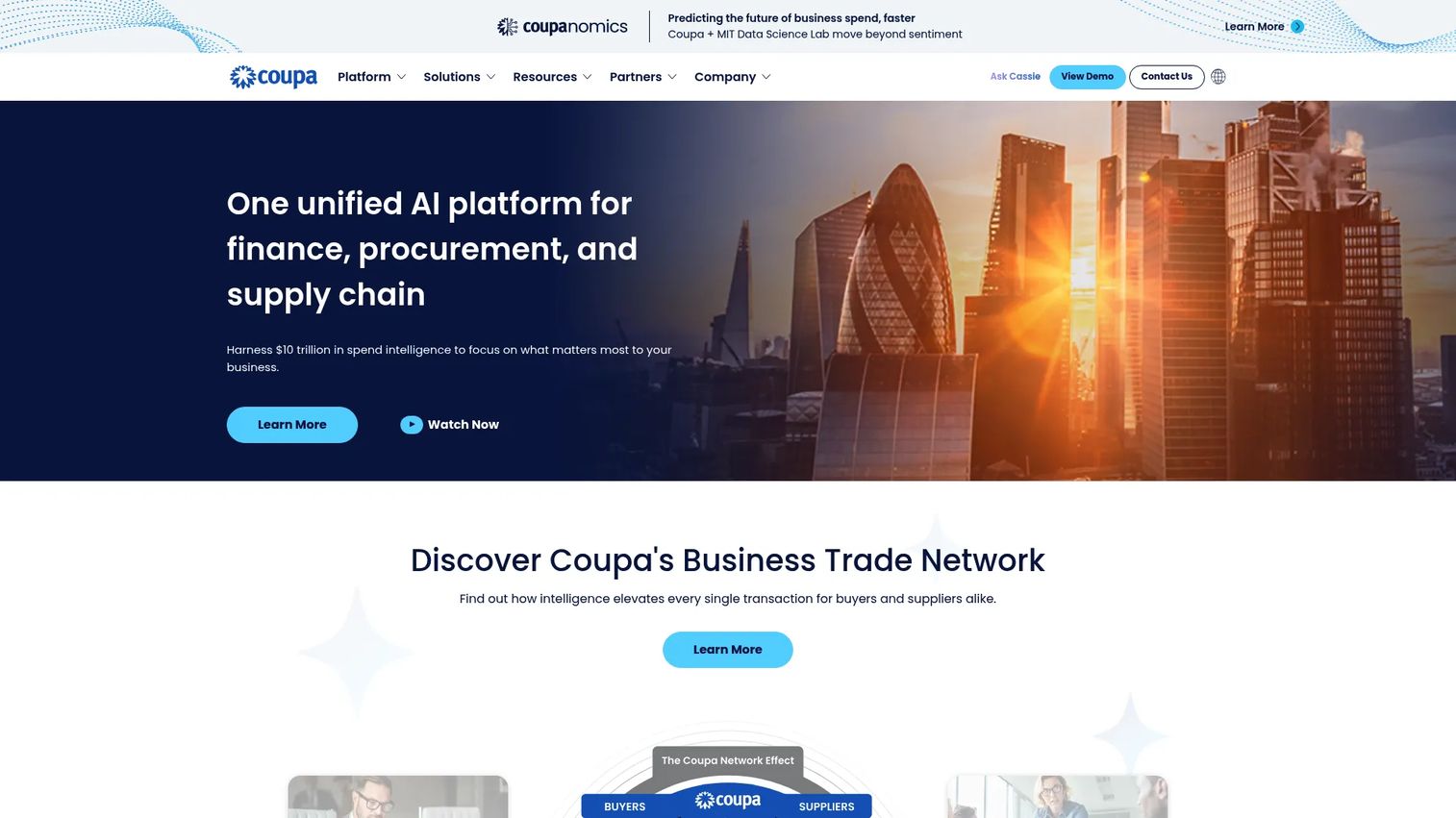
Coupa is business spend management software built for the enterprise, covering procurement, invoicing, expenses, and supplier collaboration in a source-to-pay suite. Where the card-led tools focus on employee spend, Coupa targets the heavier governance and procurement workflows that large organizations run across many departments and suppliers.
Best for: Enterprises managing procurement and spend across multiple complex workflows and approval layers.
Key strengths
- Source-to-pay workflows: End-to-end coverage from sourcing through payment, with approval controls at each stage.
- Supplier portal and sourcing events: Manage suppliers, run sourcing events, and centralize vendor collaboration in one place.
- Expense and card reconciliation: Expense capture and card reconciliation feed into the broader spend picture for full visibility.
Why choose Coupa: Coupa is the choice when procurement complexity and enterprise governance outweigh the need for a lightweight card experience. It is oriented toward larger organizations with heavy approval chains, supplier management, and compliance requirements, so smaller teams may find it more platform than they need. For enterprises, the depth is the point.
Coupa pricing: Coupa does not publish public pricing; deals are quoted based on scope and modules. It holds a 4.2/5 rating on G2.
6. Zoho Expense
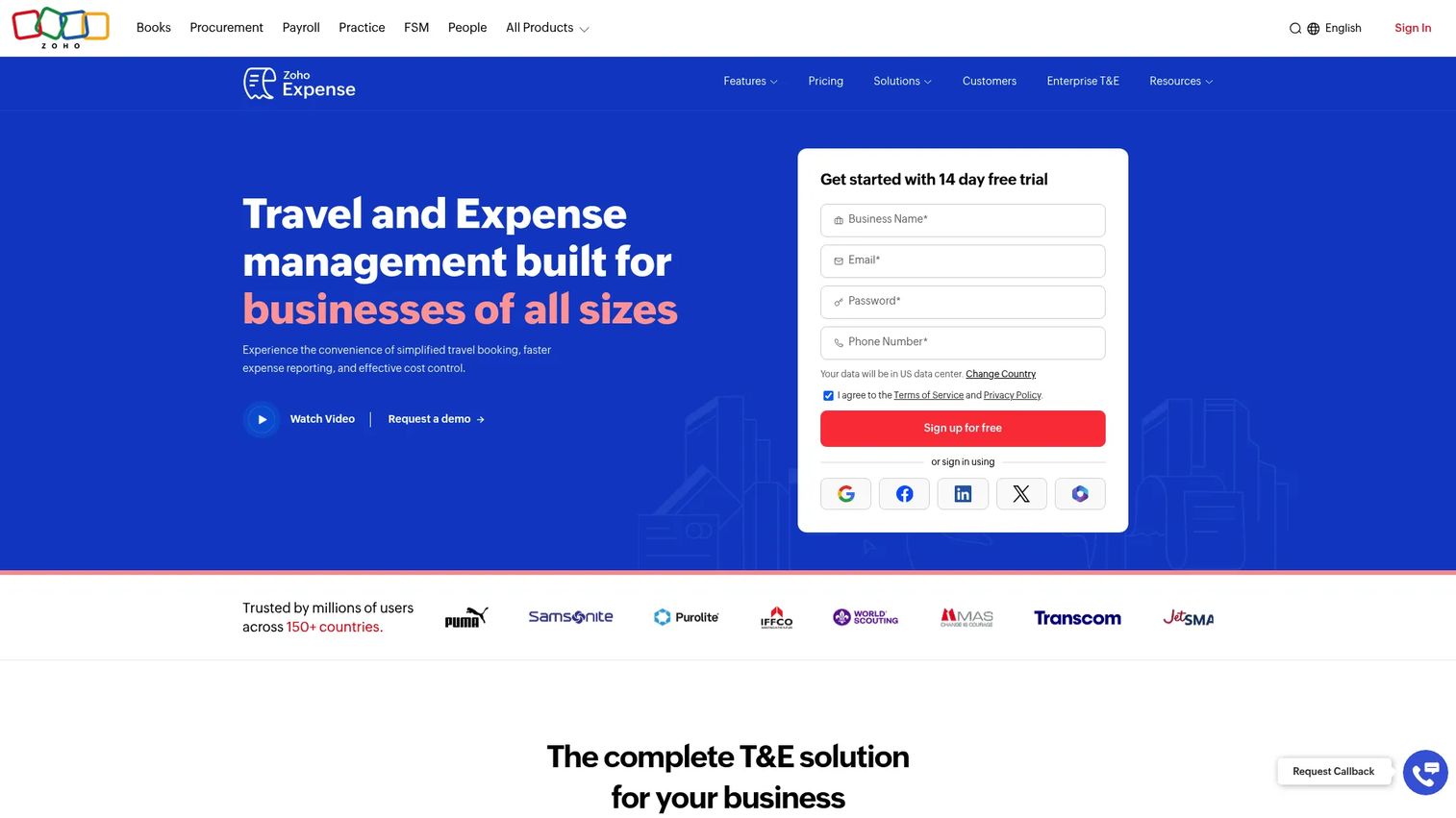
Zoho Expense is cloud expense management software focused on capturing receipts, tracking expenses, routing approvals, and handling reimbursements. Its autoscan receipt capture and multi-currency support make it a practical fit for teams that want solid receipt-to-report automation without a heavy price tag.
Best for: Teams that want receipt-to-report automation with approvals and reimbursements, especially cost-conscious buyers or existing Zoho users.
Key strengths
- Receipt capture and autoscan: Autoscan reads receipts and creates expenses automatically, including mobile uploads on the go.
- Expense reports and approval workflows: Configurable approvals and policy checks route expenses correctly and flag exceptions.
- Multi-currency and reimbursement handling: Multi-currency support and reimbursement runs suit teams with travel or international spend.
Why choose Zoho Expense: Zoho Expense delivers strong value for teams already in the Zoho ecosystem or buyers watching cost. The mobile workflow and admin controls cover the core of expense tracking software without enterprise overhead, and integration with the wider Zoho suite keeps data connected.
Zoho Expense pricing: Zoho Expense offers a Free plan, a Standard plan at $4 per active user per month billed annually, a Premium plan at $7 per active user per month billed annually, and a custom Enterprise plan. A 14-day trial is available. It holds a 4.5/5 rating on G2.
7. Payhawk
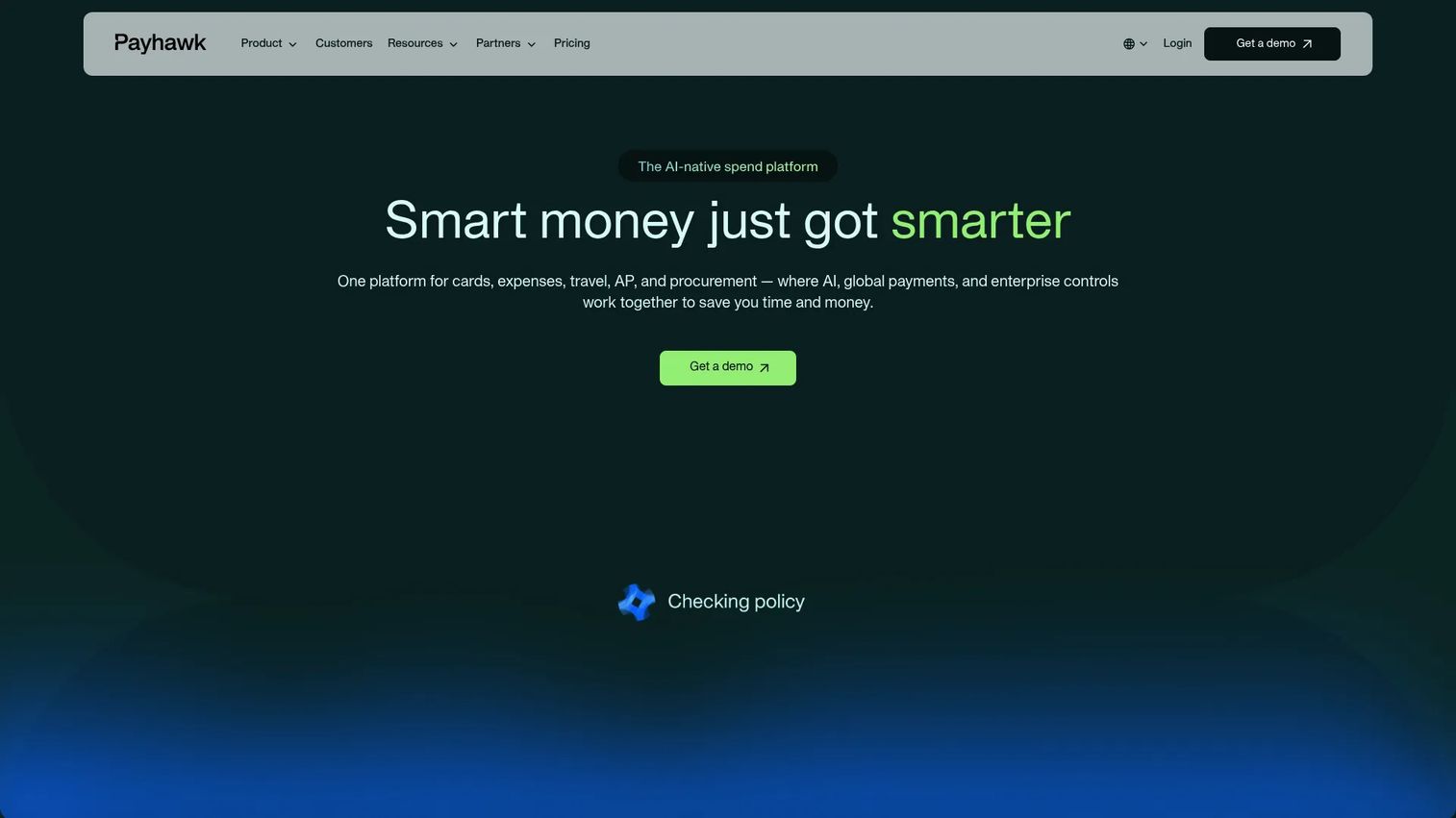
Payhawk is an AI-powered spend management platform combining company cards, expenses, bills, travel, and procurement, with strong support for multi-entity operations. For international or scaling finance teams, its ability to manage spend across entities from a single dashboard is the standout.
Best for: Mid-market and enterprise finance teams needing centralized spend control across cards, expenses, AP, travel, and procurement.
Key strengths
- Company cards and spend controls: Issue cards with policy-based limits and categories that enforce control across every entity.
- Expense management and accounts payable: Receipt capture, approvals, and AP automation run together for clean reconciliation.
- Multi-entity management and ERP integrations: Manage multiple entities centrally with ERP and HR integrations that keep data in sync.
Why choose Payhawk: Payhawk earns its place for finance teams operating across borders or multiple legal entities. Governance and central visibility are the core promise: one place to enforce policy, approve spend, and reconcile across entities, with travel and procurement folded into the same platform.
Payhawk pricing: Payhawk uses module-based pricing starting at $299 per month for Travel, $449 for Cards & Expenses, $349 for Accounts Payable, and $499 for Procurement. A Growth program starts at £149 per month for eligible small businesses. It holds a 4.5/5 rating on G2.
8. BILL Spend & Expense
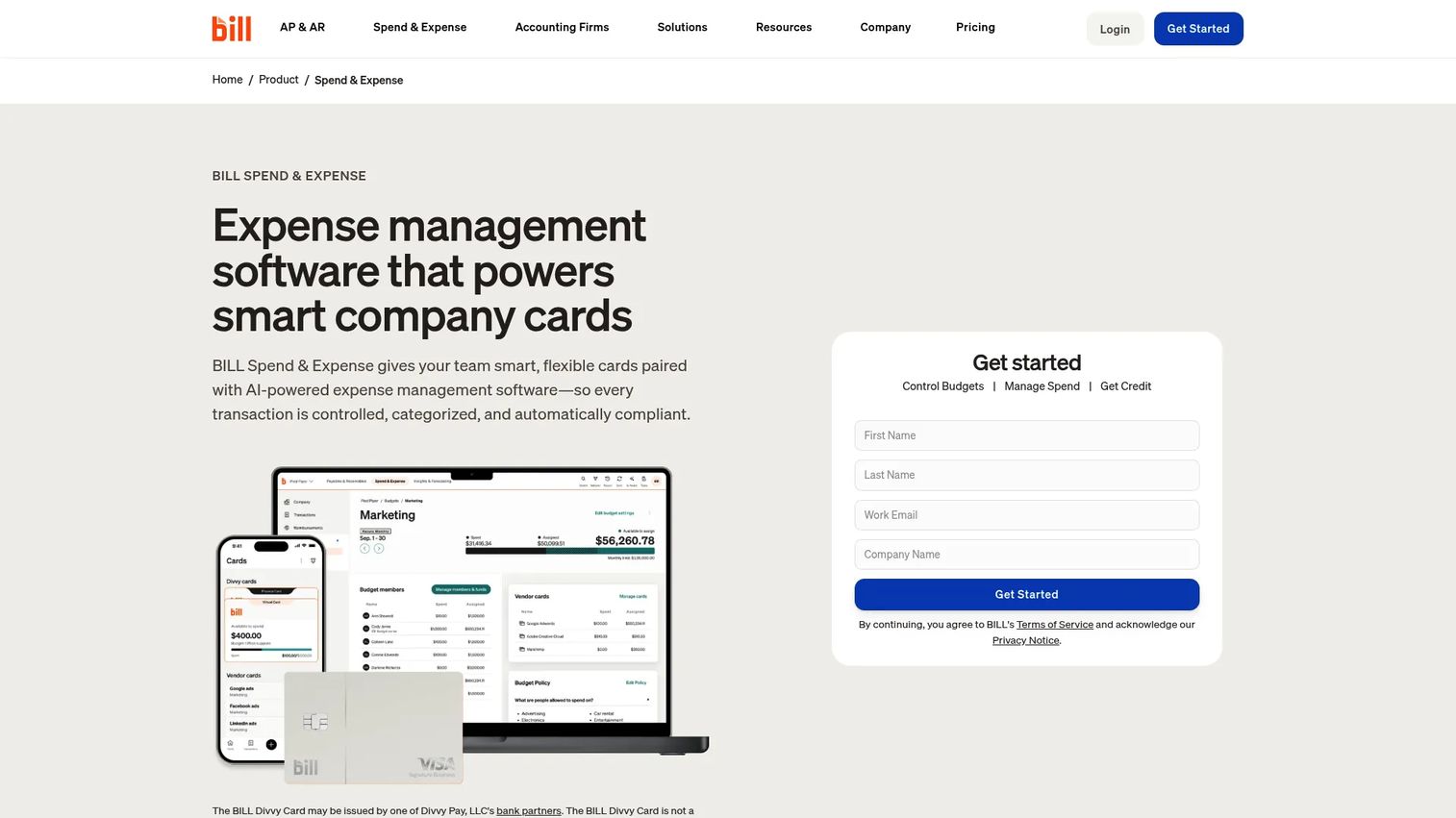
BILL Spend & Expense (formerly Divvy) pairs corporate cards with budgets, expense tracking, and automated spend controls. Its headline draw is a free-from-subscription model that gives SMBs real spend management without a per-user software fee, plus a natural connection to BILL's broader AP and bill pay tools.
Best for: SMBs that want free spend management software paired with corporate cards and expense controls.
Key strengths
- Company cards and virtual cards: Issue physical and virtual cards with budget-based limits set before spend happens.
- Expense tracking and receipt capture: Capture receipts and track expenses in real time as transactions post.
- Budgeting and spend controls: Set department budgets and controls that keep spend inside plan automatically.
Why choose BILL Spend & Expense: For SMBs and finance teams that want a simpler stack, the free tier is hard to beat. Budgets are built in rather than bolted on, and the connection to BILL's AP and bill pay workflows means expense control and vendor payments can live under one roof as you grow.
BILL Spend & Expense pricing: The Spend & Expense plan is free from subscription and per-user software fees. Corporate runs $89 per user per month, and Enterprise is custom pricing. It holds a 4.5/5 rating on G2.
9. Navan
Navan is an AI-powered travel expense management software platform that combines booking, expense reporting, corporate cards, and spend controls. For travel-heavy organizations, it is the clearest fit on this list: employees book trips inside policy, and the resulting expenses capture themselves without a separate reporting step.
Best for: Companies wanting an all-in-one platform for travel booking, expenses, and cards.
Key strengths
- Global travel booking and management: Book flights, hotels, and cars inside policy, with controls that enforce travel spend automatically.
- Expense reporting and reimbursements: Trip expenses capture from bookings and cards, cutting the manual reporting that follows travel.
- Corporate cards and spend controls: Cards and policy controls tie travel and non-travel spend into one centralized view.
Why choose Navan: Navan stands out when travel spend is a real line item. Putting booking, policy enforcement, and expense capture in one workflow gives finance centralized visibility over trip-related spend and gives travelers a smoother experience. For teams where travel management software and expense capture currently live in separate tools, unifying them is the win.
Navan pricing: Navan Business is free for companies up to 300 employees, and Navan Expense is free for the first 5 expensing users, then $15 per user per month. Larger organizations request a quote. It holds a 4.7/5 rating on G2.
10. QuickBooks
QuickBooks is accounting software for small and midsize businesses, with expense tracking, invoicing, reimbursements, and reporting built around the general ledger. It anchors spend to the books rather than the other way around, which is exactly what accounting-first teams want.
Best for: Small businesses that want cloud accounting with invoicing, expense tracking, and reporting in one place.
Key strengths
- Invoicing and payments: Send invoices and collect payments alongside expense tracking in a single accounting system.
- Expense tracking and reporting: Track expenses and generate financial reports directly against the general ledger.
- Inventory tracking: Higher tiers add inventory tracking for businesses that need it.
Why choose QuickBooks: QuickBooks fits accounting-first teams and smaller businesses that need basic spend control tied directly to their books. It is stronger as an accounting anchor than a deep enterprise spend suite, so teams needing heavy card controls or multi-entity procurement will pair it with a dedicated spend platform. For a small business, it may be all the spend visibility you need.
QuickBooks pricing: QuickBooks Online offers Simple Start, Essentials, Plus, and Advanced tiers with a 30-day free trial and annual billing options; check the vendor site for current plan pricing in your region. It holds a 4.2/5 rating on G2.
Considerations before you buy
The demo looks clean in every sales call. The gap shows up in your actual workflow. Here is what to pressure-test before you commit.
Receipt capture and ingestion
Good receipt capture is the difference between a tool people use and one they abandon. Check scan quality, email forwarding, mobile upload, and OCR accuracy. Duplicate detection matters more than it sounds, because double-entered receipts quietly inflate spend. Test it with a messy real receipt, not a clean sample.
Approval workflows and policy enforcement
A submit button is not a control. You want role-based approvals, spend limit enforcement, outlier flagging, and clean exception handling. Finance needs configurable rules that match how your org actually approves spend, including multi-step chains and delegated authority. Ask whether policy is enforced before spend clears or only reviewed after.
Integrations with accounting and ERP
Integrations are where reconciliation time is won or lost. Confirm native sync with your system, whether that is QuickBooks, NetSuite, Xero, or Sage Intacct, plus any ERP you run. A real integration cuts manual re-entry and prevents data drift between the spend platform and the books. A shallow one just moves the work around.
Budgeting and reporting
Look for budget vs actual visibility at the department and project level, updated in real time rather than at close. Strong reporting ties directly into forecasting and control, so you catch overspend while you can still act on it. If the reporting only tells you what already happened, it is history, not control.
Travel and reimbursements
If your team travels, decide whether booking and expense capture should live in one workflow. Unified travel and expense removes the reporting step after every trip and improves the traveler experience. On reimbursements, check the speed of pay runs, because slow reimbursements are a quiet morale drain that shows up in adoption numbers.
Conclusion
The best spend management software depends on your operational reality, not a leaderboard. If you want broad automation across expenses, cards, and travel with fast adoption, Expensify is the safe default. Growing finance teams that need real governance across cards, AP, and budgets lean toward Spendesk. For real-time visibility and a free entry point, Ramp is hard to beat, while Brex suits card-led control at scale.
Enterprises with heavy procurement and supplier workflows should evaluate Coupa. Cost-conscious or Zoho-native teams get strong value from Zoho Expense, multi-entity finance orgs from Payhawk, and SMBs from the free tier of BILL Spend & Expense. Travel-heavy organizations should shortlist Navan, and accounting-first small businesses will find QuickBooks anchors spend cleanly to the books.
The decision comes down to workflow fit and integrations. Map your spend lifecycle, from capture through reconciliation, then choose the platform that enforces policy where your money actually leaks. Run a real transaction through a trial before you sign. If you are building out the wider operations stack, our guides to contract lifecycle management software and event management software cover adjacent decisions worth getting right.
FAQs
Spend management software is a platform that controls, tracks, and automates company spending across cards, expenses, approvals, budgets, and vendor payments in one system. It enforces policy at the point of purchase and syncs clean data into your accounting system, so finance manages the full spend lifecycle instead of reconciling it after the fact.
Expense management software captures what was spent and routes it for reimbursement, which is one slice of the process. A spend management platform covers the wider lifecycle: cards, approvals, budgets, AP, and procurement, with policy enforced before money is committed. In practice, most modern tools blend both, so the difference is scope rather than a hard line.
Prioritize spend controls and policy enforcement, receipt capture and expense automation, accounting integrations, and real-time reporting. Approval workflows that catch exceptions before spend clears and budget vs actual visibility are the features finance teams feel every month. Cards with per-transaction limits round out the core.
Confirm native sync with your general ledger, most commonly QuickBooks, NetSuite, Xero, or Sage Intacct, plus any ERP you run. A real integration maps spend to the right accounts automatically and cuts manual re-entry. Shallow integrations just move reconciliation work around instead of removing it, so test the sync with live data.
Yes. Travel spend management works best when booking, policy enforcement, and expense capture live in one workflow. Employees book inside policy, and the resulting expenses capture themselves from bookings and cards, removing the separate reporting step. Travel-focused platforms give finance centralized visibility over trip-related spend and a smoother traveler experience.
Often, yes. Several platforms offer free tiers that pair corporate cards with budgets and expense controls, so a small business gets real spend visibility without a software fee. Accounting-first teams may find their accounting tool covers basic expense tracking, then add a dedicated spend platform as card volume and headcount grow.
It sets budgets at the department or project level and enforces limits on cards before spend happens, not after. Budget vs actual tracking updates in real time, so overspend surfaces while you can still act on it. That shifts finance from reporting on last month to controlling this month, which ties directly into forecasting.
Test receipt capture and duplicate detection with messy real receipts, confirm approval workflows match your actual policy chains, and verify native accounting or ERP sync with live data. Check reimbursement speed, budget reporting granularity, and whether policy is enforced before spend clears. Run one real transaction through a trial end to end before you commit.