
Most teams map the customer journey once, pin it to a wall, and never look at it again. The map becomes a relic of a workshop rather than a tool that drives decisions.
Customer journey mapping tools - a market valued at $1.2 billion in 2024 - change that pattern. They turn static diagrams into collaborative, data-informed views that marketing, sales, and product teams actually use. This guide covers 15 tools across visualization and analytics categories, with guidance on when each type fits and how to choose based on your team's goals.
What's inside
This guide covers the two main categories of journey mapping software: visualization platforms for designing maps and analytics tools for tracking real behavior. You'll find a ranked list of 15 tools, selection criteria based on team size and use case, and guidance on when each type fits best.
Tools were chosen based on G2 ratings, feature depth, integration capabilities, and fit for GTM teams who want to move from mapping to action.
TL;DR
- Customer journey mapping tools are software platforms that help teams visualize and analyze every touchpoint a customer experiences from awareness through retention.
- Two categories exist: visualization platforms for designing collaborative maps vs. analytics software for tracking actual user behavior.
- Best for visualization: Miro, Smaply, Lucidchart, UXPressia
- Best for analytics: Fullstory, Heap, Amplitude, Hotjar
- Guideflow fits teams who want to turn journey insights into interactive product experiences that guide prospects through each stage.
What are customer journey mapping tools
Customer journey mapping tools are software platforms that help teams visualize, document, and analyze every touchpoint a customer experiences when interacting with your product or brand. Think of them as replacing whiteboard sessions and static slide decks with collaborative, data-informed maps that everyone can access and update.
The core idea is straightforward: you document the steps, emotions, and friction points customers encounter from first awareness through purchase and ongoing retention. Marketing, sales, and product teams get a shared view of the buyer experience instead of everyone working from different assumptions.
Key functions include:
- Visualize touchpoints: Map every interaction across channels, from ads to onboarding emails to support tickets
- Identify friction: Spot where customers drop off, struggle, or express frustration
- Align teams: Give cross-functional stakeholders a single source of truth about the customer experience
- Optimize conversion: Use insights to improve each stage of the funnel based on real patterns
Journey mapping software typically falls into two categories. Visualization platforms focus on designing and sharing maps collaboratively. Analytics platforms track what customers actually do, providing behavioral data to validate or challenge your assumptions.
Two types of journey mapping software
Before evaluating specific tools, it helps to understand the fundamental distinction between the two categories. They serve different purposes, and many teams eventually use both.
Journey map visualization and design platforms
Visualization tools focus on creating visual representations of the customer journey. Think collaborative canvases, templates, and design flexibility. Teams use them to document hypothesized journeys based on research, interviews, and internal knowledge.
Visualization platforms work well for workshops, alignment meetings, and communicating journey insights to executives who want to see the big picture. Examples include Miro, Smaply, Figma, and UXPressia. The output is typically a visual map showing stages, touchpoints, customer emotions, pain points, and opportunities.
Customer journey analytics software
Analytics tools take a different approach. Instead of documenting what you think happens, they show what customers actually do. Session replays, heatmaps, funnel analysis, and event tracking reveal real behavior patterns.
Analytics platforms connect to your product or website and capture data automatically. You can see exactly where users click, scroll, hesitate, or abandon. Examples include Fullstory, Heap, Amplitude, and Hotjar.
Aspect
Visualization platforms
Analytics software
Primary function
Design and document journey maps
Track real user behavior
Data source
Research, interviews, assumptions
Live session data, event tracking
Best for
Stakeholder alignment, workshops
Validating friction points, optimization
Output
Visual maps, personas, touchpoint diagrams
Heatmaps, funnels, session replays
When to use customer journey mapping software
Journey mapping tools make sense in specific situations. Here's when teams typically reach for them.
Aligning GTM teams on the buyer journey
Marketing, sales, and customer success teams often operate with different mental models of how prospects move through the funnel. Visualization tools help create a shared view. This is especially valuable before product launches or when messaging feels inconsistent across channels.
Identifying friction points across touchpoints
Teams often suspect customers are dropping off somewhere but lack clarity on where or why. Analytics tools help here. Session replays and heatmaps reveal actual behavior rather than guessed pain points.
Building interactive experiences at key journey stages
Some teams want to go beyond mapping to actually creating experiences that guide customers through the journey. This is where interactive demos fit. You can use journey maps to identify stages where self-serve product experiences would reduce friction and accelerate decisions.
Tracking engagement and drop-off across the funnel
Teams often want ongoing measurement rather than one-time mapping. Analytics platforms provide dashboards and funnel reports that update continuously. Integration with CRM and marketing automation tools keeps journey data connected to pipeline and revenue.
Customer journey mapping tools comparison
#
Product
Intent
Key use case
Pricing
G2 rating
1
Guideflow
Action
Interactive product demos
Free + paid from $40/mo
4.8
2
Smaply
Visualization
Dedicated CX mapping
From $19/mo
4.5
3
Miro
Visualization
Collaborative whiteboarding
Free + paid from $8/mo
4.8
4
Lucidchart
Visualization
Diagramming and flowcharts
Free + paid from $7.95/mo
4.6
5
Figma
Visualization
Design and prototyping
Free + paid from $15/mo
4.7
6
Fullstory
Analytics
Session replay and analytics
Custom pricing
4.5
7
Hotjar
Analytics
Heatmaps and feedback
Free + paid from $32/mo
4.3
8
UXPressia
Visualization
Dedicated CX mapping
Free + paid from $16/mo
4.5
9
Custellence
Visualization
Journey management
From €29/mo
4.4
10
TheyDo
Visualization
Journey management
Custom pricing
4.6
11
Microsoft Visio
Visualization
Enterprise diagramming
From $5/mo
4.2
12
Sketch
Visualization
Design and prototyping
From $10/mo
4.5
13
Heap
Analytics
Product analytics
Free + custom pricing
4.4
14
Amplitude
Analytics
Product analytics
Free + custom pricing
4.5
15
Mixpanel
Analytics
Product analytics
Free + paid from $28/mo
4.5
15 best customer journey mapping tools for your team
1. Guideflow
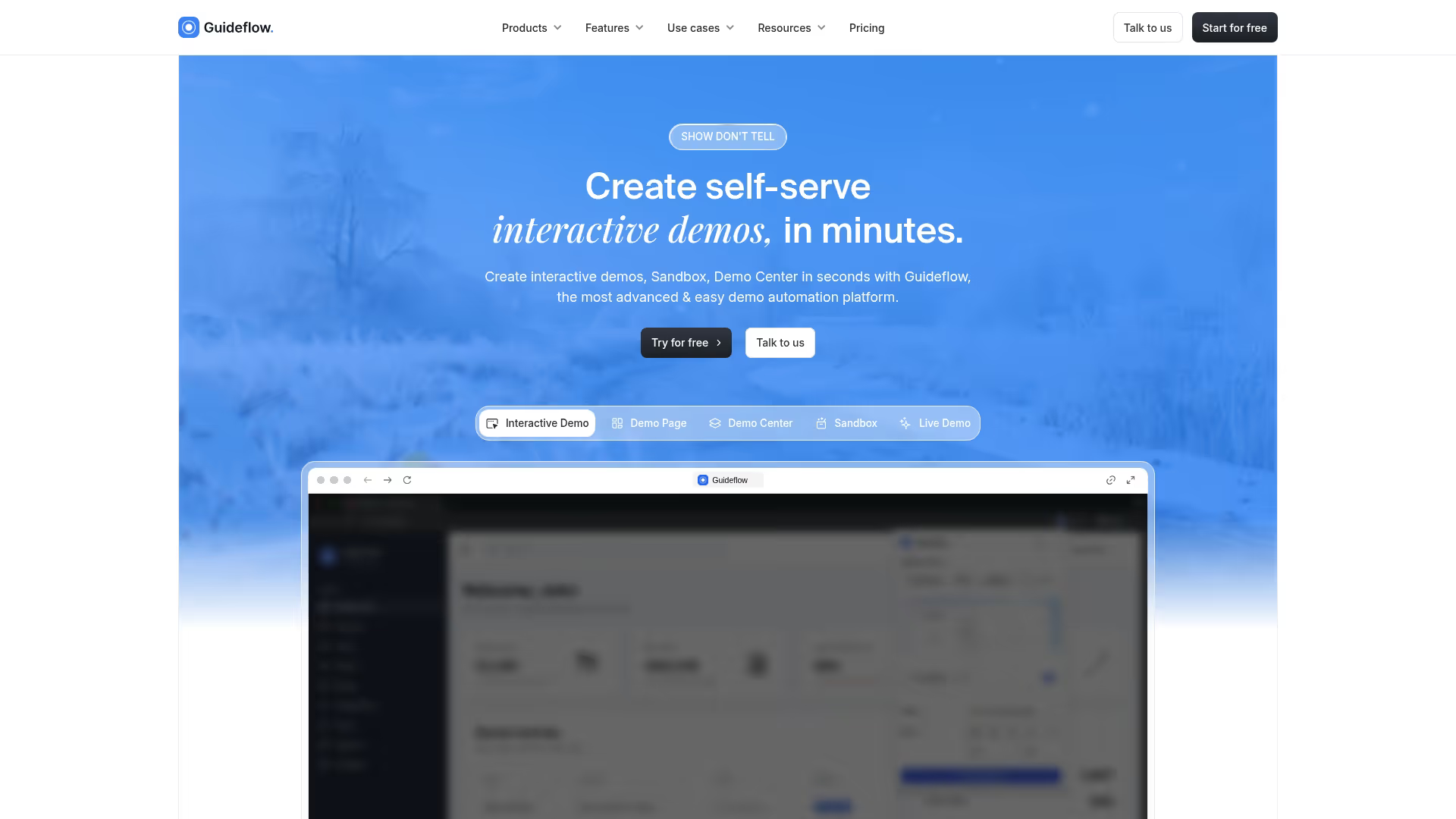
Guideflow is the tool for teams who want to turn journey insights into action. While traditional journey mapping tools help visualize the path, Guideflow helps you create interactive product experiences at each stage. Instead of just documenting where prospects might struggle, you build clickable demos that guide them through.
Teams use Guideflow to capture product flows and turn them into self-serve experiences. You can embed demos on landing pages, link them in outbound emails, or drop them into help docs.
Best for: GTM teams who want to operationalize journey maps with interactive demos rather than just document them.
Key strengths
- No-code capture: Record your product flow in a few clicks and generate an interactive walkthrough automatically
- Personalization by journey stage: Customize demos for different personas, industries, or funnel stages using dynamic variables
- Engagement analytics: Track impressions, completion rates, and drop-off points to see which flows actually move people
- CRM integration: Connect demo engagement data to your existing stack for lead scoring and pipeline qualification
Start your journey with Guideflow today!
2. Smaply
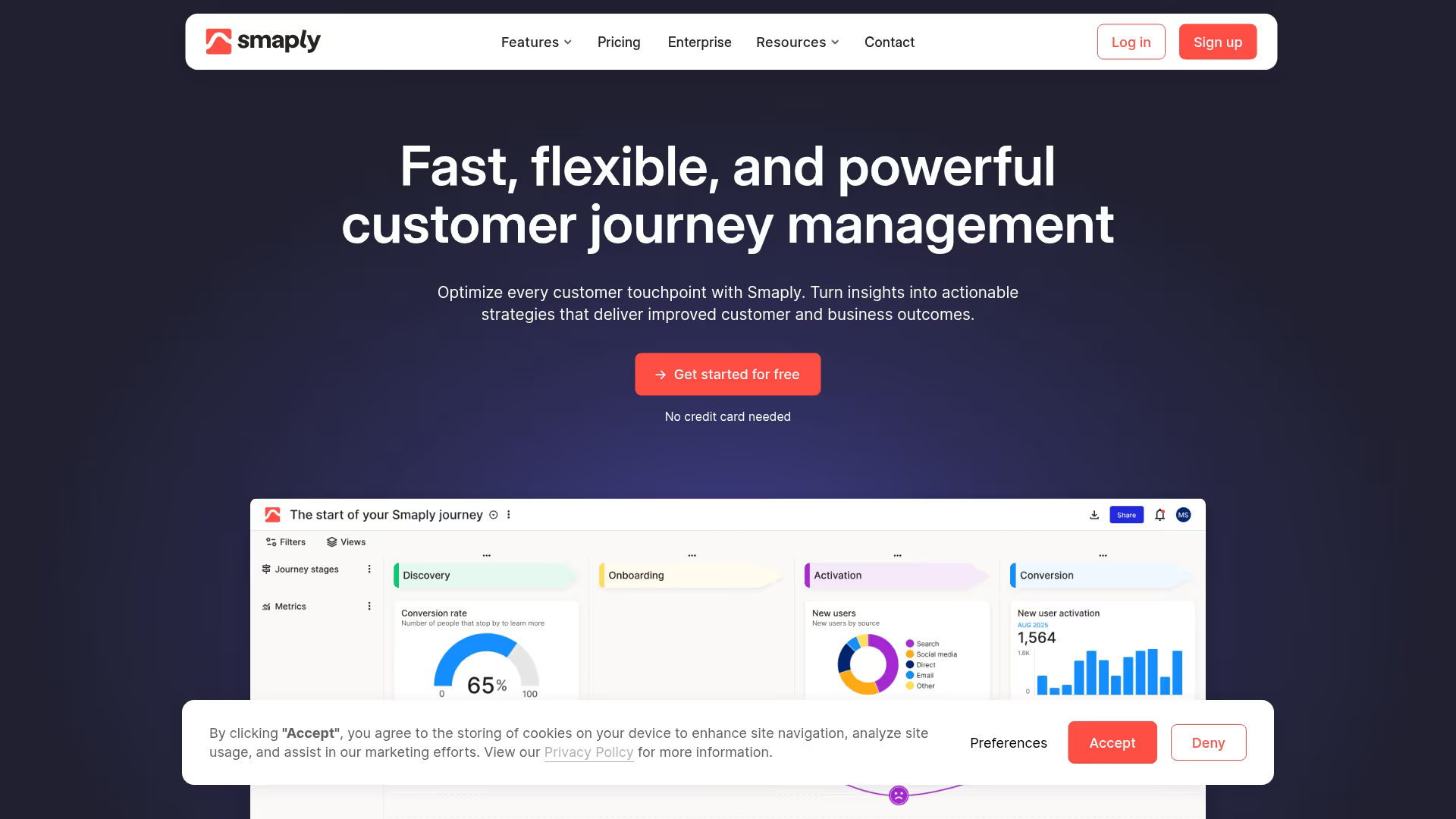
Smaply is a dedicated customer journey mapping platform built specifically for CX professionals. It offers journey map templates, persona builders, and stakeholder mapping in a single workspace.
The platform focuses on the full CX toolkit rather than general diagramming. You can create journey maps, personas, and stakeholder maps that link together, making it easier to see how different customer types experience different paths.
Best for: CX and UX teams running structured journey mapping projects with multiple personas.
Key strengths
- Purpose-built templates: Journey map formats designed for CX work, not adapted from general diagramming
- Persona creation: Build detailed customer profiles that connect to specific journey variations
- Stakeholder maps: Visualize internal and external relationships that affect the customer experience
3. Miro
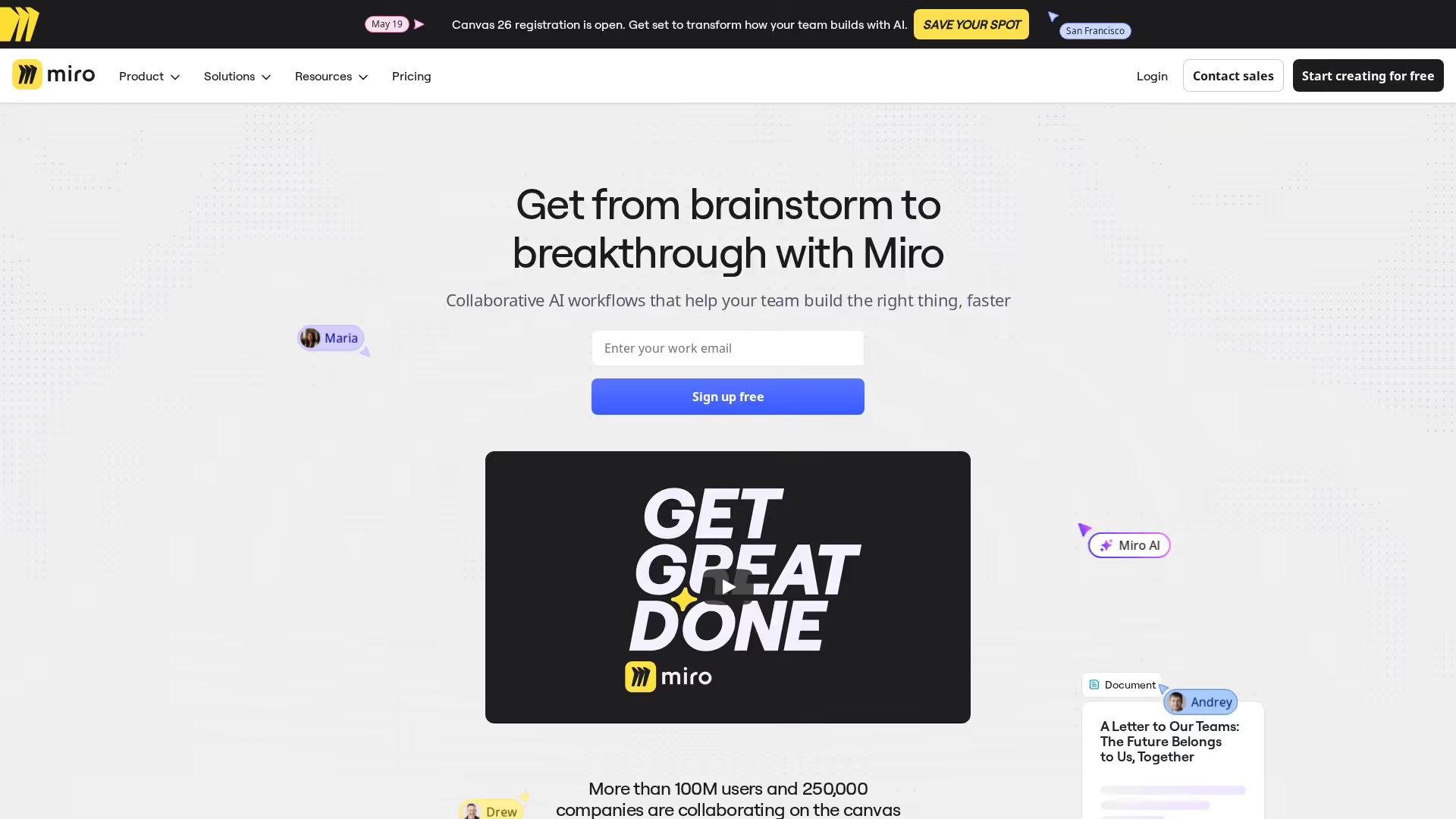
Miro is a visual collaboration platform with strong journey mapping templates. It works well for remote workshops and real-time collaboration where multiple stakeholders contribute simultaneously.
The platform offers flexibility beyond just journey mapping. Its 100+ million users across 250,000 customers use it for brainstorming, sprint planning, and strategy sessions. Journey mapping templates provide structure, but you can customize everything.
Best for: Teams who want visual collaboration with journey mapping as one use case among many.
Key strengths
- Real-time collaboration: Multiple users can work on the same canvas with live cursors and comments
- Extensive template library: Pre-built journey map templates plus thousands of other frameworks
- Integrations: Connects with Slack, Jira, Asana, and other tools teams already use
4. Lucidchart
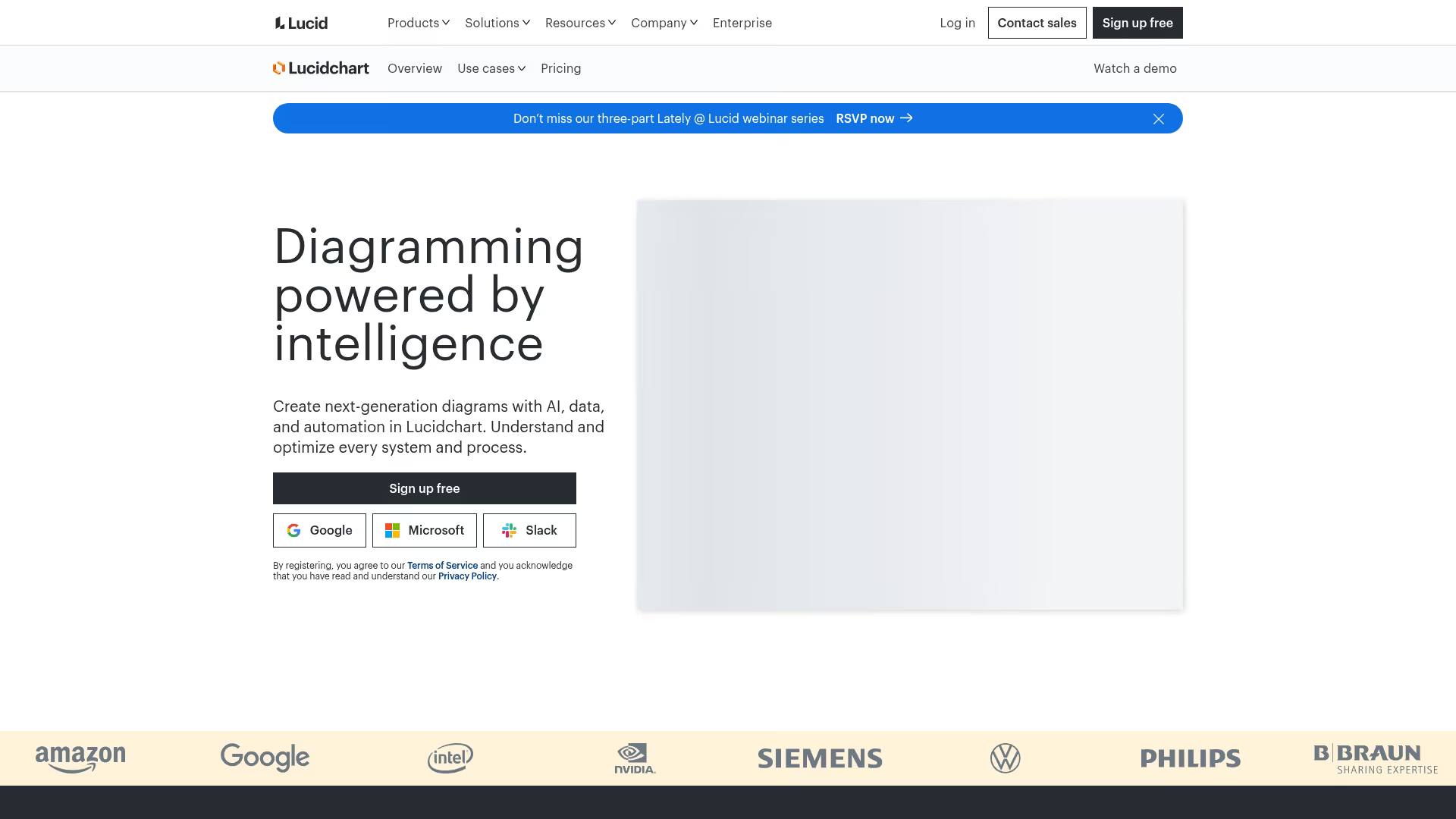
Lucidchart is a diagramming tool with journey mapping capabilities. It offers structured templates and works well for teams already using the Lucid Suite for flowcharts, org charts, and process documentation.
The platform emphasizes precision and professional output. Journey maps created in Lucidchart often end up in presentations and documentation where visual polish matters.
Best for: Teams who want diagramming across multiple use cases including journey maps.
Key strengths
- Professional diagram templates: Clean, presentation-ready journey map formats
- Data linking: Connect shapes to external data sources for dynamic updates
- Presentation mode: Present directly from the tool without exporting
5. Figma
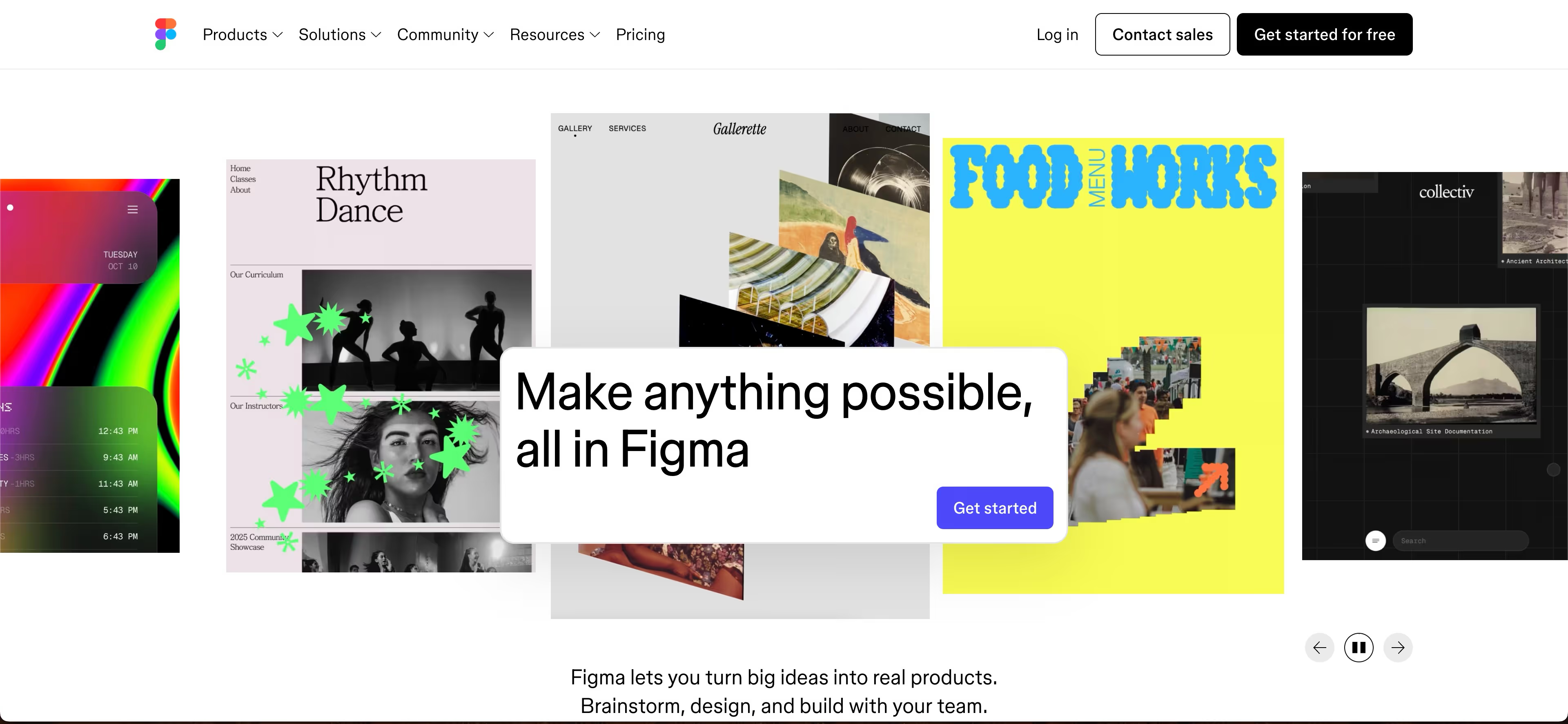
Figma is a design platform that teams adapt for journey mapping. Designers often build custom journey map components within the tool, creating reusable systems that match brand guidelines.
The platform excels when journey maps integrate with broader design work. Teams can move from journey mapping to wireframing to prototyping in the same environment.
Best for: Design teams who want journey maps integrated with their design workflow.
Key strengths
- Design flexibility: Build exactly the journey map format you want with full design control
- Component libraries: Create reusable journey map elements for consistency across projects
- FigJam for workshops: Collaborative whiteboarding for journey mapping sessions
6. Fullstory
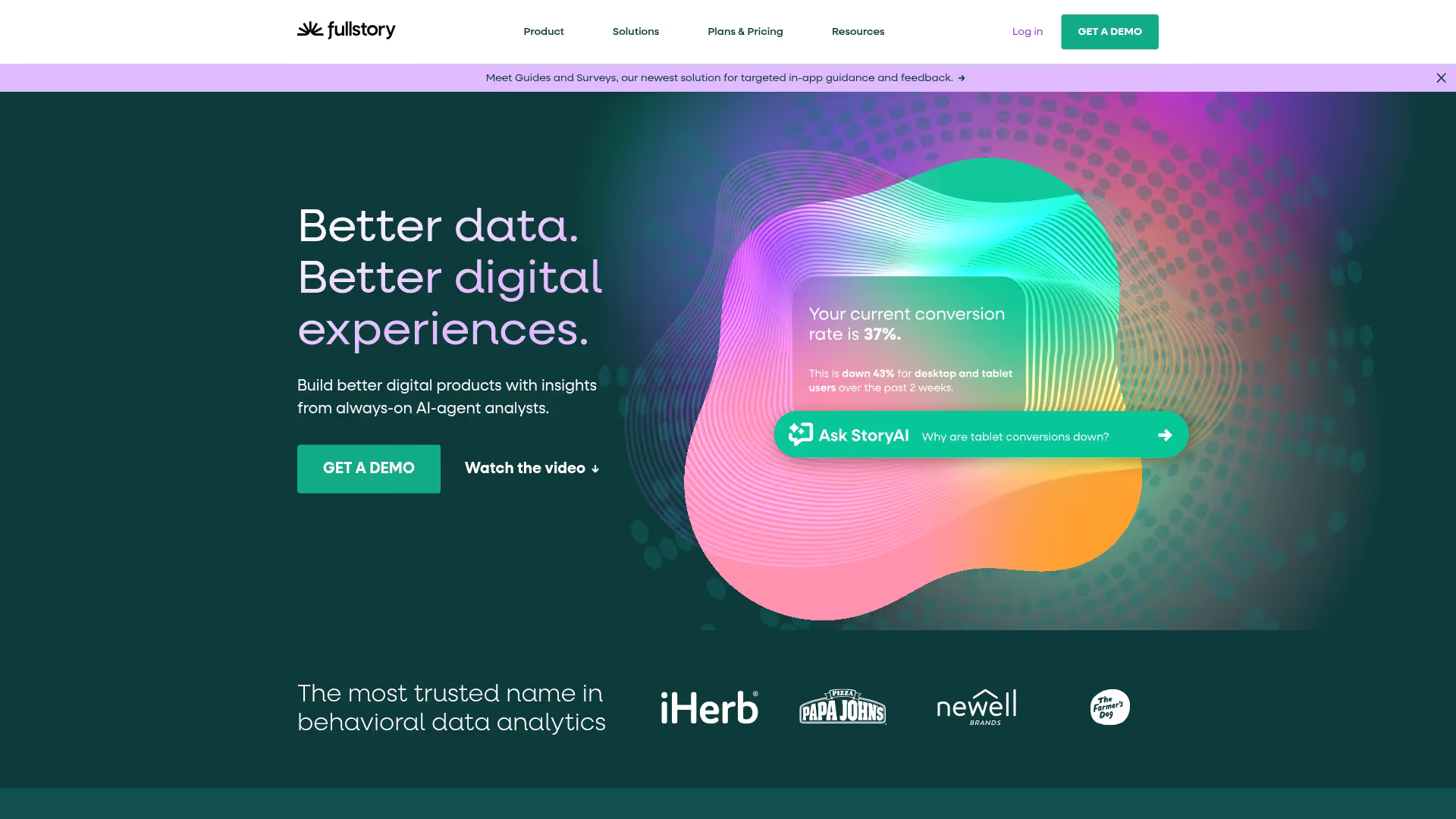
Fullstory is a digital experience analytics platform. It captures session data and shows actual user behavior, making it valuable for validating journey assumptions with real evidence.
The platform records user sessions automatically. You can watch exactly how customers navigate your product, where they click, and where they struggle.
Best for: Product and UX teams who want behavioral data to inform and validate journey maps.
Key strengths
- Session replay: Watch real user sessions to understand behavior in context
- Heatmaps: See aggregate click and scroll patterns across pages
- Frustration signals: Automatically detect rage clicks, dead clicks, and error patterns
7. Hotjar
Hotjar is a behavior analytics tool focused on understanding user experience. It combines heatmaps, recordings, and feedback tools in a package designed for quick insights.
The platform is often the first analytics tool teams add because it's approachable and affordable. You can start seeing user behavior data within minutes of installation.
Best for: Marketing teams and product teams who want quick insights into user behavior without complex setup.
Key strengths
- Heatmaps: Visual representations of where users click, move, and scroll
- Session recordings: Watch individual user sessions to understand specific behaviors
- Feedback widgets: Collect user feedback directly on pages where they experience friction
8. UXPressia
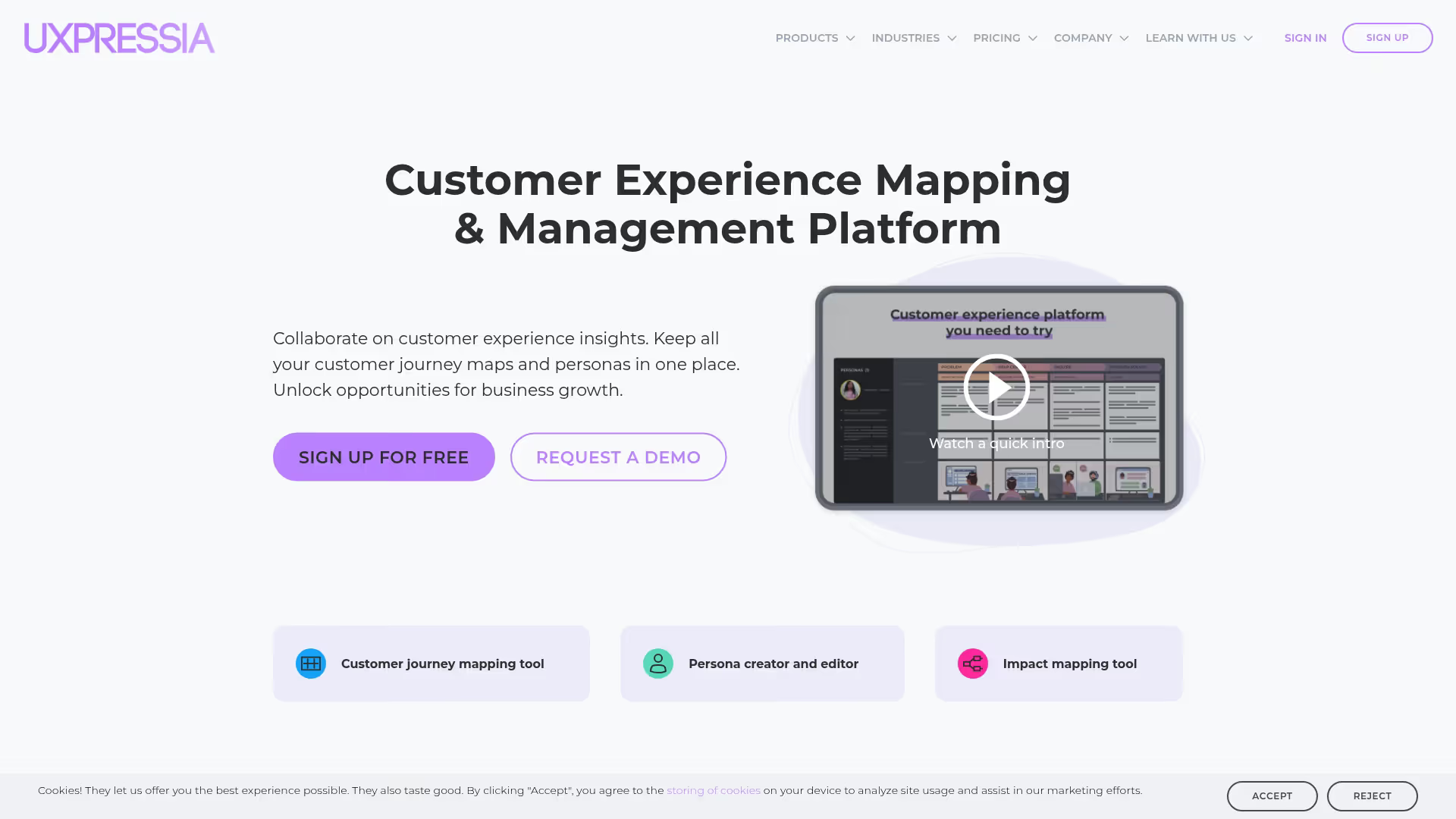
UXPressia is a dedicated journey mapping platform with templates and collaboration features. It focuses specifically on CX mapping rather than general diagramming, offering purpose-built tools for the job.
The platform includes impact mapping and persona tools alongside journey maps. Teams can connect different CX artifacts to build a complete picture of the customer experience.
Best for: CX professionals who want purpose-built journey mapping features without the complexity of enterprise tools.
Key strengths
- Journey map templates: Pre-built formats for different journey types and industries
- Impact mapping: Connect journey insights to business outcomes and priorities
- Presentation export: Generate polished outputs for stakeholder presentations
9. Custellence
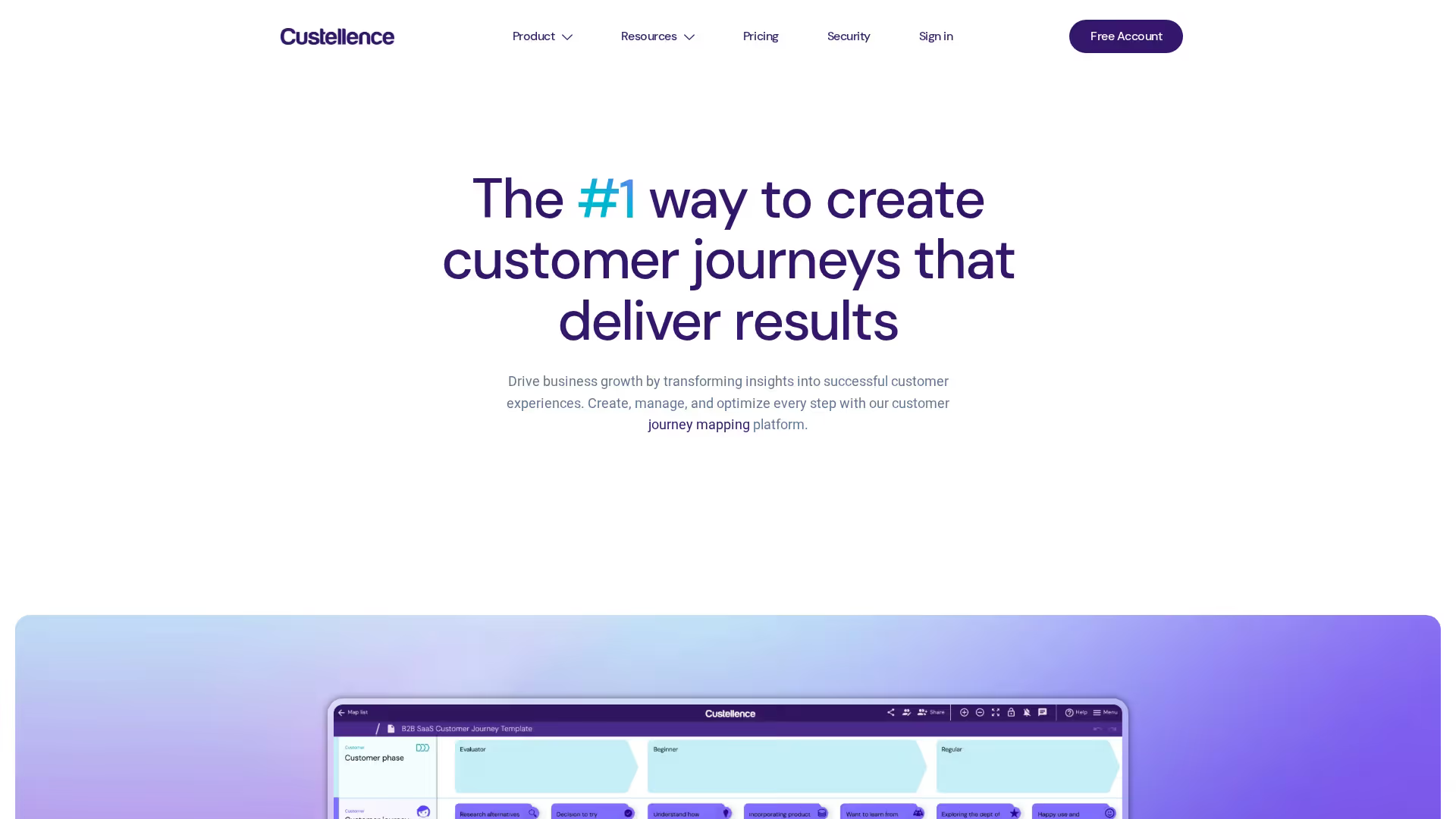
Custellence is a journey mapping tool built for managing multiple journeys at scale. It helps organizations track journey improvements over time rather than creating one-off maps.
The platform emphasizes journey management as an ongoing practice. You can see how journeys evolve, track KPIs tied to specific stages, and coordinate improvements across teams.
Best for: Enterprise teams managing complex, multi-product customer journeys over time.
Key strengths
- Journey management: Treat journeys as living documents with version history and change tracking
- KPI tracking: Connect metrics to specific journey stages and monitor improvement
- Portfolio view: See all journeys across products and segments in one place
10. TheyDo
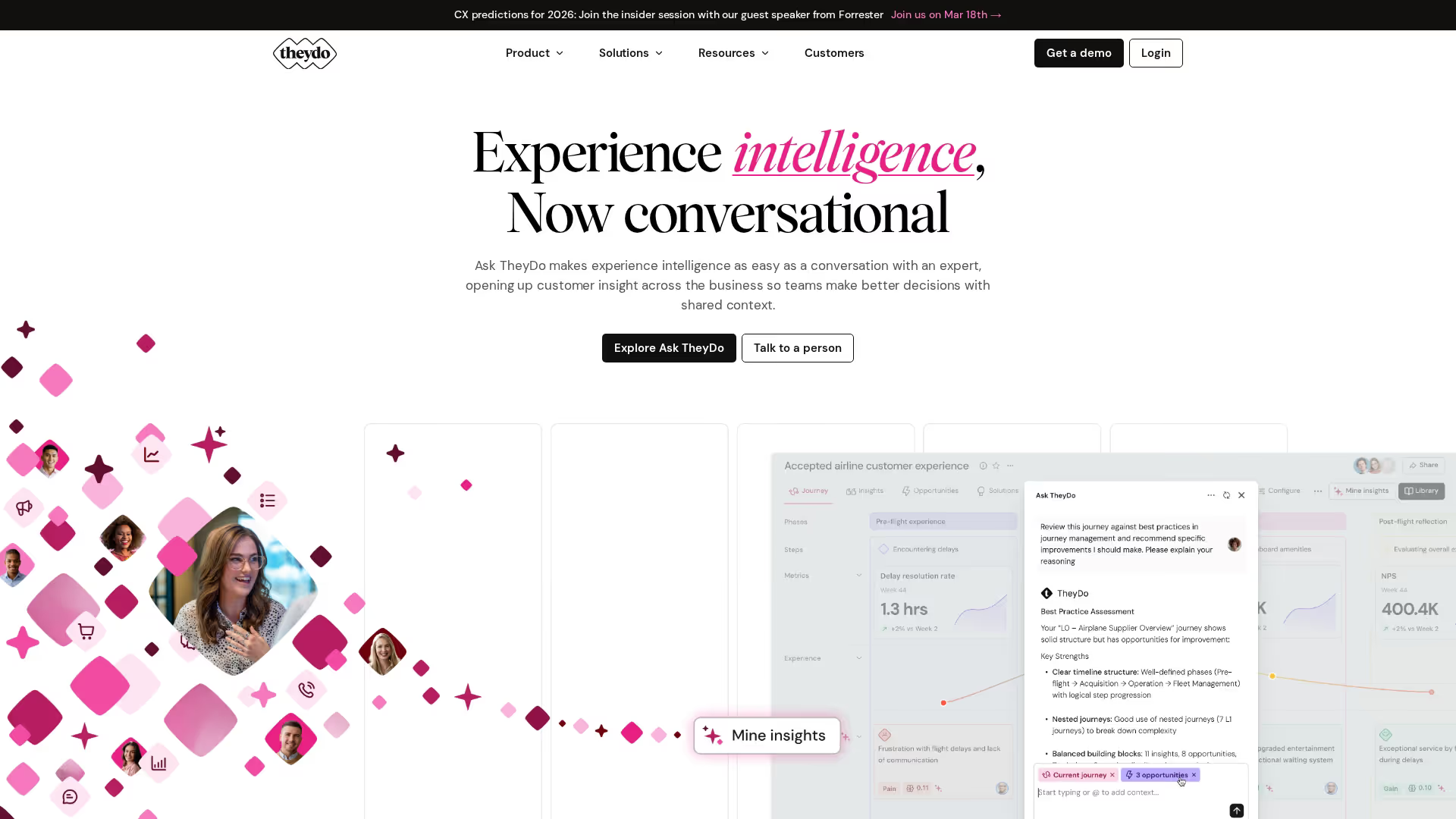
TheyDo is a journey management platform that connects journeys to business outcomes. It helps teams prioritize improvements based on impact rather than intuition.
The platform focuses on turning journey insights into action. You can score opportunities, align teams on priorities, and track whether changes actually improve the customer experience.
Best for: Organizations who want to connect journey insights to opportunity prioritization and outcome tracking.
Key strengths
- Opportunity scoring: Prioritize improvements based on customer impact and business value
- Team alignment: Connect journey work to OKRs and strategic initiatives
- Outcome tracking: Measure whether journey improvements deliver expected results
11. Microsoft Visio
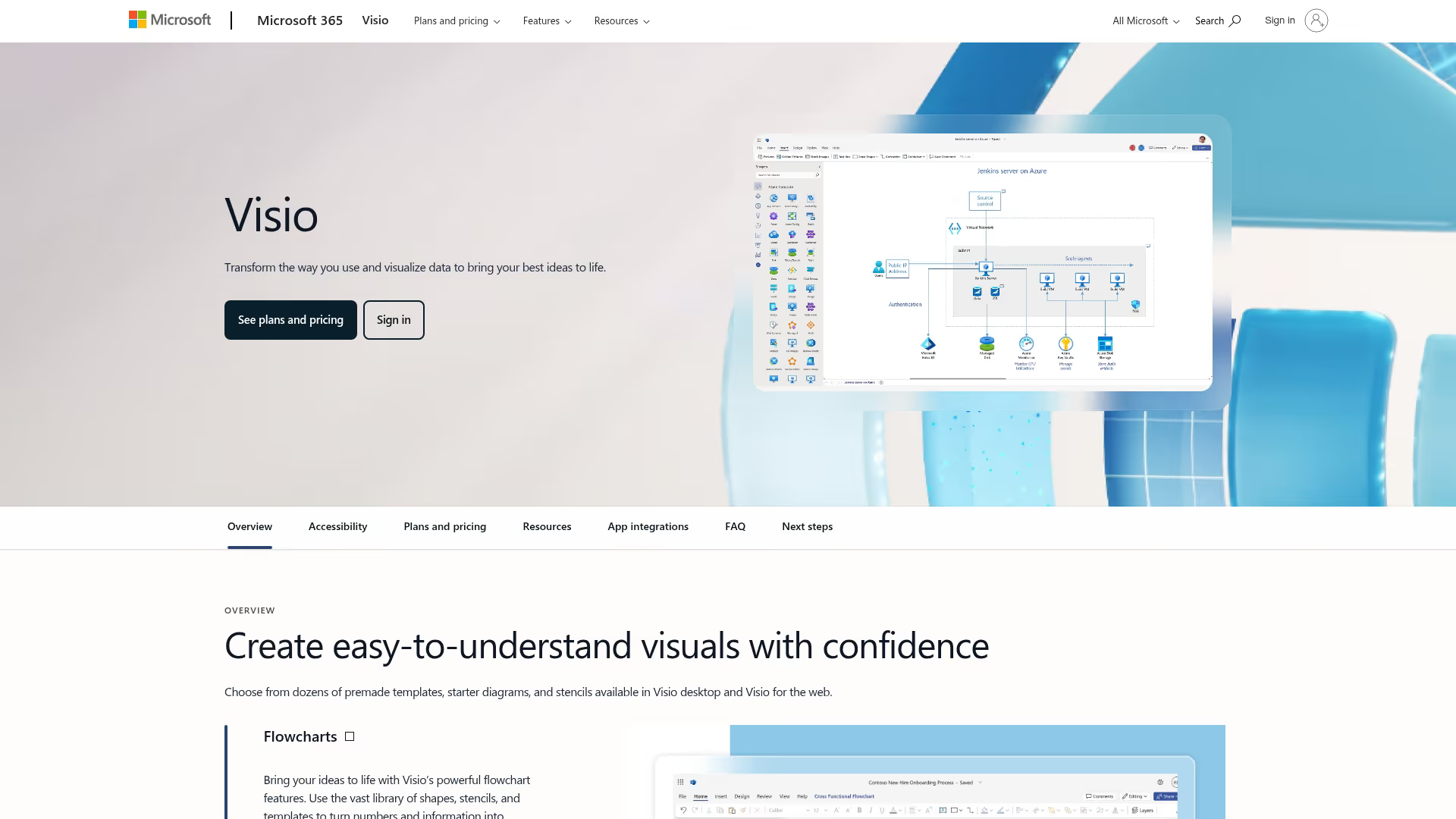
Microsoft Visio is an enterprise diagramming tool with journey mapping templates. It integrates with the Microsoft 365 ecosystem, making it a natural choice for organizations already invested in Microsoft tools.
Best for: Enterprise teams already invested in the Microsoft ecosystem who want journey mapping alongside other diagramming work.
Key strengths
- Enterprise security: Compliance certifications and admin controls for regulated industries
- Microsoft integration: Seamless connection with Office 365, Teams, and SharePoint
12. Sketch
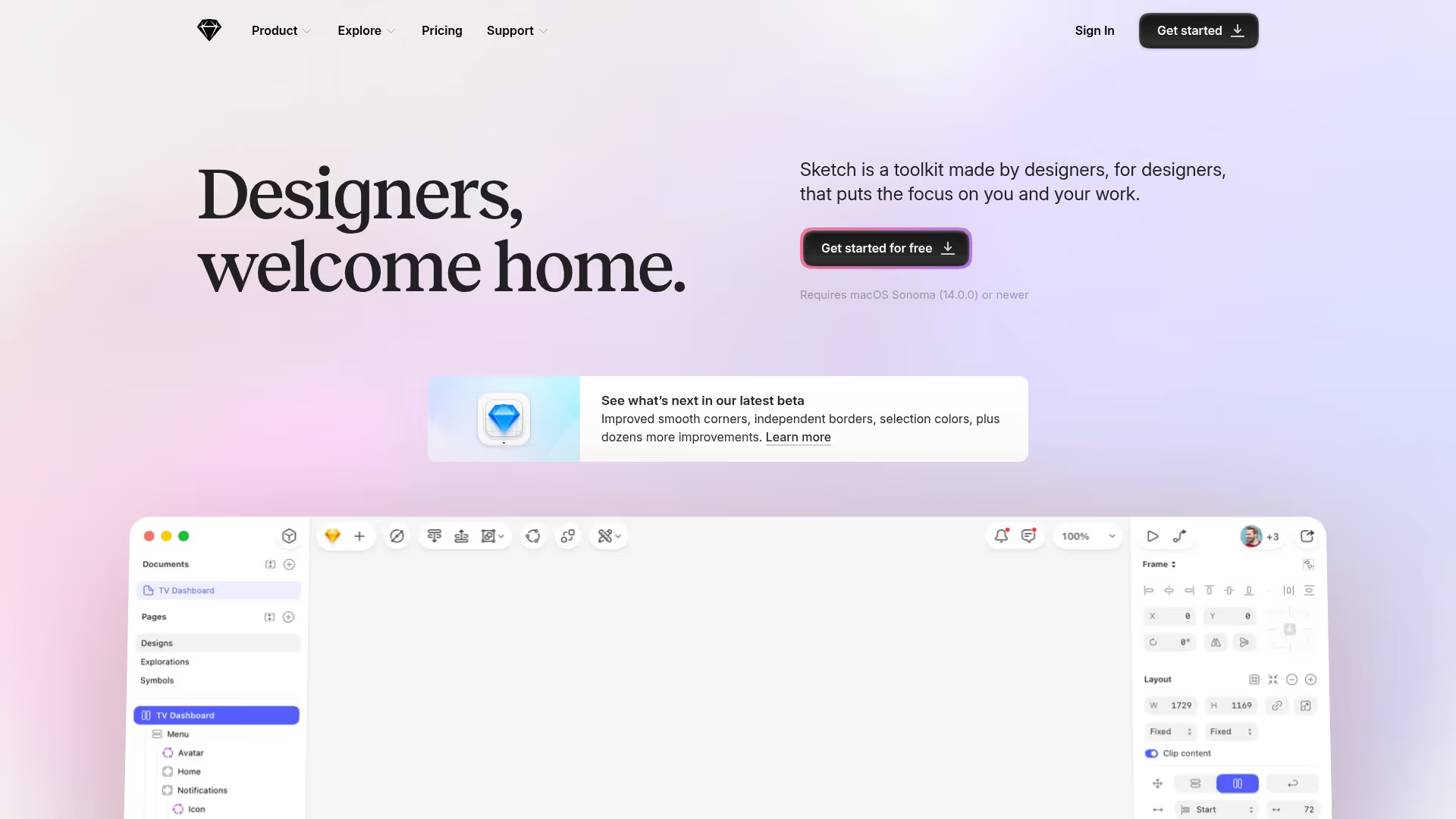
Sketch is a design tool that teams use for journey mapping through custom components. It works best for Mac-based design teams who want journey maps in their primary design environment.
Best for: Mac-based design teams who want journey maps integrated with their design tool.
Key strengths
- Design precision: Pixel-perfect control over journey map appearance
- Symbol libraries: Create reusable journey map components for consistency
13. Heap
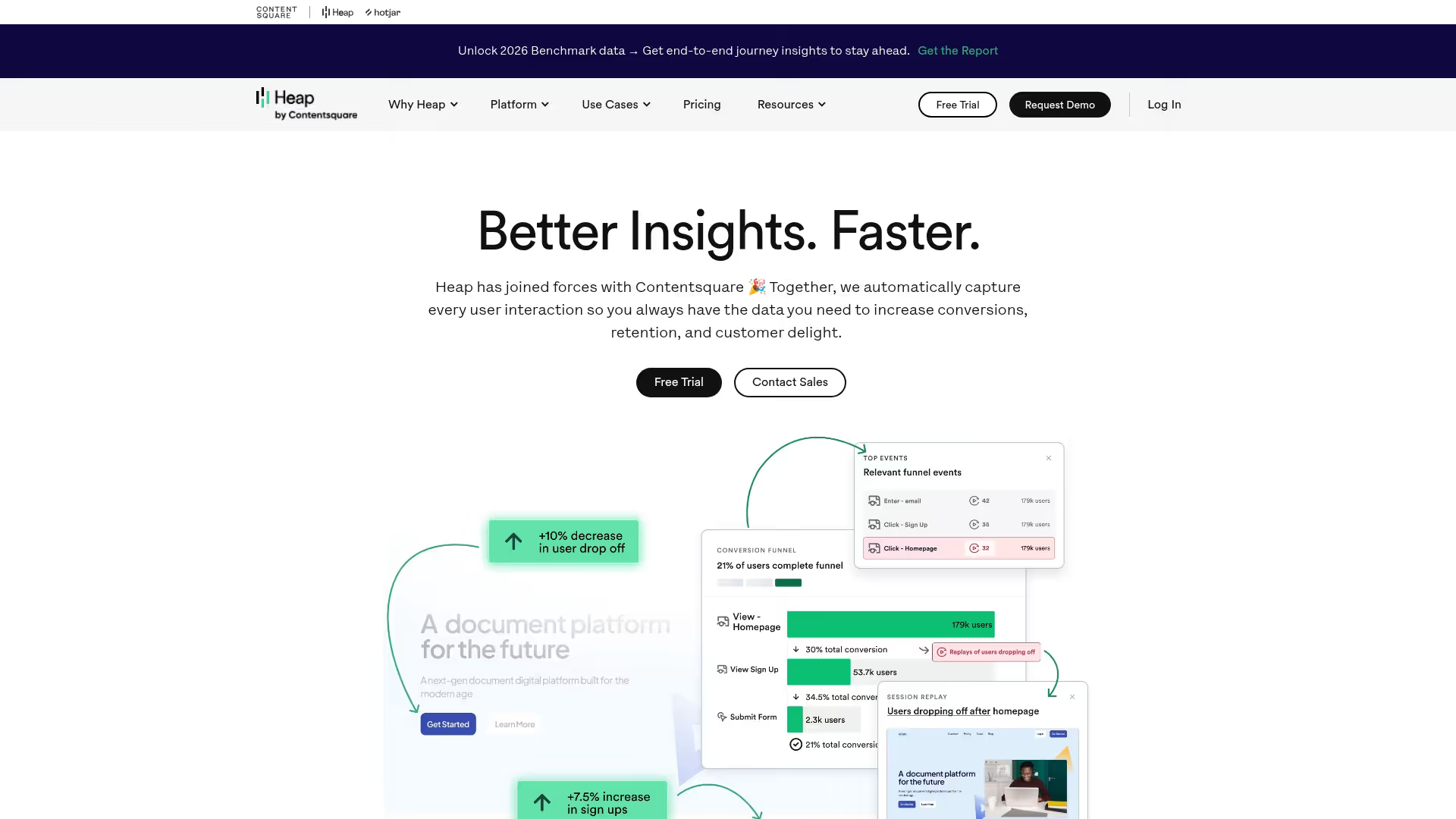
Heap is a product analytics platform that auto-captures user interactions. It helps teams understand actual journey behavior without manual event tracking setup.
The platform's auto-capture approach means you can analyze behavior retroactively. If you discover a new question about the customer journey, you can often answer it with data you've already collected.
Best for: Product teams who want comprehensive behavioral data with minimal setup and maintenance.
Key strengths
- Auto-capture: Automatically track clicks, pageviews, and form submissions without manual instrumentation
- Retroactive analysis: Answer new questions using data captured before you asked them
- Funnel building: Create and analyze conversion funnels through journey stages
14. Amplitude
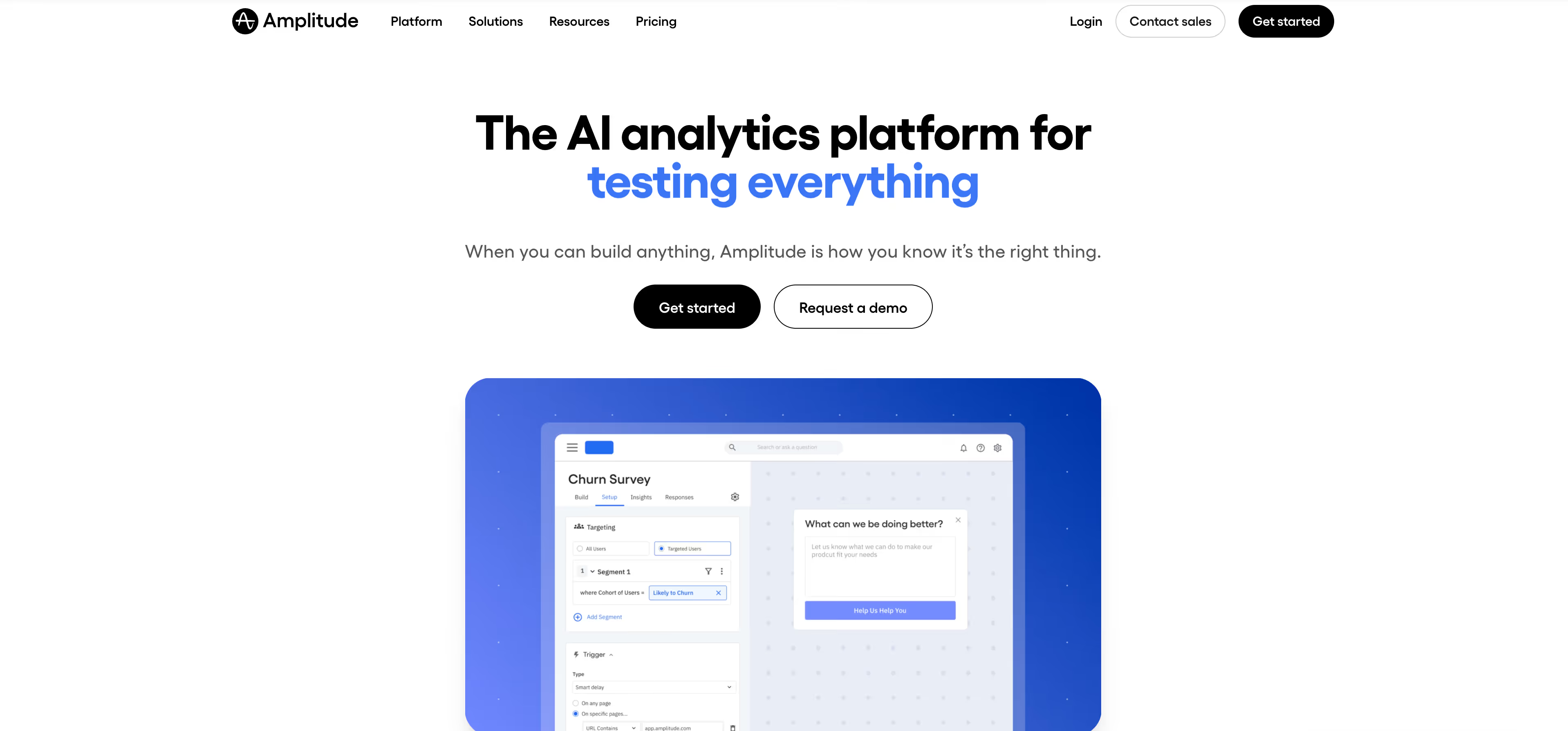
Amplitude is a product analytics platform focused on understanding user behavior at scale. It helps teams identify patterns across customer journeys and connect behavior to business outcomes.
The platform excels at behavioral cohort analysis. You can segment users by actions they've taken and compare how different groups move through the journey.
Best for: Growth and product teams who want deep analytics on user behavior across the full journey.
Key strengths
- Behavioral cohorts: Segment users by actions and compare journey patterns
- Funnel analysis: Track conversion through journey stages with granular drop-off data
- Retention tracking: Understand how journey experiences affect long-term engagement
15. Mixpanel
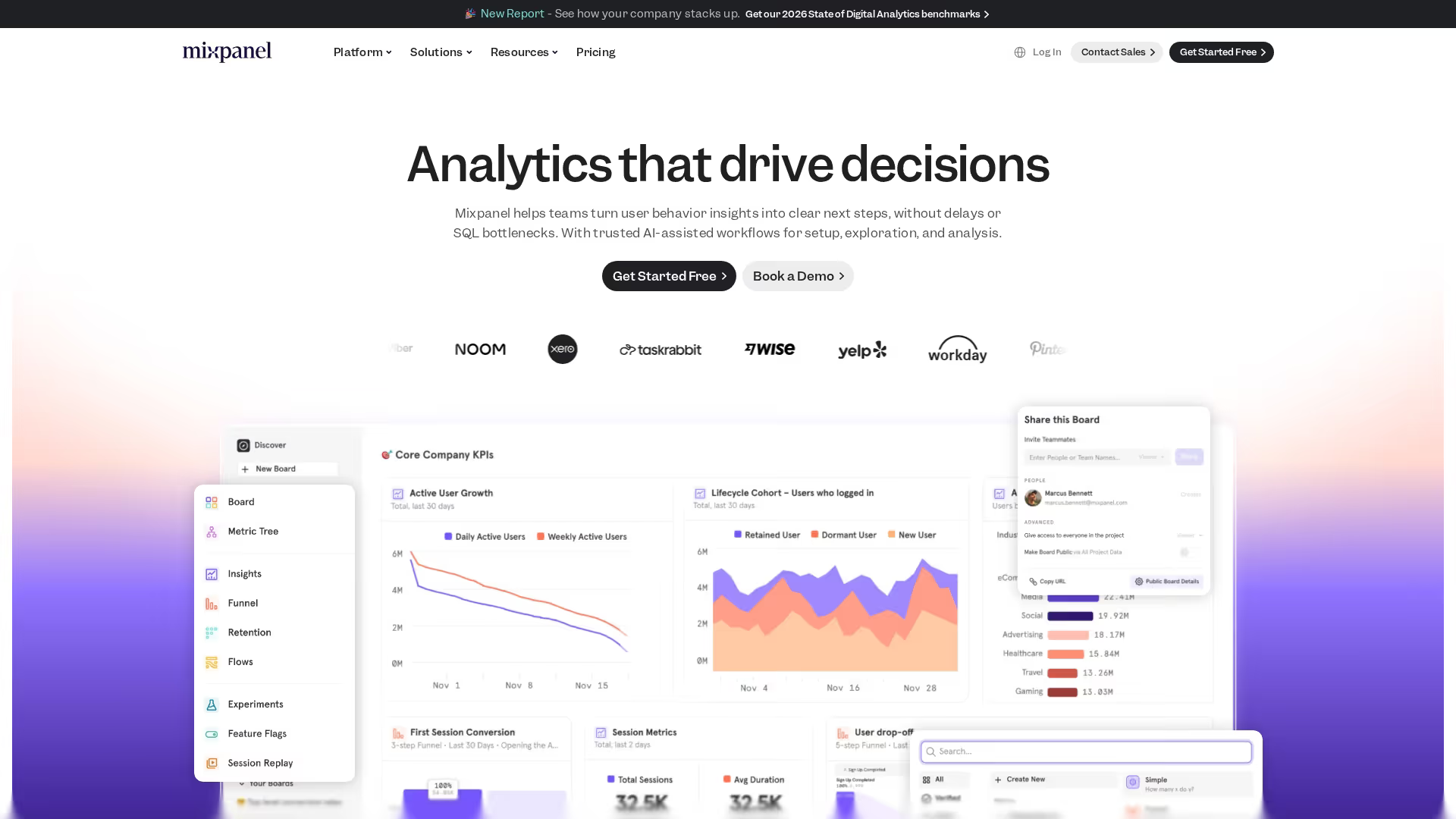
Mixpanel is an event-based analytics platform for tracking user journeys. It helps teams understand how users move through product flows and where they convert or drop off.
Best for: Product teams who want event-based analytics to track journey progression and conversion.
Key strengths
- Event tracking: Define and track specific actions that indicate journey progression
- Funnel reports: Visualize conversion through multi-step journeys with drop-off analysis
- User flows: See the paths users take through your product
Key features to look for in journey mapping software
When evaluating tools, certain capabilities tend to matter most for teams who want journey mapping to drive real improvements.
- Visual canvas and customizable templates: A drag-and-drop canvas and pre-built templates speed up the mapping process. Good templates include sections for touchpoints, customer emotions, pain points, and opportunities.
- Real-time team collaboration: Multiple stakeholders typically contribute to journey maps. With 89% of leaders prioritizing collaboration as key to organizational goals, features like commenting, live cursors, version history, and permissions matter for cross-functional teams.
- CRM and data source integration: Connecting journey maps to actual customer data keeps them grounded in reality. Integrations with Salesforce, HubSpot, and analytics tools help teams validate assumptions.
- Behavioral analytics and heatmaps: Analytics features validate journey assumptions. Session replays, click maps, and scroll depth show actual behavior at each touchpoint.
- Export, sharing, and presentation options: Teams often share journey maps with stakeholders who don't have tool access. Look for PDF export, presentation mode, embed options, and link sharing features.
How to choose the right customer journey tool
Define your primary use case first
The choice between visualization and analytics depends on your goal. If you want stakeholder alignment and a shared view of the customer experience, visualization platforms work well. If you want behavioral validation and data to identify specific friction points, analytics tools fit better.
Some teams eventually use both: visualization tools for documenting and communicating the journey, analytics tools for validating assumptions and measuring improvements.
Map integration requirements to your stack
Evaluate tool fit based on your existing tech stack. Consider integrations with your CRM, marketing automation platform, analytics tools, and communication tools like Slack.
Evaluate collaboration and access controls
Team size and security requirements affect tool choice. Enterprise teams often require SSO, role-based permissions, guest access, and audit logs. Smaller teams might prioritize ease of sharing over granular controls.
Compare pricing against feature depth
Common pricing models include per seat, per project, and feature tiers. Free tiers work for small teams or initial exploration, but collaboration and security features typically require paid plans.
Benefits of customer journey visualization for GTM teams
Journey mapping provides value across marketing, pre-sales, and customer success teams.
- Align messaging across touchpoints: Ensure a consistent story from the first ad to the closed deal to ongoing support
- Identify high-impact improvement opportunities: Focus resources on journey stages that drive conversion
- Reduce time-to-value for new customers: Map onboarding paths that accelerate activation and reduce churn risk
- Improve handoffs between teams: Create clear transitions from marketing to sales to success with shared context
Turn journey insights into pipeline and conversions
Mapping the journey is only valuable if teams act on the insights. The best teams move from static journey maps to interactive experiences that guide prospects through each stage.
Instead of just documenting where prospects might struggle, you can create interactive demos that address friction directly. Embed them on landing pages, link them in outbound emails, or add them to help centers.
Start your journey with Guideflow today!
FAQs about customer journey mapping tools
What is the most popular journey mapping tool?
Miro and Smaply are among the most widely used for visualization, while Fullstory and Amplitude lead for analytics. The "most popular" depends on whether you prioritize collaborative design or behavioral data.
How do customer journey mapping tools handle offline touchpoints?
Visualization tools let teams manually add offline touchpoints like phone calls, in-store visits, or events. Analytics tools typically focus on digital interactions, though some integrate with call tracking or CRM data to capture offline moments.
Can customer journey mapping software support B2B buying committees?
Yes, tools like TheyDo and Smaply support multiple personas and stakeholder journeys. This helps map complex B2B buying processes where multiple decision-makers might be involved in a single purchase.
What is the difference between a customer journey map and a user flow?
A customer journey map shows the full experience across touchpoints and emotions over time. A user flow diagrams specific steps within a single product or feature. Journey maps are broader and more strategic; user flows are narrower and more tactical.
How often do teams update customer journey maps?
Teams typically review journey maps quarterly or after major product launches, customer feedback shifts, or significant changes to the buying process. Treating maps as living documents rather than one-time artifacts keeps them useful.
Do customer journey mapping tools integrate with CRM platforms?
Yes, most enterprise journey mapping tools offer integrations with Salesforce, HubSpot, and other CRMs. This connects journey stages with actual customer data and helps validate assumptions with real patterns.
What are the five stages of a customer journey?
The standard stages are awareness, consideration, decision, retention, and advocacy. Some frameworks use different labels or add stages, but the five capture the core progression from stranger to loyal customer.
How do teams measure ROI from journey mapping software?
Teams typically measure ROI through improved conversion rates, reduced churn, shorter sales cycles, or increased customer satisfaction scores tied to journey improvements.
Can AI assist with customer journey mapping?
Some tools like Miro offer AI features to synthesize research, suggest touchpoints, or identify patterns. However, most journey mapping still requires human insight to interpret customer motivations and prioritize improvements.
What is the best free customer journey mapping tool?
Miro and Figma offer free tiers suitable for small teams. UXPressia has a free plan for basic journey mapping. For simple maps, even Canva or Google Slides can work, though they lack collaboration and management features.