



You recorded a podcast, a webinar clip, or a product video voiceover. The audio sounds muddy. The voice sits too low under the music, one word booms and the next disappears, and no amount of turning it up fixes it.
That is a mixing problem, not a microphone problem. And the tool you pick decides whether you spend ten minutes on it or lose an afternoon fighting a screen full of controls you will never use.
The digital audio workstation market hit USD 4.01B in 2026 and is projected to reach USD 6.19B by 2031, a 9.12% CAGR (Mordor Intelligence, 2026). Translation: There are a lot of tools, and most of them are built for people whose full-time job is sound.
You are not that person. You want clean voice, balanced levels, and something that fits into content you already ship. So the real question is not "which tool is most powerful." It is "which tool matches the job without adding another thing to learn." That is the lens this guide uses.
What's inside
This guide covers free and paid audio mixing tools for 2026, ranked by how they fit different jobs rather than raw feature count.
We picked tools using four criteria:
- Ease of use: How fast a non-audio person gets to a clean result
- Platform support: Windows, Mac, and Linux coverage
- Feature depth: Multitrack mixing, EQ, noise cleanup, and plugin support
- Pricing and fit: Free tiers, one-time licenses, and subscription costs
You will see a side-by-side comparison table, a plain-English breakdown of what audio mixing software actually does, and per-tool notes on who each option fits. Both free editors and full production suites are covered.
TL;DR
- Best free option: Audacity handles recording, editing, and cleanup on Windows, Mac, and Linux at zero cost.
- Best for smarter vocal cleanup: iZotope uses assistant workflows to fix masking and repair noisy voice tracks fast.
- Best for beginners: MixPad keeps multitrack mixing simple without a steep learning curve.
- Best for podcast and video audio: Adobe Audition fits teams already living in Creative Cloud.
- Best low-cost DAW: Reaper gives you deep control on a $60 personal license.
- Best for music and creative mixing: Ableton Live suits producers who work in real time.
- Best for streaming audio routing: MIXLINE sends the right audio to OBS and Streamlabs from one app.
What is audio mixing software
Audio mixing software is a tool that combines, balances, and polishes multiple audio tracks into one clean, finished recording. It covers everything from cutting a single voice clip to layering vocals, music, and effects into a full production.
At its core, this software lets you control how loud each element sits, remove unwanted noise, and shape the tone of a voice or instrument. That is the difference between a recording that sounds amateur and one that sounds intentional.
Most tools in this category share a common set of capabilities:
- Multitrack editing: Layer and align voice, music, and sound effects on separate tracks
- EQ and compression: Shape tone and even out volume so nothing spikes or vanishes
- Noise reduction and repair: Strip hum, hiss, and background clutter from voice recordings
- Effects and plugins: Add reverb, de-essing, or third-party VST tools for extra control
- Routing and monitoring: Send audio to the right output for streaming or live capture
- Export formats: Output WAV, MP3, and other formats for publishing anywhere
It helps to know the three shapes this software takes. An audio editor (like Audacity) focuses on recording and cleaning up files, and it is the fastest starting point for voice work. A DAW, or digital audio workstation (like Reaper or Ableton Live), gives you deep control over multitrack music production and mixing. A standalone mixer (like MIXLINE) routes and balances live audio for streaming rather than editing files after the fact.
For a growth marketer producing podcasts, webinar cuts, or video voiceovers, an editor or a lightweight DAW covers most of the work. You rarely need a full music production suite to make a voice sound clean.
When to use audio mixing software
Clean up voice recordings
Reach for this when a voice track sounds muddy, uneven, or full of background noise. Podcast episodes, webinar recordings, and video voiceovers all benefit from EQ, compression, and noise reduction. A few minutes of cleanup turns a distracting recording into one people actually finish.
Mix music or multitrack projects
Use a DAW when you are layering multiple sounds and need control over each one. Music, jingles, and branded audio require plugin support, automation, and precise level balancing. This is where free editors run out of room and a real production tool earns its cost.
Route audio for streaming or live capture
Turn to routing software when you go live and need to send the right audio to the right place. Streamers and webinar hosts route mic, music, and system sound into OBS or Streamlabs without a mess of cables. Low-latency monitoring keeps you hearing exactly what your audience hears.
Comparison table
Here is how the eight tools stack up on fit, pricing, and rating. Pricing reflects entry tiers verified at publication; G2 scores come from each tool's current listing where available.
| # | Product | Best for | Key differentiator | Pricing | G2 rating |
|---|---|---|---|---|---|
| 1 | Audacity | Free voice and audio editing | Free, open source, cross-platform | Free | 4.5 |
| 2 | iZotope | Smart vocal cleanup and repair | Assistant-driven mixing and repair | From $55 one-time | 4.7 |
| 3 | MixPad | Beginner multitrack mixing | Simple workflow, unlimited tracks | From $59.95 one-time | 5.0 |
| 4 | Adobe Audition | Podcast and video audio | Creative Cloud integration | $22.99/mo | 4.4 |
| 5 | Reaper | Low-cost full DAW | Deep control, cheap license | $60 one-time (personal) | 4.5 |
| 6 | Ableton Live | Music and creative mixing | Session view for real-time work | From EUR 79 one-time | 4.7 |
| 7 | MIXLINE | Streaming audio routing | One-app routing for OBS/Streamlabs | See below | N/A |
| 8 | Hindenburg Journalist | Spoken-word production | Voice-focused editing workflow | See below | N/A |
A note on the picks: The list runs from the most accessible free editor to the most specialized. Audacity leads because it solves the most common problem (clean voice) at zero cost. The paid tools earn their place when your work outgrows a basic editor.
Best audio mixing software for 2026
1. Audacity
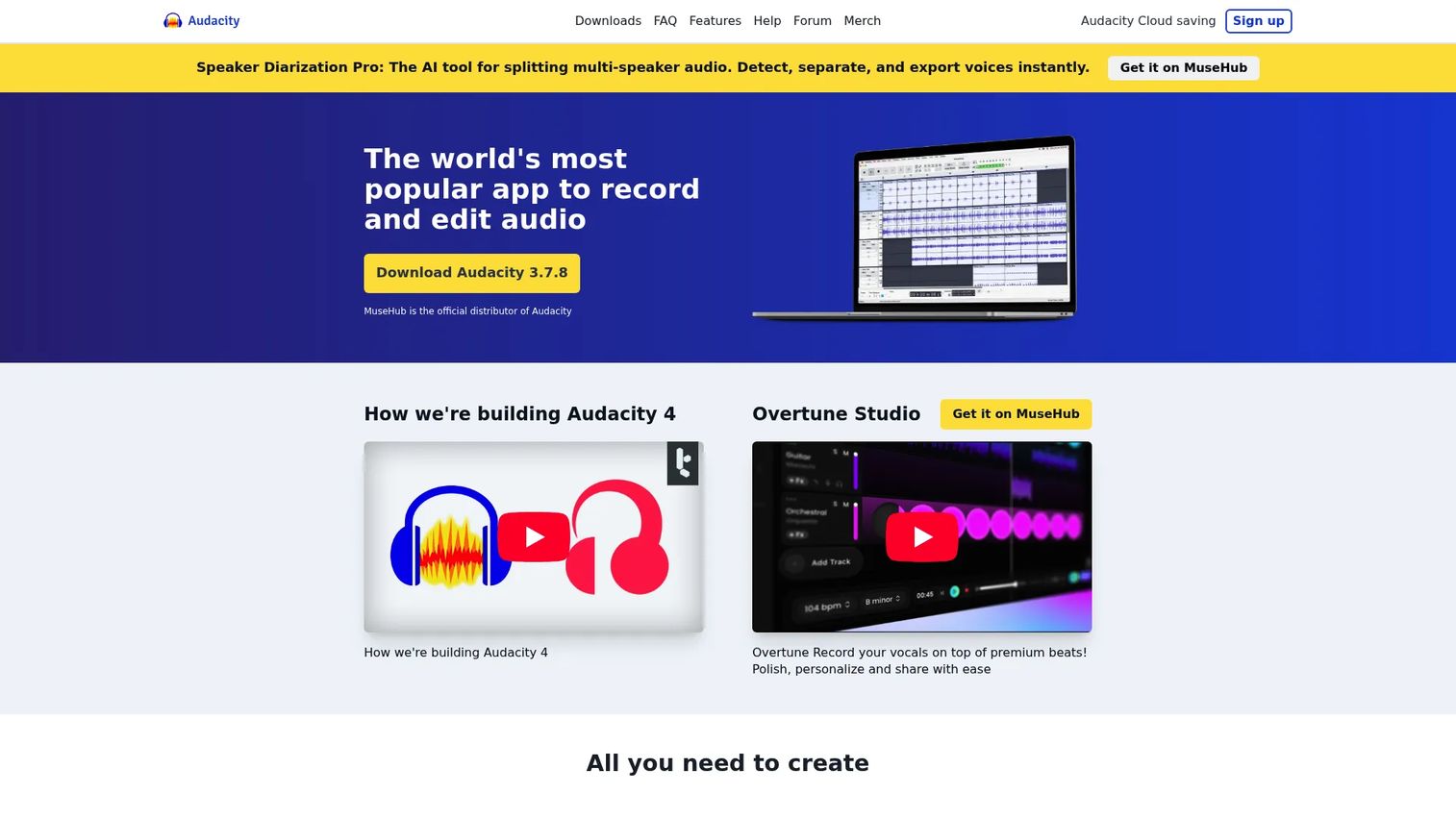
Audacity is the free, open-source audio editor most people start with, and for good reason. It records live audio, edits existing files, and runs on Windows, Mac, and Linux without a license fee. For voice cleanup, podcast cuts, and basic multitrack work, it covers the fundamentals without asking you to open your wallet.
The interface looks dated, but the workflow is direct. You import a file, cut what you do not need, apply noise reduction and EQ, then export. Plugin support adds effects when the built-in tools run short.
Best for: Marketers and creators who need a free, dependable editor for podcasts, voiceovers, or quick audio fixes.
Key features
- Record live audio and digitize imports
- Cut, paste, and mix multitrack projects
- Noise reduction and EQ built in
- Plugin support for added effects
- Runs on Windows, Mac, and Linux
Why choose Audacity: Pick it when budget is zero and the job is voice cleanup or simple editing. You give up polish and modern design, but you get a capable tool that never charges you.
Audacity pricing: Audacity is free and open source across every platform, with no paid tier to upgrade to.
Audacity holds a 4.5 out of 5 rating on G2, reflecting a large base of users who rely on it for everyday audio work.
2. iZotope
iZotope is less a single app and more a set of tools for mixing, mastering, and repairing audio. Its RX line strips noise and fixes damaged voice recordings, while Neutron and Ozone handle mixing and mastering with assistant workflows that suggest settings for you. If a voice track fights the music, iZotope's unmasking tools help the two sit together cleanly.
These tools run as plugins inside a host editor or DAW, so you add them to a workflow rather than replace it. That makes them a strong add-on for anyone whose main gripe is muddy, noisy, or clashing vocals.
Best for: Producers and content teams who need serious vocal cleanup and want the software to guide the settings.
Key features
- Audio repair and noise removal in RX
- Assistant-driven mixing in Neutron 5
- Mastering suites in Ozone 12
- Vocal unmasking to fix clashing tracks
- Runs as plugins in your host tool
Why choose iZotope: Choose it when cleaning up voice is your biggest pain and manual EQ feels like guesswork. It costs more than a free editor, but the assistant workflows save real time on repair.
iZotope pricing: Individual products start at $55 one-time for editions like Ozone 12 Elements and Nectar 4 Elements, with RX 12 Elements at $99 and full suites reaching $499. Subscriptions start at $12.50 per month with a 7-day free trial.
On product review listings, iZotope carries a 4.7 out of 5 rating, one of the higher scores among audio tools here.
3. MixPad
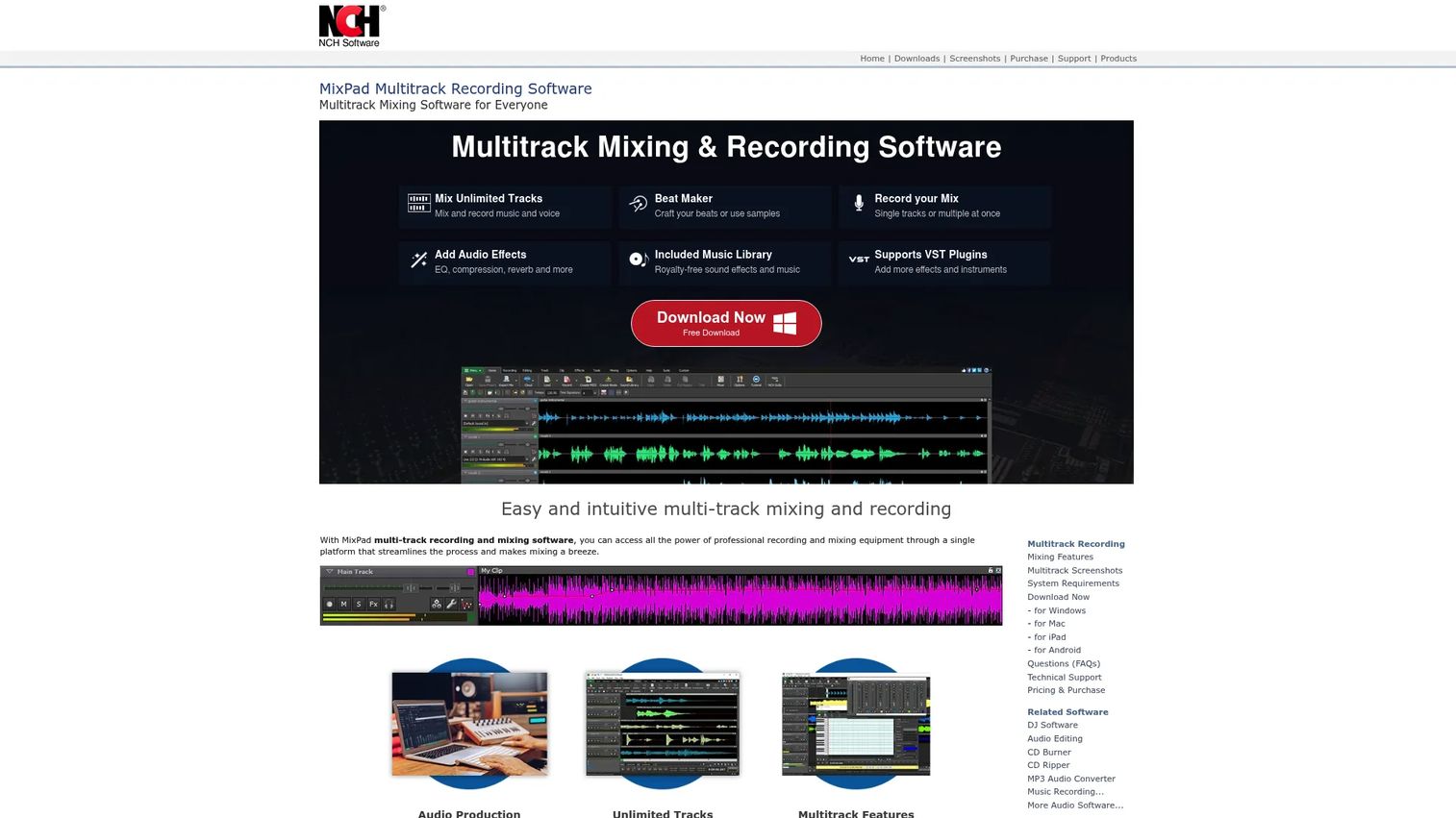
MixPad is a multitrack recording and mixing tool built to stay simple. It supports unlimited audio, music, and voice tracks, includes effects and VST plugin support, and ships with a beat maker and MIDI editing. For someone who wants layered editing without a DAW's learning curve, it hits a practical middle ground.
The workflow leans beginner-friendly. You add tracks, drag clips into place, apply effects, and export, without wading through pro-grade menus first.
Best for: Beginners and small teams who want real multitrack mixing without a steep ramp-up.
Key features
- Unlimited audio, music, and voice tracks
- VST and VSTi plugin support
- Built-in beat maker and MIDI editing
- Included sound library
- Audio effects for mixing and cleanup
Why choose MixPad: Pick it when you want more than a basic editor but less than a full production suite. It trades deep pro features for a gentler learning curve, which suits occasional mixing work.
MixPad pricing: The Home Edition starts at $59.95 (plus VAT) and the Master's Edition is $99 (plus VAT), both one-time, with a quarterly Master's plan at $23.16. A free version is available for non-commercial use.
MixPad shows a 5.0 out of 5 rating on G2, though from a very small number of reviews.
4. Adobe Audition
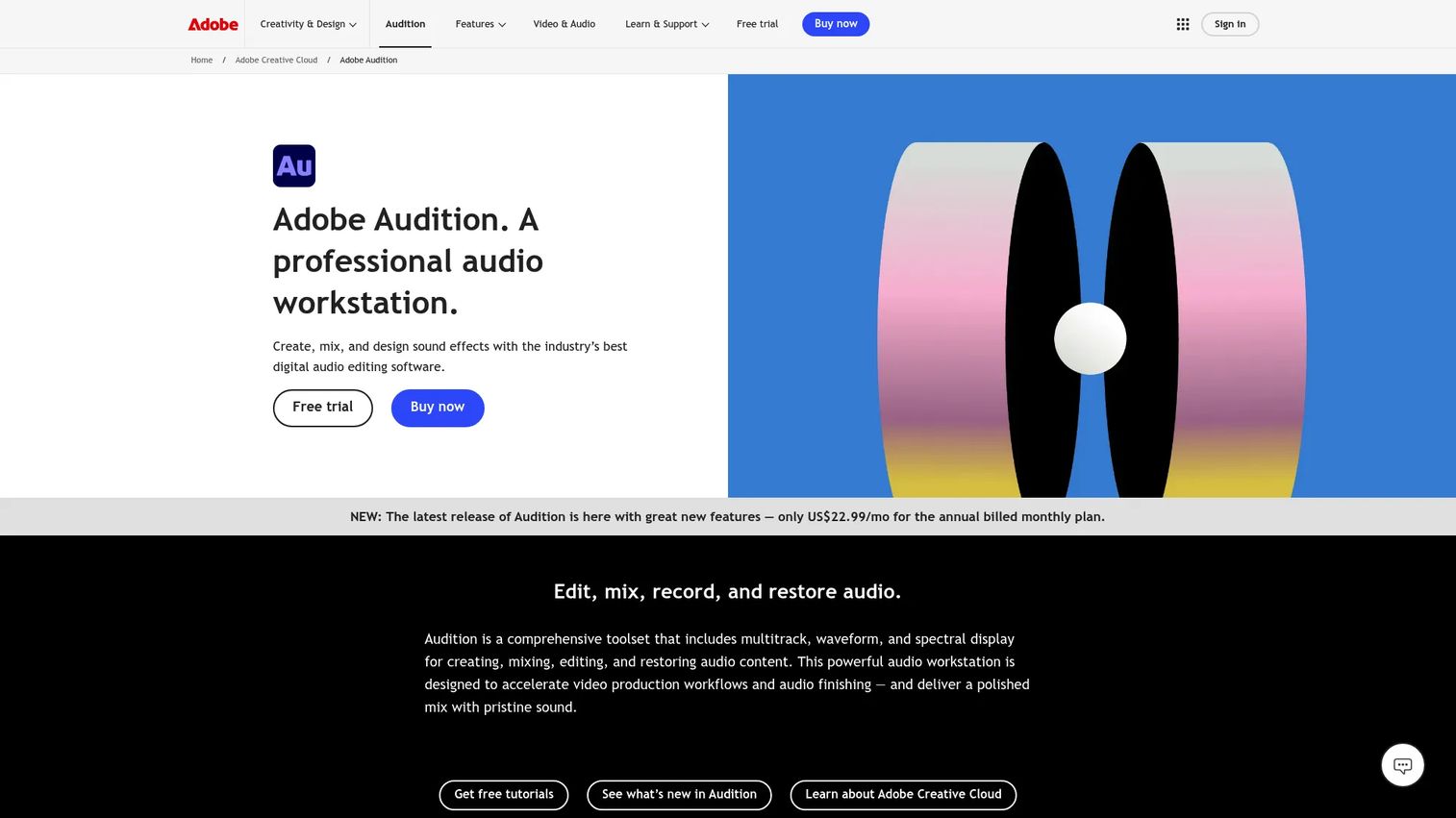
Adobe Audition is a professional audio workstation for recording, mixing, editing, and restoring sound. Its waveform and spectral views make it strong for precise cleanup, and its podcast and dialogue tools handle voice-heavy work well. For teams already inside Creative Cloud, it slots into an existing video and design workflow.
The precision editing and restoration tools go deep, which is exactly why it appeals to people polishing podcasts or video voiceovers rather than producing music.
Best for: Content teams cleaning up podcast and video audio who already use Adobe tools.
Key features
- Multitrack editing and mixing
- Waveform and spectral display
- Audio cleanup and restoration
- Precision editing for voice work
- Fits the Creative Cloud workflow
Why choose Adobe Audition: Choose it when your team lives in Creative Cloud and audio is part of a broader video pipeline. The subscription adds ongoing cost, but the cleanup tools are genuinely strong for dialogue.
Adobe Audition pricing: Audition runs as a single-app plan at US$22.99 per month, billed annually, with a 7-day free trial.
Adobe Audition holds a 4.4 out of 5 rating on G2 from a broad reviewer base.
5. Reaper
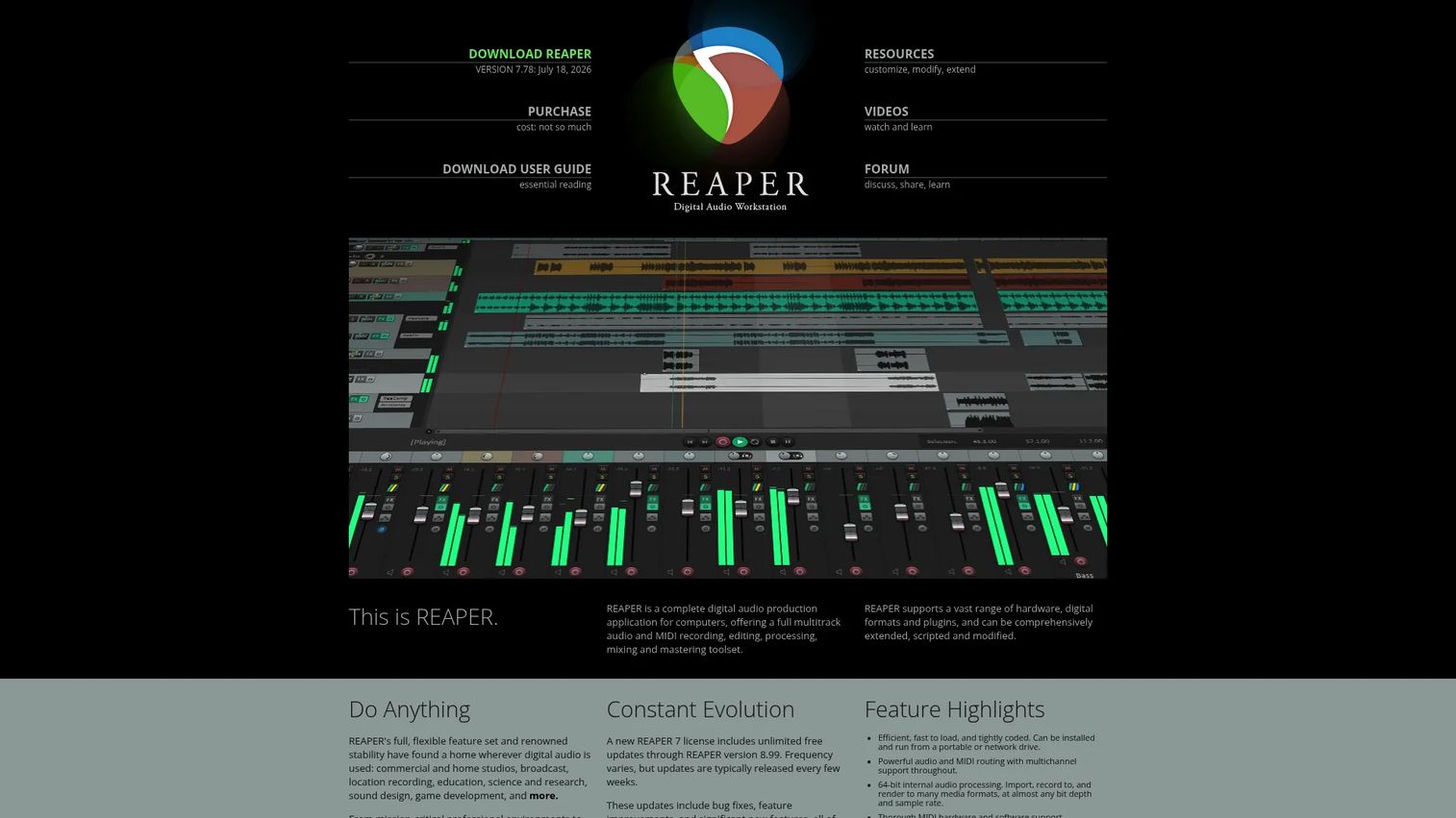
Reaper is a full digital audio workstation known for deep control at a low price. It records, edits, mixes, and masters both audio and MIDI, supports nearly every plugin format (VST, VST3, AU, CLAP, and more), and runs on Windows, Mac, and Linux. For people who want DAW-level power without a DAW-level bill, it is hard to beat.
The tradeoff is customization. Reaper does almost anything, which means it does not hold your hand. The payoff for climbing the curve is a workflow you can shape to fit exactly how you work.
Best for: Individuals and small studios who want a full-featured DAW on a tight budget.
Key features
- Audio and MIDI recording and mixing
- Broad plugin support: VST, VST3, AU, CLAP
- Deep customization of the interface
- Mastering tools built in
- Runs on Windows, Mac, and Linux
Why choose Reaper: Pick it when you want real DAW depth but cannot justify premium pricing. The learning curve is steeper than an editor's, but the license cost is a fraction of the alternatives.
Reaper pricing: The personal license is $60 one-time for eligible individuals, the commercial license is $225, and a full-featured 60-day evaluation is free.
Reaper carries a 4.5 out of 5 rating on G2.
6. Ableton Live
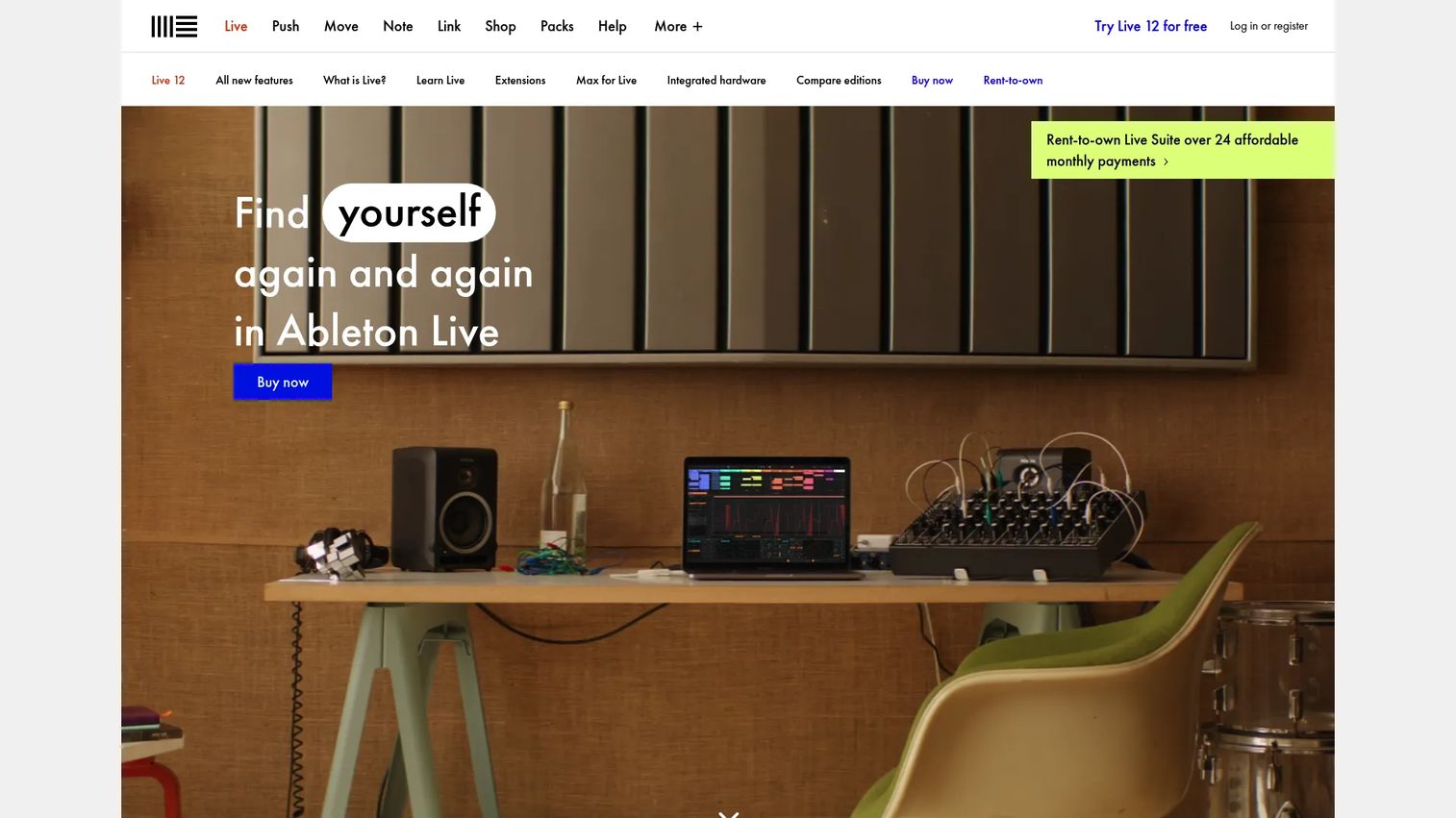
Ableton Live is a digital audio workstation built for music creation and live performance. Its Session View lets you trigger and arrange clips in real time, which suits producers who compose by experimenting rather than by timeline. The Suite edition includes Max for Live for building custom instruments and effects.
For pure voice cleanup, it is more tool than you need. For branded music, sound design, or anything where creative mixing matters, it gives you room to build.
Best for: Musicians and producers who want a DAW optimized for composition and live sets.
Key features
- Session View and Arrangement View
- Real-time clip triggering
- Max for Live in the Suite edition
- Deep instrument and effect library
- 30-day trial available
Why choose Ableton Live: Choose it when the work is music or creative audio, not just voice fixes. It is overkill for a podcast, but few tools match it for hands-on, real-time production.
Ableton Live pricing: Live 12 comes in Intro at EUR 79, Standard at EUR 279, and Suite at EUR 599, all one-time, with a rent-to-own Suite option at EUR 24.96 per month. A 30-day trial is available.
Ableton Live holds a 4.7 out of 5 rating on G2.
7. MIXLINE
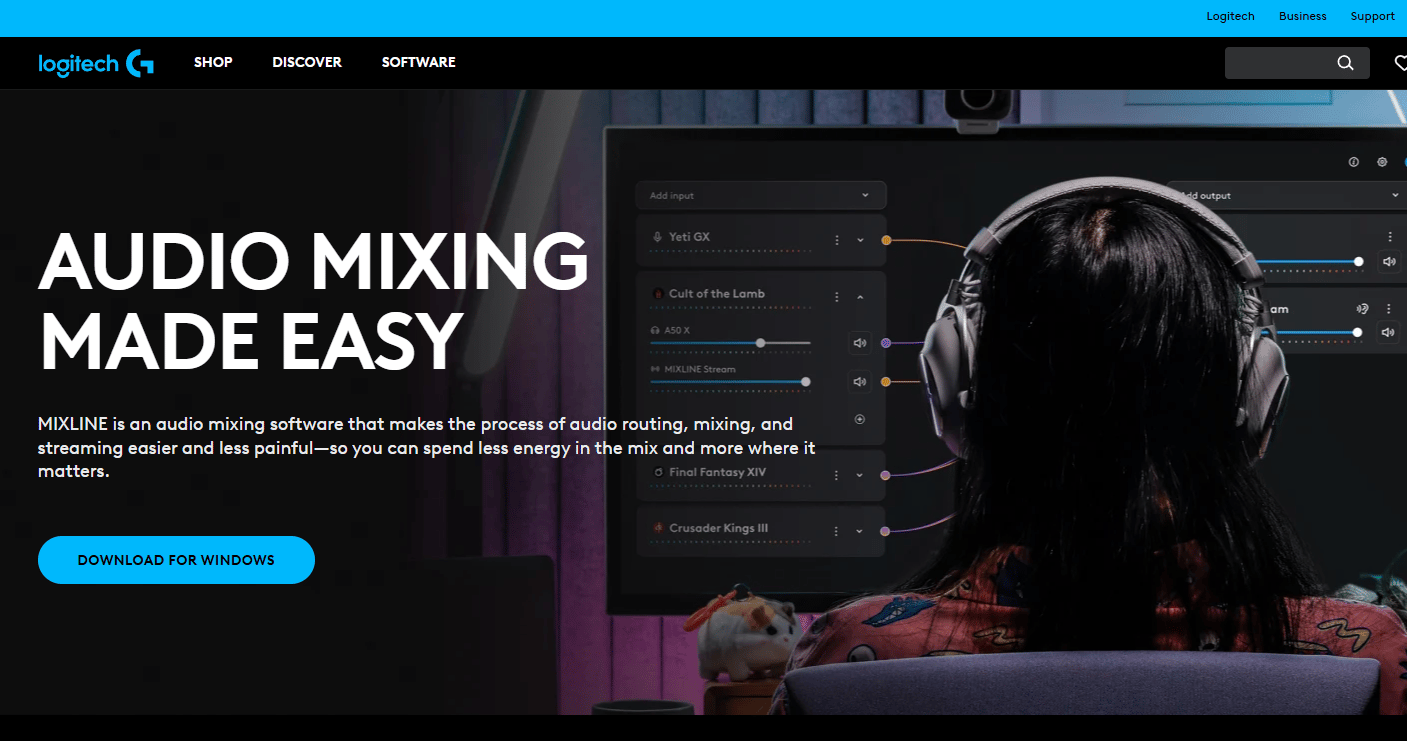
MIXLINE is audio routing and mixing software built for gaming and streaming. It lets you drag connections between audio sources and outputs, mix and monitor in one place, and control submix volumes independently. Instead of editing files after recording, it manages live audio as you broadcast, which is a different job entirely.
Its strength is simplicity for a specific workflow. You send mic, music, and system sound where they need to go for OBS or Streamlabs without a tangle of virtual cables.
Best for: Streamers and live webinar hosts who need clean audio routing from a single app.
Key features
- Drag-and-route audio connections
- Mix, monitor, and record in one app
- Independent submix volume control
- OBS and Streamlabs compatibility
- Built for a PC streaming workflow
Why choose MIXLINE: Pick it when your problem is live routing, not post-production editing. It will not clean up a recorded voice file, but for going live it removes the usual audio-routing headache.
MIXLINE pricing: Pricing details are handled through Logitech G's Mixline page rather than a listed number, so check the official page for current terms.
A verified G2 rating for MIXLINE was not available at publication.
8. Hindenburg Journalist
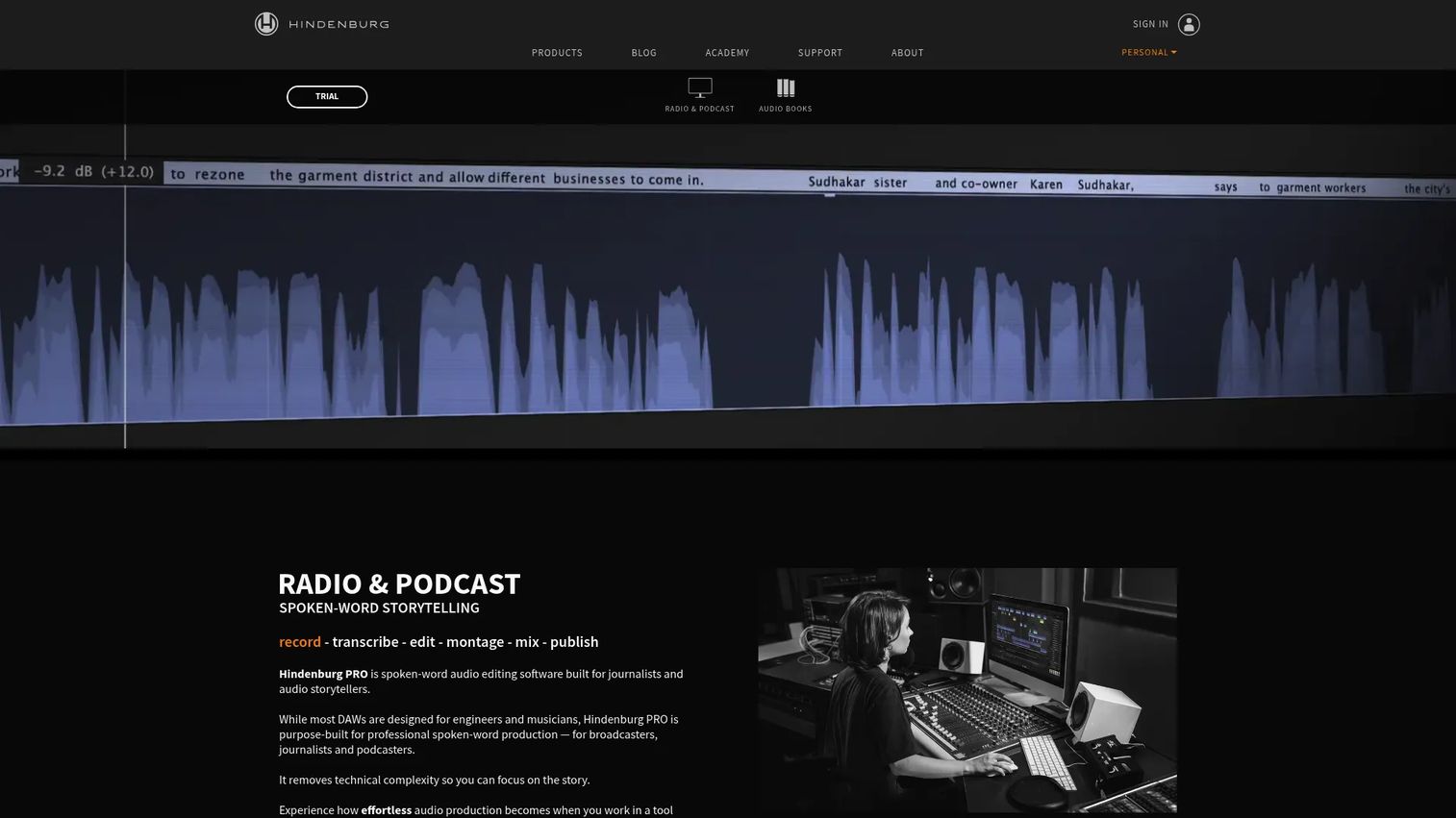
Hindenburg Journalist is audio editing software built specifically for spoken word. It targets interviews, narration, and podcasts with features like offline transcription, clipboard-style organization, and broadcast-ready publishing. Rather than pack in music production tools, it strips the workflow down to what voice editors actually need.
The focus is the selling point. If your work is talking, not music, the interface stays out of your way and keeps voice front and center.
Best for: Journalists, podcasters, and narration teams producing spoken-word audio.
Key features
- Offline transcription of recordings
- Clipboard-style clip organization
- Broadcast-ready editing and export
- Voice-focused workflow
- Publishing tools built in
Why choose Hindenburg Journalist: Choose it when your output is interviews or narration and general editors feel bloated. It gives up music production breadth in exchange for a workflow shaped entirely around voice.
Hindenburg Journalist pricing: The current site presents Hindenburg PRO plans (Standard, Plus, Premium) with monthly, yearly, and perpetual options, plus a trial. Check the official page for current figures, since exact prices were not readable at publication.
A verified G2 rating for Hindenburg Journalist was not available at publication.
Considerations
Before you commit, run each option against the factors that actually decide the fit for your workflow.
Platform compatibility
Confirm the tool runs on your operating system before anything else. Audacity and Reaper cover Windows, Mac, and Linux, while some tools skip Linux entirely. If your team is mixed across machines, cross-platform support saves you from buying two tools.
Learning curve
Match the tool's depth to how often you will use it. A quick-start editor suits occasional voice cleanup, while a DAW rewards regular, hands-on production. Buying deep power you rarely touch just means a steeper ramp for no payoff.
Voice clarity and cleanup tools
Look closely at EQ, compression, noise reduction, and de-essing if voice is your main output. These are what fix masking, where a voice gets buried under music, and headroom, the space you leave before audio clips. Gain staging, setting sensible levels early, prevents most problems before they start.
Routing and plugin support
Check VST and driver compatibility if you plan to extend the tool or go live. Editors and DAWs vary widely in plugin support, and streaming needs low-latency routing that file editors do not provide. Know whether you are editing after the fact or mixing live.
Pricing and upgrade path
Weigh a free tier against paid features honestly. Audacity may cover everything you need, or a one-time Reaper license may beat an ongoing subscription over time. Decide whether recurring cost buys you enough to justify it against a free or one-time option.
Conclusion
The right tool comes down to the job, not the feature count. Most marketers producing content audio do not need a music production suite, they need clean voice and balanced levels without a week of learning.
Start with Audacity if budget is zero and the work is voice cleanup or basic editing. Move to iZotope when muddy, noisy vocals are your recurring headache and you want the software to guide the fixes. Adobe Audition fits teams already inside Creative Cloud who polish podcasts and video audio.
For deeper control, Reaper gives you full DAW power on a $60 personal license, while Ableton Live suits music and creative mixing. If you go live, MIXLINE handles streaming audio routing, and Hindenburg Journalist keeps spoken-word production clean and focused.
Pick the one that matches your actual workflow, download the free version or trial, and test it on a real project before you commit. The tool that fits your job beats the most powerful one you never fully learn.
Start your journey with Guideflow today!
FAQs
MixPad and Audacity are the easiest starting points for beginners. Audacity is free and handles voice cleanup and simple editing, while MixPad adds multitrack mixing with a gentle learning curve. Both let you get a clean result without pro-grade complexity.
Yes, for most podcasts. Audacity gives you recording, editing, noise reduction, and EQ at no cost, which covers the core needs of a talk-based show. You only outgrow it when you need advanced repair or automation, where a paid tool like iZotope or Adobe Audition helps.
iZotope is the strongest pick for vocal cleanup. Its RX tools remove noise and repair damaged recordings, and its unmasking features help a voice sit clearly above music. Adobe Audition's spectral editing is also excellent for dialogue polishing.
It depends on whether you edit files or manage live audio. A DAW like Reaper or Ableton Live suits recording, editing, and mixing finished projects. A standalone mixer like MIXLINE routes and balances audio in real time for streaming, so pick based on live versus post-production work.
Audacity and Reaper both run well on Windows and cover most needs. Audacity handles free voice editing, while Reaper offers a full DAW at a low license cost. MixPad is another strong Windows option for beginner-friendly multitrack mixing.
Audacity, Reaper, and Adobe Audition all run on Mac. Audacity covers free editing, Reaper gives you deep control cheaply, and Audition fits Mac users already in Creative Cloud. Ableton Live is the Mac pick for music production specifically.
MIXLINE is built for streaming audio routing. It sends mic, music, and system sound to OBS or Streamlabs from one app, with independent submix control and low-latency monitoring. That is a different job from editing recorded files, which editors and DAWs handle instead.
Masking happens when one sound buries another, usually a voice under music, and EQ fixes it by carving space for each element. Headroom is the buffer you leave before audio clips, so keep peak levels a few decibels below maximum. Good gain staging, setting sensible levels as you record, prevents most of both problems upfront.










