You can close pipeline faster than legal can paper it. That becomes a scaling problem fast.
By the time a Series B company is managing NDAs, MSAs, order forms, employment agreements, and board consents simultaneously, manual drafting starts creating friction you can measure: Stalled deals, founder review time, and outside counsel bills for work that should be systematized. According to the Thomson Reuters Institute (2025), 51% of legal professionals using generative AI were already applying it to contract drafting, up from a much smaller base in prior years. The legal document automation software market, valued at $2.61 billion in 2025, is forecast to reach $6.49 billion by 2031, per Mordor Intelligence (2025). The adoption curve is real. The question is which tool removes your specific bottleneck without creating a new one.
This guide cuts through the category to give you 15 options across document automation, AI legal assistant software tools, Word-native workflows, and practice-specific drafting.
What's inside
This guide covers 15 legal document drafting software tools selected for 2026. It is written for founders, in-house legal leads, legal ops, and law firms evaluating their drafting stack.
Tools were chosen using four criteria:
- Drafting workflow fit: Does it address first drafts, clause management, review, or document assembly?
- Automation depth: Can it generate documents from templates, questionnaires, or data?
- Microsoft Word compatibility: Does it work inside the tool legal teams already use daily?
- Pricing and review signals: Are pricing and G2 ratings publicly verifiable?
TL;DR
- Best overall for document automation: ClauseBase, with clause-based drafting and advanced template logic
- Best for teams already in Word: Microsoft Word, plus add-ins like BoostDraft or Henchman
- Best for AI-assisted legal research and drafting: CoCounsel, starting at $340.85/month
- Best for legal document review and proofreading: Litera Desktop or Loio
- Best for court forms: Lawyaw, built for law firm document automation
- Best for estate planning: Wealth Docx, the specialist for estate attorneys
What is legal document drafting software?
Legal document drafting software helps legal teams create, edit, automate, review, and manage legal documents using templates, clauses, matter data, AI assistance, and document workflow tools.
The category covers several distinct approaches, and choosing the wrong subcategory creates shelfware.
Template-based drafting uses questionnaires and document assembly to generate consistent documents from reusable forms. It is designed for NDAs, MSAs, board consents, and other high-volume standard agreements.
Clause library drafting gives teams approved language, fallback positions, and conditional logic they can drop into new documents. It reduces random edits that create downstream review cycles. Sales wants speed; legal wants consistency. Clause-based drafting satisfies both.
AI-assisted drafting handles research, summarization, issue spotting, and draft generation. It is not a replacement for legal review. AI can produce a strong first draft or surface relevant precedents, but a qualified legal professional should review every document before it goes out.
Word-native drafting covers add-ins, formatting tools, proofreading, document comparison, and redlining inside Microsoft Word. These tools meet lawyers where they already work.
Practice-specific drafting covers court forms, estate planning documents, immigration forms, and other jurisdiction-specific materials. General drafting platforms rarely cover these well.
Contract automation and CLM connects drafting to approvals, e-signatures, contract repositories, and obligations tracking.
Key features to look for across the category:
- Template automation
- Clause libraries with conditional logic
- Microsoft Word integration
- AI drafting assistance
- Document comparison and redlining
- Citation and precedent support
- Approval workflows
- Version control
- Security and access controls
The right tool addresses the actual bottleneck, whether that is first-draft generation, clause reuse, error reduction, or high-volume form assembly.
When to use legal document drafting software
Automate repeatable legal documents
If the same agreement gets copied, pasted, and edited every week, the company is paying legal talent to do version control by hand. Document automation fits NDAs, MSAs, order forms, employment documents, board consents, procurement documents, privacy templates, and common client letters. A good template system turns a two-hour drafting task into a ten-minute questionnaire.
Standardize clauses without slowing the business
Approved clause libraries and fallback language let legal predefine risk positions so individual documents do not become one-off negotiations from scratch. Playbook-driven drafting gives sales a faster path to paper while giving legal defensible consistency.
Support legal review with AI and document intelligence
AI research tools, summarization features, risk detection, and document comparison help lawyers and legal ops catch problems before they create downstream liability. Use these tools to accelerate review cycles and reduce outside counsel hours, not to skip qualified legal review entirely.
Legal document drafting software comparison
Pricing for legal software varies by users, templates, modules, and deployment. The table below reflects verified current figures. Rows where pricing is quote-based reflect that pricing structure directly.
| # | Product | Best for | Key differentiator | Pricing | G2 rating |
|---|---|---|---|---|---|
| 1 | ClauseBase | Advanced document automation | Clause-based drafting with conditional logic | Quote-based | N/A |
| 2 | Microsoft Word | General legal drafting in a familiar environment | Broad compatibility and deep add-in ecosystem | From $9.99/mo | 4.7/5 |
| 3 | CoCounsel | AI legal research and drafting | Westlaw-grounded AI for research and drafting | From $340.85/mo | 4.8/5 |
| 4 | BoostDraft | Contract review inside Word | AI-assisted formatting and defined-term checks | Quote-based | N/A |
| 5 | Litera Desktop | Document review and proofreading | Comparison, metadata cleaning, and legal redlining | Quote-based | 4.3/5 |
| 6 | Bind | In-house AI contract workspace | AI drafting plus contract repository and e-signatures | From $90/user/mo | N/A |
| 7 | GenieAI | AI contract drafting for lean teams | Agentic Word editor with sourced legal research | Free plan available | 4.6/5 |
| 8 | Henchman | Clause retrieval from prior contracts | Semantic search across contract databases in Word | Quote-based | 4.5/5 |
| 9 | Lawyaw | Court form automation for law firms | Fillable court forms and document assembly | Quote-based | 4.5/5 |
| 10 | Lexis+ | Research-backed drafting | Legal research, analytics, and practical guidance | Quote-based | 4.0/5 |
| 11 | Loio | Contract review inside Word | Proofreading, defined-term checks, clause analysis | Quote-based | 3.9/5 |
| 12 | Wealth Docx | Estate planning document drafting | Guided templates for wills, trusts, and client letters | Membership-based | 4.4/5 |
| 13 | Avokaado | Contract lifecycle automation | Smart templates, approvals, signing, and AI tagging | Custom pricing | N/A |
| 14 | Legito | No-code document automation | End-to-end document lifecycle with Kedy AI assistant | 30-day free trial | N/A |
| 15 | HotDocs | High-volume document assembly | Rules-based template automation with guided interviews | Quote-based | 4.3/5 |
Best 15 legal document drafting software tools for 2026
1. ClauseBase
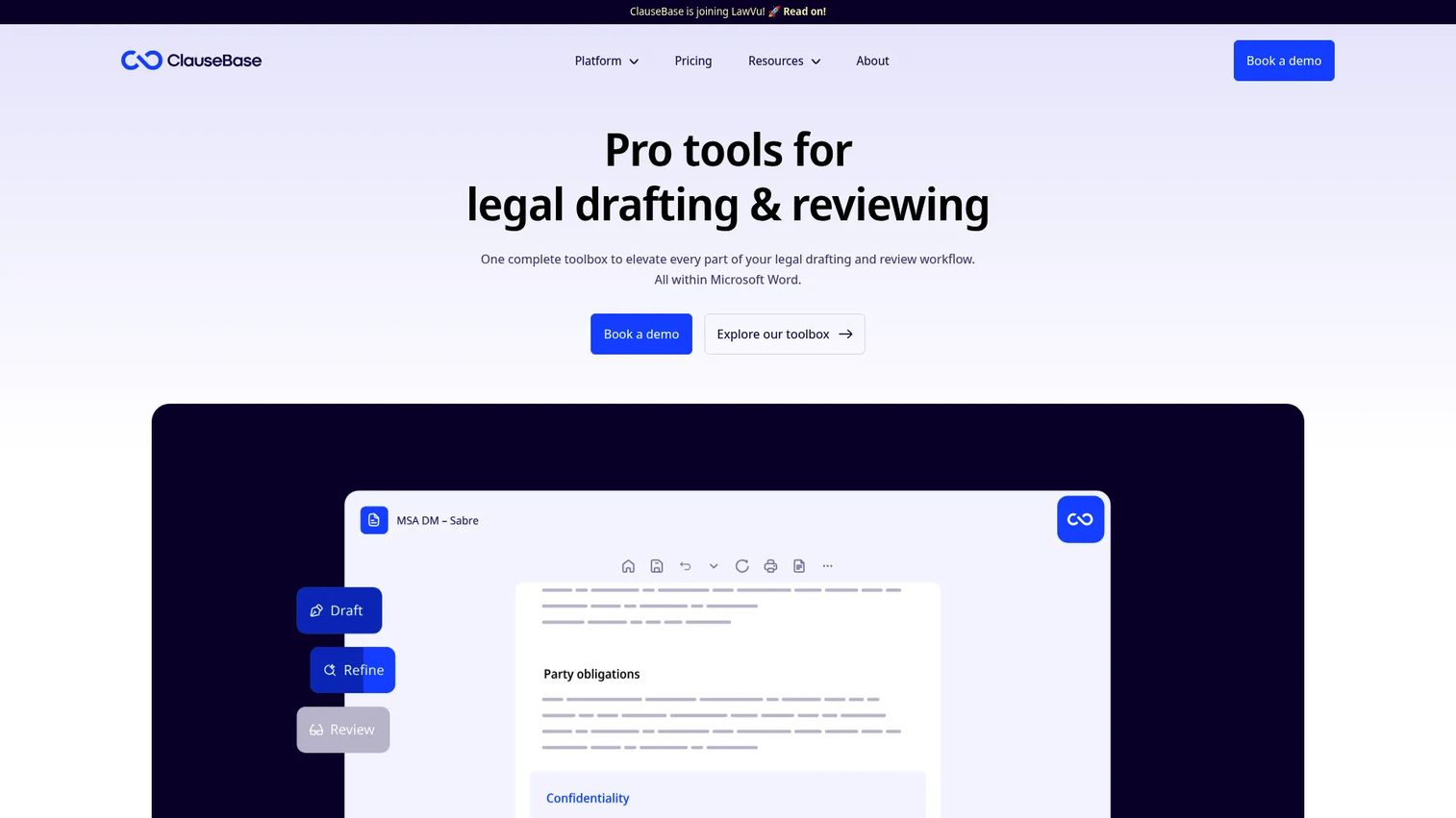
ClauseBase is a legal document automation and contract drafting platform built around clause-based logic and smart templates. It is designed for law firms and legal teams that need to manage complex document sets with conditional rules, reusable clauses, and questionnaire-driven assembly. The platform integrates with Microsoft Word and offers a REST API for teams with more advanced technical requirements.
Best for: Legal teams and law firms managing advanced contract drafting, clause management, and document automation at scale.
Key features
- Smart template automation with questionnaire-based document generation
- Clause libraries with semantic search and precedent extraction
- AI-powered drafting, redrafting, proofreading, and document analysis
- Document comparison and bulk document operations
- Microsoft Word integration and REST API
Why choose ClauseBase: Choose ClauseBase when depth matters more than simplicity. It rewards teams ready to invest in a structured drafting system, particularly those managing high-complexity templates where conditional logic and clause reuse deliver the most time savings.
ClauseBase pricing: ClauseBase offers ClauseBuddy and Clause9 plans, as well as enterprise and guest-access options. Contact ClauseBase sales for pricing based on your team size, templates, and deployment needs.
2. Microsoft Word
Microsoft Word is the default drafting environment for most legal teams. It is not specialized legal software on its own, but it remains central because nearly every legal drafting add-in plugs into it, and your team already knows it. Track Changes, comment threads, and version history give it enough review capability for most standard agreements.
Best for: Teams that need a familiar drafting environment with broad file compatibility and minimal adoption friction.
Key features
- DOCX editing with Track Changes and version history
- Comments and real-time collaboration
- Microsoft Copilot for drafting assistance and summarization
- Templates and voice-to-text dictation
- Add-in ecosystem for legal-specific extensions
Why choose Microsoft Word: Choose Word when adoption risk matters more than specialized automation. It is the baseline many legal teams already use, and pairing it with the right add-in often delivers more value than switching to a new environment entirely.
Microsoft Word pricing: Microsoft 365 Personal starts at $9.99/month or $99.99/year. Microsoft 365 Family costs $12.99/month or $129.99/year. Legal-specific add-ins such as BoostDraft, Loio, or Henchman require separate purchases on top of the core subscription.
G2 rating: 4.7/5
3. CoCounsel
CoCounsel is an AI-powered legal assistant from Thomson Reuters that grounds its outputs in Westlaw, Practical Law, Checkpoint, and other authoritative legal content. It supports legal research, document review, contract analysis, drafting assistance, and Microsoft Word integration. For teams whose drafting bottleneck starts before the document, because they need research before they can write, CoCounsel addresses the whole workflow.
Best for: Legal teams that need AI legal research and drafting assistance in a single, source-grounded workflow.
Key features
- AI-assisted research grounded in Westlaw and Practical Law
- Document review, summarization, comparison, and timeline creation
- Contract analysis and clause modification
- Discovery request drafting and Word integration
- Document summarization across large file sets
Why choose CoCounsel: Choose CoCounsel when research quality drives drafting quality. It is particularly strong for teams doing precedent-heavy work where authoritative sourcing matters, and for those who already use Thomson Reuters products in their existing stack.
CoCounsel pricing: CoCounsel Essentials starts at $340.85/month. Practical Law Dynamic Tool Set with CoCounsel Essentials starts at $882.30/month. CoCounsel Legal starts at $1,694.90/month. Pricing is tailored by customer needs.
G2 rating: 4.8/5
4. BoostDraft
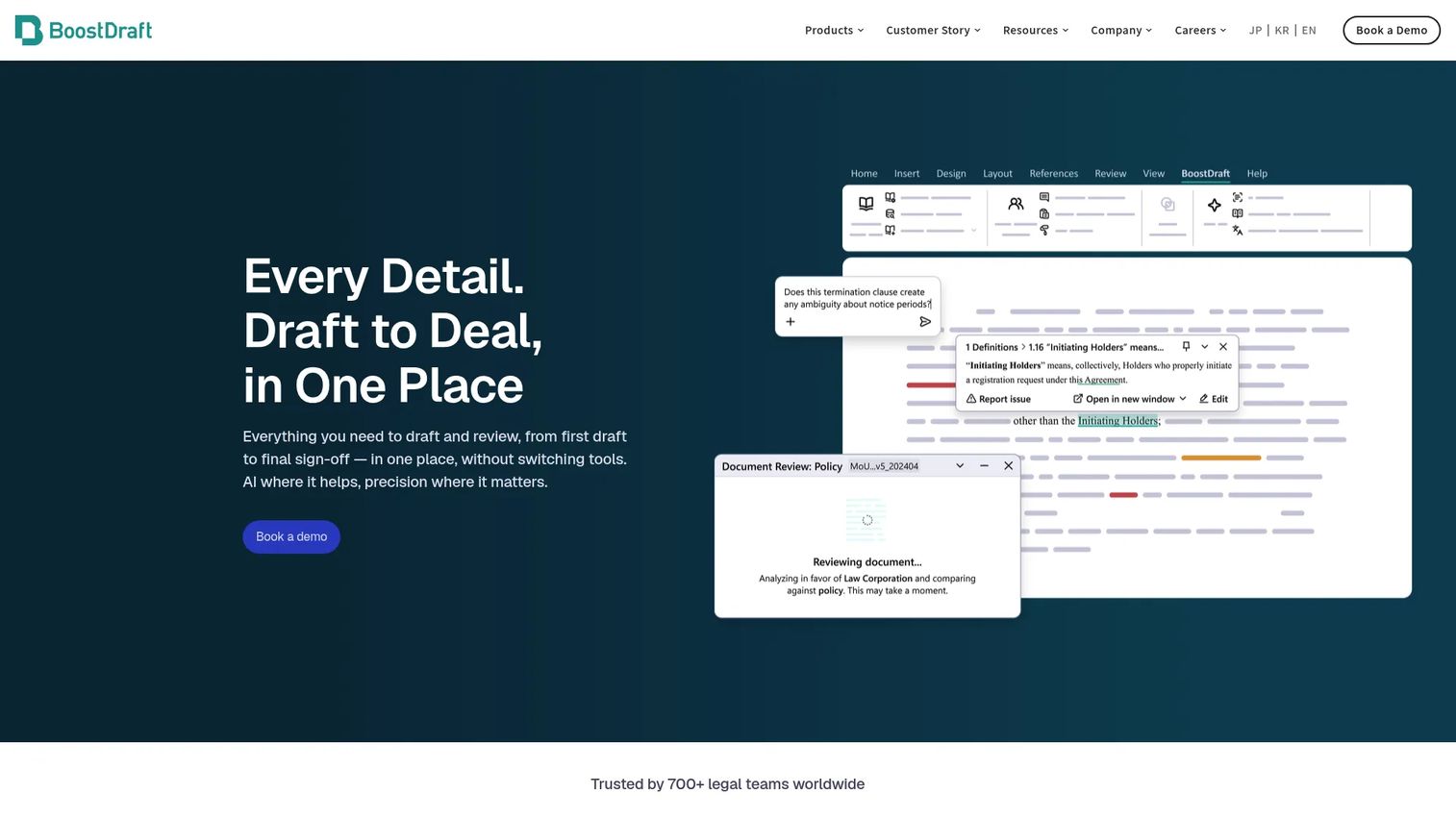
BoostDraft is a Word-native legal drafting assistant designed for contract drafting, review, and document cleanup. It operates as an add-in, so lawyers stay in the environment they know while getting AI-assisted formatting, proofreading, and document comparison. It handles defined term checks, numbering consistency, and cross-reference errors that slow down review cycles.
Best for: Lawyers and legal teams drafting and reviewing contracts inside Microsoft Word who want fewer formatting errors and faster review cycles.
Key features
- Word add-in with AI-assisted drafting support
- Smart formatting for indentation, numbering, and layout
- Proofreading with in-document highlights and organized error lists
- AI-assisted contract translation and analysis
- Document comparison across Word, PDF, Excel, and PowerPoint with OCR
Why choose BoostDraft: Choose BoostDraft when the team's workflow is already in Word and the goal is better drafting quality without migrating to a new environment. It is particularly useful for teams who spend significant time catching formatting and defined-term inconsistencies.
BoostDraft pricing: BoostDraft charges a per-user subscription fee with no minimum user requirement. Contact BoostDraft for current per-user pricing details.
5. Litera Desktop

Litera Desktop (currently transitioning to Litera Draft) is a suite for legal document drafting, review, proofreading, comparison, and transaction workflows. It is widely used by law firms managing large volumes of Word documents and is particularly strong where error reduction and document hygiene are as important as first-draft creation.
Best for: Legal teams that need document comparison, proofreading, and drafting quality control across high-volume document workflows.
Key features
- Document comparison and legal-specific redlining
- Proofreading and formatting repair
- Metadata cleaning and secure file sharing
- PDF editing and irreversible redaction
- Enterprise-approved document templates and content libraries
Why choose Litera Desktop: Choose Litera when the problem is not generating documents from scratch, but reducing errors before they create risk. It performs well for teams where a missed formatting inconsistency or stale metadata in a production document is a real liability concern.
Litera Desktop pricing: Contact Litera for module-specific pricing based on team size and workflow requirements.
G2 rating: 4.3/5 (Litera Compare, the closest publicly listed desktop product)
6. Bind
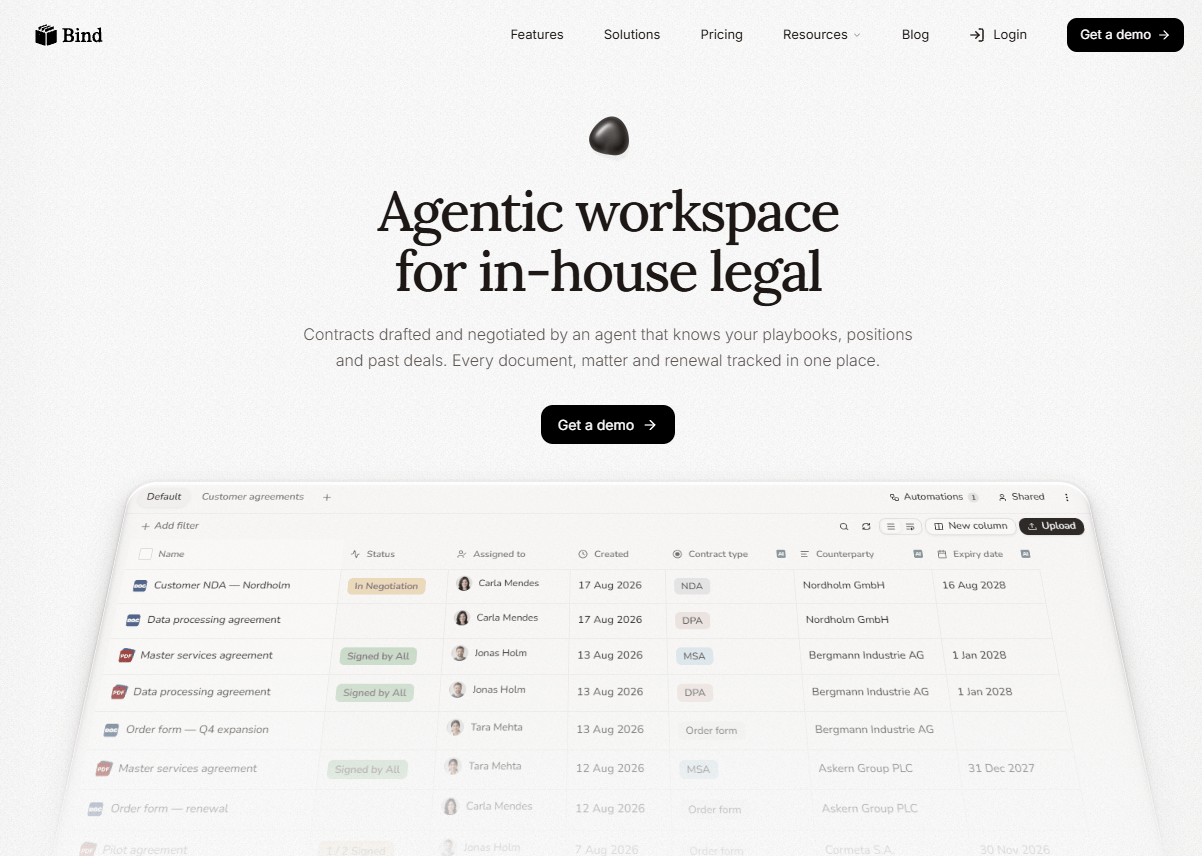
Bind is an AI-native contract workspace built for in-house legal teams. It handles drafting, negotiation, storage, tracking, and signing in one place. AI contract drafting with redlining, clause suggestions, and automatic extraction of dates, parties, and obligations means legal teams can move faster without compromising review quality. Playbooks, templates, and version comparison round out the core workflow.
Best for: In-house legal teams that want AI-assisted contract drafting, negotiation, repository management, and e-signatures in one workspace.
Key features
- AI contract drafting and negotiation with redlining and clause suggestions
- Automatic extraction of key terms, dates, parties, and obligations
- Playbooks, templates, and version comparison
- Collaborative editing and approval workflows
- E-signatures and renewal reminders
Why choose Bind: Choose Bind when you want to consolidate drafting, negotiation, and contract tracking rather than stitching together separate tools. It is a strong fit for in-house legal functions that are building repeatable contract workflows for the first time.
Bind pricing: Starter is $90/user/month (billed annually) for 1 to 4 users, up to 200 stored documents, and 50 e-signatures per month. Business is $500/month (billed annually) for 5 users, up to 2,000 stored documents, and 500 e-signatures per month. Enterprise is custom-priced.
7. GenieAI
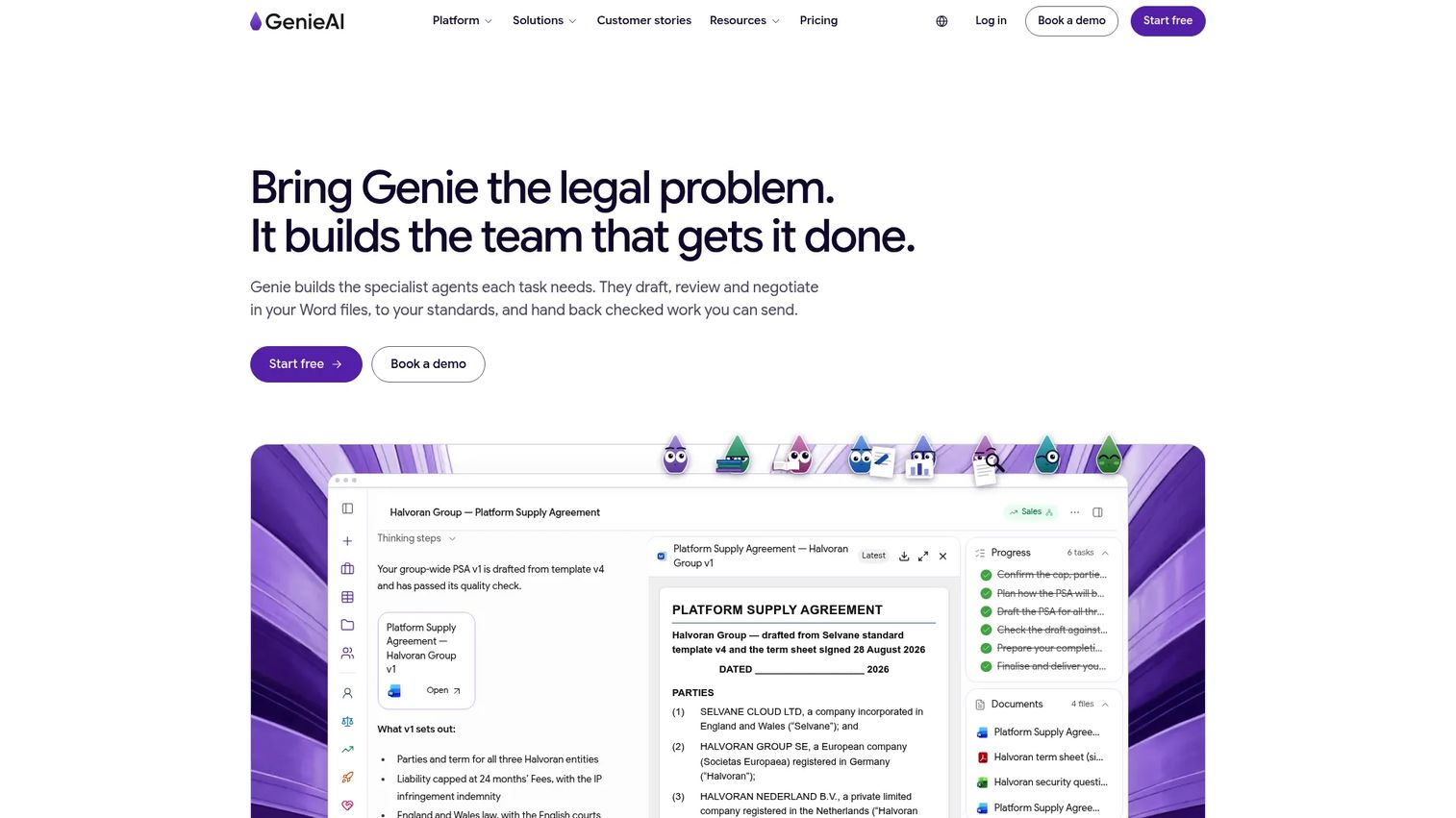
GenieAI is a legal AI platform that drafts, reviews, negotiates, and manages legal documents. Its agentic Word editor preserves formatting during tracked-change editing, which removes a common frustration with AI drafting tools that break document structure. GenieAI also includes sourced legal research answers, playbooks for negotiation positions, and integrations with Word, Google Drive, SharePoint, Gmail, Outlook, and e-signature tools.
Best for: Startups, commercial teams, procurement functions, and lean in-house legal teams that need AI-assisted contract drafting and review without a large operations overhead.
Key features
- AI legal drafting, review, and redlining with tracked changes
- Playbooks for applying negotiation positions and standards
- Agentic Word editor with formatting-preserving tracked changes
- Sourced legal research with cited answers
- Integrations with Word, Google Drive, SharePoint, Gmail, and e-signature tools
Why choose GenieAI: Choose GenieAI when speed to first draft matters and your team wants AI assistance that stays inside familiar tools. High-risk or high-value documents still need qualified legal review, but GenieAI materially reduces the time lawyers spend on routine contract work.
GenieAI pricing: A Free plan is available. Pro is $75/month (or $59/month billed annually). Business is $320/month (or $259/month billed annually). Enterprise starts from $600/month on annual terms.
G2 rating: 4.6/5
8. Henchman

Henchman is legal knowledge and contract drafting software that centralizes clauses and definitions from your existing contract database and makes them searchable inside Microsoft Word and Outlook. The core idea is straightforward: Your best drafting language is already in your old agreements. Henchman makes it findable in seconds rather than buried in a file server.
Best for: Legal teams that want to reuse negotiated clause language and institutional knowledge from prior contracts.
Key features
- Clause and definition search within Microsoft Word and Outlook
- Contract database integration and dynamic knowledge management
- AI Clause Assistant for drafting support
- Search, filtering, comparison, and bookmarking
- Contract intelligence across stored agreements
Why choose Henchman: Choose Henchman when the team's best drafting knowledge already exists in old agreements but takes too long to find. It is particularly valuable for firms or legal ops teams with years of negotiated agreements that rarely get reused because retrieval is too slow.
Henchman pricing: Henchman prices on a contact-sales basis, structured around a base package for 10 users per year, plus optional add-ons for Dynamic Knowledge and AI Clause Assistant. Contact Henchman for current pricing.
G2 rating: 4.5/5
9. Lawyaw
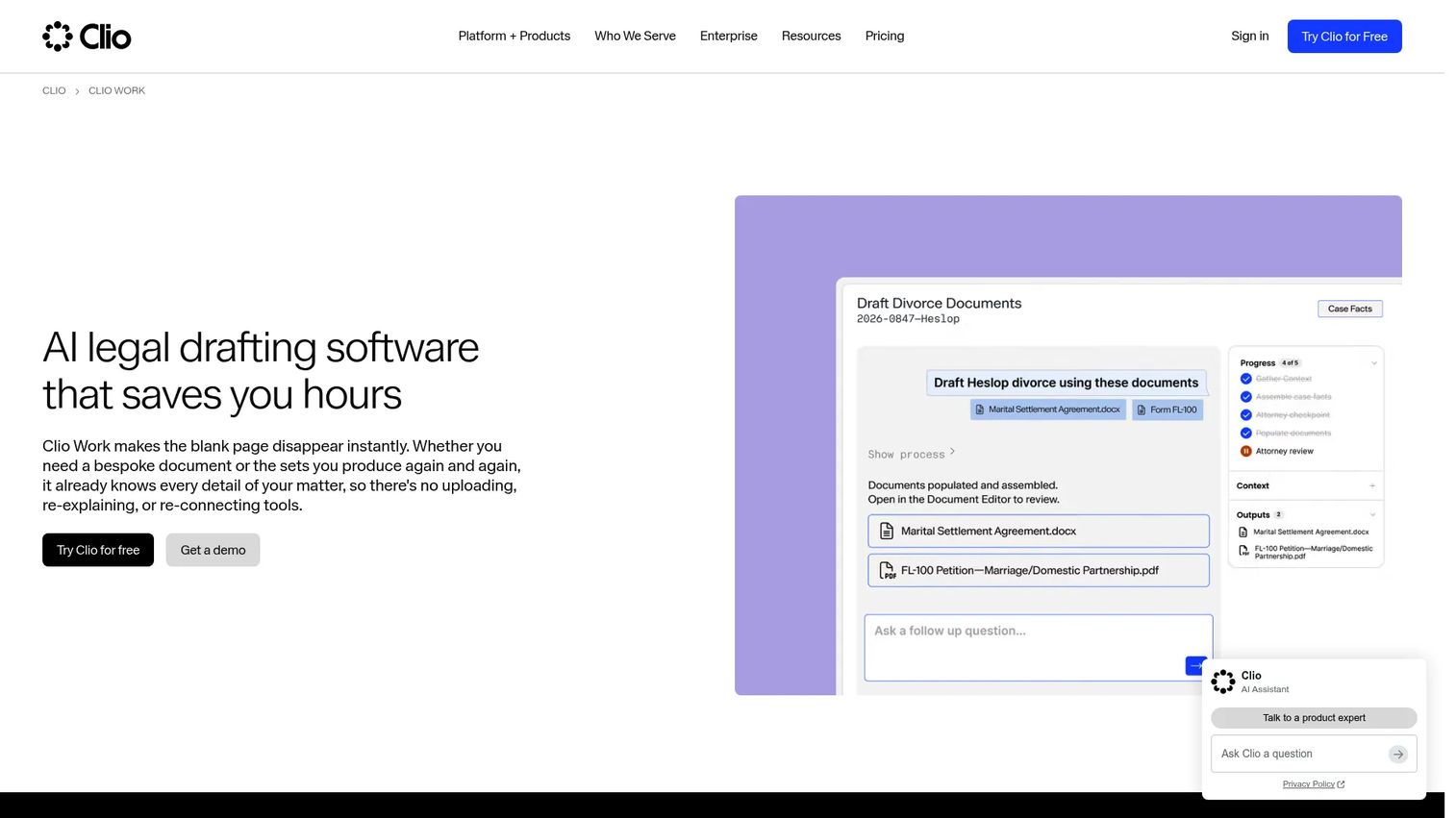
Lawyaw is a cloud-based legal document automation platform built for law firm workflows, with particular strength in court form automation. It offers document assembly, fillable court forms, e-signature capabilities, and knowledge management tools. Lawyaw is now part of the Clio ecosystem, so teams already on Clio's practice management platform will find the integration natural.
Best for: Solo, small, and mid-sized law firms automating court forms, client-facing documents, and standard matter intake workflows.
Key features
- Fillable court forms with jurisdiction-specific content
- Automated document assembly
- Client intake automation
- Electronic signatures
- Practice workflow support
Why choose Lawyaw: Choose Lawyaw when the drafting workflow is tied to jurisdiction-specific forms and high-volume, repetitive matter intake. It is the right call for practices where manual form completion is the main legal productivity bottleneck, not contract negotiation.
Lawyaw pricing: Lawyaw is now part of Clio. Contact Clio or Lawyaw directly for current pricing by team size and feature set.
G2 rating: 4.5/5
10. Lexis+
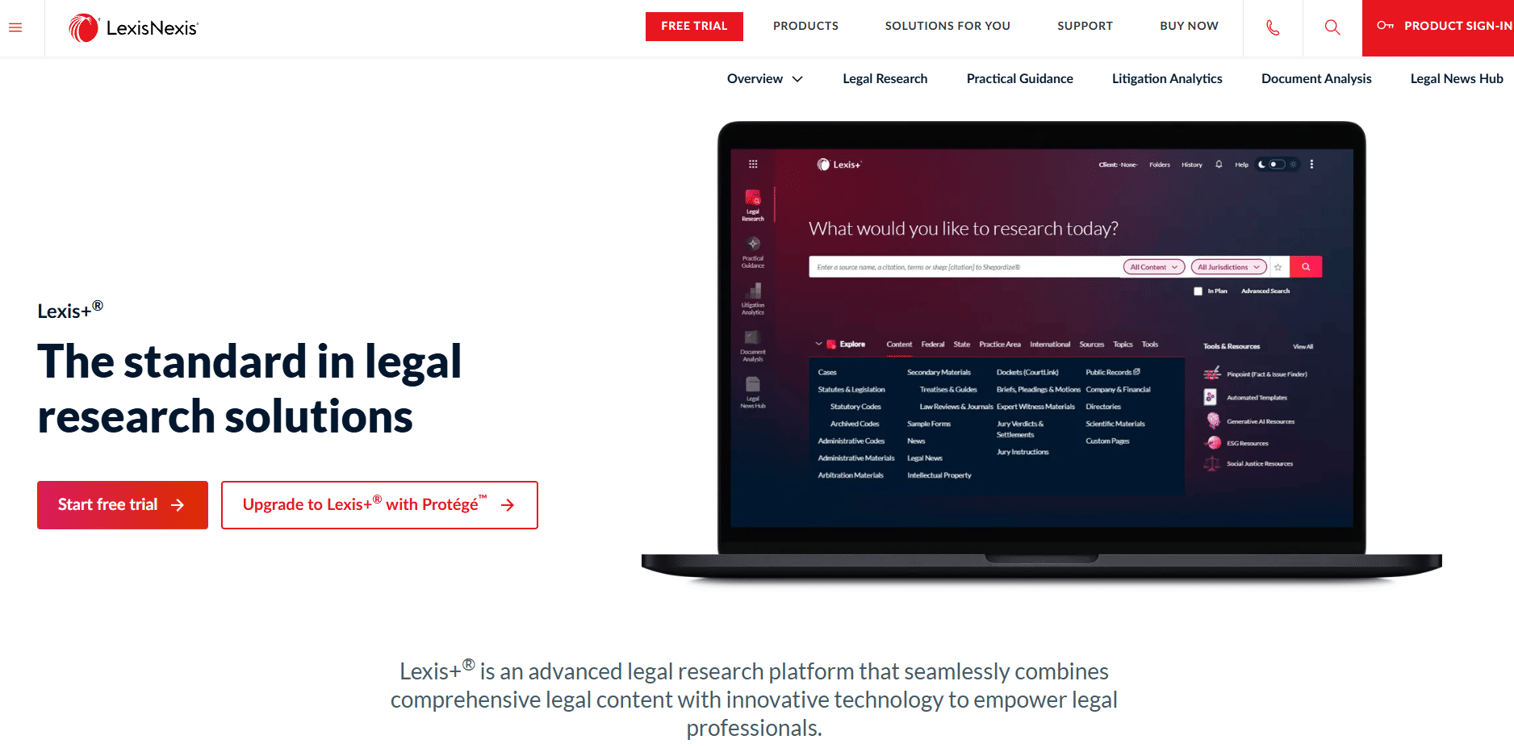
Lexis+ is a legal research and workflow platform from LexisNexis that combines authoritative legal content, practical guidance, litigation analytics, document analysis, and legal news. For teams whose drafting quality depends on research depth, Lexis+ brings precedent, case law, and practical guidance into the same workflow. A 7-day free trial is available.
Best for: Legal professionals and teams that need integrated legal research, practical guidance, analytics, and document analysis in one platform.
Key features
- Legal research with Lexis Answers and Search Term Maps
- Practical Guidance with checklists, templates, and practice notes
- Litigation Analytics and judge, court, and attorney insights
- Drafting assistance and citation support
- Document analysis across large file sets
Why choose Lexis+: Choose Lexis+ when drafting quality is downstream of research quality. It performs best for teams doing precedent-heavy transactional work, litigation support, or complex regulatory matters where authoritative sourcing changes the outcome.
Lexis+ pricing: Pricing depends on organization size, jurisdictions, content, tools, and user count. Contact LexisNexis for a quote. A 7-day trial is offered for solo practitioners and small firms through the online store.
G2 rating: 4.0/5
11. Loio
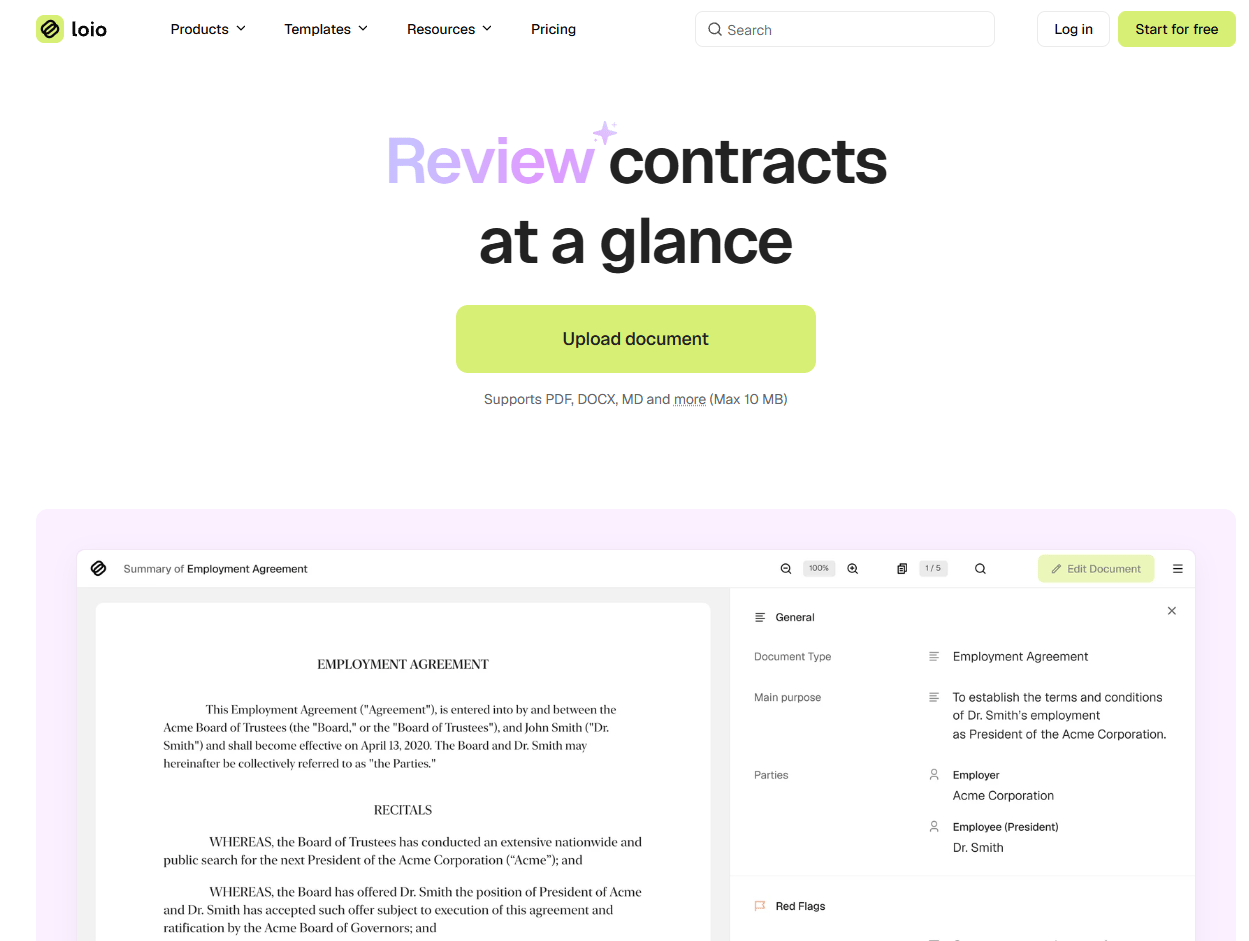
Loio is a Microsoft Word add-in for contract review, proofreading, defined term checks, formatting, and clause analysis. It operates inside Word, so there is no new environment to learn. Loio is focused on catching errors before they create risk, which makes it a natural complement to any first-draft tool that gets documents started but does not do final review quality control.
Best for: Legal teams that need proofreading, defined-term validation, and review support inside Microsoft Word.
Key features
- Word add-in for contract review and proofreading
- Defined term checks and formatting validation
- Clause analysis and issue identification
- Document cleanup and structural checks
- Contract review workflow support
Why choose Loio: Choose Loio when the core problem is catching errors in existing documents rather than generating them from scratch. It fits teams that already have a drafting workflow and need a final review layer before documents go out.
Loio pricing: Contact Loio directly for current pricing. The site previously offered trial access; check the Loio pricing page for current plan details.
G2 rating: 3.9/5
12. Wealth Docx
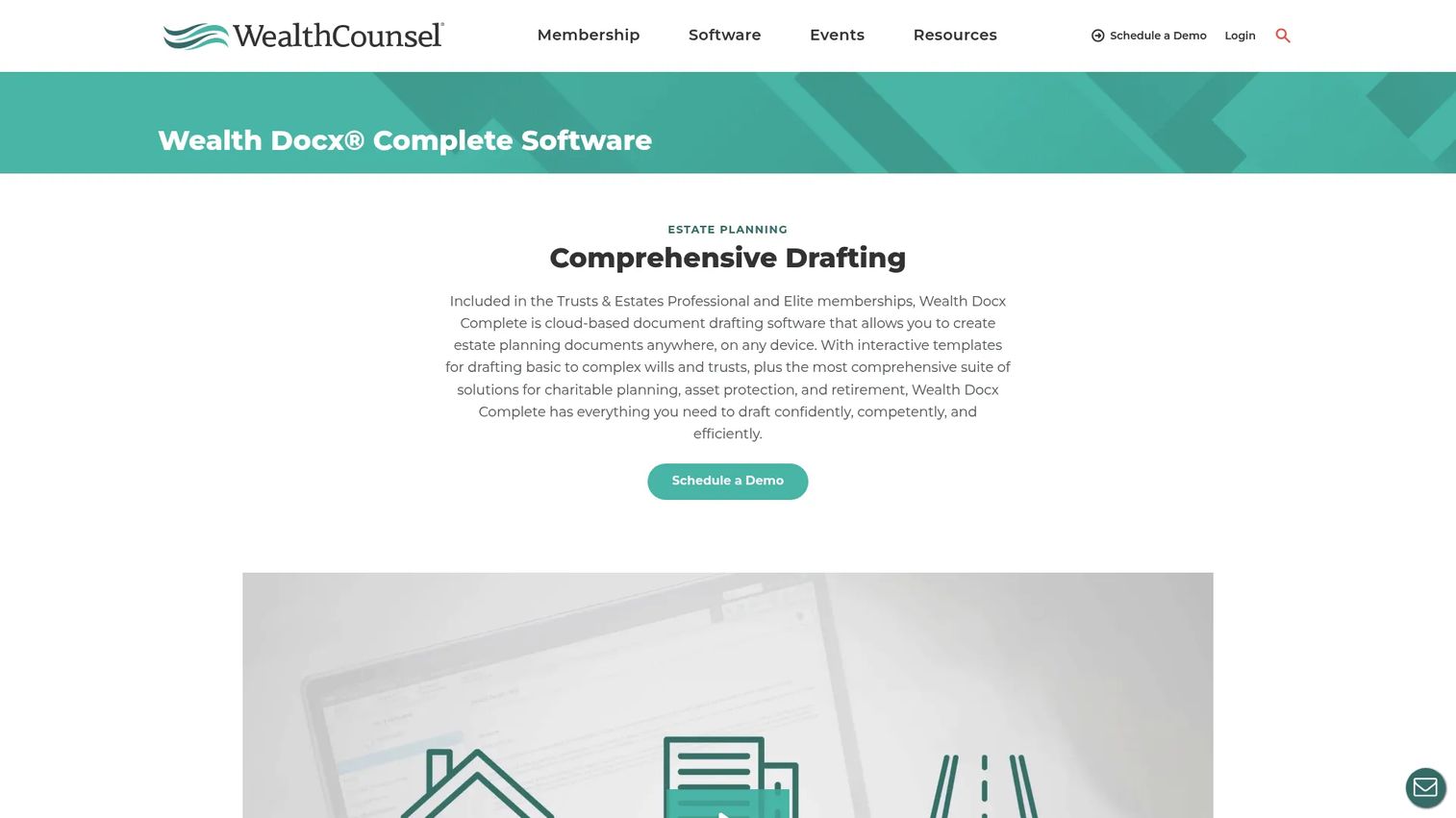
Wealth Docx is cloud-based estate planning document drafting software offered through WealthCounsel memberships. It is a specialist tool for estate planning and elder law attorneys who need guided templates, scenario-based drafting, and automated legal content updates. It is not a general contract drafting platform.
Best for: Estate planning and elder law attorneys who need guided, customizable document automation for wills, trusts, and client letters.
Key features
- Interactive templates for wills, living trusts, and trust-protector documents
- Guided interviews and customizable drafting templates
- Scenario-based drafting for recurring fact patterns
- Automated legal content updates
- Selected state-specific provisions and statutory references
Why choose Wealth Docx: Choose Wealth Docx when practice-area depth matters more than broad drafting flexibility. For estate planning firms, the depth of jurisdiction-specific content and guided interview logic is worth more than a general-purpose drafting tool.
Wealth Docx pricing: Wealth Docx Core is included with Essential and Elder Law Professional memberships. Wealth Docx Complete is included with Trusts and Estates Professional and Elite memberships. Contact WealthCounsel for membership pricing by firm size and selected product tier.
G2 rating: 4.4/5
13. Avokaado
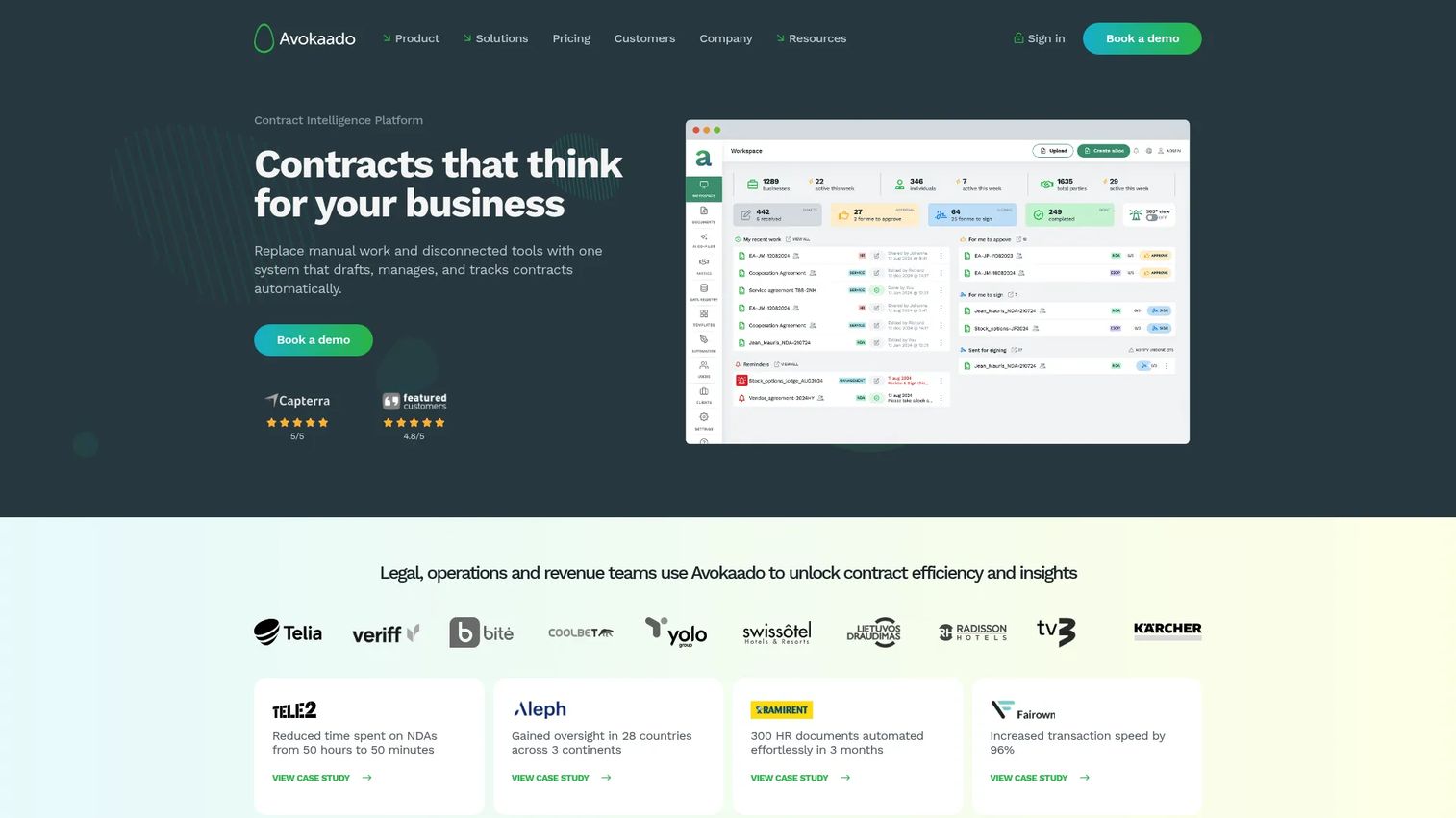
Avokaado is a contract intelligence platform that handles drafting, automation, signing, and contract analysis in one place. Smart templates with conditional logic, approval routing, audit trails, and version history address the full contract lifecycle rather than just initial drafting. AI tagging, risk detection, and searchable records make it useful after documents are signed as well as before.
Best for: Legal, HR, sales, procurement, and operations teams that need structured contract lifecycle automation and intelligence across multiple business functions.
Key features
- Contract automation with smart templates, logic, and approval routing
- Real-time collaboration with tracked edits, comments, and version history
- Contract intelligence with AI tagging, searchable records, and risk detection
- Workflow triggers and obligation tracking
- Legally binding electronic signatures and audit trails
Why choose Avokaado: Choose Avokaado when drafting is part of a broader contract workflow that spans legal and business users. It is a strong fit when the goal is giving non-legal teams a guided path to paper without creating downstream review cycles for legal.
Avokaado pricing: Avokaado prices on a custom basis with no fixed plans. Contact Avokaado to discuss pricing by workflow, user count, and automation scope.
14. Legito
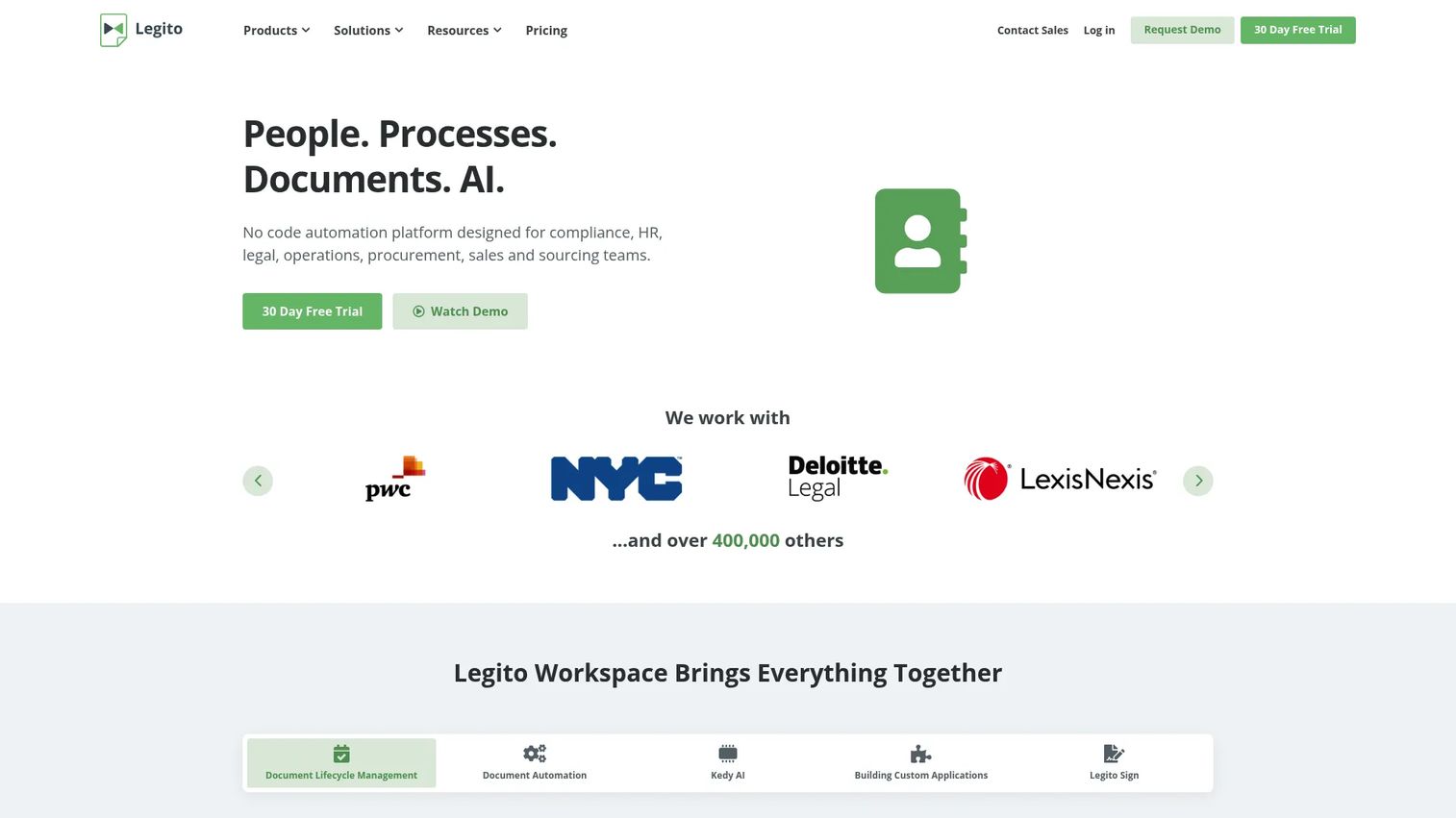
Legito is a no-code automation platform for document lifecycle management, document automation, AI-assisted workflows, and back-office applications. Its Kedy AI assistant handles document-related tasks, template automation, and workflow navigation. For teams building a structured document automation program across legal, HR, finance, and operations, Legito covers more ground than a pure legal drafting tool.
Best for: Organizations building no-code legal document automation workflows that span multiple business functions.
Key features
- End-to-end document lifecycle management with routing and approvals
- No-code document automation with interactive templates
- Kedy AI assistant for document tasks and workflow navigation
- No-code custom application building for back-office teams
- Legally binding electronic signatures
Why choose Legito: Choose Legito when legal drafting is one part of a larger document automation program across the company. It is well-suited to legal ops and operations teams that want to standardize documents across departments without engineering involvement.
Legito pricing: A 30-day free trial with all features is available, no credit card required. Contact Legito for paid plan pricing.
15. HotDocs
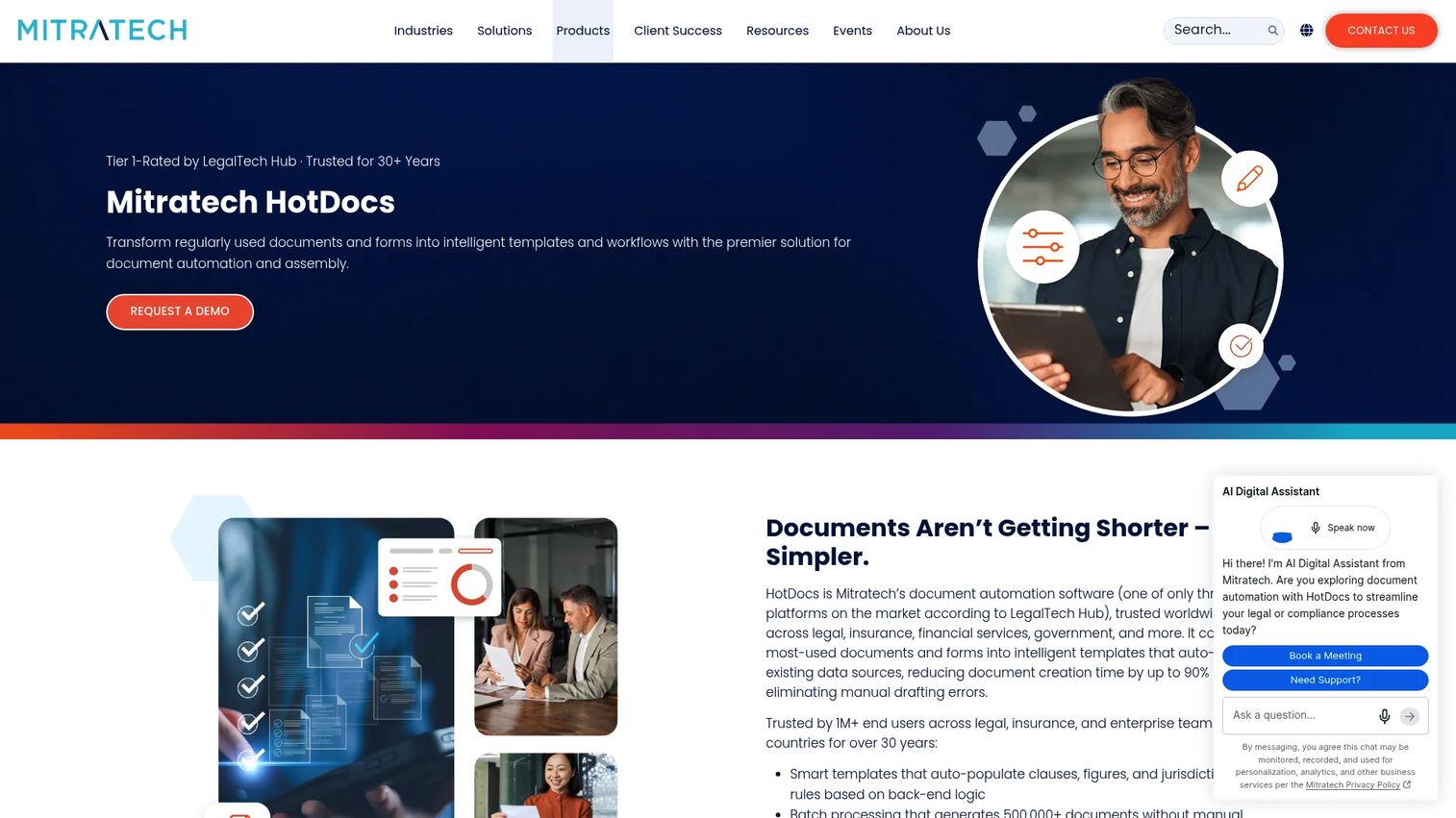
HotDocs is established document assembly software for high-volume, template-driven document generation. It transforms Word, plain-text, and PDF documents into interactive templates, then uses guided interviews to collect user data and produce customized documents. Rules-based assembly with variables, computations, and conditional logic makes it suited for organizations with complex forms and large, repeatable document sets.
Best for: Organizations generating high volumes of complex, standardized legal, financial, insurance, government, or business documents.
Key features
- Transform Word and PDF documents into interactive templates
- Guided interviews and dynamic questionnaires for data collection
- Rules-based assembly with variables, computations, and conditional logic
- Reusable answer data across document sets
- Deployment options for server and cloud environments
Why choose HotDocs: Choose HotDocs when the core need is mature, rules-based document assembly at scale. It is particularly well-suited to organizations that have already defined their document logic and need a production-grade engine to execute it reliably.
HotDocs pricing: Licensing and pricing require contacting HotDocs sales. A 30-day trial is available. Pricing depends on deployment model, template complexity, and usage volume.
G2 rating: 4.3/5
Considerations when choosing legal document drafting software
Match the tool to the drafting job
The category spans first-draft generation, template assembly, clause retrieval, contract review, and court forms. Picking a full CLM platform when you need clause retrieval adds complexity without adding value. Start by naming the specific bottleneck: Too slow to first draft, inconsistent approved language, errors caught too late, or high-volume form production.
Check Microsoft Word compatibility
Most legal teams draft in Word. A tool that forces users into a new editor adds adoption risk that can kill the rollout. If your legal team will not leave Word, prioritize add-ins and Word-native tools rather than standalone document editors.
Decide how much automation you need
A startup might need templates and fallback clauses. A legal ops function at 100 employees might need conditional logic, approval routing, repositories, and reporting. The complexity of the template logic, not just the number of documents, should drive the evaluation.
Validate AI governance and review controls
Cover data handling, prompt controls, matter confidentiality, citation support, and permissions before signing a contract. AI-generated legal drafts require qualified lawyer review. No tool in this list eliminates that requirement. What they do is reduce the time lawyers spend getting to a reviewable draft.
Price against bottleneck cost
Tie the tool's cost to what the bottleneck is currently costing you: Founder review time, stalled deals, outside counsel hours for routine documents, or legal ops headcount. A $500/month tool that removes two hours of founder legal review per week pays back fast at a Series B.
Conclusion
The right legal drafting stack is the one that removes recurring bottlenecks without forcing the whole company into a system they will not use.
For deep document automation, start with ClauseBase, Legito, Avokaado, or HotDocs. If the team lives in Word, evaluate Microsoft Word alongside add-ins such as BoostDraft, Litera Desktop, Loio, or Henchman. For AI drafting and research, shortlist CoCounsel, Lexis+, GenieAI, or Bind. For practice-specific workflows, Lawyaw handles court forms and Wealth Docx handles estate planning.
Before buying any of these, name the bottleneck. If sales contracts are slowing deals, prioritize contract drafting and clause libraries. If legal is buried in routine forms, prioritize document automation. The best tool is not the most feature-rich one; it is the one that earns its place in the stack within the first quarter.
If your team sells software, what happens before the contract matters too. Use Guideflow to create interactive product demos that help prospects understand your product before the legal cycle begins.
Start your journey with Guideflow today!
FAQs
Legal document drafting software helps legal teams create, edit, automate, review, and manage legal documents using templates, clauses, matter data, AI assistance, and document workflow tools. The category spans first-draft generation, clause libraries, AI legal research, Word-native review tools, court form automation, and contract lifecycle management.
The right choice depends on practice area. Lawyaw is designed for court forms and standard law firm workflows. Wealth Docx is built specifically for estate planning and elder law. ClauseBase suits firms with complex drafting and clause management needs. Litera Desktop is strong for firms where document quality control, comparison, and metadata management are daily requirements.
Drafting software helps lawyers create and improve legal documents, often through AI assistance, clause libraries, or Word-native editing tools. Document automation software uses templates, rules, and input data to generate completed documents at scale, often with minimal lawyer involvement per document. Many tools, including ClauseBase, Legito, Avokaado, and HotDocs, do both.
No. AI can assist with drafts, summaries, research, and issue spotting, but a qualified legal professional should review any legal document before it is used. According to the Thomson Reuters Institute (2025), 59% of legal professionals using generative AI were applying it to drafting briefs and memos, and 51% to contract drafting. Adoption is high, but the review requirement remains.
The highest-impact features vary by use case. For template-based drafting: Questionnaire assembly and conditional logic. For clause management: Semantic search, approved language libraries, and fallback positions. For review and proofreading: Document comparison, defined-term checks, and formatting validation. For AI assistance: Research grounding, citation support, and draft generation. For governance: Version control, permissions, and audit trails.
Word covers basic drafting well, especially for teams using templates and track changes. Growing companies typically hit the limits when document volume increases, review cycles multiply, or inconsistent clause language creates downstream risk. At that point, adding a Word-native add-in such as BoostDraft, Henchman, or Loio often delivers more value than switching platforms entirely.
Pricing varies considerably across the category. Microsoft 365 starts at $9.99/month. GenieAI has a free plan with paid tiers starting at $75/month. Bind starts at $90/user/month. CoCounsel starts at $340.85/month for the Essentials plan. Many legal automation platforms, including ClauseBase, Litera Desktop, Lawyaw, Avokaado, and HotDocs, price by quote depending on users, templates, modules, and deployment complexity.
Match the tool to the specific bottleneck. If sales contracts are slowing deal cycles, prioritize contract drafting tools with clause libraries and approval workflows. If the founding team is still reviewing every standard NDA, prioritize template automation that lets sales or finance self-serve safely. If legal is spending hours on form-heavy work, prioritize document assembly. The evaluation question is not "which tool has the most features" but "which tool removes this recurring bottleneck fastest."