You know the sound you want. A specific kick, a vocal chop that sits just behind the beat, a percussion hit with the right decay. You just can't find it. So you dig through folders named "New Folder 3," open the same pack you already checked, and lose the idea you had ten minutes ago.
That is the real cost of sample sprawl. Not annoyance, momentum.
A sample manager fixes this by giving you real audio search across every pack, drive, and genre you own. Instead of scrolling filenames, you filter by BPM, key, or mood, audition without loading a DAW, and get back to writing. The broader library management software market hit $3.3B in 2024 and is projected to reach $9.5B by 2033, per DataHorizzon Research (2024), and audio tooling is riding the same shift toward faster, smarter search.
The right music organiser software turns a messy drive into a place you can actually find audio in seconds.
What's inside
This guide compares seven sample management software tools for producers, beatmakers, composers, and sound designers who want faster search and cleaner libraries. We picked and ranked tools on the factors that decide whether you keep using them.
- Search and metadata depth: How well the tool tags, filters, and surfaces sounds
- Auditioning speed: How fast you can preview and drop a sample into a project
- AI or similarity features: Whether it finds related sounds, not just exact matches
- Platform and workflow fit: Plugin, standalone, macOS, Windows, and offline behavior
- Organization and duplicate handling: How it structures collections and clears clutter
TL;DR
- Best for deep similarity search: Sononym finds sounds by how they actually sound, not just by filename
- Best for sample management software plus editing: ADSR Sample Manager pairs tagging with in-DAW manipulation
- Best for card-based organization: AudioCipher MIDI Vault bundles audio and MIDI into a portable card library
- Best for browsing premium libraries: Spitfire Audio guides you through cinematic collections
- Best for browser-light AI tagging: Waves Cosmos Sample Finder auto-tags and auditions inside your session
- Best for a subscription sample organizer app: Splice keeps a fresh cloud catalog searchable on tap
What is sample library software
Sample library software is a tool that helps you browse, tag, search, preview, and organize audio samples faster than a file browser or DAW alone. It sits on top of your existing sounds and adds metadata-driven search, so you find audio by attributes instead of hunting through folders.
Most producers accumulate tens of thousands of files across packs and drives. A file browser only knows names and dates. It cannot tell you which one is a punchy 808 in F minor at 140 BPM. A sample manager reads the audio, extracts properties, and lets you sample browse by what the sound is, not where it lives.
Core features to expect:
- Metadata search and filtering: Query by BPM, key, tag, or instrument
- Waveform auditioning: See and hear a sample before committing
- Duplicate detection: Flag identical or near-identical files cluttering your drive
- AI tagging: Auto-classify one-shots and loops by type
- Similarity search: Surface sounds that resemble a reference clip
- Cross-platform support: Run on macOS and Windows
- Plugin and standalone access: Work inside a DAW or as its own app
- Category-based browsing: Move through kicks, snares, vocals, and FX by group
The category splits into two jobs that people often conflate. One is organizing samples better, which means tagging, sorting, and clearing duplicates. The other is finding sounds faster, which means fast sample search and instant auditioning. The strongest tools do both. Most lean toward one.
Knowing which bottleneck slows you down tells you which tool to install. If you drown in unsorted packs, prioritize organization. If you write fast and stall on search, prioritize auditioning and similarity. The list below sorts the seven options along exactly those lines.
When to use
Organize a large sample collection
Reach for a sample manager when you have thousands of files spread across packs, external drives, and half-labeled genre folders. Tagging and filtering give the pile structure. Duplicate detection clears the copies you downloaded twice. You stop maintaining a mess and start maintaining a library.
Find sounds faster during production
Use one when creative momentum keeps dying mid-session. You hear the sound in your head, then spend five minutes digging for it. Fast search, preview sync, and one-key auditioning let you audition samples in the flow of writing. The idea survives long enough to record.
Browse and compare sound libraries
Turn to a browser tool when the job is choosing between packs or commercial collections. Category-based browsing, recommendations, and guided discovery help you compare before you buy. This is less about cleaning your drive and more about deciding what belongs on it.
Comparison table
Verify pricing and ratings against each vendor's live pages before publishing, since public numbers change. All figures below reflect first-party pricing pages as of August 2026. No public G2 rating was confirmed for these tools during research, so that column reads "Not listed" throughout.
| # | Product | Best for | Key differentiator | Pricing | G2 rating |
|---|---|---|---|---|---|
| 1 | AudioCipher MIDI Vault | Card-based audio and MIDI organizing | Bundles samples and MIDI into taggable cards | $49.99 one-time (reg. $99.99) | Not listed |
| 2 | ADSR Sample Manager | In-DAW sample management plus editing | Smart tagging with waveform and BPM/key sync | Check vendor site | Not listed |
| 3 | Sononym | Deep similarity and audio search | Machine-learning similarity search, offline | $99 one-time | Not listed |
| 4 | Spitfire Audio | Browsing premium cinematic libraries | Curated catalog with guided discovery | Free to $174 one-time | Not listed |
| 5 | Splice | Subscription cloud sample access | Fresh royalty-free catalog on subscription | From $12.99/mo | Not listed |
| 6 | Waves Cosmos Sample Finder | AI-tagged browser in your session | AI categorization plus in-DAW auditioning | $29.99 one-time | Not listed |
| 7 | XLN XO | Drum-sample browsing and beat building | Visual similarity map of one-shots | From $149 one-time | Not listed |
Best 7 sample library software for 2026
1. AudioCipher MIDI Vault
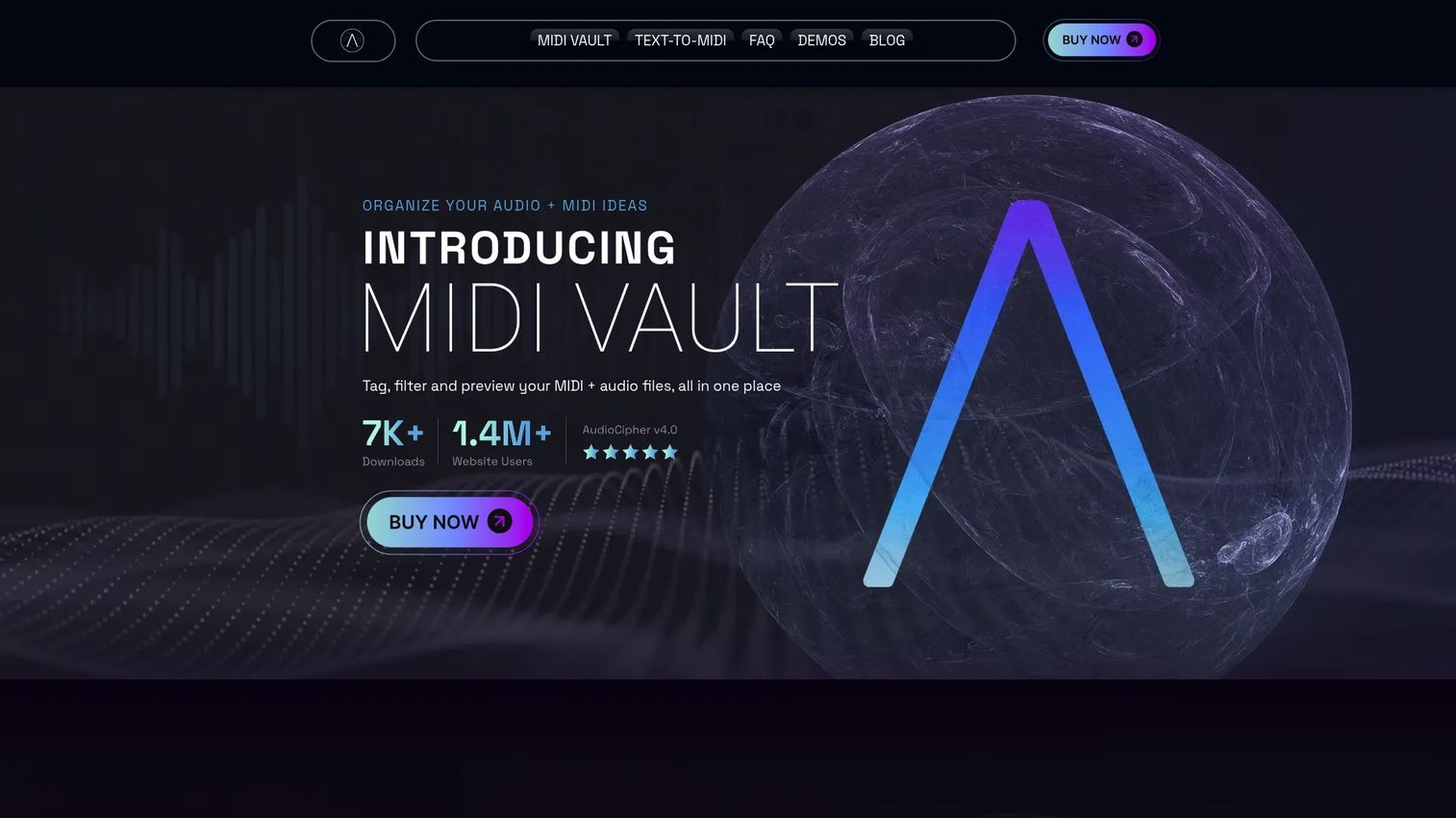
AudioCipher MIDI Vault organizes ideas as cards, bundling audio samples and MIDI blueprints into one taggable unit. Each card carries metadata like BPM, key, mood, genre, and instrument type, so a whole musical idea travels together. The tool stores everything locally and exports collections in its own .AUCI format for sharing. It doubles as a text-to-MIDI generator, which sets it apart from pure sample browsers.
Best for: Producers who want a visual, portable card system for both audio and MIDI ideas.
Key features
- Bundle audio and MIDI into taggable cards
- Tag by BPM, key, mood, genre, instrument
- Search, filter, sort, and preview collections
- Import and export in .AUCI format
- Local storage with no cloud requirement
Why choose AudioCipher MIDI Vault: Pick it if you think in complete ideas rather than isolated one-shots and want a library you can carry between machines. It fits writers who pair audio with MIDI, not producers hunting a single drum hit.
AudioCipher MIDI Vault pricing: MIDI Vault V4.0 sells for $49.99 as a one-time purchase, down from a regular price of $99.99. There is no subscription and no free tier.
No current G2 rating was confirmed for this product during research.
2. ADSR Sample Manager
ADSR Sample Manager runs as a plugin and app for organizing, tagging, searching, and auditioning samples right inside your DAW. It reads your existing folders, applies smart tags, and shows waveforms so you audition before you drop a sound. BPM and key sync keep previews in time with your project. It goes past browsing into light manipulation, which is where it separates from a plain file viewer.
Best for: Producers who want organization and sample tweaking without leaving the DAW.
Key features
- Smart auto-tagging of samples
- Waveform display for fast auditioning
- BPM and key sync with your session
- Duplicate detection across folders
- Multiple instances and MIDI-mappable controls
Why choose ADSR Sample Manager: Choose it when you want the browser and the editor in the same window, plus Ableton Link sync for timing. It suits producers who manipulate samples in the moment, not just catalog them.
ADSR Sample Manager pricing: Check the ADSR site for the current price, since the store page was not readable during research and no reliable figure could be confirmed. The product is confirmed to exist and ship as a sample management tool.
No current G2 rating was confirmed for this product during research.
3. Sononym
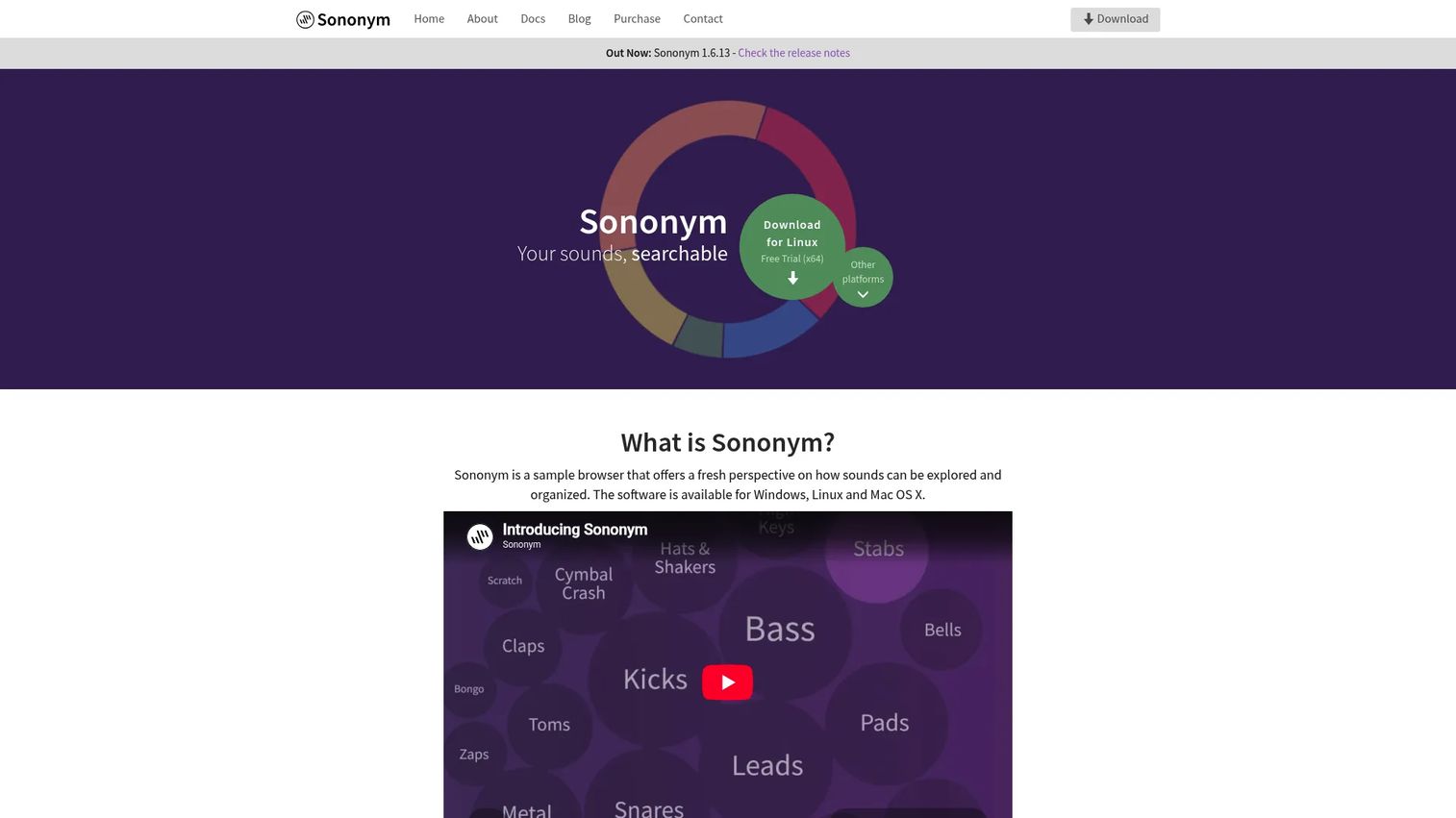
Sononym is a cross-platform browser that searches and organizes sounds using machine learning. Its headline feature is similarity search, which finds sounds that resemble a reference clip instead of matching a filename. It extracts audio properties, categorizes with AI, and flags duplicates across your drive. Everything runs offline, so no files upload anywhere without your say.
Best for: Producers and sound designers managing large libraries who want deep audio search.
Key features
- Similarity search by actual sound
- Extracted audio properties for filtering
- AI-based categorization and tagging
- Duplicate detection for near-identical files
- Offline-first, no automatic uploads
Why choose Sononym: Pick it when metadata alone fails you and you want to find audio by ear-like matching. The offline model also suits anyone wary of sending private sample work to a cloud.
Sononym pricing: A full-version license costs $99 (EUR 89) as a one-time purchase. A fully functional 30-day trial is available before you buy.
No current G2 rating was confirmed for this product during research.
4. Spitfire Audio
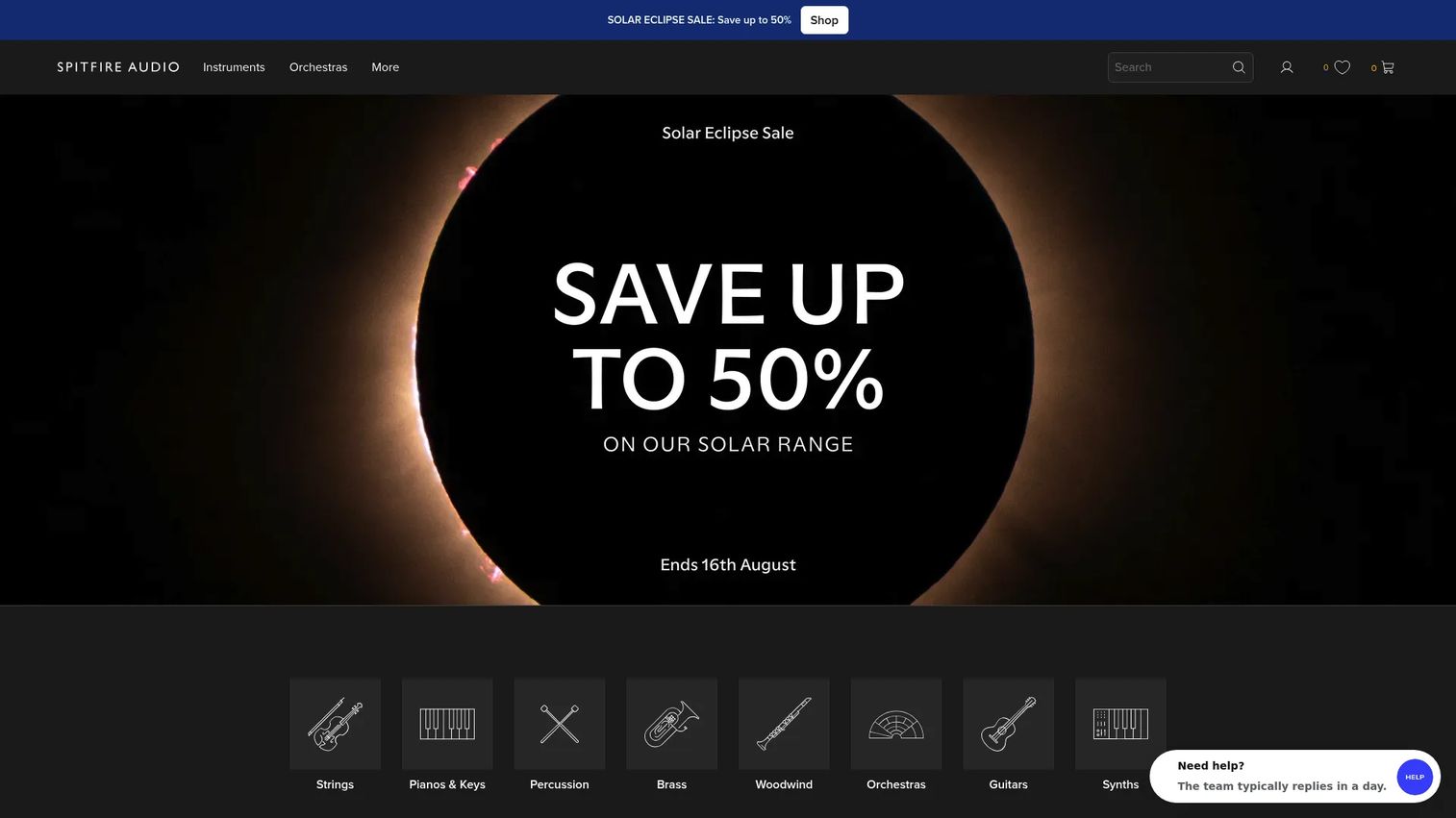
Spitfire Audio is a catalog and browser for cinematic sample libraries and virtual instruments. Rather than managing a messy personal drive, it helps composers browse curated orchestral and scoring collections. Guided discovery, a product recommender, and category navigation walk you toward the right library. It runs in the Spitfire Player and Kontakt Player.
Best for: Composers and producers choosing orchestral or cinematic instruments to buy and play.
Key features
- Orchestral and cinematic sample libraries
- Spitfire Player and Kontakt Player support
- Guided discovery and product recommender
- Category navigation across collections
- Free and paid libraries with bundles
Why choose Spitfire Audio: Choose it when the goal is finding and playing high-quality scoring libraries, not tidying loose one-shots. It fits scoring and cinematic work more than beat-driven sample hunting.
Spitfire Audio pricing: Free libraries are available, paid products start around $20, and bundles run up to $174, all as one-time purchases.
No current G2 rating was confirmed for this product during research.
5. Splice
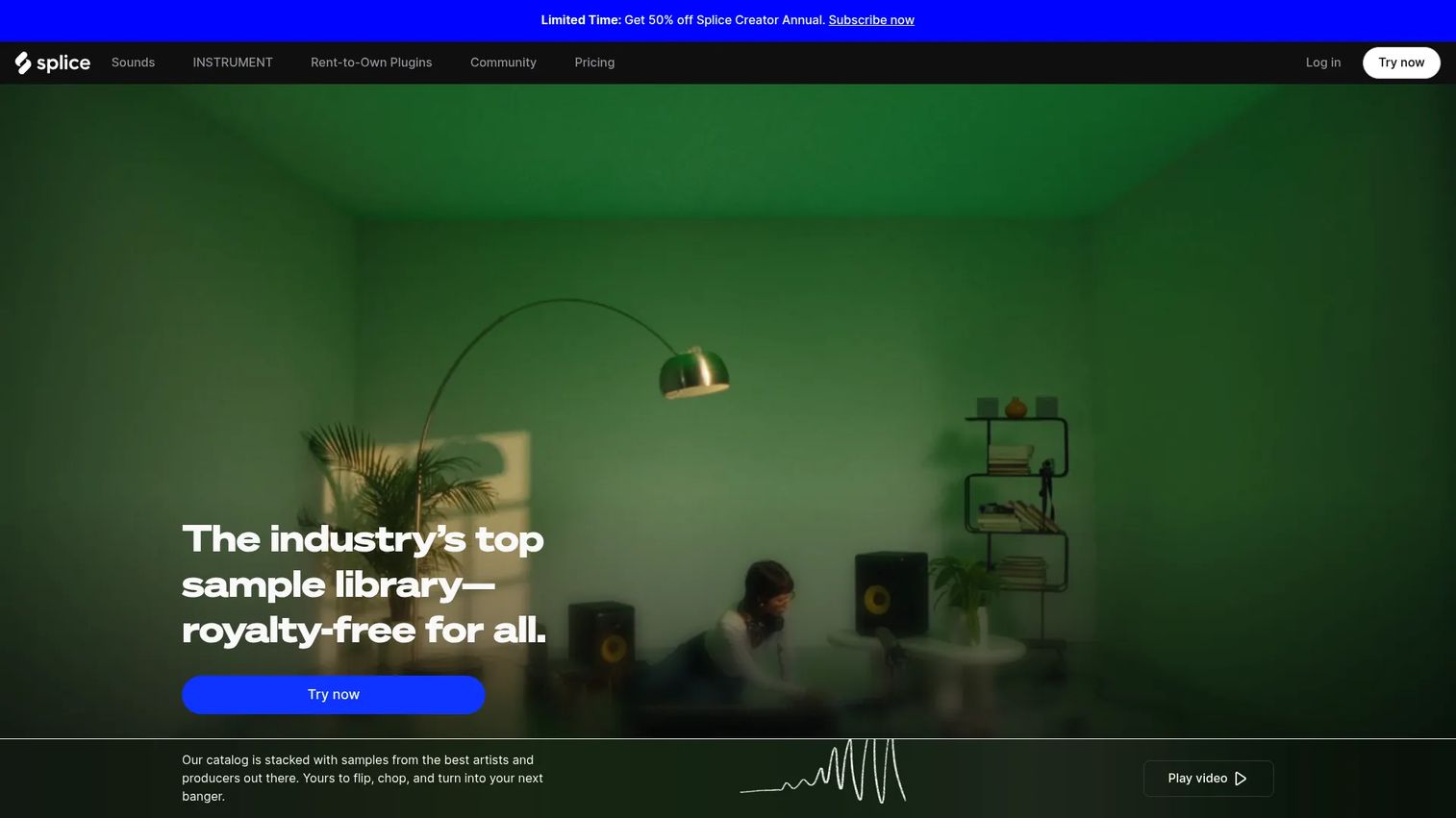
Splice is a music-creation platform built around a royalty-free sample catalog you access by subscription. Its cloud library keeps a steady stream of fresh sounds searchable, and Bridge lets you preview and pull samples into your DAW. Quick search across a large catalog makes discovery fast when you want new material rather than reorganizing what you own. It also offers instrument presets under its INSTRUMENT plan.
Best for: Producers who want constant access to fresh royalty-free sounds without owning packs outright.
Key features
- Royalty-free cloud sample library
- Quick search across a large catalog
- Bridge previewing into your DAW
- Splice INSTRUMENT presets
- DAW integrations for fast dropping
Why choose Splice: Choose it when you value a rotating supply of new sounds over a fixed personal collection. The trade is a monthly cost rather than a one-time buy, and your access ends if you cancel.
Splice pricing: Sounds+ starts at $12.99/month, Creator runs $4.99 for the first month then $19.99/month, and Creator+ is $39.99/month. A free account option and a Creator trial are available.
No current G2 rating was confirmed for this product during research.
6. Waves Cosmos Sample Finder
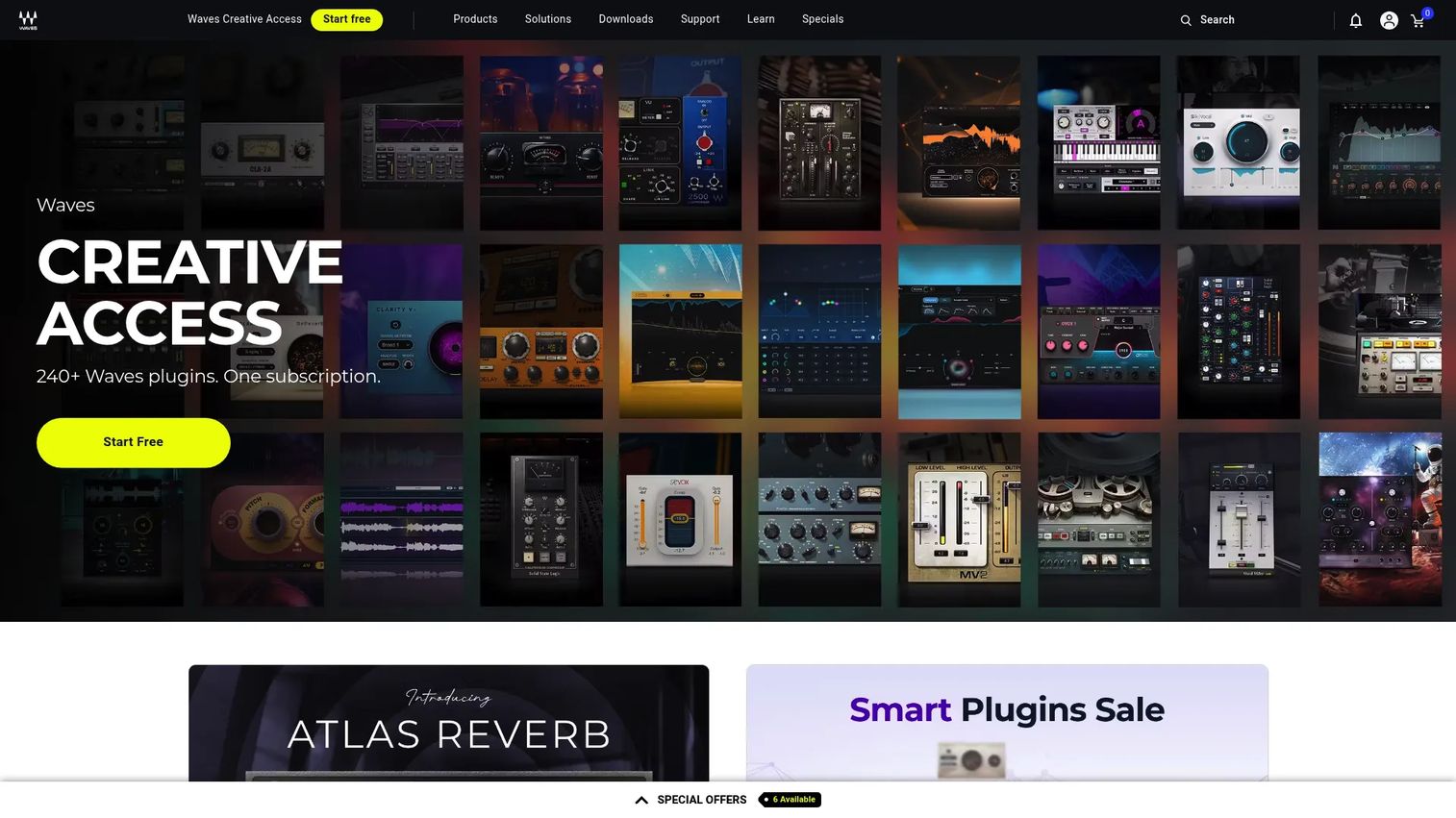
Waves Cosmos Sample Finder is an AI-powered sample manager that organizes, tags, and finds sounds inside your DAW. It scans your existing library, applies AI categorization, and surfaces sounds quickly from large collections. In-session auditioning lets you hear a sample against your project without breaking flow. Waves bundles 2,500+ free samples to get you started.
Best for: Producers who want a fast, AI-tagged browser that lives inside the session.
Key features
- AI categorization and auto-tagging
- DAW sync with in-session auditioning
- Fast search across large libraries
- Surfaces sounds from big collections
- 2,500+ free samples included
Why choose Waves Cosmos Sample Finder: Choose it for a low-cost, browser-light way to get from search to audition without a heavy setup. It fits producers who want speed and AI tagging over deep editing features.
Waves Cosmos Sample Finder pricing: COSMOS Sample Finder sells for $29.99 as a one-time purchase and includes 2,500+ free samples.
No current G2 rating was confirmed for this product during research.
7. XLN XO
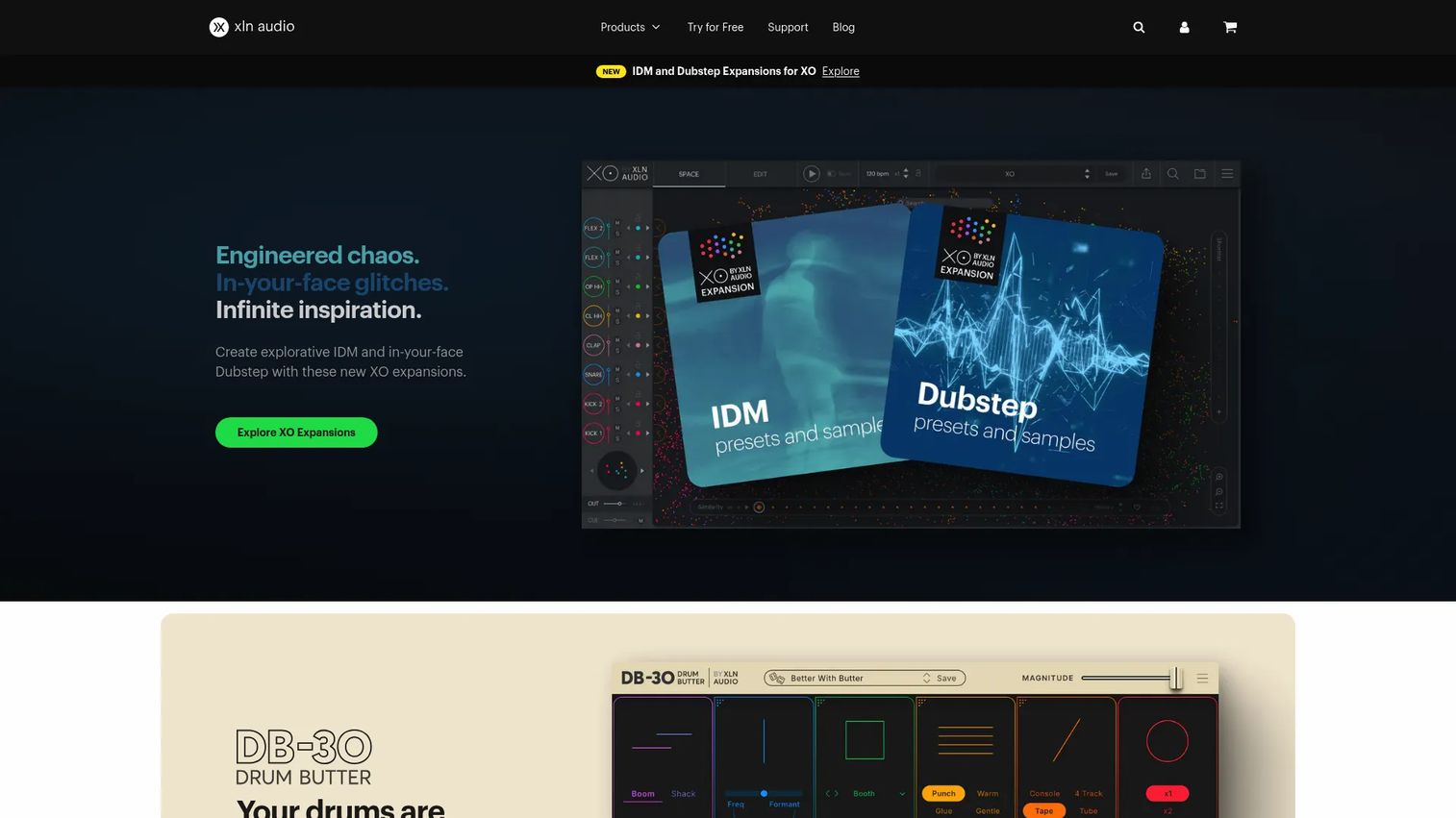
XLN XO is a drum-sample explorer and beat-making plugin from XLN Audio. It maps one-shot samples visually by similarity, so related kicks or snares cluster together on screen. That spatial browsing turns sound-hunting into inspiration-driven exploration, and fast kit building lets you assemble drums quickly. It runs as a plugin and standalone app across VST, AU, and AAX.
Best for: Beatmakers who want to browse drum one-shots by similarity and build kits fast.
Key features
- Visual similarity map of one-shots
- Spatial browsing across your samples
- 8,700+ one-shots and 240+ beat presets
- Fast kit building for drums
- Plugin and standalone (VST, AU, AAX)
Why choose XLN XO: Choose it when drums drive your production and you want a creative, visual way to discover one-shots. It focuses on beats rather than full-library management of melodic or vocal material.
XLN XO pricing: XO starts at $149 as a one-time purchase, with XO + 4 expansions at $189 and XO Complete at $439. A 10-day free trial is available.
No current G2 rating was confirmed for this product during research.
Considerations
Search depth
Look at how a tool actually finds sounds. Filename search is the floor. Metadata-driven search across BPM, key, and tags is the baseline you want. Audio analysis and similarity search sit at the top, surfacing sounds that resemble a reference rather than matching text.
Auditioning speed
The time between hearing a sound and hearing the next one decides whether you stay in flow. Check for preview sync to your project tempo, keyboard shortcuts, and clear waveform visibility. A half-second faster per sample adds up across a session of hundreds of previews.
Platform fit
Confirm the tool matches how you work. Some run only as standalone apps, others as plugins inside your DAW, and a few do both. Verify macOS and Windows coverage plus offline behavior if you care about privacy or unreliable internet.
Library organization
A good sample organizer app clears clutter as much as it finds sounds. Weigh duplicate handling, tagging depth, sorting options, and how it structures collections. Duplicate detection alone can reclaim gigabytes and shorten every future search.
Workflow fit
Decide what job you need done. Some tools browse and help you buy, some clean and organize what you own, and some actively build sounds into projects. Match the tool to your biggest bottleneck rather than the longest feature list.
Conclusion
Pick by your bottleneck, not by feature count. If search is your pain, Sononym gives the deepest similarity search and Waves Cosmos Sample Finder gives fast AI-tagged browsing for $29.99. If organization is the problem, ADSR Sample Manager pairs tagging with editing, and AudioCipher MIDI Vault structures audio and MIDI into portable cards.
For discovery and buying, Spitfire Audio guides you through cinematic catalogs, and Splice keeps a fresh royalty-free library on subscription. Beatmakers who live in drums should start with XLN XO and its visual similarity map.
Start with the tool that fixes your worst friction this week. Install a trial, point it at your messiest drive, and see whether you find audio faster than you do now. The right music organiser software pays for itself the first time it saves an idea you would have lost. Then expand once the workflow sticks.
FAQs
The terms overlap in practice. A sample manager usually emphasizes organizing what you already own, tagging, sorting, and clearing duplicates. Sample library software often includes browsing and discovery across catalogs too. Most tools blend both jobs, so judge by which side they lean toward.
Many do both. Tools like ADSR Sample Manager and XLN XO run as plugins inside your DAW and as standalone apps. Others, like Sononym, run standalone by design. Check each vendor's format support (VST, AU, AAX) before you buy.
Yes, several tools include duplicate detection. Sononym, ADSR Sample Manager, and others flag identical and near-identical files across your drive. Running duplicate detection once can recover significant storage and speed up every search afterward.
It is, especially with large unsorted libraries. AI tagging auto-classifies one-shots and loops by type, so you skip manual labeling of thousands of files. Waves Cosmos Sample Finder and Sononym both use it. Treat auto-tags as a strong starting point, then refine the ones that matter.
For deep audio search across a large library, Sononym stands out with similarity search and offline processing. Waves Cosmos Sample Finder is a strong, low-cost alternative with AI categorization. Both handle large collections without forcing you to reorganize by hand.
Most of the tools here support both. Sononym and XLN XO offer cross-platform support, and Splice and Waves run on macOS and Windows as well. Always confirm the current system requirements on the vendor's site, since minimum OS versions change.
Yes. Spitfire Audio is built for browsing premium cinematic libraries with guided discovery, and Splice gives subscription access to a large royalty-free catalog. These lean toward finding and buying sounds rather than managing a personal drive.
Tools with in-session auditioning win here. Waves Cosmos Sample Finder and ADSR Sample Manager preview samples against your project tempo without breaking flow. Look for BPM and key sync plus keyboard-driven preview to keep momentum while you write.