You added three new markets this year. Two new payment providers. A partner channel. Every one of those brought more customers, vendors, and counterparties into your systems, and every one of them needs to be checked against sanctions and denied party lists before a transaction clears.
The problem is that manual screening does not scale with that growth. A compliance analyst copying names into a government search tool can review a handful of entities an hour. Multiply that by thousands of daily transactions and you get a queue that never clears, or worse, a screening step that quietly gets skipped when things get busy.
The denied party screening software market was valued at $3.2 billion in 2025 and is projected to reach $6.8 billion by 2034 at a 9.8% CAGR, according to MarketIntelo (2025). Software specifically accounts for 58.7% of that revenue, or roughly $1.88 billion in 2025. That growth is not vanity spend. It reflects a real shift: screening is moving from a manual back-office task to automated infrastructure embedded in the systems where transactions already happen.
For a founder, this is not a compliance-team problem. It is a scale problem. A screening process that depends on one person's attention is a bottleneck and a liability at the same time. The right software removes both by automating checks, cutting false positives, and embedding screening into your ERP, CRM, and quote-to-order flows so nothing slips through as volume climbs.
What's inside
This guide compares six denied party screening software platforms for teams handling sanctions, restricted party, and watchlist screening across trade and financial compliance. It is written for operators who need screening to scale without creating a bottleneck, not for a checkbox audit exercise.
We ranked and selected tools based on five criteria that actually change outcomes:
- List coverage: breadth of global denied, restricted, sanctions, and watchlist data
- Automation: real-time, batch, and dynamic rescreening modes
- Workflow integration: ERP, CRM, and quote-to-order embedding
- False-positive management: match tuning, fuzzy matching, and reviewer efficiency
- Auditability: audit trails and defensible screening records
TL;DR
- Best broad, established coverage: Descartes Denied Party Screening, the widest fit for most trade compliance teams and the strongest all-round pick for the primary keyword.
- Best for pricing transparency and modular packaging: Visual Compliance, with clear budget guidance and online, batch, and dynamic screening modes.
- Best for enterprise trade compliance stacks: ONESOURCE Denied Party Screening, especially for teams already inside the Thomson Reuters ecosystem.
- Best for watchlist depth with fuzzy matching: OCR Global EASE Watch List Screening.
- Best for modern sanctions screening workflows: Trademo Sanctions Screener.
- Best for broader compliance governance: MyComplianceOffice, when screening sits inside a wider compliance operation.
What is denied party screening software?
Denied party screening software is a compliance tool that automatically checks customers, vendors, partners, and other counterparties against government denied, restricted, sanctions, and watchlists to prevent prohibited transactions.
The terminology fragments across the industry, but the categories overlap heavily in practice. Denied party screening, restricted party screening software, sanctions screening software, and watchlist screening software all describe the same core job: matching an entity you are about to transact with against lists maintained by governments and regulators. OFAC screening in the United States, EU consolidated lists, and dozens of national and multilateral lists all feed into the same workflow. Third party screening software and export compliance screening software are the trade-focused framings of that same function.
The reason these terms blur together is that most platforms screen against all of them at once. A single check runs a name and address against sanctions programs, denied party lists, and watchlists in one pass. What separates the tools is not whether they cover a given list, but how they handle the messy parts: matching logic, false positives, rescreening cadence, and how cleanly screening fits into systems you already run.
Core capabilities to expect from any serious platform:
- List matching: fuzzy matching and alias handling across global lists, including the OFAC 50% rule for ownership
- Rescreening: dynamic rescreening of existing records whenever sanctions list updates land
- Screening modes: online screening for single lookups, batch screening for bulk record checks, and API-driven integrated screening
- Audit trail: a defensible record of who screened what, when, and how each match was resolved
- Integrations: ERP integration, CRM integration, and Salesforce integration to embed checks in existing flows
- Threshold tuning: match tuning and acceptance thresholds to control the false-positive rate
When to use denied party screening software
Automate checks as transaction volume grows
Manual screening works until it does not. The break point usually arrives with growth: more customers, more vendors, more cross-border deals, more systems to keep aligned. Once daily transaction volume outpaces what a reviewer can screen by hand, you face a choice between a growing backlog and skipped checks. Automated real-time screening and batch screening remove that trade-off by processing every record without adding headcount.
Embed screening in systems you already use
Screening that lives in a separate tool creates a second job for whoever runs the transaction. The stronger pattern is integrated screening: checks that fire automatically inside your ERP, CRM, Salesforce, or quote-to-order workflow. When a sales rep creates an order or a new account is added, the screen runs in the background and blocks or flags the transaction before it progresses. No copy-paste, no separate login, no forgotten step.
Reduce false positives and improve reviewer efficiency
A screening tool that flags every partial name match buries your team in noise. Tuned matching, enriched entity records, and clear exception handling separate real hits from coincidental ones. Match tuning and fuzzy matching that account for aliases, transliterations, and the OFAC 50% rule mean reviewers spend time on genuine risk, not on clearing the same false positives every day. Lower false positives directly translate into faster transaction clearance and a smaller compliance queue.
1. Descartes Denied Party Screening
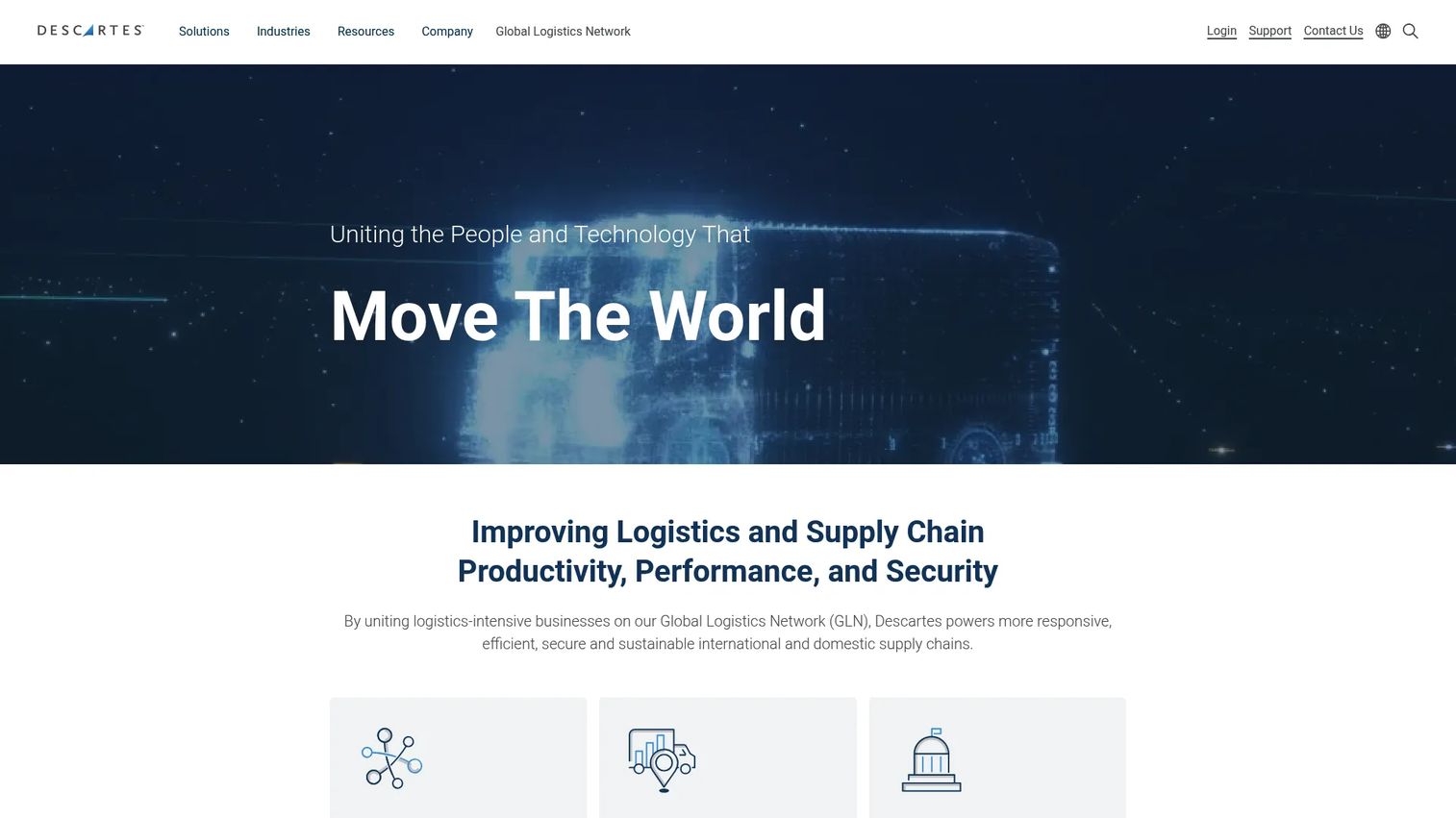
Descartes Denied Party Screening is trade compliance software for screening customers, vendors, and partners against denied and restricted party lists. It is the broadest fit in this list for teams that want established, well-maintained coverage across sanctions and denied party programs, backed by one of the largest content operations in the category. G2 reviewers give it a 4.8/5 rating, one of the highest in the space.
The platform runs screening directly inside your existing systems rather than as a standalone silo. It supports real-time screening in ERP, CRM, and SCM workflows, so checks fire at the moment a transaction is created. Dynamic daily rescreening re-runs existing records against watchlist updates, catching an entity that becomes newly sanctioned after you already onboarded it. AI Assist reduces false positives, which is the single biggest drain on reviewer time in high-volume screening.
Best for: teams that want broad, established screening coverage embedded in the systems they already run.
Key strengths
- Real-time embedded screening: checks fire inside ERP, CRM, and SCM workflows without a separate login or manual step.
- Dynamic daily rescreening: existing records are re-checked against updated lists automatically, so new sanctions do not slip past.
- AI Assist for false positives: matching logic reduces noise so reviewers focus on genuine hits.
Why choose Descartes: if you want a proven platform with deep list coverage and screening that lives inside your transaction systems, Descartes is the default choice for most trade compliance teams. It scales from a small operation to enterprise volume without forcing a rip-and-replace of your stack, which matters when screening has to keep pace with growth.
Descartes pricing: Descartes describes pricing as starting as low as $2,000 per year for minimal screening needs. Larger enterprises typically invest between $10,000 and $100,000 per year depending on volume and integration scope. Pricing is quoted rather than published as fixed tiers, so budget guidance comes directly from the vendor.
2. Visual Compliance
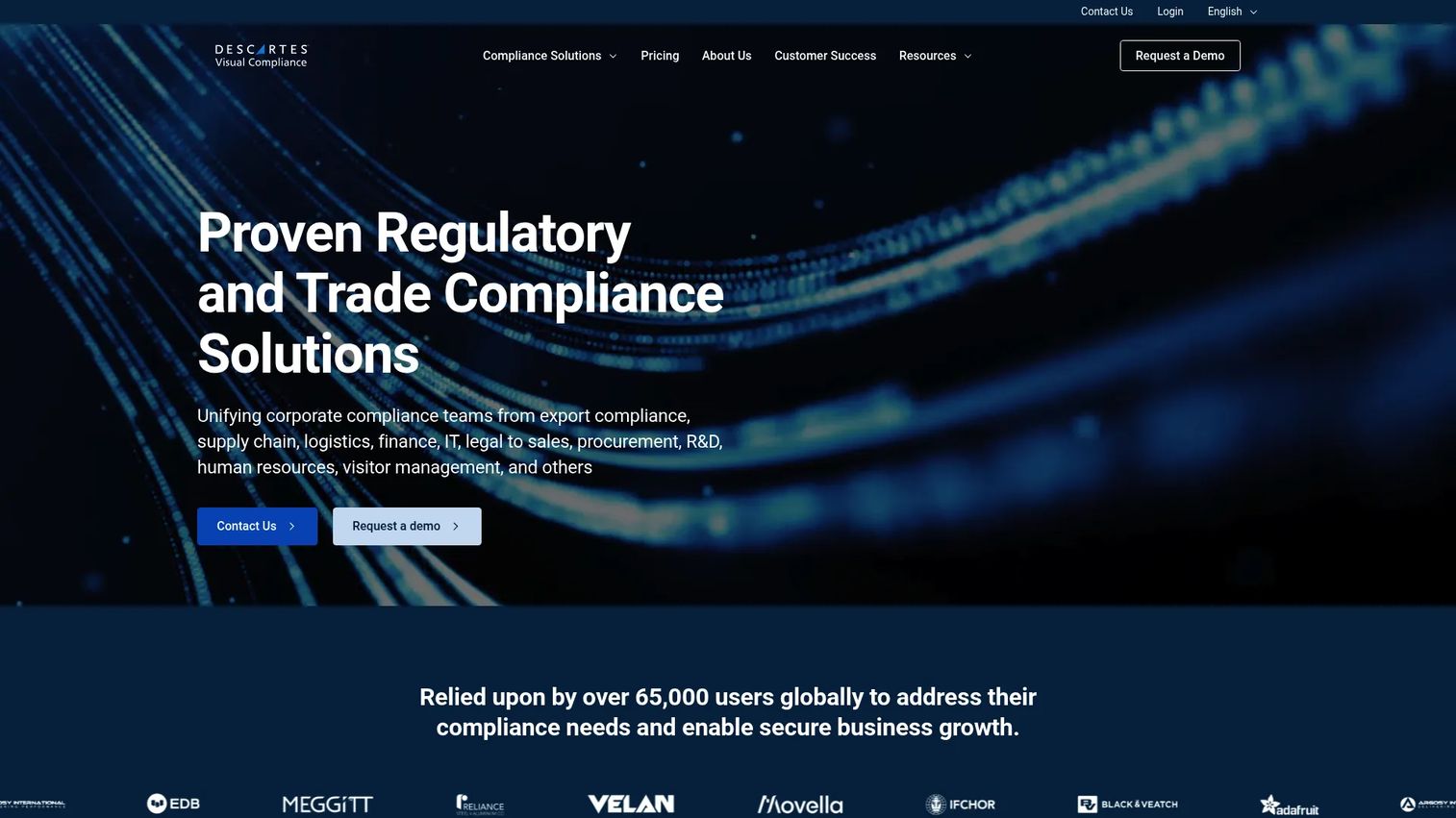
Visual Compliance is trade compliance software for denied and restricted party screening, OFAC compliance, and related export compliance workflows. It stands out in this list for pricing transparency: the vendor publishes clear budget guidance rather than hiding everything behind a sales call, which helps a scaling team model cost before committing. It carries a 4.8/5 rating on G2, where it is also listed under the Descartes family.
The platform packages screening into online, batch, and dynamic modes so you match the method to the moment. Online screening handles single lookups, batch screening clears bulk records, and dynamic screening rescreens your book against list changes. Search tuning reduces false positives, and business system integration plus AI-enabled screening embed the checks into your existing workflows.
Best for: buyers who want modular packaging and clear cost expectations before they buy.
Key strengths
- Three screening modes: online, batch, and dynamic screening cover single lookups, bulk checks, and ongoing rescreening.
- Search tuning: configurable matching reduces false positives and keeps the reviewer queue manageable.
- Business system integration: AI-enabled screening embeds into the systems where transactions already happen.
Why choose Visual Compliance: the pricing transparency is the differentiator. If your evaluation is stalling because you cannot get a number out of vendors, Visual Compliance gives you a budget anchor upfront and modular tiers that scale from a small implementation to enterprise volume.
Visual Compliance pricing: the public pricing page says costs start at a few thousand dollars a year for a basic implementation. A typical customer screening around 50,000 entities should budget roughly $20,000 a year. The published tiers are Standard, Mid-Market, and Enterprise, each quoted on request but anchored by that public guidance.
3. ONESOURCE Denied Party Screening
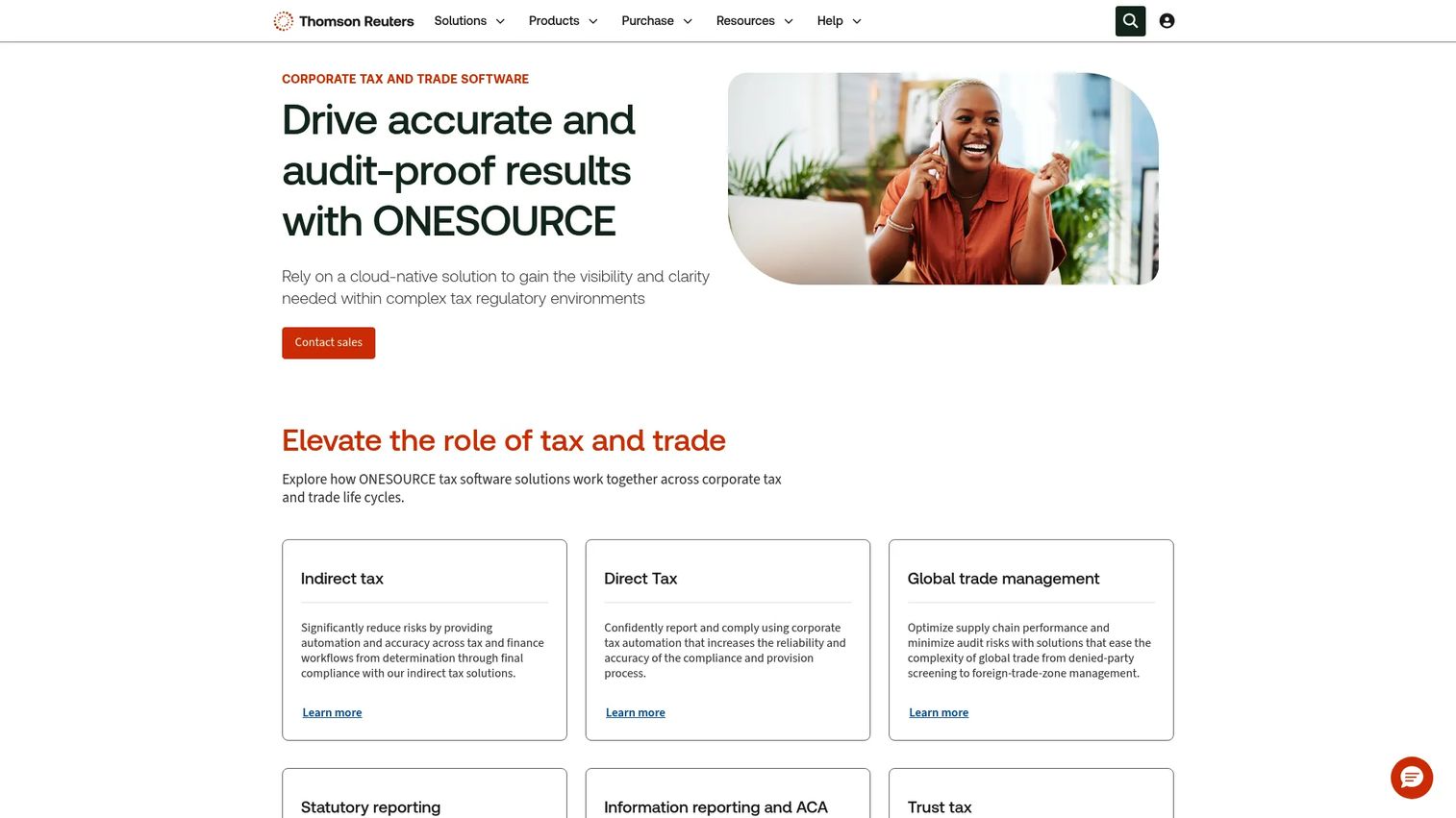
ONESOURCE Denied Party Screening is Thomson Reuters software for automatically screening customers, suppliers, and partners against global denied party lists. It fits enterprise trade compliance teams that value breadth of list coverage and want screening tied into the wider Thomson Reuters compliance and tax ecosystem they may already run.
The platform screens against 750+ global denied party lists and automatically blocks transactions when a screen returns a denial, so the enforcement action is built into the workflow rather than left to a reviewer to remember. It also supports screening for politically exposed persons and adverse media, which extends coverage beyond straightforward sanctions into reputational and financial-crime risk.
Best for: enterprise trade compliance teams already invested in Thomson Reuters products.
Key strengths
- 750+ global lists: broad denied party coverage across international sanctions and restriction programs.
- Automatic transaction blocking: screening halts a transaction on a denial without manual intervention.
- PEP and adverse media: coverage extends into politically exposed persons and reputational risk.
Why choose ONESOURCE: if you already run Thomson Reuters tools, ONESOURCE consolidates screening into an ecosystem your team knows, which reduces the integration friction of adding a standalone vendor. The automatic blocking is a meaningful control for teams that cannot rely on manual enforcement at scale.
ONESOURCE pricing: Thomson Reuters does not publish public pricing for this product. The buying motion is sales-led, with a free demo, a free trial, and a contact-a-representative path. Expect enterprise-oriented, quote-based pricing scaled to volume and integration needs.
4. Trademo Sanctions Screener
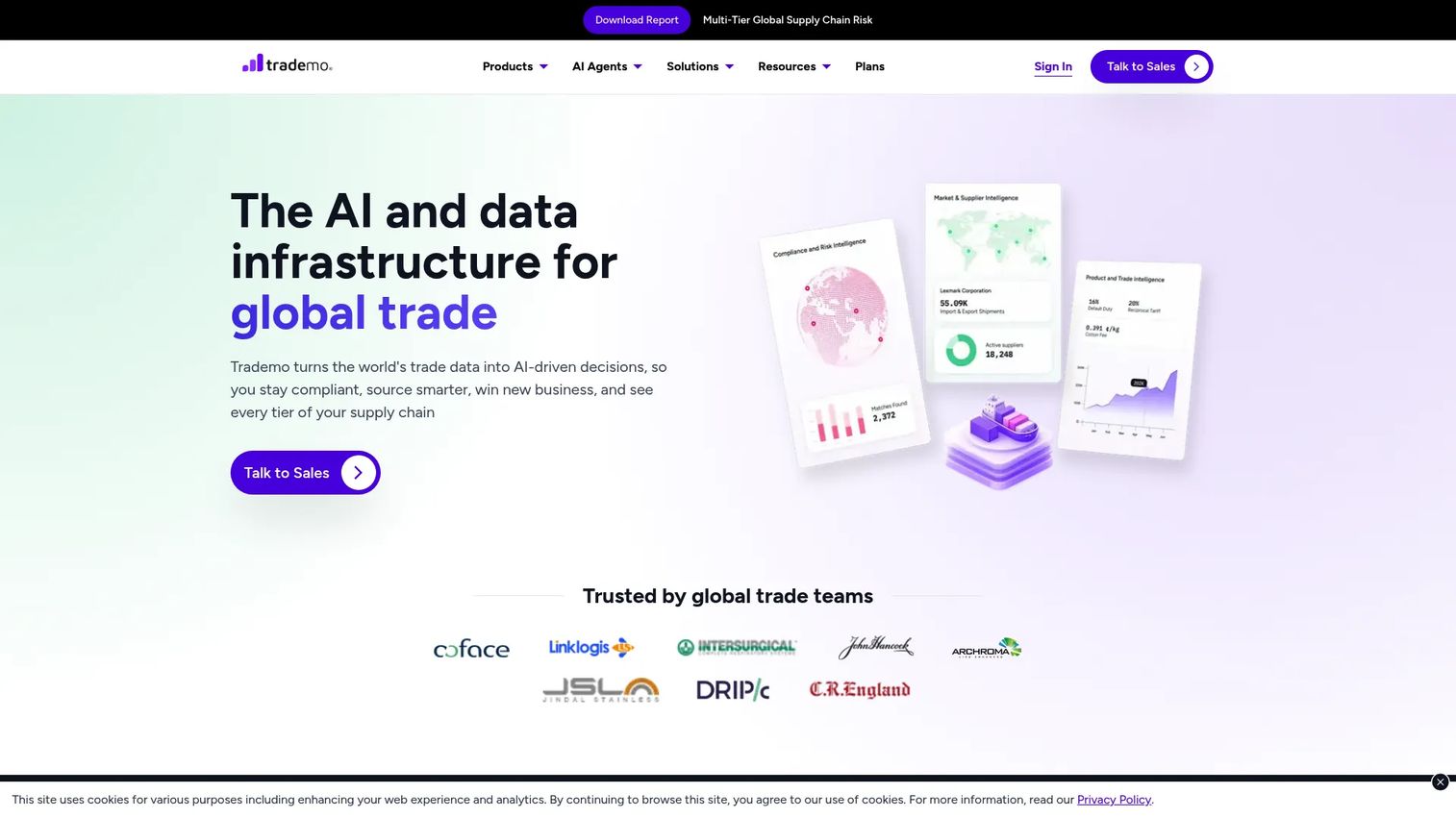
Trademo Sanctions Screener is AI-powered sanctions screening software for checking entities, addresses, vessels, and related risk lists. It fits teams that want modern sanctions screening with strong list breadth and configurable workflows, including the vessel-level coverage that matters for logistics and shipping-adjacent businesses.
The platform runs real-time entity, address, and vessel screening, so a single check spans multiple risk dimensions. Configurable screening logic lets you set acceptance thresholds and tune matching to your risk tolerance, controlling the false-positive rate. Daily and nightly monitoring rescreens your records against list changes and produces audit reports for compliance review.
Best for: teams looking for sanctions screening with strong list breadth and vessel coverage.
Key strengths
- Multi-dimensional screening: entity, address, and vessel checks run in a single pass.
- Configurable logic: acceptance thresholds and match tuning control the false-positive rate.
- Daily monitoring and audit reports: ongoing rescreening plus regulator-ready reporting.
Why choose Trademo: the modern workflow and vessel-level screening set it apart for teams with logistics or shipping exposure. Configurable matching logic gives compliance teams direct control over the balance between catching risk and clearing noise.
Trademo pricing: Trademo does not publish numeric pricing. The pricing page shows a Standard plan described as up to 3,000 annual screenings and an Enterprise plan with custom pricing, both quoted through a sales conversation.
5. MyComplianceOffice
MyComplianceOffice is compliance management software for regulated financial services firms. It fits organizations that need screening to sit inside a broader compliance operation rather than as a standalone trade tool, which suits finance and legal teams managing multiple regulatory obligations at once. It holds a 4.2/5 rating on G2.
The platform centers on employee compliance workflows, trade surveillance, and compliance oversight, giving governance teams a single place to manage policy, monitoring, and screening. That breadth is the point: for a regulated firm, screening is one control among many, and MyComplianceOffice frames it inside the wider compliance governance picture.
Best for: organizations needing broader compliance operations around screening.
Key strengths
- Employee compliance workflows: manages personal trading, conflicts, and attestations alongside screening.
- Trade surveillance: monitors activity for regulatory and market-conduct risk.
- Compliance oversight: a central layer for policy, monitoring, and governance.
Why choose MyComplianceOffice: if your screening need is part of a larger regulated-firm compliance mandate, a modular platform keeps everything under one governance roof rather than scattered across point tools. This matters most for financial services firms answering to multiple regulators.
MyComplianceOffice pricing: MyComplianceOffice does not publish public pricing. The platform is modular, so cost depends on which compliance modules you deploy and firm size. Expect a sales-led, quote-based process.
6. LexisNexis Bridger Insight XG
LexisNexis Bridger Insight XG is compliance screening software for sanctions, PEP, and high-risk entity screening. It fits financial institutions and regulated businesses that need a mature enterprise screening platform with strong reporting for regulators. It holds a 4.5/5 rating on G2.
The platform supports real-time and batch screening via batch upload or API, so it handles both live transactions and bulk record reviews. Automated account and payment screening embeds checks into financial workflows, and audit trails with regulator-friendly reporting produce the defensible records examiners expect. That reporting depth is a core reason regulated firms choose it.
Best for: teams that need a mature enterprise screening platform.
Key strengths
- Real-time and batch screening: batch upload and API support cover live and bulk checks.
- Automated account and payment screening: embeds compliance into financial workflows.
- Regulator-friendly reporting: audit trails and reporting built for examiner scrutiny.
Why choose LexisNexis Bridger Insight XG: for financial institutions where regulatory reporting and examiner readiness are non-negotiable, the maturity of the platform and the depth of its audit and reporting tools carry real weight. It is built for the compliance operations of established, heavily regulated firms.
LexisNexis Bridger Insight XG pricing: LexisNexis does not publish public pricing for Bridger Insight XG. The buying process is sales-led with a contact-sales path, and pricing scales with screening volume, data access, and integration needs.
Considerations before you buy
List coverage and update cadence
Confirm which sanctions, denied, restricted, and watchlists a platform covers, and how often that data refreshes. Daily updates and dynamic rescreening matter because a counterparty can become sanctioned after you onboard them. Ask whether the tool handles the OFAC 50% rule for ownership, since a company can be effectively sanctioned through its owners without appearing on a list directly.
False-positive handling
The false-positive rate determines how much of your team's time gets consumed by clearing noise. Evaluate match tuning, fuzzy matching, and how the tool handles aliases and transliterations. A resolution manager and clear exception handling turn a flood of partial matches into a manageable review queue, which is where the real operational cost of screening lives.
Integration depth
Screening that lives outside your transaction systems creates a manual step someone will eventually skip. Verify ERP integration, CRM integration, and Salesforce integration, plus API and batch modes for your specific workflows. The goal is integrated screening that fires automatically inside quote-to-order and account-creation flows without a separate login.
Audit trail and reporting
When an examiner asks what you screened and how you resolved each match, you need a defensible answer on demand. Check that the audit trail captures who screened what, when, and the resolution decision for every hit. Regulator-friendly reporting turns that record into evidence rather than a data export project.
Conclusion
The right denied party screening software depends less on raw list size and more on how cleanly screening fits your workflow and how well it controls false positives. For most trade compliance teams, Descartes Denied Party Screening is the broadest, most established starting point. If pricing transparency drives your evaluation, Visual Compliance gives you a budget anchor upfront. Enterprise teams inside the Thomson Reuters ecosystem will find ONESOURCE the natural fit, while OCR Global EASE leads on watchlist depth and fuzzy matching.
For sanctions-focused workflows, Trademo brings modern configurability and vessel coverage. MyComplianceOffice suits regulated firms that need screening inside a broader governance operation. Dow Jones wins on ownership research and adverse-media depth, and LexisNexis Bridger Insight XG is built for financial institutions where examiner-ready reporting is non-negotiable.
Choose based on workflow fit, false-positive handling, integration depth, and audit readiness, not just how many lists a vendor claims to cover. The best tool is the one that makes screening a background process your team never has to think about, so it scales with your business instead of throttling it.
FAQs
It is a compliance tool that automatically checks customers, vendors, and partners against government denied, restricted, sanctions, and watchlists before a transaction clears. It replaces manual name-by-name lookups with automated real-time and batch screening, and produces an audit trail so you can prove what was checked and how each match was resolved.
Denied party screening focuses on entities specifically prohibited from receiving goods, services, or transactions, often in a trade or export context. Watchlist screening is broader, covering sanctions lists, politically exposed persons, and other flagged entities. In practice most platforms run both in a single pass, so the distinction is more about which lists you emphasize than a separate workflow.
Tuned matching logic separates genuine hits from coincidental name overlaps. Fuzzy matching accounts for aliases, transliterations, and spelling variants, while acceptance thresholds let you set how close a match must be before it flags. Enriched entity records add context like date of birth or location, so a common name does not trigger a review every time it appears.
ERP integration and CRM integration are the highest-value connections, because they embed screening at the point a transaction or account is created. Salesforce integration matters for sales-led motions where new accounts and orders originate. API and batch modes cover custom workflows and bulk record reviews. The goal is integrated screening that fires automatically without a separate manual step.
Most teams need both. Real-time screening checks individual transactions and new accounts at the moment they are created, blocking prohibited activity before it clears. Batch screening reviews your entire existing book of counterparties at once, which is essential for periodic rescreening against sanctions list updates. Dynamic screening combines the two by automatically rescreening records whenever lists change.
Confirm the tool covers OFAC sanctions programs and refreshes them frequently, ideally daily. It should handle the OFAC 50% rule, which treats entities majority-owned by sanctioned parties as sanctioned even if they are not listed directly. Strong fuzzy matching, configurable thresholds, and a defensible audit trail round out what a regulated OFAC screening program requires.
An audit trail records who screened which entity, when, against which lists, and how each match was resolved. When an examiner reviews your program, that record is your evidence of due diligence. Without it, you are reconstructing decisions after the fact, which is both slow and risky. A defensible audit trail turns compliance from a scramble into a query.
Look past the license fee to the operational cost of running the tool. A platform with a high false-positive rate costs you reviewer hours every day, which can dwarf the subscription price. Factor in integration effort, whether screening embeds into systems you already run, and how much headcount the tool saves as transaction volume grows. The cheapest license is not the cheapest tool if your team spends all day clearing noise.