A camera goes missing. Not stolen. Just gone.
The last person who signed it out on the clipboard is on vacation. The sheet says "returned," but the shelf says otherwise. Now three people are searching a storage room while a shoot waits. You have lived some version of this if you manage shared gear.
The problem is not that people are careless. The problem is that a paper sign-out sheet and a spreadsheet cannot tell you who has what, right now, without someone reading it out loud. There is no live custody record. No overdue reminder. No audit trail when something walks off.
That gap is what check in check out software closes. It replaces manual sign-out with a system that tracks custody, due dates, and location in real time. The equipment management software market was valued at USD 11.02 billion in 2025 and is projected to reach USD 26.44 billion by 2036 at an 8.3% CAGR, according to Future Market Insights (2025). Teams are moving off spreadsheets fast, and small and mid-sized organizations lead that shift.
This guide ranks seven tools built for asset check out, custody logging, and return tracking, so you can pick one that reduces overhead instead of adding it.
What's inside
This guide is for operations managers, IT admins, AV leads, lab managers, and school equipment coordinators who need a real equipment check in check out software system, not another storage app. We chose tools based on four criteria:
- Custody and accountability: who has what, and when it is due back
- Reservations and availability: preventing double-bookings before they happen
- Mobile scanning: QR or barcode workflows without special hardware
- Multi-location and audit trails: visibility across sites and a clean history of every move
Every tool below is a real product with verified pricing and features as of 2026.
TL;DR
- Best free or flat-rate option: Shelf gives you unlimited assets, bookings, and audits starting at $0/mo, with a Team trial for reservations.
- Best for QR and RFID accountability: itemit pairs check-in/check-out with QR, barcode, and RFID tagging plus audits and depreciation.
- Best for high equipment turnover: Cheqroom centers reservations, live availability, and mobile check-outs for busy AV and media teams.
- Best for simple visual inventory: Sortly offers a mobile-first, offline-capable workflow with barcode and QR scanning.
- Best for larger lending operations: EZOfficeInventory handles check-in/check-out, reservations, and RFID across bigger inventories.
- Best for IT asset lifecycle: InvGate Assets fits teams that need checkout inside broader IT asset management.
What is equipment checkout software
Equipment checkout software is a system that records who takes a physical asset, when they take it, when it is due back, and where it is now, replacing manual sign-out sheets and spreadsheets. It creates a live chain of custody for shared gear so nothing gets lost in the handoff between people.
A generic inventory tool counts how many units you own. An equipment checkout system goes further: it ties each item to a person, a due date, and a return event. That distinction is the whole point. You are not tracking stock levels. You are tracking accountability.
Most platforms in this category share a core feature set:
- QR code scanning and barcode scanning: scan an item to check it out or in, usually with a phone camera
- Reservations: book gear for a future window so it is not double-committed
- Custody logging: a timestamped record of who holds each asset
- Overdue reminders: automated alerts when an item passes its due date
- Audit trail: a full history of every check-out, check-in, and transfer
- Multi-location tracking: visibility across sites, rooms, or storerooms
- Maintenance tracking: service schedules and repair status per item
- Self-service checkout: letting approved users check gear out themselves
Some tools add digital signatures and loan agreements for high-accountability environments, plus kit logic that bundles related items into one checkout. The right inventory check in check out system matches your workflow instead of forcing you to invent one.
When to use an equipment checkout system
Replace clipboard sign-out and spreadsheets
If your current process is a paper sheet or a shared spreadsheet, you already know the failure mode. Entries get skipped, returns go unlogged, and nobody knows the real status until something is missing. A checkout system removes the manual step and logs custody automatically at scan time.
Stop double-bookings before they happen
When two teams need the same projector on the same day, you find out at the worst moment. Reservations solve this by showing live availability and blocking conflicts. This matters most for high-turnover gear like AV kits, lab instruments, and event equipment.
Track gear across multiple sites
Distributed teams lose visibility fast. A tool check out system with multi-location tracking shows what sits where, who moved it, and when it transferred. That audit trail turns "I think it's at the north office" into a fact you can check in seconds.
Comparison table
Here is how the seven tools compare on intent, standout use case, verified pricing, and G2 rating as of 2026. Pricing reflects each vendor's public pricing page.
| # | Product | Intent | Key use case | Pricing | G2 rating |
|---|---|---|---|---|---|
| 1 | Shelf | Free or flat-rate asset tracking | Bookings, audits, custody logging | From $0/mo | 4.7/5 |
| 2 | itemit | QR/RFID accountability | Tagging, check-in/check-out, audits | From £33.25/mo | Not listed |
| 3 | Cheqroom | High-turnover checkout | Reservations, live availability, mobile | From $184/admin/mo | 4.5/5 |
| 4 | Sortly | Simple visual inventory | Mobile scanning, offline access | From $0/mo | 4.3/5 |
| 5 | Asset Panda | Customizable asset tracking | Mobile workflows, compliance reporting | From $3,000/yr | 4.2/5 |
| 6 | EZOfficeInventory | Larger lending operations | Check-in/check-out, reservations, RFID | From $40/mo | Not listed |
| 7 | InvGate Assets | IT asset lifecycle | Allocation, tracking, lifecycle management | From $1,499/yr | 4.7/5 |
Best 7 tools for equipment checkout
1. Shelf
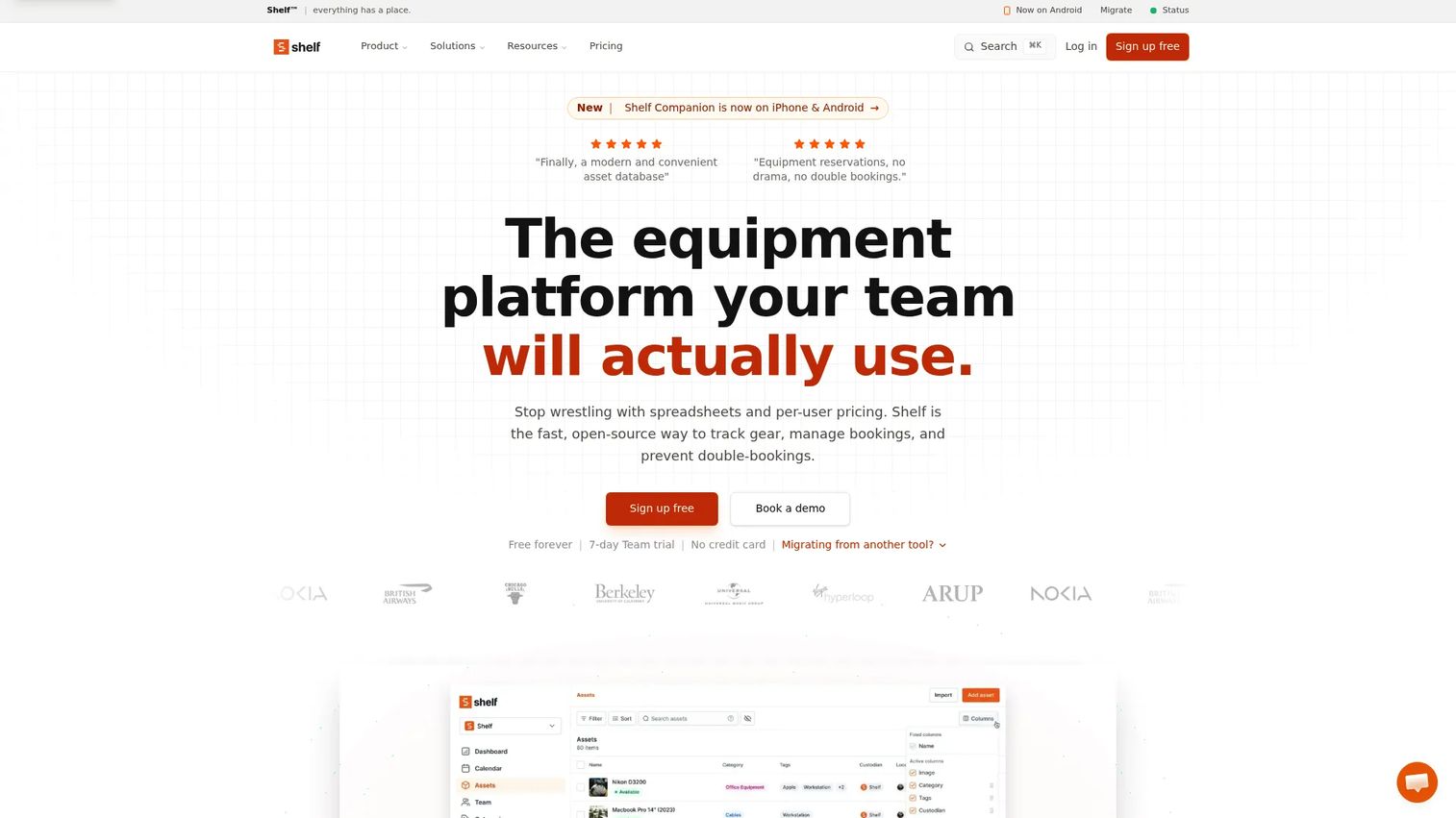
Shelf is open-source asset management software for tracking, booking, and auditing physical assets. It runs a QR-based check-in and check-out workflow, so you scan an item to log custody without special hardware beyond a phone. The free Personal plan carries unlimited assets, which makes it a rare entry point for teams testing a real system before committing budget.
Where Shelf earns its spot is the combination of price and depth. Bookings and reservations live on the Team plan, audits export to PDF and CSV, and kits let you bundle related gear into a single checkout. That kit-aware logic matters for AV and lab teams that hand out a camera, a lens, and a battery as one unit. Location tracking and asset reminders round out the custody picture.
Best for: Teams that want a free or flat-rate system for physical asset tracking and reservations.
Key strengths
- Unlimited assets on every plan
- Bookings and reservations
- Audits with PDF/CSV export
- Asset reminders and location tracking
- Kits and custom fields
- Shelf Companion mobile app
Why choose Shelf: If you want to prove out an equipment checkout system without a purchase order, the free Personal plan removes the usual barrier. Reservations sit on the Team tier, so plan around that if booking is central to your workflow.
Shelf pricing: Personal is $0/mo with unlimited assets. Plus is $34/mo and Team is $67/mo, with a 7-day free Team trial that includes bookings and reservations. Enterprise is custom.
2. itemit
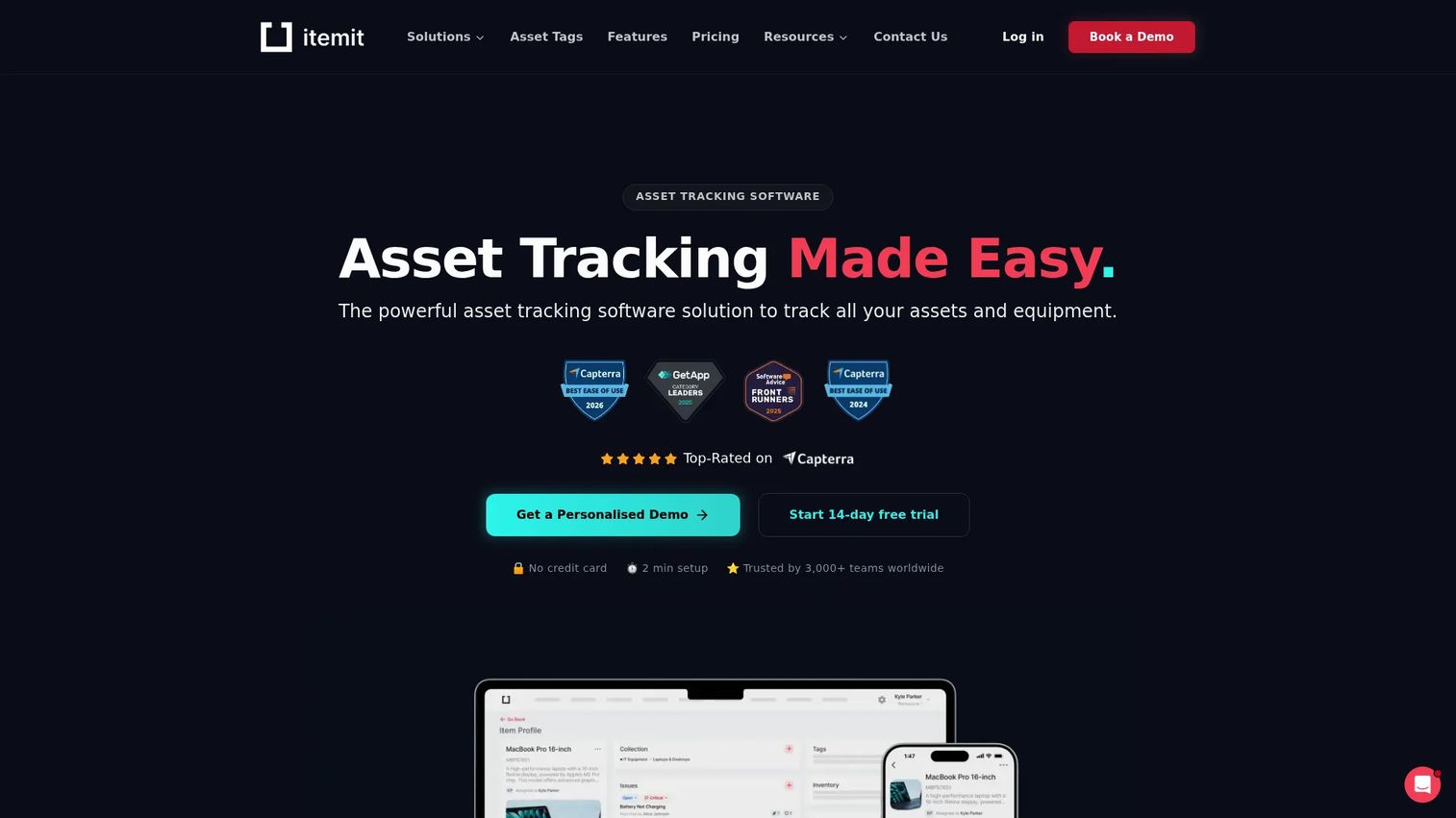
itemit is cloud-based asset tracking software for tracking, booking, and managing physical assets. It leads with tagging: QR codes, barcodes, and RFID all feed the same custody record. That range means you can match the tag type to the environment, RFID for fast bulk scans, QR for phone-based checkouts in the field.
The platform pairs check-in/check-out with bookings, so custody and reservations share one system. Reports, audits, and depreciation tracking give finance and operations a shared view of each asset over its life. For teams that need stronger accountability, that audit history is the backbone: every scan is a timestamped event you can pull later.
Best for: Teams needing QR/RFID-enabled asset tracking with bookings and audits.
Key strengths
- QR and barcode tagging
- RFID support for bulk scanning
- Bookings and check-in/check-out
- Reports and audits
- Depreciation tracking
Why choose itemit: Pick itemit when tag flexibility drives your decision. Supporting QR, barcode, and RFID in one system suits mixed environments where different assets need different tagging.
itemit pricing: Starter is £33.25/month (£399 billed yearly). Pro is £133.25/month (£1,599 billed yearly), and Industrial starts from £249.92/month (£2,999 billed yearly). A 14-day free trial is available, and the pricing FAQ mentions a free tier.
3. Cheqroom
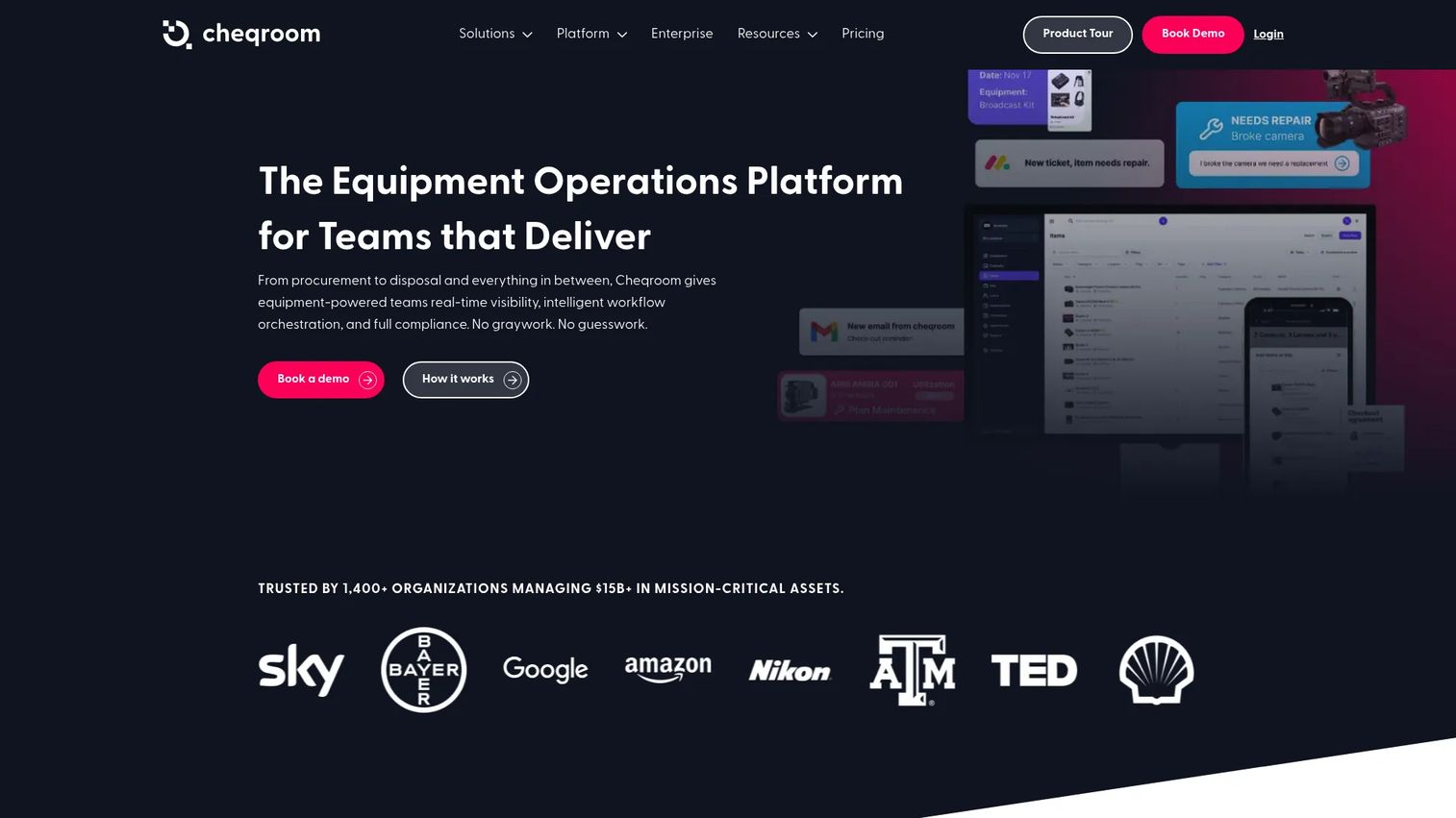
Cheqroom is asset operations software for tracking, booking, and maintaining equipment and other mission-critical assets. It centers self-service reservations and live availability, so users see what is free before they book and avoid the double-booking scramble. QR and barcode scanning drive the check-out and check-in flow through a mobile app.
This is the tool built for high equipment turnover. Media, broadcast, and university AV teams that move gear constantly get reservations, reminders, and reporting in one workflow. Kit handling bundles related items, and the audit visibility gives managers a running record of who touched what. Loan agreements add a signed layer of accountability where it matters.
Best for: Teams that need centralized equipment checkout, inventory tracking, and asset operations workflows.
Key strengths
- Inventory management
- Reservations and check-outs
- Mobile app with QR and barcode scanning
- Reporting and audit visibility
- Workflow configuration
Why choose Cheqroom: Choose Cheqroom when reservations and live availability are the core of your operation. It is priced per admin, so it fits teams where a handful of managers coordinate checkouts for many end users.
Cheqroom pricing: Core starts at $184 per admin/month, Business at $275 per admin/month, and Enterprise at $367 per admin/month, all billed annually. E.L.A. is custom. Minimum administrator counts apply.
4. Sortly
Sortly is inventory management software for tracking items, assets, tools, and supplies. Its strength is a mobile-first workflow with a visual, folder-based structure that non-technical teams pick up quickly. Barcode and QR scanning handle the check-in and check-out motion, and offline access keeps it working in a warehouse or basement with no signal.
Sortly sits in a broader inventory context rather than a pure checkout niche, which is a fit if you also track stock, supplies, and tools alongside lendable gear. Low stock alerts, custom fields, pick lists, and stock counts give you inventory depth. For teams that want simple visual tracking with real-time updates, it starts free and scales up.
Best for: Small to mid-sized teams needing simple visual inventory and asset tracking.
Key strengths
- Mobile and offline access
- Barcode and QR scanning
- Low stock alerts
- Custom folders and fields
- Reports, pick lists, and stock counts
Why choose Sortly: Reach for Sortly when your reality is broader than checkout. If you manage supplies and tools alongside lendable equipment, its visual inventory model covers both without extra tools.
Sortly pricing: Free is $0/mo. Advanced is $24/mo, Ultra is $74/mo, and Premium is $149/mo, with annual billing also available. Enterprise is quote-based. A free trial lets you test paid features first.
5. Asset Panda
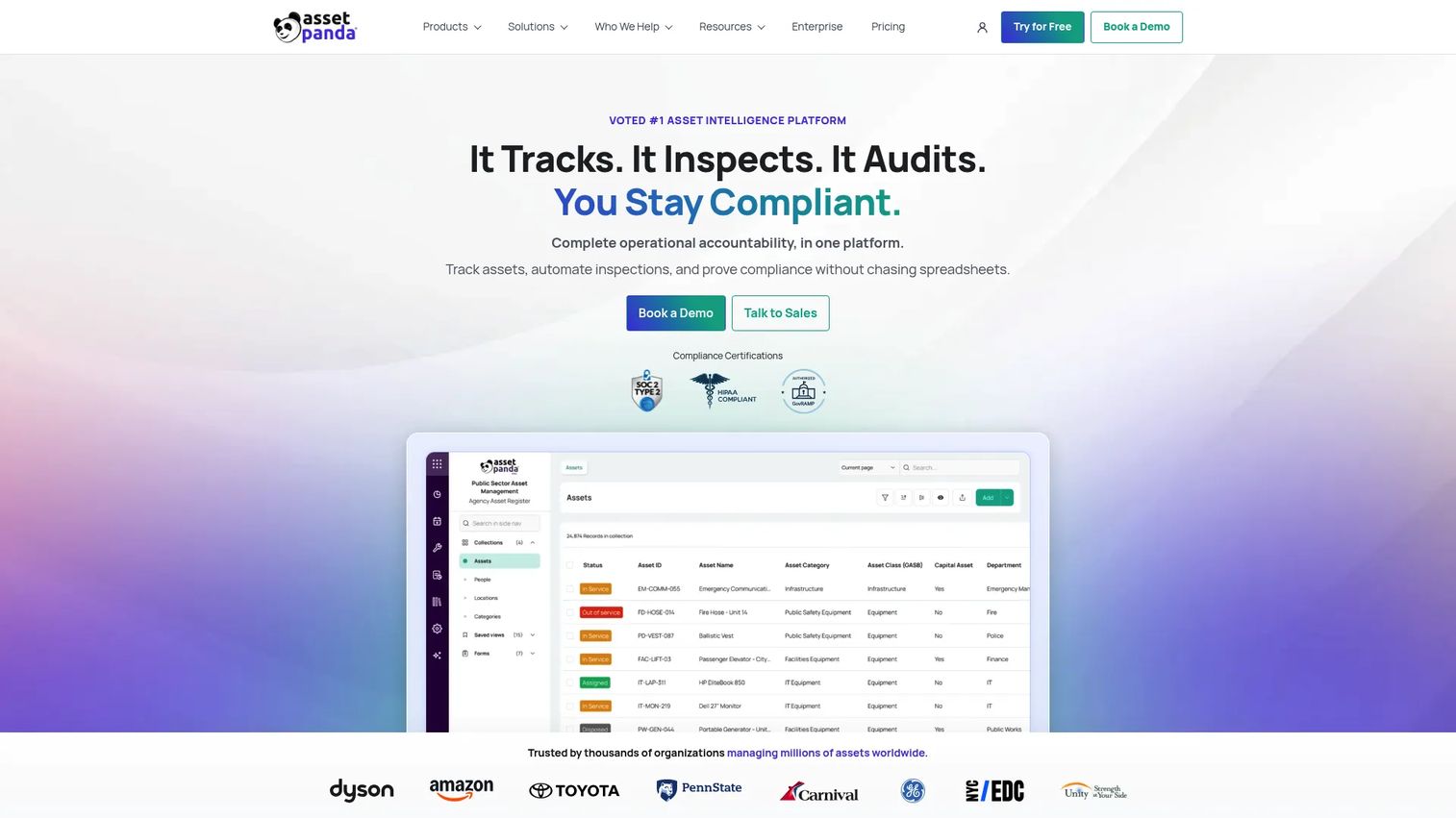
Asset Panda is cloud-based asset tracking and asset intelligence software for managing assets, inspections, and compliance. It leans on flexibility: you configure the platform around your own asset records, workflows, and fields rather than fitting into a fixed template. Asset checkout, tracking, and audit trails all sit inside that configurable model.
The tradeoff for buyers focused purely on checkout is that Asset Panda is a wider asset management platform, so you are paying for compliance and inspection capabilities alongside the lending workflow. That fits operations-heavy environments where mobile barcode and QR scanning, maintenance, and inspection workflows all matter. If audit trails and compliance reporting rank high on your list, that breadth is the draw.
Best for: Organizations that need customizable asset tracking with mobile workflows and compliance reporting.
Key strengths
- Asset tracking with audit trails
- Mobile barcode and QR scanning
- Maintenance workflows
- Inspection workflows
- Configurable fields and records
Why choose Asset Panda: Choose Asset Panda when checkout is one part of a bigger asset management need. Its configurability suits teams that want inspections and compliance reporting in the same system as lending.
Asset Panda pricing: Starter is $3,000/year, Business+ is $7,200/year, and Enterprise is $18,000/year. Pricing is based on plan tier, full users, and assets tracked, with published add-on rates for extra users and assets.
6. EZOfficeInventory
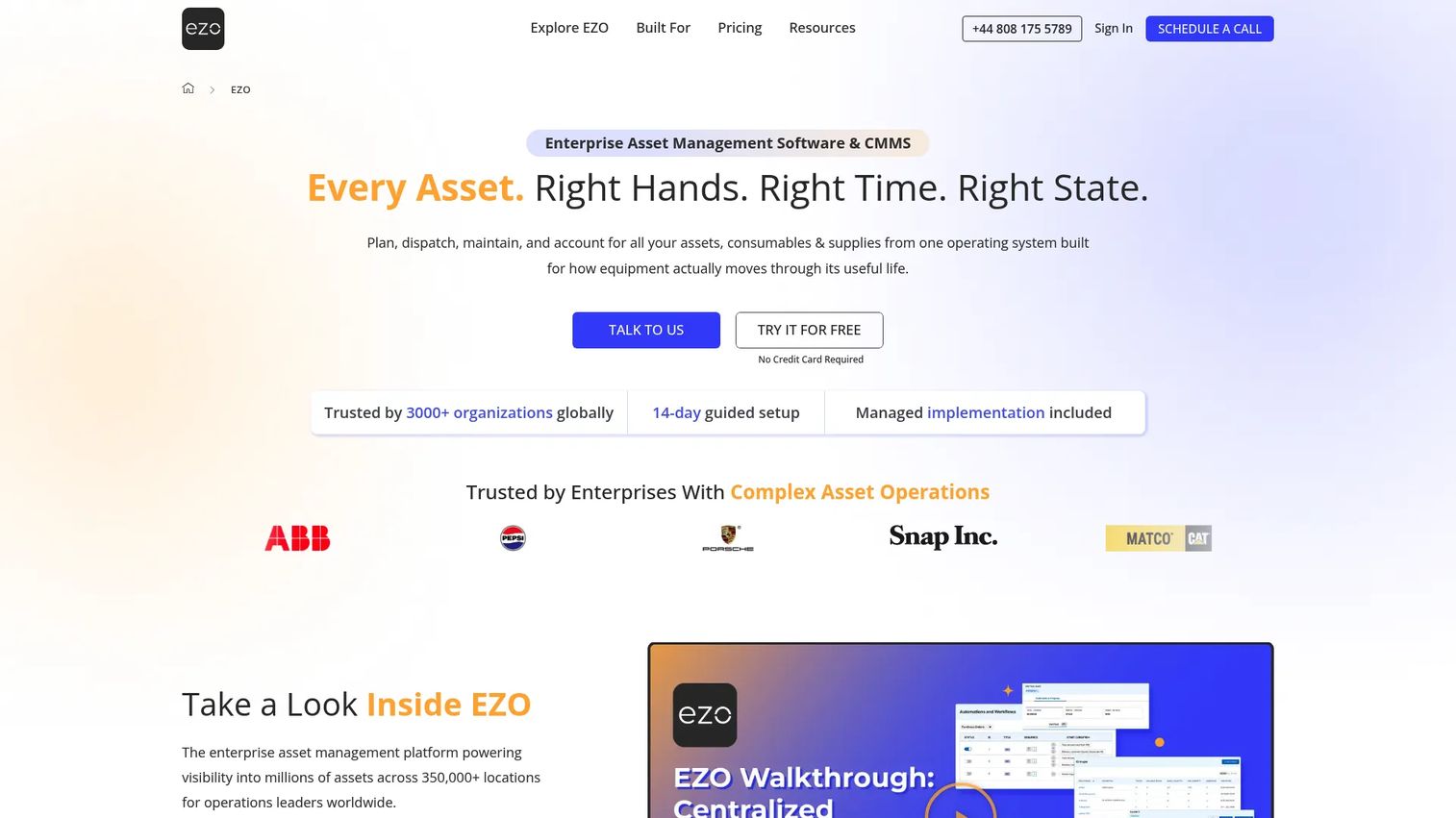
EZOfficeInventory is cloud-based asset and inventory tracking software for businesses. It handles the full equipment lending workflow: asset lifecycle tracking, check-in/check-out, and reservations, with barcode, QR code, and RFID support feeding one custody record. The unlimited-users model on its Asset Management plans suits organizations where many people check gear in and out.
This is a fit for larger inventory operations. Reservations prevent conflicts on shared gear, multi-location visibility shows what sits where across sites, and the lifecycle view follows each asset from acquisition through retirement. Maintenance and accountability features round out the workflow for teams managing sizable pools of equipment across departments.
Best for: Teams that need asset, tool, and inventory tracking with reservations and RFID/barcode workflows.
Key strengths
- Asset lifecycle tracking
- Check-in/check-out and reservations
- Barcode, QR code, and RFID support
- Multi-location visibility
- Unlimited users on Asset Management plans
Why choose EZOfficeInventory: Pick EZOfficeInventory when your inventory is large and your user base is larger. Unlimited users plus RFID and reservations suit distributed teams checking out gear at volume.
EZOfficeInventory pricing: Essentials is $40.00/month for 250 items and Advanced is $55.00/month for 250 items, both with unlimited users. The pricing page includes a monthly/yearly toggle.
7. InvGate Assets
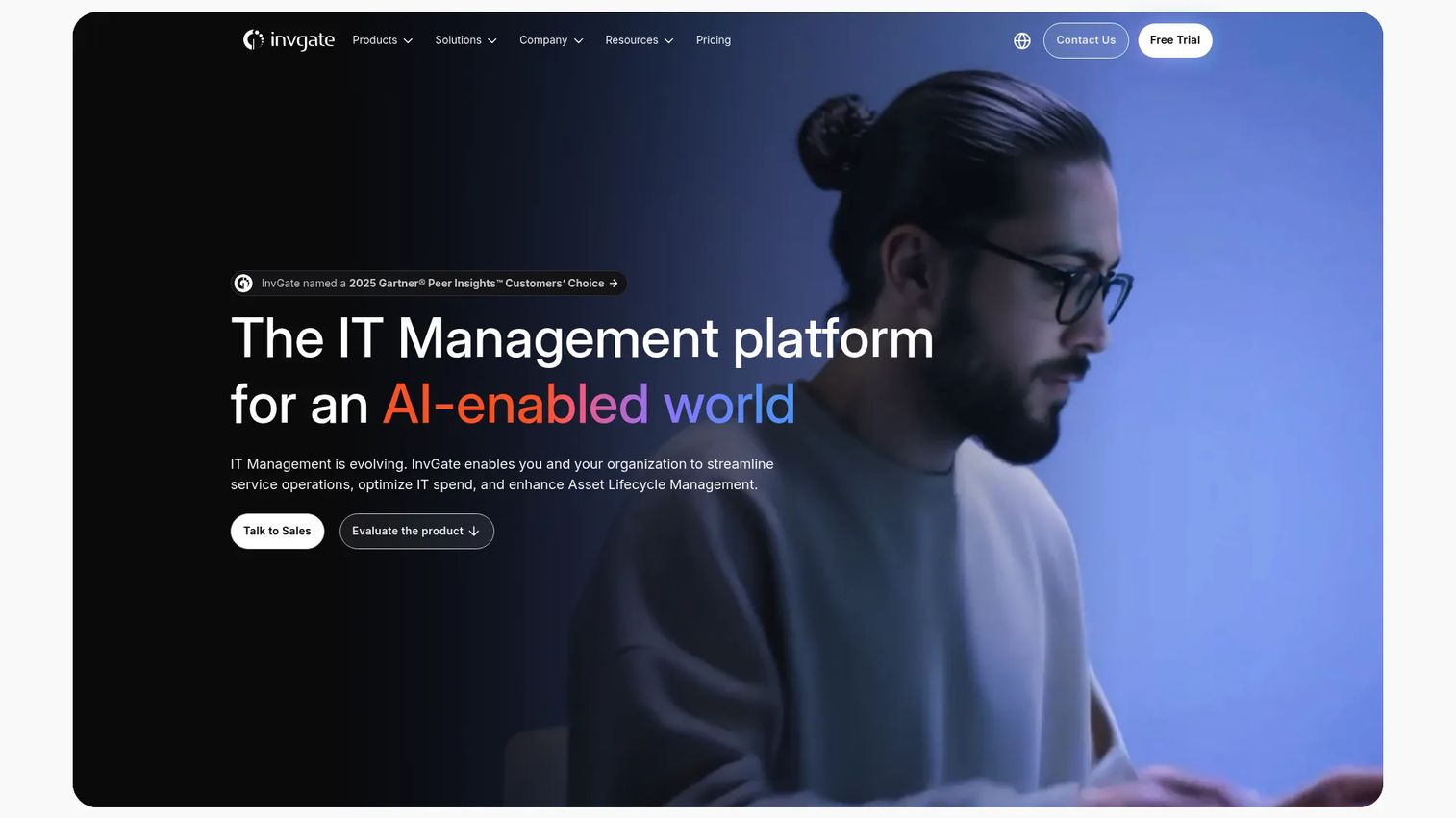
InvGate Assets is IT asset management software for discovering, tracking, and managing hardware, software, cloud assets, and related IT infrastructure. Checkout here lives inside a broader IT asset lifecycle model. You allocate hardware to users, track it across its life, and keep operational visibility over the whole fleet.
The IT orientation is the deciding factor. If your "equipment" is laptops, monitors, and devices assigned to staff, InvGate handles allocation, tracking, and lifecycle management in one place. Automated discovery builds a unified inventory, a CMDB maps relationships between assets, and software deployment and license management cover the software side. For IT teams, checkout is one workflow inside a system built for the whole estate.
Best for: Mid-market to enterprise teams needing unified IT asset visibility and lifecycle management.
Key strengths
- Automated discovery and unified inventory
- Asset allocation and tracking
- CMDB and relationship mapping
- Software deployment and license management
- Operational visibility across the fleet
Why choose InvGate Assets: Choose InvGate when checkout is really IT asset allocation. Its discovery, CMDB, and lifecycle depth fit teams managing devices assigned to people rather than shared gear pools.
InvGate Assets pricing: Starter is $1,499/year, Pro is $500/agent/year, and Enterprise is custom. InvGate notes pricing is MSRP for the base subscription, and final pricing depends on enterprise needs and customization.
Considerations before you buy
Custody and audit depth
Confirm the tool logs every check-out, check-in, and transfer as a timestamped event, not just a current status. A real audit trail lets you reconstruct where an asset was and who held it. This is the difference between "probably at the north office" and a verifiable record.
Reservations versus custody
Some tools nail live custody but treat reservations as an afterthought, and some do the reverse. Decide which matters more for your workflow. High-turnover AV and event teams lean on reservations to prevent conflicts, while lending libraries lean on custody logging.
Mobile scanning and hardware
Check whether QR code scanning and barcode scanning run through a standard phone camera or require dedicated scanners. Most tools here work with no special hardware, which keeps rollout cheap. If you need RFID for bulk scans, verify it is supported on your plan.
Multi-location and scale
If you run more than one site, confirm the tool shows location hierarchies and transfer tracking. Also check item and user limits against your plan, since some tiers cap items or gate reservations and RFID behind higher pricing.
Adoption and maintenance
The best system is the one people actually use. Favor a self-service checkout flow simple enough that staff scan gear without training. Then confirm maintenance tracking and overdue reminders run automatically, so the system reduces manual follow-up instead of adding it.
Conclusion
The right pick comes down to your workflow, not a feature count. If you want a free or flat-rate starting point with real bookings and audits, Shelf is the cleanest entry. For QR and RFID flexibility with strong audit history, itemit fits mixed environments. Cheqroom is built for high equipment turnover where reservations and live availability drive the day.
Need simple visual inventory alongside checkout? Sortly starts free and scales. For larger lending operations with unlimited users, EZOfficeInventory handles volume. Asset Panda suits operations-heavy teams that want compliance and inspections in the same system, and InvGate Assets fits IT teams managing device allocation across a fleet.
Whatever you shortlist, pilot one tool with a single team and a real batch of gear before a full rollout. Run a full checkout cycle, a reservation, and an overdue reminder, then check the audit trail. If custody, reservations, mobile scanning, and multi-location visibility hold up under real use, you have your system.
FAQs
Equipment checkout software is a system that tracks who takes a physical asset, when it is due back, and where it is now. Unlike generic inventory software that only counts stock, it ties each item to a person and a return event. That focus on custody and accountability is what separates it from a storage database.
You tag each asset with a QR code or barcode, then scan it to check it out to a person and again to check it back in. The system logs each scan as a timestamped custody event and can send overdue reminders when an item passes its due date. Most tools run the scan through a phone camera, so the workflow is fast in the field.
The core set is reservations, mobile scanning, overdue reminders, audit trails, multi-location tracking, and maintenance tracking. Reservations prevent double-bookings, audit trails give you a defensible history, and multi-location tracking keeps distributed teams honest about where gear sits. Maintenance tracking matters if your assets need scheduled service to stay usable.
For accountability, yes. A spreadsheet has no live custody record, no automatic overdue reminder, and no audit trail, so lost items and duplicate bookings go unnoticed until they cause a problem. A checkout system logs custody at scan time and follows up automatically, which cuts the manual chasing that spreadsheets create.
Most tools in this list support multi-location tracking with location hierarchies and transfer records. That means you can see what sits at each site, who moved an item, and when it transferred. For distributed teams, that visibility turns guesswork into a record you can check in seconds.
Usually not. Most equipment checkout apps support QR code scanning and barcode scanning through a standard phone or tablet camera, so no dedicated scanner is required. If you need RFID for fast bulk scans, some tools support it, but confirm it is included on your plan before you buy.
Reservations book an asset for a future window and show live availability, so two people cannot claim the same item at once. When the reservation window opens, the checkout logs actual custody against that booking. Together they cover both the plan and the physical handoff, with calendars and booking windows managing return timing.
AV and media teams use it for cameras and kits, IT for laptops and devices, construction for tools, labs for instruments, schools for shared equipment, and event teams for gear that moves constantly. Each faces the same core pain: shared assets that vanish without a custody record. The common thread is accountability for equipment that many people share.