How to import data into Salesforce
Here is how to import data into salesforce
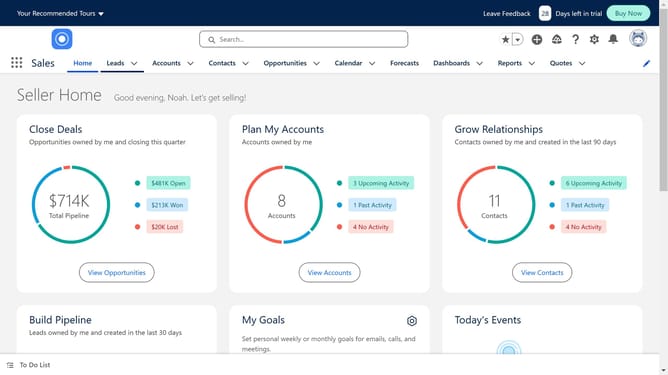
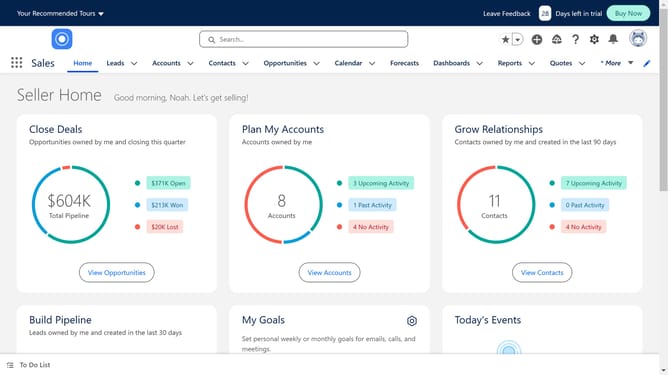
- First click on the "Contacts" tab in the main navigation menu
- Then click on the "Import" button in the contacts list toolbar
- Next click on the "Import from File" option in the import modal window
- Click the "Next" button to proceed with the file import
- Click the "Upload Files" button to select a CSV file for import
- After selecting the file, click the "Next" button to continue
- Finally click the "Start Import" button to begin importing contacts after matching the fields
Why should you import data into Salesforce
Salesforce is a leading customer relationship management platform designed to enhance your business's efficiency and client interactions.
Importing data into Salesforce is a feature that streamlines the integration of vital information, allowing businesses to maintain streamlined operations. By consolidating data from various sources, teams can easily coordinate and ensure accuracy across all customer touchpoints.
Using this feature optimizes data management, enhances operational efficiency, and fosters informed decision-making, ultimately propelling business growth through a unified data environment.
Last update