How to connect Salesforce to Snowflake
Here is how to connect salesforce to snowflake
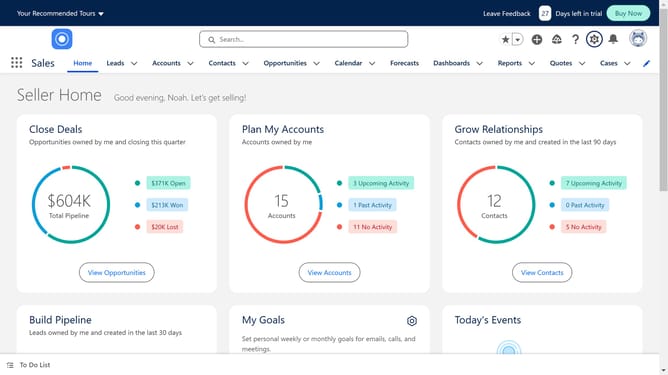
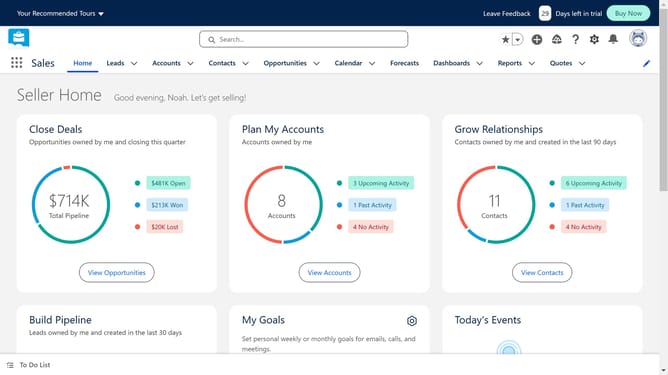
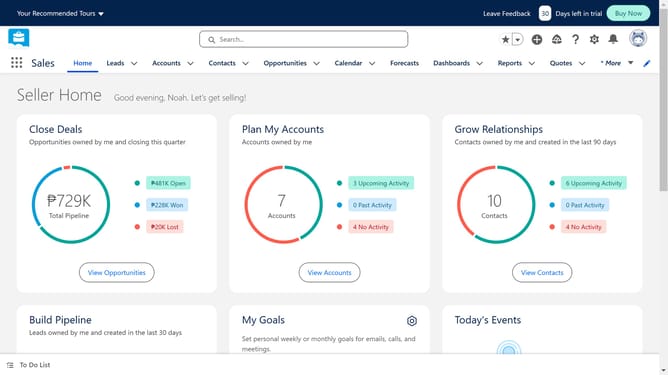
- First click on the search box in the top header
- Then type "snowflake" in the search field
- Click on the first "snowflake" search result
- Click on the Omnata for Salesforce app listing
- Click on the "Try It Free" button
- Click the "Try in your sandbox" option
- Click the "Continue to Installation" button
- Click the "Log In & Install" button
- Click the "Use Custom Domain" link
- Click inside the custom domain input field
- Click on the "Continue" button after entering the custom domain
- Click on the "Install" button after choosing an installation option
- Click the "Install" button
Why should you connect Salesforce to Snowflake
Salesforce is a leading cloud-based customer relationship management (CRM) platform designed to streamline businesses' sales, service, and marketing operations.
Connecting Salesforce to Snowflake unleashes the power of integrated data analytics, turning disparate data into actionable insights.
By linking these two platforms, businesses can seamlessly access and analyze customer data, enhancing decision-making and strategic planning.
This connection eliminates data silos, promoting improved collaboration and efficiency across teams.
Last update