How to check the API version in Salesforce
Here is how to check the api version in salesforce
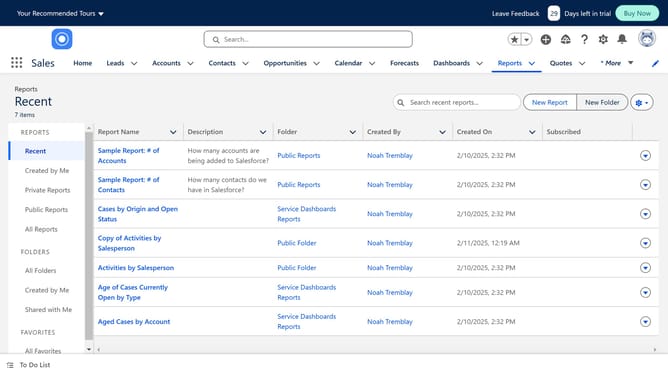
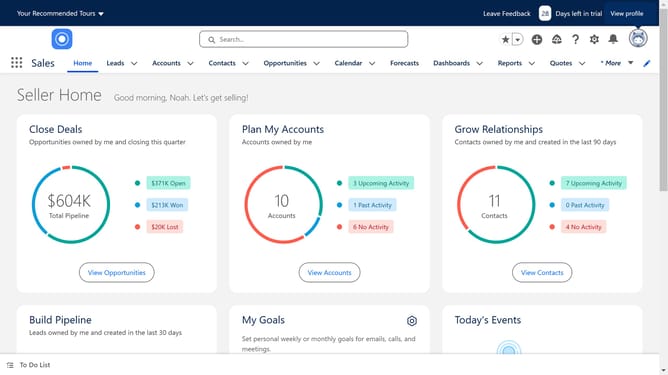
- First click on the settings gear icon in the top-right corner of the main toolbar
- Then click on the "Setup" option in the settings dropdown menu
- Next click on the "Integrations" section in the left sidebar menu
- Then click on the "API" subsection under Integrations in the left sidebar
- Finally click on the "Enterprise WSDL" section in the main content area
- An HTML page will open up. You can find the API version of your Salesforce account at the top of the page. (Or CMD+F search for "API Version" to jump to the area that shows the API version)
Why should you check the API version in Salesforce
Salesforce is a powerful platform designed to enhance customer relationship management.
Knowing how to check the API version in Salesforce is crucial for smooth integration processes and application upgrades.
Verifying the API version ensures compatibility between Salesforce and external systems, promoting effective data exchange and minimizing integration errors.
This feature also enhances system reliability by keeping applications updated and secure with the latest functionalities of Salesforce.
Last update