How to connect Salesforce to WooCommerce
Here is how to connect salesforce to woocommerce
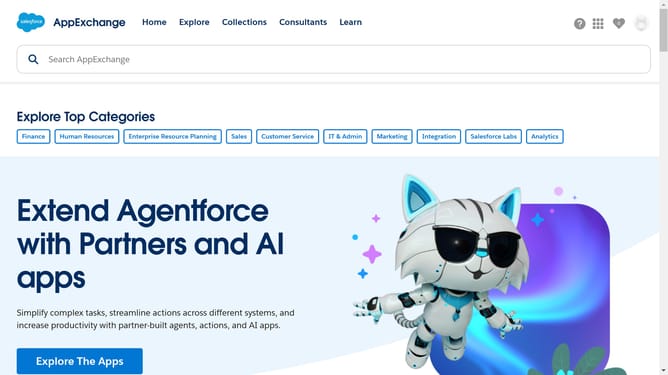
- First click in the search bar at the top of the AppExchange page
- Type "WooCommerce" in the search field in the header
- Click on the search suggestion "WooCommerce" from the dropdown list
- Click on the app tile for "eShopSync for WooCommerce" in the search results
- Click on the "Try It Free" button on the app details page
- Select the "Try in your sandbox" option in the trial type selection screen
- Click "Continue to Installation" button at the bottom of the contact information form
- On the confirmation screen, click the "Log in & Install" button
- Click the "Use Custom Domain" link on the login page
- Add your Salesforce domain and hit "Continue"
- Choose who you are installing the app
- Finally, click the "Install" button to complete the installation process
Why should you connect Salesforce to WooCommerce
Salesforce is a powerful CRM platform designed to help businesses grow through enhanced customer relationships.
Connecting Salesforce to WooCommerce streamlines your sales and customer management processes by seamlessly integrating your e-commerce platform with your CRM system.
This connection allows for the automatic syncing of sales data, customer details, and order information, enabling businesses to maintain real-time insights and improve customer interactions.
Using this integration, businesses can automate tasks, minimize errors, and create a more efficient workflow, enhancing overall productivity and customer satisfaction.
Last update