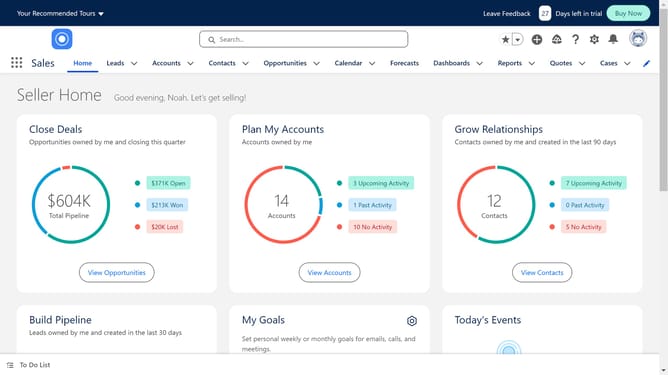
How to activate critical updates in Salesforce
Here is how to activate critical updates in salesforce
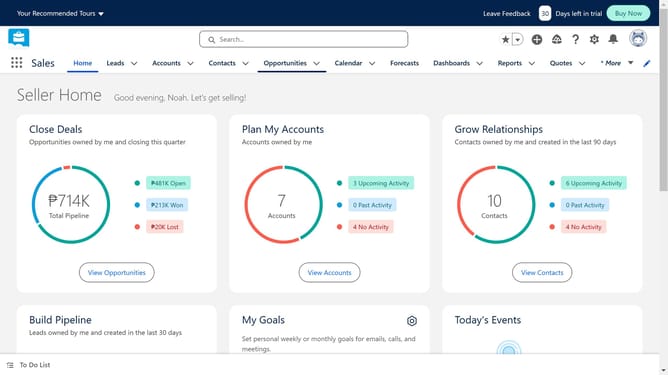
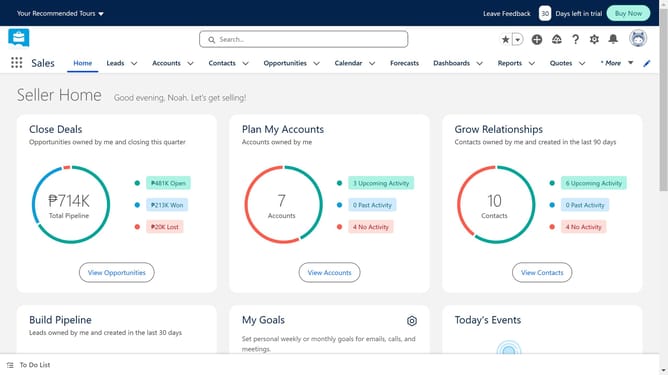
- First click on the gear icon in the top toolbar to open the Settings menu
- Then click on the "Setup" option in the dropdown menu
- Next click on "Release Updates" in the left sidebar menu
- You can navigate to different updates here, each update will have information about its activation date and potential impact
- Finally click on the "Get Started" button of the issue you want to work on
Why should you activate critical updates in Salesforce
Salesforce is a leading cloud-based platform designed to help businesses manage customer relationships efficiently.
Activating critical updates in Salesforce enhances system performance, reliability, and security by implementing improvements and bug fixes.
This proactive management of updates ensures your organization stays ahead with the latest features, maintaining a seamless workflow and maximizing productivity.
Embracing these updates not only sustains operational efficiency but also fortifies your business against potential security vulnerabilities.
Last update